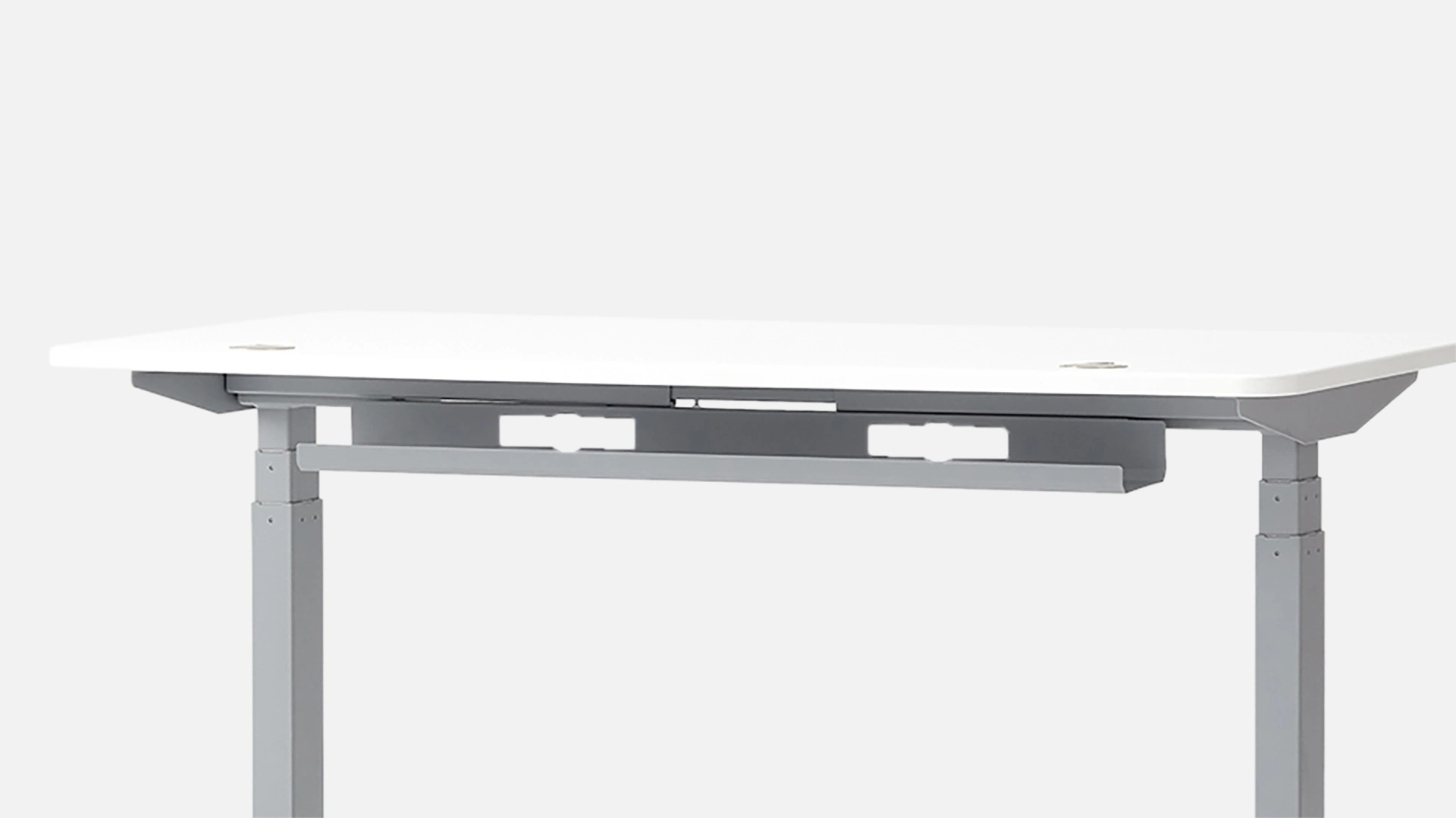
Cable Management. Hide the chaos.- Wire Management
Neat & Organized Workspace
Every organization needs a well-organized and professional appearance. Keeping your workplace neat is important in any line of work. Still, business owners must remember that it will make a positive impression on customers and employees alike. Investing in desk wire management is a great way to maintain a tidy work environment, as cables tend to get everywhere.
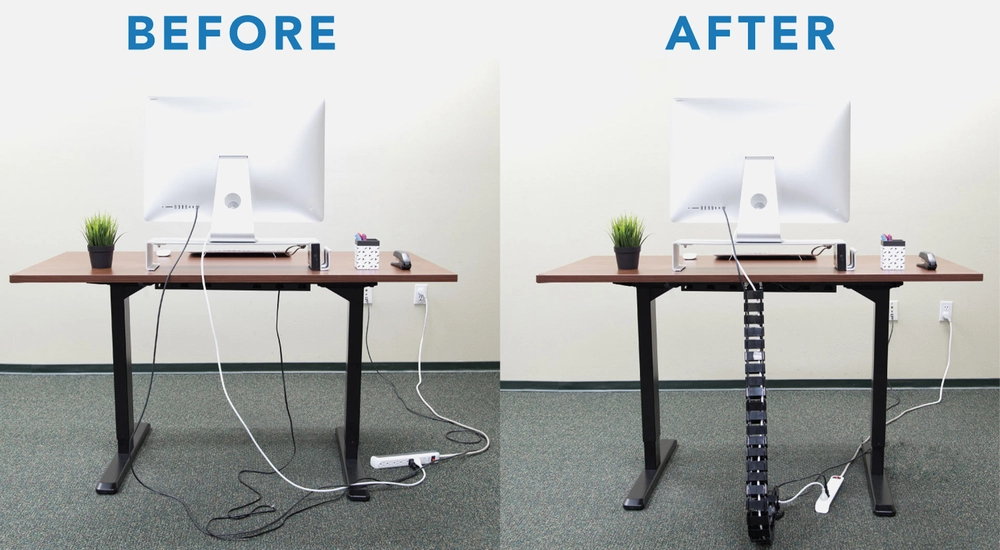
Prevents Tripping Hazards
Another important factor in effective desk cable management is considering potential fire and trip dangers. Tangled and disorganized wires increase the risk of sparks and fire. Unattended cable bundles pose a trip hazard that, if not addressed, can harm the office gadgets and create an unhealthy working environment for employees.
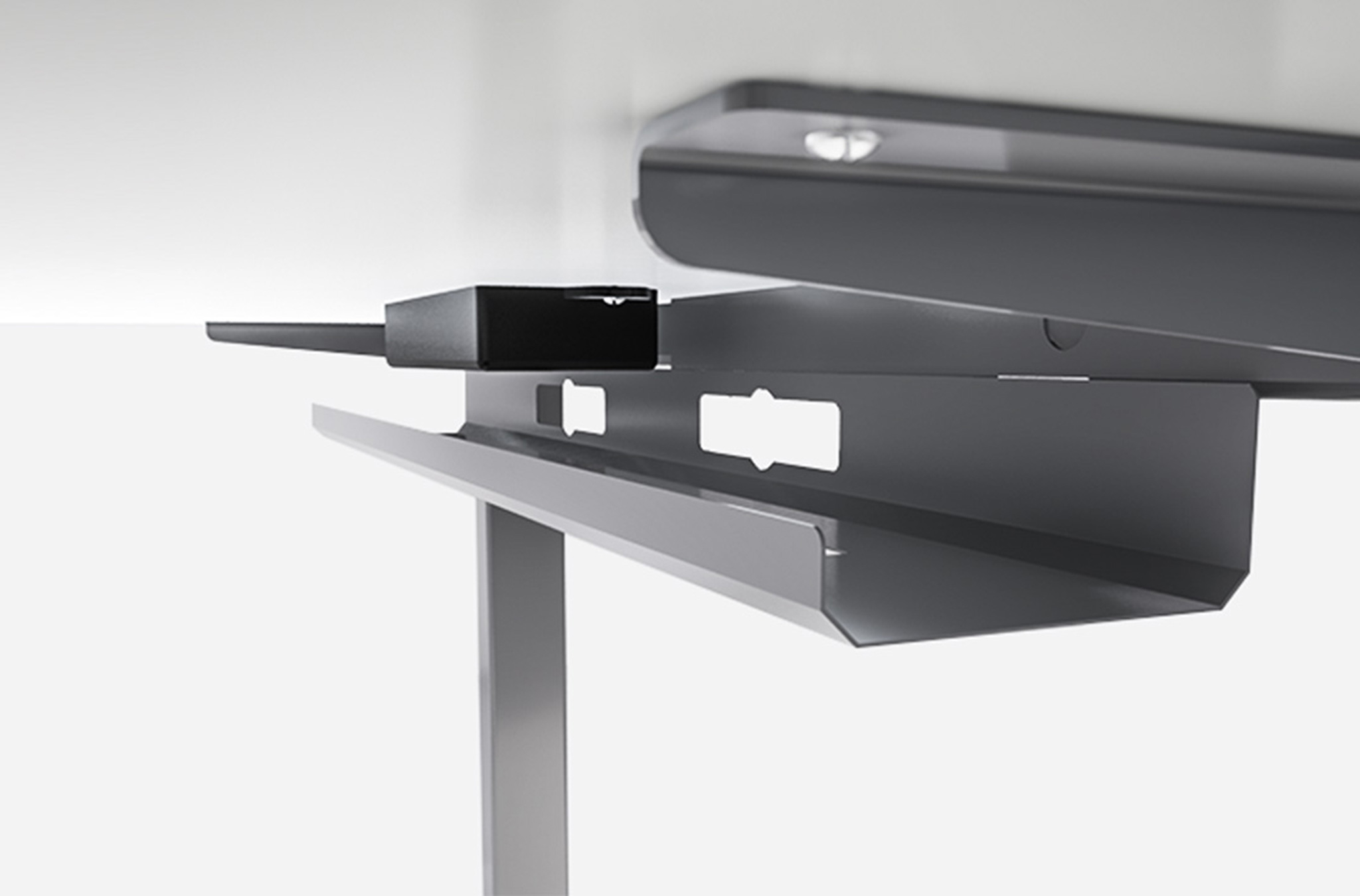
Protects Cables from Damage, Promoting Safety
The failure rate of sagging cables is higher than that of cables held in place by guides, ties, hangers, or mounts. No cable is immune to the wear and tear that comes from constant handling. Good computer cable management is important to keep cables organized and reduce the risk of overheating.

Improves Aesthetics
Well-managed cables result in an organized and uncluttered space. Disorganized and tangled wires not only give off an unprofessional vibe, but they can also be a safety risk. With well-organized cable routing and concealment, an office, data center, or media room can look better as a whole.
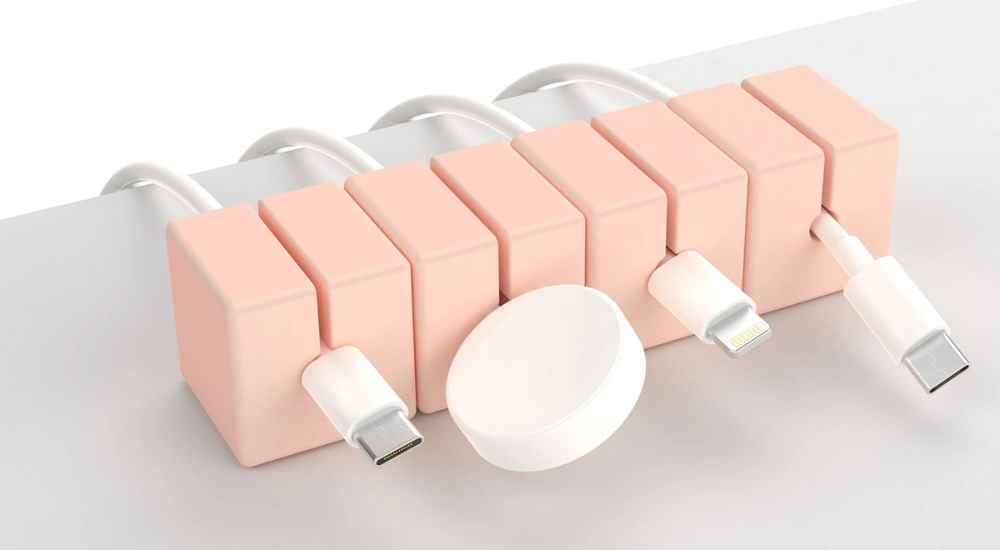
Easy Access
An organization and its personnel should be able to easily access the cables and associated devices; this is one of the primary reasons for proper desk cable management. It is critical to sort, label, and mark the cables according to their function to avoid workplace stress caused by tangled and disorganized cabling.
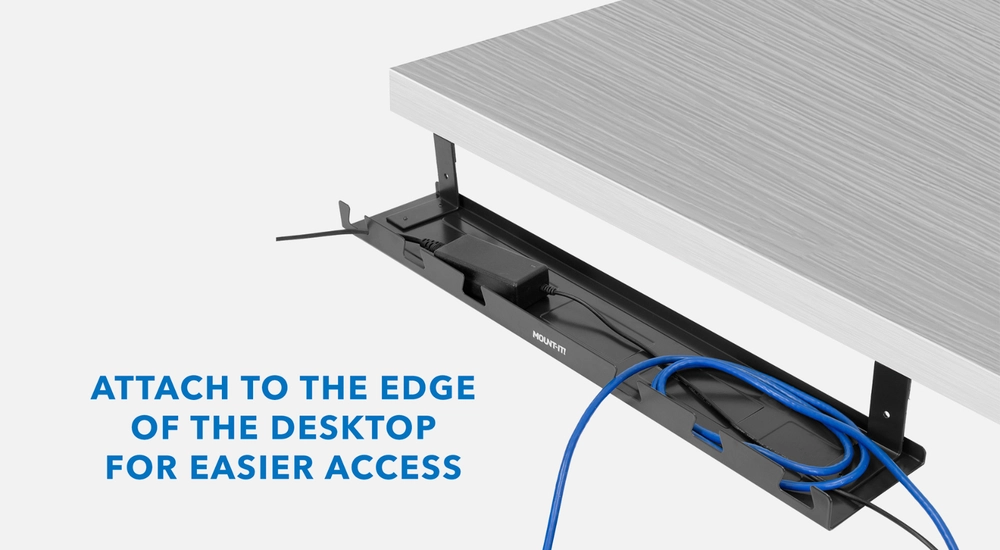
Customizable Configuration
You may organize your connections neatly according to your setup requirements and preferences with under desk cable management systems that allow you to tailor settings. In addition, configurations can be adjusted to suit individual needs, guaranteeing a clean look and maximizing functionality through optimized cable routing.
FAQs
How do you organize wires of different lengths?
Remove any tangles and arrange the various wires into different piles. To keep them properly rolled up, use rubber bands or wire ties.
How do you label and organize cables?
Color coding and detailed writing on each wire are effective methods of cable labeling and organization.
How do you maintain cable management?
Checking in on your computer cable management every three to four months to make sure everything is orderly is the best method to maintain it.
How do you organize miscellaneous cables?
Start by collecting all the various cables you possess and organizing them according to their purpose or type.
How do I protect my cords from bending?
Use a cable protector to keep your cable in pristine condition and free of fraying, bending, breaking, and disconnection.
How can I hide my HDMI cable on my desk?
To tuck away or hide the excess HDMI cable, just thread it through the desk hole.
How can I hide my HDMI cable on my desk?
To tuck away or hide the excess HDMI cable, just thread it through the desk hole.
How do you hide power strips and cords?
You may hide your power strips in a cable box and keep all of your computer connections neatly organized in an under-desk cable management system.
How to use adhesive hooks or cable ties for cable management?
A terrific method to freshen up your area without spending a fortune or undergoing extensive renovations is to use your furniture to conceal unsightly cables and connections. The little sticky hooks are perfect for concealing cords and can be removed cleanly from any surface, including painted furniture. Similarly, you can maintain your area neat and clutter-free at all times by using the appropriate colored cable tie to conceal wires on furniture legs and prevent them from dangling and dragging on the floor.
How to separate power and data cables?
It is critical to keep power and data connections physically apart for the sake of signal integrity and interference mitigation. The electromagnetic fields induced by power lines' electrical currents can disrupt surrounding data connections and degrade signal quality. To avoid interference and ensure your gadgets always have stable communication, run your data and power cables in separate pathways or channels.
How to cut down on excess cables?
Removing unnecessary cables is the first step in organizing your network. Here, power cords, Ethernet cables, and USB cables are the main problems. Substituting a shorter cable for a longer one that will still allow you to reach an outlet should be your first priority. All future computer cable management becomes significantly more complex due to the excess cable bulk. To shorten non-replaceable cables, just wrap them multiple times and knot them together using a cable tie. The point isn't to get everything under control just yet but to make your wires more manageable.
In the modern era of technology, we rely on an endless number of electronic devices, each with its own unique network of wires and connections. Despite its tremendous importance, cable management is often overlooked and buried beneath this sea of wires. Let’s delve into the significance of cable management in many contexts and provide helpful and practical tips for attaining a well-organized setup.
Cable Management Tips to Unclutter Your Space
1. Label Cables
Using colored markers or tags to identify cables is a great time saver, particularly in complicated setups with many devices. Labels indicate the kind of wires, devices, or power sources, making tracing and troubleshooting easier.
2. Invest in Cable Management Tools
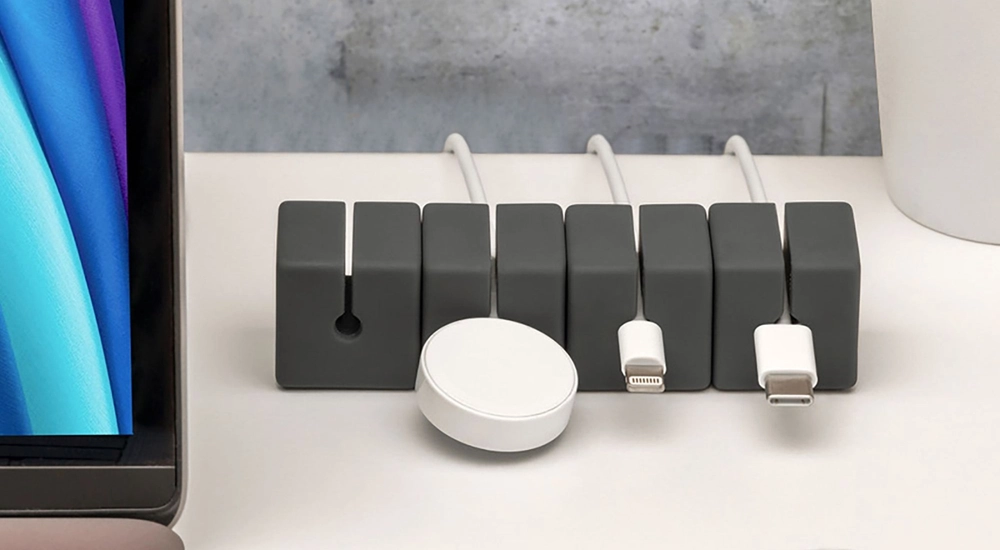
To keep your work area neat and organized, you need computer cable management solutions like cable trays, raceways, or clips. These instruments shield wires from harm and outside interference. No adhesives or permanent fixings are needed to hold wires in place with clips. Alternatively, cable trays, raceways, and under-desk cable management offer organized ways to route cables along walls, beneath desks, or across floors.
3. Route Cables Strategically
Careful cable routing results in a well-organized work area. The best way to hide wires and make them less noticeable is to follow the curves of the furniture or the room. The risk of tripping over cables can be reduced by hiding them beneath office desks, running them along baseboards, or using desk wire management channels.
4. Wireless tech
Lastly, your best shot is to get wireless gadgets if you can. Invest in a wireless mouse and keyboard to do away with those obnoxious cords. Your electronics will still require charging at some point, but at least you won’t have to keep the cords out of sight. While some argue that wireless devices’ input delays make them unsuitable for work and gaming, there’s no denying that they’re a great choice for keeping your desk organized at work.
Explore Our Cable Management Solutions!
Cable management is a crucial component of every workspace, whether it's a home office, a business, or an industrial site. Shop appropriate desk wire management items, organizations and individuals alike may make their working and living spaces safer, more efficient, and more pleasant. Say goodbye to tangled cords and cluttered workspaces—explore our range of cable management solutions today and streamline your setup for a more organized and efficient workspace!