The gear that finishes your setup.
Cables, wrists, water, noise, all handled. The parts you stop noticing after a week.
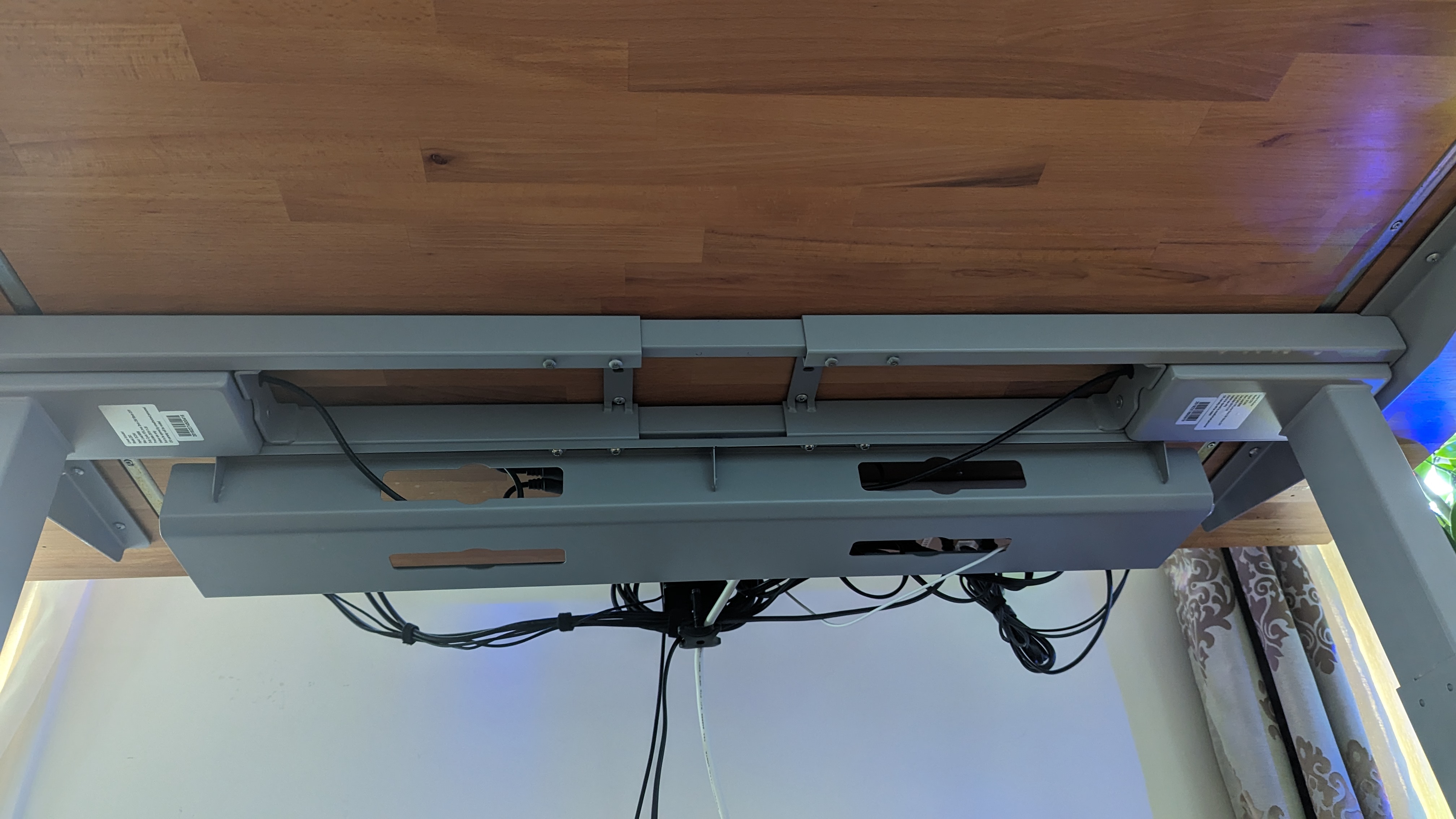
Before adding extras to a home office setup, check that the chair fits you and the desk suits the room. A Velcro strap can bundle cords that travel together, and a binder clip on the back edge keeps a charger from sliding behind the desk, two easy DIY cable management ideas. The rest can go below. The Autonomous Cable Tray gives those cords one home, a grey steel channel with an anti-rust, heat-dissipating finish. On current Autonomous frames, most people fit it in a few minutes.
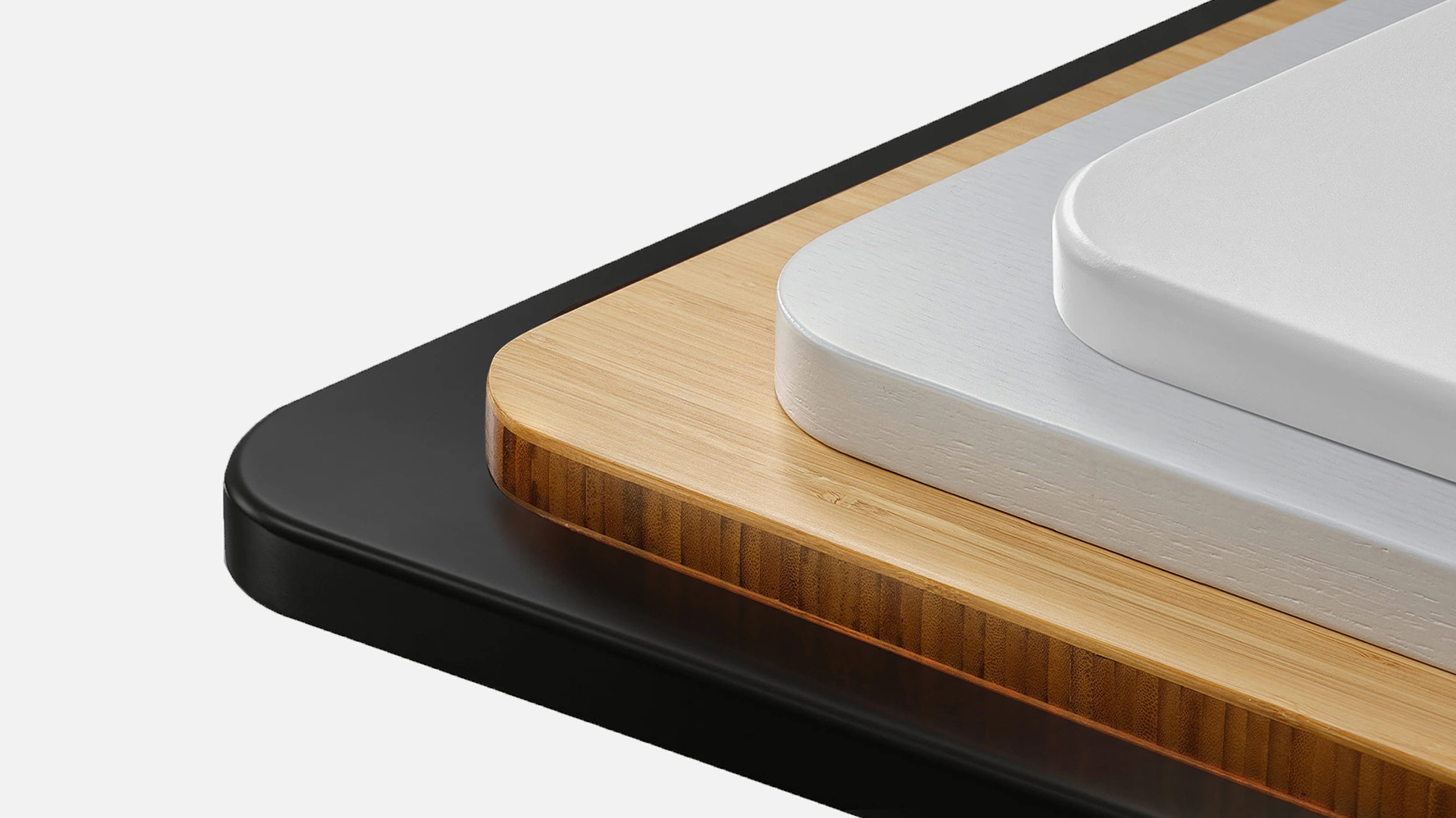
A worn or scratched top can be swapped for the Autonomous Desk Surface. It comes pre-drilled for the Desk 2 frame, and on other frames that take the same size top you drill your own holes, which the 2-year warranty does not cover. On the new top, a minimalist laptop desk setup keeps only what earns its place, such as a screen at eye level and an external keyboard and mouse. Choose warp-proof MDF in white, black, walnut or white oak, or natural bamboo, the scratch-resistant pick.
Long hours at the mouse show up where the wrist meets the desk. Seat height matters too: set an ergonomic office chair so your forearms rest level on the desktop. The ErgoClick 3D then puts a 3D-printed lattice under the wrist, and the open structure flexes with each movement and lets air through. It weighs 0.12 lb and is small enough to stay by the keyboard all day, at work or at play.
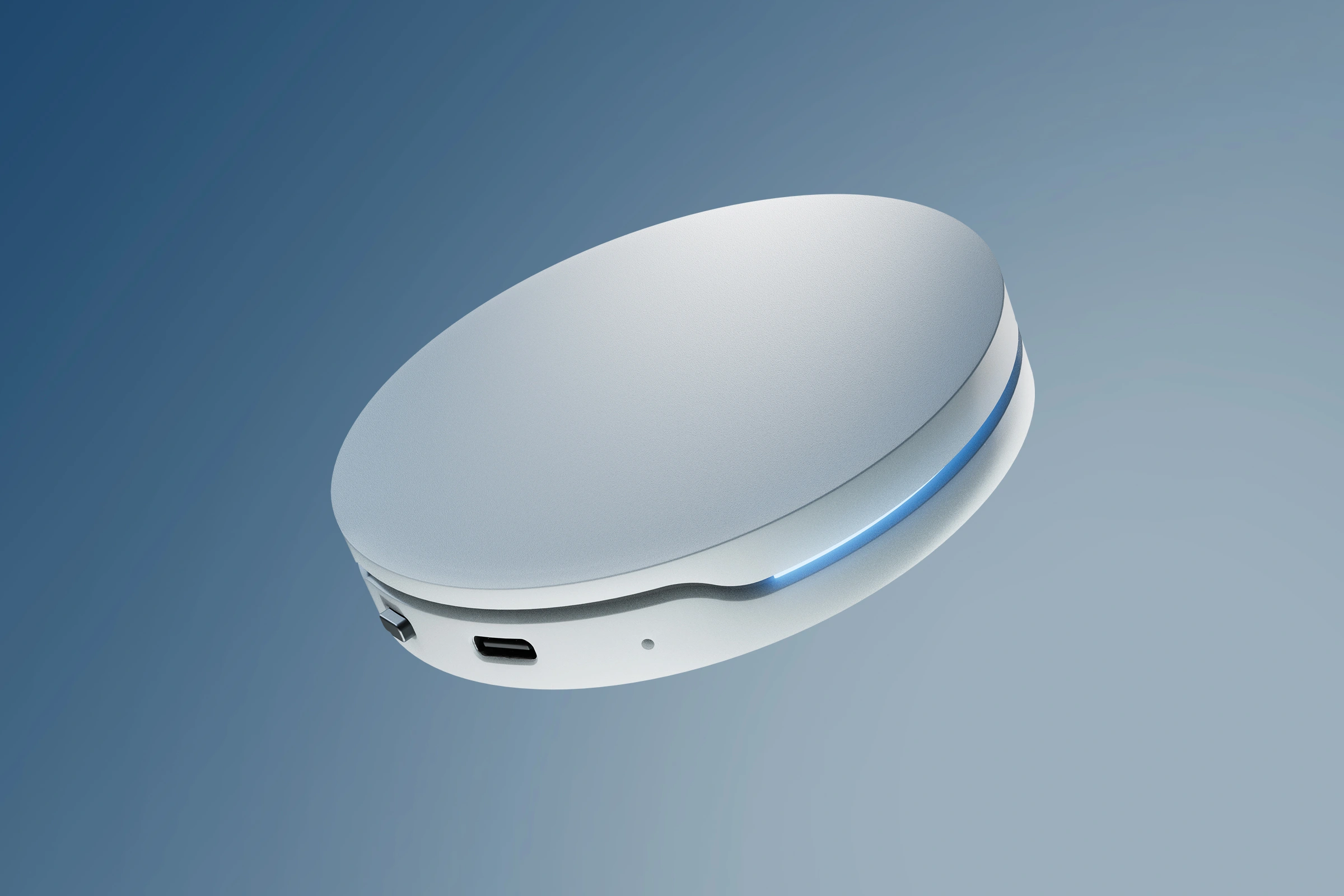
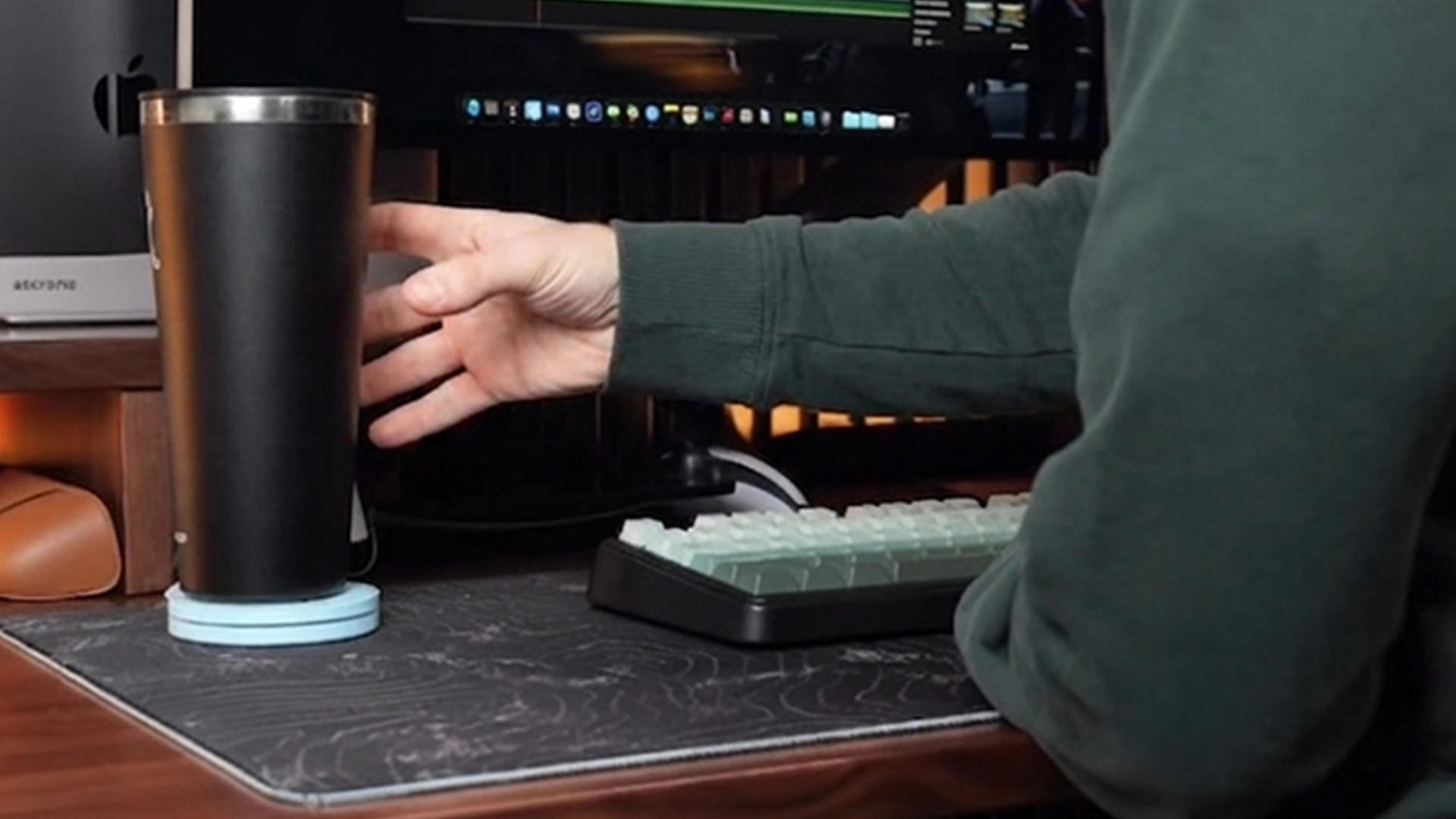
Water is the other thing a busy desk tends to forget. Hydrate is a coaster that takes about two minutes to set up in its app, and after that there is nothing to type. The reminder comes from the coaster on your desk, not from your phone. For teams, Autonomous will ship 50 with your logo on every coaster, for onboarding kits, team launches or client gifts. A shared leaderboard in the app turns drinking water into a friendly office game.
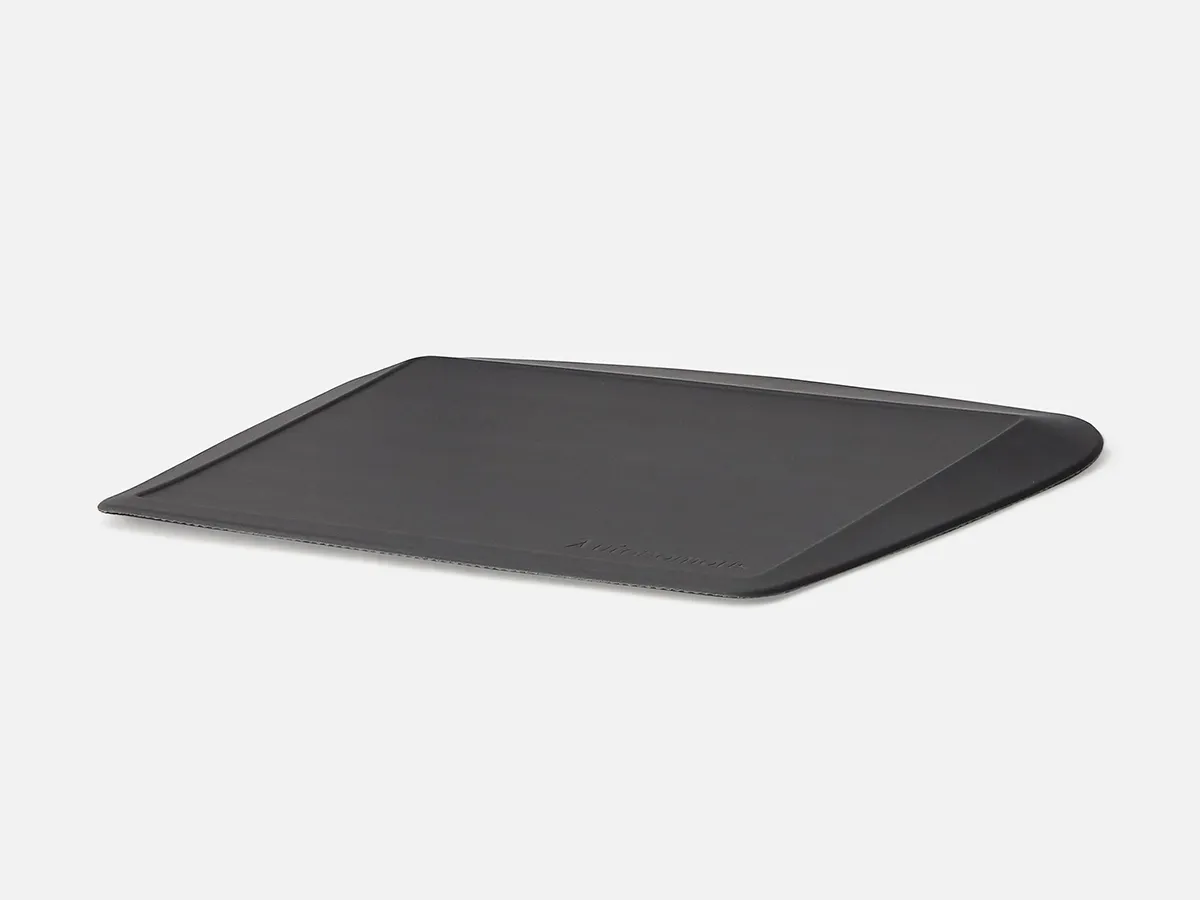
An electric standing desk changes your height, but on a flat floor you still tend to stand in one spot. The Autonomous Flow Board keeps you making small balance shifts, and when you sit back down it flips out into a footrest. It needs no assembly and comes in black or red. After hours, it adds a balance element to squats, push-ups and calf raises.
If you would rather stand flat, look at the floor first: among standing desk accessories, a standing mat helps when hard flooring feels uncomfortable. Footwear is the other option. The ErgoWalk 3D slide sandals use the same idea as the wrist rest, an adaptive 3D-printed lattice, here shaped to cushion each step through long office hours. They come in black or gray and in three US sizes, from M 8 / W 9.5 to M 10 / W 11.5.
Not every desk accessory sits on top. The steel Cable Tray bolts to the frame below and holds the power strip, adapters and extra cable, then rises and lowers with the desk so no cable pulls tight.
Hydrate is the desk gadget that keeps count: set any cup or bottle on it and it weighs each sip. When it is time to drink, it reminds you by light, vibration or buzzer, right beside the keyboard.
Ein gutes Büroaccessoire löst ein konkretes Problem, ohne zusätzlichen Aufwand zu schaffen. Es fügt sich unauffällig in den Arbeitsablauf ein und verbessert Komfort oder Ordnung.