Autonomous Chair Recline (MyoChair): A Complete Feature Guide

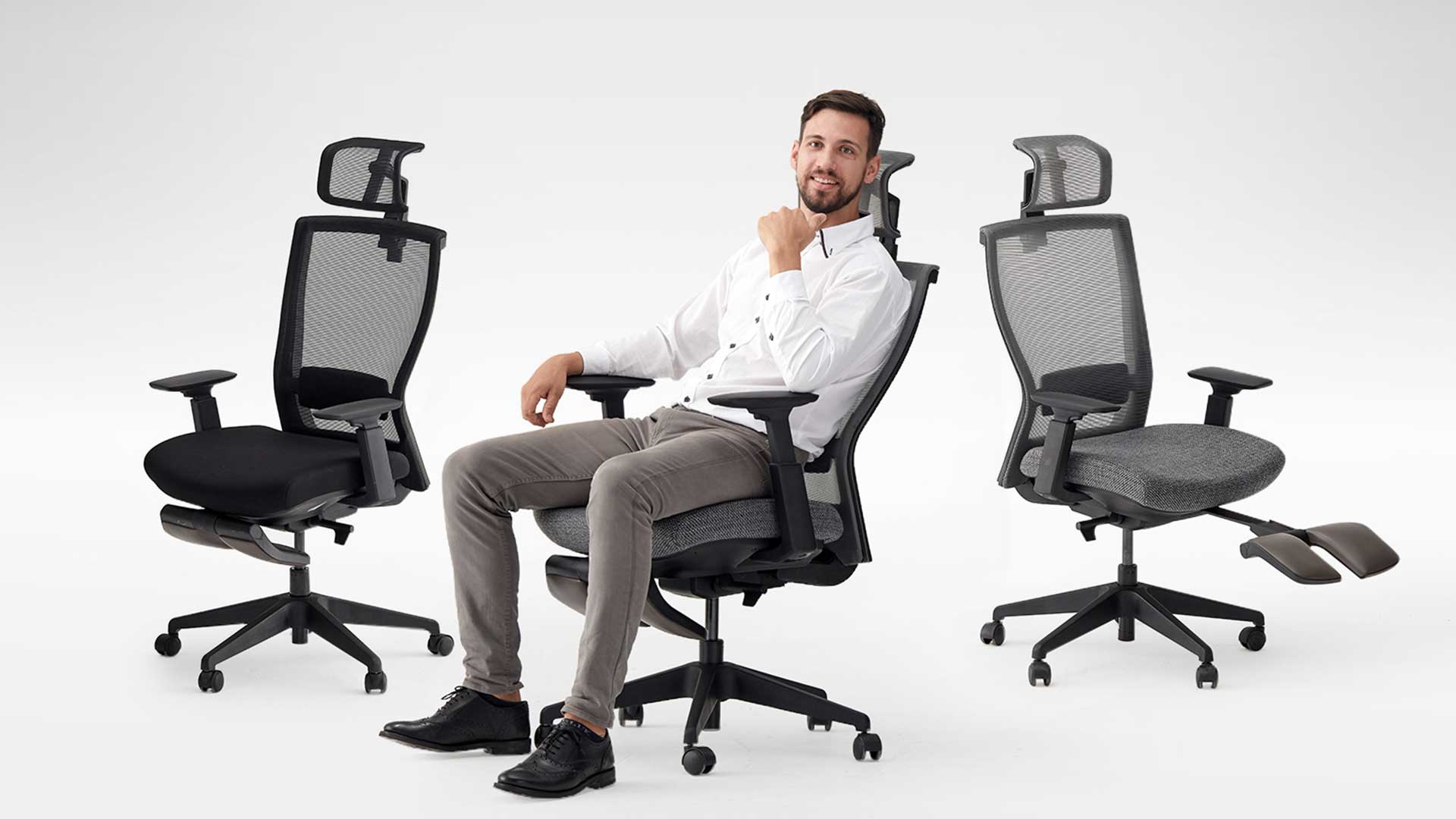
Have you considered investing in one of our ergonomic office chairs for your home or corporate office? Recent studies have found that hundreds of thousands of common workplace injuries, such as back problems and neck pains, are caused by outdated and unsafe office furniture.
The good news is, you don’t have to break the bank to invest in your smart ergonomic office now! Autonomous, a company that specializes in smart office products, has an incredibly affordable option accessible to most office workers: the ErgoChair Recline.
Perhaps the most important feature of any ergonomic chair is its ability to adapt and adjust to ensure each individual person has the optimal ergonomic support they need. Since we’re all built differently, we all need different adjustments to ensure we sit at work safely and ergonomically.
To get a better idea of how the ErgoChair Recline (MyoChair) works, here is a complete guide to all of its adjustment points and features.
1. Headrest
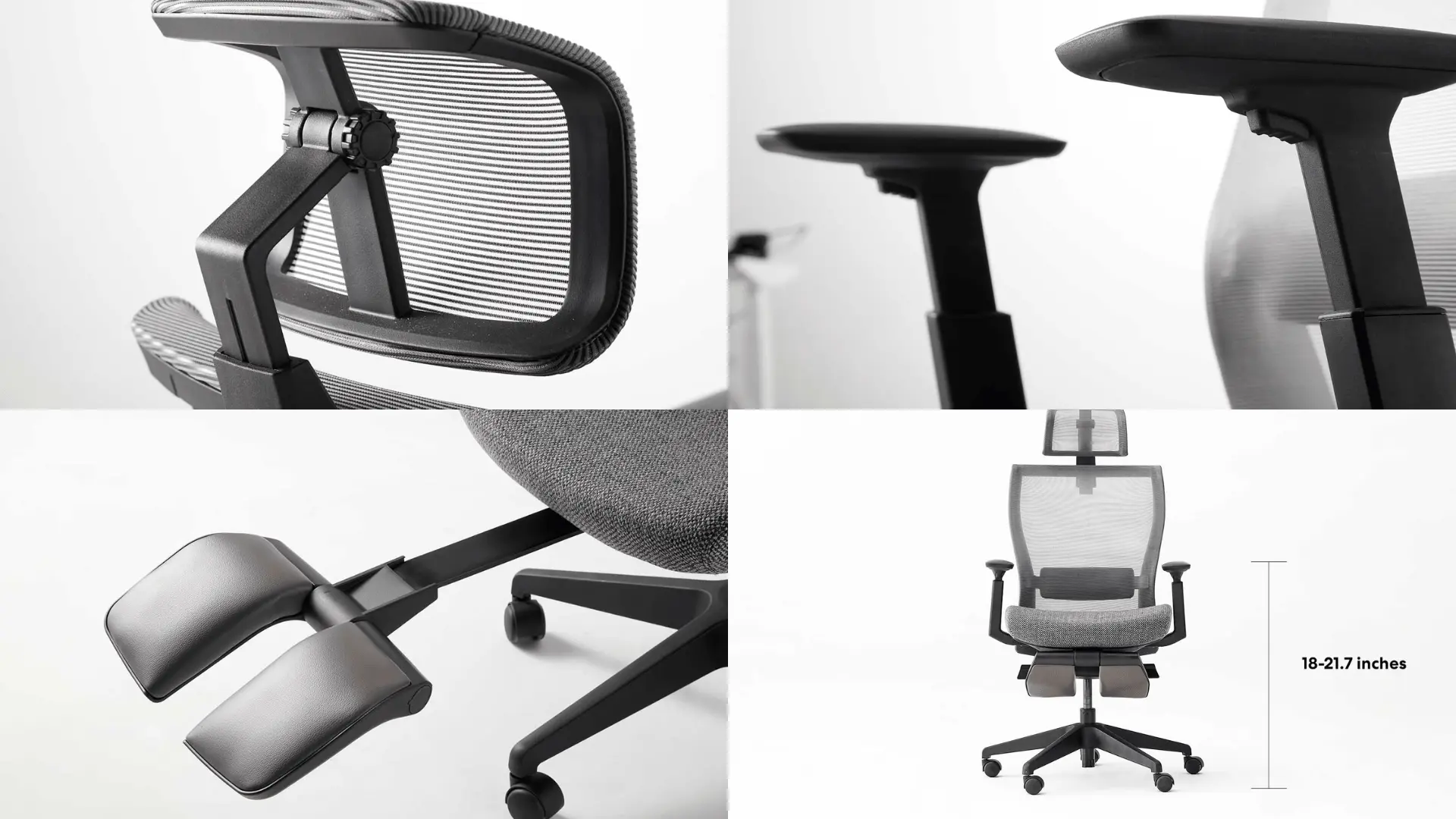
The Autonomous ErgoChair Recline's headrest is an easily adjustable add-on that can be lifted and lowered as a whole to cradle your head and neck in the exact right spot. In addition to lifting and lower, the headrest can be tilted up or down to meet the natural curve of the back of your head and neck.
Covered in a breathable TPB mesh material, the Autonomous ErgoChair Recline's headrest is designed for ultimate comfort and flexibility.
2. Armrests
The armrests in the Autonomous ErgoChair Recline are slightly concave to cradle your forearms comfortably. In addition to moving forward and backward to support different arm lengths, the armrests are easy to adjust up and down to ensure that your arms are bent at an ergonomic 90 degree angle.
Simply lift, lower, and adjust forward or backward until your arms are resting comfortably by your sides and bent at 90 degrees, which should also be parallel to your desk surface.
3. Adjustable seat
Using the right handle located under your seat, you can press upward to release the chair and lower it down, or remove your weight to lift the cushion upward. The seat’s height range is from 18-21.7 inches from the floor.
For optimal comfort, you should adjust the height of your seat so that your legs are bent at a 90 degree angle with your feet resting flat on the floor. The chair’s height can be adjusted between 18” to 21”, making it suitable for various desk setups. If you’re unsure how to adjust your chair to the optimal height, this guide on desk chair height could be helpful. To optimize your seating experience, learning about Autonomous chair adjustments can be extremely helpful.
4. Leg rest
Feel like taking a load off and relaxing? The Autonomous ErgoChair Recline got you covered. Under your seat, you’ll find a retractable leg rest cleverly tucked away that unfolds right out in front of you. Simply extend the leg rest, put your feet up, lean back, and take a well-deserved break. While the ErgoChair Recline doesn’t come with an integrated footrest, you can enhance your sitting experience by adding an office chair footrest attachment.
5. Tilting backrest
To take advantage of the Autonomous ErgoChair Recline's 18 degree range of reclining, simply flip up the left handle below your seat to unlock the backrest. You can then lean back or forward to the precise position you want. Simply flip the handle back down again to lock the backrest in place.
This is the best way to make sure you’re sitting straight and upright to focus on your work, and get a nice relaxing recline when it’s time to take a break.
6. Lumbar support
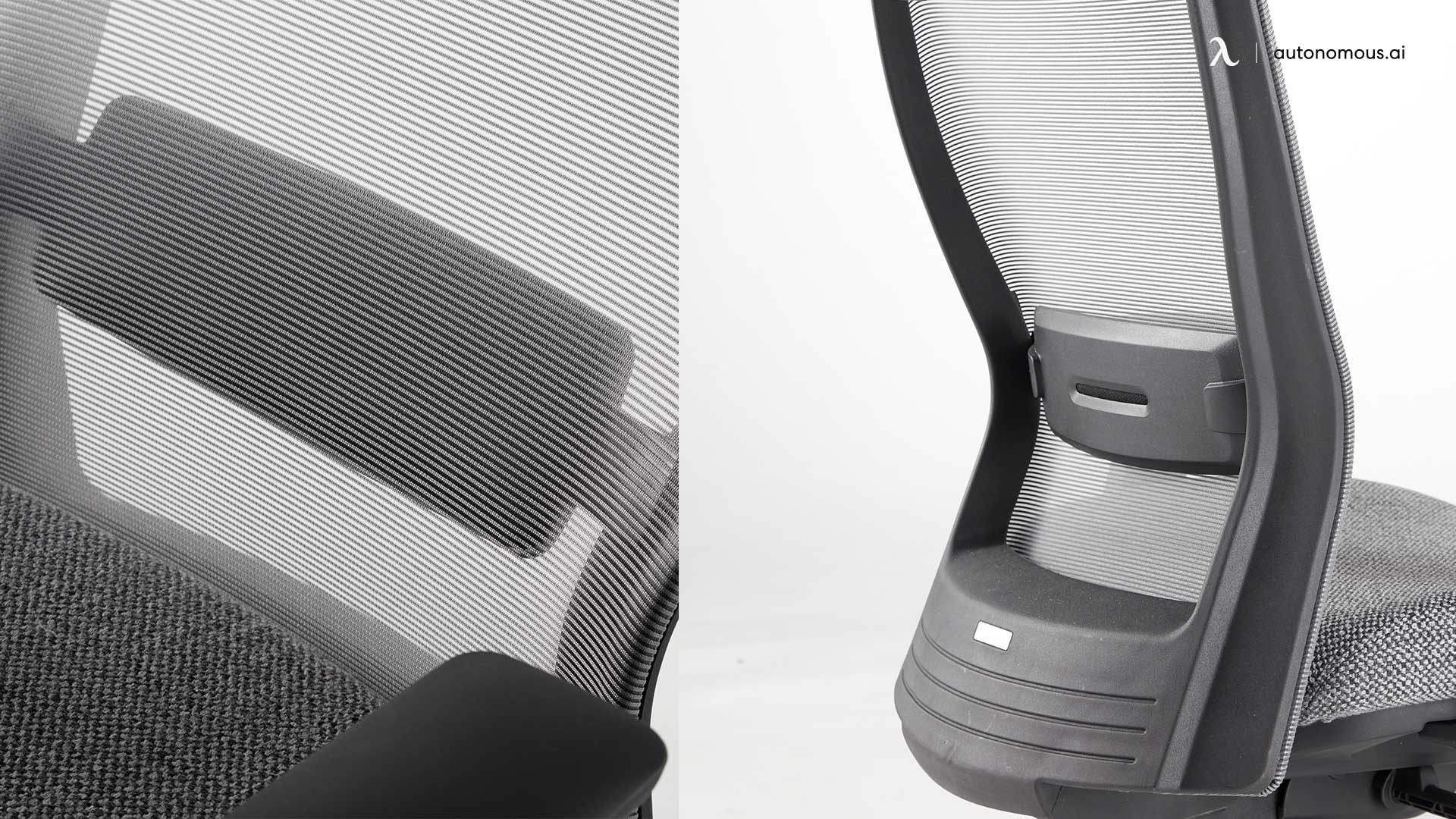
Every Autonomous ErgoChair Recline comes with a lumbar support cushion. Since taller and shorter people need support at different points to achieve a natural lumbar curve, the lumbar support cushion can be pushed up or pulled down easily to support any body type.
With up to 6 cm of range, the lumbar support cushion should support most tall, medium, and short body types. You may need to adjust this cushion a few times to get a feel for where your spine curves most naturally. For those who enjoy reading in their office chair, the ErgoChair Recline offers enough adjustability to serve as an ergonomic reading chair
7. Casters
The chair comes with 2-inch caster wheels, which ensure smooth mobility across different floor types. If you’re curious about the role of casters in office chairs, you can learn more about what are casters on a chair and their importance.
Is the ErgoChair Recline Still Available?
The ErgoChair Recline has officially been discontinued as part of our product redesign. Over the years, the Recline served as an accessible ergonomic option, but user needs have evolved - and so have our chairs.
Today, we offer a full lineup of upgraded ergonomic chairs built with better materials, more adjustability, and improved long-term support. If you previously considered the Recline, here’s how the new models compare:
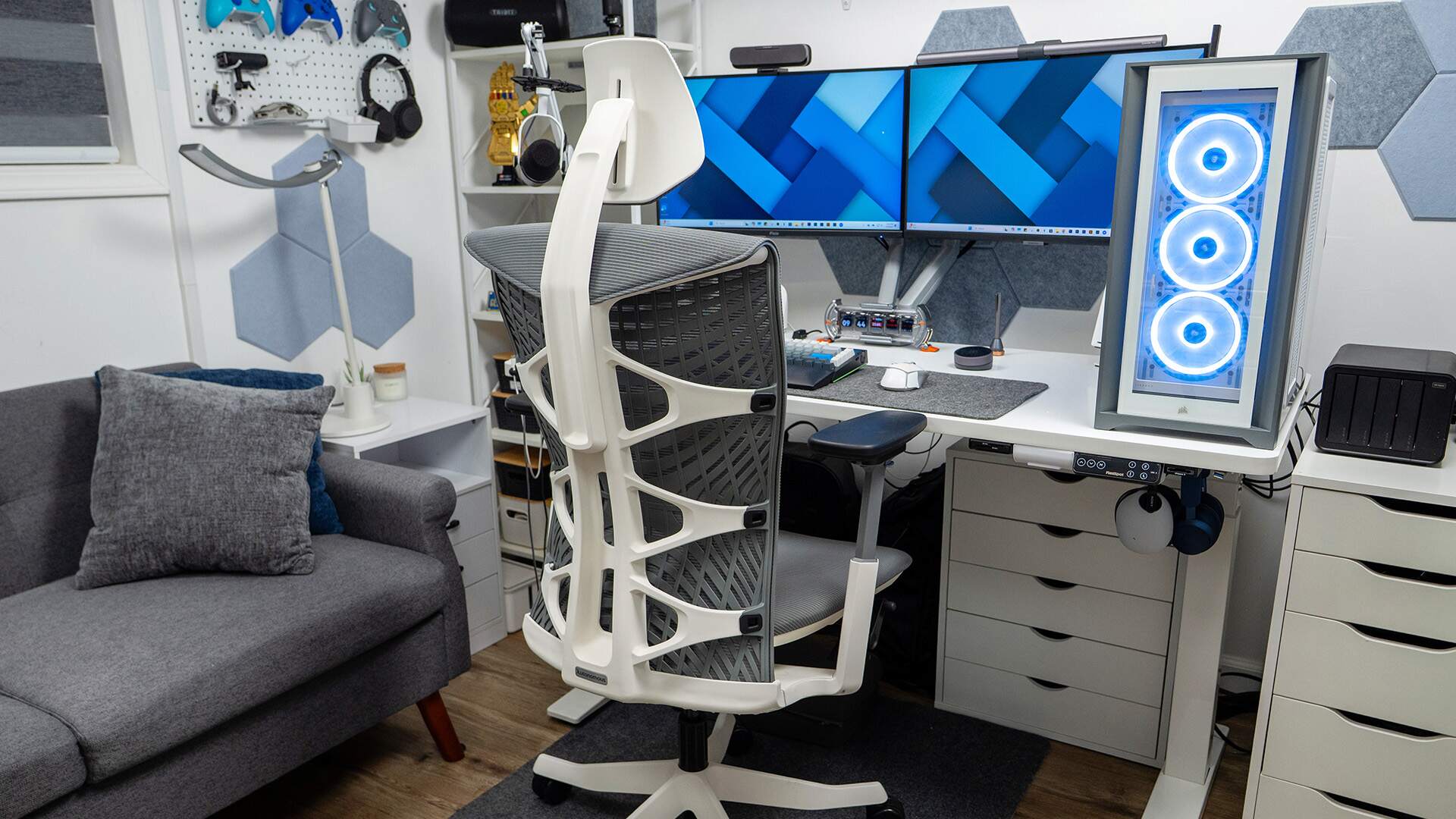
1. Autonomous ErgoChair Core
Closest in simplicity and comfort; dual-backrest design gives far better spine support.
2. Autonomous ErgoChair Pro
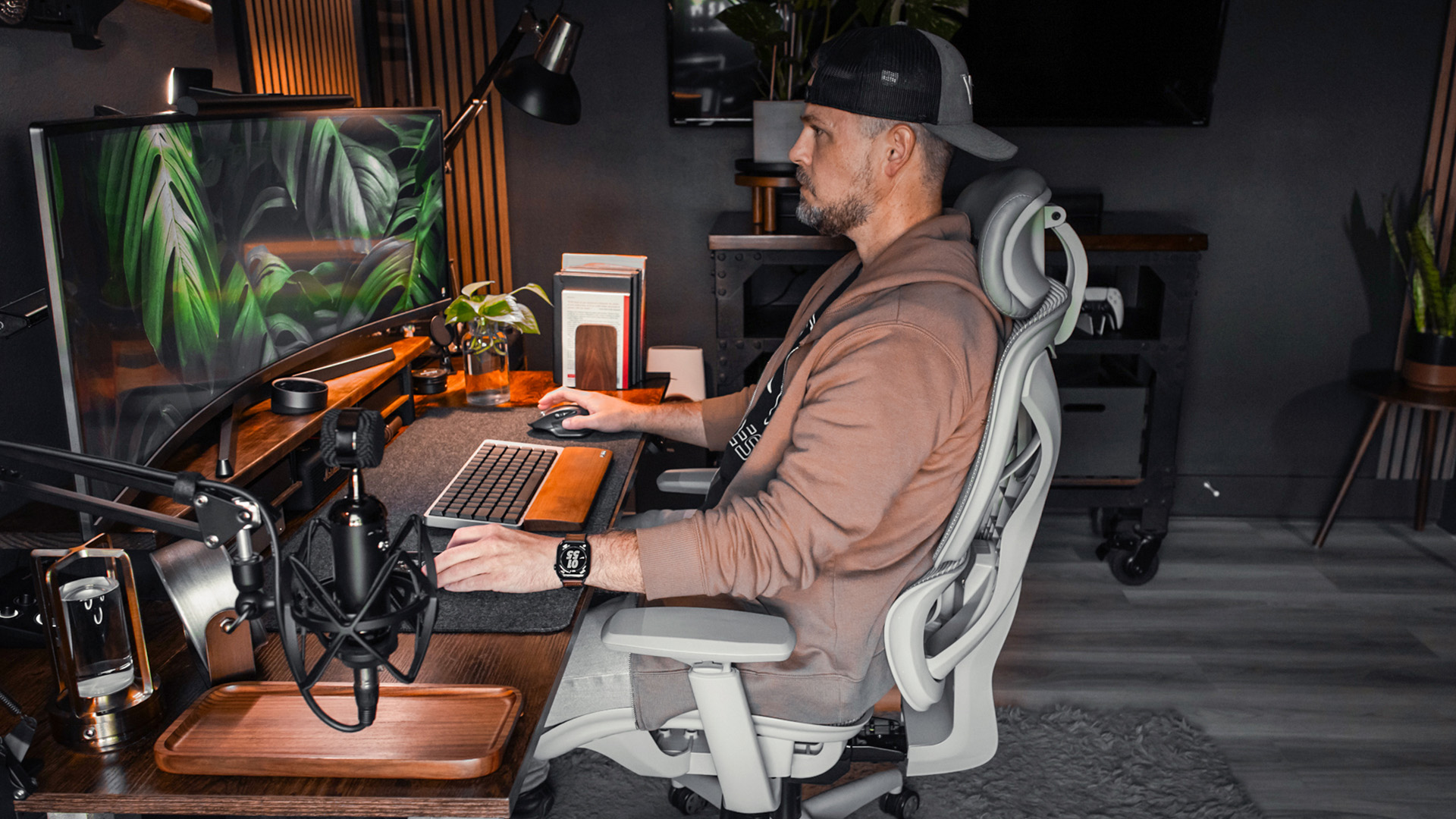
The all-around upgrade with 9 adjustment points, synchro-tilt, and breathable mesh.
.webp)
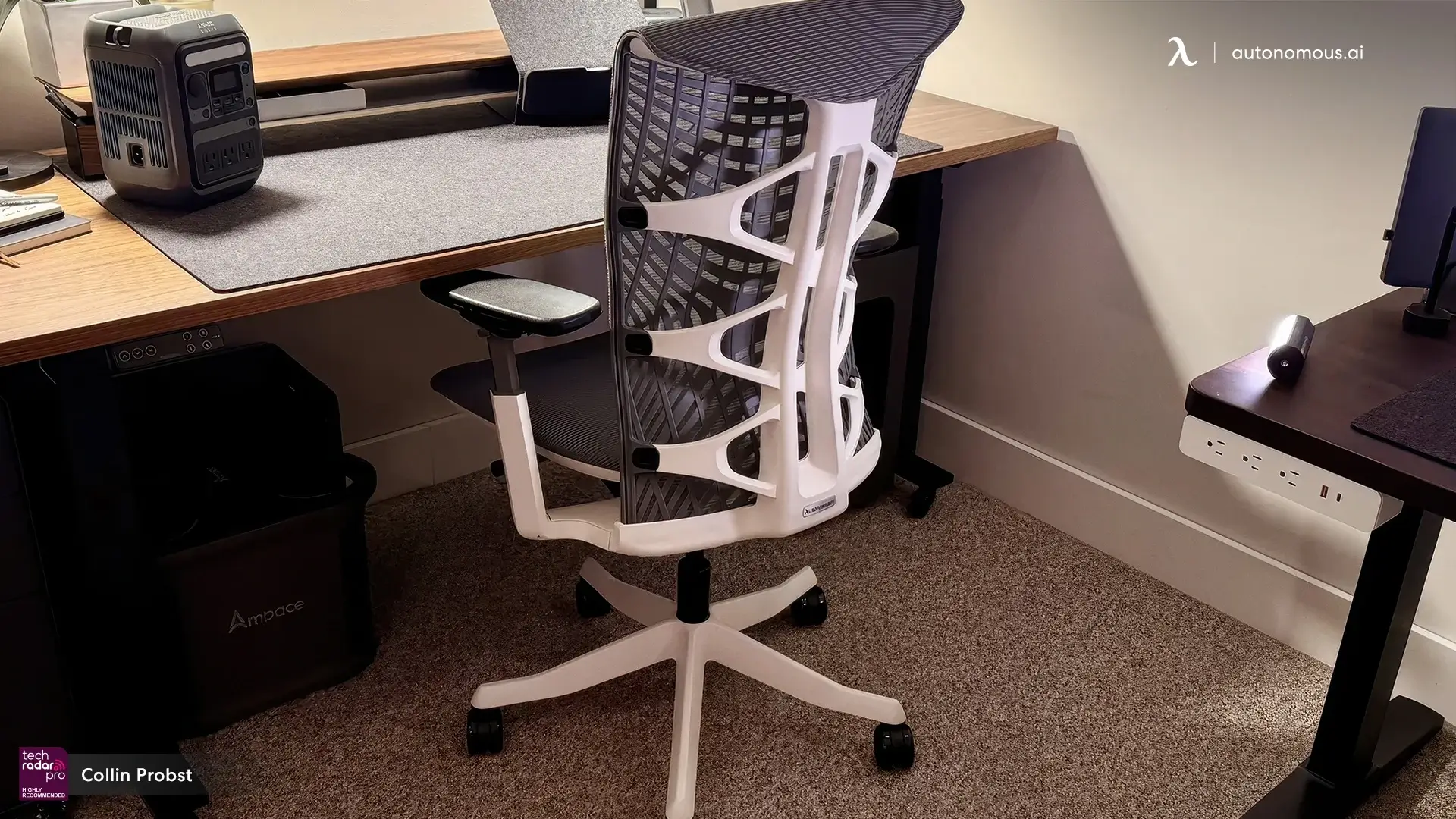
3. Autonomous ErgoChair Mesh
The lightweight, cooling option made with premium German mesh
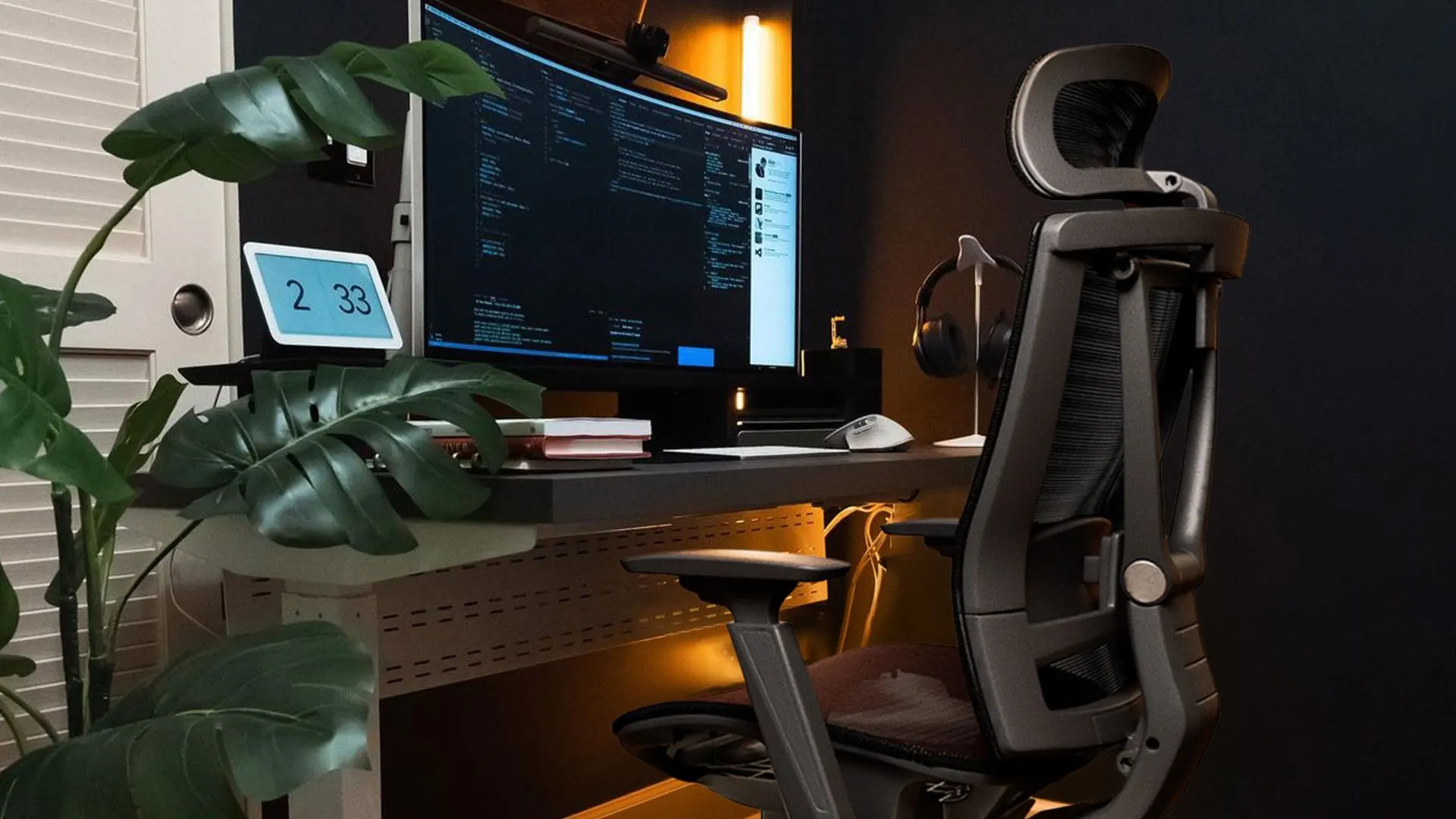
4. Autonomous ErgoChair Ultra 2
Our top adaptive model with TPE support and a biomechanical 25° recline
Each model addresses what people loved about the Recline - adjustability, comfort, and value - but with more refined engineering and more durable materials.
FAQs
Why was the ErgoChair Recline discontinued?
It was retired to make space for newer ergonomic chairs with better adjustability, improved materials, and more durable designs. The updated lineup offers stronger lumbar support, smoother recline mechanisms, and more customization for different body types.
Which chair replaces the Recline?
The closest alternative is the ErgoChair Core if you prefer a simple, supportive chair. If you want more adjustability, the ErgoChair Pro is the direct upgrade.
Does any of the new models have a leg rest?
No, the updated chairs focus on biomechanical support, adaptive backrests, and long-session comfort. If leg support is important, many users pair their chair with a separate footrest.
What’s the most supportive chair for long work sessions?
The ErgoChair Ultra 2 offers the most adaptive support thanks to its flexible TPE back, 25° recline, and lightweight frame. It’s designed for people who move constantly throughout the day.
Which chair should I choose if I get hot easily when sitting?
The ErgoChair Mesh uses 72% polyester / 28% polyamide German mesh for maximum airflow.
Which chair offers the best all-around ergonomics?
The ErgoChair Pro remains the best balanced option: 9 adjustments, synchro-tilt, supportive lumbar, and multiple color choices.
Do these chairs come with a trial or returns?
All standard orders include 30-day free returns. Sales and flash sale items follow different return rules, which are noted on each product page.
Conclusion
The ErgoChair Recline served its purpose well, but the new Autonomous ergonomic chair lineup delivers far more support, flexibility, and durability for modern work. Whether you want adaptive motion (Ultra 2), breathable mesh (Mesh), full adjustability (Pro), or a simple supportive design (Core), each model is built to match different working styles and comfort needs.