AI Privacy and Security: What Happens to Your Data

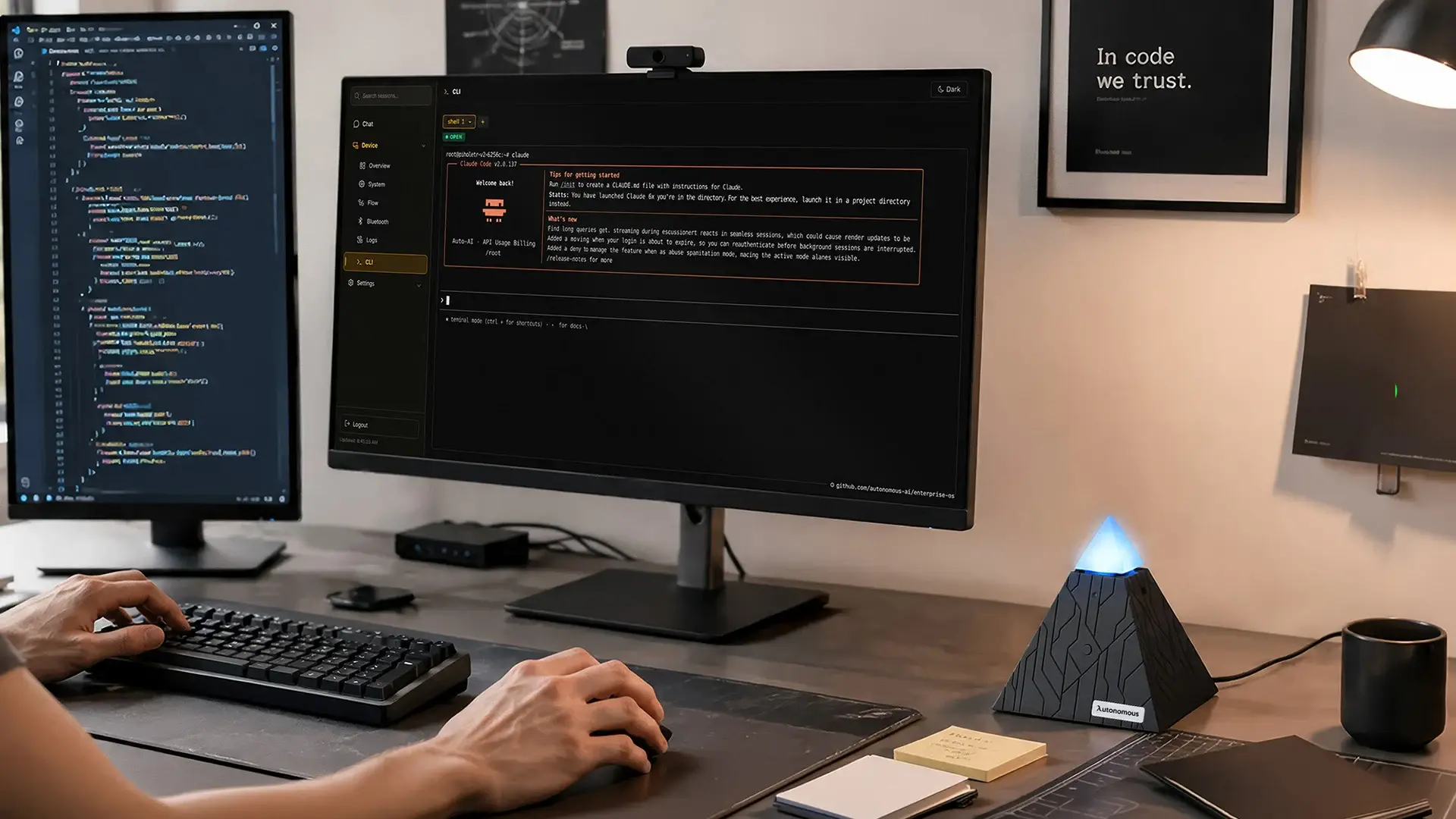
Every time you type something into an AI tool, whether a question, a document or a work message, that input is processed on someone's server and may be stored there. Most people don't think about where. AI privacy and security has become a pressing topic not because AI is inherently dangerous, but because the tools most people use daily weren't designed with data control as a priority.
Understanding what actually happens to your data is the first step to using AI more confidently.
Why AI Privacy and Security Became a 2026 Problem
AI privacy and security became a 2026 problem because AI adoption arrived all at once, while data protection practices caught up slowly. A few years ago, using an AI assistant meant experimenting with a novelty. Today, it means drafting emails, summarizing contracts, analyzing data and managing workflows, often across several tools at once.
The scale of that shift created AI privacy concerns that most governance frameworks weren't built to handle. According to McKinsey's State of AI survey, 78% of organizations reported using AI in 2025, up sharply from 55% in 2023.
Sensitive data now makes up 34.8% of employee inputs into tools like ChatGPT, compared to just 11% in 2023. That is not because people are careless. They are doing their jobs with the tools available to them.
These AI privacy issues show up in everyday work, not just in compliance reviews. Most widely used AI tools were built to scale fast, and data privacy was an afterthought in that architecture rather than a foundation. The gap between fast adoption and slow protection is where most of the risk lives today.
The 5 Real AI Privacy and Security Risks
The five real AI privacy and security risks are default data retention, shadow AI, stolen accounts, inferred data and workplace monitoring. Each one shows up in ordinary work, not just in a compliance document.
1. Your Conversations Are Training Data By Default
Most consumer and free-tier AI tools retain conversation history by design, because it helps models learn and improve. The terms covering this often run to thousands of words, and the default on most platforms is that collection is on. Retention happens unless a user has actively changed it.
In practice, when you paste a vendor contract into a chat window or ask an AI tool to summarize a client brief, that content leaves your device. It is processed on a third-party server where it may be retained, reviewed or used for training, depending on the platform's policies.
Check whether your AI tool retains conversation history by default and whether you can turn it off. It takes under two minutes.
2. Shadow AI: The Tool Your IT Team Doesn't Know About
Shadow AI means AI tools used outside officially approved or monitored systems, and it is one of the most widespread AI privacy issues at work. According to a Microsoft survey from October 2025, 71% of UK employees have used unapproved consumer AI tools for work, and 51% still do every week.
Most employees are simply using AI agents and tools that help them work faster. The problem is that data moving through an unsanctioned tool has no audit trail, no governance and no reliable way to contain exposure if something goes wrong.
Most organizations keep an approved tool list for exactly this reason. Knowing what's on it before you default to a personal account is a habit worth building.
3. A Compromised Account Means Compromised History
A stolen AI login exposes your entire conversation history, even when the AI platform itself was never breached. In 2025, security researchers identified over 225,000 OpenAI and ChatGPT credentials on dark web markets, harvested by infostealer malware on compromised personal devices.
A compromised email account typically exposes recent correspondence. An AI account gives access to every document uploaded, every conversation held and every piece of sensitive information shared across the whole history. If you use one AI account for months of professional work, two-factor authentication is the fastest way to shrink that exposure.
4. AI Infers More Than You Share
Modern AI systems can derive sensitive attributes from data that looks unrelated on the surface. Health indicators, financial patterns and behavioral tendencies can be inferred from a mix of inputs: fitness data, the timing of certain queries, dietary questions, sleep-related prompts. None of these feel sensitive when you type them one at a time.
The profile an AI system builds can extend well beyond what you consciously chose to share. Inferred data may be used for targeted advertising, shared with third parties under broad terms of service, or exposed in a breach without you ever seeing what was held.
Read the data sharing section of each AI tool's privacy policy, and look for whether inferred or derived data goes to third parties.
5. Productivity Monitoring Dressed As Assistance
AI monitoring tools such as productivity trackers, communication analyzers and performance dashboards often capture more than they disclose. Screen activity, keystroke logs, communication metadata and in some cases biometric data can fall within what they collect, often next to features presented as simple productivity aids.
Several jurisdictions, including those under GDPR and Illinois's Biometric Information Privacy Act, set specific rules for this kind of collection, including employee notification. If your employer uses AI monitoring tools, it is reasonable to ask HR what data is collected, how long it is kept and who can access it.
How AI Tools Are Designed And Why It Matters for Your Data
Most AI tools are cloud-first, so every prompt leaves your device and is processed on infrastructure the vendor controls. That design, more than user behavior, is why the risks above exist. Stronger passwords, stricter policies and better awareness are worth having, but they treat symptoms.
The path is the same for every interaction: your input travels to a vendor's server, the model processes it, and a response comes back. That makes cloud security services important for protecting sensitive data as it moves through third-party infrastructure.
For most people this exchange is invisible. A free VPN download can encrypt the data in transit on your network, but it does not change what happens once the data reaches the vendor. Knowing the journey exists is what lets you judge which tools handle it responsibly.
At each point along that path, data can be logged, retained, reviewed by vendor staff for safety and quality, or used to improve the model. The details depend on the platform and the service tier.
Enterprise plans that state "we don't train on your data" are a real step forward, but the data is still processed on vendor infrastructure. The assurance is a contractual commitment rather than a technical one: it rests on trust in a policy, not on the design of the system.
That distinction defines the protection you actually get. A policy can change, a contract can have exceptions, and vendor infrastructure can be breached regardless of what you do. The only approach that addresses this at the source is private AI processing on hardware you control, where nothing goes to an external server by default.
For anyone working with sensitive client information, proprietary business data or confidential communications, understanding the difference between these two models is the practical first step toward choosing tools on purpose.
A Different Approach to AI Privacy and Security: Keeping Your Data Local
Keeping data local means two separate things, and privacy depends on both: where your files, memory and keys are stored, and where the model that reads your prompts actually runs. Most of the risks above come from tools that do both somewhere else.
The approach that addresses this at the source is local AI, meaning tools that keep data and processing on hardware you own. The idea is not new in technical circles, but it used to take a level of setup that put it out of reach for most everyday users.
Where Autonomous Intern keeps your data
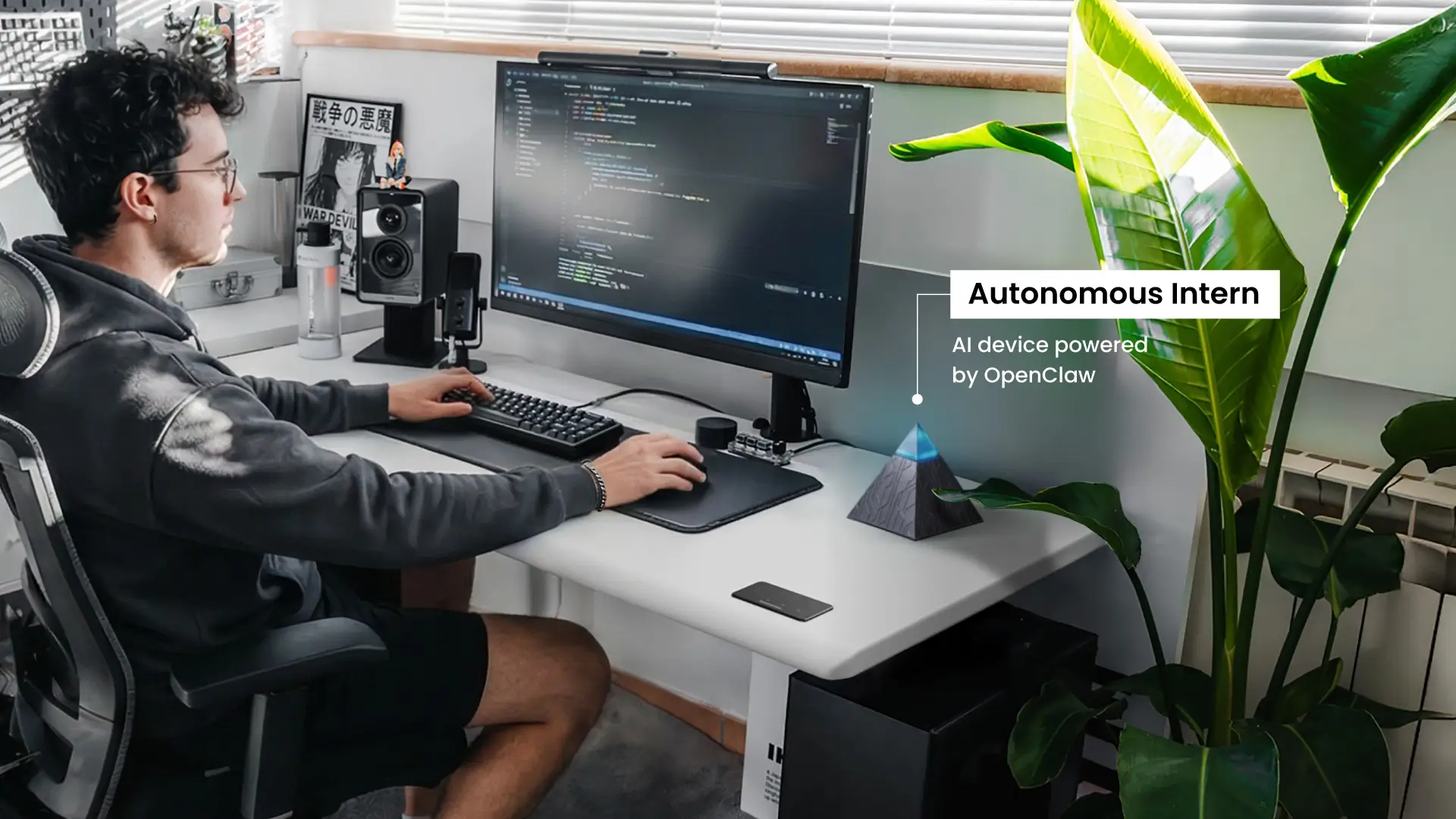
Autonomous Intern keeps your memory and context on the device, but the prompts it sends still go to cloud models. Intern is a personal AI assistant device: a small plug-and-play agent server that ships with OpenClaw or Hermes ready to run.
Its API keys, project context, writing style and team vocabulary are stored as local files on the device rather than in a vendor's cloud account. That is a real privacy plus: the long-term context about you and your work is not sitting in a hosted account behind one password.
The model side works differently. Intern picks a model for each task, such as Opus, Sonnet, DeepSeek or Qwen, and those run in the cloud. The text of each request still travels to that model provider and falls under its data policy.
OpenClaw, one of the frameworks Intern runs, is open-source, so its code can be audited rather than trusted as a black box. You also choose which integrations and skills are active, which sets the boundary of what the assistant can reach.
In short, Intern shrinks what lives in the cloud. It does not keep prompts inside the building, so treat it as a better home for your context, not as an offline model.

When the model has to run in your office
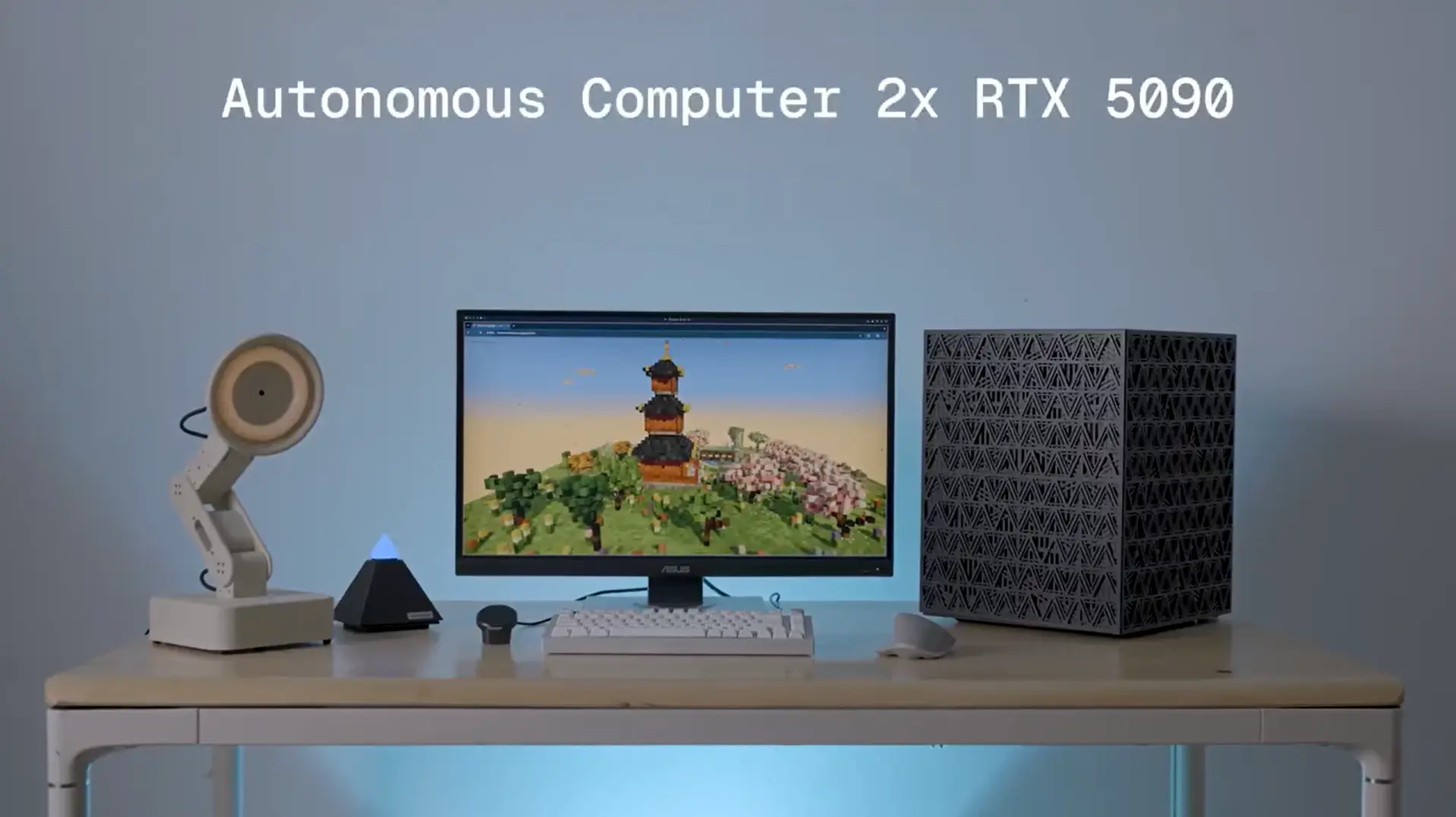
For data that must not leave the building, the model itself has to run on hardware you own. Autonomous Computer is built for that. Its product page puts it as "Private by physics. Prompts never leave the building."
Computer 2 is a personal AI computer for a desk, with two RTX 5090 GPUs (64 GB VRAM) or two RTX PRO 6000 Blackwell GPUs (192 GB). Computer 4 is the on-prem business version with four of either card. Both run open models such as Qwen and Gemma, with the weights stored on your own disk, so nobody trains on your work and there is no per-token bill.

Be clear about what local AI does not solve. A machine in your office still needs updates, access control and backups, and running on premises is not a compliance certification by itself. It works inside whatever security practices your team already has, as one considered choice among several.
Practical Steps Toward Better AI Privacy and Security
Better AI privacy and security starts with five habits: check default settings, separate work and personal use, turn on two-factor authentication, learn what happens to inferred data, and match the architecture to how sensitive your work is. None of these require switching every tool overnight.
- Review your default settings before anything else
Most AI platforms retain conversation history by default, and most users never change it. Spend a few minutes in the privacy or data settings of each AI tool you use regularly. Check what's retained, for how long, and whether you can limit or disable it. No technical knowledge needed.
- Separate your personal and professional AI use
Using a personal, free-tier AI account for work is one of the most common ways sensitive data ends up outside any governance framework. If your organization provides an approved tool, default to it: someone with data security in mind has at least reviewed it. If no approved option exists, raise the question with whoever manages your team's tools.
- Enable two-factor authentication on every AI account
Compromised credentials are one of the most direct routes to full conversation history exposure. Two-factor authentication is the lowest-effort, highest-return step for any AI account. Most major platforms support it, and it takes under five minutes to set up.
- Know what your AI tools do with inferred data
Privacy policies are long, but most have a data sharing or third-party section that says whether derived or inferred data is shared beyond the platform. Know the answer for the tools you use most, rather than assuming it is no.
- If your work involves consistently sensitive data, consider the architecture
For people who regularly handle confidential client information, including those relying on an AI-powered legal assistant or an AI-powered financial assistant, the question isn't just which tool has the best privacy policy. It is whether a cloud-dependent tool fits that kind of work at all.

A private AI assistant that runs on hardware you control is now a realistic option for anyone whose work makes data control a constant priority rather than an occasional concern.
FAQs
What is privacy and security in AI?
AI privacy and security is how personal and sensitive data is protected when you use AI systems. Privacy covers your control over how data is collected, stored and used. Security covers the technical measures that prevent unauthorized access, misuse or breaches.
What are AI privacy issues examples in everyday use?
Common examples are uploading sensitive documents to AI tools that store data on external servers, using personal AI accounts for work without oversight, and AI systems building detailed profiles from harmless-looking inputs like fitness data, search queries or daily habits.
Does AI infringe privacy and data security?
AI does not inherently violate privacy, but many AI tools add risk through how they are built. Cloud-based systems process data on external servers, which limits your view of how long data is stored and how it is reused. The risk depends on the platform, tier and your settings.
How do I protect my privacy from AI?
Review the privacy settings of your AI tools, especially data retention and training options. Use separate accounts for personal and work tasks, enable two-factor authentication, and avoid sharing sensitive information unless necessary. For stronger protection, use AI that runs on hardware you control.
Is it safe to use AI tools for work?
Yes, AI tools can be safe for work when you use organization-approved tools with clear data retention policies, two-factor authentication and defined usage rules. Risk rises when employees use personal or unapproved AI tools, because business data then leaves company control.
What is the best AI for privacy?
The best AI for privacy runs the model on hardware you control, often called self-hosted or on-premise AI, so prompts never reach a third-party server. Among cloud options, enterprise tiers with no-training policies and transparent data handling are safer than free or consumer versions.
Can AI tools collect data without my knowledge?
Yes, AI tools can collect and store data as part of normal operation without users fully realizing it. Depending on the platform, inputs may be retained, reviewed or used to improve models. Tools differ in how transparent they are and whether you can switch collection off.
Is AI safe for sensitive or confidential data?
AI is safe for confidential data only when the tool has strict data protection controls: no retention or training on your inputs, strong encryption and access controls. Consumer and free versions rarely offer those guarantees, so keep sensitive data to systems that state clearly how it is handled.
Is local AI more secure than cloud AI?
Local AI is generally more secure for sensitive data, because prompts and files are processed on hardware you control instead of external servers. That removes third-party retention and vendor breaches from the picture. Cloud AI is more convenient and scalable but depends on vendor infrastructure and policies.
Conclusion
AI privacy and security is more visible now not because the risks are new, but because the scale of everyday AI use has made them harder to ignore. Most people using AI daily aren't doing anything unusual. The data considerations simply come with tools that have become a normal part of work.
The steps that matter most aren't complicated: know what your tools retain by default, keep professional and personal AI use separate, and check whether your main tools handle data in a way that fits how you work. These are habits, not technical projects.
For work where data control matters every day, the deeper question is architectural: where your context is stored and where the model runs. A proactive AI device like Intern keeps memory and context as local files, while Autonomous Computer keeps the model and the prompts in your office.
The direction of travel for AI privacy is toward more transparency and more user control. The choices available today are already better than they were two years ago, and knowing what to look for is most of the work.