What Is Proactive AI? How Agents Act Without Prompts


Table of Contents
- What Is Proactive AI?
- Proactive AI vs. Reactive AI: The Real Difference
- What Proactive AI Agents Actually Do
- Why Most AI Tools Are Still Reactive — Even in 2026
- The Local Advantage: Why Proactive AI Belongs on Your Desk, Not in a Data Center
- Proactive AI for Your Workspace: What It Looks Like in Practice
- Who Actually Needs Proactive AI Right Now
- FAQs
- The Bottom Line
Most AI tools today work the same way: you open them, you type, they respond. The interaction begins and ends with you. That model has a ceiling — because the moment you stop asking, the AI stops working. The burden of initiation sits entirely on you: you have to remember what needs doing, formulate the question, and navigate to the interface.
Proactive AI changes the starting point. Instead of waiting for a command, it monitors context, recognizes patterns, and surfaces what's relevant before you think to ask. The question worth examining is what that actually means in practice — and whether your current setup reflects it.
What Is Proactive AI?
Proactive AI refers to systems designed to anticipate needs, monitor context, and deliver relevant action or information without requiring an explicit prompt. Rather than processing requests on demand, these systems — a category that includes what are broadly called AI agents — operate on a different trigger mechanism: time, pattern, event, or behavioral signal, initiating output accordingly.
The distinction from conventional AI is structural, not cosmetic. A standard AI assistant processes input and returns output. A proactive AI agent maintains awareness of surrounding context and decides independently when intervention adds value.
Consider three scenarios that illustrate the difference:
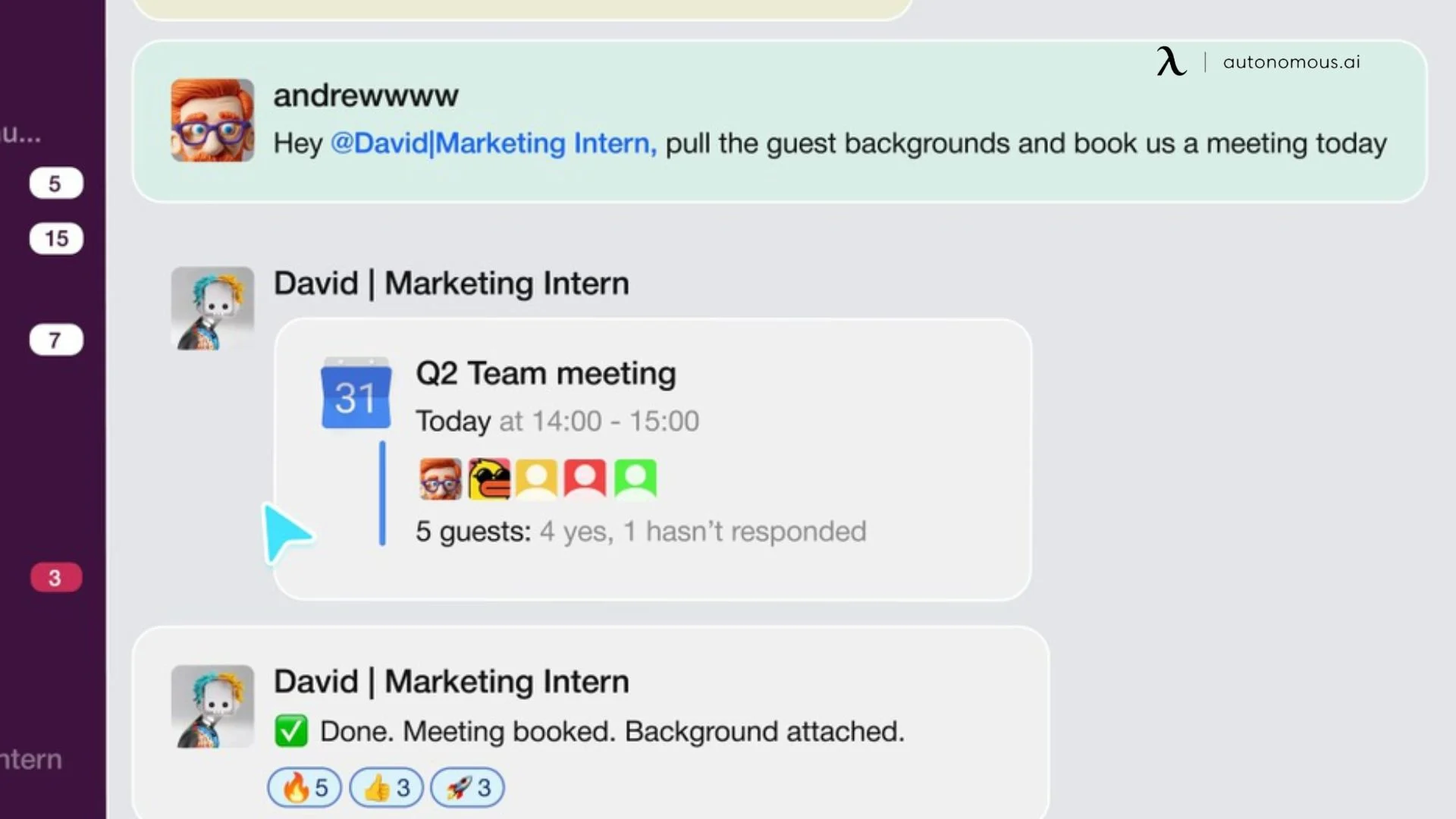
An AI scheduling assistant that detects a presentation on your calendar and automatically blocks preparation time beforehand — without being asked. An assistant that flags a time-sensitive message buried in a busy channel and surfaces it at the right moment. A tool that recognizes the start of a planning cycle and pulls last quarter's relevant documents before you think to search for them.
In each case, the proactive artificial intelligence system is not responding to a command. It is acting on a recognized pattern — and absorbing a small but real piece of cognitive work that would otherwise fall on the user.
This shift from command-response to context-action is what separates proactive AI from the reactive tools most people currently use. It is also why the term is generating significant attention across productivity, operations, and workspace technology — not as a feature upgrade, but as a fundamentally different model of how AI integrates into daily work.
Proactive AI vs. Reactive AI: The Real Difference
The functional gap between reactive and proactive AI is not a matter of sophistication or model size. Both can run on the same underlying technology. The difference is architectural — specifically, how each system relates to time, context, and initiation.
Reactive AI waits for input. It processes when commanded, delivers output, and forgets. The user carries the entire burden of initiation: remembering what needs attention, deciding when to engage, and formulating the request. This design pattern, while flexible, creates a ceiling. The moment you stop prompting, the AI stops working.
Proactive AI operates on triggers rather than commands. It runs continuously in the background, monitoring for signals — calendar events, message patterns, file changes, behavioral routines. When relevant conditions emerge, it initiates contact. The burden shifts: the system watches so you do not have to.
This difference plays out in four concrete ways:
Memory: Reactive AI treats each session as isolated. Proactive AI maintains context across time, connecting past behavior to present conditions to anticipate what comes next.
Initiation: Reactive AI responds. Proactive AI reaches out — through a notification, a draft, a flagged item, or a completed task — before the user opens an interface.
Integration: Reactive AI lives in its own environment, typically a chat window or dedicated app. A proactive AI assistant operates inside the tools the user already occupies: messaging platforms, calendars, workflow channels.
Load distribution: Reactive AI reduces execution time. Proactive AI reduces cognitive load — the overhead of tracking, remembering, and deciding what to address next.
One clarification worth making: speed is not the differentiator. A reactive system can return results in milliseconds and still be fundamentally reactive. The gap is not response time — it is whether the system recognizes that a response is needed before you do.
The market often blurs this distinction. Many tools marketed as AI assistants are fast reactive systems — capable, often impressive, but still waiting for instructions. Answering instantly when asked is not the same as recognizing what needs attention before you ask. That gap is where proactive AI agents operate.
What Proactive AI Agents Actually Do
Moving from architecture to behavior clarifies what proactive AI agents actually deliver in practice. These systems exhibit five distinct operational characteristics that separate them from reactive tools, each of which transfers a specific category of cognitive work away from the user.
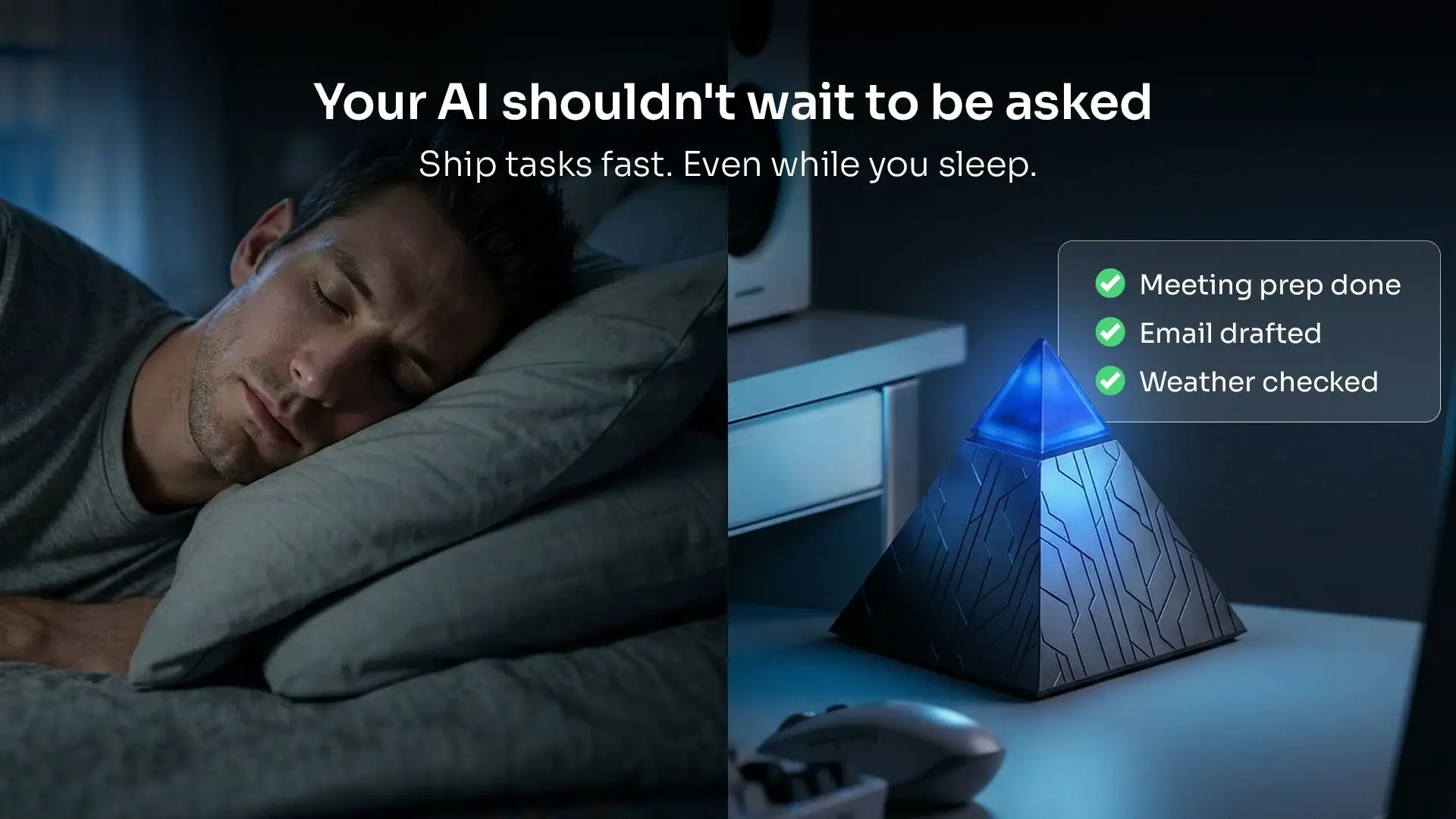
They monitor without being asked. Proactive agents run persistently in the background, watching for signals across your environment — calendar updates, message threads, file modifications, communication patterns. They do not require you to open an interface or initiate a session to begin observation.
They initiate rather than respond. When the agent detects a relevant condition — an overdue task, a conflicting appointment, an unanswered message requiring follow-up — it reaches out to you. The interaction begins with the system, not the user.
They maintain context across time. A single session tells an AI very little. What makes proactive artificial intelligence meaningfully useful is accumulated context — knowing that Tuesdays are deep work days, that certain contacts require fast turnaround, that a particular project is entering a high-activity phase. That history is what enables genuine anticipation rather than generic suggestions.
They operate inside existing tools. This is a practical distinction that often gets overlooked. A system that requires the user to open a separate interface is still placing initiation burden on the user. Effective proactive AI works where the user already is — inside messaging platforms, communication channels, and the workflows already in motion.
They reduce decision overhead, not just execution time. The productivity gain from proactive AI is not primarily speed. It is the reduction of low-value decisions: what to check, what to respond to first, what can wait. When a system handles that triage layer autonomously, the cognitive space it frees is disproportionate to the time saved.
A practical illustration: a deep work session is underway. You are in a three-hour focus block. Your proactive AI agent has already identified two Slack messages requiring responses by end of day, drafted a reply to one based on your previous messages, and rescheduled a non-urgent meeting that was about to interrupt your session. You did not open a single application. The agent identified, evaluated, and acted on your behalf.
Behavior of this kind is not theoretical. But where the agent runs — and what it can access — determines whether it can actually deliver these outcomes.
Why Most AI Tools Are Still Reactive — Even in 2026
If proactive AI represents a meaningfully better model for how people work, the obvious question is why most tools have not moved there yet. The answer is structural, not a matter of ambition or investment.
Cloud dependency limits background operation. Most AI tools process requests on remote servers. That architecture works well for on-demand queries — but continuous background monitoring requires persistent, low-latency access to a user's context. Routing that data through a cloud pipeline introduces both performance friction and privacy exposure that make genuine proactive behavior difficult to sustain at the individual level.
Chat interface design reinforces reactive habits. When a product is built around a text input box, the interaction model is fixed: user types, AI responds. That pattern is deeply embedded in how people currently think about AI tools. It is also self-reinforcing — the more fluent users become at prompting, the less they question whether prompting should be required at all.
General-purpose AI optimizes for breadth, not personal context. The largest and most capable large language model available today knows an enormous amount about the world. What they lack is persistent knowledge of a specific user's workflow, priorities, communication patterns, and working rhythm. Without that layer of individual context, anticipation is not possible — only fast response.
Tool fragmentation creates context gaps. Most professionals work across a combination of platforms — messaging, calendar, documents, task management. AI tools that connect to only one of these surfaces see an incomplete picture. A system working from partial context cannot reliably identify what matters, let alone act on it before being asked.
The result is a category of tools that are genuinely useful but fundamentally bounded. They extend what a user can do within a session. They do not reduce the overhead of managing work between sessions — which is where a significant portion of cognitive load actually accumulates.
Closing that gap requires a different approach to where AI runs, what it has access to, and how it relates to the tools already in use.

The Local Advantage: Why Proactive AI Belongs on Your Desk, Not in a Data Center
The limitations outlined above share a common root: distance. When AI processing happens far from where work actually occurs, the system is always catching up — responding to what it receives rather than acting on what it knows.
Local AI closes that distance. When you run AI locally, processing happens on the device itself, adjacent to the context it needs to act on. That proximity has three concrete implications for proactive behavior.
Always on, without performance cost. A locally running system does not depend on an API call or a server response to begin monitoring. It operates continuously in the background, with no latency between a trigger condition being met and the system acting on it. This is what makes genuine background awareness possible — not as a marketed feature, but as a function of how the system is built.
Privacy by architecture, not policy. For a proactive AI assistant to be useful, it needs access to the context that matters most: messages, files, calendar data, communication patterns. That is sensitive information. This is the core premise of private AI: the system processes data on-device and does not transmit it externally. The privacy protection is structural — it exists because of how the system operates, not because of a terms-of-service commitment.
Context that accumulates over time. A system running locally can build and retain a persistent model of how a specific user works — their priorities, their rhythms, their communication habits. Cloud-based tools reset or generalize across users. A local system deepens its understanding of one. That depth is what enables the shift from fast response to genuine anticipation.
These are not incremental improvements over existing AI tools. They represent a different set of tradeoffs — ones that happen to align closely with what proactive AI actually requires to function as described.
The most capable proactive AI for individual productivity is not necessarily the one with the most parameters or the largest training dataset. It is the one running closest to the work.
Proactive AI for Your Workspace: What It Looks Like in Practice
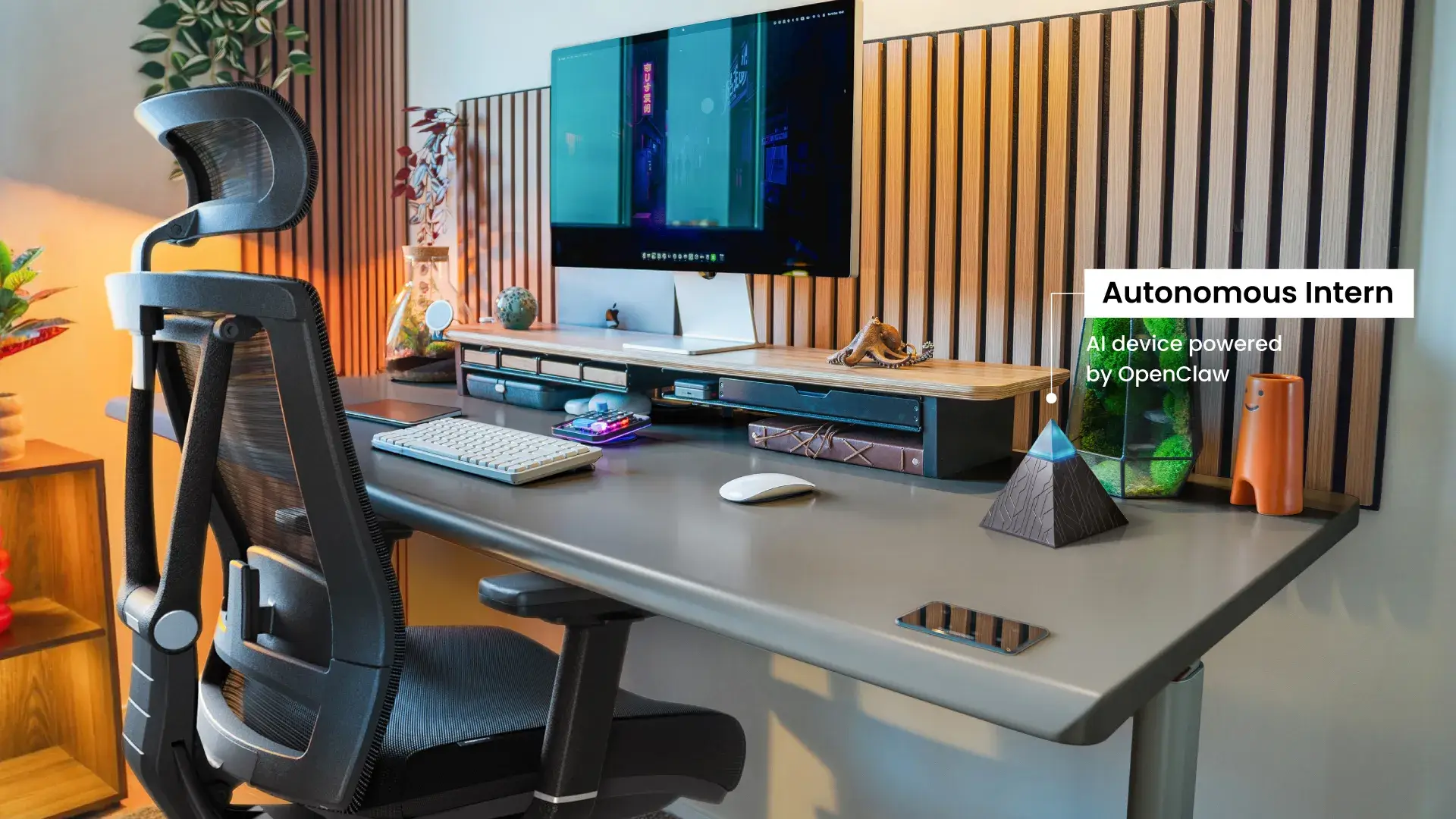
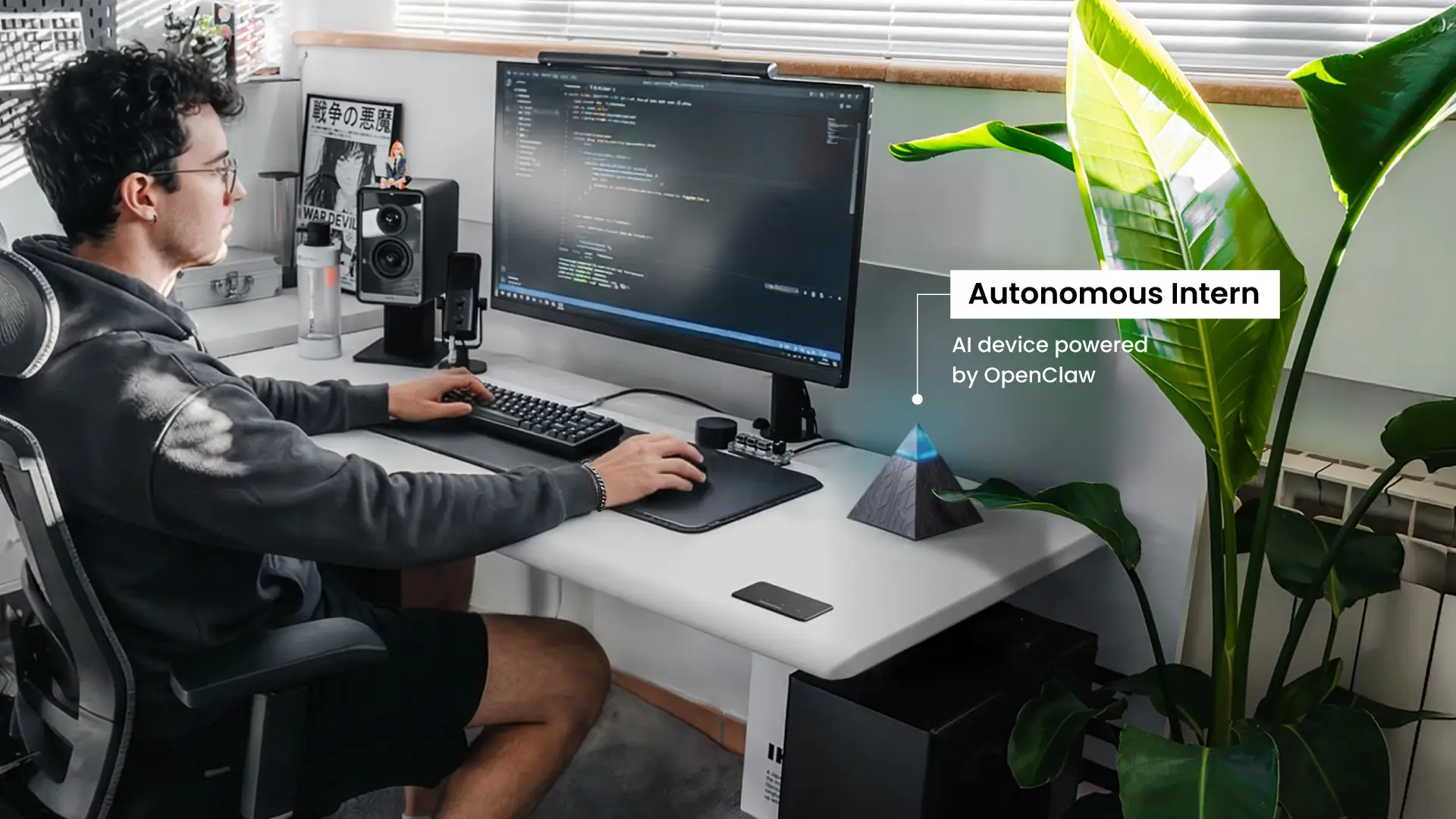
A conventional AI setup — a browser tab, a chat interface, a prompt — is passive by design. The gap between that setup and a genuinely proactive one is not software. It is presence. An AI that runs on your desk, inside your tools, with continuous access to your working context, behaves differently from one accessed through a web interface on demand.
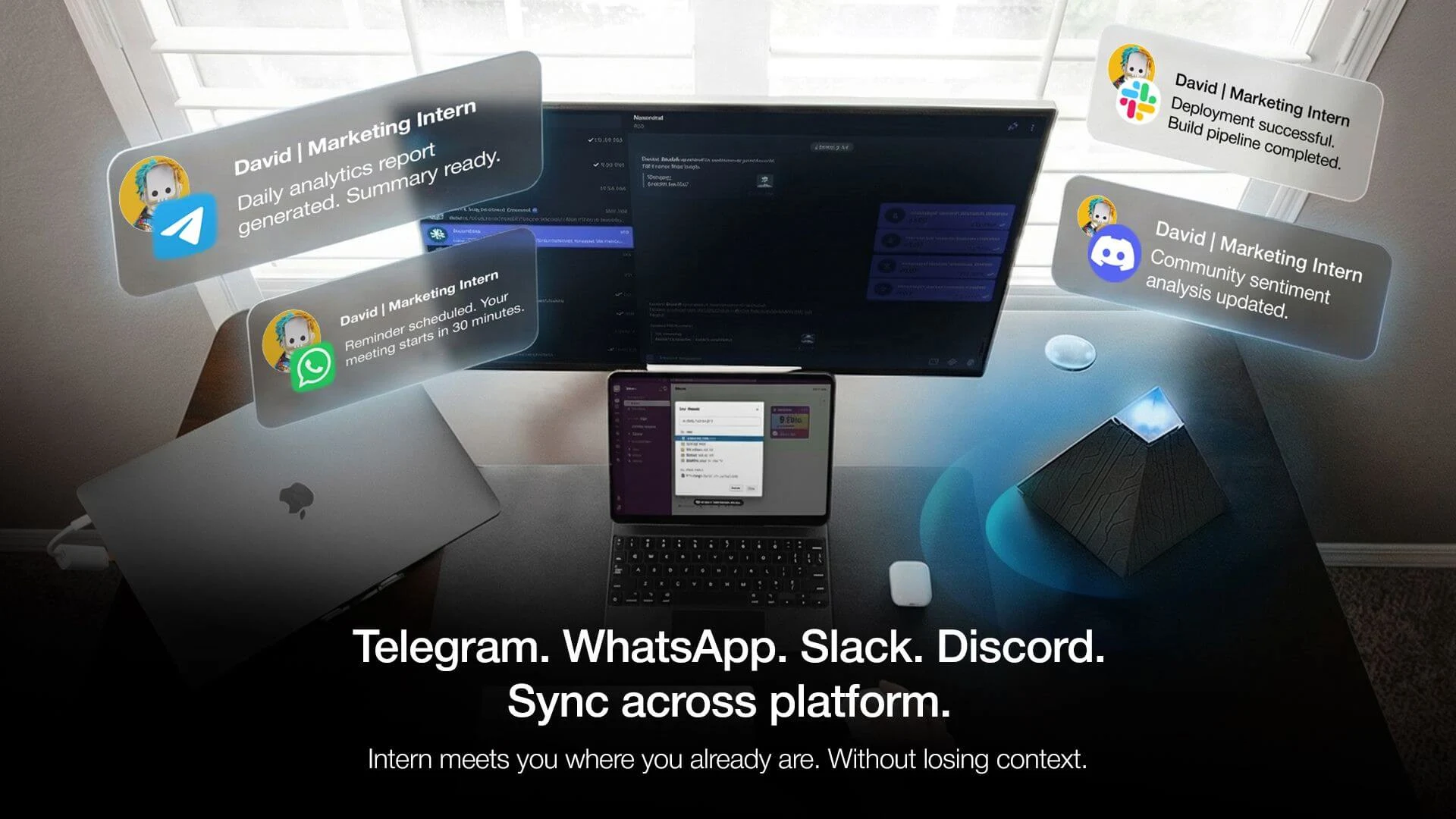
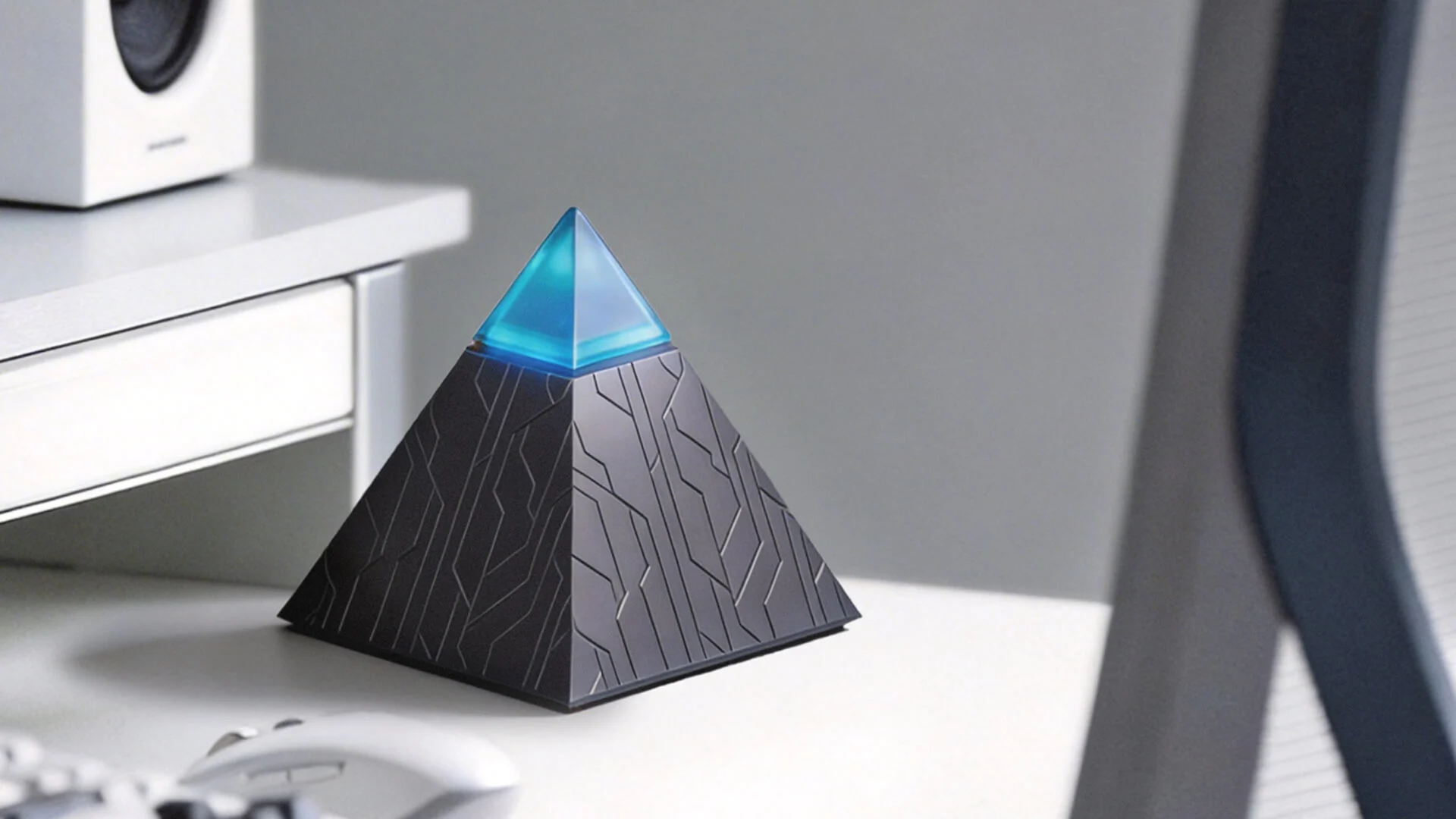
Autonomous Intern is built around this distinction. It is a personal AI assistant that runs on-device and operates directly inside the communication channels where most knowledge work already happens: Slack, WhatsApp, Telegram, and Discord. It does not require a separate interface or a context switch to engage. It is already where the work is.
Three specific behaviors demonstrate what this proximity enables. Intern surfaces tasks and follow-ups from your Slack channels without requiring you to query it — the system identifies what needs attention and presents it. It monitors your workflow context across time, building the situational awareness that proactive AI requires to act without being prompted. It then initiates reminders, drafts responses, or flags items inside the channels where you already work. Because processing happens locally rather than on remote infrastructure, persistent background operation runs without degrading performance or creating a privacy tradeoff.
The $299 price represents a shift in access. Previously, infrastructure capable of genuine proactive AI assistant behavior — continuous monitoring, local processing, persistent context — required enterprise-grade implementation. Intern packages that functionality into a standalone device aimed at individual professionals and small teams.
The name reflects the relationship model. You direct the system; it executes without requiring management at every step. Autonomous Intern functions as the physical embodiment of proactive AI applied to personal productivity: close to your work, active without prompting, operating inside the tools you already use.
Who Actually Needs Proactive AI Right Now
Not every workflow has the same relationship with cognitive overhead. For some, a fast reactive AI tool covers most of what is needed. For others, the initiation burden — the continuous low-level work of tracking what needs attention, deciding what to act on, and remembering what to follow up — is where productivity actually breaks down.
Three profiles tend to feel that gap most acutely.
Deep workers who need protected focus. Professionals whose best output requires sustained, uninterrupted concentration carry a specific cost when context-switching. Every manual check — of messages, of tasks, of pending items — fragments attention in ways that compound over a workday. A proactive AI agent that handles triage in the background removes the need to break focus in order to stay informed.
Solo operators and small teams face a different constraint. In lean organizations, the overhead of managing communication, flagging priorities, and tracking follow-ups falls entirely on the individuals doing the work. There is no coordinator, no executive assistant, no operations layer to absorb it. Proactive artificial intelligence fills that gap without adding headcount or tooling complexity.
Knowledge workers operating across async communication channels. For professionals whose work runs primarily through Slack, WhatsApp, Discord, or similar platforms, the volume and velocity of incoming information — emails, messages, threads — creates a triage problem that reactive tools do not solve. An AI email assistant addresses one channel; a proactive AI system monitors across all of them simultaneously.
These use cases share a common thread: the work happens across distributed tools, the cost of interruption is high, and the individual cannot sustainably manage all incoming signals manually. This is where proactive AI shifts from useful to essential — not as a productivity enhancement, but as a workload management mechanism.

FAQs
What is proactive AI?
Proactive AI refers to systems that anticipate user needs, monitor context continuously, and take action without requiring an explicit prompt. Unlike reactive tools that process requests on demand, proactive AI operates on triggers — behavioral patterns, calendar events, message signals — and initiates output when conditions are relevant.
What is the difference between proactive AI and reactive AI?
Proactive AI continuously monitors its environment and acts when necessary, without needing explicit input. Reactive AI only responds to commands, relying entirely on the user to initiate requests. The key difference is that proactive AI identifies the need for action before being asked.
Does proactive AI work for non-technical users?
Proactive AI tools designed for personal and professional productivity do not require technical configuration to operate. Most connect to existing communication platforms, through standard integrations, and begin monitoring immediately after setup. The value of a well-designed proactive AI system is precisely that it reduces operational overhead rather than adding it.
How long does it take for a proactive AI assistant to become useful?
A proactive AI assistant begins adding value immediately after setup by handling basic tasks like triage and scheduling. Over time, it becomes more useful by learning from past interactions and refining its understanding of the user’s needs and priorities.
Can proactive AI work inside Slack or other messaging platforms?
Yes, proactive AI integrates with messaging platforms such as Slack, Telegram, WhatsApp, and Discord. It monitors these channels in the background, identifies relevant actions, and takes them without the need for users to switch contexts or manage separate interfaces.
How much does a proactive AI tool cost for individual use?
Proactive AI tools generally range from $20 to $50 per user per month for cloud-based services. However, local proactive AI devices, like the Autonomous Intern, cost a one-time fee of $299, offering affordable, subscription-free access for individuals or small teams.
Can proactive AI replace a personal assistant?
Proactive AI can automate the repetitive, pattern-driven tasks of a personal assistant, such as scheduling, follow-ups, and triage. However, it cannot replace the human judgment or relationship-based tasks that a personal assistant handles, such as decision-making or complex interactions.
What happens when a proactive AI makes a mistake?
If proactive AI makes an error, it allows the user to review, correct, or override the action. Well-designed systems log the trigger for transparency and learn from adjustments to improve their future behavior. User-defined thresholds help minimize errors and over-triggering.
Does proactive AI get better over time?
Yes, proactive AI becomes more effective as it accumulates contextual knowledge about the user’s habits, preferences, and workflows. Local AI devices retain this data over time, improving their predictions and actions faster than cloud-based systems, which reset each session.
Is proactive AI the same as an AI agent?
Proactive AI is a subset of AI agents. While an AI agent can perform autonomous actions toward a goal, proactive AI specifically refers to systems that act without being prompted. Some proactive AI tools may function as AI agents, combining both autonomy and anticipatory actions.
Who benefits the most from proactive AI?
Proactive AI is ideal for knowledge workers managing high-frequency communication, solo entrepreneurs handling multiple tasks, and deep workers who need to maintain focus without interruptions. It is valuable wherever information volume exceeds what can be managed manually, optimizing attention and workflow.

The Bottom Line
The way most people currently use AI is not wrong — it is just incomplete. Fast, capable, on-demand tools have real value. What they do not cover is the space between sessions: the signals accumulating in the background, the decisions queuing up, the follow-ups that depend on someone remembering to make them.
Proactive AI addresses that space directly. Not by replacing the tools already in use, but by shifting where the initiation burden sits — from the user to the system.
The practical version of that shift is an AI that runs on your desk, operates inside your existing channels, and stays active without being summoned. If that is the setup your work actually requires, the Autonomous Intern was built for it.