Minimalist Desk Setup Ideas and How to Build One

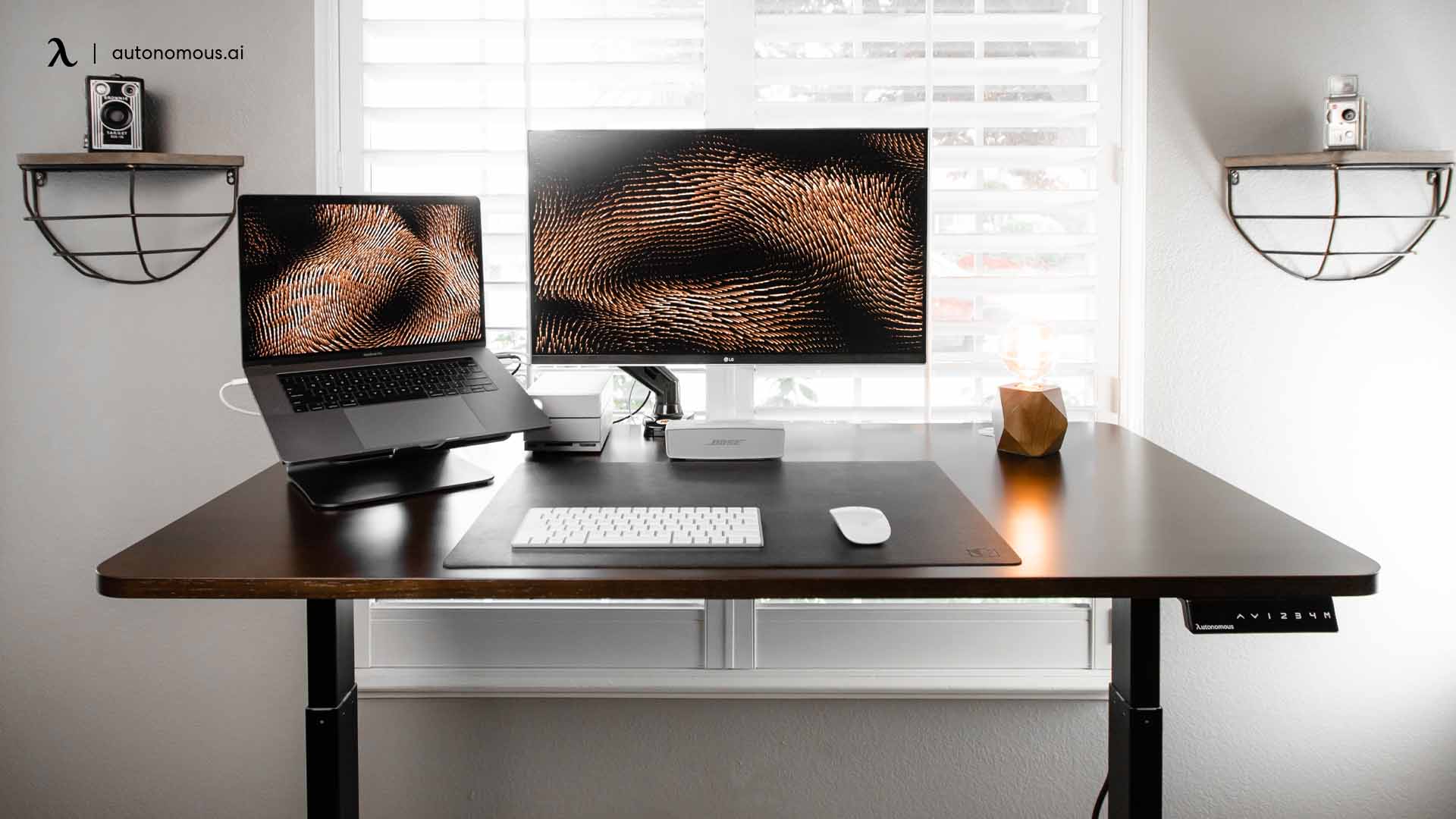
A minimalist desk setup keeps only what you use every day on the desk, with a clear surface, a neutral color palette, and cables out of sight. The idea is simple: fewer things on the desk means fewer distractions and a space that is easy to keep clean. This guide covers why a minimal setup helps, nine real setups for ideas, and how to carry the look into the rest of a minimalist office.
Why go minimal
A clear desk is not just about looks. Visual clutter competes for your attention, and research on the brain has linked a busy field of view to more difficulty focusing, since your visual system has to work harder to pick out what matters. A minimal desk removes that background noise, so your eyes and mind settle on the task in front of you.
The effect is practical. With only a monitor, a keyboard, and the one tool you are using on the desk, there is nothing to tidy before you start and nothing to catch your eye mid-task. Neutral colors and soft, single-tone lighting add to the calm, which is why a minimal setup suits deep-focus work like coding, writing, and design. It also lowers the small, constant friction of a messy space, which for many people means a workspace that feels less stressful to sit down at.
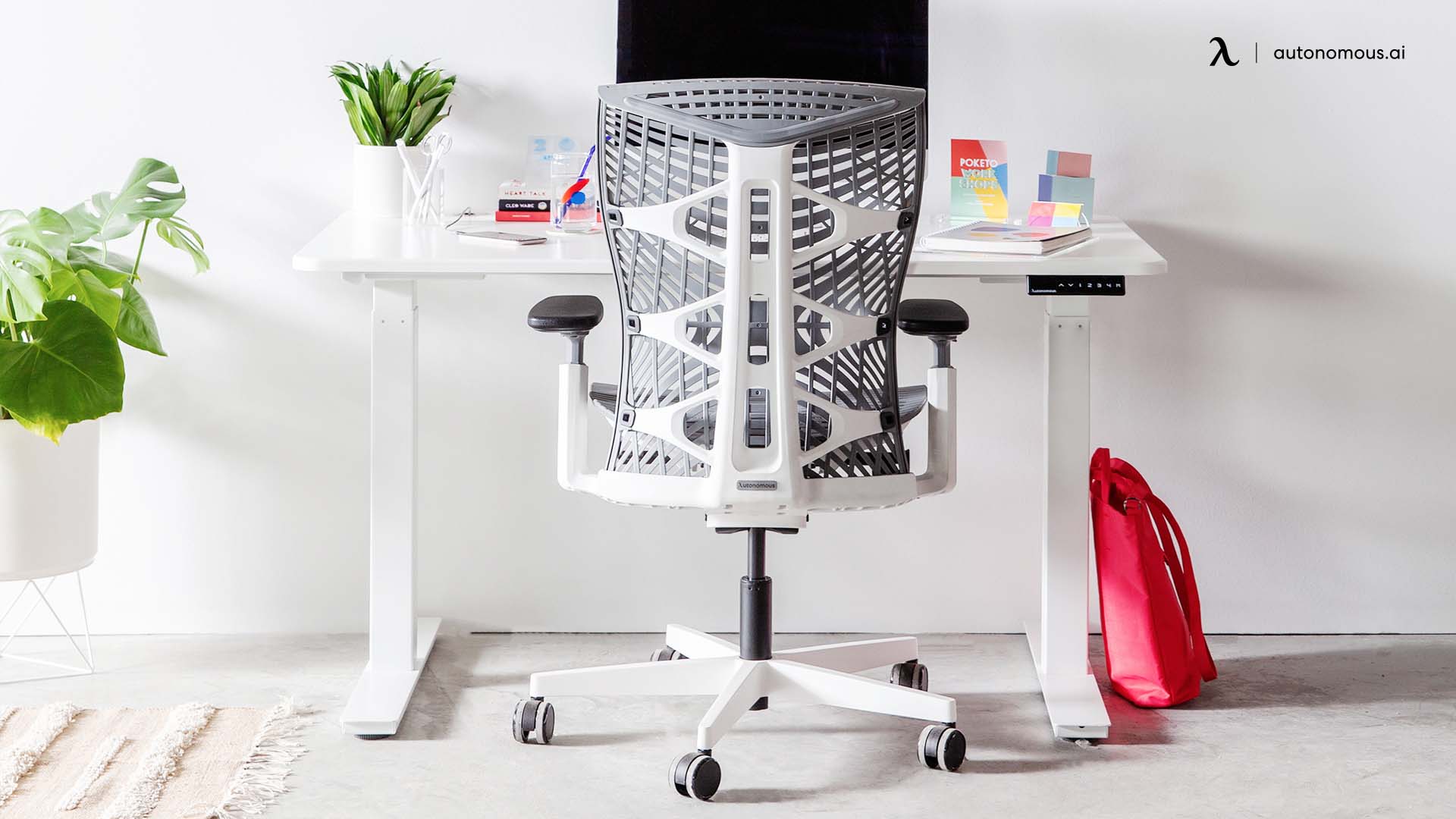
Minimalist desk setup ideas
These nine setups show how different a minimal desk can look while keeping the same core: a clear surface, a tight color palette, and cables kept out of view.
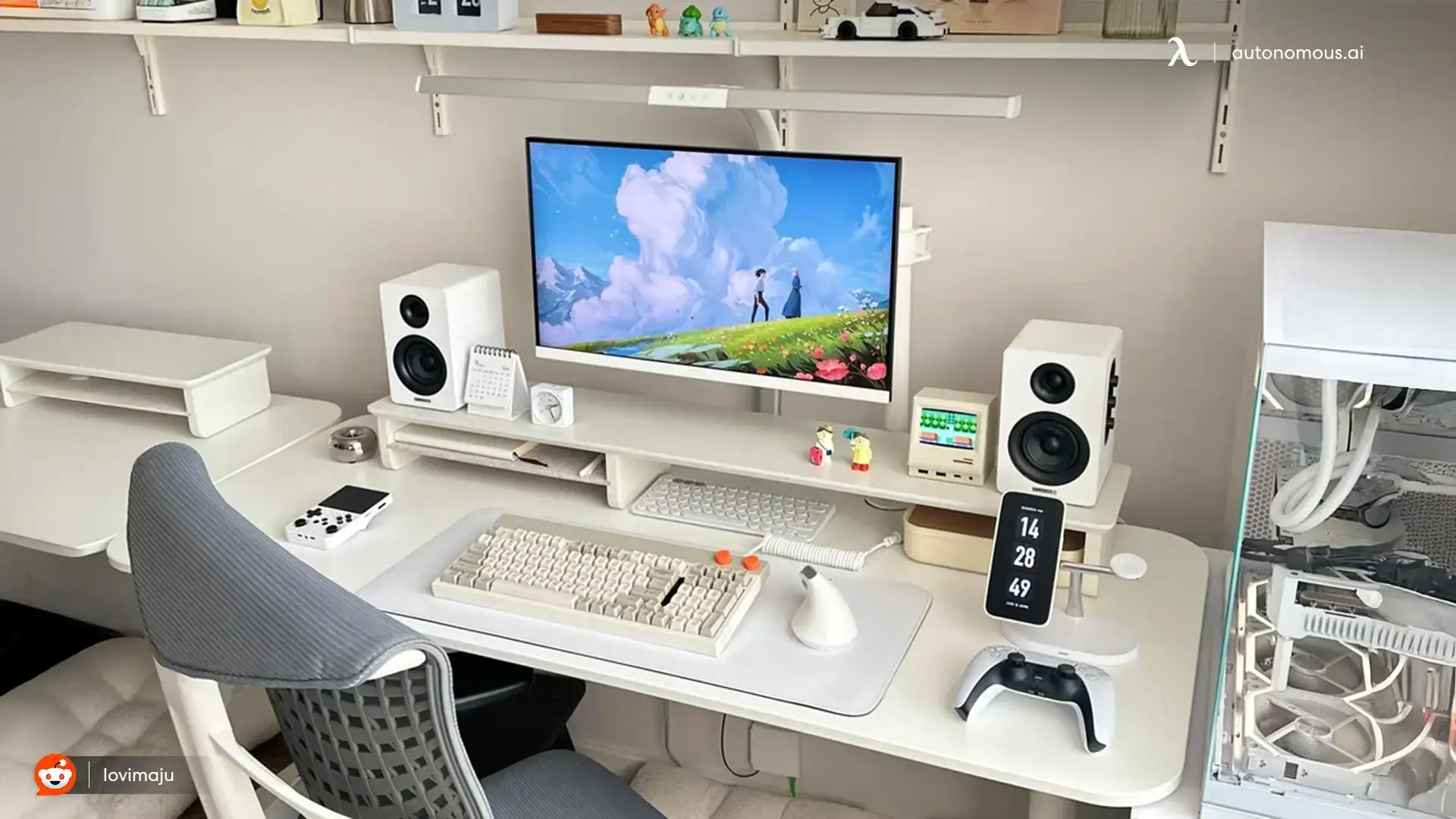
1. Bright and all-white
An all-white build keeps everything on one calm palette, with a white monitor, speakers, and PC, plus a warm keyboard and a couple of small figures for personality. Floating shelves lift storage off the desk so the surface stays clear.
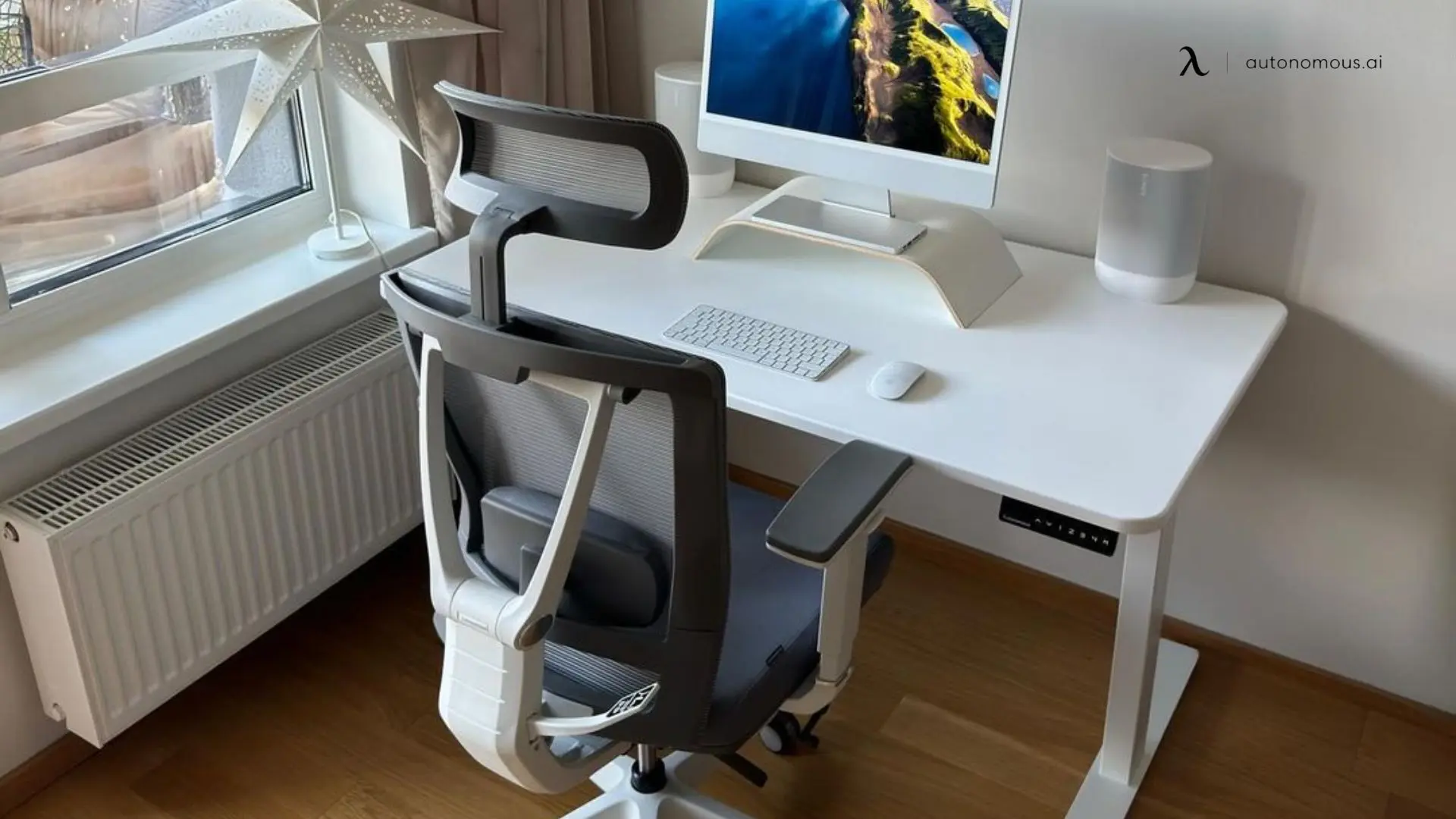
2. Clean white with an ergonomic chair
A single all-in-one on a riser, a wireless keyboard and mouse, and little else. The white desk and chair blend into a bright room, and the only cord in sight runs to the wall. An ergonomic chair that matches the palette keeps the look consistent.
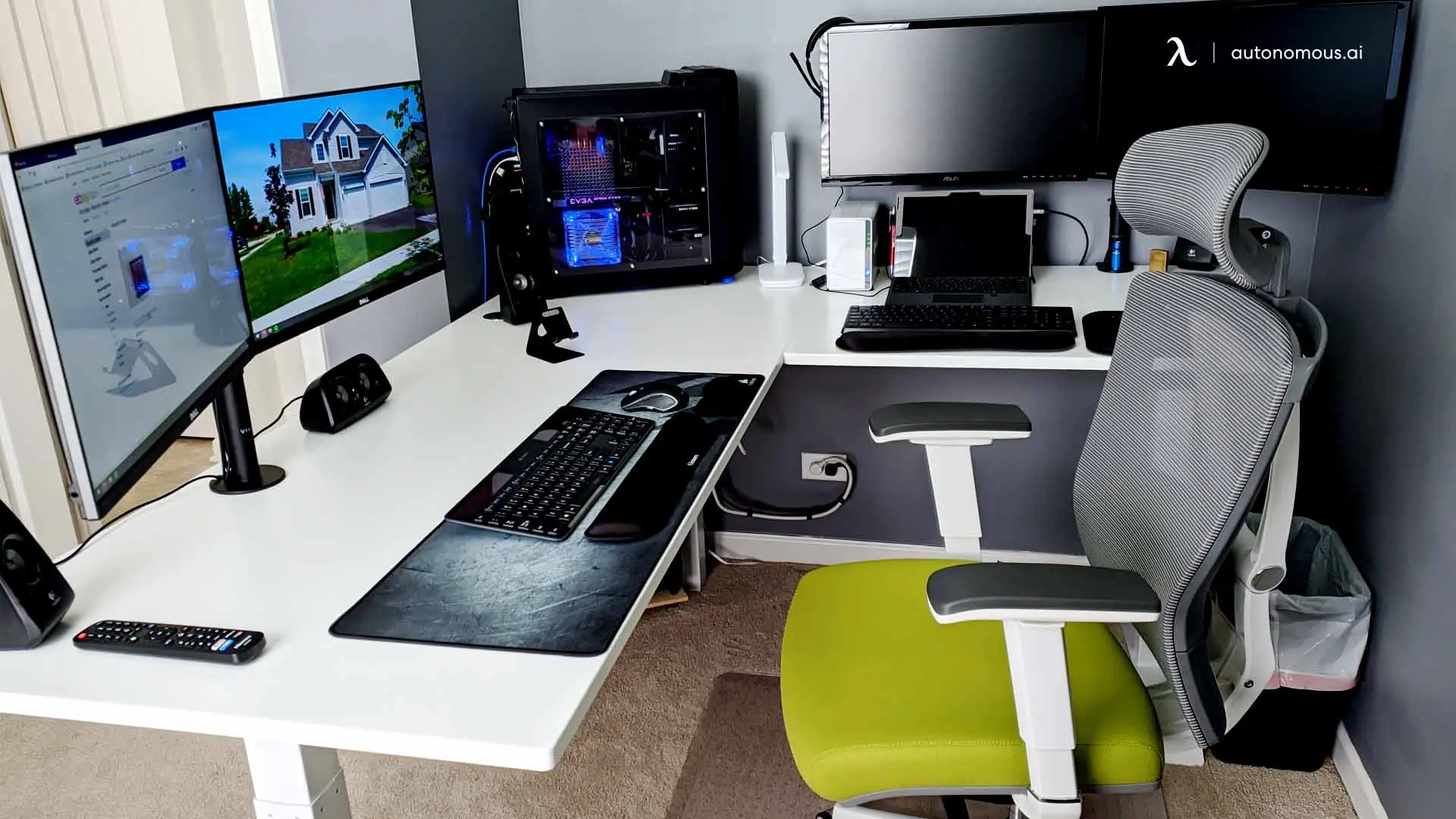
3. A white L-shaped corner
An L-shaped desk wraps a corner for dual monitors and a tower without crowding the main surface. Keeping the PC and second screen on the return leaves the front clear for a keyboard and mouse, which is a simple way to stay minimal with a lot of gear.
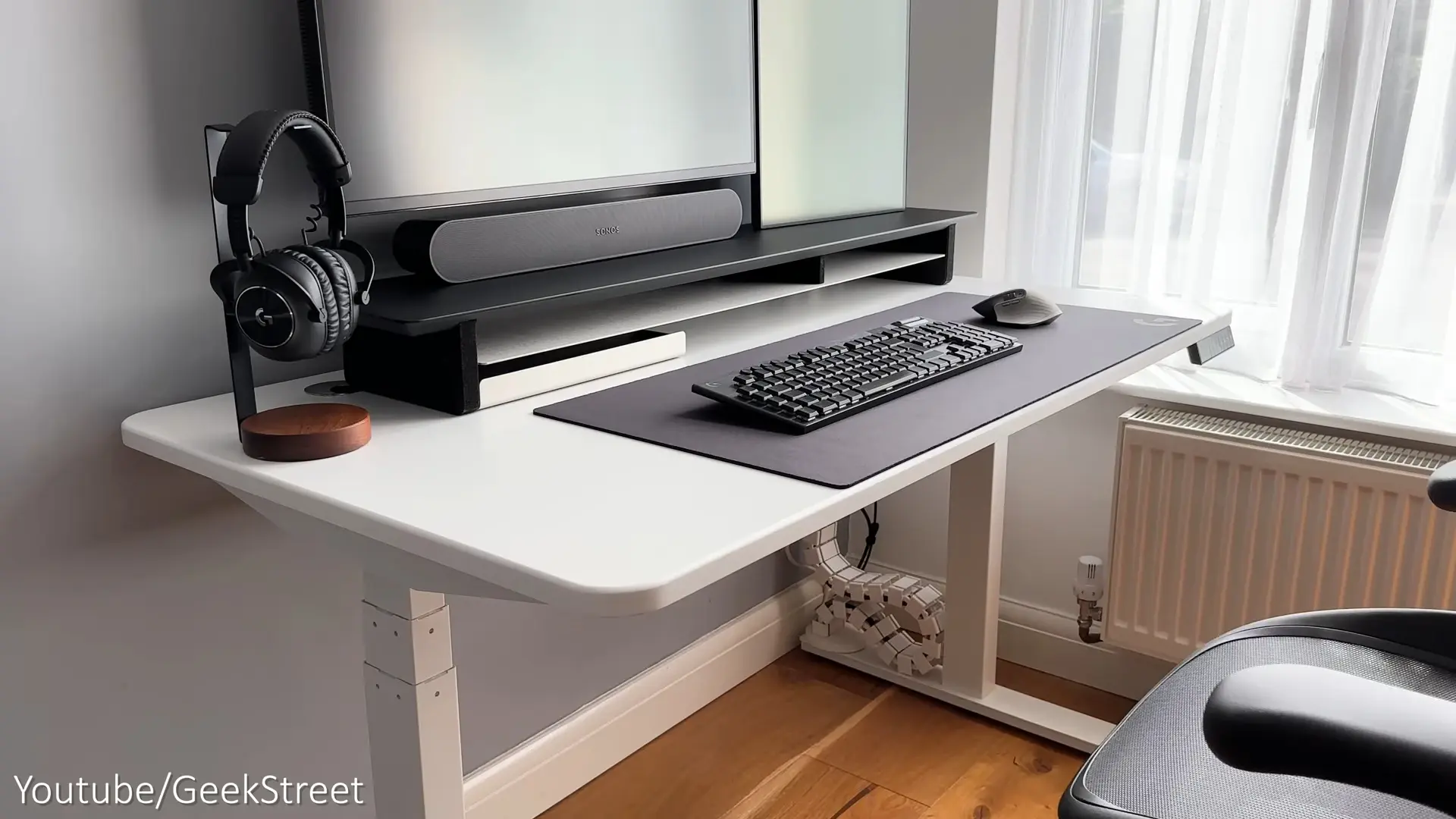
4. Minimal with hidden cables
The look here is won underneath. A cable spine carries the wires from the desk to the floor in one tidy run, so nothing dangles as a standing desk moves. Up top, a monitor shelf and a headphone stand keep the surface down to a deskmat and a keyboard.
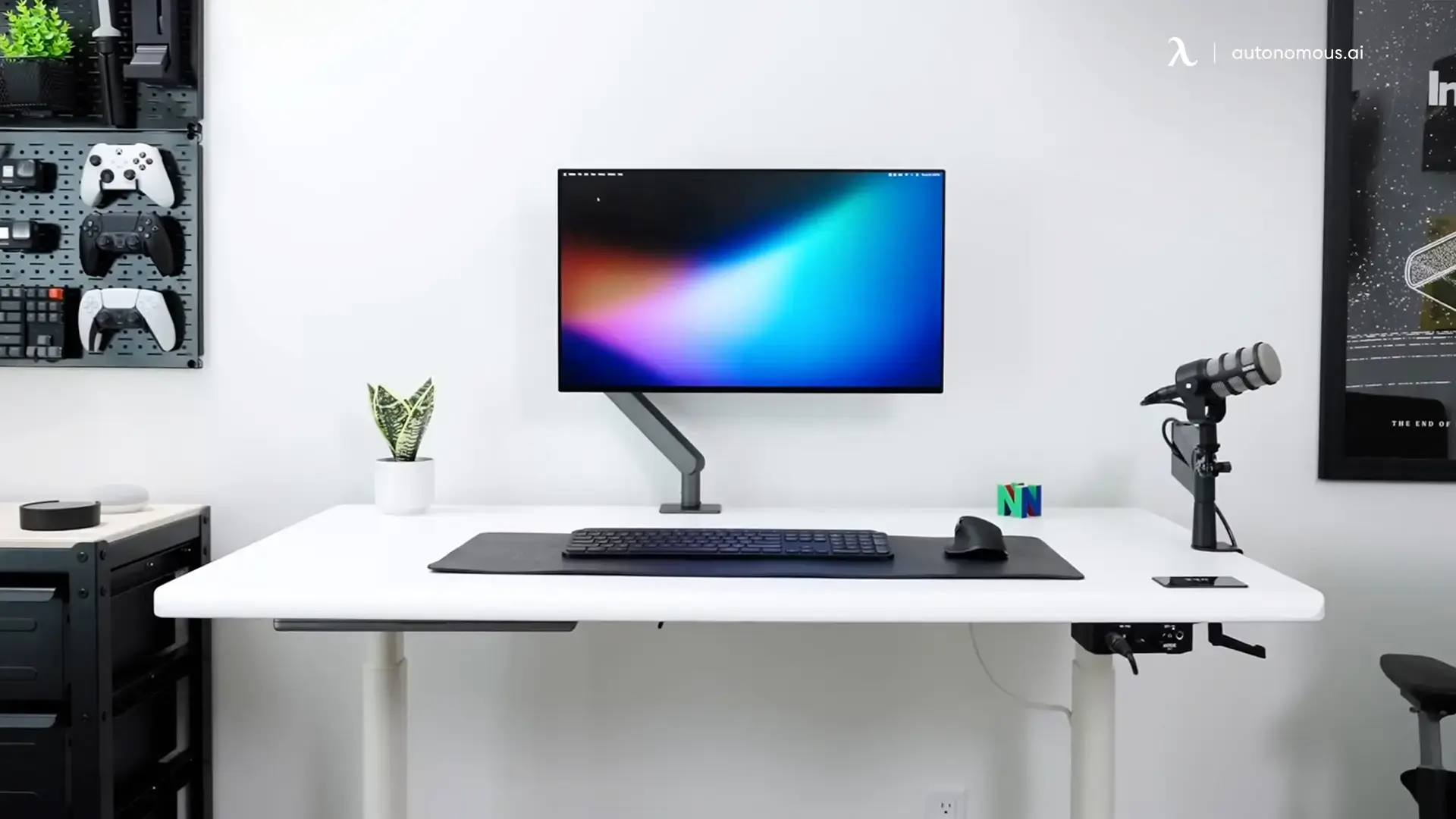
5. A creator's single-monitor desk
One monitor on a monitor arm frees the whole surface, and a pegboard on the wall holds controllers and gear off the desk. A single plant and a mic are the only extras, which keeps a creator's desk clean without hiding the tools of the job.
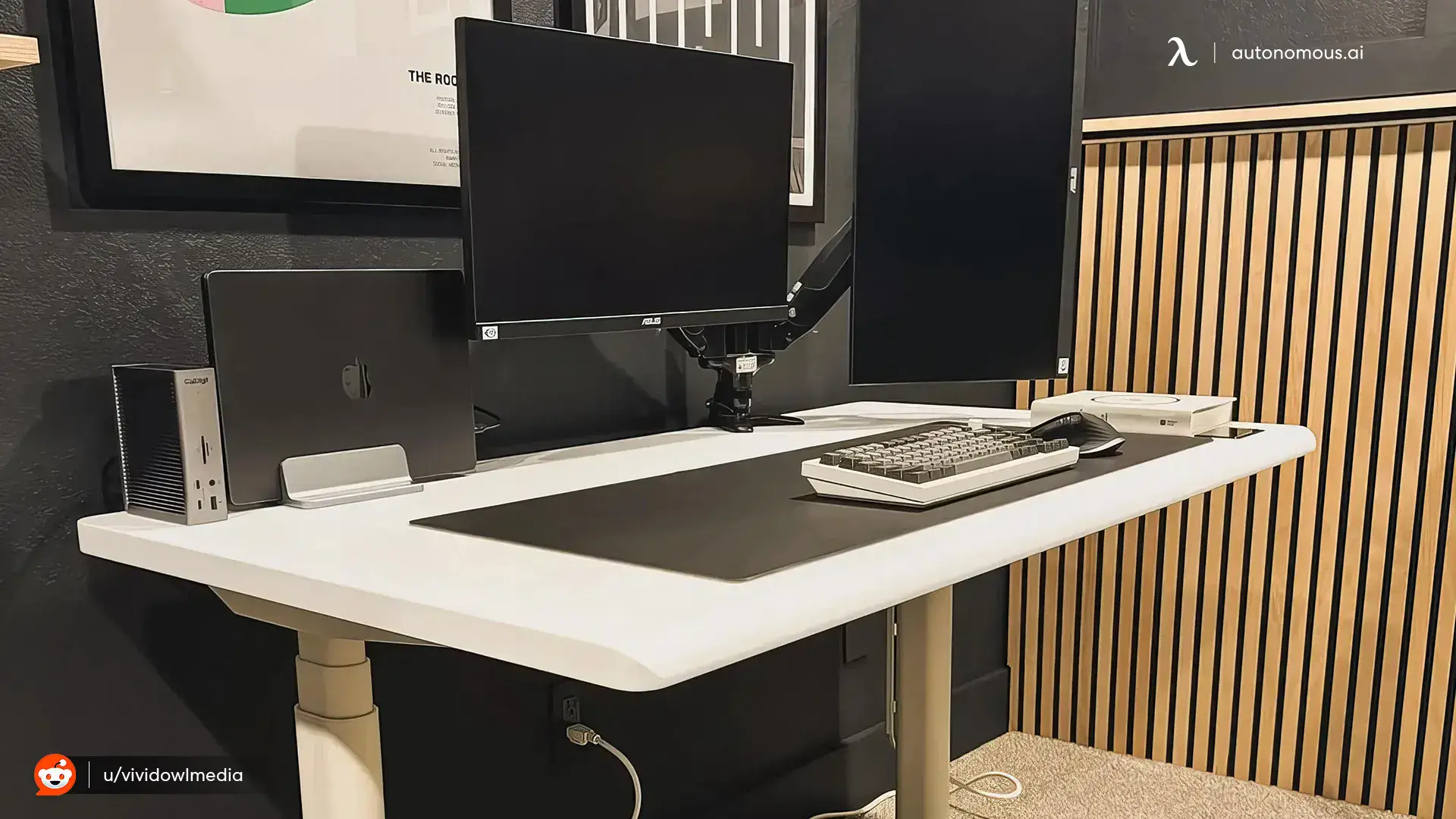
6. Moody, with a wood-slat wall
Minimal does not have to mean bright. A white desk against a dark wall and a wood-slat panel keeps the palette tight, with a monitor arm and a vertical laptop stand clearing the surface. The wood adds warmth so the dark scheme feels calm rather than cold.
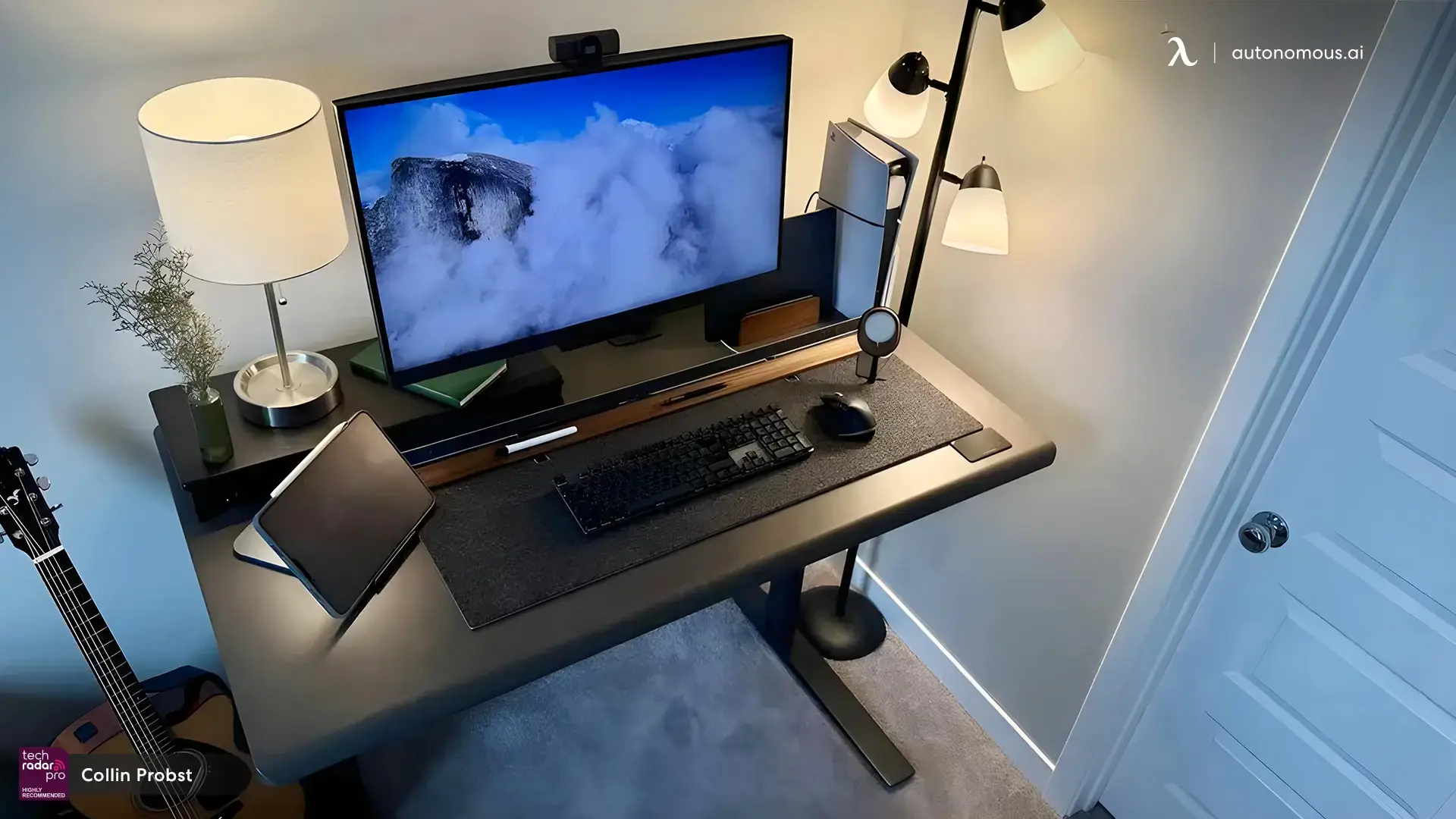
7. Warm and cozy in black
A dark desk with a fabric mat, a warm lamp, and a tablet on a stand feels relaxed rather than stark. A little greenery and soft light keep an all-black setup from feeling heavy, and prove a minimal desk can be cozy.
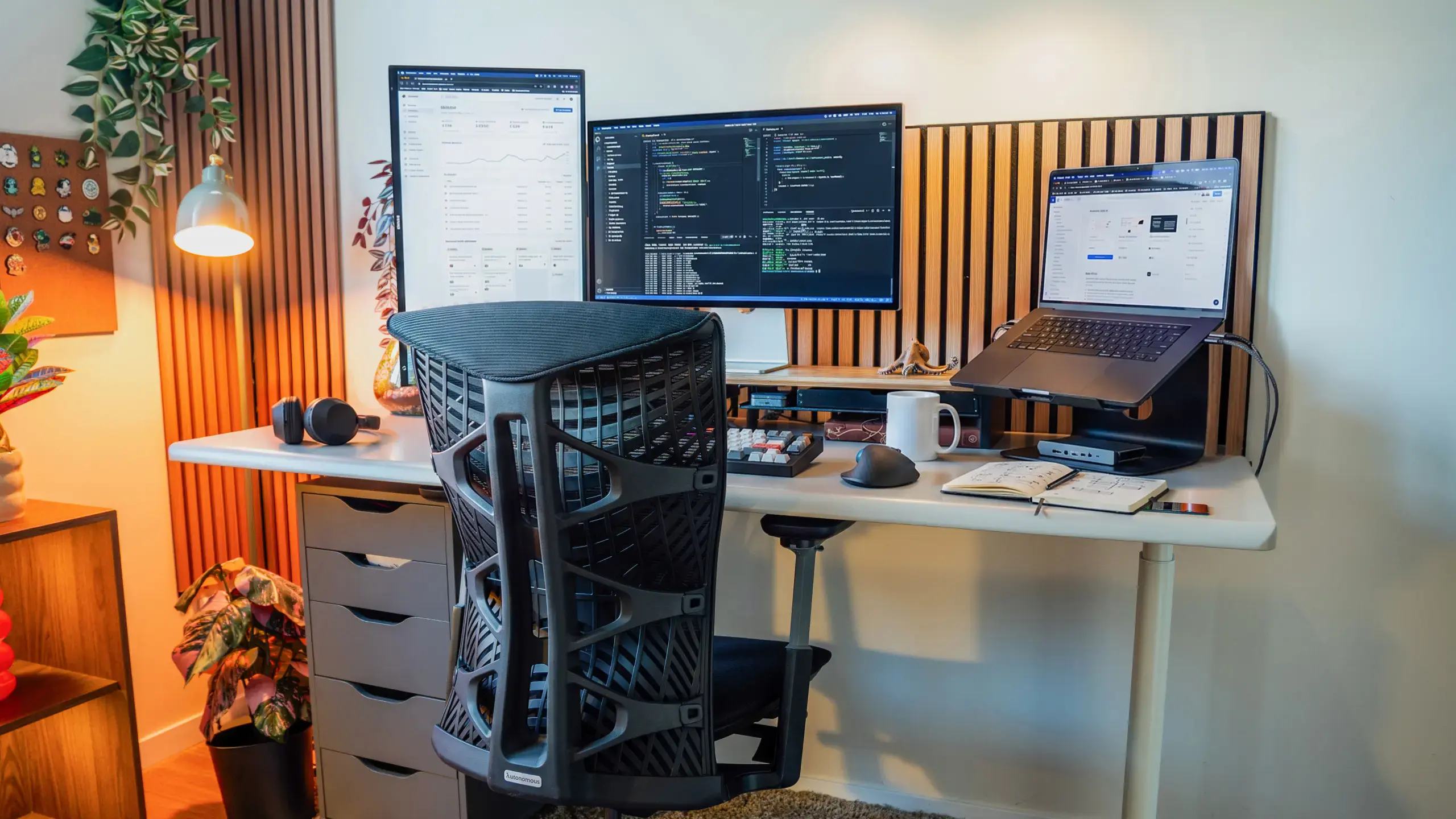
8. A developer's triple-screen station
Even a three-screen coding setup stays minimal when the extras are controlled. A wood-slat backdrop, a laptop on a stand, and drawers under the desk for anything that would otherwise sit out keep a busy developer desk setup from tipping into clutter.
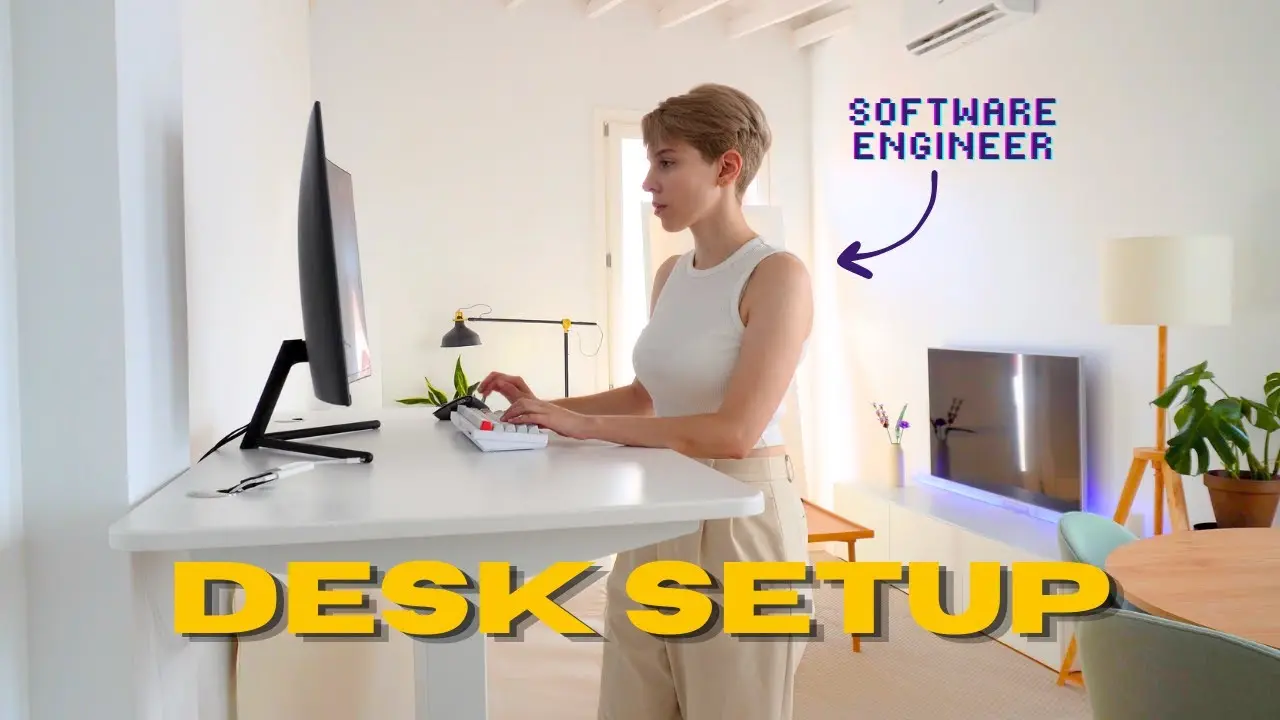
9. A standing, stripped-back setup
The leanest of all: a standing desk, one monitor, and a keyboard. Raising the desk and clearing everything else turns a corner of a room into a focused workspace, and shows how far you can take the idea.
Minimalist office design and decor
A minimal desk works best inside a minimal room, and a few design choices carry the look outward, which matters as much in a home office as in a cubicle.
Start with the walls.
Moving photos, notes, and art off the desk and onto the wall in front of or behind you clears the surface while giving you something to look at. A neutral palette of white, black, grey, or warm wood keeps the room calm, and a wood-slat panel or a single framed print adds character without clutter. For a home office setup, keeping the work zone in its own corner or room helps the minimal look hold.
Lighting matters as much as color.
One soft, single-tone light source, a desk lamp or an LED strip behind the monitor, is easier on the eyes than mixed, colorful lighting and keeps the space feeling clean. Add one or two small plants in plain pots for a touch of green, and stop there, since a row of mismatched pots undoes the effect.
In a cubicle or shared office, the same rules apply in less space.
Use the vertical panels for a small shelf or a pegboard so the desk stays clear, keep a single plant and one framed photo, and route cables into a tray under the desk. Even in a small footprint, a tidy surface with a matching palette reads as minimal, and a standing desk with cable management keeps cords from spoiling the look.
FAQs
What is a minimalist desk setup?
A minimalist desk setup keeps only the items you use every day on the desk, usually a monitor, a keyboard, and a mouse, with everything else stored out of sight. It uses a neutral color palette and hidden cables, so the surface stays clear and the space feels calm and easy to focus in.
How do I make my desk minimalist?
Clear the desk completely, then add back only what you use daily. Route cables into an under-desk tray, move photos and notes to the wall, and switch to wireless peripherals where you can. Stick to a neutral palette and one soft light source, and give every item a home so nothing sits out.
What do you put on a minimalist desk?
Keep it to the essentials: a monitor or laptop, a keyboard, a mouse, and one light source. A single plant, a deskmat, and the one tool you are actively using are fine additions. Everything else, from documents to chargers, works better stored in a drawer, on a shelf, or on the wall.
Is a minimalist desk setup good for productivity?
Yes, for most people. A clear surface removes visual distractions that compete for your attention, so it is easier to settle into focused work. The effect is strongest for deep-focus tasks like coding, writing, and design, where a calm, tidy space helps you stay in flow for longer.
How do you hide cables on a minimalist desk?
Bundle cables with ties or a sleeve, mount a power strip under the desk, and route the run into a cable tray or a cable spine so nothing dangles. Going wireless with a keyboard, mouse, and headphones removes the most visible cords, which does most of the work on its own.
What colors work best for a minimal desk setup?
Neutral tones work best: white for a bright, airy look, black for a warm and moody one, or grey and natural wood in between. The key is to keep the palette tight, so the desk, chair, and accessories share two or three colors rather than clashing, which is what makes a setup read as minimal.
Conclusion
A minimalist desk setup comes down to a simple habit: keep only what you use on the surface, choose a neutral palette, and route cables out of sight. The nine setups here show how flexible that can be, from all-white to warm and dark, seated or standing. Clear the desk first, add back only the essentials, then carry the same calm to the walls and lighting around it, and the space stays a clean, focused place to work.
References
- McMains S, Kastner S. Interactions of Top-Down and Bottom-Up Mechanisms in Human Visual Cortex. Journal of Neuroscience, 2011. https://www.jneurosci.org/content/31/2/587
- Cornell University Ergonomics Web. Office Ergonomics Guidelines. https://ergo.human.cornell.edu/