Neck Pain Isn't a Neck Problem: Pick a Chair the Right Way

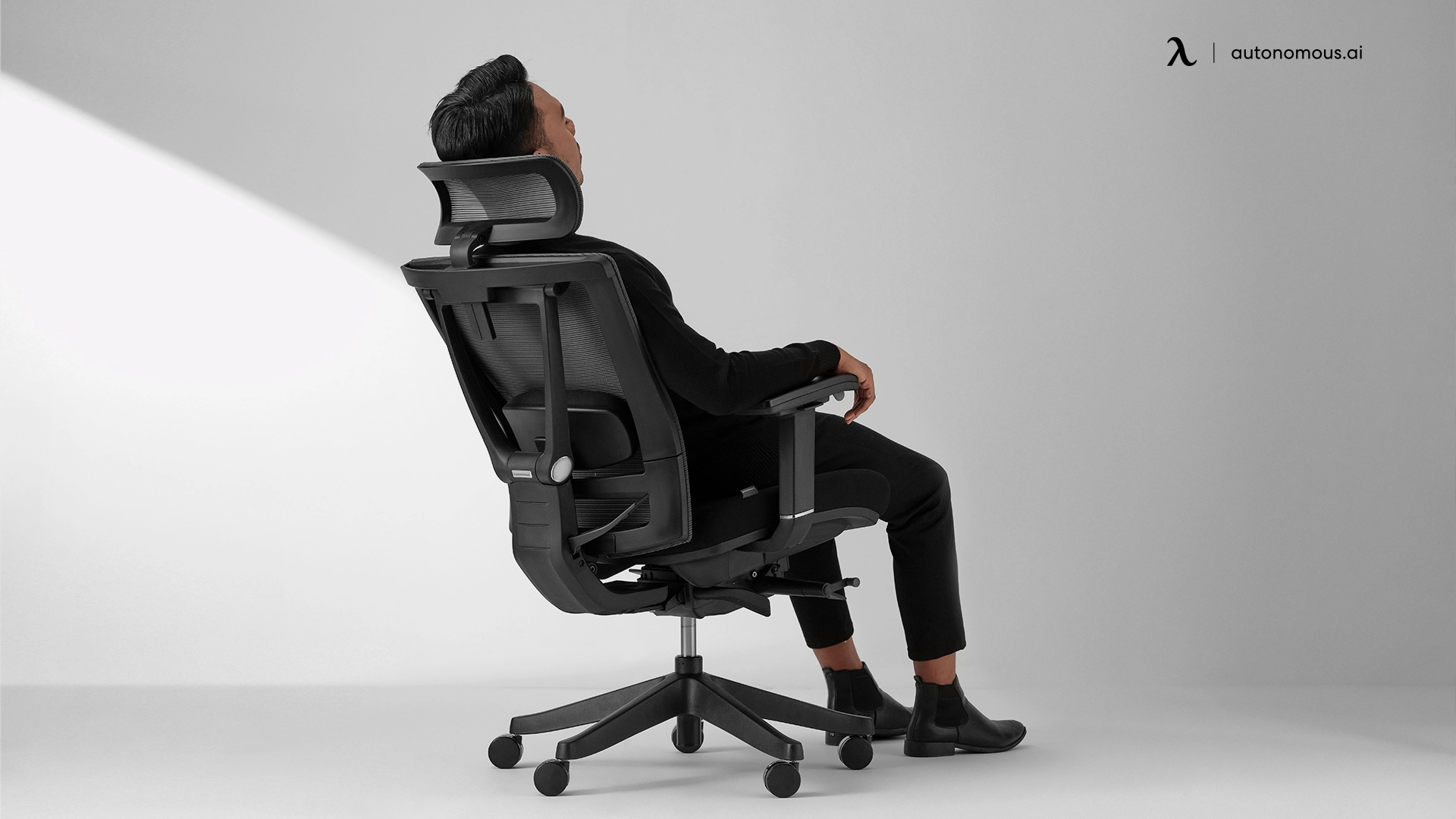
Table of Contents
Your neck hurts by 3pm. A new pillow didn't fix it. Stretches didn't fix it. The cause is the eight hours at your desk, and most guides to office chairs for neck pain miss the part that matters: the chair is one piece of a bigger setup, and the feature everyone points to is the one most people get wrong.
This page covers what's causing the pain, what to try before spending anything, and what to look for in a chair when you do.
See a clinician before buying a chair if any of these apply.
Some neck pain is not a furniture problem, and no chair will resolve it. Before you keep reading, check the list below. If any of it describes you, close this tab and call a licensed clinician, a doctor of physical therapy, a physician, or a chiropractor, before you spend money on anything.
Stop and seek a clinical evaluation if you have:
Pain, numbness, or tingling that travels down your arm into your hand or fingers.
Weakness in your grip, or trouble holding a coffee cup, a phone, or a pen.
Headaches that started with the neck pain, or get worse when you turn your head.
Neck pain that wakes you up at night, or pain that is worse at rest than when you move.
Recent injury, a fall, a car accident, a hit to the head, followed by neck pain.
Fever, unexplained weight loss, or a history of cancer alongside the pain.
A good office chair for neck pain helps a tired neck. It does not treat any of the above. Spend the chair money on a clinician first.
Your neck pain doesn't start in your neck.
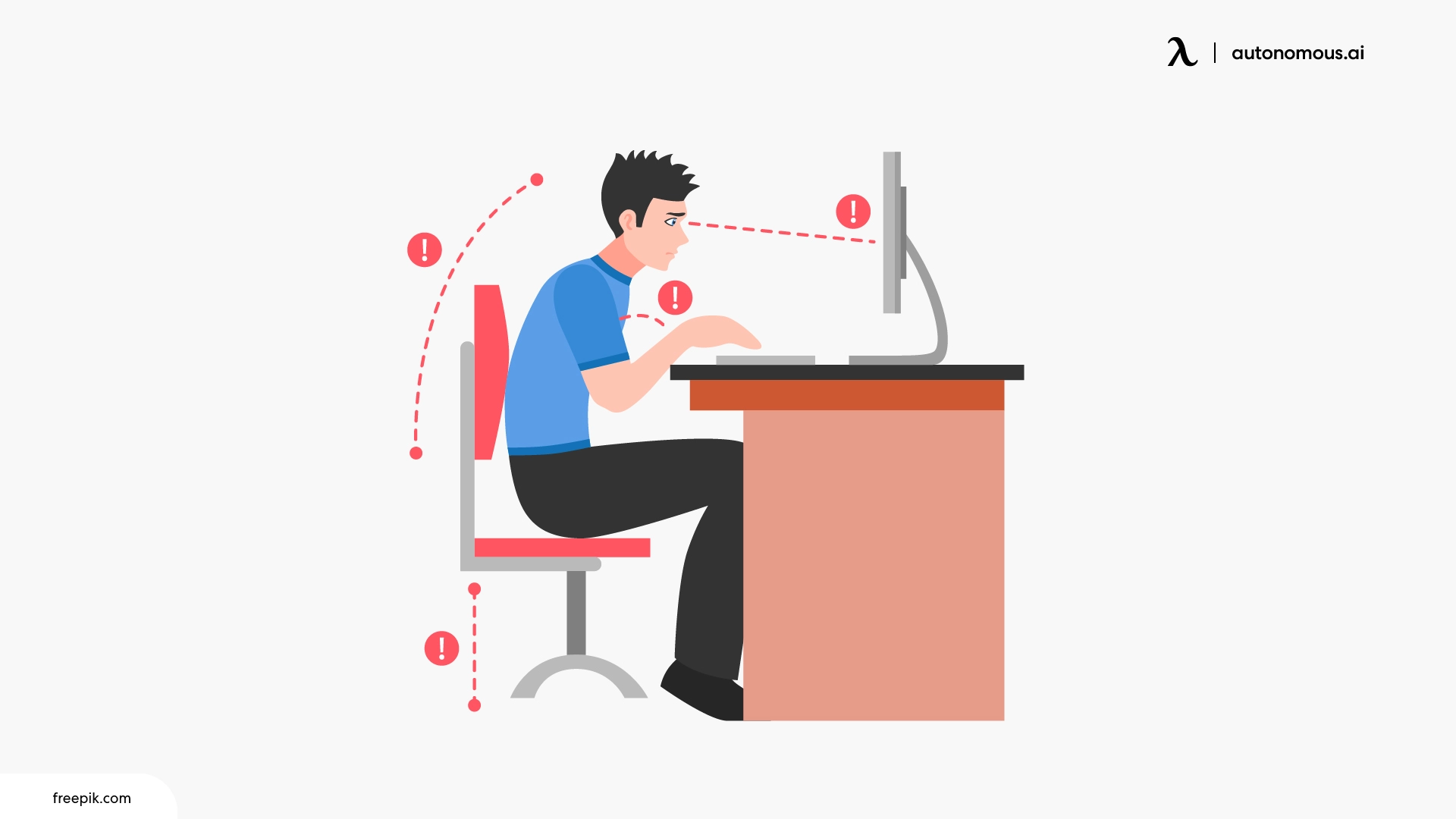
Your neck pain starts in your lower back. When the lumbar collapses, your upper back rounds, your head pushes forward, and your neck carries it there for eight hours.
This is how a chair causes neck pain even when the chair feels comfortable.
Seat too low, seat pan too deep, or no lumbar support.
Pelvis rolls back.
Lower back rounds.
Upper back rounds.
The head pushes forward to reach the screen.
The forward head is what hurts. The cause is four segments below it.
The load on the cervical spine increases sharply as the head tilts forward. A 2014 biomechanical study by spine surgeon Dr. Kenneth Hansraj quantified the load. A neutral head weighs 10 to 12 pounds. At a 15-degree forward tilt, the cervical spine carries an estimated 27 pounds. At 30 degrees, about 40 pounds. At 45 degrees, around 49 pounds.
Eight hours a day at 30 degrees is not the same as eight hours at zero. The muscles at the back of your neck hold that load. They are fatigued. They tighten. They refer pain into the base of the skull and across the shoulders. That is the 3pm pain.
Why the headrest is not the answer.
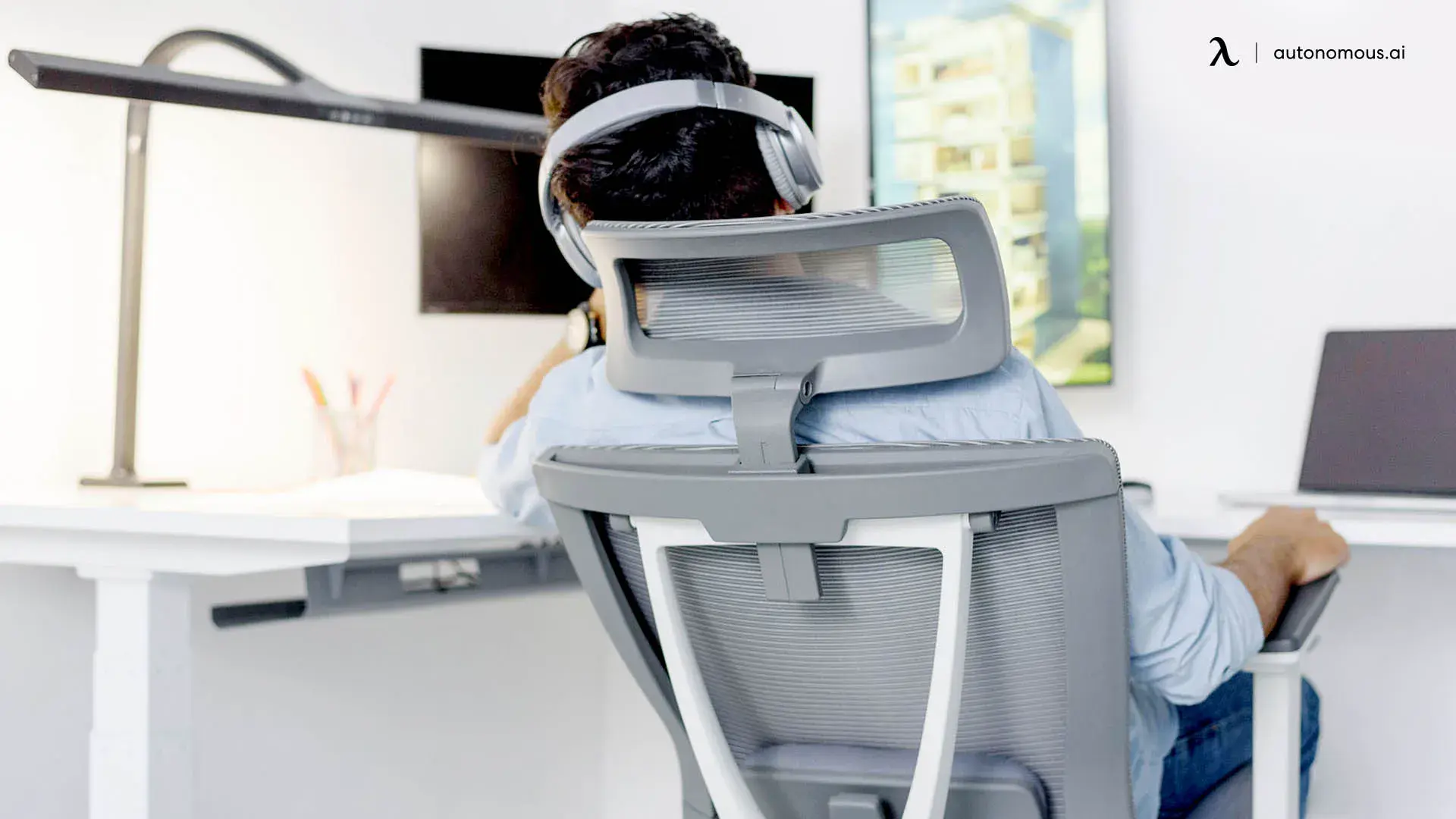
A headrest only touches the skull during a recline, which is under 10% of a working session. The other 90% of the time, the head is forward of the chair and the headrest is touching air.
An ergonomic chair holds the pelvis and lumbar spine in a position where the head does not need to move forward at all. The headrest is a rest, not a fix.
The fix is upstream. The next section is where to start.
What to fix before you spend any money.
Two changes do more for your neck than any chair purchase. They are free, they take 20 minutes, and they are the only way to know whether a chair is actually what you need.
Get the top of your screen to eye level.
The single biggest cause of forward head posture at a desk is a screen positioned below eye level. A laptop on a desk sits about 8 to 12 inches too low for most adults, which is why your head leans forward to read it.
The fix:
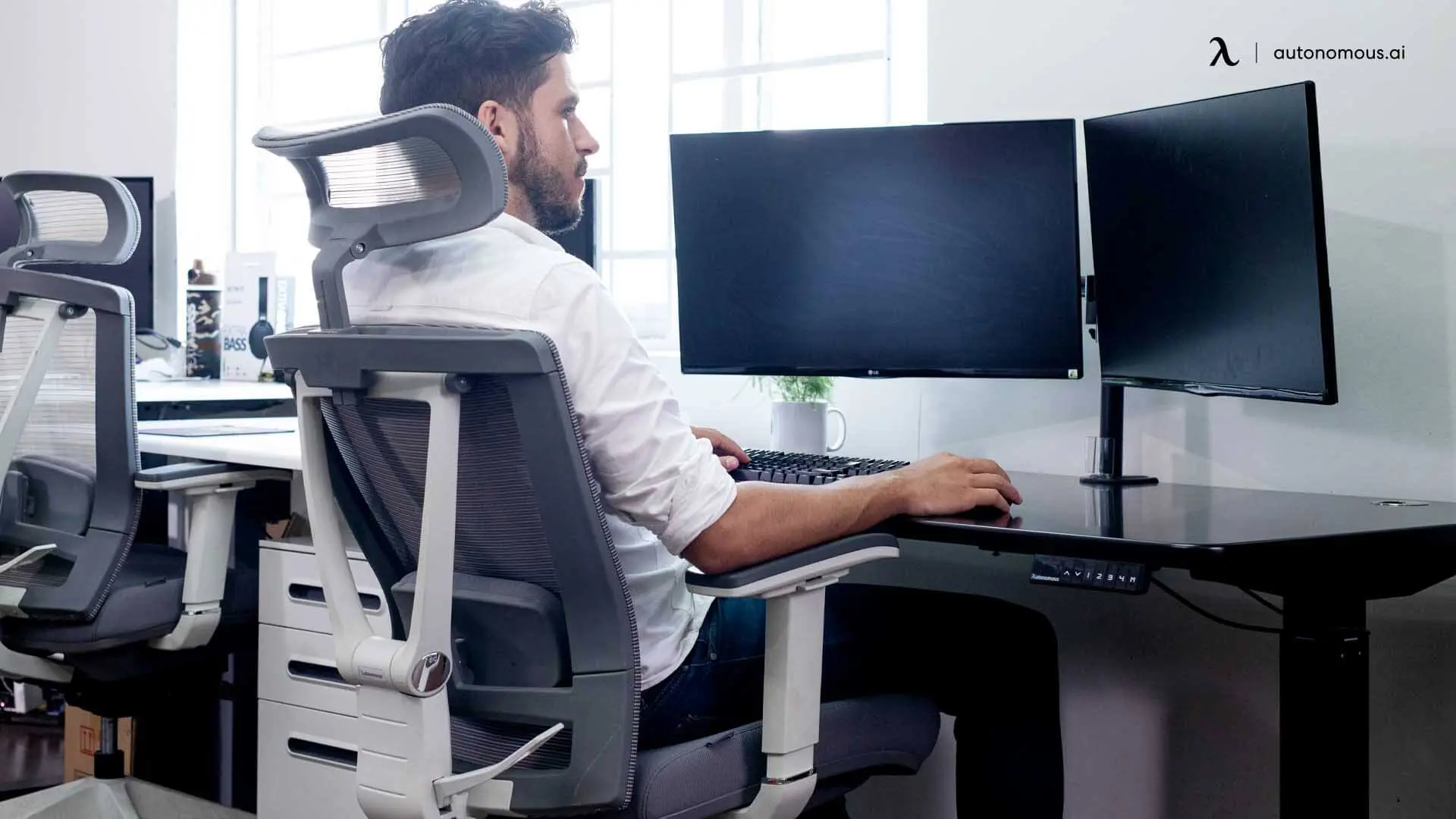
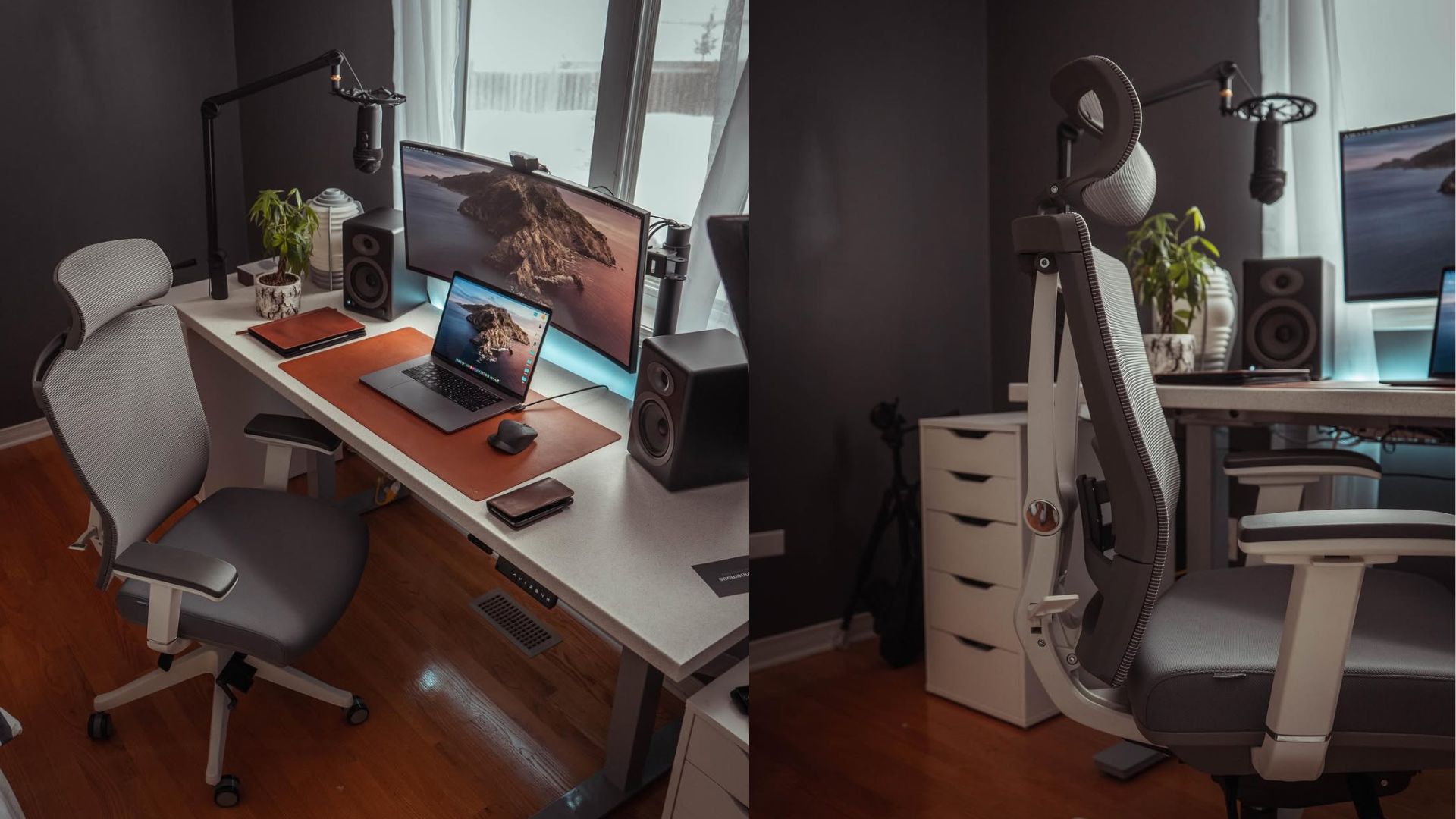
External monitor users: Raise the monitor until the top of the screen is level with your eyes when you sit upright. Use the monitor's built-in stand if it goes high enough. If not, stack two reams of paper, a hardcover book, or a monitor riser under the base.
Laptop-only users: Put the laptop on a stand at eye level, and plug in an external keyboard and mouse. Typing on a raised laptop is worse than typing on a low one. A laptop stand without an external keyboard is a half-fix.
Eye level means the top of the screen, not the middle. Your eyes naturally angle down about 15 degrees when reading, and aligning the top of the screen with your eyeline puts the working area in that natural cone.
Get your elbows to 90 degrees.
Sit in your chair. Drop your shoulders. Bend your elbows. If your forearms are not parallel to the floor when your hands rest on the desk, the chair height or the desk height is wrong.
The fix, in this order:
Raise the chair until your elbows hit 90 degrees with relaxed shoulders.
Check your feet. If they no longer reach the floor, add a footrest. A closed laptop box or a stack of books works.
If raising the chair was not enough, the desk is too tall. A standard desk is 29 to 30 inches, which is too tall for anyone under about 5'8". An adjustable standing desk you can lower is the long-term fix. A keyboard tray mounted under the desktop is the short-term one.
A correct elbow angle drops the shoulders. Dropped shoulders unload the trapezius. An unloaded trapezius stops referring pain into the neck.
Then wait two weeks.
Make both corrections, then change nothing else for two weeks. No new pillow, no stretching routine, no chair purchase.
If the 3pm pain is gone or noticeably lighter at day 14, the chair was not your problem. Spend the chair money on something else.
If the pain is unchanged or worse, the chair is one possible variable, and section 4 covers what to look for. If any red flag from section 1 has appeared during the two weeks, see a clinician.
How to evaluate a good office chair for neck pain.
If you finished the setup correction and the pain is still there, the chair is worth evaluating. Most chairs marketed as "ergonomic" or "neck-supporting" lead with features that do not change cervical load.
The five below are ranked by how much they actually change cervical load, not by how prominent they are in product copy.
Seat-height range.
A chair fails before any other feature if it cannot get your elbows to 90 degrees with relaxed shoulders. Check the seat-height range against your height. A chair with a 17 to 20 inch range fits most adults between 5'4" and 6'0". Outside that range, find one with the lower or higher end your body needs.
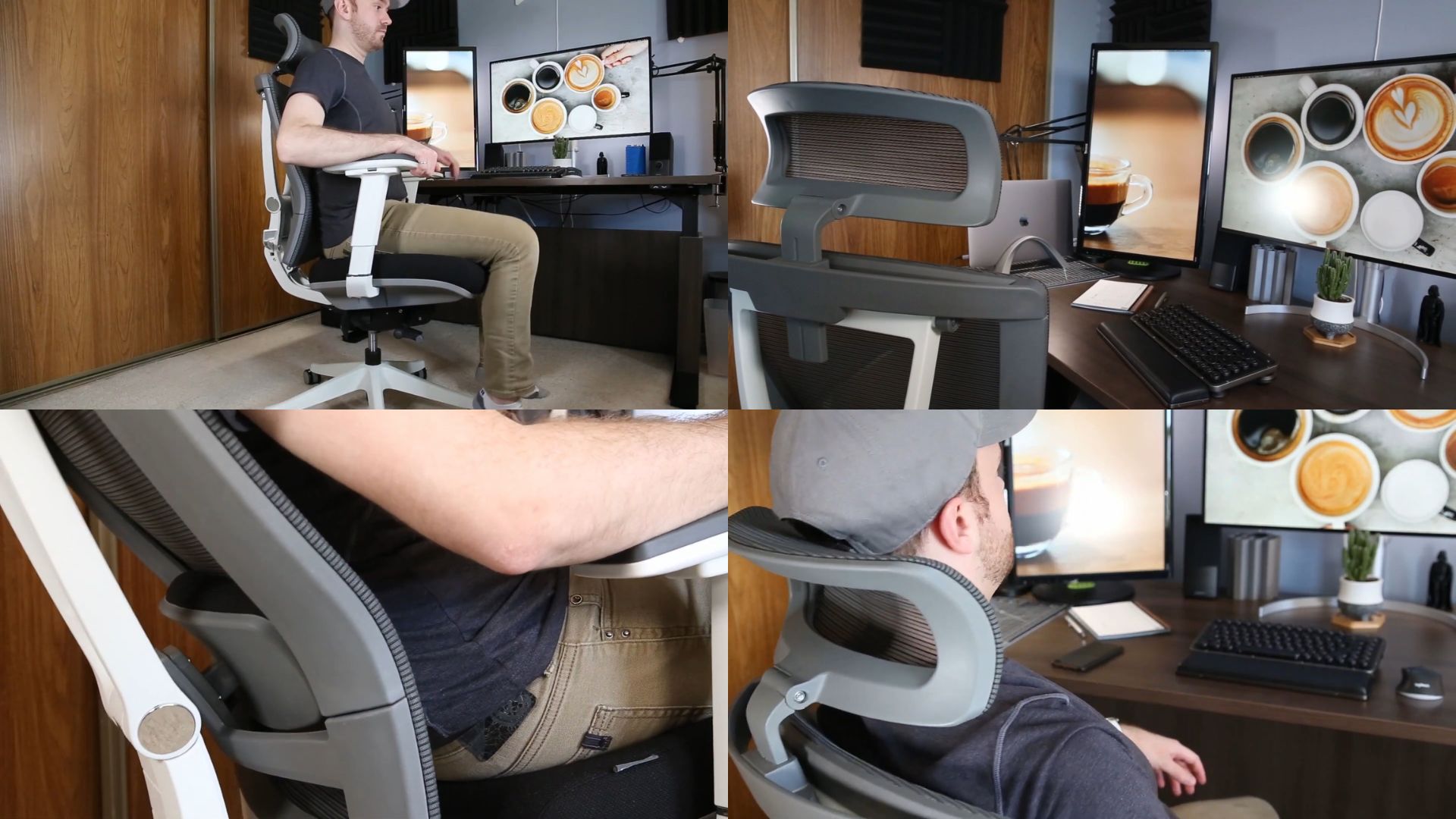
What to test: Sit down, set the height, drop your shoulders. Forearms parallel to the floor, feet flat. If you cannot reach that position, no other feature matters.
Lumbar support that fits your back.
Lumbar support holds the natural curve of your lower spine, which is what keeps the pelvis from rolling back and starting the chain that ends at your neck. This is the feature that turns an office chair into a posture office chair. Adjustable lumbar is the standard to look for. Fixed lumbar works only if it happens to match your spine, which most do not.
What to test: Sit back. The lumbar pad should press into the small of your back, not your mid-back and not your tailbone. If you cannot adjust the height of the lumbar support, the chair is fitting itself to an average, not to you.
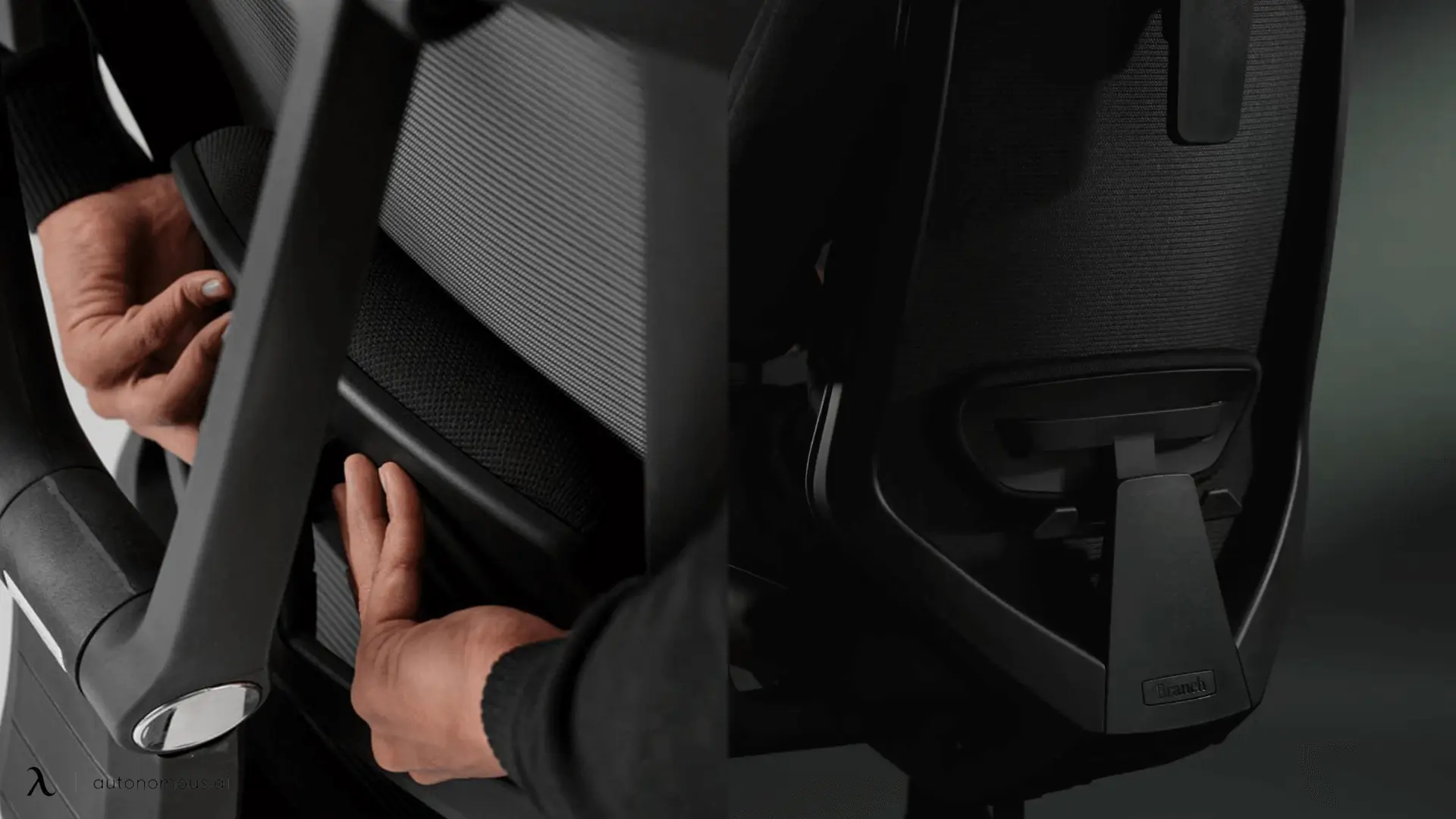
Seat-pan depth.
A seat pan deeper than your thigh forces you to either slide forward (away from the lumbar support) or sit with your knees unsupported. Both undo the chair's job. Look for chairs with adjustable seat depth, also called a sliding seat pan, especially if you are under 5'6".
Seat-pan depth and lumbar support work together. A perfect lumbar pad is undone by a seat pan that is too deep.
What to test: Sit with your back against the backrest. There should be about two to three fingers of space between the front edge of the seat and the back of your knee. More than that, the seat is too deep. Less, too shallow.
The backrest reclines with a lock.
A backrest that reclines and locks lets you shift load off the cervical spine when you do not need both hands on the keyboard. Reading, thinking, phone calls. Over an 8-hour office chair session, those small posture changes compound. Look for a chair with at least three lockable recline positions, not a single free-floating tilt.
What to test: Recline. Lock it. The backrest should hold its angle under your full weight without creeping forward.
Armrest height adjustment.
Armrests at the wrong height force your shoulders to either shrug up or hang unsupported, both of which load the trapezius and refer pain into the neck. Height adjustability is the axis that matters. 4D armrests that move in four directions sound impressive, but only the vertical axis changes cervical load. Width and depth adjustments are useful for desk fit, not for neck pain.
What to test: Set the armrest height so your forearms rest on it with your shoulders dropped. If your shoulders rise to meet the armrest, it is too high. If your arm hangs to reach it, too low.
Where the headrest fits.
Last. A headrest is useful during a recline, which is about 10% of a working day. It is a comfort feature, not a structural one. A chair with the five features above and no headrest will do more for your neck than a chair with a headrest and weak lumbar.
If a chair fails on seat height, lumbar fit, or seat depth, the headrest is decorative. If it passes all three, the headrest is a small bonus.
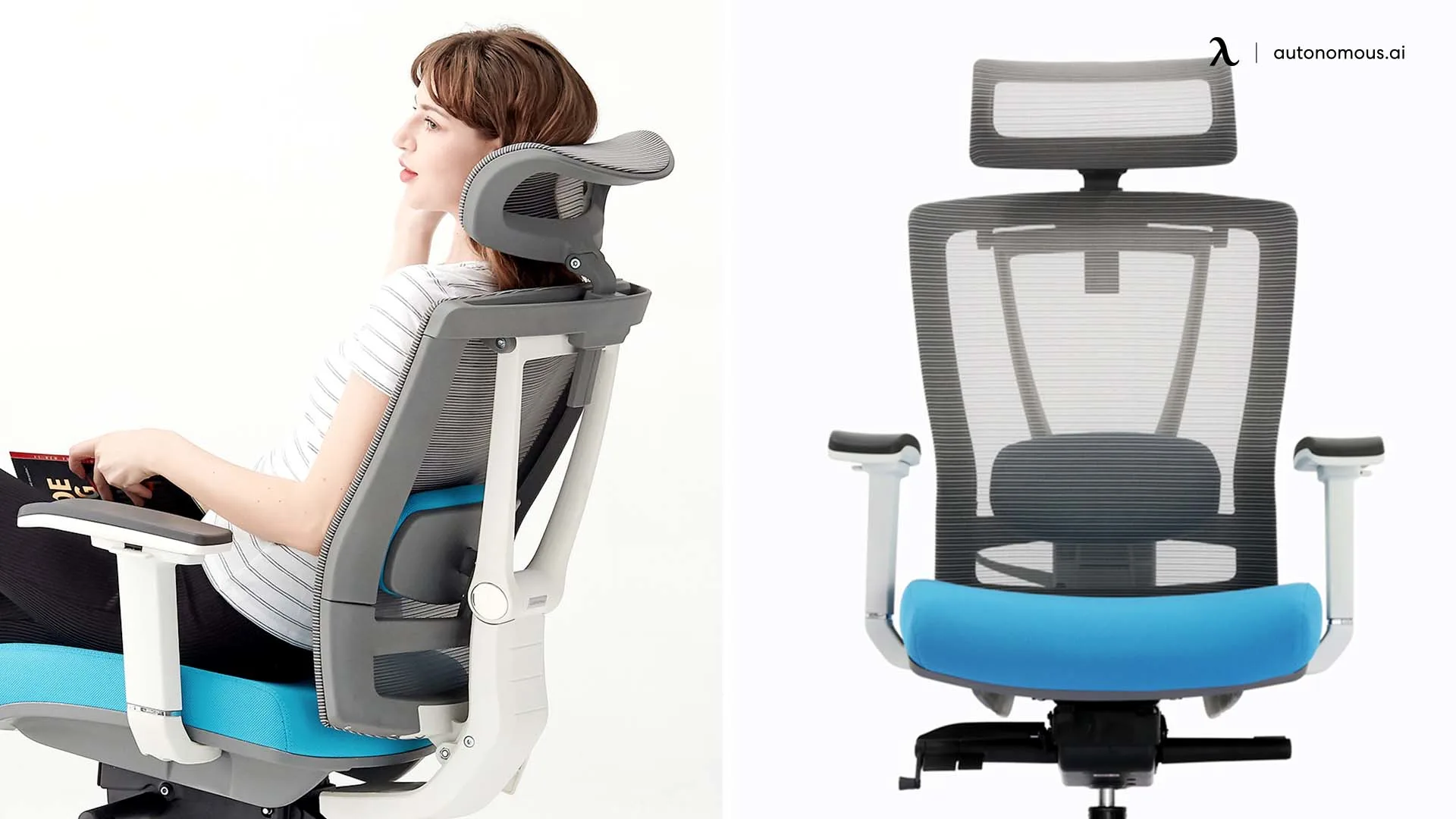
What this looks like in a chair we built.
The criteria above will work against any chair on the market. Autonomous ErgoChair Pro is one such chair, and the specs below show how it sits on each criterion, including where its limits are.
Seat-height range.
18.5 to 22 inches. Lands inside the ANSI seat-height range of 16 to 21 inches and extends slightly higher for taller users. Fits most adults from about 5'4" to 6'2" at a standard 29-inch desk.
Users under 5'3" may want to look for another chair with a lower minimum, since the 18.5-inch floor will be too high to drop the shoulders into a 90-degree elbow position.
Lumbar support.
The lumbar cushion slides up and down the backrest, so you position it directly into the small of your back. The adjustment is vertical only; chairs at the $1,200-plus tier often add a depth dial, but for most spines, height is what does the work.
Seat-pan depth.
Adjustable from 19 to 21.5 inches. Keep your back against the lumbar cushion across a wide range of femur lengths. Users under 5'2" should confirm the front edge clears the back of the knee at the minimum setting. If it does not, the seat is too deep for the chair to do its job, even with the slider all the way forward.
Backrest recline.
Five lockable positions across a 22-degree tilt range, with a synchro-tilt mechanism that reclines the backrest while the seat stays level. Lets you shift between typing, reading, and phone-call posture without re-adjusting underneath you.
Armrests.
Height-adjustable from 11 to 14 inches above the seat. The vertical axis is the one that affects your neck. Width, depth, and pivot do not adjust on this chair. That is a constraint if your desk is under 28 inches wide or you need to swing the armrests aside for a keyboard tray; for most desk setups, it does not come up.
Headrest.
Included standard, height and angle adjustable. The case for ErgoChair Pro on neck pain is not made by the headrest. It is made by the four criteria above.
The research behind the five criteria, including ANSI/BIFMA G1-2013 and the peer-reviewed armrest and seat-depth studies, is documented in the ergonomic engineering of ErgoChair Pro brief.
FAQs.
Does an ergonomic chair actually help with neck pain?
Yes, if the neck pain is posture-related and the chair holds the lower back. An office chair for neck pain works by supporting your lumbar so your back muscles don't have to, which prevents the upper-body collapse that drags your head forward and overloads the neck. It won't help if your pain is from disc damage, whiplash, or nerve compression.
Why does my neck only hurt when I'm sitting at a desk?
Prolonged sitting holds your head in one position for hours, while walking does not. The neck muscles carry that load continuously and fatigue into pain. Standing or moving gives them a break, which is why the pain stops outside desk hours.
Do neck stretches help with desk-related neck pain?
Yes, for short-term relief. They loosen tight muscles, but they do not change the setup that caused the tension. Fix the monitor and desk height first, then add stretches if needed.
How long does it take for setup corrections to work for neck pain?
Most readers feel a difference in 7 to 14 days. If the 3pm pain is reduced by day 14, the setup was the cause. If nothing has changed after four weeks, see a clinician.
How much should I spend on an office chair for neck pain?
$300 to $500 is enough for most desk users. A chair in that range can meet the five criteria that matter for neck pain. Spending more adds features like depth-adjustable lumbar, which is useful for specific cases but not required.
The takeaway.
Most desk-related neck pain is a setup problem before it is a chair problem. Fix the screen height. Get your elbows to 90 degrees. Wait two weeks.
If the pain is gone, the chair was not the variable. Keep the money.
If the pain remains, run the five criteria from section 4 against any chair you are considering. Seat-height range, lumbar fit, seat-pan depth, recline lock, armrest height. The headrest is last.
A good office chair for neck pain holds your spine in a position your neck does not have to compensate for.