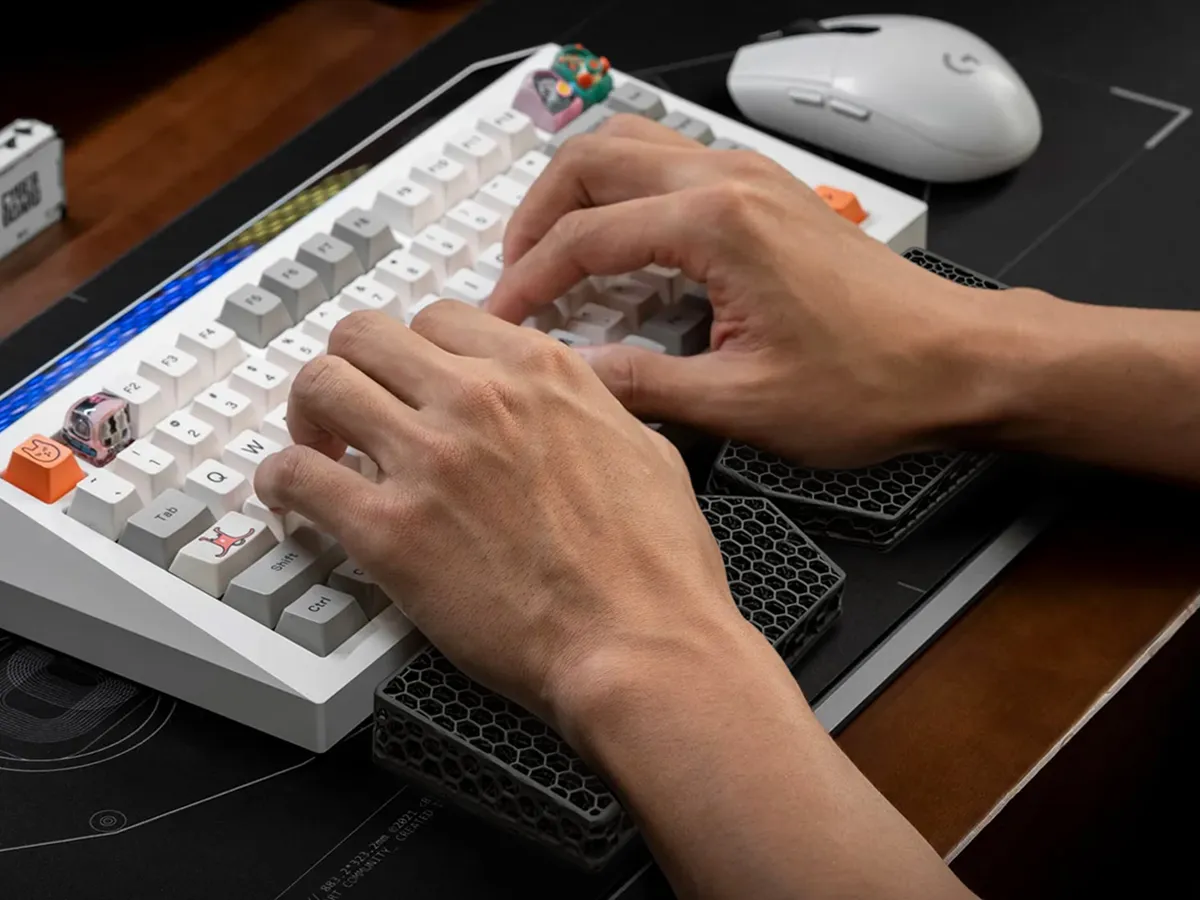
When making a choice between a keyboard tray and a keyboard drawer, it is essential to consider both your workspace and personal preferences. A keyboard tray, which is typically mounted beneath the office desk, allows for more flexibility when it comes to adjusting the height and tilt of your keyboard. On the contrary, a keyboard drawer is integrated into the desk structure itself, saving space and offering a neat appearance. Ultimately, base your decision on your ergonomic requirements as well as the layout of your workspace.
Choose a keyboard tray or drawer that offers adjustability options. Look for key features like height adjustment, tilt functionality, and swivel capability. Customizing these settings allows you to create an ergonomic desk setup specifically tailored to your comfort needs, minimizing the risk of strain and discomfort during extended computer usage.
Opting for a tray constructed from durable materials like metal, with features such as a powder-coated finish for resistance against scratches and corrosion, ensures stability and longevity. Smooth and reliable adjustment mechanisms, rounded edges for comfort, and a non-slip surface contribute to a user-friendly experience. When assessing build quality, attention to weight capacity, ease of assembly, and the type of mounting options available is crucial. A high-quality keyboard tray not only provides a stable platform for your keyboard and mouse but also minimizes the risk of discomfort or instability, enhancing overall workspace ergonomics.
When considering the addition of an under desk keyboard tray, it is crucial to check for adequate knee clearance under your desk. Take measurements from the underside of the desk to the floor, ensuring that there is ample space for comfortable seating without any obstructions. By selecting a keyboard tray that fits well within this designated area, you can create a workstation that is both ergonomic and user-friendly.
When selecting a keyboard tray, it is important to take the available space on your desk into consideration. Ensure that there is sufficient room for the tray to comfortably accommodate both your keyboard and mouse. Consider the size of your peripherals as well as any additional items you may need to place on the tray. By creating a well proportioned setup, you can maintain a clutter free and efficient workspace that enhances overall comfort and productivity while working.
It is evident from our comprehensive guide that achieving a comfortable and efficient workspace, designed using ergonomic principles, is both necessary and attainable. With our answers to frequently asked questions and valuable insights for making informed purchasing decisions regarding under desk keyboard trays, you are now well prepared to enhance your workspace and over all well being.
Incorporating an ergonomic keyboard tray for desk into your workspace, you can attain the ideal ergonomic position for your keyboard and mouse. This ensures that they are positioned at the appropriate height and angle, promoting both comfort and efficiency during use.
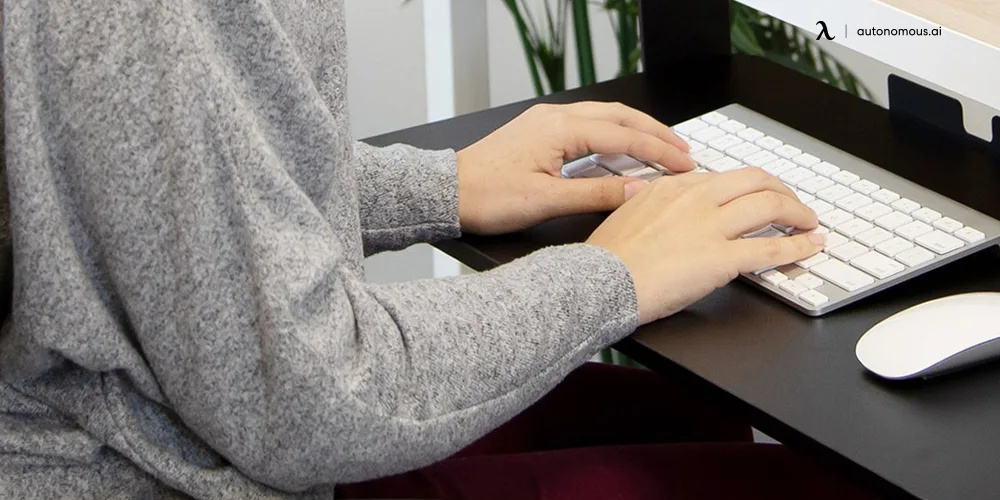
You can maintain a natural and comfortable typing posture by adjusting the height and tilt of the clamp on keyboard tray. This feature allows for a personalized setup that reduces the risk of strain on the wrists and shoulders, especially when using the keyboard for long periods.
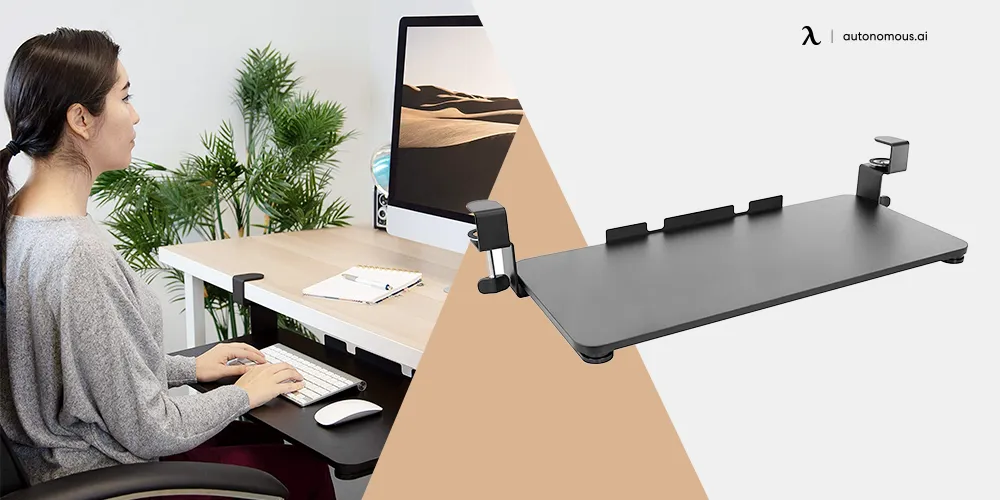
Under desk keyboard trays are beneficial in maximizing desk space as they offer a dedicated area for both the keyboard and mouse. This not only improves organization but also creates a work environment that is more open, spacious, and free from clutter.
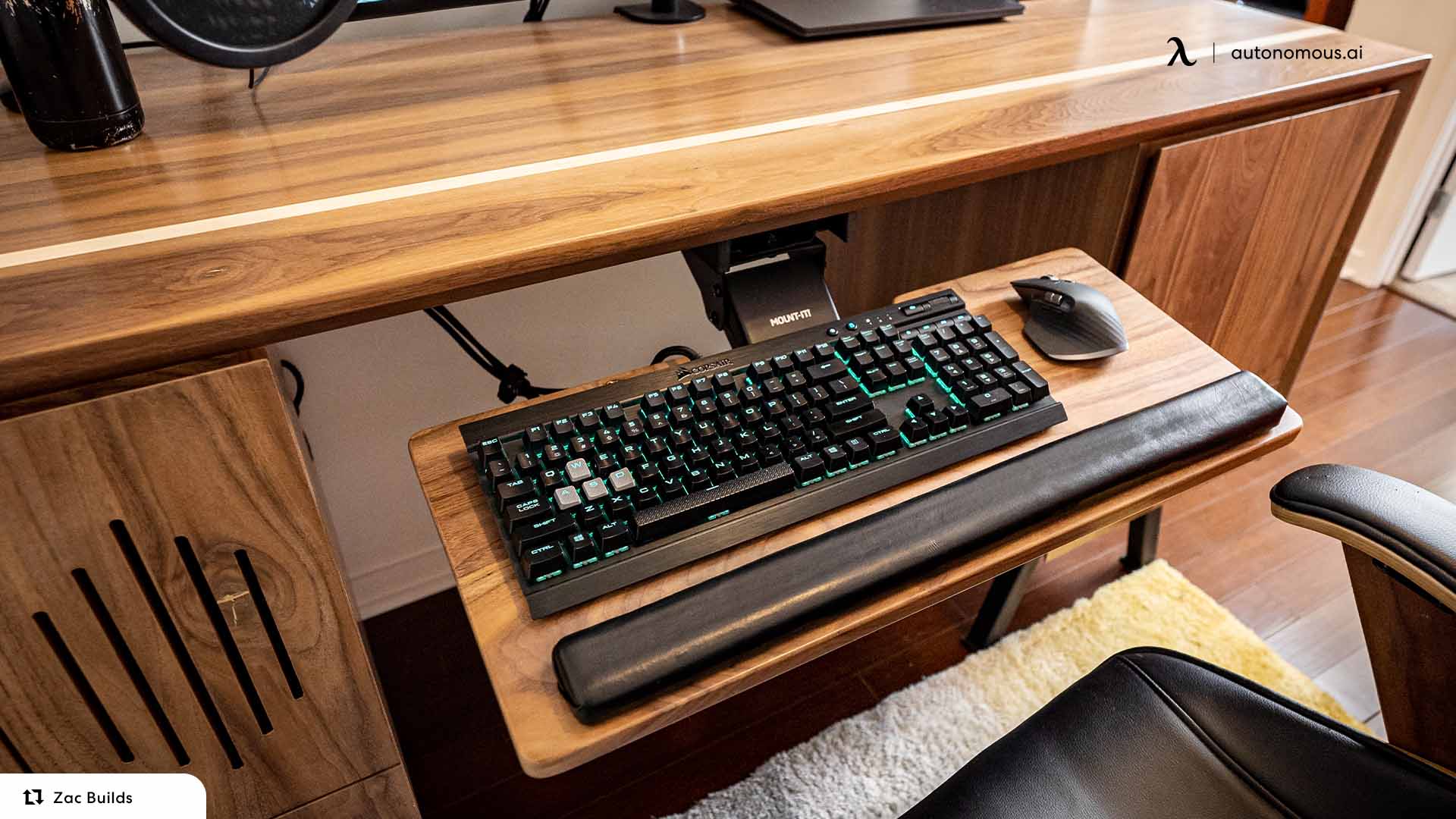
A keyboard tray plays a significant role in promoting proper wrist alignment and reducing strain on the hands and wrists. This helps prevent conditions like carpal tunnel syndrome, which are often aggravated by extended periods of typing in awkward positions. Office workers can proactively safeguard their wrist health while maintaining comfortable typing positions.

A keyboard tray for standing desk helps ensure that the keyboard and mouse are positioned at an optimal height for comfortable use while standing. A keyboard facilitates a seamless transition between sitting and standing positions. With the necessary ergonomic support during both seated and upright stances, a keyboard drawer enables you to maintain productivity without compromising your well being when using standing desks.
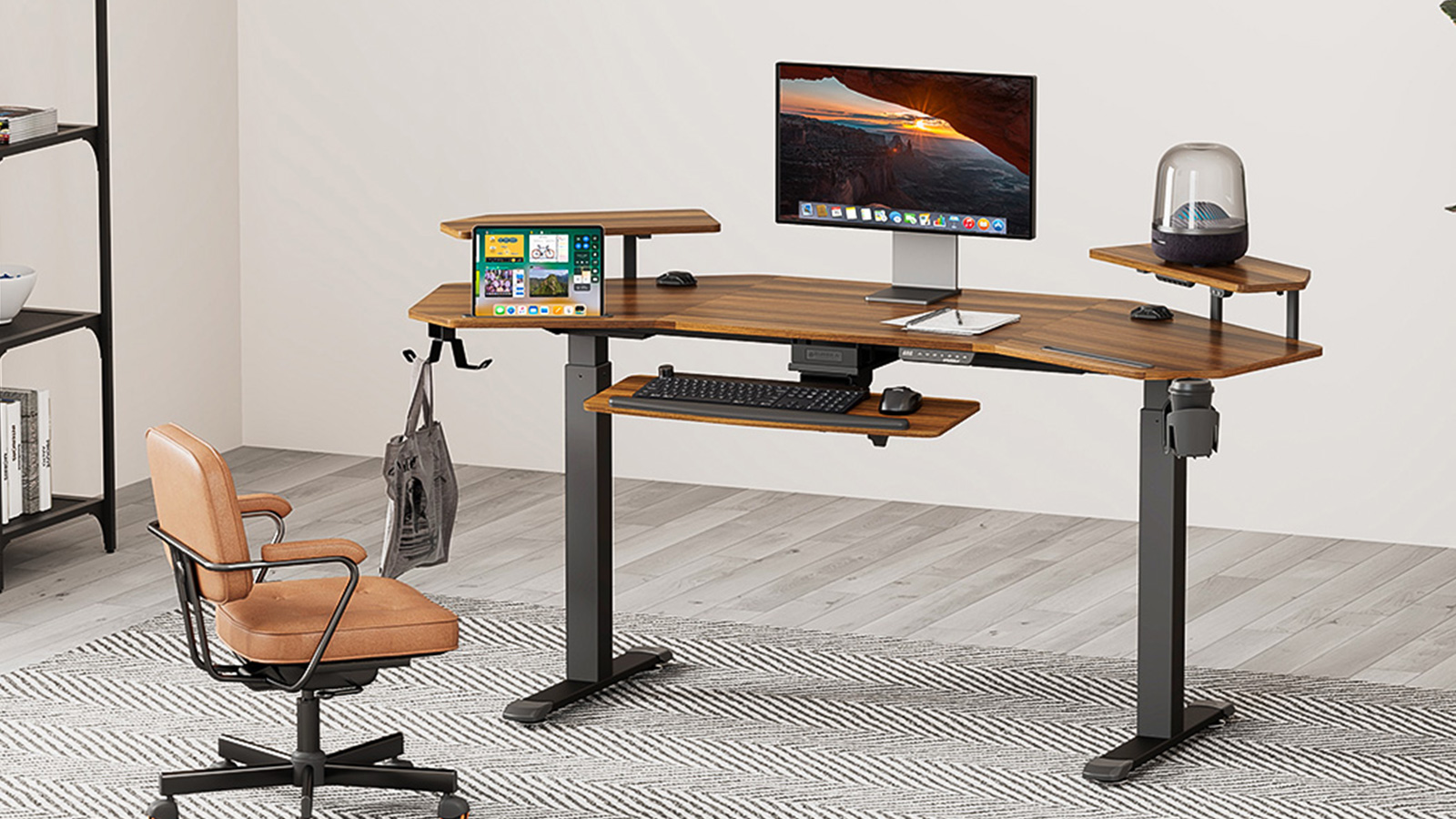
To ensure a proper posture while using a keyboard tray, it is recommended to adjust its height in a way that allows your elbows to rest comfortably at a 90-degree angle. Position your wrists neutrally and place the keyboard close enough to avoid excessive reaching. Also, make sure to adjust the tilt of the tray for a natural and comfortable typing experience.