How To Get Perfect Desk Lamp Placement For Any Setup


Table of Contents
Your desk lamp's position matters more than its price tag. Poor desk lamp placement leads to eye strain, distracting shadows, and reduced productivity, even with the best desk lamp money can buy. The difference between proper and improper positioning? About 15 inches and a 45-degree angle.
This guide covers the essential rules for where to place desk lamp fixtures based on your dominant hand, monitor setup, and workspace layout. Whether you're working with a single laptop or a multi-monitor battlestation, you'll learn the exact positioning techniques that eliminate glare and maximize comfort.
Where to Place a Desk Lamp for Maximum Light
Getting your desk lamp placement right isn't guesswork, it follows specific principles that work across different workspace configurations. These five rules form the foundation of effective task lighting, addressing the most common issues workers face: shadows that fall on their work, screen glare that strains their eyes, and uneven lighting that causes fatigue. Master these positioning fundamentals, and you'll transform any ordinary lamp into a productivity tool that supports hours of comfortable work.
1. Position Based on Your Dominant Hand
Start with the most important rule: where to place desk lamp fixtures relative to your writing hand. If you're right-handed, position your lamp on the left side of your desk. If you're left-handed, place it on the right side.
This prevents shadows from falling across your work as you write, type, or take notes. When light comes from the opposite side of your dominant hand, your arm and hand cast shadows away from your workspace instead of blocking what you're trying to see.
For predominantly keyboard-based tasks like coding or data entry, this rule has an exception. Place the lamp behind your monitor or centered at the rear of your desk, directing light downward toward your keyboard without creating screen glare.
2. Angle the Light Downward at 45 Degrees
Your lamp should point at your work surface, not at your face or screen. A 45-degree downward angle provides the most effective desk lamp setup because it distributes light evenly across your workspace while preventing two major problems: direct light hitting your eyes and reflections bouncing off your monitor.
To find the right angle, sit at your desk in your normal working position. Adjust the lamp head so the light illuminates your keyboard and desk area, but you can't see the bulb itself when looking straight ahead. If the bulb is visible in your peripheral vision, tilt the lamp head down more. The light should feel like it's coming from above and to the side, similar to natural daylight through a window.
3. Maintain Proper Distance from Your Work
The lighting position for desk setups depends on three distance measurements that determine how effectively light reaches your workspace without causing strain.
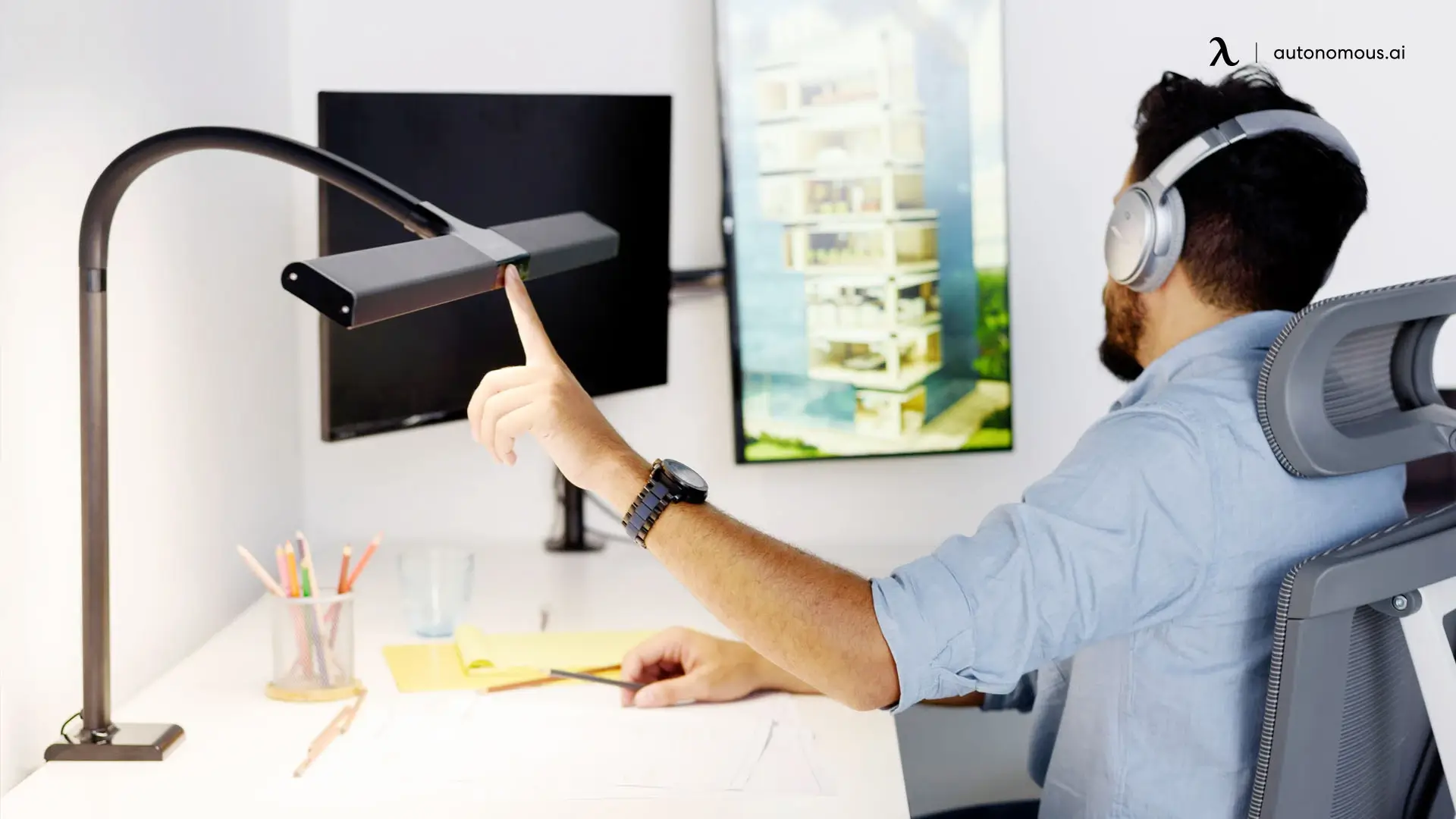
Keep the lamp head 15-20 inches above your work surface. Closer than 15 inches creates harsh, concentrated light that tires your eyes quickly. Farther than 20 inches spreads the light too thin, reducing its effectiveness for detailed tasks.
Position the lamp 20-26 inches from where you sit. This keeps bright light out of your direct line of sight while still providing adequate illumination. A simple way to estimate this: extend your arm fully, that's roughly the right distance.
Finally, maintain at least 24 inches between your lamp and your monitor. This prevents light from washing out your screen or creating distracting reflections that force you to adjust your monitor angle or brightness constantly.
4. Adjust Height to Match Your Eye Level
Lamp height directly impacts light distribution across your workspace. The lamp head should sit at or slightly above eye level when you're seated in your normal working position. Too low and you'll get concentrated pools of light with dark corners. Too high and the light spreads too thin to be effective.
This becomes especially important for standing desk users who transition between sitting and standing throughout the day. When you transition from sitting to standing, raise your lamp 8-12 inches to maintain the same relative position to your eyes. Without this adjustment, the light will hit your desk at the wrong angle, creating shadows and reducing visibility. Look for lamps with adjustable arms or flexible necks that make height changes quick and easy throughout your workday.
5. Place Near the Desk Edge, Not the Center
Position your lamp near the edge of your desk to keep the center clear for your actual work. A lamp sitting in the middle of your workspace takes up valuable space that could hold your notebook, second monitor, or other tools you use regularly.
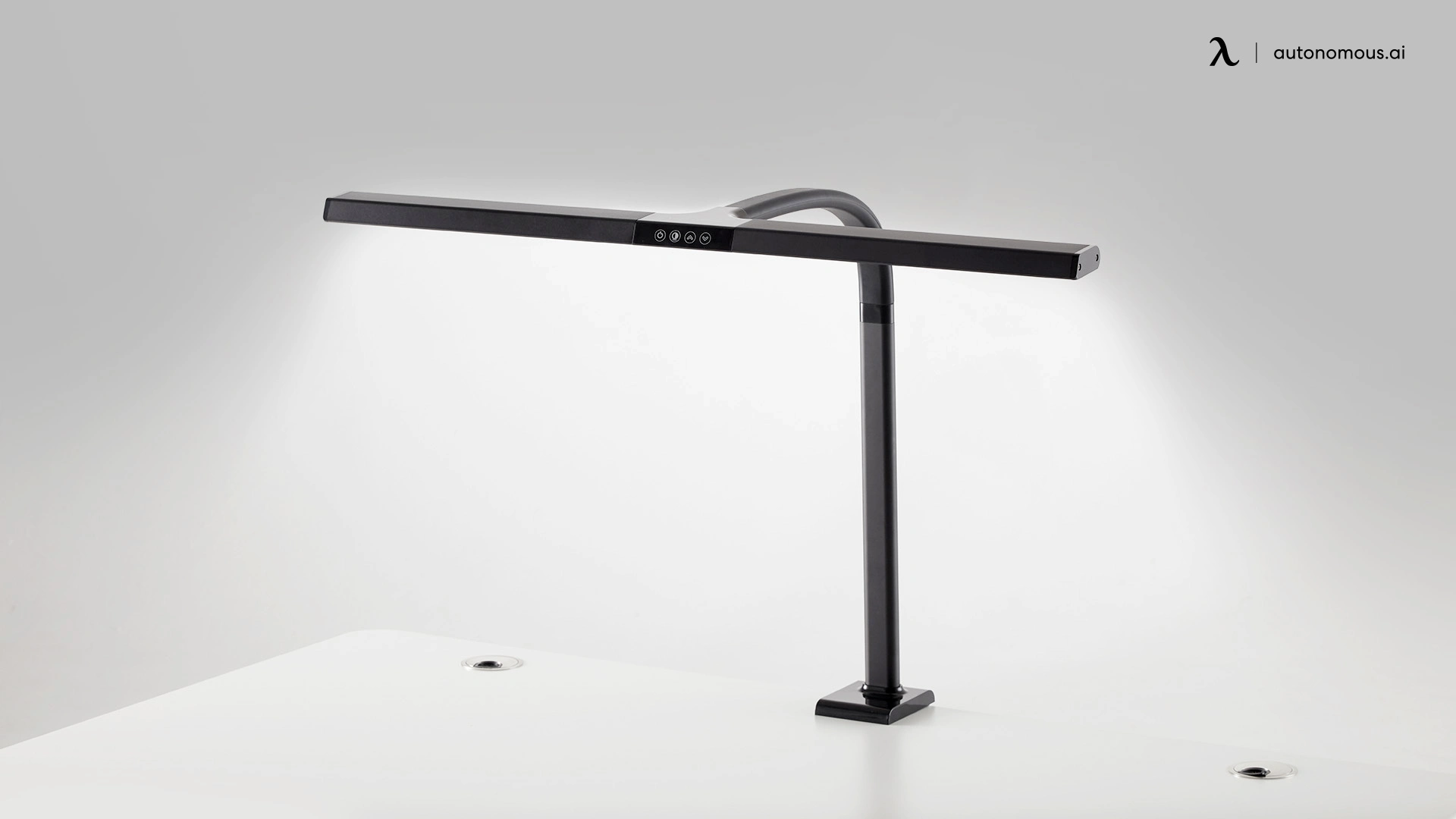
Clamp-on desk lamp ideas work exceptionally well here because they attach directly to your desk edge and extend over your workspace without touching the surface. This gives you maximum desk space while still providing targeted light exactly where you need it. Wall-mounted swing-arm lamps offer the same benefit if you have a wall adjacent to your desk.
Keep cables organized so they don't restrict where you can position your lamp. Use cable clips along your desk edge or a cable management system underneath to maintain flexibility for repositioning as your needs change.
Desk Lamp Placement by Monitor Setup
Your monitor configuration determines specific positioning needs that the general rules don't fully address. A lamp that works perfectly for a laptop user creates glare problems for someone with dual monitors. Here's how to adapt desk lamp placement for your exact screen setup.
1. Single Monitor
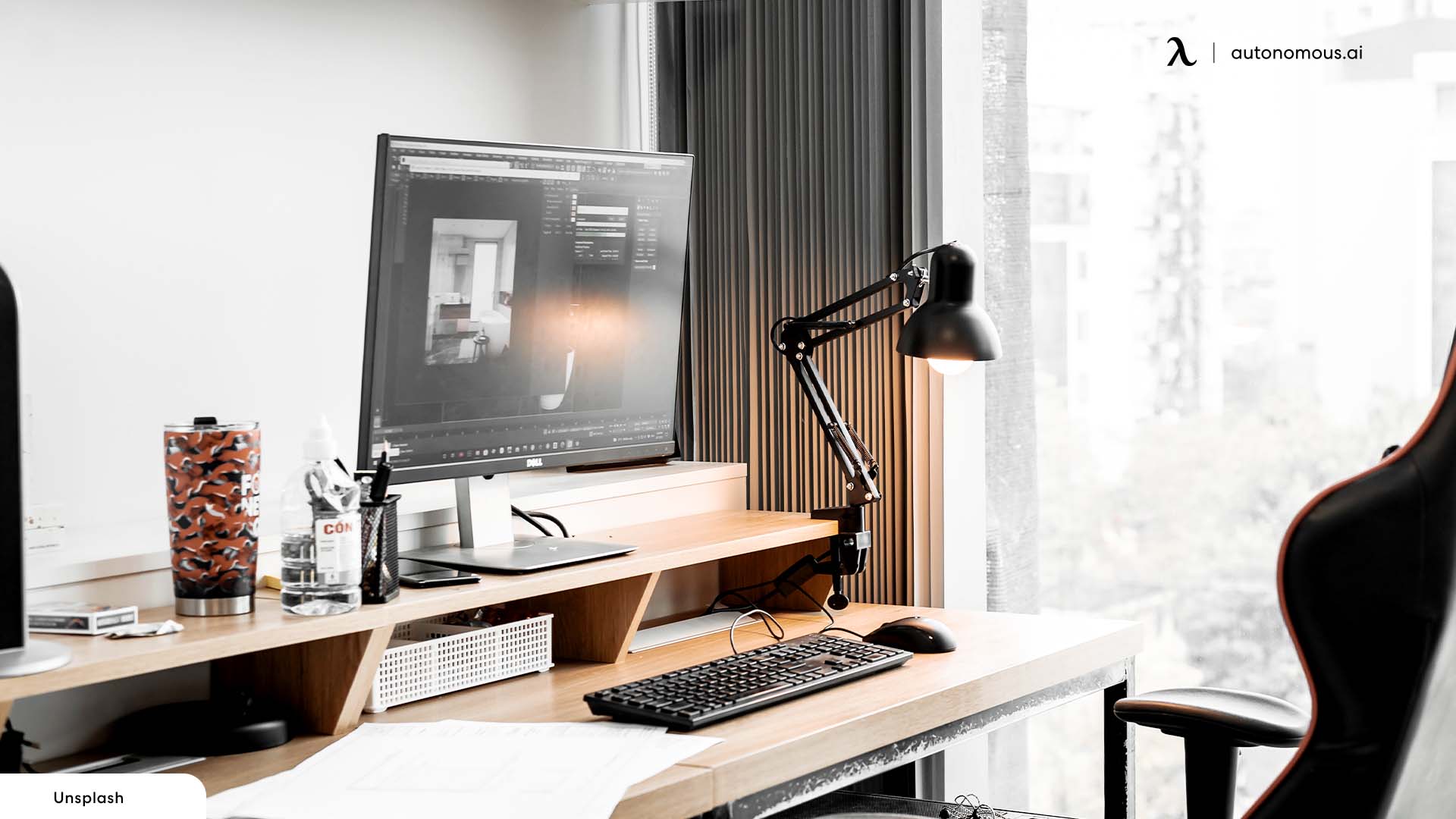
With one monitor, place your lamp behind and slightly to the side of the screen. This means positioning it a few inches back from your monitor's rear edge, offset toward your non-dominant hand side. The lamp should angle downward toward the space between your keyboard and the monitor base.
This behind-and-beside approach prevents light from hitting the screen while still illuminating your hands, keyboard, and any papers or notebooks you reference while working. Your monitor stays in a dimmer zone while your active work area receives focused light.
2. Dual Monitors
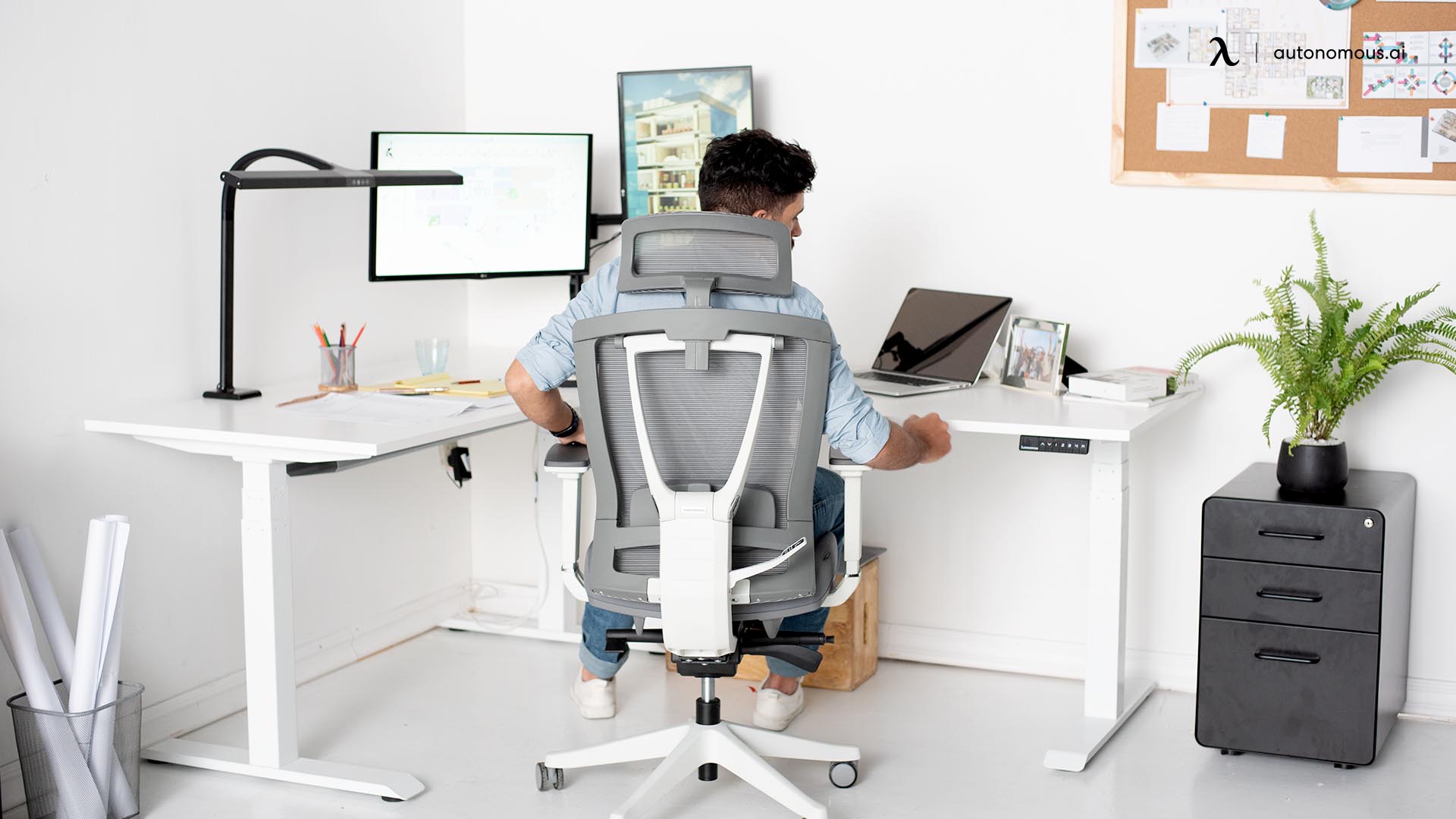
Dual monitor setups need centered lighting to prevent one screen from being brighter than the other. Use a swing-arm lamp positioned directly behind the center point where your monitors meet. Angle it straight down toward your keyboard area.
Alternatively, if you have 3-4 inches of space between your monitors, place a compact lamp base in that gap. The centered position ensures both screens receive equal ambient light, preventing the eye strain that comes from constantly adjusting between a bright side and a dim side.
Never position your lamp far to the left or right with dual monitors—this creates uneven workspace lighting that makes one monitor harder to see than the other.
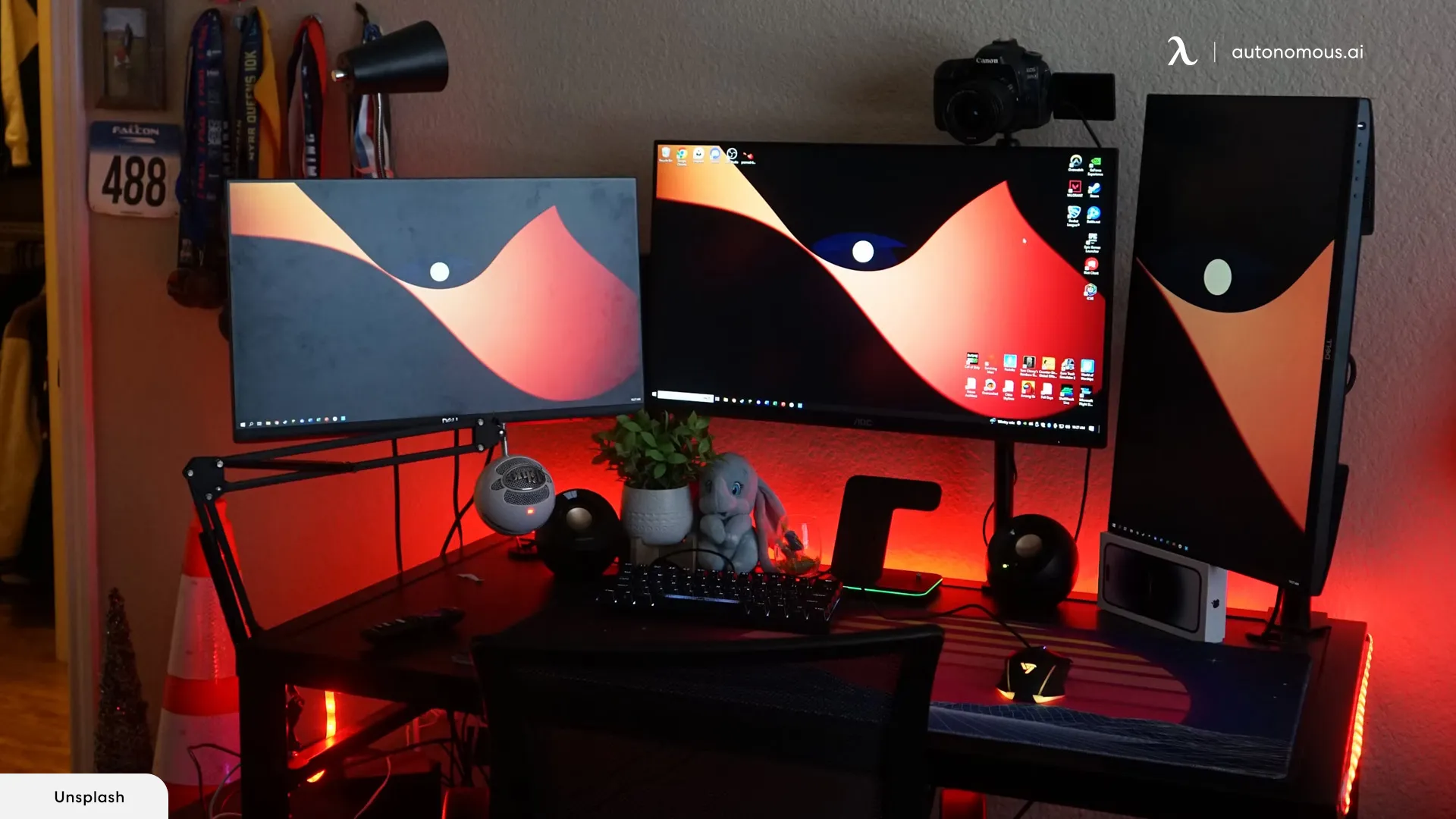
3. Triple Monitor Configuration
Triple monitors setup require either a single centered lamp with wide light distribution or two lamps positioned symmetrically. Place one lamp directly behind your center monitor, angled downward to cover your keyboard and center workspace. This works if you primarily focus on the middle screen.
For wider coverage across all three screens, use two adjustable lamps—one behind the gap between your left and center monitors, and another between your center and right monitors. This dual-lamp approach eliminates dark zones on the outer edges of your workspace that a single centered lamp can't reach effectively.
Monitor light bars mounted on top of your center screen can supplement desk lamp lighting for triple monitor setups, providing additional ambient light without taking up any desk space. The combination of a rear desk lamp plus a monitor bar often works better than trying to position traditional desk lamps alone.
4. Laptop Workstation
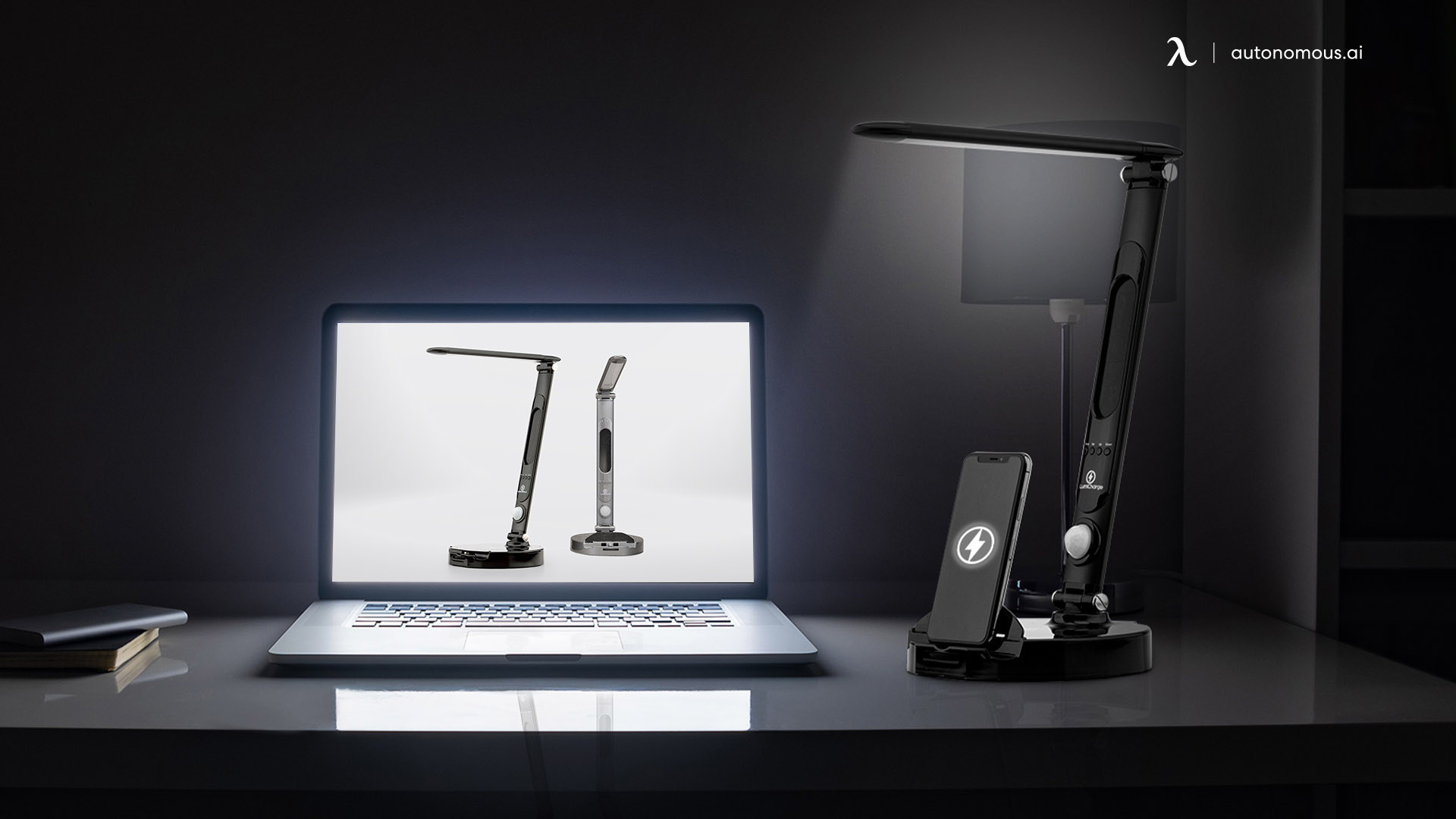
Laptop desk setups need closer lamp positioning than desktop monitors because their smaller screens produce less ambient light. Position your lamp 18-22 inches from your laptop screen rather than the standard 24 inches used for larger monitors.
Pay extra attention to angles with laptops, especially models with glossy screens. Tilt the lamp head more aggressively downward to prevent reflections on the screen surface. The smaller screen size means you have less room for error, a lamp angle that would work fine with a 27-inch monitor creates unusable glare on a 13-inch laptop display.
If you frequently adjust your laptop angle throughout the day, choose a lamp with an easily adjustable head so you can modify the light direction as your screen position changes.
Quick Fixes for Common Placement Mistakes
Even with the right lamp, poor positioning creates frustrating problems that reduce productivity. These issues show up consistently across different workspaces, and each has a straightforward fix that takes less than a minute to implement.
- Shadows Fall Across Your Work
If shadows from your hand or arm block what you're trying to see, your lamp is on the wrong side. Move it to the opposite side of your dominant hand—left side for right-handed users, right side for left-handed users. The shadow will immediately shift away from your work area instead of covering it.
- Screen Glare Makes Reading Difficult
Glare on your monitor means the lamp sits too close to the screen or points at the wrong angle. First, increase the distance between your lamp and monitor to at least 24 inches. If glare persists, adjust the lamp head to angle more steeply downward toward your desk surface rather than toward the screen. The light should hit your keyboard and desk, not your display.
- Lighting Feels Uncomfortably Harsh
Harsh, intense lighting indicates the lamp sits too close to your work surface. Move the lamp back 4-5 inches from its current position. If you can't move it farther back due to desk space, adjust the angle so the light points slightly away from where you sit, creating softer, more diffused illumination across your workspace.
The harshness may also relate to your bulb's color temperature, learning what color light is best for eyes can help you choose a warmer tone that feels more comfortable during extended work sessions.
- Dark Spots Remain on Your Desk
Persistent dark areas mean your lamp height or angle needs adjustment. Raise the lamp head 2-3 inches higher than its current position, this spreads light over a wider area. If dark spots continue, tilt the lamp head to broaden the beam coverage. The lamp may also simply lack sufficient brightness for your desk size, requiring a higher-lumen bulb or second light source.
- Lamp Takes Up Too Much Workspace
A lamp that consumes valuable desk space is positioned incorrectly or uses the wrong mounting style. Move the base to your desk edge rather than the center to free up the work surface. Better yet, switch to a clamp-on lamp that mounts directly to the desk edge and hovers over your workspace, or a wall-mounted swing-arm that keeps your entire desk surface clear while still providing targeted task lighting.
Tips for Combining Your Desk Lamp with Other Light Sources
Your desk lamp placement becomes more effective when it works together with other lighting in your space. Here's how to coordinate different light sources for better visibility and comfort throughout your workday.
- Working with Natural Window Light
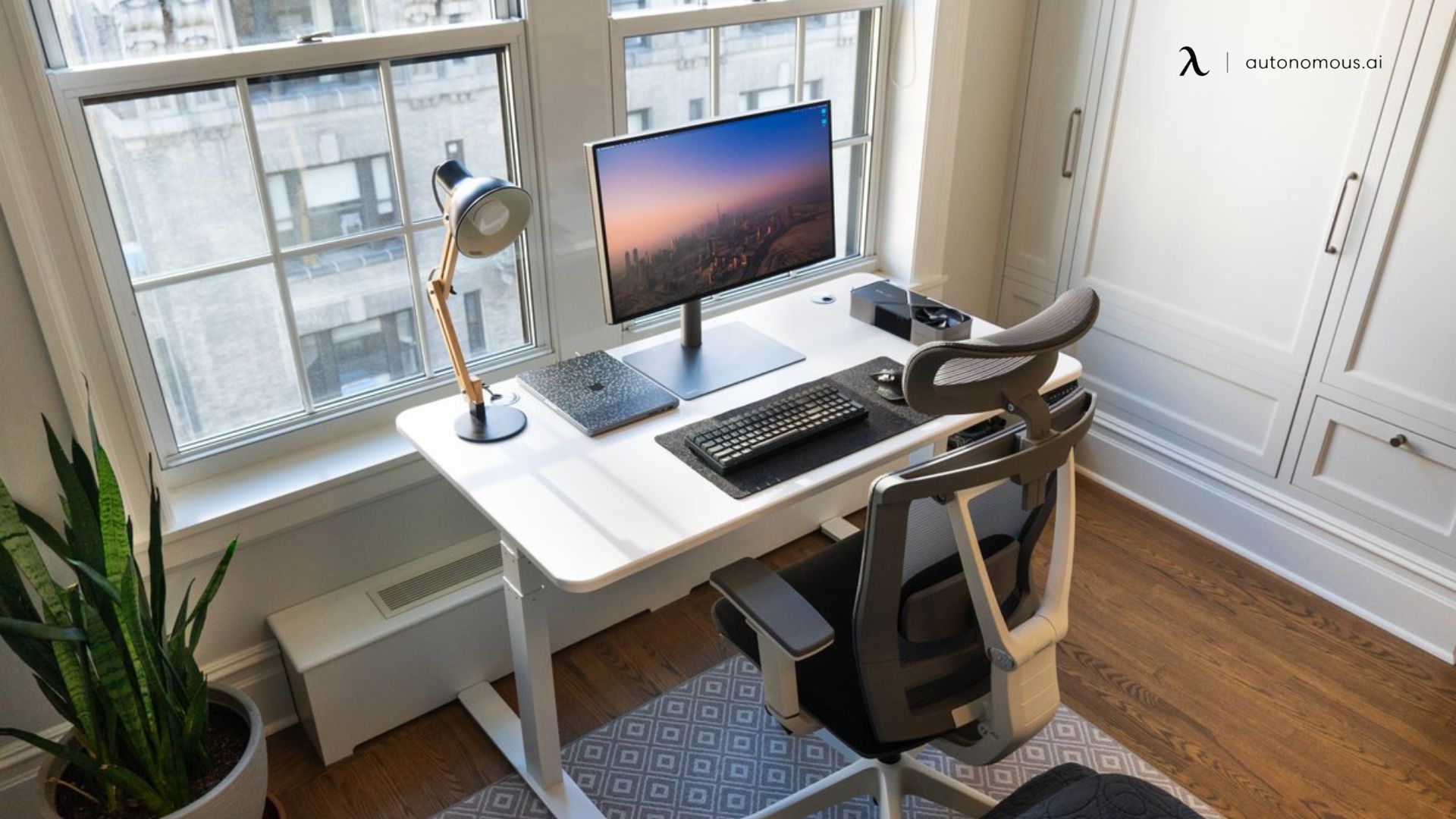
Set up your desk perpendicular to windows, not facing them or with your back to them. This lets daylight come in from the side while your desk lamp fills in as needed.
Place your lamp opposite the window side. If sunlight enters from your right, put the lamp on your left. This balances the light across your desk so one side isn't significantly brighter than the other, which is especially important for reducing strain from conditions like eye astigmatism where uneven lighting can worsen visual discomfort.
Adjust your lamp's brightness as daylight changes. Use less artificial light during sunny mornings and afternoons, then increase intensity on cloudy days or in the evening. A dimmable lamp makes these adjustments quick and easy. Consider the color temperature differences between warm light vs. soft white light when selecting bulbs that complement natural daylight without creating jarring transitions throughout the day.
- With Overhead Office Lighting
Overhead fixtures cast light downward, often creating shadows directly below where you work. Your desk lamp should fill these shadow zones rather than duplicate the overhead light's direction. Position it to shine from the side at a 45-degree angle, which eliminates shadows that ceiling lights create when objects block their downward beam.
Don't place your lamp directly under a ceiling fixture. Offset it so the two light sources cover different areas of your desk rather than creating one bright spot with dim corners elsewhere. Understanding the balance between overhead lighting vs. lamps helps you position both effectively for complete workspace coverage.
- With Monitor Bias Lighting
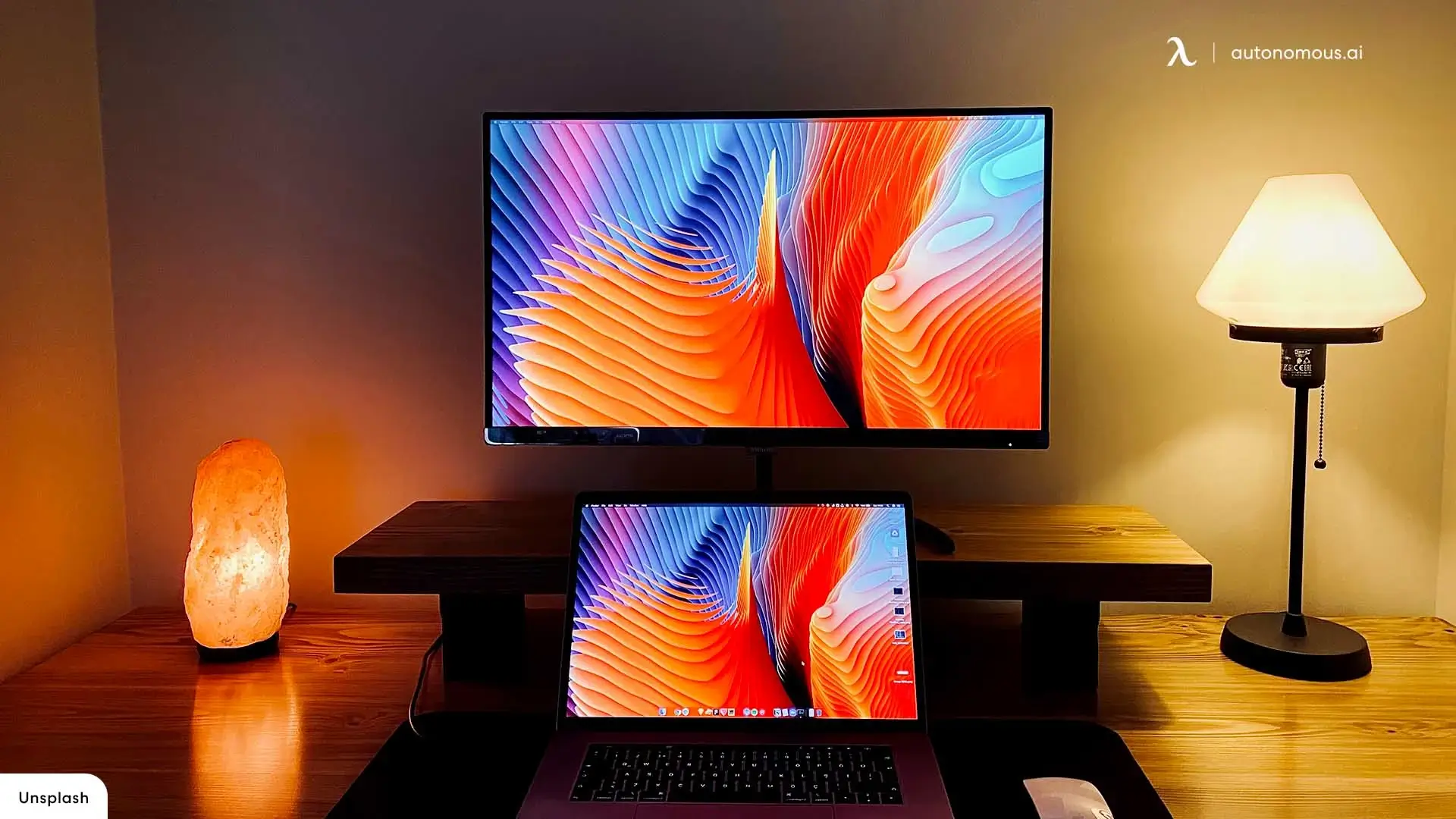
Monitor bias lighting—LED strips mounted behind your screen—serves a different purpose than desk lamp setup for task work. Bias lighting reduces eye strain from screen contrast, while your desk lamp illuminates physical items like keyboards and documents. These two light sources complement rather than compete with each other.
Keep your desk lamp positioned away from your monitor even when using bias lighting. The bias light handles the screen viewing environment, and your desk lamp focuses on the work surface in front of the monitor. This separation prevents light overlap that can wash out your screen or create unnecessary brightness.
FAQs
How should a desk lamp be positioned?
Place the desk lamp about 12–18 inches (≈ 30–45 cm) from your work area, on the side opposite your dominant hand (left side if you’re right‑handed, right side if left‑handed) to avoid casting shadows over your writing surface.
Where is the best place to put a lamp in the office?
The best place is on the side of the desk, opposite your dominant hand, so light evenly covers your workspace without shadows. Combining desk‑lamp placement with ambient and natural light gives the most comfortable overall lighting for office work.
What height should a desk lamp be?
For most desks, the lamp should be roughly 14–24 inches (≈ 35–60 cm) from the base to top of shade, or just above eye‑level when seated — high enough to cast light across the work surface without glaring into your eyes.
What is the rule of thumb for table lamps?
A common guideline is that a table (or desk) lamp should be no more than about 1.25–1.5 × the height of the table, and the bottom of the lampshade should sit at about eye‑level when seated, this ensures balanced proportions and comfortable light.
How do I place a desk lamp to reduce glare on computer screens?
Position the lamp to the side or slightly behind the monitor, angled downward 30–45°, so the light hits the desk but doesn’t reflect directly off the screen. That avoids glare and reduces eye strain during long computer sessions.
Should a desk lamp be placed in front of, behind, or beside the monitor for best placement?
It’s best to place the lamp behind or to the side of your monitor, not directly in front, so you avoid harsh reflections and get evenly distributed light over your workspace.
Does the dominant hand (left/right) affect ideal desk lamp placement?
Yes, to prevent casting shadows over your work, the desk lamp should be placed on the opposite side of your dominant hand (e.g., left side if you’re right‑handed)
Is using only a desk lamp without ambient lighting recommended for an office setup?
Usually no, combining task lighting (desk lamp) with ambient or natural light helps reduce contrast, avoid eye strain, and create more balanced overall room illumination.
Can natural light affect the ideal desk lamp placement in an office?
Yes, when possible, orient your desk so natural light comes from the side rather than directly in front or behind, and use the desk lamp to supplement rather than replace daylight.
Conclusion
Proper desk lamp placement comes down to three essentials: position it opposite your dominant hand, angle it 45 degrees toward your work surface, and maintain the right distance from your eyes and screen. These fundamentals prevent the shadows, glare, and eye strain that make work frustrating, regardless of which lamp you own. Adjustable lamps with flexible arms make finding and maintaining the ideal position easier as your tasks change throughout the day. Take a moment now to check your current setup against these guidelines—small positioning adjustments often make an immediate difference in comfort and visibility.