Whiteboard Standing Desks, and How to Make Your Own
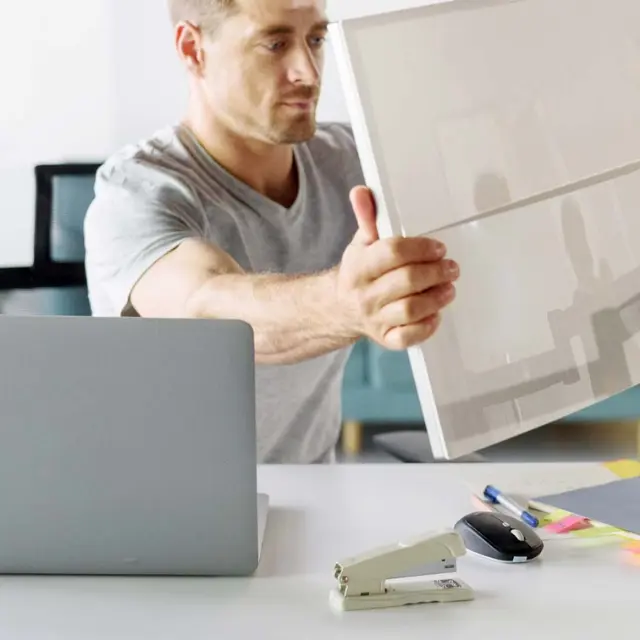
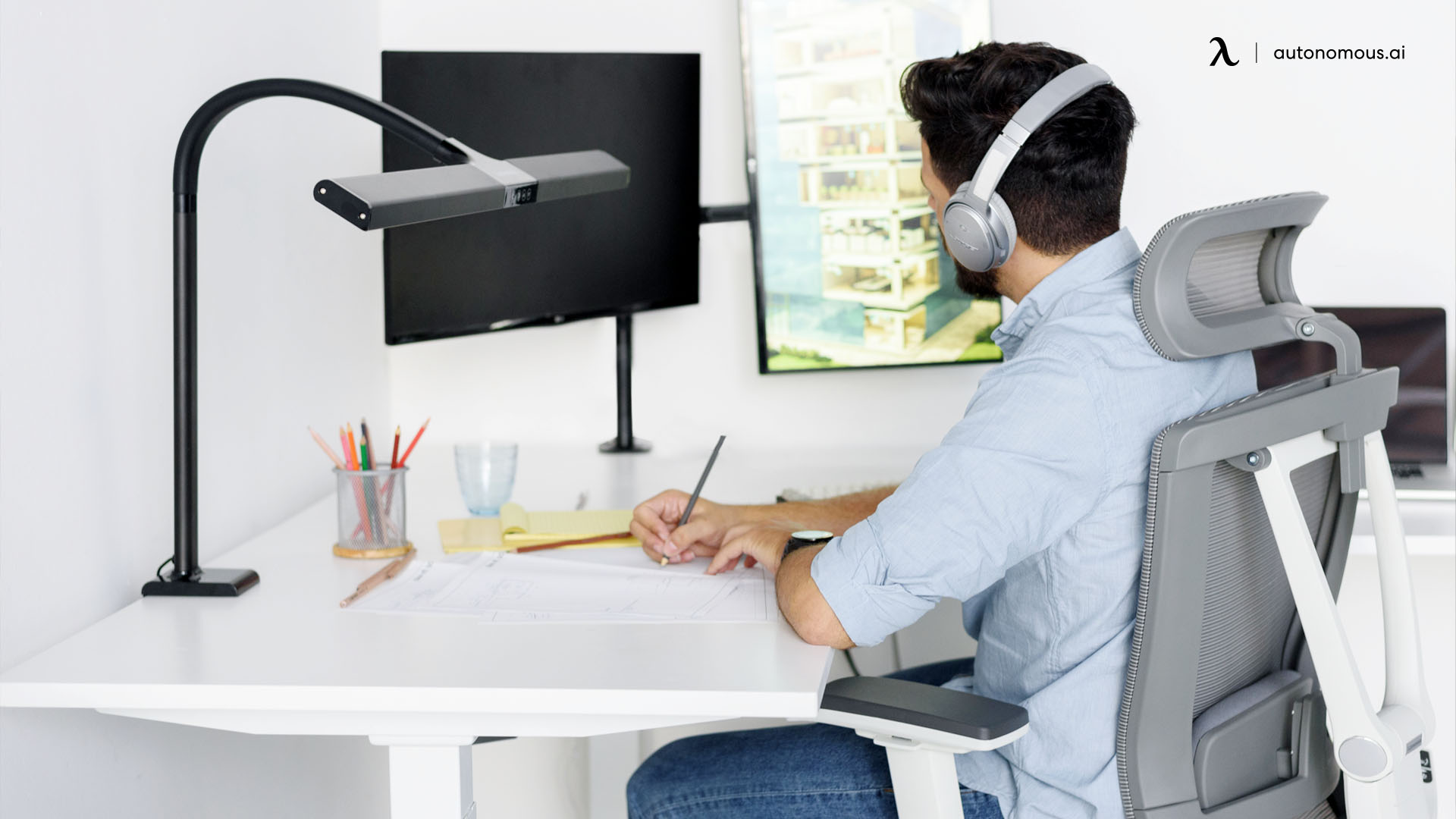
A whiteboard standing desk is a height-adjustable desk with a writable, dry-erase surface built into the top, so you can sketch and plan on the desk itself instead of a separate board. A handful of makers build them well, and the differences come down to how much of the surface writes, whether it wipes clean, and how steady it stays while you write standing up. This guide reviews three worth buying, then covers how to make a standing desk writable, since its own tops are not dry-erase.
What to look for in a whiteboard standing desk
A whiteboard standing desk is only useful if the writing surface and the frame both hold up in daily use. Four things separate a genuinely useful desk from a gimmick.
Writing surface.
A good surface feels smooth but not slippery, grips the marker without absorbing it, and wipes clean without ghosting or streaking. Coated laminate is forgiving but can ghost if notes sit; tempered glass erases cleanest but is less forgiving for dense writing.
Stability at standing height.
Writing pushes the top sideways, so a shaky frame gets frustrating fast. Look for a steel frame with dual motors on electric models, or a solid crank on manual ones, and check for wobble under moderate sideways pressure.
Usable writing area.
A desk works best with at least 24 inches of clear writing space that does not fight your monitor and keyboard. Some desks give a full writable top, others a dedicated panel, so pick the layout that matches whether you need broad brainstorming space or focused notes.
Marker tray and storage.
A marker tray, eraser storage, or a magnetic surface for reference sheets signals a real design rather than a whiteboard coating slapped on standard furniture, and it makes the desk easier to actually use.
The best whiteboard standing desks
Three desks cover the useful range: a small mobile writer, a flip-up panel that separates writing from screen work, and a full dry-erase top.
Desk | Writing surface | Coverage | Price | Best for |
|---|---|---|---|---|
Mind Reader Standing Whiteboard | Coated panels | Small | ~$208 | Brief notes in shared spaces |
MarkIt Up Flip-Up Whiteboard | Coated flip-up panel | Dedicated panel | ~$1,862 | Structured, separate writing |
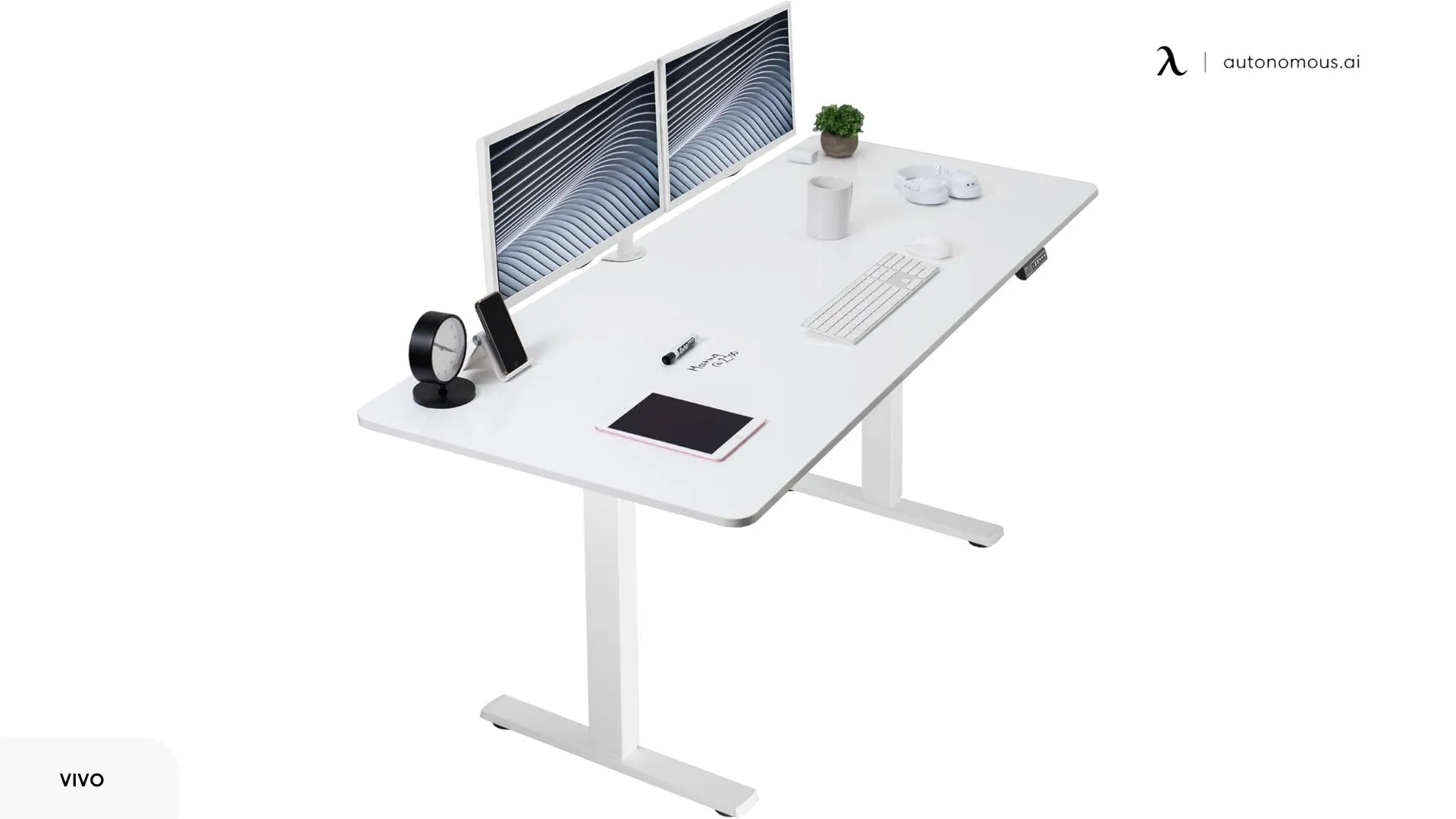
VIVO Electric Dry Erase | Full-surface laminate | Full 71 x 30 in | ~$350 | Large, side-by-side layouts |
1. Mind Reader Standing Whiteboard Desk
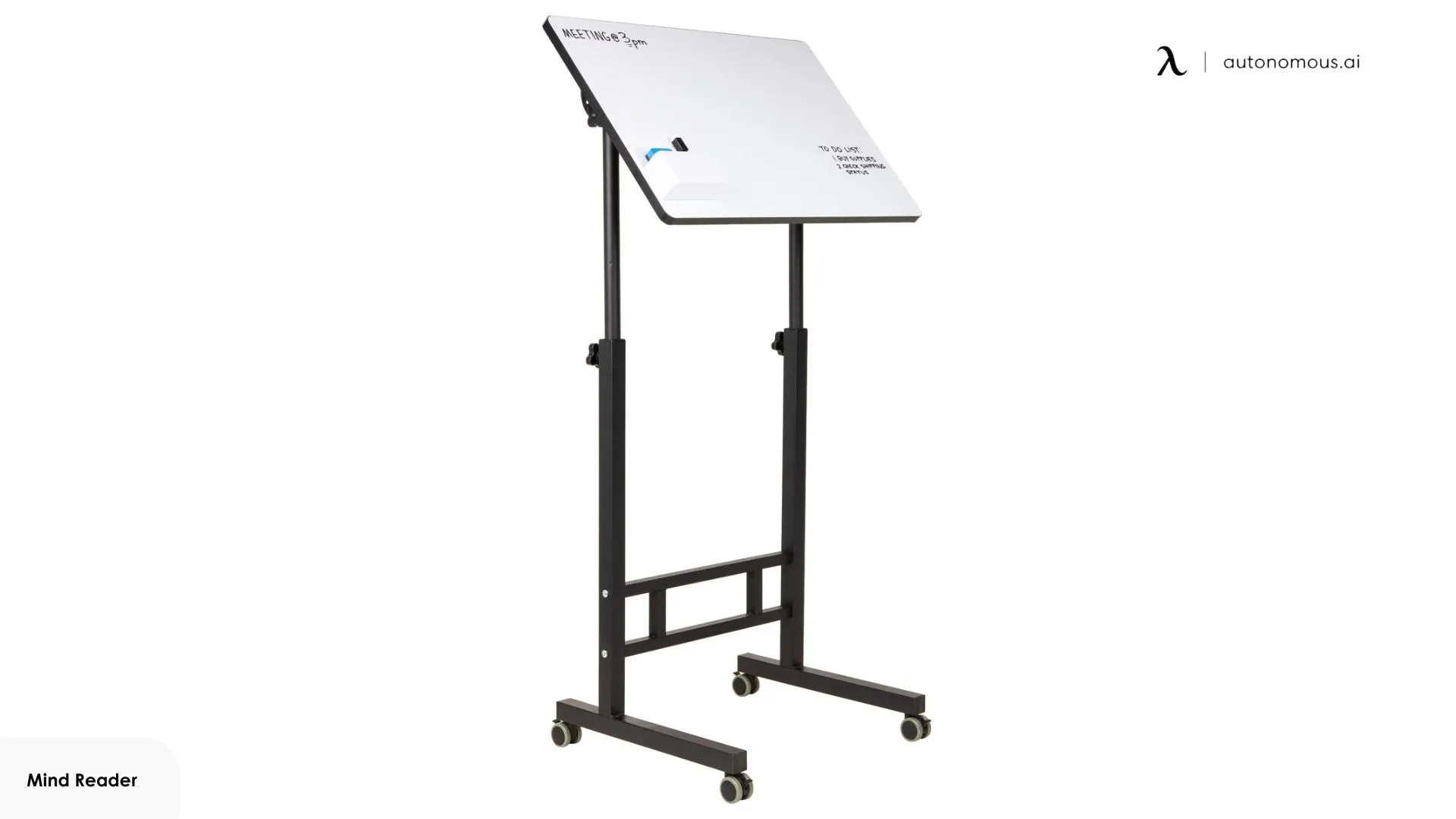
The Mind Reader is a mobile writing cart more than a full desk, best for brief, shared notes rather than a main workstation. Its narrow footprint and rolling base put movement and access ahead of surface area, so the writable panels are small and positioned for visibility instead of extended work.
That size sets a natural limit on how much you write. Notes stay brief and disposable, reminders, short lists, or a quick diagram, and complex layouts run out of room fast, which is the trade-off for its portability. Manual height adjustment is built for repositioning between people or spots, not for frequent posture changes during a single session, and the lightweight frame takes normal writing but not heavy pressure or long stretches.
Where it works is shared or transitional spaces. Locking casters let it act as a movable reference point, wheeled in when a group needs it and out when they do not.
Best for: brief, shared notes you can roll where they are needed.
Keep in mind: the light frame is not built for heavy writing pressure or long sessions.
2. MarkIt Up Adjustable Standing Desk with Flip-Up Whiteboard
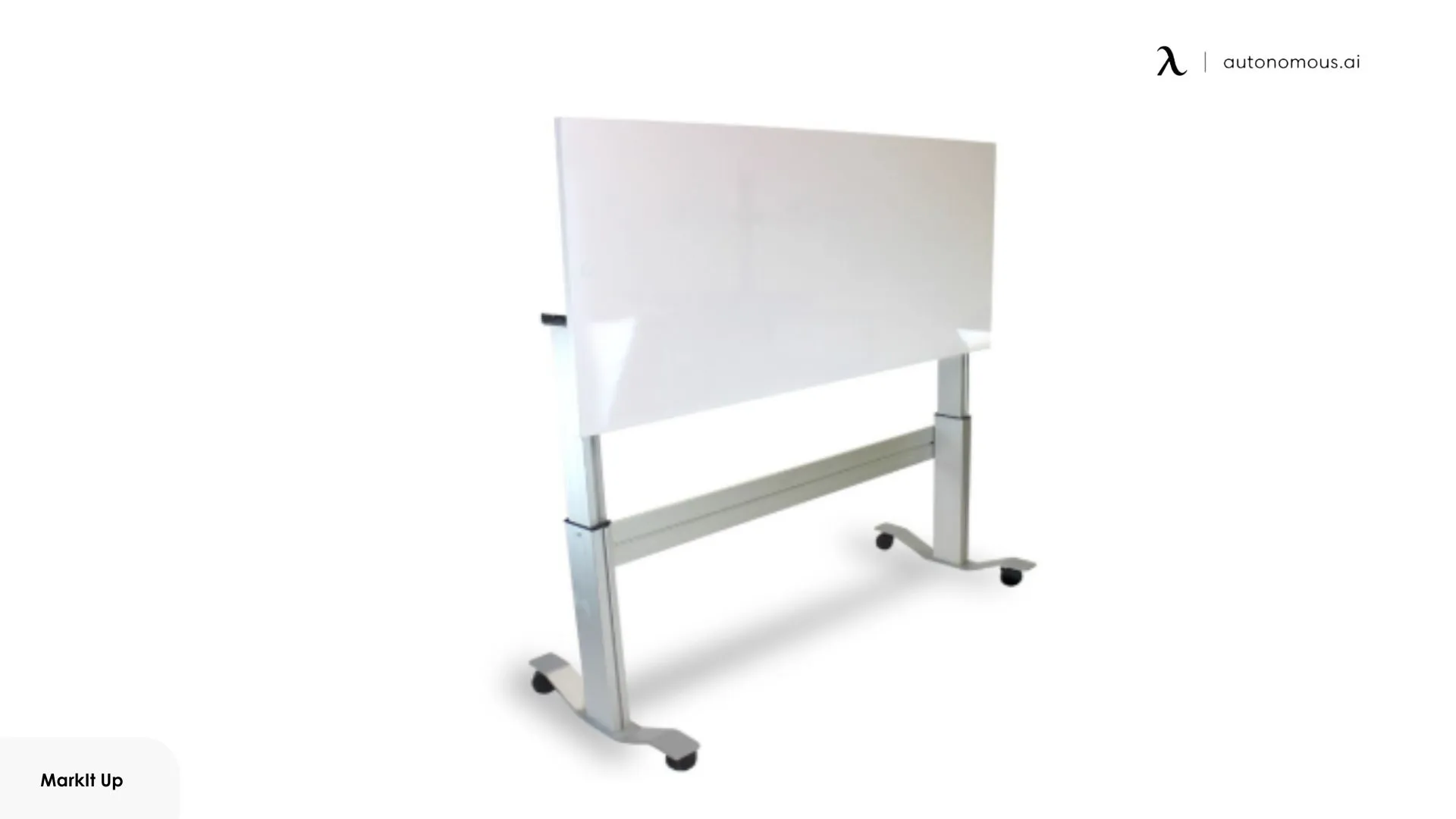
The MarkIt Up separates writing from screen work with a flip-up whiteboard panel built into the desktop, best when you want writing kept distinct from daily tasks. Closed, it works like a normal standing desk; opened, the raised board becomes the focus and shifts your posture toward it.
That design enforces a clear boundary: writing is something you enter and leave, not something that lingers on the desk, so notes tend to be finished pieces rather than evolving drafts. The flip-up also changes the writing plane. A raised surface reduces reach and reads more clearly for larger shapes and text, but it limits how much can share the space with active screen work, and you cannot comfortably write and type at once.
That makes it a fit for setups where space and function are deliberately split, keeping writing sessions separate from screen-based tasks rather than competing for one surface.
Best for: structured writing sessions kept separate from screen work.
Keep in mind: it is the priciest option here, and writing and typing cannot happen at the same time.
3. VIVO Electric Dry Erase 71 x 30 in Standing Desk
The VIVO is the pick for a full writable surface, a roughly 71 by 30 inch laminated dry-erase top far larger than most writable desks, so several notes stay visible at once with no defined note area. The whole surface writes, which smaller desks physically cannot match.
That scale brings trade-offs. The depth fits monitors while leaving writing space in front or to the side, but once screens and peripherals are placed, the effective writing area fragments, so it works best with accessories kept minimal or pushed to the back edge.
The top is laminated rather than glass, so writing pressure is forgiving but marker residue shows if notes sit uncleared, which favors active, regularly wiped notes over long-term reference. The electric frame handles normal writing at standing height but is not rigid under sustained lateral force, so broad, aggressive sketching shows slight movement and the desk suits controlled lists and layouts instead.
Best for: large, side-by-side layouts you keep current.
Keep in mind: the laminate ghosts if notes are left, and the frame flexes under heavy sketching.
How to make a standing desk writable
Autonomous does not make a dry-erase desktop, and its standard tops, laminate, MDF and solid wood, are not writable surfaces. Marker ghosts and stains a matte or wood finish, so do not write directly on the desk. The workable route is to add a removable writable layer on top of a standard standing desk, which keeps the frame's height adjustment while giving you a surface you can wipe clean.
Add a dry-erase desk pad
A dry-erase desk pad or mat is the simplest option. It lies on the desktop, gives you a writable zone in front of your keyboard, and lifts off when you want the bare surface back. Because it is removable, it protects the desk top finish underneath, and you can swap or replace it cheaply when it wears.
Use a tempered-glass writing surface
A tempered-glass desk pad or glass whiteboard sheet sits on the top and writes and wipes like a real glass board, with no ghosting. Glass is more deliberate to write on and heavier to move, but it erases the cleanest of any option and doubles as a durable work surface over the desk.
Apply a peel-and-stick dry-erase film
Peel-and-stick dry-erase vinyl turns part of the desktop, or a separate board, into a writable surface. Removable films lift off without damage, but test a small hidden area first, since some adhesives can mark laminate or wood. This suits a fixed writing zone rather than covering the whole top.
Pair it with a separate whiteboard
If you want a large writing area without touching the desk, mount a wall whiteboard behind it or park a mobile board beside it. This keeps the desktop clear for equipment and gives more space than any desktop can, at the cost of the writing not being on the desk itself.
Any of these gives you a write-and-wipe surface on an Autonomous standing desk without the desk needing to be a whiteboard. Keep the writable layer removable, and you get a whiteboard when you want one and a clean office surface when you do not.
FAQs
Can you write on an Autonomous desk with a dry-erase marker?
Not directly. Autonomous tops are MDF, laminate, or solid wood with a matte or textured finish, which are not dry-erase surfaces, so marker will ghost and stain. To write and wipe on an Autonomous standing desk, add a removable writable layer like a dry-erase pad, a glass sheet, or dry-erase film.
What is a whiteboard standing desk?
A whiteboard standing desk is a height-adjustable desk with a writable, dry-erase surface built into the desktop. You can sketch, plan, or take notes directly on the desk while sitting or standing, then wipe the surface clean, rather than using a separate whiteboard nearby.
What is the best dry-erase standing desk?
For a full writable top, the VIVO Electric Dry Erase desk gives the most surface at a reasonable price. For separated writing sessions, the MarkIt Up flip-up panel keeps writing distinct from screen work. For brief, shared notes, the mobile Mind Reader is the simplest and cheapest.
Do whiteboard standing desks ghost or stain over time?
Coated laminate whiteboard tops can ghost if writing is left uncleared for long periods, so they suit notes you update and wipe regularly. Tempered-glass writing surfaces resist staining and residue far better, and erase the cleanest, which makes glass the better choice for a permanent writing surface.
Is a whiteboard standing desk stable enough for writing while standing?
It depends on the frame. Full-size desks with steel frames and dual motors stay stable enough for lists and diagrams, while lightweight or mobile models need a lighter touch. No desktop is rigid enough for heavy, aggressive sketching at standing height, which pushes the top sideways.
Is a built-in whiteboard desk or a separate whiteboard better?
A built-in whiteboard keeps notes within arm's reach while you work, which suits quick, evolving notes. A separate wall or mobile whiteboard offers more space and does not compete with your monitors and keyboard, which is better for large diagrams or displays meant to stay up for a while.
Conclusion
A whiteboard standing desk is worth it only if the writing surface matches how you actually work, whether that is a full dry-erase top for big layouts, a flip-up panel for focused sessions, or a small mobile board for shared notes.
If you already own or want an Autonomous desk, remember its top is not dry-erase, so add a removable writable layer, a pad, a glass sheet, or film, rather than writing on the surface itself. Either way, the goal is the same: a place to think that sits within reach of your work.