Autonomous vs Uplift: Which Standing Desk Fits You?

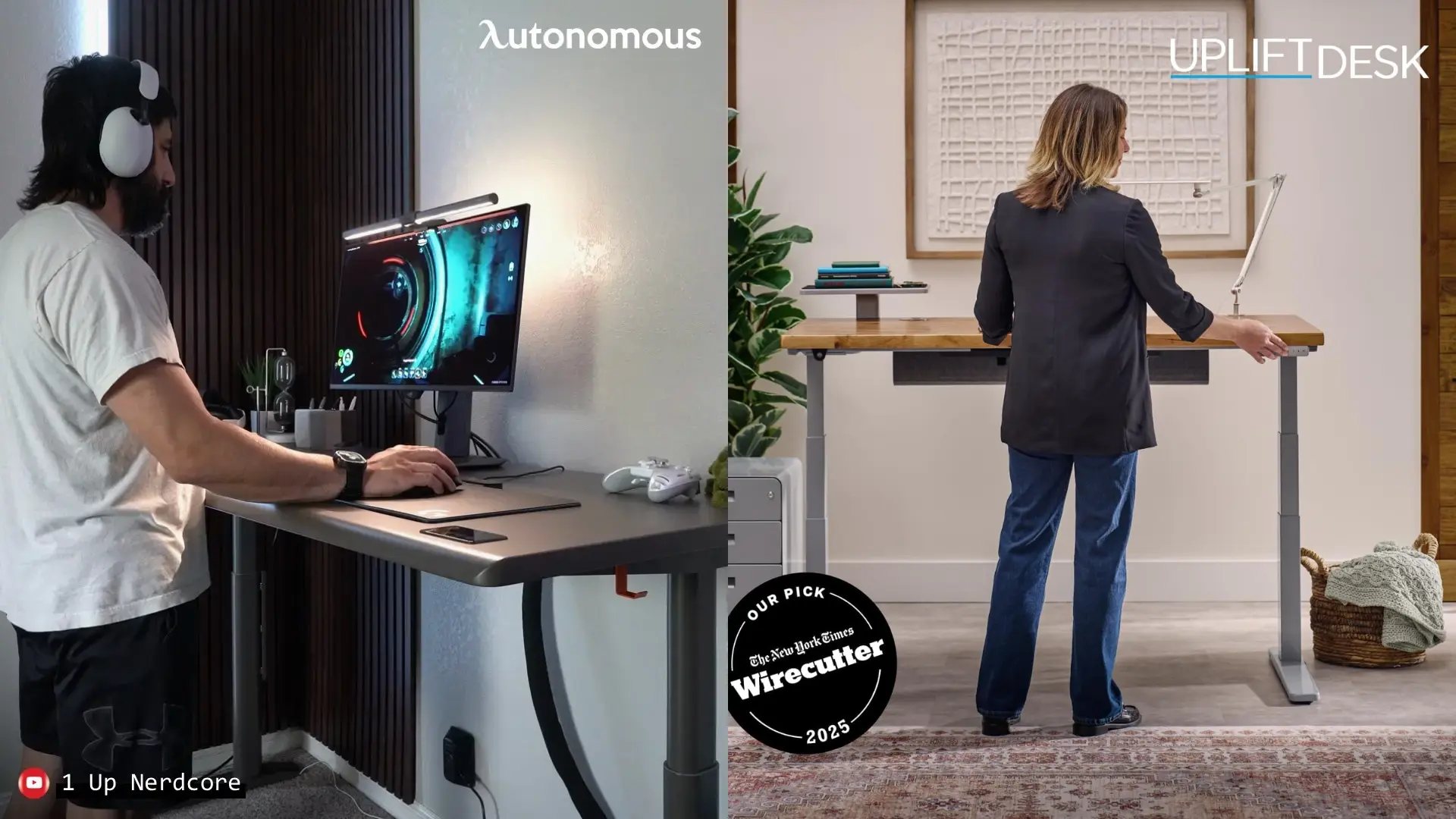
If you are weighing Autonomous vs Uplift desk, the real question is whether the Uplift V3 is worth its premium over the Autonomous Desk Pro, and the honest answer is that they are built for different buyers. The Desk Pro is the value and quiet pick, with a near-silent motor, built-in power, and an engineered top. The Uplift V3 is the customization and ecosystem pick, with the widest range of finishes and the lowest sit height. Below I compare them round by round on the specs that actually decide it.
I have tested desks for nine years, so this is a straight look at where each one wins, not a coin flip.
At a glance
Feature | Uplift V3 | |
Price | $499 | $599 |
Height range | 29.5"-48.5" | 22.6"-48.7" |
Capacity | 330 lbs | 355 lbs |
Motor / speed | Dual, 1.2"/s | Dual, 2"/s |
Noise | <30 dB | <48 dB |
Anti-collision | ✓ adjustable | ✓ adjustable |
Memory presets | ✓ (3, 2 modes) | ✓ (1-touch) |
Cable management | ✓ built-in | ✓ pouch |
Top options | HDF powder-coat | 200+ finishes |
Warranty | Lifetime frame | 15 yr |
Open hardware | ✓ | ✗ |
Price and value
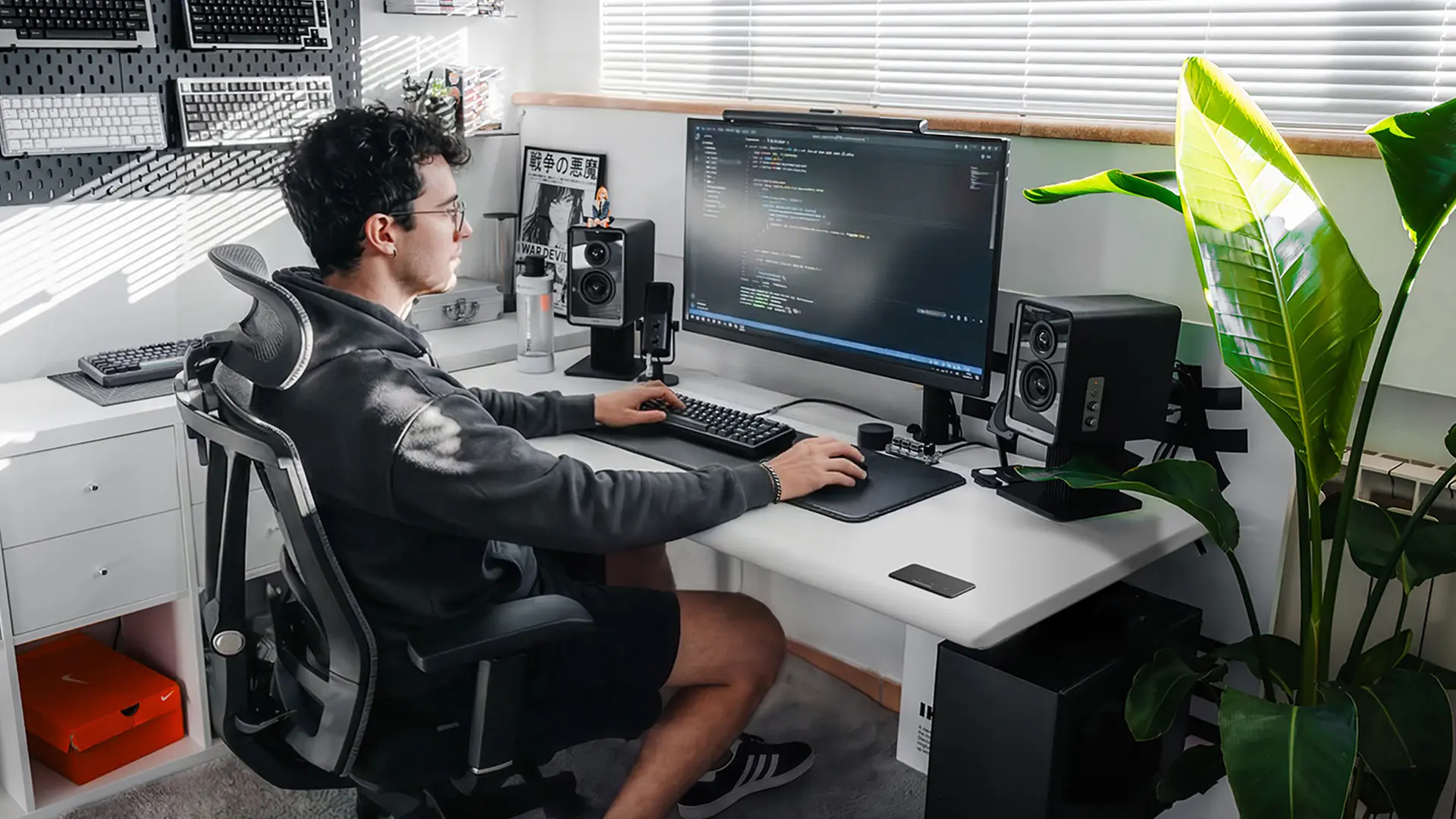
On price, the Autonomous Desk Pro wins, and the gap widens once you configure the Uplift. The 2-stage Desk Pro starts below the Uplift V3's $599 base, and its cable management, in-frame power, and engineered top are all included at that price.
The Uplift is a configurator, so its real cost is rarely the sticker. A well-equipped V3 typically lands near $1,099 once you add a nicer top and a few options:
- Bamboo top, about $100 more; solid wood, butcher block, or live edge, more again
- Advanced or gaming keypad, roughly $30 to $60
- Casters, a wireless foot switch, or the app adapter, extra on top
Both are dual-motor desks with similar core hardware, so at the base you are paying Uplift's premium for choice and ecosystem, not a stronger lift. If budget leads the decision, the Desk Pro sits among the best standing desks under $500.
Height range and fit
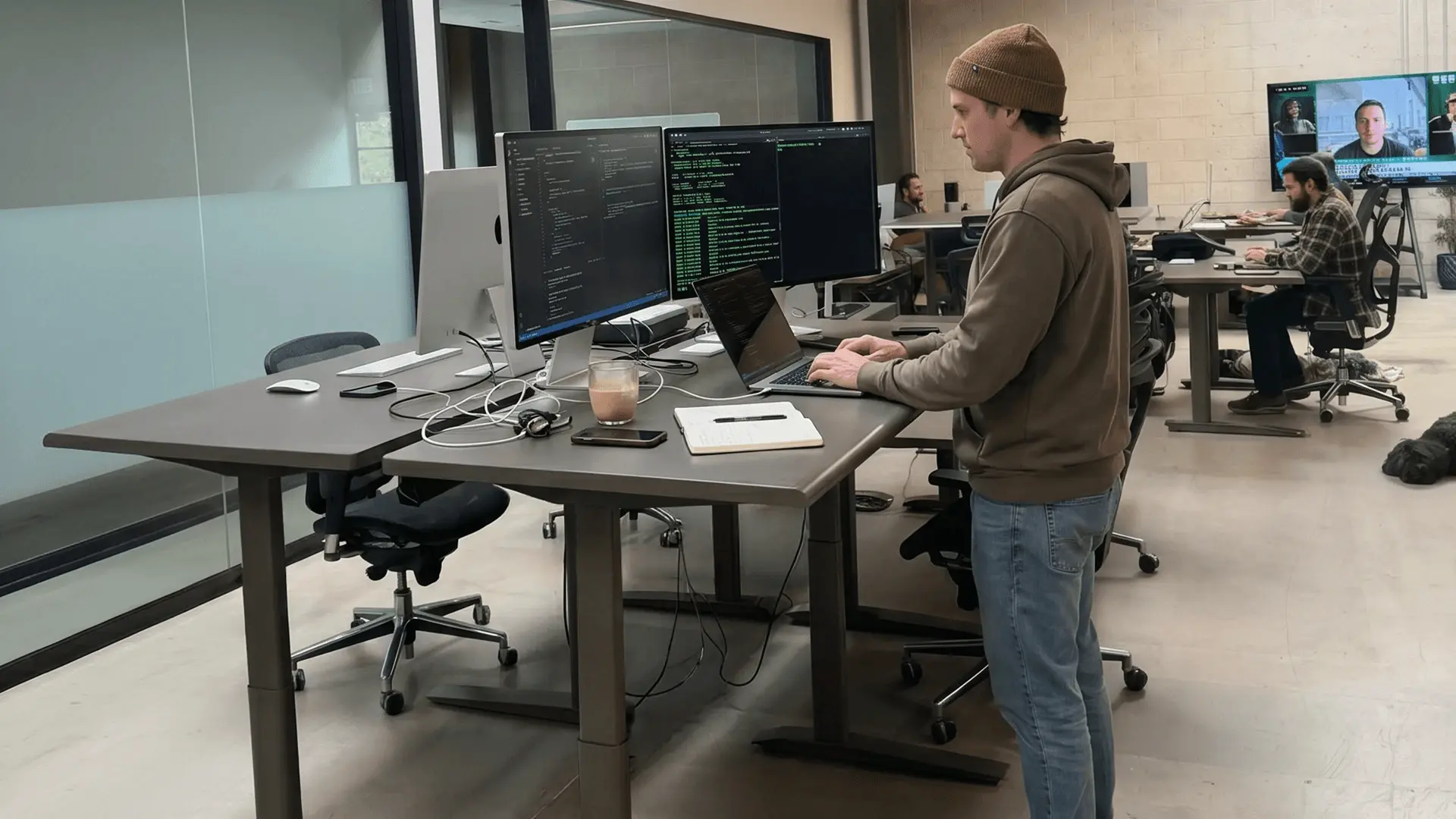
Which desk fits depends on your height, because the Uplift drops lower and the Autonomous 3-stage reaches higher. Roughly, here is who each range suits standing:
- Uplift V3, 22.6" to 48.7": fits a seated 5'0" user up to a standing 6'2"
- Desk Pro 2-stage, 29.5" to 48.5": comfortable for average heights, standing to about 6'2"
- Desk Pro 3-stage, 27.2" to 52.7": the widest span here, standing up to roughly 6'6"
The Uplift's 22.6" low end is the genuine advantage for short users who need to sit low.
If you are tall, the Autonomous Desk Pro (27.2" - 52.7", Beige) reaches higher than the Uplift can, which also makes it the better pick for a desk shared across mixed heights. It is one of the widest 3-stage standing desk options available. Whichever you lean toward, measure your standing elbow height against the range first, using our ergonomic desk height guide.
Noise
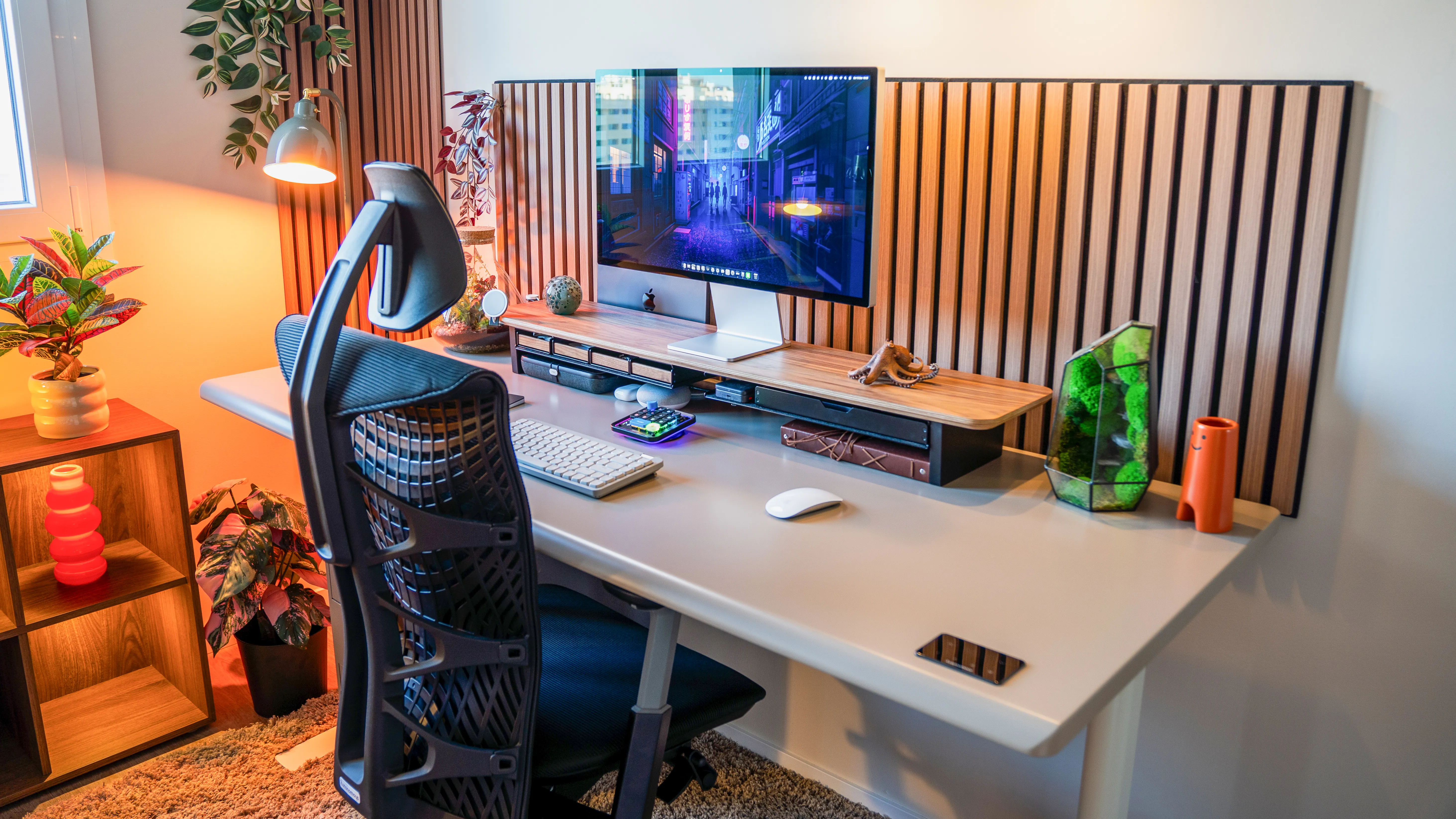
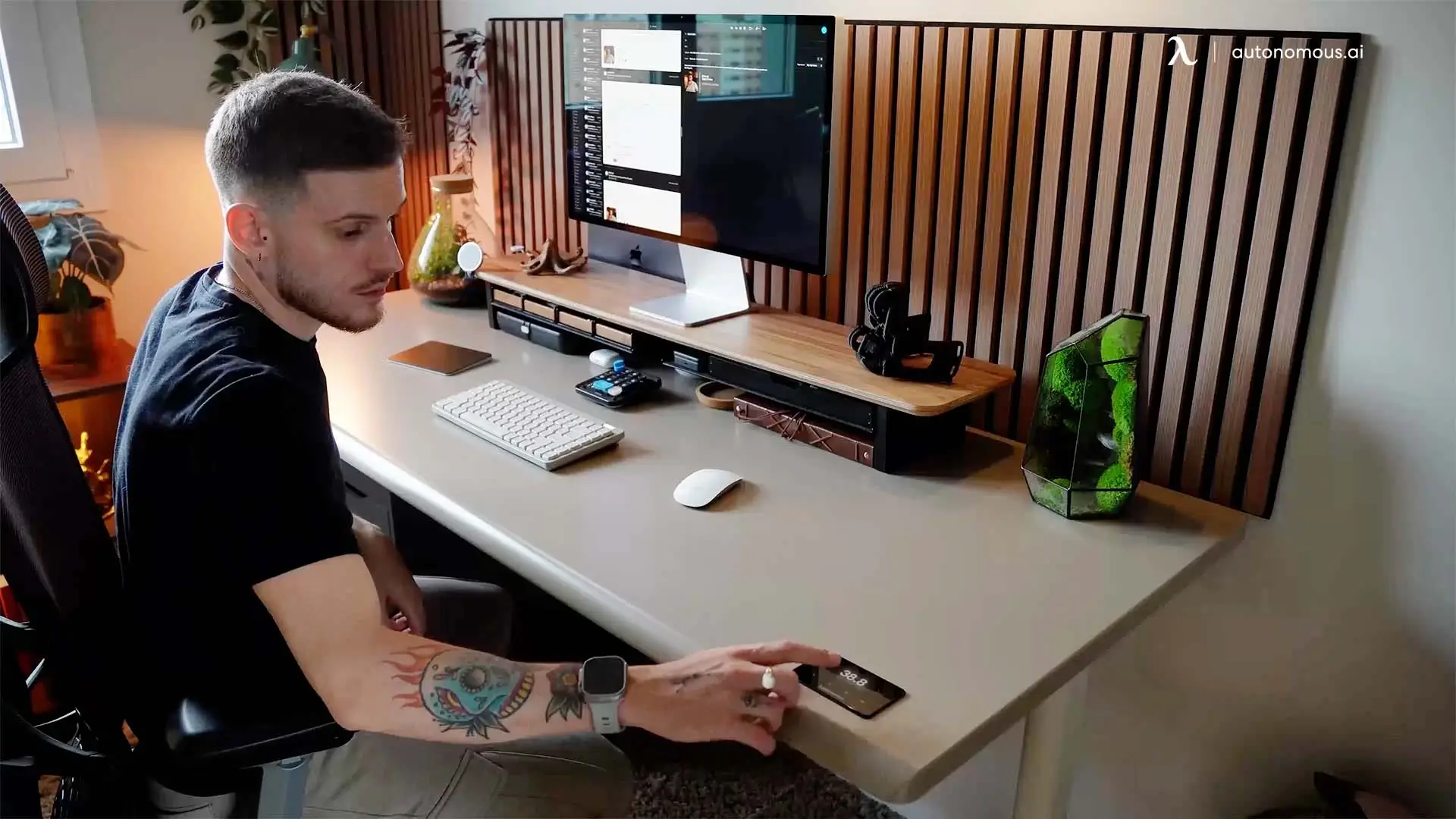
The Autonomous Desk Pro is the quieter standing desk, and the published numbers show it. Autonomous rates the Desk Pro under 30 dB; Uplift rates the V3 under 48 dB while moving.
Both are quiet enough for an office, but under 30 dB is low enough that the motor will not carry onto a call. That near-20-decibel gap matters most in an open room, a shared home office, or anywhere a raised desk would otherwise announce itself mid-meeting.
Surface and finish
The Autonomous Desk Pro has the more durable engineered surface, with test data behind it. Its HDF top is coated with Interpon 700 epoxy-polyester powder, a finish Autonomous settled on after UV paint peeled and melamine chipped in its own testing.
Against a standard liquid paint on the same board, the powder coat measured:
- 20% more scratch resistance and 50% more impact resistance
- Five times slower UV fade, so the color holds for years near a window
- Five times longer before corrosion in salt-spray testing
- Near-zero VOC off-gassing, since the powder cures without solvents
In daily use, that shows up as edges that do not chip where your forearms rest and coffee that wipes clean without leaving a ring.
The Uplift V3 answers with variety instead of one engineered finish, offering laminate, bamboo, solid wood, butcher block, and live-edge tops.
So if you want a specific wood, Uplift wins; if you want a proven-durable, low-emission surface without choosing, the Desk Pro does.
Cable management and power
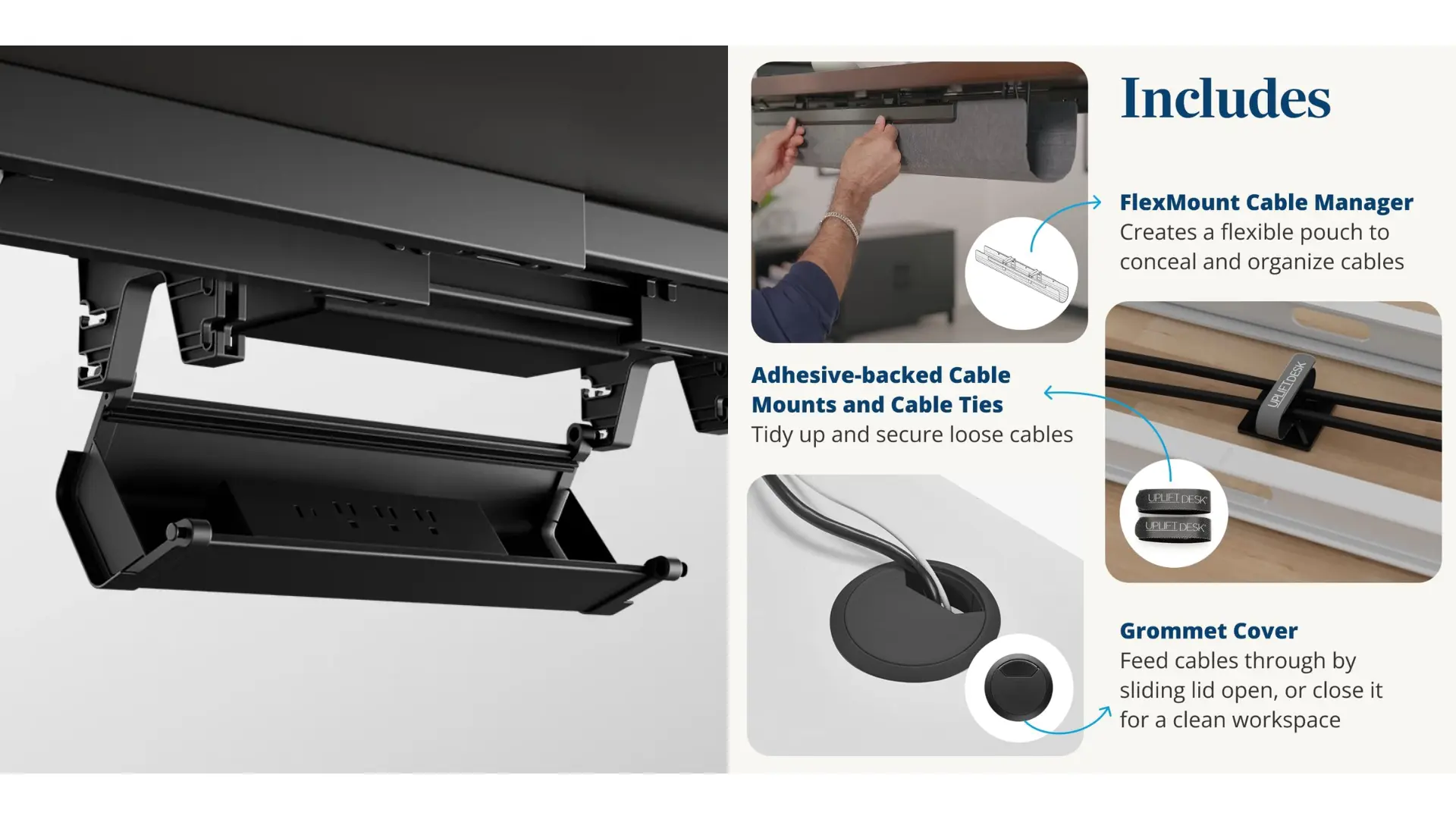
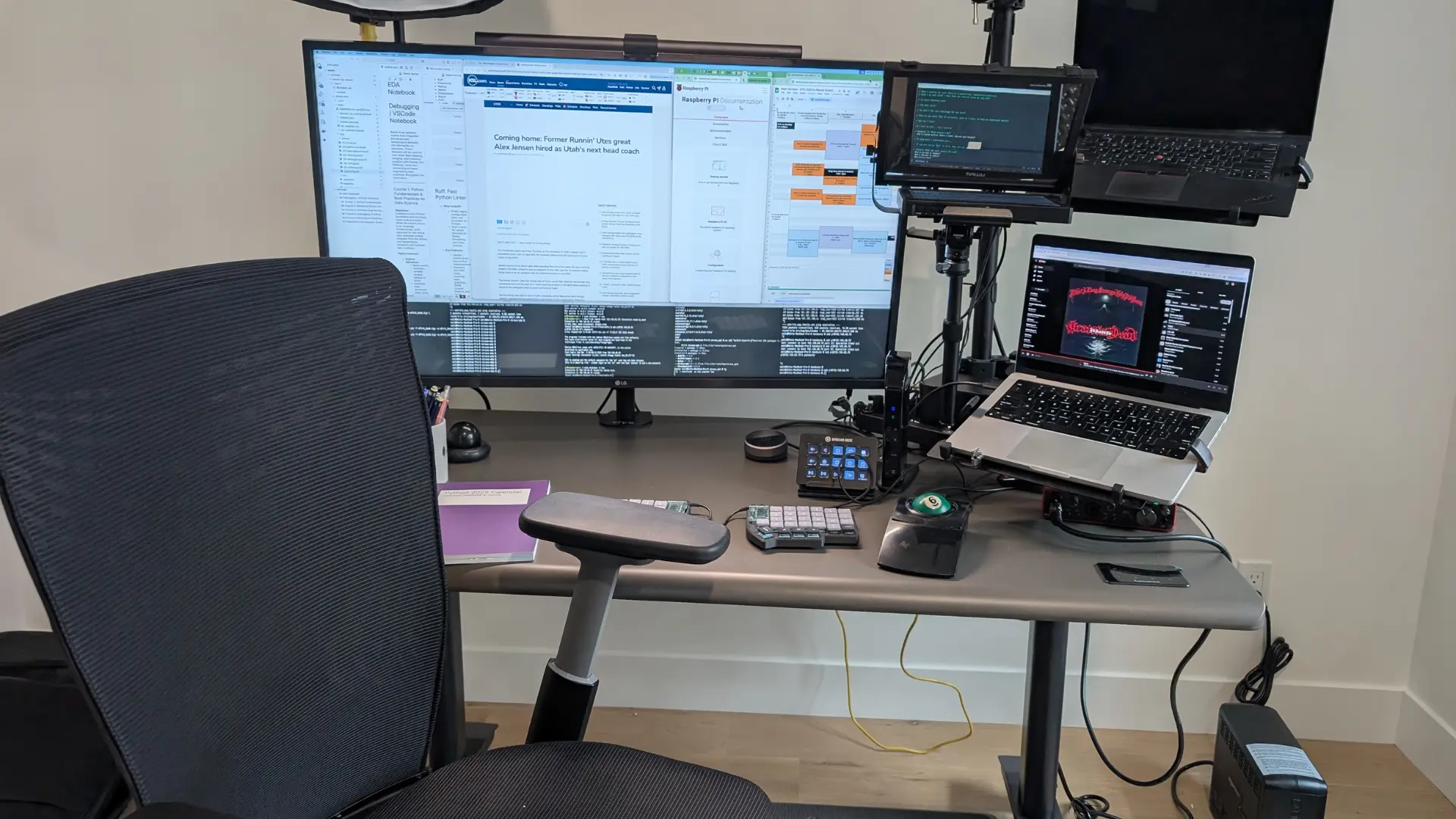
The Autonomous Desk Pro includes more cable management out of the box, and it includes power. It ships with a full kit built into the underside of the desk:
- A power strip mounted in the frame, so one cable runs to the wall
- A tray, a cable comb, a winder, and clips to route and hide the rest
The Uplift V3 includes its FlexMount cable pouch and ten cable wraps, which is a solid kit for tidying wires. What it does not include at the base price is power: a built-in outlet is a paid grommet upgrade.
For a plug-in-and-hide setup with power at the desk, the Desk Pro gives you more without add-ons.
Customization and desktop options
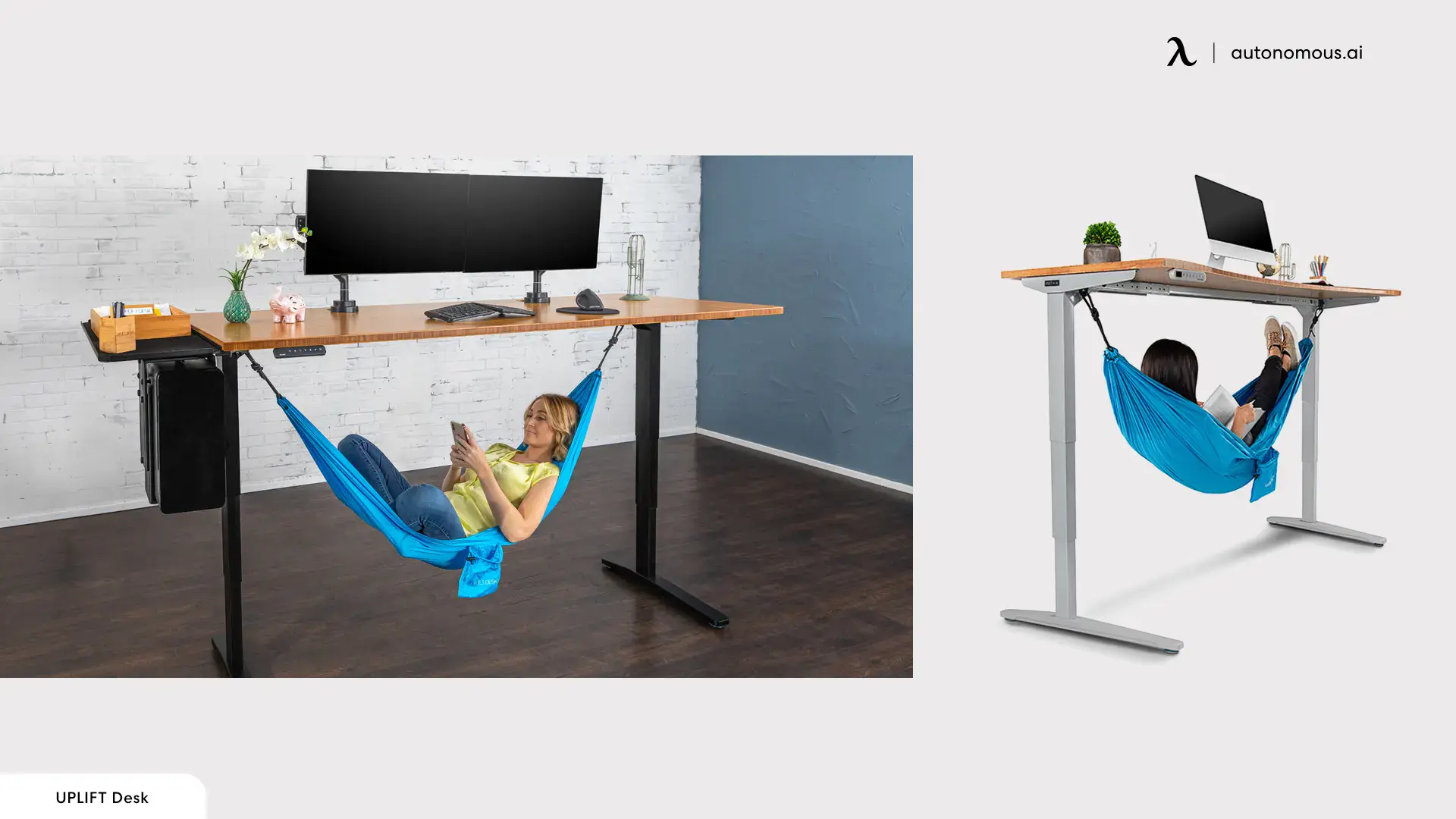
The Uplift V3 wins customization by a wide margin, and it is the strongest reason to pay its premium. Where the Desk Pro keeps a focused lineup, the Uplift is a system you configure:
- Over 200 desktops across 20-plus materials, from laminate to walnut and live edge
- Several keypads, including an RGB gaming version, plus a wireless foot switch and an app
- Casters, multiple frame colors, and dozens of accessory mounting points
The Autonomous Desk Pro takes the opposite approach: four colors, two sizes, and one engineered top, chosen so you do not have to. If configuring every detail is the point, Uplift is built for it. If you would rather buy a strong desk without working through a configurator, the Desk Pro is the simpler path.
Control, presets, and safety
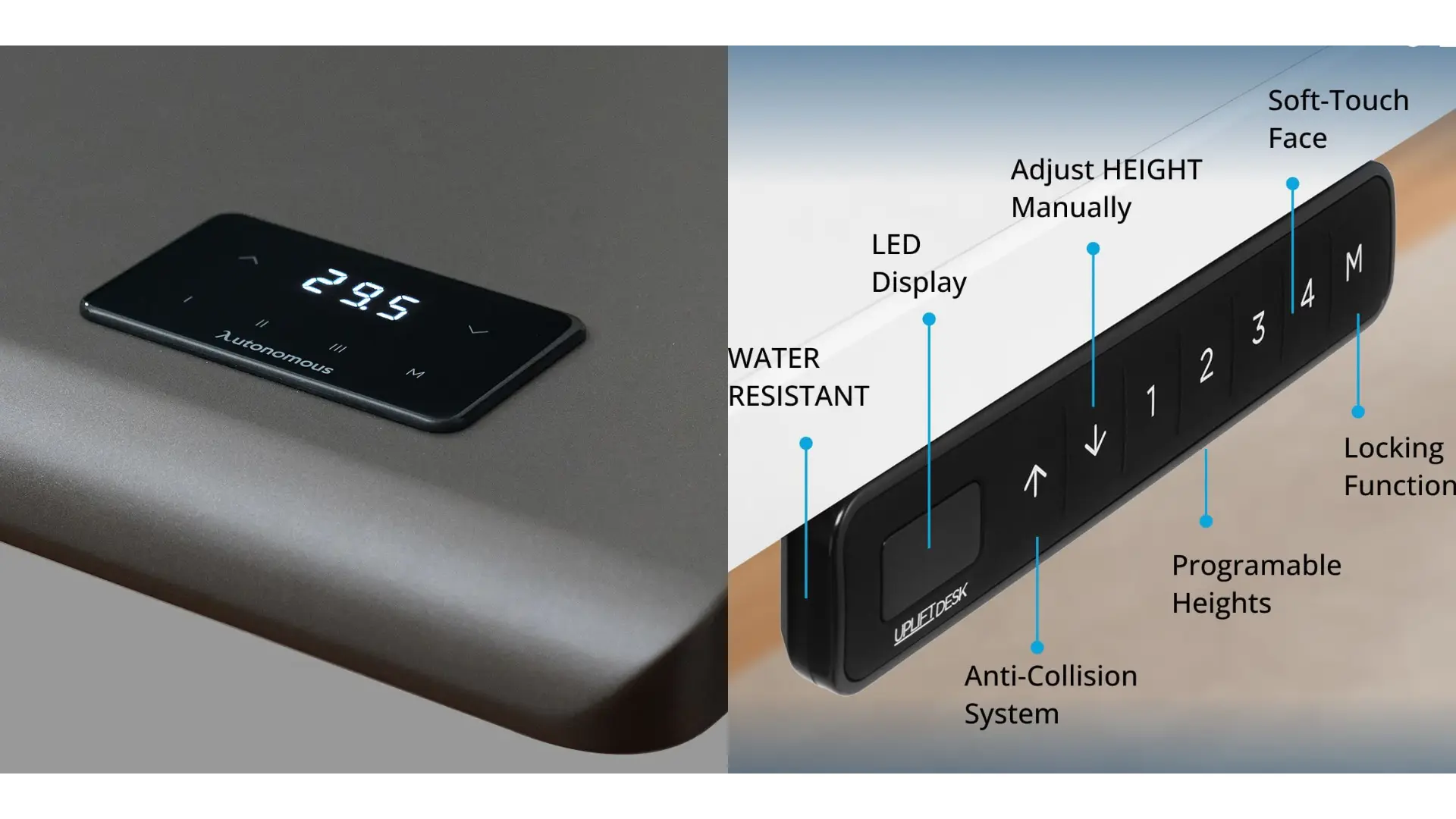
Both standing desks give you touch controls, memory presets, and adjustable anti-collision, so day to day the experience is close. The differences are in the details.
The Desk Pro's keypad sits flush in the desktop under your palm, with three memory presets and two recall modes: a quick tap to jump to a height, or a press-and-hold if you prefer the desk to stop the moment you release. Anti-collision has adjustable levels, and it stops the desk if it meets resistance or tilts.
The Uplift's advanced keypad offers one-touch presets and adjustable collision sensitivity too, plus optional extras the Desk Pro does not have: a wireless foot switch and an app with movement reminders. Its motor is also faster, at about 2 inches per second against the Desk Pro's 1.2, so a full sit-to-stand move finishes a couple of seconds sooner.
Stability and assembly
Both desks are steady C-frame designs, and Uplift assembles faster. Each uses a C-shaped frame with no front crossbar, so both hold at full height and leave room for your knees, a layout our C-frame vs T-frame guide explains.
The Desk Pro's leg uses an oval cross-section that spreads load through the wall of the tube, and the frame is bench-tested to 50,000 sit-to-stand cycles. The Uplift V3 reinforces its frame with I-beam crossbar rails and a stability plate, aimed squarely at the front-to-back wobble crossbar-free desks can show at full height.
On assembly, Uplift has the clear edge: the V3 uses about half the screws of its predecessor and ships with the control box pre-installed, so it goes together fast. The Desk Pro takes most people under 30 minutes, which is still easy, just not as quick.
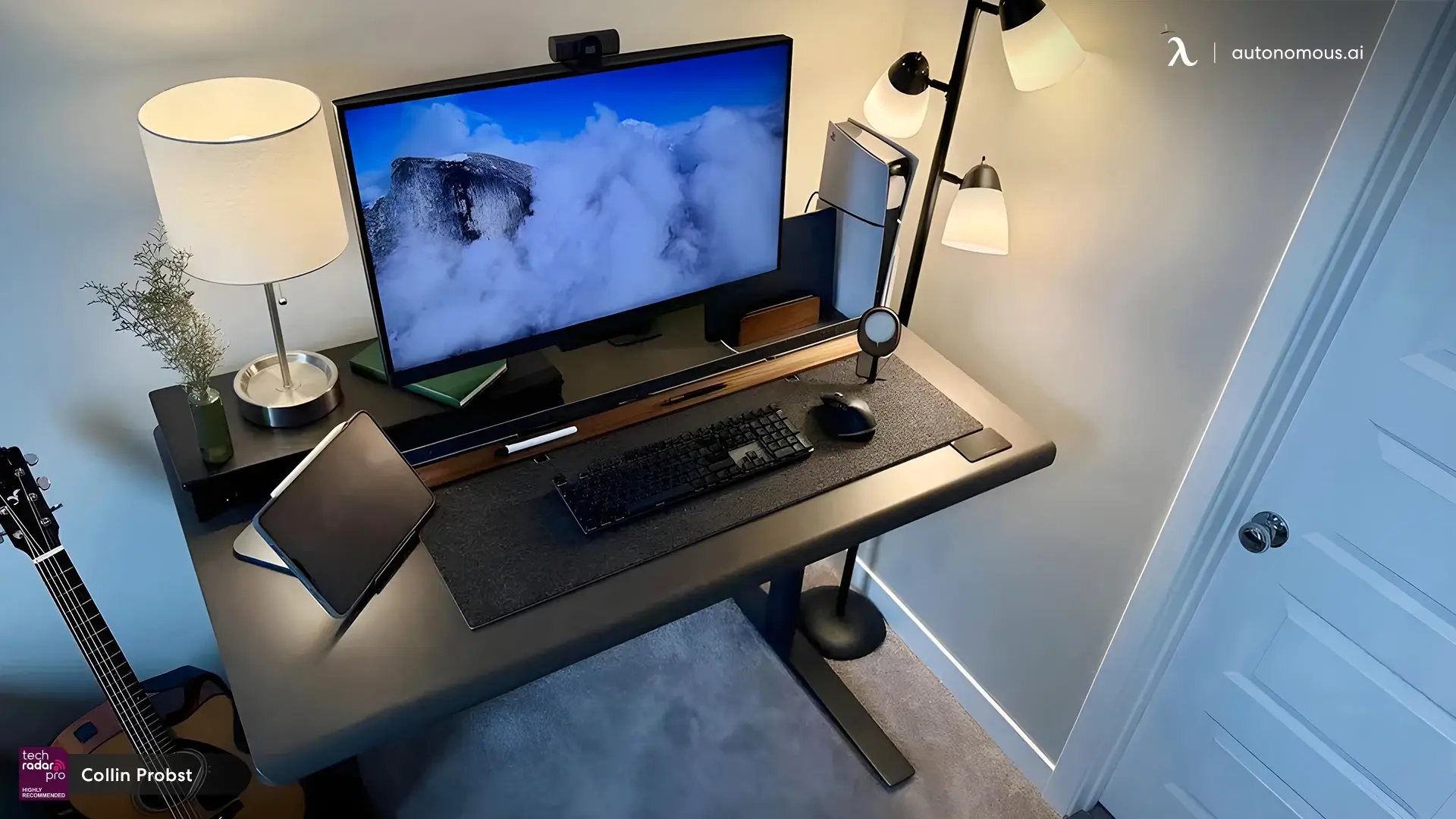
Warranty
On warranty, the Autonomous Desk Pro covers its frame longer, while the Uplift V3 covers more of the desk. Autonomous backs the frame for life, longer than Uplift's 15 years, and covers the top for two years.
Uplift's 15-year warranty is comprehensive: it covers the frame, motors, electronics, and desktop. That matters because on a standing desk the moving parts fail first. A controller or motor dying in year six is the failure that actually strands people, and Uplift covers it where many desks quietly do not.
So if a lifetime frame is the number you weigh most, Autonomous wins it; if you want the motor and controller covered a decade out, Uplift's breadth is the stronger promise.
The 3-stage Desk Pro carries a 10-year frame warranty rather than lifetime, worth noting if that is the version you want.
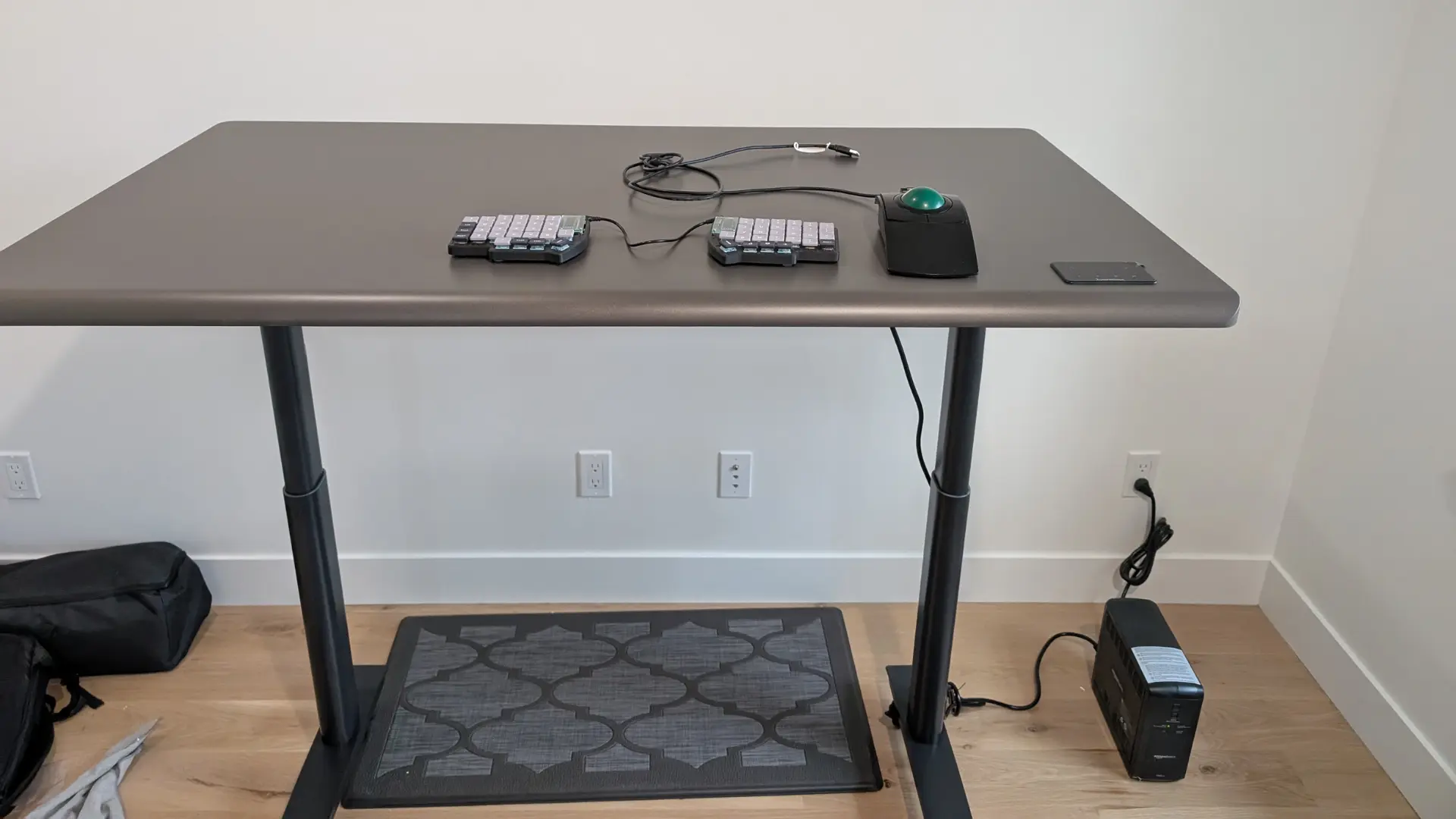
Who should buy which
Buy the Autonomous Desk Pro if you want the most desk for the money and value the things it does best:
- A near-silent motor and an engineered, low-emission top
- Built-in power and cable management, no add-ons
- A lifetime frame warranty, plus a tall 3-stage option
It is the value and quiet pick for a focused, dev-friendly setup.
If you are choosing within the Autonomous line, our Autonomous Desk Core vs Desk Pro vs Desk 2 comparison sorts that out.
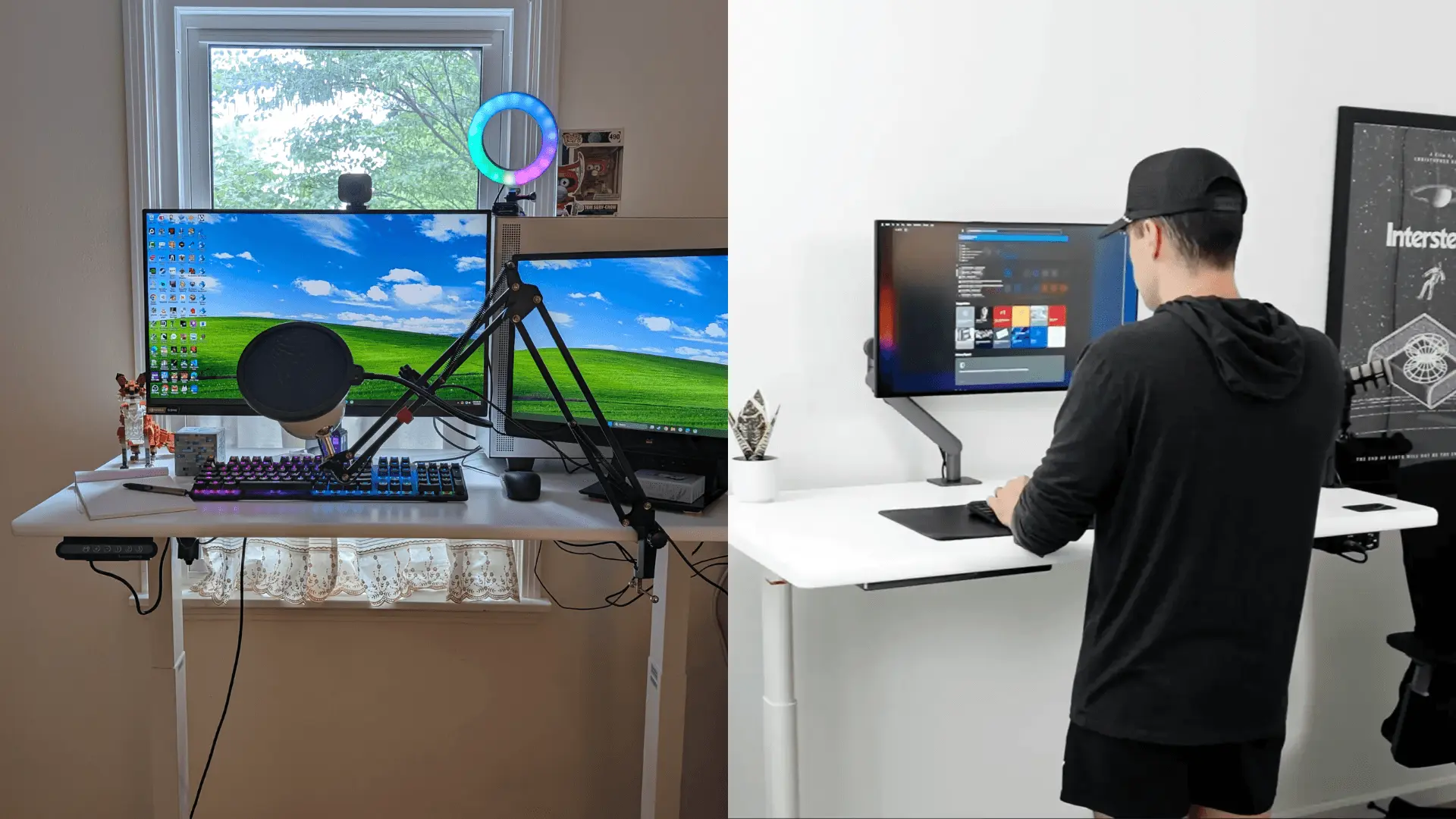
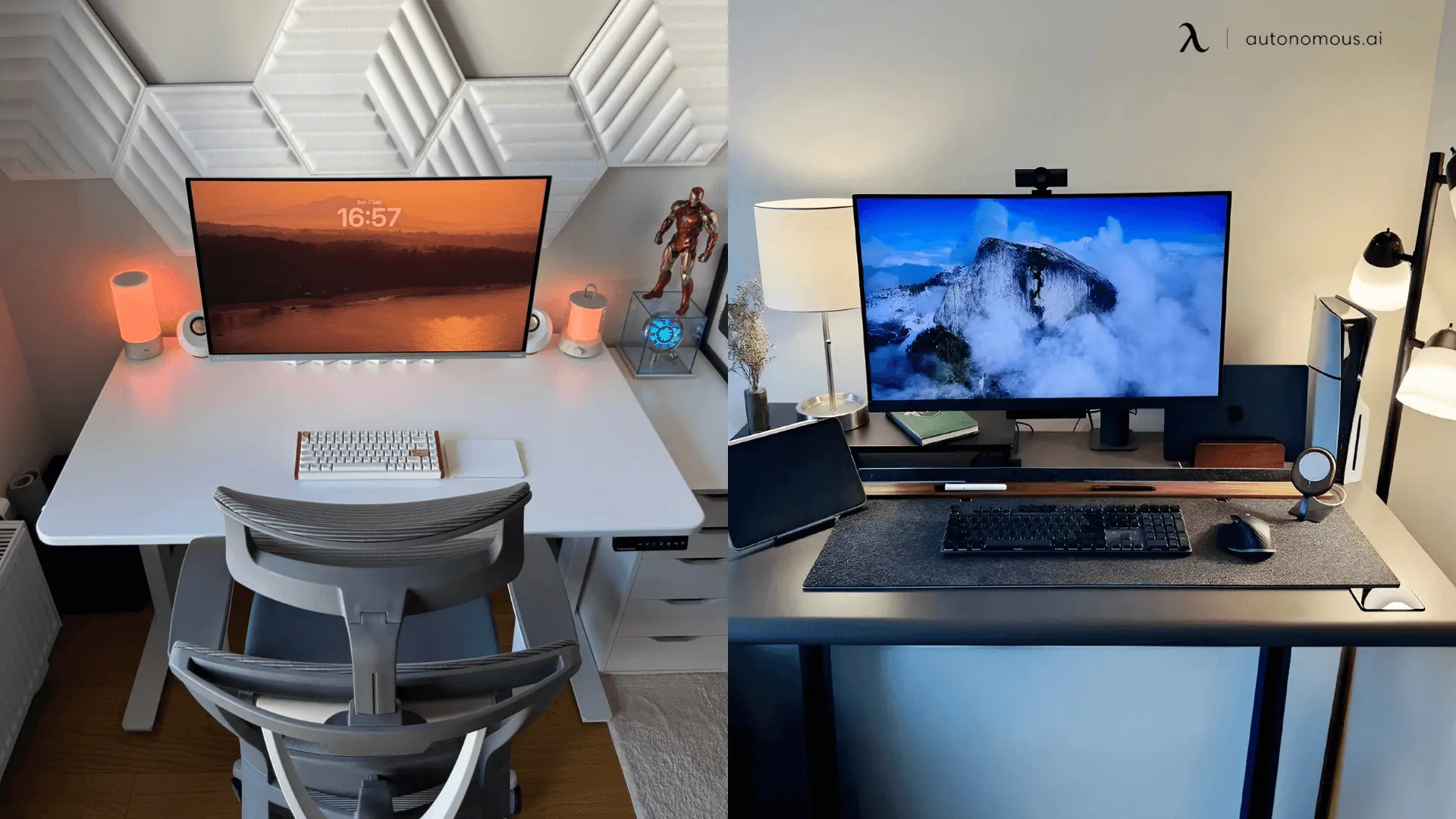
New buyers can take an extra 5% off with code BLOGFIRST5 at checkout.
Buy the Uplift V3 if its specific strengths match your needs:
- You want to configure every detail, or need a particular wood top
- You are short and want the 22.6" low end, covered in our standing desk for short people guide
- You want the broadest accessory ecosystem and full-desk warranty coverage
You will pay a premium for that flexibility, but for a long-term, highly customized setup it earns it.
FAQs
Is the Uplift V3 worth the extra money over Autonomous?
The Uplift V3 is worth the premium if you want its customization, ecosystem, or 22.6-inch low height. For most people, the Autonomous Desk Pro delivers the core experience, a quiet motor, a durable top, and built-in power, for less. Pay Uplift's premium for the extras, not for a better basic lift.
Which is quieter, Autonomous or Uplift?
The Autonomous Desk Pro is quieter. It is rated under 30 dB, among the lowest for a dual-motor standing desk, while the Uplift V3 is rated under 48 dB while moving. Both are office-quiet, but that near-20-decibel gap is noticeable on calls and in shared rooms.
Which standing desk is more stable?
Both are stable, since each uses a C-frame with no front crossbar that holds steady at full height. The Desk Pro is bench-tested to 50,000 cycles, and the Uplift adds a stability plate to cut front-to-back sway. Stability is close enough that it should not be the deciding factor.
Which is better for short or tall users?
The Uplift V3 is better for short users, with a 22.6-inch low end for sitting at a smaller frame. The Autonomous Desk Pro 3-stage is better for tall users, reaching 52.7 inches, higher than the Uplift's 48.7-inch maximum. Match the range to your standing elbow height.
Is the Autonomous Desk Pro good quality?
The Autonomous Desk Pro is a high-quality desk, with an SPCC steel C-frame, a powder-coated HDF top tested for scratch and UV resistance, a lifetime frame warranty, and ANSI/BIFMA and Green certification. Owners consistently note its quiet motor, stable feel at full height, and built-in cable management.
Which has better cable management?
The Autonomous Desk Pro has more built-in cable management, including a power strip mounted in the frame plus a tray, comb, winder, and clips. The Uplift V3 includes a cable pouch and wraps, but power outlets are a paid add-on. For hiding cords and adding power without extras, the Desk Pro leads.
Which standing desk adjusts faster?
The Uplift V3 adjusts faster, at about 2 inches per second against the Autonomous Desk Pro's 1.2 inches per second. In practice that is a couple of seconds saved on a full sit-to-stand move. The Desk Pro trades a little speed for its quieter, under-30-dB motor.
Bottom line
The honest answer to the Autonomous vs Uplift desk question is that they suit different buyers, not that one simply beats the other.
The Autonomous Desk Pro is the pick for most people who want a quiet, steady, well-finished desk with power and cable management built in, at a lower price, without paying for extras they will not use. It leans toward a focused, developer-minded setup.
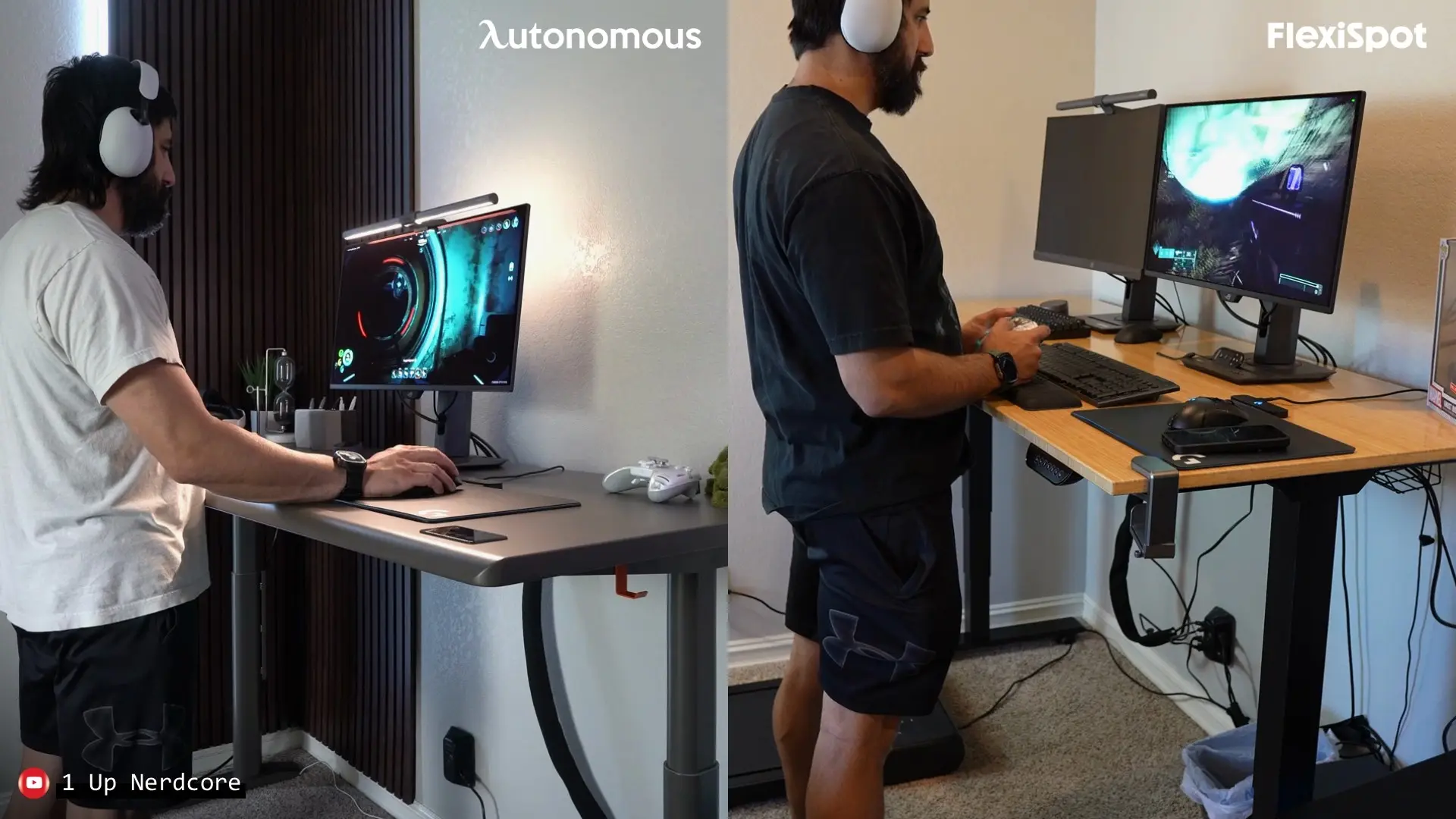
The Uplift V3 earns its premium if you want deep customization, a specific wood top, its low sit height, or full-desk warranty coverage. If you are weighing other brands too, our Autonomous vs FlexiSpot comparison and the full best standing desks tested and reviewed roundup cover the wider field.
References
- Occupational Safety and Health Administration (OSHA). Computer Workstations eTool: Good Working Positions. https://www.osha.gov/etools/computer-workstations/positions
- Cornell University Ergonomics Web. Office Ergonomics Guidelines. https://ergo.human.cornell.edu/
- Centers for Disease Control and Prevention. Physical Activity and Reducing Sedentary Time. https://www.cdc.gov/physical-activity/