6 Simple Ways To Build Your Soundproof Gaming Booth
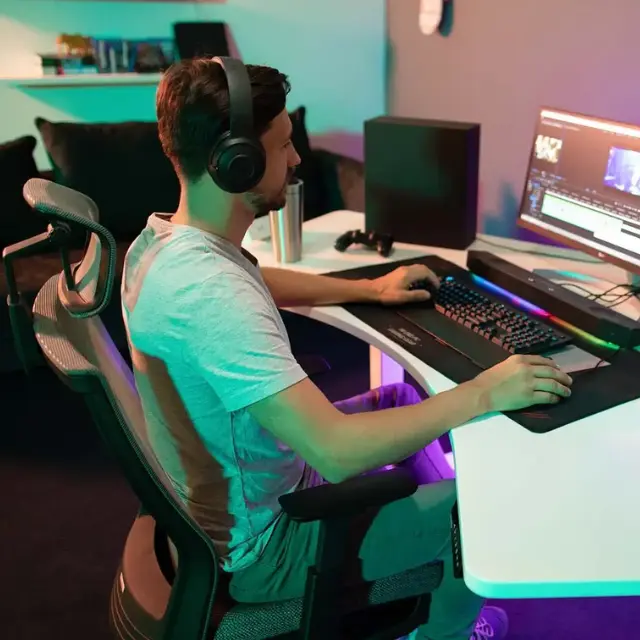
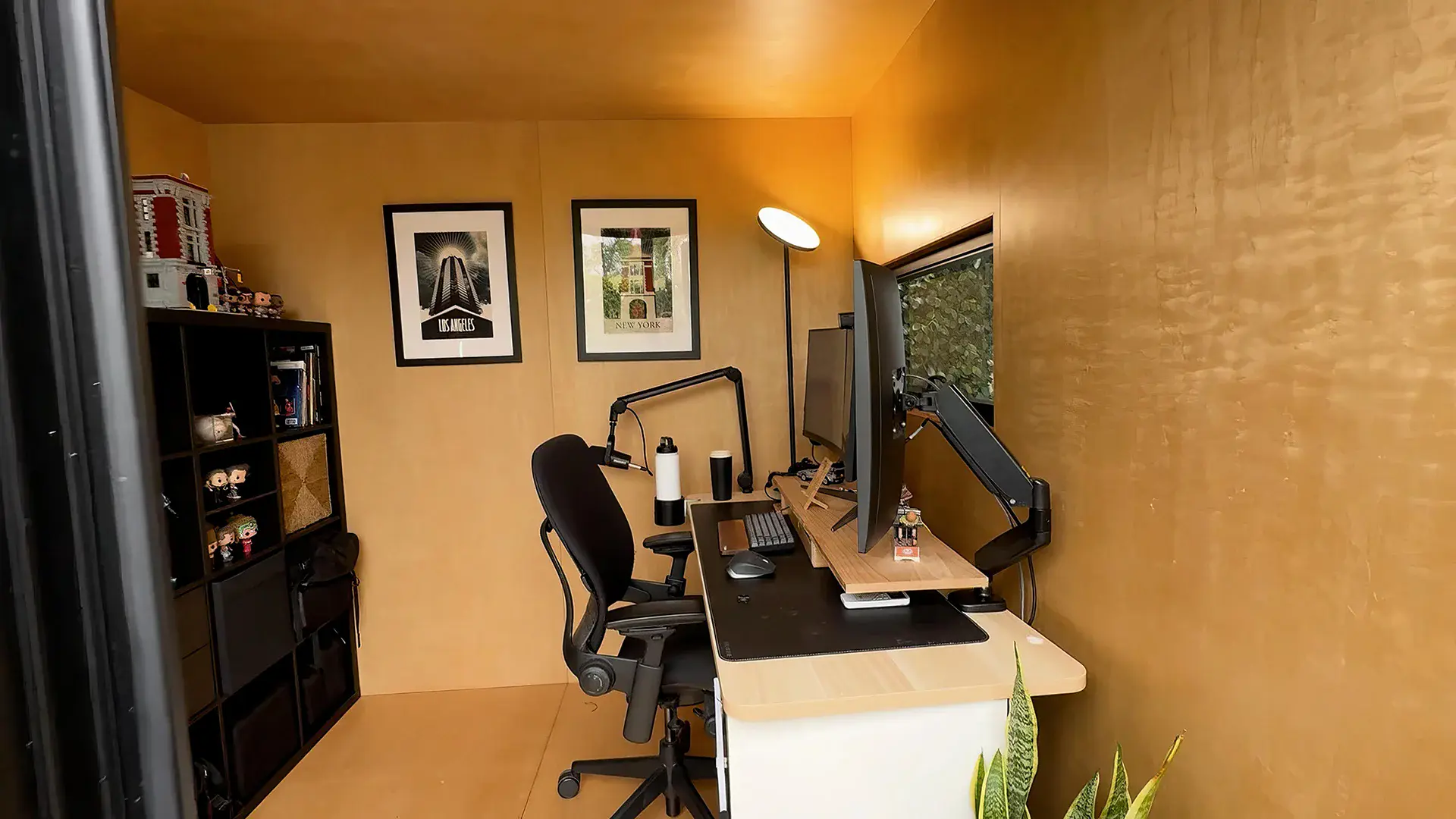
A soundproof gaming booth is a small enclosed space with dense walls, sealed gaps and a solid door that keeps game audio and voice chat inside and household noise out of your mic. You can build one yourself for a few hundred dollars with a PVC frame, moving blankets and foam, or buy a ready-made pod when you need real walls.
Below are six ways to build one with DIY materials, three portable options, and three ready-made gaming pods for when you have more space. They work in a spare room, a closet corner or the backyard, and they range from budget fixes to full builds.
Why Build A Soundproof Gaming Booth?
A soundproof gaming booth gives you louder, clearer game audio without bothering anyone, and a quieter background for your mic. Whether you stream, play competitively or game late at night, a well-built booth:
- Makes in-game sound clearer
- Reduces echo and ambient noise
- Keeps the noise away from roommates or neighbors
- Gives your space a clean, focused feel
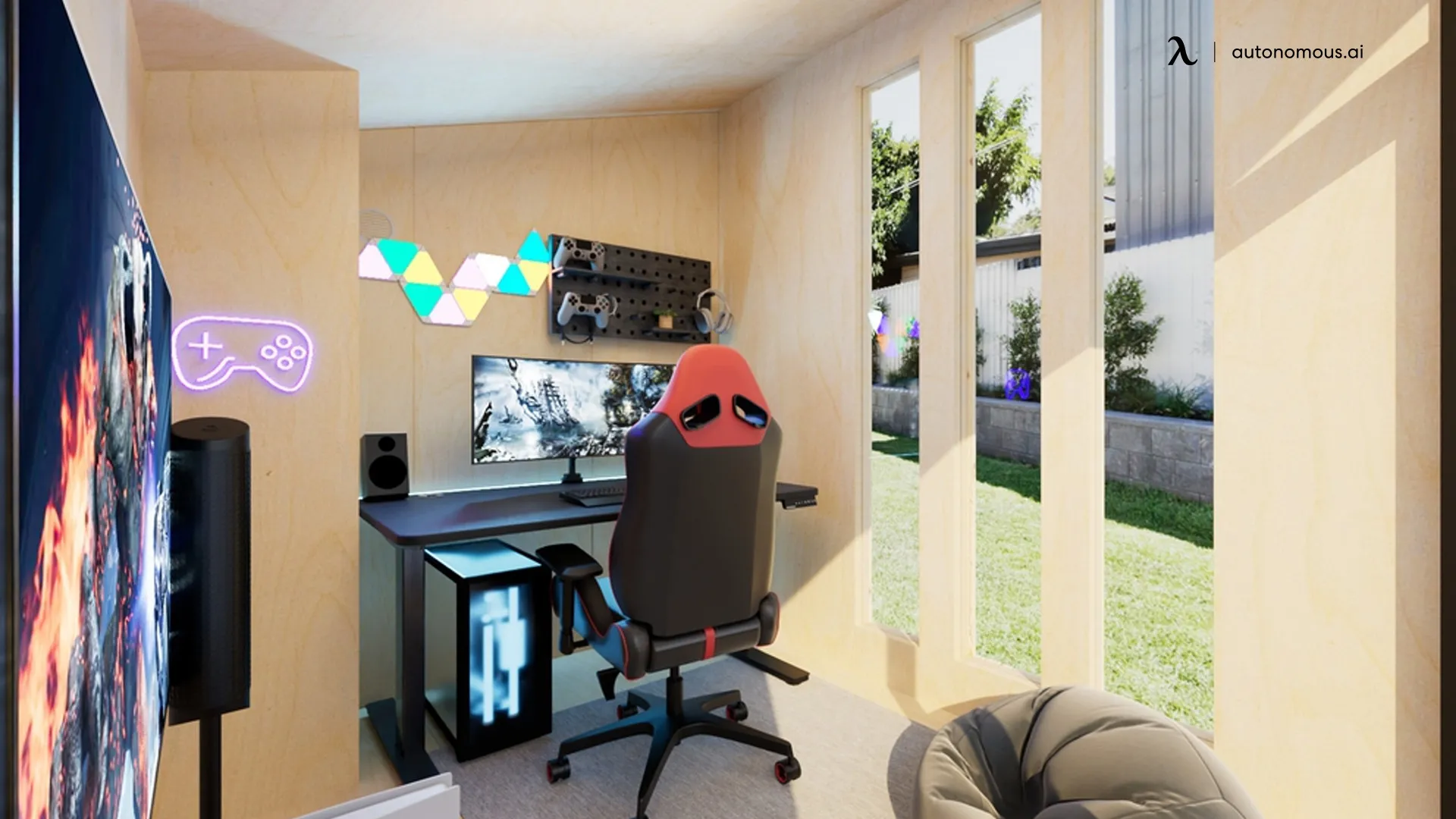
Along with an ultimate gaming setup, some gamers go as far as setting up a dedicated gaming isolation pod or buying a prefab gaming shed. If you prefer the DIY approach, the ideas below will get you started.
Essential Soundproofing Materials & Design Elements
Here’s where design meets acoustics. These basic materials change both how your booth sounds and how it feels to sit in.
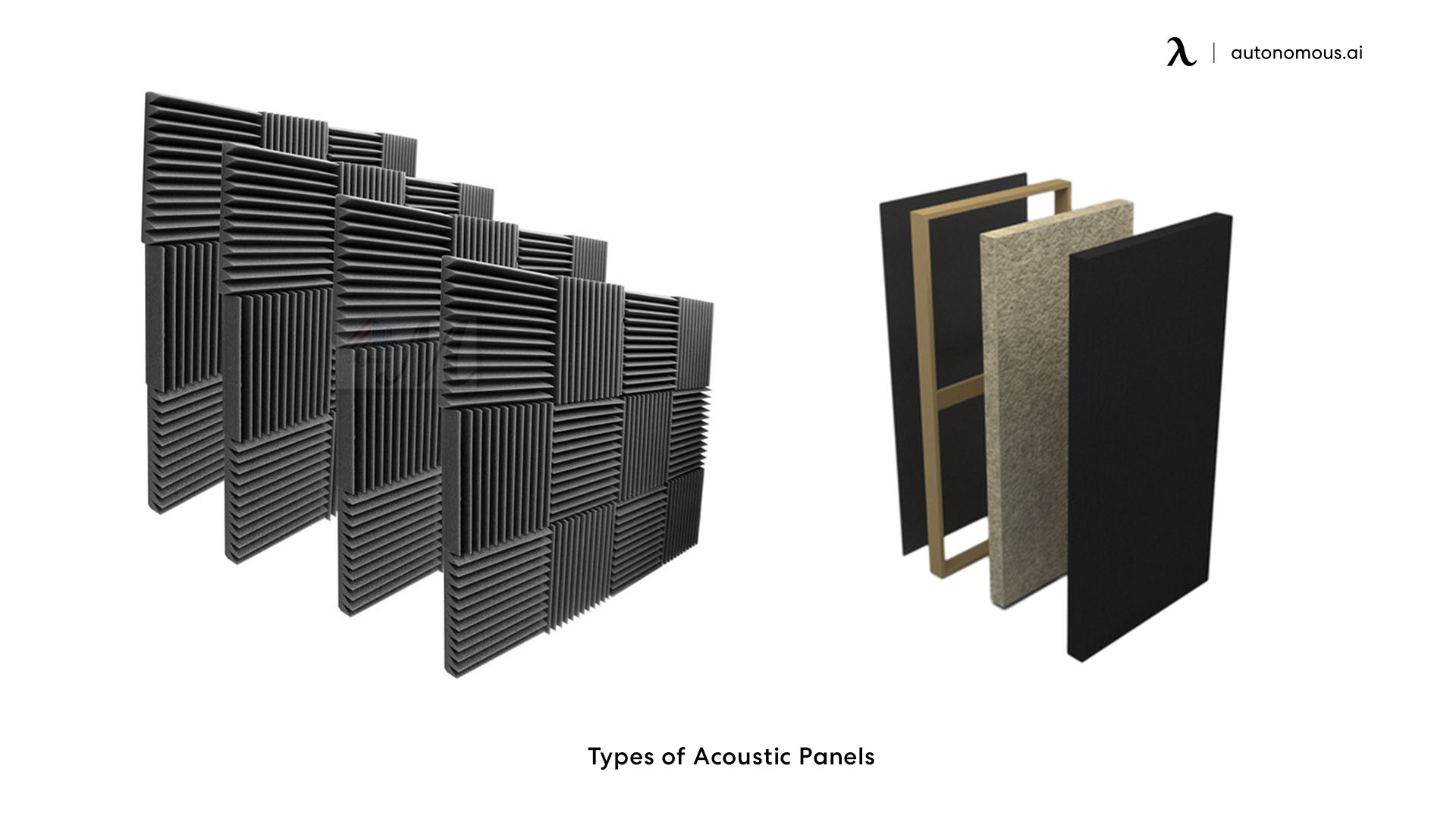
- Acoustic Panels
Originally designed for recording studios, acoustic foam panels absorb sound reflections. They reduce echo and make the sound inside your gaming pod clearer.
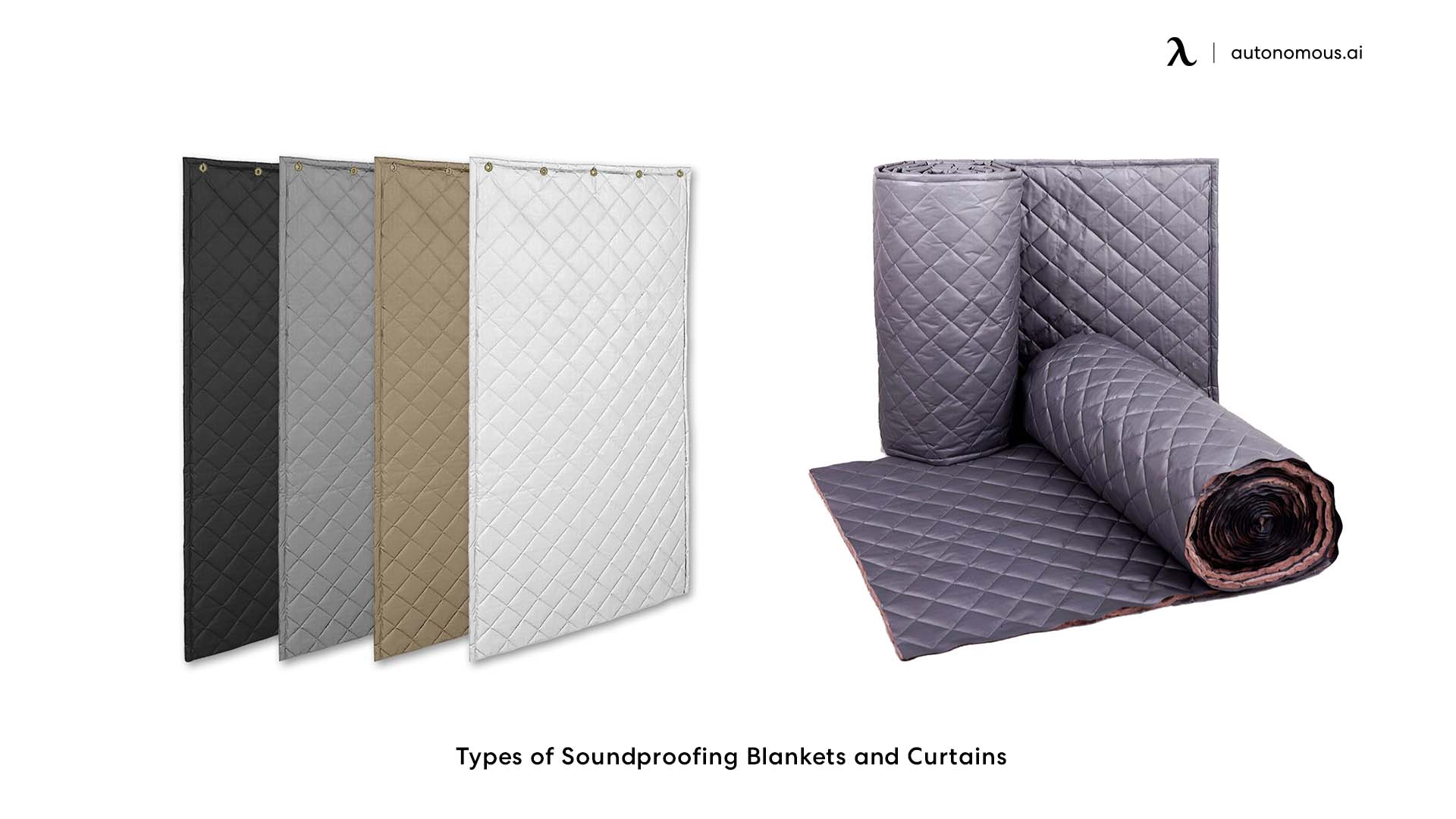
- Soundproof Curtains & Blankets
Thick curtains and noise-dampening blankets help block sound from escaping through windows and walls. They also make a gaming booth look and feel cozier.
The same materials can double as decor, and these gaming desk setup ideas show ways to work soundproofing into a setup that still looks clean.
- Rugs & Carpets
Hard floors bounce sound, so lay down a dense area rug or thick carpet to minimize footstep noise and echo.
- Anti-Vibration Pads
Place these under your speakers, PC, or chair to reduce vibrations that might travel through floors or shared walls.
Building Your Soundproof Gaming Booth: Essential Tips
You can build a soundproof gaming booth that works on a modest budget. These six techniques cut noise without taking apart your setup.
1. Create A Barrier With PVC Curtains
If you have a small gaming booth or space, you can use PVC curtains as a temporary barrier. They provide an extra layer that can block sound, especially if you’re using them in the door or window areas of your booth. They’re lightweight, affordable, and easy to install.
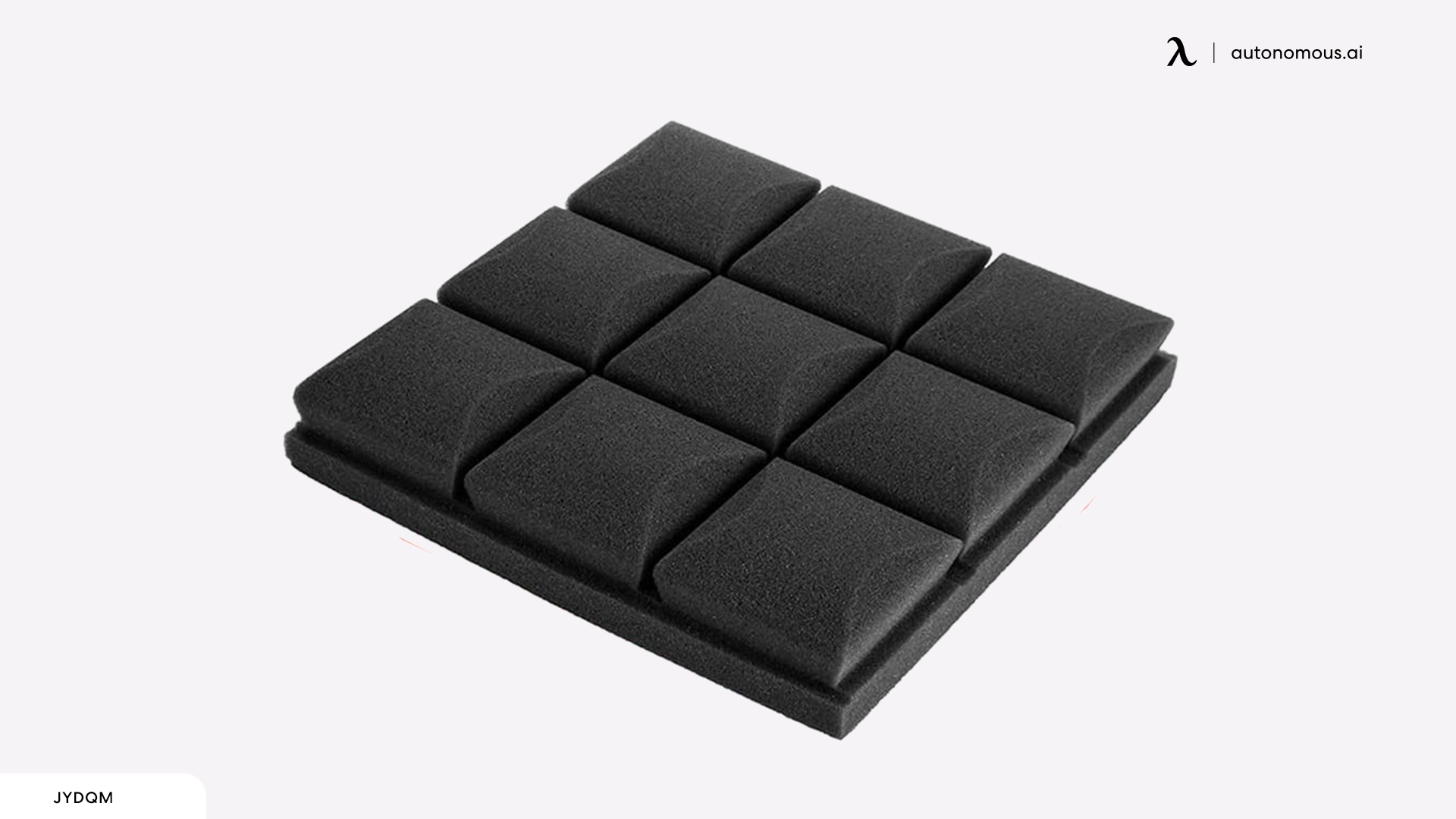
2. Insulate The Booth With Foam Panels
Instead of covering an entire wall with thick acoustic panels, consider using soundproof foam tiles or foam rolls. These can be easily cut to size and placed inside your booth where sound bounces most. Foam cuts echo inside the booth; on its own it does little to stop sound leaving it, so pair it with the sealing and mass steps below.
3. Build A DIY Box For Your Speakers
If your main issue is sound leakage from speakers, create a DIY speaker box. Use wood or cardboard to build a small box around your speakers, and line it with foam or foam board for sound dampening. This will help contain the sound within the booth and prevent it from leaking.
If you're working with a closet gaming setup, this tip can be especially useful. Since closet spaces tend to have less room for sound diffusion, containing the sound from your speakers with a DIY box will help minimize sound leakage and improve the overall acoustics within the tight space.
4. Use Mass Loaded Vinyl (MLV) For The Booth Walls
Mass-loaded vinyl is a heavy, flexible material that blocks sound well. Line the inside of your gaming booth with MLV sheets on the walls or doors to stop more sound from passing through. It costs more than foam, but it is a discreet, effective way to block sound.
5. Install Foam Baffles Or Bass Traps In Corners
Corners are notorious for trapping sound, especially bass frequencies. Place foam baffles or corner bass traps in your gaming booth to absorb these lower frequencies. You can DIY these using foam wedges or buy pre-made bass traps for a more polished look.
6. Soundproof The Floor With A Mat Or Layered Padding
Floors are often overlooked when soundproofing a gaming booth. Put a soundproof mat or several layers of padded flooring beneath your gaming booth. A dense rubber mat can help absorb vibrations and minimize any sound that might transfer through the floor, especially if your booth is placed on a hard surface.
Portable Soundproofing Solutions For Gamers
A portable soundproofing setup suits gamers who need flexibility or rent their space. Here are some options for a mobile soundproof gaming setup without permanent installation.
1. DIY Portable Soundproof Gaming Booth
A DIY gaming booth is the cheapest way to get a portable soundproof space without buying a pre-made booth. It is simple to assemble, easy to move, and suits gamers who change their setup often.
Here is a DIY gaming booth step-by-step guideline that you can do at home:
Materials:
- PVC pipes (for the frame)
- Thick moving blankets or soundproof curtains
- Acoustic foam or egg cartons
- Velcro straps or clips for easy assembly and disassembly
- Foam mats or carpet for the base
How To Build:
- Build The Frame
Start by building a simple frame using PVC pipes. These are lightweight and easy to cut to your desired size. You can create a rectangular or square structure, depending on how large you want your gaming booth to be. Make sure it’s tall enough to accommodate your gaming setup comfortably.
- Soundproofing The Walls
Wrap the frame with thick moving blankets or soundproof curtains. These will act as the primary barrier, reducing noise from both inside and outside the booth. Use Velcro straps or clips to attach the blankets securely to the frame, making it easy to take them down when needed.
- Add Acoustic Foam
For extra noise absorption, line the inside of the booth with acoustic foam panels. This will help reduce echo and improve sound quality during gaming. You can use adhesive strips to keep the foam in place, so it doesn’t fall when you move the booth.

- Install Floor Padding
Place foam mats or a carpet on the floor to minimize sound leakage and make the booth more comfortable.
- Set Up And Play
The point of this DIY gaming booth is that it moves. Set up the PVC frame, attach the soundproof materials, and you’re ready to game without disturbing anyone. When you're done, you can take the booth apart and store it until your next gaming session.
2. Soundproofing Panels On Wheels
Another option is creating or buying soundproof panels mounted on casters. These panels can be moved around your gaming space to create temporary walls or barriers to contain sound.
They also work well for gaming in shared spaces, as they can be quickly repositioned or removed when needed.
3. Portable Soundproof Curtains
Heavy, soundproof curtains are an easy addition to any portable soundproofing setup. Hang them around your gaming area or set them up as a barrier to reduce noise. These curtains are easy to pack up, move, and store when not in use.
If You Have More Spaces, Build A Gaming Isolation Pod
A gaming isolation pod is a ready-made small room, either standing inside a larger room or set up in the backyard, that puts real walls and a sealing door between your setup and everyone else. It is the step up from curtains and foam when you game long sessions, stream, or play late.
A backyard pod adds distance from the house, so you do not have to change your home’s structure to get a quiet room. An indoor pod skips the yard work, but it shares the room’s floor and air, so check what its walls are rated to do.
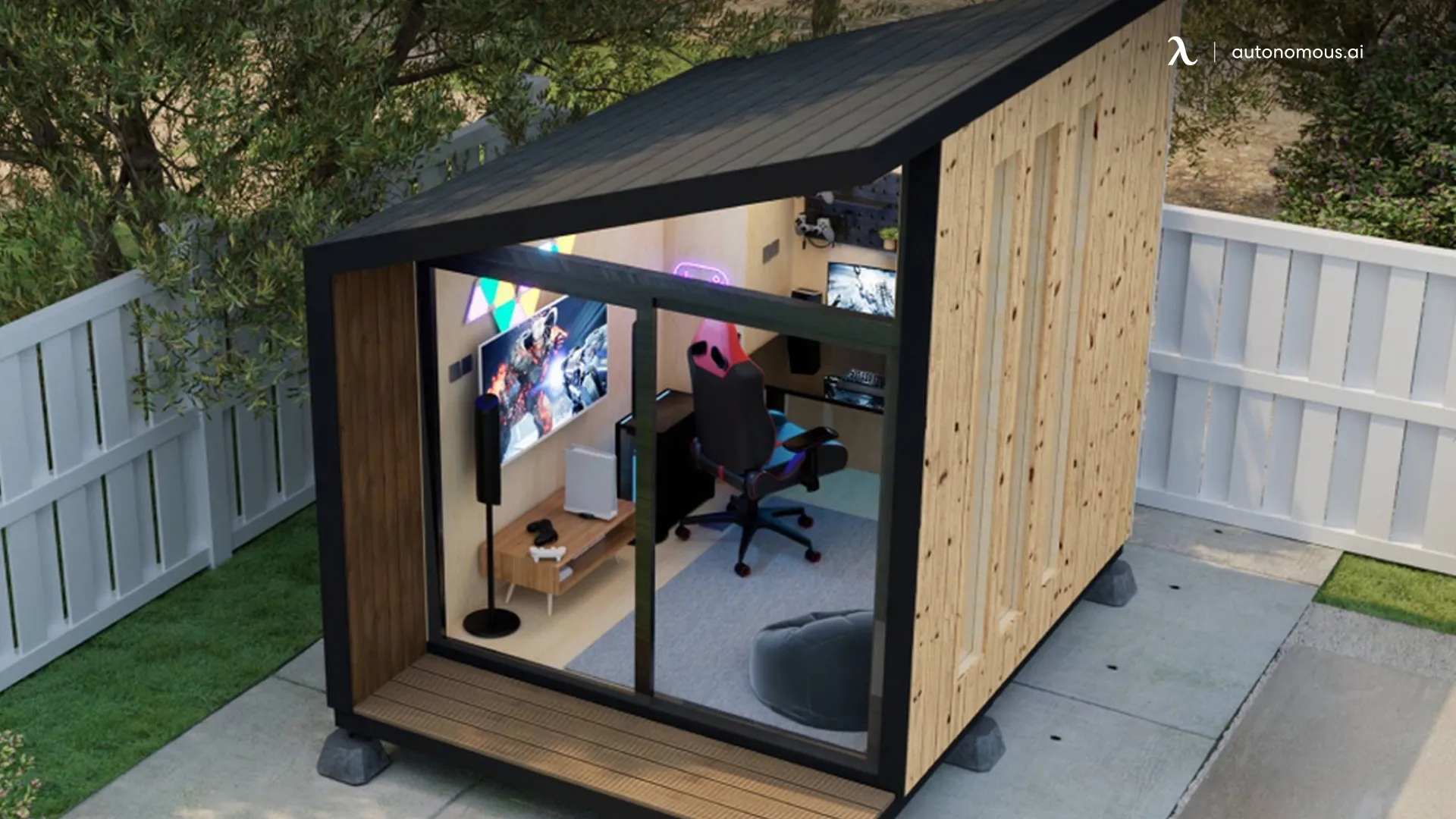
Here are three soundproof gaming pods, one for the backyard and two for indoors:
1. Autonomous MetroPod
The Autonomous MetroPod is the smallest Autonomous backyard pod: 80 sq ft, a glass door plus one window, and a 7.25-foot ceiling. Autonomous builds it with metal siding over five insulated layers and says sound stays in, but it does not publish a dB figure, so treat it as a quiet room rather than a studio.
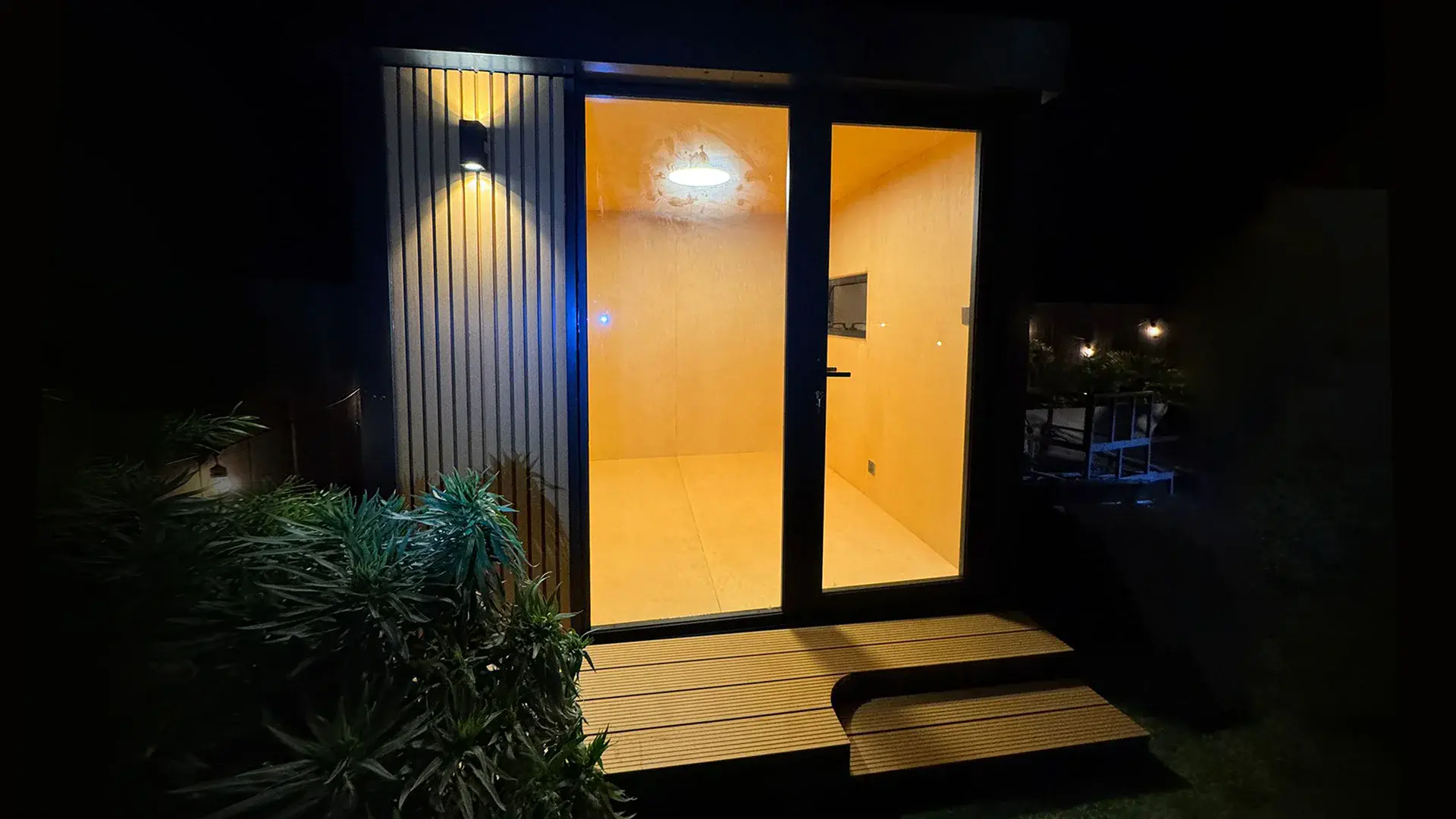
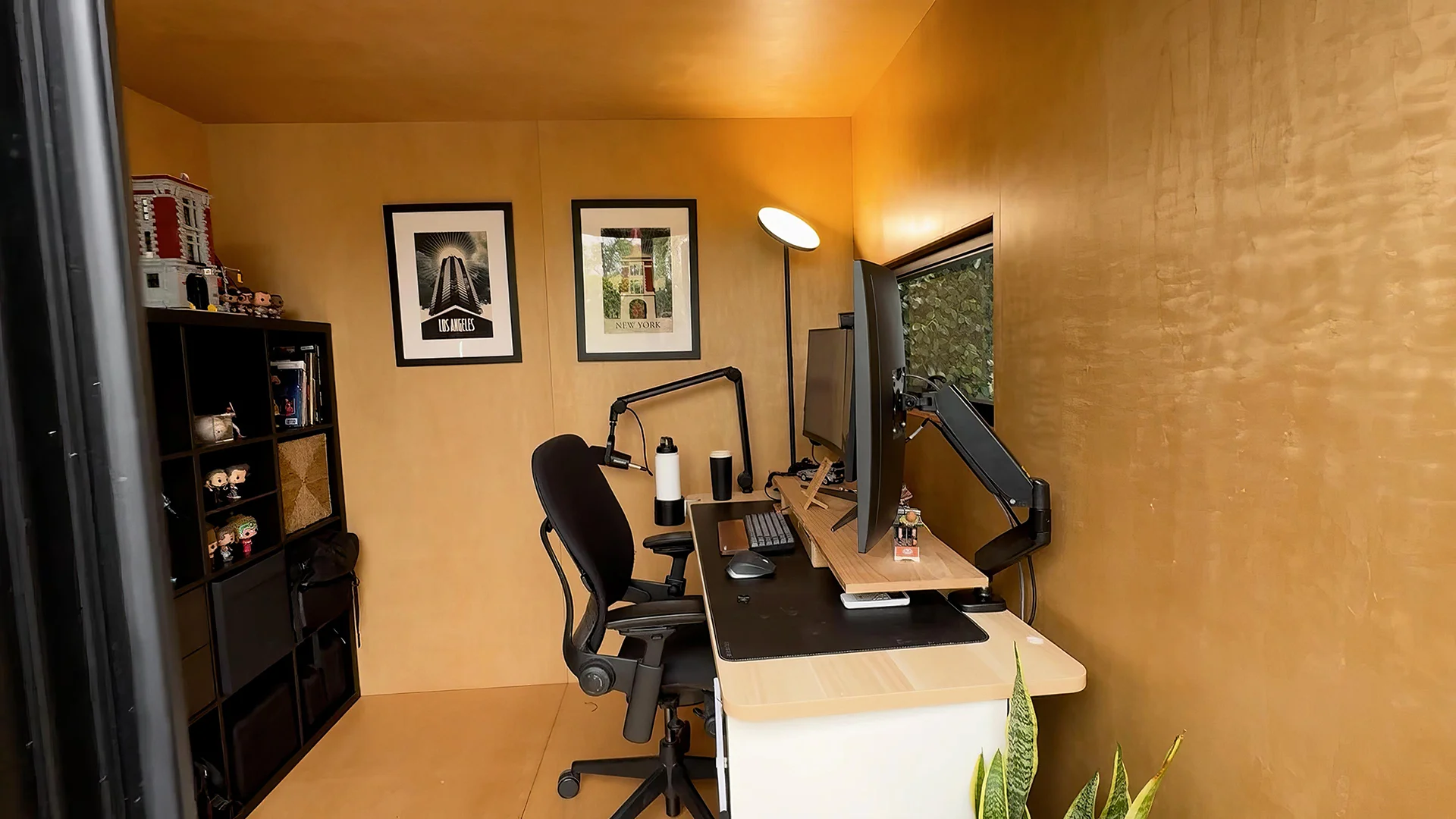
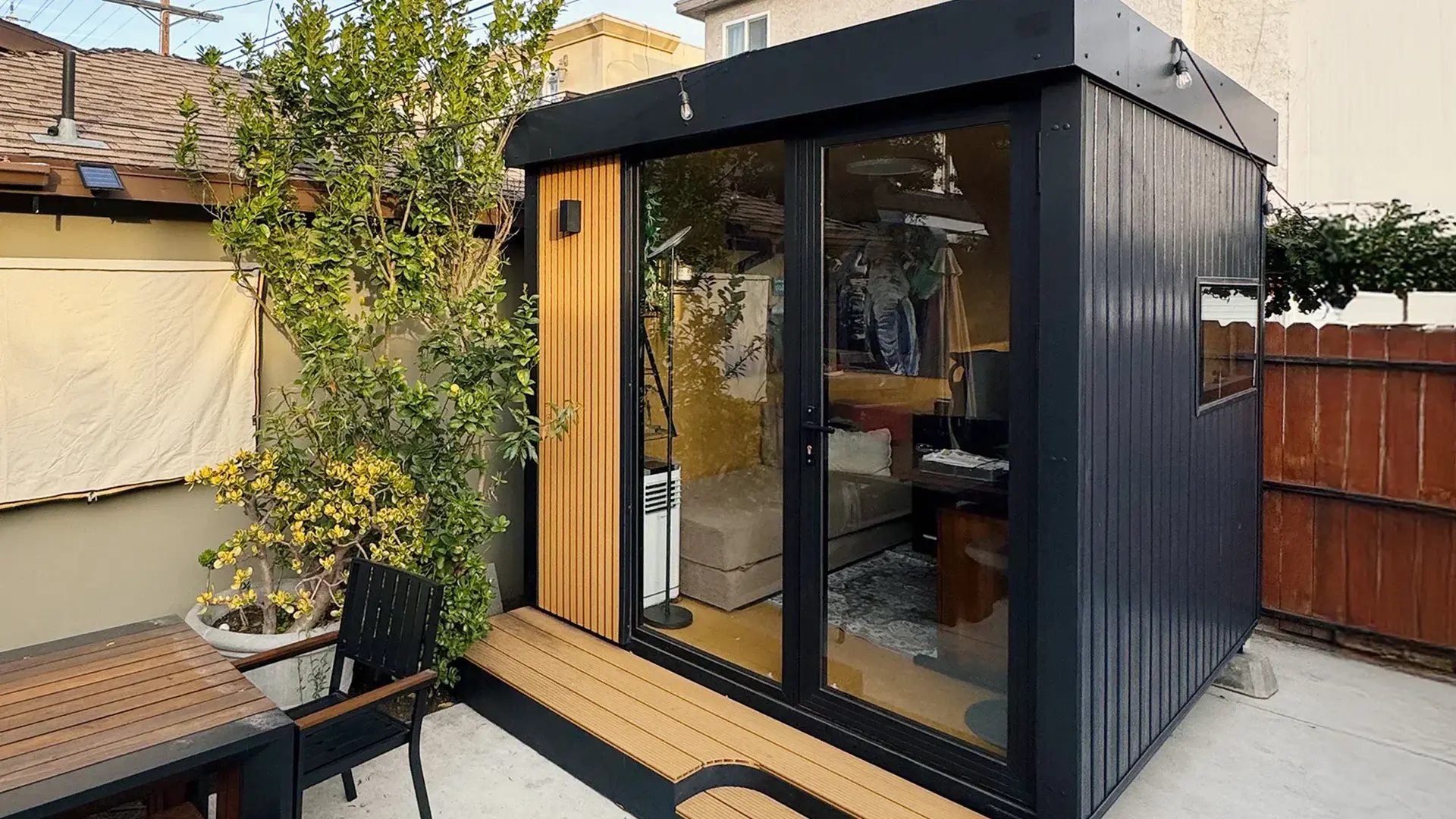
It fits a single monitor or a compact dual-monitor gaming setup. It has two wall outlets and an Ethernet port, and Autonomous lists a 65-90°F comfort range and HVAC-ready walls, so plan for an AC unit if your PC runs hot. It stays below the permit threshold in most US cities, goes up in 1 to 2 days, and comes without furniture.

2. Autonomous Spaceship
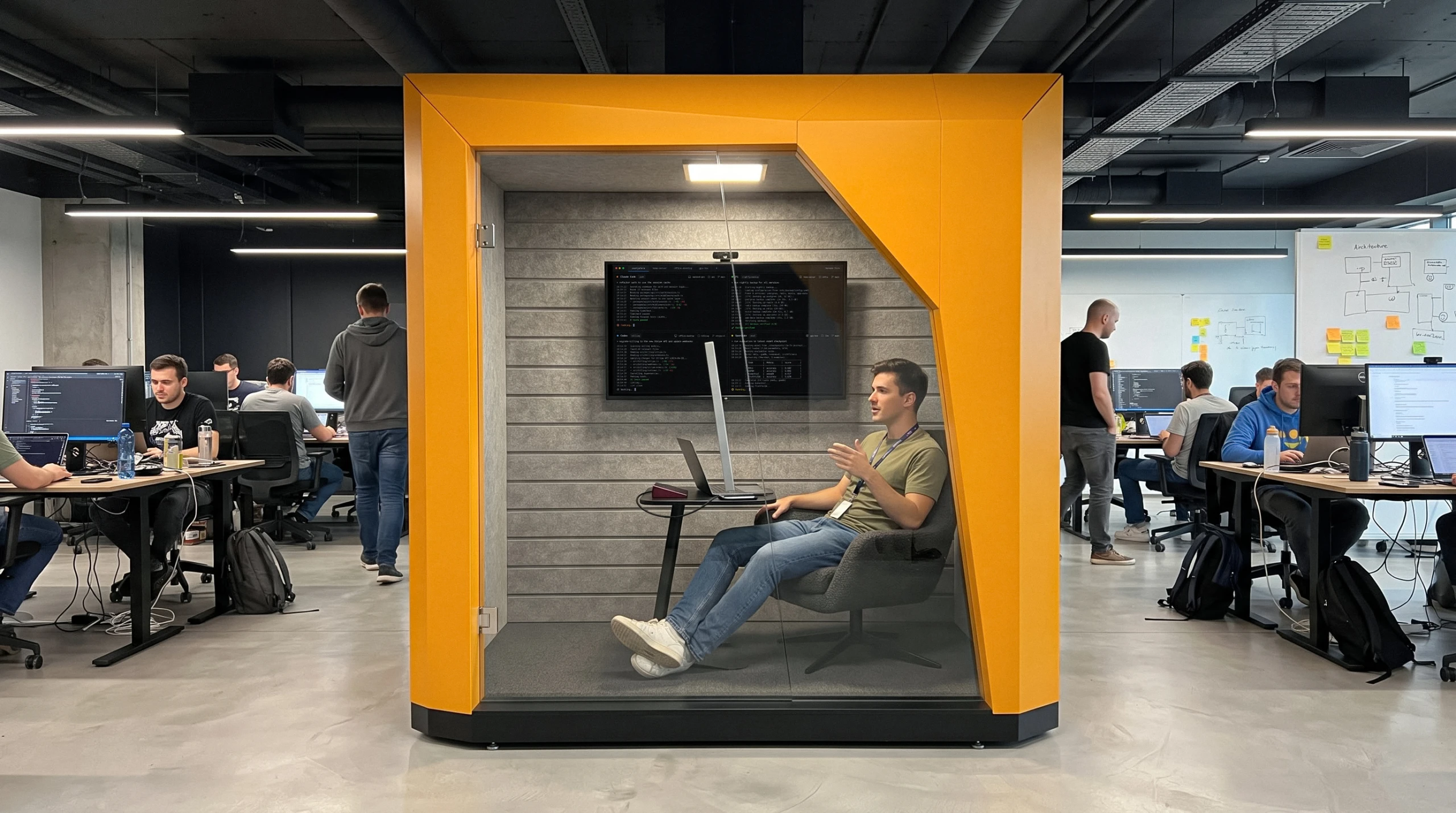
Spaceship is one of the two indoor picks here: a one-person pod that stands on the floor of a room or office instead of in the yard. Inside are 38 sq ft of floor, two outlets, USB-C PD 100 W and Ethernet, so a wired connection works, but the room is built around a lounge chair, a side table and a wall screen, not a desk.
It suits a laptop and monitor setup better than a gaming desk with a tower PC. The chair, table and screen rail are sold separately.
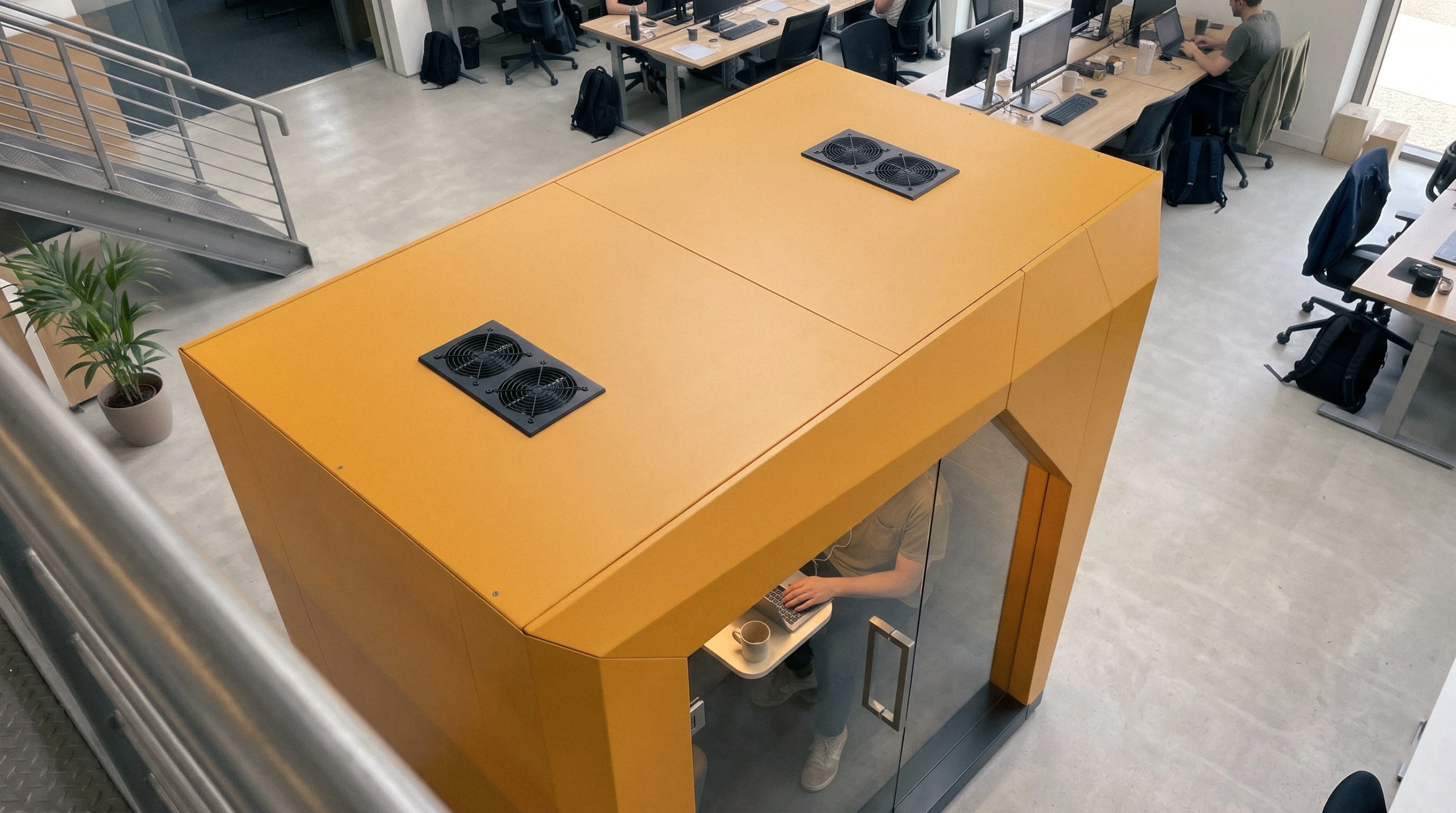
Be clear on what the walls do. Autonomous lists 30 dB of speech reduction, marked preliminary, which describes voices, not studio isolation or speaker bass. The two 8-inch roof vents are always on and reach 32 dB(A) at full speed, so streamers should check whether the mic picks them up.
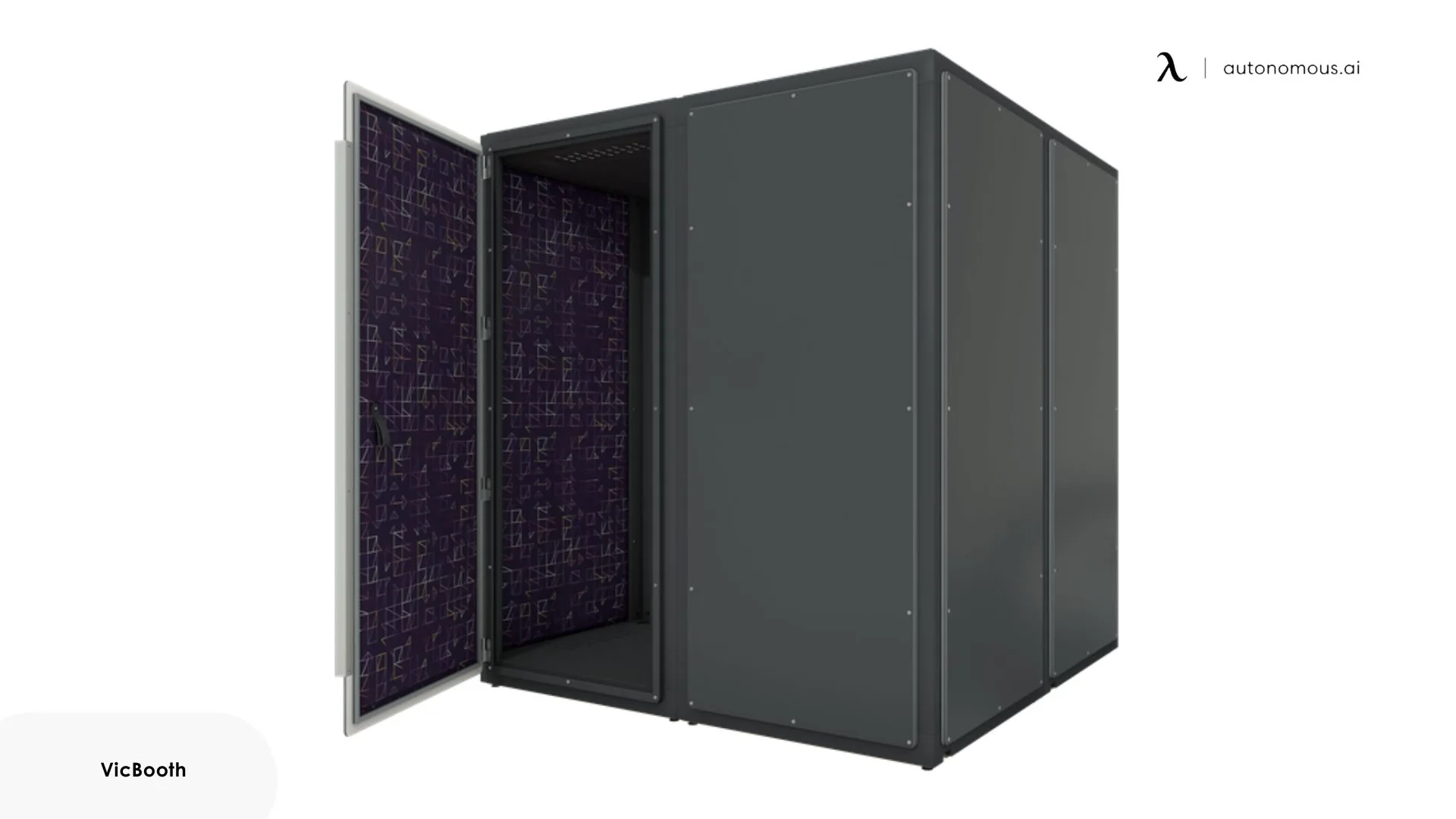
3. VicBooth Gaming 2x2
The VicBooth Gaming 2x2 is an indoor soundproof booth built for gaming and streaming, made by acoustics company Vicoustic. Vicoustic lists an interior of 77.5" x 77.5" x 79", enough for a PC, up to two monitors and gaming PC accessories, plus a 70 mm floor channel for cables.
It is modular: you can grow it from 2x2 m up to 3x4 m by adding modules, and it moves with you when you move home. A mechanical ventilation system is included, and Vicoustic says it assembles without specialized staff. It does not publish a dB rating on its spec page, so ask for one before you buy.
FAQs
How do I start building a soundproof gaming booth on a budget?
Start by sealing gaps, then add layers of moving blankets, foam panels and carpet. These low-cost additions cut echo and some sound leakage without a full rebuild. Add mass-loaded vinyl or a solid door later if sound still escapes.
How can I soundproof the door of my gaming booth?
Replace a thin or hollow door with a solid-core door, or add soundproofing seals around the edges. You can also install a door sweep or draft stopper at the bottom to block noise from escaping through the gap under the door.
How do gaming pods help with soundproofing?
Gaming pods surround you with insulated walls, sealed seams and a closing door, and most line the inside with acoustic panels or felt to cut echo. Together these keep your game audio and voice in and outside noise out, though how much depends on the walls, so compare the maker's figures.
How much does a backyard gaming pod cost?
A ready-made gaming pod costs from about $5,000 for an indoor booth to over $20,000 for an insulated backyard pod, depending on size and insulation. A DIY pod built from PVC, blankets and foam costs a few hundred dollars at most. Check each maker's current price.
What size gaming setup can fit inside a gaming pod?
Most gaming pods fit a small to medium setup: one or two monitors, a gaming PC, and peripherals like a keyboard, mouse, and gaming chair. For three or more monitors, you may need a larger pod. Measure the interior and the outlets before you order.
Can you put a soundproof gaming booth inside your home?
Yes, an indoor booth or soundproof mini room stands inside an existing room, so you need floor space, ceiling height and an outlet rather than a yard. Check the booth's outside height against your ceiling and its weight against your floor before you order.
How do I maintain my soundproofing materials?
Vacuum or wash fabric curtains and blankets on their care label's schedule, and check foam panels for crumbling or sagging every few months. Keep foam away from damp and direct heat, which break it down, and replace any panel that no longer springs back.
How effective are portable soundproofing solutions compared to permanent ones?
Portable solutions reduce noise less than permanent booths, but they still cut echo and some sound leakage. They suit gamers who rent, share a room or move often, and they pack away when you are not playing.
Bottom Line
You now have the essential tips for building a soundproof gaming booth or pod.
Whether you build a DIY soundproof booth, go portable, or buy an indoor or backyard gaming pod, these steps cut noise in both directions so you can play without distractions.
If you’re looking for a more permanent soundproof setup, you might also want to explore options like a soundproof office pod for maximum focus or a soundproof pod for home to take your productivity (and gaming) to the next level.
Don’t let external noise interrupt your flow. With the right materials and setup, every game can sound the way it should.