Home Office Size Guide for Small and Standard Rooms
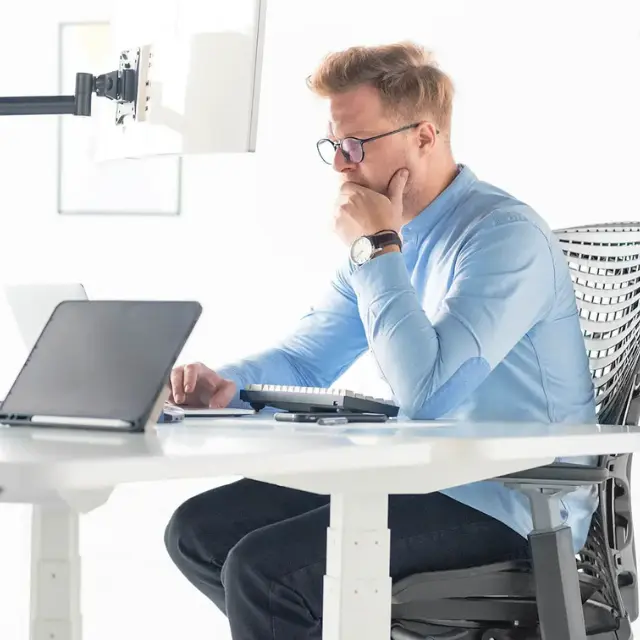
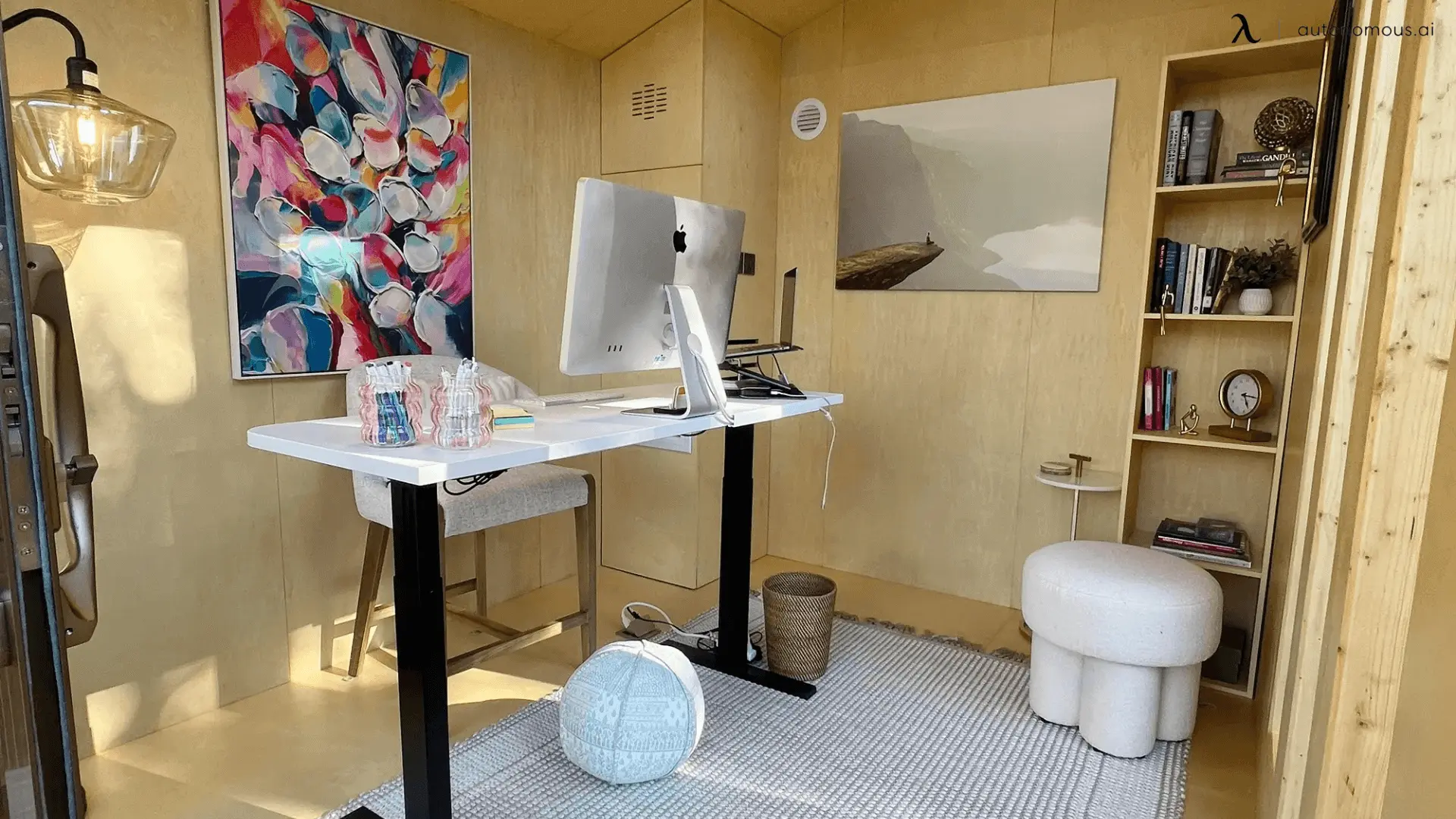
A home office of 80 to 120 square feet works for many single-person computer setups, while 120 to 150 square feet is a common planning range for a dedicated office converted from a spare bedroom. Smaller spaces can also work. An 8 × 8-foot room provides 64 square feet, enough for a compact desk and chair if the layout leaves room to move.
The right home office size depends on what needs to fit beyond the desk. A chair needs space to roll back, a door needs room to open, and monitors, storage, or a second person can change the layout. This guide compares standard home office dimensions, explains minimum space requirements, and shows how to measure your room before choosing furniture.
Home Office Size Chart in Feet and Square Feet
Home office sizes range from a 30-square-foot work nook to dedicated rooms of 150 square feet or more. A 10 × 10-foot room provides 100 square feet and is a practical starting point for one person who needs a desk, chair, and some storage.
The chart below compares common room dimensions and what each can reasonably accommodate.
| Workspace type | Dimensions | Area (sq ft) | Area (sq m) | Typical use |
|---|---|---|---|---|
| Compact work nook | 5 × 6 ft | 30 | 2.8 | Laptop and compact desk within a larger room |
| Very small office | 6 × 8 ft | 48 | 4.5 | One desk and chair with limited storage |
| Small home office | 8 × 8 ft | 64 | 5.9 | Single workstation and compact storage |
| Compact dedicated office | 8 × 10 ft | 80 | 7.4 | Desk, chair, and shelving |
| Standard one-person setup | 10 × 10 ft | 100 | 9.3 | Full workstation and additional storage |
| Comfortable dedicated office | 10 × 12 ft | 120 | 11.1 | Large desk, chair, and flexible storage |
| Larger dedicated office | 10 × 15 ft | 150 | 13.9 | Computer setup, storage, and additional seating |
| Shared or multi-purpose office | 12 × 15 ft | 180 | 16.7 | Two workstations or a separate activity area |
These are practical planning examples, not official room-size classifications or guaranteed furniture layouts. Actual fit depends on furniture dimensions, doors, windows, and local building requirements.
Square footage gives you a starting point, but it does not describe the shape of the room. A narrow 80-square-foot space may be harder to furnish than a more balanced room of the same area.
For rooms with corners, alcoves, or multiple furniture zones, compare home office floor plans before deciding where everything should go.
What Is the Average Home Office Size?
The average home office size is commonly described as 120 to 150 square feet for a dedicated room, often corresponding to a converted spare bedroom measuring approximately 10 × 12 or 10 × 15 feet.
That range is a planning benchmark rather than a verified national statistical average. Homes differ in size, and a workspace carved out of a bedroom or living room is not the same as a separate office.
For example, a remote worker using a laptop and one monitor may be comfortable in an 8 × 10-foot room. Someone working with multiple monitors, a printer, physical documents, and additional storage may prefer 10 × 12 feet or more.
It helps to separate three commonly searched terms:
- Average home office size: A commonly reported range describing dedicated rooms or converted bedrooms.
- Standard home office size: A useful design benchmark, not a universal room dimension.
- Ideal home office size: The area needed for your equipment, chair movement, storage, and normal work routine.
A larger room is not automatically more useful. If a 100-square-foot office accommodates everything without crowding the chair or doorway, increasing the floor area may add little practical value.
.webp)
What Is the Minimum Size for a Home Office?
A functional home office can fit into approximately 48 to 64 square feet for one person, but there is no single nationwide minimum room size that applies specifically to every private home office.
A laptop workstation can occupy an even smaller area when it is part of a living room, bedroom, or closet. A separate enclosed room requires more attention to its layout, ventilation, lighting, safe access, and any applicable local building rules.
Do not confuse the smallest space that can hold a desk with the minimum floor area permitted for a habitable room under a particular building code. Legal requirements depend on the room's classification and location.
Is an 8x8 room big enough for a home office?
An 8 × 8-foot office provides 64 square feet and can fit a single workstation with a compact desk, office chair, and limited storage. It is less suitable for two full workstations or furniture that requires substantial floor space.
A desk against one wall usually leaves more open space than placing the desk in the middle of the room. The main constraints are the chair's movement, the door swing, and any storage placed behind or beside the workstation.
The 8x8 home office layout guide compares different arrangements using actual room dimensions.
Is a 10x10 room a good size for a home office?
A 10 × 10-foot room provides 100 square feet and is a practical size for one person using a full computer workstation, office chair, and some storage.
Compared with an 8 × 8-foot room, it provides 36 additional square feet. That extra area can make it easier to position a wider desk, keep storage away from the chair, or leave a clear path from the door.
A second workstation may fit, but that depends on desk widths, chair positions, and whether both people need to work at the same time.
Can a 50-square-foot room work as a home office?
A 50-square-foot space can function as a compact single-person workstation when the layout uses a shallow desk, suitable chair, and minimal floor storage.
For example, a 5 × 10-foot area has enough length for a desk along one wall, but its narrow width limits furniture placement. It may work better as a work nook than a conventional office with guest seating or multiple large devices.
Whether an enclosed room of that size meets applicable building requirements is a separate question.
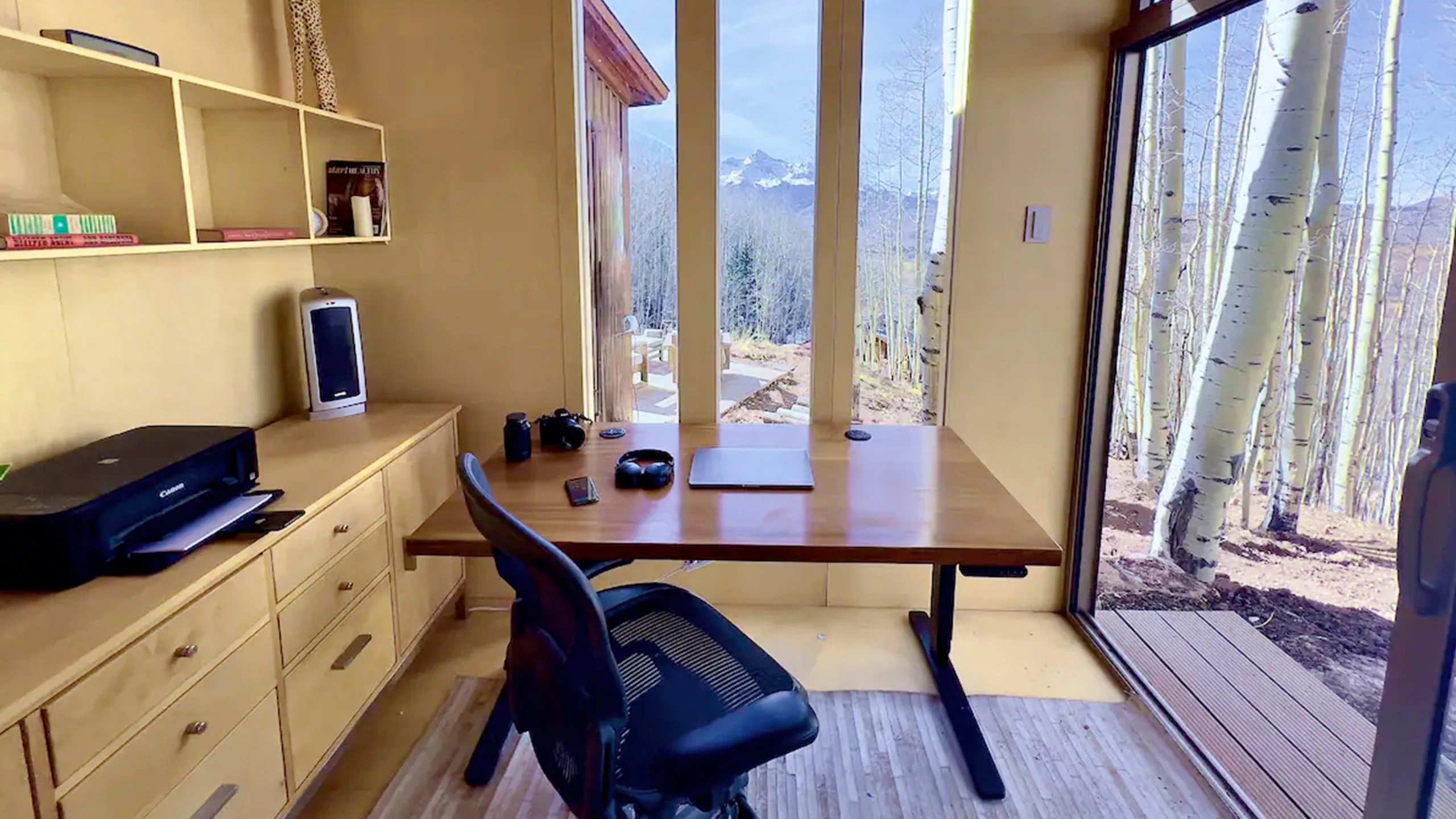
How to Measure Home Office Dimensions Before Buying Furniture
Home office measurements should include the room's usable width and length, the desk footprint, chair clearance, door swing, and any space occupied by cabinets or equipment.
Measuring only the empty floor area can make a room seem more flexible than it really is. A desk may fit against a wall while preventing a chair from moving back or blocking access to storage.
Step 1: Measure the usable room dimensions
Start by measuring the clear distance between finished walls, then record anything that limits where furniture can go.
Measure the room's width and length in feet or inches. Multiply them to calculate the floor area.
Room area in square feet = length in feet × width in feet
For a 10 × 12-foot room, the calculation is 10 × 12 = 120 square feet.
Next, mark the locations of doors, windows, closets, electrical outlets, and heating or cooling equipment. These details often determine which wall can hold the desk.
If the room has an alcove or sloped ceiling, record those measurements separately rather than assuming every part of the floor is equally usable.
Step 2: Measure the desk and chair footprint
A desk's width and depth determine its footprint, but chair movement usually requires more floor space than the desktop itself.
For a small office, a desk around 48 inches wide and 24 inches deep is a useful starting point. Wider desks can accommodate more equipment, but they also reduce the wall space available for other furniture.
As a planning allowance, try to leave approximately 30 to 36 inches behind the working edge of the desk for chair movement and standing up. More room may be needed for larger chairs, shared spaces, or specific accessibility requirements.
This is a layout guideline, not a universal legal minimum.
Also check under-desk space. OSHA's computer workstation guidance describes clearance dimensions intended to accommodate users' knees, legs, and feet, including approximately 20 inches of width and sufficient depth for the feet.
The home office desk size guide compares desktop widths and room fit in more detail.
Step 3: Check door clearance and walking paths
Door clearance and circulation space can determine whether a home office layout works even when the total furniture footprint fits inside the room.
Open the door fully and check whether it overlaps the planned desk, chair, or storage. Then pull the chair back as you normally would and walk between the desk and the entrance.
For general planning, a clear walkway around 30 to 36 inches wide is a useful target where space allows. Accessibility needs may require a different layout.
For example, the U.S. Access Board describes a minimum continuous clear width of 36 inches for accessible routes covered by the ADA Standards, with additional provisions for turns and certain doorways. Those standards do not automatically apply to every private residential room.
Consider whether the desk should face a wall, sit beside a window, or occupy the center of the room. Different home office desk placements change both circulation and screen exposure to daylight.
Step 4: Check monitor depth, lighting, and equipment access
A home office needs sufficient desktop depth for comfortable screen placement, even when the room itself has enough square footage.
OSHA recommends positioning a computer monitor at least 20 inches from the user's eyes. A shallow desk may require a monitor arm or different equipment arrangement to achieve a comfortable viewing distance.
Position the display to reduce glare from windows and overhead lights. Leave access to electrical outlets, charging equipment, and any devices that need ventilation.
For a computer with multiple monitors, verify the screen widths and the space needed for stands or mounting arms. A larger room does not fix a desktop that is too shallow for your equipment.
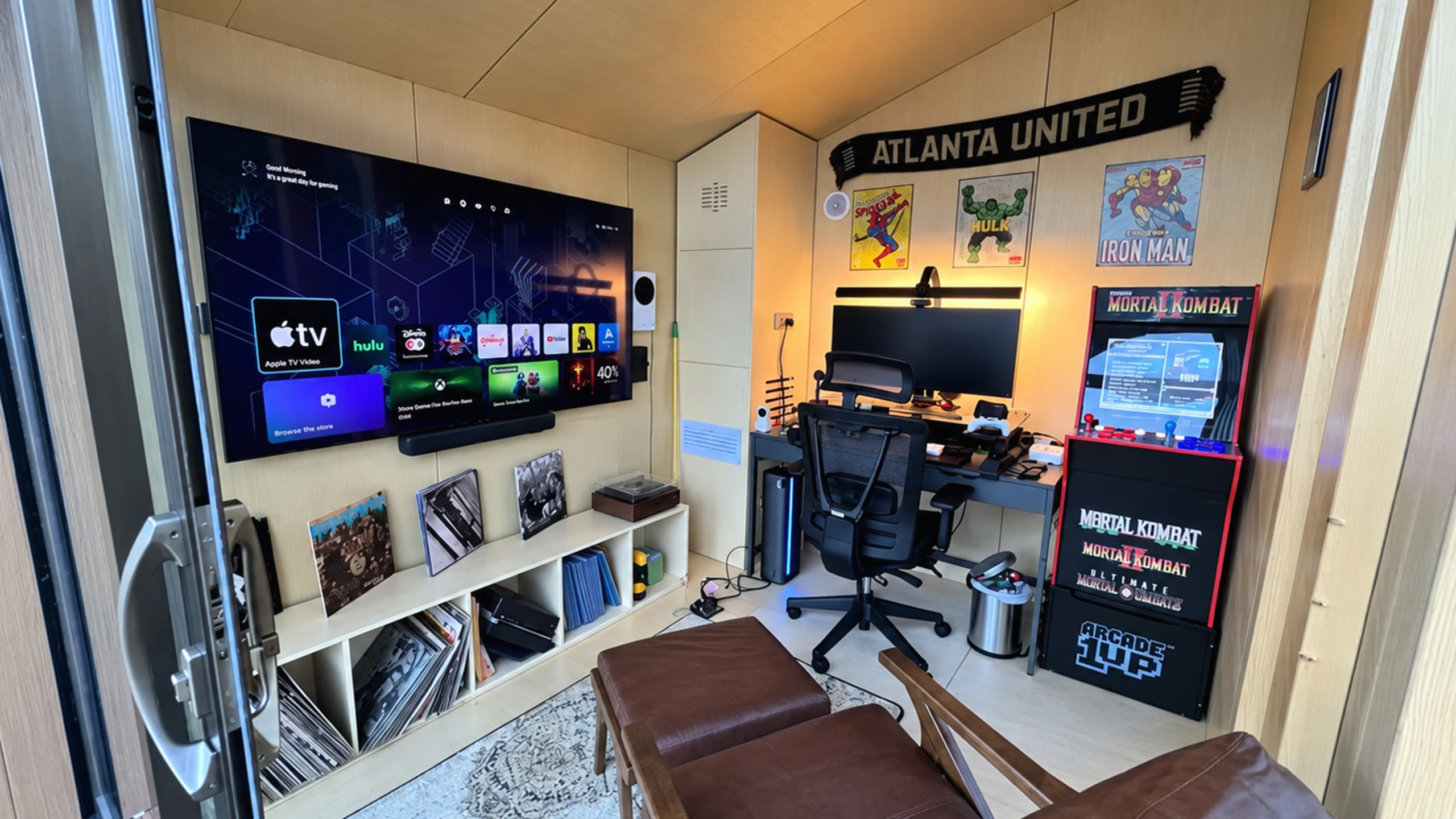
Ideal Home Office Sizes for Different Work Setups
The ideal home office size depends on how many people use the space, how much equipment they need, and whether the room serves other purposes after work.
The following ranges are practical starting points rather than fixed industry standards.
| Work setup | Suggested area | Main space requirements |
|---|---|---|
| Laptop and occasional remote work | 30 to 60 sq ft | Compact work surface, chair, basic storage |
| Single-person daily office | 80 to 120 sq ft | Desk, chair, monitor, storage, walking space |
| Developer with multiple monitors | 80 to 120 sq ft | Wide desktop, display placement, cable access |
| Designer or content creator | 100 to 150 sq ft | Computer setup, additional work surface, equipment storage |
| Two-person shared office | 120 to 180 sq ft or more | Two chairs, separate work zones, shared circulation |
| Office and guest room combination | 120 to 180 sq ft or more | Desk, chair, bed or convertible furniture, access space |
The right room size depends on the equipment and furniture selected. Smaller or larger arrangements may be workable after measuring the actual layout.
Home office size for one person
An 80 to 120-square-foot home office is a practical range for one person who works regularly at a computer and needs some storage.
An 8 × 10-foot room can accommodate a desk, office chair, and shelving if the door and windows do not interfere. A 10 × 10-foot room adds flexibility for a wider desk or separate storage cabinet.
If your work is mainly laptop-based, you may not need a dedicated room at all.
Home office size for two people
A shared home office often benefits from approximately 120 to 180 square feet or more, depending on whether both people need separate desks and chairs.
Two people working side by side need enough width for both workstations without their elbows or chairs colliding. An opposite-wall arrangement can save wall space, but it requires careful planning for chair movement between the desks.
If both people attend video meetings, separate equipment zones and attention to sound may matter more than adding a few extra square feet.
Home office size for creative work and gaming
A creative or gaming home office may need 100 to 150 square feet when the setup includes a large desk, multiple screens, recording equipment, or storage for physical tools.
The room does not need to be especially large for a powerful desktop computer. What matters is having enough working surface, a safe location for the computer, ventilation, and a usable chair area.
If you need an additional table for drawing, product photography, or hardware assembly, measure that table and its working clearance separately.
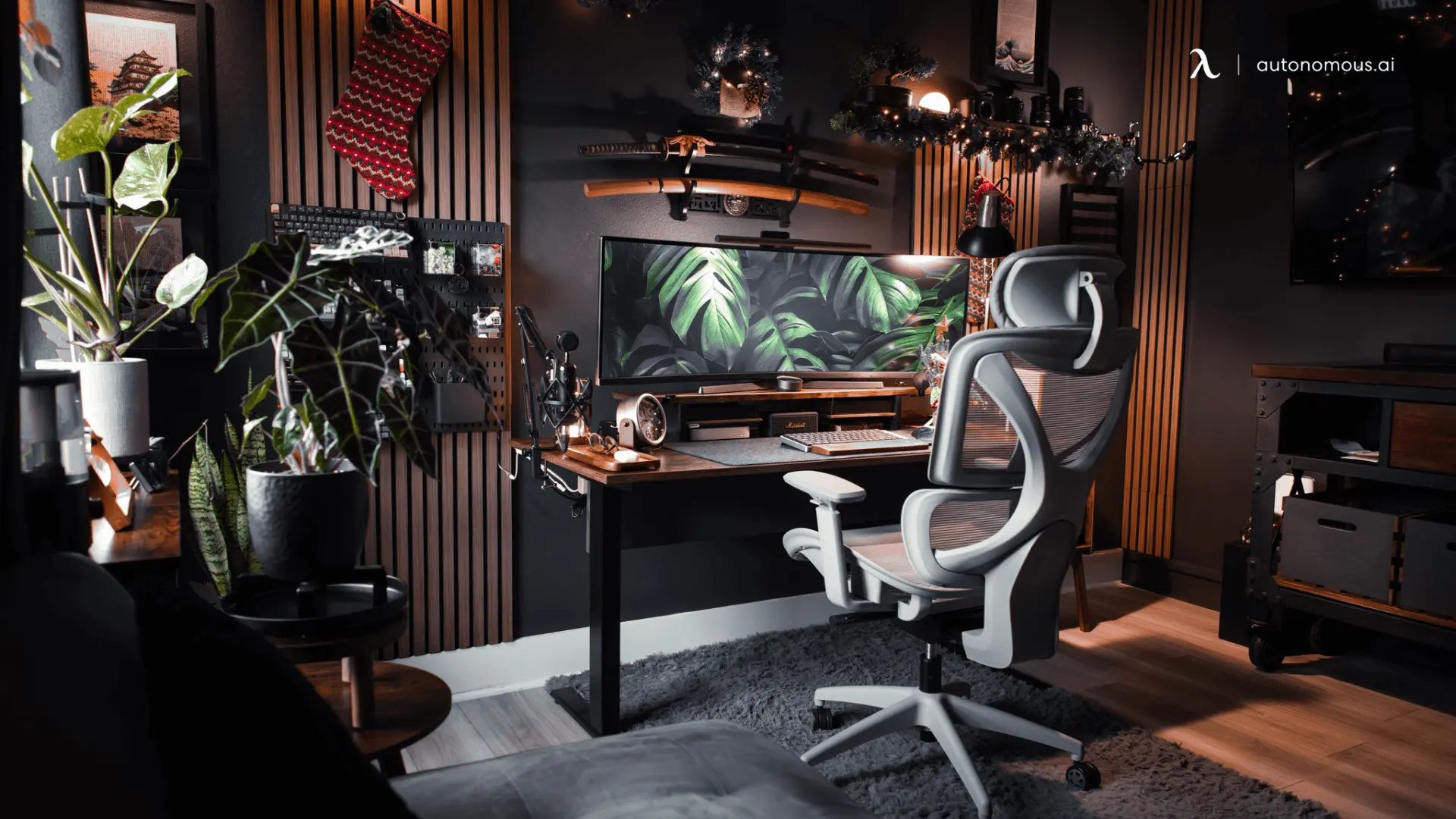
How Autonomous Desk Dimensions Fit Small Home Offices
The Autonomous Desk Core has a 48 × 24-inch desktop, while the Autonomous Desk 2 offers 53 × 29-inch and 70.5 × 30-inch options. The newer Autonomous Desk Pro also offers 53 × 29-inch and 70.5 × 29-inch surfaces. These published measurements show how desk width and depth affect the remaining room space.
The table below compares rectangular desktop footprints with two common room sizes. It assumes the desk sits against a wall, with its longer side parallel to that wall.
| Room size | Desk | Desktop dimensions | Wall width remaining | Depth remaining behind desk |
|---|---|---|---|---|
| 8 × 8 ft | Autonomous Desk Core | 48 × 24 in | 48 in | 72 in |
| 8 × 8 ft | Autonomous Desk 2 | 53 × 29 in | 43 in | 67 in |
| 8 × 8 ft | Autonomous Desk Pro | 53 × 29 in | 43 in | 67 in |
| 10 × 10 ft | Autonomous Desk 2 | 53 × 29 in | 67 in | 91 in |
| 10 × 10 ft | Autonomous Desk 2 XL | 70.5 × 30 in | 49.5 in | 90 in |
| 10 × 10 ft | Autonomous Desk Pro Expanse | 70.5 × 29 in | 49.5 in | 91 in |
.webp)
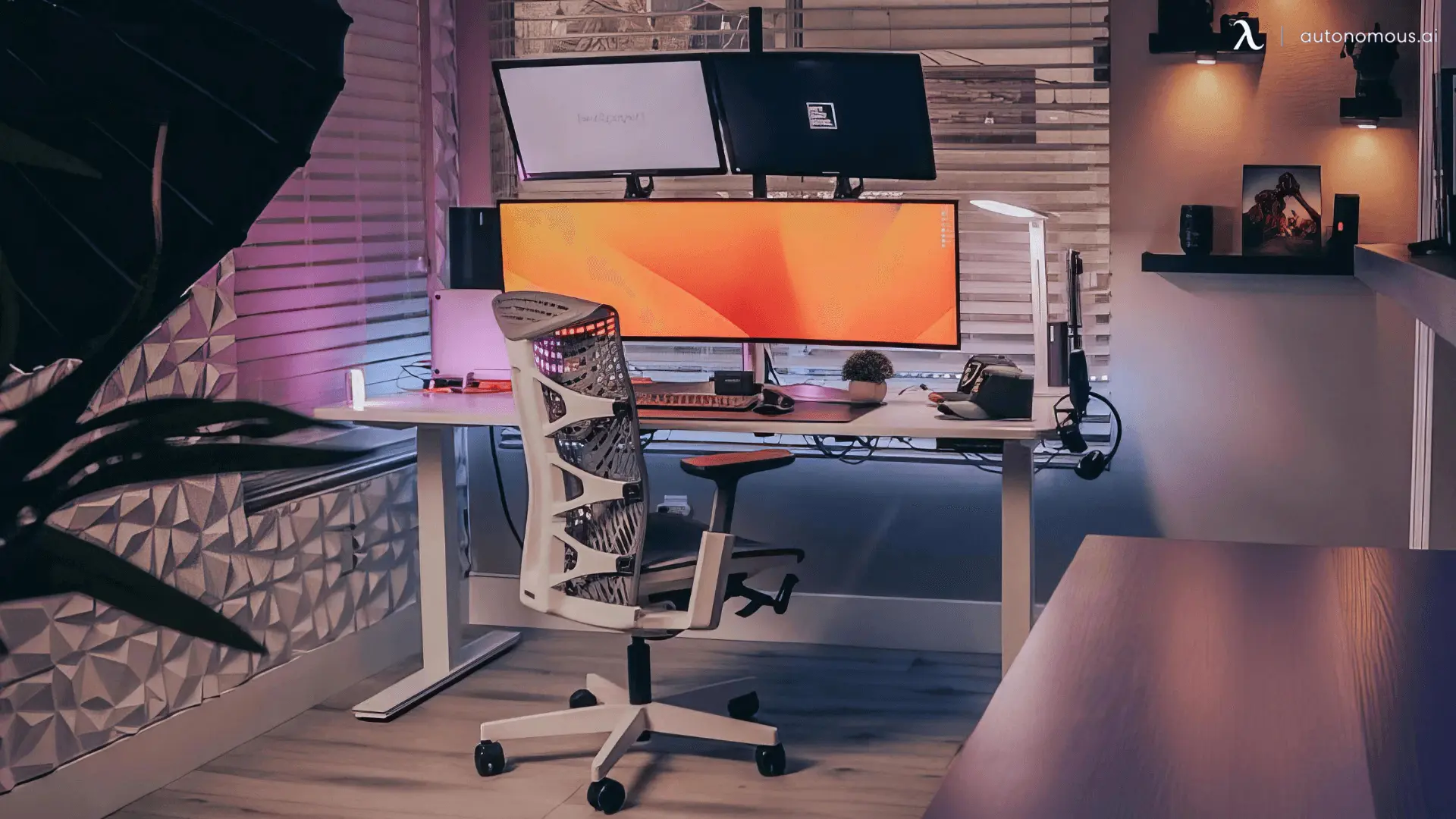
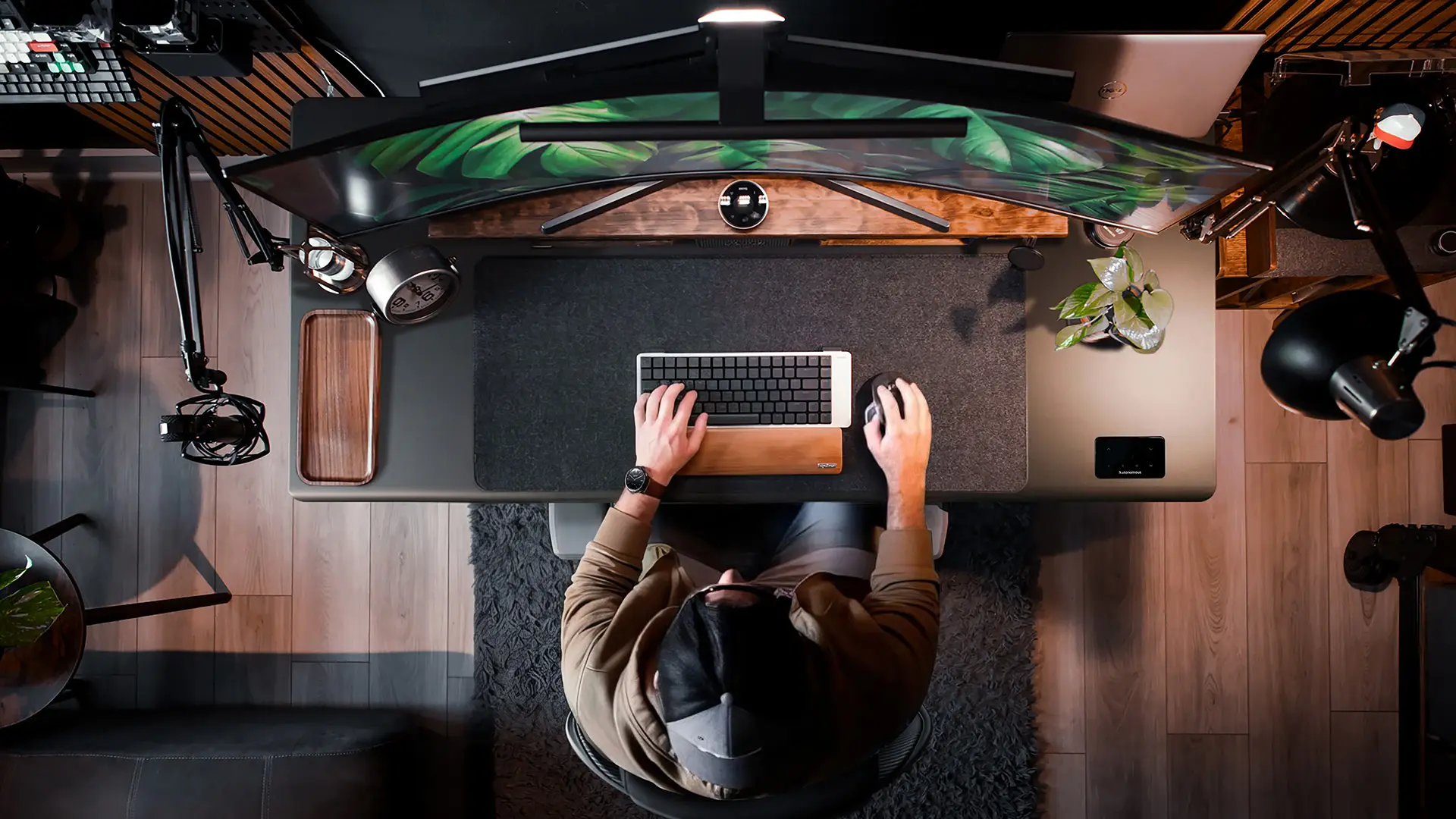
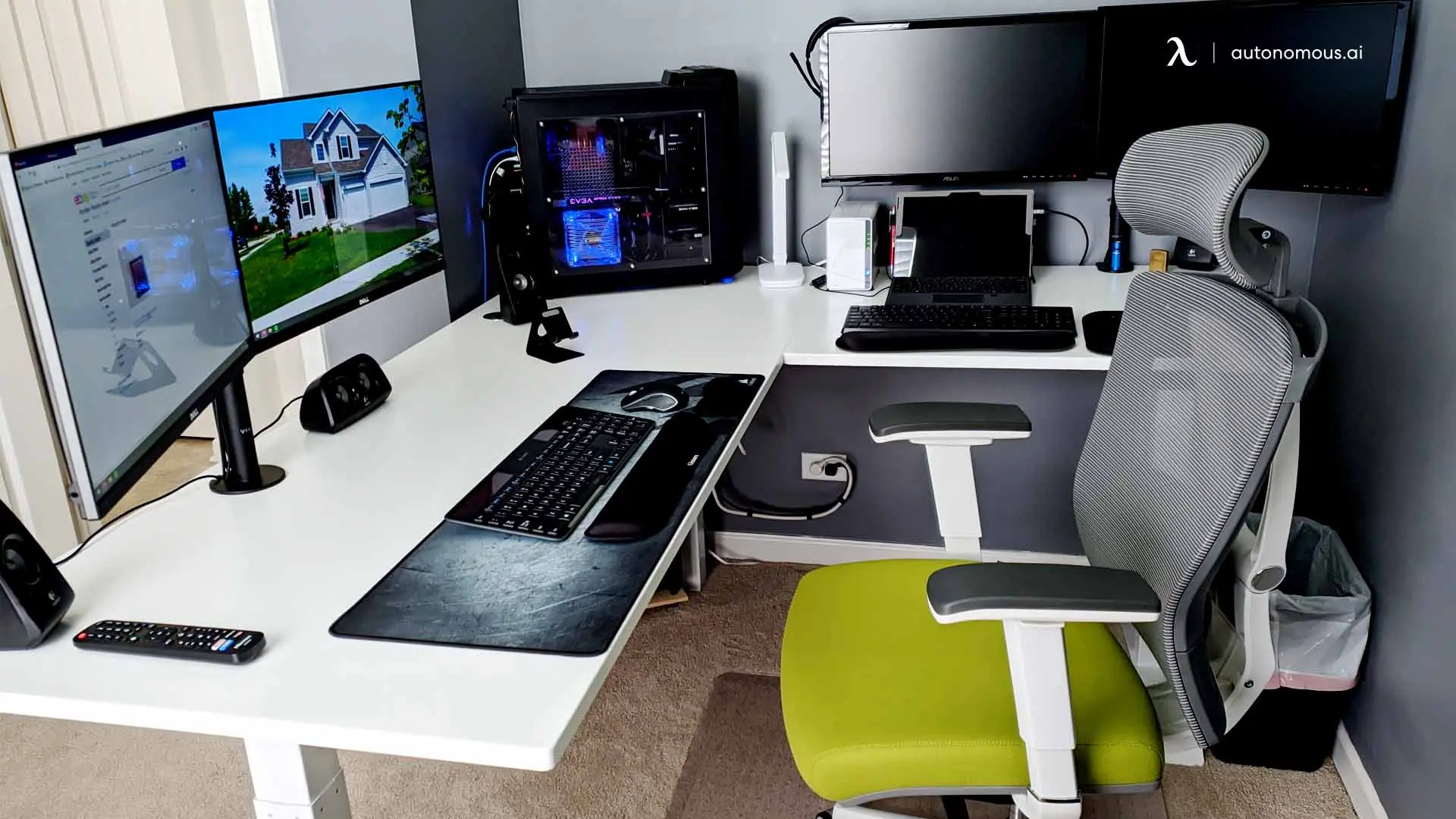
For corner-specific measurements and layout ideas, the L-shaped desk dimensions guide covers the space needed for different corner arrangements.
How to Plan a Home Office Without a Dedicated Room
A home office does not need a separate enclosed room if you can create a stable working area with enough space for equipment, chair movement, and safe access.
A corner of a living room or bedroom can work with a compact desk and one monitor. The main concern is whether the work area interferes with daily use of the room.
Consider the following arrangements:
- Bedroom corner: Position a compact desk where the chair does not block the bed, wardrobe, or entrance.
- Living room nook: Use a desk and vertical storage to create a defined workstation without taking up most of the room.
- Closet office: Measure the clear opening, desktop depth, knee space, lighting, and ventilation before installing a worktop.
- Guest room: Keep sufficient space to open a sofa bed or use fold-away furniture without moving the entire computer setup.
- Shared room: Position the desk so that calls, lighting, and movement interfere as little as possible with the room's other uses.
A divider can help separate the workspace visually, but it does not add floor area or provide the same privacy as a closed room. If the space is shared, home office room divider ideas can help organize different activity zones.
Whatever arrangement you choose, measure it in both working and non-working positions. A fold-down desk may fit perfectly when closed but block circulation once opened.
How Big Is a Backyard Home Office Pod?
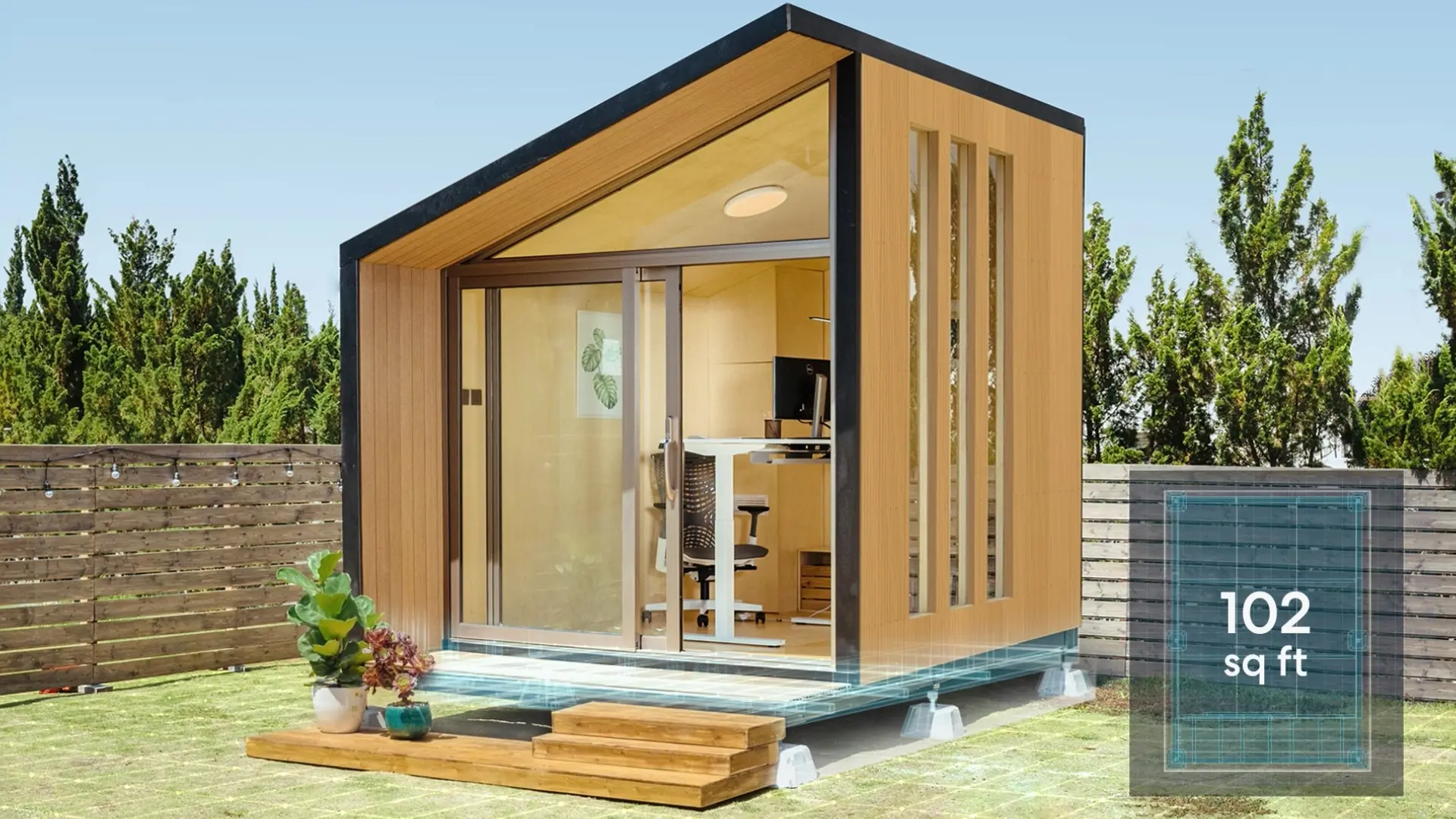
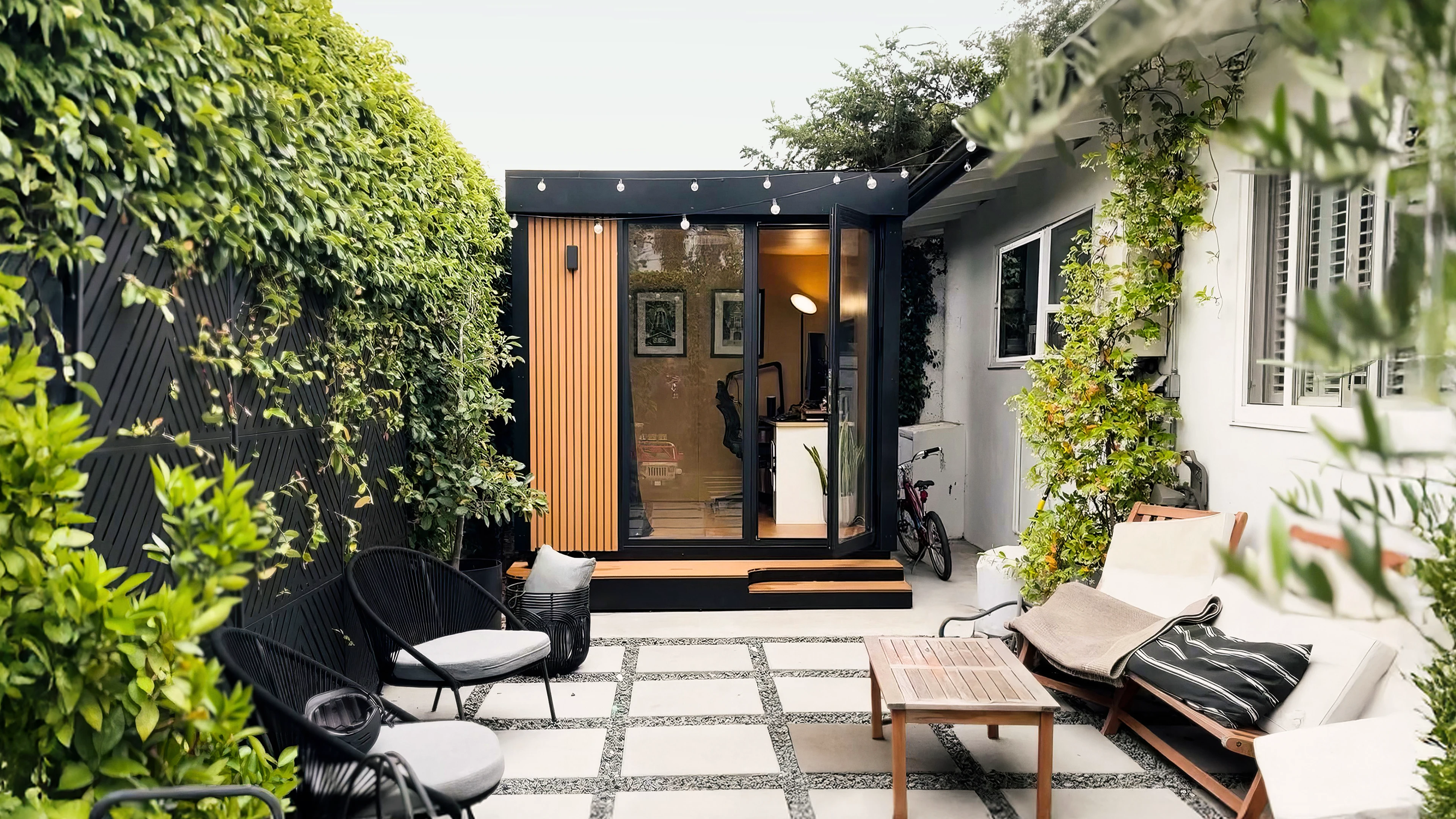
Autonomous currently lists backyard office pods ranging from 80 to 105 square feet, placing them within the size range often used for compact single-person home offices.
A separate backyard workspace can be useful when there is no available room inside the house or when calls and concentrated work are difficult in shared living areas.
The current Autonomous backyard pod lineup provides three published size references.
| Product | Published area | Planning consideration |
|---|---|---|
| MetroPod | 80 sq ft | Compact separate workspace for a smaller yard |
| WorkPod | 102 sq ft | Dedicated single workstation with additional layout flexibility |
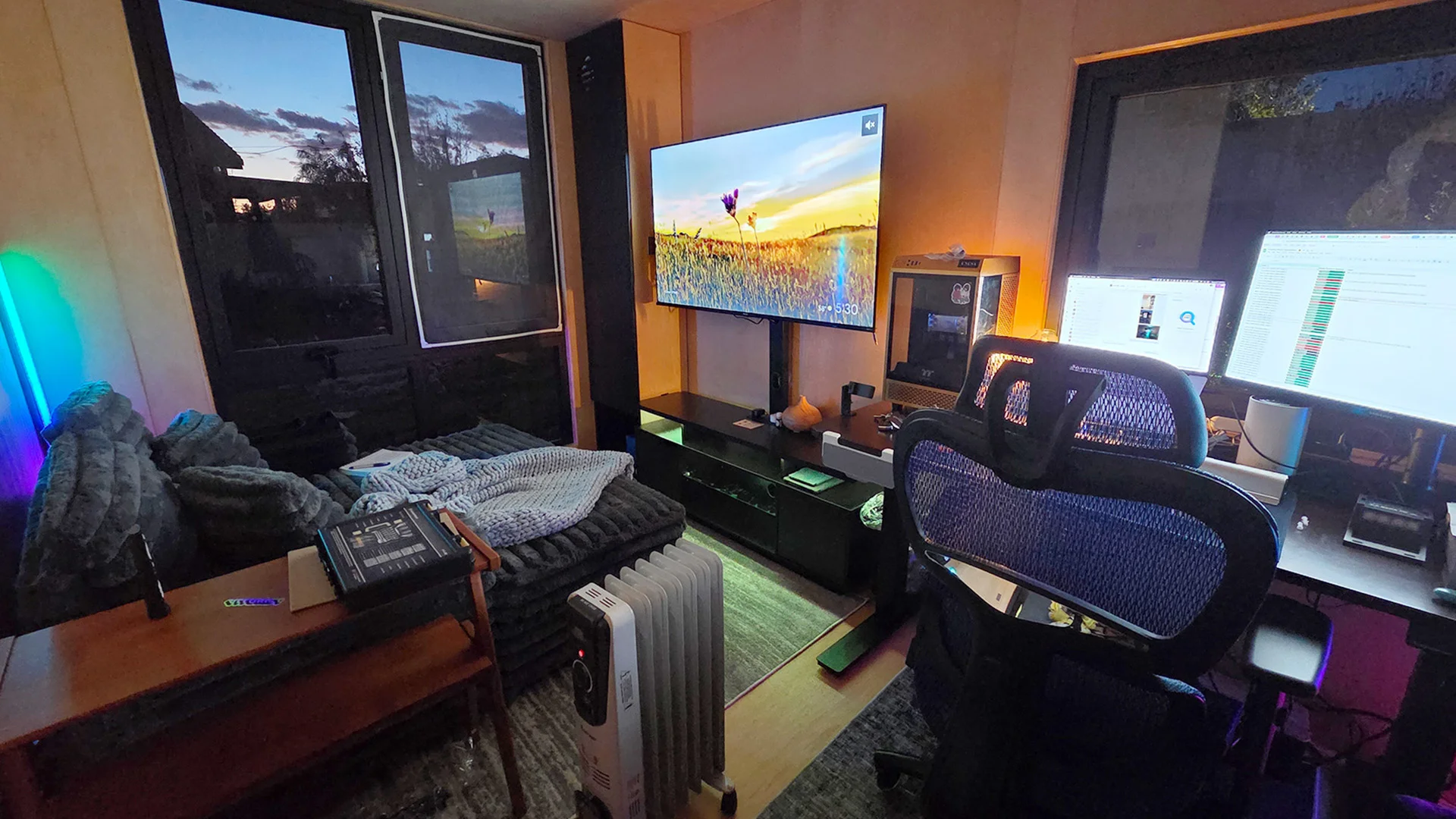
| StudioPod | 105 sq ft | Unfurnished multi-purpose room with flexible equipment placement |
Areas are published by Autonomous. Check the current product drawings for usable interior dimensions, door clearance, and equipment fit before making a layout decision.
WorkPod with 102 square feet of space
The Autonomous WorkPod provides 102 square feet of published floor area, which places it close to a 10 × 10-foot dedicated home office in overall size.
The room can accommodate a workstation and storage, but its usable area depends on the interior layout and where the door and windows sit. Check the exact interior measurements before adding a large desk or additional furniture.
Interior arrangements can vary. A compact workstation with storage along one wall preserves a clear working area, while a larger desk or extra seating takes up more floor space.
MetroPod for a smaller backyard
The Autonomous MetroPod has a published area of 80 square feet, making it the smallest option in the current pod lineup.
That area is comparable to an 8 × 10-foot room, although the actual interior shape and openings determine how the furniture fits. It is best approached as a compact dedicated workspace rather than a large multi-person office.
StudioPod for a flexible work and living space
The Autonomous StudioPod provides 105 square feet and is designed as a flexible, unfurnished backyard room rather than a fixed office arrangement.
Its use can change depending on the furniture installed. A single workstation with shelving requires different floor space from a room with a bed, sofa, or exercise equipment.
If the room needs to serve more than one purpose, measure the furniture in both its working and stored positions. The usable area can change significantly once larger pieces are added.
Frequently Asked Questions About Home Office Size
Home office size decisions usually come down to room area, furniture clearances, and the number of people using the space. These answers cover the most common questions about standard and minimum dimensions.
What is a good size for a home office?
A good home office size for one person is approximately 80 to 120 square feet, depending on the desk, chair, and storage required. A 10 × 10-foot room provides 100 square feet and can accommodate many everyday computer setups. Larger rooms offer more flexibility, but the actual furniture layout matters more than the total area alone.
What is the average size of an office in a house?
A dedicated home office in a house is commonly described as occupying approximately 120 to 150 square feet, especially when a spare bedroom is converted into a workspace. This is an industry planning range rather than an official national average. Home offices within bedrooms, living rooms, and closets can be considerably smaller.
What is the minimum home office size?
A home office can function within approximately 48 to 64 square feet for one person using compact equipment and limited storage. However, there is no single national legal minimum specific to every private home office. Local rules for habitable rooms, ventilation, access, and permitted building uses may affect an enclosed workspace.
Is an 8x8 room too small for a home office?
An 8 × 8-foot room is not necessarily too small for a home office because its 64 square feet can accommodate a compact workstation. The limiting factors are usually chair clearance, the door swing, and additional storage. It is a better match for one person than for two separate computer setups.
Is a 10x10 home office big enough?
A 10 × 10-foot home office provides 100 square feet and is generally large enough for a desk, office chair, and storage for one person. It may also support two compact workstations if both chairs and access paths fit. Measure the actual desk and chair positions before committing to a shared layout.
How much office space does one person need at home?
One person can work from a small nook of 30 to 50 square feet, but a dedicated computer office around 80 to 120 square feet allows more room for a desk, chair, storage, and movement. The best size depends on monitor count, equipment, and whether the space is used for other activities.
How big should a home office be for two people?
A two-person home office may need approximately 120 to 180 square feet or more to accommodate separate desks, chairs, and shared circulation space. Two compact setups can fit in less room with careful planning, but the chairs must not block each other. Simultaneous meetings may also require better acoustic separation.
What size desk fits a small home office?
A desk around 36 to 48 inches wide and 24 inches deep is a practical starting point for a small home office. A 48 × 24-inch desktop can fit in many 8 × 8-foot rooms, provided the chair and doorway remain usable. Choose a wider or deeper desk only when your equipment requires it.
Conclusion
The right home office size depends on the room layout, workstation equipment, and available clearance. An 8 × 10-foot room can work for a compact dedicated office, while 10 × 10 feet gives one person more flexibility. Dedicated offices converted from spare bedrooms commonly occupy around 120 to 150 square feet.
Before buying furniture or converting a room, measure the desk footprint, chair movement, door swing, and storage areas. A clear layout is more useful than choosing a larger room based on square footage alone.
References
- Angi, Average Home Office Size and Standard Dimensions Guide
- OSHA, Computer Workstations Purchasing Guide
- OSHA, Computer Workstations and Under Desk Clearance
- U.S. Access Board, Guide to Accessible Routes
- Seattle Department of Construction and Inspections, Shed Permit Requirements
- NIST, Guide to the SI Conversion Factors