32 vs 34 Inch Monitor: Which Should You Choose for Work?

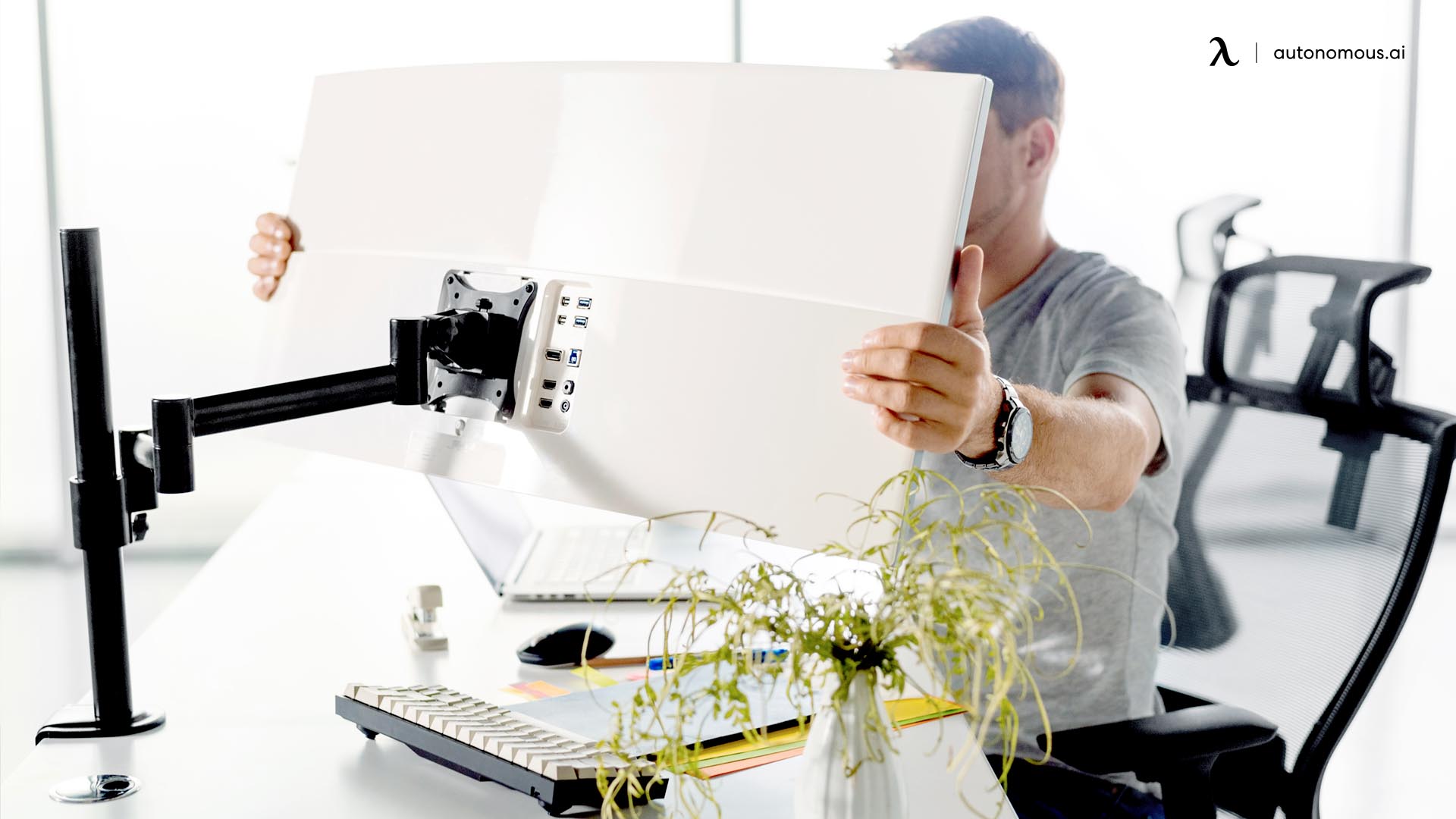
Quick answer: A 32-inch monitor is better for sharp text, vertical space, and focused work, especially at 4K resolution. A 34-inch ultrawide monitor is better for multitasking and workflow efficiency because it gives you more horizontal space to work across multiple windows.
Table of Contents
- Understanding the real difference: it’s not just size
- 32 vs 34-inch monitor comparison
- Which should you choose?
- 32-inch vs 34-inch monitor for work
- Resolution and clarity
- Multitasking and workflow efficiency
- Desk space and ergonomics
- Is a 32-inch monitor too big for work?
- Can a 34-inch ultrawide replace dual monitors?
- Price and long-term value
- FAQs
- Conclusion
Understanding the real difference: it’s not just size
When people compare a 32-inch and 34-inch monitor, they often assume the difference is only about screen size. In reality, the bigger difference is the shape of the screen.
A 32-inch monitor uses a standard 16:9 aspect ratio, which is the same format as most laptops and TVs. A 34-inch monitor, on the other hand, is typically ultrawide, with a 21:9 aspect ratio. That means instead of being taller, it stretches wider.
This change in shape affects how you work. A 32-inch display gives you more vertical space, which is helpful for reading documents, coding, or working in spreadsheets. A 34-inch ultrawide gives you more horizontal space, which is ideal for keeping multiple windows open side by side.
So the decision is not really about choosing a slightly bigger monitor. It is about choosing between a traditional workspace and a wide, multitasking-oriented layout.
32 vs 34-inch monitor comparison
Feature | 32-inch monitor | 34-inch ultrawide |
Aspect ratio | 16:9 standard | 21:9 ultrawide |
Best use | Focused work, text-heavy tasks | Multitasking, multiple apps |
Resolution sweet spot | 1440p or 4K | 3440×1440 |
Workspace layout | Vertical + balanced | Wide + horizontal |
Multitasking | Moderate | Excellent |
Desk space | Easier to fit | Requires more width |
Viewing experience | Familiar | Immersive |
Which should you choose?
Choosing between a 32-inch and 34-inch monitor becomes easier when you focus on how you actually work.
A 32-inch monitor makes more sense if your tasks revolve around reading, writing, coding, or working with detailed content. The vertical space helps reduce scrolling, and a 4K resolution keeps text sharp and easy to read. It also fits more comfortably on standard computer desks and requires less adjustment in posture.
A 34-inch ultrawide monitor is the better option if your work involves switching between multiple apps, comparing documents, or managing complex workflows. Instead of stacking windows, you can place them side by side, which makes the experience feel smoother and more natural. Many people also use ultrawide monitors as a replacement for dual screens.
If your workflow is simple and focused, a 32-inch display is usually enough. If your workflow is dynamic and requires constant context switching, a 34-inch ultrawide will feel more efficient.

32-inch vs 34-inch monitor for work
A 32-inch monitor is generally better for clarity and focus, while a 34-inch ultrawide is better for multitasking and workflow efficiency.
With a 32-inch monitor, especially at 4K resolution, text appears sharp and clean. This matters for tasks like programming, writing, and spreadsheet work, where readability directly affects comfort and productivity. The layout also feels familiar, which means there is no learning curve.
A 34-inch ultrawide monitor changes how you interact with your workspace. Instead of switching between tabs or windows, you can keep everything visible at once. This is especially useful for people who work with timelines, dashboards, or multiple reference materials.
The difference becomes noticeable over time. On a 32-inch monitor, you tend to work in a more linear way, focusing on one task at a time. On a 34-inch ultrawide, your workflow becomes more parallel, with multiple elements visible and active at once.
Resolution and clarity
Resolution plays a major role in how comfortable a monitor feels during long work sessions.
A 32-inch monitor at 4K resolution offers high pixel density, which makes text look crisp and reduces eye strain. This is one of the main reasons why many professionals prefer 32-inch displays for document-heavy work. The vertical space also allows more lines of text to be visible at once.
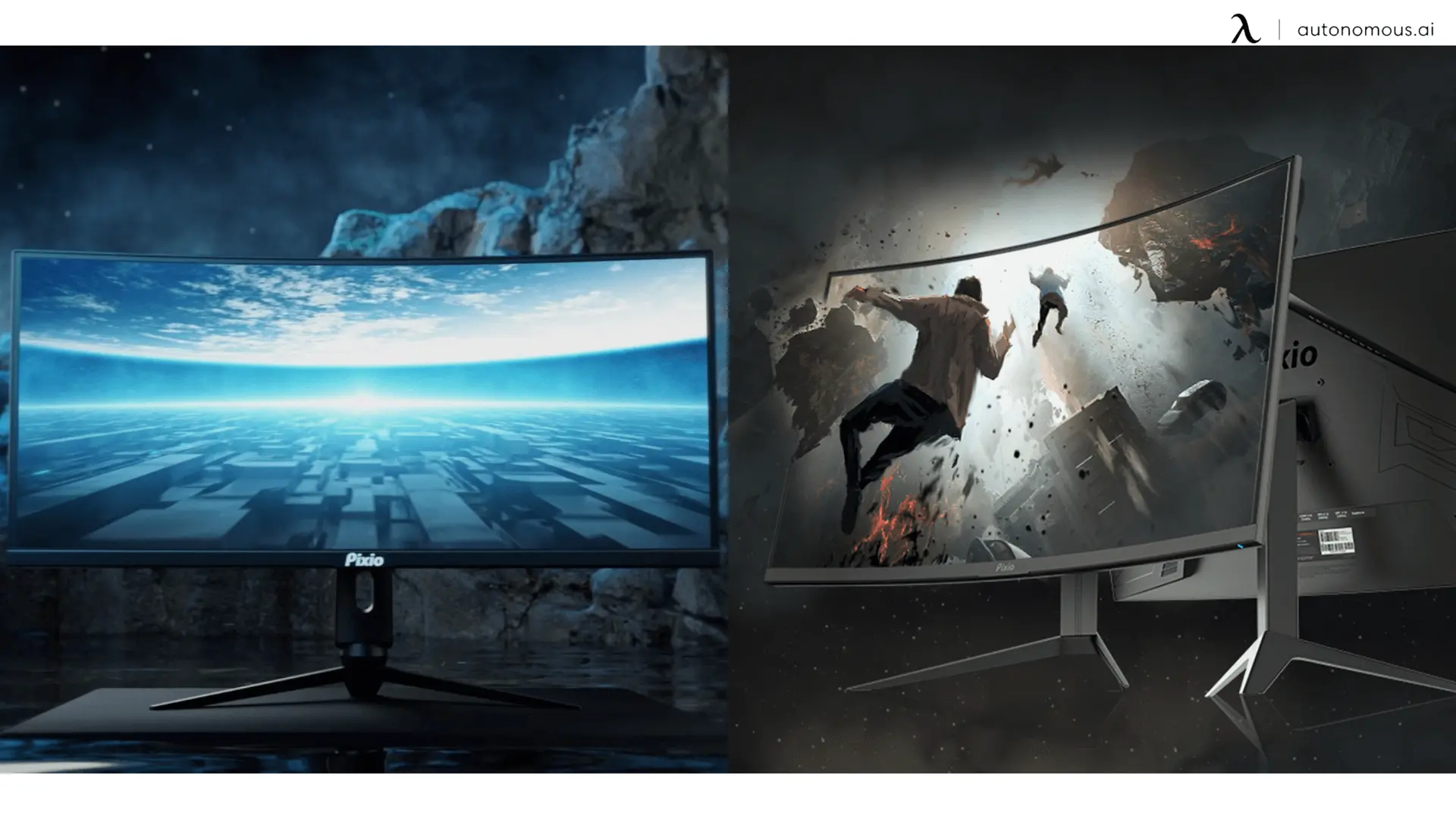
A 34-inch ultrawide usually runs at 3440×1440 resolution. While it is not as dense as 4K, it still looks sharp at normal viewing distances. The benefit comes from the width rather than the pixel density. You can spread out your work instead of stacking it vertically.
If your priority is clarity and detail, the 32-inch 4K option is the better choice. If your priority is workspace flexibility, the ultrawide format offers more freedom.
Multitasking and workflow efficiency
This is where the 34-inch ultrawide monitor stands out.
With a standard 32-inch display, multitasking often means resizing windows or switching between them. Even though the screen is large, it still follows a vertical structure. You may open two windows side by side, but space becomes limited quickly.
A 34-inch ultrawide is designed for multitasking. You can comfortably place two or even three windows next to each other without them feeling cramped. This reduces the need to switch tabs and keeps your workflow continuous.
For example, you might have a document open on one side, a browser on the other, and a messaging app in the corner. Everything stays visible, which helps reduce interruptions and maintain focus.
This difference becomes even more valuable in jobs that require constant comparison or monitoring, such as finance, design, or data analysis.
Desk space and ergonomics
Choosing the right monitor also depends on how much physical space you have.
A 32-inch monitor fits more easily on most desks. It requires less width and can be used comfortably at a closer distance. This makes it a safer choice for smaller workspaces or home office setups.
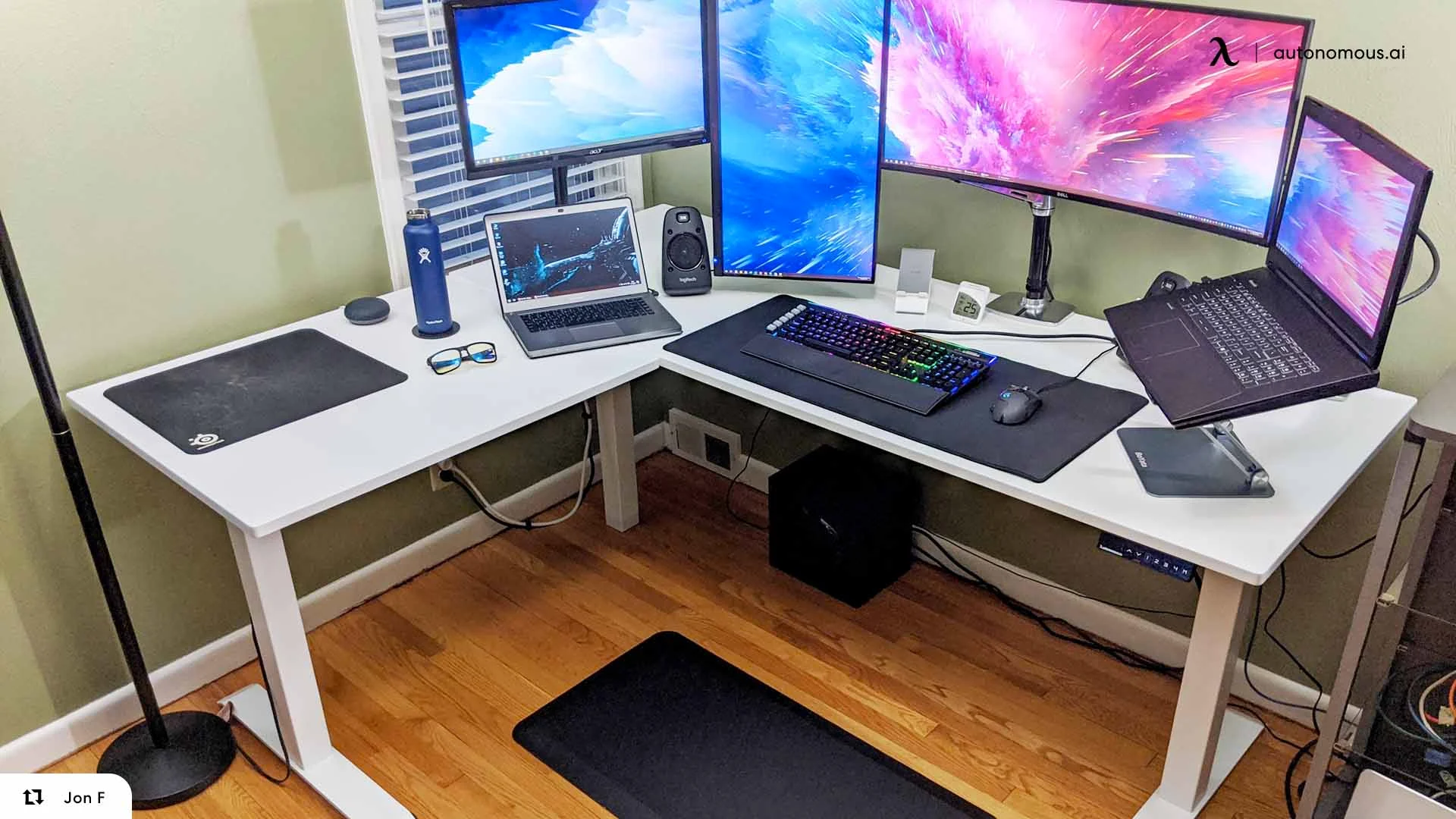
A 34-inch ultrawide requires more horizontal space and works best on deeper desks. Because the screen is wider, you need to sit slightly farther back to see everything comfortably. If your desk is too shallow, you may find yourself turning your head more often, which can lead to discomfort over time.
Ergonomics matter just as much as performance. A monitor that feels too large for your space can become tiring, even if it offers more features.
Is a 32-inch monitor too big for work?
A 32-inch monitor is not too big for work if your desk and viewing distance are appropriate.
Most users find it comfortable when sitting about 70 to 90 cm away from the screen. At this distance, the entire display remains visible without excessive head movement.
However, if your desk is small or you sit very close, a 32-inch screen can feel overwhelming. You may need to move your eyes or head more frequently, which can reduce comfort during long sessions.
In those cases, a smaller monitor or an ultrawide with a different layout may feel more natural.
Can a 34-inch ultrawide replace dual monitors?
For many users, yes.
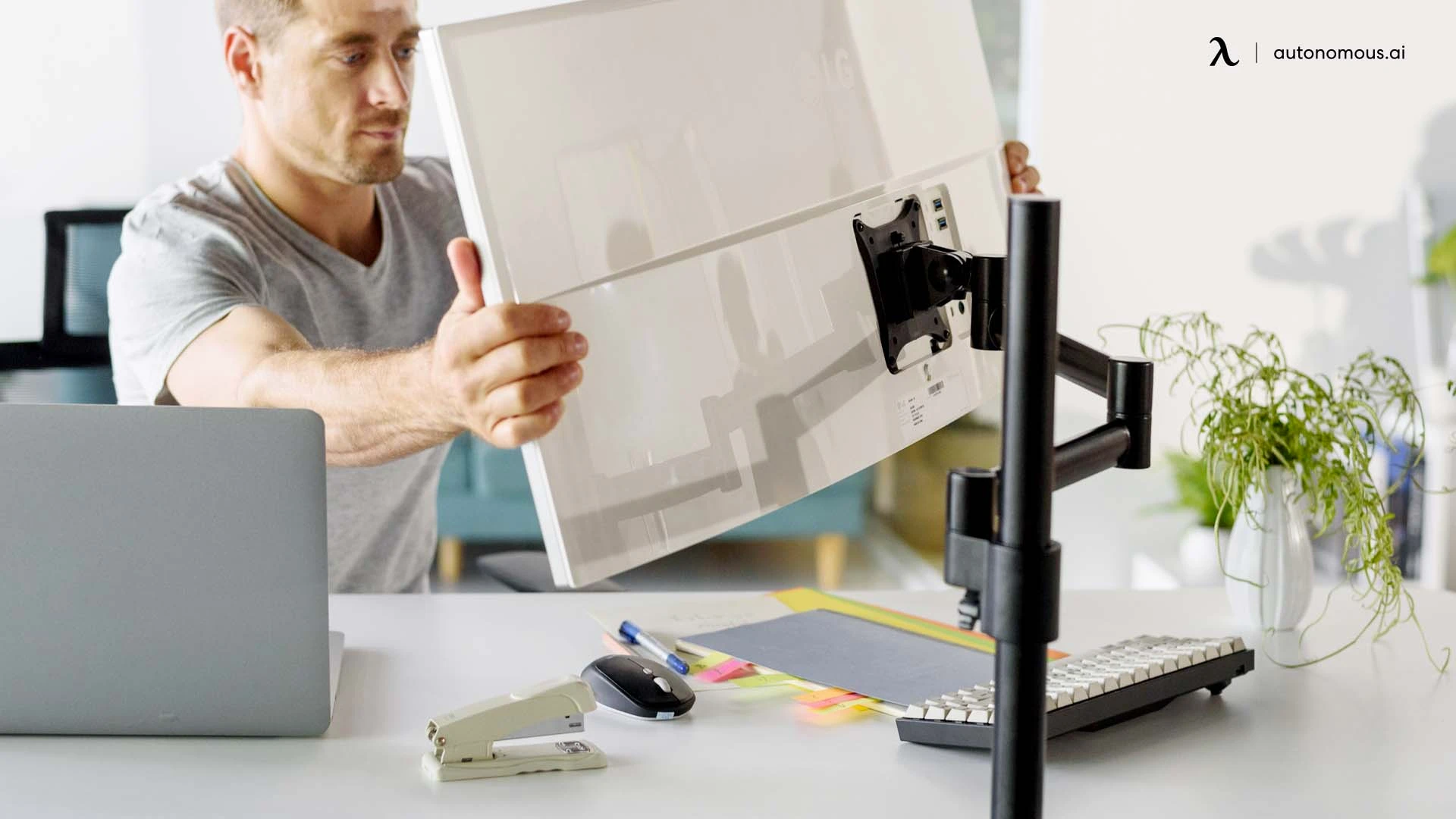
A 34-inch ultrawide monitor can replace a dual-monitor setup by providing a continuous, uninterrupted workspace. Instead of dealing with bezels between screens, you get a single wide canvas.
This makes tasks like dragging windows, comparing documents, or editing timelines feel smoother. It also reduces cable clutter and simplifies your desk setup.
That said, some users still prefer dual monitors for separation. Having two physical screens can make it easier to dedicate each display to a specific task.
The choice comes down to whether you prefer a seamless workspace or clearly divided areas.
Price and long-term value
Price differences between these monitors are not always large, but they can vary depending on features.
A 32-inch monitor is often more affordable, especially at 1440p. Even 4K models are widely available at reasonable prices. This makes it a good choice if you want strong performance without spending too much.
A 34-inch ultrawide monitor is usually more expensive, especially if it includes features like higher refresh rates or curved panels. However, it can replace a dual-monitor setup, which may balance out the cost over time.
The better value depends on how you use it. If it improves your workflow significantly, the higher price can be justified.
FAQs
Is a 32 vs 34 inch monitor better for work?
A 32 vs 34 inch monitor comparison depends on your workflow. A 32-inch monitor is better for focused tasks and text clarity, while a 34-inch ultrawide is better for multitasking and managing multiple windows.
Which is better: 32 inch or 34 inch ultrawide monitor?
A 32 inch monitor is better for sharp visuals and vertical space, especially at 4K. A 34 inch ultrawide monitor is better if you need more horizontal workspace for multitasking or creative work.
Is a 34 inch ultrawide better than a 32 inch monitor?
A 34 inch ultrawide is better for multitasking because it provides more screen width. A 32 inch monitor is better for reading, coding, and tasks that benefit from higher pixel density.
Is a 32 inch monitor too big for work?
A 32 inch monitor is not too big for work if your desk has enough depth and you sit at a comfortable distance. On smaller desks, it may feel overwhelming and require more head movement.
Is a 34 inch monitor too big for a desk?
A 34 inch monitor can be too wide for smaller desks, especially if you sit close to the screen. It works best on wider desks where you can maintain a comfortable viewing distance.
What is the difference between 32 vs 34 inch monitor?
The main difference between a 32 vs 34 inch monitor is the aspect ratio. A 32-inch monitor uses a standard 16:9 format, while a 34-inch monitor is ultrawide (21:9), offering more horizontal space.
Is 32 inch 4K better than 34 inch ultrawide?
A 32 inch 4K monitor is better for sharpness and detailed work like coding or editing. A 34 inch ultrawide is better for multitasking and side-by-side workflows.
Can a 34 inch ultrawide replace dual monitors?
Yes, a 34 inch ultrawide can replace a dual monitor setup for many users. It provides a continuous workspace without bezels, though some people still prefer separate screens for task separation.
Is 32 vs 34 inch monitor better for programming?
For programming, a 32 inch monitor is better if you want sharper text and more vertical space. A 34 inch ultrawide is useful if you prefer having multiple files or tools open side by side.
Is a 32 or 34 inch monitor better for gaming?
A 32 inch monitor is better for high-resolution gaming, especially at 4K. A 34 inch ultrawide is better for immersive games that benefit from a wider field of view.
Does a 34 inch ultrawide improve productivity?
A 34 inch ultrawide can improve productivity by allowing multiple windows to stay open at once. This reduces switching between apps and helps maintain workflow continuity.
Should I choose a 32 vs 34 inch monitor for my setup?
You should choose a 32 vs 34 inch monitor based on how you work. Choose 32-inch for clarity and focused tasks, or 34-inch ultrawide for multitasking and wider workspace.
Conclusion
A 32-inch monitor is the better choice if you want clarity, focus, and a traditional workspace that works well for reading, coding, and structured tasks.
A 34-inch ultrawide monitor is the better choice if you want to multitask efficiently, keep multiple applications visible, and create a smoother, more flexible workflow.
The right choice depends on how you work, not just how big the screen is.