15 Minimalist Laptop Desk Setups 2026

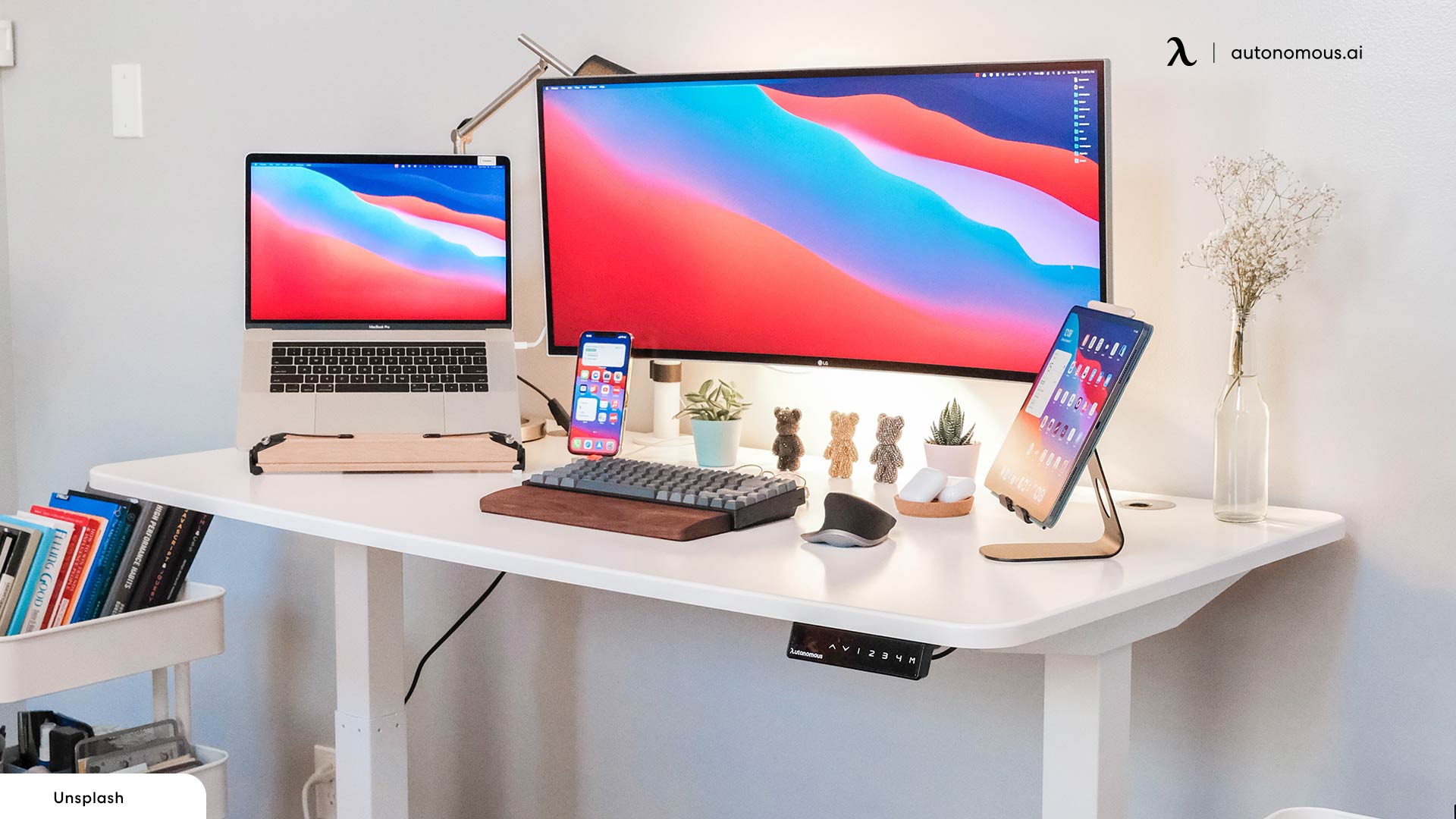
A minimalist laptop desk setup is what's left after every item earns its place. The desk, the laptop, the screen at eye level, one input device for each hand, and the cable management that keeps it all invisible. Everything else is optional.
Below are fifteen real laptop desk setups built around the Autonomous standing desk lineup. Each one solves the minimalist laptop desk setup challenge differently - small room, all-white, dual monitor, paper-friendly, studio, gaming, standing. Use these as a reference for what your own laptop desk setup could look like.
15 minimalist laptop desk setup ideas
1. Single monitor with dark wood and ambient lighting
A laptop, a tablet, an external monitor, and one task lamp. The dark desk top against the white wall is the warm anchor that makes the laptop desk setup feel lived-in instead of clinical. Single screen, single laptop, single lamp. Plant for color. Cable bundle hidden behind the monitor riser.
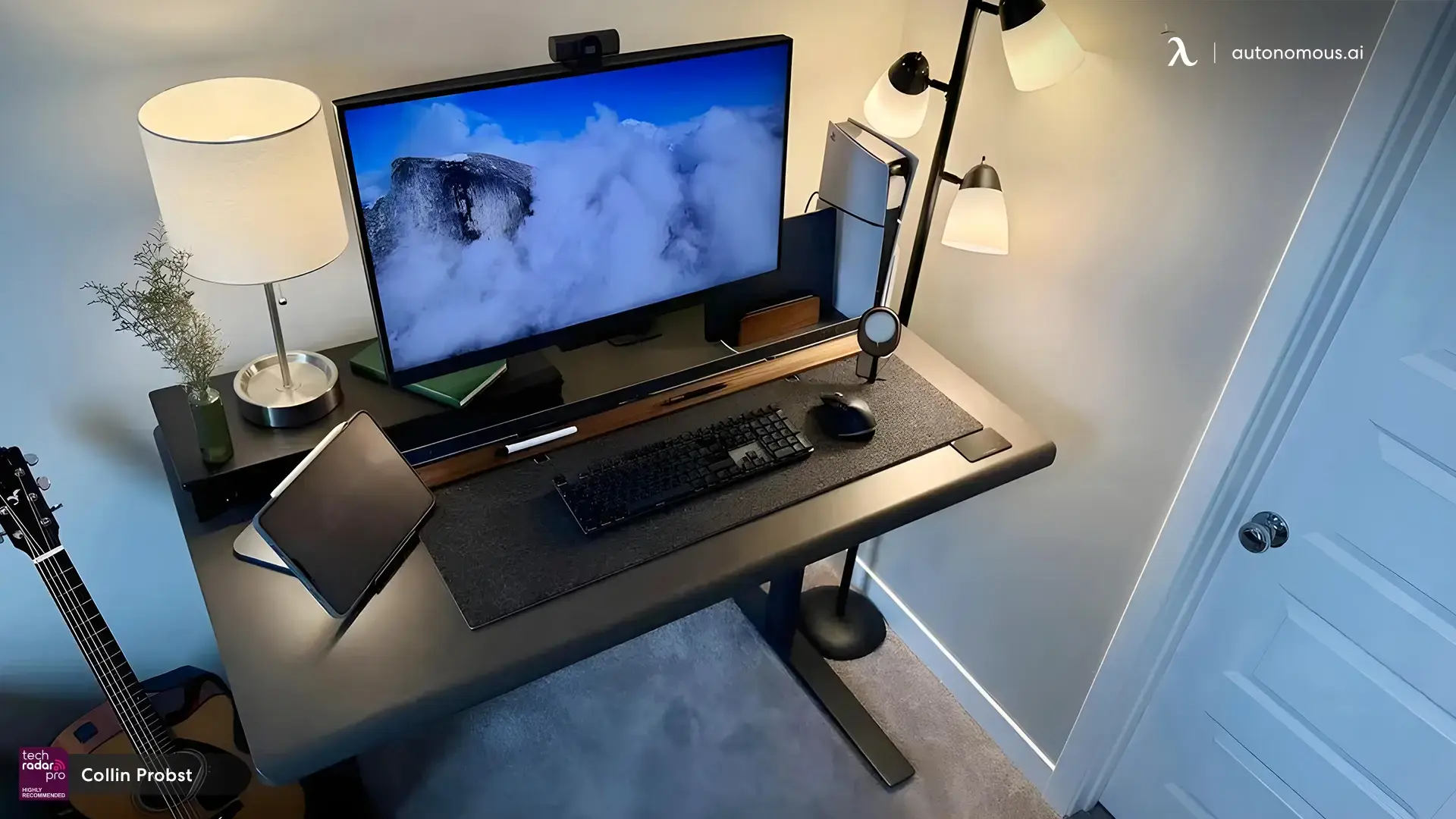
2. Laptop stand and single monitor on light wood
A laptop stand keeps the MacBook at eye level beside a single external display - same screen real estate as a dual monitor laptop desk setup with less visual weight. The light wood top with metal-framed lighting carries warmth without crowding the surface. Window on the right provides the natural light no lamp can replace. Wide felt mouse mat unifies the working area.
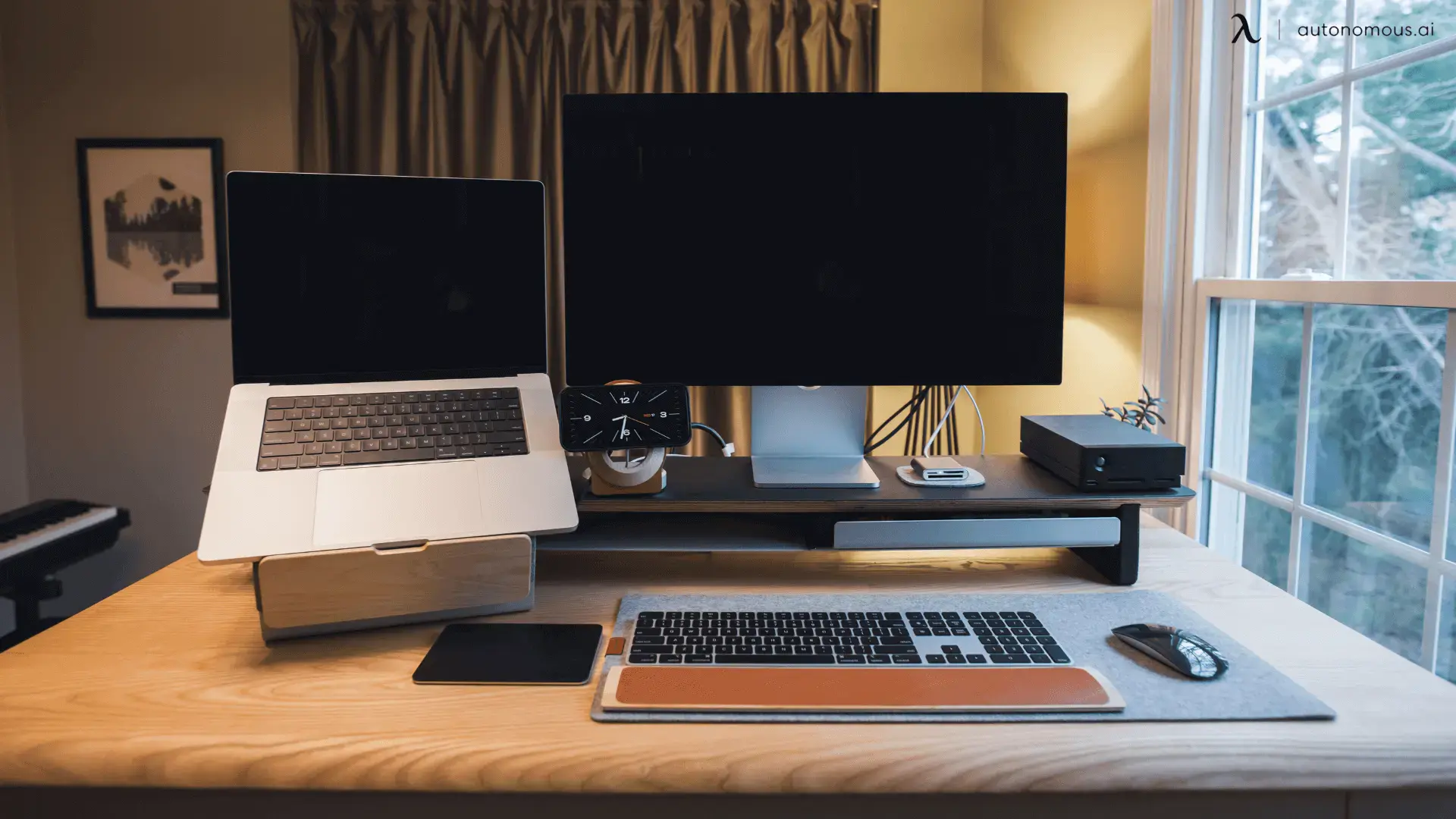
3. The studio laptop desk setup
A studio setup is the most equipment-dense version of minimal - everything visible has a job. Monitor center, laptop right, camera and softbox left for recording, mic boom above. Despite the gear count, the surface stays empty in the middle. The white desk frame keeps the eye moving across the workspace instead of getting trapped on cables.
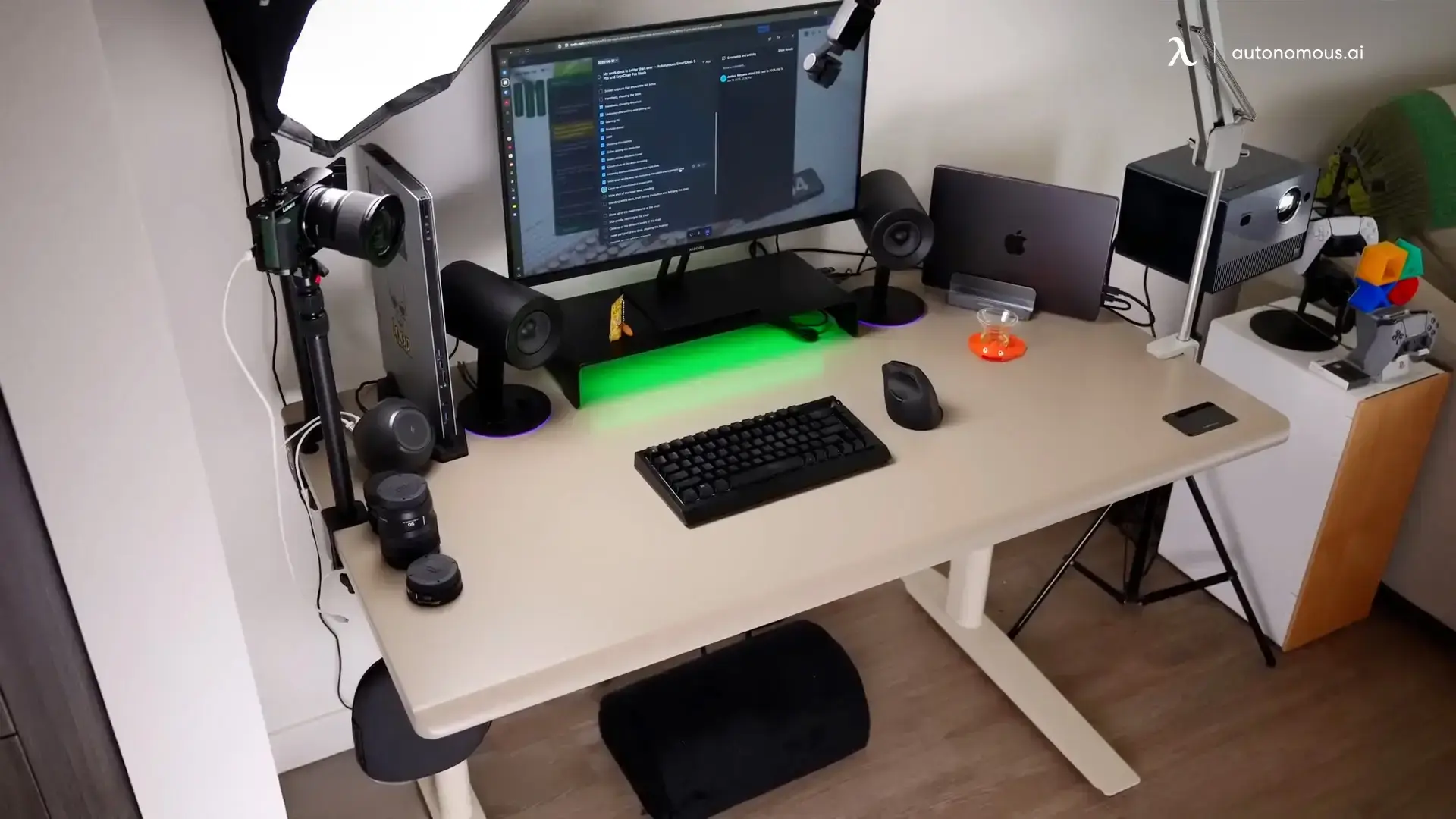
4. Dark wood top with leather mat and single monitor
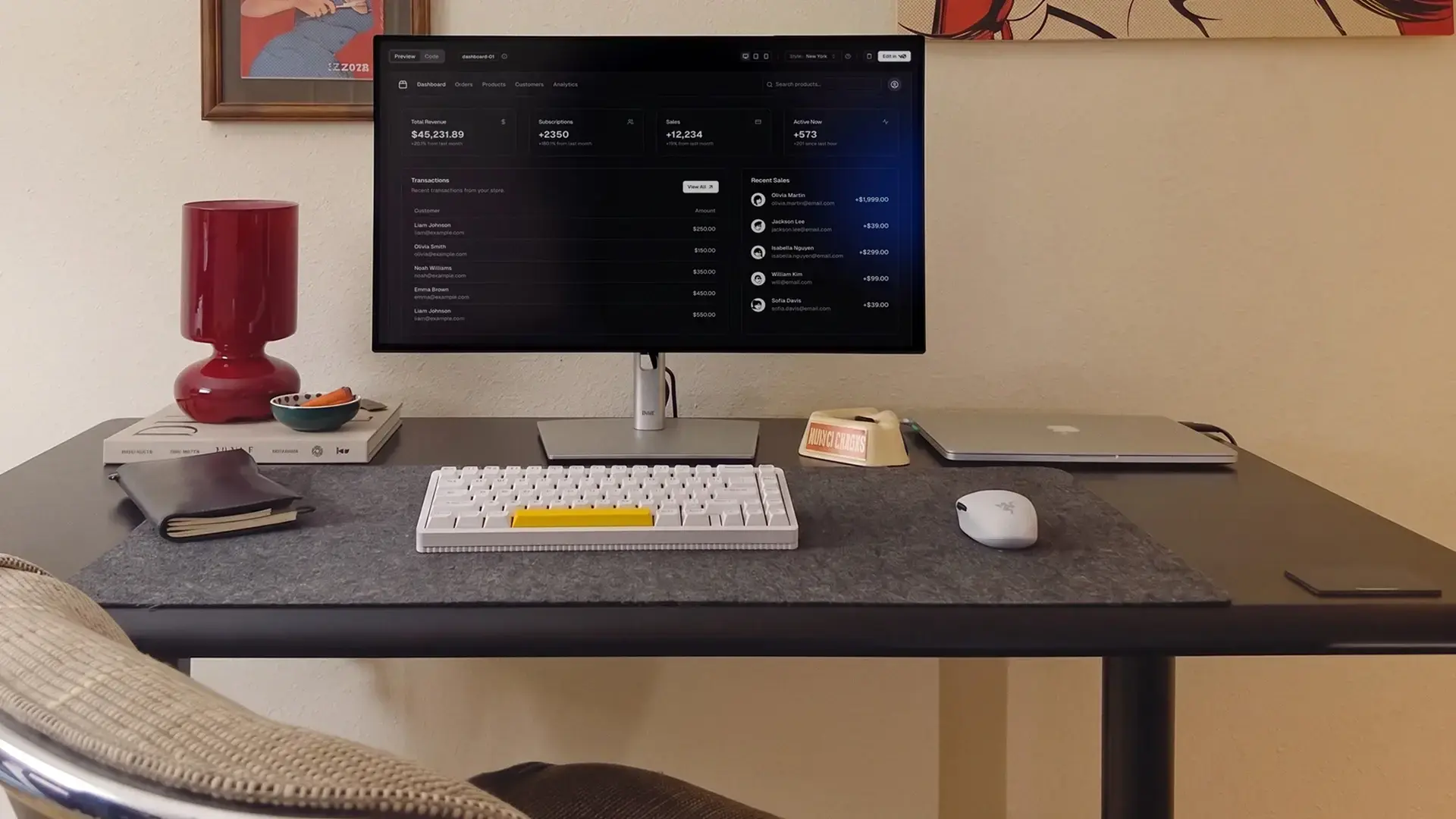
The leather desk mat is the central element of this laptop desk setup. Everything sits on or near it - keyboard, mouse, laptop on a stand to the side. White peripherals stand out cleanly against dark wood for high contrast and low complexity.
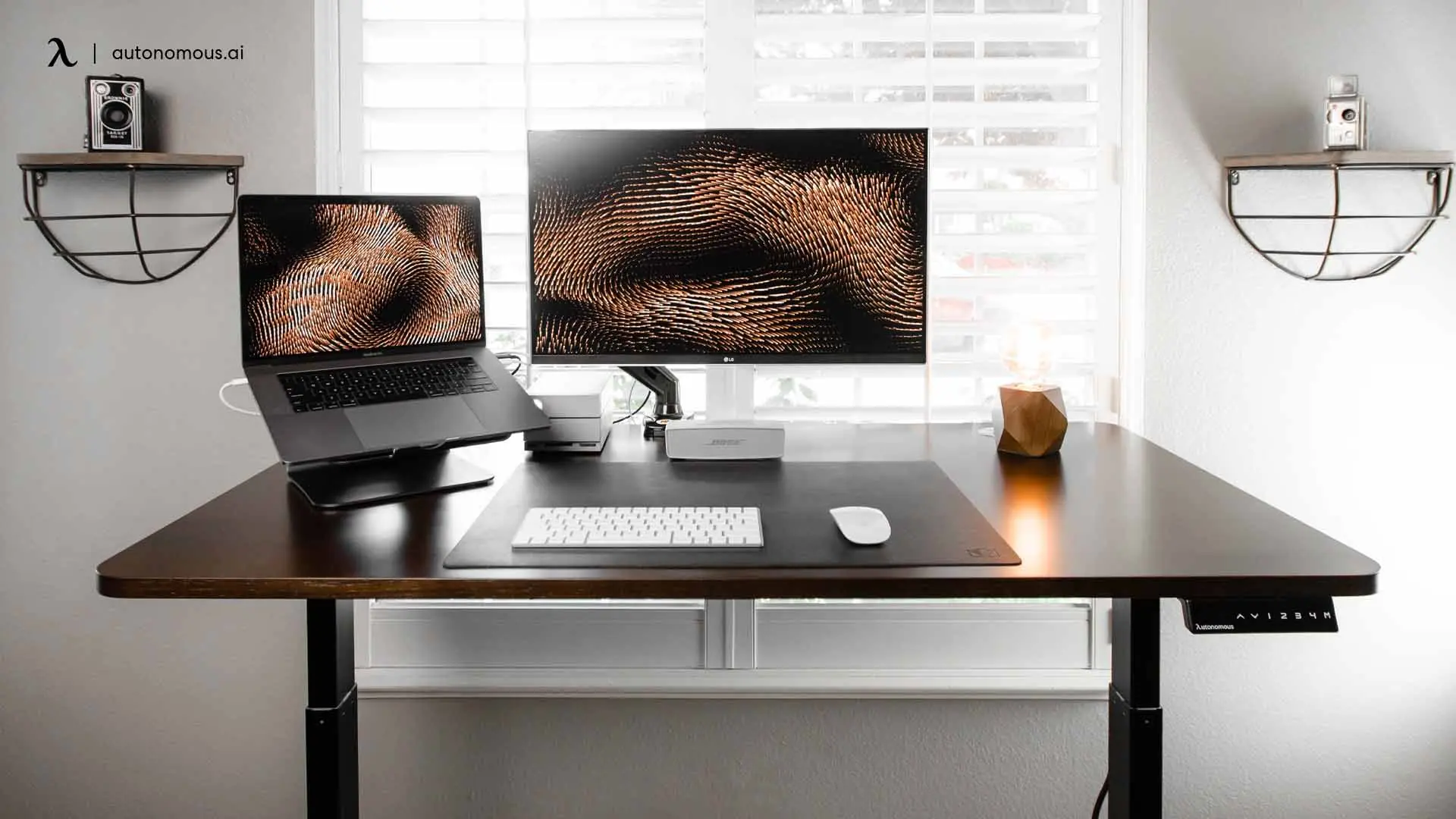
5. Window-perpendicular workstation
Window light is the most-overlooked element of a minimalist laptop desk setup. Position the desk perpendicular to the window so natural light hits the work surface, not the screen. The snake plant adds organic shape without taking desk space. Single monitor, two speakers, one plant - the desk serves the room, not the other way around.
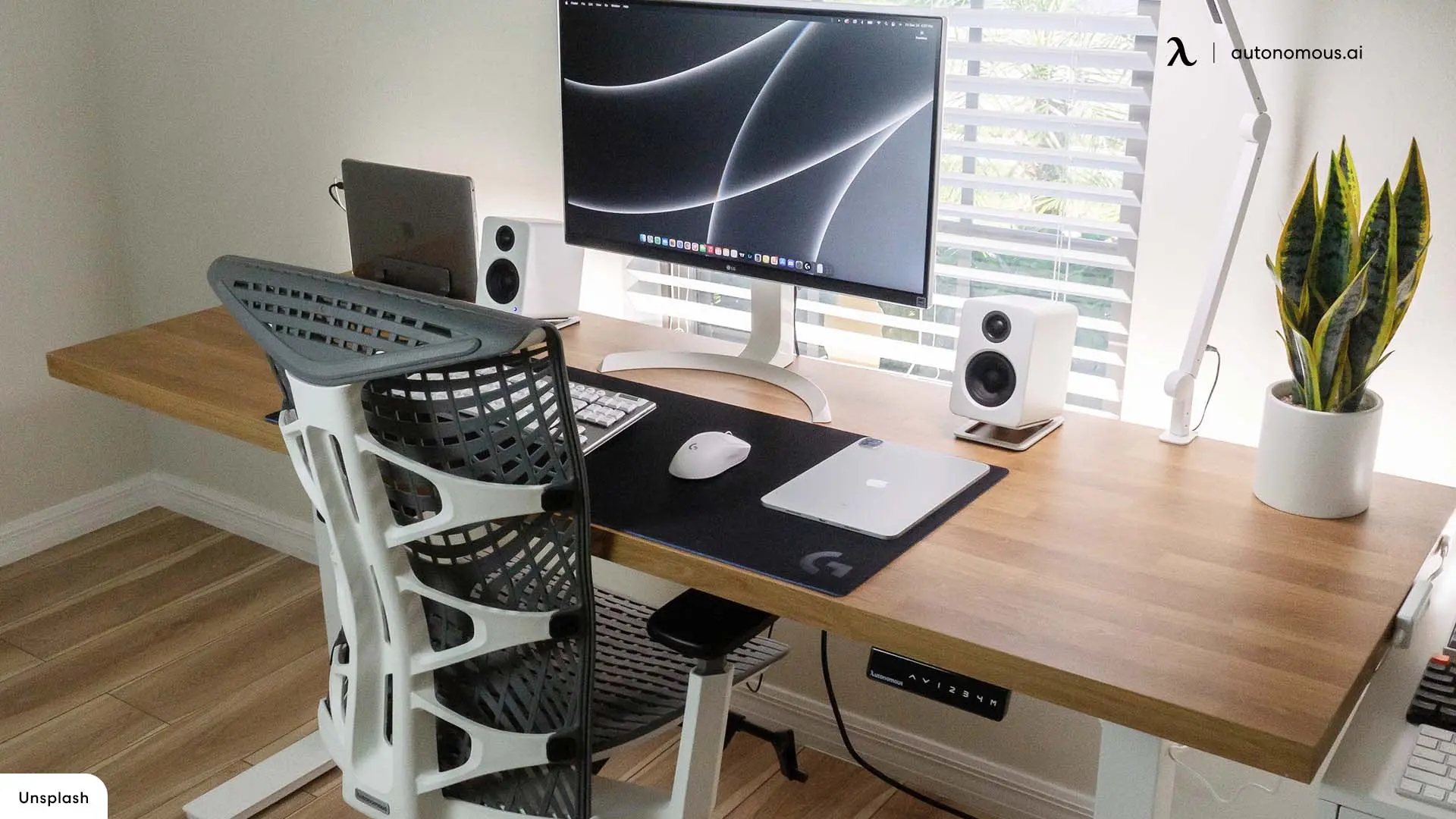
6. Compact laptop-only setup
The smallest viable minimalist laptop desk setup. Just the laptop and tablet on a compact white-top desk. Two plants, a candle, a pen cup. No external monitor - the laptop screen is the screen. The setup is honest about its constraints and doesn't try to be a multi-monitor workstation.
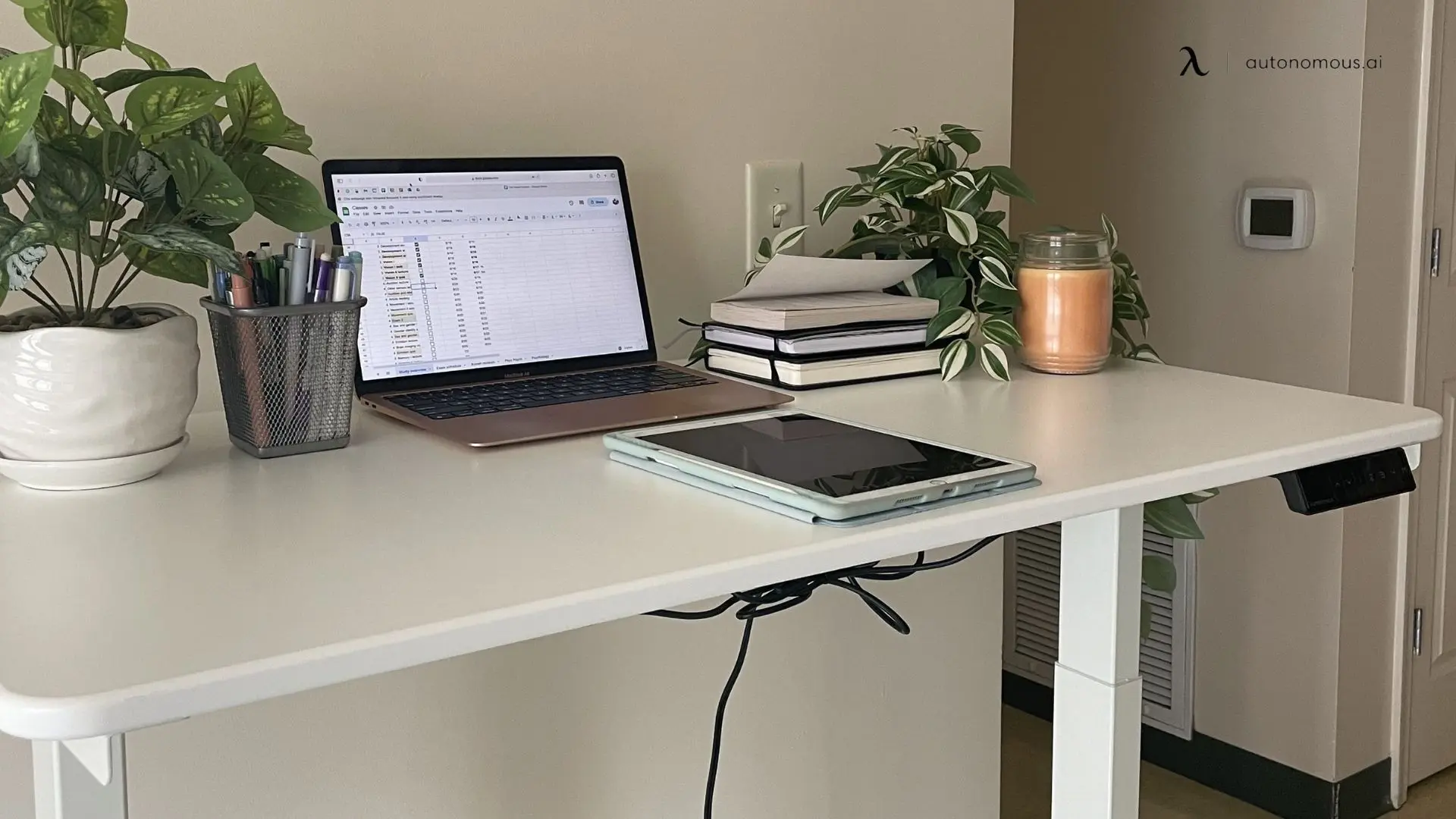
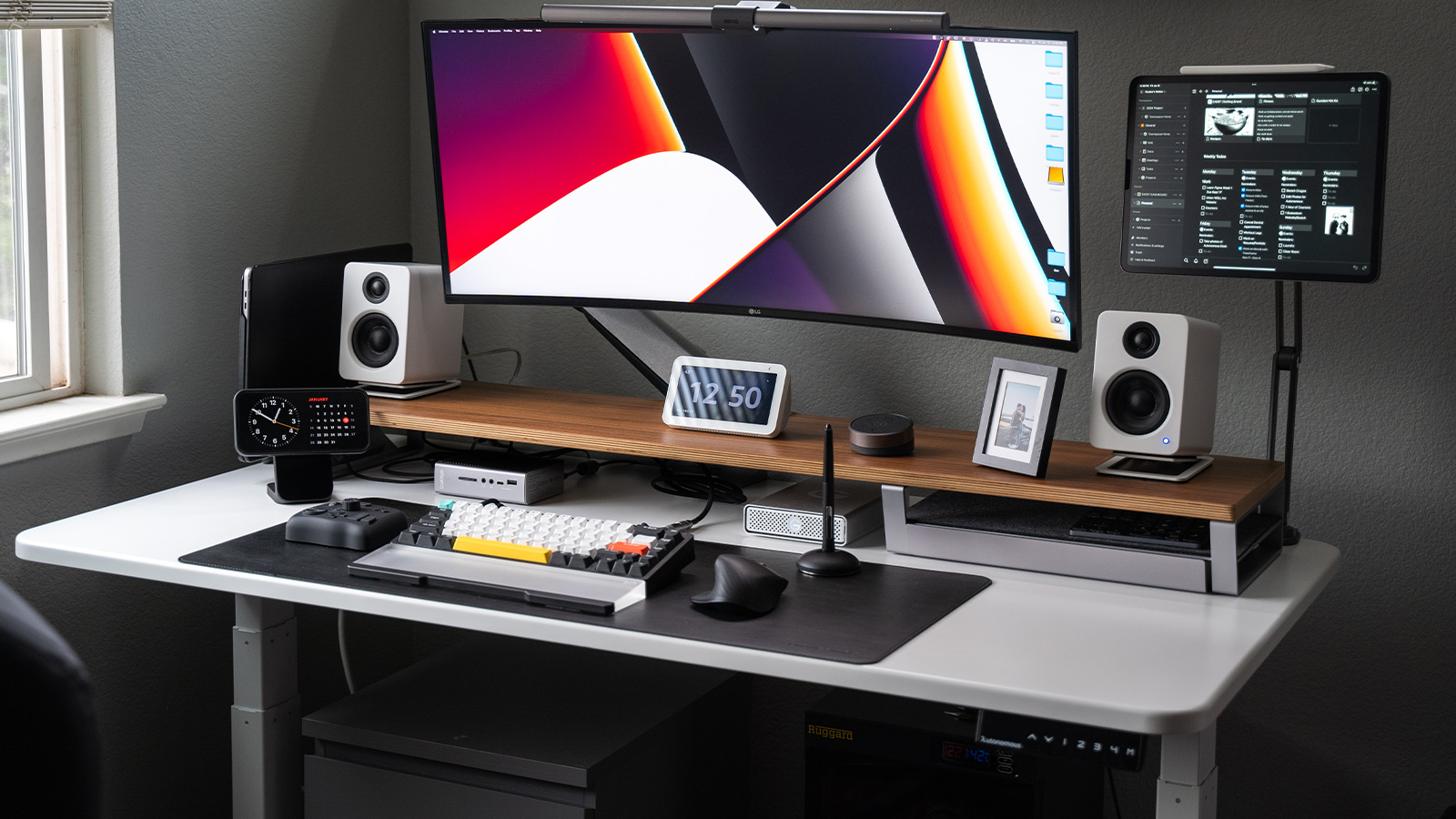
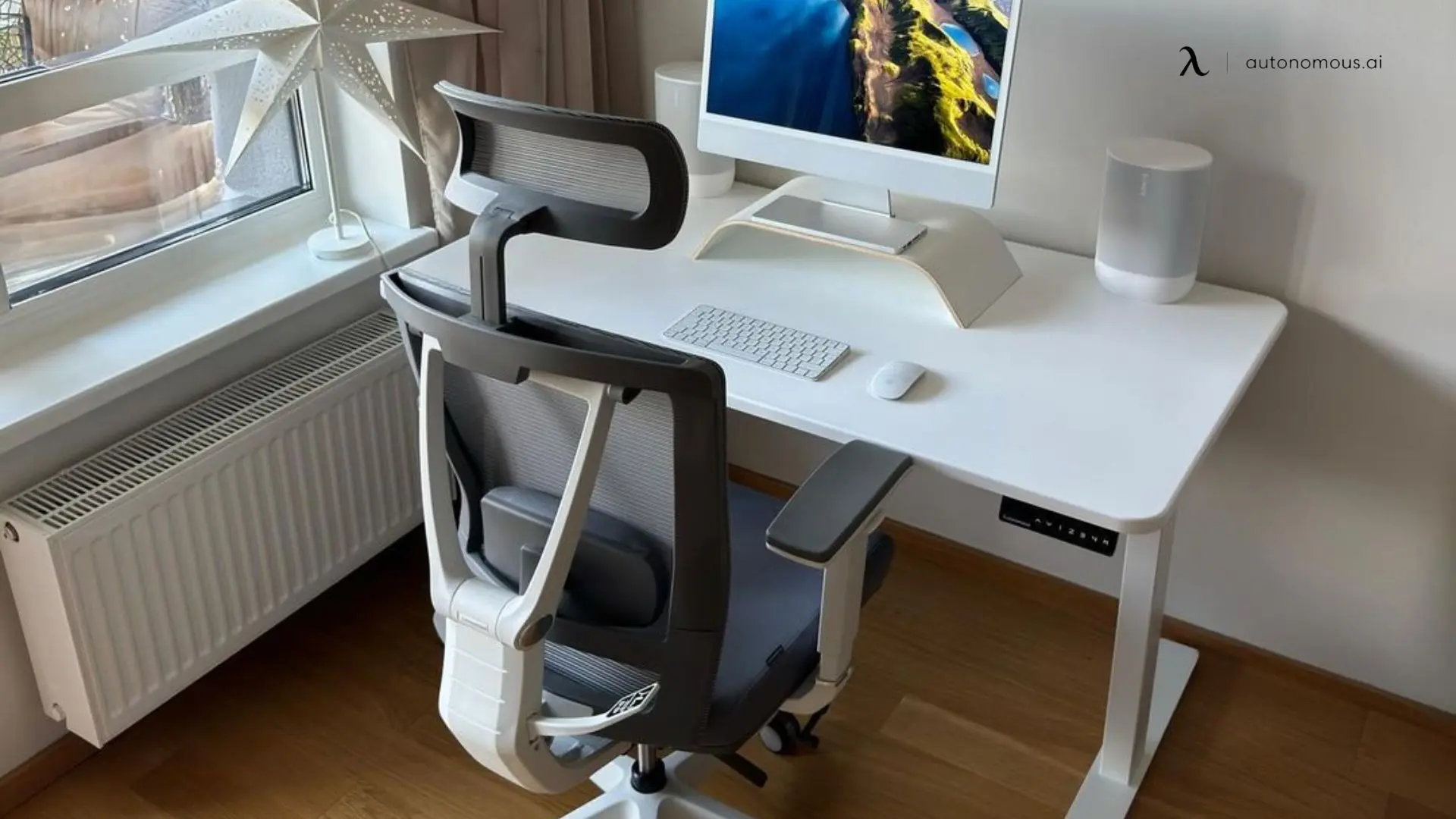
7. iMac-centric all-white setup
When the computer is the design statement - like an iMac - the rest of the setup gets out of the way. White desk, white speaker, white frame chair, single monitor riser. Window light from the side. Color palette stops at three (white, gray, screen) so nothing competes with the display.
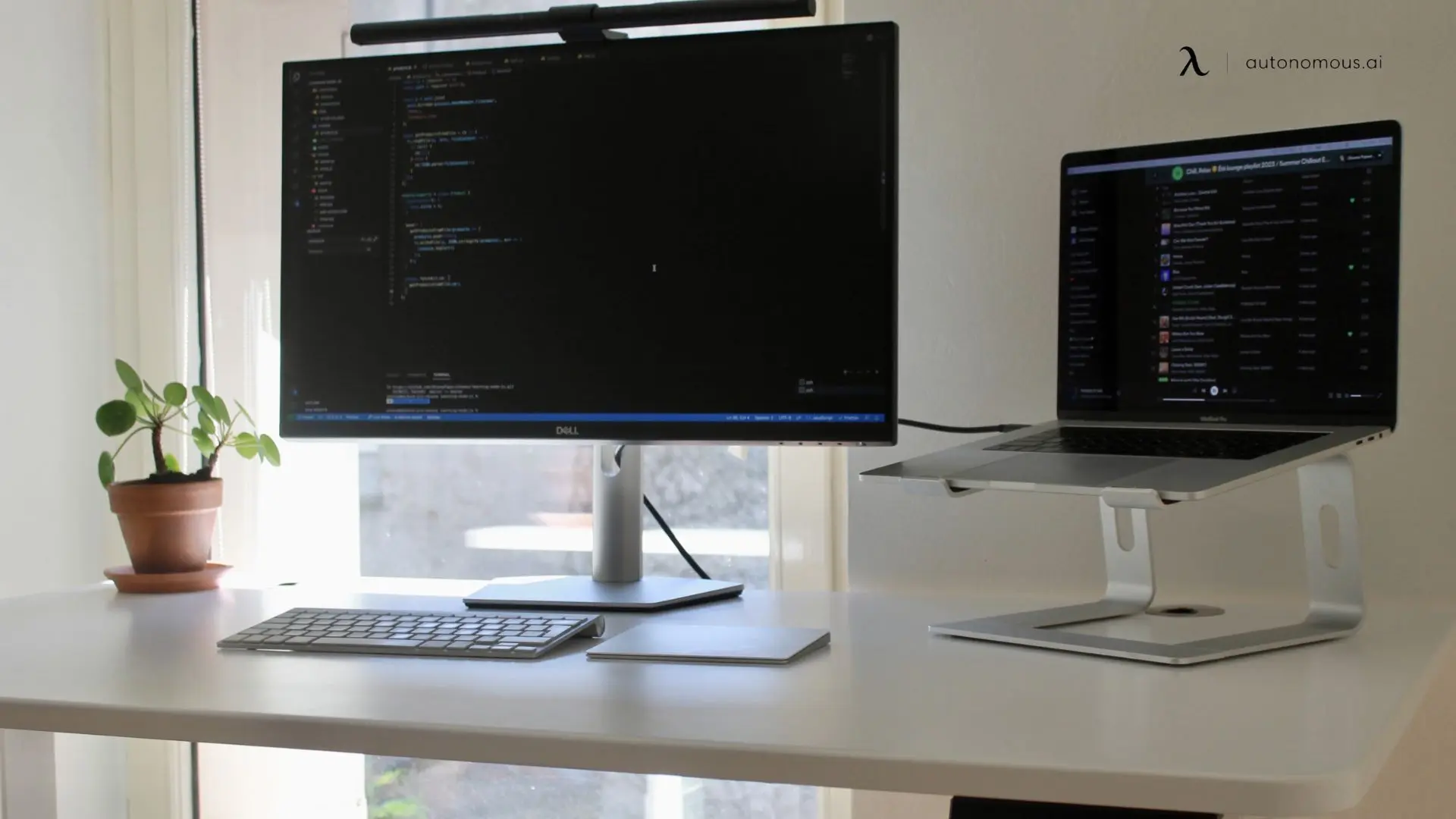
8. Coder laptop desk setup with ultrawide
A coder's minimalist laptop desk setup. Ultrawide monitor instead of dual monitors - one screen, more real estate, eliminates the dual-monitor cable problem. Laptop on a stand for music or secondary tasks. Slim keyboard plus trackpad keeps the working area compact. Monitor light bar replaces the desk lamp entirely.
9. Urban apartment laptop desk setup
Urban apartment minimalism. Desk pressed up to the window for natural light, plant in the corner, single monitor, closed laptop tucked behind the monitor base. The vintage-style desk lamp adds warmth a clinical setup would miss. Tall floor plant instead of crowding the desk surface. Curtains framing the window light.
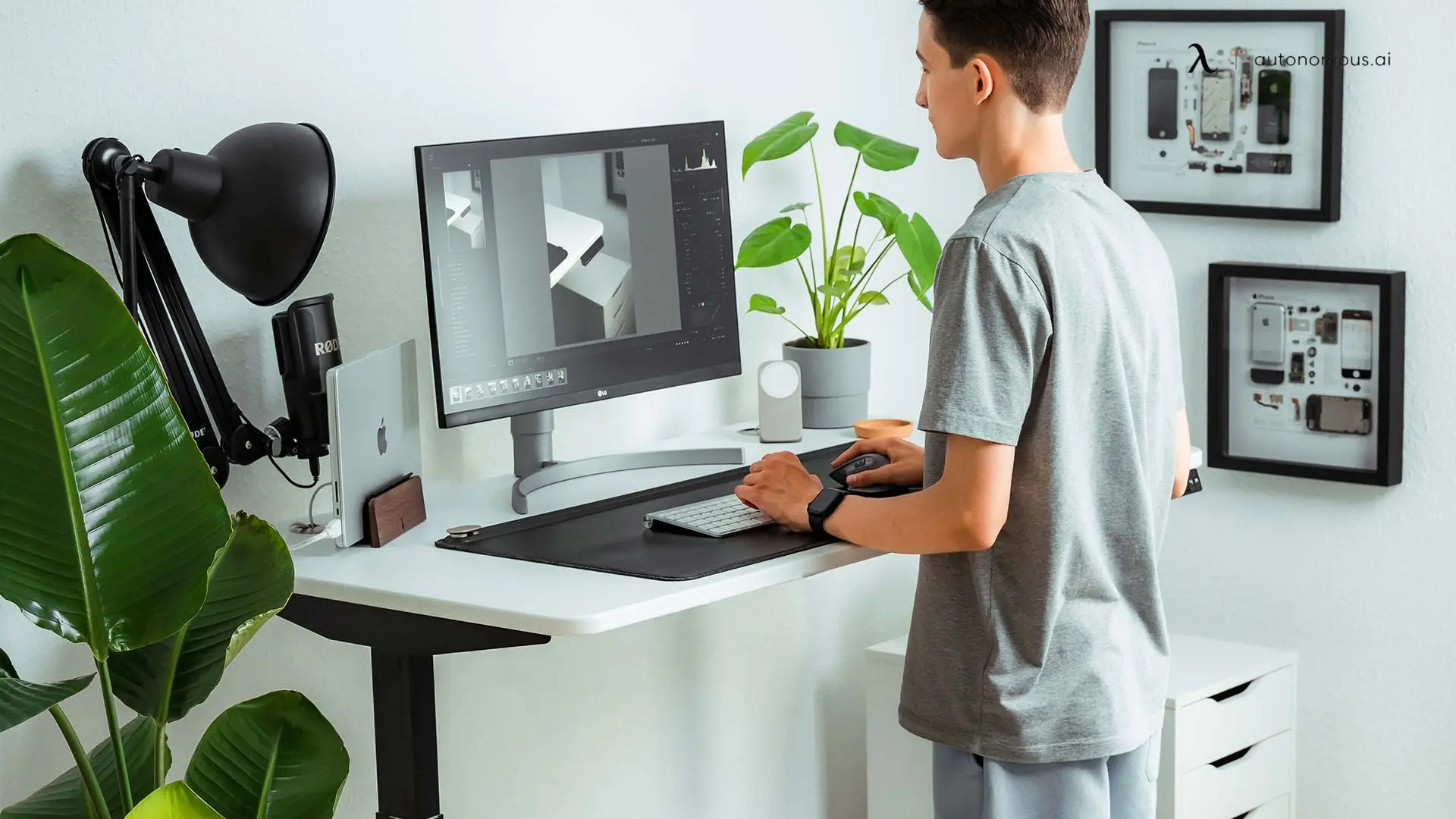
10. Standing position with vertical laptop stand
The full standing laptop desk setup. Laptop docked on a vertical stand, single external monitor at eye level, microphone boom for calls, plants flanking the workspace for warmth. Standing positions force minimalism because there's no way to slouch into clutter. The vertical laptop stand saves horizontal desk space the way a flat stand can't.
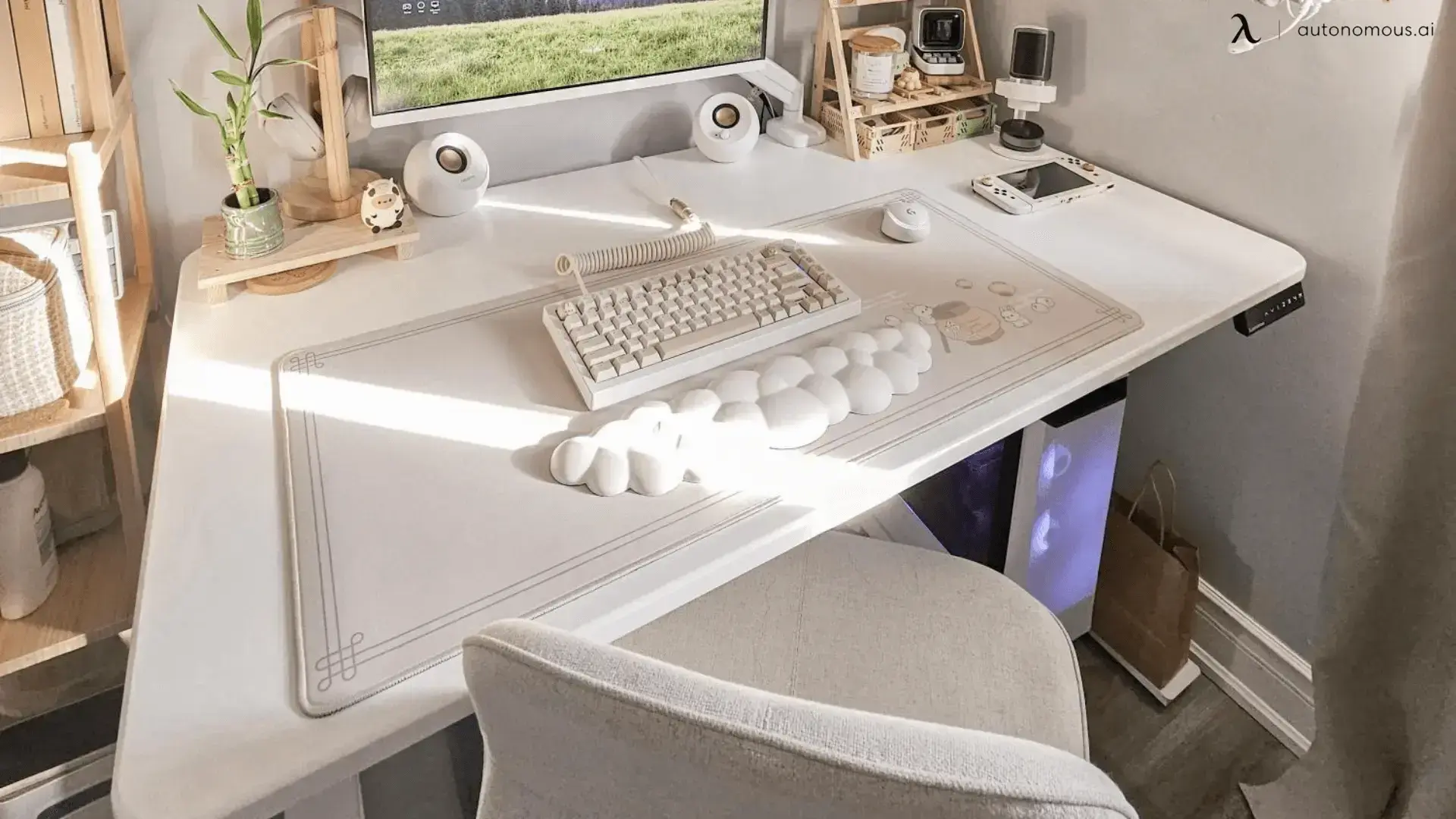
11. White desk with cloud aesthetic
A laptop desk setup built around a single color theme. White desk, white keyboard, white cloud-shaped wrist rest, light wood shelf. The handheld gaming console on the right is the only color break. Soft natural light from the curtain. Color discipline is the entire game here - when the palette holds, the setup reads as designed even with detail items present.
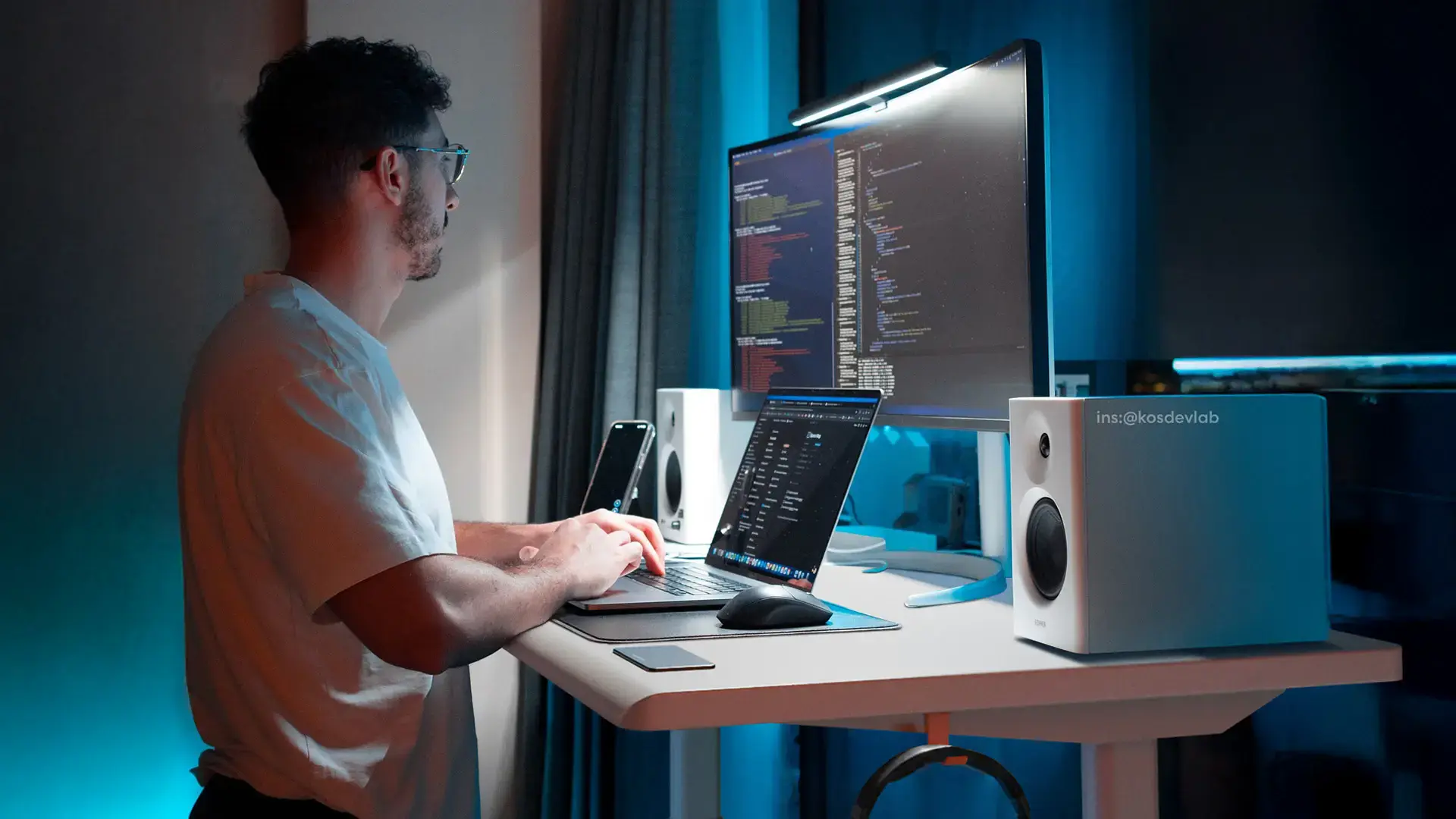
12. Late-night coder setup
The standing laptop desk setup for after-hours work. Single ultrawide above an open laptop, studio monitors flanking the screen, monitor light bar to prevent eye strain, ambient blue room lighting for nighttime focus. Standing means no chair clutter in the frame - the setup reads as a workspace, not a workstation. Cable management runs down the white frame and disappears behind the desk.
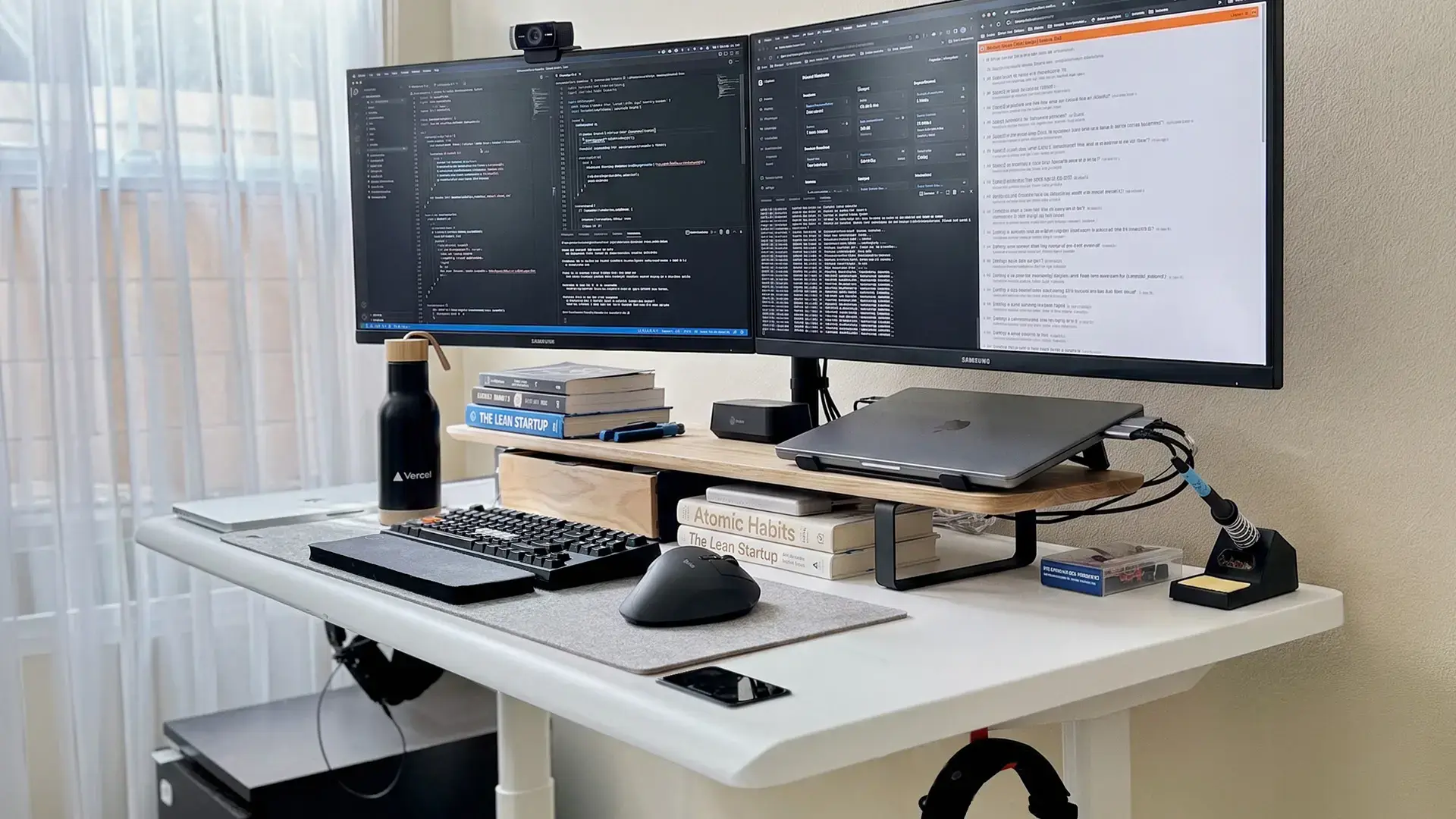
13. Dual monitor with books and laptop stand
A working coder's dual-monitor laptop desk setup. Two side-by-side displays raised on a wooden shelf, books doubling as additional riser height - a minimalist choice that beats a generic monitor stand. MacBook on a metal stand to the right with all cables tucked behind. Felt mouse pad, mechanical keyboard, soldering station for hardware work. The book stack reads as personality without crossing into clutter.
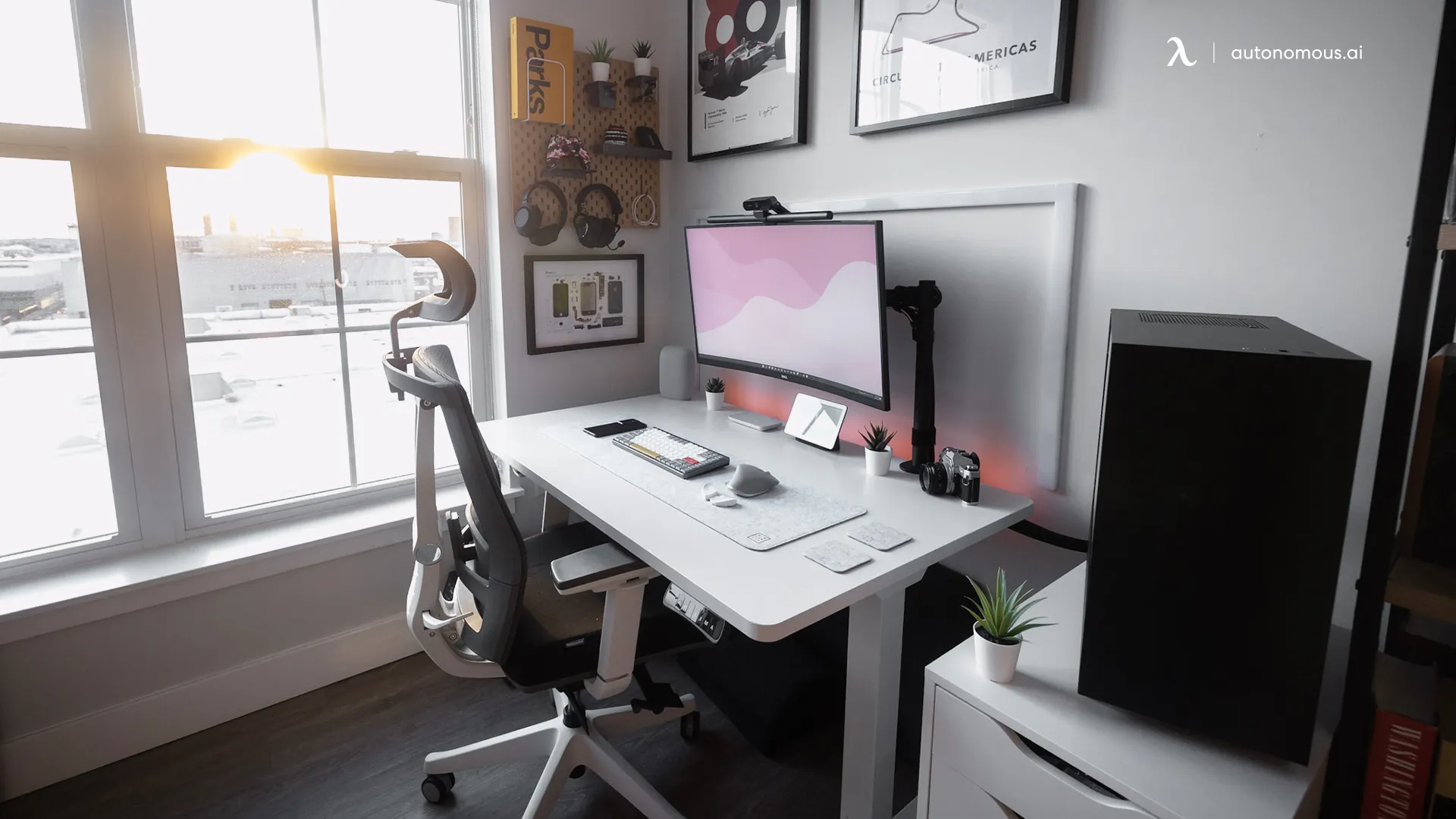
14. Sit-stand setup with ergonomic chair and plants
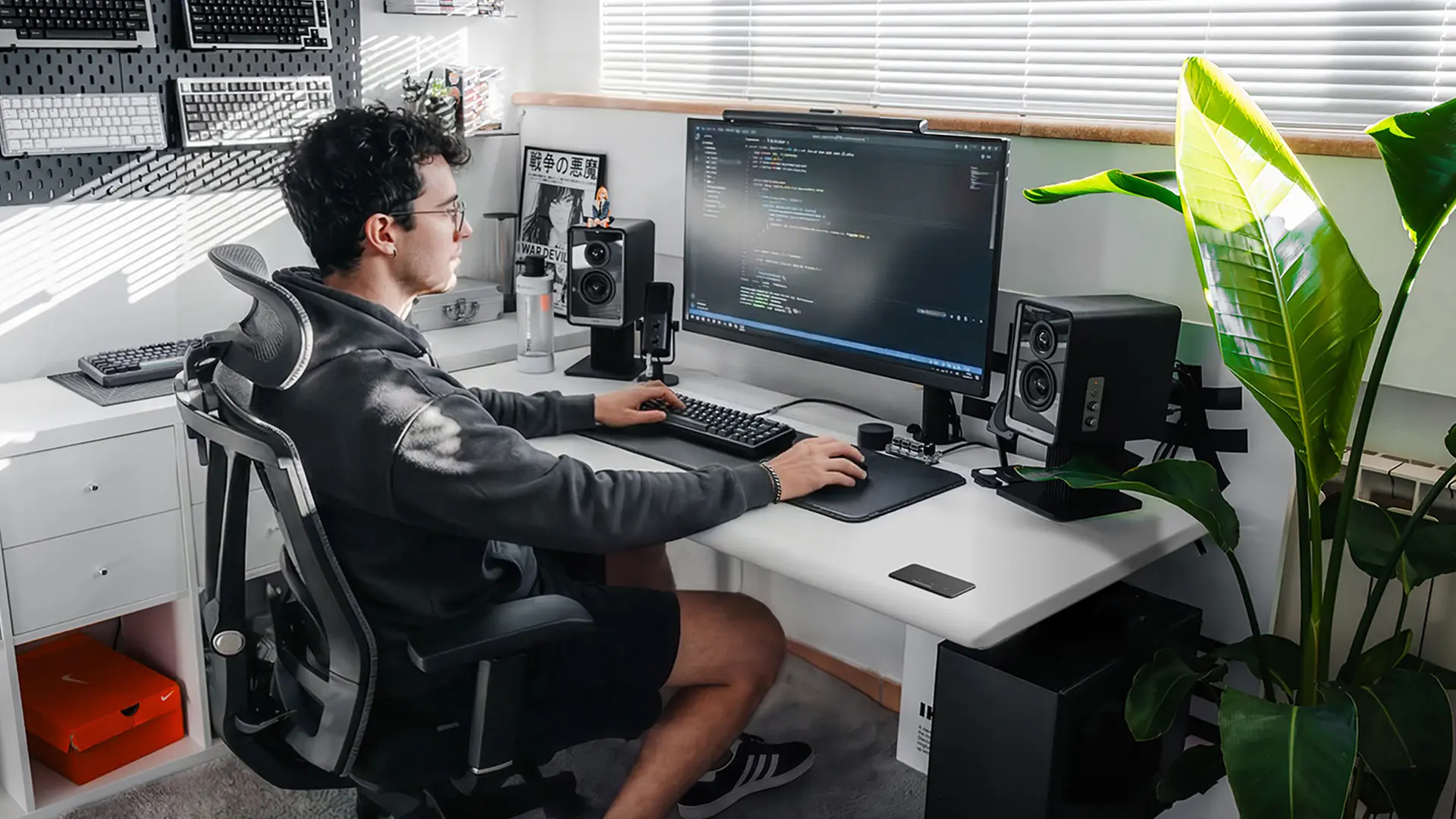
A focused single-monitor laptop desk setup with the ergonomic chair as the visual centerpiece. Plants on either side warm up the white-and-gray room palette. The pegboard wall behind the monitor holds peripherals and small storage off the desk surface. Standing-capable but configured for seated work - the chair is mid-frame, the desk at sitting height. Clean cable management on the white frame.
15. Designer laptop desk setup with tablet display
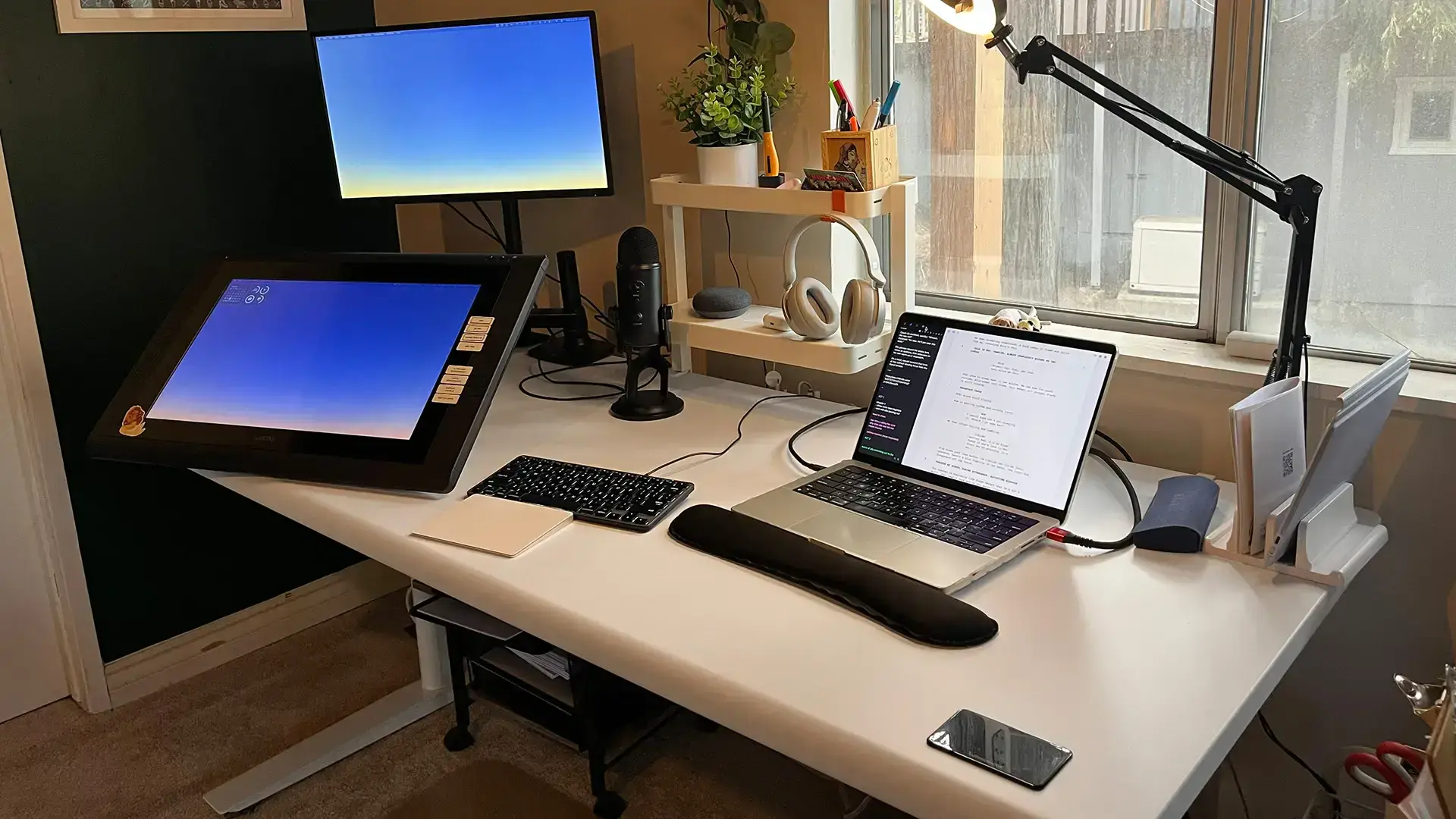
The hybrid designer-creator laptop desk setup. Vertical monitor for reference and reading, horizontal Wacom display for sketching and design, laptop on a stand for secondary tasks. Podcast microphone on a boom arm overhead, headphones nearby, plants and warm wood shelf to soften the equipment count. The work surface stays clear in the middle - every device hugs the perimeter of the desk.
What every good minimalist laptop desk setup has in common
After looking at hundreds of these in projects and online, the pattern is consistent:
Element | Why it matters |
One height-adjustable desk | Sitting and standing on the same surface means less furniture overall |
One screen at eye level | Single monitor, ultrawide, or laptop stand. Two screens is the practical limit. |
External keyboard and mouse | Lets you sit back from the screen instead of hunching toward the laptop |
Cable tray under the desk | The difference between minimalist and "looks minimalist from the front" |
One lamp or natural light | Glare-free task lighting. Position the desk perpendicular to the window. |
One plant or organic accent | Adds warmth in a workspace that would otherwise read clinical |
That's the entire minimum for a minimalist laptop desk setup. Add a monitor light bar if you work at night. Add a wireless charger if you charge multiple devices. Stop there.
What to leave off a minimalist laptop desk
The discipline of a minimalist laptop desk setup is what you don't add:
- More than one monitor unless your work actually requires it
- A phone stand - the phone goes face-down or in a drawer
- External speakers when monitor speakers or headphones work
- Pen cups and office supplies - one notebook and pen, or zero
- Decor and figurines beyond a single plant or object
- Wireless chargers if you only charge one device
The test: if you took it off the desk and didn't notice within a week, it didn't belong there.
Frequently asked questions
What's the best desk for a minimalist laptop setup?
The best desk for a minimalist laptop setup is a height-adjustable standing desk in a single wood or neutral finish. The Autonomous Desk Core fits compact rooms; the Desk 2 covers daily work with the widest top selection; the Desk Pro is the quieter premium pick with a lifetime warranty.
Do I need a monitor for a minimalist laptop desk setup?
A monitor isn't required for a minimalist laptop desk setup. A laptop stand that raises the laptop to eye level - paired with an external keyboard and mouse - solves the neck-flexion problem without adding a screen. Pick one or the other, not both, to stay minimal.
How big should a minimalist laptop desk be?
A minimalist laptop desk should be at least 48" wide and 24" deep for one laptop plus one external monitor. For laptop-only setups, 40"×20" works. Sizing down further forces compromises that defeat the minimalism - keyboard hanging off the edge, laptop crammed against the back wall.
What should I put on a minimalist laptop desk?
A minimalist laptop desk holds five things at most: the laptop or external monitor at eye level, external keyboard and mouse, one task lamp if natural light is limited, one small plant or accent, and nothing else. Cables run under the desk in a tray. Supplies live in a drawer.
Is a standing desk worth it for a minimalist laptop setup?
A standing desk is worth it for a minimalist laptop setup because it eliminates the need for a separate workstation when you want to stand. One height-adjustable desk handles both sitting and standing - less furniture in the room overall, and the daily posture variation matters for long sessions.
How do I hide cables in a minimalist laptop desk setup?
Hide cables with an under-desk cable tray that holds the power strip and cable bundle. The Autonomous cable tray is steel, anti-rust, 35 lb rated, and includes grommet routing on Desk 2 and Desk Pro tops. Install this Day 1 - retrofitting cable management later is twice the work.
Can a minimalist laptop desk setup work for gaming or design work?
A minimalist laptop desk setup can absolutely work for gaming or design - setups #8 (coder), #13 (dual monitor with books), and #15 (designer with tablet) all show how. The principle holds: every item earns its place, cable management is hidden, and color palette stays disciplined. Specialized gear (ultrawide monitor, drawing tablet, podcast mic) belongs only when actively used.
The short version
A minimalist laptop desk setup isn't a style - it's a discipline. One desk. One screen at eye level. One keyboard, one mouse, one lamp. Plants and accents that earn their place. Cables hidden in a tray. The fifteen setups above show different rooms, different aesthetics, and different gear, but the structure is the same. Build it around an Autonomous Desk Core, Desk 2, or Desk Pro, and remove anything that doesn't earn its place.