10 Best Posture Chairs by Sitting Pattern (2026 Guide)

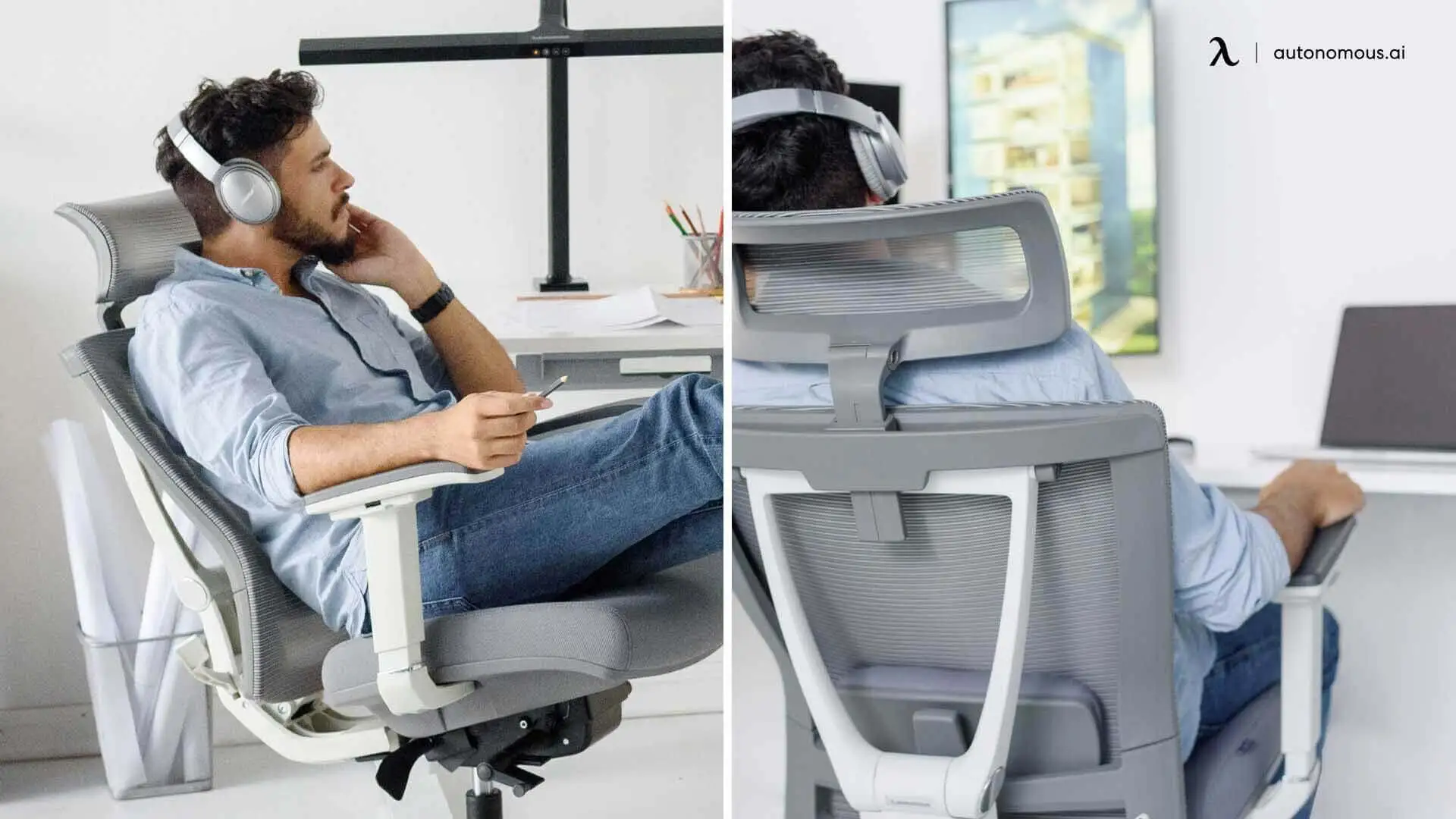
Table of Contents
If your back feels fine in the morning and aches by early afternoon, the chair you're sitting in is likely part of the problem.
Not every chair marketed as a posture chair actually changes how your body sits. Some support one area well and neglect others. Some fit one type of sitter and work against another. Whether a chair helps depends less on its features and more on whether those features match how you naturally sit.
This guide explains what to look for, how to identify your sitting pattern, and which ergonomic chair type is likely to help.
What Is a Posture Chair?
A posture chair is any chair designed to support your body in a position that reduces strain on your spine, muscles, and joints during extended sitting.
That definition is broader than most people expect. It doesn't refer to a single chair design — it describes an outcome. Kneeling chairs, saddle chairs, ergonomic task chairs, and active stools all qualify, because each one, in different ways, tries to reduce the physical cost of sitting for long periods.
The term is often used interchangeably with "ergonomic chair," but they're not the same thing. Ergonomic refers to how something is designed — adjustable, body-fitted, adaptable. Posture refers to what it's trying to achieve — better alignment while seated. An ergonomic chair is one type of posture chair. Not all posture chairs are ergonomic in the traditional sense.
What makes a chair good for posture isn't the number of adjustment points or the price. It's whether the chair's design matches how you actually sit. A chair built for someone who sits upright for eight hours won't help someone who constantly slides forward or leans to one side — even if it's technically well-made.
That's the practical starting point: identifying how you sit before choosing what to sit on.
Which Type of Sitter Are You?
Most back pain from sitting isn't caused by one bad posture — it's caused by one repeated pattern your chair isn't built to handle.
The five patterns below cover the most common ways people sit at a desk and reflect broader types of posture that affect how a chair performs over time.
- The Edge Percher
You migrate to the front third of your seat within a few minutes of sitting down. Your lower back rarely, if ever, touches the backrest. By the end of the day, your hips feel tight and your lower back aches without an obvious reason. This habitual forward leaning posture puts the entire burden of spinal support on your muscles rather than the chair.
What's happening: The seat pan is too deep for your body, or the lumbar support is positioned too far back to reach you where you actually sit. Your body instinctively moves forward to avoid an uncomfortable contact point — and in doing so, loses all back support.
- The Slow Slumper
You sit up reasonably straight when you first sit down. An hour later, you've gradually slid into a rounded lower-back position without noticing the shift — a pattern closely related to stooping, where the upper back rounds forward as muscle fatigue sets in.
What's happening: Your back muscles fatigue before your focus does. Once they stop actively holding you upright, the chair takes over — and if the chair's lumbar support doesn't maintain contact as your body relaxes, you slump into whatever position the seat allows.
- The Side Leaner
One elbow is almost always resting on the desk or an armrest. Your head tilts slightly to one side. You may notice one shoulder sitting higher than the other, or tension that's consistently worse on one side of your neck.
What's happening: You've settled into a chronic asymmetric position — usually because your workstation setup pulls you toward one side, or because one arm is always reaching for a mouse. A standard chair can't adapt to lateral load; it just stops supporting the side you've leaned away from.
- The Recline-and-Collapse
You lean back regularly — either to think, to rest, or because staying fully upright for hours isn't comfortable. But when you recline, your lower back loses contact with the chair and curves outward. You end up unsupported at both ends of the sitting range.
What's happening: Most chairs maintain lumbar contact only in an upright position. The moment you recline, the lumbar pad stays in place while your back pulls away from it. You're not doing anything wrong — the chair just wasn't designed to support the full range of how you use it.
- The All-Day Desk Anchor
You sit relatively upright and forward-facing for most of the day. Your lower back feels manageable, but tightness builds across your upper back and base of your neck as the day progresses. Shoulder tension is common, especially on heavy screen days.
What's happening: Standard lumbar support addresses the lower back but leaves the mid and upper back unsupported during sustained forward focus. Over several hours, the muscles holding your mid-back upright fatigue. The resulting slump loads your neck — which is why the tension appears there, even when the origin is further down.
The Five Types of Posture Chairs
A posture chair isn't one product category — it's five distinct designs, each built around a different theory of how to make prolonged sitting less damaging.
The table below covers what each type does, who it's built for, and where it falls short. Understanding these differences is what makes the recommendation section in the next section easier to follow — you don't need to evaluate every feature, just match your sitting pattern to the right design logic.
Chair Type | What It Does | Best Sitting Pattern Match | Honest Limitation |
Ergonomic task chair | Provides adjustable support for the spine across multiple sitting positions, including upright and reclined | Slow Slumper, All-Day Desk Anchor | Works effectively only when seat depth and lumbar support are properly fitted to your body |
Kneeling chair | Tilts the pelvis forward to encourage an upright spine without relying on a backrest | Edge Percher | Shin and knee pressure limit use to 2–3 hours; no upper back support for longer sessions |
Saddle chair | Opens the hip angle and reduces lumbar compression by positioning the pelvis forward | Core-strong users; medical or non-desk professionals | Requires an adjustment period and can become tiring if core support is not maintained |
Active/balance stool | Uses an unstable base to force micro-movements and reduce static sitting load | Side Leaner; standing desk complement | Causes fatigue over time due to lack of back support; not suitable as a full-time chair |
Standing lean stool | Provides partial body weight support while maintaining a standing working position | Standing desk users needing sitting relief | Functions only as a supplement and cannot replace a full chair for seated desk work |
Best Posture Chairs by Sitting Pattern
The ten chairs for good posture below are organized by the sitting pattern they're best suited to — matching directly to the archetypes covered earlier. If you've identified your pattern, you can go straight to that group. Each pick is included because it addresses a specific posture problem through a specific chair mechanism.
1. For the Recline-and-Collapse Sitter
- Autonomous ErgoChair Ultra 2
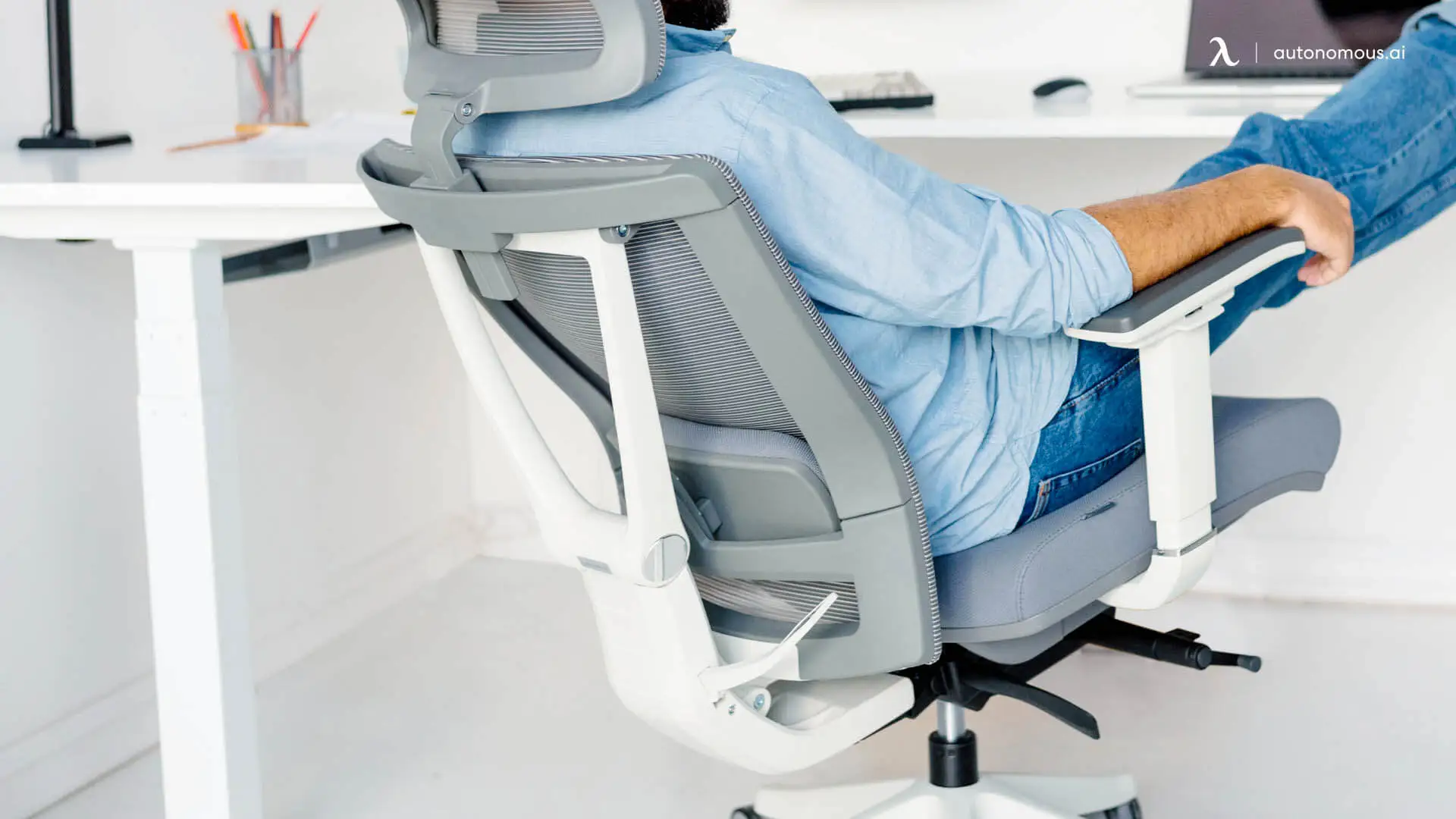
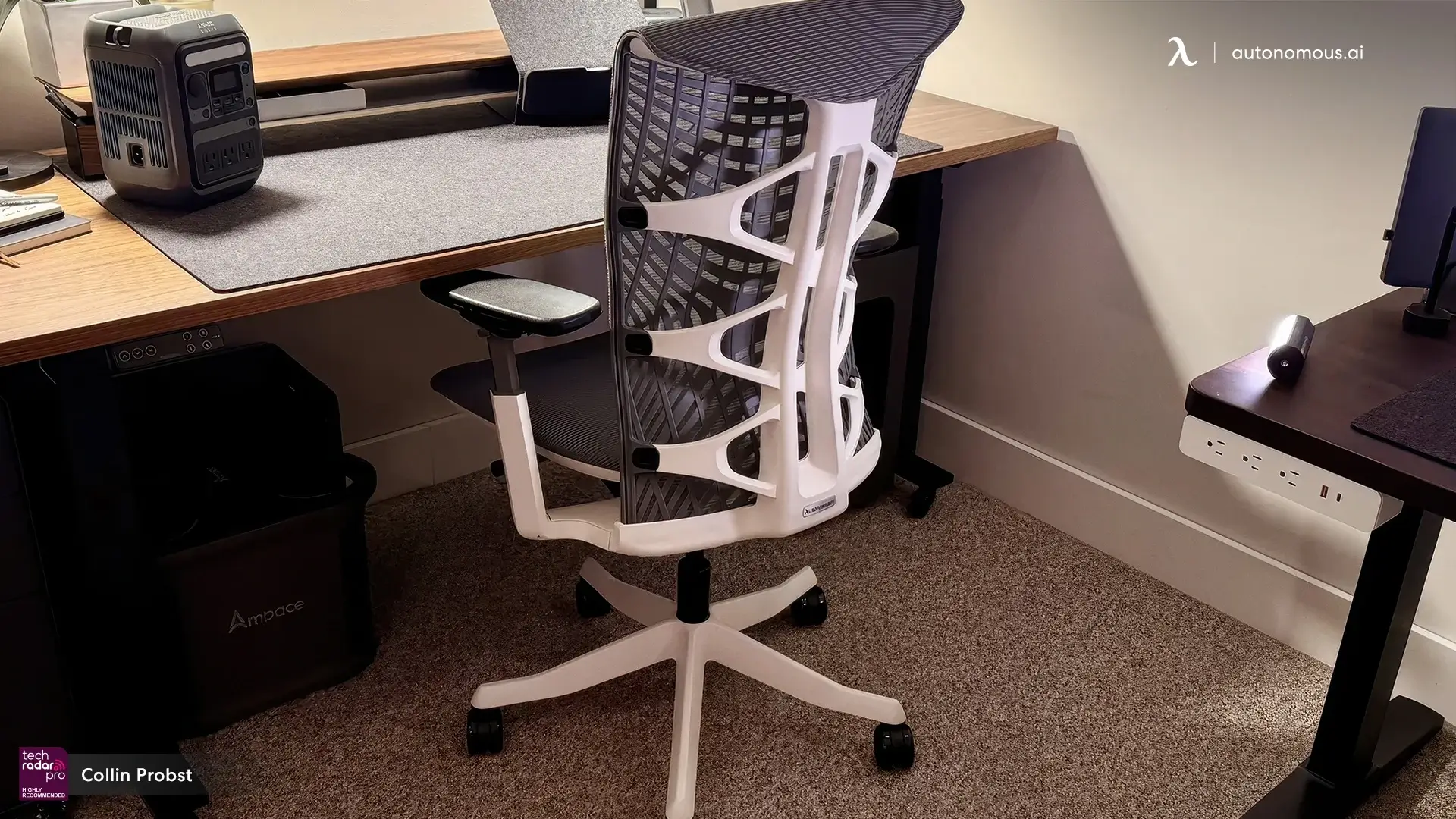
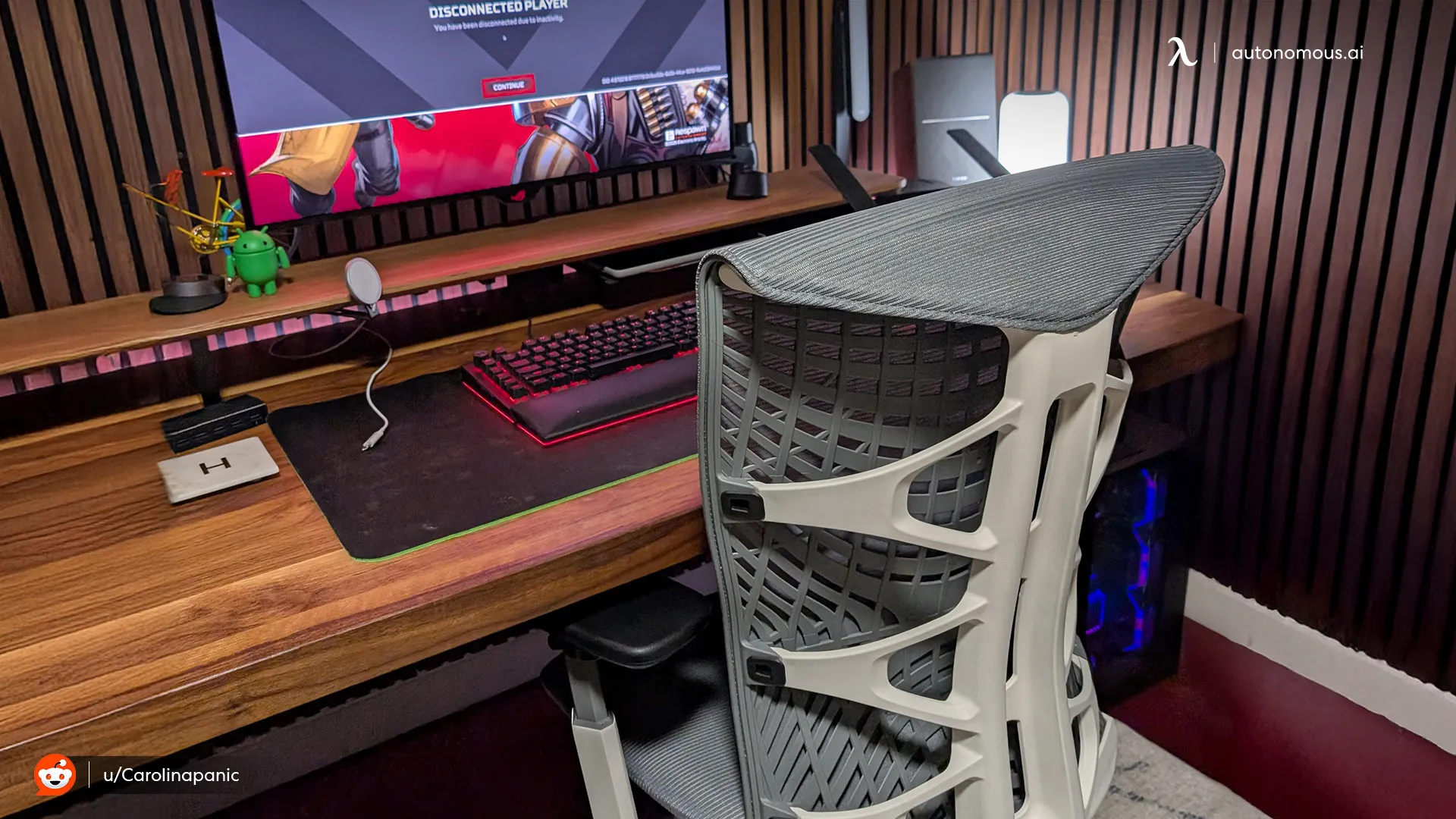
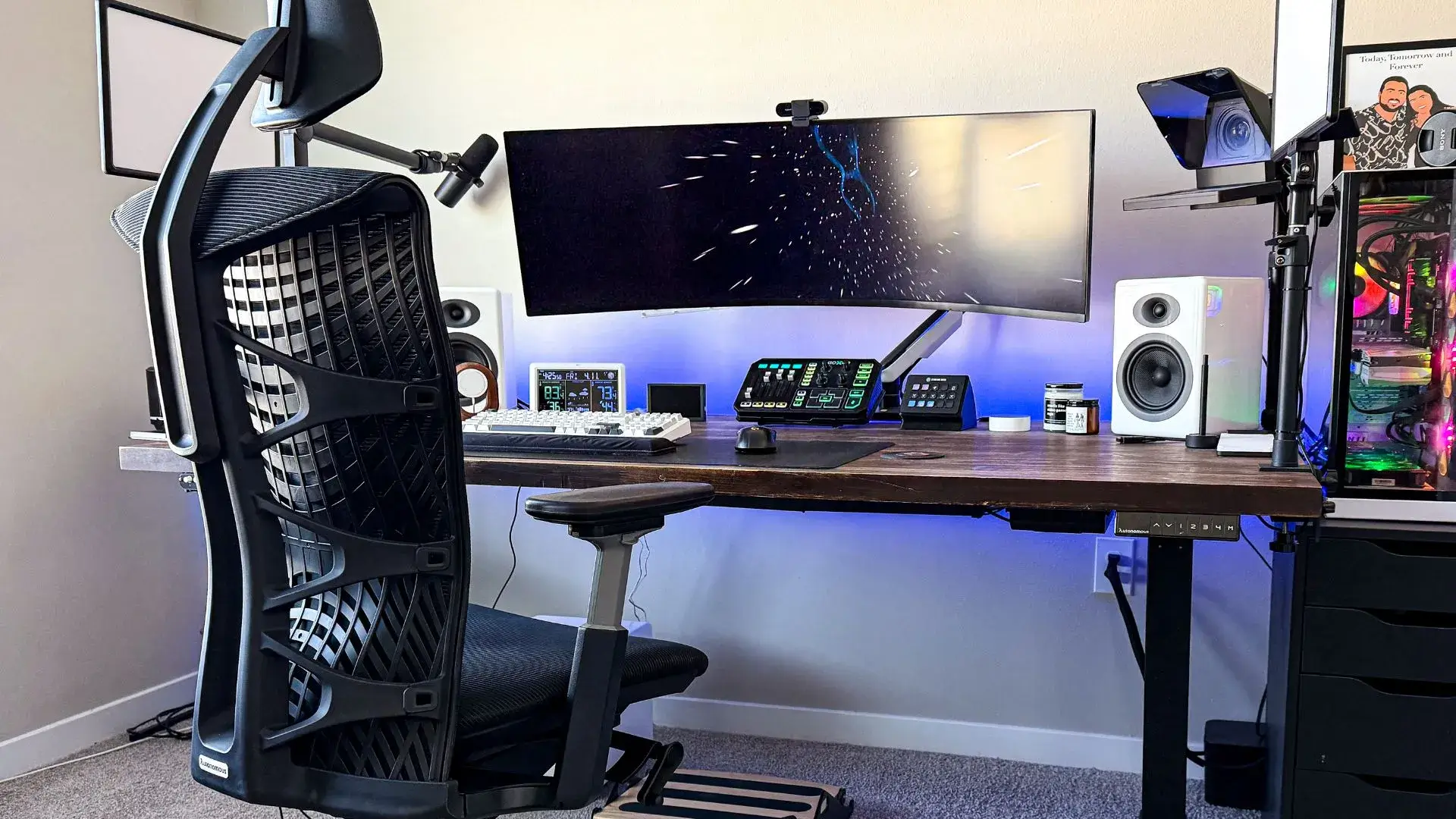
The Autonomous ErgoChair Ultra 2 is an ergonomic posture chair with an adaptive flex backrest designed to maintain lumbar contact across the full sitting range — upright, mid-recline, and leaned back.
Most posture chairs for the office in this price range hold lumbar support well at 90 degrees and lose it the moment you lean back. Testing the Ultra 2 across a full workday — alternating between focused typing, video calls, and leaned-back reading — the backrest followed each position change without requiring manual readjustment. That continuity is noticeable specifically in the mid-afternoon window when posture tends to relax without the sitter noticing.
The seat depth adjustment proved more useful than expected: shortening it by an inch eliminated the forward-perching that made the lumbar support irrelevant on the default setting. For smaller-framed users, that adjustment alone changes how the chair performs.
The trade-off is seat width. The 18"×18" seat platform works for most builds, but broader-framed users will reach the width limit before they run out of other adjustments to make.
Choose this if: You recline regularly throughout the day and currently lose lower back support the moment you lean back.
Skip this if: You rarely recline — an upright-focused computer posture chair with a strong fixed lumbar delivers the same posture benefit at a lower price for that pattern.

- Humanscale Freedom Chair
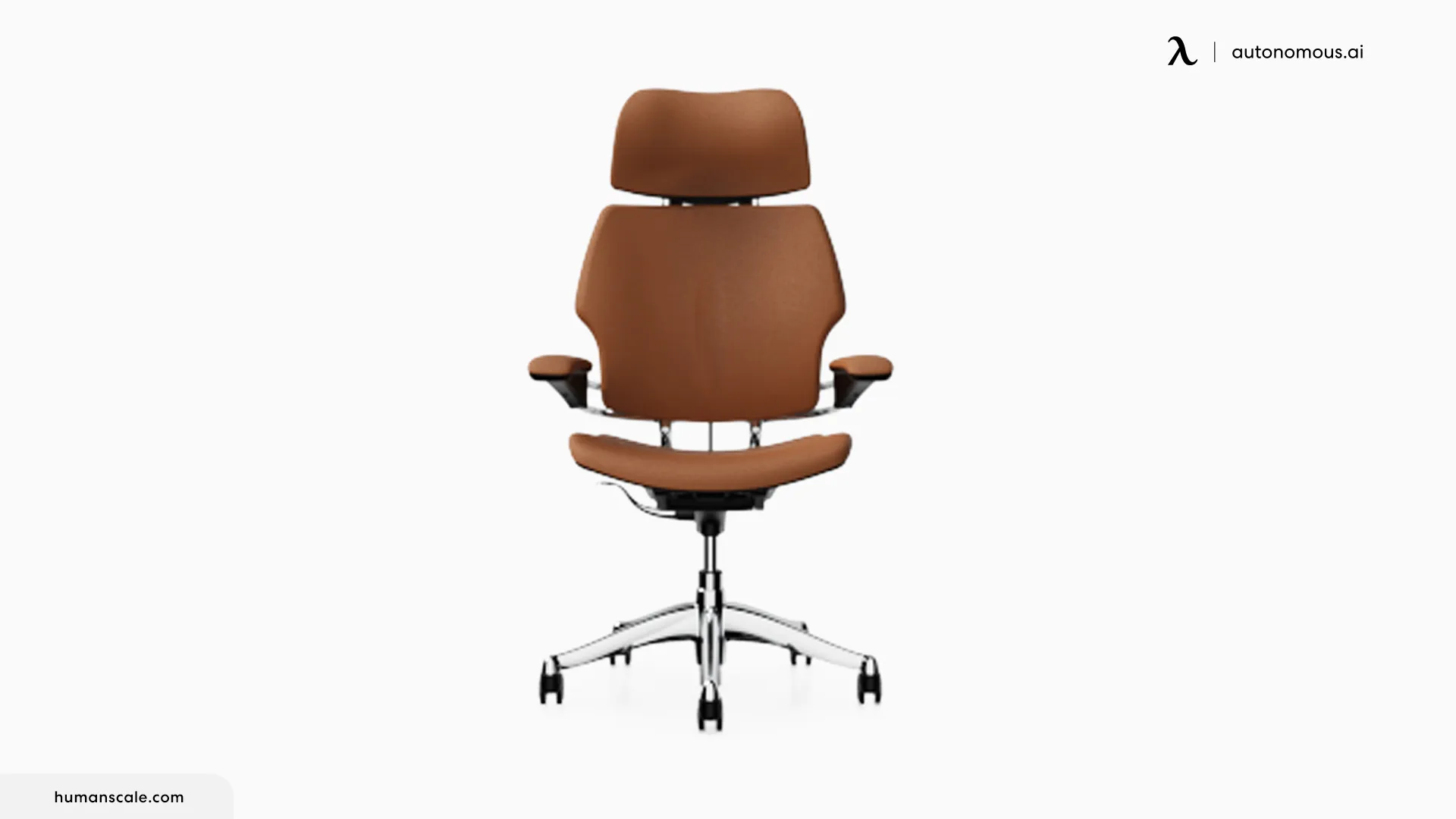
Unlike most recline systems that require a tension preset before leaning back, the Freedom counterbalances to the sitter's body weight automatically — support adjusts as the recline happens rather than waiting for manual input.
Switching rapidly between leaning forward for keyboard work and leaning back for a call, there's no knob to reset between positions — support holds through both without requiring it. The pivoting headrest moves with the head during recline rather than staying fixed at one angle, a detail that only registers after using a fixed headrest long enough to notice the neck repositioning it demands.
The limitation is lumbar depth. The support is contoured into the backrest at a fixed profile with no independent depth adjustment. For a mid-range lumbar curve that contour makes consistent contact. For a shallower or deeper curve, it's a fit question worth resolving before purchasing rather than after.
Choose this if: You recline frequently and want support that adjusts without manual configuration each time.
Skip this if: Your lumbar curve sits outside the mid-range — the fixed backrest profile has no adjustment to compensate.
2. For the All-Day Desk Anchor
- Herman Miller Aeron
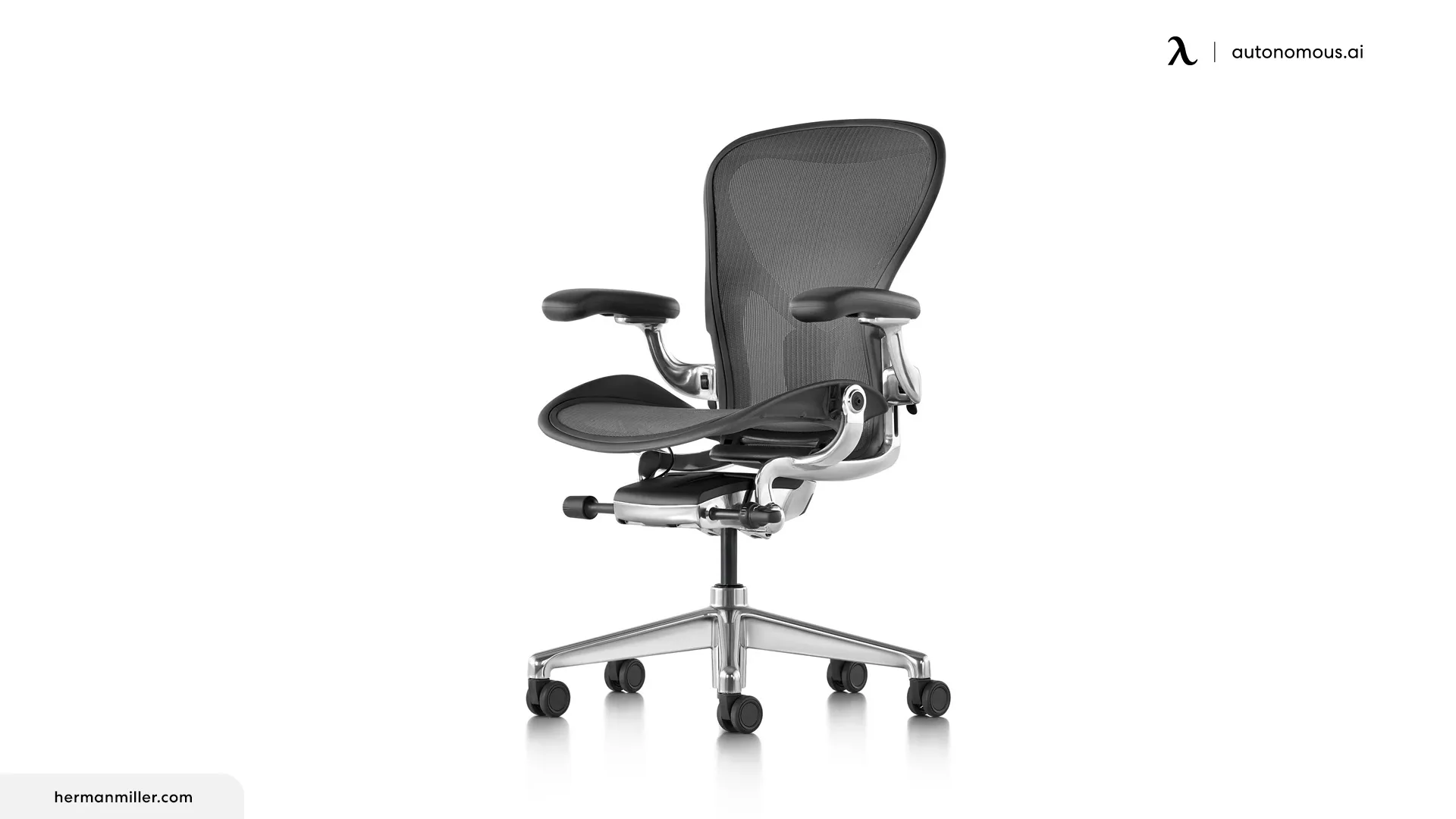
The Aeron's PostureFit SL uses two independent pads — one targeting the sacrum, one the lumbar — rather than treating the lower back as a single contact zone.
The sacral pad sits low enough to contact the base of the spine rather than the mid-lower back. It stabilizes the pelvis first, which means the lumbar pad above it supports the spine's natural curve rather than compensating for a pelvis already tilting backward. It stabilizes the pelvis first — the foundation most people overlook when choosing an ergonomic chair for back pain — which means the lumbar pad above it supports the spine's natural curve rather than compensating for a pelvis already tilting backward.
On chairs with a single lumbar pad, that tilt accumulates silently over a long session. The dual-pad contact addresses it at the origin. The 8Z Pellicle mesh distributes weight broadly across the seat surface — pressure concentration that builds in foam seats over extended uninterrupted sessions wasn't a factor here.
The fixed seat depth means if the pan doesn't fit your leg proportions, there's no adjustment available. The armrests don't pivot, which creates a gap for users whose forearm angle during typing sits outside the standard range. And the PostureFit SL loses meaningful lumbar contact during recline — if leaning back is a regular part of your day, the mechanism works only for part of your sitting range.
Choose this if: You sit upright for long, consistent sessions with minimal position changes.
Skip this if: Your leg proportions don't match the fixed seat depth, or you recline regularly — neither problem has an adjustment available on this model.
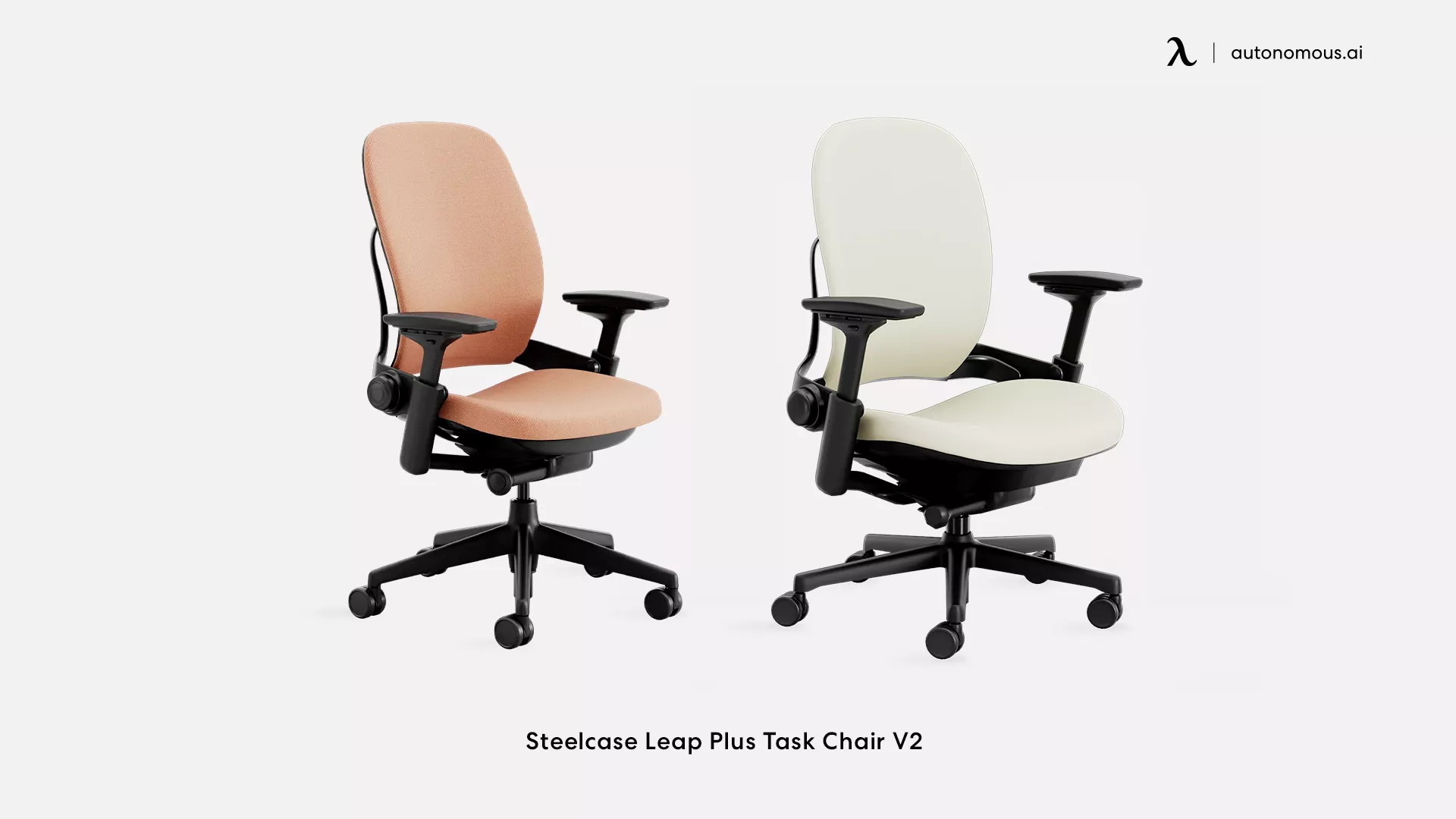
- Steelcase Leap V2
On a conventional chair, shifting from typing to leaning back changes the hip angle and introduces a small postural reset. The Leap V2's Natural Glide System coordinates seat and backrest movement together — the seat slides forward slightly as the backrest reclines, keeping the hip angle stable rather than letting it collapse through the transition.
That coordination is most apparent during a workday that cycles repeatedly between forward-focused typing and leaned-back conversation — the spine stays in its natural curve through each shift rather than requiring correction afterward. The backrest flexes independently across its upper and lower sections — a design approach shared by several flexible office chairs built for sustained desk work — meaning mid-back contact adjusts separately from lumbar contact when rotating toward a second monitor.
The lumbar support adjusts in height but not depth — for users whose curve requires more forward pressure than the default profile provides, that's a fixed ceiling. No headrest is included at base price, which becomes a relevant gap for users whose neck tension builds through the afternoon.
Choose this if: Your day involves frequent transitions between typing, calls, and reaching across positions.
Skip this if: You hold one largely static upright position most of the day — a good posture chair with stronger fixed lumbar contact serves that pattern better.
3. For the Slow Slumper
- Anthros Chair
The Anthros is a posture chair for office use built around a contoured seat that positions the pelvis in neutral from the start — addressing spinal alignment at its base rather than applying lumbar support higher up after the tilt has already begun.
The seat's firmer base layer is immediately noticeable compared to a standard padded seat — it doesn't compress under body weight the way uniform foam does, which is what holds the pelvis in position rather than allowing it to sink and rotate backward as muscles fatigue. The softer top layer handles surface comfort without compromising that foundation.
Where the design shows its limits is in reclined positions — leaning back past a moderate angle reduces the pelvic contact the seat relies on, so users who recline heavily throughout the day will find the posture benefit diminishes outside the upright range.
Choose this if: You've adjusted lumbar pads on multiple chairs and still slump by mid-afternoon — the issue may be pelvic positioning rather than lumbar support height.
Skip this if: You recline heavily — the seat design works best in upright and slightly reclined positions.
.webp)
4. For the Edge Percher
- HÅG Capisco
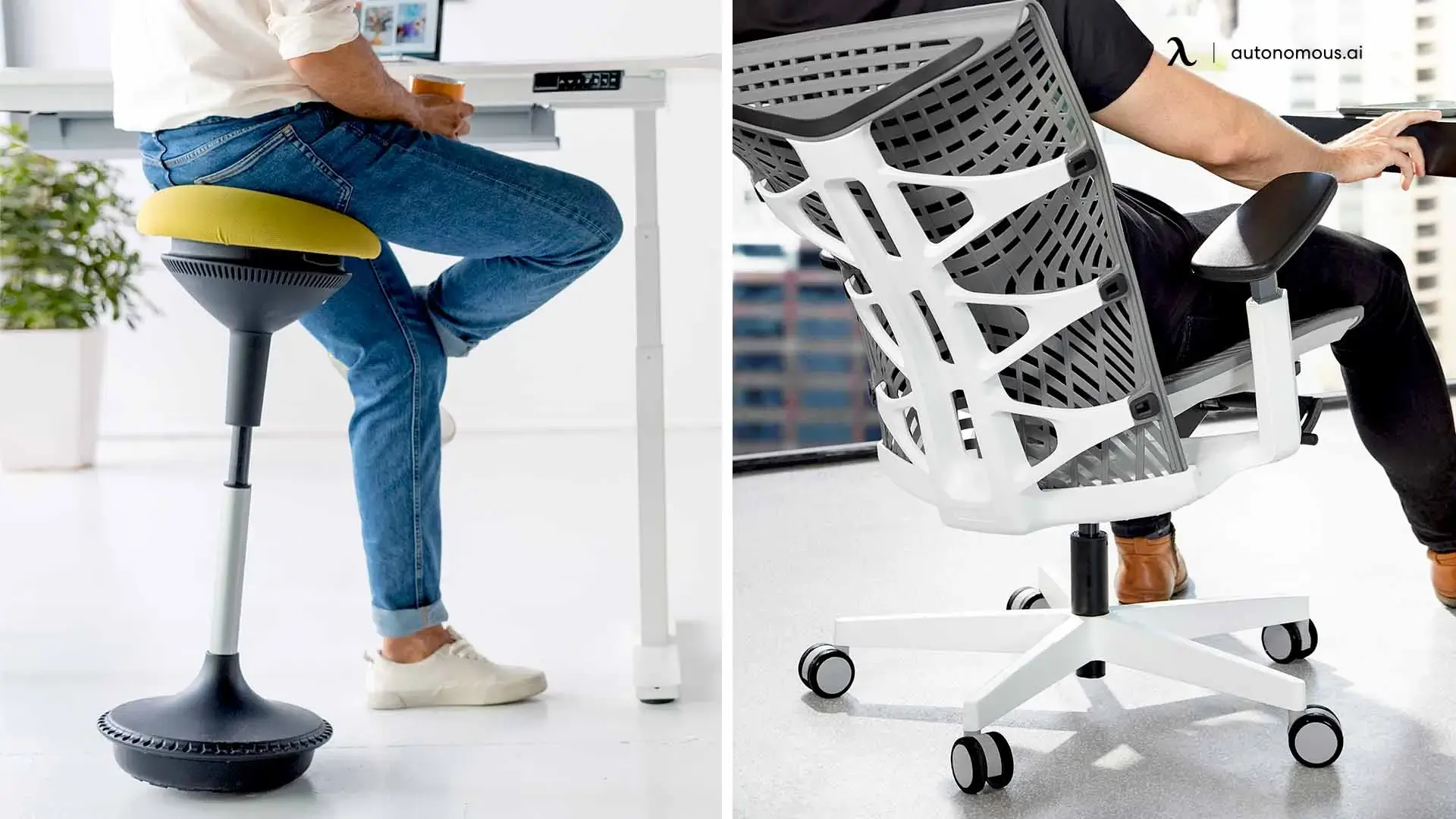
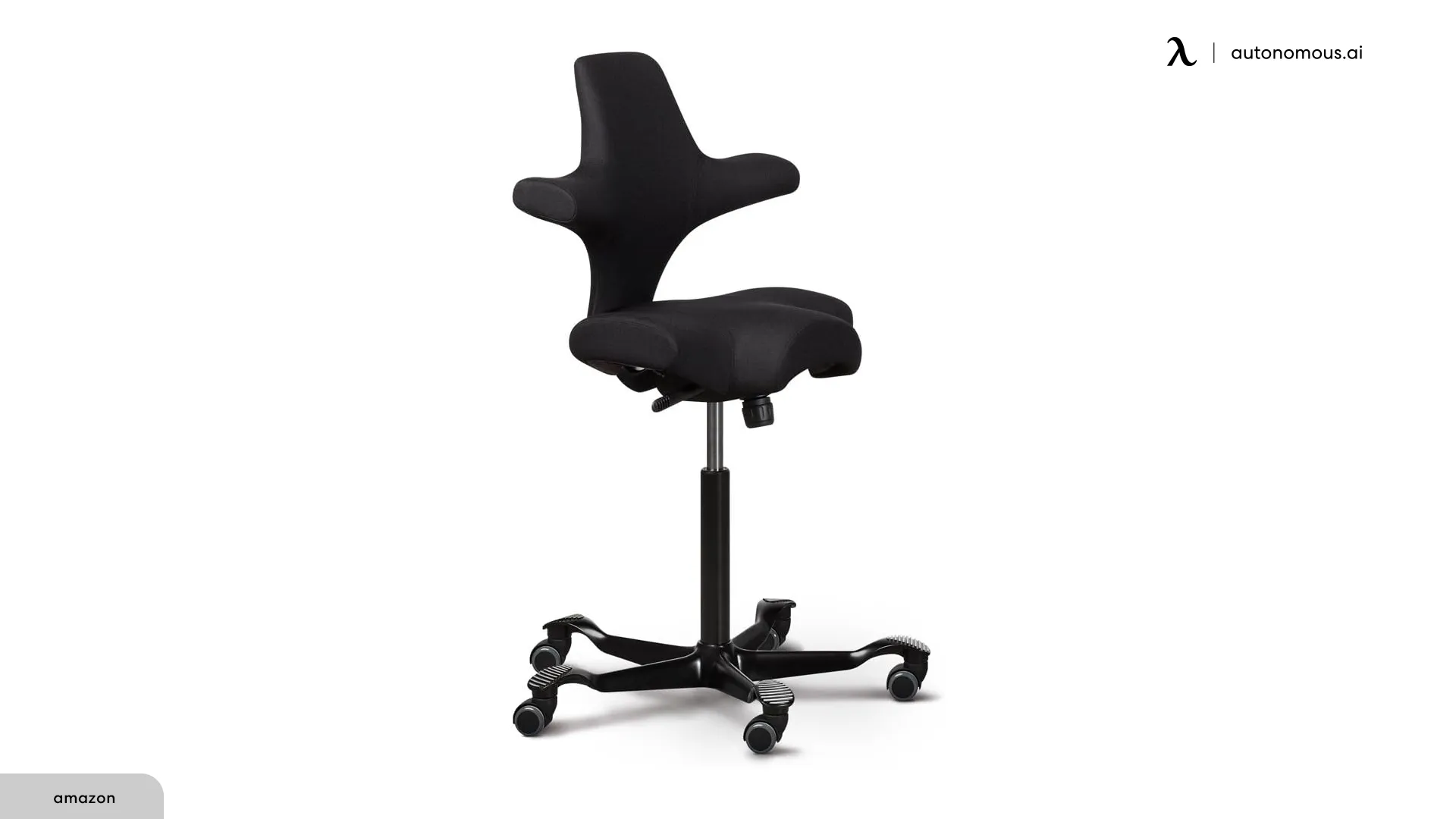
The Capisco's saddle-shaped seat tilts the pelvis forward as the default sitting position — the same position Edge Perchers are already seeking when they migrate to the front of a conventional chair seat.
The forward pelvic tilt on the Capisco is passive — maintained by the seat shape rather than by muscular effort, which is different from consciously sitting forward on a conventional seat where the body eventually drifts back. The height adjustment spans from conventional desk height up to standing desk height without a separate stool, covering both setups in a single chair. The first week is noticeably demanding on the hip flexors — that adjustment period is real, and users expecting immediate comfort will find the first few sessions harder than anticipated, especially if they're used to a conventional office chair for long hours.
This posture chair has no backrest. That works for the Edge Percher whose primary problem is lower body positioning, but it means the mid and upper back carry their own load throughout the session without any surface support behind them. For users whose upper back fatigue develops independently from lower back discomfort, that's a gap the design doesn't close — and pairing it with a separate lumbar support accessory defeats the purpose of the saddle geometry.
Choose this if: You naturally sit forward and want a chair built for that position, particularly if you use a standing desk.
Skip this if: You need continuous upper back support for all-day sessions.
- Varier Variable Balans
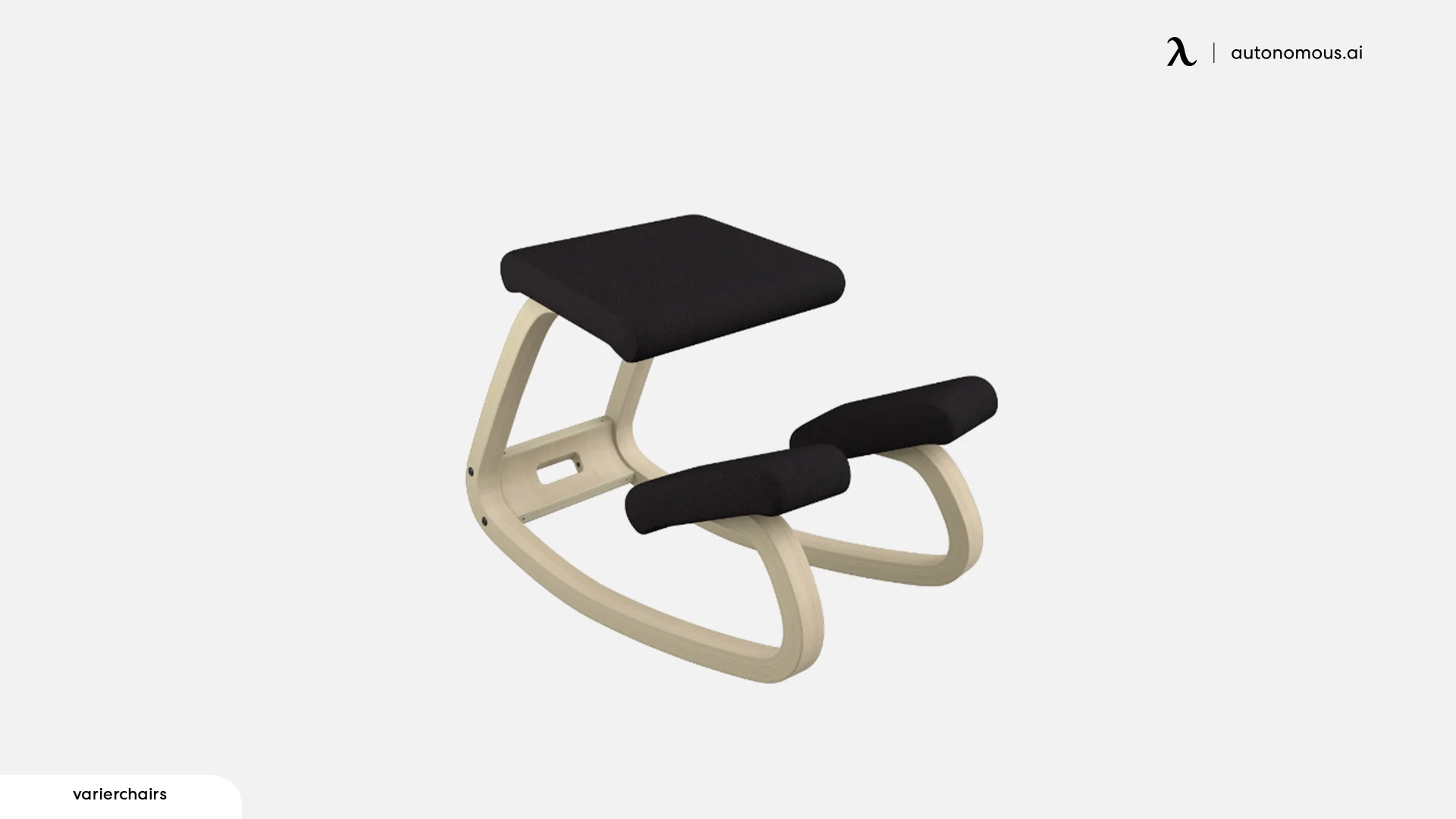
The Variable Balans positions the body on a forward-tilted seat pad and a shin rest, producing an upright lower back through geometry rather than support — the spine straightens because the chair's shape leaves no comfortable alternative.
The shin pads carry a portion of body weight in the kneeling position, redistributing load off the base of the spine in a way a conventional seat doesn't. The rocking base allows small forward and backward movement rather than locking into a fixed angle, which prevents shin pressure from concentrating at one point across a session — though that only delays the accumulation rather than eliminating it.
Beyond two to three hours, shin pressure and the absence of upper back support become the binding constraints regardless of the rocking base. Used in rotation with a full chair it functions as a posture reset during concentrated work periods rather than an all-day replacement.
Choose this if: You want a focused-session option for one to three hours, or a complement to a standard chair across the day.
Skip this if: You need a single all-day ergonomic posture chair.
5. For the Side Leaner
- QOR360 Ariel
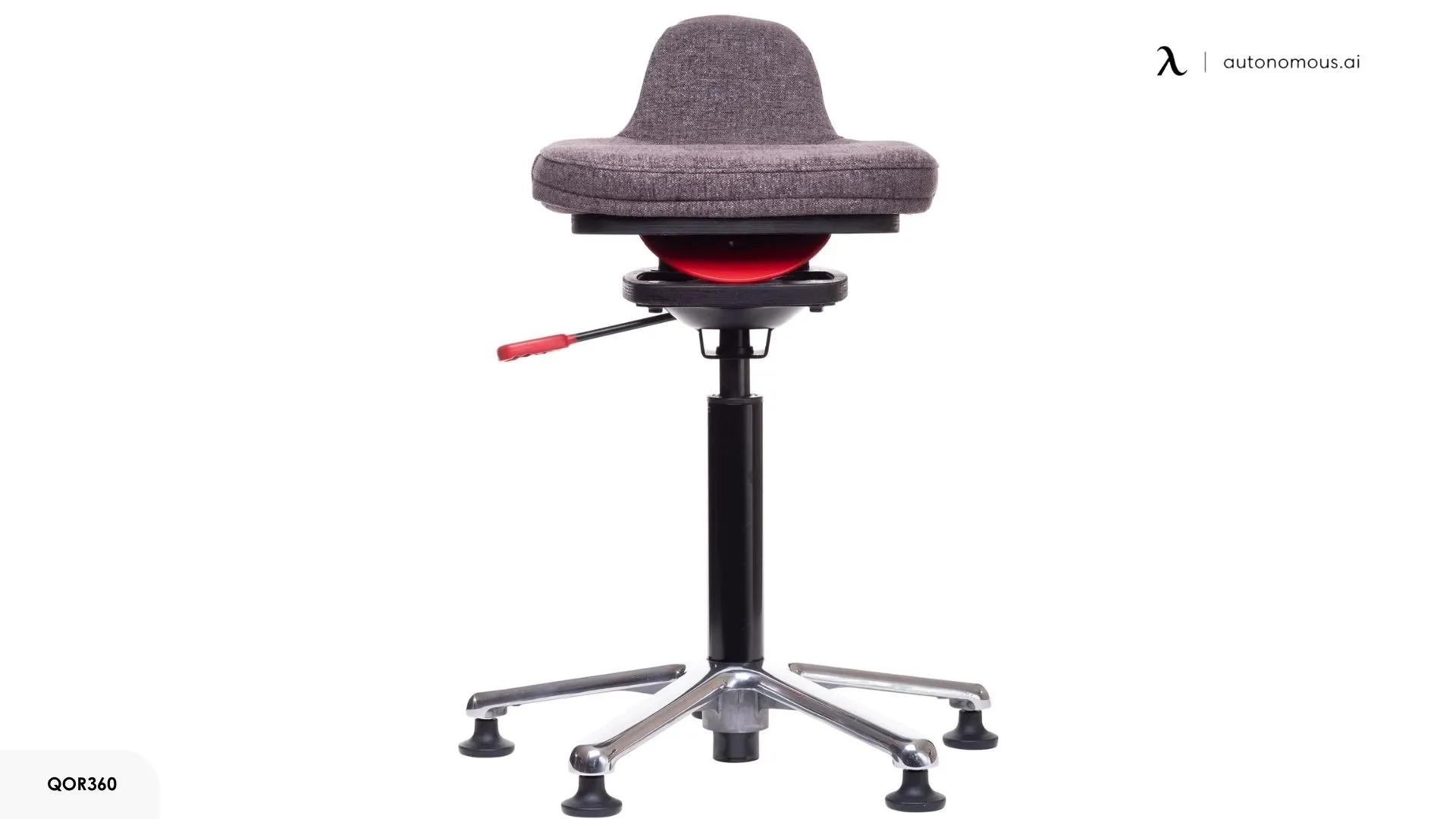
The Ariel's rounded base moves in all directions in response to body weight, making it physically difficult to sustain a fixed lateral lean without continuous muscular effort to maintain it.
When the base shifts under a lateral lean, the body corrects automatically rather than settling into a fixed asymmetric position. That movement is small — a few degrees rather than a dramatic tilt — but consistent enough to prevent the one-sided load from accumulating the way it does on a fixed seat. The difference from adjusting an armrest is that an armrest reduces the consequence of leaning; the Ariel removes the ability to sustain the lean in the first place.
The boundary is the absent backrest — beyond three to four hours, upper and lower back fatigue builds in a way the active base doesn't address.
Choose this if: Your one-sided tension comes from a habitual lean and you want something that physically prevents that pattern from holding.
Skip this if: Your lean originates from your monitor or desk layout — correct the workstation setup first.
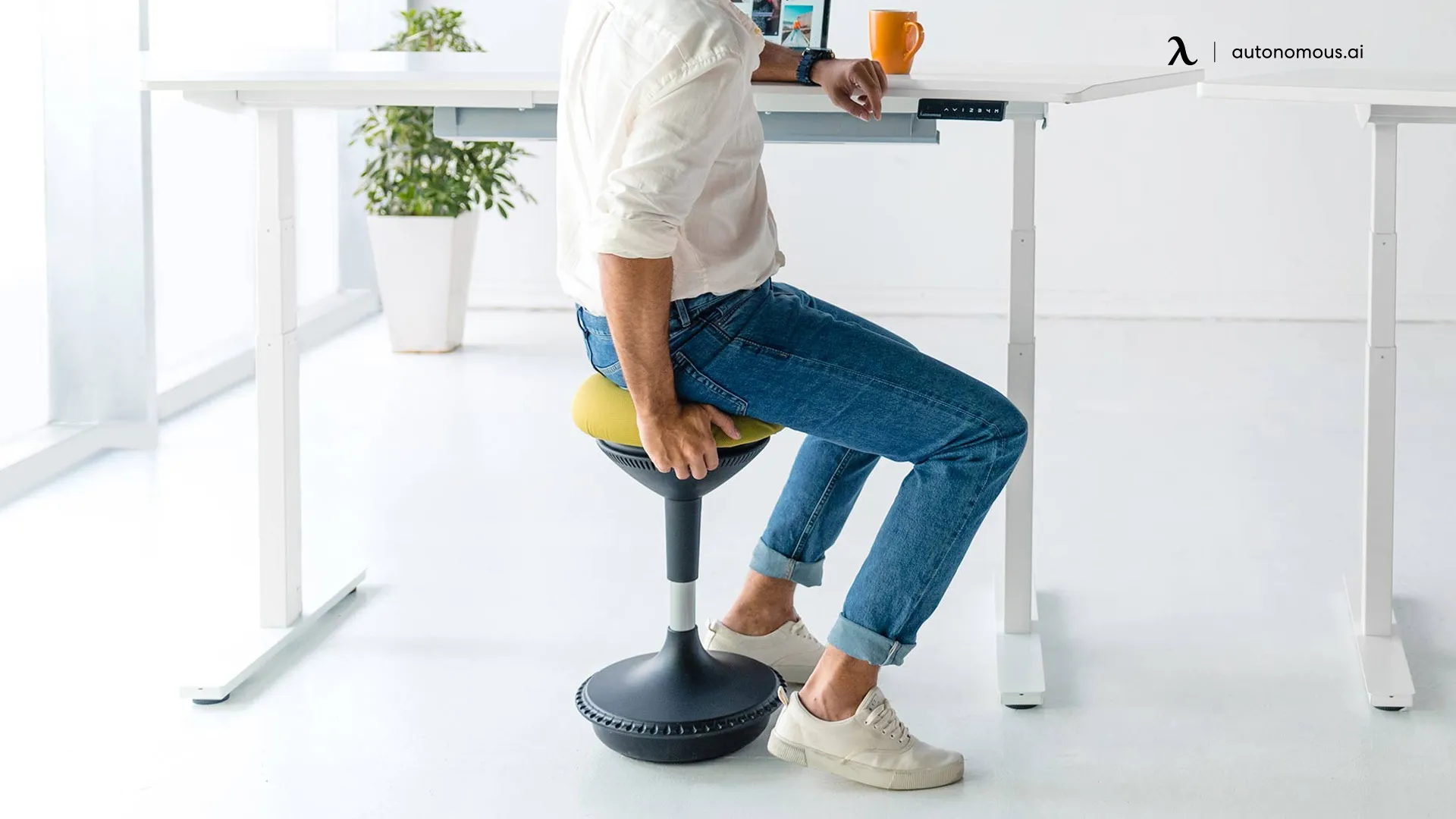
- Autonomous ErgoStool
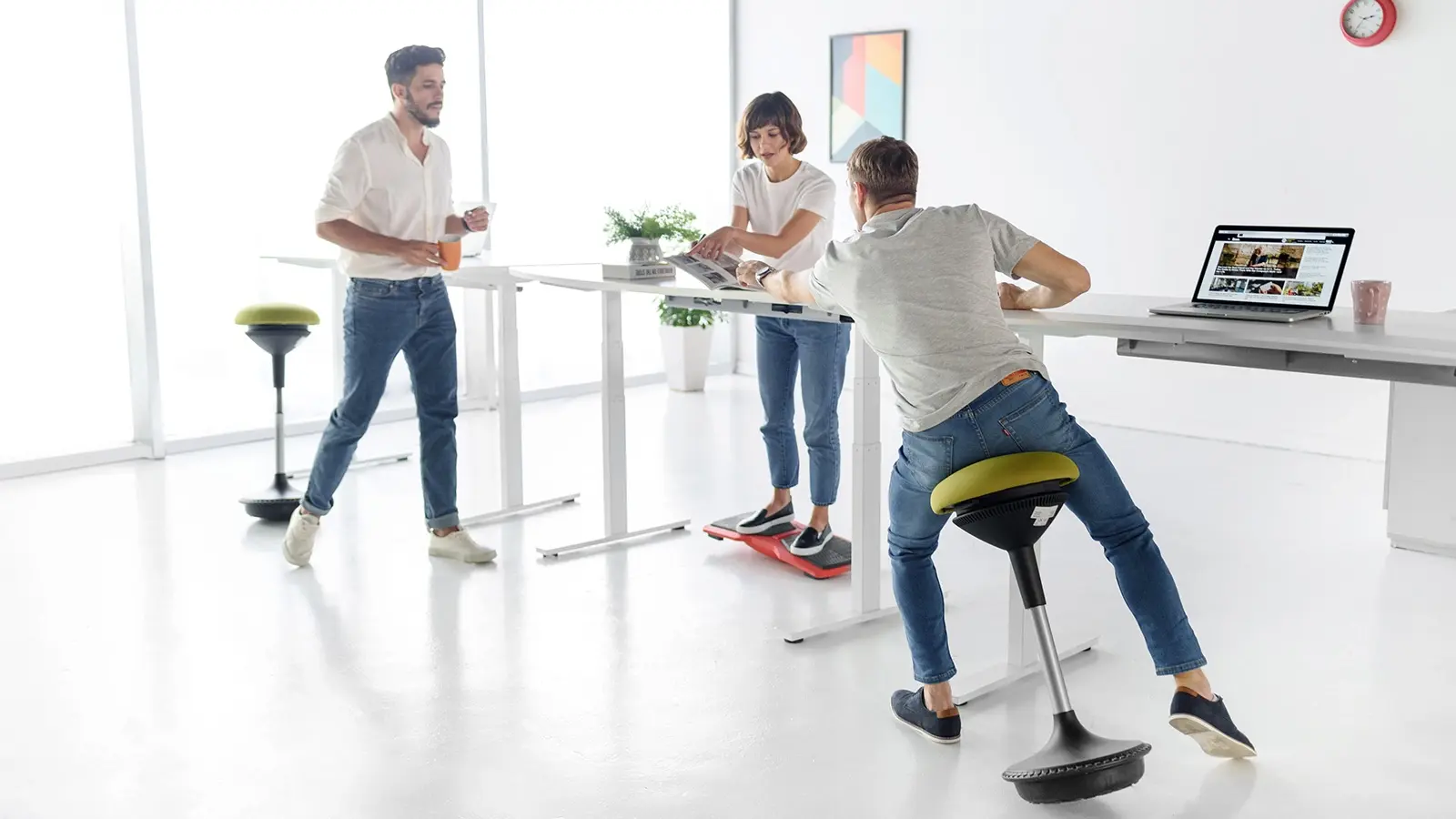
The ErgoStool addresses one specific moment in a standing desk routine: the point where standing fatigue sets in but returning to a fully seated position reintroduces the hip compression and static load that standing was meant to reduce.
The seat height is calibrated for standing desk height rather than conventional desk height — that's a functional boundary, not a minor spec detail. At that height it offloads enough body weight to extend comfortable standing periods without pulling the hips into the closed position a standard seat creates.
The active base introduces enough movement to discourage a fixed lateral lean from holding during seated periods — small adjustments rather than sustained stillness. What it doesn't do is replace a full chair for extended seated sessions: without a backrest and at standing desk height, it functions as a transition point within a sit-stand routine rather than a standalone seating solution for conventional desk use.
Choose this if: You use a standing desk and want a seated option that reduces standing fatigue without returning to a fully static position.
Skip this if: You work primarily at a conventional desk height — the ErgoStool's height range isn't designed for that setup.
How to Set Up a Posture Chair Correctly
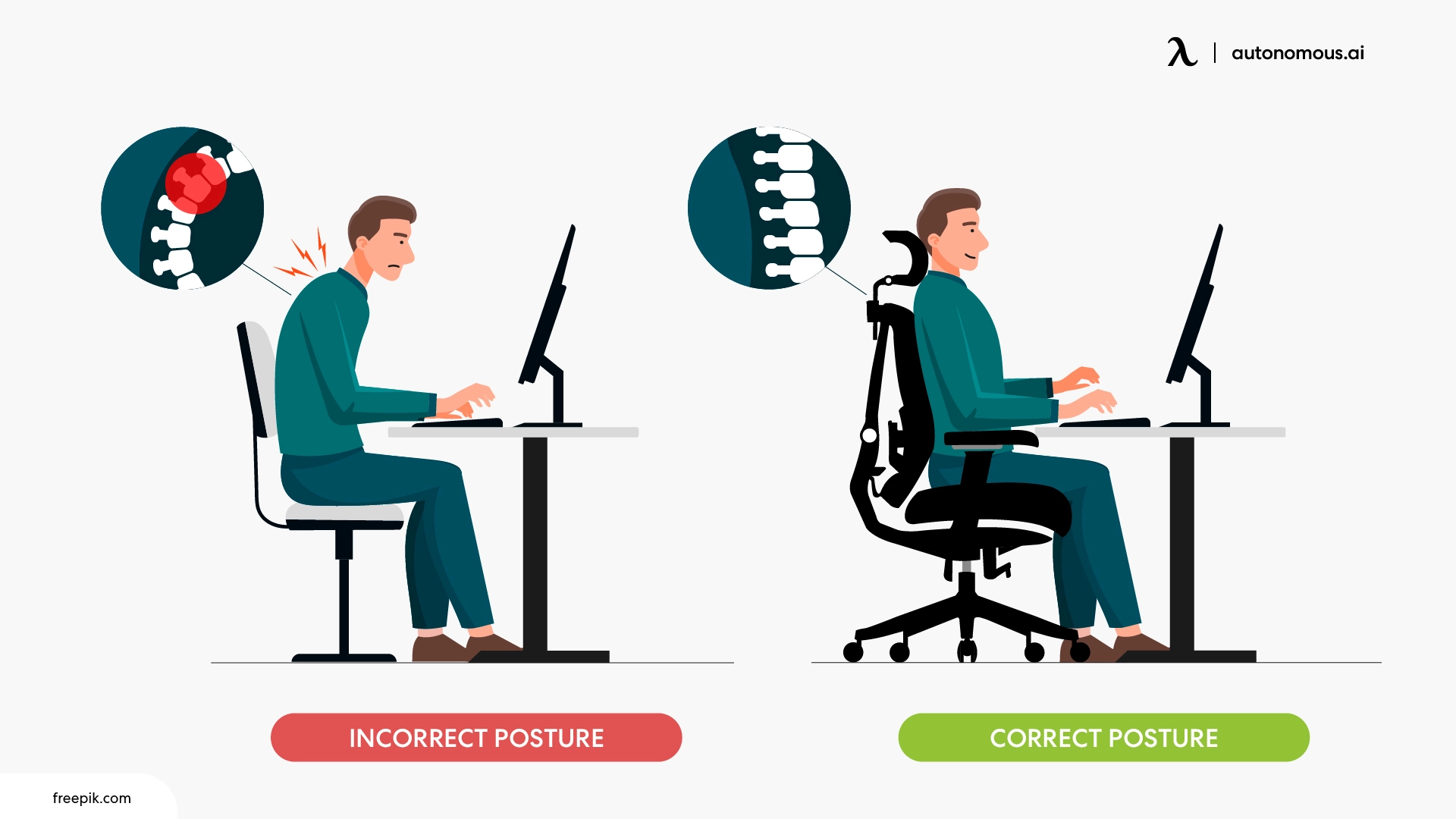
A posture chair set up incorrectly performs no better than a standard office chair. The adjustments below apply to any ergonomic task chair regardless of brand or price point. Work through them in order — each step affects the one after it.
- Step 1: Sit fully back first
Before adjusting anything, sit all the way back in the seat so your lower back makes contact with the backrest. Every adjustment that follows depends on this position. If you're perching forward, the lumbar support, seat height, and armrest settings you dial in won't reflect how you actually sit.
- Step 2: Set seat height
Adjust seat height until your feet rest flat on the floor and your knees sit roughly level with your hips. Your thighs should be parallel to the floor or angled very slightly downward. If your feet don't reach the floor at the correct knee angle, use a footrest rather than lowering the seat to compensate.
- Step 3: Adjust seat depth
If your chair has seat depth adjustment, slide the seat forward until there are two to three fingers of space between the edge of the seat and the back of your knees when sitting fully back. Less than that compresses the back of the thighs. More than that pushes you forward and breaks lumbar contact — the most common fit problem for shorter-legged users on a default seat depth setting.
- Step 4: Set the lumbar support
Adjust the lumbar height until the pad makes light contact with the inward curve of your lower back — roughly just above the beltline. It should feel like gentle pressure when you're sitting relaxed, not only when you're consciously sitting upright. If your chair has a separate depth dial, bring the pad forward until that contact is present without you having to lean into it.
- Step 5: Adjust armrests
Set armrest height so your shoulders sit in a natural, relaxed position — not shrugging upward, not dropping to reach them. Your elbows should rest lightly on the surface with your forearms roughly parallel to the floor. If your armrests adjust inward and outward, bring them close enough that your arms don't fall off the edge, but not so close that they force your shoulders inward
- Step 6: Do a passive check
Sit at your desk and work normally for ten minutes without thinking about your posture. Then stop and check three things: is your lower back touching the backrest? Are your feet flat on the floor? Are your shoulders relaxed? If any of these have shifted, one adjustment is still off — go back to that step and reset.
If you're correcting your posture every twenty minutes, the setup isn't finished. A well-fitted chair holds a good sitting posture without your muscles having to maintain it.
FAQs
What is the difference between a posture chair and an ergonomic chair?
A posture chair is a broad category focused on improving sitting alignment, while an ergonomic chair is a specific type with adjustable features to fit different body types. In short, all ergonomic chairs are posture chairs, but not all posture chairs rely on adjustability — some use fixed design (like kneeling or saddle chairs) to guide posture.
Do posture correcting chairs work?
Yes, posture chairs work when their design matches how you actually sit. They reduce strain by supporting the spine in the positions you naturally fall into — not just when you sit upright. If the chair doesn’t maintain contact as you shift, lean, or relax, its benefit drops quickly even if the features are technically correct.
What chair is best for posture?
The best posture chair is the one built for your dominant sitting pattern, not a single universal design. For users who sit upright for long periods, an ergonomic chair with adjustable lumbar and seat depth works best. For those who sit forward or shift frequently, designs like saddle or kneeling chairs may provide more consistent support in the positions they actually use.
What should I look for in a good posture chair?
A good posture chair should maintain support without requiring you to actively hold your posture. That means seat depth that lets you sit fully back, lumbar support that stays in contact in a relaxed position, and a backrest that supports your upper back during longer sessions. The key is not the number of adjustments, but whether the chair continues to support you as your posture naturally changes.
Is a kneeling chair good for posture?
Yes, a kneeling chair improves posture by positioning the pelvis forward, which naturally aligns the lower back without needing a backrest. It works well for people who already sit forward and lose lumbar contact in standard chairs. However, because it doesn’t support the upper back and creates pressure on the shins, it’s best used for shorter sessions rather than full-day sitting.
What is the best posture chair for back pain?
The best posture chair for back pain is one that maintains support in the positions where your posture usually breaks down. For many people, that means consistent lumbar contact even after posture relaxes. If lower back support alone doesn’t solve the issue, the problem may start at the pelvis — in which case a chair that controls seat position and hip angle becomes more important than lumbar adjustment alone.
Can a posture chair fix bad posture?
No, a posture chair doesn’t fix posture on its own — it removes the conditions that cause it to break down. When the chair supports your body in a relaxed position, your muscles don’t need to hold you upright, which delays fatigue and slumping. Long-term improvement still depends on movement and setup, not the chair alone.
How long does it take to adjust to a posture chair?
Most people adjust to a posture chair within one to two weeks, as the body adapts to a position that requires less compensation. Designs that change how you sit more significantly — like kneeling or saddle chairs — can take longer, because they alter pelvic position rather than just supporting it.
How much should I spend on a posture chair?
You should spend based on how precisely the chair supports your sitting pattern, not just its price tier. Mid-range chairs can provide full posture support if they fit correctly, while higher-end chairs tend to maintain that support across more positions and over longer sessions. The difference shows up most when your posture changes during the day, not when sitting still.
Conclusion
Most posture chair buying decisions go wrong at the first step — choosing a chair before identifying how you actually sit. A well-made chair matched to the wrong sitting pattern produces the same result as a poorly made one: back fatigue, gradual slumping, and an expensive purchase that doesn't solve the problem.
The framework in this guide works in one direction: identify your pattern first, match the chair type second, then evaluate specific models within that type. That sequence eliminates most of the noise in the category.
If one section is worth returning to before purchasing, it's the setup guide. The right chair fitted incorrectly underperforms a mid-range chair set up well. Fit matters as much as the chair itself.
For most desk workers sitting five or more hours a day, a correctly chosen and properly set up posture chair makes a measurable difference — not immediately, but consistently over time.