Desk Mat Sizes Chart and How to Choose the Right Fit

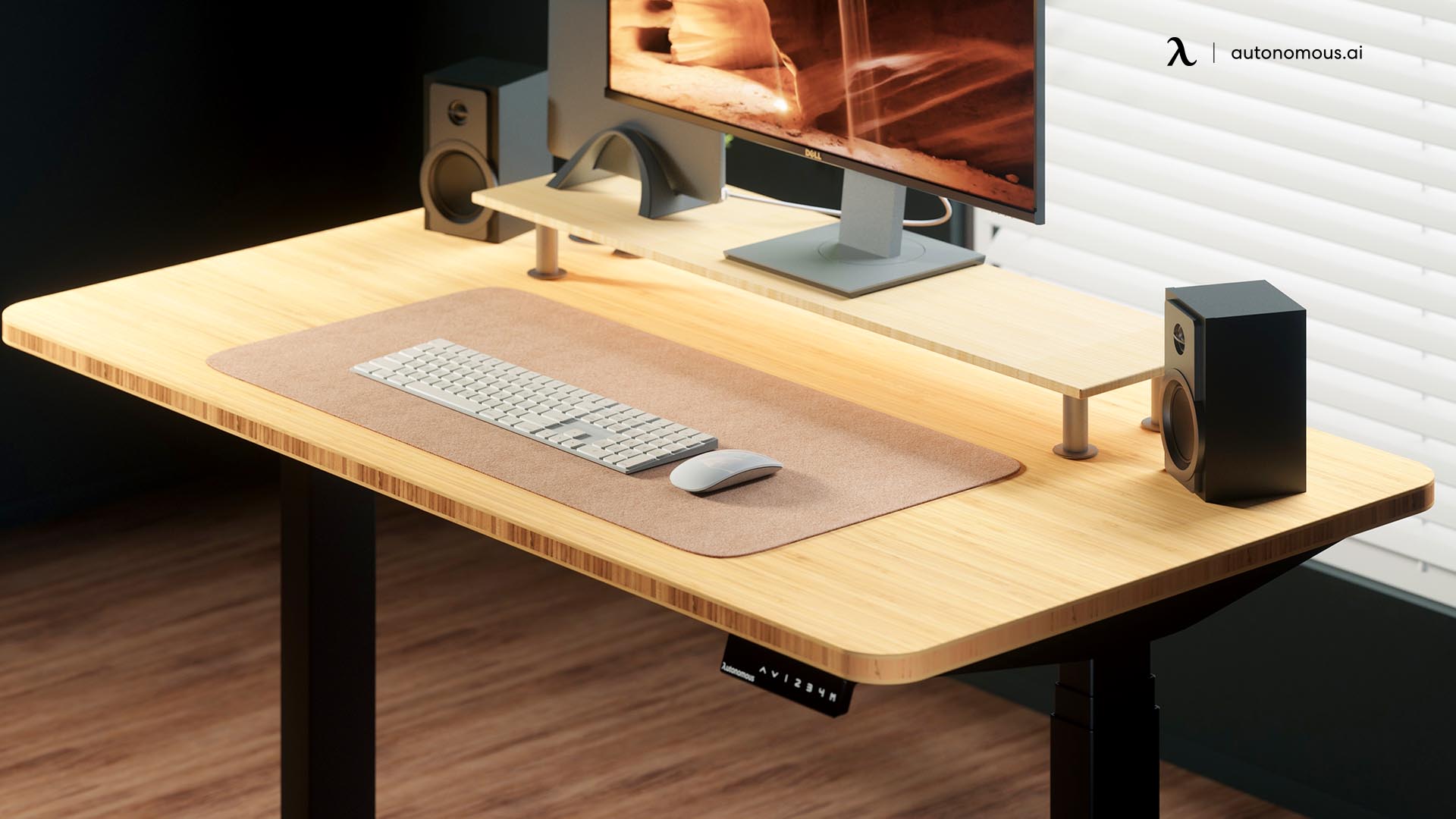
A 36 × 18-inch desk mat is a practical starting size for a full-size keyboard and mouse, and it leaves 8.5 inches uncovered on each side of the 53 × 29-inch Autonomous Desk 2. But the right desk mat sizes depend on what you put on the surface and how much room your mouse needs. A 24-inch mat may work for a laptop, while a 48-inch pad may be more suitable for a large workstation.
This guide compares common desk mat dimensions in inches and centimeters, explains what each size can hold, and shows how to measure your desk before buying.
Desk Mat Sizes Chart: Standard Dimensions in Inches and CM
Desk mat sizes commonly range from 24 × 12 inches for compact setups to 48 × 24 inches or larger for extended workspaces. There is no single industry-wide standard for desk mat dimensions, so terms like medium, XL, and XXL vary between manufacturers.
For many keyboard-and-mouse setups, a mat around 31.5 × 15.7 inches (80 × 40 cm) or 36 × 18 inches (91 × 46 cm) is a useful starting point.
Desk mat size chart
| Size category | Dimensions (inches) | Dimensions (cm, approx.) | Best suited for |
|---|---|---|---|
| Extra small | 18 × 9 | 46 × 23 | Mouse, writing, or small accessories |
| Small / compact | 24 × 12 | 61 × 30 | Laptop, compact keyboard, limited desk space |
| Medium / extended | 31.5 × 15.7 | 80 × 40 | Compact keyboard and mouse, everyday office work |
| Large | 36 × 18 | 91 × 46 | Full-size keyboard, mouse, and additional movement |
| Extra large (XL) | 40 × 20 | 102 × 51 | Wider keyboard and mouse setups, writing space |
| XXL | 48 × 24 | 122 × 61 | Large desktops and extensive surface coverage |
| Full-desk / oversized | 60 × 30 | 152 × 76 | Wide desktops or custom desk protection |
These are representative dimensions, not standardized size classifications. Measurements are rounded, and actual products vary by brand.
What is the standard desk mat size?
A common extended desk mat size is approximately 31.5 × 15.7 inches (80 × 40 cm), although 36 × 18-inch mats are also widely used for keyboard-and-mouse setups.
The important distinction is between a mat that fits your equipment and one that provides enough room to use it.
A 24-inch mat might hold a compact keyboard but leave little space for a mouse. A 36-inch mat provides a larger shared surface, while a 48-inch mat is mainly useful when you want additional desktop protection or more working space.
Always compare actual dimensions rather than relying on size labels.

What Size Desk Mat Should I Get?
The right desk mat size depends on your keyboard width, mouse movement, available desktop space, and whether you use the mat for writing or other tasks.
For everyday office work, start with a 31.5 × 15.7-inch mat. If you use a full-size keyboard, move your mouse across a wide area, or want more room for accessories, consider 36 × 18 inches.
Here's how to narrow it down.
- Laptop with a trackpad: A 24 × 12-inch mat can protect the area underneath your laptop without occupying much of the desk.
- Compact keyboard and mouse: A 31.5 × 15.7-inch pad usually provides more flexibility than a 24-inch version.
- Full-size keyboard and mouse: A 36 × 18-inch mat gives the mouse more lateral movement space.
- Keyboard, mouse, and notebook: A 40 × 20-inch mat offers more usable surface for switching between typing and writing.
- Large desk with extensive surface protection: A 48 × 24-inch mat may be suitable if the desktop is wide and deep enough.
These are starting recommendations, not guaranteed fits. Two people with the same keyboard can need different mats because of mouse sensitivity, arm movement, and equipment placement.
For compact workstations, including some hideaway desk designs, check how the mat fits when the desktop folds or closes. A smaller or rollable mat may be easier to store than a large, rigid desk pad.
If your setup includes a wide keyboard and you often move the mouse beyond the edge of a smaller pad, prioritize width rather than thickness or material.
How Big Should a Desk Mat Be? Measure Before Buying
A desk mat should be wide enough for your keyboard and normal mouse movement while fitting entirely within the usable width and depth of your desk.
You can work out the size with a tape measure and a few minutes at your workstation.
Step 1: Measure your usable desktop
Measure the clear width and depth of the area where the mat will sit, not just the overall size of the desk.
For example, a desktop may be 48 inches wide, but speakers, monitor stands, or other equipment can reduce the clear space available for a mat.
Measure:
- Usable width: The side-to-side space where the mat can sit.
- Usable depth: The front-to-back space that is not blocked by equipment.
- Obstructions: Monitor bases, desk shelves, cable grommets, and mounted accessories.
The standard desk dimensions guide provides a useful reference if you're also planning the desktop itself.
If you use a monitor arm, the mat may fit beneath the monitor because the stand no longer occupies the desktop. If your monitor sits on a large base, check whether the base will rest on the mat or behind it.
Step 2: Measure your keyboard and mouse movement
The minimum useful desk mat width is the combined width of your keyboard, your mouse movement area, and a small amount of clearance.
A simple calculation is:
Mat width = keyboard width + mouse movement width + gap + side margins
For example, suppose your setup needs:
| Component | Required width |
|---|---|
| Full-size keyboard | 18 inches |
| Mouse movement area | 10 inches |
| Gap between keyboard and mouse | 1 inch |
| Total side margins | 2 inches |
| Minimum mat width | 31 inches |
In this example, a 31.5-inch mat technically fits, but it leaves little room for adjustments. A 36-inch mat provides more flexibility.
Mouse movement varies. Someone using a high-sensitivity mouse may need less space than a gamer who moves their whole forearm.
Instead of guessing, move the mouse through the widest motions you regularly make and measure that area.
Step 3: Check depth, edges, and equipment placement
Desk mat depth should accommodate your keyboard and hand position without forcing other equipment into an awkward location.
Place the keyboard where you normally type, then measure how much surface you want in front of and behind it.
For a 24-inch-deep desktop, an 18-inch-deep mat leaves 6 inches of uncovered depth if you position the mat against the front edge. That space may be useful for a monitor base or desk shelf.
An oversized mat can create problems when it:
- Extends beyond the front or side edges.
- Covers cable grommets or desk controls.
- Overlaps equipment that needs a stable, flat base.
- Forces the keyboard and mouse into uncomfortable positions.
You can test the dimensions without buying anything. Mark the proposed mat corners with removable tape and use your desk normally.
If the keyboard and mouse stay inside the outlined area, the size is probably workable.
Step 4: Check your typing position
A desk mat should let you keep the keyboard and mouse close enough to avoid unnecessary reaching.
A wider mat does not mean you need to spread your equipment farther apart. Keep frequently used devices within easy reach and make sure the mat does not create an uncomfortable raised edge under your wrists.
If your keyboard already feels too high or too low, check your ergonomic desk height before changing the mat. Desk height, chair adjustment, and keyboard placement usually matter more for typing posture than the mat's dimensions.
Desk Mat Sizes for 48-, 53-, and 70-Inch Desks
A 36 × 18-inch mat leaves 6 inches of free space on each side of the Autonomous Desk Core's 48 × 24-inch surface, compared with 8.5 inches on each side of the standard 53 × 29-inch Autonomous Desk 2.
These clearances illustrate why desktop dimensions matter more than generic labels such as large or XXL.
The table uses dimensions published on the Autonomous product pages. It assumes the mat is centered left to right and positioned against the front edge.
| Desktop | Desk dimensions | Mat dimensions | Space left on each side | Space left behind |
|---|---|---|---|---|
| Autonomous Desk Core | 48 × 24 in | 36 × 18 in | 6 in | 6 in |
| Autonomous Desk 2 | 53 × 29 in | 36 × 18 in | 8.5 in | 11 in |
| Autonomous Desk 2 | 53 × 29 in | 48 × 24 in | 2.5 in | 5 in |
| Autonomous Desk 2 XL | 70.5 × 30 in | 48 × 24 in | 11.25 in | 6 in |
Clearances are calculated from published desktop dimensions. Actual usable space depends on equipment placement and the exact mat dimensions.
For a compact 48-inch desk, a 36 × 18-inch mat offers space for a keyboard and mouse while preserving part of the desktop for other items.
On the standard 53-inch Desk 2, the same mat leaves substantially more uncovered space. A 48 × 24-inch pad also fits the tabletop, but with much narrower side margins.
The 70.5-inch Desk 2 XL can accommodate a larger mat without using most of the desktop width. However, a larger mat is only necessary if you need the additional working area.
The Autonomous Desk Surface also comes in 53 × 29-inch and 70.5 × 30-inch sizes, so the same clearance calculations apply when comparing these desktop dimensions.
The main lesson is simple: don't increase your desk pad size just because your desk is larger. Measure the space your hands and equipment actually use first.

Choosing Desk Mat Sizes for Office Work, Gaming, and Dual Monitors
Office work, gaming, and multi-monitor setups have different workspace demands, so the same desk mat size may not work equally well for all three.
Office desk mat sizes
An office desk mat around 31.5 × 15.7 or 36 × 18 inches can accommodate many keyboard-and-mouse layouts while leaving part of the desktop uncovered.
If you mainly write, type, and use a mouse for basic navigation, you probably don't need a mat that covers the entire desktop.
Consider a larger pad when you regularly switch between a keyboard and physical paperwork, sketch on a tablet, or use a separate notebook beside your keyboard.
The layout matters as much as the dimensions. For example, the keyboard placement in different office desk setup layouts can change how much of the desktop needs protection.
For a shared workstation, test the mat with the largest keyboard and widest mouse movements used by the people sharing the desk.
Gaming desk mat sizes
Gaming desk mats around 36 × 18 inches are a useful starting point when you need one continuous surface for a keyboard and mouse.
For low-sensitivity gaming, however, mouse movement matters more than the size printed on the packaging. Large arm movements can require more width than ordinary office work.
Try measuring the distance between the farthest left and right positions your mouse reaches during play. Add the width of your keyboard and some space between the two.
A larger mouse surface can be helpful alongside other gaming desk accessories, but an extended mat should support the movement you actually use without forcing your mouse hand farther from the keyboard.
Desk mat sizes for dual monitors
A dual-monitor setup does not automatically require an XXL desk mat because monitor placement and mouse movement are separate considerations.
When the monitors are mounted on arms, their screens occupy little or no desktop surface. In that case, a 36-inch mat may still be enough for a keyboard and mouse.
If both monitors sit on wide bases, you may need to position the mat in front of those stands. A deeper mat is not necessarily better if it leaves too little room for the monitor bases.
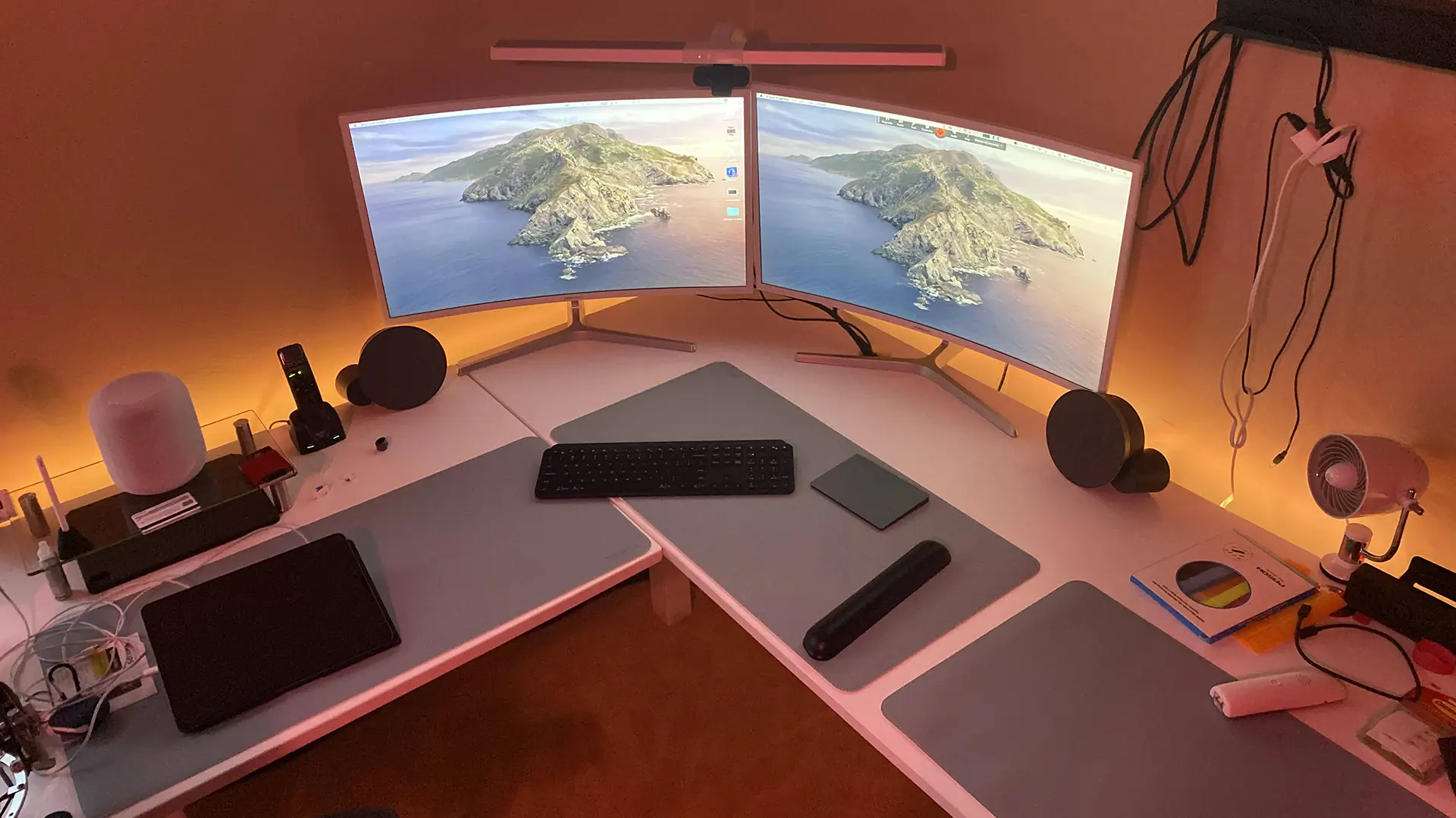
On an L-shaped desk, the setup can be different again. Some dual-monitor L-shaped desk layouts place the displays along one side and reserve the other for writing, accessories, or a second device. In that arrangement, you may only need a mat on the keyboard side.
Focus on the space used by your input devices first, then check the remaining desktop depth.
OSHA's computer workstation guidance recommends placing the mouse close to the keyboard and keeping the wrist in a neutral position. A bigger mat should support that arrangement, not encourage unnecessary reaching.

Desk Mat Materials and Thickness: Does Size Change?
Desk mat material affects surface feel, mouse movement, cleaning, and cushioning, but it does not change how much width your equipment requires.
Different materials work better for different tasks.
| Material | Main characteristics | What to consider |
|---|---|---|
| Cloth with rubber backing | Flexible surface often used for extended mouse pads | Check edge stitching, grip, and cleaning instructions |
| Felt | Soft surface for writing and desk protection | Mouse tracking and resistance to spills vary |
| Cork | Firm, lightweight surface with a distinct texture | Check mouse compatibility and finish |
| PU or vegan leather | Smooth surface that is often easy to wipe | Grip and texture depend on the product |
| Plastic or PVC | Firmer surface suited to writing or desk protection | May provide less cushioning than fabric |
How thick should a desk mat be?
Many desk mats are approximately 2–5 mm thick, although thinner desk blotters and thicker cushioned models are also available.
A thin pad may be sufficient when your main goal is to protect the desktop. A thicker fabric mat can provide a softer contact surface, but thickness alone does not make a workstation ergonomic.
Pay attention to the edge of the mat, too. Raised or stiff edges may be uncomfortable if your forearms regularly rest against them.
Material choice should come after confirming the length and width. A mat with the right texture still becomes inconvenient when the keyboard or mouse does not fit.
Do wireless charging desk mats need extra space?
Wireless charging desk mats need enough room for your input devices and a suitable charging area, which may be built into one section of the pad.
Before choosing a size, check where the charging zone sits relative to your keyboard, mouse, and phone. A mat that is technically wide enough may still feel cramped if a device occupies the space normally used for mouse movement.
Some wireless charging desk pads combine a work surface with a dedicated charging position. Confirm the actual charging area, device compatibility, and cable routing rather than choosing by overall mat dimensions alone.
Desk Mat vs. Mouse Pad: What's the Size Difference?
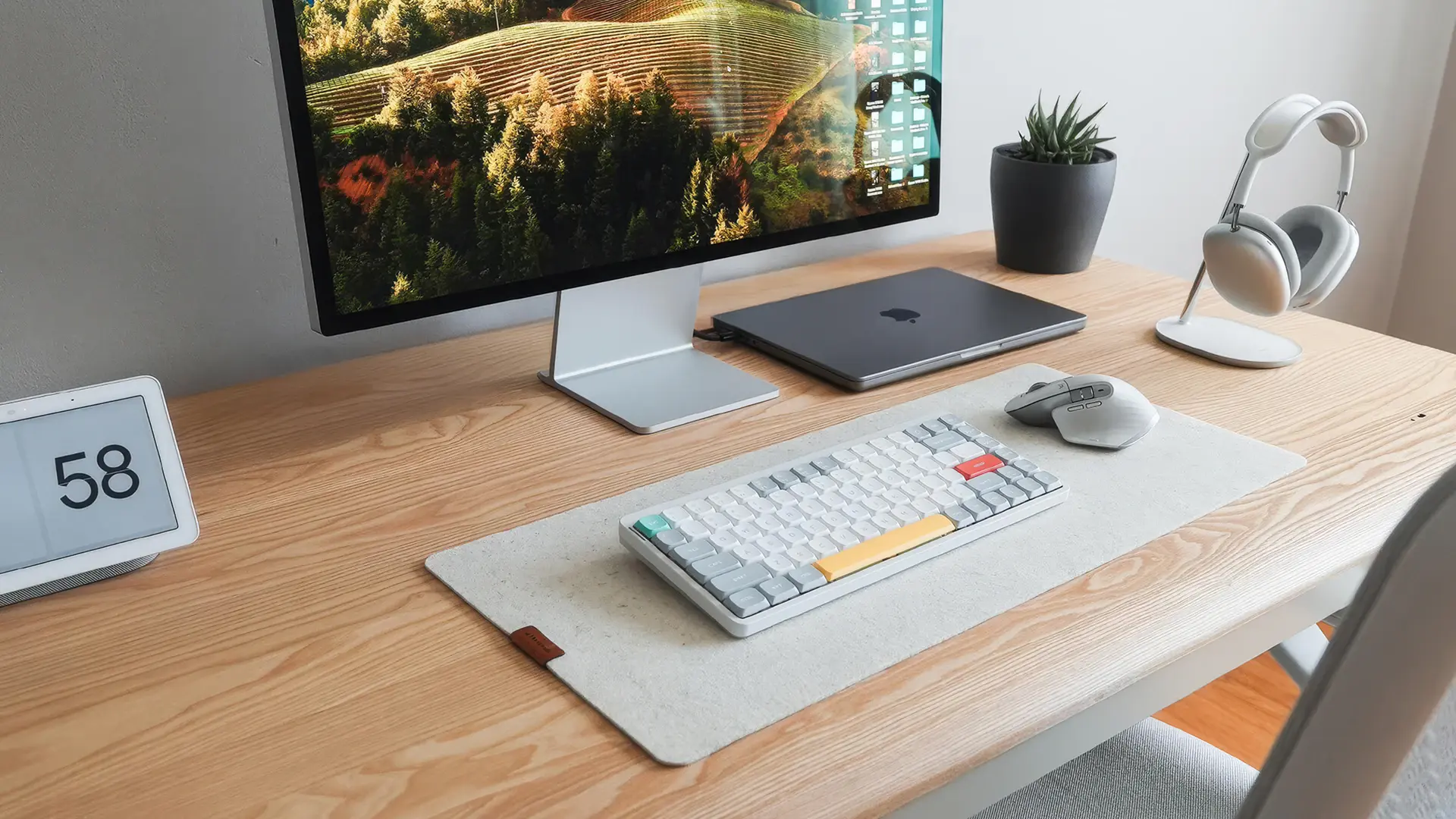
A desk mat normally covers a larger section of the desktop for a keyboard, mouse, or writing area, while a conventional mouse pad primarily provides space for mouse movement.
Smaller mouse pads often occupy roughly 8–12 inches of width, although dimensions vary. Extended mouse pads can be as wide as desk mats because they are designed to hold both the keyboard and mouse.
The product name is less important than the measurements.
A desk mat is also different from an office chair mat or an anti-fatigue standing mat. Those products sit on the floor and follow different sizing requirements.
For a tabletop desk pad, measure your work surface and input devices rather than the floor area around your desk.
What Should You Check Before Buying a Desk Mat?
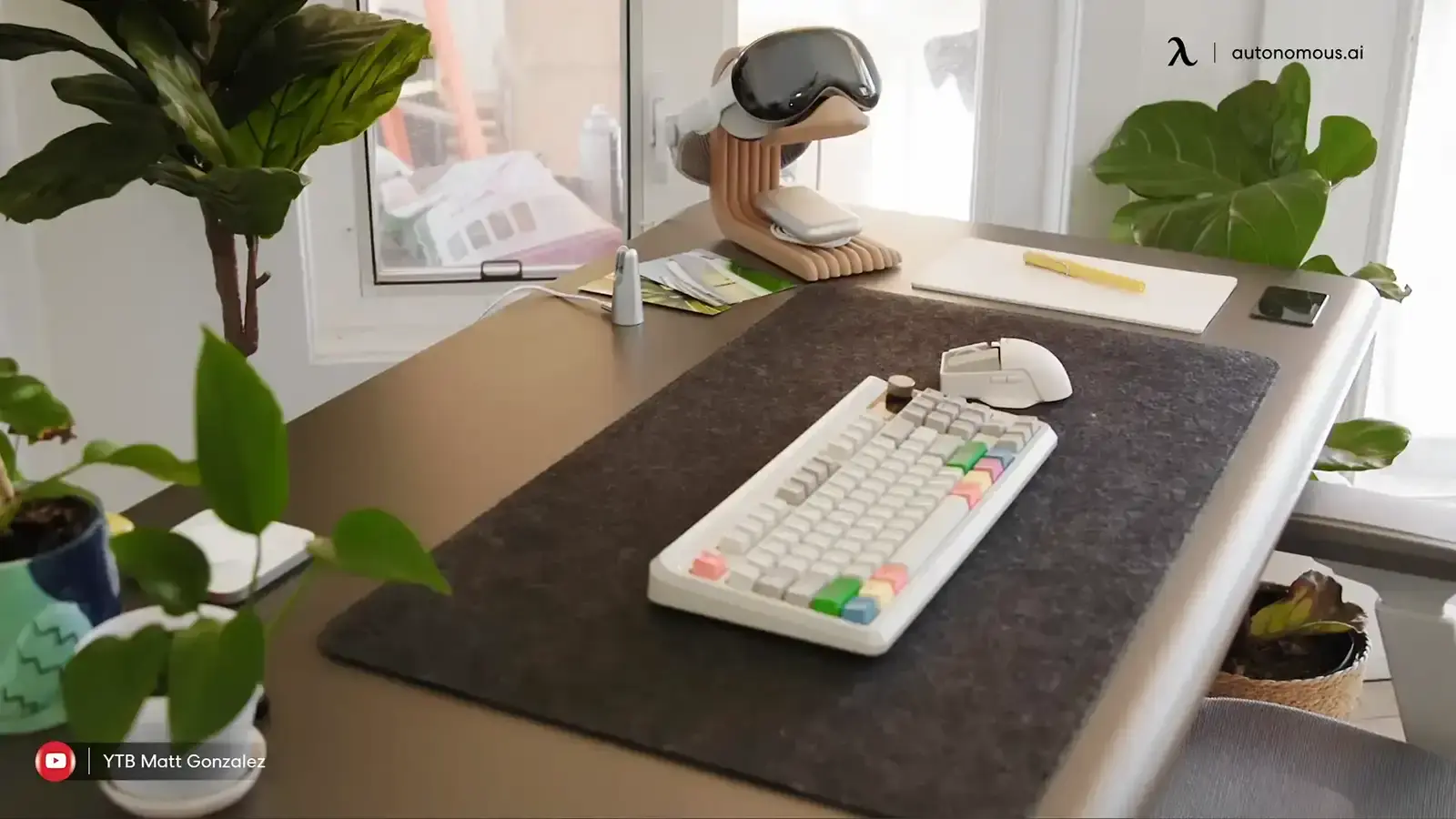
The right desk mat should fit the usable desktop, contain your normal keyboard and mouse movements, and leave enough space for equipment that sits outside the mat.
Use this quick checklist before choosing a size:
- Measure the usable desktop width and depth.
- Measure your keyboard and the mouse area you actually use.
- Decide whether a monitor base, laptop, or notebook will sit on the mat.
- Confirm that the mat will not hang over the desktop edges.
- Check whether cable openings, accessories, and desk controls will remain accessible.
- Compare materials, thickness, and cleaning requirements.
- Verify the exact product dimensions instead of relying on XL or XXL labels.
If you are between two sizes, outline both options on your desk before ordering. This gives you a better idea of whether the additional coverage is useful.
Frequently Asked Questions About Desk Mat Sizes
Desk mat sizes depend on both the dimensions of your desktop and the area needed for your keyboard, mouse, and other equipment. These answers address common sizing questions.
What desk mat size fits an Autonomous Desk 2?
A 36 × 18-inch mat fits the standard 53 × 29-inch Autonomous Desk 2 with 8.5 inches of uncovered space on each side when centered. A 48 × 24-inch mat also fits, leaving 2.5 inches per side and 5 inches behind when aligned with the front edge. Check equipment placement before choosing.
What is the standard size of a desk mat in inches?
There is no universal standard desk mat size, but common dimensions include 24 × 12, 31.5 × 15.7, 36 × 18, and 48 × 24 inches. Smaller mats suit compact setups, while larger models provide more room for a keyboard and mouse. Size labels can vary between brands, so check the measurements.
Is a 24-inch desk mat big enough?
A 24-inch desk mat can work for a laptop, compact keyboard, or writing area, but it may be too narrow for a full-size keyboard and mouse together. Measure your keyboard first. If it occupies most of the mat width, choose a longer pad rather than forcing your mouse into the remaining space.
How big should a desk mat be for a full-size keyboard?
A 36-inch-wide desk mat is a useful starting point for a full-size keyboard and mouse. However, the ideal width depends on your keyboard and how far you move the mouse. Add the keyboard width, mouse travel area, gap, and margins to calculate the minimum space you need.
What desk mat size should I get for dual monitors?
A 36 × 18-inch mat can be enough for dual monitors if the mat only needs to hold a keyboard and mouse. Monitor arms usually leave more desktop space than large monitor bases. If both monitor stands rest on the desk, measure the available depth before choosing a 40- or 48-inch mat.
What is the best desk mat size for gaming?
A 36 × 18-inch desk mat is a reasonable starting size for many gaming setups, while wider mats may suit players who use large mouse movements. The required size depends on keyboard width and mouse sensitivity. Measure your full mouse sweep during normal play rather than assuming every gaming setup needs XXL dimensions.
How thick should an office desk pad be?
An office desk pad around 2–5 mm thick is a common option for protecting a desktop and providing a softer contact surface. Thinner mats may work for writing, while cushioned fabric mats can feel different under the wrist. Choose based on surface texture, edge comfort, and the manufacturer's specifications.
Can I use a desk mat on an L-shaped desk?
A rectangular desk mat can work on an L-shaped desk if it fits the section used for your keyboard and mouse. Measure that working area separately rather than treating the entire L-shaped surface as one rectangle. The L-shaped desk dimensions guide explains how to measure corner workstations. For wider coverage, consider two mats or a custom-cut design.
Conclusion
The right desk mat sizes depend on the space your keyboard and mouse need, not simply how large your desk looks.
For compact setups, 24 × 12 inches may be enough. A 31.5 × 15.7-inch mat suits many everyday workstations, while 36 × 18 inches offers more flexibility for full-size keyboards and wider mouse movements. Larger mats make sense when you need additional coverage.
Measure your usable desktop, test your equipment layout, and compare the exact dimensions before buying. A mat that fits your actual workflow is more useful than one chosen by its size label.