Opal App Review 2026: Cost, Free Tier, Alternatives

The Opal app cost is $0 to start and $99.99 a year for Opal Pro, with a $19.99 monthly option and a $399 one-time Lifetime plan, and the gap between free and paid is bigger than the pricing page makes it look. The free version gives you app blocking and one Rule. The setting that stops you cancelling a session early, which is the reason most people install a blocker at all, sits on the paid side. This review covers what you get at each price, what Opal does well, where it frustrates people, and what to use instead if the number is too high.
How much does the Opal app cost?
Opal Pro is $99.99 billed annually, which the pricing page shows as $8.29 a month, or $19.99 if you pay month to month. There is also a one-time Lifetime purchase at $399.
Plan | Price | Effective cost over 2 years |
Free | $0 | $0 |
Pro, annual | $99.99 a year | $199.98 |
Pro, monthly | $19.99 a month | $479.76 |
Lifetime | $399 once | $399 |
Teams | Contact Opal | Varies |
Two things worth knowing before you pick. The monthly plan costs nearly two and a half times the annual one for the same features, so month to month is only sensible if you are genuinely testing. And Lifetime only beats the annual plan if you keep using Opal for four years, which is a long commitment for a habit tool.
Students get up to 50% off Opal Pro through an application form. That is the closest thing to an official Opal promo code, and it is worth using if you qualify rather than hunting for codes elsewhere.
What Opal does well
Opal is the most polished app in this category, and its strengths are concentrated in three areas:
- Analytics. It tracks pickups, time spent in distracting versus productive apps, and a Focus Score with history on the paid tier, which is more insight than Apple's built-in Screen Time gives you. This is the main reason people pay.
- Scheduling. Recurring sessions for work hours, sleep and study run in the background without you remembering to start them, and Allow Only mode blocks everything except a list you choose, which is cleaner than blocking apps one at a time.
- Track record and design. Opal has been covered in the New Yorker and the New York Times, holds 4.8 stars across more than 150,000 iOS ratings, and updates frequently. The streaks and leaderboards work for people who respond to them and are easy to ignore for people who do not.
Where Opal falls short
Three weaknesses matter before you subscribe:
- Recurring cost. At $99.99 a year, Opal costs more annually than most physical blockers cost once, and the blocking itself is not fundamentally stronger than cheaper tools. This is the objection most readers arrive with.
- A structural ceiling no polish fixes. Even with the hardest difficulty enabled, the settings live on the phone you are trying to get away from, so a determined user can work around it through iOS settings. Opal makes that harder, not impossible.
- Stability risk. A mid-2026 update stopped newly installed apps being blocked until users restarted their phones. Opal acknowledged it and shipped a fix in the 15 July 2026 release, so it appears resolved, but it is a reminder that a subscription tool can regress under you.
Opal on Android versus iPhone
Opal runs on both platforms, but the iPhone version is the stronger one, and several widely shared 2026 reviews are simply wrong to call Opal iOS-only. Here is how the two compare.
iPhone | Android | |
Available | ✓ | ✓ |
Blocking method | Apple Screen Time API, system level | AccessibilityService API on Android 14+ |
Blocking strength | More absolute | Slightly less absolute, more edge cases |
Ratings | 4.8 stars, 150,000+ reviews | 4.6 stars, about 6,000 reviews, 500,000+ downloads |
Ads on free tier | None | None since June 2026 |
The technical gap is real. Because Android has no direct equivalent of Apple's Screen Time API, Opal falls back to the AccessibilityService API, which is what the mid-2026 update issue exposed. One correction worth stating plainly: Opal's Android free tier used to show ads and many older reviews still say so, but Opal removed them in June 2026 and confirmed it publicly. If a comparison mentions ads on Opal's free Android tier, or calls the app iOS-only, it is out of date.
Opal alternative: how a physical blocker compares
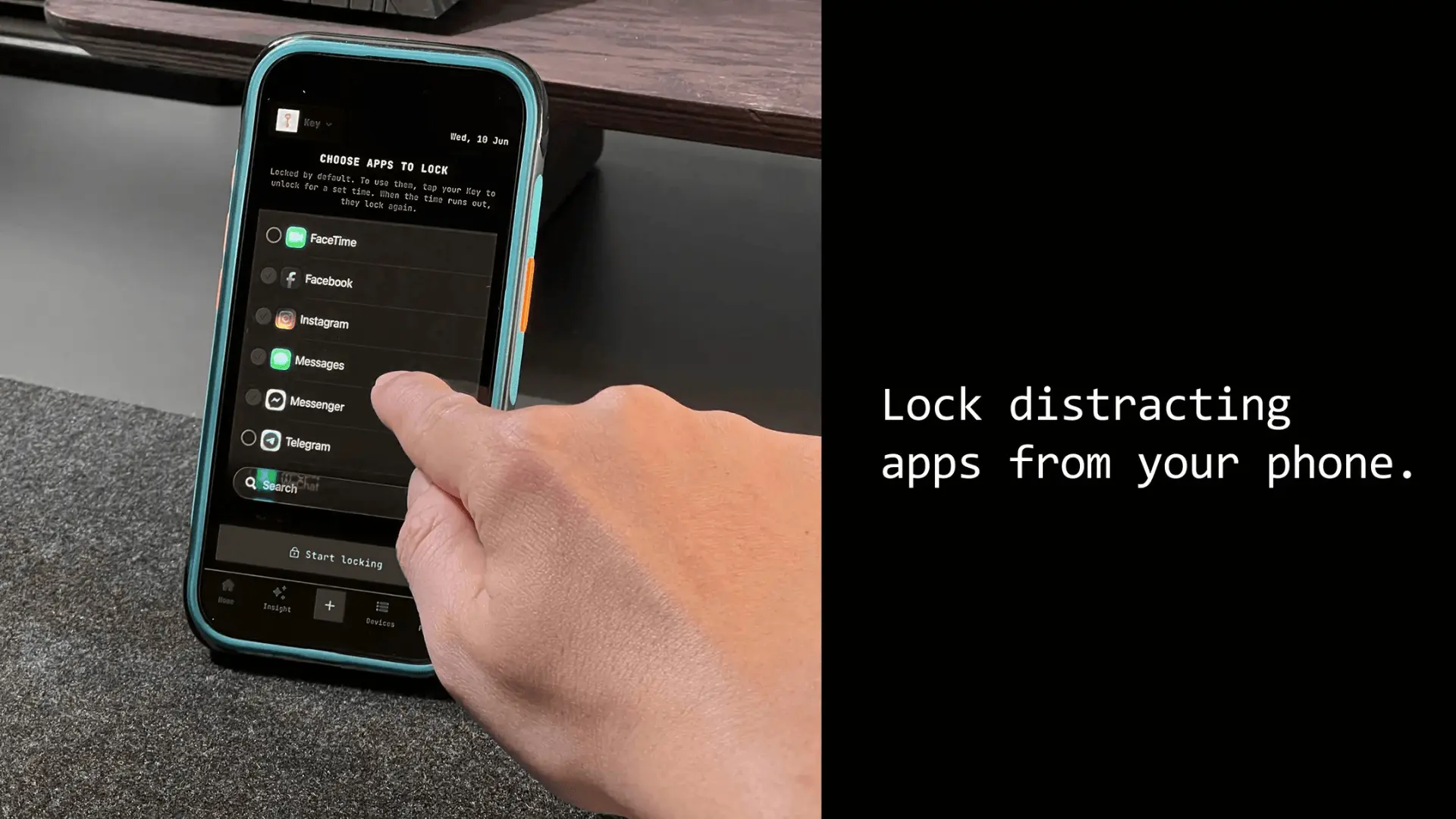
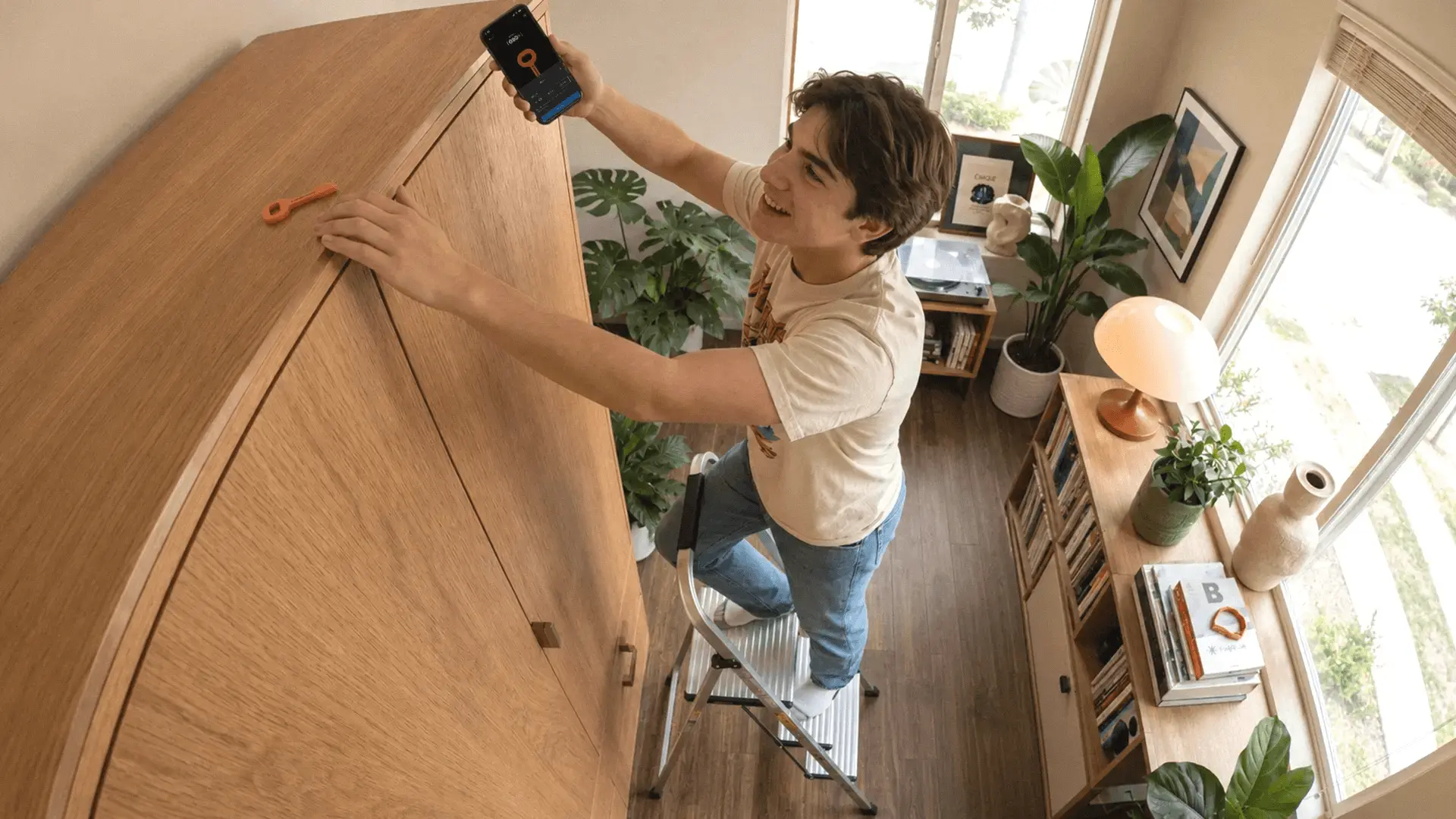
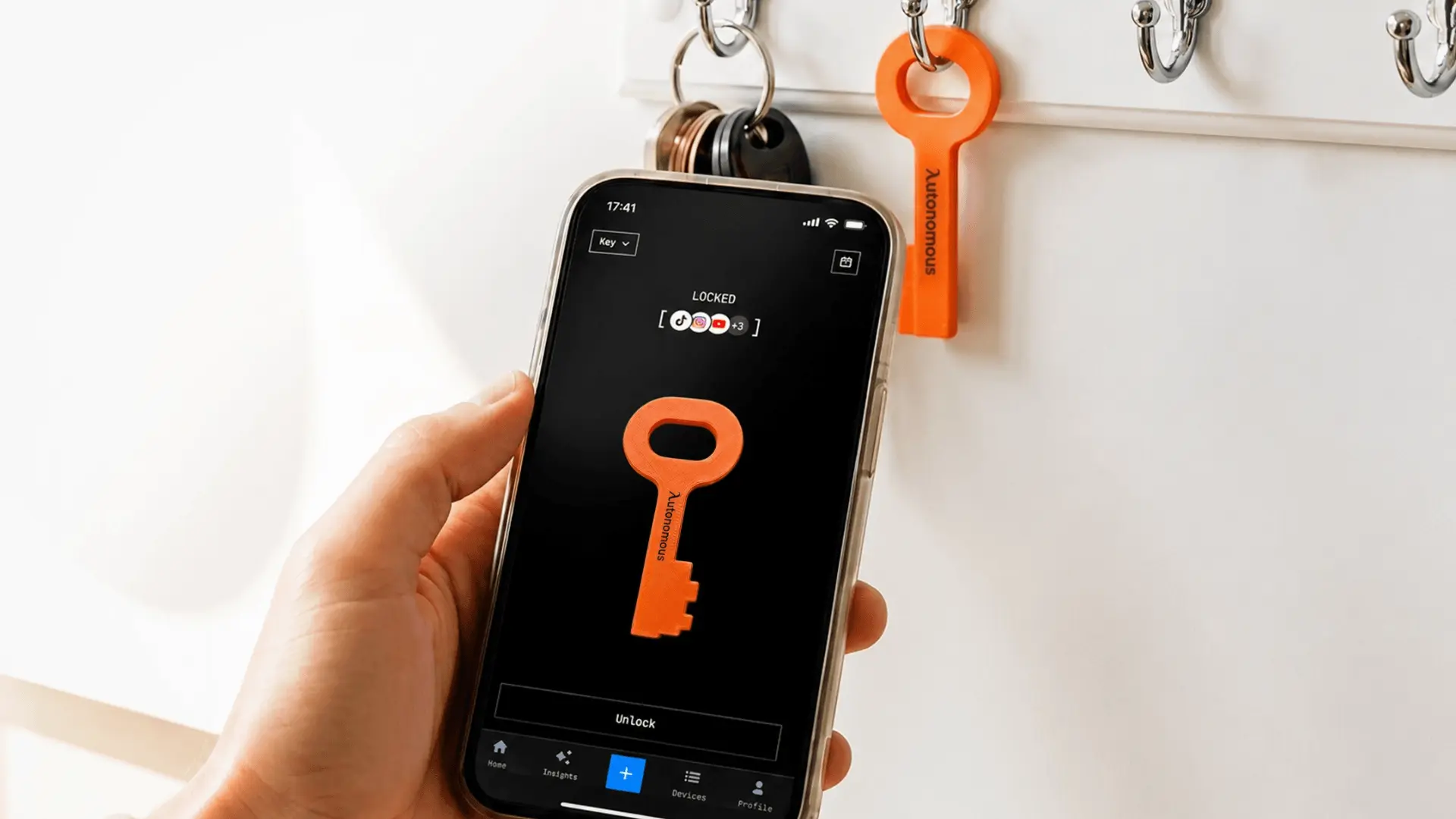
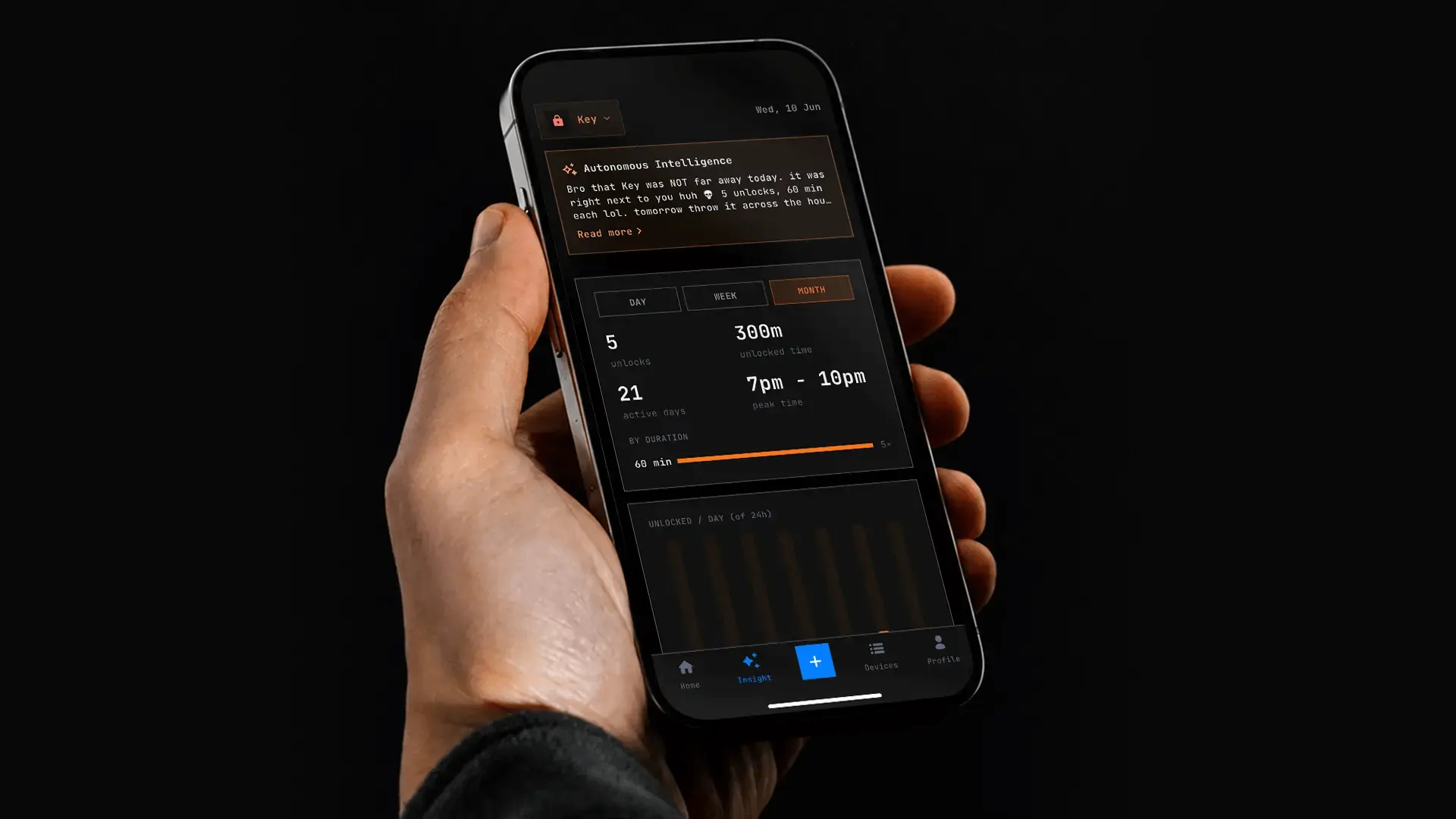
The clearest alternative to a software subscription is a passive NFC device, and the Autonomous Key is the one we make. It keeps your chosen apps locked by default, and each scan opens a window of up to 60 minutes before they lock again.
Autonomous Key | Opal | |
Cost | $9 one-time | $99.99 a year for Pro |
Free tier | ✗ | ✓ limited to one Rule |
No subscription | ✓ | ✗ for full features |
iPhone | ✓ | ✓ |
Android | ✓ | ✓ |
Mac and desktop | ✗ | ✓ |
Apps locked by default | ✓ | ✗ session based |
Cannot end a block early | ✓ | ✓ Pro only |
Needs a physical object to unlock | ✓ | ✗ |
Usage insights | ✓ Key Intelligence | ✓ Opal Score, history on Pro |
My honest read is that Opal is the best software option available and that software is the wrong category for a lot of the people paying for it. If you have already overridden Screen Time, you are likely to override a better-designed version of Screen Time too, and $99.99 a year is an expensive way to find that out.
The difference is where the off switch lives. With Opal it stays on the phone you are trying to put down, which is why the harder difficulty exists and why it costs extra. With a physical key, the block only lifts when you go and get an object, so leaving it in another room does the work that willpower was failing at.
Keep in mind that the Autonomous Key is much newer than Opal and has a far shorter public review record. If a long track record is what makes you comfortable spending money, that is a fair reason to look elsewhere. Opal also covers Mac and desktop, which the Key does not, and its free tier is a genuinely useful way to test the idea for nothing. A wider set of options sits in our roundup of Brick alternatives for iPhone and Android.
Who Opal is actually for
Opal is worth $99.99 a year if you want detailed analytics, you respond to streaks and scores, and your problem is drift rather than compulsion. For someone who reaches for their phone out of habit and needs a nudge plus a record, it is the best-built tool available.
It is not worth it if you have already proven you will cancel a block. The paid tier makes overriding harder, but the override still exists and it still lives on your phone. That is a design limit, not a bug.
If you are unsure which of those two you are, the free tier answers the question cheaply. Set your one Rule, use it for a fortnight, and count how many times you ended a session early. That number, measured against the average screen time for adults of six to seven hours a day, tells you fast whether a software block is enough for you or whether you need something you cannot switch off.
Frequently asked questions
How much does the Opal app cost?
Opal Pro costs $99.99 billed annually, $19.99 a month, or $399 as a one-time Lifetime purchase. A free tier is available at no cost. Students can apply for up to 50% off Pro. Prices change periodically, so check Opal's pricing page before subscribing.
Is the Opal app free?
Opal has a genuinely free tier that includes app blocking, one Rule, basic timers and your Opal Score for the current day. The harder blocking difficulty that prevents you ending a session early requires Opal Pro, as do unlimited Rules and score history.
Is the Opal app worth it?
Opal is worth paying for if you want strong analytics and respond well to streaks and scores, and your issue is drift rather than compulsion. It is poor value if you have already overridden Screen Time, since Opal's block also lives on the phone you are avoiding.
Does the Opal app work on Android?
Yes. Opal's Android app holds 4.6 stars across roughly 6,000 reviews with over 500,000 downloads. It uses the AccessibilityService API on Android 14 and above rather than a system-level screen time framework, so blocking is slightly less absolute than on iPhone.
Is the Opal app safe to use?
Opal's Play Store description says data never leaves your device, while the Data Safety section on the same page says the app may share location with third parties and that data is not encrypted. Both come from Opal. Ask their support directly if local-only processing matters to you.
How do I cancel my Opal subscription?
Deleting the app does not cancel your subscription. If you subscribed through the iPhone app, cancel it in iOS Settings under your Apple account, since Apple processes that payment and Opal cannot refund it directly. Stripe purchases fall under Opal's own refund terms.
Is there an Opal app promo code?
Opal does not publish general promo codes, but students can apply for up to 50% off Opal Pro through an application form on Opal's site. That is the most reliable discount available, and the annual plan is already far cheaper per month than paying monthly.
What is a cheaper alternative to the Opal app?
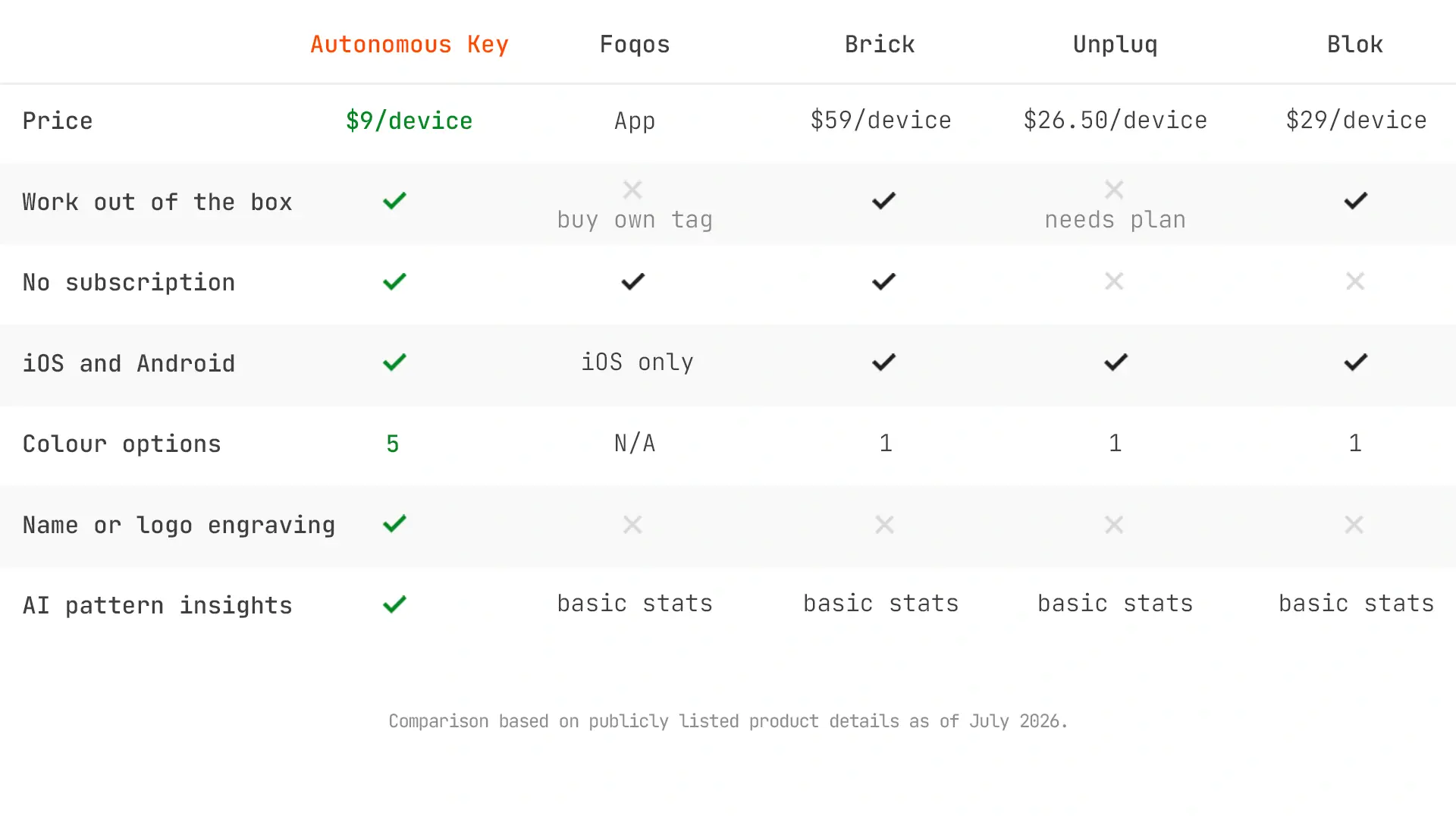
Foqos is free and open source on iPhone, working with any NFC tag costing under a dollar. Physical devices including the Autonomous Key, Bloom and Brick are one-time purchases with no subscription, so all cost less than a single year of Opal Pro.
Conclusion
Opal is the best-designed screen time app on the market and it charges accordingly. The question is not whether it works, because it does. The question is whether a well-made software block is the right tool for you, given that the off switch stays on the phone you are trying to put down.
Use the free tier for two weeks and count your early exits. If the number is zero, the Opal app cost is a reasonable subscription to carry. If it is not, the money is better spent on something you cannot argue with.