


DIY Vertical Monitor Stand and How to Make It Vertical

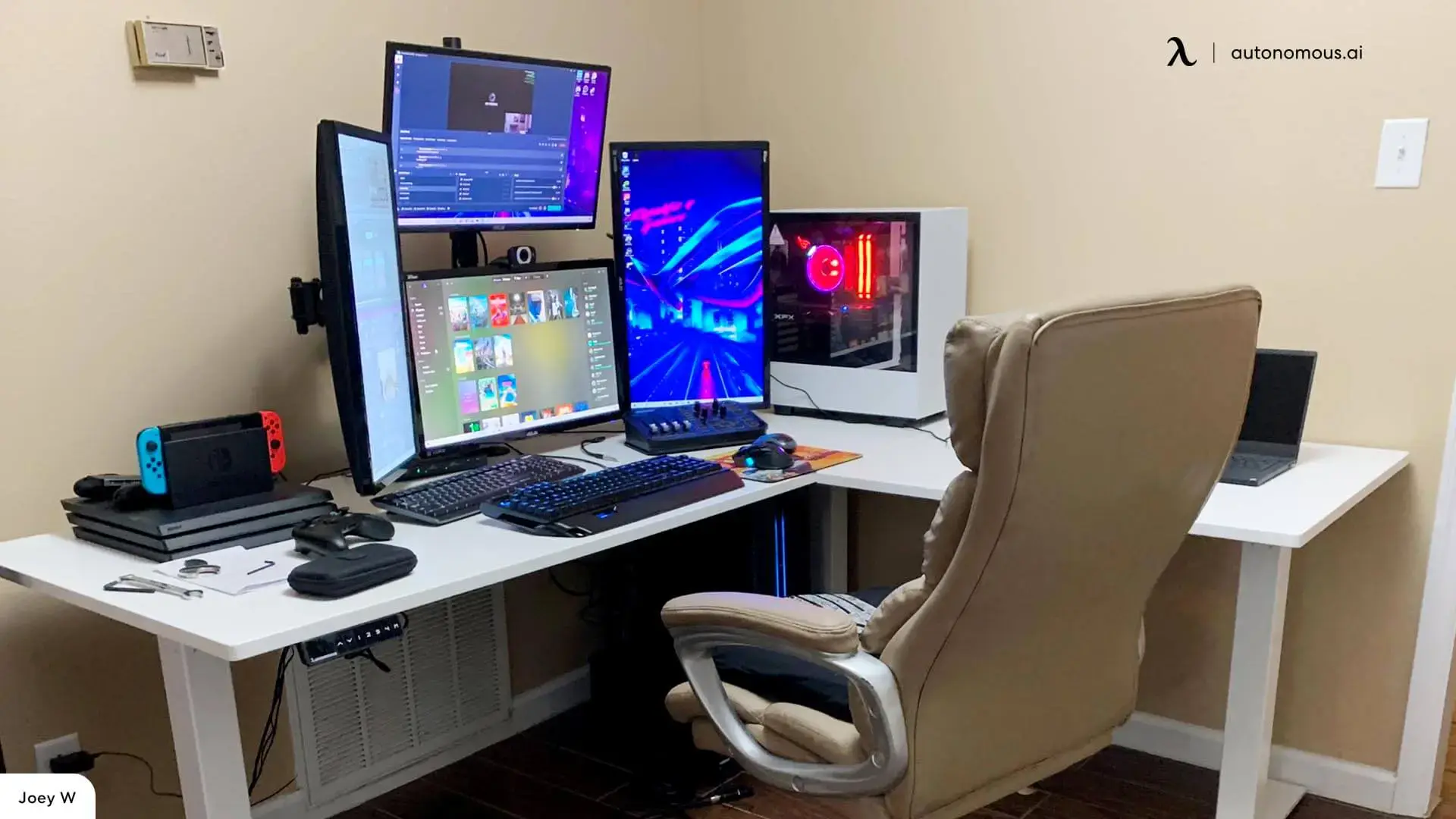
Quick answer: A DIY vertical monitor stand lets you rotate your screen into portrait mode using a stable base or a VESA-compatible mount. The simplest method is using a monitor arm or stand that supports rotation, while DIY builds use wood, PVC, or brackets to hold the screen vertically.
Table of Contents
- What is a DIY vertical monitor stand?
- Why use a vertical monitor setup?
- DIY vertical monitor stand vs mount
- How to make a DIY vertical monitor stand
- How to make a DIY vertical monitor mount
- How to set a monitor to vertical mode
- Ergonomics for vertical monitor setups
- Common mistakes to avoid
- When a DIY vertical monitor stand makes sense
- FAQs
- Conclusion
A DIY vertical monitor stand lets you rotate your screen into portrait mode without buying a new setup. Vertical monitors are useful for reading, coding, and long documents, but not every stand supports rotation. Instead of replacing your monitor or buying a new arm, you can build a simple solution using basic materials.
This guide explains how to make a vertical monitor stand, when to use a mount instead, and how to set everything up safely and comfortably.
What is a DIY vertical monitor stand?
A DIY vertical monitor stand is a custom setup that holds your monitor in portrait orientation instead of the standard horizontal layout.
This can be done by:
- modifying a base stand
- building a custom support structure
- using a VESA-compatible mount
The goal is to keep the monitor stable while allowing vertical use without damaging the screen or affecting usability.
Why use a vertical monitor setup?
A vertical monitor setup improves how you view long content.
It works best for:
- reading documents or articles
- coding or writing
- browsing long pages
Instead of scrolling constantly, you see more content at once, which reduces interruptions and improves focus.
DIY vertical monitor stand vs mount
A DIY vertical monitor stand and a monitor mount achieve the same result but in different ways.
Option | Best for |
DIY stand | simple builds and fixed setups |
DIY monitor mount | flexibility and adjustable positioning |
A stand is easier to build and works well for static setups. A mount gives you more control over height and angle, but it also needs stronger support and more planning. That becomes more important when using a monitor arm for a desk against a wall, where placement can limit how far the screen moves.
A fixed stand can be enough when space is limited and you do not need frequent adjustments. That is often easier to manage in a dual monitor setup for a small desk, where stability matters more than range of motion.
A mount becomes more useful when the screen needs to fit into a wider layout or share space with another display. That is easier to see in an L shaped desk dual monitor setup, where positioning flexibility has a bigger impact on comfort.
How to make a DIY vertical monitor stand
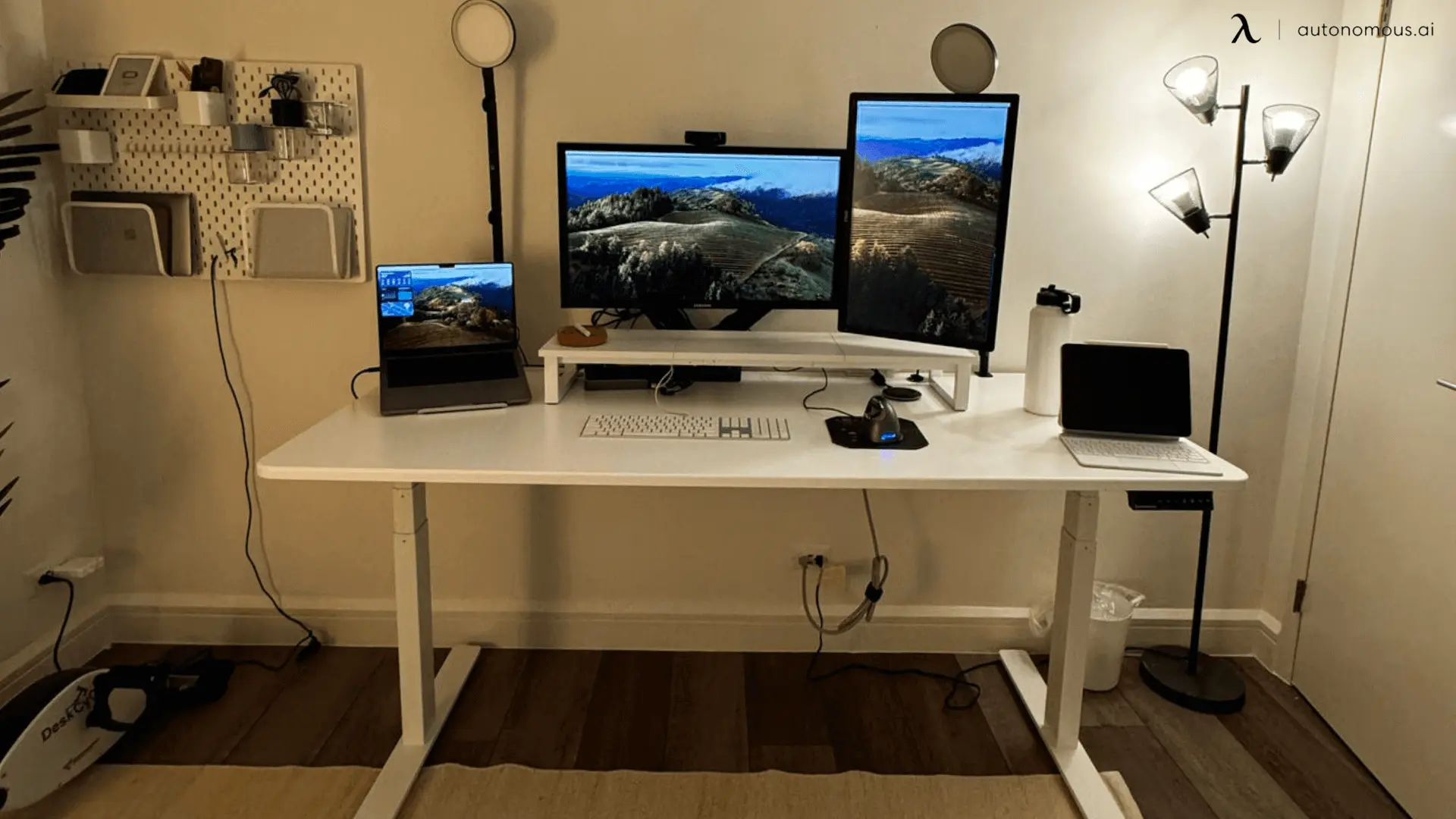
A DIY vertical monitor stand can be built using basic materials that provide stability and support.
1. Wooden base stand
A wooden base is one of the simplest methods. Use a flat board with a vertical support panel to hold the monitor in place. This works best for lighter screens.
2. PVC pipe frame
A PVC frame is lightweight and easy to assemble. You can adjust height and width by cutting pipes to size. This option is useful for temporary or flexible setups.
3. Bracket-supported stand
Using metal brackets adds more strength and stability. This method is better for heavier monitors and long-term use.
4. Modified original stand
Some monitors can be rotated by adjusting or modifying the existing stand. If the base is stable enough, you may only need minor adjustments to support vertical positioning.
How to make a DIY vertical monitor mount
A DIY vertical monitor mount is a better option when you want flexibility and cleaner positioning.
1. Use a VESA mount
Most monitors support VESA mounting. You can attach a mounting plate to a custom-built arm or bracket.
2. Build a support arm
A DIY arm can be made using wood or metal with a pivot joint. This allows rotation between horizontal and vertical positions.
3. Secure the mounting point
The mount must be attached to a stable surface such as a desk edge or wall. Stability is critical to prevent movement or damage.
How to set a monitor to vertical mode
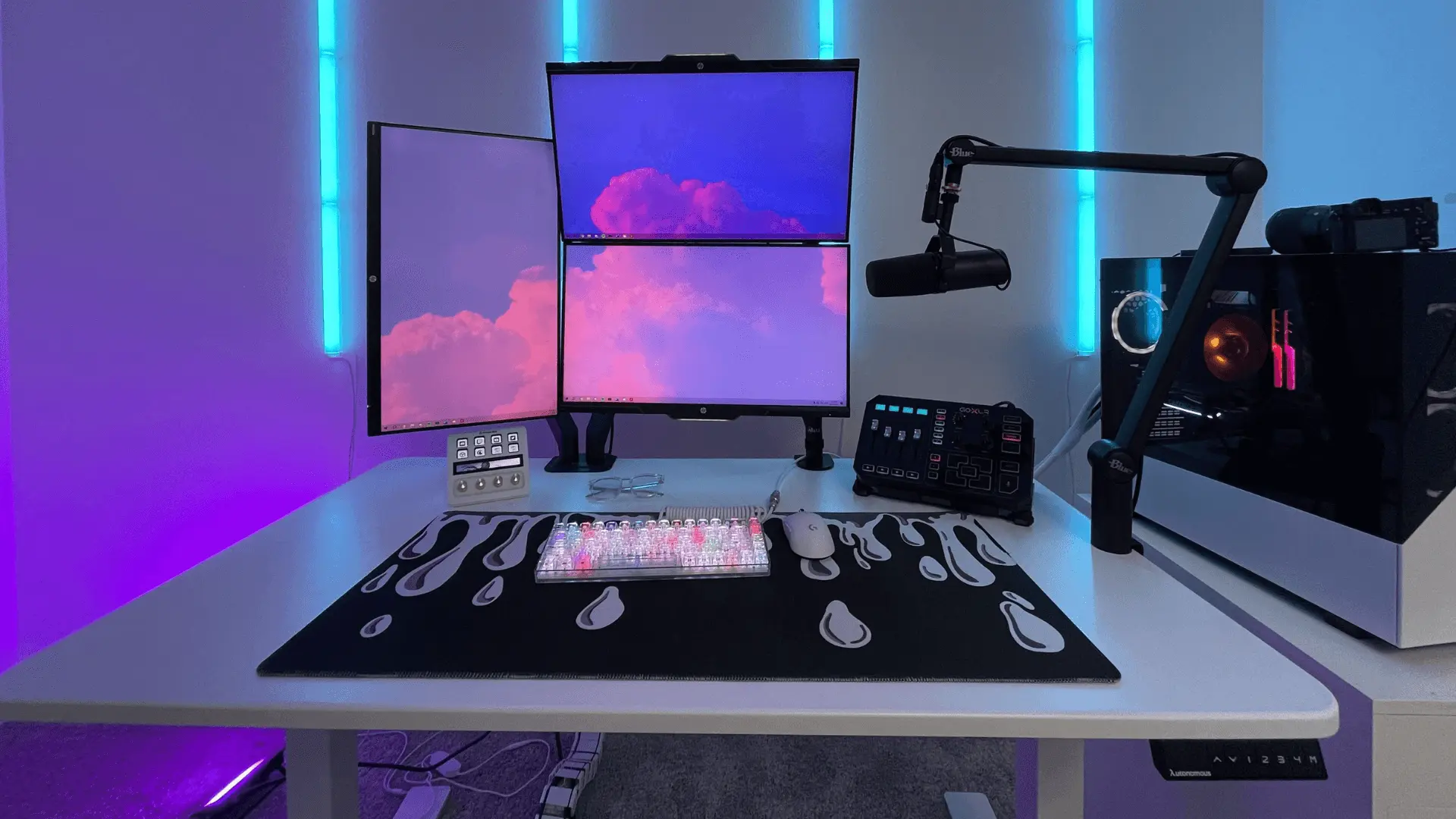
A monitor must be configured in system settings after physical rotation.
- Rotate the display in settings: Go to display settings and change orientation to portrait. This aligns the screen with its new position.
- Adjust resolution and scaling: Text may appear different in vertical mode. Adjust scaling to maintain readability.
- Set primary or secondary use: Vertical monitors are often used as secondary displays for specific tasks. Position it based on how frequently you use it.
Ergonomics for vertical monitor setups
A DIY vertical monitor stand should still follow ergonomic rules.
- Keep the screen at eye level: The top of the monitor should align with your eye level to avoid neck strain.
- Position it slightly to the side: A vertical monitor is usually placed next to your main screen. Keep it within easy viewing distance.
- Avoid constant head turning: If you use the vertical monitor frequently, adjust its position closer to your main screen.
Common mistakes to avoid
DIY vertical setups can fail if not built correctly.
- Weak base support: A vertical monitor has a different weight distribution. Weak bases can tip or shift.
- Incorrect mounting: Improper mounting can damage the monitor or create instability.
- Ignoring airflow: Covering vents can cause overheating. Leave space behind the monitor.
- Poor positioning: A vertical monitor placed too far or too high becomes uncomfortable to use.
When a DIY vertical monitor stand makes sense
A DIY vertical monitor stand is useful when you want a simple, low-cost solution.
It works best when:
- your monitor does not support rotation
- you want a fixed vertical setup
- you prefer a custom build
If you need frequent adjustments or multiple positions, a proper monitor arm may be a better choice.
FAQs
How do you make a DIY vertical monitor stand?
You can make a DIY vertical monitor stand using a stable base like wood, PVC, or metal brackets to hold the screen in portrait position. The key is to ensure the monitor is balanced and securely supported.
Can any monitor be used vertically?
Most monitors can be used vertically if they support rotation or VESA mounting. If not, a DIY vertical monitor stand or mount can hold the screen in portrait orientation.
How do I rotate my monitor to vertical mode?
Rotate the monitor physically, then change the display orientation to portrait in your system settings. This ensures the screen content aligns correctly with the vertical position.
Is a DIY vertical monitor stand safe?
A DIY vertical monitor stand is safe if the base is stable and supports the monitor’s weight. Always test for wobbling or tipping before regular use.
What is the easiest way to make a vertical monitor stand?
The easiest method is using a simple wooden base or a modified stand that holds the monitor upright. This requires minimal tools and works well for lightweight screens.
Do I need a VESA mount for a vertical monitor setup?
You do not always need a VESA mount, but it provides a more secure and adjustable solution. DIY stands can work without it, but mounts are better for flexibility.
What is the difference between a vertical monitor stand and a mount?
A vertical monitor stand is usually fixed and simpler to build, while a mount allows height, angle, and rotation adjustments. Mounts offer more flexibility but require more setup.
Can I use a vertical monitor for gaming?
A vertical monitor can be used for gaming, but most games are designed for horizontal screens. It is more useful for chat, browsing, or secondary tasks.
How high should a vertical monitor be positioned?
The top of the vertical monitor should be at or slightly below eye level. This helps maintain a neutral neck position and reduces strain.
Why use a vertical monitor setup?
A vertical monitor setup allows you to see more vertical content at once, reducing scrolling. It is useful for reading, coding, and working with long documents.
Can I build a dual vertical monitor setup?
Yes, you can build a dual vertical monitor setup using two stands or a wide mount system. Both screens should be aligned at the same height for comfort.
What materials are best for a DIY vertical monitor stand?
Wood, PVC pipes, and metal brackets are the most common materials. They provide enough strength and stability for most monitors when built correctly.
Conclusion
A DIY vertical monitor stand is a practical way to upgrade your setup without replacing your equipment.
With the right materials and positioning, you can create a stable vertical display that improves how you read, work, and organize content. The key is to focus on stability, proper setup, and comfort to make the monitor easy to use every day.