White Desk Setup Ideas That Actually Stay Clean

.webp)
A white desk setup is a workspace built around a white or light gray desk surface, paired with matching or neutral-toned peripherals, so the whole area reads as one clean block of color instead of a cluttered mix of black plastic and cables. The look has become one of the most searched desk aesthetics on Reddit and YouTube desk-tour videos, and for good reason: white surfaces bounce more light around a room, make small home offices feel bigger, and photograph better for streaming or content creation. But a white desk setup only stays clean if you plan cable routing, material finish, and accessory color before you buy anything. This guide walks through the actual decisions that separate a white desk setup that looks good on day one from one that still looks good after six months of daily use.
What makes a white desk setup work
A white desk setup works when the desk surface, the accessories on it, and the visible cables all sit within a tight, low-contrast color range, so nothing pulls the eye before the rest of the room does. That's the core rule. Most white desk setups fail not because the desk is the wrong color, but because everything placed on top of it wasn't chosen with the same restraint. A black keyboard, a tangle of charging cables, and a mismatched white monitor stand can undo a $500 desk in about five minutes of daily use.
The setups that hold up over time share three habits. They limit the color palette to white, light wood, and one accent color at most. They route cables before they place the monitor, not after. And they pick a desktop material that resists yellowing and visible scuffs, since a white surface shows wear that a black or walnut surface would hide.
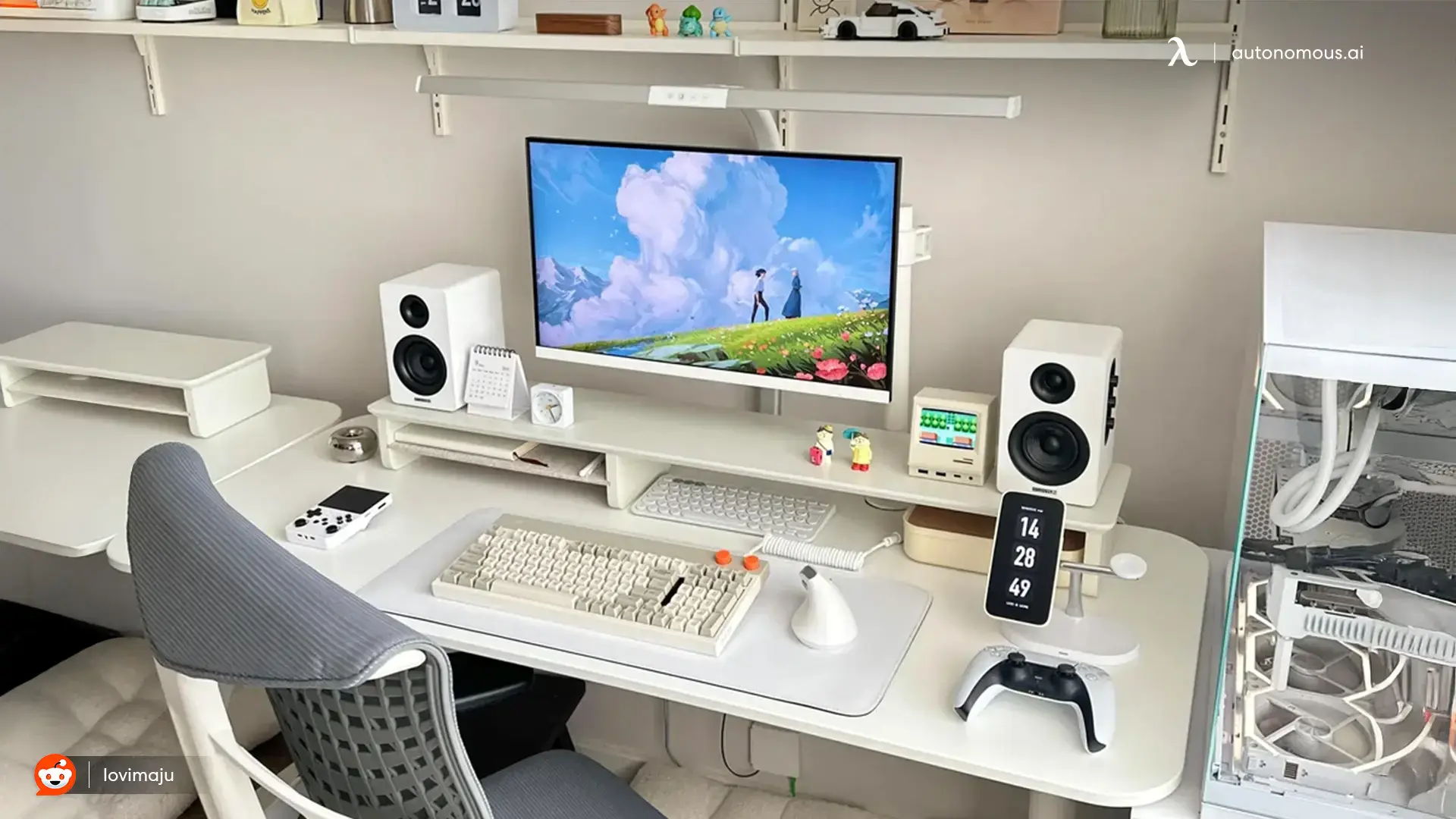
Choosing the right white desk for your setup
The desk surface itself is the foundation of the look, and the material matters more than the color for how "white" it stays over time. Autonomous offers white desktop options across its standing desk line, and the desktop material differs by model: 1.2 inch HDF on the Desk Pro, 1 inch sealed MDF on Desk 2, and 0.7 inch MDF or particle board on the budget Core model. HDF and sealed MDF resist moisture and edge chipping better than uncoated particle board, which matters most on a white surface because dings and water rings show up far more visibly on white than on darker finishes.
If you're building a minimalist white desk setup from scratch, a compact desk in the 53 inch range suits one or two monitors and keeps the surface from looking empty, which is a common problem with oversized white desks in small rooms. If your setup includes a PC tower, three monitors, or a large monitor arm, a wider or L-shaped surface gives you room to keep cables and accessories from crowding the visible desk space.
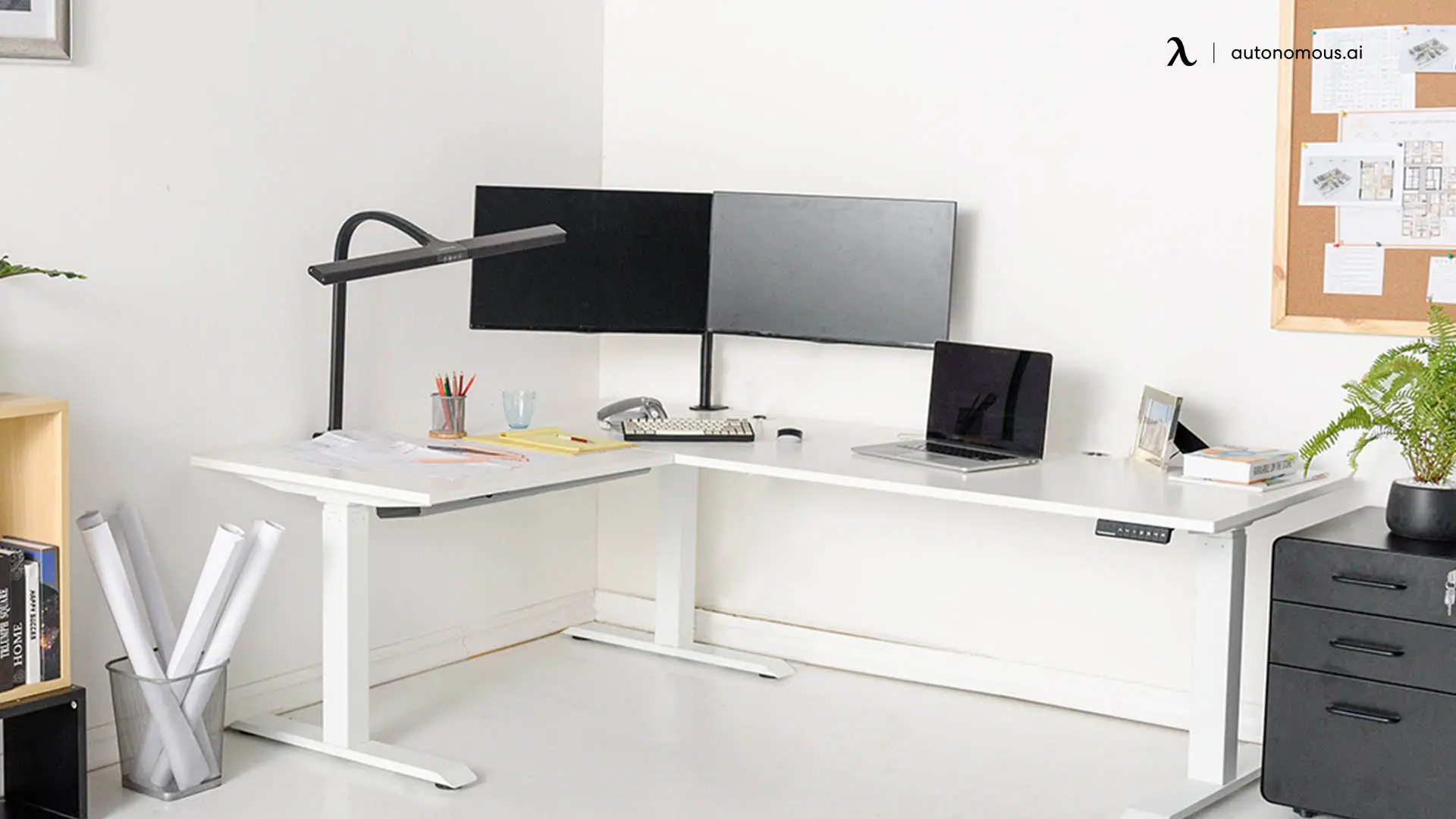
Desk | Desktop material | Weight capacity | Best for | Price |
Autonomous Desk 2 | 1" sealed MDF | 250 lbs | Standard clean white desk setup, one to two monitors | $449 |
Autonomous Desk Pro | 1.2" HDF | 450 lbs | Heavier multi-monitor or PC setups, quietest lift | $499 |
Autonomous Desk 2 L-Shaped | 1" reversible MDF | 400 lbs | Wraparound white PC desk setup, three monitors | $1,149 |

Building an all-white desk setup without it looking sterile
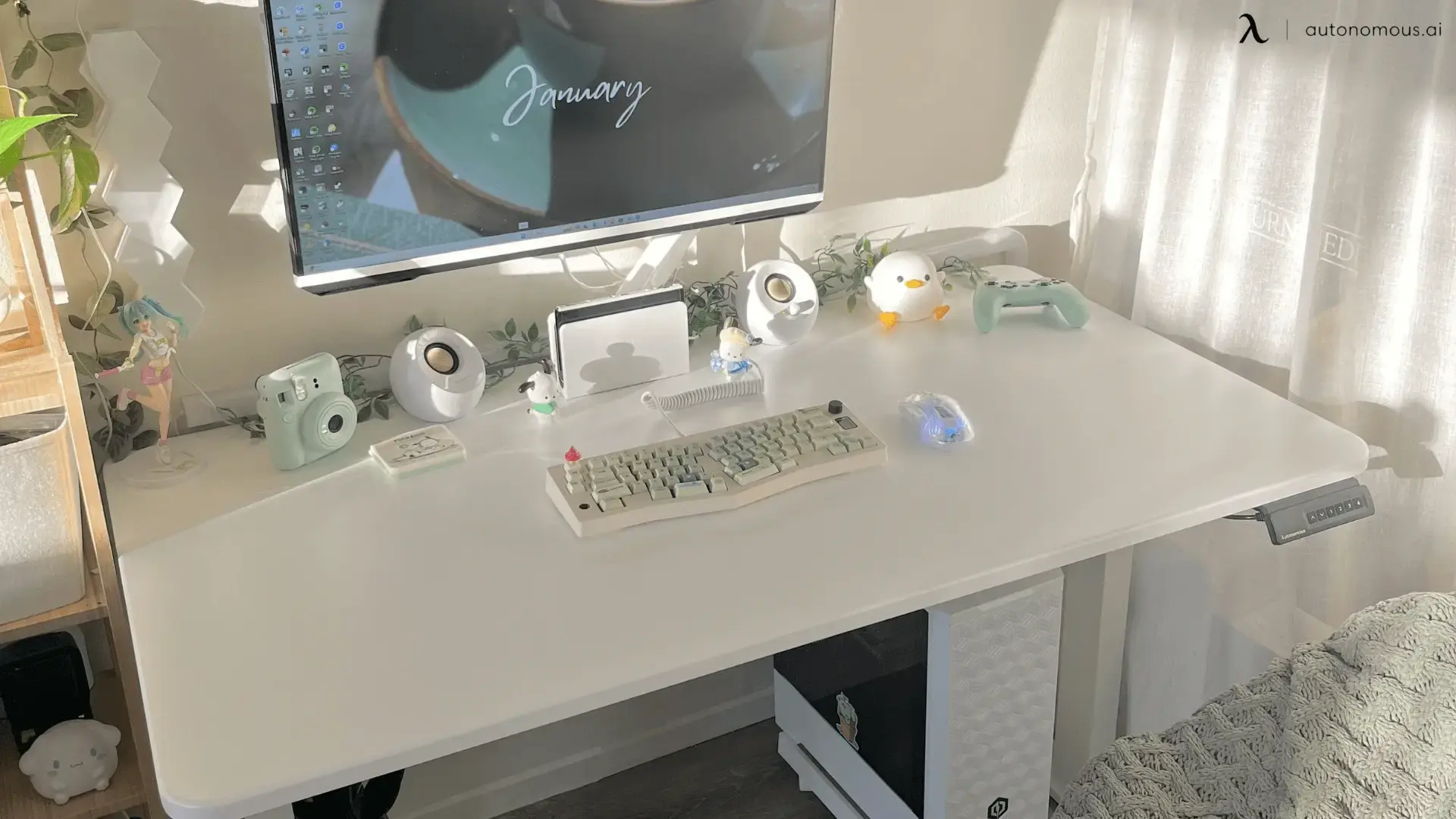
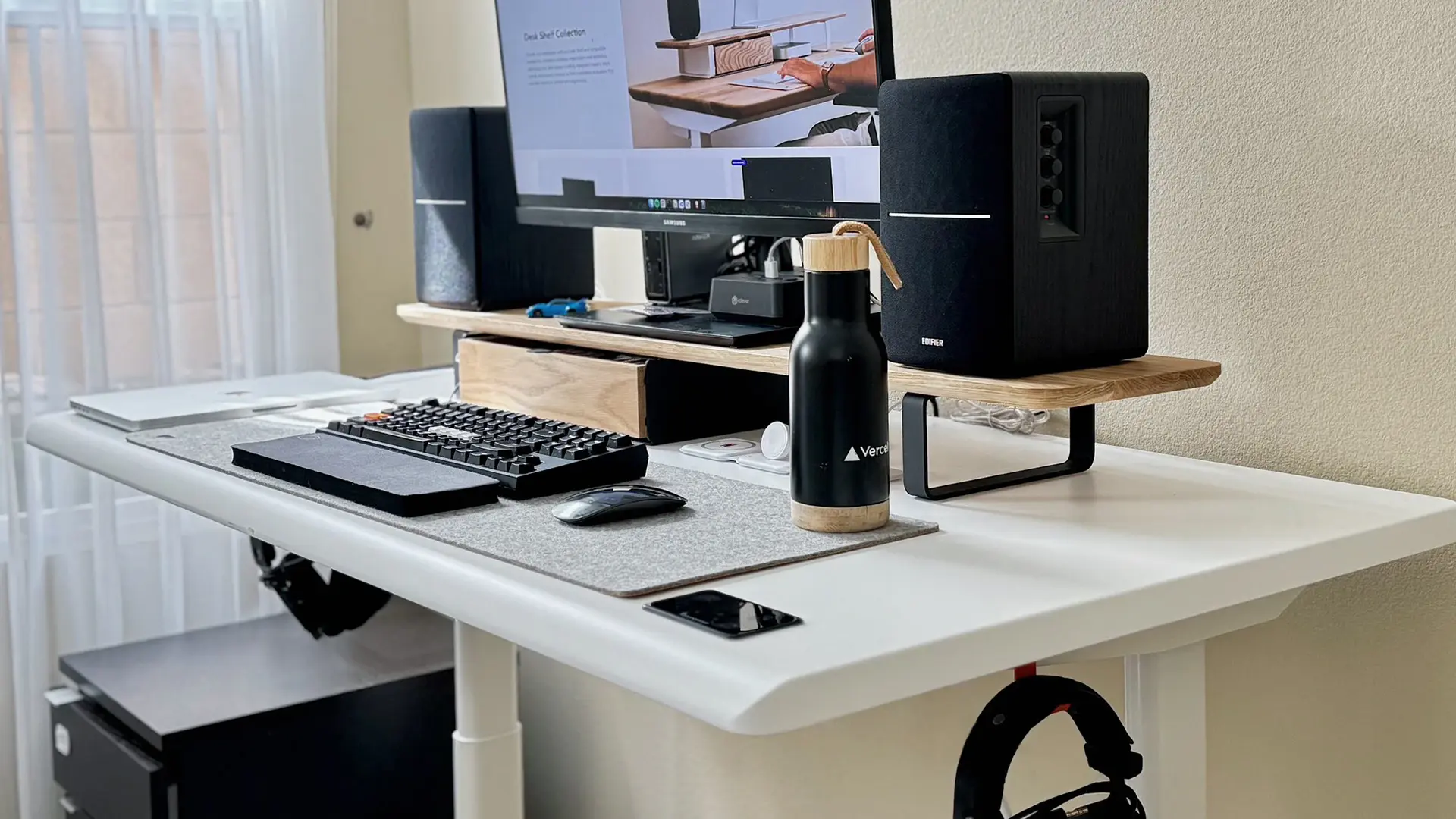
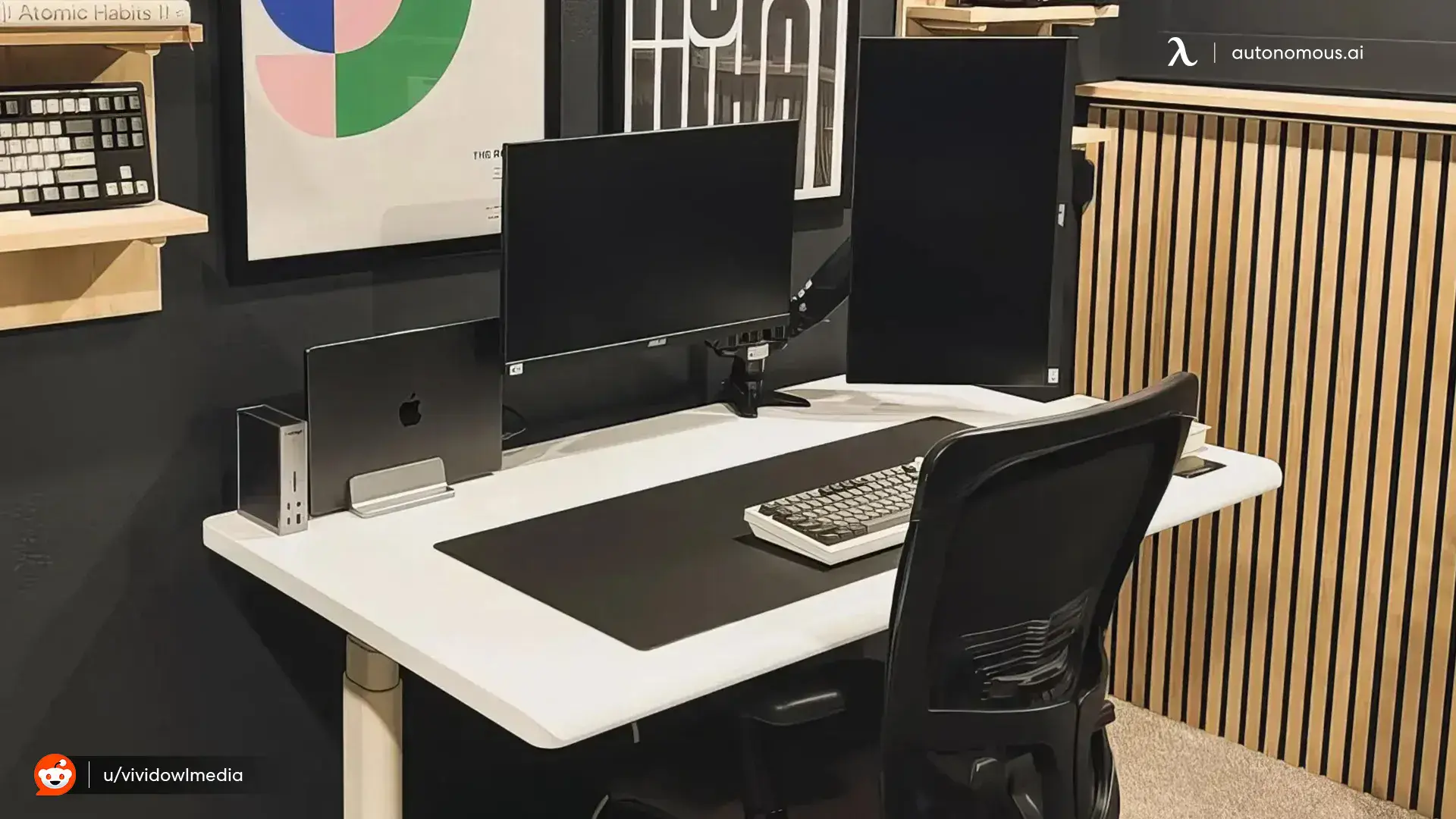
An all-white desk setup avoids looking sterile when you break the white with texture instead of color, using wood grain, woven cable sleeves, or a fabric desk mat rather than introducing a second bright hue. Pure white-on-white can read as a showroom rather than a workspace, which is the most common complaint about all-white setups on desk-tour forums. The fix isn't adding color, it's adding material contrast within the same tone family: a light oak monitor riser next to a white desk, a woven storage basket, or a cream keyboard instead of a stark white one.
Plants are the easiest fix for a setup that feels flat. A small pothos or bamboo stalk in a light ceramic pot adds green without breaking the neutral palette, and it's a repeated detail across most of the highest-rated white desk setups shared online. Warm-white task lighting, rather than cool blue-white LED strips, also keeps the space from feeling clinical under camera or evening light.
Aesthetic white desk setup: color palette and accessory choices
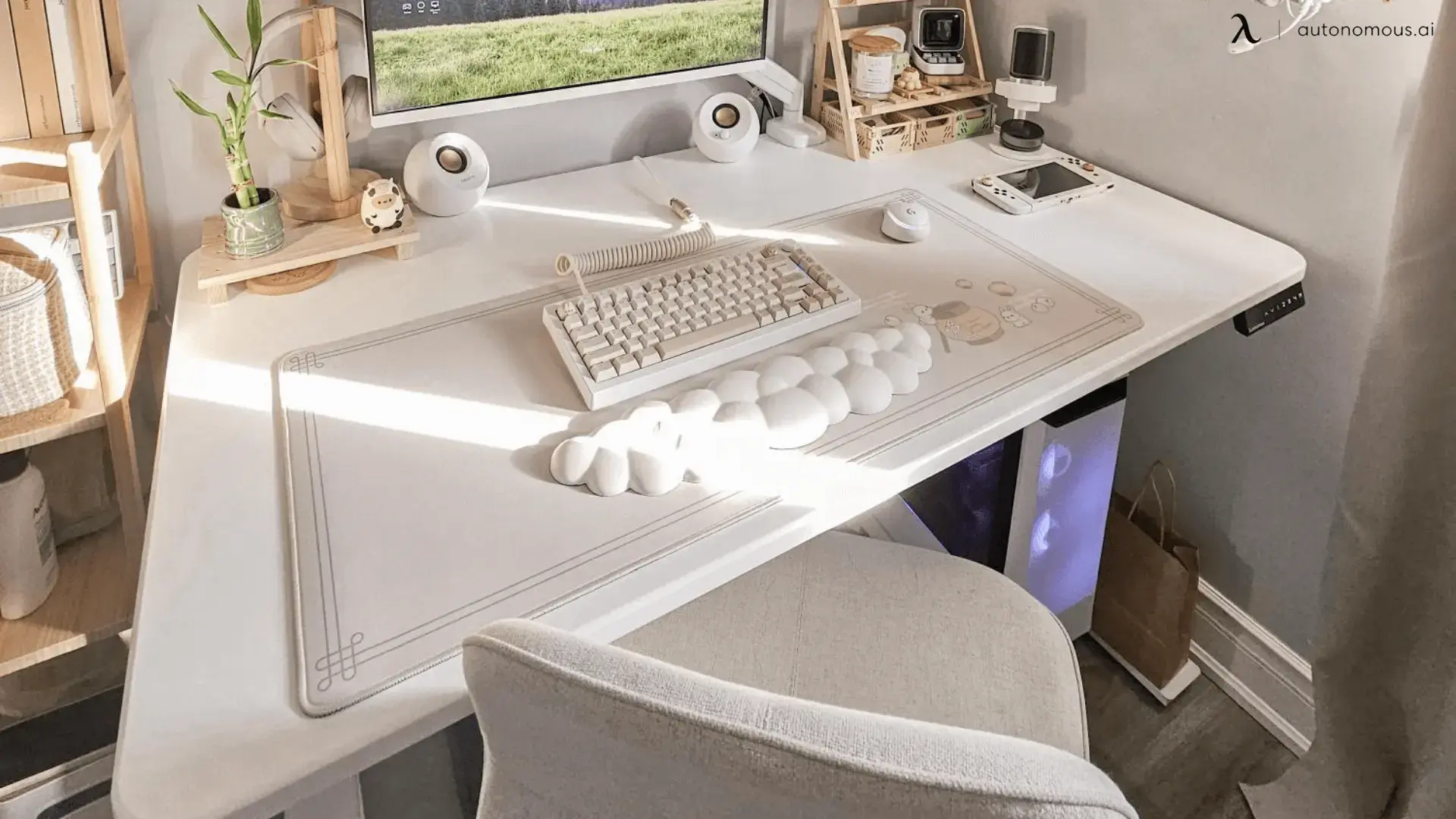
An aesthetic white desk setup sticks to a maximum of three tones on the visible surface: white, one wood or beige tone, and one soft accent color like sage, dusty blue, or blush. This is the single biggest lever for making a setup look intentional rather than accidental. Once you go past three tones, the desk starts to look like items were bought separately rather than as a set.
Peripherals matter more than furniture here. A white or cream mechanical keyboard, a matching mouse, and a light gray or oatmeal desk mat do more visual work than the desk itself, because they sit at eye level and get photographed or seen up close. Coiled cables in a matching cream or white finish, sold separately from most keyboards, close the loop, since a black charging cable snaking across a white desk mat is the most common detail that breaks an otherwise clean setup.
Small collectible figures, a mini calendar, or a desk clock can add personality without breaking the palette, as long as they stay in the same light color family. The goal is a setup that looks curated, not empty. A completely bare white desk photographs as unfinished, while one or two personal objects signal that the space is actually used.
Clean white desk setup: cable management that actually holds up
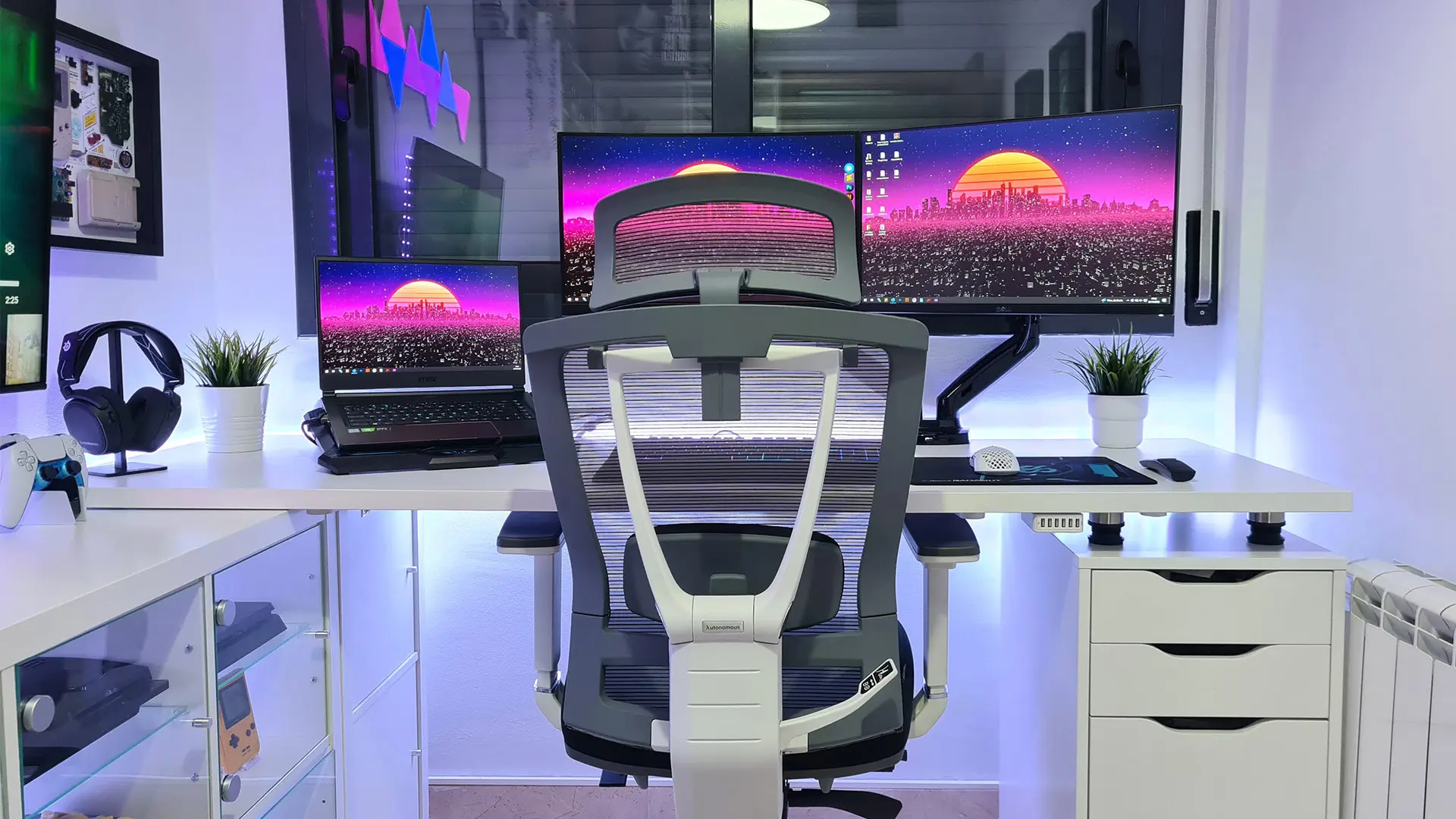
A clean white desk setup depends more on cable routing than on any single product, because visible cables are the fastest way to break the illusion of a tidy white surface. Plan cable paths before you place a single item on the desk. Most modern standing desks, including Autonomous models, include a cable channel or grommet built into the frame or desktop, and routing power cables and monitor cables through that channel from the start saves a full afternoon of re-cabling later.
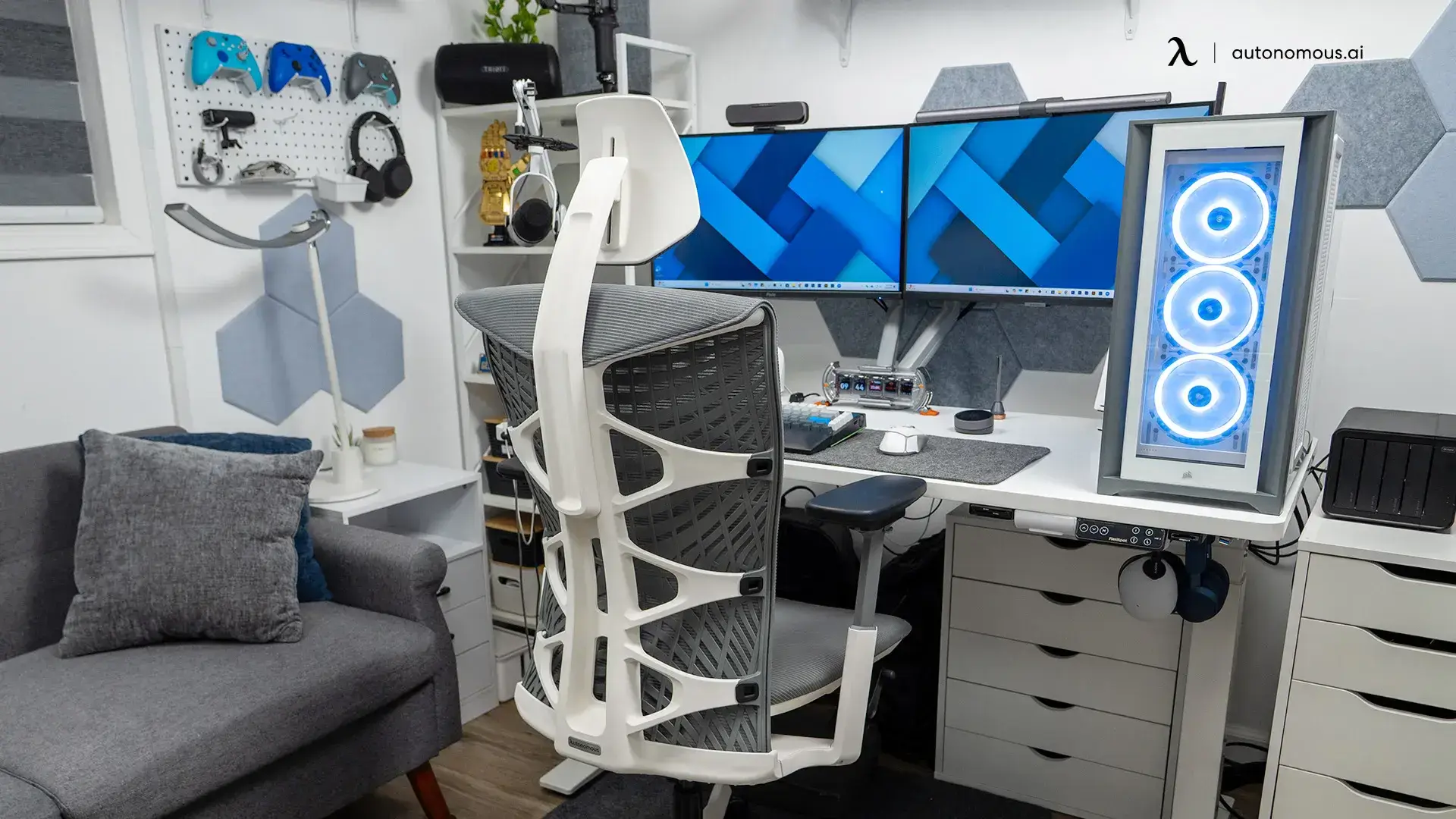
A few habits keep a white desk setup clean past the first week. Route the power strip under the desk, not on top of it, using a mounting tray or velcro strap. Use white or clear cable clips along the back edge of the desk rather than letting cords drape over the front lip. And keep the PC tower or console, if visible, on the floor to one side rather than directly under the keyboard, since exposed RGB lighting or black plastic under a white desk is one of the most common things that clashes with an otherwise light setup.
Minimalist white desk setup: what to leave off the desk
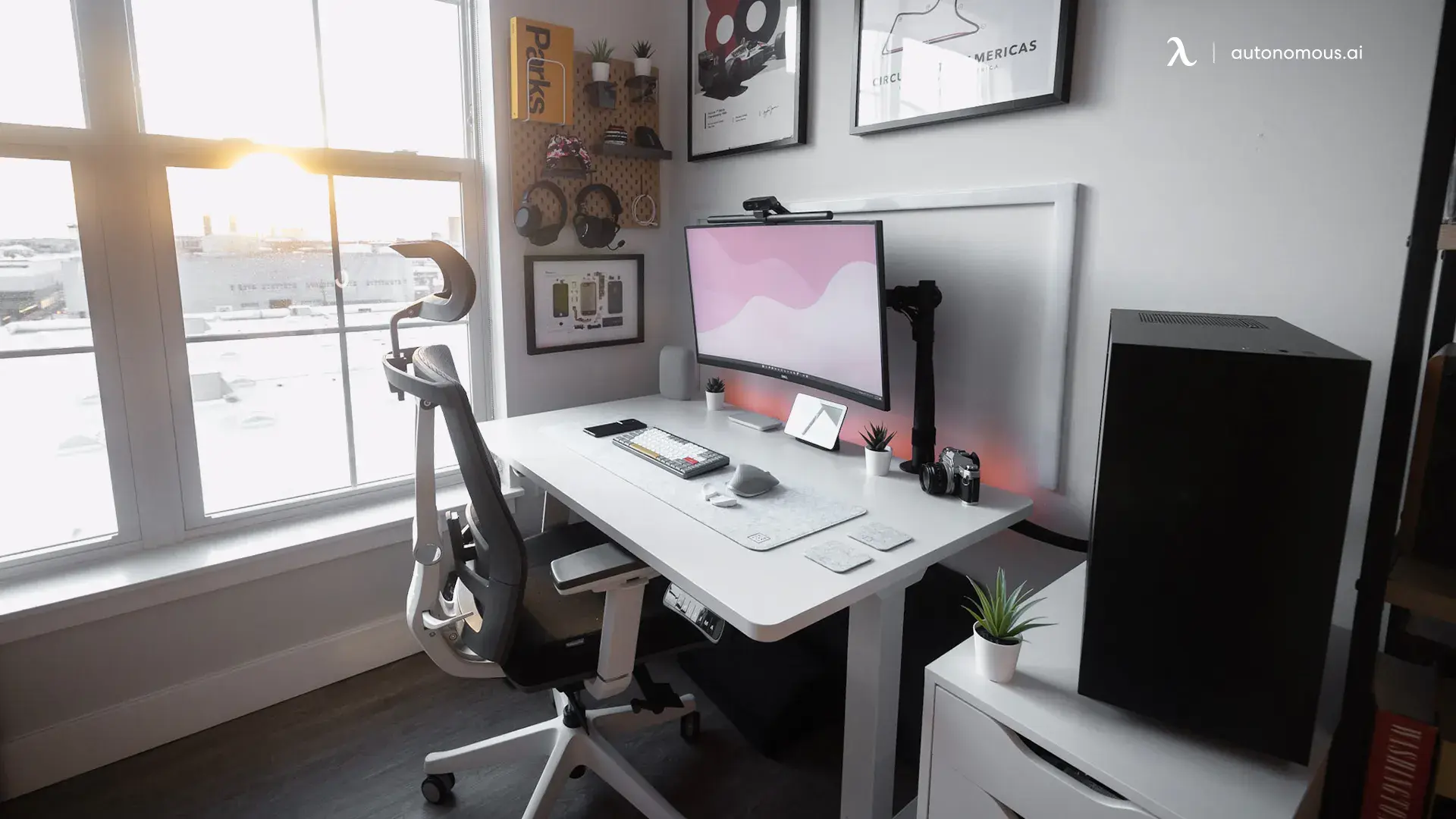
A minimalist white desk setup keeps only the items used daily on the visible surface, moving everything else into a drawer, shelf, or under-desk storage bin. This is less about aesthetics and more about discipline. The setups that photograph the cleanest usually have a monitor, keyboard, mouse, and one or two small personal items, with speakers, chargers, and storage moved off to the side or below the desk line.
A slim under-desk drawer or a small floating shelf keeps notebooks, cables, and chargers out of sight without losing access to them. If your setup includes a game console or external drive, a white or light wood stand keeps it from becoming a second visual anchor competing with the monitor.
Frequently asked questions
What color desk goes best with a white desk setup?
A light wood or light gray desk pairs most naturally with a white desk setup because it adds warmth and texture without introducing a second bright tone. Stark white paired with stark white furniture can look flat, so many setups use a white desktop with light oak or birch shelving and accents.
Do white desks show dirt and scratches more than black desks?
Yes, white desktops show scuffs, water rings, and dust more visibly than black or wood-toned surfaces, especially on lower-density materials like uncoated particle board. Sealed MDF or HDF desktops resist staining and scratching better and are worth prioritizing for a white desk that gets daily use.
How do I keep a white PC desk setup from looking cluttered with cables?
Route cables through the desk's built-in cable channel or grommet before placing any peripherals, and use a power strip mounted under the desk rather than sitting on top of it. White or clear cable clips along the back edge of the desk keep cords from draping across the visible surface.
Is a white desk a good choice for a small home office?
Yes, white desks tend to make small rooms feel larger because the surface reflects more ambient light than a dark desktop does. This effect is strongest when paired with light walls and minimal dark-colored furniture nearby.
What size white desk works for a dual monitor setup?
A desktop in the 53 to 60 inch range comfortably fits two monitors or one ultrawide monitor with a keyboard and mouse pad in front. Setups with a PC tower and speakers on the desk usually benefit from a wider 70 inch surface or an L-shaped desk instead.
Can I build an aesthetic white desk setup on a budget?
Yes, the desk surface itself is usually the largest expense, and a budget-tier standing desk with a white MDF or particle board top can anchor the same clean look as a premium model. Most of the visual impact in a white desk setup comes from peripheral color choices and cable management rather than the price of the desk frame.
The bottom line
A white desk setup comes down to three repeatable decisions: pick a desktop material that resists visible wear, keep the color palette to two or three tones, and route your cables before you place anything on the desk. Get those three right and the setup holds up past the first week of photos. From there, it's mostly about restraint, since the cleanest white desk setups tend to have fewer items on them, not more. Start with the desk and the cable plan, then build the rest of the surface around what you actually use every day.