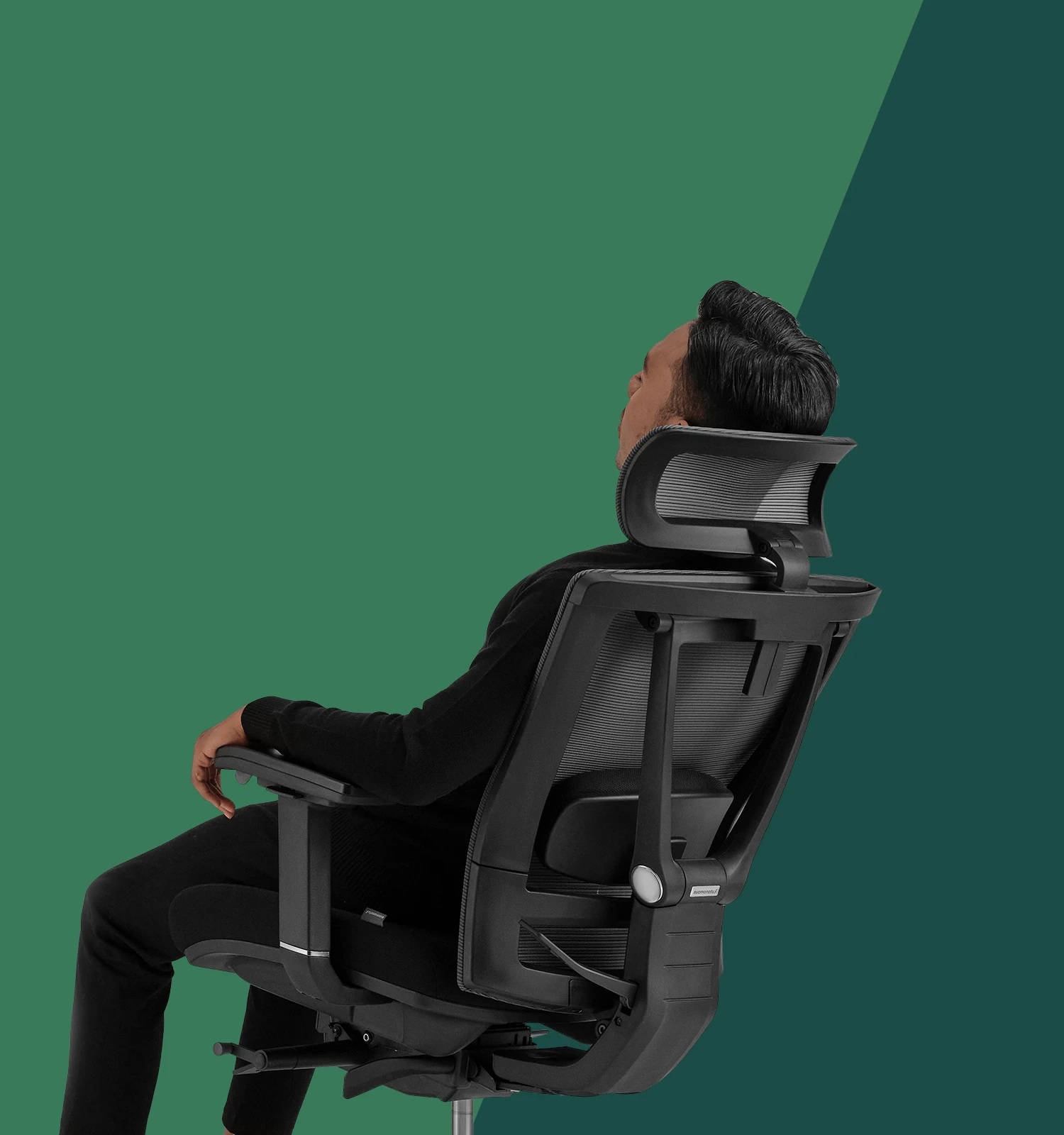
ErgoChair Pro
Black Friday price.
Built for 12-hour sessions.
Autonomous Chair Recline (MyoChair): A Complete Feature Guide

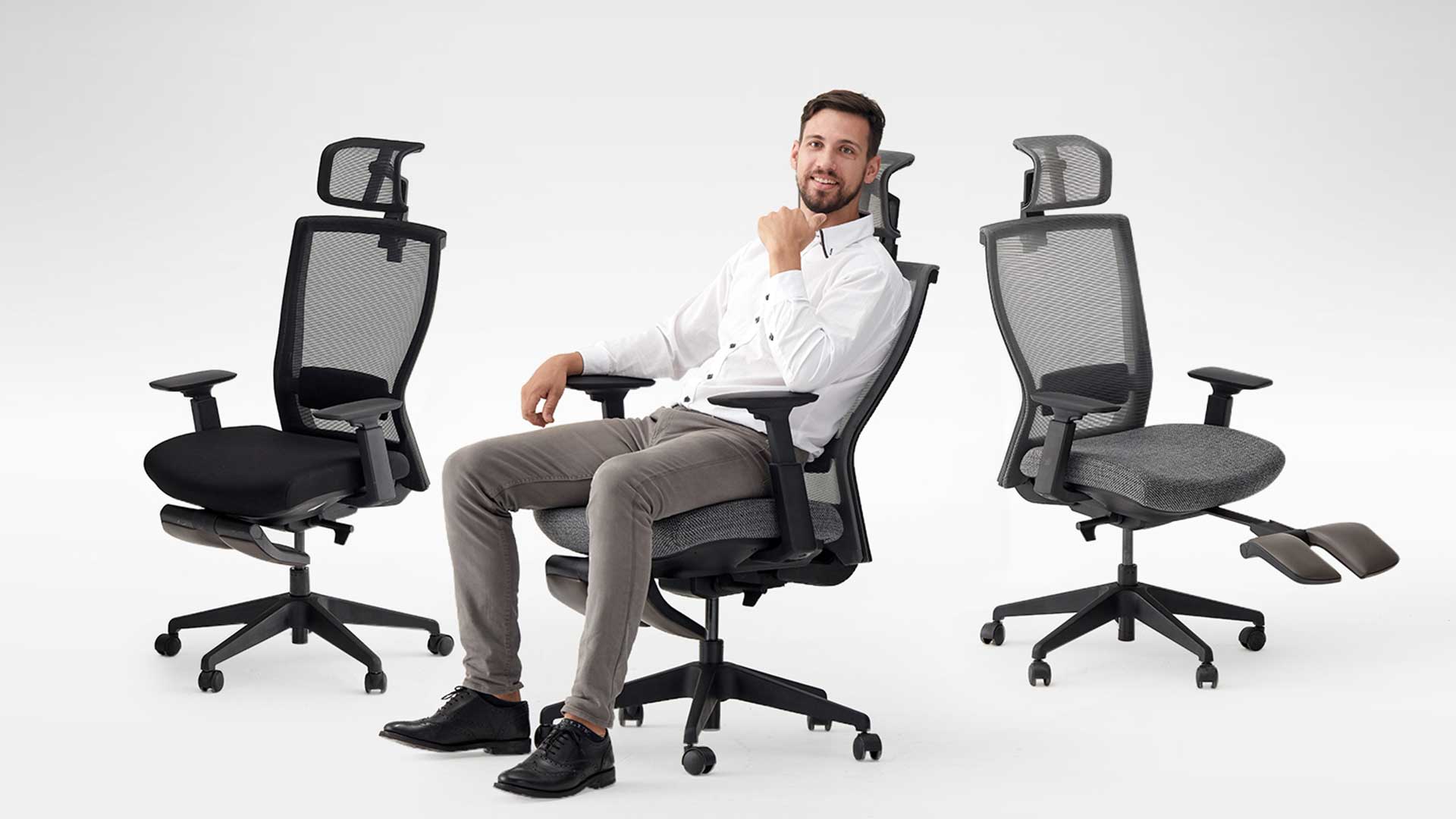
The Autonomous MyoChair, also called the Autonomous ErgoChair Recline, is discontinued: Autonomous no longer sells it, and its product pages are gone. If you already own one, this guide walks through each of its seven adjustment points, from the headrest to the casters, so you can set it up properly. If you are shopping for a reclining chair now, the current ErgoChairs that recline are compared further down, with their recline range, capacity and warranty.
Is the ErgoChair Recline Still Available?
No. The ErgoChair Recline (MyoChair) was retired when Autonomous redesigned its chair lineup, and it is not sold new on Autonomous anymore.
The chairs that took its place are the ErgoChair Core, Pro, Mesh and Ultra 2. All four recline, but none of them has the MyoChair's pull-out leg rest.
How to Adjust the Autonomous MyoChair (ErgoChair Recline)
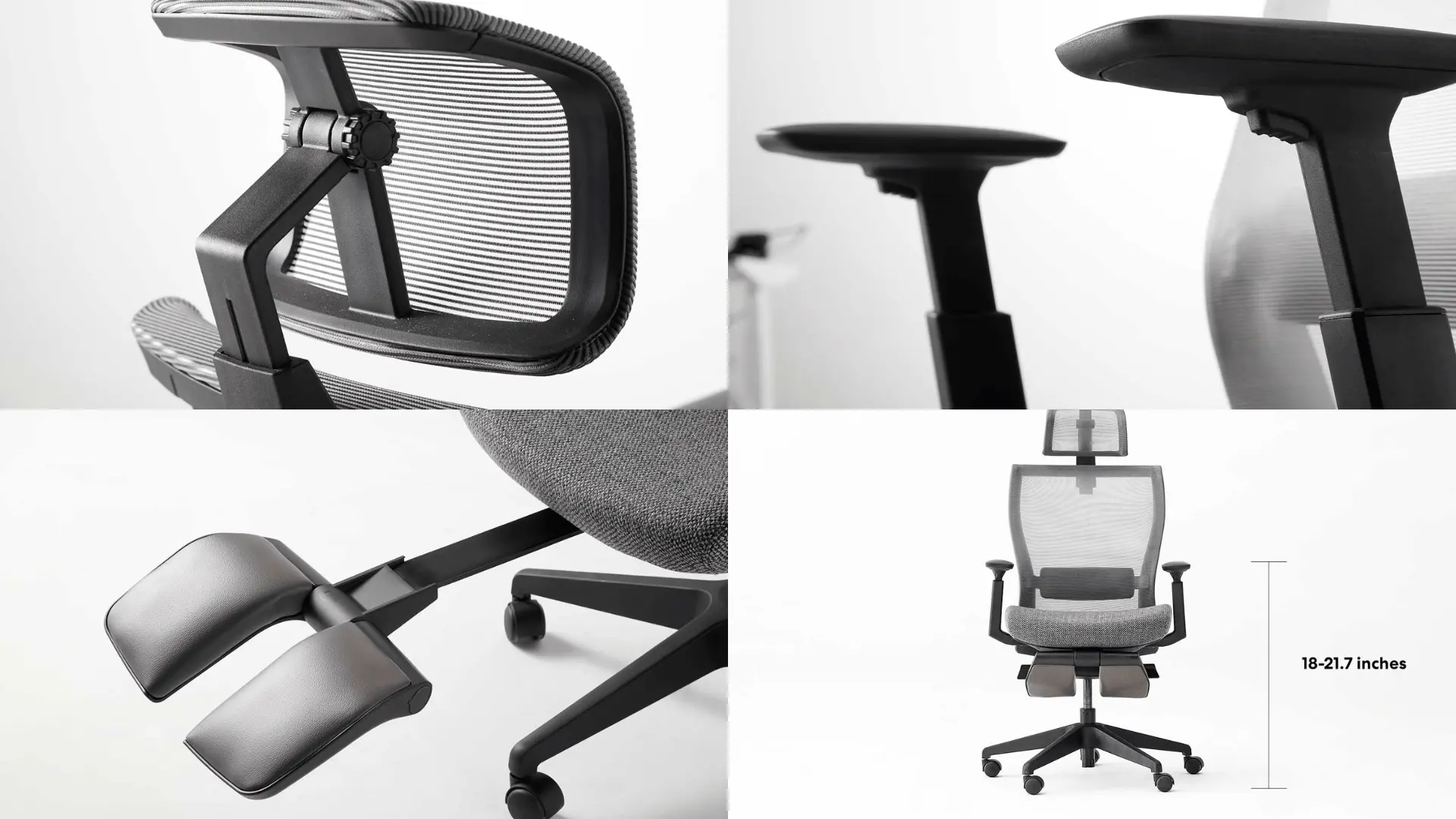
The ErgoChair Recline has two handles under the seat, a movable headrest, height and depth armrests, a leg rest and a lumbar cushion. Set them in the order below: seat first, then arms, then back and head, because each step changes how the next one feels.
Seat height
The right handle under the seat sets the height, which runs from 18" to 21.7" off the floor. To lower the seat, sit down and press the handle up. To raise it, stand up, press the handle and let the cushion rise.
Stop when your feet rest flat on the floor and your knees sit at roughly 90 degrees. If the top of the range still leaves your elbows below the desk, the desk is too high for this chair. Our guide on desk chair height shows how to work out the right numbers.
Armrest height and depth
The armrests move up and down and slide forward and back. Their pads are slightly concave, so the forearm sits in them instead of on top of them.
Raise or lower them until your elbows bend at about 90 degrees with your forearms level with the desk surface. Then slide them forward or back so your elbows are supported without pushing your shoulders up. Shorter arms usually want them slid forward.
Tilting backrest
The left handle under the seat controls the backrest, which has an 18-degree recline range. Flip the handle up to release it, lean back or forward to the angle you want, then flip it down to lock it there.
A practical routine is to lock it near upright for typing and release it for calls or reading, when leaning back takes load off the lower back.
Lumbar support
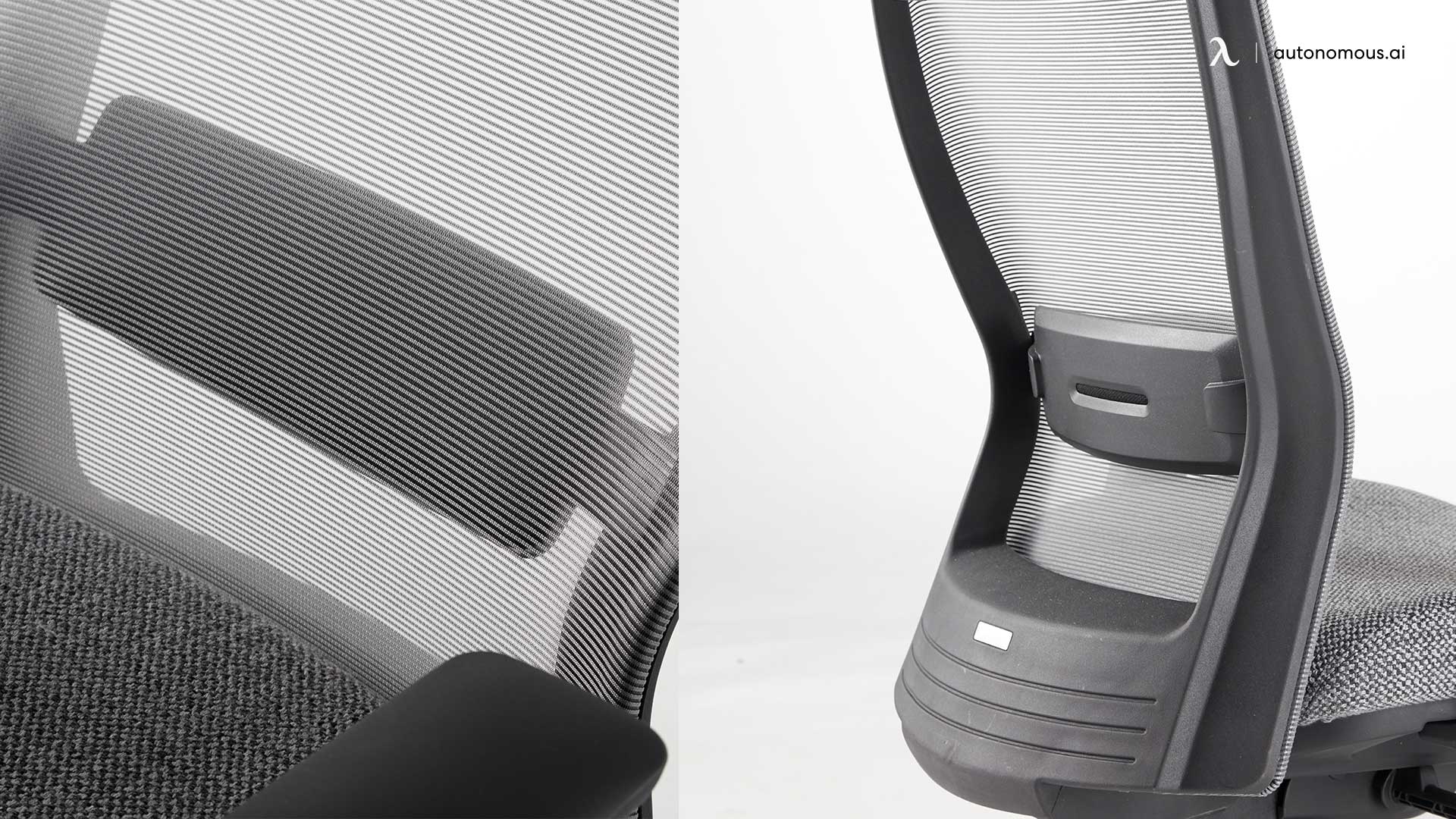
The lumbar cushion slides up and down by about 6 cm, which covers short, average and tall users. Push it up or pull it down until it fills the curve just above your belt line.
Most people need a few tries over a day or two before it feels right, because the correct spot is where your spine curves in, not where the cushion first feels firm. If you read in the chair, the cushion and recline together make it a workable ergonomic reading chair.
Headrest height and tilt
The headrest lifts and lowers as one piece and tilts up or down. Its cover is a breathable TPB mesh.
Set the height after the backrest, since the right spot changes once you recline. It should meet the back of your head and upper neck when you lean back, then tilt it until it follows the curve of your skull rather than pushing your head forward.
Leg rest
The leg rest is tucked under the seat and pulls out in front of you. Extend it, put your feet up and release the backrest for a short break.
It is meant for resting, not for working: with your legs up you sit too far from the keyboard to type well. For foot support while you sit upright, a separate office chair footrest attachment does the job the leg rest does not.
Caster wheels
The chair rolls on 2-inch caster wheels, made for smooth rolling across different floor types.
Casters differ by floor type; the guide on what are casters on a chair covers the options.
Reclining ErgoChairs That Replace the Autonomous MyoChair
The ErgoChair Core reclines furthest of the current Autonomous AI chair lineup, to 130°, which is the closest match to the MyoChair's lean-back use. The Pro and Mesh are the more adjustable picks, and the Ultra 2 has the highest weight capacity. None of the reclining ErgoChairs has a built-in leg rest or footrest.
| Chair (list price) | Recline | Arms and capacity | Warranty |
|---|---|---|---|
| ErgoChair Core ($299) | 130° (40° tilt), dual backrest | 3D arms, 242.5 lbs | 2-year |
| ErgoChair Pro ($499) | 112° (22° range), synchro-tilt | 3D arms, 300 lbs | Lifetime |
| ErgoChair Mesh ($499) | 22° tilt, 5 lockable positions | 3D arms, 300 lbs | Lifetime |
| ErgoChair Ultra 2 ($449) | 115° (25° range), flexing backrest | 4D arms, 320 lbs | Lifetime |
All four come with free 30-day returns. Every one of them also tilts further than the MyoChair's 18 degrees.
ErgoChair Core
The Core is the simplest of the four and the one that leans back furthest. Its dual backrest supports both the upper and lower back, and the headrest and arms are covered in PU. The trade-offs are a lower weight limit of 242.5 lbs and a 2-year warranty. Its seat goes from 20" to 23.8", higher than the MyoChair, so check it against your desk height first.
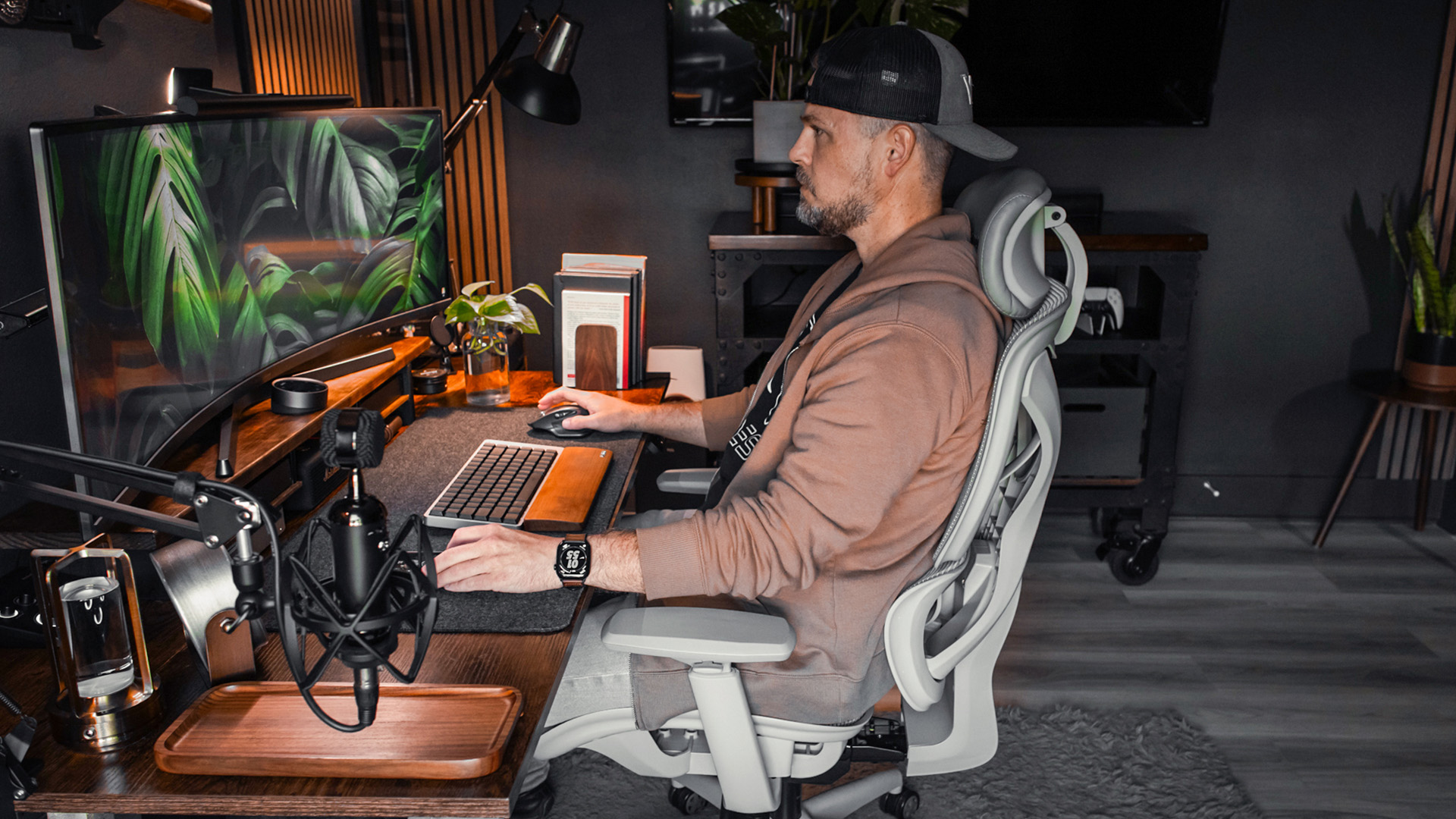
ErgoChair Pro
The Pro is the most adjustable, with 9 degrees of freedom, a sliding lumbar with about 6" of travel and a synchro-tilt mechanism rated for 100,000 cycles. The seat also tilts forward about 5° for upright work. Seat height runs 18.5" to 22" and depth 19" to 21.5", so it fits a wider range of body sizes than the MyoChair did.
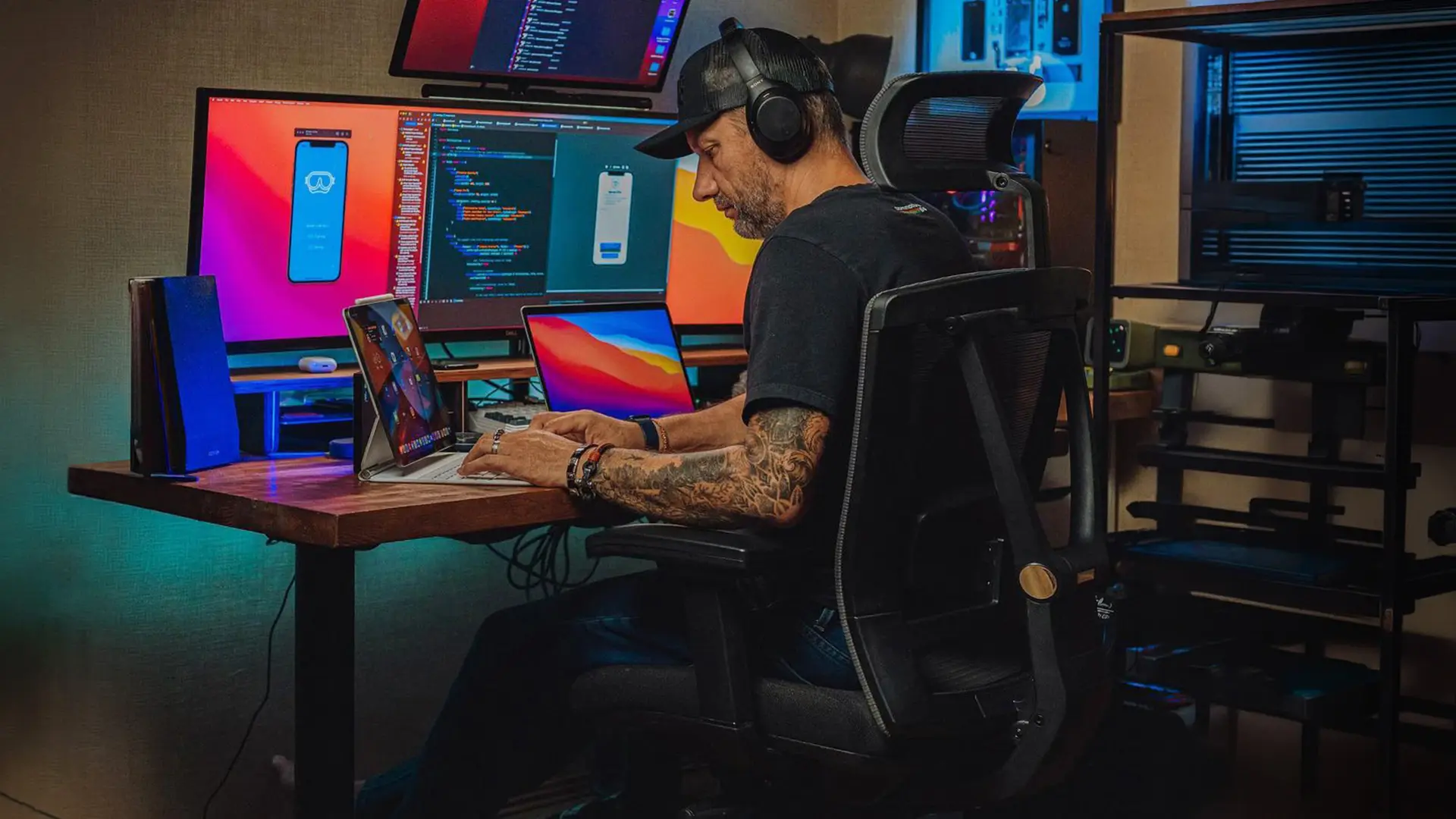
ErgoChair Mesh
The Mesh suits people who run warm. It uses a 2:1 synchro-tilt with five positions you can lock, plus an adjustable headrest and lumbar pad. Seat height is 18.5" to 21.5".
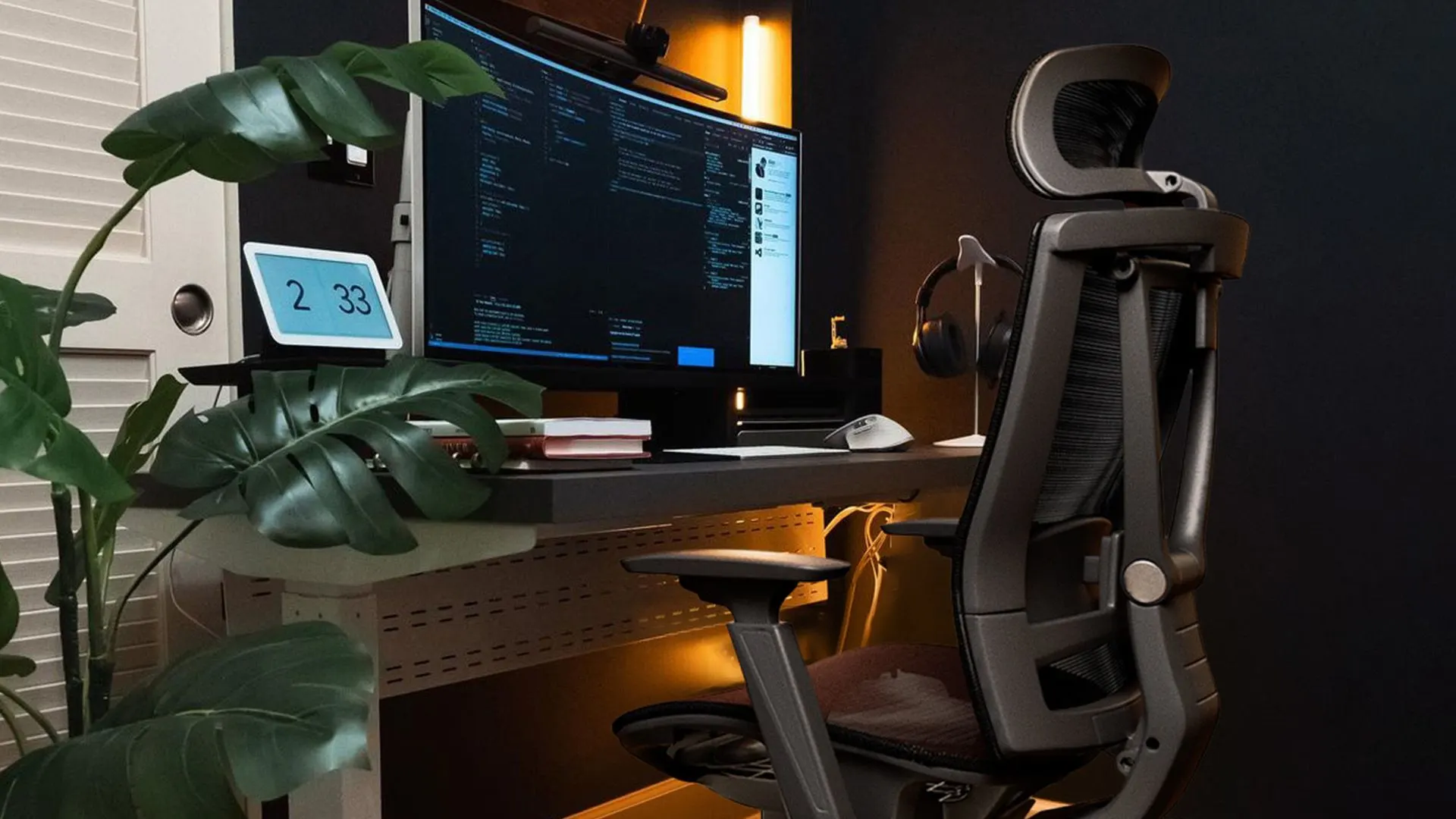
ErgoChair Ultra 2
The Ultra 2 has no lumbar knob. A TPE layer behind the mesh back flexes as you move, and the seat has 62 pressure nodes over four layers. It holds up to 320 lbs, has 4D arms and a seat that goes from 18" to 23". It ships without a headrest unless you pick the headrest option.
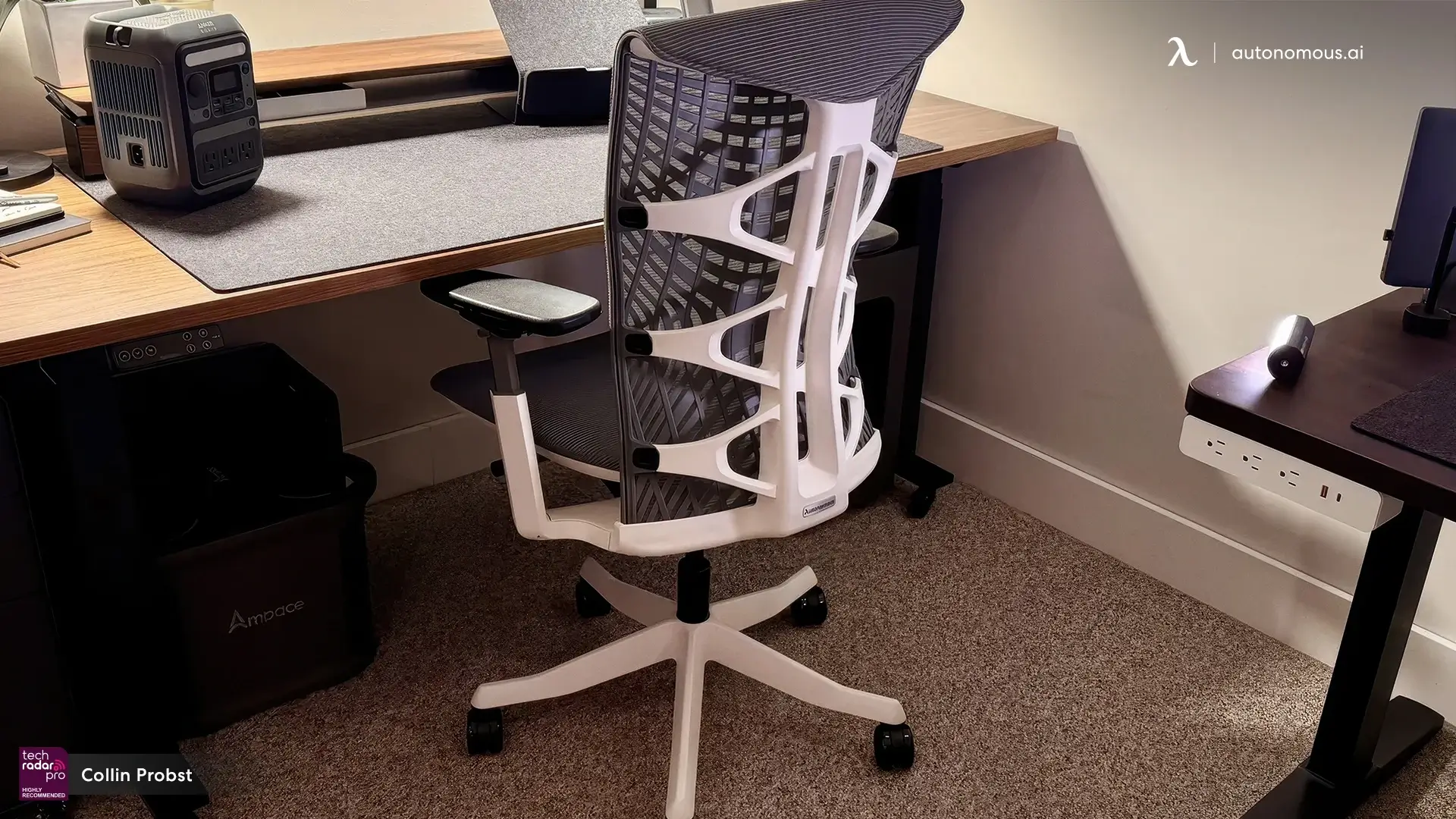
If the leg rest was the reason you liked the MyoChair, pair any of these with a separate footrest. If it was the recline, the Core is the straight swap; if it was the adjustability, go for the Pro or Mesh.
FAQs
Why was the ErgoChair Recline discontinued?
Autonomous retired the ErgoChair Recline (MyoChair) when it redesigned its chair range. The current ErgoChair Core, Pro, Mesh and Ultra 2 replaced it, each with a wider recline range than the MyoChair's 18 degrees.
Which Autonomous.ai chair replaces the MyoChair?
The ErgoChair Core is the closest replacement if you mostly want to lean back, since it reclines to 130°. If you want more ways to fit the chair to your body, the ErgoChair Pro is the step up, with 9 degrees of freedom and sliding lumbar support.
Does any current Autonomous chair have a leg rest?
No. None of the current Autonomous chairs has a built-in leg rest or footrest, so the MyoChair's pull-out leg rest has no direct successor. A separate footrest under the desk is the usual workaround.
How far does the Autonomous MyoChair recline?
The MyoChair's backrest has an 18-degree recline range, released with the left handle under the seat. You flip the handle up, lean to the angle you want and flip it down to lock it.
What is the seat height range of the ErgoChair Recline?
The ErgoChair Recline's seat adjusts from 18" to 21.7" off the floor with the right handle under the seat. Sit down and press the handle up to lower it, or stand and press it to let the seat rise.
Which Autonomous chair holds the most weight?
The ErgoChair Ultra 2 has the highest rating at 320 lbs. The Pro and Mesh are rated for 300 lbs and the Core for 242.5 lbs.
Do the current chairs come with free returns?
Yes. The ErgoChair Core, Pro, Mesh and Ultra 2 product pages all list free 30-day returns. Sale and flash-sale items can follow different return terms, which are shown on each product page.
Conclusion
The Autonomous MyoChair is no longer sold, but owners can still get a good fit from it: set the seat height first, then the arms, backrest, lumbar cushion and headrest, and use the leg rest for breaks rather than work. If you are replacing it, the ErgoChair Core reclines furthest, the Pro and Mesh adjust the most, and the Ultra 2 holds the most weight. None of them brings back the leg rest, so budget for a footrest if you will miss it.
Desk Pro
Black Friday price.
So 12 hours isn’t 12 hours sitting.