


Office Storage Solutions That Work, by a Designer

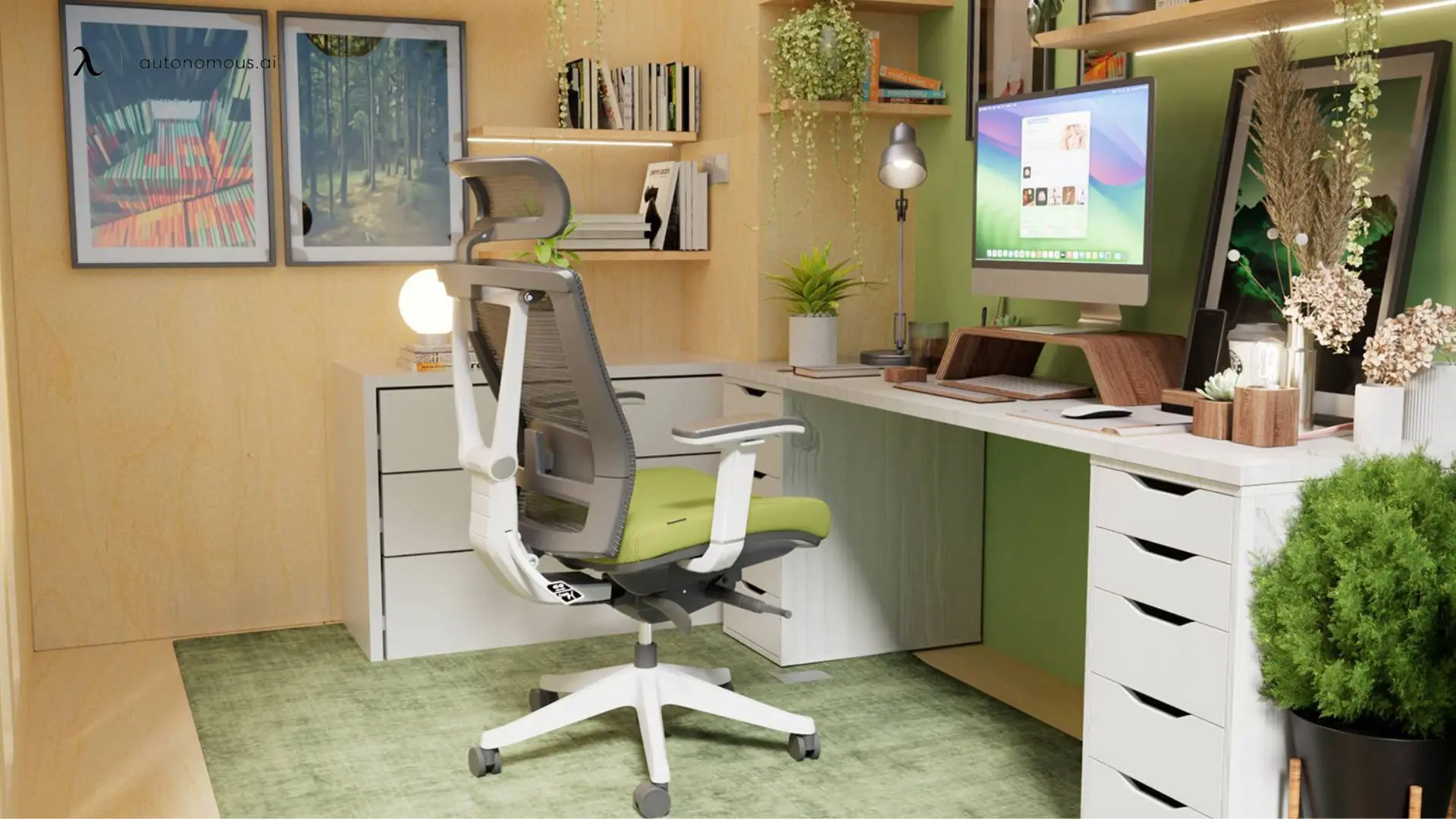
Most office storage advice tells you to buy a bookshelf. That's not storage - that's furniture. Real office storage solves four specific problems: the cables and power strips that turn a clean desk into a fire hazard, the documents that pile up because filing them takes too long, the supplies that live on the desk because there's nowhere else for them, and the equipment (chargers, hard drives, headsets) that has to be within arm's reach but should not be visible.
I've designed workspaces for six years, mostly for startups and hybrid teams. The offices that stay organized share a pattern: storage is built into the workstation itself, not added to the room. The desk handles what the desk needs to handle. The walls handle the rest. Below is what works, in the order I install it.
The four office storage problems, ranked by how often they fail
Problem | What usually fails | The fix |
Cables and power strips | Power strip on the floor, cables dangling, dust collection | Under-desk cable tray |
Daily-use items (laptop charger, notebook, pens) | Stay on the desk, take up working surface | Under-desk drawer or cable tray with a small bin |
Documents and reference material | Pile up on the desk corner, never get filed | Vertical file holder or wall-mounted shelf |
Equipment and supplies (cables, hard drives, gear) | Drawers fill up with mixed clutter, can't find anything | Categorized storage with one drawer per type |
The order matters. Most "office storage idea" articles start with the bookshelf. The bookshelf is the last thing to install, not the first. Cables come first because cable mess affects every other storage decision.
Start under the desk: cable management is the foundation
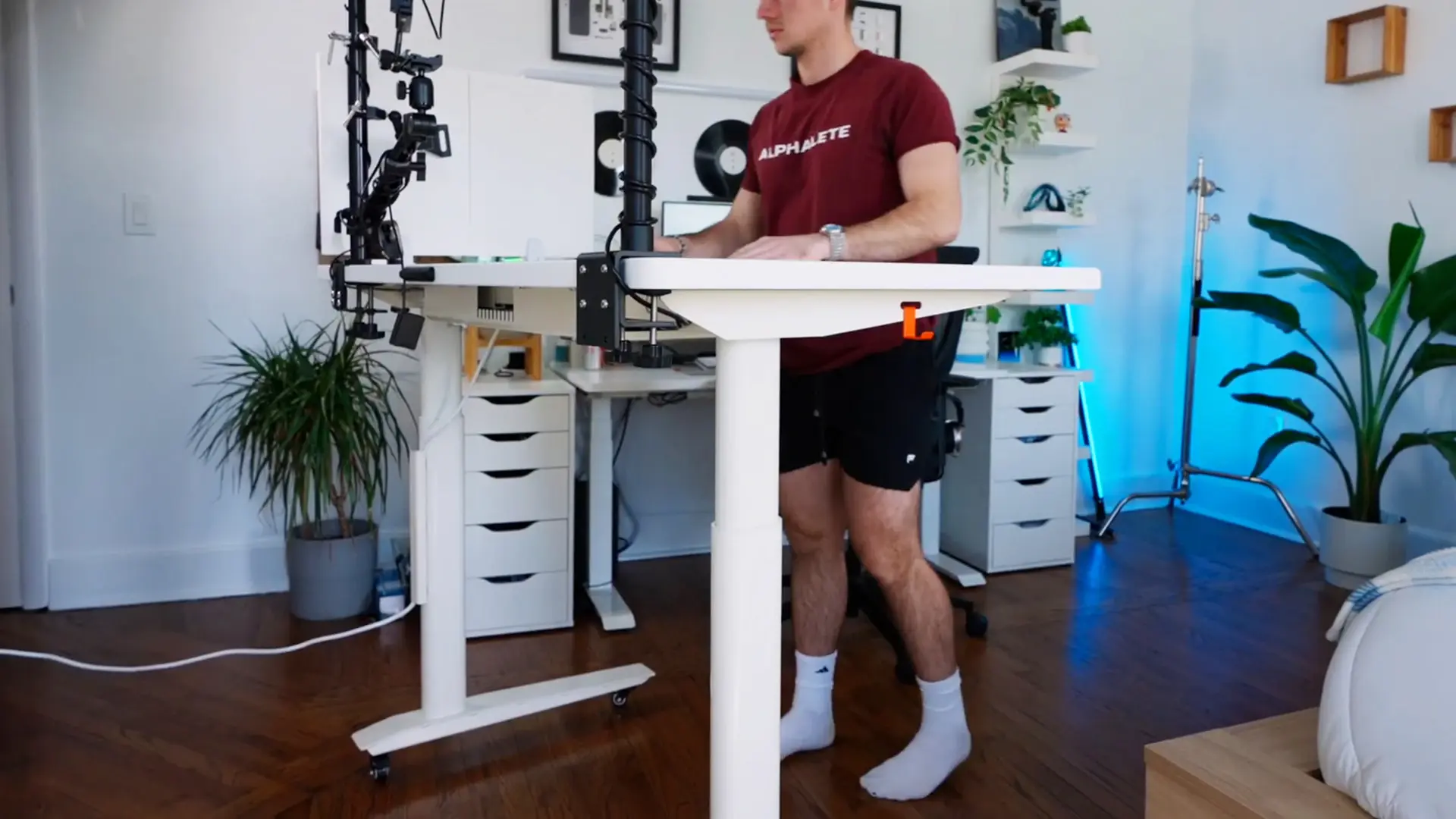
A standing desk that raises and lowers exposes a problem static desks hide: where do the cables go? When the desk moves, the cables move with it. A power strip on the floor pulls free. A laptop charger drags across the carpet. The dust accumulates exactly where you'd expect it to.
The fix is an under-desk cable tray that mounts to the underside of the desktop and holds the power strip plus the cable bundle. The cables stay routed to the desk and travel with it through the height range. Two specifics that matter:
Steel construction, anti-rust finish. Plastic cable trays warp under heat from the power strip. The Autonomous cable tray is solid steel with an anti-rust finish, rated for 35 lb - enough for a power strip, a USB hub, a charging brick, and a coiled bundle of cables. At $49 it's the cheapest meaningful upgrade most desks can take.
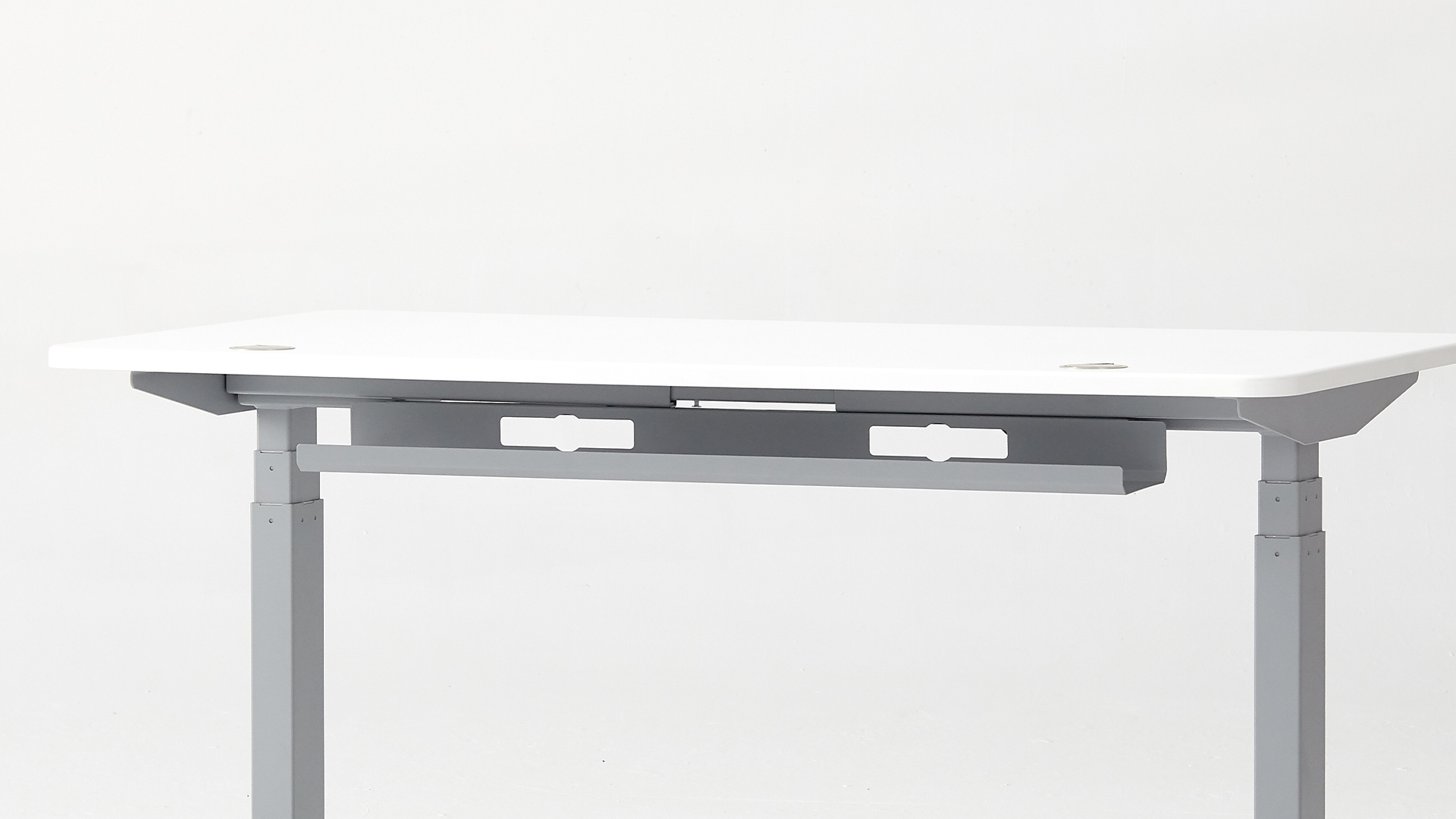
Heat dissipation. Power strips run warm under continuous load. A vented metal tray sheds that heat. A plastic enclosed cable box does not. For desks with multiple chargers running 8+ hours a day, this isn't optional.
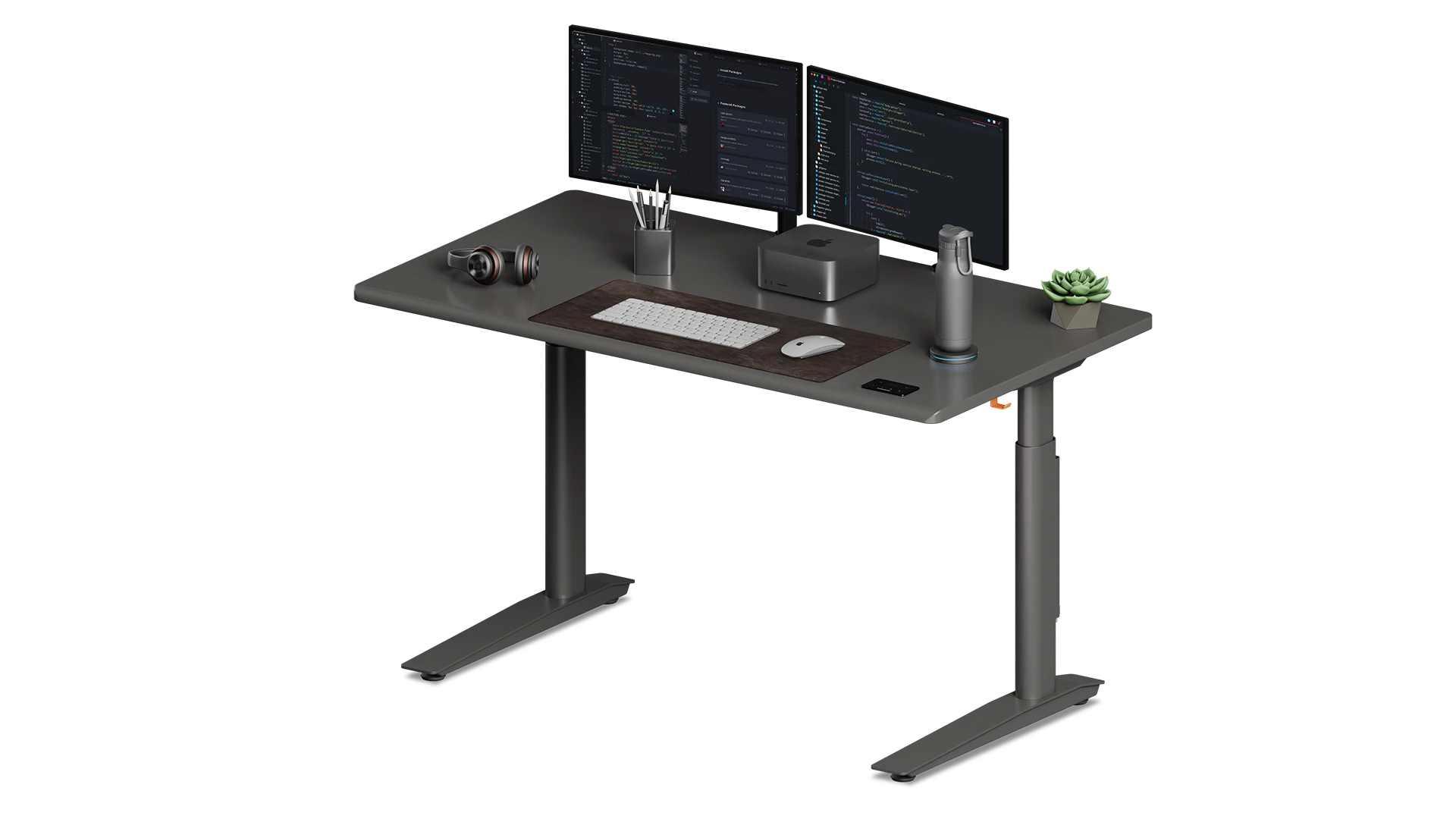
If your desk is new, factor cable management into the purchase rather than retrofitting it. The Autonomous Desk Pro ships with integrated cable management built into the underside of the desktop - a tray and routing channels that hold the power strip and feed the cables through to the column. You buy one thing once instead of buying the desk and then solving the cable problem six weeks later.
The under-desk drawer: where daily-use items actually live
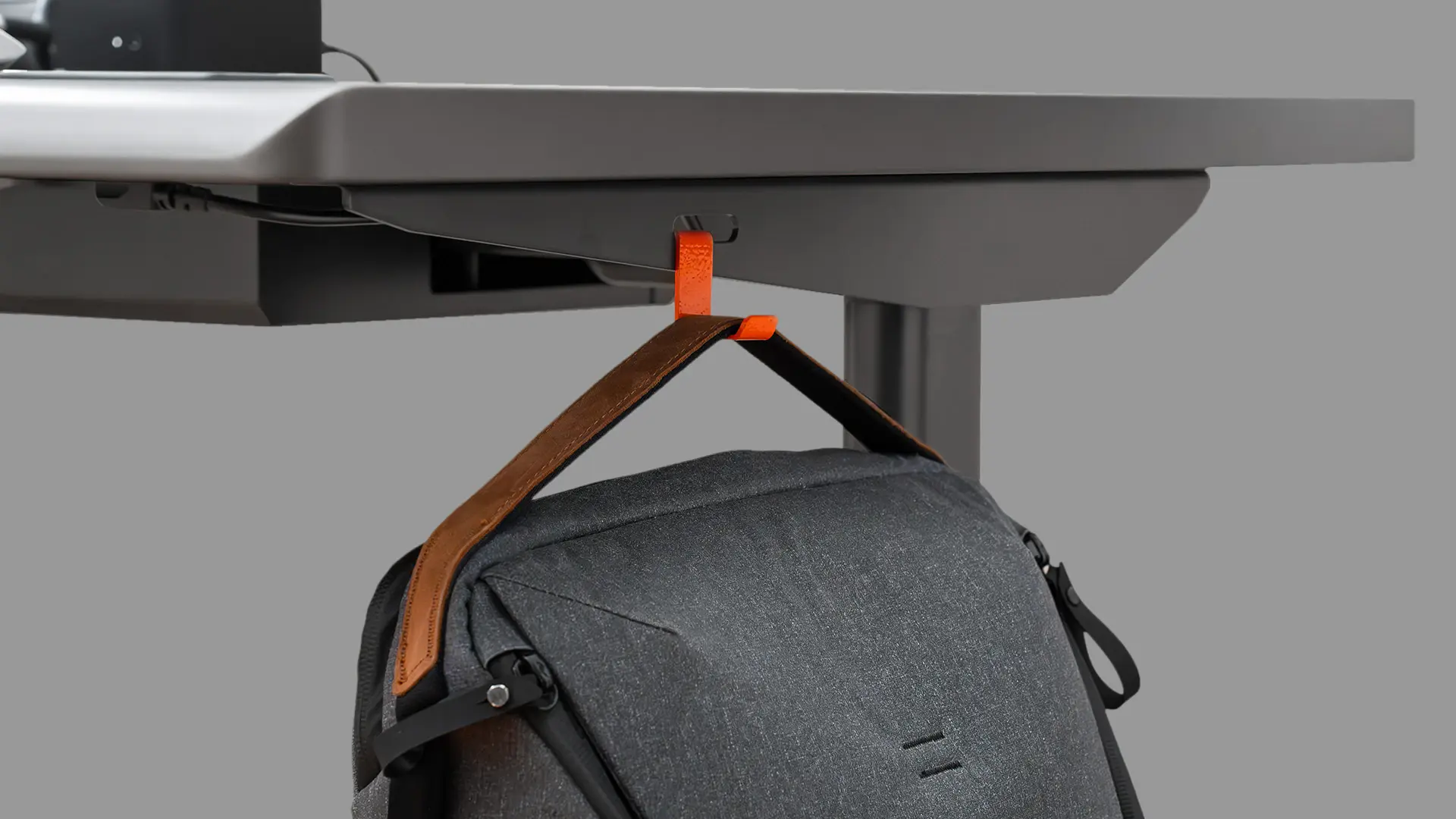
The desktop should hold the monitor, keyboard, and mouse. Everything else - the laptop charger, the notebook, the headphones not currently in use, the spare pen - should live within arm's reach but off the surface. An under-desk drawer or pull-out tray mounted to the underside of the desktop does this without taking up floor space.
Two things to look for. The drawer should mount tool-free if possible, so you can move it when you reorganize. And it should sit far enough back that your knees don't hit it. A 14"–16" drawer mounted toward the back edge of the desktop clears most users.
For shared desks or hot-desk setups, skip the drawer and use a small bin in the cable tray instead. One bin per person, lifts off the tray, contents are personal.
Vertical wall space: shelves and pegboards before bookshelves
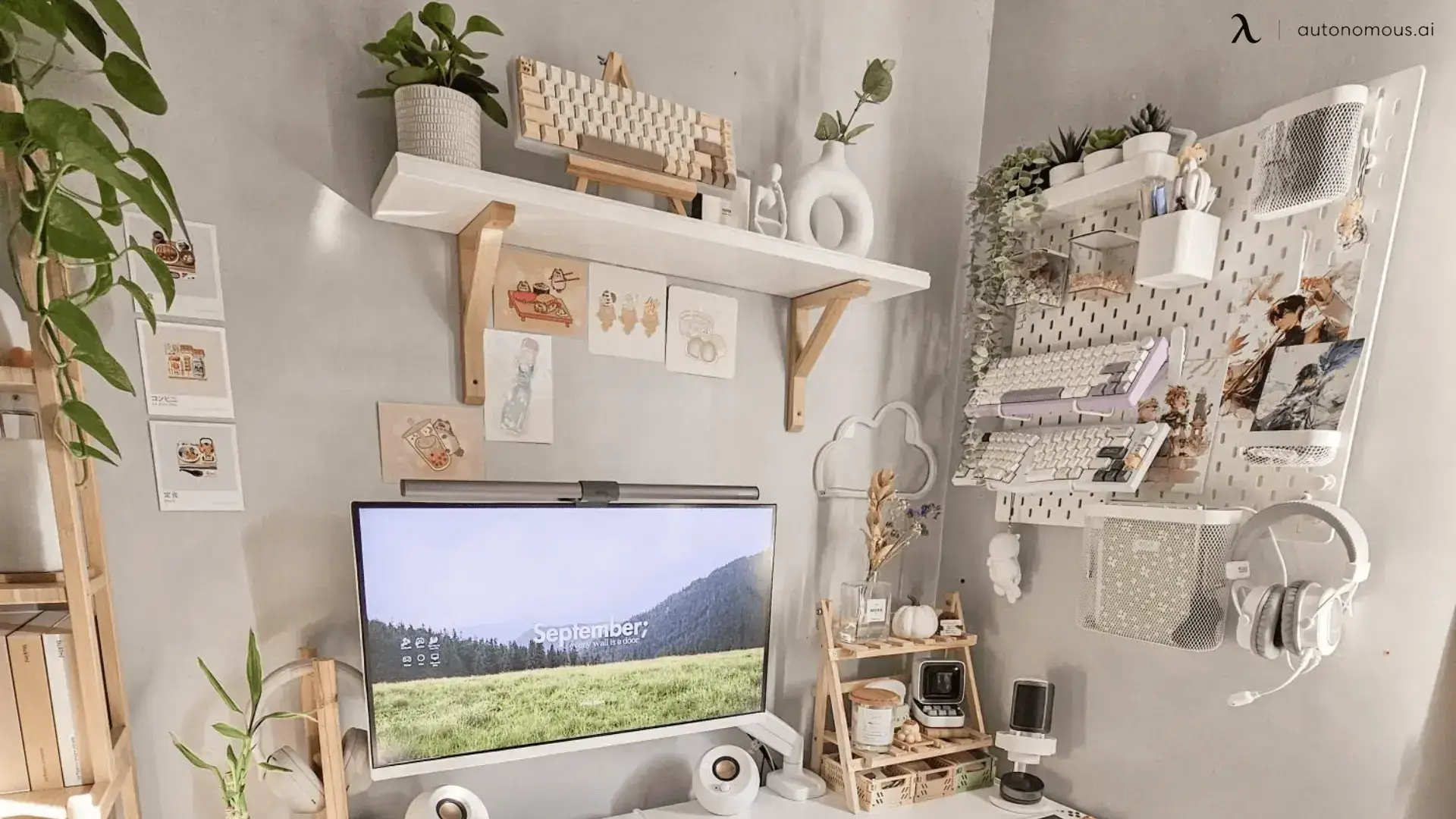
A bookshelf takes 12–18 inches of floor depth. A wall shelf takes zero. For office storage where the goal is keeping the floor and desk clear, vertical wins every time.
What goes on the wall:
- Reference books and manuals you actually consult. Two floating shelves above the desk hold 15–20 books and leave the room visually open.
- A pegboard for tools and supplies you use weekly. Scissors, tape, a small ruler, charging cables you swap regularly. A 16" × 24" pegboard with hooks costs under $50 and replaces an entire drawer of clutter.
- Vertical file holders for documents you review but don't act on every day. Wall-mounted, three slots, $20–$40.
What does NOT belong on the wall: anything you use daily and have to stand up for. The walk-and-grab cost adds up across a day.
The bookshelf, when it earns its place
If you genuinely have enough books and reference material that a shelf or two won't hold it, a bookshelf is justified. Two rules:
Match the depth to the deepest item. A 12" deep shelf wastes space if your tallest items are 8" tall. A 14" deep shelf forces you to stack things to fill the depth. Measure first.
Open back, never closed. Closed-back bookshelves trap dust and force a specific orientation. Open-back shelves let you reorient the unit, double as room dividers in shared spaces, and clean easily.
.webp)
File cabinets, sorted by what you actually file
Most file cabinets fail because the office stores everything in them - receipts, manuals, contracts, marketing material, half-used notebooks. The result is a drawer no one wants to open.
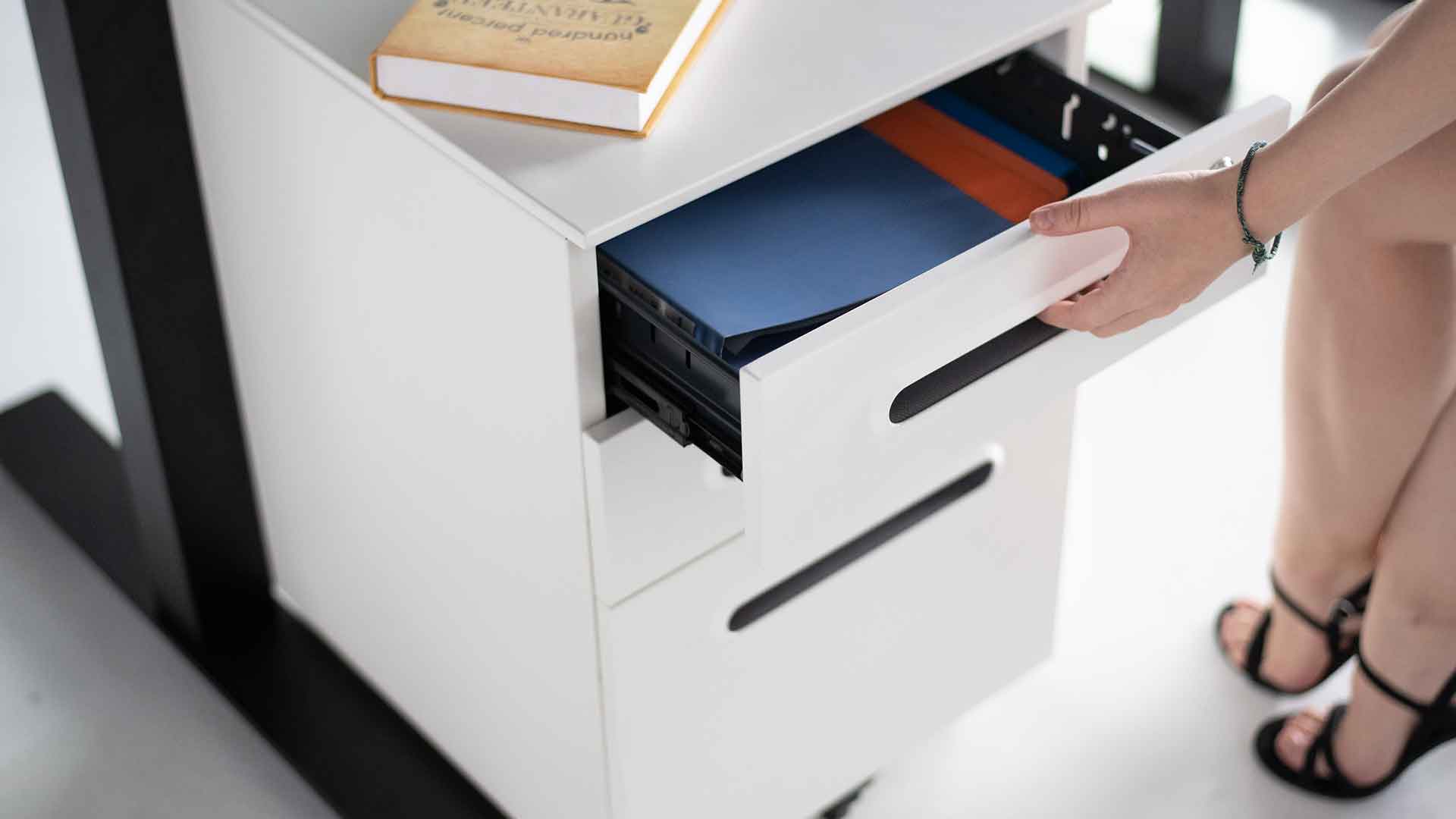
Two-drawer split that works for most home offices: top drawer for active files (current projects, tax year in progress, receipts not yet entered). Bottom drawer for archive (prior tax years, warranties and manuals, contracts). One folder per category in each drawer. Anything that doesn't fit a category gets thrown out, not filed.
For paperless setups, skip the file cabinet entirely. A single fireproof document box for legal originals (passports, deeds, marriage certificates) covers the irreducible minimum.
Small office? Use the door
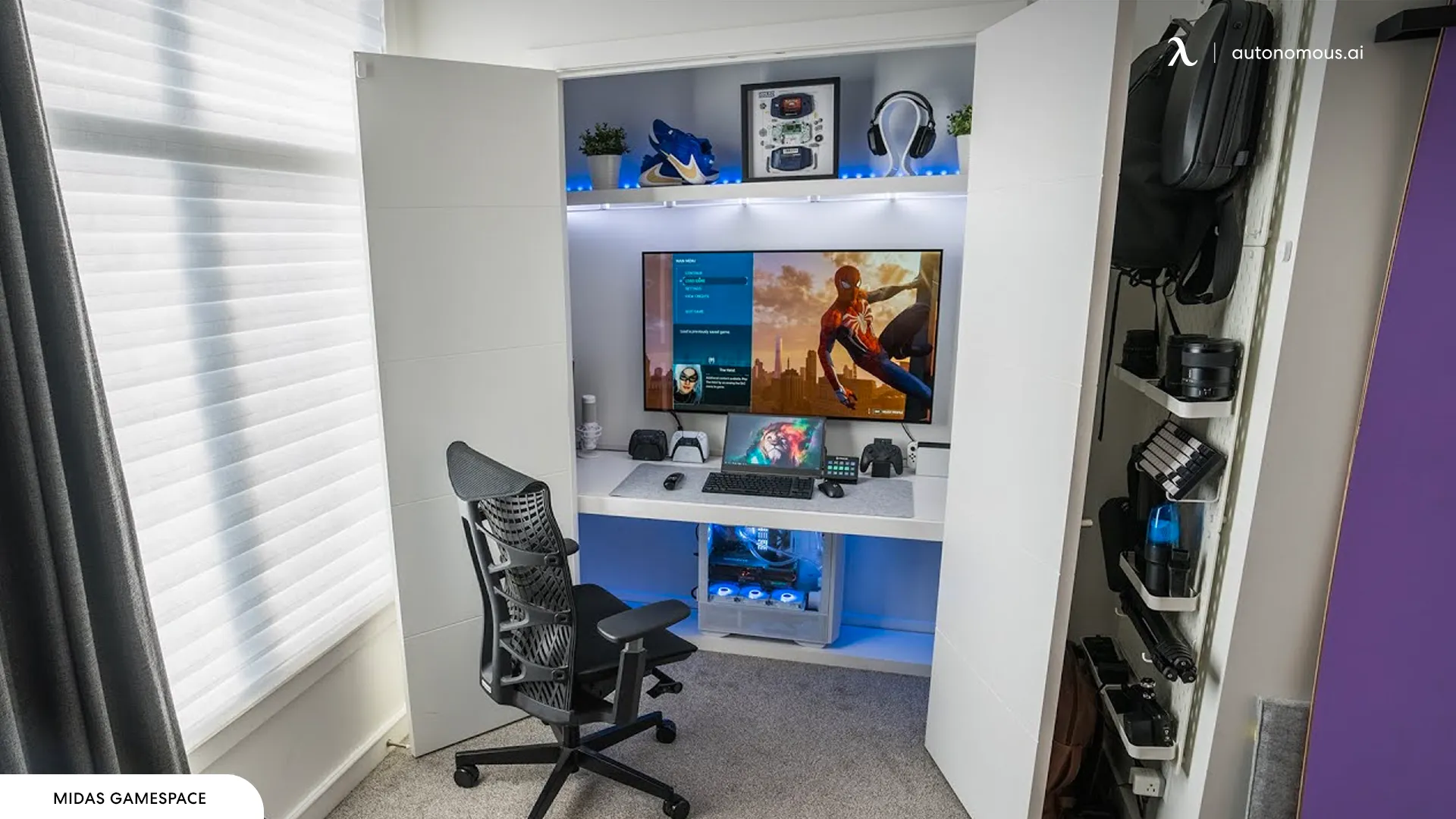
The back of an office door is the most under-used storage surface in any room. An over-the-door organizer holds shipping supplies, charging cables, USB hubs, gear bags, and seasonal items. It costs $20–$40, installs in ten minutes, and recovers a closet's worth of capacity from space that was empty.
This is the single highest-ROI office storage idea for small home offices, and almost no design guide mentions it.
A storage stack that works
Here is the order I install storage for a new home office:
- Cable tray + integrated cable management on the desk. Solves the worst problem first.
- Under-desk drawer for daily-use items. Clears the desktop.
- Two wall shelves above the desk for books and reference items.
- A pegboard or vertical file holder for weekly-use supplies or active documents.
- A two-drawer file cabinet if paper files are part of the workflow. Skip if you're paperless.
- A bookshelf if items 3–4 don't hold everything. Open-back, depth matched to contents.
- Door organizer for overflow.
Most offices need items 1–4. The rest depends on volume.
FAQs
What's the best storage solution for a small home office?
Start with under-desk cable management and a wall shelf or two before adding any floor furniture. Vertical and under-desk space is wasted in most small offices, and using it first leaves the floor clear. An over-the-door organizer is the best single $40 upgrade for a tight space.
Do I need a cable tray for my office desk?
A cable tray is essential for any standing desk and worth installing on a fixed desk too. It keeps the power strip off the floor, prevents cables from dangling, and stops dust accumulation around electrical connections. For under $50, it solves the most common office storage failure.
What kind of file cabinet should I buy?
For most home offices, a two-drawer lateral file cabinet is enough - top drawer for active files, bottom drawer for archive. Skip the larger four-drawer units unless you genuinely have the file volume. If you're paperless, a single fireproof document box covers legal originals and you don't need a cabinet at all.
How do I organize office supplies without clutter?
One container per category, mounted vertically when possible. Pens, sticky notes, and small supplies go in a pegboard or drawer organizer with dividers. Cables and chargers go in the cable tray bin. Anything without a category gets thrown out, not "organized." The fastest way to reduce clutter is to reduce inventory.
What's the difference between office storage and office decor?
Storage solves a functional problem - where does this item live. Decor solves an aesthetic problem - what does the room feel like. Most "office storage idea" content blends the two and recommends decorative pieces that store almost nothing. Solve storage first, then decorate the visible surfaces.
Are open shelves or closed cabinets better for office storage?
Open shelves for items you access weekly or want visible (books, decor, reference material). Closed cabinets for archive items, supplies, and anything visually busy. The general rule: open for things you use, closed for things you store.
Bottom line
Office storage solutions work best when they start under the desk and move outward. Cable tray first, drawer second, wall space third, floor furniture last. The desk should hold what you actively use; the walls and under-desk space should hold everything else. A clean office is rarely a function of having more storage - it's a function of installing the right storage in the right order.