Is a 27 Inch Monitor Good for Gaming?
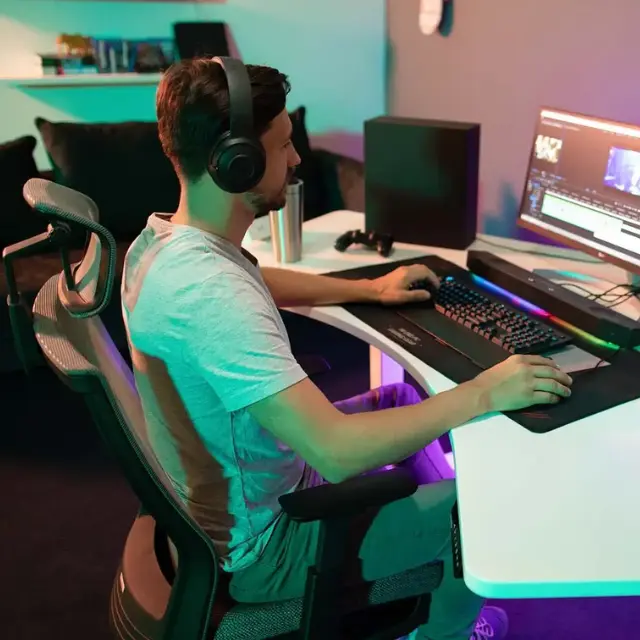
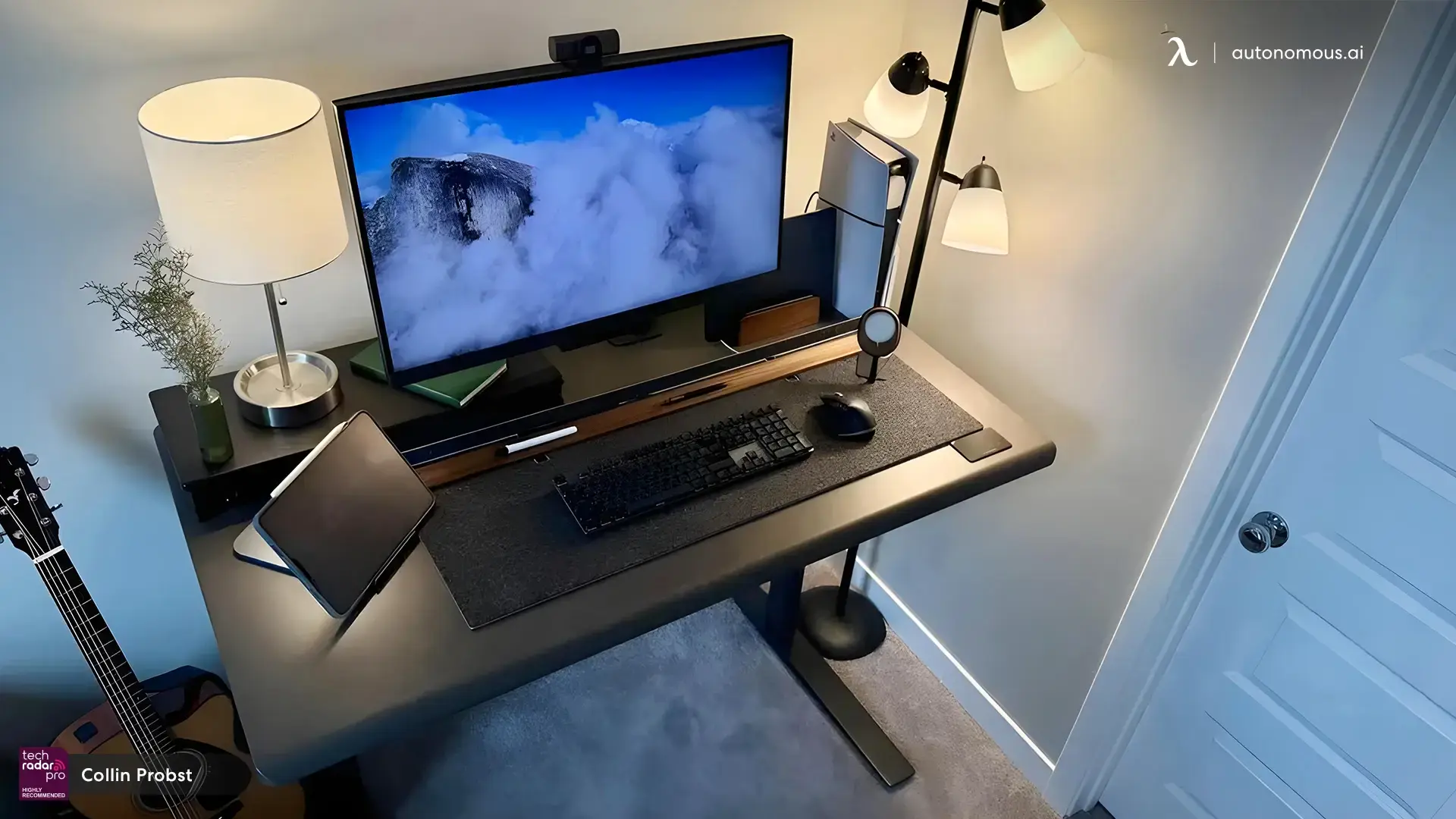
Quick answer: A 27 inch monitor is good for gaming when paired with the right resolution and viewing distance. It offers a balance of immersion and usability, especially at 1440p, but may feel less optimal for competitive play compared to smaller screens.
Table of Contents
- Is a 27 inch monitor good for gaming?
- Is a 27 inch monitor good for competitive gaming?
- Is a 27 inch monitor big enough for gaming?
- Is a 27 inch 1080p monitor good for gaming?
- What makes a 27 inch monitor good for gaming?
- Viewing distance and comfort
- When a 27 inch monitor works best
- When a 27 inch monitor may not be ideal
- Should you choose a 27 inch monitor for gaming?
- Desk setup matters for a 27 inch gaming monitor
- FAQs
- Conclusion
A 27 inch monitor for gaming is one of the most common choices today, but whether it’s the right monitor size depends on how you play, your resolution, and your setup. Many players choose 27-inch screens because they balance immersion and usability. At the same time, some worry about pixel clarity, performance, or whether the screen is too large for competitive play.
This guide explains when a 27 inch monitor works well for gaming, when it doesn’t, and how to choose the right setup based on your needs.
Is a 27 inch monitor good for gaming?
A 27 inch monitor is good for gaming when paired with the right resolution and viewing distance.
At this size, the screen gives you more space and a wider field of view without being overwhelming. It works especially well for immersive games where visuals matter, such as open-world or story-driven titles.
However, the experience depends on:
- resolution (1080p vs 1440p vs 4K)
- how close you sit
- the type of games you play
If these factors are not aligned, the same monitor can feel either sharp and engaging or too large and less comfortable.
Is a 27 inch monitor good for competitive gaming?
A 27 inch monitor for competitive gaming can work, but it is not always the preferred choice.
Competitive players often prefer smaller screens because:
- less eye movement is needed
- everything stays within peripheral vision
- faster reaction tracking is easier
Factor | 24-inch monitor | 27-inch monitor |
Screen coverage | Easy to scan fully | Requires more eye movement |
Reaction speed | Slightly faster | Slightly slower |
Focus | Tight and controlled | More spread out |
Immersion | Lower | Higher |
A 27-inch monitor can still work for competitive gaming, especially if you sit slightly farther back and use higher refresh rates. But for strict esports performance, smaller screens remain more common.
Is a 27 inch monitor big enough for gaming?
A 27 inch monitor is more than big enough for gaming in most setups.
It offers:
- a wider field of view
- better immersion
- enough space for detailed visuals
For most players, it hits the balance between:
- not too small (like 22–24 inch)
- not too large (like ultrawide or TV-sized displays)
The key factor is desk depth. If your desk is too shallow, the screen may feel too close and harder to use comfortably.
Is a 27 inch 1080p monitor good for gaming?
A 27 inch 1080p monitor can be good for gaming, but it has limitations.
At 1080p, pixel density is lower on a 27-inch screen, which can make images look softer compared to smaller displays.
Resolution | Experience on 27-inch |
1080p | Less sharp, but easier to run |
1440p | Balanced clarity and performance |
4K | Very sharp, but requires strong GPU |
1080p still works if:
- you prioritize performance over visual clarity
- you play fast-paced games
- you sit slightly farther from the screen
For most users, 1440p is the more balanced choice on a 27 inch monitor for gaming.
What makes a 27 inch monitor good for gaming?
A 27 inch monitor for gaming performs well when key specs match your use case.
Feature | Why it matters |
Refresh rate | Higher refresh rates improve motion clarity |
Response time | Reduces blur and ghosting |
Resolution | Affects sharpness and detail |
Panel type | Impacts color and viewing angles |
A larger screen alone does not improve gaming. The experience depends on how these factors work together.
Viewing distance and comfort
A 27 inch monitor requires the right viewing distance to stay comfortable.
The recommended distance is:
- about 60–80 cm (24–32 inches) from your eyes
At this distance:
- the screen fills your vision naturally
- eye movement stays manageable
- text and details remain clear
Sitting too close can make the monitor feel overwhelming, especially during fast-paced gameplay.
When a 27 inch monitor works best
A 27 inch monitor for gaming works best in specific scenarios.
Ideal use cases:
- immersive single-player games
- open-world and RPG titles
- multitasking while gaming
- mixed use (gaming + work)
In these cases, the larger screen enhances the experience without affecting usability.
When a 27 inch monitor may not be ideal
A 27 inch monitor may not be the best choice in some situations.
Less ideal scenarios:
- highly competitive esports gaming
- very shallow desks
- low resolution setups (1080p at close distance)
A larger screen requires more eye movement, which can affect reaction speed in competitive play. This is why some players still compare a 22-inch and a 24-inch monitor when deciding what feels more responsive.
Desk depth also plays a role. If your setup does not allow proper viewing distance, a 27-inch screen can feel too close and less comfortable. In that case, comparing a 24-inch vs 27-inch monitor helps determine which size fits your space better.
In these situations, a smaller monitor or a higher resolution setup may provide a better overall experience.
Should you choose a 27 inch monitor for gaming?
A 27 inch monitor for gaming is a strong all-around choice when you balance size, resolution, and setup.
Choose it if you want:
- more immersive gameplay
- a larger workspace
- a versatile screen for both gaming and everyday use
Avoid it if:
- you prioritize competitive performance above all
- your desk setup cannot support proper viewing distance
Desk setup matters for a 27 inch gaming monitor
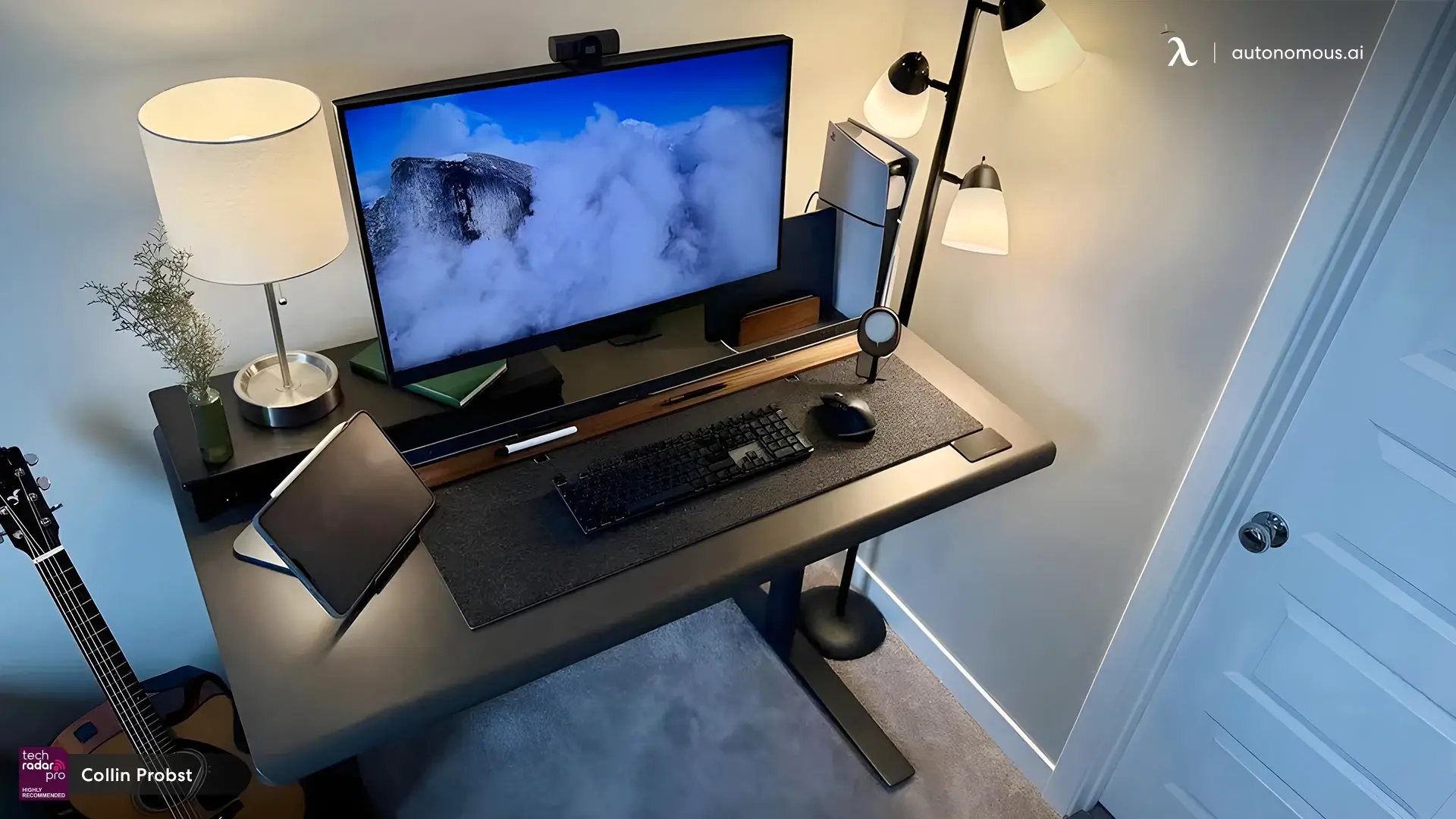
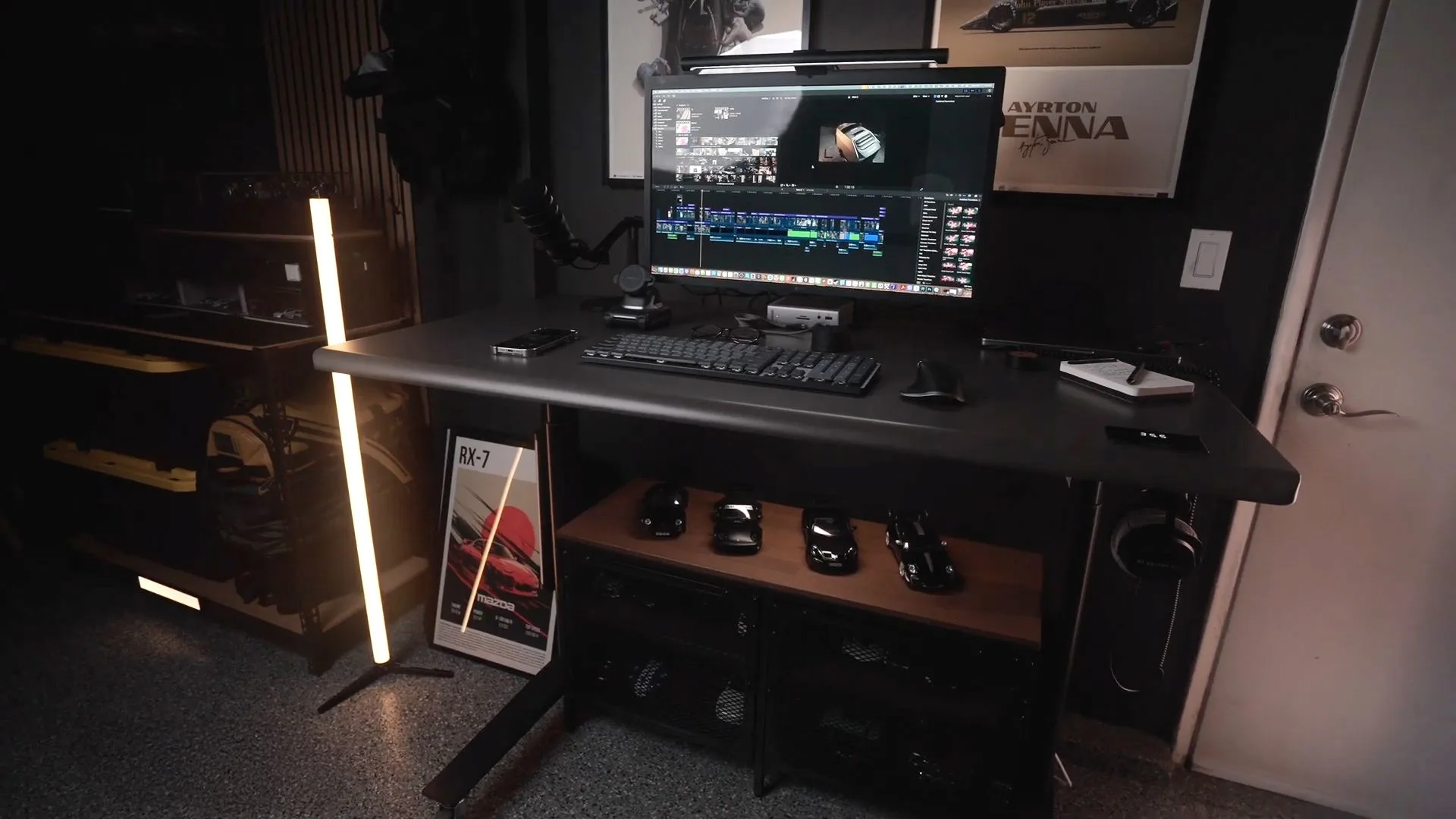
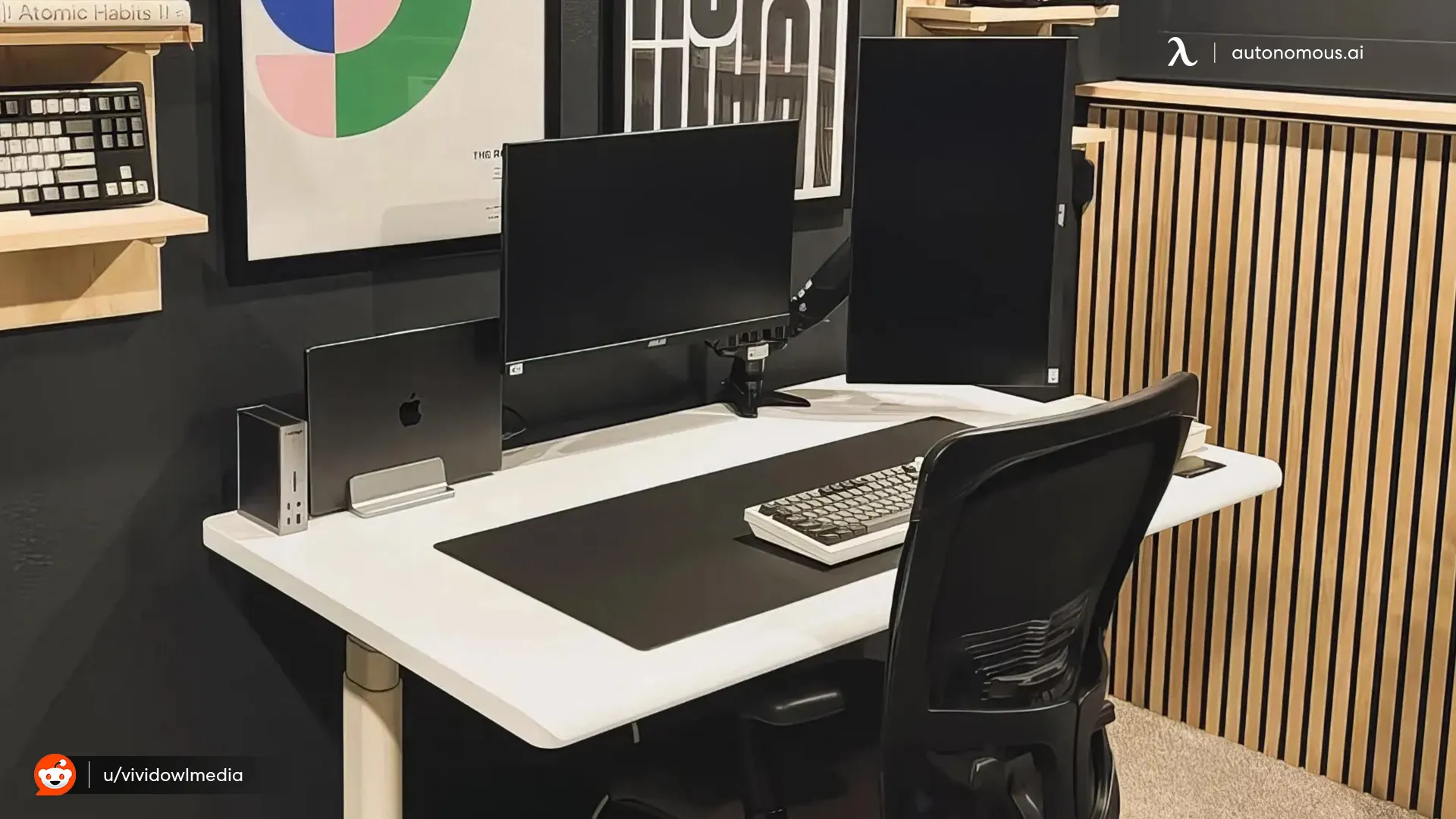
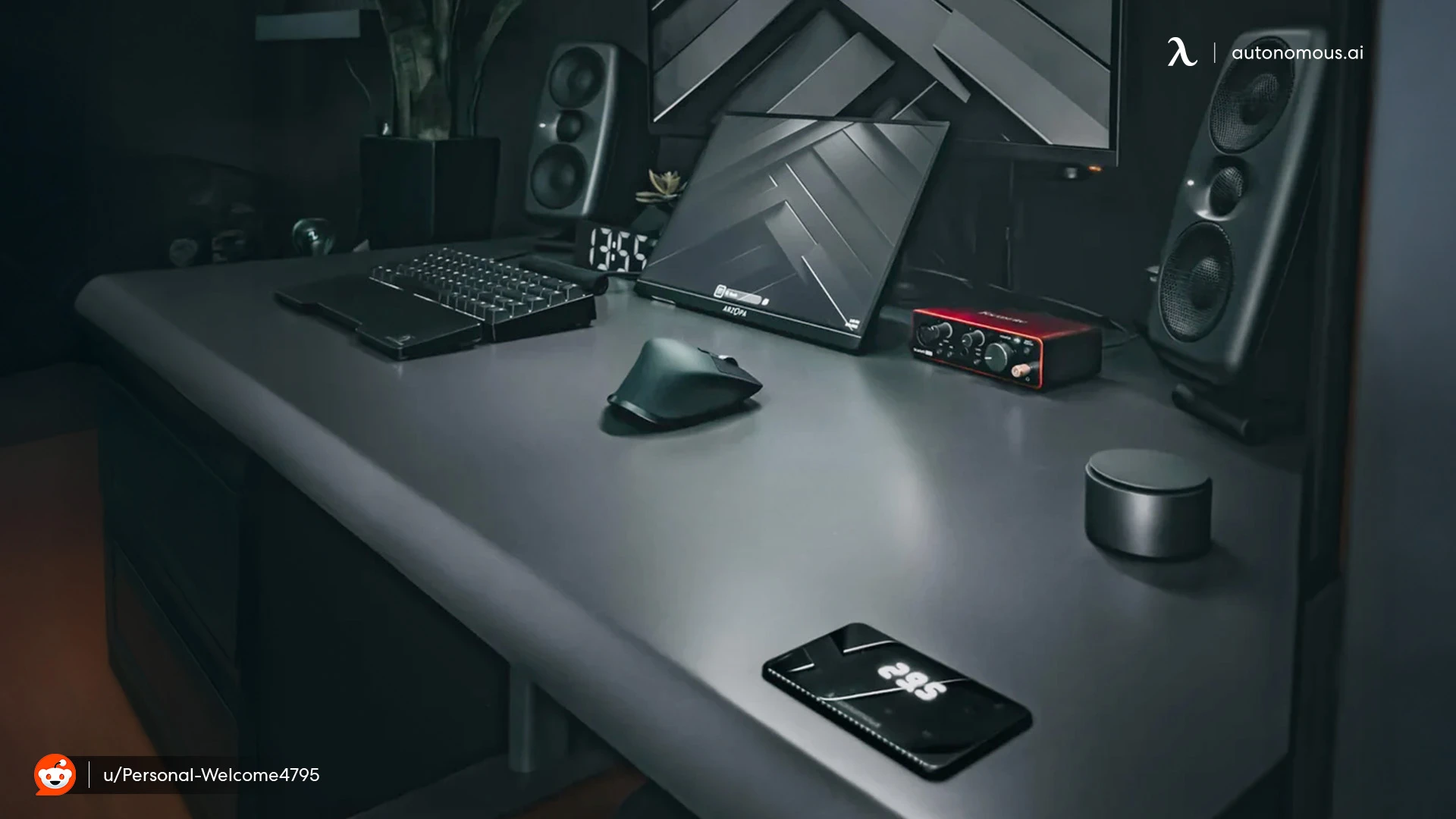
A 27 inch monitor for gaming performs best when your gaming desk setup supports the right viewing distance and positioning.
Larger screens need more depth and stability. If your desk is too shallow, the monitor can feel too close and reduce comfort during long sessions. A stable surface also helps prevent small movements that can become distracting over time.
Standing desks can make this easier by letting you adjust height throughout the day and fine-tune your setup. This is especially useful if you switch between gaming, work, and other tasks on the same screen.
Autonomous Desk Pro is built for multi-monitor setups, offering enough space and stability to support a 27 inch monitor comfortably without cluttering your workspace.
A good desk does not change your monitor, but it changes how the monitor feels to use.
FAQs
Is a 27 inch monitor too big for gaming?
A 27 inch monitor is not too big for gaming if you have enough viewing distance. Sitting about 60–80 cm away keeps the screen comfortable and easy to use.
What resolution is best for a 27 inch monitor for gaming?
The best resolution for a 27 inch monitor for gaming is 1440p because it balances sharpness and performance. It provides clearer visuals than 1080p without the heavy GPU demand of 4K.
Is 1440p worth it on a 27 inch monitor for gaming?
Yes, 1440p is worth it on a 27 inch monitor because it improves image clarity and detail. It is the most common choice for this screen size.
How far should you sit from a 27 inch monitor for gaming?
You should sit about an arm’s length away from a 27 inch monitor. This distance helps reduce eye strain and keeps the entire screen within your view.
Is a 27 inch monitor good for FPS games?
A 27 inch monitor can work for FPS games, but some players prefer smaller screens for faster scanning. It depends on whether you prioritize immersion or reaction speed.
What refresh rate should a 27 inch gaming monitor have?
A 27 inch gaming monitor should have at least 144Hz for smooth gameplay. Higher refresh rates improve motion clarity, especially in fast-paced games.
Does a 27 inch monitor reduce gaming performance?
A 27 inch monitor itself does not reduce performance, but higher resolutions on larger screens require more GPU power. Performance depends more on resolution than screen size.
Is a curved 27 inch monitor better for gaming?
A curved 27 inch monitor can improve immersion by slightly wrapping the screen around your view. However, the difference is subtle at this size compared to larger displays.
Can a 27 inch monitor be used for both gaming and work?
Yes, a 27 inch monitor is suitable for both gaming and work. The larger screen provides enough space for multitasking while still delivering a good gaming experience.
What panel type is best for a 27 inch gaming monitor?
IPS panels are commonly preferred for a 27 inch gaming monitor because they offer better color accuracy and viewing angles. TN panels are faster, while VA panels provide deeper contrast.
Is 4K necessary for a 27 inch monitor for gaming?
4K is not necessary for a 27 inch monitor for gaming. While it offers sharp visuals, 1440p is usually a better balance between performance and image quality.
How do you choose the right 27 inch monitor for gaming?
Choose a 27 inch monitor based on resolution, refresh rate, and your gaming style. Matching these factors to your setup ensures a better overall experience.
Conclusion
A 27 inch monitor for gaming offers a balanced experience between immersion and usability.
It works well for most players, especially when paired with the right resolution and viewing distance. While it may not be the top choice for competitive gaming, it provides a comfortable and flexible setup for a wide range of games.
The best choice depends less on size alone and more on how the monitor fits your setup, performance needs, and playing style.