Standing Desk Accessories. Everything to Finish Your SetupStanding Desk Accessories. Everything to Finish Your Setup
.webp)
.webp)
(1).webp)
A standing desk is a starting point, not a finished setup. The accessories you add around it — cable management, keyboard tray, CPU mount, anti-fatigue mat — determine whether it's genuinely comfortable to use or just technically adjustable. The right standing desk accessories turn a good desk into a workspace you actually want to sit (and stand) at every day.
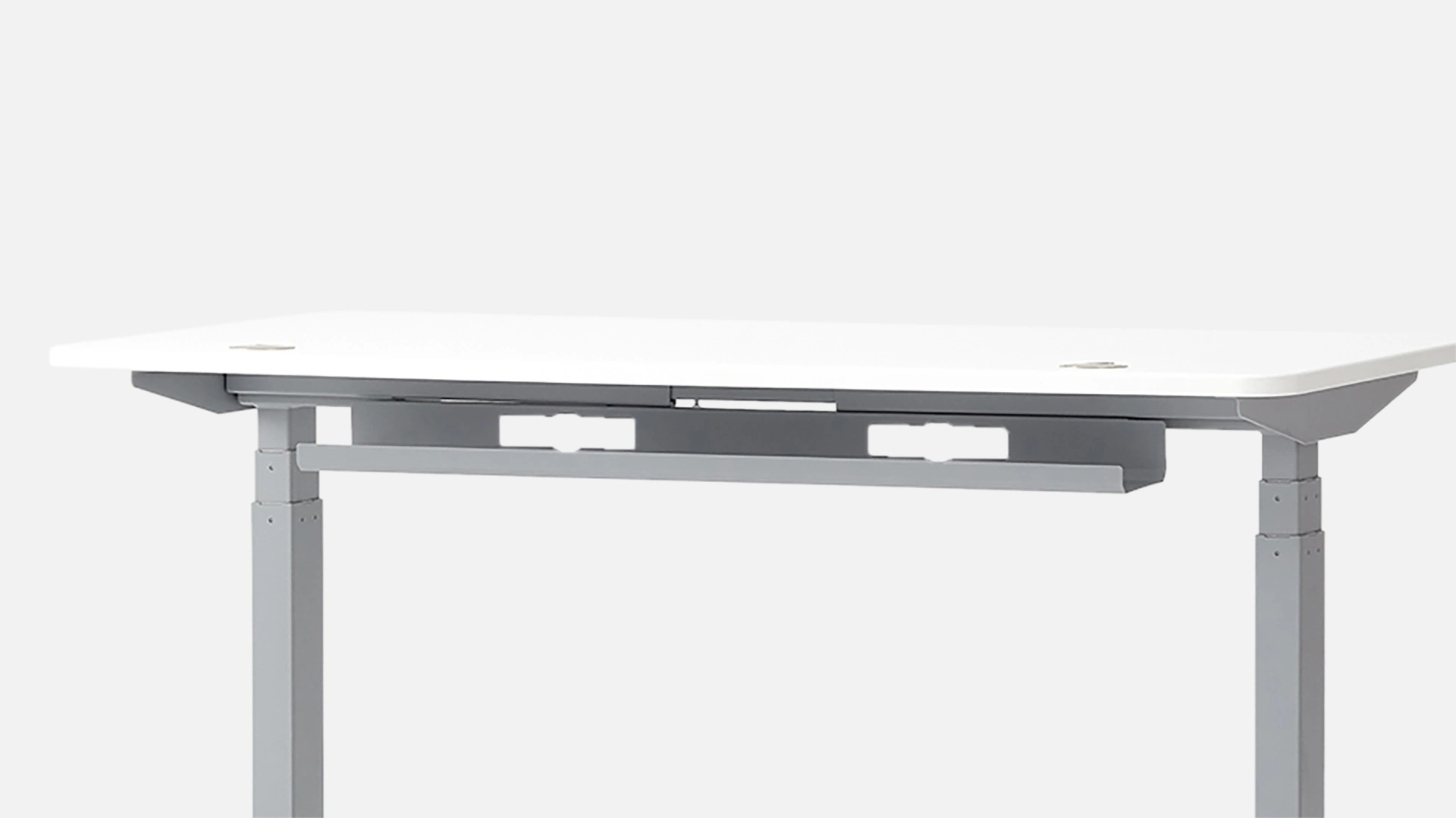
The first thing that breaks the look of a standing desk setup is cable clutter. Every time you adjust height, loose cables shift, tangle, and eventually snag. Standing desk cable management accessories — under-desk cable trays, cable spines, and management nets — solve this cleanly and permanently. An under-desk cable tray holds your power strip and excess cables out of sight. A cable spine routes everything along the frame so nothing dangles when the desk moves. It takes 20 minutes to set up and saves years of frustration.
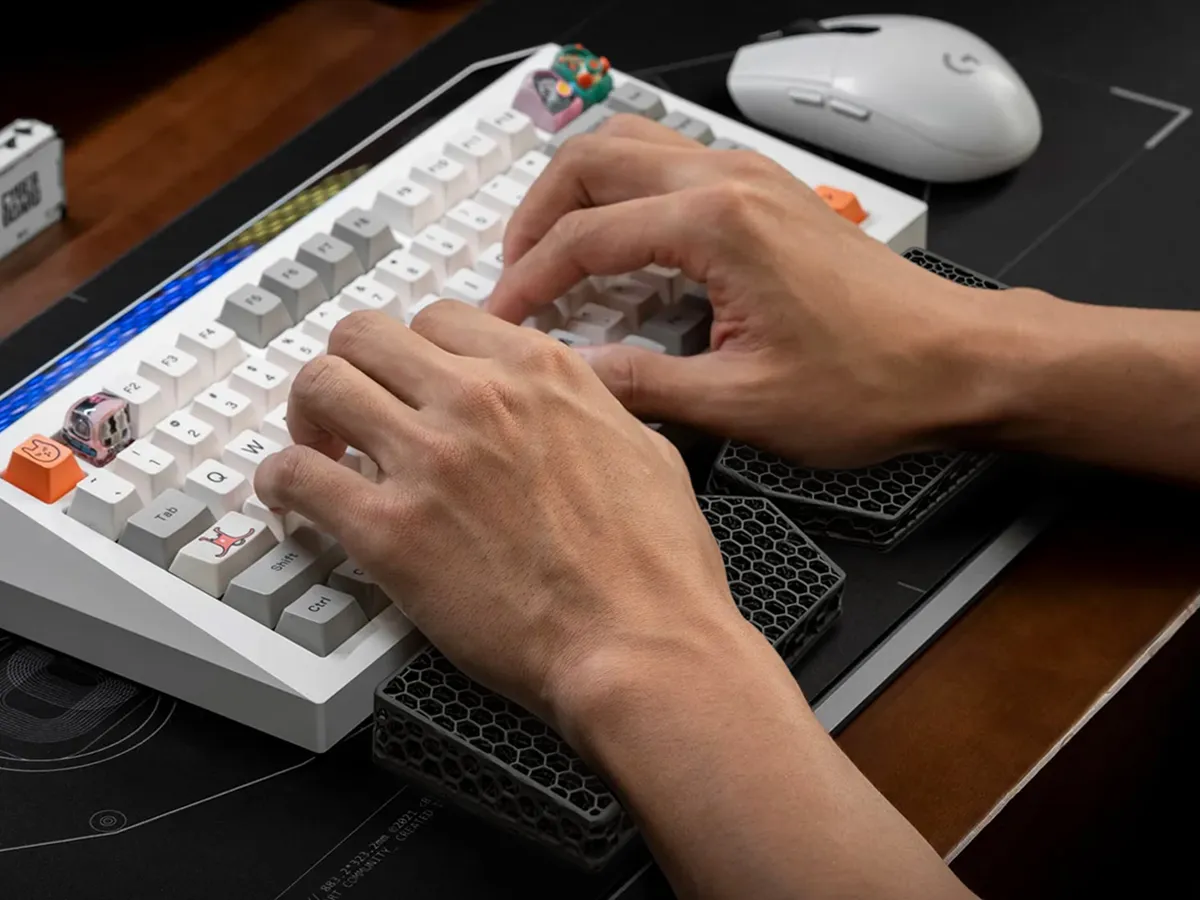
Beyond cables, the most functional standing desk attachments are drawers and keyboard trays. A standing desk drawer attachment mounts to the underside of the surface — no surface space lost, no drilling required on most models. A keyboard tray positions your hands lower than the desk surface, reducing shoulder elevation and wrist strain during long typing sessions. Both are the kind of standing desk attachment for a regular desk too, not just motorized frames — so they work across any setup you already have.
For your computer tower, a standing desk CPU mount or standing desk tower mount keeps your PC at desk level. This matters more than it sounds: as you raise and lower the desk, cables connecting to a floor-sitting tower stretch, pull, and wear over time. Mounting the tower to the frame eliminates that entirely.
Standing still is harder than it sounds. Without the right standing desk foot accessories, most people shift from foot to foot, lose focus faster, and sit back down within 20 minutes. Anti-fatigue mats cushion pressure on your feet and joints — passive, always helpful. Balance boards like the ErgoWalk 3D go further, adding a natural rocking motion that keeps circulation moving and your core subtly engaged. The result is longer, more comfortable standing sessions without the fatigue that makes people give up on the habit.
If you're building a standing desk setup you plan to use for years, the best standing desk accessories to prioritize are: a cable tray (day-one essential), a balance board or anti-fatigue mat (within the first month), a drawer attachment (when you want more organization), and an under-desk treadmill if movement is a priority. WalkingPad models on this page are purpose-built for standing desk use — compact, foldable, and quiet enough for calls. Add them incrementally as your needs evolve, and the setup grows with you.
Surface space is precious on a standing desk, especially smaller models. Standing desk storage accessories — drawers, filing cabinets, and cable organizers — move clutter off the surface and into smart, accessible places. The Autonomous Desk Drawer mounts cleanly under the surface for everyday items. A filing cabinet beside the desk handles documents and larger storage. Together, they keep the surface clear for what actually matters: your monitor, your keyboard, and room to think.
The accessories that make the biggest day-to-day difference are cable management (so your desk stays clean when you raise and lower it), a keyboard tray (for better wrist positioning), and an anti-fatigue mat or balance board for your feet during long standing sessions. Beyond that, a desk drawer for storage and a CPU mount to get your tower off the floor round out a fully functional standing desk setup.