


The 8 Best Standing Desks With Cable Management

.webp)
Cords are the fastest way to make a nice desk look messy. On a standing desk it is worse, because every time you raise it, the cables get yanked or left dangling. A desk with good cable management fixes that. The best ones deal with the wires for you, with a tray under the top, a hidden channel, or power built right into the standing desk, so nothing swings around when you stand.
Here are the eight best for 2026. Handling your own cable management for a standing desk is a separate walkthrough, and choosing a power strip is its own topic too.
What makes cable management actually good
A tray on its own is not enough on a desk that moves. The ones that stay tidy usually do five things, and they are worth checking for.
- Leave enough slack so cables do not pull tight when you stand.
- Hide the wires running down to the floor, not just the ones on top.
- Fit a power strip in the tray, so only one cord goes to the wall.
- Keep cables clear of pinch points as the desk moves.
- Look clean sitting and standing, not just in one position.
If a desk comes with a tray but skips the rest, you will still see cords swinging at standing height. So look at the whole setup, not one part.
The 8 desks at a glance
Desk | Best for | Cable management | Capacity | Price |
|---|---|---|---|---|
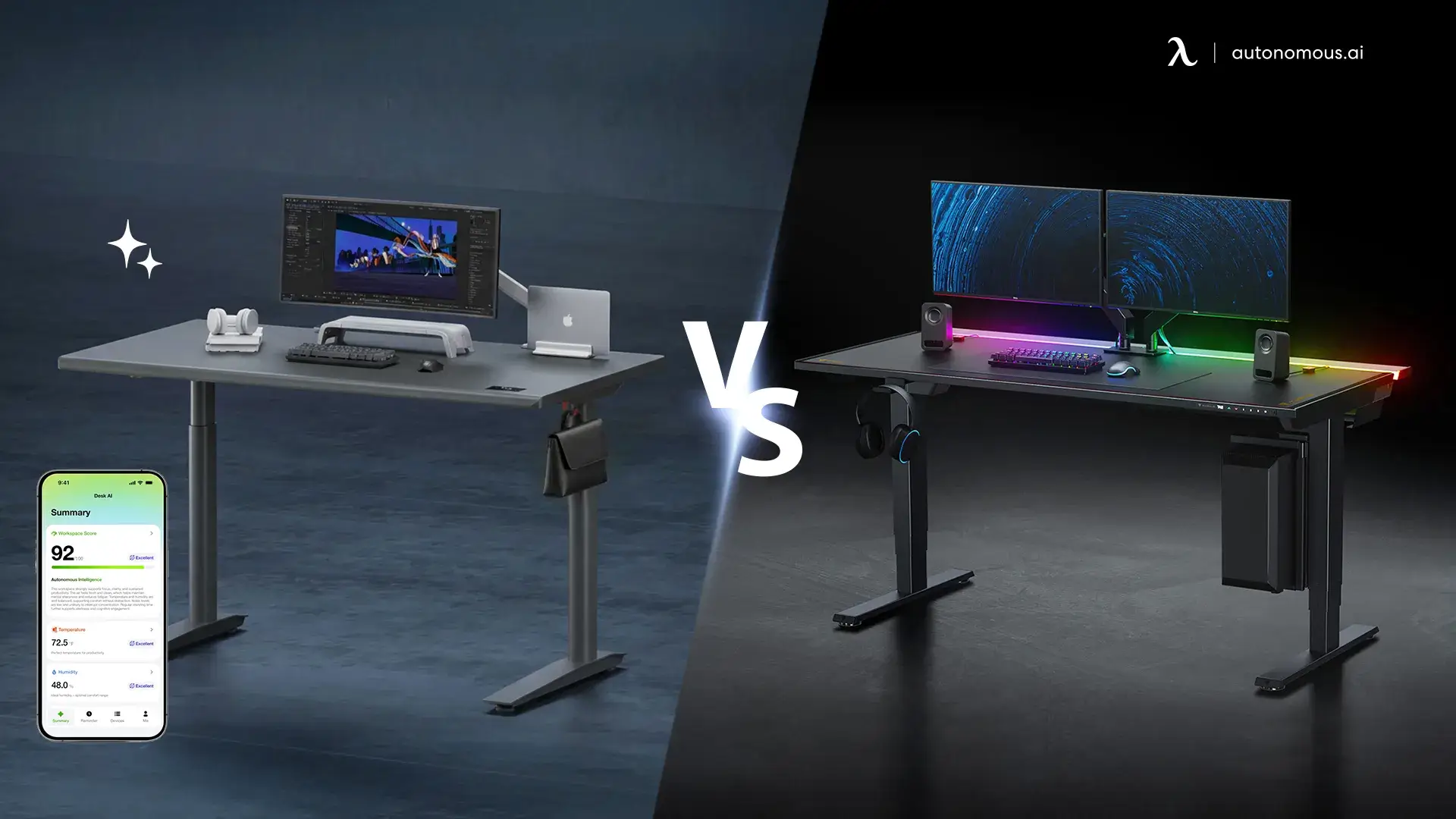
Autonomous Desk Pro | Overall | In-frame tray plus in-frame power outlets | 330 lbs | $499 |
Secretlab Magnus Pro | Gaming battlestations | Full in-frame tray, power in the leg | 265 lbs | ~$799 |
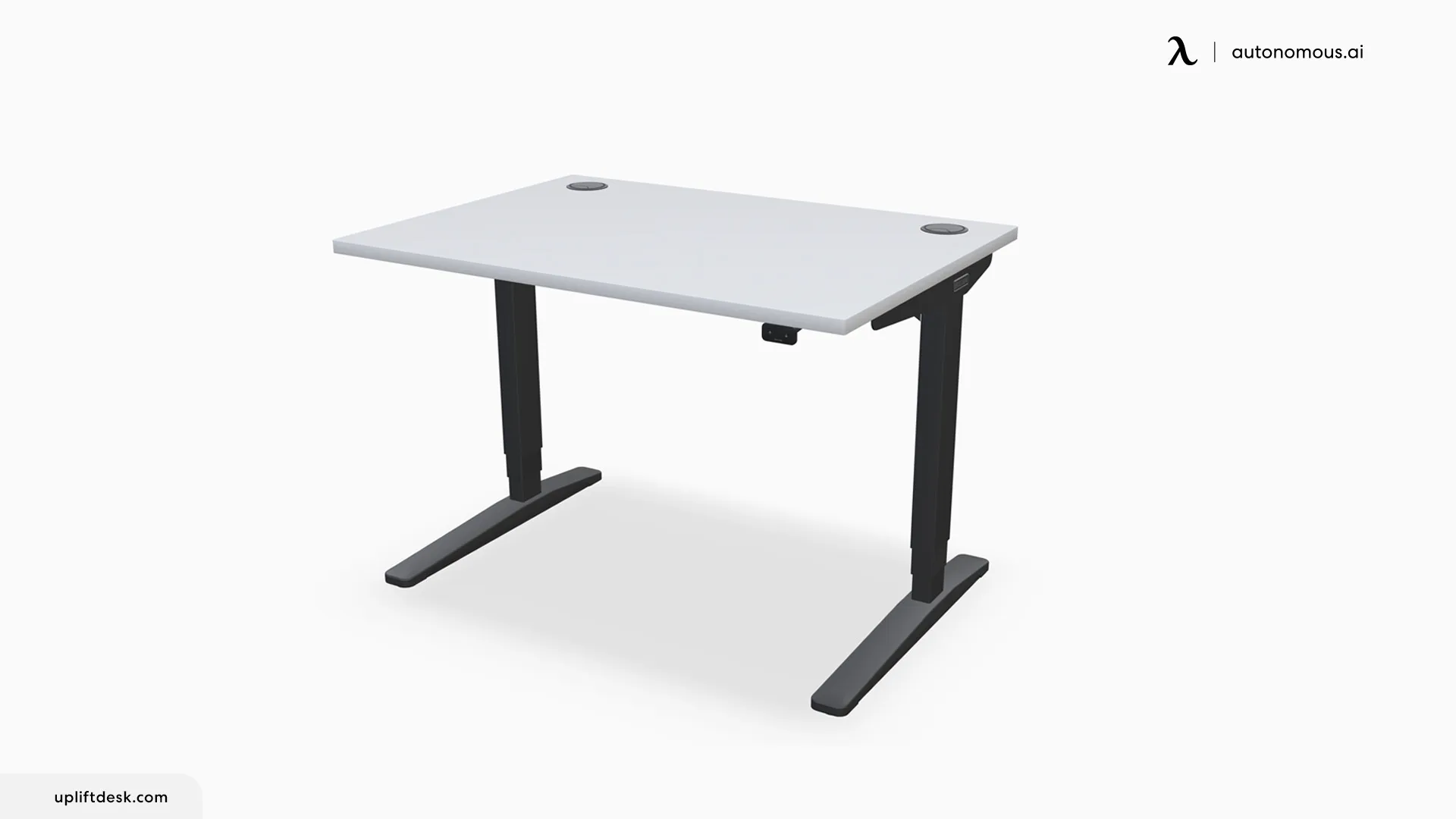
Uplift V3 | Warranty and customization | FlexMount pouch, 48 frame mount points | 355 lbs | ~$599 |
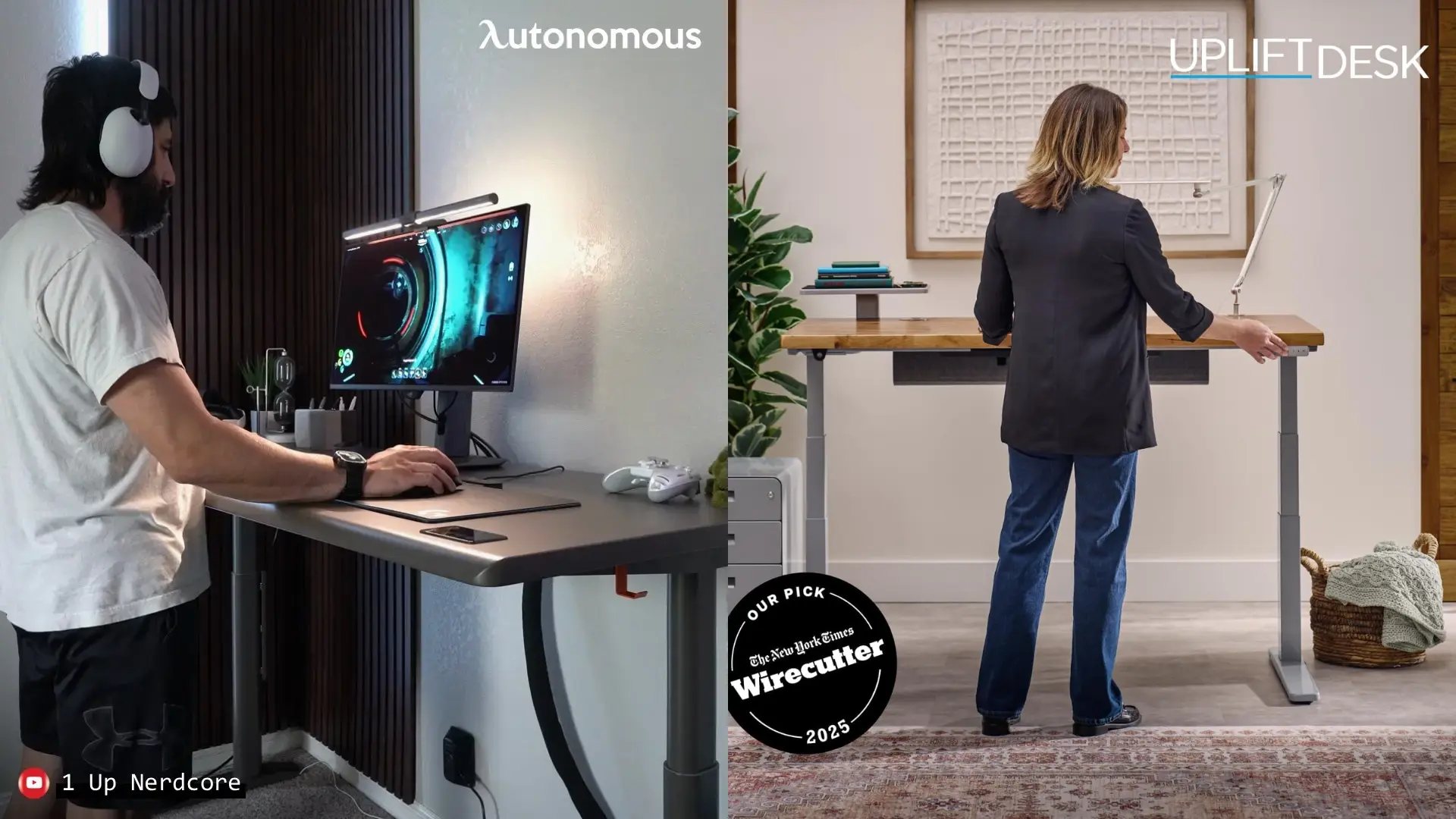
Autonomous Desk Levitate 2 | Hidden wiring | Rear groove, hidden outlets | 380 lbs | $1,099 |
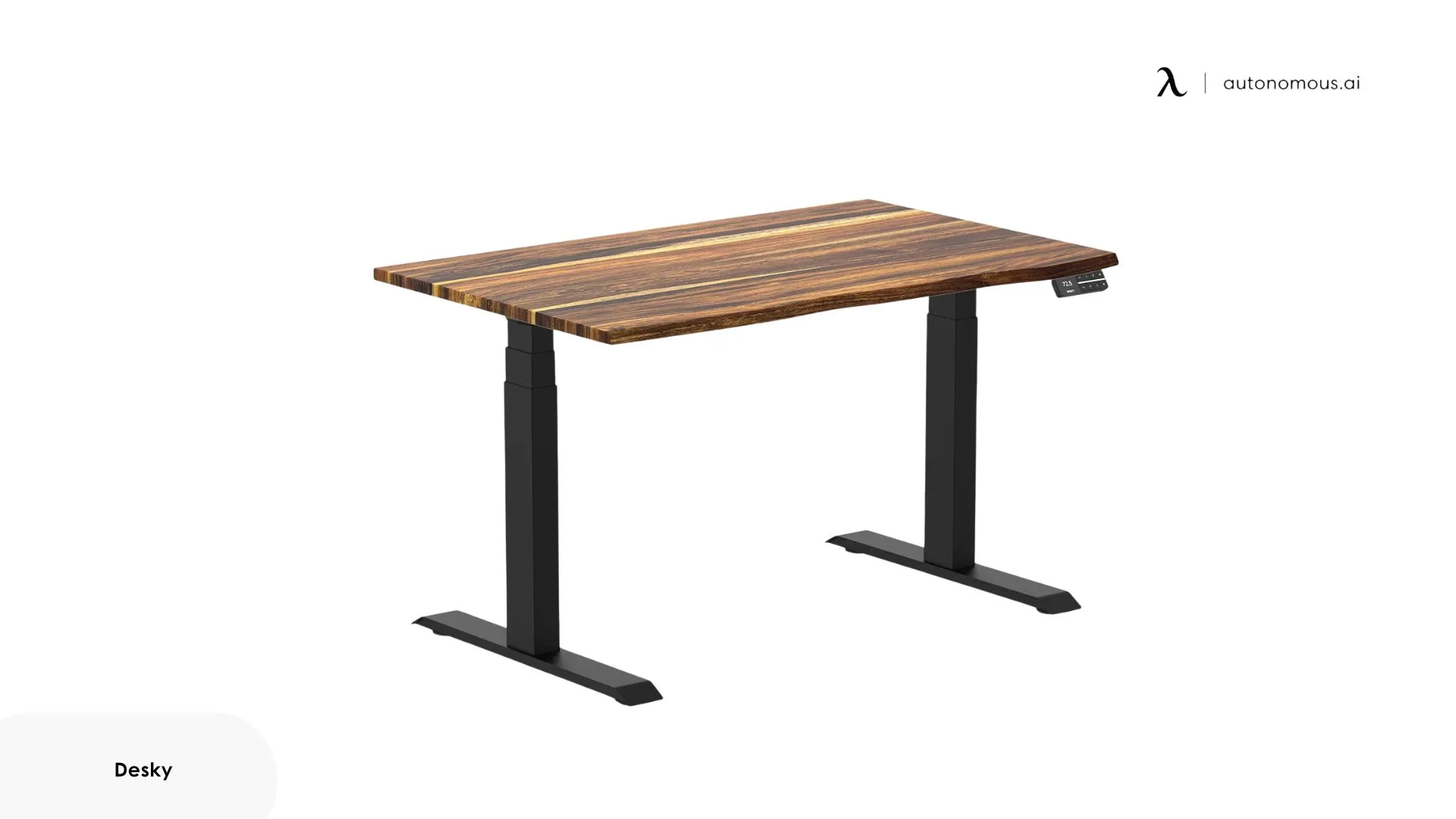
Desky Dual | In-frame channels | Tray plus channels in the legs | 309 lbs | ~$620 |
Autonomous Desk 2 | Everyday value | Grommets into an under-desk tray | 250 lbs | $449 |
FlexiSpot E7 | Value dual-motor | Basic under-desk tray | 355 lbs | ~$450 |
Autonomous Desk Core | Tidy on a budget | In-frame channel plus a hook | 176 lbs | $349 |
The 8 best standing desks with cable management
1. Autonomous Desk Pro - Best overall
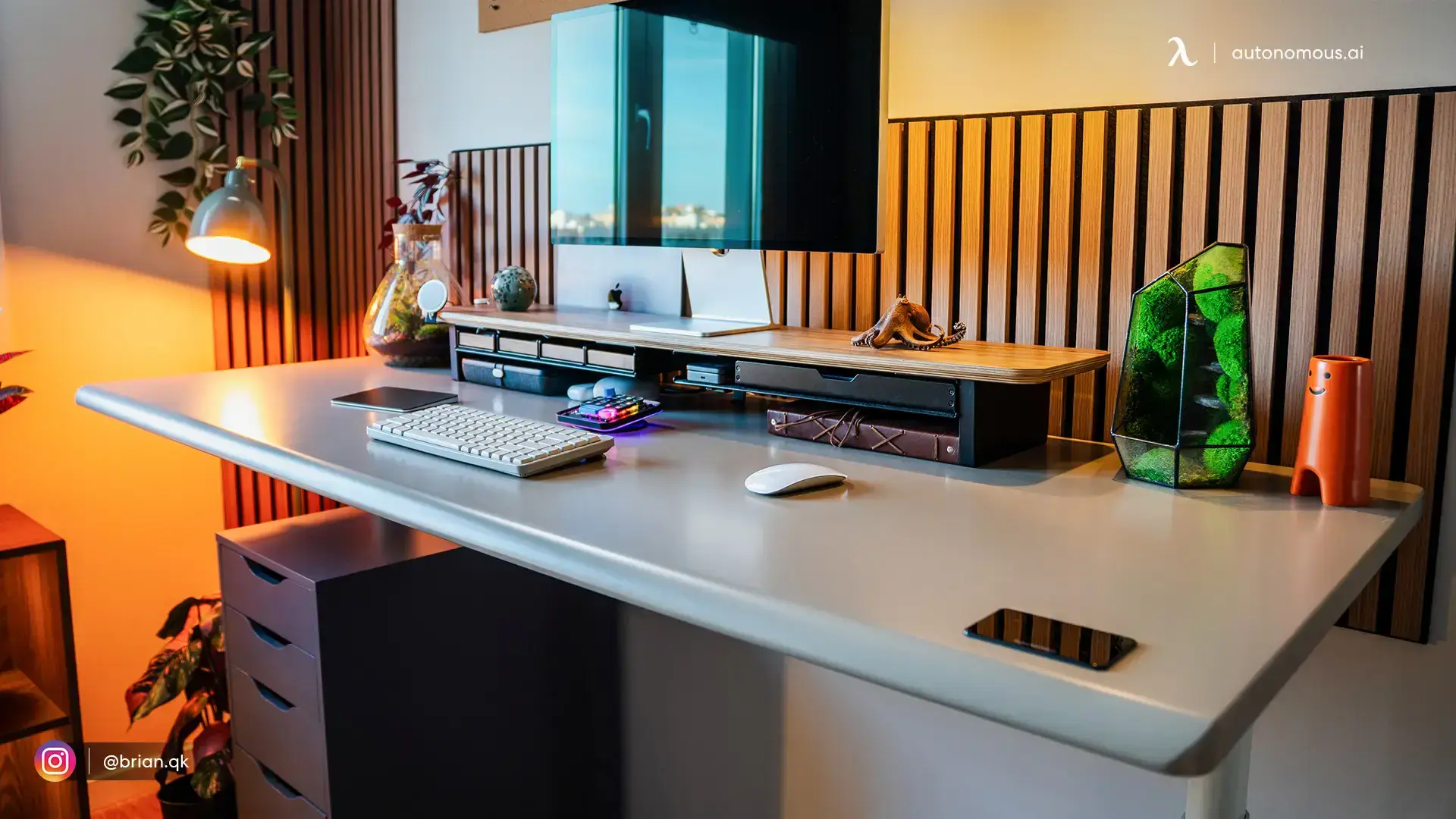
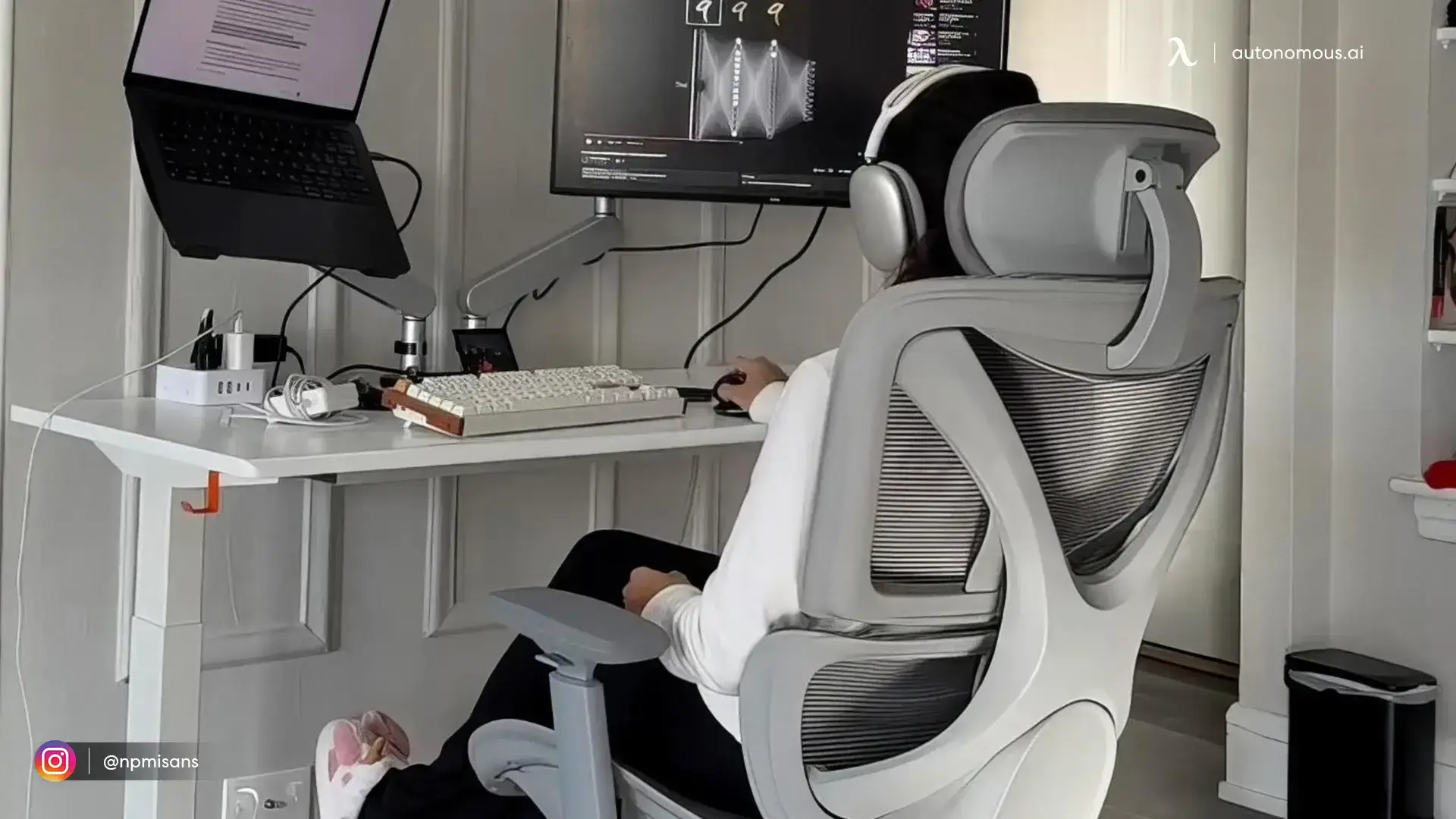
This is the one I would point most people to. It does not just come with a tray, it has power outlets built into the frame, so you plug your stuff into the desk instead of the wall. There is a roomy tray underneath for the power bricks and a hook to catch the slack, so the only cord you really see is the one going to the outlet. Even raised all the way up, nothing dangles.
The desk itself is great too. Dual motors lift 330 pounds, it is quiet at under 30 decibels, and the C-frame skips the front bar so your knees have room. People with two monitors and a tower say it does not wobble at full height. And the frame is covered for life, the longest warranty on this whole list, longer even than Uplift's 15 years.
There is also a Pro AI version that adds air and posture sensors with the same cable setup. New buyers get 5% off with code BLOGFIRST5.
One thing: the standard 53-inch top is a bit tight for four monitors plus a tray, so go with the wider Expanse top if that is you.
2. Secretlab Magnus Pro - Best for gaming
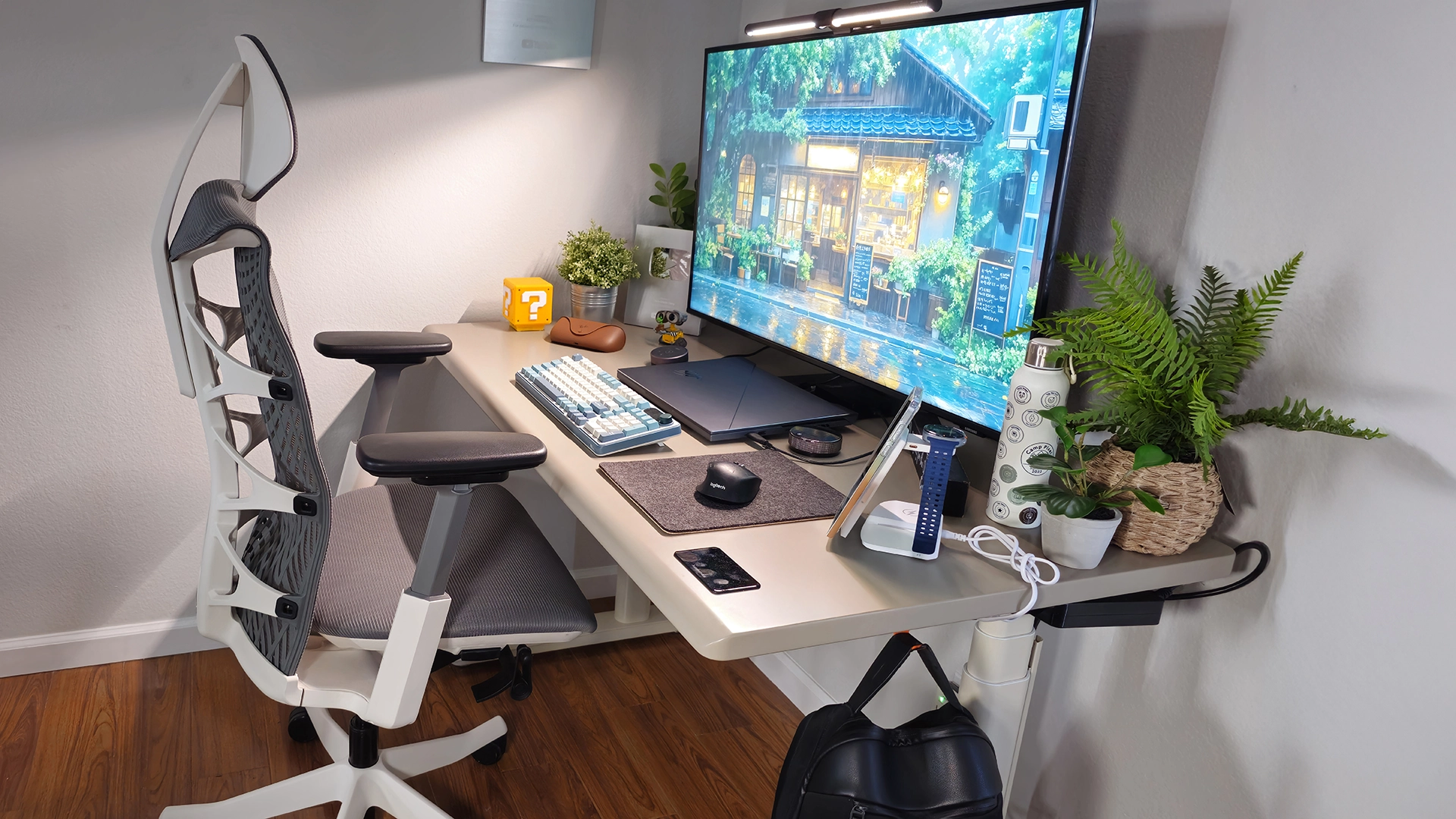
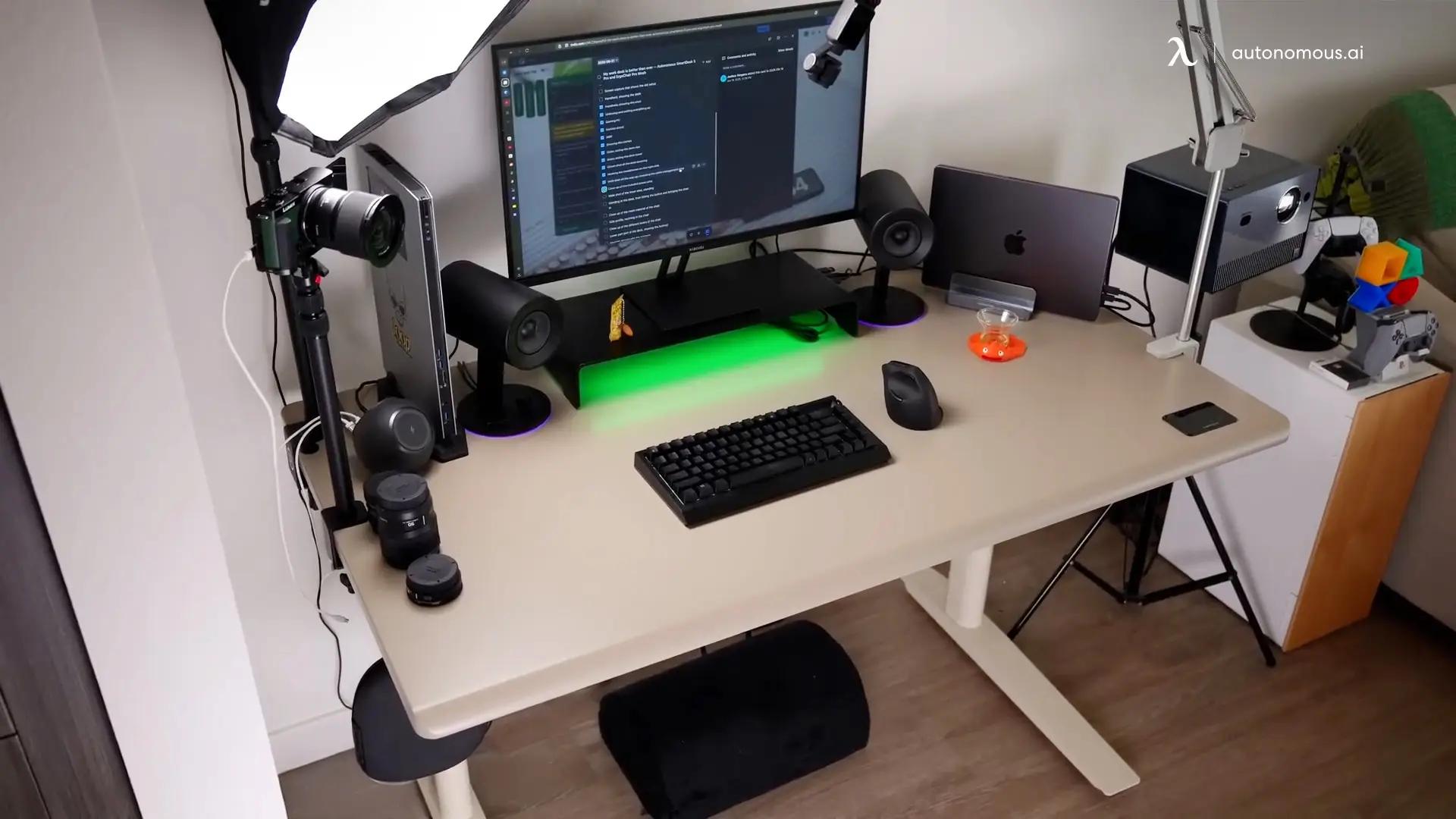
If you want the cleanest-looking setup, this is it. The whole desk is metal, and the cable tray is built into the frame instead of screwed on underneath. One cable runs up through the leg, hidden behind a cover, so your desktop stays totally clear. Then magnetic mats and accessories snap on top for hooks and clips. It just looks tidy.
It is a solid desk too. Dual motors lift 265 pounds, it barely sways even at the top, and it goes up to about 49 inches, so it fits taller people. The whole thing is steel, with no wood or veneer, so it feels closer to a piece of gym equipment than office furniture, in a good way. The small one starts around $799 and the bigger XL around $949, with a 5-year warranty.
The catches: it only comes in black, the controller is Secretlab's own so third-party add-ons will not work, it holds less than the E7 or Uplift, and the magnetic bits that finish the look cost extra.
3. Uplift V3 - Best all-part coverage and customization
The Uplift V3 is the safe long-term pick. It replaced the older V2 in late 2025, holds 355 pounds, goes from 22.6 to 48.7 inches so it fits almost everyone, and lifts fast. Its warranty is 15 years, and the useful part is that it covers everything, the frame, motors, electronics, and the top, not just the frame.
The Desk Pro up top covers its frame for life but only two years on the surface, so the two win in different ways: Autonomous for the longest frame cover, Uplift for covering the most parts.
For cables, the FlexMount now comes free. It is a fabric pouch that mounts on the back of the top, where most of the mess lives, and the frame has 48 spots to bolt on accessories without drilling. You can pick the top, the color, and the legs.
Heads up: $599 gets you the bare frame, but a nice build lands closer to $1,099. The tops are laminate, not real wood, and the pouch still leaves the cord running to the floor to sort out.
4. Autonomous Desk Levitate 2 - Best hidden cable management
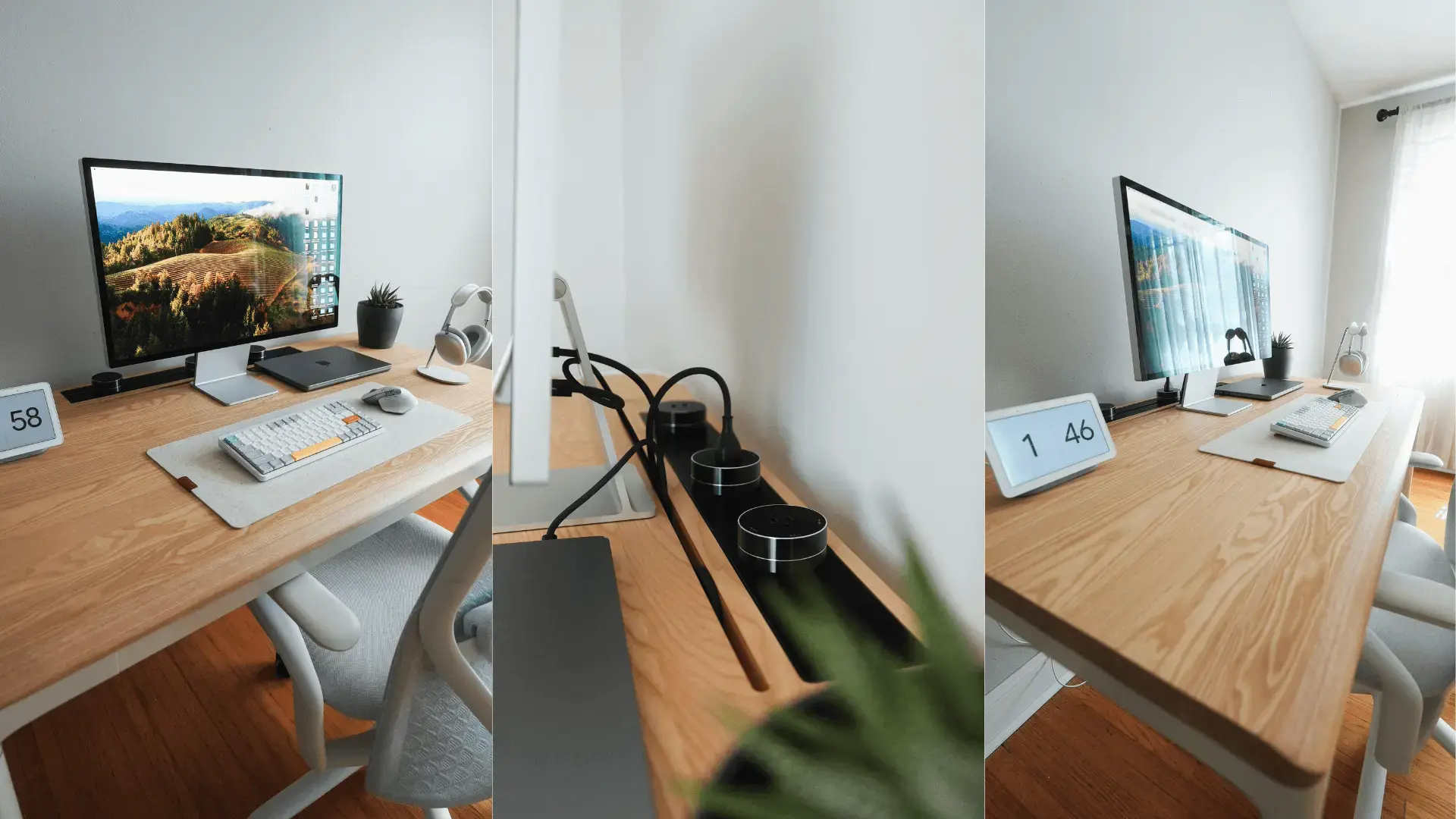
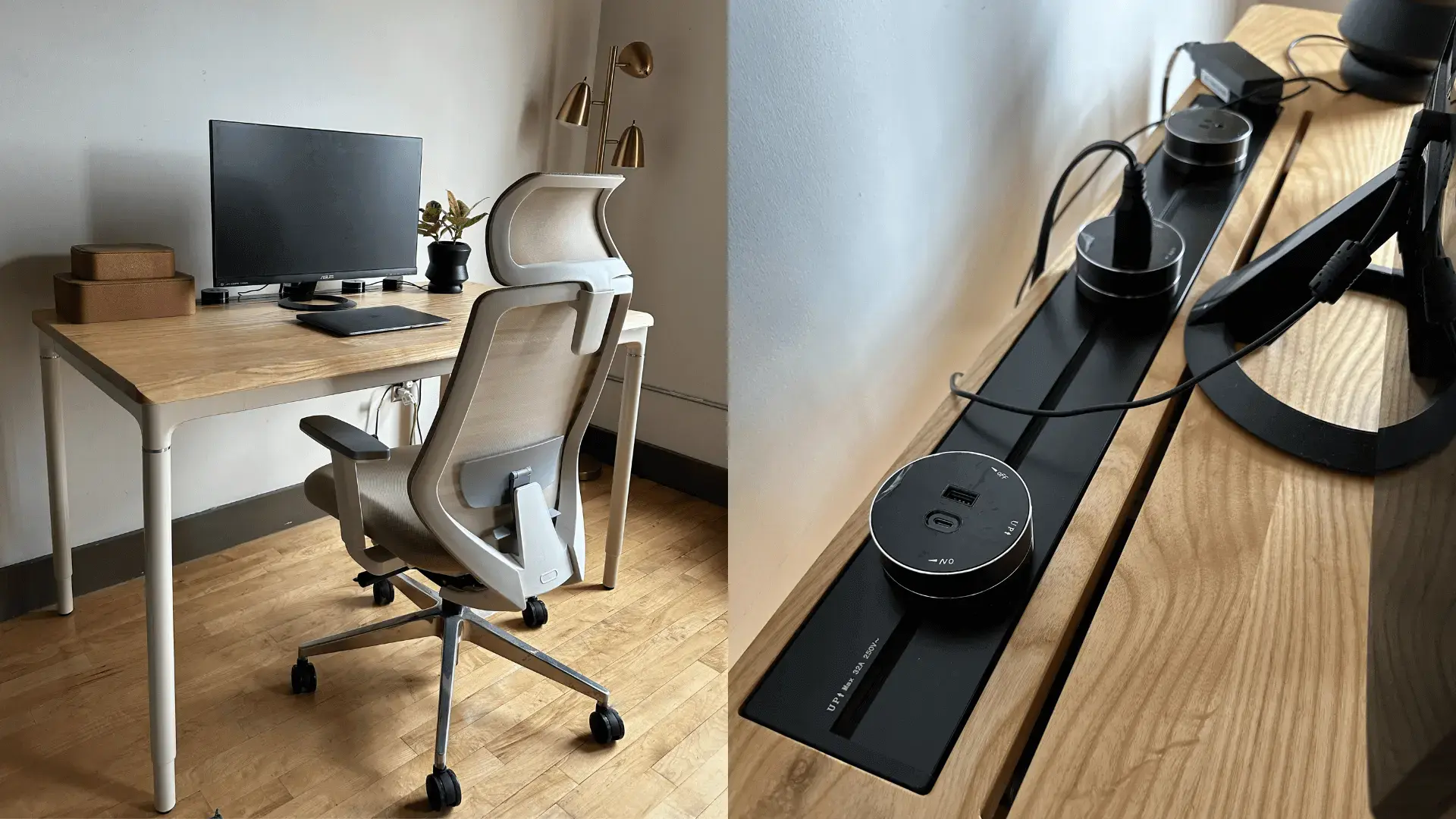
This one hides cables instead of traying them, and it looks like real furniture doing it. There is a slim groove along the back of the solid ash top, and the outlets tuck behind panels, so no wires ever show up on the surface. If you want a clean wooden standing desk with nothing sitting on top, this is the look.
Under the ash, it is a serious desk. Four legs and four motors hold 380 pounds, it runs quiet, and it barely moves at full height, which owners mention again and again. The edge is gently contoured so it does not dig into your arms, the mounting holes come pre-drilled, and the frame is covered for 10 years.
One thing to know: there is no big tray for chunky power bricks, so those end up on the floor or clipped to a leg. And the wave-to-move sensor sits right at the front, so an elbow can set it off. Keep your cables and hands clear of that spot and it behaves.
3b463479-3290-404c-ad1d-6853ec654e71.jpg)
5. Desky Dual - Best in-frame channels
Desky handles cables in two parts, which is why it stays so tidy. There is a removable tray underneath that holds a full-size power strip, plus channels built right into the legs that hide the wires running down. Done right, only one cord reaches the wall, whether you are sitting or standing.
The desk backs it up. Two quiet motors hold 309 pounds, it goes from 23.6 to 49.2 inches, and it comes in everything from bamboo to real solid wood. You can even raise or lower it with a voice command through the app. The frame is covered for 10 years, and it passes the usual desk safety tests.
The catch comes straight from an owner: if your desk is not pushed against a wall, you will still see the cords running down to the tray, so it looks best in a corner or against a wall. And there are fewer add-on accessories than Uplift, so there is less to bolt on later.
6. Autonomous Desk 2 - Best everyday value
The Desk 2 is the reliable, cheaper pick, and the one most people actually buy. It has grommets in the top, so your cables drop straight down into an under-desk cable tray that holds a power strip and the extra slack. Same clean idea as the Pro, just on a simpler frame.
It has earned its spot. This is the desk Autonomous has sold since 2015, and it is the most-reviewed one they make. Two motors hold 250 pounds, it runs quiet, and it has four presets so you can save your sitting and standing heights. One owner says it barely wobbles even with a full glass of water on top. The frame is covered for 10 years.
Two small things: the tray fits a power strip and some slack, not big chunky bricks, so clip those to the frame instead. And the frame has a crossbar across the front, so a deep tray has a little less room to slide than on the Pro.
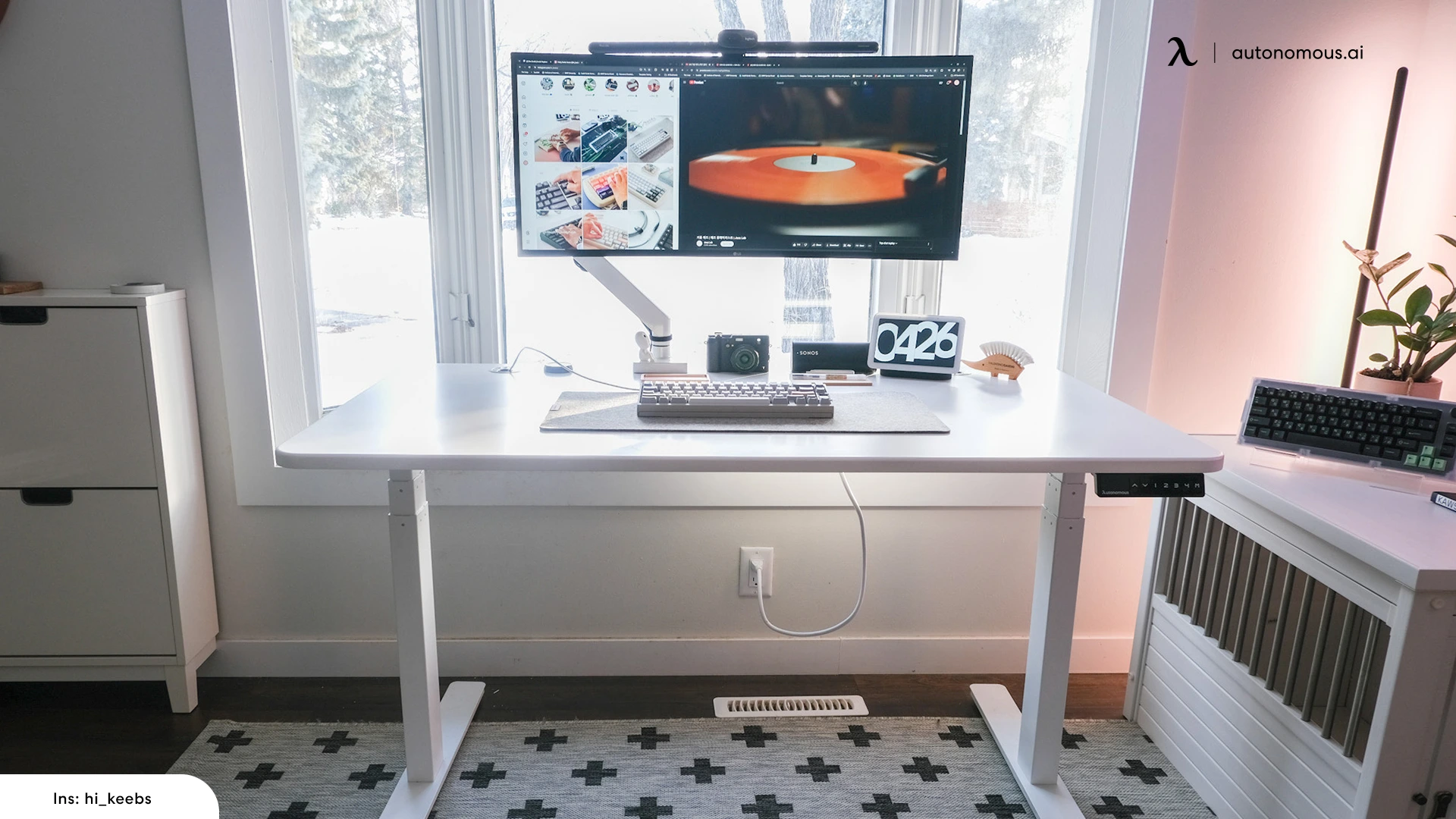
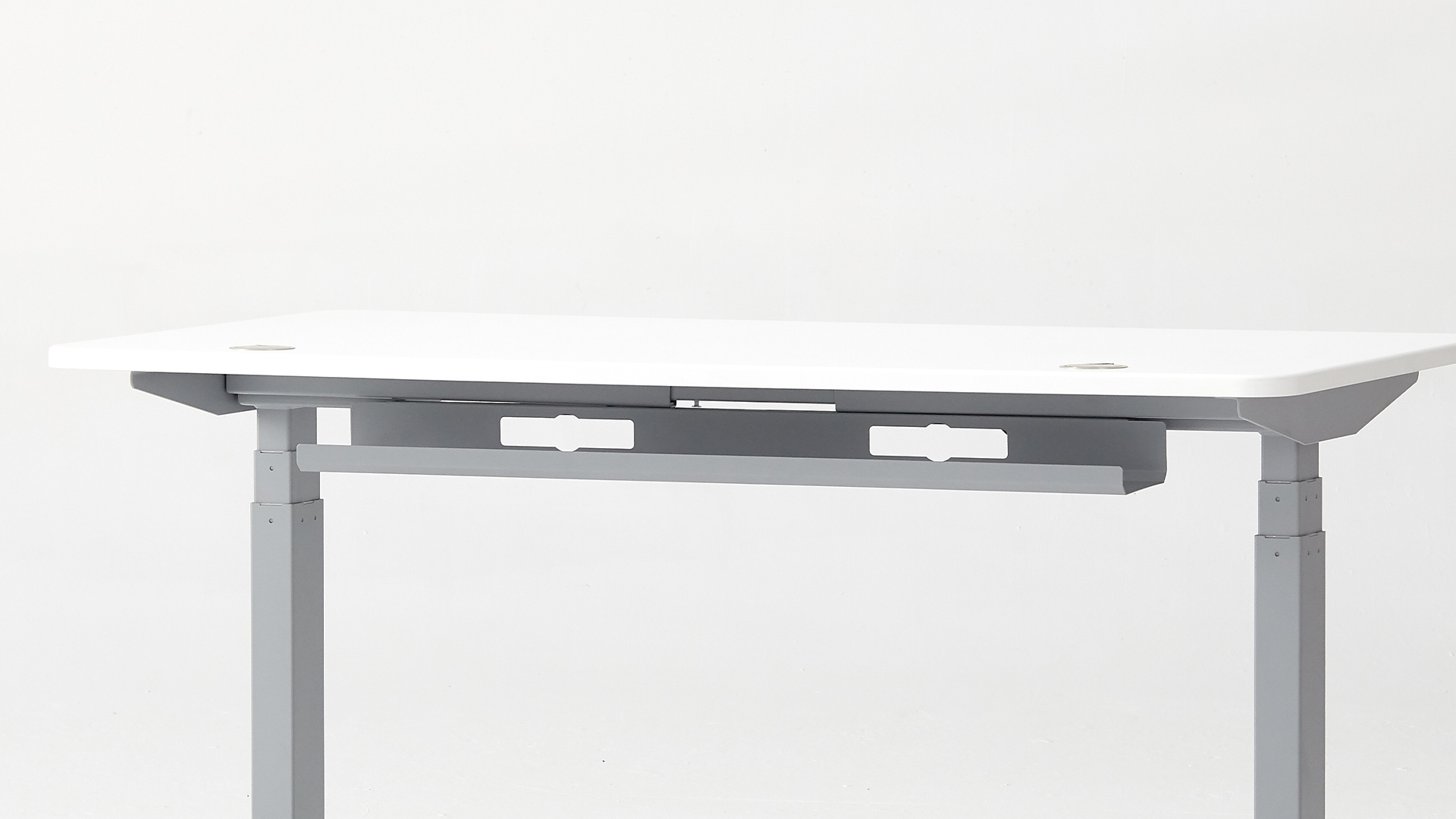

7. FlexiSpot E7 - Best value dual-motor
The E7 is the easy, no-drama budget pick. It is a steady two-motor desk that holds 355 pounds and comes in under $500, which is why it lands on so many shortlists. It ships with a basic cable tray underneath, and for a normal setup with a laptop and a monitor or two, that is really all you need.
If cables are the whole point for you, FlexiSpot makes a step-up model, the E7 Pro CableFlow, that runs the power up through the legs for an even cleaner look, though it costs more. On the regular E7, the tray is simple, so a big pile of cables takes some hand-tidying to get right.
The trade-off is choice. You get fewer top, color, and accessory options than Uplift, and the cable setup is functional rather than fancy. But as a solid desk that quietly does the job for the money, the E7 is hard to argue with.
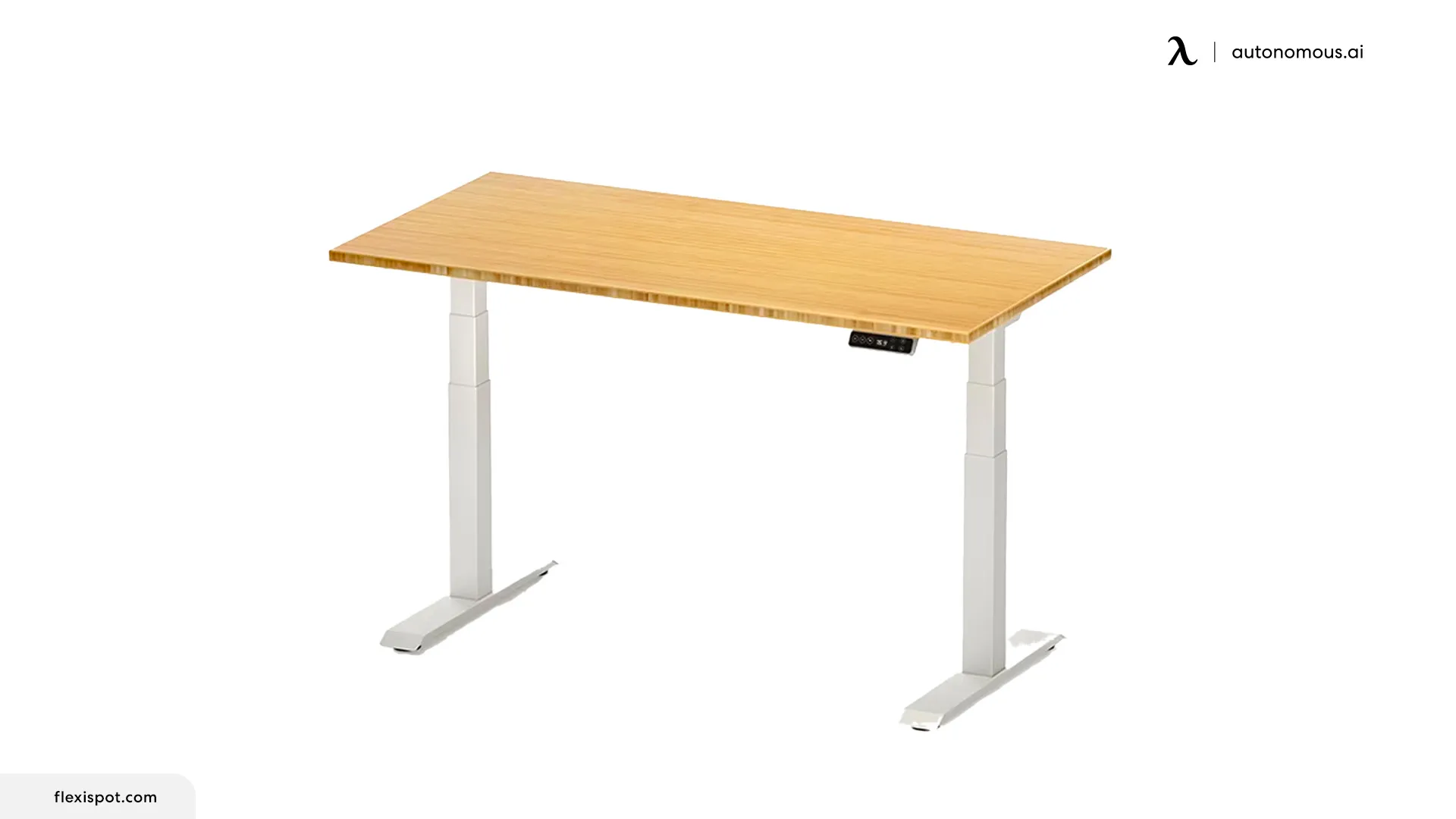
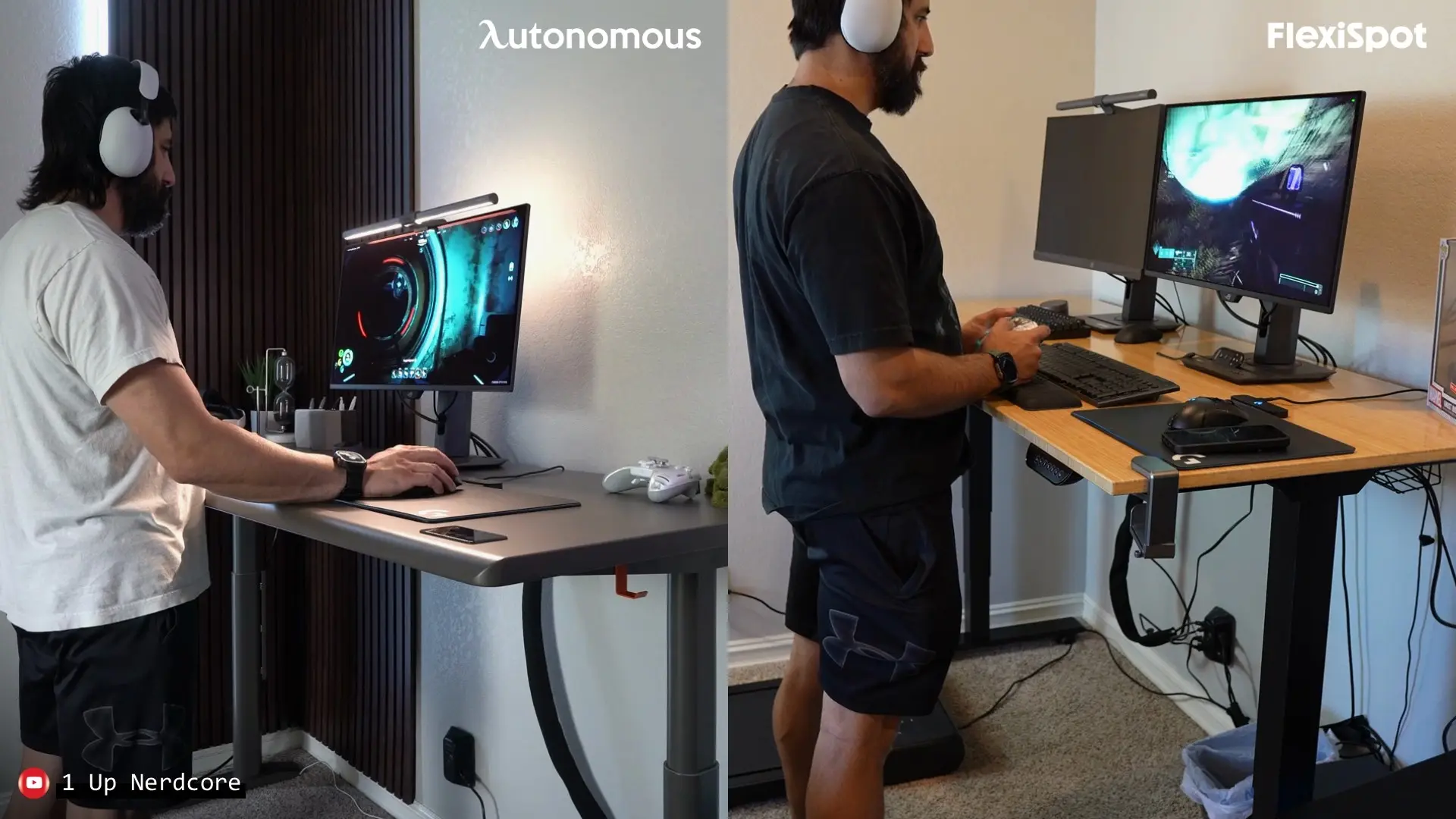
8. Autonomous Desk Core - Best budget built-in
Nice cable management usually costs extra, but the Core slips it in on the cheap. Wires tuck into a channel built into the frame, there is a little hook to catch the slack, and it comes with a tray, so one cord runs from the wall and nothing loops around underneath. For the price, it looks cleaner than it has any right to.
It keeps things simple to hit that price. A single motor lifts 176 pounds, the top is a compact 48 by 24 inches, and the front edge is curved so it is easy on your wrists. It is the entry point to the lineup, and owners are often surprised by how steady it feels for a budget standing desk. The frame is covered for 2 years.
Two things to keep in mind: the Core skips anti-collision, so it will not stop on its own if something is in the way as it lowers, and the small top fills up fast. Keep the load light and the setup simple, and it is a lot of desk for the money.
Finishing off the last few cables
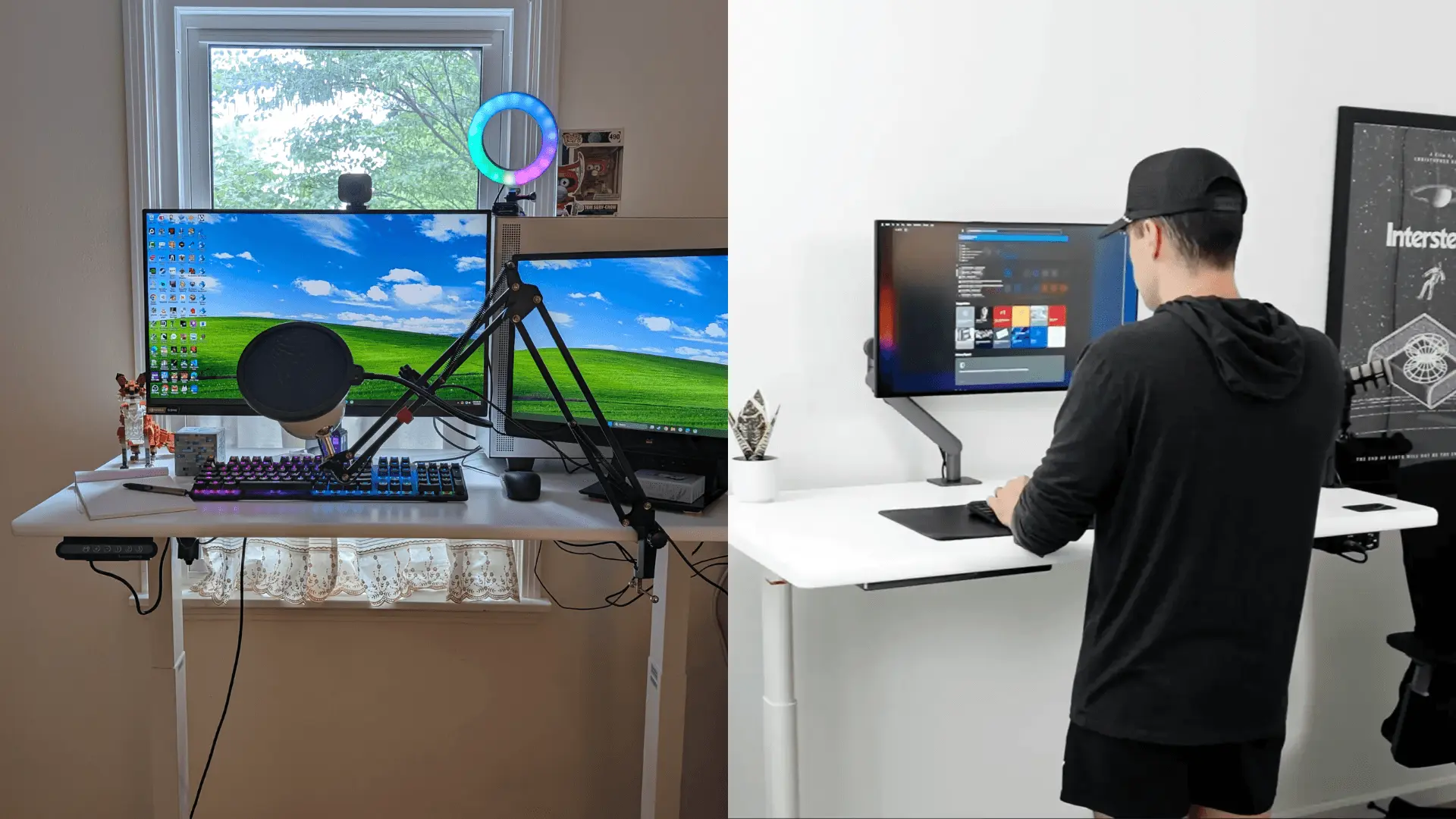
Even the best desk leaves a couple of cables to tidy by hand. A few sticky clips guide loose cords, a sleeve bundles the run to the wall, and an add-on cable tray gives a power strip somewhere to hide under a desk that does not have one. The full routing walkthrough is the cable-management guide linked above, and the standing desk power strips guide covers picking the outlet itself.
FAQs
Which standing desk has the best cable management?
The Autonomous Desk Pro leads for a clean setup out of the box, with a tray and power outlets built in, and its frame is covered for life. The Secretlab Magnus Pro goes further with an in-frame tray and magnets, and the Uplift V3 backs its FlexMount with a 15-year, covers-everything warranty.
What is hidden cable management on a standing desk?
Hidden cable management keeps your wires inside or behind the desk instead of out in the open. It usually means a tray underneath, a groove along the back of the top, or power built into the frame. On a desk that moves, it also stops cables from tugging every time you stand.
Can I add cable management to a desk that does not have it?
Yes, easily. Clip-on trays, sticky clips, sleeves, and a mounted power strip work on almost any desk, and an under-desk tray gives your power bricks a place to hide. A good desk plus a tray gets you the same tidy look. You just buy the parts separately.
How do I manage cables for a dual-monitor setup?
Put both screens on a monitor arm to clear the desktop, run their cables together into a tray underneath, and power everything from one strip attached to the frame. The trick is keeping the cables tied to the moving desk, not the wall, so they do not stretch when you stand.
Does cable management affect how the desk moves?
Good cable management actually helps. Leaving enough slack and clipping cables to the moving frame keeps them from stretching or catching as the desk goes up and down. Messy cables are a common reason connectors get tugged loose or pinched on a desk that adjusts.
The bottom line
The best standing desk with cable management is the one that hides cords the way you want. The Autonomous Desk Pro does it cleanest overall, with a tray and power built in. The Secretlab Magnus Pro goes furthest for a gaming setup, and the Uplift V3 backs its cable system with a 15-year, covers-everything warranty. The Desk Pro's frame, for the record, is covered for life.
Whichever you pick, check three things: enough slack, a way to hide the run to the floor, and a tray that fits a power strip. Then tie your cables to the desk, not the wall, and it will stay tidy for years.