10 Useful Gadgets for Women for Work and Home in 2026
For gadgets for women around $100, choose the Ember Mug 3 for someone who keeps reheating coffee, or the Lumie Bodyclock Rise 100 for someone who wants a light alarm. Neither choice depends on her phone model. With a budget up to $200, Kobo Clara Colour fits an established reader, after checking her ebook library.
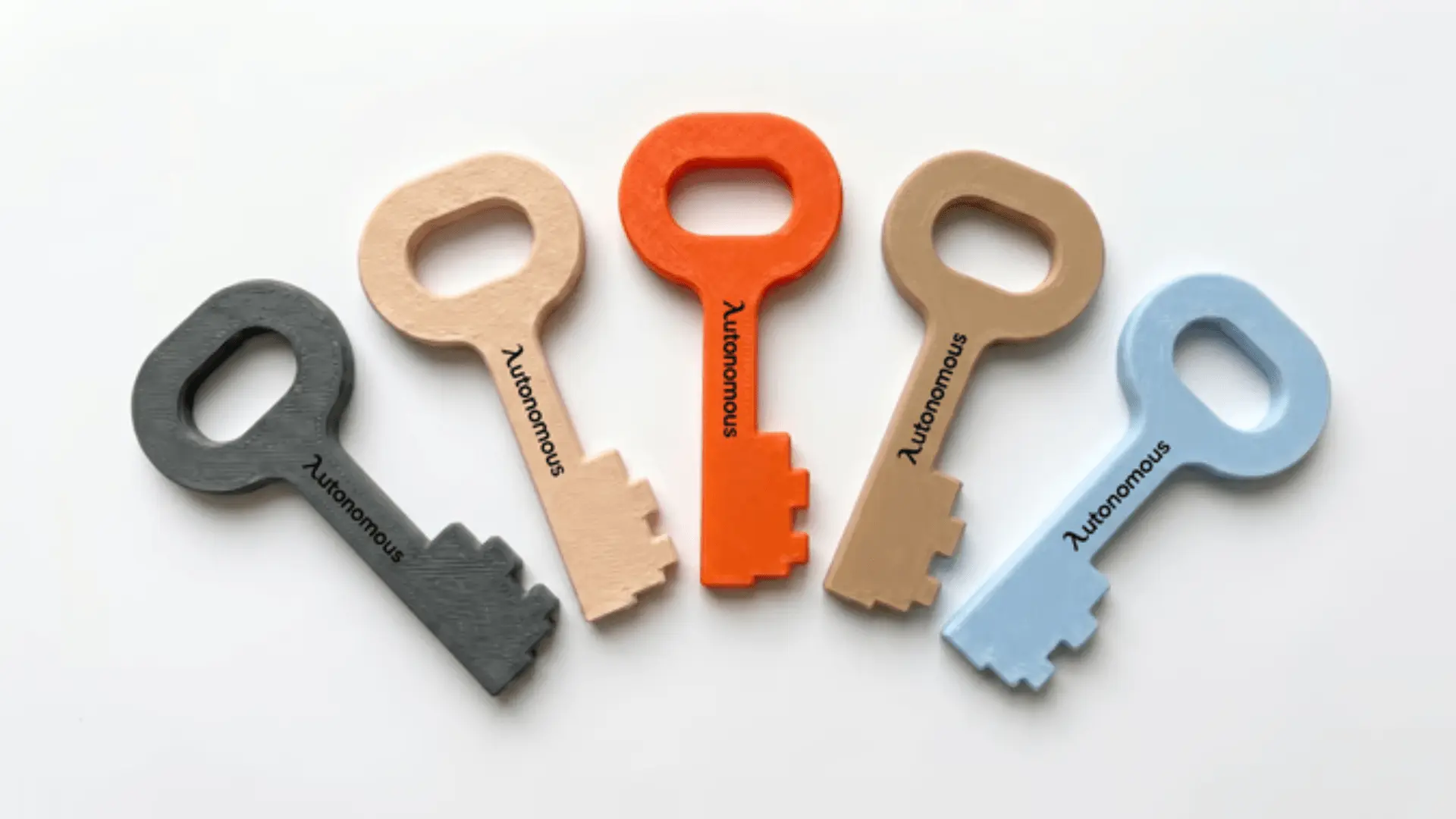
Smaller desk gifts serve different habits: Autonomous Key is a passive NFC key with no battery to charge, while Hydrate is a USB-C coaster for drink reminders. The ten picks below include the compatibility checks, extra costs and reasons to pass that help a useful gift stay useful.
Useful Gadgets for Women at a Glance
Choose by the job the device will do and what the recipient needs to use it. The comparison uses published specifications rather than hands-on testing; customer-star ratings shown come from the linked brand store.
| Gadget | Good fit | US listing price | Check first |
|---|---|---|---|
| Autonomous Key | More deliberate phone use | $14 | NFC phone and app setup |
| Anker Nano A1653 | Small emergency top-ups | $29.99 | USB-C port and case clearance |
| SanDisk Extreme Portable SSD 2TB | Files and photo backups | Check current 2TB price | Compatible computer port |
| Hydrate | Desk-based drink reminders | $29 | USB-C power and app setup |
| Ember Mug 3 14oz | Coffee that stays warm | $99.99 | Already owns a heated mug? |
| Lumie Bodyclock Rise 100 | Light-based wake-ups | $87.20 | Already uses a sunrise alarm? |
| Apple AirTag | Finding keys and bags | $29 each | Compatible Apple device; holder extra |
| Sony WH-1000XM6 | Commuting and shared spaces | $348 | Comfort with over-ear headphones |
| Kobo Clara Colour | Regular reading | $179.99 | Current e-reader and ebook library |
| Canon IVY 2 | Small photo keepsakes | $99.99 | Phone app and replacement paper |
Tech Gifts for Focus and Everyday Work
Key, a compact power bank and a portable SSD address three different frustrations: distractions, an empty phone battery and files that need moving. Match the gift to the problem that actually comes up.
1. Autonomous Key for a Physical Pause Before Scrolling
Autonomous Key adds a physical step before we reopen selected distracting phone apps. Pair the passive NFC key with the free companion app, choose the apps to lock, then tap the phone against the Key to regain access.
The Key needs no battery or charging, and its app has no subscription. It works with NFC-equipped phones running iOS 15 or later or Android 8 or later. This makes sense as a gift when the recipient already wants that pause. A surprise restriction on someone else's phone is a poor starting point.
| Pros | Cons |
|---|---|
| No charging or app subscription; a tangible step before reopening apps. | Requires setup and phone permissions; useful only when the recipient wants the restriction. |
2. Anker Nano A1653 for Small Phone Top-Ups
The Anker Nano A1653 is a 5,000mAh power bank with a foldable USB-C connector, useful for a phone running low between stops. Its small format suits a handbag or work pouch without adding a separate charging cable for a compatible USB-C phone.
Check the phone case before buying: Anker specifies clearance for cases up to 4.9mm thick. A Lightning iPhone needs a separate cable, and this model is a phone top-up gift rather than a laptop power bank. The battery's capacity does not promise a full charge for every phone.
| Pros | Cons |
|---|---|
| Foldable USB-C connector; compact 100g design. | Case clearance matters; limited capacity for long trips or multiple devices. |

3. SanDisk Extreme Portable SSD for Photos and Work Files
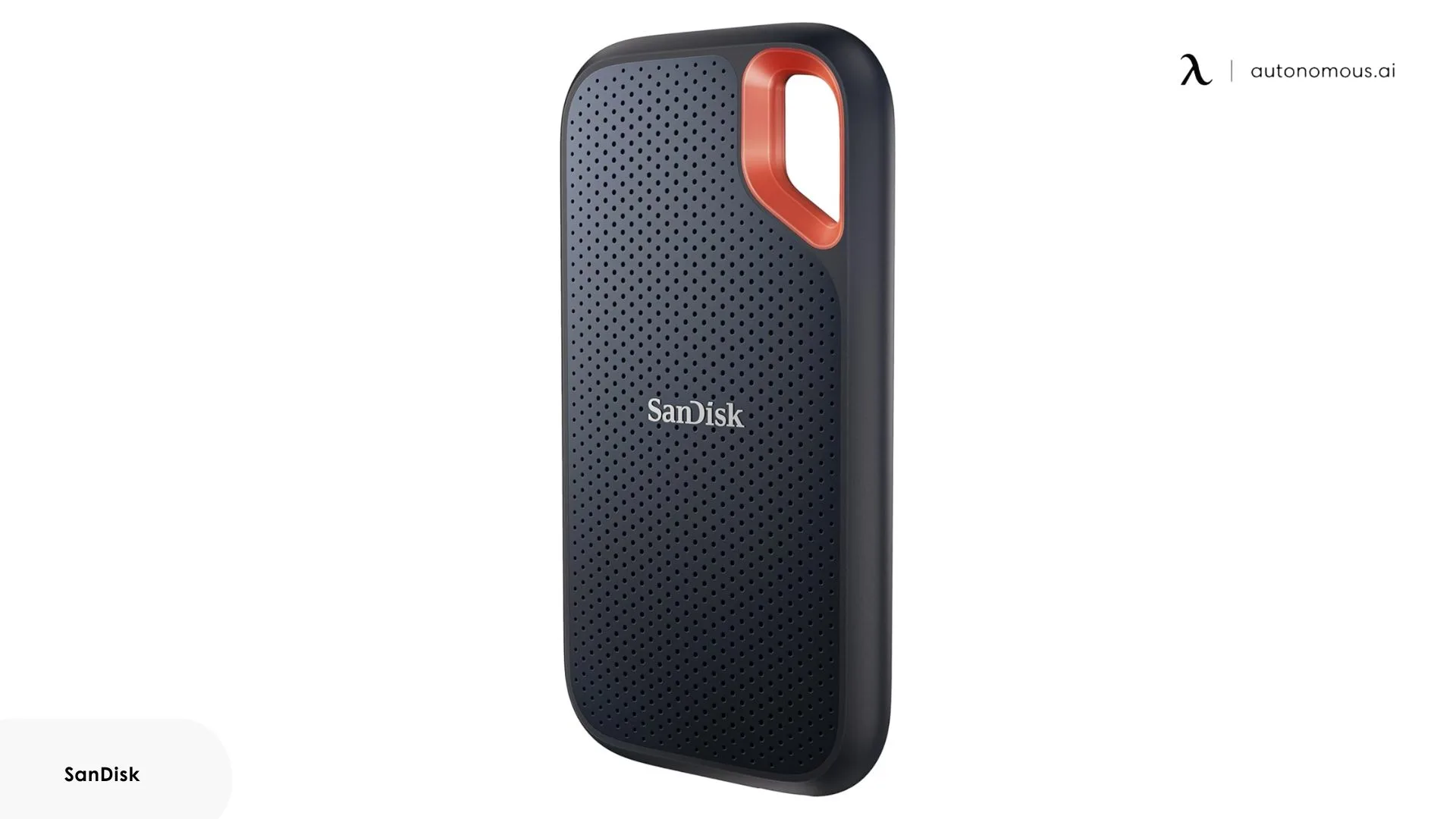
The SanDisk Extreme Portable SSD 2TB gives a photographer, designer or frequent file-sharer a separate place for large files. This is the SDSSDE61-2T00-G25 model, with USB-C connectivity and manufacturer-rated reads up to 1,050MB/s.
Actual transfer speed depends on the computer port, cable and files. A USB-C-shaped port alone does not establish the required speed. For a gift, include a plan for what goes on the drive: keeping a second copy is a backup; moving the only copy off the laptop is not.
| Pros | Cons |
|---|---|
| Portable 2TB storage; USB-C cable and USB-A adapter included. | Speed depends on the host connection; backups still need a routine. |
Gadgets for Desk Habits and Time at Home
Hydrate reminds, Ember keeps a drink warm, and Lumie provides a gradual light alarm. Choose the one that fits an existing routine, since each needs a regular place to live.
1. Hydrate for the Drink Left Untouched on the Desk
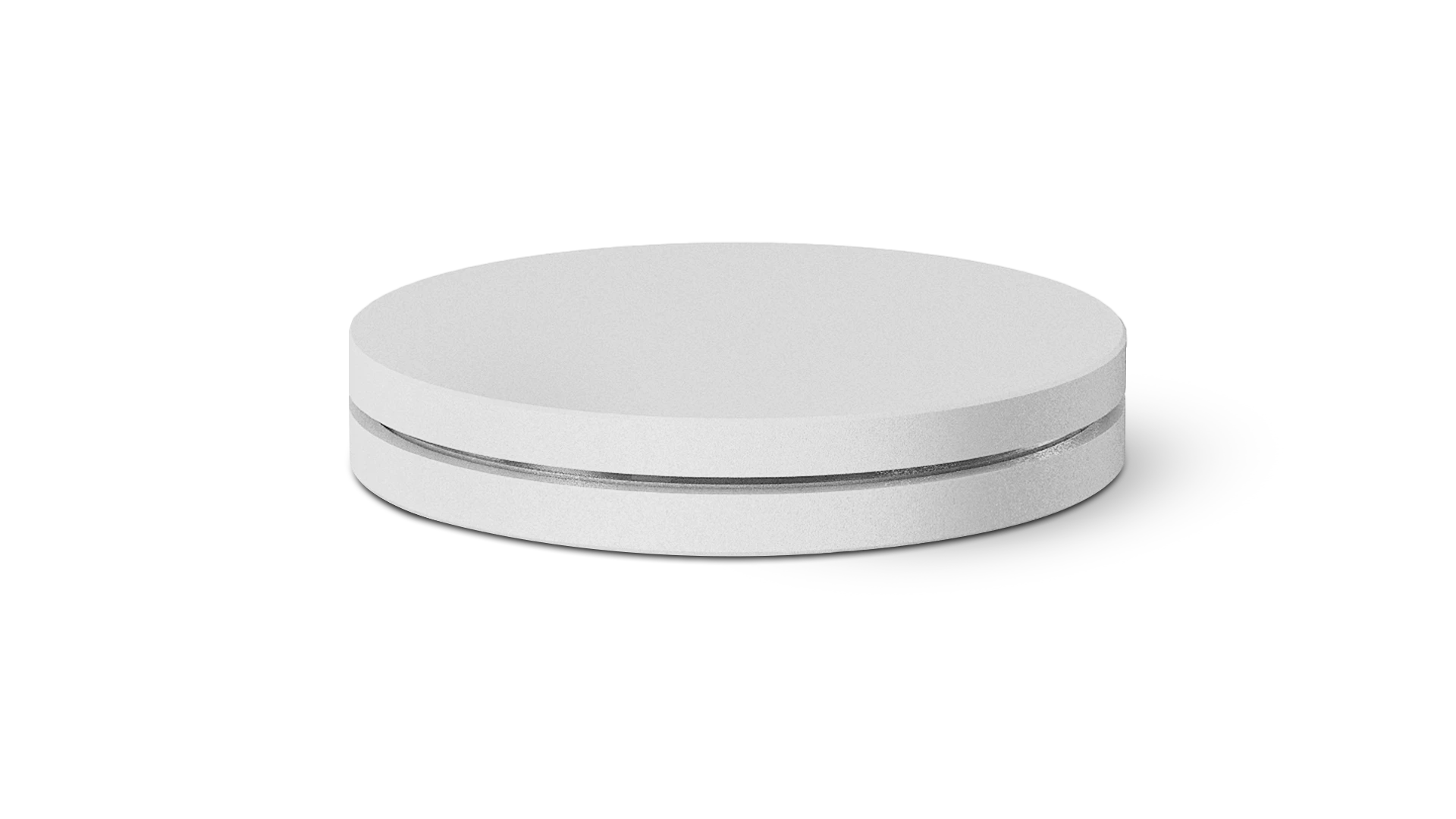
Hydrate is a desk coaster that tracks drinking through changes in the weight of a cup or bottle. It can give light, vibration or buzzer reminders, with preset intervals or a custom schedule.
It works with the recipient's existing cup or bottle, connects through USB-C and needs app setup. The bottle option is separate. Choose it for someone who forgets the drink beside their keyboard; it relies on putting the drink back on the coaster rather than tracking every sip away from the desk.
| Pros | Cons |
|---|---|
| Uses an existing drink container; reminder types can suit a shared office. | Needs a powered desk spot and a habit of returning the drink to the coaster. |
2. Ember Mug 3 for Coffee That Goes Cold Mid-Task
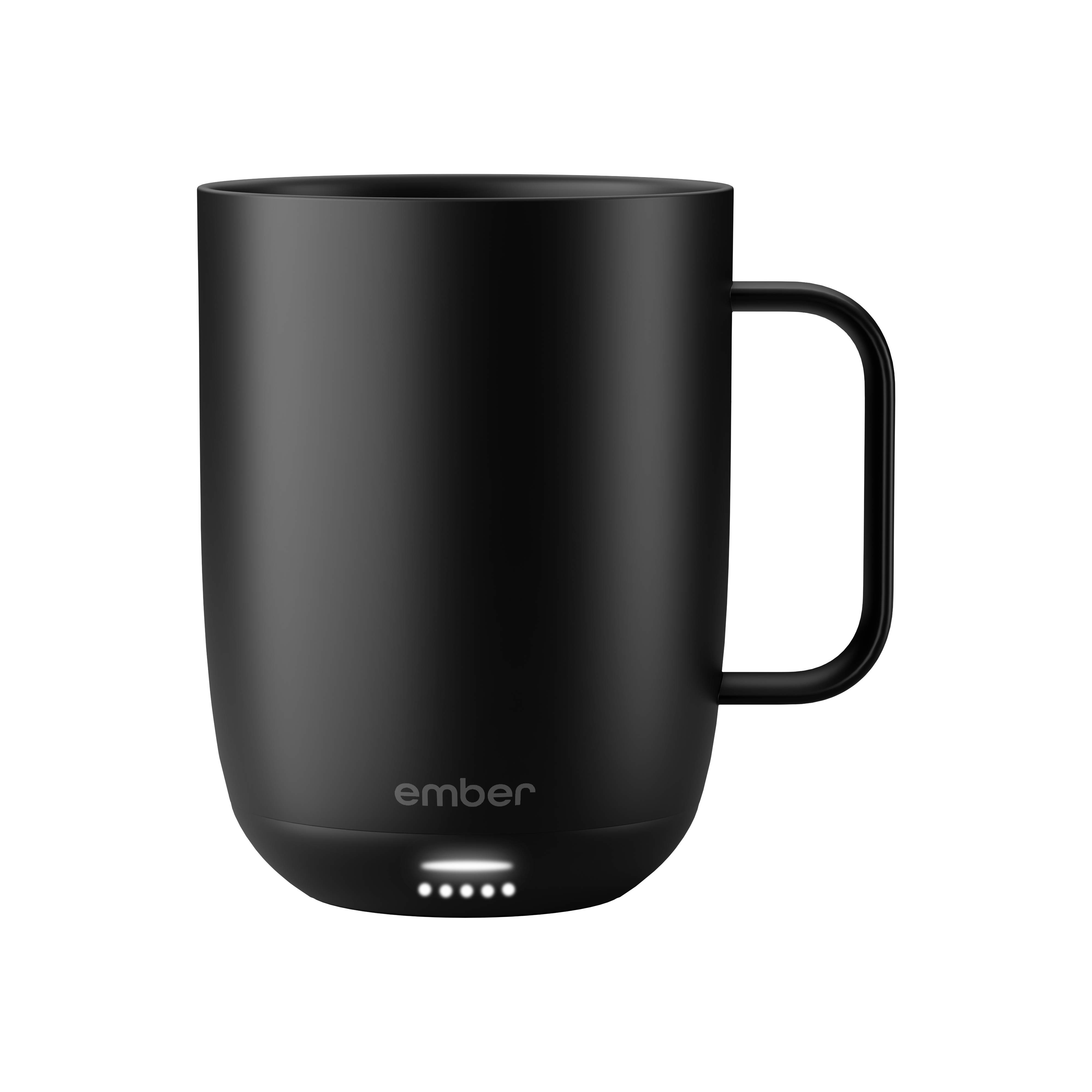
The Ember Mug 3 14oz keeps a hot drink at the selected temperature, with controls on the mug or through the optional app. It suits someone who repeatedly reheats coffee during a long reading or work session.
The included sliding lid affects battery life: Ember lists over three hours with it and 80 minutes without it for this size. The plugged-in coaster maintains warmth for longer desk sessions. Allow space for that coaster. The mug is top-rack dishwasher safe and must be fully dry before charging; the coaster and cable are not dishwasher safe. Someone who finishes coffee quickly may prefer an ordinary mug.
| Pros | Cons |
|---|---|
| Temperature adjustment without requiring the app; lid and charging coaster included. | Another item to charge; runtime changes with lid use and conditions. |
3. Lumie Bodyclock Rise 100 for a Gradual Light Alarm
The Lumie Bodyclock Rise 100 provides a 30-minute sunrise effect before waking time and a sunset fade at night. The US version suits someone who has specifically asked for a light-based alarm without adding another phone app.
It has adjustable sunrise intensity and an optional beep, but it does not include the natural-sound library or speaker functions found on some other alarms. Measure the bedside spot and confirm there is an outlet. This is a choice about the morning routine, without a promise that it will fix sleep problems.
| Pros | Cons |
|---|---|
| Gradual sunrise and sunset; no phone pairing needed for the alarm. | Needs mains power and bedside room; no Bluetooth speaker or sound library. |

Travel Tech Gifts for Bags and Busy Commutes
AirTag helps locate belongings through Apple's Find My network, while Sony's over-ear headphones reduce surrounding noise during listening. Phone compatibility and personal comfort matter more here than a surprise color choice.
1. Apple AirTag for Keys or a Travel Bag
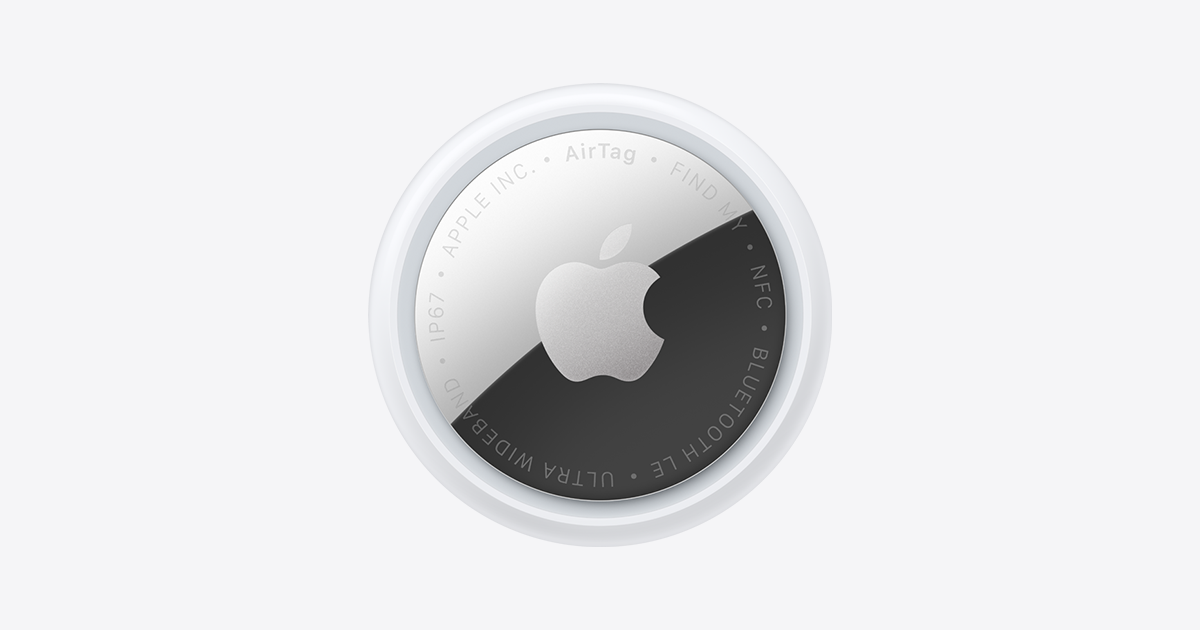
Apple AirTag helps find a tagged item through the Find My network. The current model requires an Apple Account and an iPhone running iOS 26 or later, or a compatible iPad running iPadOS 26 or later.
It makes sense for someone who regularly misplaces keys or wants another way to locate a bag. It is not a standalone live GPS tracker, and Android owners cannot set it up as their own Find My item. Add a suitable holder for keys and account for replacement CR2032 batteries.
| Pros | Cons |
|---|---|
| Find My integration; replaceable battery. | Apple device required; key-ring holder costs extra; no guaranteed live location. |
Apple AirTag
Check the Apple device first and add a holder if needed.
2. Sony WH-1000XM6 for Over-Ear Listening on the Move
The Sony WH-1000XM6 combines noise cancellation, a folding design and Bluetooth multipoint for listening across devices. Sony lists up to 30 hours of battery life with noise cancellation enabled.
Choose these for someone who prefers full ear cups to earbuds during a commute or shared-office work. Comfort is personal, so a gift receipt is useful. Noise cancellation reduces surrounding sound rather than creating silence, and the full-size format takes more bag space than earbuds.
| Pros | Cons |
|---|---|
| Noise cancellation, multipoint and a folding design. | Higher price; fit and ear-cup warmth are personal preferences. |
Cool Gadgets for Reading and Printed Memories
Kobo Clara Colour suits an established reading habit, while Canon IVY 2 turns selected phone pictures into small physical keepsakes. Both become more thoughtful gifts when the books or paper are considered alongside the device.
1. Kobo Clara Colour for a Dedicated Reading Break
The Kobo Clara Colour is a compact e-reader with a 6-inch color E Ink display, adjustable lighting and USB-C charging. It gives a regular reader a dedicated place for books without a social feed beside the page.
Check where she already buys or borrows ebooks before changing systems. Existing Kindle purchases should not be assumed to transfer automatically, and library borrowing depends on the library and location. Its small screen suits novels better than large PDFs or detailed comics. A cover and a first book are useful additions, but neither is included in the device price. Choose them before checking whether the total stays within budget.
| Pros | Cons |
|---|---|
| Compact color E Ink screen; adjustable light and color temperature. | Existing ebook compatibility needs checking; cover and books add cost. |

2. Canon IVY 2 for Journals and Small Photo Keepsakes
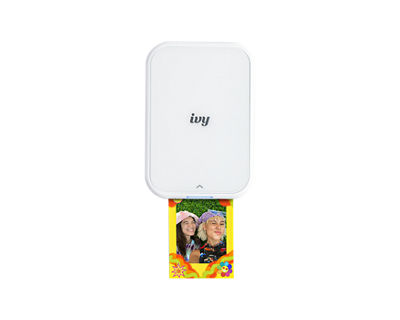
The Canon IVY 2 prints 2-by-3-inch sticky-backed photos from a phone using Bluetooth and the Canon Mini Print app. It suits someone who already makes journals, scrapbooks or small photo displays.
The printer uses Canon ZINK paper without separate ink cartridges, with ten sheets in the box. A 20-sheet refill adds $11.99 to the $99.99 printer, giving a $111.98 starter basket before tax and shipping. Its small prints suit keepsakes rather than large framed photographs; a compatible smartphone and app are required.
| Pros | Cons |
|---|---|
| Small sticky-backed prints; no separate ink cartridges. | Replacement ZINK paper is an ongoing cost; phone app required. |
How to Choose Gadgets for Women Without Adding Chores
Choose a gadget that fits the recipient's existing routine, then price the first week of using it. The purchase is only part of the gift: paper, books, holders, account setup and a suitable power source can determine whether it gets used.
Check What Is Needed on the First Day
A gift is ready to use when the required connection, consumable and account are available. These checks catch common mismatches before the box is wrapped.
- Phone and case: confirm the operating system for AirTag and Key, and the charging port and case clearance for Anker.
- Power and placement: allow a USB-C spot for Hydrate, a charging-coaster spot for Ember and a bedside outlet for Lumie.
- The next purchase: budget for Canon paper, Kobo books or an AirTag holder where needed.
- Personal setup: leave account creation and phone permissions to the recipient. Offer help rather than registering the device under the giver's account.
Use the Budget to Narrow the Job
The price table separates small accessories from larger electronic gifts. For a modest budget, a charger that fits the phone can be more useful than a cheap substitute for headphones or an e-reader. Before choosing one of the larger gifts, make one specific check:
- Ember Mug 3: check whether she already uses a temperature-controlled mug. If she does, find out what the current one fails to do before buying another.
- Lumie Rise 100: check whether she already uses a sunrise alarm and wants a replacement. Someone who prefers a dark room until the alarm sounds may not want this routine.
- Kobo Clara Colour: check the e-reader she uses and where her ebooks come from. A second device can split her library rather than improve reading.
Confirm the delivery estimate for the recipient's ZIP code at checkout, especially if the gift is needed this week. Check return conditions and request a gift receipt where available. A listed price alone does not establish a delivery date or an easy return.
With AI gadgets, ask what the device does during an ordinary day and which app or service makes it work. An AI label alone does not establish that it is a better gift.
Match the Gift to the Space Already Available
A gadget should have a usable home before it arrives. Match it to the office accessories already on the desk, including chargers and available ports.
A minimalist desk setup may benefit more from one small tool than another screen or dock.
For a colleague, practical desk gifts are easier to choose when their daily use is familiar. Personal devices that change phone access or wake-up routines call for a closer understanding of what the recipient wants.
FAQs
What Are Useful Gadgets for Women?
Useful gadgets fit a recurring need: portable power for a phone, dedicated reading time, small photo prints or a more workable desk routine. Anker Nano, Kobo Clara Colour and Canon IVY 2 serve different habits. Start with what she already does, then check compatibility and upkeep.
How Much Should I Spend on a Tech Gift?
Spend enough to cover the device and what makes it usable, using the comparison table as a starting point. A modest accessory can be a complete gift, while a printer or e-reader may need paper or books. Prices and promotions change, so compare the full basket before ordering.
What Can I Buy for a Woman Who Has Every Gadget?
Choose a small improvement to an existing habit rather than another version of electronics she already owns. Consider whether she regularly loses keys, reheats coffee or prints pictures. If no need stands out, ask which accessory she has been meaning to replace and keep a gift receipt.
Which Gadgets Make Good Travel Gifts?
A compatible power bank, item tracker or comfortable pair of headphones can suit frequent travel. Anker Nano fits short phone top-ups; AirTag requires a compatible Apple device; Sony WH-1000XM6 suits over-ear listeners. Confirm the phone, available bag space and preferred headphone style before choosing.
Which Gadgets Suit Working From Home?
Desk gadgets are useful when they address an everyday interruption. Hydrate suits an untouched drink beside the keyboard, Ember suits coffee that goes cold, and a portable SSD suits regular file transfers or backups. Check the power connections and available surface before adding another device.
Are AI-Powered Gadgets Worth Giving?
AI-powered gadgets are worth considering when their main function is useful even without the label. Check the companion app, account requirements, ongoing costs and what the recipient must do each day. A gift that demands an unwanted new habit is unlikely to earn its place.
Conclusion
The right gadgets for women fit a known habit and are ready to use. Choose the charger for the phone that runs low, the e-reader for an existing reader, or the desk tool for a familiar workday annoyance. Include the necessary extras and leave the personal setup to the recipient.