Standing Desk Power Cord: How to Replace It and Set It Up

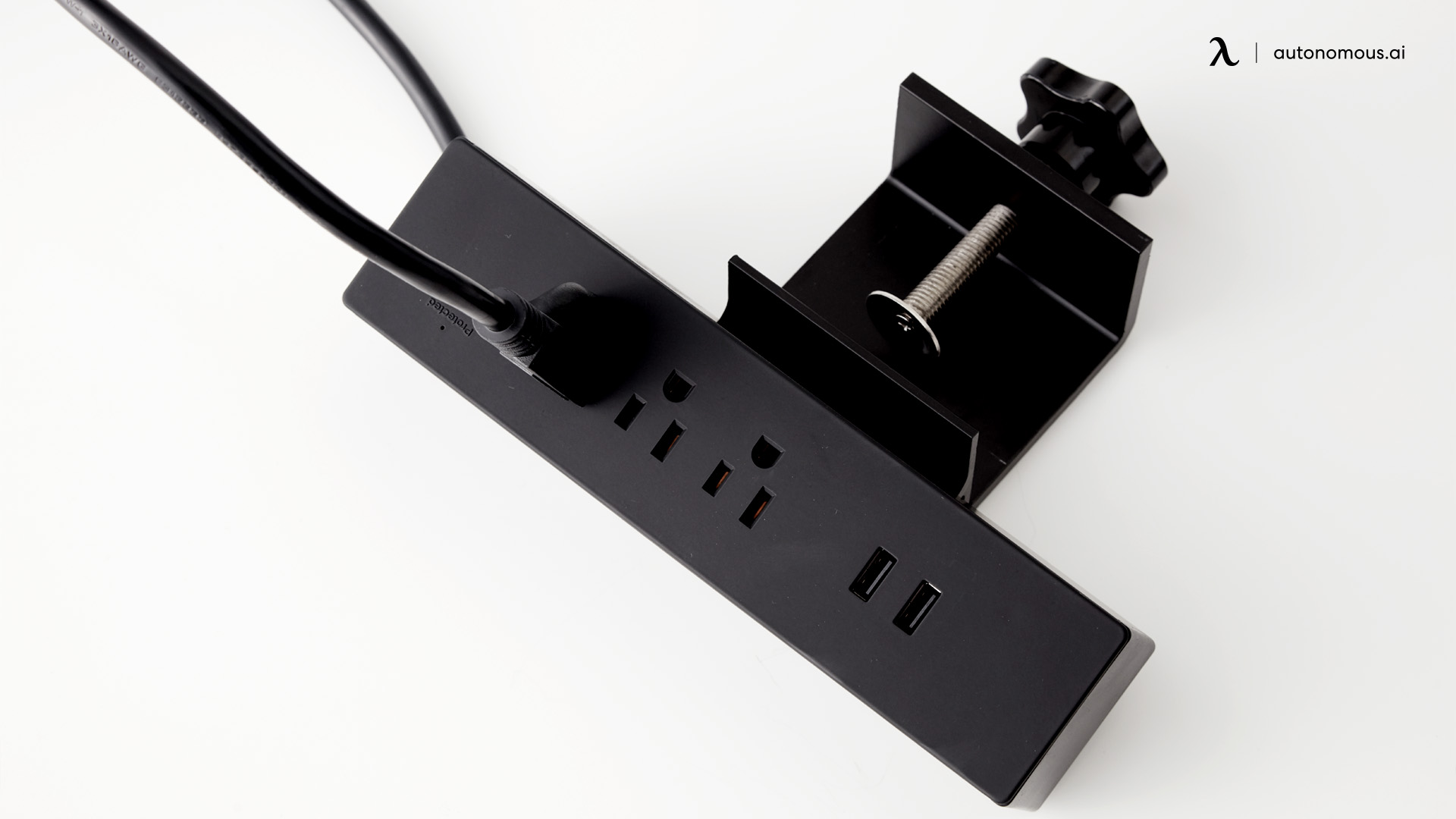
A standing desk power cord is easy to ignore until it fails, and then the whole desk stops. If your standing desk will not move, the controls are dead, or you lost the cord in a move, the fix is usually simple once you know exactly what your desk needs. This guide covers how to tell if the cord is the problem, how to identify the right replacement by voltage and connector, how to fix a desk that will not power on, and how to add a power strip to the setup.
How to know if you need a new power cord
Before buying anything, confirm the cord is actually the fault, since several desk problems look the same. If the desk is unresponsive, first try a reset, and check that the panel is not simply locked.
If a reset does not help and the desk still will not go up, look at the power components. Signs the cord or adapter is to blame:
- The desk does not respond to button presses.
- The display is off or flickering.
- Movement stops mid-way and resets.
- You see frayed cord, a loose connector, or bent pins.
- The cord or adapter gets unusually hot.
Confirm the wall outlet works with another device first. If the outlet is fine and the symptoms persist, the cord or adapter is the likely cause.
Two types of standing desk power: which do you have?
Standing desks use one of two power setups, and knowing yours decides which replacement to buy. This is the step most people skip, and it is why a "matching" cord sometimes does not work.
An AC power cord runs straight from the wall into a control box that has the transformer built in. It looks like a computer cord: a grounded 3-prong wall plug on one end and a C5 (rounded, "Mickey Mouse"), C13 (rectangular), or figure-8 connector on the desk end. UPLIFT, Jarvis, and many premium frames use this type.
A DC power adapter, or brick, sits in the middle of the cord and converts wall power to low-voltage DC for the motor. The desk end is usually a barrel plug or a 2-pin or 4-pin connector, and the brick is labeled with an output like 12V, 24V, or 29V at about 2A. Many single and dual-motor budget frames, including FlexiSpot, Loctek, and IKEA, use this type.
AC power cord | DC power adapter (brick) | |
|---|---|---|
Looks like | A computer cord, no brick | A cord with a brick in the middle |
Wall plug | Grounded 3-prong | Standard plug |
Desk-end | C5, C13, or figure-8 | Barrel, 2-pin, or 4-pin |
Voltage | 100 to 240V, stepped down inside | 12V, 24V, or 29V output |
Common on | UPLIFT, Jarvis, premium frames | FlexiSpot, Loctek, IKEA, budget |
Check your desk end and the label before ordering. An AC cord and a DC adapter are not interchangeable, even if the wall plug looks the same.
How to find the right replacement power cord
Once you know the type, match the replacement on a few specifics.
1. Identify your desk brand and model
Look under the desktop or on the frame for a sticker or etched label with the model number. The exact model is what tells you the correct cord or adapter.
2. Inspect the connector
For an AC cord, note the desk-end shape: C5, C13, or figure-8, and confirm the wall plug is grounded. For a DC adapter, note the connector and pin count (2-pin or 4-pin) and read the brick's output label.
3. Match voltage and amperage exactly
This matters most for DC adapters. Match the output voltage exactly, since a 29V adapter on a 12V desk can damage the motor, and use an amperage rating equal to or higher than the original. For AC cords, the wall input is 100 to 240V and the cord just needs the right connector and a grounded plug.
4. Check cord length
Standard cords run 6 to 10 feet. Measure from the control box to the outlet so the desk is not pinned against the wall, and leave slack for the top to rise.
5. Contact the maker if unsure
Brands like UPLIFT, Jarvis, Vari, and Autonomous have support chat or tickets. Confirming the exact part before buying saves returns, especially for a DC brick where voltage must be exact.

Replacement cords by brand
Specs vary by model and change over time, so treat these as a starting point and verify against your desk's label.
Brand | Power type | Desk-end connector | Notes |
|---|---|---|---|
UPLIFT | AC cord | C5, 3-prong | V2, V2-Commercial |
Jarvis | AC cord | C5 | Control-box and supply kits sold |
FlexiSpot | AC cord or DC brick | C5/C13 or 2 to 4-pin | Varies by frame, check the label |
ApexDesk | AC cord | C13 | Some ship with a power brick |
Vari | Often integrated | Model-specific | Get the exact SKU from Vari |
Autonomous | Varies by model | Varies | Contact Customer Service |
For an Autonomous desk, Customer Service can confirm whether you need a cord, an adapter, or a control-box replacement part. Universal cords work only when the connector, voltage, and amperage all match, so when in doubt, use the maker's part.
Do you need a power strip for a standing desk?
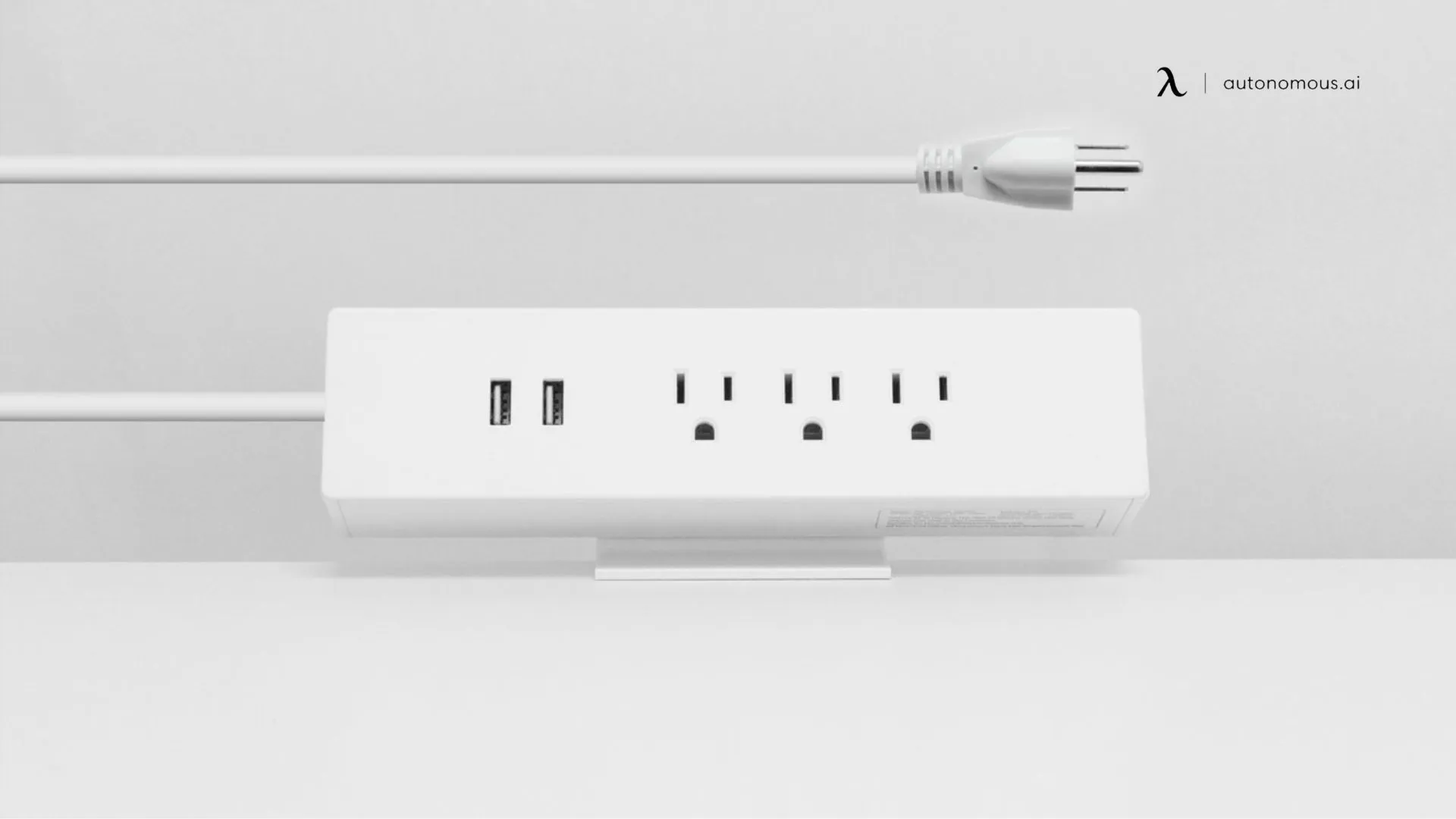
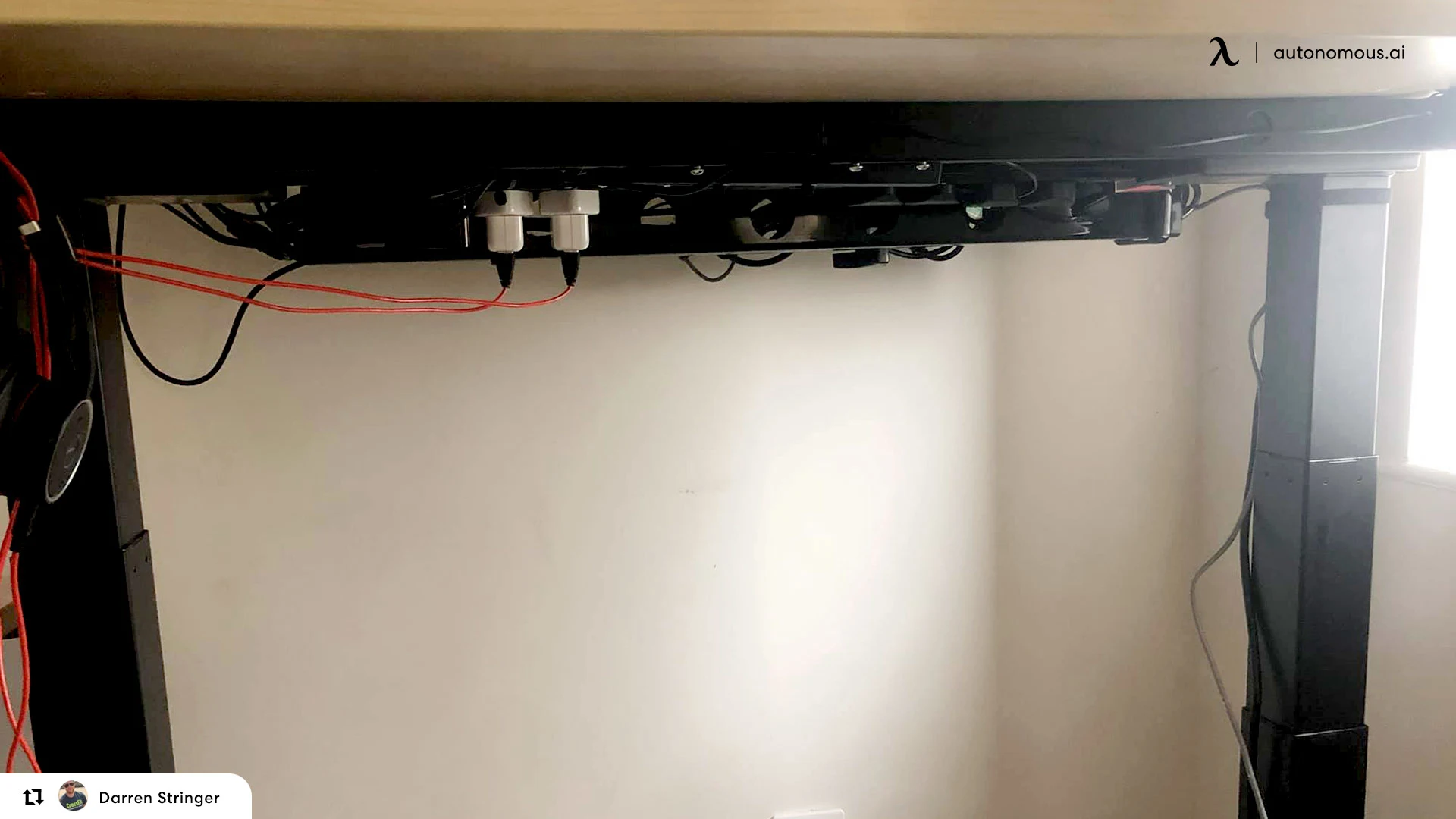
Yes, a power strip is worth adding, because a standing desk moves and a strip mounted under the top keeps the plug and cords traveling with it instead of pulling against the wall. You can safely plug a standing desk into a power strip: the motor draws power only in short bursts while it moves, so its load is low and a normal, good-quality strip handles it easily.
A surge protector is the better choice over a plain power strip. It adds the same outlets but also shields the desk's electronics, your monitors, and your PC from voltage spikes, which is cheap insurance for a motorized desk. What you should not put on the same strip are high-draw appliances like space heaters, microwaves, or air conditioners, which can overload it. A desk, monitors, a PC, and chargers together are well within a normal strip's rating.
.webp)
How to set up and mount a power strip
A clean strip setup keeps cords off the floor and moving with the desk.
1. Plan the layout
Pick a spot under the desktop or along the back edge where outlets stay reachable but out of sight, and where the strip will not catch your legs or block storage as the desk rises.
2. Mount the strip
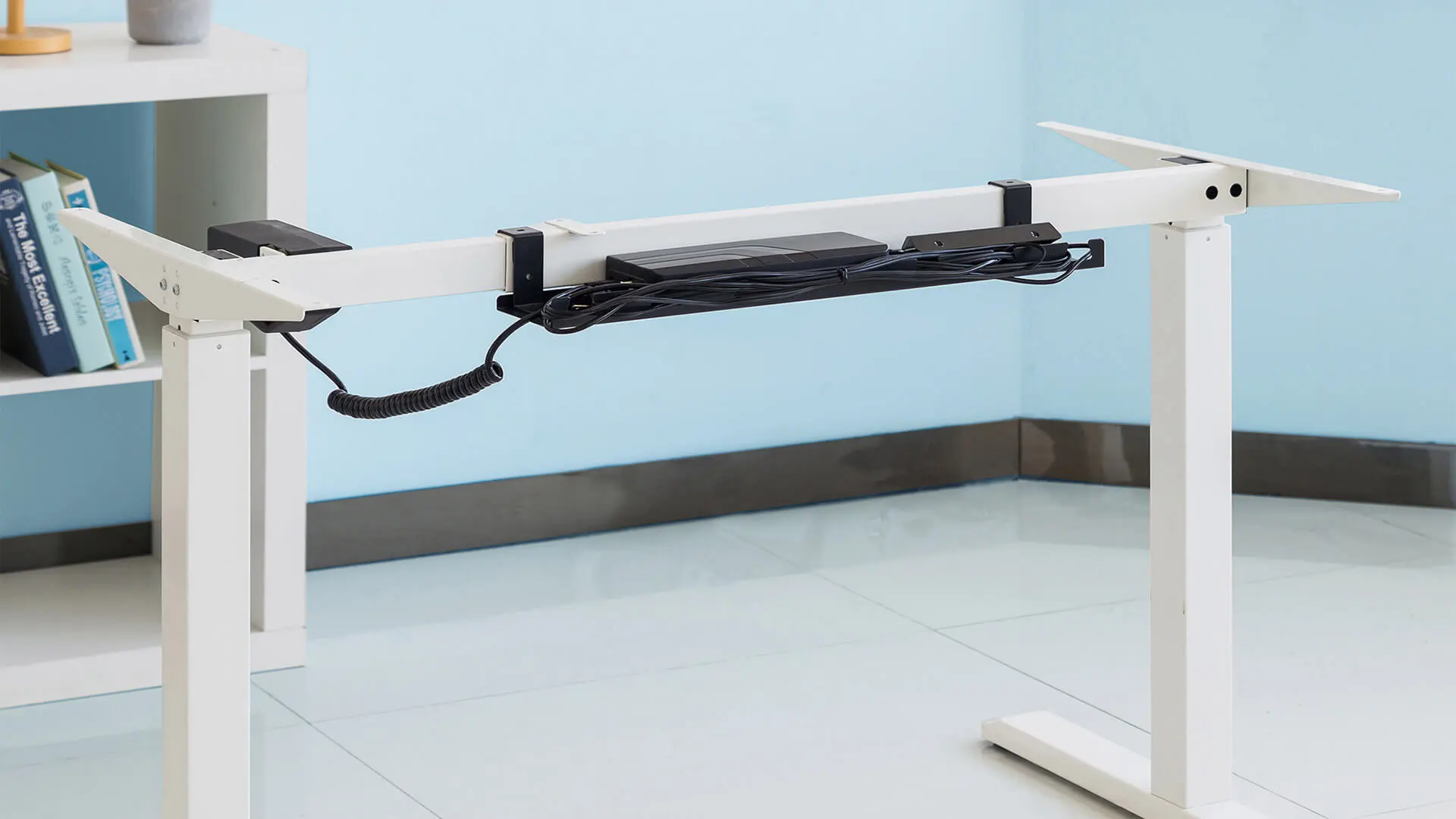
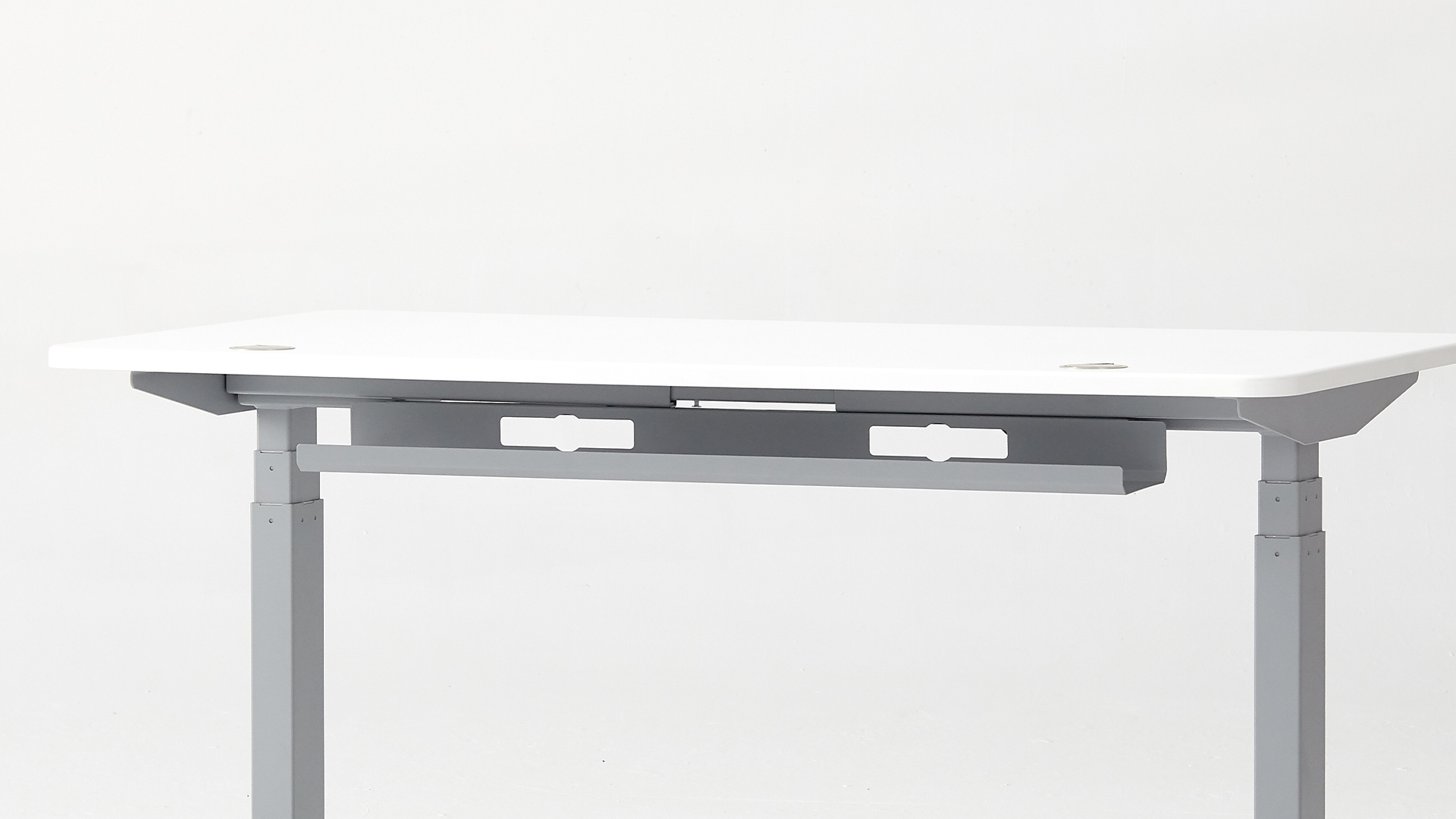
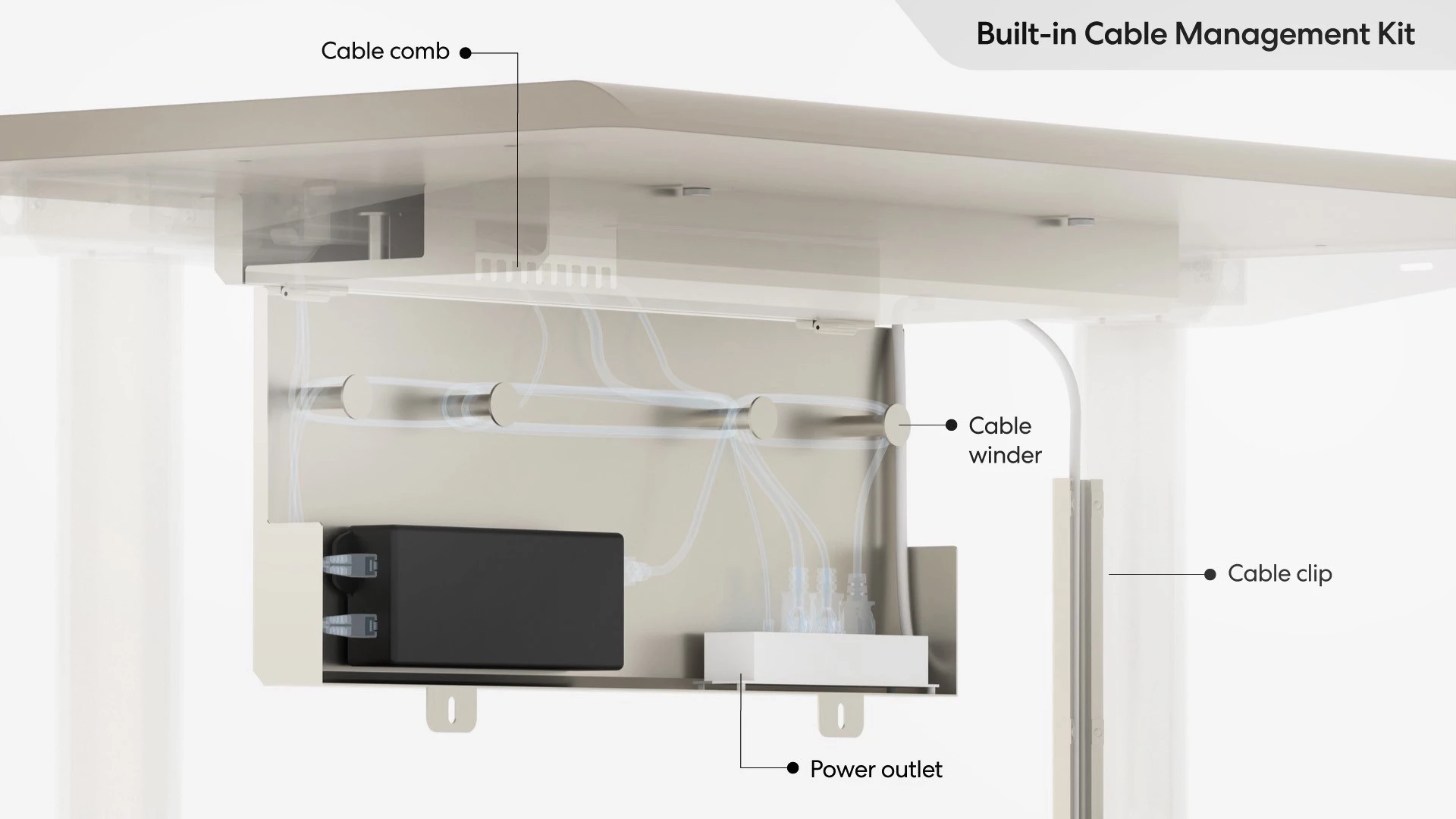
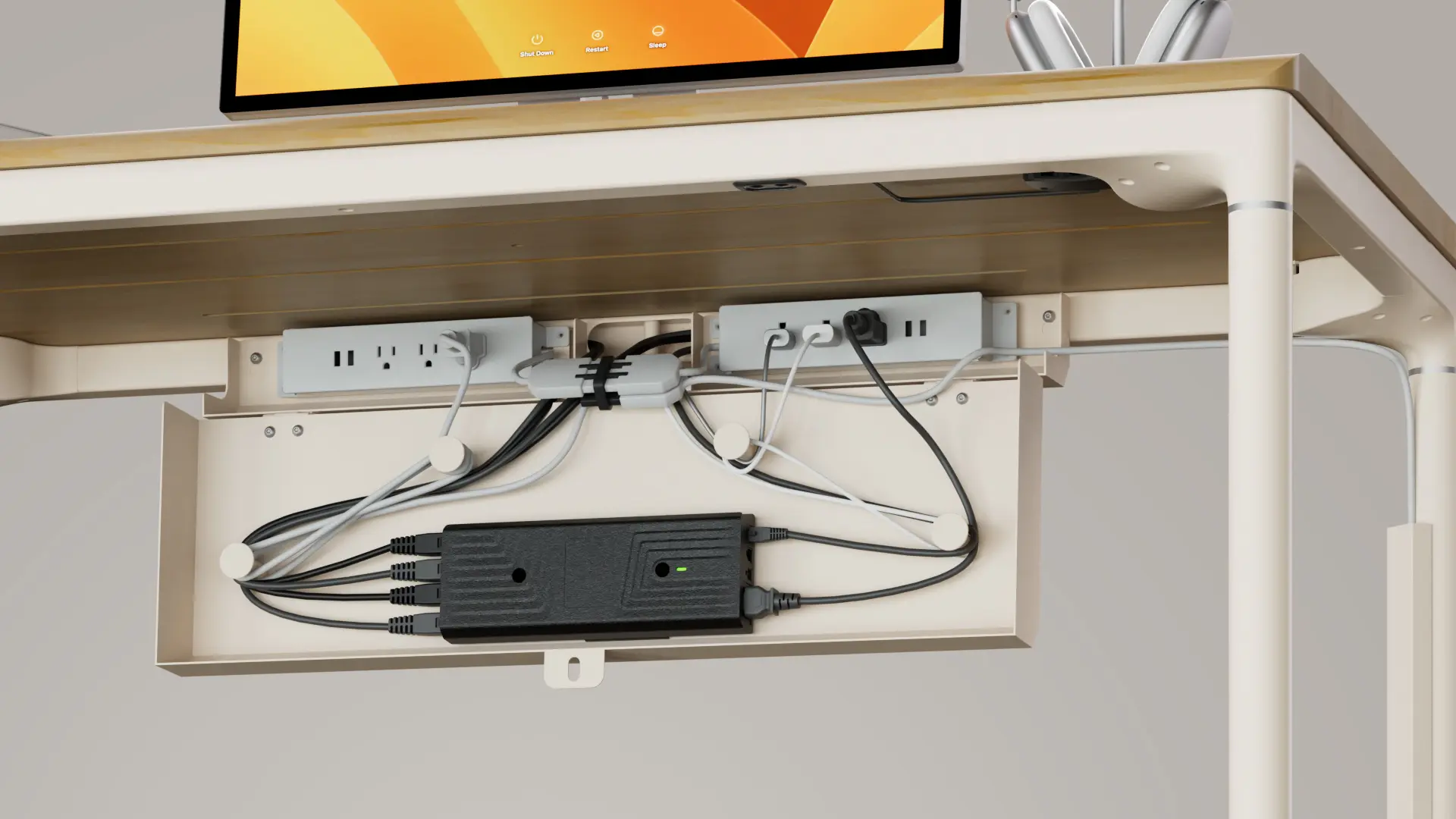
Use the strip's brackets or adhesive pads, or set it in an under-desk cable tray that bolts to the frame so the whole thing moves with the desk. Confirm the mount suits your desktop material so it does not pull away over time.
3. Connect and manage the cords
Plug in your highest-draw devices first, put sensitive electronics on the surge-protected outlets, and stay within the strip's rated capacity. Bundle the cords with ties or a sleeve and leave slack so nothing pulls tight at full height. For the full routing method, cable management for a standing desk walks through it step by step.
4. Test the movement
Raise and lower the desk through its full range to confirm nothing stretches or unplugs, and check that the surge protector's indicator light is on.
Safety checklist
Replacing a cord is simple if you keep a few things in mind:
- Unplug everything before you start.
- Seat connectors firmly until they click.
- Do not over-bend or tightly wrap the cord.
- Avoid adapters between the cord and desk unless the maker recommends them.
- Raise and lower the desk fully afterward to confirm steady power.
If the desk still will not run after a new cord, the fault is likely the control box or wiring rather than the cord, and a controller check or maker support is the next step.
FAQs
How is a standing desk powered?
A standing desk runs on an electric motor and control box that plug into a wall outlet. Depending on the model, the power reaches it either through an AC cord straight into the control box, or through a DC power adapter, a brick, that converts wall power to the low voltage the motor uses.
Can a standing desk be plugged into a power strip?
Yes. A standing desk's motor draws power only in short bursts while it moves, so its load is low and a good-quality, surge-protected power strip handles it easily. Avoid cheap or overloaded strips, and do not daisy-chain multiple strips, which can create a safety and performance risk.
Do you need a surge protector or just a power strip?
A surge protector is the better choice for a standing desk. It provides the same extra outlets as a plain power strip but also shields the desk's electronics and your monitors and PC from voltage spikes. For a motorized desk with connected computers, that protection is worth the small extra cost.
What should you never plug into a power strip?
Keep high-draw appliances off a power strip, including space heaters, microwaves, air conditioners, and refrigerators, since they can overload it and create a fire risk. A standing desk, monitors, a computer, and chargers draw far less and are safe to share one properly rated strip.
What voltage is a standing desk power cord?
It depends on the type. An AC cord carries the wall's 100 to 240V into a control box that steps it down internally. A DC adapter outputs a low voltage to the motor, commonly 12V, 24V, or 29V at about 2A. Always match the exact voltage printed on your desk's brick when replacing it.
Why will my standing desk not work after replacing the power cord?
If a matching new cord does not fix it, the fault is probably in the control box or internal wiring, not the cord. Try a full reset by holding the down button for several seconds, recheck every connection, and if it still fails, contact customer service for a deeper diagnosis.
Conclusion
A standing desk power cord is a small part with an outsized effect, so the fix comes down to buying the right one. Confirm the cord is the problem, identify whether your desk uses an AC cord or a DC adapter, and match the connector and voltage exactly before you order.
Once power is sorted, a surge-protected strip mounted under the desk keeps the cords tidy and moving with the top. Get those two things right and the desk runs reliably, with nothing to think about until years down the line.
References
- Electrical Safety Foundation International (ESFI). Power Strip and Surge Protector Safety. https://www.esfi.org/
- UL Solutions. Understanding power strips and surge protectors. https://www.ul.com/