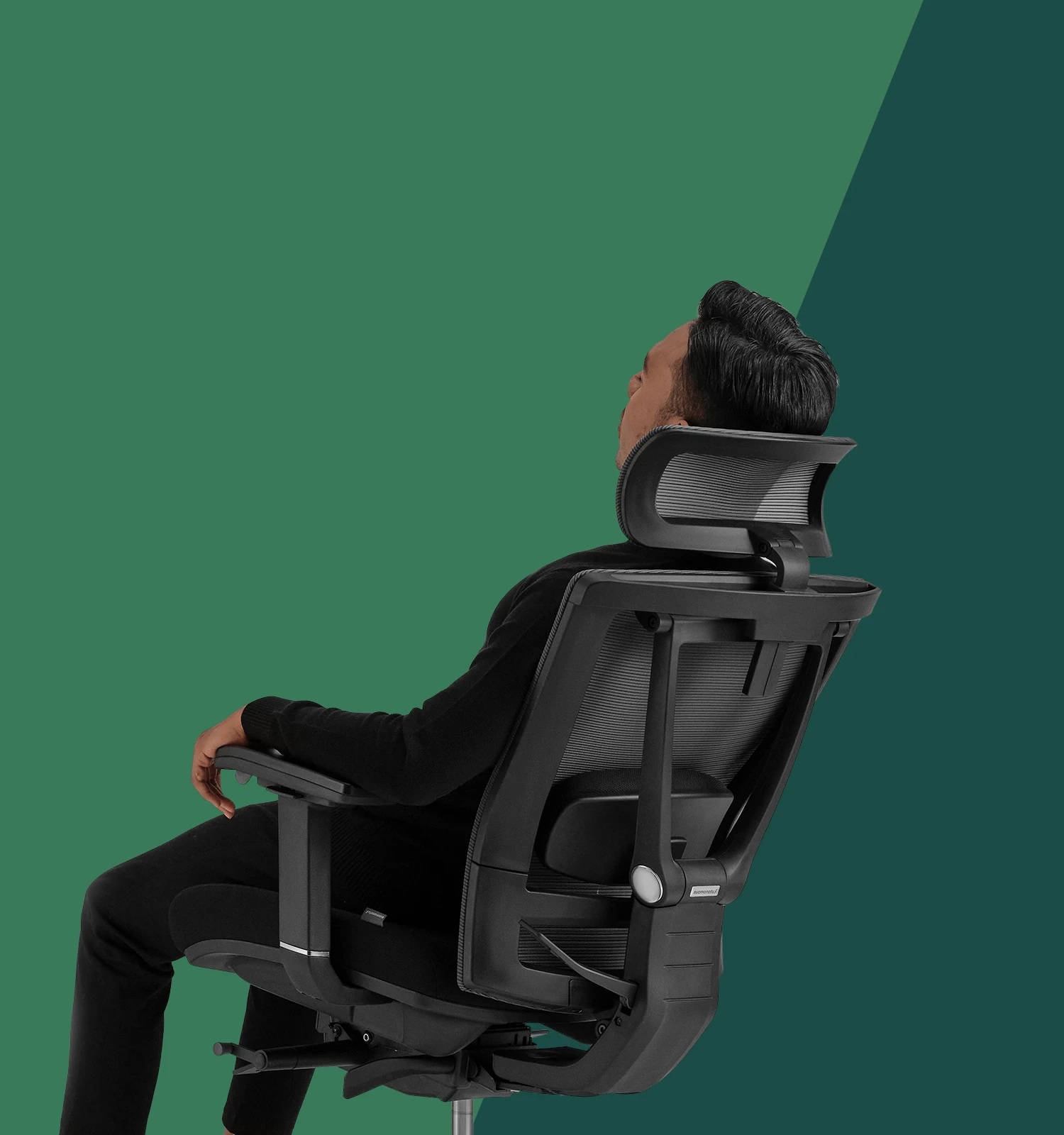
ErgoChair Pro
Black Friday price.
Built for 12-hour sessions.
The Best Gamers Standing Desks for PC & Console
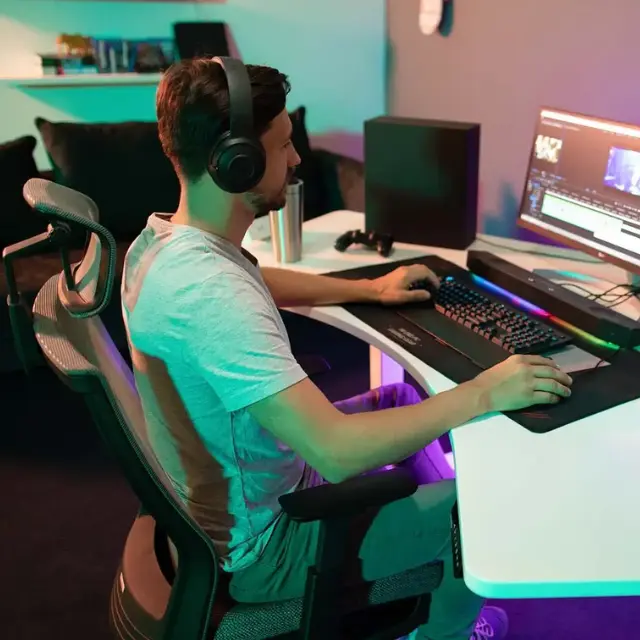

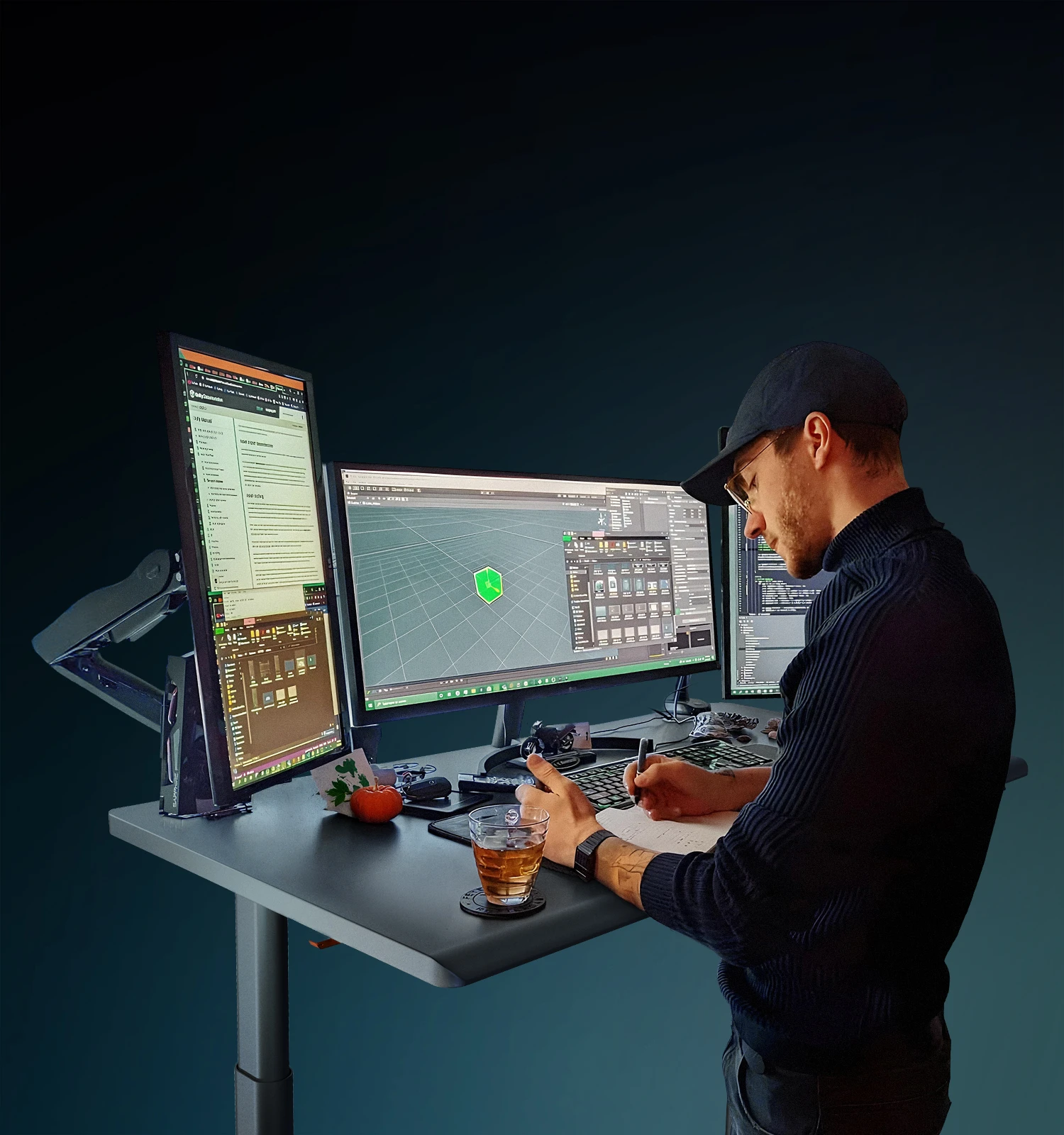
A good standing desk for gaming has to do five things: hold a tower plus two or three monitors without strain, stay steady at standing height, leave enough depth to keep the screen 20 to 40 inches from your eyes, give cables enough slack for the full lift, and save your sit and stand heights as presets. Below are four Autonomous desks that meet those points for PC and console setups, a comparison table, and the numbers to check before you buy.
Plenty of players already own an ergonomic gaming chair. A height-adjustable gaming desk adds the other half: the option to stand through a long queue, a slow farming session or a match replay, then sit again for ranked play.
What Gamers Need From a Standing Desk
Lift capacity matters more for gamers than for office users, because a gaming setup is heavy. A full tower on the desk, two monitors on an arm, speakers, a mic arm and a stream deck add up fast, and a desk that is near its limit lifts slowly and shakes more at the top of its range.
Stability at standing height is the second test. Every desk is steadier low than high, so look at how the frame is built: four legs, a C-frame or a thick crossbar all help.
Depth sets your viewing distance. OSHA puts the preferred monitor distance at 20 to 40 inches from your eyes, with the top of the screen at or slightly below eye level. A deeper top, like the 29 to 31.5 inches on the desks below, lets you push the monitor back toward that range.
The last two points are about daily use. Cables from a floor-standing PC need slack equal to the desk's full travel, and memory presets let you switch between sitting and standing with one press instead of holding a button mid-game.

The Best Gaming Adjustable Standing Desks for PC & Console
The four desks below cover a heavy rig, a corner battlestation, a budget build and a solid wood desk for a bedroom or living room. Specs come from each product page.
| Desk | Capacity | Height range | Best setup |
|---|---|---|---|
| Autonomous Desk Pro | 450 lbs | 24.25" to 53.5" | Heavy rig, tall players |
| Autonomous Desk 2 L-Shaped | 400 lbs | 29.4" to 48" | Three monitors in a corner |
| Autonomous Desk 2 | 250 lbs | 27.2" to 46.5" | One or two monitors, budget |
| Autonomous Desk Levitate 2 | 380 lbs | 28" to 45.3" | Console or clean-look PC setup |
Autonomous Desk Pro
The Autonomous Desk Pro has the most lift capacity and the widest height range in this list: 450 lbs on a dual-motor C-frame that travels from 24.25 to 53.5 inches, floor to worksurface. That 29.25-inch travel matters at both ends, low enough for shorter players to sit with forearms level and high enough for tall players to stand.
The C-shaped frame drops the front crossbar, so your knees and footrest have room under the desk. According to the product page, at 46 inches a deliberate 15 lb pull moves the top less than a quarter inch, which is the number to compare when wobble is your worry. Tops come in 53" x 29" or 70.5" x 29", and the frame has a lifetime warranty.
The Desk Pro AI version adds sensors for CO2, PM2.5, VOC, noise, temperature and humidity. For gaming, though, the frame is what you are paying for.
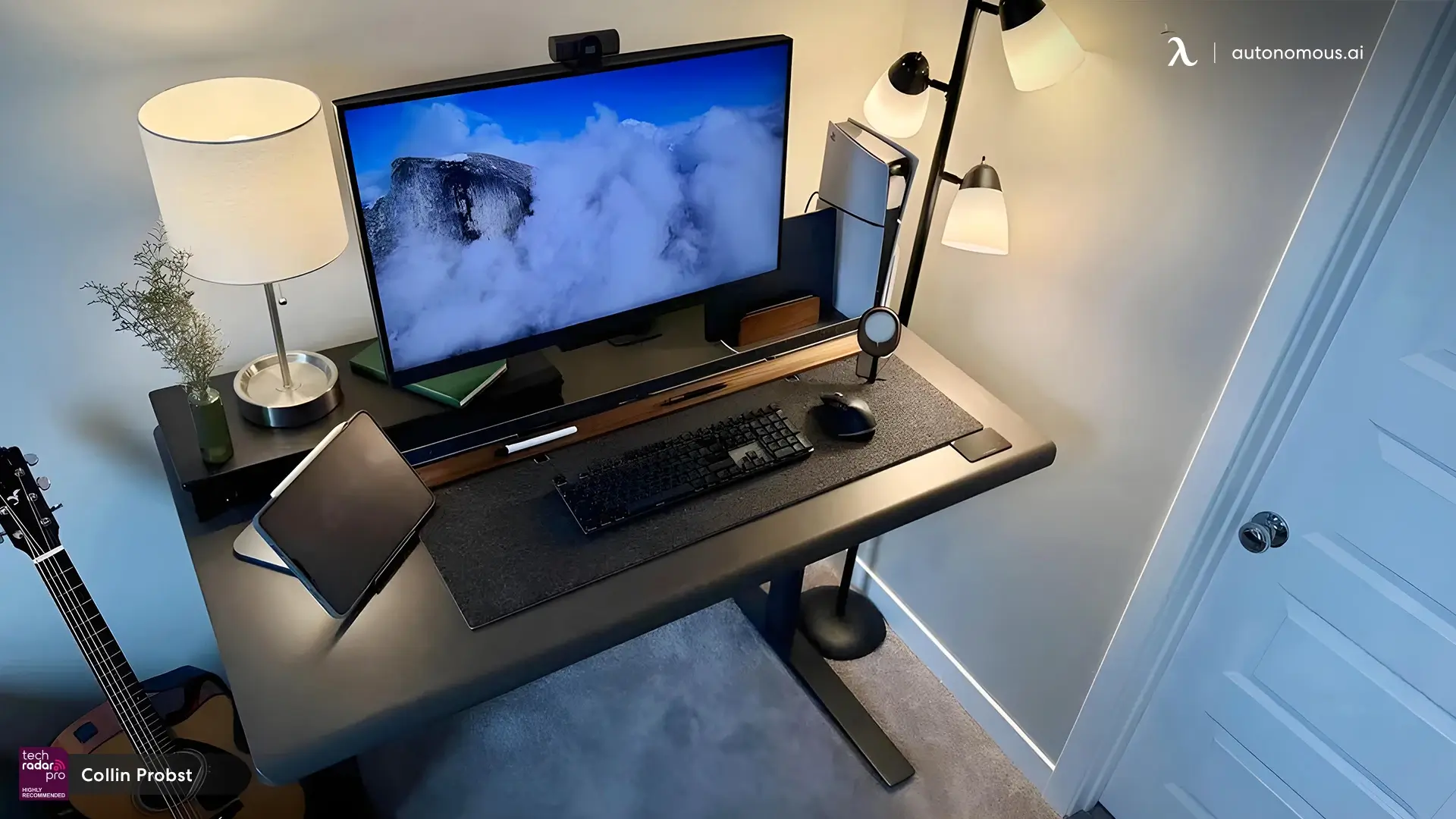
Autonomous Desk 2 L-Shaped
The Autonomous Desk 2 L-Shaped is the corner option: a 77-inch run along one wall and a 35-inch return along the other, rated for 400 lbs on a triple-motor frame. The product page says it fits three 27 to 32 inch monitors, a desktop tower and a laptop.
For streamers this layout splits jobs cleanly: the gaming screens on the long side, a second PC, capture card or laptop for chat on the return. Both arms lift together at 2.3 inches per second, with four presets and anti-collision. The short side can be set left or right, so it works in either corner.
The limit is room size. The full footprint is 77 by 64 inches, so measure the corner before ordering, and check that a chair still has space to roll back.
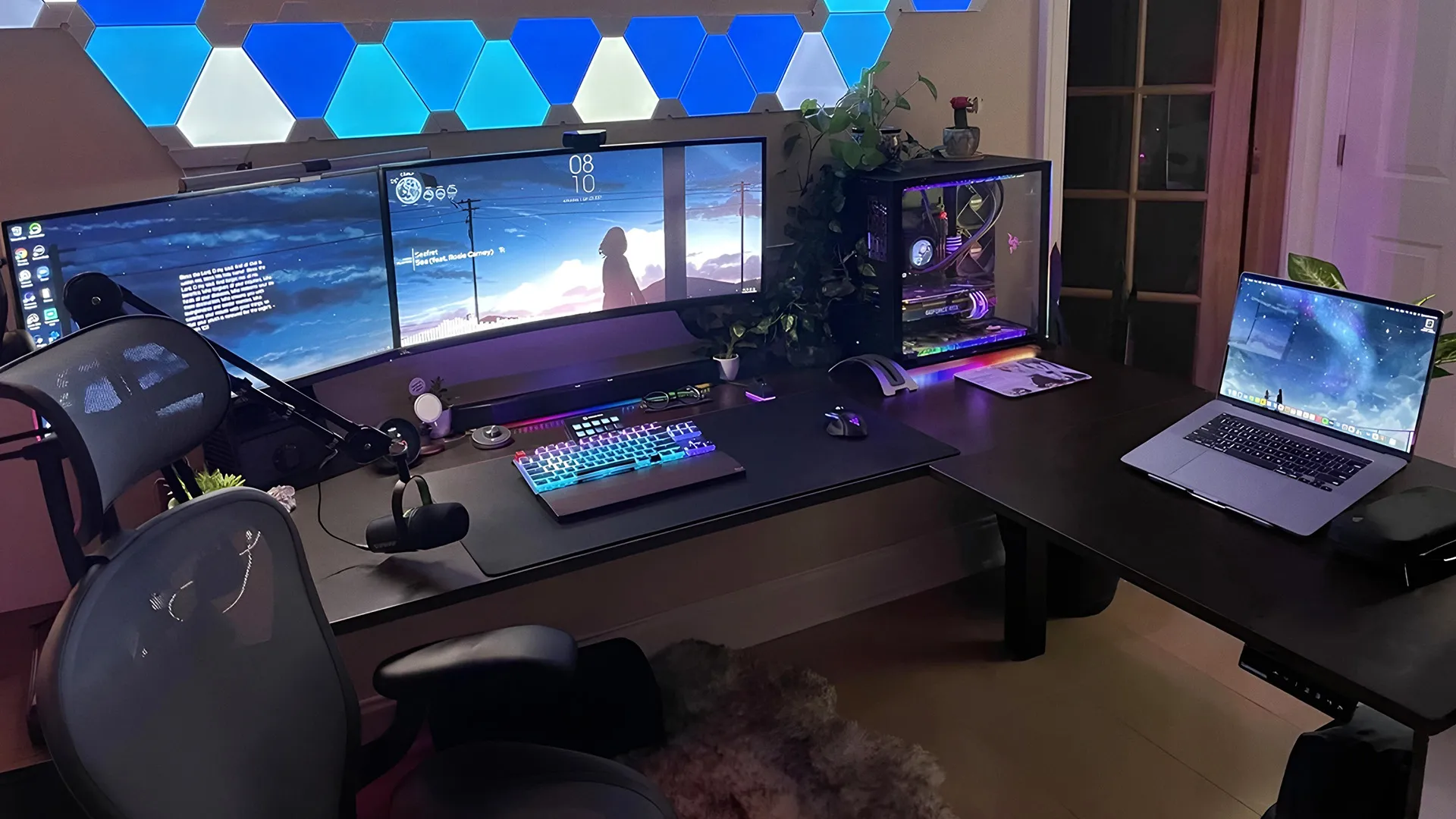
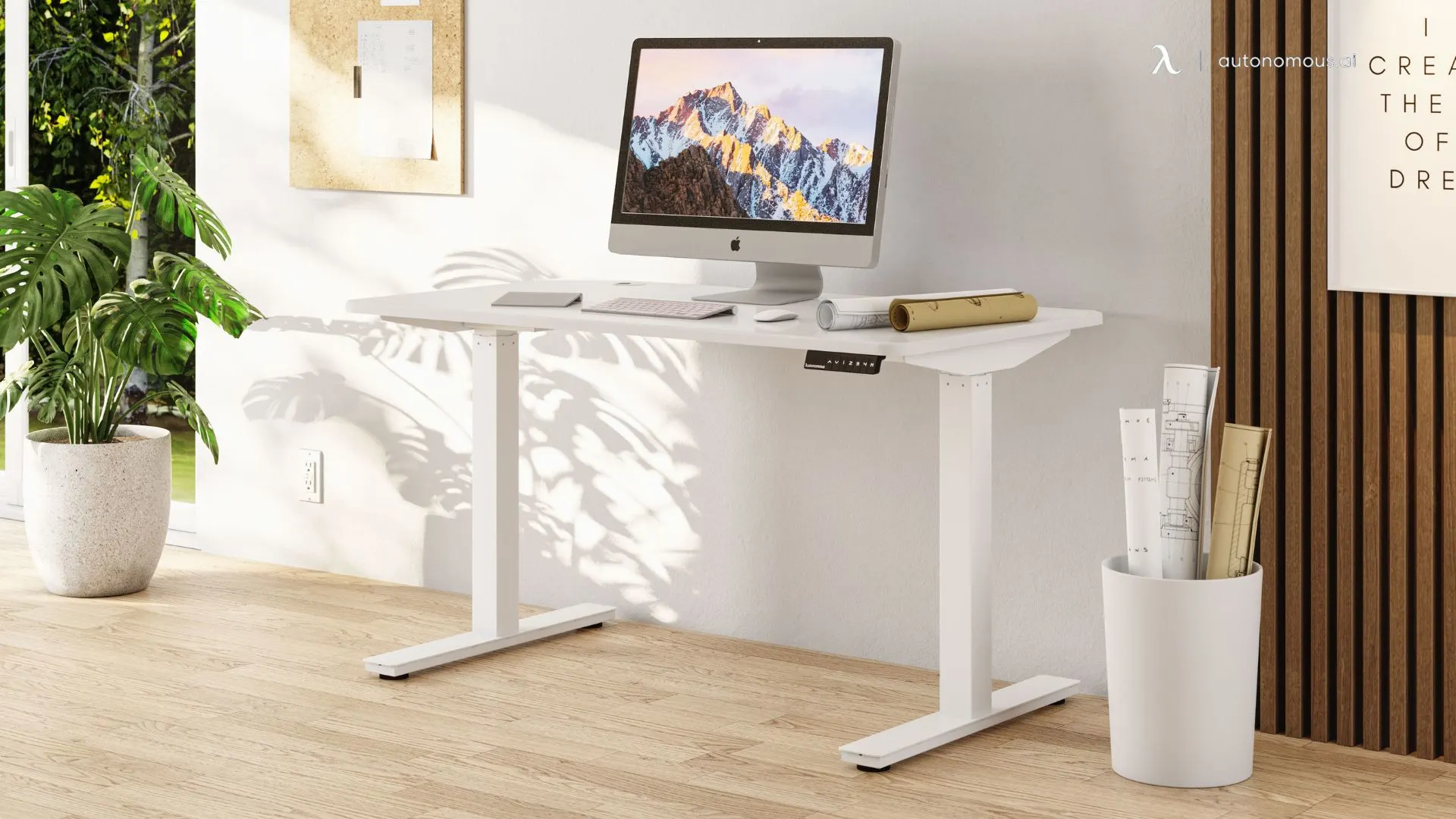
Autonomous Desk 2
The Autonomous Desk 2 is the budget pick in this list, with a dual-motor frame, 250 lbs capacity and a 27.2 to 46.5 inch height range. That load covers a mid-tower, two monitors and peripherals with room left over, but a full tower plus a triple-monitor arm is better on the Desk Pro or the L-Shaped.
The standard top is 53" x 29". The XL top at 70.5" x 30" suits an ultrawide plus a second screen. Lifting runs at about 45 dB, there are four presets and anti-collision, and the frame is SPCC steel certified to ANSI/BIFMA and UL standards, with a 10-year frame warranty. Finishes are white, black, white oak or natural bamboo.
Autonomous Desk Levitate 2
The Autonomous Desk Levitate 2 is a solid ash desk on four legs, each with its own motor, rated for 380 lbs. There is no keypad and no crossbar: you raise or lower it by holding a hand about five inches over a touchless sensor, or with a button hidden under the frame.
Cables run inside the frame, and an under-desk tray holds two power outlets, so a console, a soundbar and a controller charger can plug in without a power strip on the floor. That makes it a good fit for a bedroom or living room setup where the desk is on show.
The trade-off is height. The top reaches 45.3 inches, lower than the other three desks here, so tall players should measure their standing elbow height first. Sizes are 53" x 29" or the Ultra at 59" x 31.5".
Setting Up a Standing Desk for Console Gaming
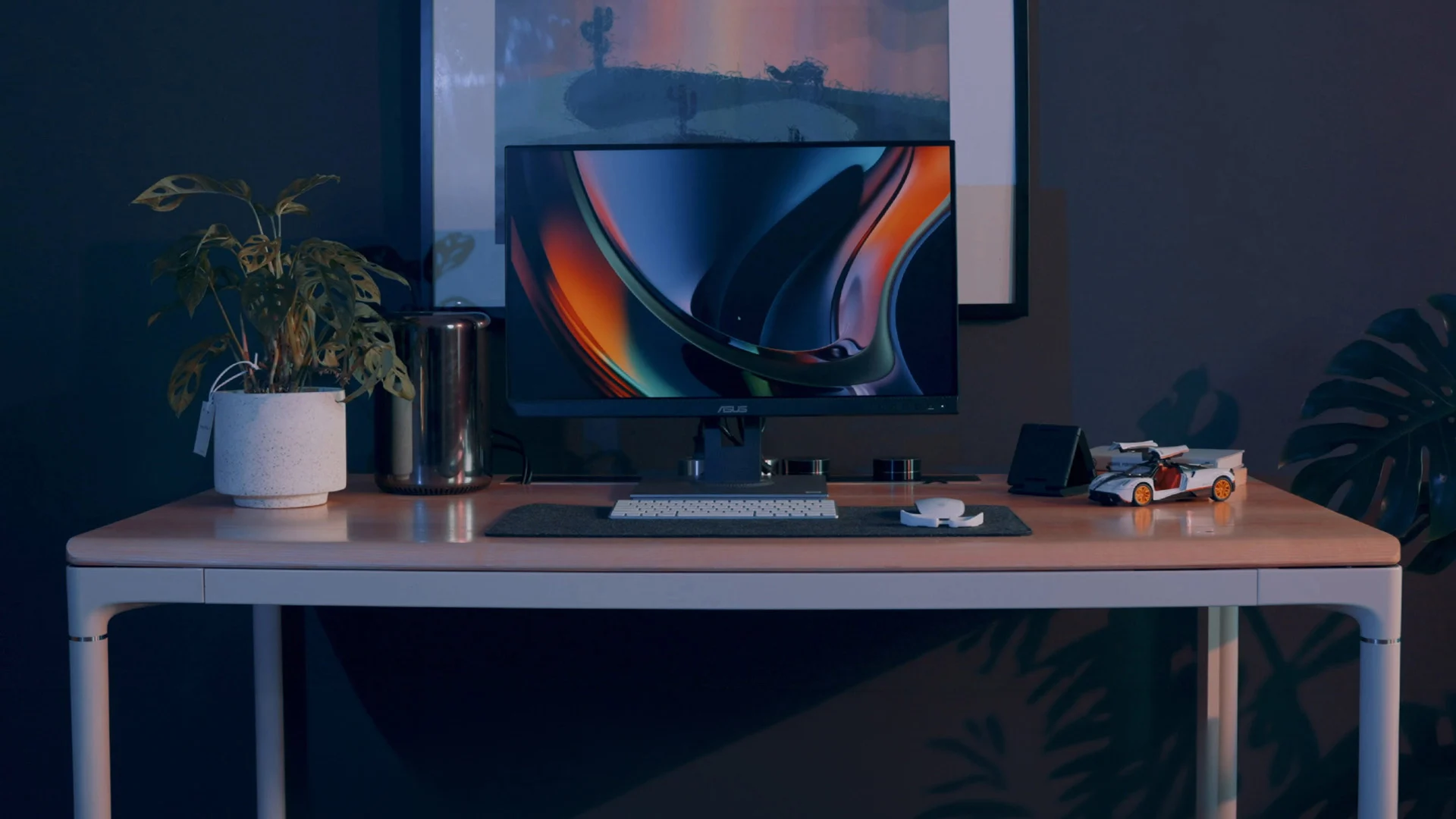
A console setup asks less of the frame and more of screen placement. A PlayStation or Xbox and a monitor weigh far less than a gaming PC, so any desk in this list carries them; the question is where the screen sits when you stand.
With a controller your elbows do not need to sit at desk height, so you can stand a step back from the desk. Keep the screen top at or slightly below eye level in that position, and raise the desk rather than tilting your head down. A monitor arm makes this easier than a fixed stand.
If the screen is a TV on the desk, the larger panel needs more distance than a monitor, so a deeper top such as the Levitate 2 Ultra (31.5 inches) or the L-Shaped return (35 inches) helps. Put the console on the desktop, not on the floor with short HDMI and power leads, or the first lift will pull them out.
How to Choose the Best Adjustable Height Desk for Gamers?
Start with the load when you compare any standing desk for gaming: add up the weight of your tower, monitors, arms and speakers, then pick a desk rated well above it. A setup near 100 lbs fits any desk here; a 2-monitor rig with a full tower is safer on 250 lbs or more, and a triple-screen streaming setup belongs on the 400 to 450 lb frames. The Autonomous Desk Core (176 lbs, 48" x 24" top) handles a laptop and one monitor but is tight for a tower.
Size and layout
Measure the room before choosing a top. A 53-inch top holds one large monitor or two 24-inch screens; a 70.5-inch top fits an ultrawide plus a side screen. For a corner, an L-shaped standing desk uses both walls.
If you already own a top, a standing desk leg frame lifts 250 lbs (400 lbs for the L-shape frame) and adjusts in width. Heavier setups gain stability from a 4-leg standing desk.
A standing desk extension adds room for a console, speakers or a headset stand when the top is full.
For two screens, a standing desk dual monitor setup keeps both at the same distance; if you want the keyboard and screens on separate levels, a 2-tier standing desk does that.
Height range and cable slack
Check the top of the range against your standing elbow height in shoes: the desk should reach it with an inch or two to spare. Tall players who find 46 to 48 inches too low can look at a tall standing desk or the Desk Pro's 53.5-inch top end.
Then do the cable math. A floor-standing PC needs every cable to the desk long enough for the full travel, which is about 19 inches on the Desk 2 and about 29 inches on the Desk Pro. Leave a few extra inches, route the bundle through a tray, and run one full lift before you tie anything down.
Work and play on one desk
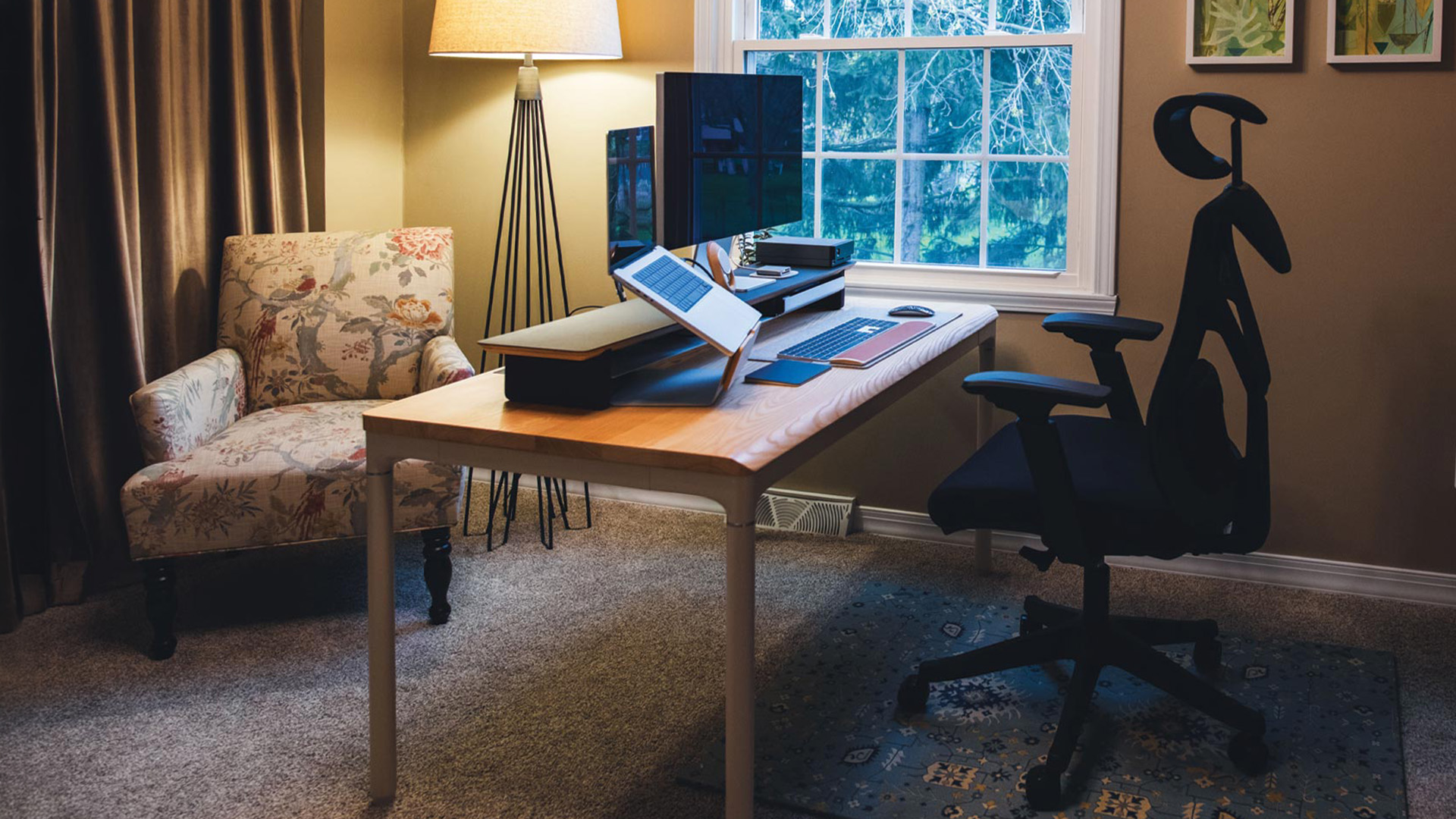
If the same desk serves a workday and a night of gaming, presets do most of the work: one for typing, one for standing, one for the controller. The Autonomous Desk 2 and the Desk 2 L-Shaped store four heights each.
Budget is the last filter. Desk 2 is the budget frame here; the L-Shaped and Levitate 2 cost more, and the money goes into motors, surface area or solid wood. Spend on capacity first, then on looks for your RGB gaming desk setup.
FAQ
Is a standing desk good for gaming?
Yes, if it holds your setup and stays steady at standing height. It lets you switch between sitting and standing during long sessions without moving your gear. Pick one rated well above your rig's weight, with presets and enough height for your standing elbow level.
How much weight should a gaming standing desk hold?
Add up your tower, monitors, arms and speakers, then choose a desk rated well above that total. A 250 lb desk handles a mid-tower and two monitors; full towers with three screens are safer on a 400 to 450 lb frame.
Can a standing desk hold a gaming PC tower on top?
Yes. The four desks here are rated from 250 to 450 lbs, and a tower is a small share of that. Keeping it on the desk also removes the cable slack problem, since nothing stays on the floor when the desk rises.
What height should a gaming standing desk be?
Set the desk so your forearms are level with the keyboard and your elbows near 90 degrees, sitting or standing. Keep the top of the monitor at or slightly below eye level. Measure your standing elbow height in shoes and check the desk's maximum reaches it.
Will a standing desk wobble with monitors at full height?
Some movement at full height is normal on any standing desk. A four-leg frame and a lighter, centered load reduce it, and a heavy monitor on a tall pole arm adds it. Before buying, check whether the maker publishes a wobble figure; the Desk Pro page does.
Can I use a standing desk for console gaming?
Yes. A console and monitor are light, so any of these desks carries them. Raise the desk until the screen top sits at or below eye level where you stand, and keep console power and HDMI leads long enough for the full lift.
Conclusion
Pick a standing desk for gaming by load first, then height and depth. The Desk Pro suits heavy rigs and tall players, the Desk 2 L-Shaped suits three-screen corner setups, the Desk 2 covers one or two monitors on a budget, and the Levitate 2 fits a console or clean-look PC setup. Before ordering, measure your standing elbow height and check that every cable can follow the desk through its full travel.
Desk Pro
Black Friday price.
So 12 hours isn’t 12 hours sitting.