


Work From Home Equipment: The Remote Work Checklist

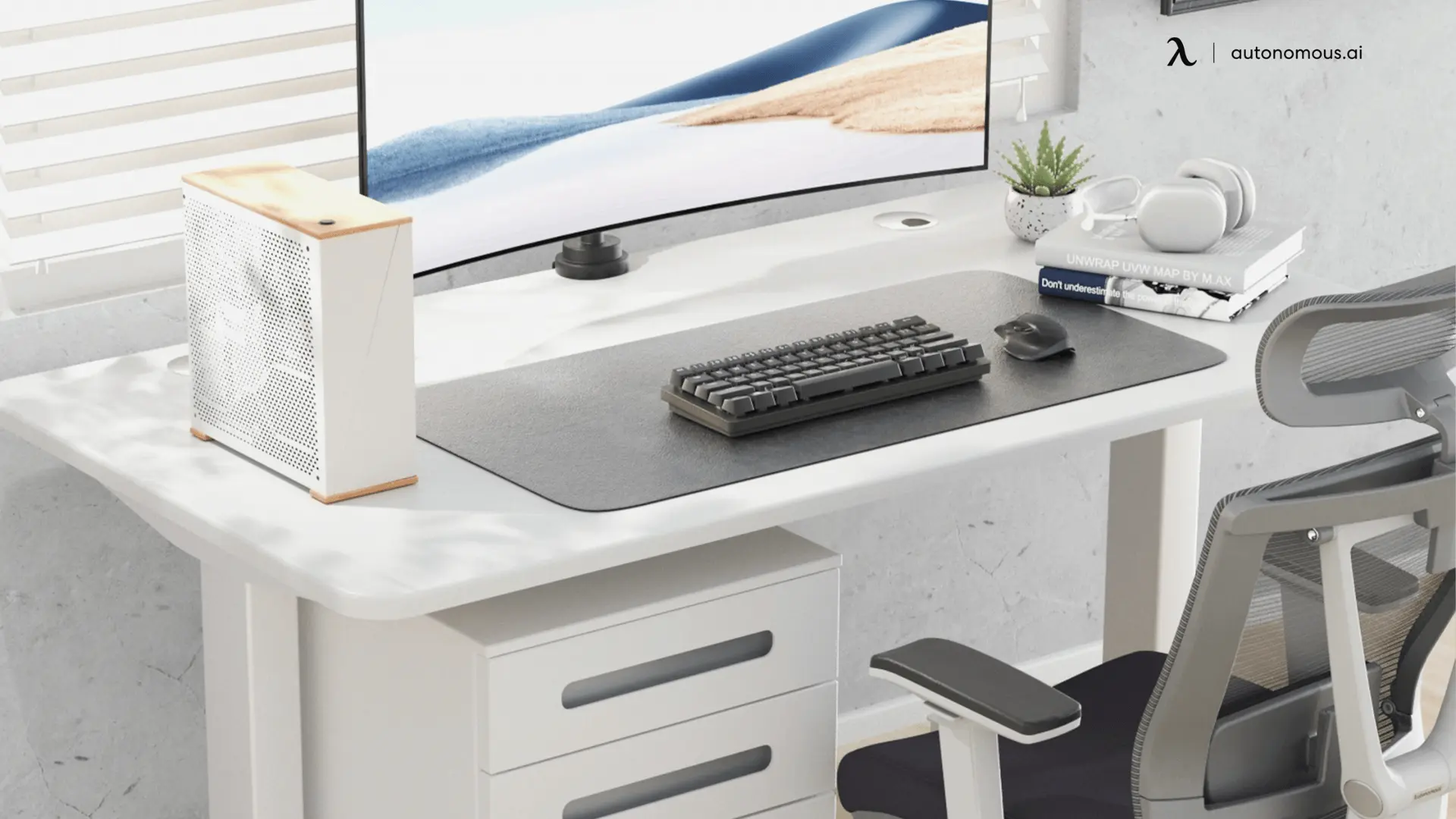
The core work from home equipment every remote employee needs comes down to five things: an ergonomic chair, a height-adjustable desk, a reliable computer and monitor, a proper keyboard and mouse, and the accessories that tie the setup together. Beyond that basic list, the bigger question for many people is who pays for it, since more employers now provide equipment or an allowance for remote staff. This guide covers both: the essentials checklist for anyone setting up a home office, and what companies should provide when they equip a remote team.
The Remote Work Equipment Checklist
Every functional home office is built on the same five categories of equipment, regardless of your job. The table below is the short version, followed by what to look for in each.
Equipment | Why It Matters | Who Usually Buys It |
Ergonomic office chair | Posture support for long sitting hours | Employee or employer allowance |
Height-adjustable desk | Movement and correct working height | Employee or employer allowance |
Laptop or computer + monitor | The core work tool | Usually employer-provided |
Keyboard and mouse | Comfortable, efficient input | Employee or employer |
Accessories (lighting, storage, mats) | Comfort, organization, focus | Usually employee |
1. Ergonomic Office Chair
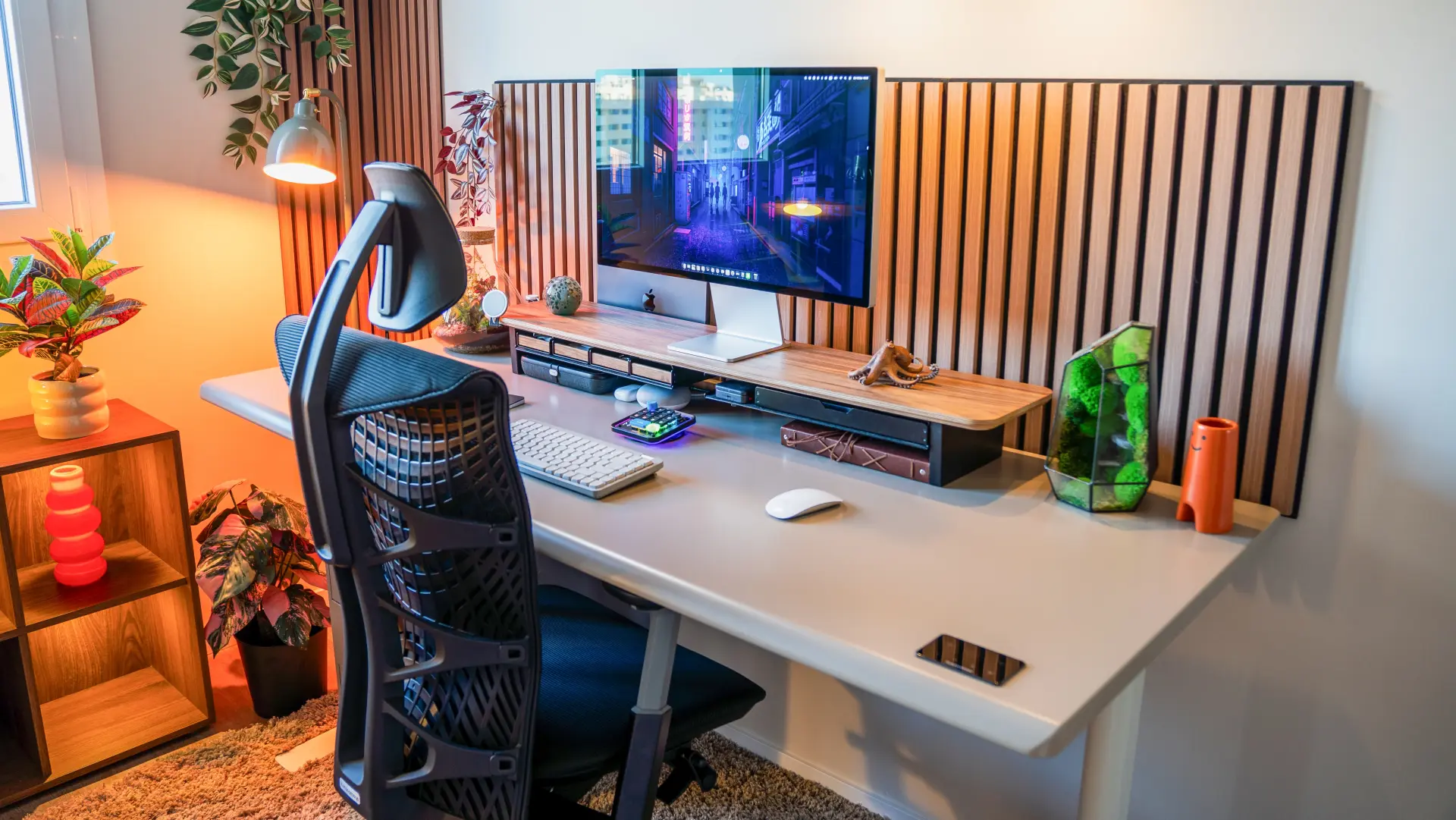
An ergonomic office chair is the single most important piece of work from home equipment, because it is what protects your posture through the long hours of sitting that remote work involves. The features that matter are adjustable lumbar support to hold your lower spine's natural curve, seat-depth adjustment so the seat fits your legs, and armrests that bring your elbows to desk height. Without these, back and neck strain build up over weeks of full-day sitting.
For a home setup that has to last, a fully adjustable chair like the ErgoChair Pro covers those needs with a sliding lumbar system and a lifetime warranty. If back pain is already a problem, a chair built for lower back pain targets that specifically.
2. Height-Adjustable Desk
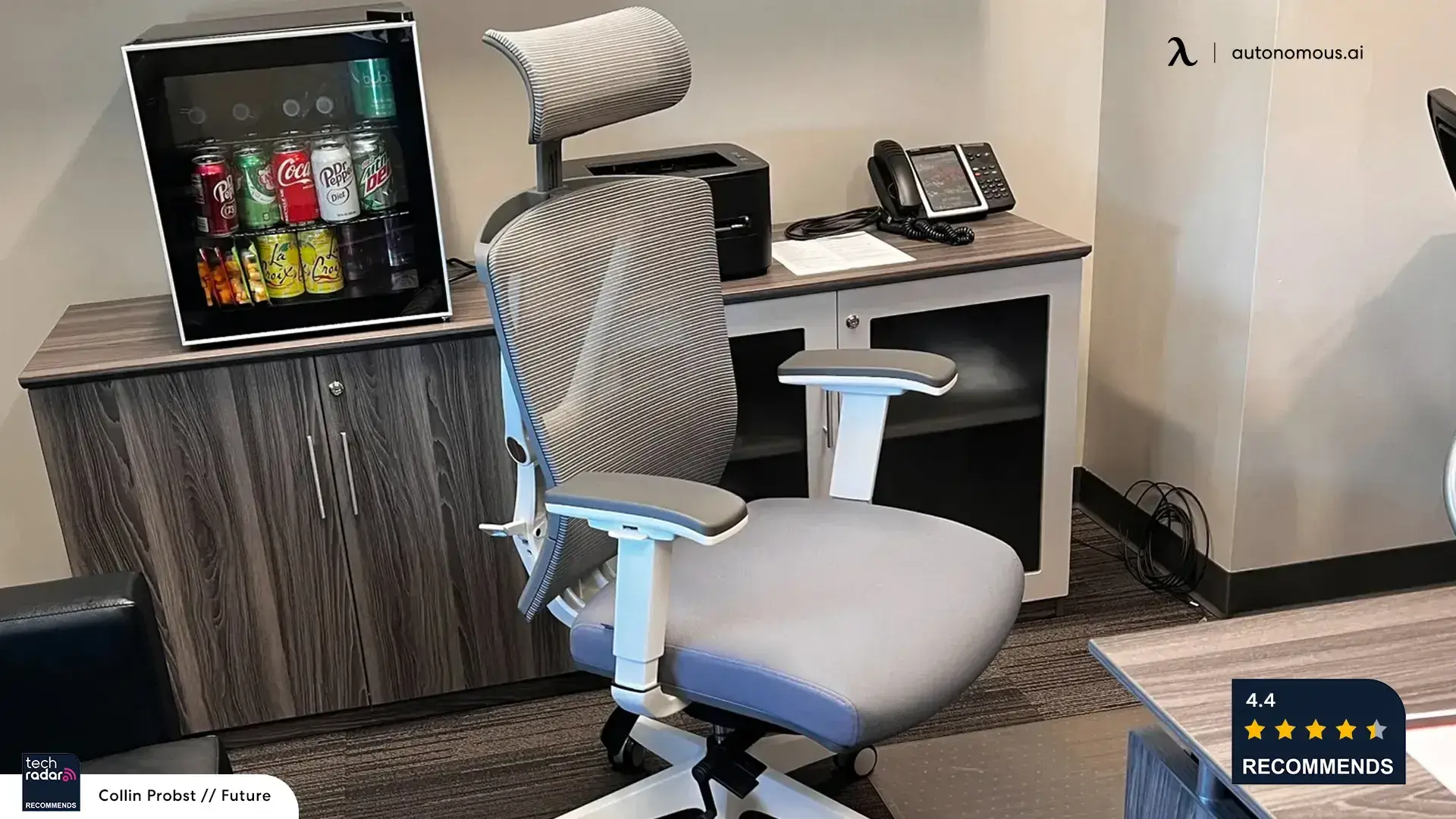
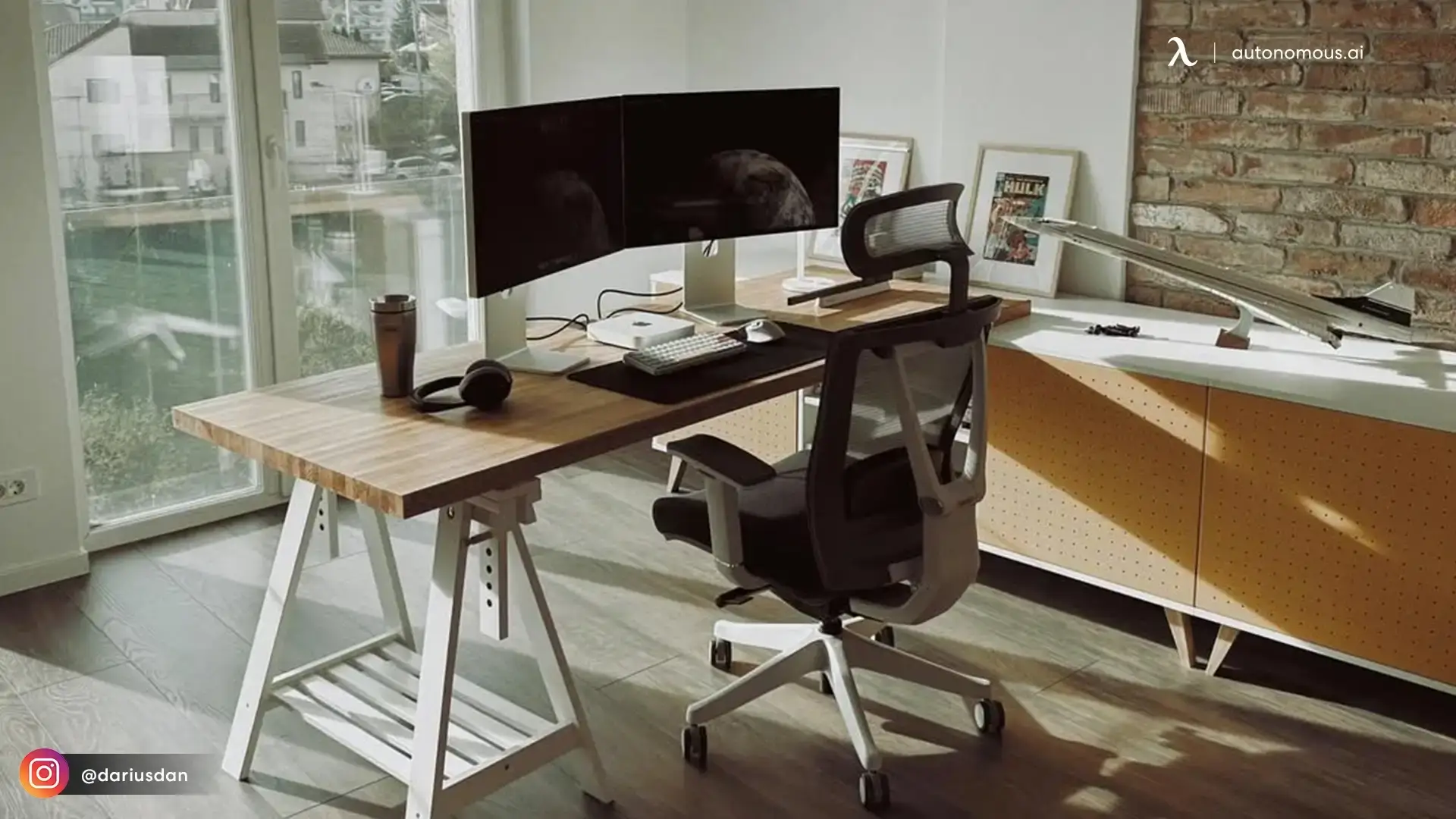
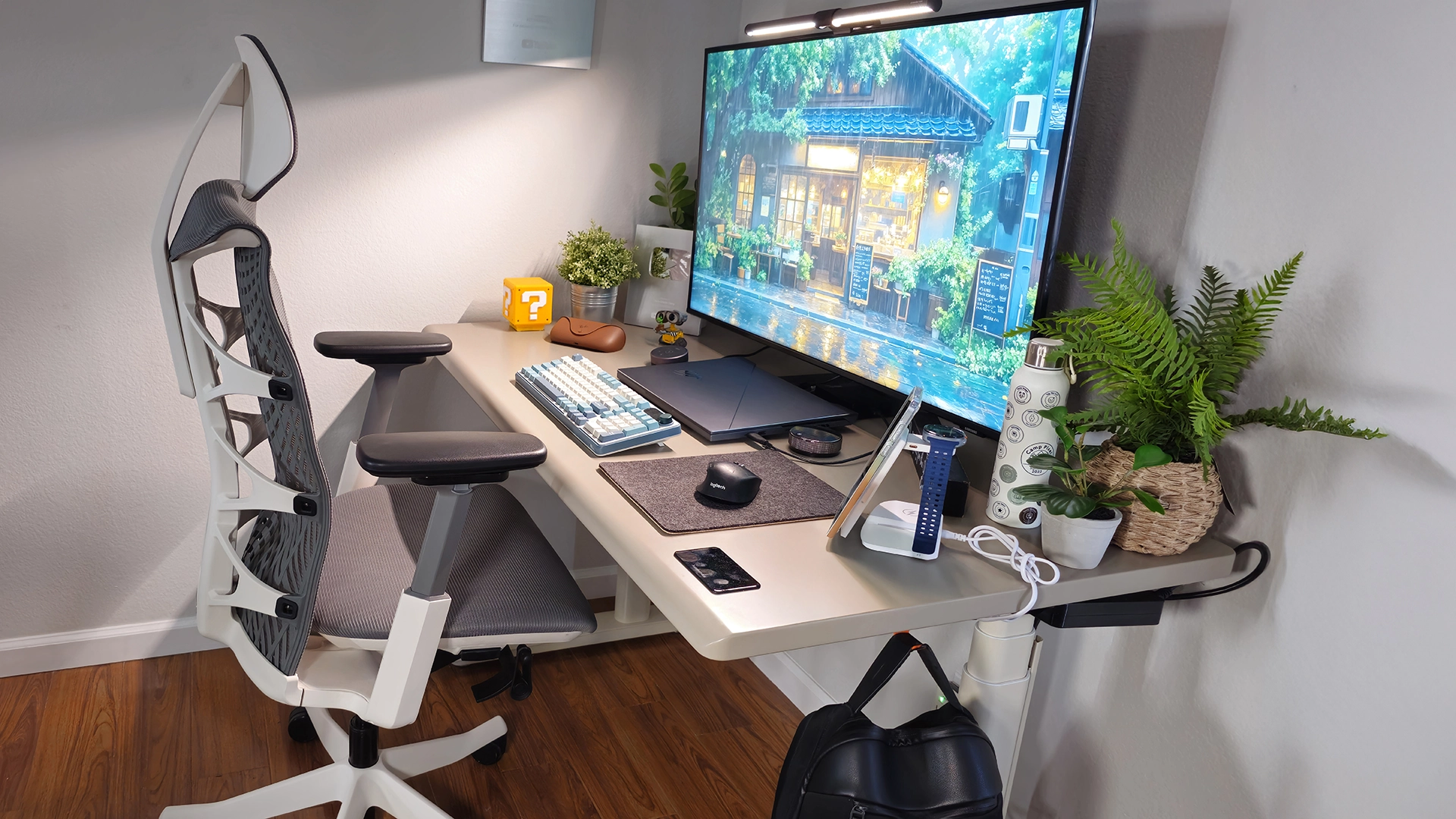
A height-adjustable desk is the second foundation of a home office, because it sets your working height correctly and lets you alternate between sitting and standing through the day. Remote work often means far less movement than an office, where you at least walk to meetings, so a desk that lets you stand for part of the day helps offset the health cost of prolonged sitting. The right height keeps your forearms level with the desk and your screen at eye level, which prevents the shoulder and neck strain that comes from a too-high or too-low surface.
A standing desk pairs directly with an ergonomic chair to cover the two halves of a healthy posture: correct support when seated, and the option to stand when sitting starts to wear on you.
3. Laptop or Computer and Monitor
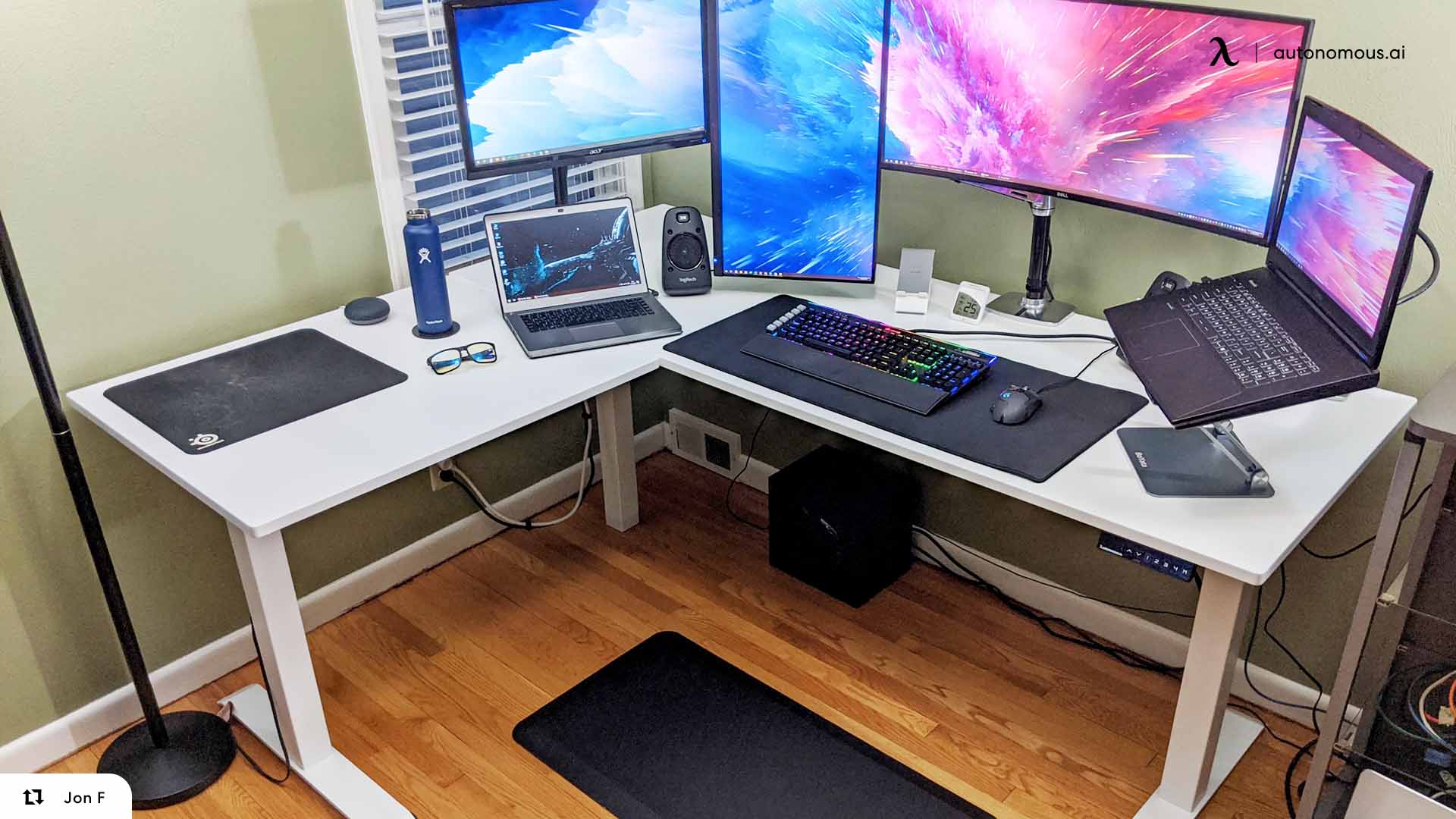
A laptop or desktop computer is the core work tool, and for most remote roles the employer provides it. A laptop offers flexibility to move around the house, while an external monitor adds the screen space that makes multitasking easier and reduces the constant tab-switching that slows you down. Many remote workers find a second screen is the upgrade that most improves their daily workflow.
Screen space and clarity matter more than raw specs for most office work, so a single good monitor often beats a faster laptop for day-to-day productivity. For the gadget layer around your computer, from webcams to docking stations, our guide to home office tech essentials covers the electronics in depth.
4. Keyboard and Mouse
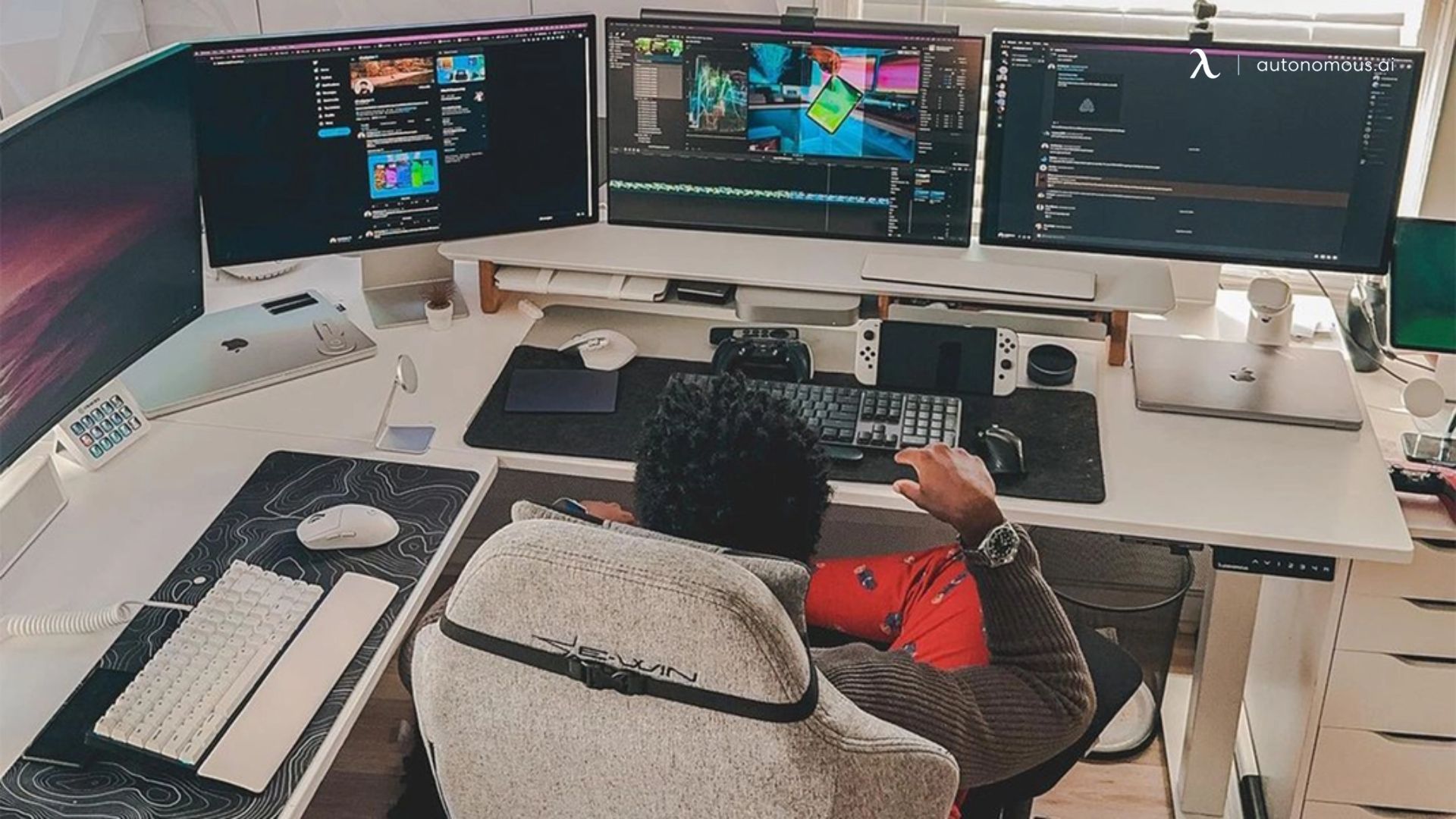
A separate keyboard and mouse are essential for comfort, because typing on a laptop for hours forces your shoulders inward and your wrists into an awkward angle. An external keyboard lets you position your screen at eye level while keeping your hands at the correct height, and an ergonomic or well-shaped mouse reduces the wrist and forearm strain that leads to repetitive-use discomfort. For anyone on a keyboard all day, this is a small cost that prevents a real problem.
The main thing to get right is placement: your keyboard and mouse should sit at a height where your elbows rest near 90 degrees and your wrists stay neutral rather than bent up or down.
5. Accessories That Complete the Setup
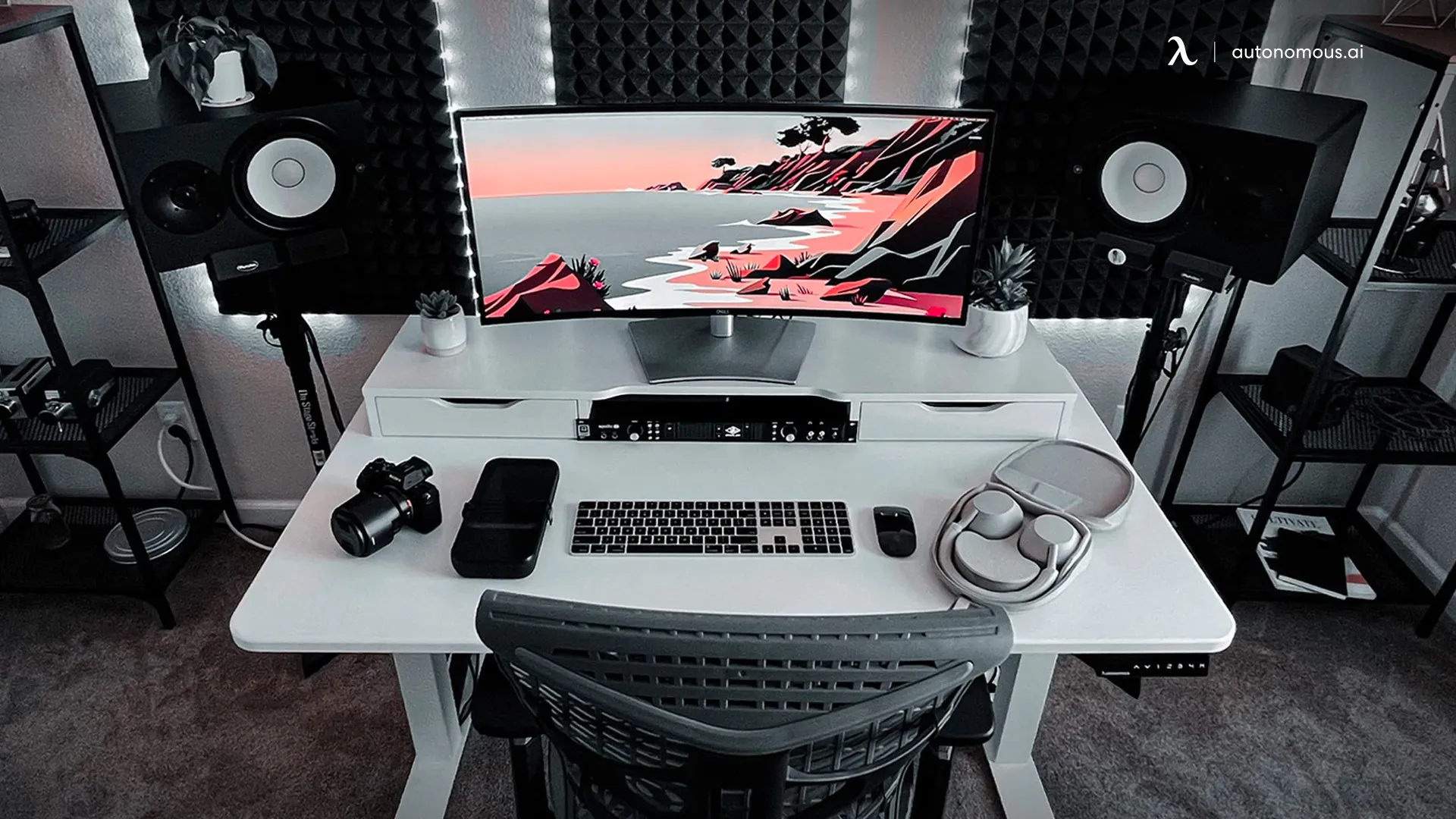
The accessories that finish a home office are the ones that handle lighting, organization, and comfort, turning a functional desk into a workspace you can use all day. A desk lamp with adjustable brightness prevents eye strain and improves how you look on video calls, storage and cable management keep the space clear, and an anti-fatigue mat helps if you stand for long stretches. These are usually the pieces employees buy themselves, since they are personal and low-cost.
This is also where you personalize the space. Beyond the functional office accessories, small touches make a home office feel like your own, which matters when it is also where you spend your working day.
What Employers Should Provide for Remote Workers
Employers equipping a remote team should provide, at minimum, the core work tools and ideally a stipend for ergonomic furniture. As remote work has become standard, the question of who pays for a home setup has shifted from an afterthought to a real part of hiring and retention. Companies that equip their people well get more consistent output and fewer complaints of discomfort or burnout. Here is what a fair provisioning approach usually covers.
A Company Laptop and Software
The baseline any employer should provide is the computer and the software licenses the role requires. This is already standard at most companies, because it keeps hardware consistent, secure, and under IT's control. Providing the laptop also removes the biggest single cost barrier for the employee and ensures everyone works on equipment the company can support.
An Equipment Stipend or Allowance
A furniture and equipment stipend is the most flexible way to equip remote staff, because it lets employees buy the chair, desk, and accessories that fit their body and space. Ergonomic furniture is a meaningful cost, and a set allowance spreads that fairly without the company having to guess each person's needs. Even a modest stipend toward a proper chair and desk pays off in comfort and reduced strain over a full year of remote work.
Bulk-Ordered Furniture for Consistency
For larger teams, ordering ergonomic furniture in bulk gives every employee the same quality setup while lowering the per-unit cost. This suits companies that want a consistent standard rather than reimbursing a range of individual purchases. Autonomous offers bulk ordering for businesses that equip remote or hybrid teams, which brings the per-chair and per-desk cost down for orders of several units.
Equipping a Remote Startup: What to Prioritize
A startup equipping remote workers should prioritize the computer, a reliable internet stipend, and ergonomic furniture, in that order. With limited budget, the sequence matters: the laptop and connectivity are non-negotiable because they enable the work at all, while ergonomic furniture is the investment that protects your team's health and output over the long run. Security tools, including a VPN and device management, belong in the essential tier too, since a distributed team widens the surface area for risk.
For a lean team, a practical hardware package per employee is a company laptop, a monitor, a keyboard and mouse, an ergonomic chair, and a height-adjustable desk, plus stipends for internet and software. Buying the furniture portion in bulk keeps that package affordable as the team grows.
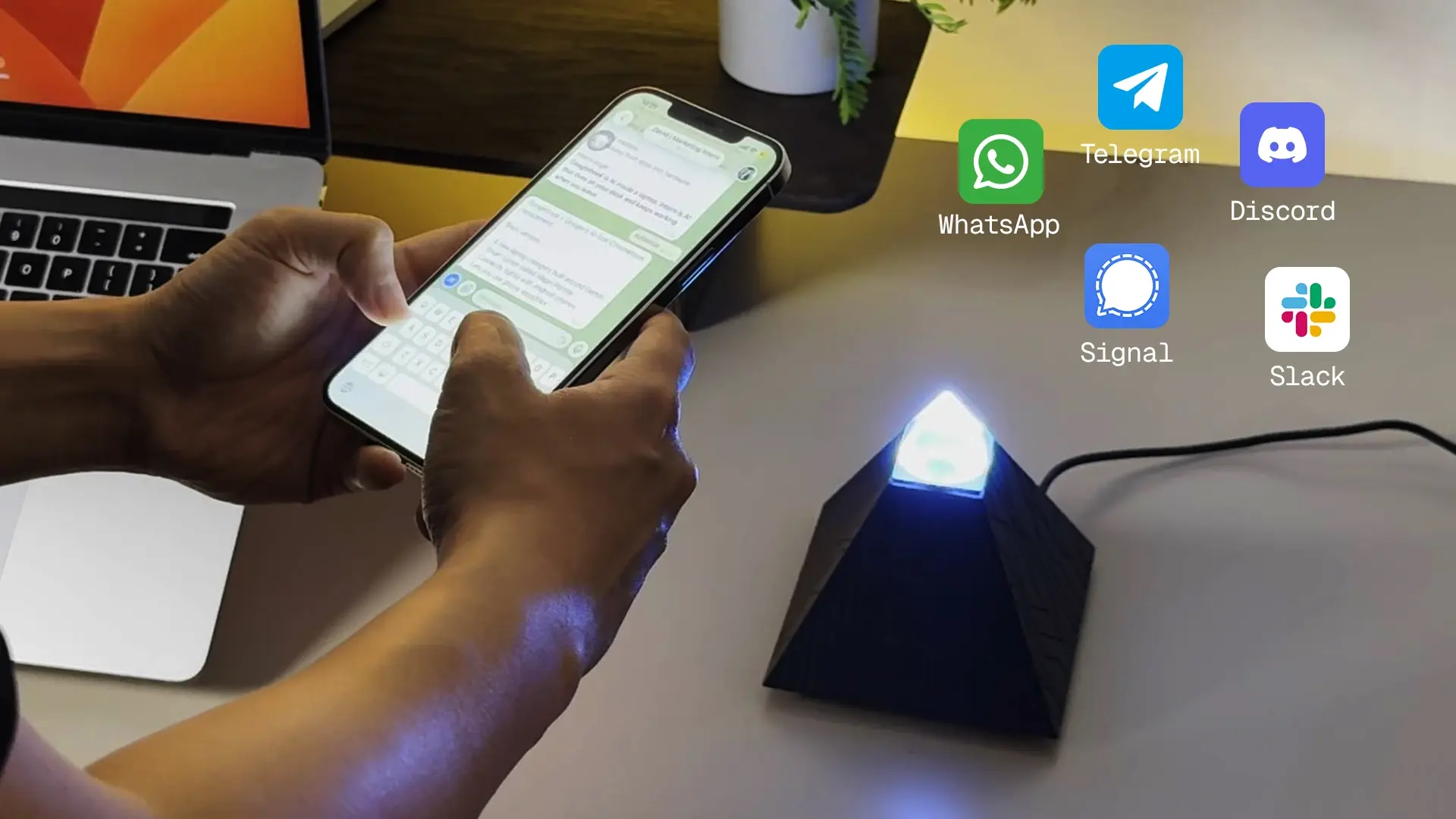
For AI-focused startups, one piece of hardware worth considering beyond the basics is a local AI agent. The Autonomous Intern runs on a small dedicated device and handles tasks through channels a distributed team already uses, keeping the work on hardware the company controls rather than a subscription service. For a remote startup building AI into its workflow from the start, it fits the same self-provisioned, own-your-tools approach that guides the rest of the equipment list.
Frequently Asked Questions
What equipment do I need to work from home?
The essential work from home equipment is an ergonomic office chair, a height-adjustable desk, a laptop or computer with a monitor, a keyboard and mouse, and accessories like lighting and storage. The chair and desk protect your posture during long sitting hours, while the computer and monitor are the core tools for getting work done.
Should my employer provide work from home equipment?
Many employers provide core work from home equipment such as a laptop and software, and a growing number offer a stipend or allowance for ergonomic furniture. Policies vary by company, so it is worth asking during hiring what equipment is provided, whether there is a furniture allowance, and how replacements are handled.
What should employers provide for remote workers?
Employers should provide, at minimum, a company laptop and the software licenses the role needs, and ideally a stipend for an ergonomic chair, desk, and accessories. Larger companies often bulk-order furniture to give every employee a consistent setup while lowering the per-unit cost, which also simplifies support and replacement.
How much does it cost to set up a home office?
A basic home office setup costs roughly $500 to $1,500 depending on the quality of the chair and desk, which are the largest expenses. A budget setup with an entry-level ergonomic chair and desk sits at the lower end, while a premium ergonomic setup built to last several years reaches the higher end. Employer stipends often cover part or all of this.
What work from home equipment should I buy first?
Buy the ergonomic chair first, since posture support has the biggest daily impact on comfort and health during long sitting hours. A height-adjustable desk is the next priority, followed by a second monitor if your work involves multitasking. The chair and desk are the foundation everything else builds on.
What equipment do remote startups need for their team?
Remote startups need a company laptop, reliable internet, and ergonomic furniture for each employee, plus security tools like a VPN and device management for a distributed team. Prioritize the laptop and connectivity first, then ergonomic furniture, and consider bulk-ordering the furniture to keep per-employee costs down as the team scales.
What should I ask about equipment for a remote job?
Ask whether the company provides a laptop and software, whether there is a stipend or allowance for a chair, desk, and accessories, and how equipment repairs or replacements are handled. It is also worth asking about security requirements, such as whether a VPN, device management, or specific software is required for the role.
.webp)
The Bottom Line
The foundation of a good home office is the same for everyone: an ergonomic chair and adjustable desk to protect your posture, a reliable computer and monitor to do the work, and the keyboard, mouse, and accessories that make the setup comfortable to use all day. Get the chair and desk right first, since they carry the biggest impact on how you feel after a full day of remote work.
If you are equipping a team rather than yourself, the same essentials apply, with the added questions of what to provide and how to keep it consistent. A company laptop plus a furniture stipend or a bulk order covers most of what remote employees need, and it pays off in comfort, output, and retention. Whether you are outfitting one desk or a hundred, start with the equipment that supports the person, then build out from there.