The Best Direction To Face When Working From Home
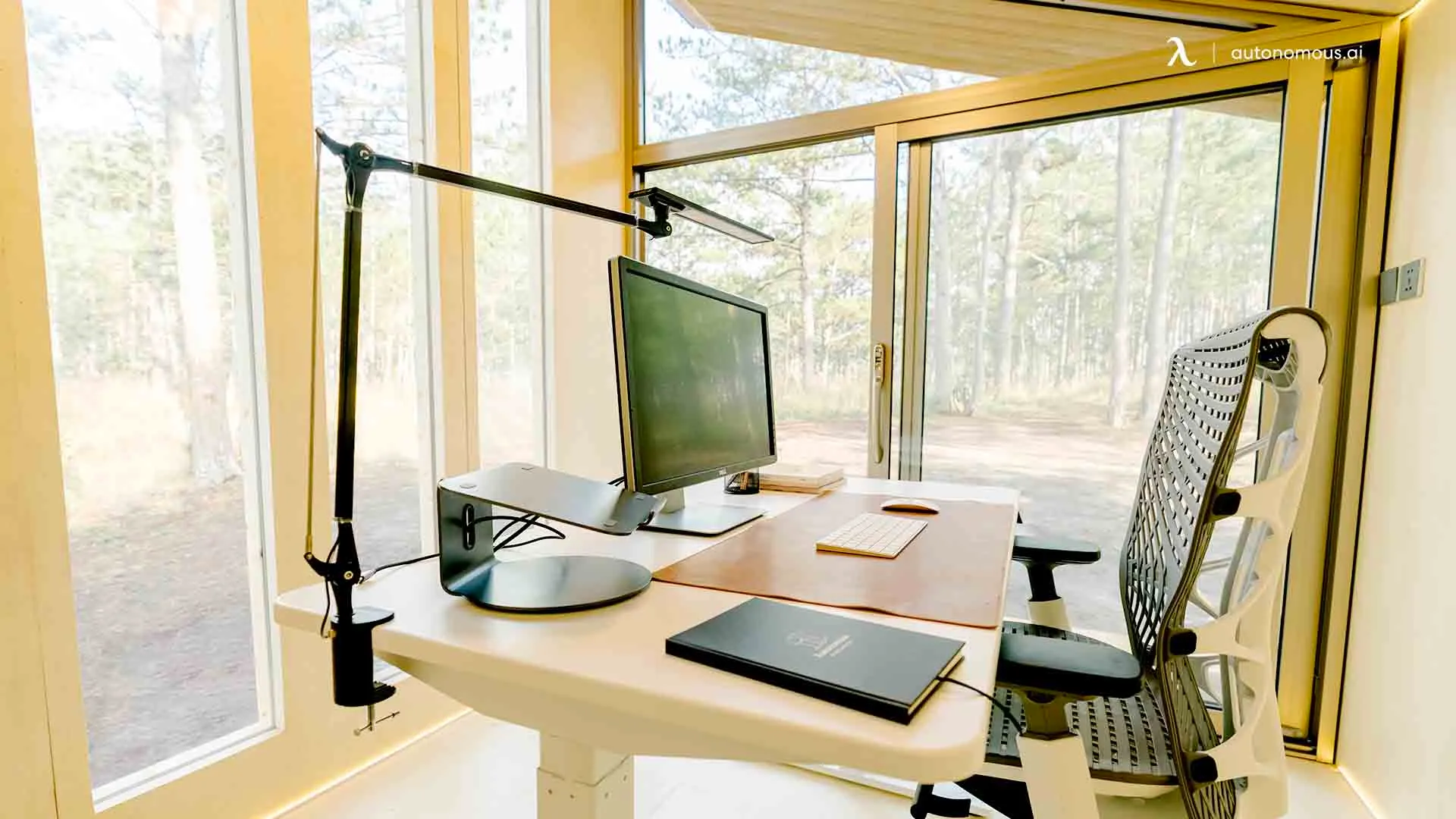
Table of Contents
Working from home changes the way we think about space, focus, and comfort. One simple thing that makes a big difference is choosing the right direction to face when you work. Some people follow traditions like feng shui or Vastu, others care more about light, posture, and avoiding distractions. The good news is these ideas often point in the same direction. This guide helps you find the best direction to face while working, so your home setup office feels calm, productive, and easy to stay focused in.
Why Desk Direction Matters
The direction to face when you work might seem small, but it shapes how your day feels. The right desk position supports focus, comfort, privacy, and the way you shift into “work mode” at home. Whether you follow tradition, prefer a practical direction for face, or blend both, your desk orientation plays a real role in how balanced and productive your work-from-home days feel.
- Supports natural focus and mental clarity:
The direction to face influences what you see throughout the day. A calm, steady view helps your brain settle into work mode, while busy movement or clutter in front of you can break your concentration. The right desk angle creates a sense of control and mental space, helping you stay clear-headed and present in your tasks.
- Manages light and visual comfort:
Light is a big part of how productive you feel. When your desk faces the right way, you avoid harsh glare on your screen and reduce eye strain. Soft, side lighting improves comfort, keeps colors true on your monitor, and helps your body stay alert without stressing your eyes. This is a subtle but powerful factor behind the best direction to face while working.
- Shapes your work-from-home mindset
When you position your home office desk with intention, you create a physical cue for your brain that says “work happens here.” A good direction for work at home helps you shift into a focused routine, separate personal space from work mode, and avoid that “always at home” feeling that can happen in remote setups.
- Improves your video call presence
A thoughtful computer desk direction helps you naturally face softer light and a clean background, making you look more confident and professional on video calls. It saves you from fighting shadows or worrying about distractions behind you, so your space supports you instead of working against you.
Best Directions To Face When Working From Home
The direction to face when you work from home influences how your mind settles, how your attention holds, and how your day flows. Traditional systems like feng shui and Vastu have long suggested certain directions to support clarity and grounded focus — and those ideas align surprisingly well with what modern work psychology and real-world routines tell us: your body and brain perform best when your environment feels steady, open, and mentally quiet.
Additional perspectives on harmonious desk placement can be found in discussions around Feng Shui office desks, which share a similar intention of helping the workspace feel balanced and supportive.
1. East
Traditionally linked to growth and learning, facing east can feel like giving yourself a fresh page each morning. The energy is subtle, not forceful — ideal if your work benefits from calm attention, thoughtful planning, or writing and strategy work. East-facing setups often feel peaceful rather than “pushed,” helping you build momentum without stress. It’s also a good direction if you tend to get overwhelmed easily or want to ease into the day with clarity.
Best for: thoughtful work, planning, writing, creative exploration, gentle productivity.
2. North
The North has long been associated with steady movement and long-term progress. In a work-from-home context, facing north often gives a grounded sense of direction — like you're moving forward without feeling pressured. North-facing setups also help your mind stay steady, present, and less reactive to distractions or emotional shifts.
Best for: analytical work, leadership, structured tasks, long focus periods.
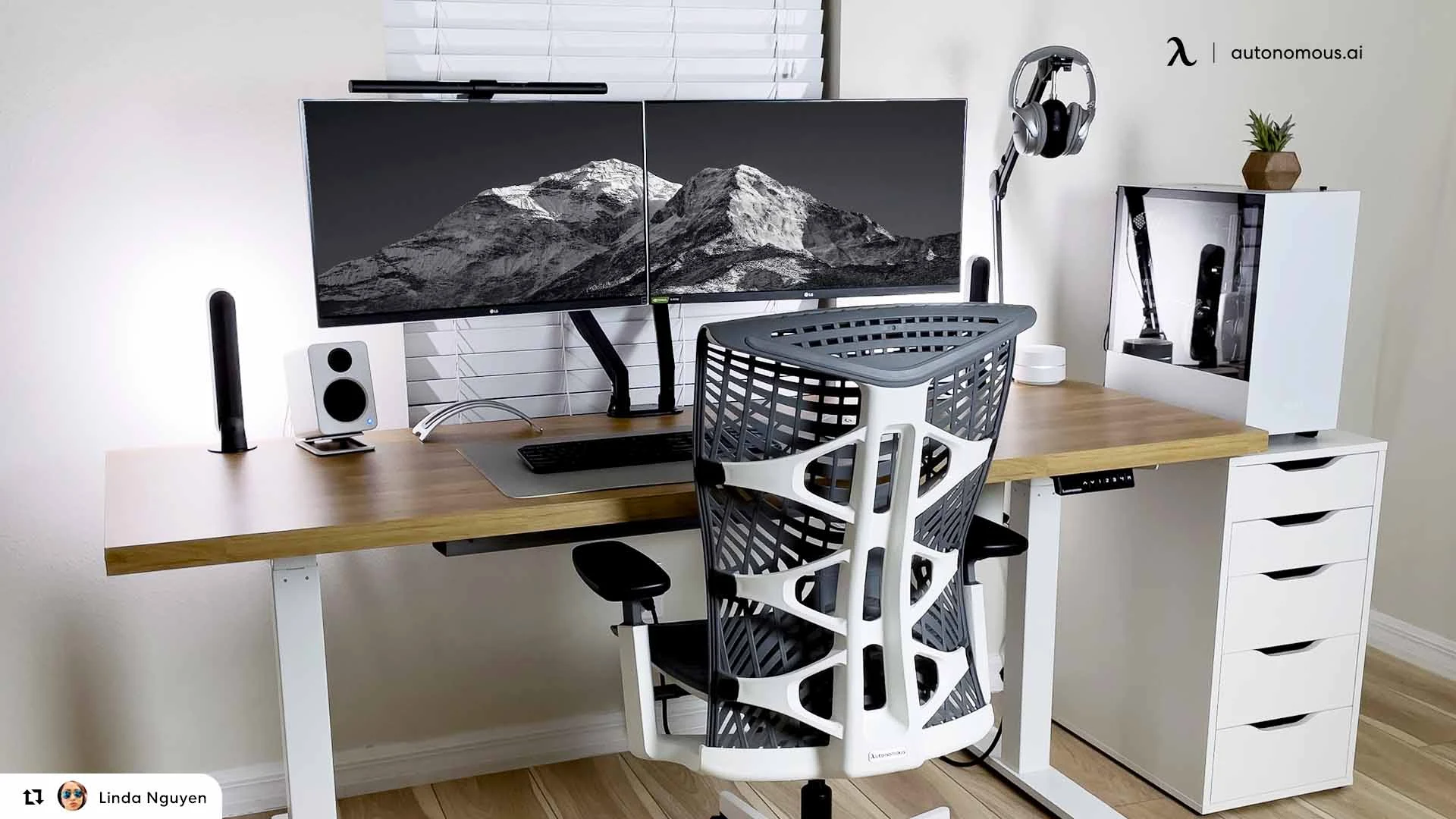
3. Northeast
Northeast is tied to curiosity, reflection, and imaginative thinking. When you face this direction, the workspace often feels spacious and mentally light — enough openness to spark ideas, without scattering your focus. This direction suits those who need clarity mixed with inspiration: designers, researchers, product thinkers, content creators, students, and anyone who builds ideas rather than only executing tasks.
Best for: creative work, strategy, brainstorming, studying, vision planning.
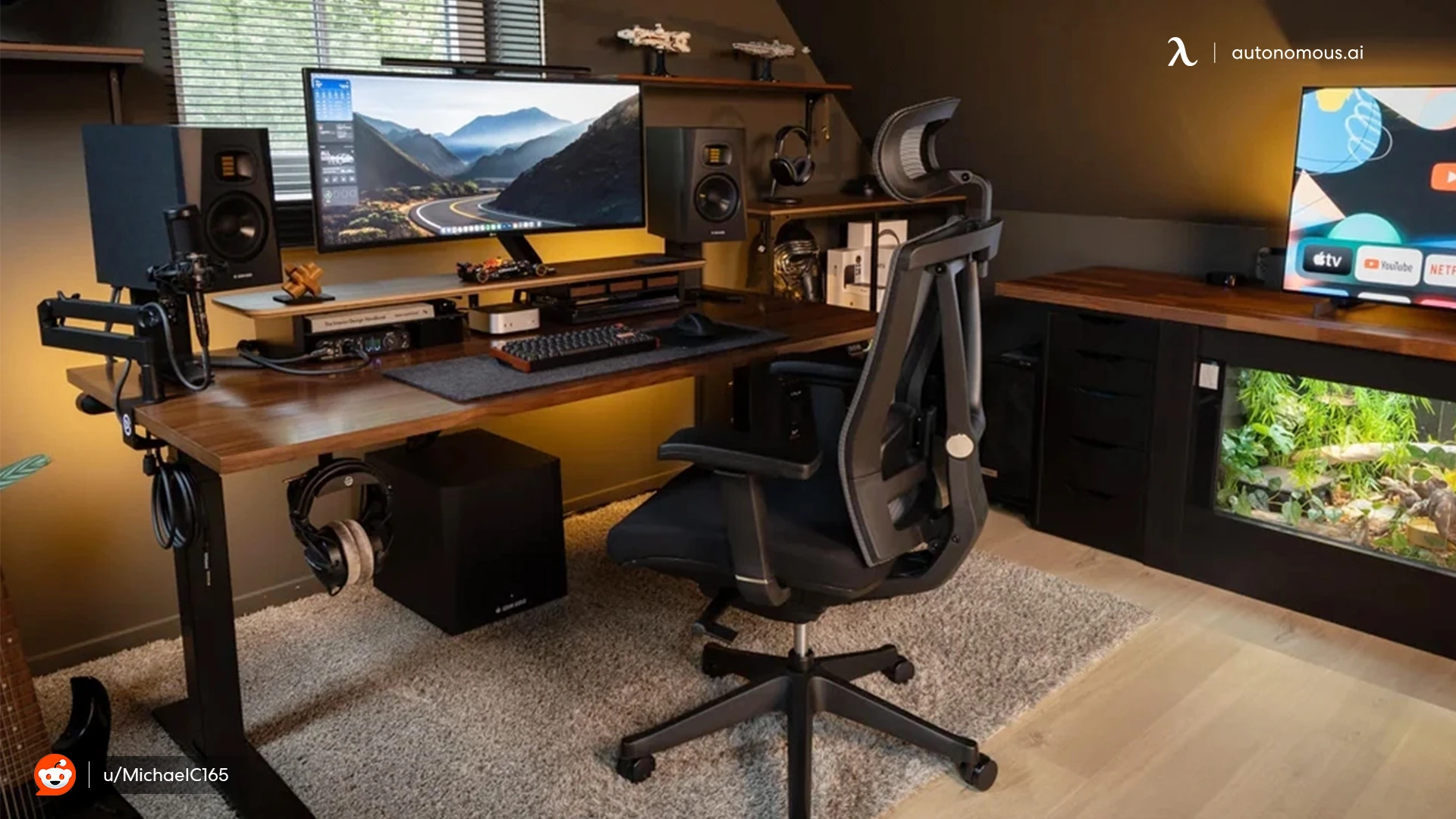
4. South-Facing
Traditional guidance often avoids south because it can feel intense or restless. In practical terms, south-facing setups sometimes feel more energetic or visually stimulating. If south is your only option — and many home layouts make this the case — the key is to soften the environment. A clean visual line, light-toned objects, or a calming plant in front of you helps ground the space and makes your brain feel supported instead of pushed.
Best for: active roles, fast-paced projects, or limited spatial layouts — as long as the view stays simple and restful.
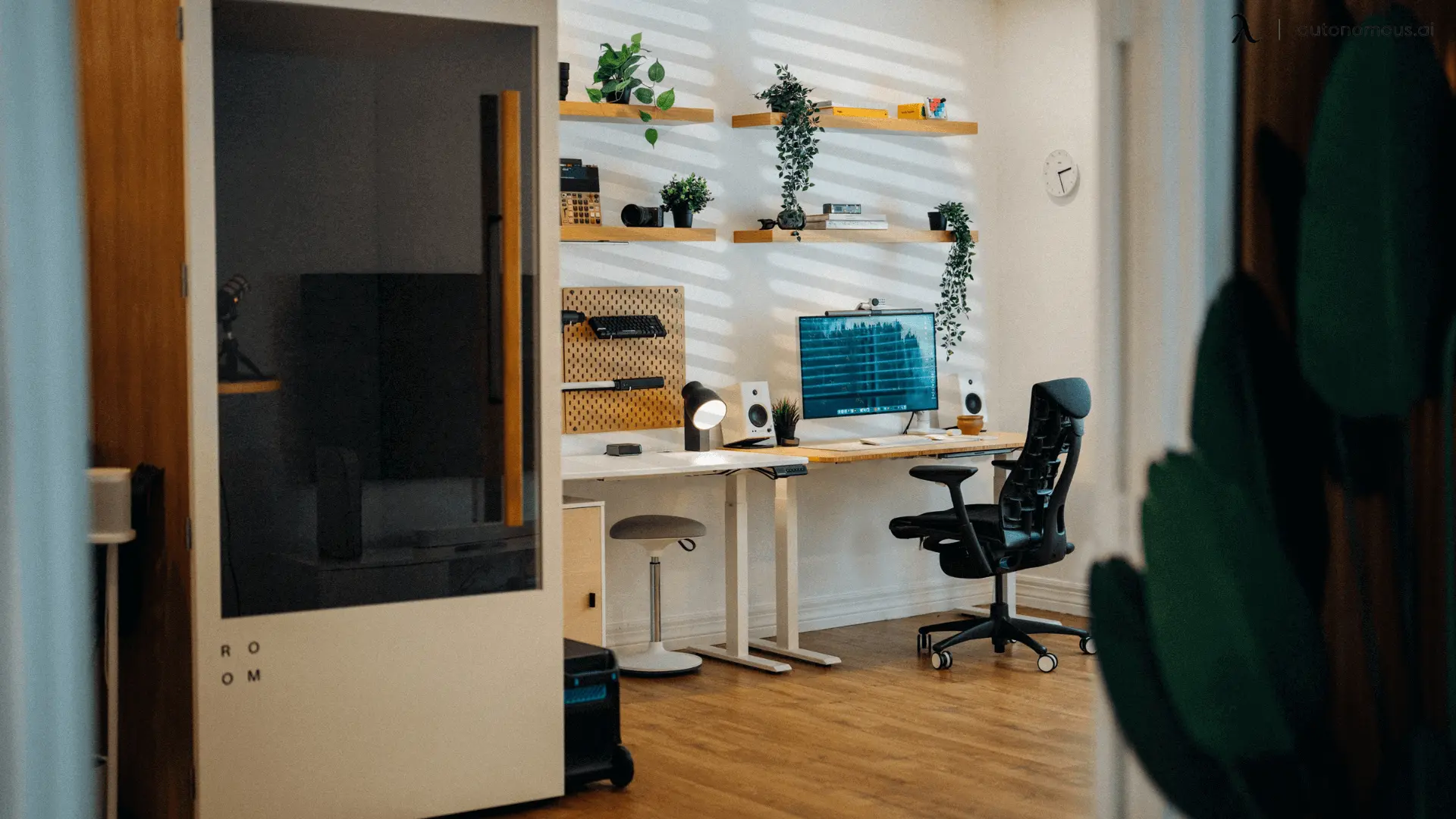
Directional guidance — traditional or modern — quietly works because it centers on one truth: your brain performs better when your environment feels safe, stable, and uncluttered. The best direction to face while working is the one where your attention stays with you, not pulled by the space around you.
Use direction as a guide, not pressure. Your intuition and comfort matter as much as any compass.
Working From A Tight Or Limited Room Layout
Small office desk setups, shared bedrooms, and city apartments don’t always give you the freedom to choose the perfect direction to face. In real life, walls, windows, and furniture often make the decision for you. When that happens, the goal shifts from chasing a specific compass point to shaping a small space so it feels steady, breathable, and mentally clear.
In small rooms, the direction to face is less about north or east, and more about choosing a setup where your mind doesn't feel boxed in or pulled in too many directions.
- Let your view be your anchor
If you can’t orient your desk exactly where you'd like, make what’s right in front of you feel calm. A clear stretch of wall, a floating shelf, or a small plant arrangement creates a grounded focal point. When your eyes land on stillness, your thoughts follow.
- Use light to support your direction
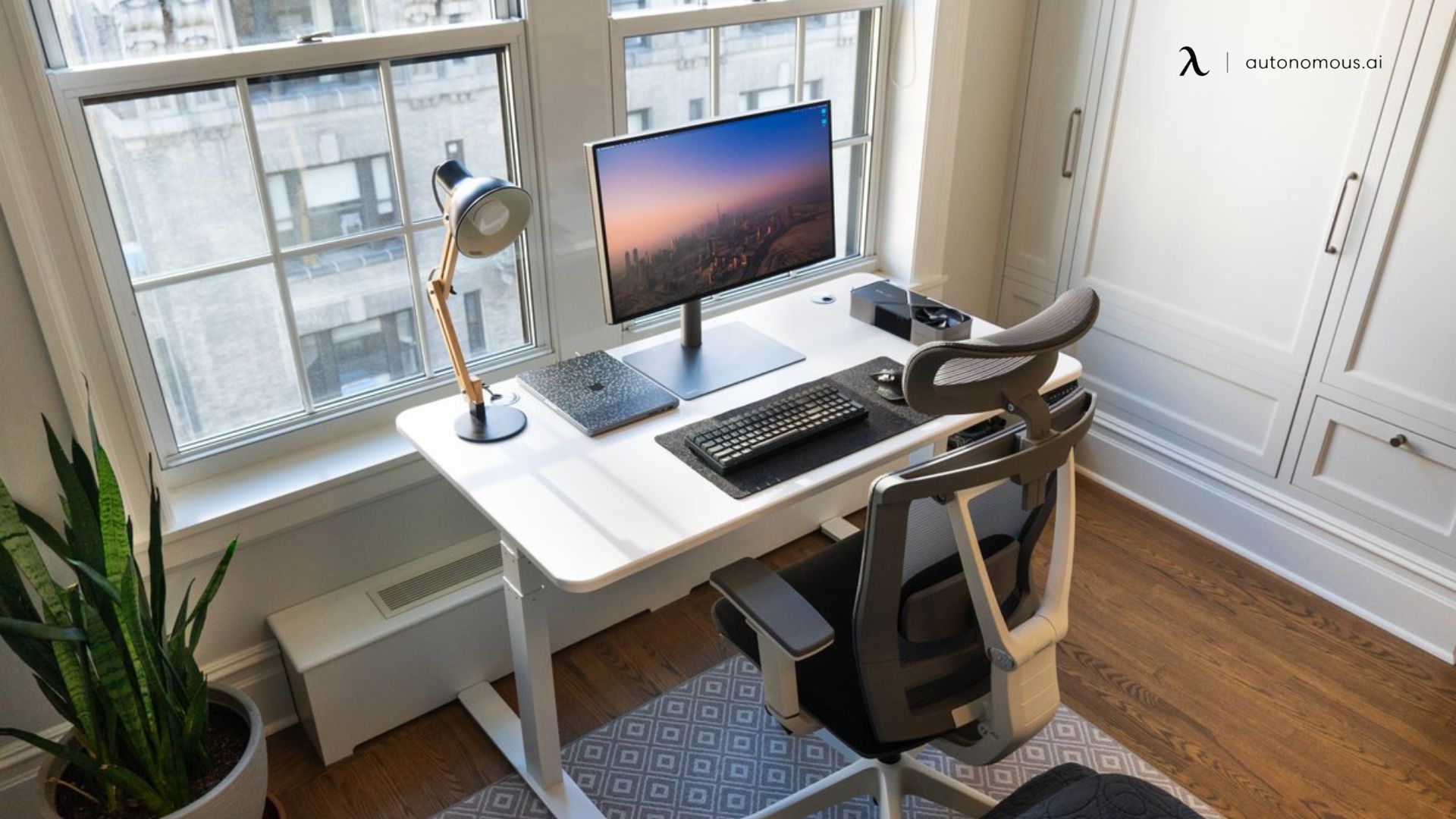
Tight spaces don’t always allow ideal desk orientation, so lighting does some of the work. If you’re stuck facing a wall or sitting with a window in front or behind you, balance the space with a small and soft-lighting desk lamp — it reduces screen glare, eases eye strain, and adds warmth without making the area feel cramped.
- Small angle shifts go a long way
Limited desk setups, you don’t need to move furniture to change how a space feels — sometimes rotating your desk a few inches or degrees softens the room and releases tension. A slight diagonal angle can break the feeling of being pressed into a corner or staring at a harsh line of light.
- Soft boundaries create mental separation
In multipurpose rooms, subtle design signals help your brain switch into work mode. A floor lamp, a desk plant beside your desk, or a small rug under your office chair turns a shared room into a defined workspace. These tiny borders make your brain feel like it “arrived” somewhere, not just rolled a chair into the same corner of the room.
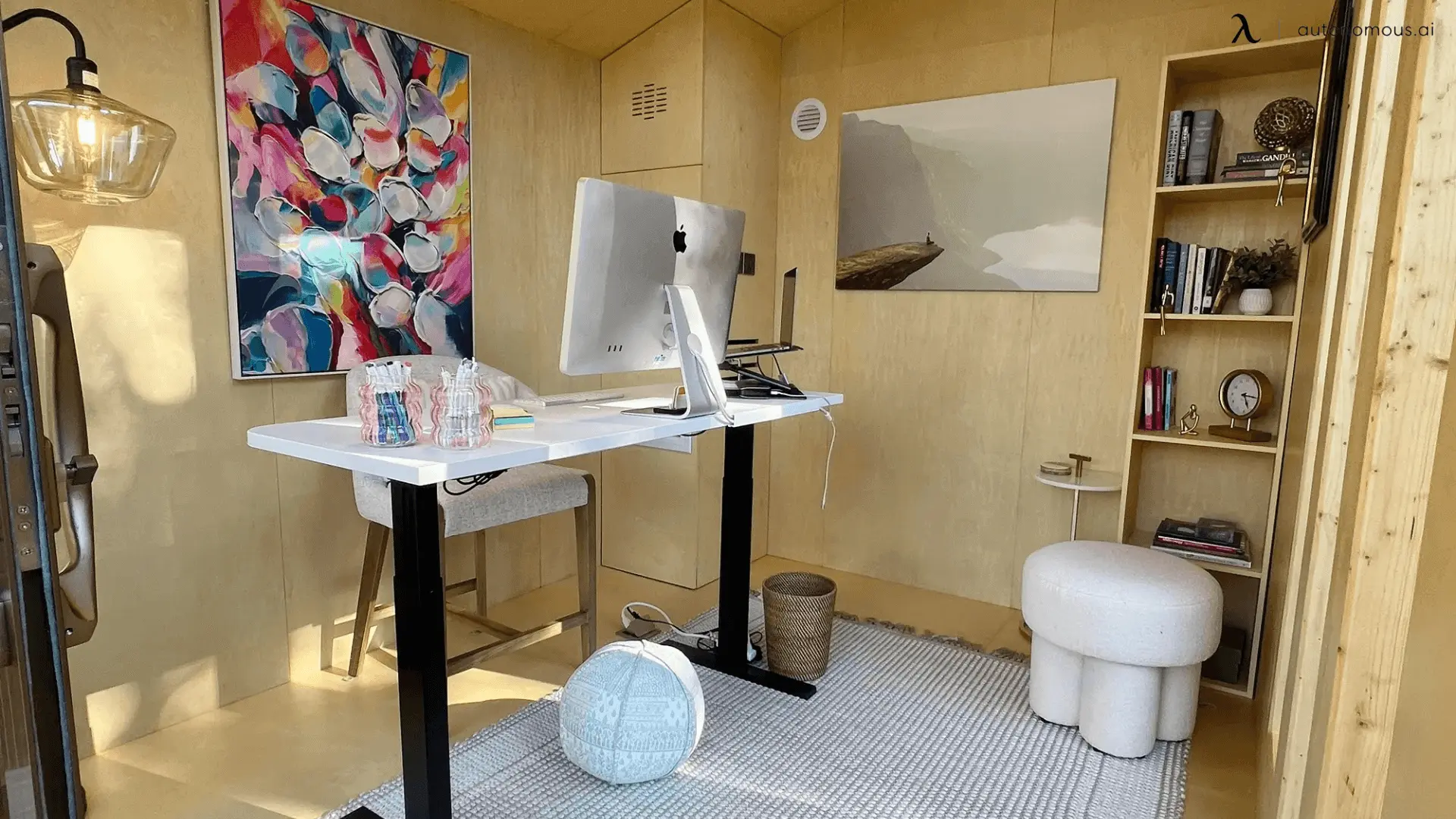
What To Avoid When Choosing Desk Direction
Even with supportive directions in mind, your desk setup can still work against you if certain elements interrupt your focus or shift your energy. Choosing the right direction to face also means avoiding placement that pulls your attention, drains you, or creates low-grade tension in the background of your day.
Here are common situations to steer away from:
- Facing high-traffic areas
Facing a door, hallway, or kitchen path keeps your nervous system alert. Movement catches the corner of your eye and interrupts concentration, even if you don’t consciously notice it. Over time, this creates shallow focus instead of deep work.
- Looking directly at clutter or visual noise
A messy shelf, a stack of clothes, or a busy corner in your line of sight can feel mentally loud. The brain reads these objects as “unfinished tasks,” making it harder to fully settle into work mode. Where your eyes rest, your mind rests — or doesn’t.
- Back-facing a door without support
Sitting with a door directly behind you can create subtle unease. Humans feel calmer when we can see what's entering our space. It’s not superstition — it’s awareness and nervous-system comfort. If you must sit this way, a solid chair back or wall behind you helps restore stability.
- Direct alignment with sharp corners or edges
Being directly in the line of a harsh corner or edge (like a cabinet or pillar) can feel visually “pointed” or intrusive. It doesn't always register consciously, but it can add tension over time. Shifting the desk slightly out of that alignment can soften the environment.
- A chaotic outdoor view with fast movement
A gentle garden or tree view is calming. A busy street, heavy traffic, or rapid movement outdoors is stimulating — not grounding. If your window overlooks hurried activity, turning your desk slightly or filtering the view can help your focus stay internal rather than pulled outward.
FAQs
1. What is the best direction to face when working from home?
The best direction to face when working from home is the one where your view feels steady, your screen has minimal glare, and you feel mentally anchored. Many traditions recommend facing east or north, but comfort and lighting count more than a perfect compass point.
2. Which direction should I face my desk in a home office for productivity?
For productivity in a home office, facing east or north tends to support focus and calm thinking. If you can’t choose ideally, sit where you can see the room, avoid direct glare, and feel comfortable long-term.
3. Does the direction to face my desk affect my workflow?
Yes, the direction you face influences what your eyes rest on, how much light hits you, and how often your attention is pulled away. Choosing the right direction helps your brain drop into work mode instead of constantly scanning.
4. What direction for work should I avoid when setting up a home desk?
You should avoid facing busy hallways, positioning your back to the door, or placing your desk where glare hits your screen directly. These setups distract your brain and make it harder to remain grounded in your tasks.
5. Is it okay if I must face south in my home office?
Yes, facing south can work if it’s your only option — the key is to soften the space: keep your view calm, control direct light, and avoid chaotic visual surroundings so your focus isn’t constantly pulled away.
6. How should I choose the direction to face when working in a small or shared room?
In a small or shared room, prioritize what you feel over perfect orientation. Face the view that gives you mental ease, avoid high-traffic lines, and use subtle visual cues (lamp, plant, rug) to define your work zone.
7. What’s the best way to position my desk relative to windows and light?
The best way is to place your desk so light enters from the side (rather than directly behind or in front) and the view in front of you feels calm. This helps reduce screen glare, eye strain, and mental restlessness.
8. How important is the direction to face for video calls and remote meetings?
Very important, facing a window behind you often makes you appear dark and harder to see, and facing a busy background distracts others and you. The right direction keeps your face visible, light balanced, and background clean.
9. Can the direction to face change my comfort and posture when working from home?
Absolutely, the way you face your desk influences how you reach for your screen, how often you twist to see, and how your body sits for hours. A comfortable direction supports better posture, fewer breaks, and more stable focus.
10. If I feel restless or distracted at my desk, could my direction be the problem?
Yes, if you’re constantly glancing to the side, adjusting your chair, or feeling unsettled, your desk direction may be misaligned with your space. Changing your view, reducing motion in your line of sight, and repositioning slightly can reset your focus.
Wrapping It Up
Choosing the right direction to face when working from home isn’t about strict rules or chasing a perfect setup — it’s about creating a space that supports your mind, your body, and the way you move through your day. Some people find clarity facing east, others feel steadier facing north, and many simply choose the view that feels calm instead of chaotic.
The best direction to face while working is the one that helps your thoughts settle, your attention stays with you, and your space feels intentional rather than accidental. A supportive workspace is also shaped by your environment — from sound and lighting to the items you keep close, like the work-from-home essentials you rely on every day and the office accessories that help you stay organized and comfortable.
Notice where your breathing softens, where your posture feels natural, and where distractions fade. That’s your direction — not just for work, but for creating a workspace that supports who you are and how you do your best thinking at home.