What Is the Best Desk Shape For Your Workspace?
Table of Contents
The shape of your computer desk influences more than how your workspace looks, it affects how comfortably you reach your keyboard, where your monitors sit, and how your body feels after hours of work. Not all desk shapes serve the same purpose. Rectangular, curved, L-shaped, U-shaped, and corner desks each offer different advantages depending on your space and workflow.
This guide breaks down the five main desk shapes, explains how each one impacts your reach and proper sitting posture, and helps you find the right fit for your workspace.
Why Desk Shapes Matters
Desk shape directly affects how much of your work surface you can comfortably use. Ergonomists refer to this as the "optimal reach zone", the area your forearms can access while your upper arms hang naturally at your sides. Items placed within this zone require minimal effort to reach. Items outside it force you to stretch, lean, or twist repeatedly throughout the day, which contributes to shoulder tension and back strain over time.
Here's what most people don't realize: on a standard rectangular desk, a significant portion of the surface falls outside this optimal zone. The corners and far edges become storage space rather than functional workspace.
Different desk shapes address this problem in different ways. Some prioritize maximizing usable surface area. Others reduce front-edge pressure on your wrists and torso. The right shape depends on what you need within arm's reach and how much space you have available.
Understanding this relationship between shape and reach helps you choose a desk that supports how you actually work, not just one that fits the room.
Understanding Different Desk Shapes
Most people choose a desk based on size or style without considering how its shape will affect daily use. Yet among the different desk shapes available, each one distributes your workspace differently, placing more or less surface area within comfortable reach.
The five most common types of desk shapes are rectangular, curved, L-shaped, U-shaped, and corner. Some maximize surface area. Others prioritize ergonomic positioning or space efficiency. Knowing what each shape offers helps you match your desk to your workflow rather than adjusting your habits to fit the wrong desk.
1. Rectangular Desks
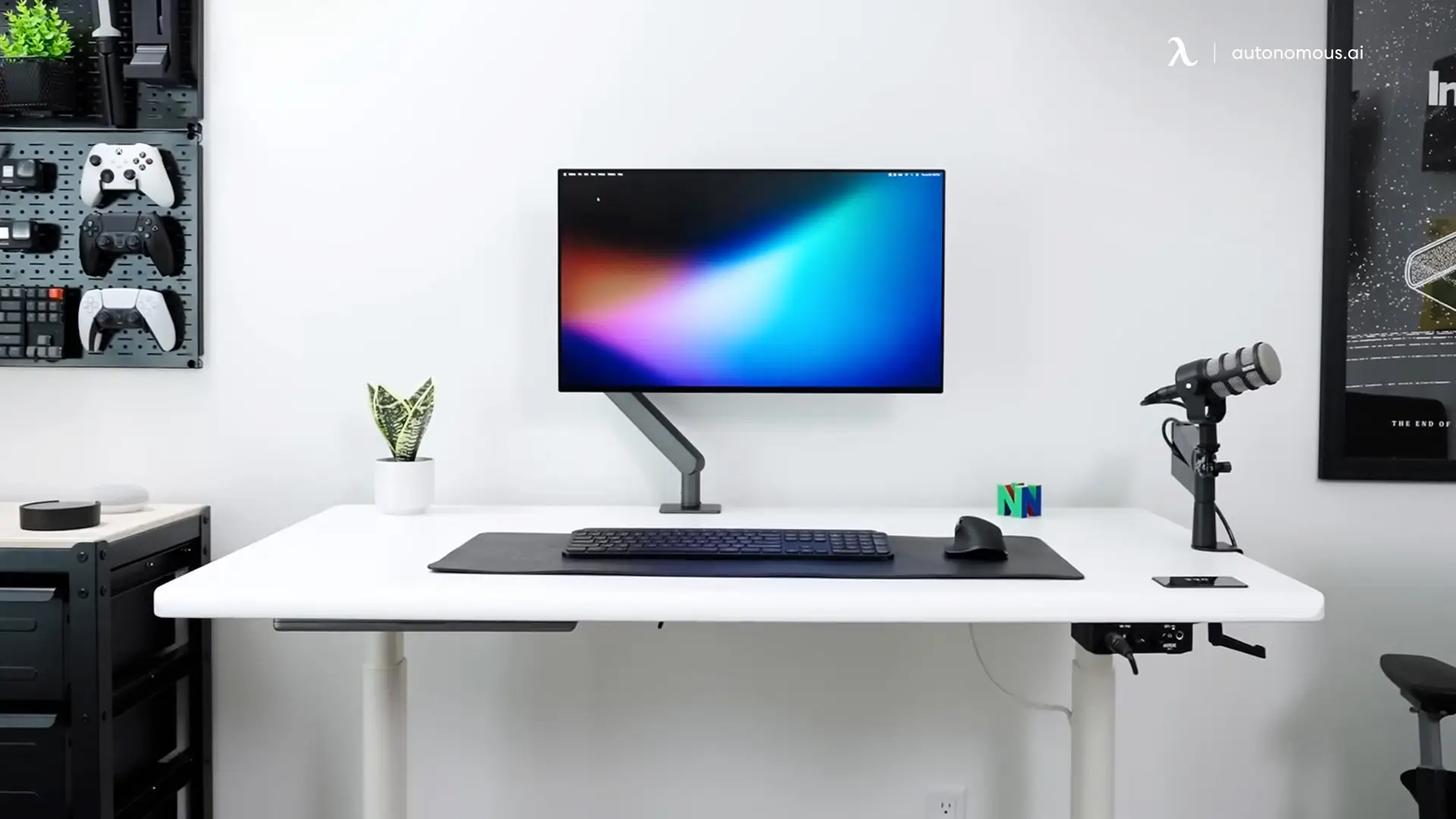
The rectangular desk is the most common shape and the baseline against which others are compared. Its flat front edge and parallel sides make it simple to manufacture, easy to position against a wall, and straightforward to pair with accessories like monitor arms or keyboard trays.
Standard rectangular desks range from 48 to 72 inches wide and 24 to 30 inches deep. This provides adequate room for a monitor, keyboard, and a few essentials. However, as the desk gets larger, the corners and back edge drift further from your natural reach zone, turning usable workspace into dead space for items you rarely touch.
Another consideration is the front edge. Hours of leaning against a hard straight edge can create pressure on your forearms and wrists. This is less noticeable in short sessions but accumulates over a full workday.
Rectangular desks work well for simple desk setups: a single monitor, minimal peripherals, and a preference for clean sightlines. They're also the most versatile for standing desk frames, fitting nearly any standing desk base without compatibility concerns.
2. Curved Desk
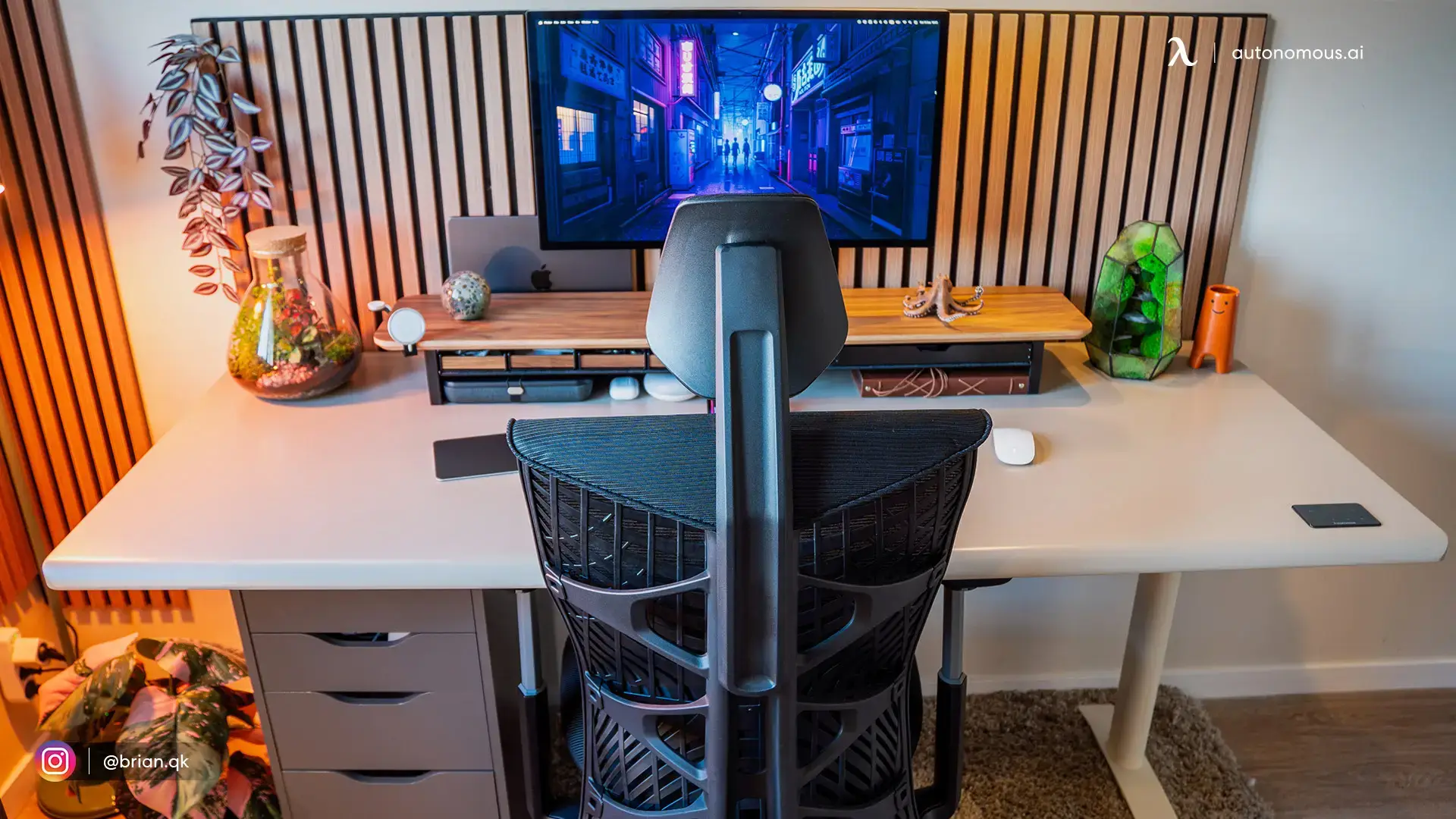
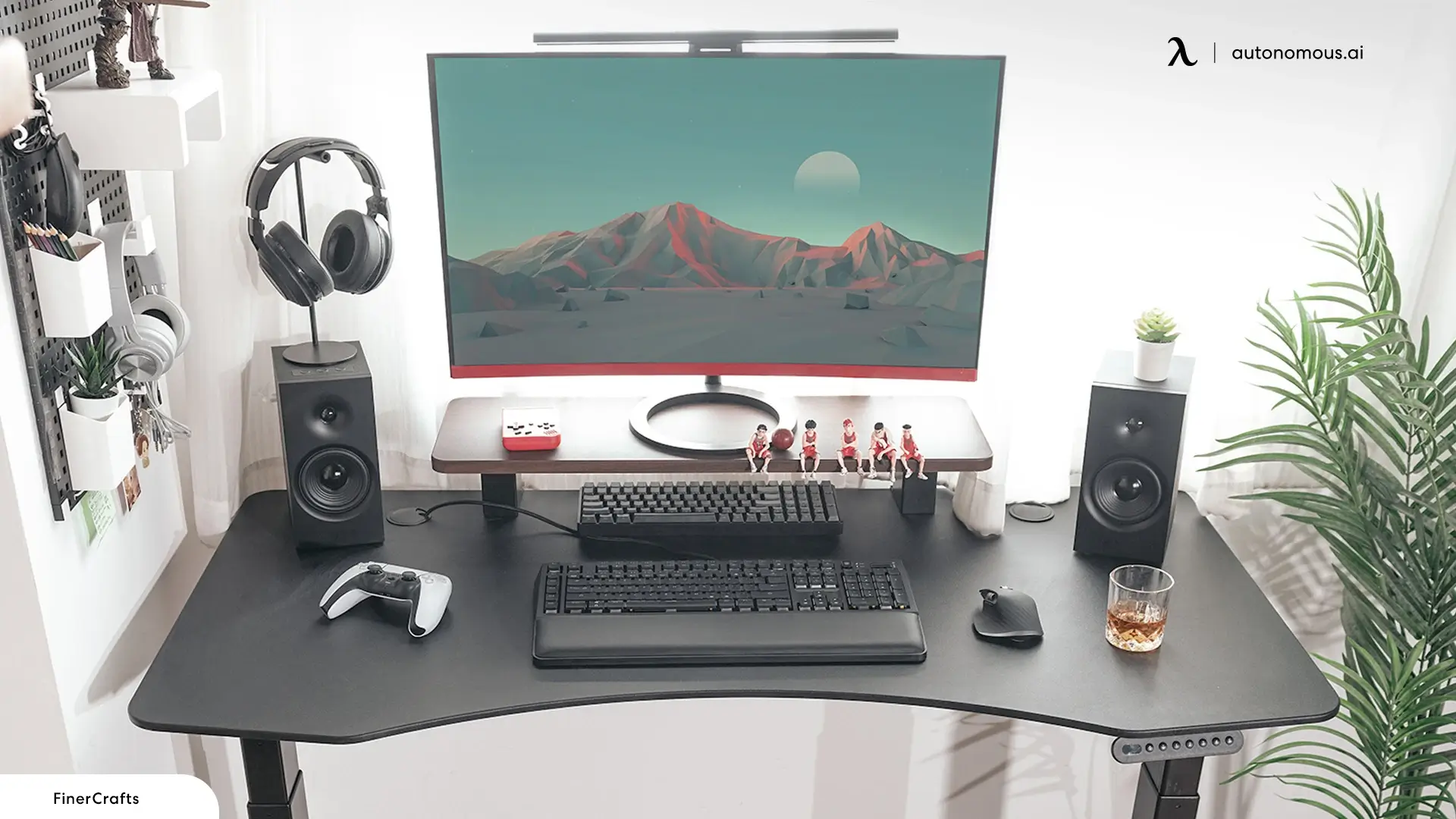
A curved desk takes the rectangular form and adds a concave arc along the front edge. This subtle change makes a noticeable difference in how the desk feels during extended use.
The slight curve in front of the desk allows your body to lean a few inches closer to your monitor while expanding your arc of reach toward your desk accessories. Instead of pressing against a hard straight edge, your torso sits within the curve—reducing pressure on your forearms and wrists throughout the day.
Beyond function, the curved shape carries a different visual weight. It softens the workspace, making the desk feel less like office equipment and more like furniture designed with the user in mind. This subtle shift in aesthetics often influences how people feel about sitting down to work—less rigid, more approachable.
Curved desks are well-suited for focused, single-task work: writing, coding, design, or any workflow centered on one screen. They're less ideal for setups requiring multiple monitors spread wide or large peripheral arrays, where an L-shaped or U-shaped configuration offers more functional surface area.
3. L-Shaped Desk Shape
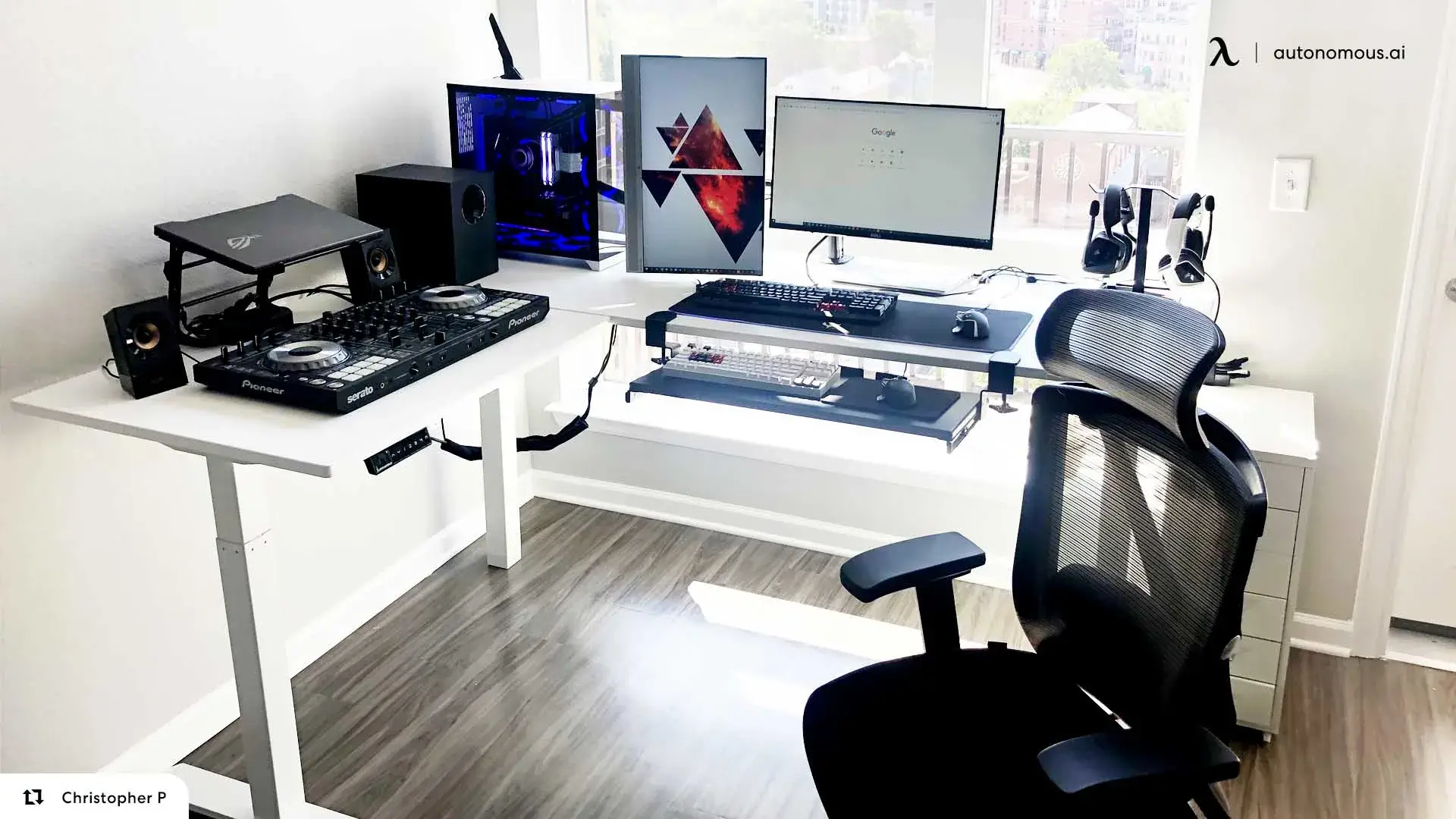
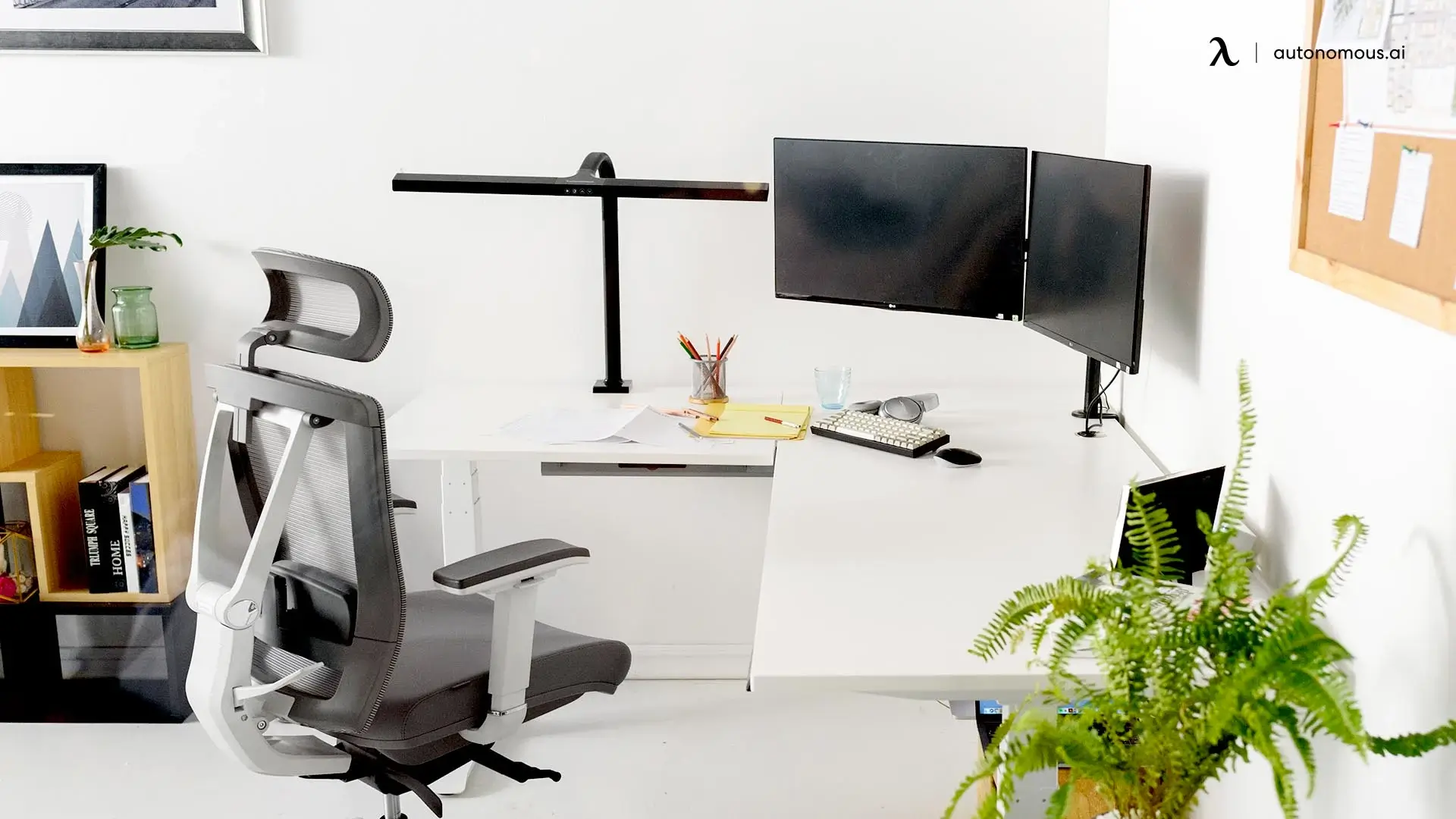
An L-shaped desk joins two surfaces at a 90-degree angle, forming a workspace that wraps around one side of your seated position. This configuration creates distinct zones, one for your primary screen and keyboard, another for secondary tasks like paperwork, reference materials, or a second monitor.
The appeal is obvious: more surface area and a built-in system for separating tasks. Designers and analysts who shift between digital work and physical documents often prefer this layout. So do users running dual or triple monitor setups, where the extended wing provides dedicated screen real estate without crowding the main work area.
However, the corner where both surfaces meet presents a trade-off. That junction often falls outside your optimal reach zone, making it better suited for storage or static items than active work tools. On smaller L-shaped desks, around 60" x 60", this dead zone becomes more pronounced, reducing the practical advantage the shape seems to offer.
Space planning matters here. An L-shaped desk demands room not just for its footprint, but for chair movement and access to both wings. In small home office desk setups, the shape can dominate the layout and limit furniture placement elsewhere. For users considering active walking desk setups with a treadmill or balance board, the inner corner also restricts how freely you can move while working.
4. U-Shaped Desk
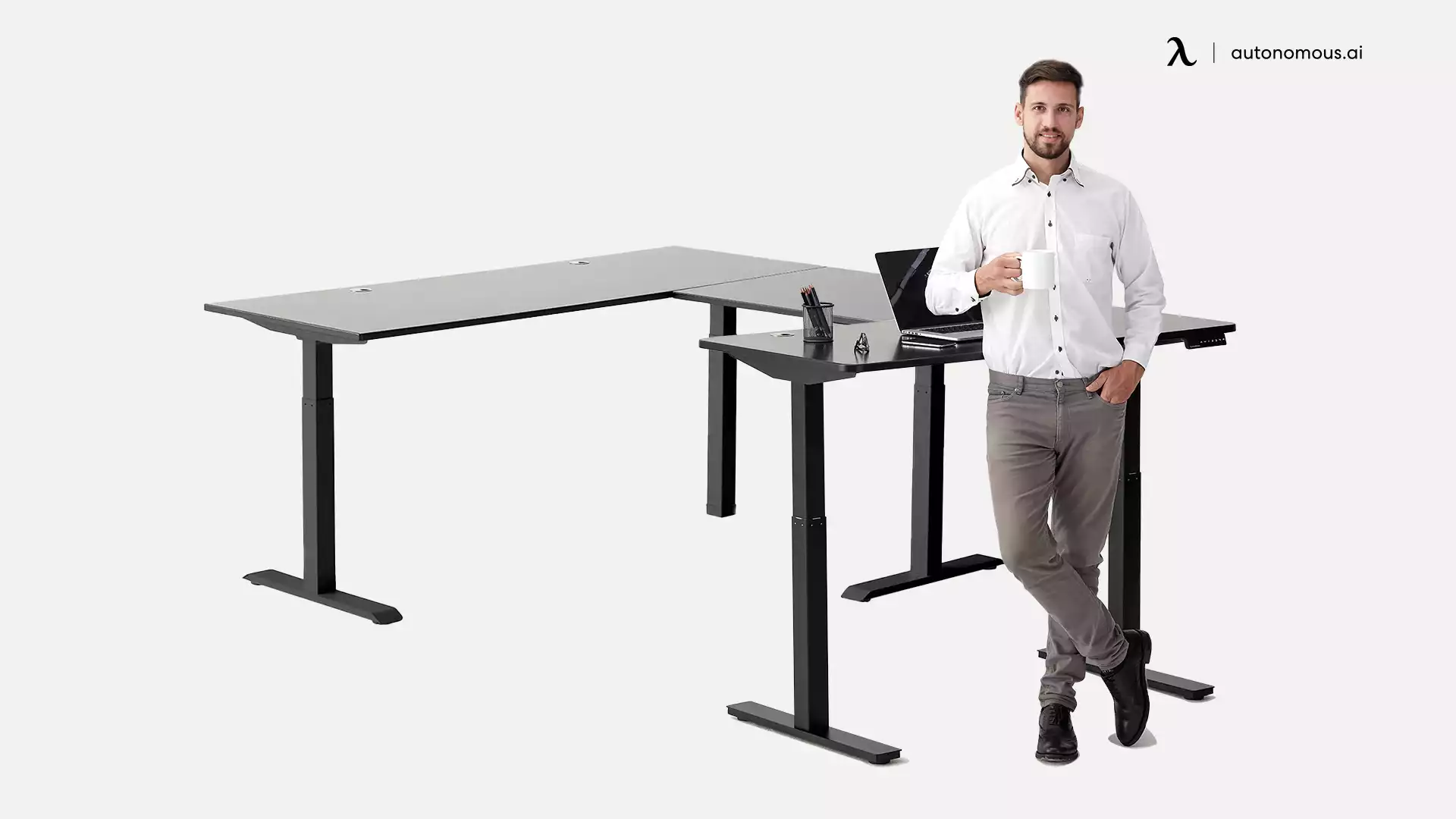
A U-shaped desk surrounds you on three sides, creating an enclosed workstation where nearly everything stays within arm's reach. It's less a piece of furniture and more a command center, designed for users who need constant access to multiple tools, screens, and materials without turning or standing.
This layout excels when your workflow demands simultaneity. Financial analysts monitoring several data streams, video editors juggling timelines and preview monitors, or engineers referencing schematics while modeling, all benefit from having resources arrayed around them rather than stacked or swapped in and out of view.
The ergonomic advantage here is significant. Unlike rectangular or even L-shaped setups where surface area often exceeds practical reach, a U-shaped desk setup places most of its usable space within your natural arc. Less stretching, fewer interruptions to retrieve items, and a seamless transition between tasks.
But this computer desk shape demands commitment. It requires a dedicated room or a generous office footprint, typically functioning as the room's anchor rather than one element among many. It also introduces complexity for sit-stand users. Adjusting a desk this size manually is impractical. Electric frames with programmable presets become necessary, not optional, to make height transitions smooth enough to use consistently.
For those with the space and the workflow to justify it, a U-shaped desk removes friction between you and your work. For everyone else, it's likely more infrastructure than the job requires.
5. Corner Desks
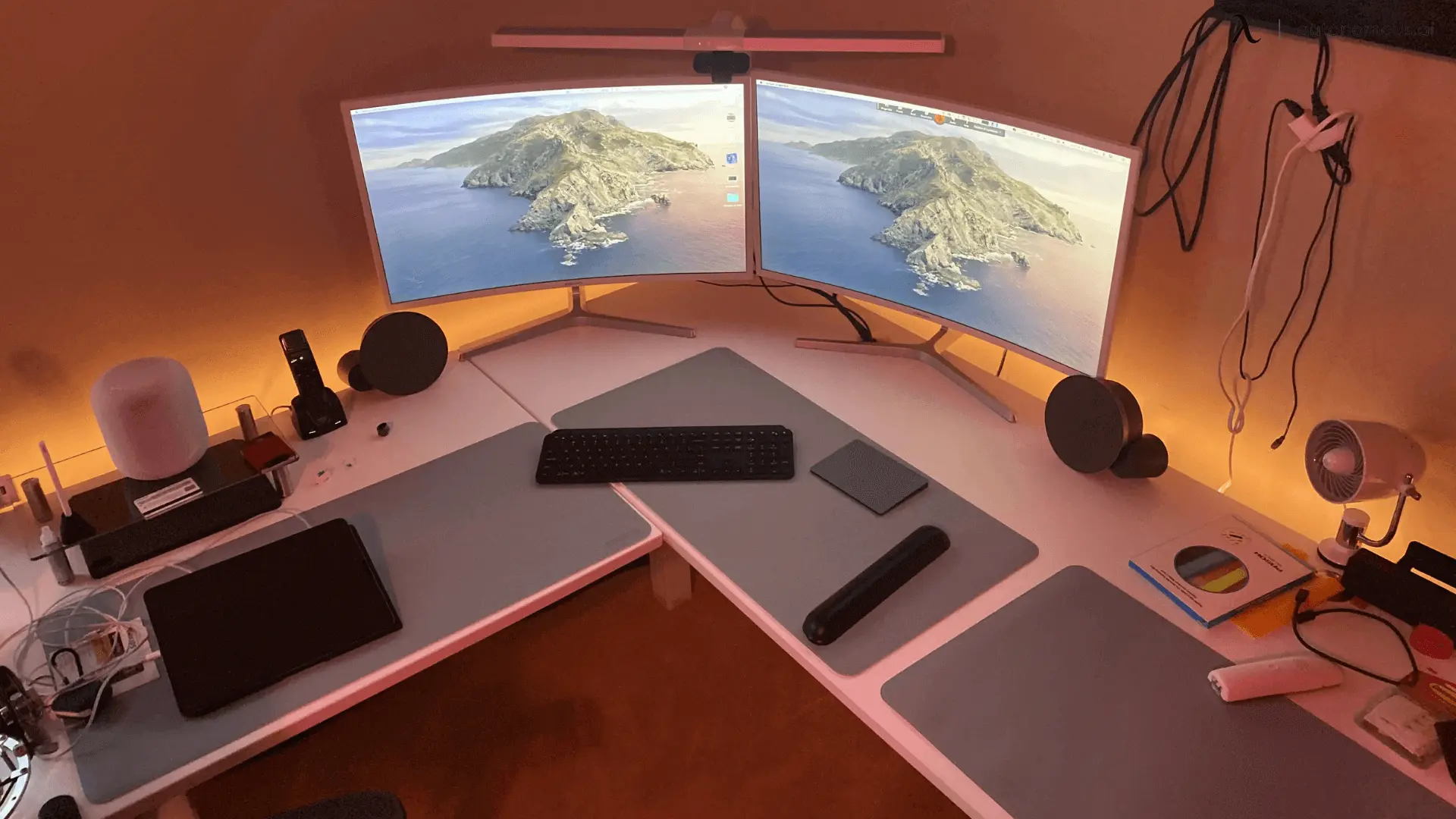
Corner desks are often confused with L-shaped desks, but they serve a different purpose. Where an L-shaped desk extends along two walls with you facing one wing, a corner desk positions you diagonally, facing directly into the corner itself. The work surface is typically triangular or curved to fit that orientation.
This distinction matters because it changes how you interact with the room. A corner desk tucks into otherwise unusable space, turning a 90-degree junction into a compact workstation. For studio apartments, bedrooms doubling as home office setups, or any room where floor space is scarce, this shape extracts function from an area that would otherwise sit empty.
The trade-off is surface area. Among common desk shapes, corner desks offer the least room to spread out. A single monitor and a laptop fits comfortably. Anything more starts to feel cramped. This makes them poorly suited for multi-monitor configurations or workflows requiring physical materials alongside digital screens.
Yet for the right use case, a corner desk achieves something larger desks cannot: presence without domination. It occupies minimal visual space, keeps the room open, and provides a dedicated work surface that disappears into the architecture when not in use. For users whose work demands are modest and whose space constraints are real, few shapes offer a more efficient solution.
How to Choose the Right Desk Shape for Your Space
Start with your space, not the desk dimensions, but how the room actually functions day to day. Desk shapes behave very differently once a chair, cables, and movement are involved.
- Start With How the Room Works
Measure beyond the footprint. A 60" × 60" L-shaped desk does not simply occupy a 60" × 60" corner. You also need clearance for chair movement, leg positioning, cable routing, and the ability to access both wings without bumping walls or nearby furniture. Many people underestimate this and end up with a desk that technically fits but feels restrictive.
Next, identify dead zones. Radiators, inward-swinging doors, low windows, or closet access can eliminate entire desk shapes from consideration. A U-shaped desk loses its advantage if one wing blocks a door. Likewise, some corner desk setups stop working once you factor in window height or baseboard obstructions.
- Audit Your Equipment and Materials
Your setup determines how much usable surface you actually need.
If you use a single monitor with a keyboard and notebook, rectangular or curved desk shapes handle this cleanly without wasted space. These computer desk shapes keep everything within reach and are easy to reposition as needs change.
If you run a dual monitor setup alongside a drawing tablet or reference documents, an L-shaped desk provides separation without clutter. One surface stays dedicated to your primary screen while the other absorbs secondary tools.
If your setup includes three or more screens, audio gear, or trading terminals, a U-shaped desk becomes functional rather than excessive. Among all desk shapes, it’s the most effective at keeping complex setups accessible instead of stacked or pushed behind each other.
- Consider How You Move While Working
Movement is often overlooked when comparing types of desk shapes, but it has a major impact on long-term usability.
For sit-stand users, most desk shapes can work with adjustable frames. However, larger configurations, especially U-shaped desks, require electric bases with sufficient lifting capacity. Manual adjustment becomes impractical once surface area and weight increase.
For active setups using treadmills or balance boards, rectangular and curved desk shapes are more forgiving. L-shaped desks often limit positioning because the inner corner restricts where your body and equipment can sit comfortably.
- When in Doubt, Choose Less Desk
When you’re uncertain between different desk shapes, err toward simplicity. A desk that leaves room to breathe often performs better than one that maximizes surface area but overwhelms the room. The best desk shapes support your work quietly—without forcing constant rearrangement, compromise, or discomfort.
FAQs
What are the different styles of desks?
The most common desk shapes include rectangular, curved, L-shaped, U-shaped, and corner desks. Each style distributes workspace differently, affecting reach, comfort, and how many tools or monitors you can use efficiently. These computer desk shapes are designed to suit different room sizes and work styles.
What is the best shape for a desk?
There is no single best desk shape for everyone. The best option depends on your space, workflow, and comfort needs. For example, rectangular desks work well in small rooms, curved desks prioritize comfort, and L-shaped or U-shaped desks support complex, multi-task setups.
What is the shape of a desk?
A desk is typically rectangular, which is the standard and most widely used shape. However, modern desk shapes also include curved fronts, L-shaped layouts, U-shaped workstations, and compact corner designs. These different desk shapes are created to better match how people work and how much space they have.
Which desk shapes are best for small rooms?
For small rooms, rectangular and corner desk shapes work best because they use space efficiently. Among different desk shapes, these fit against walls or into corners without blocking movement or crowding the room.
Are curved desk shapes better for ergonomics?
Yes, curved desk shapes are often better for ergonomics because they bring the work surface closer to your body. Compared to standard computer desk shapes, they reduce forward reach and pressure on the wrists and shoulders during long work sessions.
How do different desk shapes affect posture?
Different desk shapes influence how far you reach and how often you shift your body. Desk shapes that keep tools within arm’s reach, such as curved or U-shaped desks, help reduce leaning and twisting that can strain your back and shoulders.
What types of desk shapes work best for home offices?
Rectangular, curved, and L-shaped desk shapes are the most common choices for home offices. These computer desk shapes balance space efficiency, comfort, and flexibility for changing work needs.
Conclusion
Desk shapes are not a cosmetic choice. They quietly determine how much of your desk you can actually use, how often your body compensates with small, unhealthy movements, and how easily your workspace adapts as your work evolves.
Rectangular, curved, L-shaped, U-shaped, and corner desks each solve a different problem. Some prioritize fitting into limited space. Others focus on comfort, task separation, or keeping complex setups within reach. Understanding these differences matters more than choosing the largest surface or the most visually impressive option.
The right desk shape supports your workflow without demanding constant adjustment. It keeps essential tools where your hands naturally fall, reduces unnecessary strain, and fits your room without dominating it. When chosen well, desk shapes fade into the background, letting your attention stay where it belongs: on the work itself.