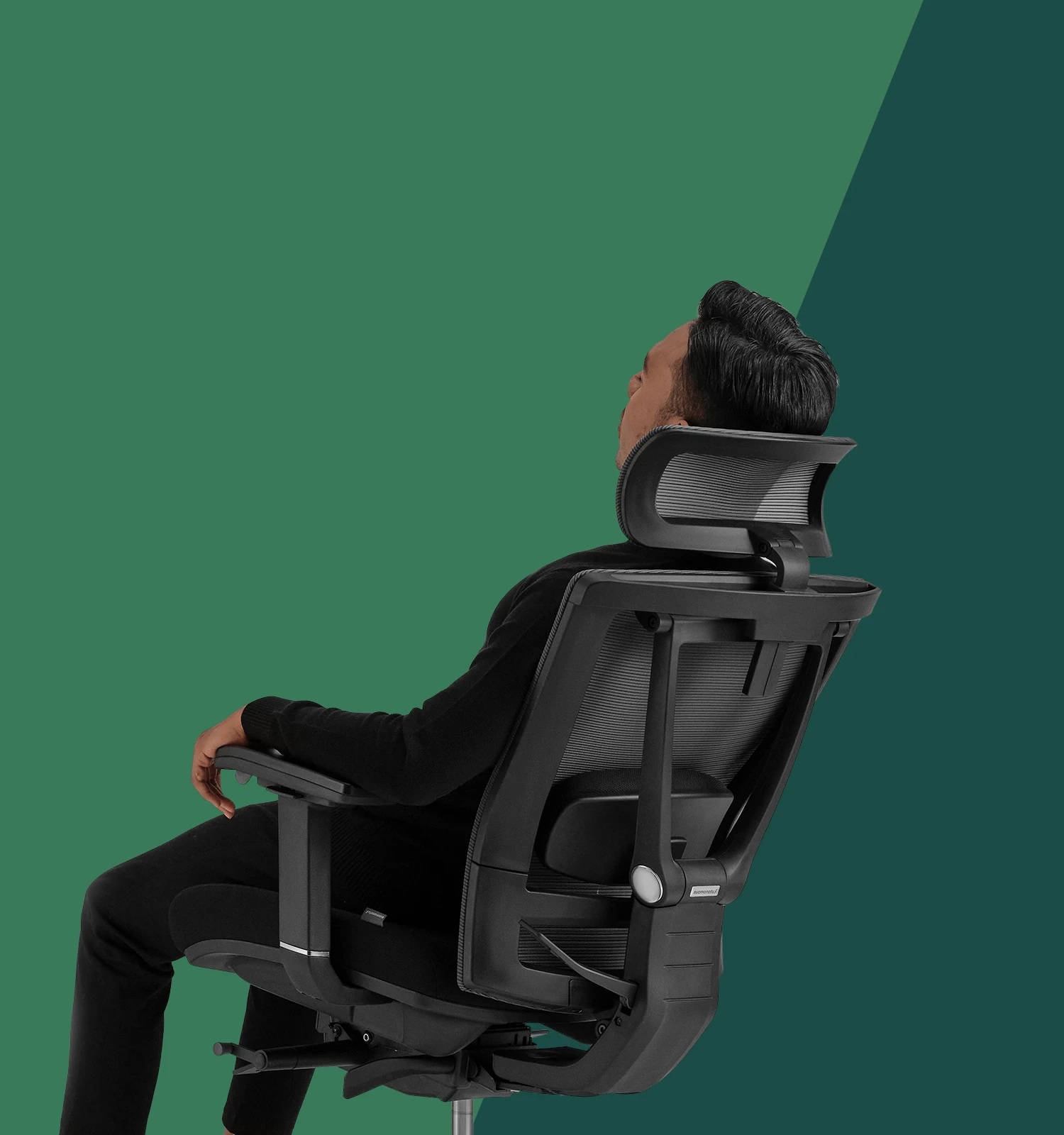
ErgoChair Pro
Black Friday price.
Built for 12-hour sessions.
Best Office Chairs With Spine Support for Back and Neck Pain

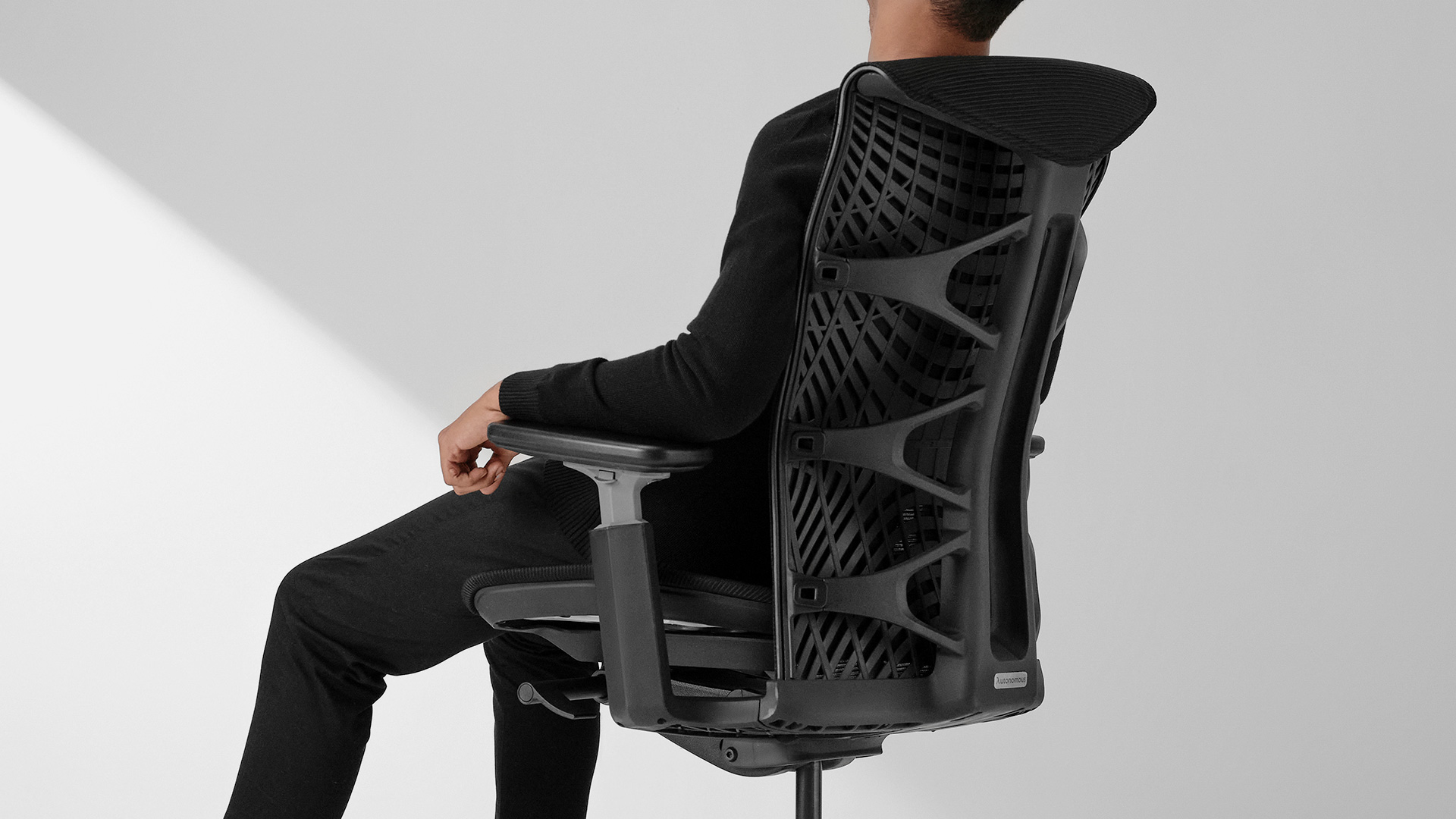
An office chair with spine support backs all three sections of the spine you sit on: the inward curve of the lower back, the mid-back up to the shoulder blades, and the neck when you lean back. For the upper back and neck, three features matter most: a backrest at least as tall as your shoulder blades, a headrest that reaches the base of your skull, and a recline you can lock so the headrest takes your head's weight.
For the lower back, you need lumbar support you can place or a backrest that flexes with you.
Most chairs sold for back pain cover only the lower back. If that is the only place it hurts, a cheaper chair with good lumbar support and the right seat depth is enough; if neck strain shows up only when you lean back, a headrest add-on is enough. This guide maps each zone to the chairs that support it, with the limit of each.
If you want all three zones in one chair, the ErgoChair Pro pairs a lumbar pad that slides 6 inches with an adjustable headrest and is discounted in the Black Friday chair sale, which takes up to 10% off with free shipping and no code.
Office Chairs With Spine Support at a Glance
An office chair with spine support passes three checks: lumbar contact at your belt line, a backrest that reaches your shoulder blades, and a headrest you can set at the base of your skull. Start with the zone that hurts, then make sure the chair still covers the other two.
| Zone | What to look for | Quick check | Chairs in this guide |
|---|---|---|---|
| Lower back (lumbar, L1 to L5) | Lumbar you can position, or a back that flexes with you; seat depth that lets you sit fully back | Sitting fully back, 2 to 3 fingers fit between the seat edge and your knee | ErgoChair Ultra 2, Verte, Herman Miller Aeron |
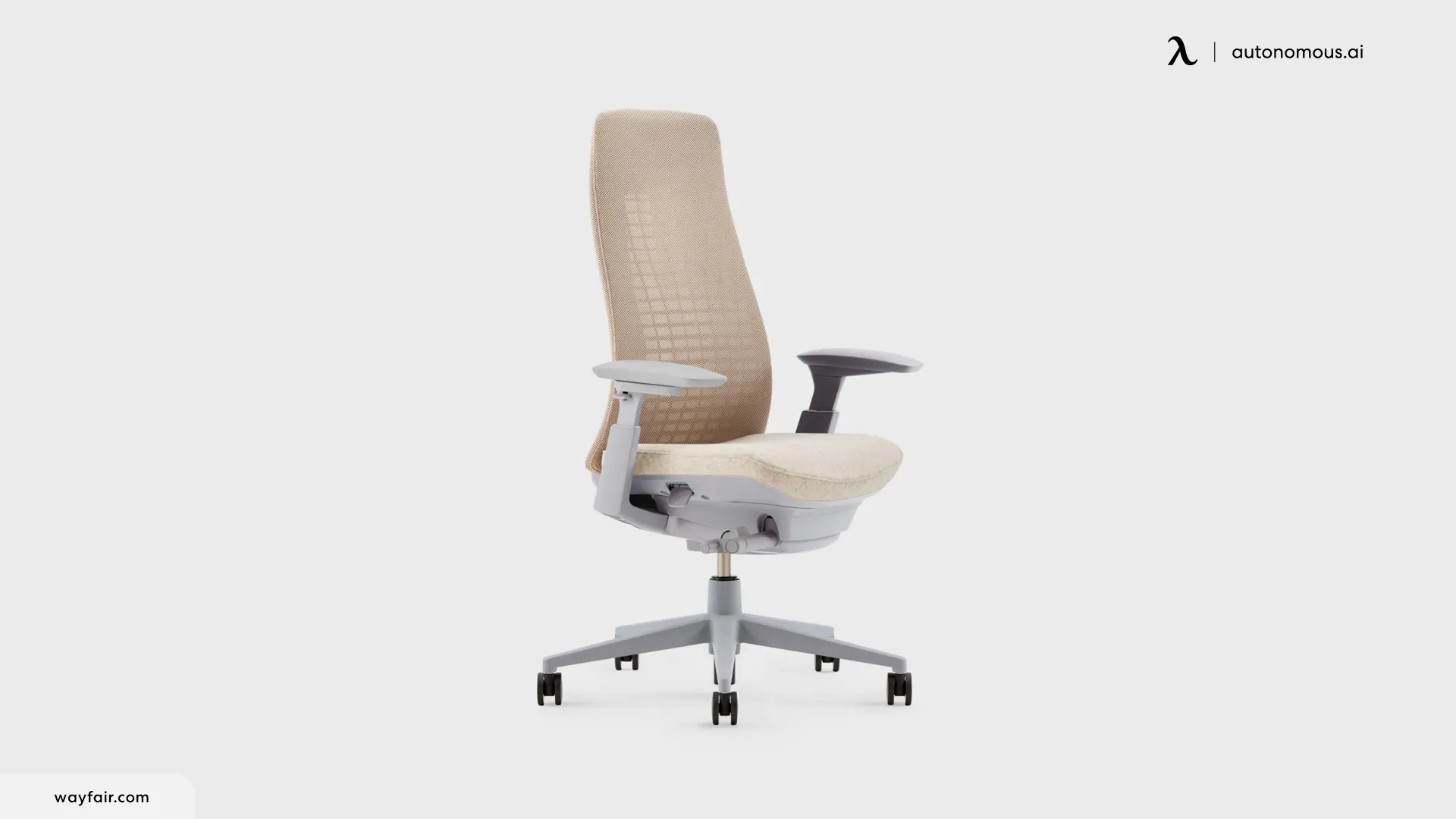
| Mid-back (thoracic, T1 to T12) | Backrest tall enough for the shoulder blades; a back that tracks you through recline | The backrest still touches your shoulder blades when you lean in to type | ErgoChair Core, ErgoChair Mesh, Steelcase Gesture, Haworth Fern |
| Neck (cervical, C1 to C7) | Headrest that adjusts in height and angle; a recline you can lock | Leaning back, the headrest meets the base of your skull, not your neck | ErgoChair Pro, Humanscale Freedom, Ergohuman Eurotech, Steelcase Leap V2 |
| All three | Adjustable lumbar, a high back and a headrest in one chair | Your seat-to-skull height is within the chair's back height with headrest | ErgoChair Pro, ErgoChair Mesh |
The measurement most buying guides skip is back height. Sit upright and have someone measure from the seat to the base of your skull. ErgoChair Pro and ErgoChair Mesh list a back height of 28 to 31 inches with the headrest, ErgoChair Core lists 28.7 inches, and ErgoChair Ultra 2 lists 23 inches without its optional headrest. If your number is taller than the chair's, the headrest will press on your neck or upper back instead of holding your head.
Budget is the other filter. The table shows list prices for the Autonomous chairs; the outside chairs are marked by the live prices we found on their maker or retailer pages.
| Chair | Zones covered | Budget | Main limit |
|---|---|---|---|
| ErgoChair Pro | All three | $499 | Headrest tension is loose, owners report |
| ErgoChair Mesh | All three | $499 | Lumbar moves up and down only |
| ErgoChair Ultra 2 | Lower and mid-back; neck with Headrest option | $449 | No lumbar dial |
| ErgoChair Core | Mid-back and neck; passive lumbar | $299 | 242.5 lb, 2-year warranty |
| Herman Miller Aeron | Lower back (sacrum and lumbar) | Above $700 | No seat depth adjustment |
| Steelcase Gesture | Mid-back | Above $700 | Lumbar does not adjust in depth |
| Haworth Fern | Mid-back | Above $700 | Lumbar is often an add-on |
| Verte | Lower back | Above $700 | Large, slow to set up |
| Steelcase Leap V2 | Mid-back to neck | Above $700 | Headrest is an add-on |
| Ergohuman Eurotech | Neck | Above $700 | Headrest does not extend forward |
| Humanscale Freedom | Neck | Check price | Needs a keyboard tray and monitor arm |
On a mid-range budget, the ErgoChair Pro or ErgoChair Mesh covers all three zones. Every outside chair here that does the same job lists above $700. If you only need upper-back support with a headrest, the ErgoChair Core is the lower-cost route.
Why Lumbar Support Is Not the Same as Spine Support
Lumbar support covers only the five lower vertebrae, L1 to L5, while the spine you sit against runs from the pelvis to the skull. A chair built only around a lumbar pad can leave the mid-back and neck with nothing to rest on.
The three zones fail as a chain. When the lower back loses its curve, the mid-back rounds forward, and the head drifts forward to keep your eyes on the screen. That is also how slouching builds over a day: it starts at the pelvis and works up.
The neck pays the most for that drift. A 2014 analysis in Surgical Technology International modeled how the load on the neck rises as the head tilts forward. That is why neck tightness by mid-afternoon often starts lower down, and why it needs mid-back and head support as well as a lumbar pad.
Most office chairs for back pain are built around the lower back because it is the most common complaint. Cornell University's ergonomics checklist also asks whether the backrest is large enough for mid-back and upper-back support.
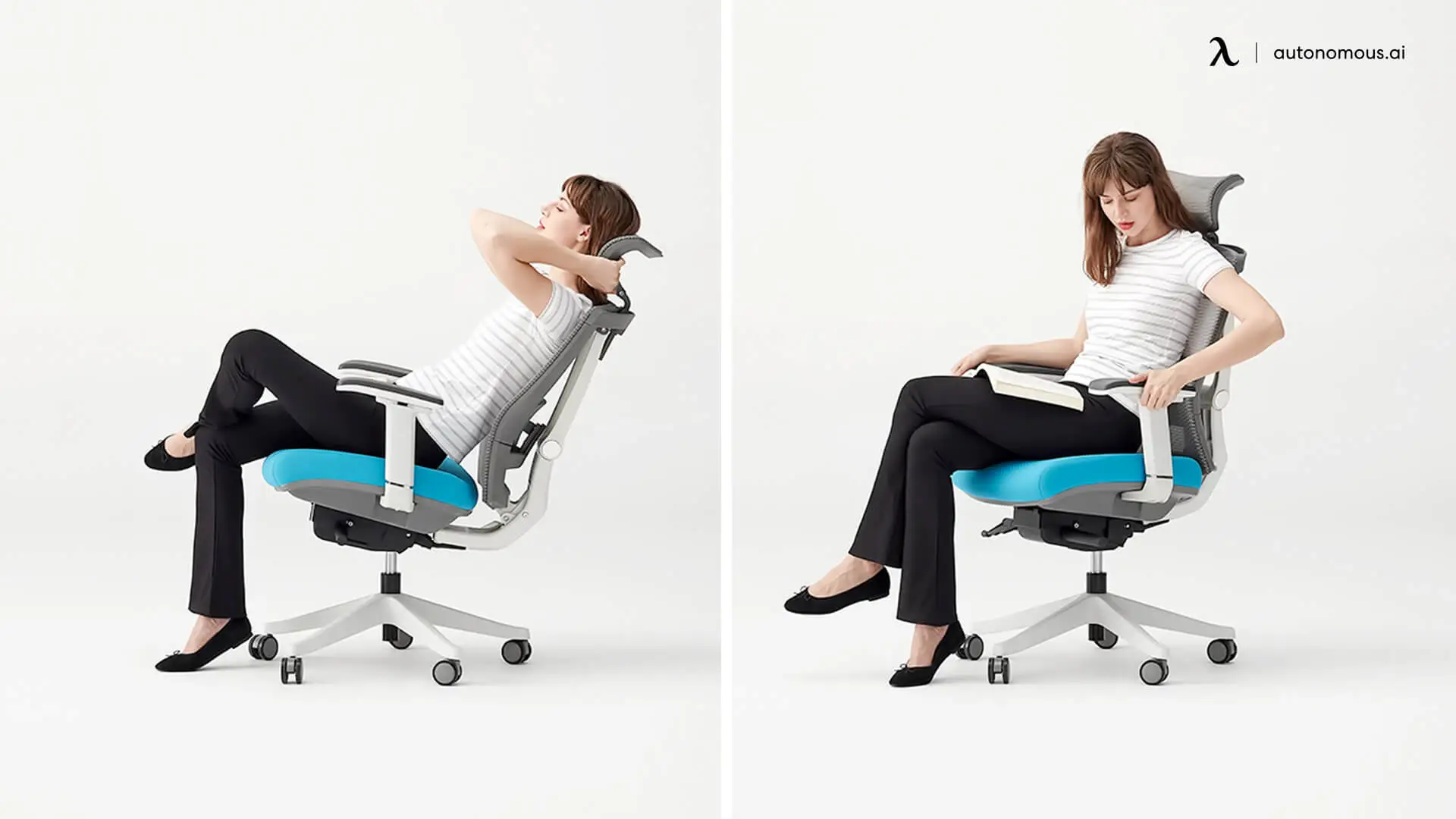
One honest limit before the chairs: support improves posture, not every kind of pain. In a 2023 study in Ergonomics, lumbar support and seat tilt gave the most neutral spine and pelvis postures of four chair setups, yet 39% of the 31 healthy adults still developed pain from sitting. The chair is half of the fix; changing position is the other half.
Zone 1: The Lower Back (Lumbar Spine)
The lower back needs a support that holds its inward curve while your pelvis tries to roll backward, and a seat shallow enough that you can sit back far enough to reach it. When the pelvis tilts back, the curve flattens, pressure moves onto the discs, and the back muscles take over the job the chair should be doing, and over a day of prolonged sitting that collapse builds by the afternoon.
Lumbar support comes in three types, and they behave differently once you move:
| Support type | How it works | Limit |
|---|---|---|
| Fixed pad | Foam or plastic bump at one height and depth | Fits one curve; loses contact when you recline |
| Adjustable pad | Pad slides up and down, sometimes in and out | Stays where you set it, even when you shift |
| Flexing backrest | The back bends and follows the spine as you move | No setting to dial in a firmer push at one spot |
An adjustable pad suits people who hold one position for long stretches. A flexing back suits people who move a lot, and it pairs well with active sitting.
Seat depth decides whether any of it works. If the seat is too deep, you perch forward and the lumbar support never touches you. Sit fully back and check for 2 to 3 fingers of space between the seat edge and the back of your knee; OSHA's chair guidance also says the front edge should not press the knee. Shorter sitters hit this most, which is why depth matters in an office chair for short people.
The pelvis tilts from its base, the sacrum, which sits below where most pads push. Sciatica symptoms often show up in the same area, which is why chairs for sciatica pain put the support low. If you slouch from the hips, look for support that starts low.
ErgoChair Ultra 2: Lumbar Support That Moves With You
The ErgoChair Ultra 2 has no lumbar dial: a TPE layer behind the mesh back bends as you lean in and out, so the support follows the spine instead of staying in one spot. The frame is welded in-house rather than bolted.
The rest of the chair backs that up. The open-cell weave seat has 62 pressure nodes over four layers, the synchro-tilt reclines to 115 degrees (a 25-degree range), the seat adjusts from 18 to 23 inches, and the 4D armrests pivot. It is rated to 320 lb, the highest of the four ErgoChairs, with a lifetime warranty.
This suits someone who moves between typing, calls and reading, and finds that fixed pads land too high or too low.
Limit: with no dial, you cannot set a firmer push at one exact spot. The backrest is 23 inches tall without the Headrest option, so for neck support order it with the headrest.
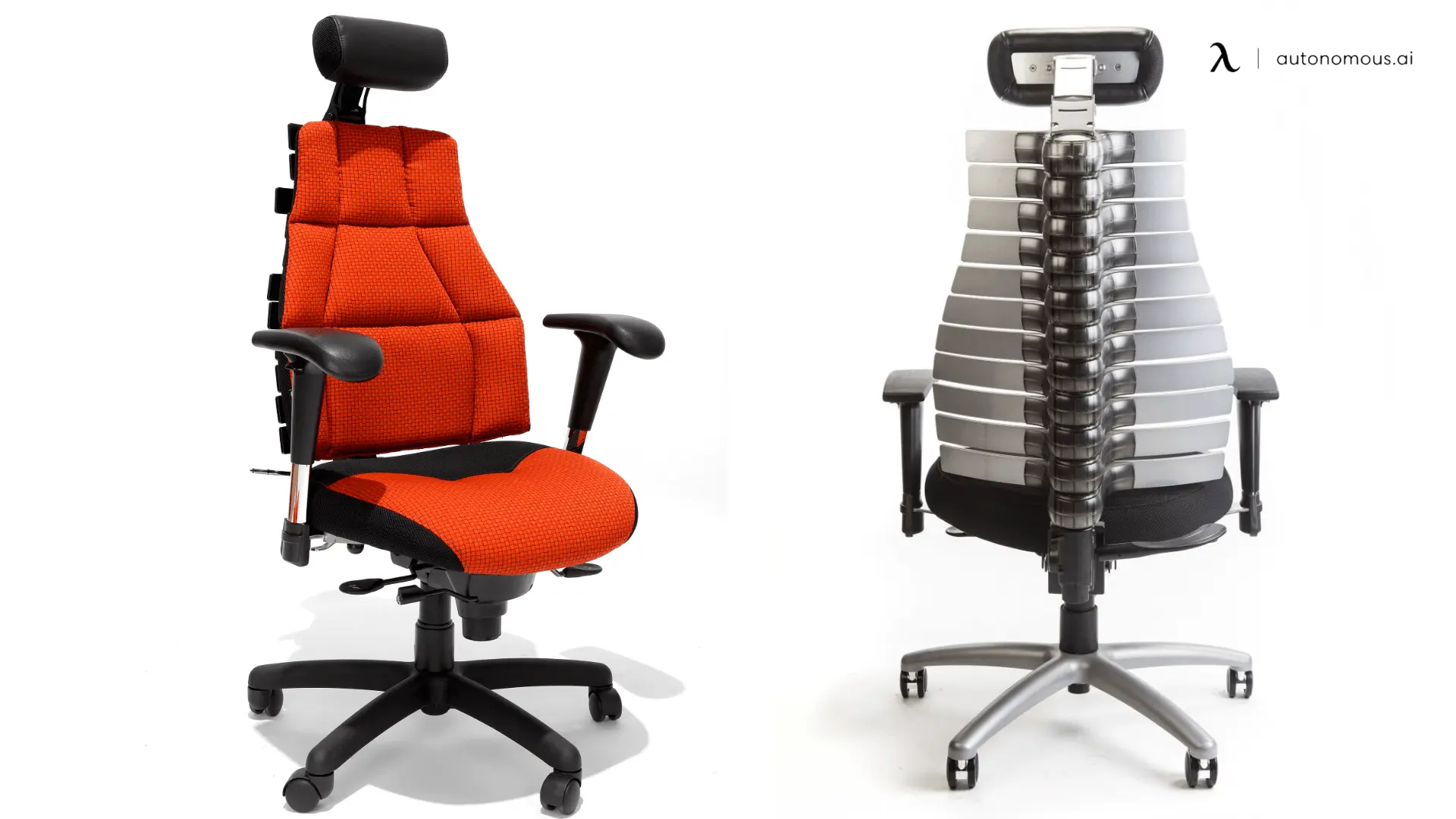
Verte: For a Lumbar Curve No Standard Pad Fits
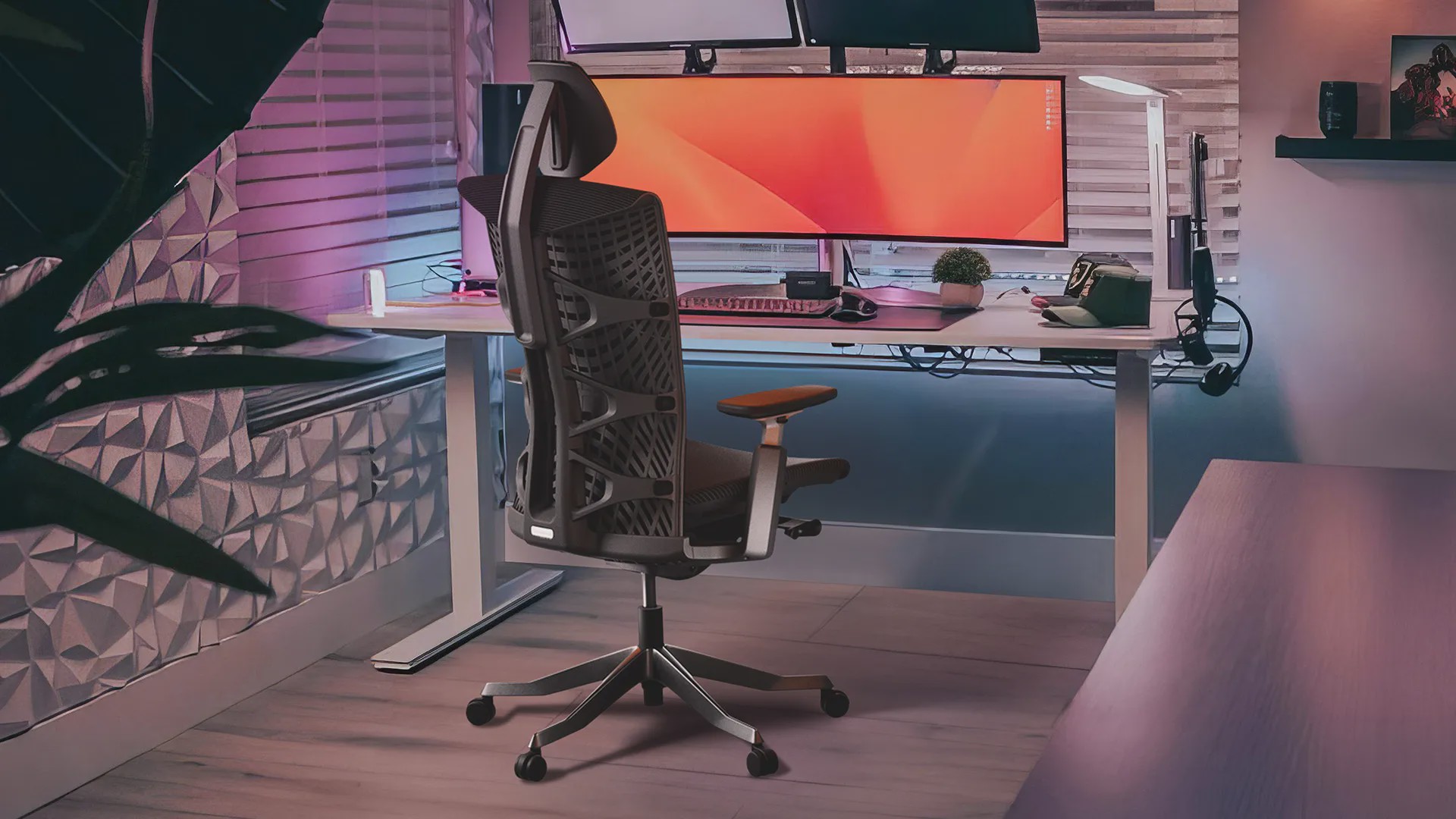
The Verte replaces the single lumbar pad with 11 spring-loaded vertebrae that each adjust and lock on their own along the height of the backrest. The support surface takes the shape of your spine rather than a generic curve. Because each vertebra sets on its own, it can follow a back that is uneven from side to side, such as mild scoliosis.
Limit: it is larger than most task chairs, takes longer to set up, and the price reflects the mechanism. It makes sense if you have tried adjustable pads and none of them sat in the right place.
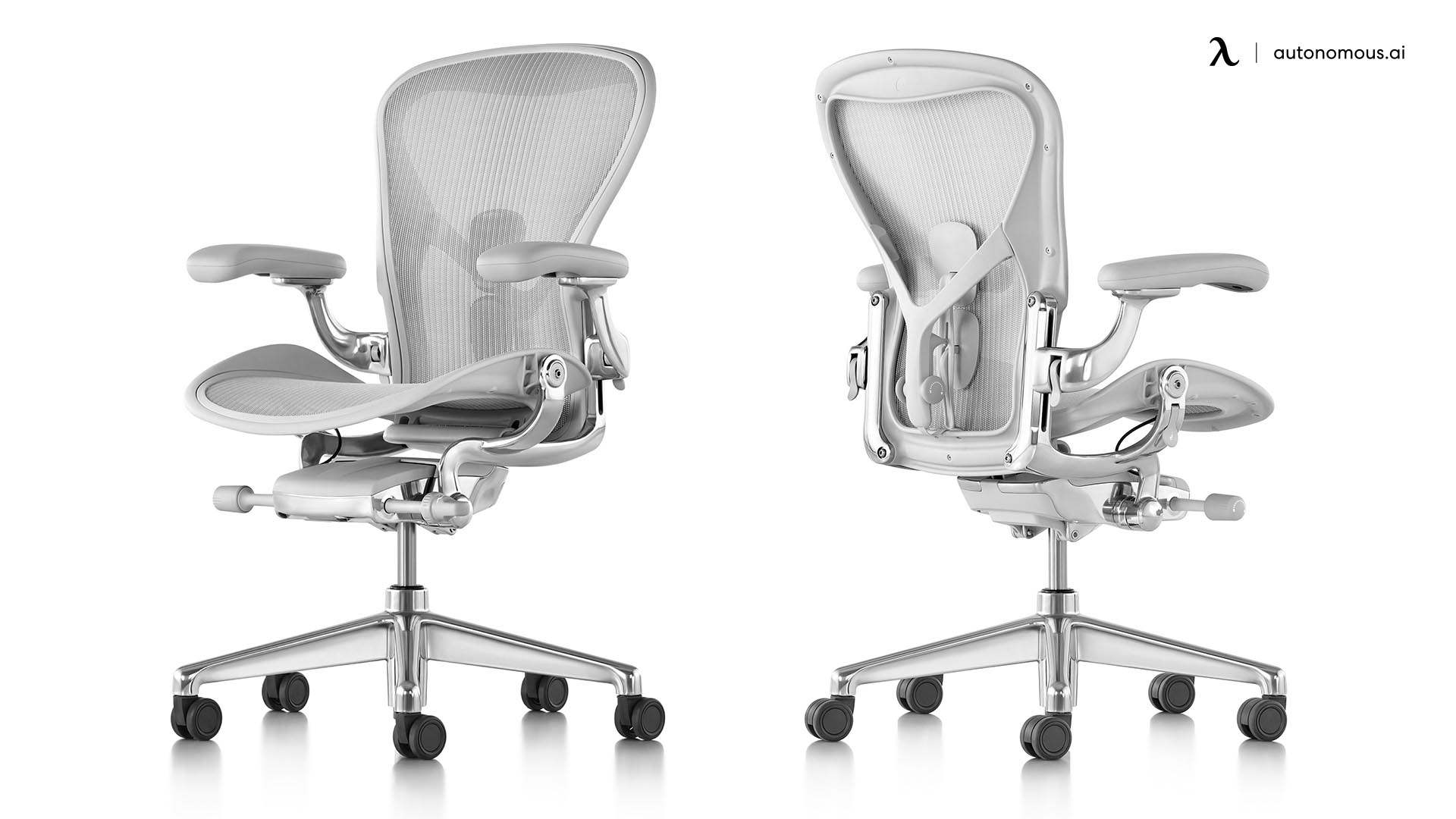
Herman Miller Aeron: For Upright Sitters Who Need the Pelvis Held
The Aeron's PostureFit SL uses two pads that adjust separately: one under the lumbar curve and one at the sacrum. The sacral pad stops the pelvis from tilting back at its source, and the lumbar pad holds the curve above it. The 8Z Pellicle mesh spreads weight across a wide surface instead of a few foam contact points.
This suits long, mostly upright sessions with few position changes.
Limit: the standard Aeron has no seat depth adjustment, so if the seat does not match your leg length, there is no setting to fix it.
Zone 2: The Mid-Back (Thoracic Spine)
The mid-back needs backrest contact up to the shoulder blades, which a mid-back chair that stops below them cannot give. This zone moves less than the lower back, and typing pulls the shoulders forward until it rounds.
The symptom often gets blamed on the neck: a tight band across the upper back by mid-afternoon can start in a mid-back flexed forward since the first hour. Lower-back support does nothing to stop that.
Two features cover this zone:
- Backrest height: the back has to reach at least the upper shoulder blades, just below the neck. That is the difference between a mid-back and a high-back chair.
- A back that tracks you: the thoracic spine curves outward and moves less, so a backrest that flexes across its surface keeps contact better than one rigid panel. Materials like the weave in a mesh chair do this well.
Recline helps this zone too. Leaning back to 110 degrees or more moves your weight onto the backrest and takes the forward-reach load off the mid-back. Cornell's checklist adds that locking the backrest in one position all day is generally not recommended; OSHA asks for a backrest that reclines at least 15 degrees from vertical.
ErgoChair Core: Separate Support for the Upper and Lower Back
The ErgoChair Core uses an X-shaped dual backrest: two back panels that support the upper and lower back separately and follow the spine's S-curve. With the headrest, the back is 28.7 inches tall, so it reaches past the shoulder blades.
It tilts 40 degrees, reaching 130 degrees of recline from a 90-degree upright position, the deepest of the four ErgoChairs, which makes mid-back breaks easy to take. Seat depth adjusts from 18.5 to 20.5 inches, the armrests are 3D, and the headrest and armrests are faced in PU.
This suits a first ergonomic chair on a budget for someone who reclines often.
Limit: the lumbar is passive, part of the frame rather than adjustable. It is rated to 242.5 lb with a 2-year warranty, both below the other ErgoChairs, and the seat starts at 20 inches, high for shorter sitters.
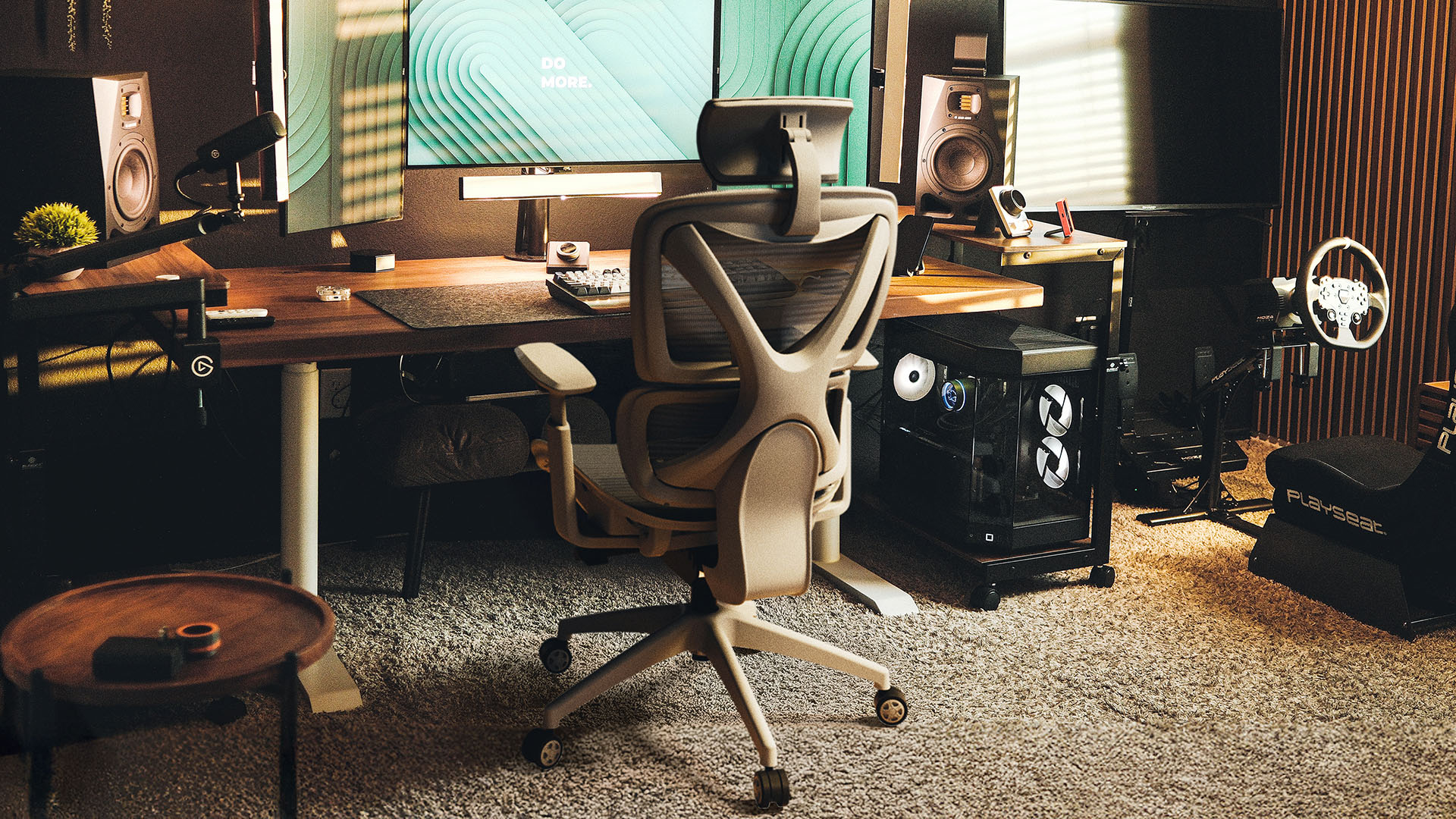
ErgoChair Mesh: A High Mesh Back With Lumbar You Can Move
The ErgoChair Mesh pairs an air mesh back with a flexible lumbar cushion that slides up and down, and a headrest that brings the back height to 28 to 31 inches. Autonomous lists it for people from 5'0" to 6'2".
It has 9 adjustment points and a 2:1 synchro-tilt, so the back reclines twice as far as the seat. The tilt range is 22 degrees with 5 lockable positions, the seat runs 18.5 to 21.5 inches, and it holds 300 lb with a lifetime warranty.
This suits someone who runs warm and wants all three zones in one chair; Autonomous says the mesh is built to stop heat and moisture building up on your back, head and neck.
Limit: the lumbar cushion moves up and down only, and the seat tops out at 21.5 inches, which can be short for a tall desk.

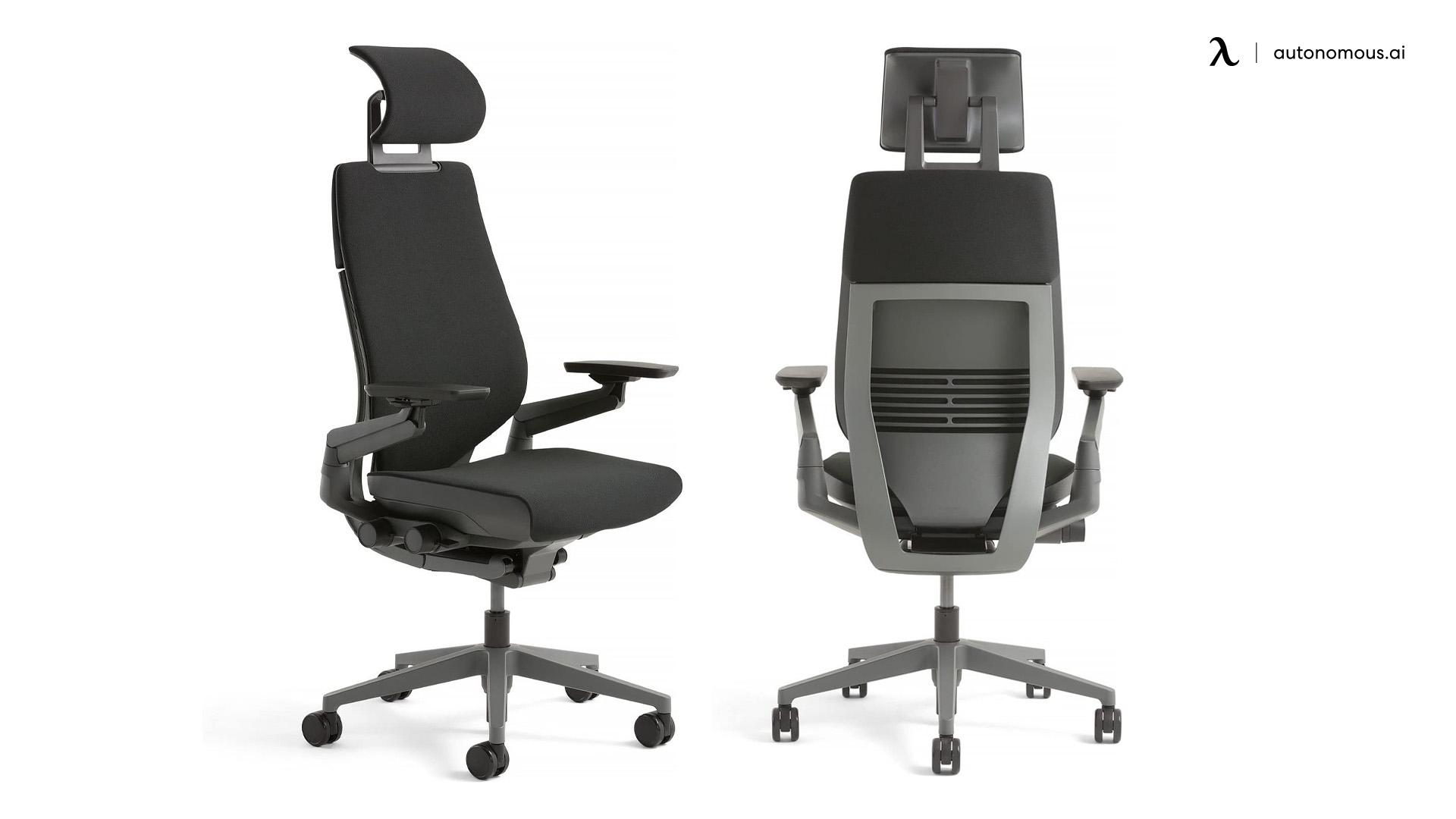
Steelcase Gesture: For People Who Change Posture Often
The Gesture's LiveBack system changes shape across the backrest as you move between upright typing, reaching and reclining, instead of rotating as one rigid panel. That keeps mid-back contact through more positions than a fixed-shape back.
Here the mechanism matters more than the chair material. It suits dual-monitor setups and sit-stand switching, where you rarely hold one posture.
Limit: the price is high, and the lumbar does not adjust in depth.
Haworth Fern: For a Back That Flexes by Section
The Fern's backrest has a central stem, flexible fronds and an outer frame, with each frond tuned to a different section of the back from the lower spine to the base of the neck. The mid-back fronds flex on their own as you lean in, so contact holds instead of a gap opening up.
Seat depth adjusts across a 3-inch range, the 4D armrests cut the forward shoulder load that starts mid-back rounding, and the back has 4 stop positions with adjustable tension.
Limit: lumbar support is an optional add-on on most configurations, and the Fern sits near the top of task-chair pricing alongside other expensive office chairs. It makes sense when the budget allows a specialist back.
Zone 3: The Neck (Cervical Spine) and Neck Pain
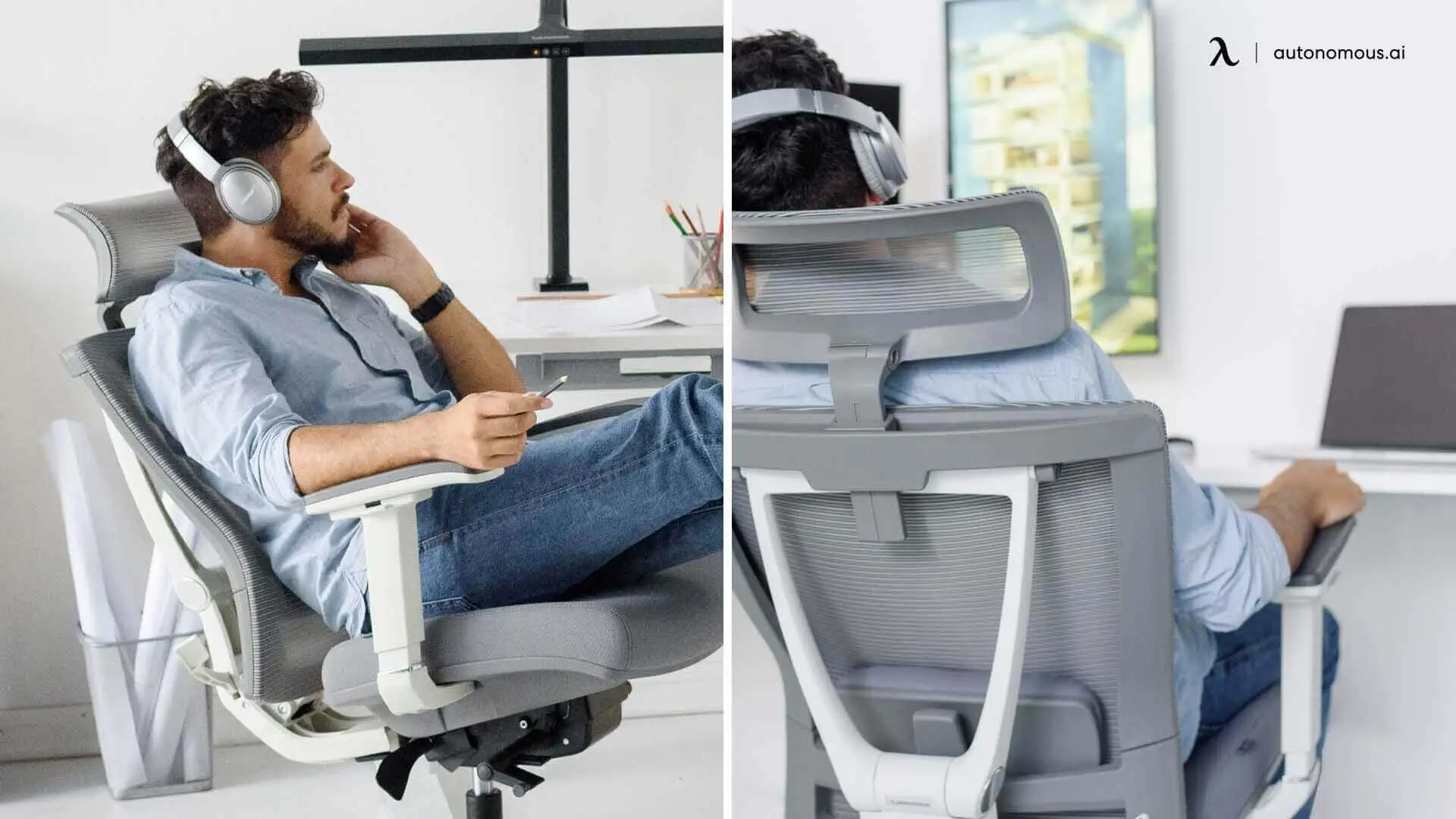
For neck pain, the chair needs a headrest that adjusts in height and angle to meet the base of your skull, plus a recline you will actually use, because sitting upright the headrest carries none of your head's weight.
If your neck still aches by mid-afternoon after raising the monitor and stretching, check the zones below first. A high-back office chair with headrest that gives no mid-back contact delays the symptom without fixing the cause.
A fixed headrest fits one body height. An office chair with adjustable headrest, one that moves up and down and tilts, can meet the base of the skull on most sitters.
In a 90-degree sitting position the neck holds the head alone; once you recline to about 110 degrees, the headrest takes part of that weight.
ErgoChair Pro: Lumbar, Mid-Back and Neck in One Chair
The ErgoChair Pro covers all three zones: a lumbar pad that slides 6 inches along the backrest, a mesh back, and an adjustable headrest that brings the back height to 28 to 31 inches.
It has 9 adjustment points. The synchro-tilt reclines to 112 degrees (a 22-degree range) with 5 lock positions, and the seat tilts forward 5 degrees for leaning in to type. The 3D armrests, 18.5 to 22-inch seat height, 300 lb rating and lifetime warranty round it out, and it holds a 4.6 rating from 3,398 reviews.
The back reaches 28 to 31 inches with the headrest, which matters most for tall sitters. This suits someone who works mostly upright to slightly reclined and wants to set the lumbar once and leave it.
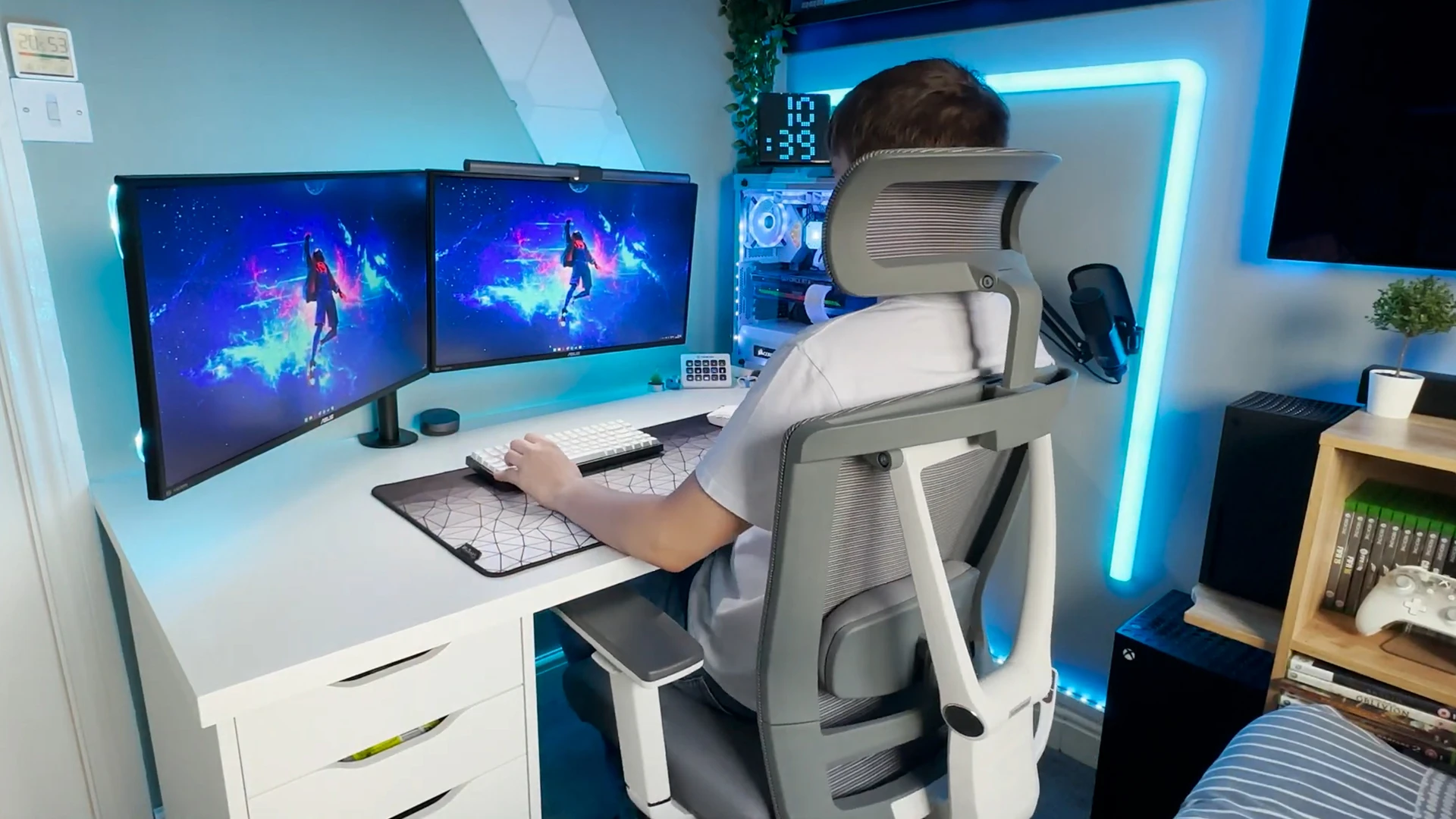
Limit: owners report that the headrest tension is loose and can slide down if you rest your head a certain way, and that the armrests lock only for height, not slide or swivel. Maximum seat height is 22 inches. The chair supports the mid-back where it is; it does not correct existing rounding.
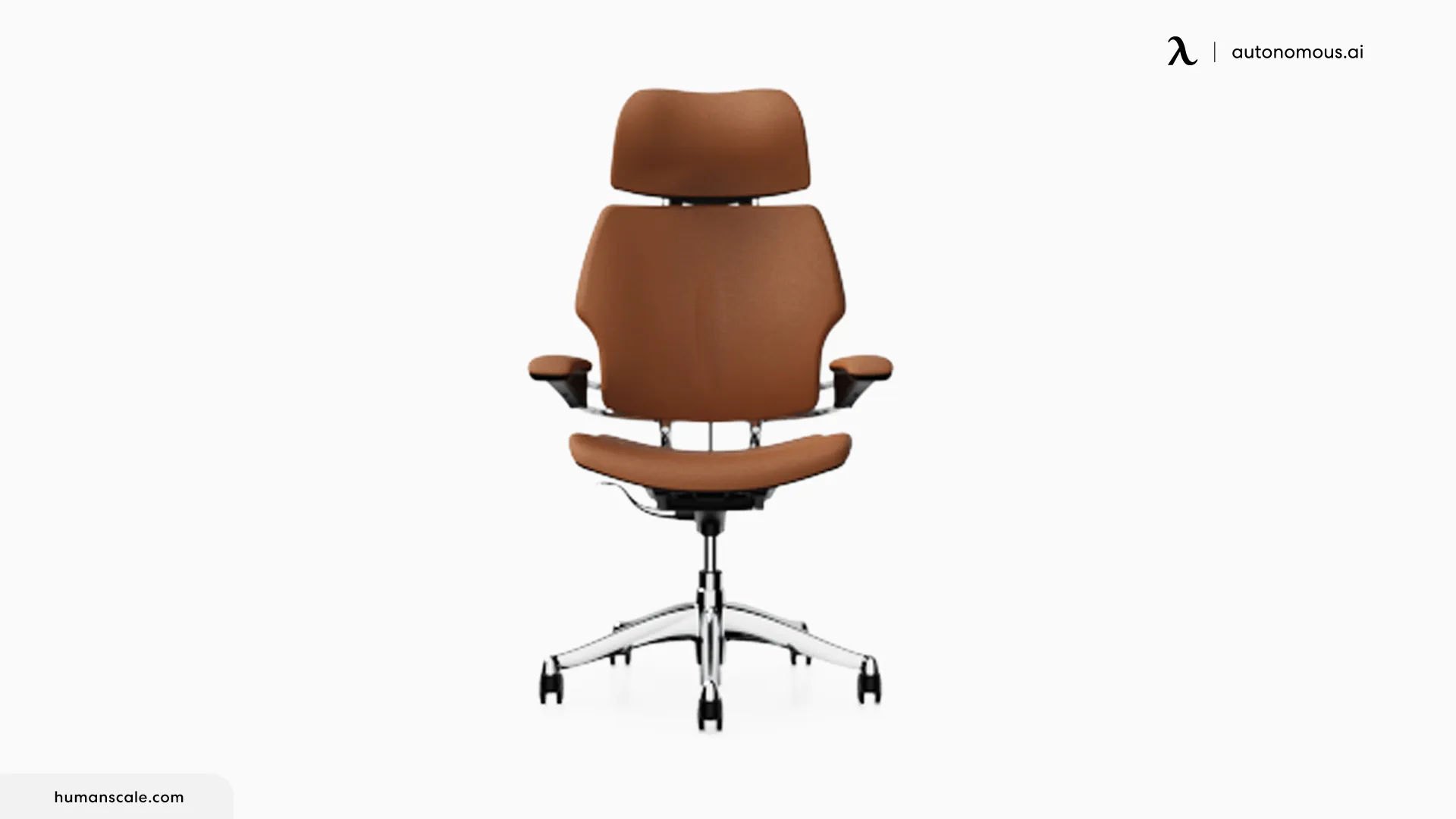
Humanscale Freedom: A Headrest That Moves With the Recline
The Freedom's headrest moves into a supporting position as the back reclines and returns when you sit up, so you never reposition it by hand. The recline is weight-activated: it uses your body weight as the counterbalance instead of a tension knob.
The result is that recline gets used. Chairs that need a lever often stay upright all day.
Limit: it is designed around a keyboard tray and a monitor arm. With a fixed desk and a standard monitor, full recline pulls the head forward and down.
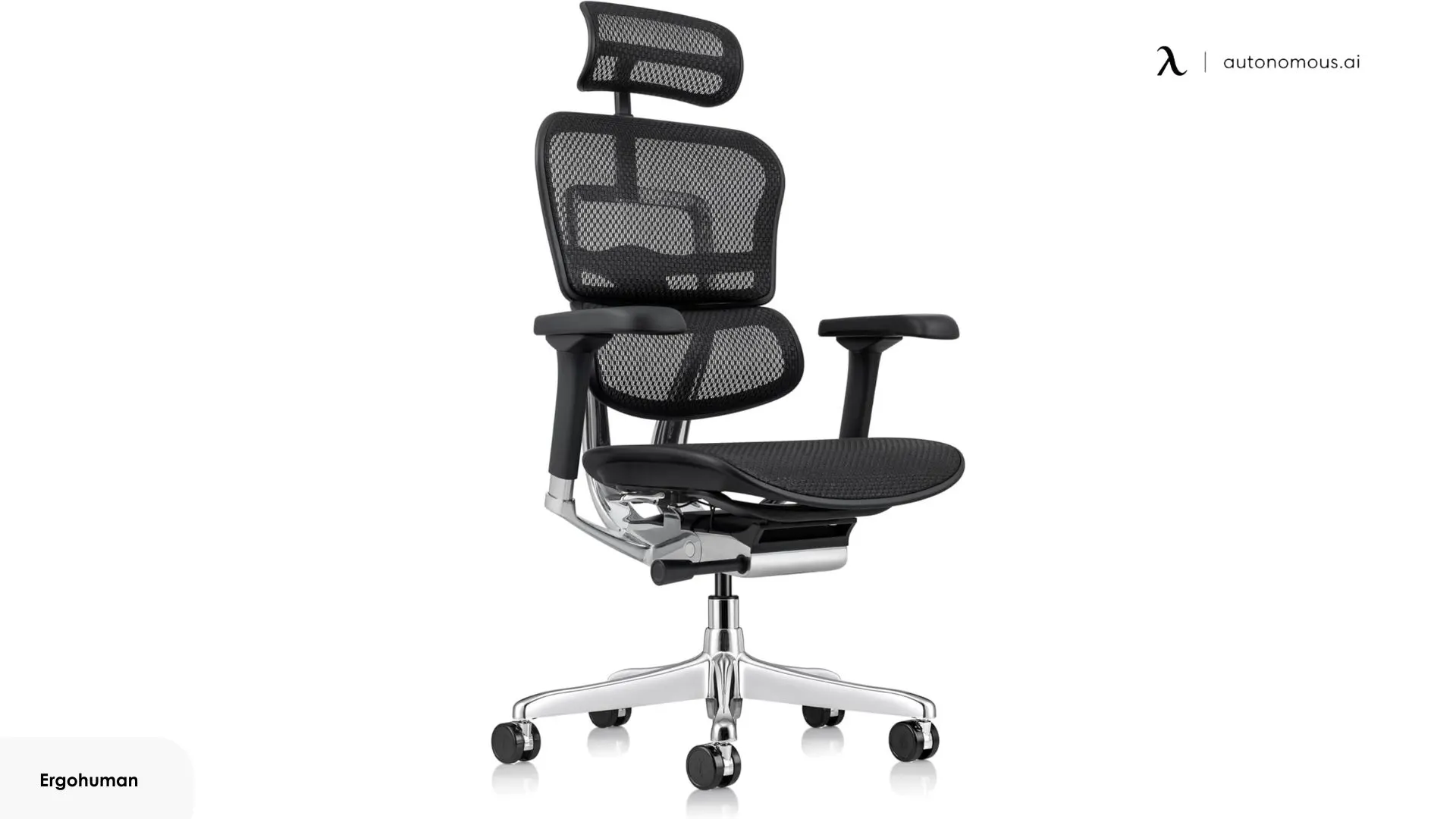
Ergohuman Eurotech: A Built-In Headrest for Neutral Head Posture
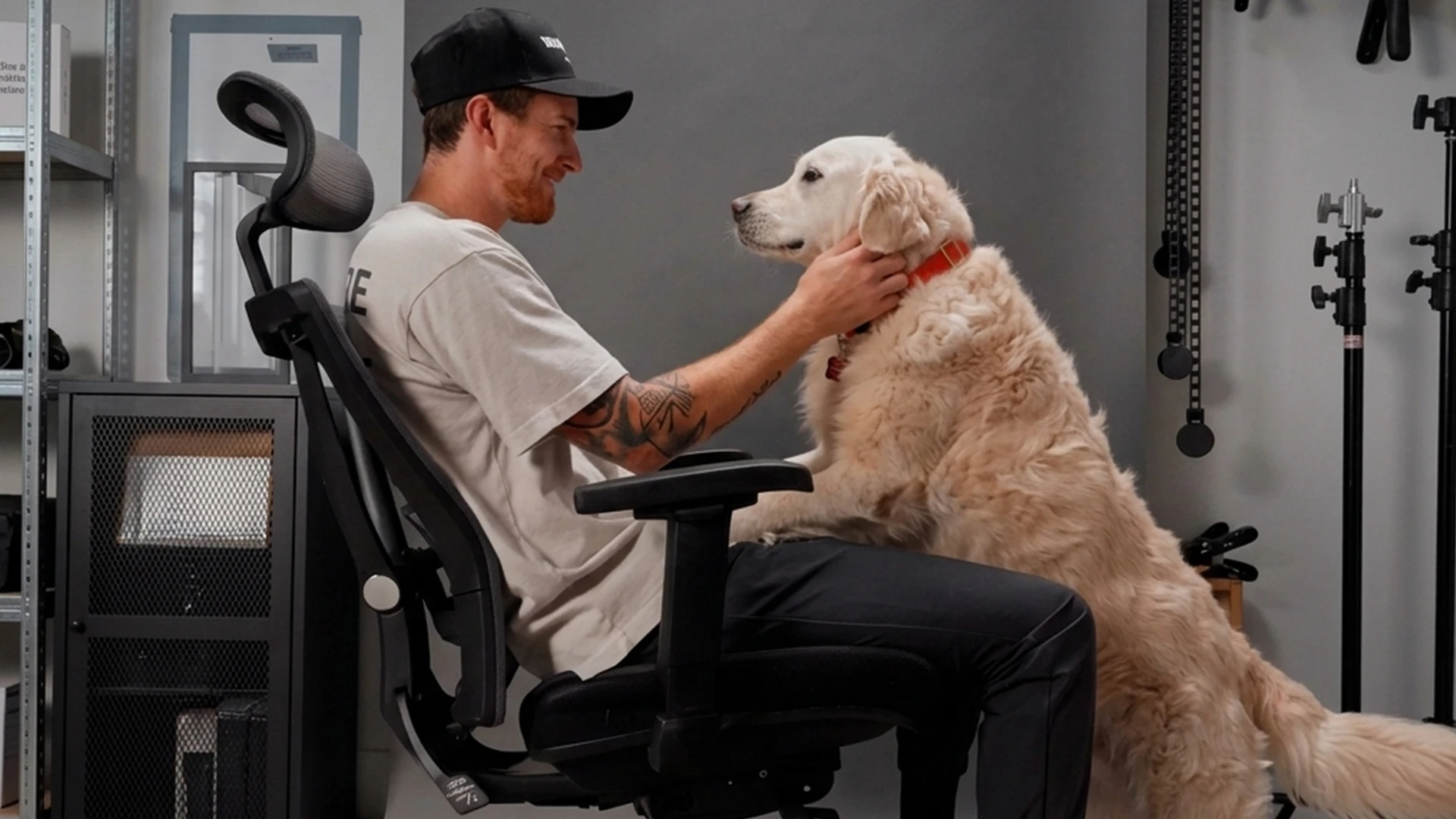
The Ergohuman Eurotech high-back mesh chair includes its headrest as standard, adjustable in height and angle, which covers the two settings that matter for contact at the skull base.
The synchro-tilt reclines the back and seat at a 2:1 ratio with a 3-position tilt lock, and the tilt tension adjusts to your weight.
Limit: the headrest does not extend forward. If your head sits ahead of your shoulders, you may have to lean back to reach it.
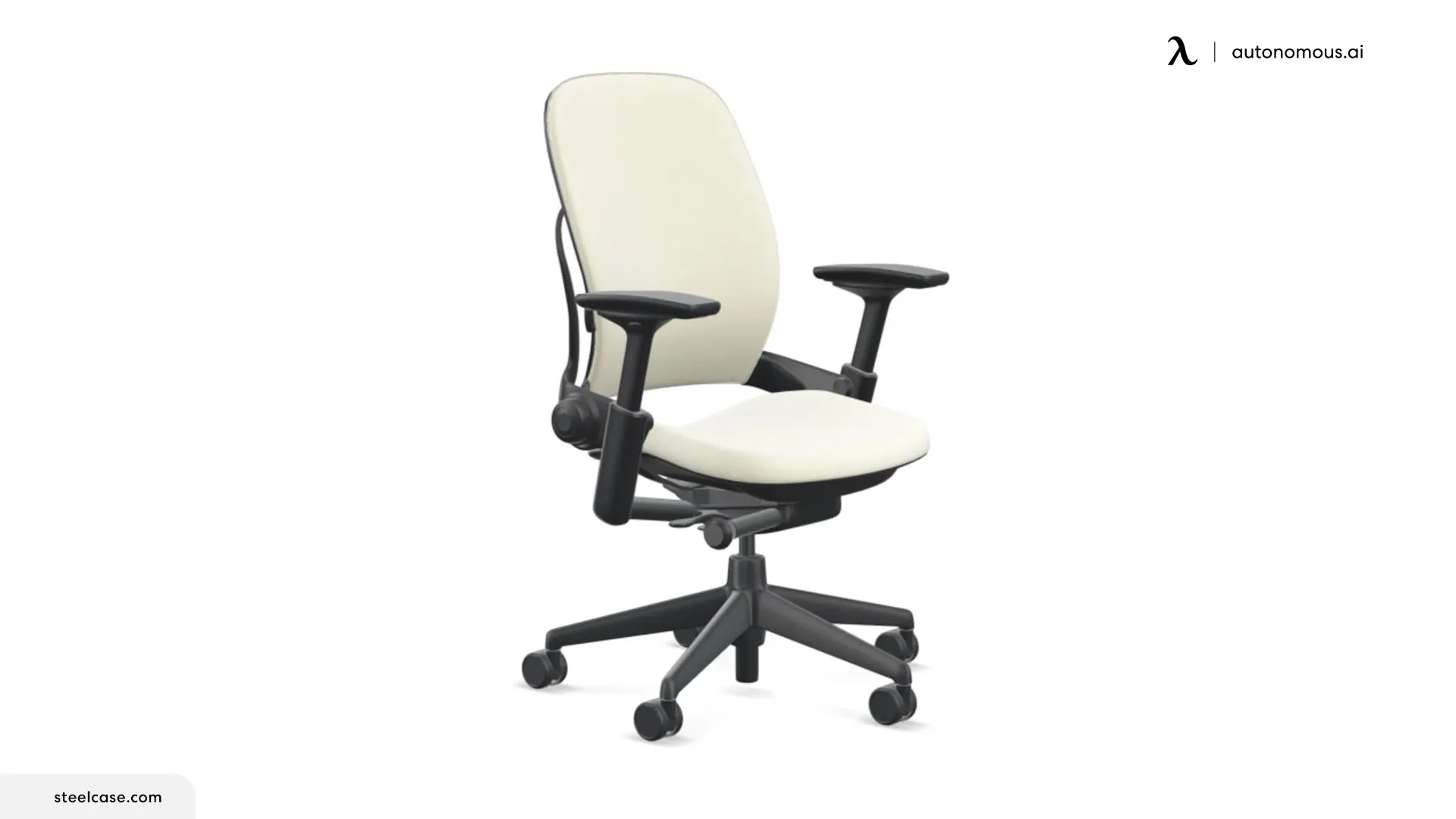
Steelcase Leap V2: For Tension Where the Mid-Back Meets the Neck
The Leap V2's upper back force control sets how much the upper backrest resists as you recline, separately from the lower back. That lets you tune the zone where the mid-back meets the neck, just below where neck load starts.
Its Natural Glide System moves the seat forward as the back reclines, so you stay close to the keyboard while leaning back.
Limit: the headrest is an add-on, and the factory version adjusts mostly in height with little angle control.
Which Zone Is Failing You?
Where and when the discomfort shows up tells you which zone to fix first.
Where does it hurt?
- Lower back or tailbone: lumbar zone. Check seat depth, then lumbar height.
- Between the shoulder blades: thoracic zone. Check backrest height and recline.
- Neck or base of the skull: cervical symptoms, often caused by the two zones below.
When does it start?
- Early and stays all day: the chair is not supporting you at all; start with fit.
- During focused work: mid-back strain from leaning toward the screen.
- After 2 to 3 hours: the chain reaction, lower back to mid-back to neck.
What makes it better?
- Standing up: lumbar pressure.
- Leaning back: mid-back or neck load.
- Neither: more than one zone; fix the lowest one first.
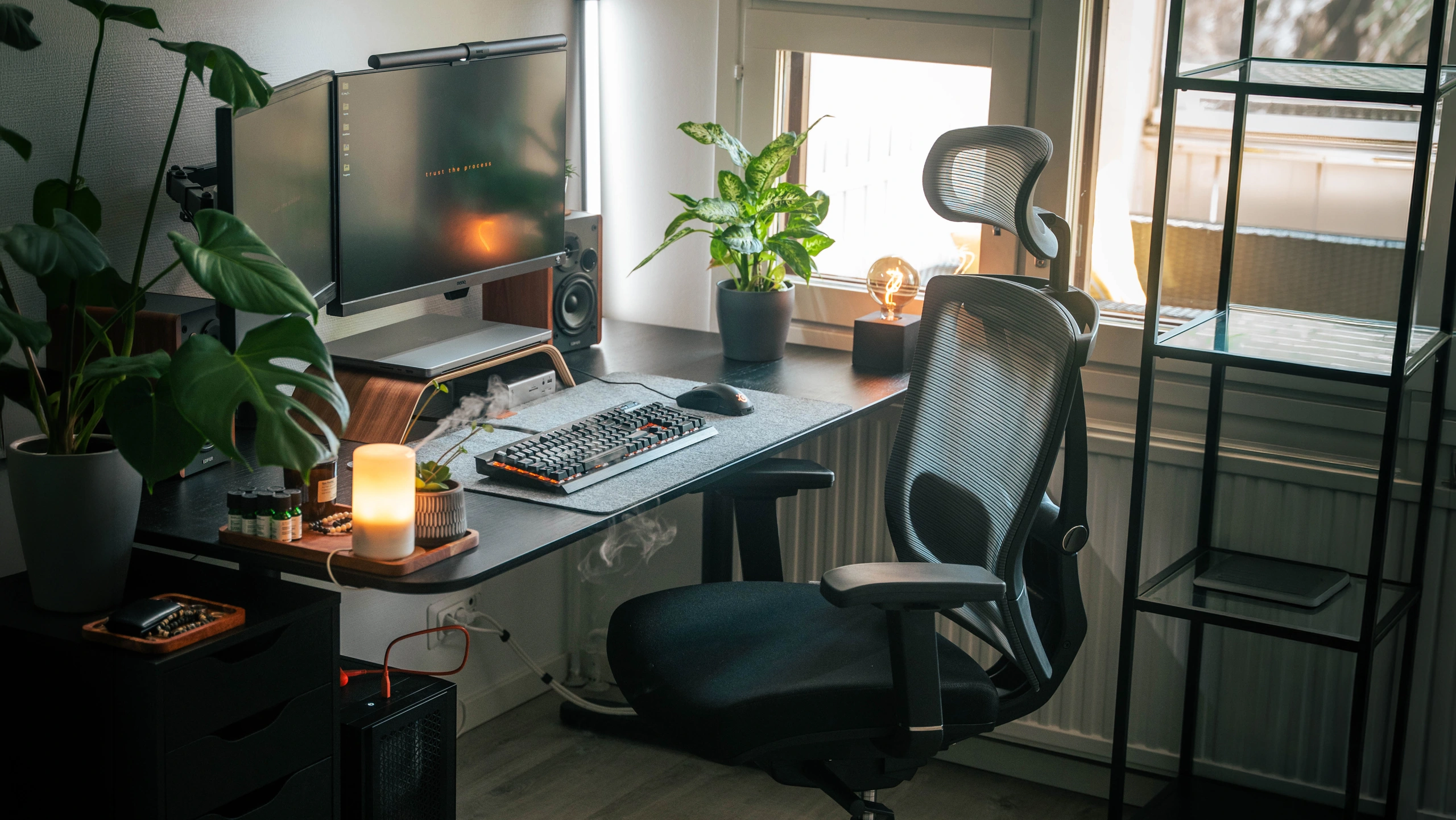
If you slouch: slouching starts at the pelvis, so fix seat depth and low lumbar contact before anything higher up. A seat that tilts slightly forward, like the ErgoChair Pro's 5 degrees, opens the hip angle when you lean in to type. Kneeling and saddle seats push the pelvis forward by design, which is the approach most posture chairs take, but they give the mid-back and neck nothing to rest on.
If you sit for long hours: pick an office chair with spine support whose recline you will actually use, since a backrest you never lean into does nothing. Over an 8-hour day, lumbar, back height and recline matter more than seat padding.
How to Set Up an Office Chair for Spine Support
Set the chair from the floor up: seat height first, headrest last. Each step depends on the one before it.
- Seat height: feet flat, knees level with or slightly below your hips.
- Seat depth: sit fully back and leave 2 to 3 fingers between the seat edge and your knee.
- Lumbar: slide the pad to the inward curve of your lower back, around belt height. On a flexing back, just sit fully back.
- Recline tension: set it so the back follows you without pushing you upright, and leave it unlocked for most of the day.
- Headrest: lean back to your normal reading angle, then set the headrest at the base of your skull.
- Monitor: raise the screen, or a reclined position pulls your head forward to see it and cancels the headrest.
The video below walks through the seat, armrests and headrest on the ErgoChair Pro; the written ErgoChair Pro adjustment guide covers each control in order.
Then move. Change position or stand up every 30 to 45 minutes, even in a well-fitted chair.
FAQs
What type of office chair is best for the spine?
The best office chair for the spine supports all three zones: adjustable or flexing lumbar support for the lower back, a backrest that reaches the shoulder blades, and an adjustable headrest for the neck. Add seat depth adjustment and a recline you can lock, so the support fits you in every position.
What is the difference between lumbar support and spine support?
Lumbar support targets only the lower back, while spine support covers the lower back, mid-back and neck. A chair sold with lumbar support addresses one zone and can leave the shoulder blades and head unsupported, which is where afternoon tension often shows up.
What is the best office chair for neck pain?
The best office chair for neck pain has a headrest that adjusts in height and angle to meet the base of your skull, a backrest tall enough for the mid-back, and a recline you use. Neck pain often starts lower, so check lumbar and mid-back contact first.
Can an office chair fix back pain?
An office chair can reduce back pain caused by unsupported sitting, but it cannot treat a medical condition. In a 2023 Ergonomics study, lumbar support improved spine posture, yet 39% of participants still developed sitting pain. Pair a fitted chair with regular movement, and see a clinician for persistent pain.
What is the best office chair for slouchers?
The best office chair for slouchers holds the pelvis upright: adjustable seat depth so you can sit fully back, lumbar support that starts low, and a slight forward seat tilt for typing. A chair helps, but slouching also needs breaks and a screen at eye level.
How do I know if my office chair is causing back pain?
Your chair is the likely cause if pain builds during the workday and eases after you stand or move. Lower-back pain after 1 to 2 hours points to lumbar support or seat depth. Upper-back or neck tension during focused work points to a low backrest or headrest.
What chair is best after spinal surgery?
After spinal surgery, a chair with firm support, a seat high enough to sit and stand without deep bending, and armrests to push up from is the usual starting point. Avoid low, soft chairs that load the spine during transitions, and follow your surgeon's sitting guidance first.
Is Black Friday a good time to buy an office chair with spine support?
Yes, if the chair already fits your body. The Autonomous Black Friday chair sale takes up to 10% off ErgoChairs with free shipping and no code, Cyber Monday keeps the same discounts, and the 30-day trial and free returns still apply, so you can test the fit at home.
Conclusion
An office chair with spine support has three jobs, not one: hold the lower-back curve, reach the shoulder blades, and meet the base of your skull when you lean back. Find the zone that fails first, check seat depth and back height against your own measurements, and set the chair up from the floor to the headrest. The ErgoChair Pro and ErgoChair Mesh cover all three zones in one chair, the Ultra 2 suits people who move a lot, and the Core is the budget route to upper-back support.
References
- Cornell University Ergonomics Web. How to choose an ergonomic chair.
- OSHA. Computer workstations eTool: chairs.
- De Carvalho DE, Callaghan JP. Effect of office chair design features on lumbar spine posture, muscle activity and perceived pain during prolonged sitting. Ergonomics, 2023.
- Hansraj KK. Assessment of stresses in the cervical spine caused by posture and position of the head. Surgical Technology International, 2014.
Desk Pro
Black Friday price.
So 12 hours isn’t 12 hours sitting.