10 Best Reclining Office Chairs for Comfort and Productivity
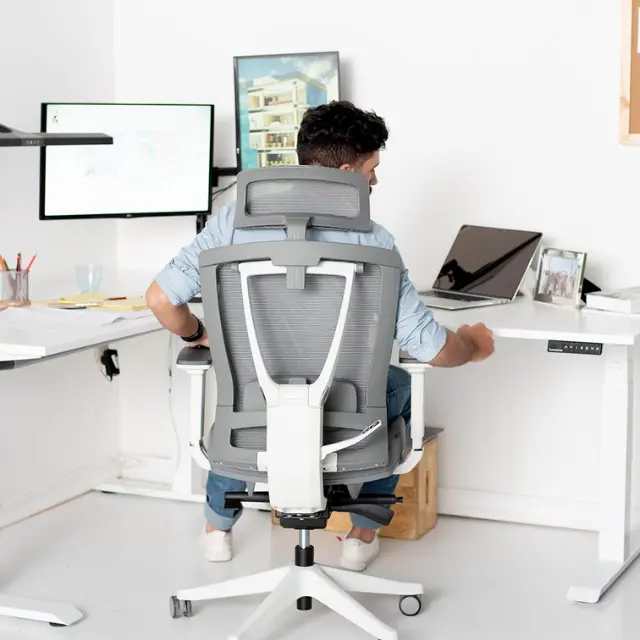
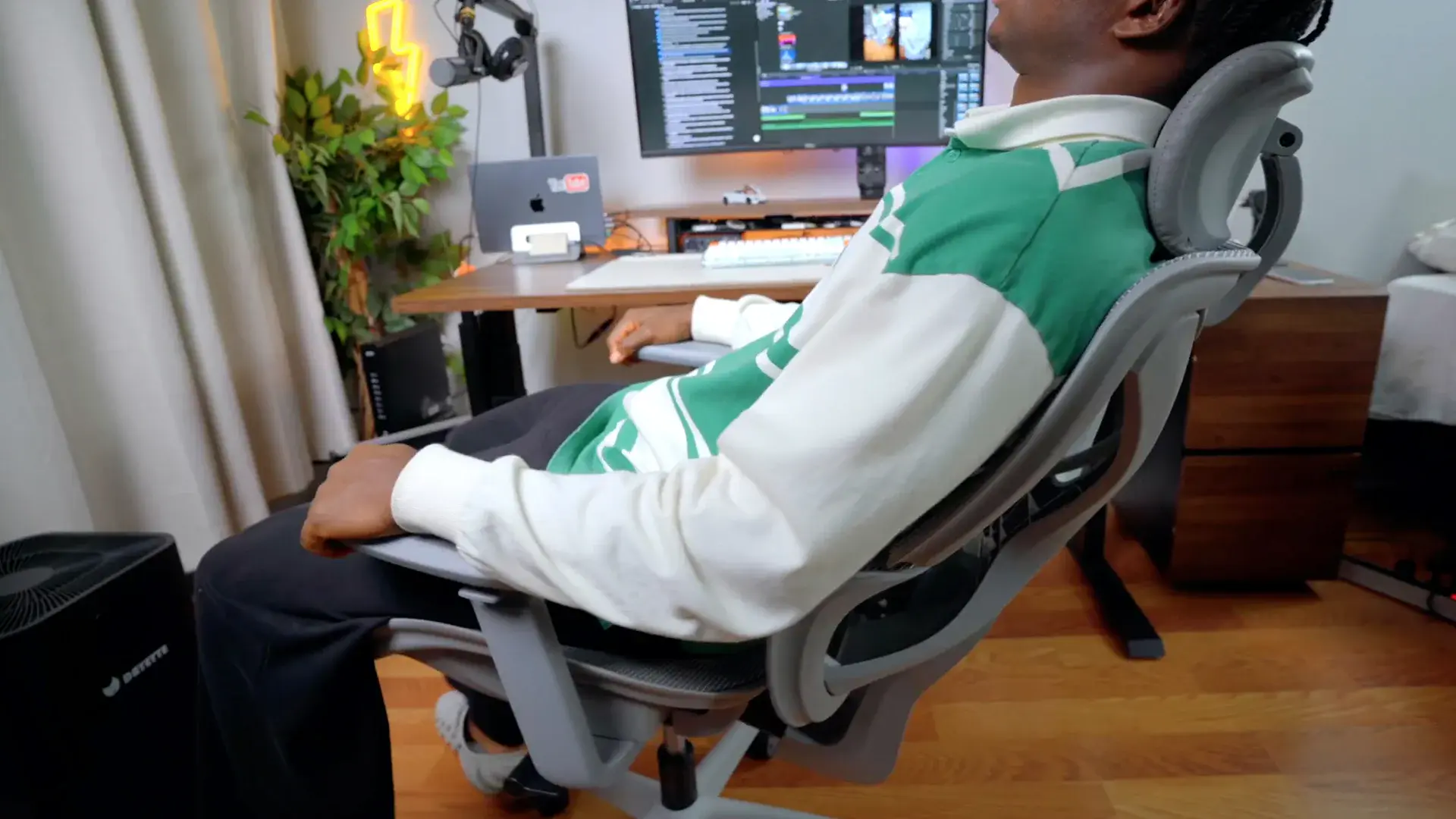
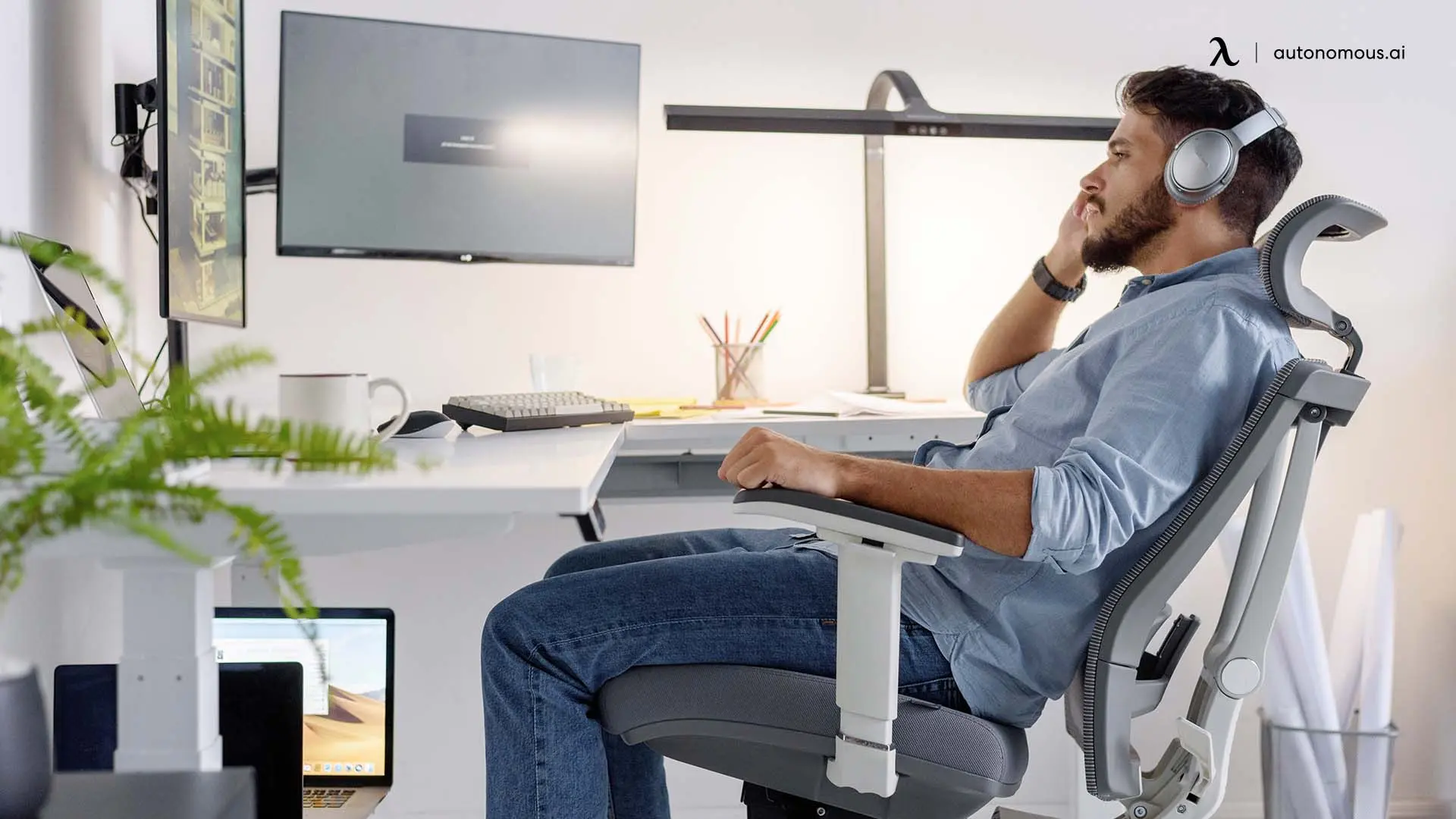
The best reclining office chair depends on how far back you actually want to go. For working while you lean back, an office chair that reclines to about 110° to 115° keeps you close enough to type: the ErgoChair Pro and Mesh lock there in 5 positions, and the Ultra 2 reclines to 115°. For reading, calls with your feet up or a nap, you need 135° to 180° and usually a footrest, which is where the COLAMY, EMIAH and Wildon chairs come in.
The catch is that every degree past about 130° makes typing harder, so the deep recliners on this list are rest chairs that sit near a desk, not task chairs. Below are 10 chairs sorted from work-first to rest-first, with the recline range, lock options and the honest limit for each.
Best Reclining Office Chairs
The list runs from the shallowest recline to the deepest, because that is the choice that matters most. Recline here means the backrest angle from the seat: 90° is upright, 180° is flat.
| Chair | Max recline | Key spec | Best for |
|---|---|---|---|
| ErgoChair Pro | 112° | 5 lock positions, 300 lbs | Focus work |
| ErgoChair Mesh | 112° | 5 lock positions, level seat | Task work, cooler back |
| ErgoChair Ultra 2 | 115° | 320 lbs, 4D armrests | Full workdays |
| ErgoChair Core | 130° | 40° tilt range, 242.5 lbs | Work plus breaks |
| Hbada Ergonomic | 135° | Budget build | Home office on a budget |
| COLAMY | 135° | Retractable footrest | Work plus reading |
| COMHOMA Big and Tall | 150° | Wide, thick seat | Larger users, rest |
| EMIAH High Back | 160° | Footrest | Work to lounge |
| COTYFLY Electric | 160° | Motorized recline | Push-button comfort |
| Wildon Home | 180° | Lie-flat backrest | Napping |
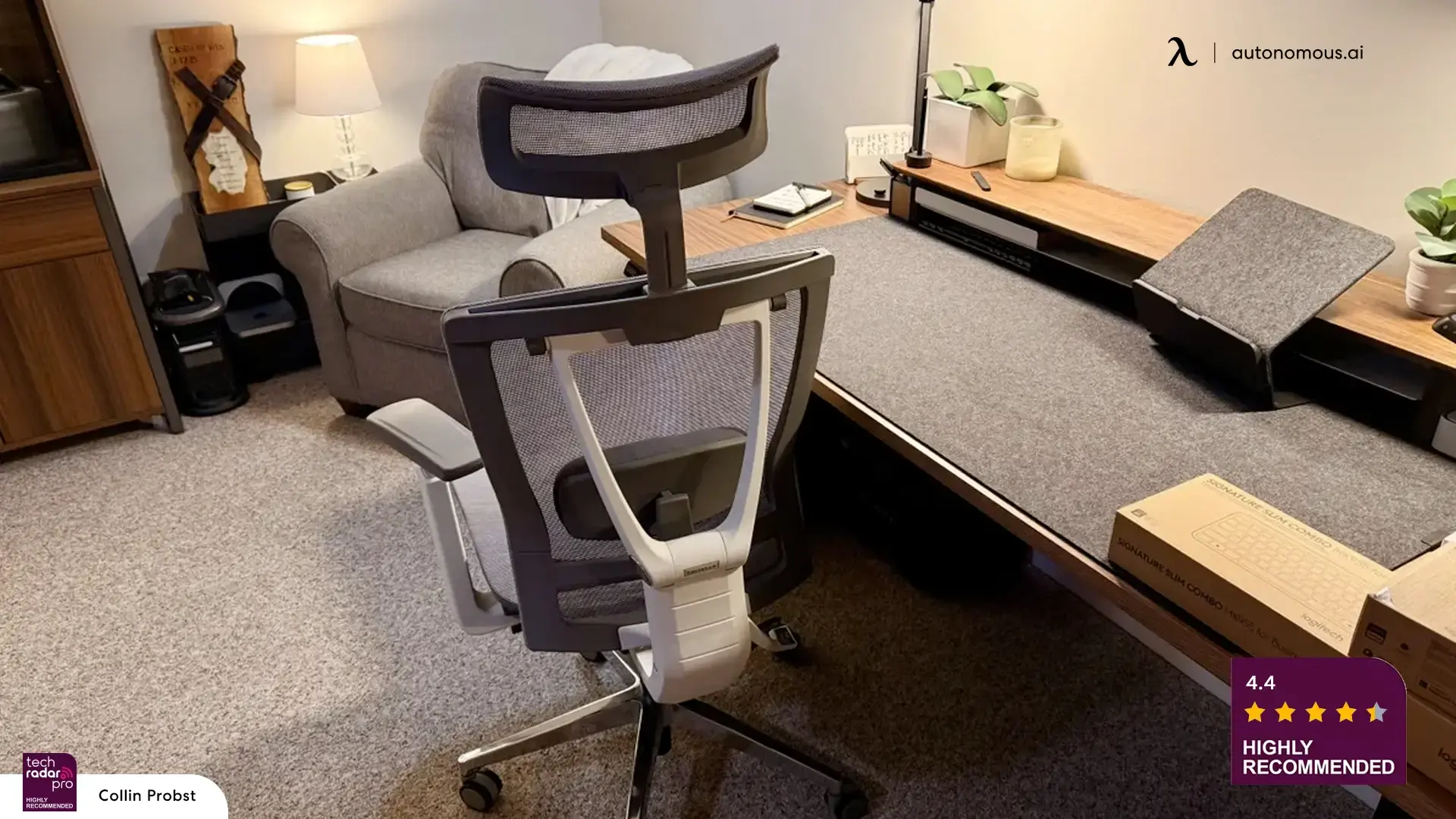
1. ErgoChair Pro (90°-112°)
The ErgoChair Pro is the pick if you want to lean back while you keep working, not lie down. Its synchro-tilt opens 22° past upright, to about 112°, and locks in 5 positions, so you can set a slight lean for reading code or a call and it stays there.
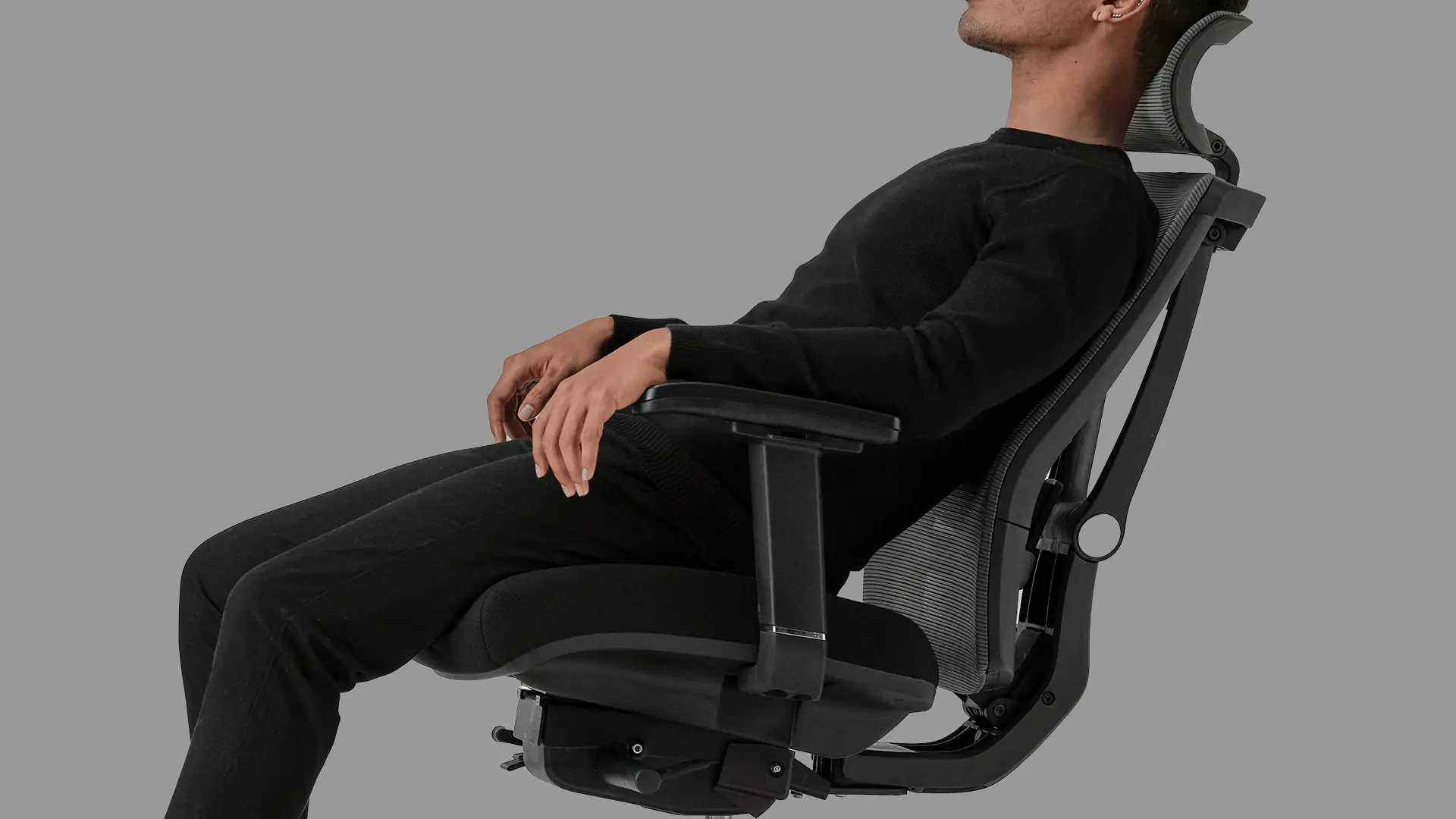
The tilt runs on an Italian Donati mechanism rated for 100,000 tilt cycles. The seat tilts forward about 5° for upright typing, and the sliding lumbar moves through a 6-inch range, so it can sit low or high on your back. Seat depth goes from 19" to 21.5", the 3D armrests sit 11" to 14" above the seat, and capacity is 300 lbs with a lifetime warranty.
The limit is the range itself. At 112° it will not take you anywhere near a nap position, and it has no footrest. This suits someone who sits 8 hours or more at a desk and wants the recline as a posture change, not a lounge mode.
2. ErgoChair Mesh (90°-112°)
The ErgoChair Mesh reclines the same 22° as the Pro, to about 112°, with 5 lockable positions, but pairs it with a mesh back that lets heat out. Its 2:1 synchro-tilt moves the backrest two degrees for every one on the seat, and the seat stays level as you lean.
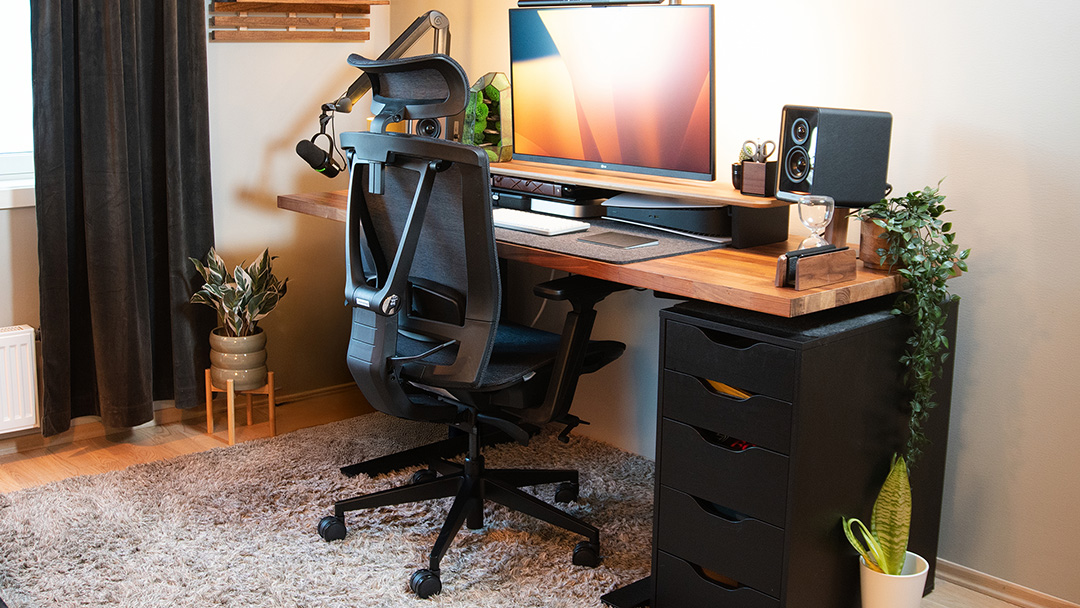
Seat depth runs 18" to 20", seat height 18.5" to 21.5", armrests 11" to 14" above the seat, and capacity is 300 lbs with a lifetime warranty. The lumbar is adjustable, and Autonomous describes it as flexible lumbar support.
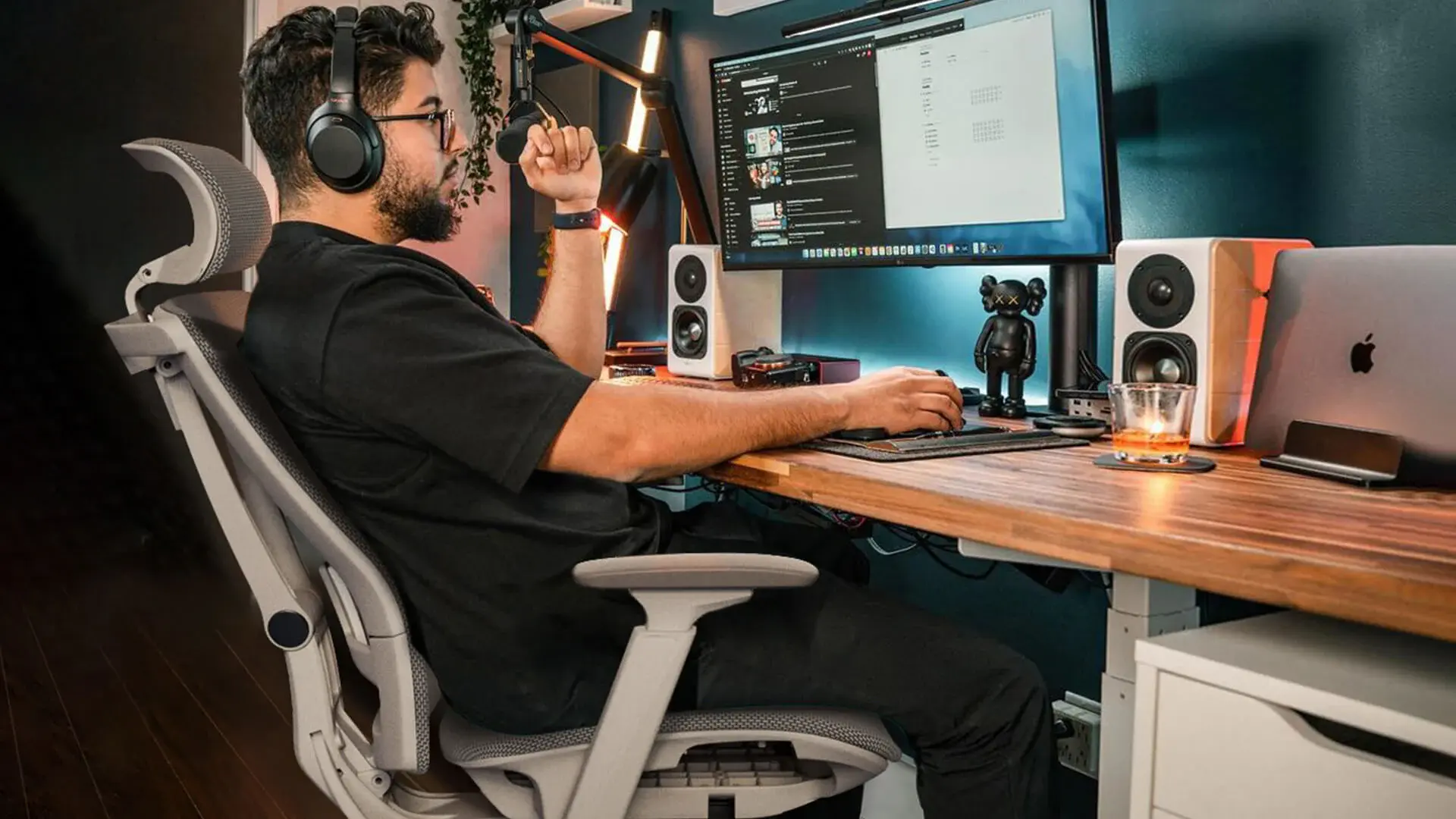
This suits remote workers in a warm room who want a work recline and a breathable back. Like the Pro, it is not a rest chair.
3. ErgoChair Ultra 2 (90°-115°)
The ErgoChair Ultra 2 has the deepest recline of the three work chairs, 25° past upright for about 115°, and the highest capacity of the four Autonomous chairs at 320 lbs. Instead of a lumbar pad, the backrest flexes: two layers with 62 pressure nodes follow your back as you shift, over a 4-layer seat.

It uses a Donati mechanism rated for 100,000 tilt cycles. The 4D armrests sit 7" to 11" above the seat, seat height runs 18" to 23" and seat depth 18" to 20.5". Warranty is lifetime.
The trade-off is the support style. There is no adjustable lumbar, so if you need to place lower-back support at an exact height, pick the Pro or Mesh. This suits engineers, designers and writers who sit through full workdays and shift position often.
4. ErgoChair Core (90°-130°)
The ErgoChair Core reclines furthest of the Autonomous chairs: a 40° tilt range that takes the backrest from 90° to about 130°. That is far enough to take weight off your lower back during a break while you still sit at the desk.
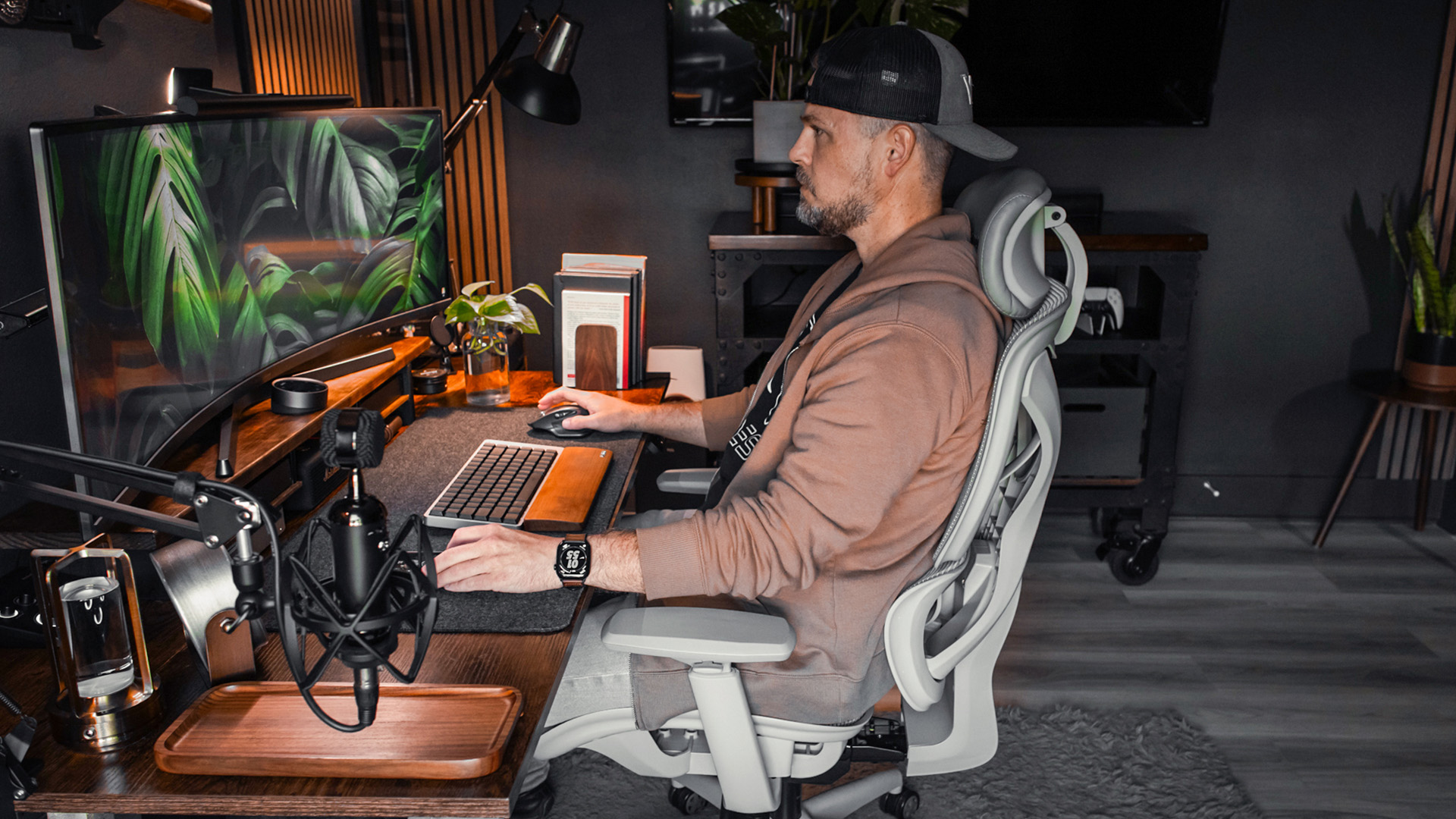
It has a dual backrest, 3D armrests at 10.5" to 13.5", seat depth of 18.5" to 20.5" and seat height of 20" to 23.8".
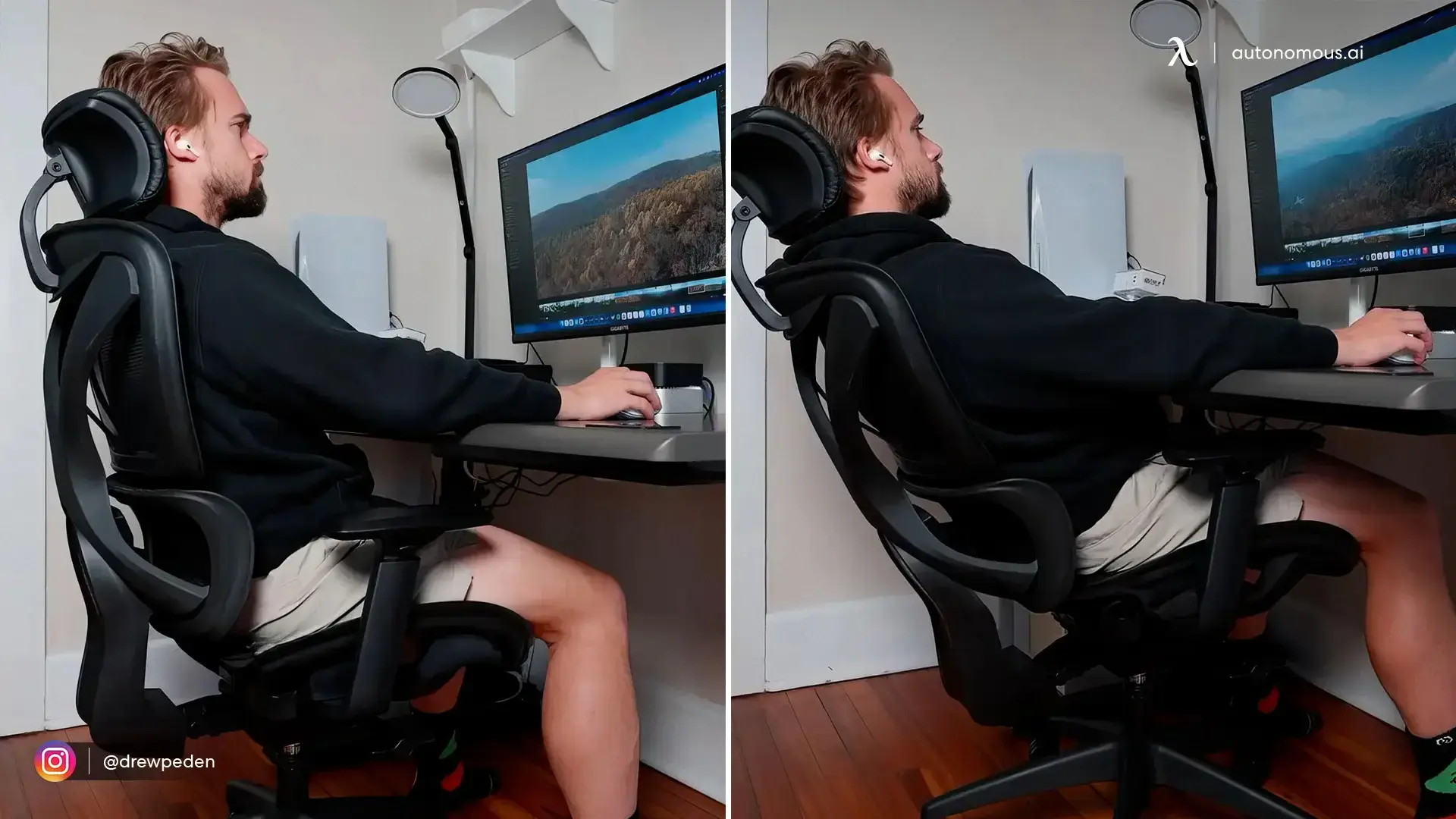
Two limits to check first. Capacity is 242.5 lbs, the lowest here among the Autonomous chairs, and the warranty is 2 years instead of lifetime. The lumbar is not adjustable. It suits someone who switches between work, reading and casual browsing through the day.
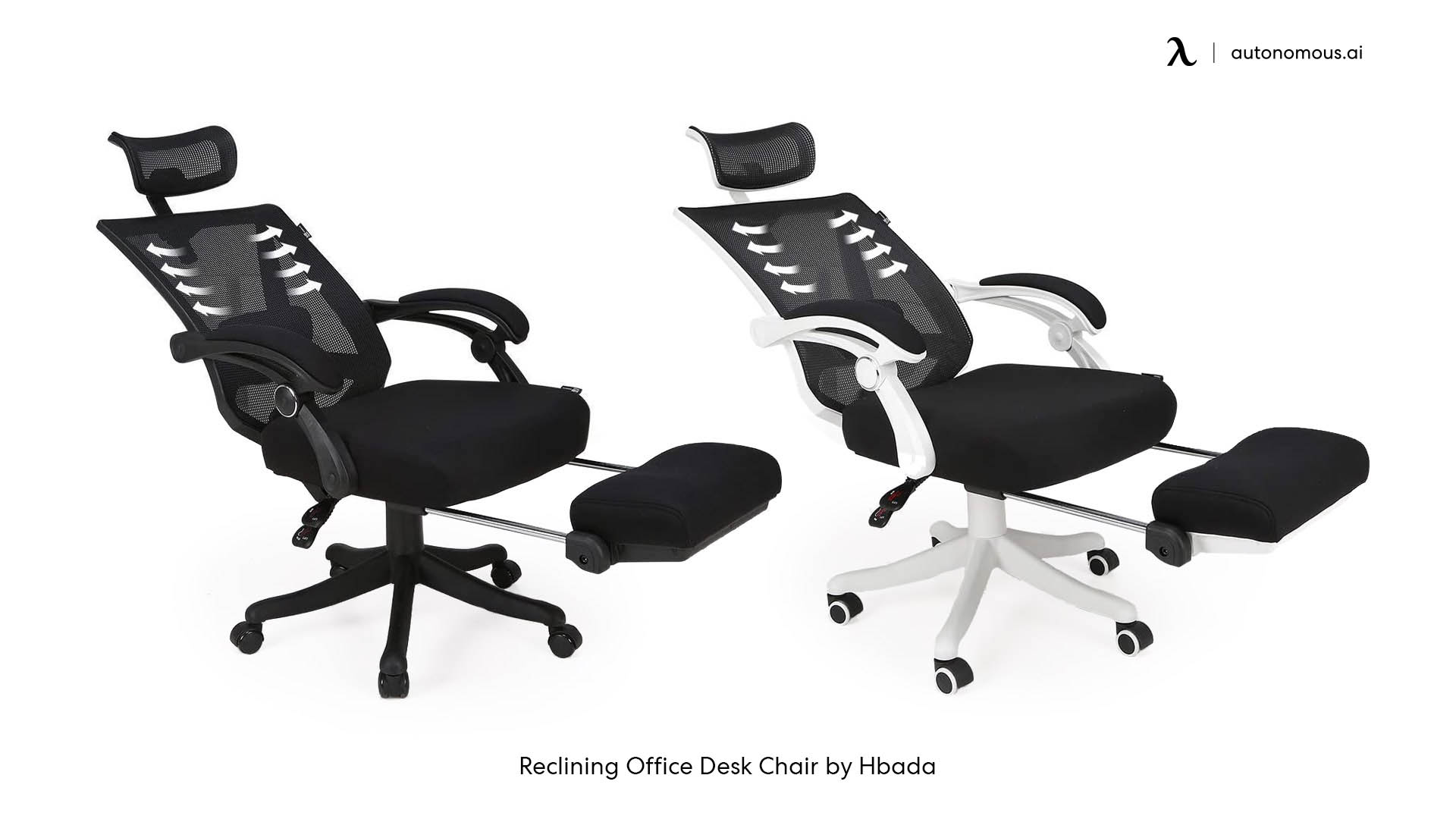
5. Hbada Ergonomic
The Hbada Ergonomic is the budget route to a 135° recline. That is enough for a proper lean-back break, deeper than any of the Autonomous chairs.
We have not checked its mechanism rating or warranty term, so confirm both on the seller page before you buy, especially if the chair will see 8 hours a day for years. It suits a first home office setup.
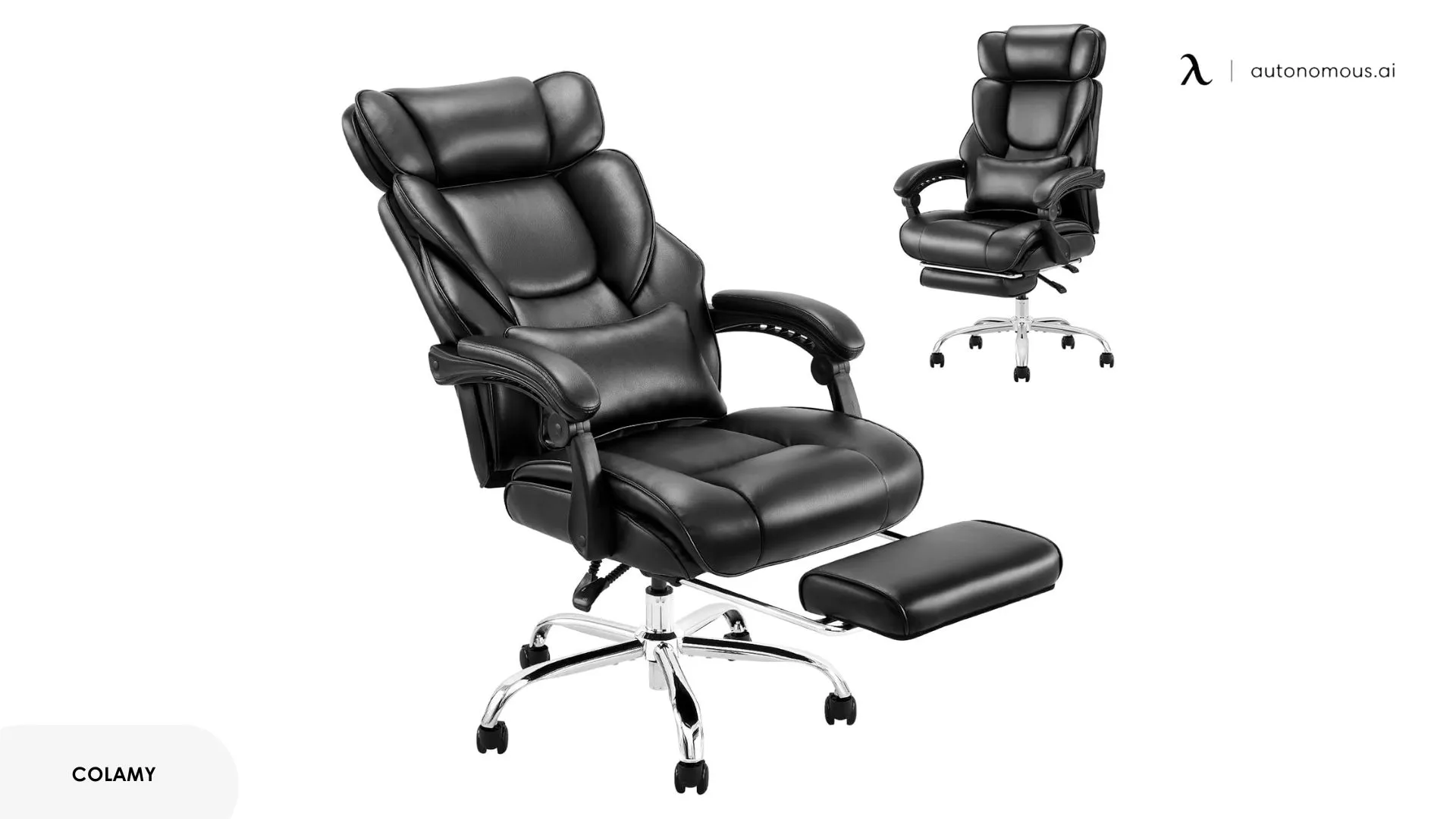
6. COLAMY Reclining Office Chair (90°-135°)
The COLAMY reclines to 135° and adds a retractable footrest, which makes it a small recliner office chair that still rolls up to a desk. You can work upright in the morning and put your feet up for reading or a video call later.
Measure your floor before you buy. With the backrest down and the footrest out, it needs far more room behind and in front of the desk than a task chair. It suits home office users who want one chair for work and rest.
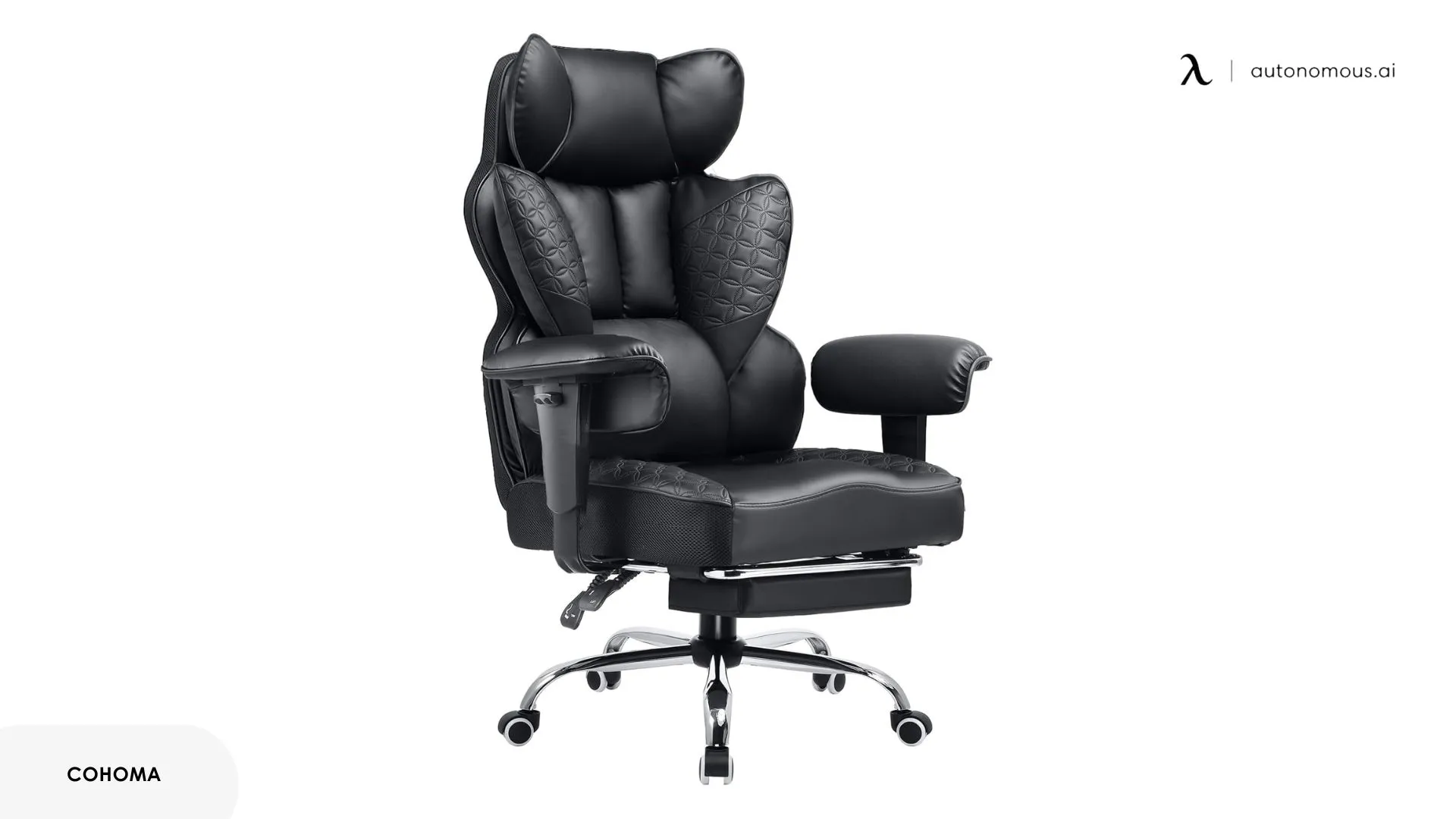
7. COMHOMA Big and Tall Reclining Chair (90°-150°)
The COMHOMA Big and Tall reclines to 150° and has a wider seat with thicker cushioning than the ergonomic chairs above. It sits more like a recliner than an office chair.
A deep, thick seat is built for rest more than typing posture. If the most comfortable reclining office chair for you means seat room and cushioning over adjustment, it fits that brief. It suits larger users who want a deep recline for rest.
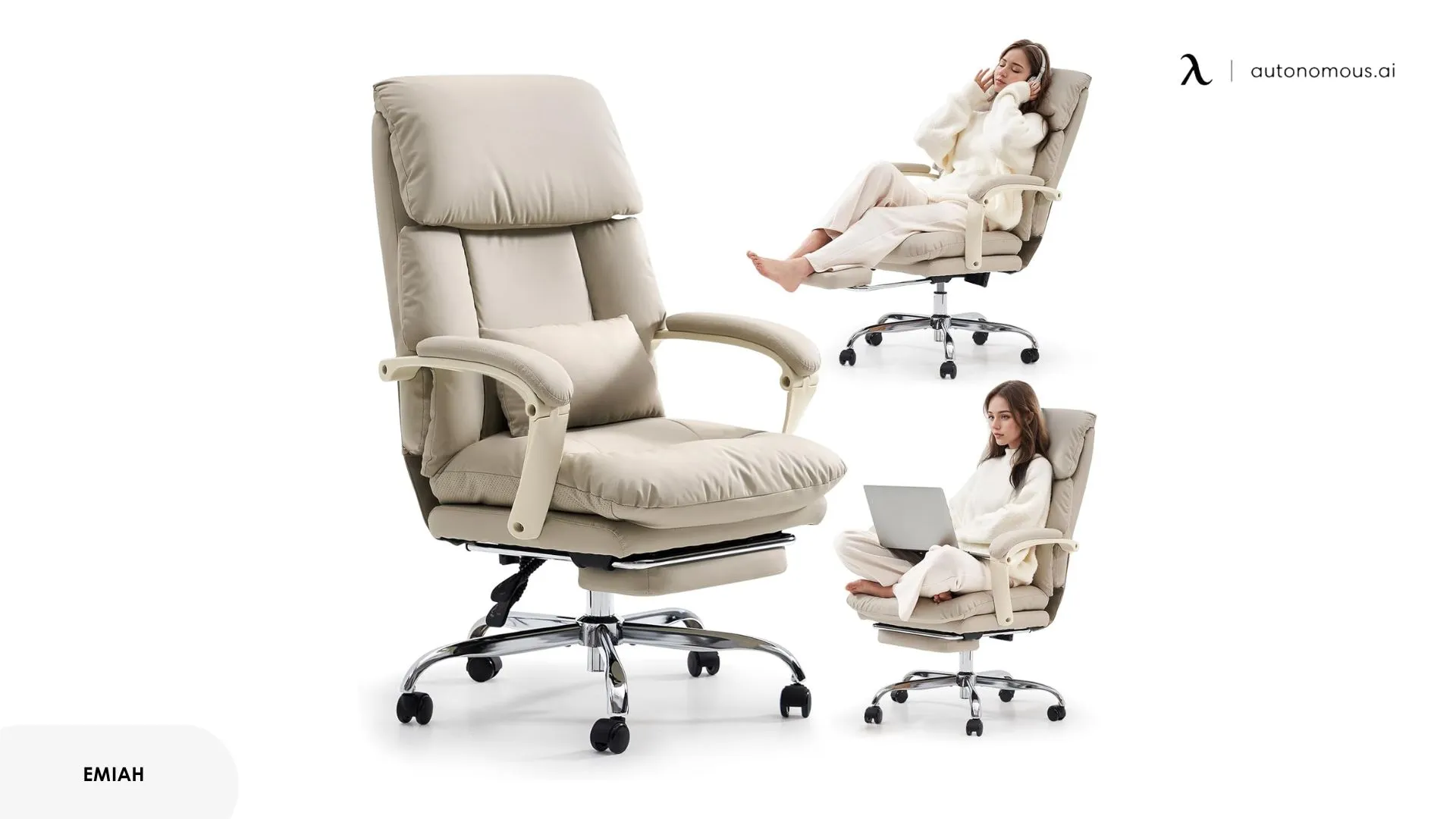
8. EMIAH High Back Reclining Chair (90°-160°)
The EMIAH High Back reclines to 160° and has a footrest, so it moves from a work position to a near-flat rest in one motion. The high back supports your head when you are leaned far back.
The same deep recline and footrest that make it good for breaks make it weaker as a daily work chair. It suits people who read, rest or take short breaks at their desk several times a day.
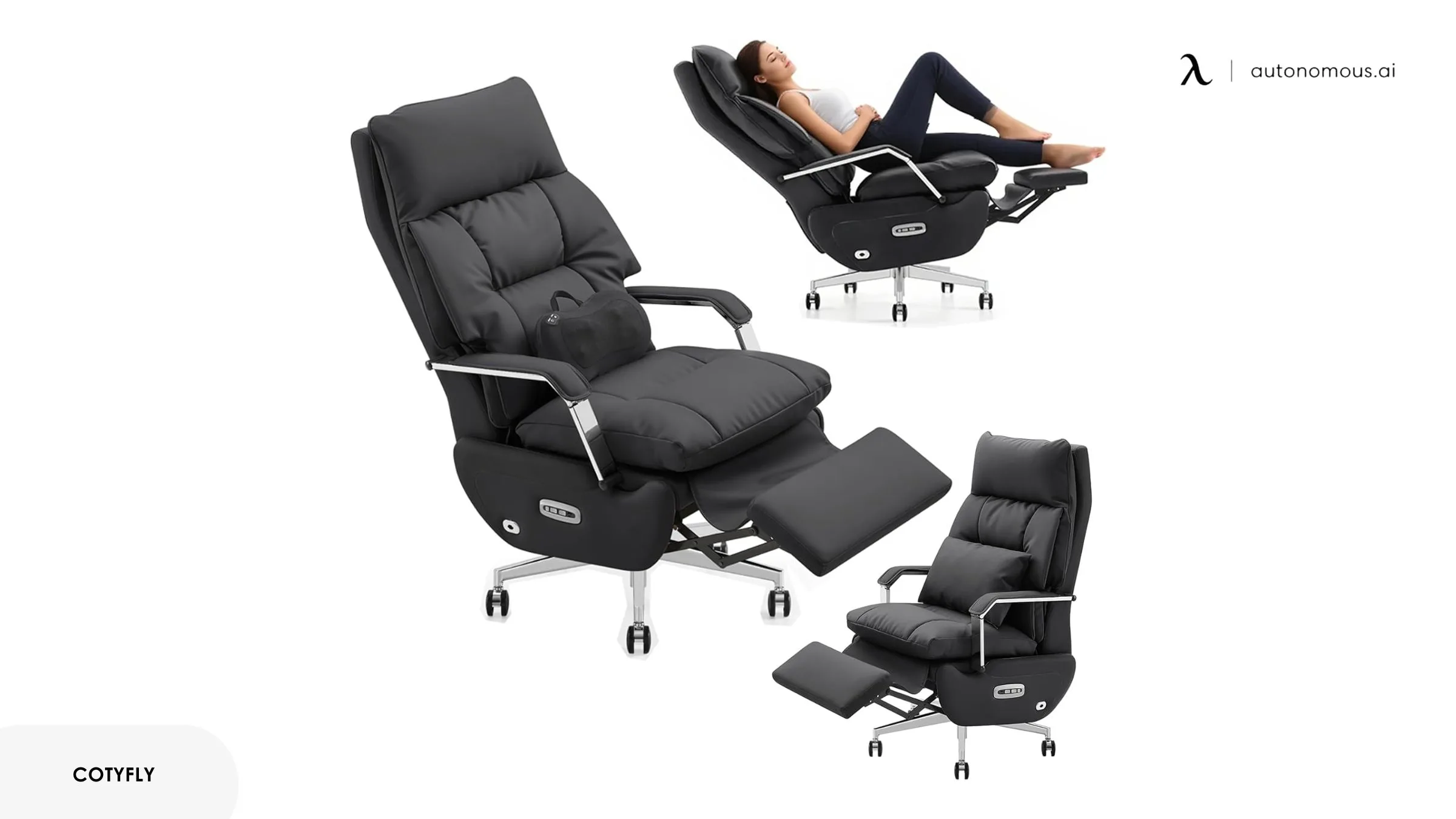
9. COTYFLY Electric Reclining Office Chair (90°-160°)
The COTYFLY is the electric reclining office chair on the list: a motor moves the backrest to 160°, so you change position with a button instead of a lever and tension knob.
A motor adds parts that can fail and needs a power source. It suits someone who finds manual tilt levers hard to use or wants the same angle every time.
10. Wildon Home Reclining Chair (90°-180°)
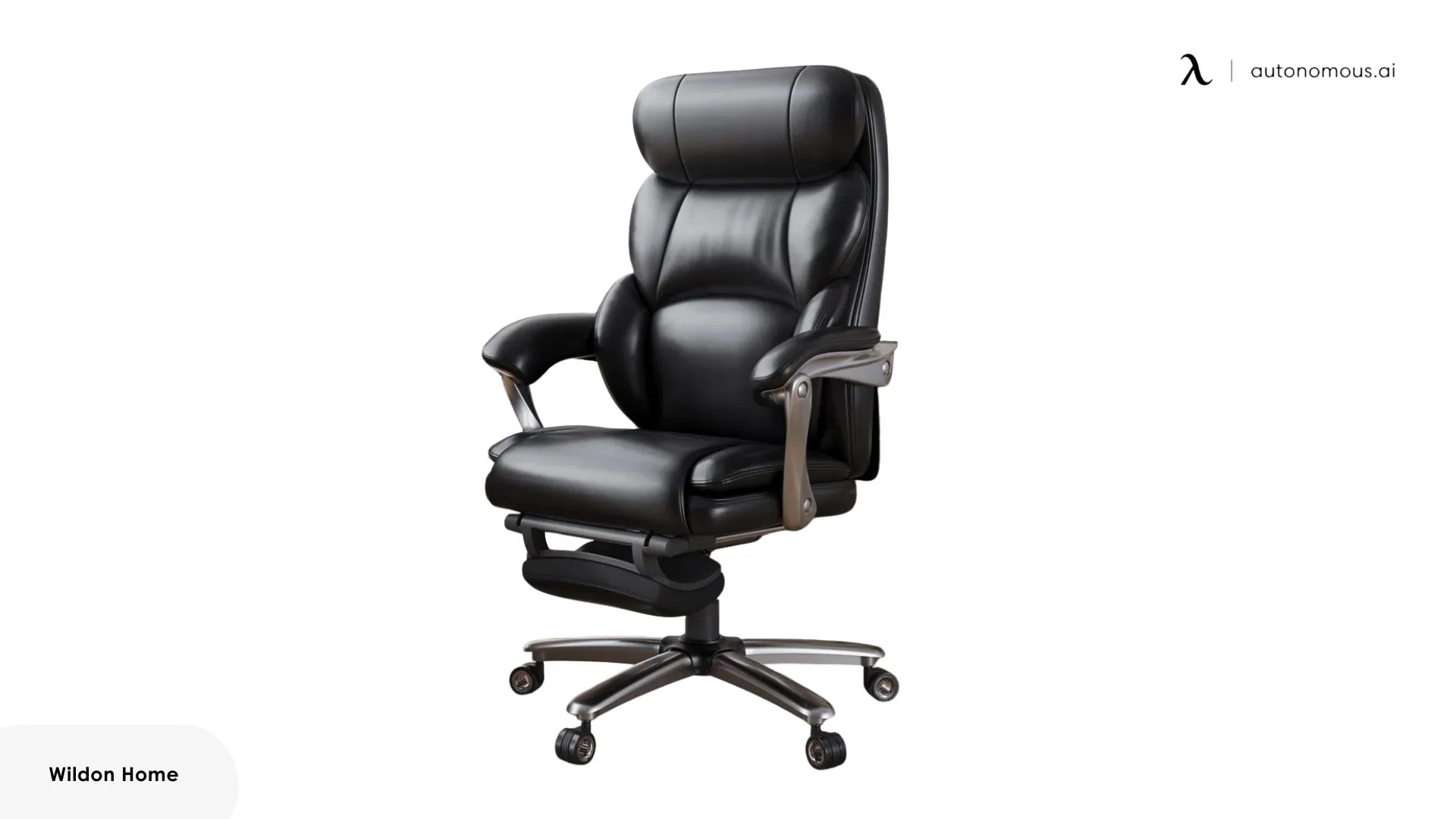
The Wildon Home is the full recline office chair on this list: its backrest goes all the way to 180°, flat. At that point it is a lounge chair that happens to roll.
It is the least practical chair here for focused desk work, because nothing about a lie-flat back helps you type. It suits someone who wants a nap or movie chair in the office more than a task chair.
What to Look for in a Reclining Office Chair
Look at four things in this order: recline range, how it locks, lower-back support and whether you need a footrest. Padding and looks come after, even on an executive reclining office chair with a high back.
- Recline range: 100° to 115° keeps you at the keyboard, 120° to 135° is a break or reading angle, and 150° to 180° is for naps.
- How it is measured: some makers list total backrest angle (130°), others list the tilt range past upright (40°). Add 90° to a tilt range to compare. The ErgoChair Core's 40° tilt and "130° recline" are the same number.
- Locking: a chair that locks at several angles holds a set lean, while free-float tilt only stays where your tension knob and body weight balance.
- Lower back: lumbar support should stay in contact when you lean back, not only when you sit upright.
- Footrest: it lifts your legs in a deep recline, but it adds depth to the chair's footprint.
Recline systems come in three kinds: manual spring tension, lever-locked mechanical recline and motorized presets. Spring tension is simplest, locks give repeatable angles, and motors trade a cable and extra parts for push-button control.
Standard vs Reclining Office Chair
A standard office chair holds you in one upright position, while a reclining office chair lets you change the backrest angle through the day. Changing posture moves load around your back and seat instead of keeping it in one spot.
| Feature | Standard office chair | Reclining office chair |
|---|---|---|
| Recline | Fixed or a few degrees | 112° to 180° |
| Rest positions | None | Lockable angles, some with footrest |
| Footprint | Compact | Larger when reclined |
| Typing posture | Upright | Good up to about 115° |
Chairs built for desk work stay at the low end of the recline range: each Autonomous ergonomic chair on this list reclines to between 112° and 130°. A reclining chair is not automatically better for long hours. It helps only if you use the recline, and a chair that reclines past 130° adds little if you never leave the keyboard.
How to Choose the Right Reclining Office Chair
Pick the best reclining office chair or reclining desk chair for you by how many hours you spend working versus resting in it. Then check that it fits your body and your floor.
- Mostly work: 110° to 115° (ErgoChair Pro and Mesh, which lock in 5 positions, or the Ultra 2 at 115°).
- Work plus breaks: 130° to 135° (ErgoChair Core, Hbada, COLAMY).
- Mostly rest: 150° to 180°, usually with a footrest (COMHOMA, EMIAH, Wildon).
- Hard-to-use levers: an electric recline (COTYFLY).
Then check fit. Compare the seat depth range with your thigh length, since an office chair for short people needs a shorter seat and lower lumbar. Check the weight capacity against your weight, and measure the space behind your desk with the chair fully reclined.
FAQs
What is the benefit of a reclining office chair for productivity?
A reclining office chair lets you change position without leaving the desk. Leaning back a few degrees for reading or calls takes load off your lower back, and a short rest break in the chair can be easier to take than getting up, so you sit less stiffly through a long day.
Are reclining office chairs good for long hours of work?
Yes, if the recline stays in the work range. A synchro-tilt chair that reclines to about 110° to 115°, like the ErgoChair Pro (5 lock positions) or the Ultra 2, lets you lean back and still reach the keyboard. Deep recliners past 150° are better for breaks than for typing.
How do I choose the best reclining office chair for my back?
Pick a chair with lumbar support that stays in contact when you recline, a seat depth that fits your thighs and a tilt tension you can match to your weight. Adjustable lumbar lets you place the support where your back curves, which matters more than how far the chair reclines.
Can a reclining office chair help with lower back pain?
It can ease lower back pressure by shifting part of your weight onto the backrest when you lean back. It is not a treatment. If you have ongoing back pain, set the lumbar and seat depth correctly first and talk to a doctor or physical therapist.
What is the best recline angle for an office chair?
For an office chair that reclines during active desk work, 100° to 115° is the usual working range. It relieves some spinal pressure while keeping your hands on the keyboard and your eyes on the screen. Save 120° to 135° for reading and breaks, and 150° or more for naps.
Do reclining office chairs with footrests save space?
They can replace a separate lounge chair, but they take more floor space themselves. With the backrest down and the footrest out, a footrest recliner needs room behind and in front of the desk, so measure both before you order one.
Is it safe to nap in a reclining office chair?
Yes, if the chair is built for deep recline, around 150° to 180°, on a stable base, and you stay within its weight capacity. A work chair that tops out near 115° is not designed to hold you in a sleeping position for long.
How does a reclining office chair differ from a standard ergonomic chair?
A standard ergonomic chair focuses on holding a neutral upright posture with a small tilt. A reclining office chair adds a wider backrest range, often with locks, a footrest or a motor, so the same chair works for desk tasks and rest.
Are electric reclining office chairs worth the extra cost?
They are worth it if manual levers are hard for you to use or you want the same angle every time at the push of a button. The trade-off is a motor, more parts and often a power cable, which a manual chair does not need.
Do I need a heavy-duty reclining office chair?
You need one if you weigh close to a standard chair's limit or want a wider seat. Big and tall reclining chairs use a wider seat and stronger frame. Check the listed weight capacity: among the Autonomous chairs, it runs from 242.5 lbs on the Core to 320 lbs on the Ultra 2.
How do I maintain the mechanism on a reclining office chair?
Check the bolts every few months and tighten any that work loose, and set the tilt tension to your weight so the mechanism does not slam back. Mechanisms like the Donati units on the ErgoChair Pro and Ultra 2 are rated for 100,000 tilt cycles.
Where can I buy a reliable reclining office chair?
Buy from a seller that lists the recline range, weight capacity, warranty and return policy. Autonomous sells the ErgoChair Pro, Mesh and Ultra 2 with a lifetime warranty and the Core with a 2-year warranty. Compare those terms before you buy any recliner.
Conclusion
The best reclining office chair is the one whose recline matches how you use it. For working while you lean back, the ErgoChair Pro and Mesh recline to 112° and lock in 5 positions, and the Ultra 2 reclines to 115°. For work with real breaks, the ErgoChair Core or COLAMY reach 130° to 135°. For naps, look at 150° to 180° with a footrest, and accept that those chairs are rest chairs first. Check capacity and floor space before you order.