Standing Desk Home Office Setup: 6 Layouts That Work
.webp)
A standing desk home office setup needs three things the average desk arrangement does not: about three feet of clear floor behind the desk so you can step back when it rises, a power outlet within reach of the frame, and a monitor position that stays at eye level in both sitting and standing modes. Get those right and almost any room works. Get them wrong and the desk becomes an expensive sitting desk, because standing turns into a hassle you stop bothering with.
This guide covers how to plan the room around a standing desk, six layouts that work in different spaces, and the setup details that decide whether you actually use the standing function.
Planning the Room Before You Plan the Desk
The room decides more about a standing desk home office layout than the desk does, so measure before you buy anything. Four constraints matter, in this order.
Floor clearance behind the desk. You need roughly 30 to 36 inches of clear space to step back comfortably when standing. This is the constraint people miss most often, because a desk that fits against the wall can still leave you pinned between the desk and a bed or bookshelf when you raise it.
Power within reach. An electric standing desk needs a permanently connected outlet, and the cable has to tolerate the full travel of the frame. If the only socket is across the room, factor in a floor cable cover or a different desk position before you commit to a layout.
Natural light direction. Facing a window reduces eye strain but can wash out your screen. Sitting with a window directly behind you turns you into a silhouette on every video call. A side-on window is usually the best compromise for a home office.
Cable travel. Every cable running to your desk has to survive being raised and lowered several times a day. Leave slack, and plan for a tray or spine rather than letting cords hang, which is the single most common reason a standing desk looks messy in a home.
6 Standing Desk Home Office Layouts
1. The Kid-Friendly Flex Zone
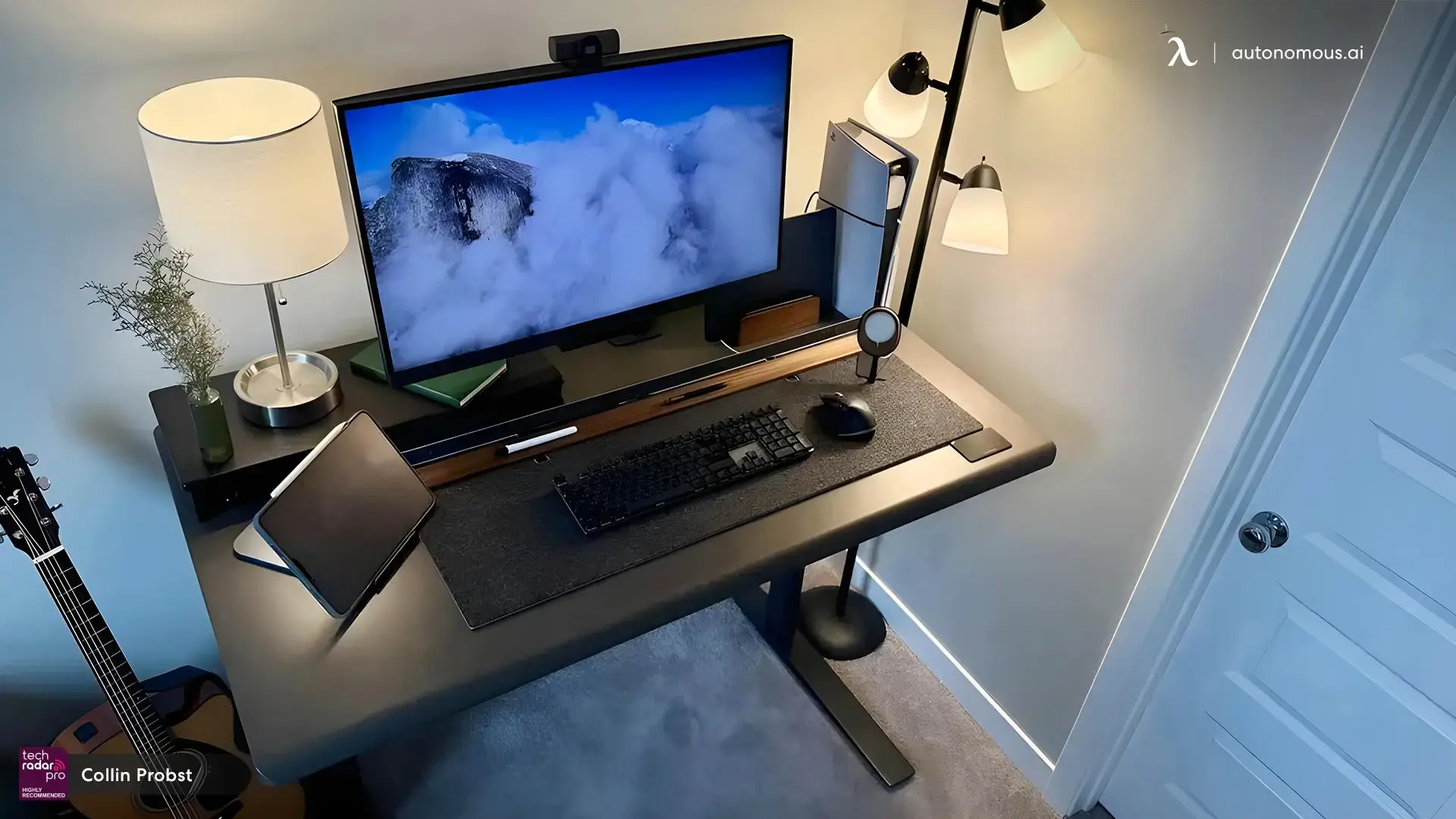
This layout puts the desk on the edge of a shared family space so you can work while keeping the kids in sight, which is the practical reality of working from home with young children. Position the desk near the play area rather than facing away from it, and use a tall bookshelf as a soft divider that creates a visual work boundary without closing the room off.
Add a soft rug underfoot for standing comfort and easy cleanup, storage baskets that match the room's furniture so the work zone does not look industrial, and a wall clock or timer to keep work and family blocks distinct. Softer lighting and calmer tones help here, since the space is doing double duty.
2. The Window-Facing Workspace
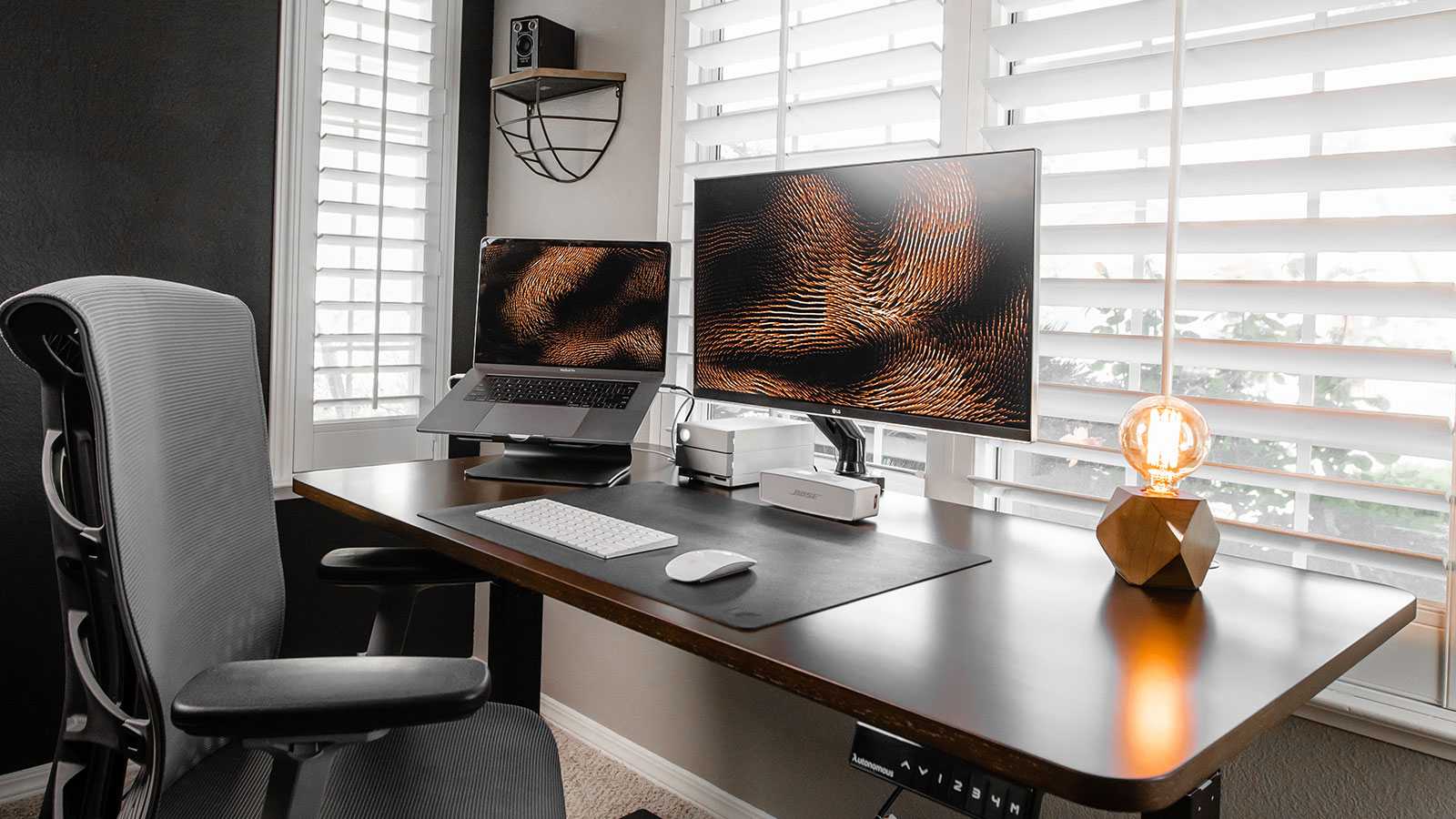
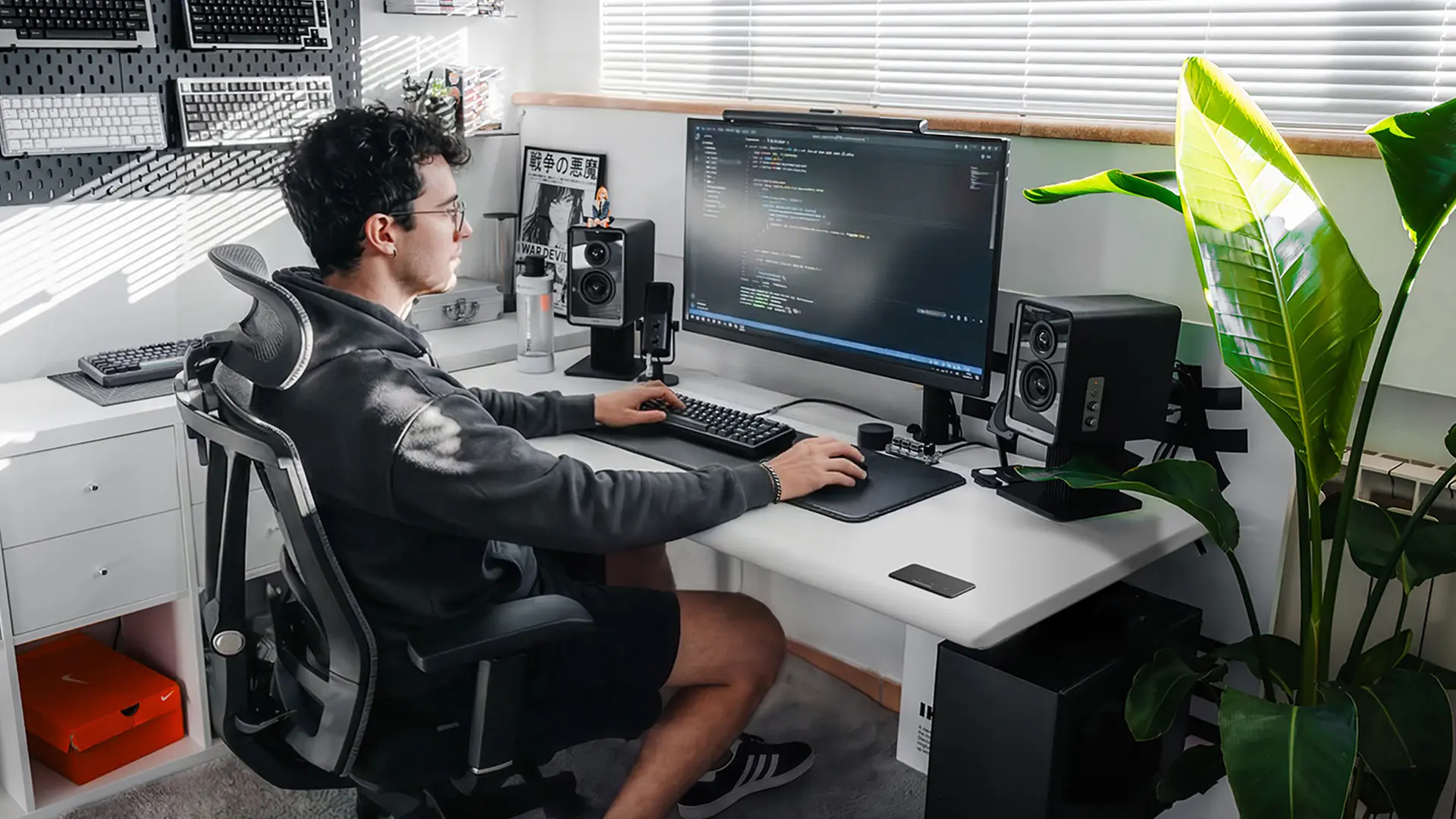
Placing the desk in front of a window is the layout most people want, and it works well provided you manage glare. Face the desk into the window for the mood and eye-relief benefits, then control the light with sheer curtains or adjustable blinds rather than fighting it.
Keep the desk surface visually quiet so the view stays the focus, use a monitor arm so the screen sits at the right height without a bulky riser blocking the sill, and choose a lower-backed chair so it does not obstruct the window when you are standing. Light wood or soft white finishes amplify the daylight rather than absorbing it.
3. The Tech-Meets-Craft Hybrid
This layout suits anyone splitting time between screen work and hands-on projects, and it solves a problem a single desk cannot: you need one surface that stays clean for the computer and another that can get messy. Put the standing desk on one side for computer work and add a fold-down or side surface adjacent for sewing, sketching, soldering, or whatever the second activity is.
Task lighting that swivels between both zones does the work of two lamps. Pegboards or magnetic strips store tools vertically so neither surface fills up, and a drafting stool lets you move between zones without changing chairs. Choose a desk with a durable top, since this layout puts more wear on the surface than pure computer work does.
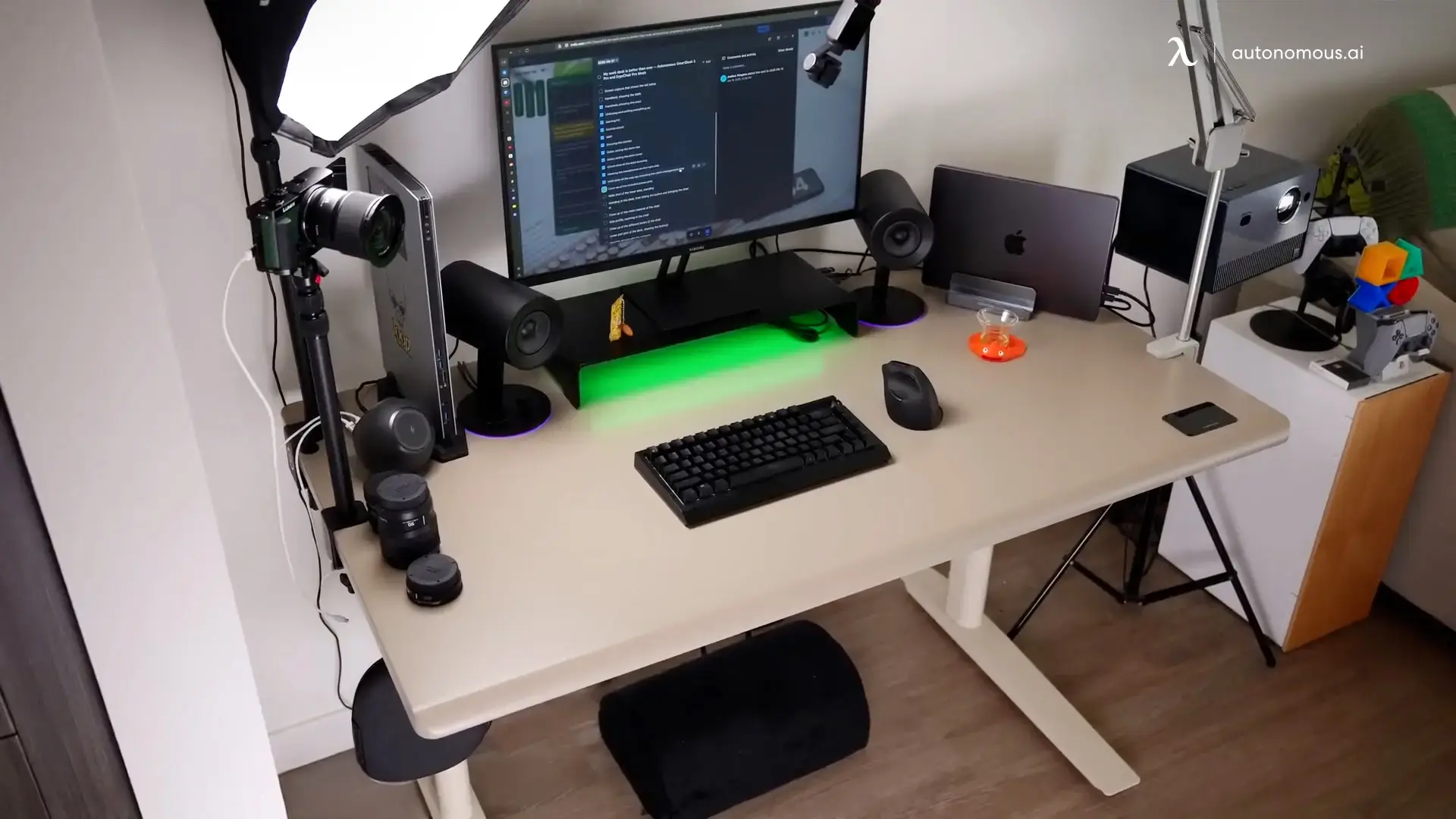
4. The Corner Productivity Pod
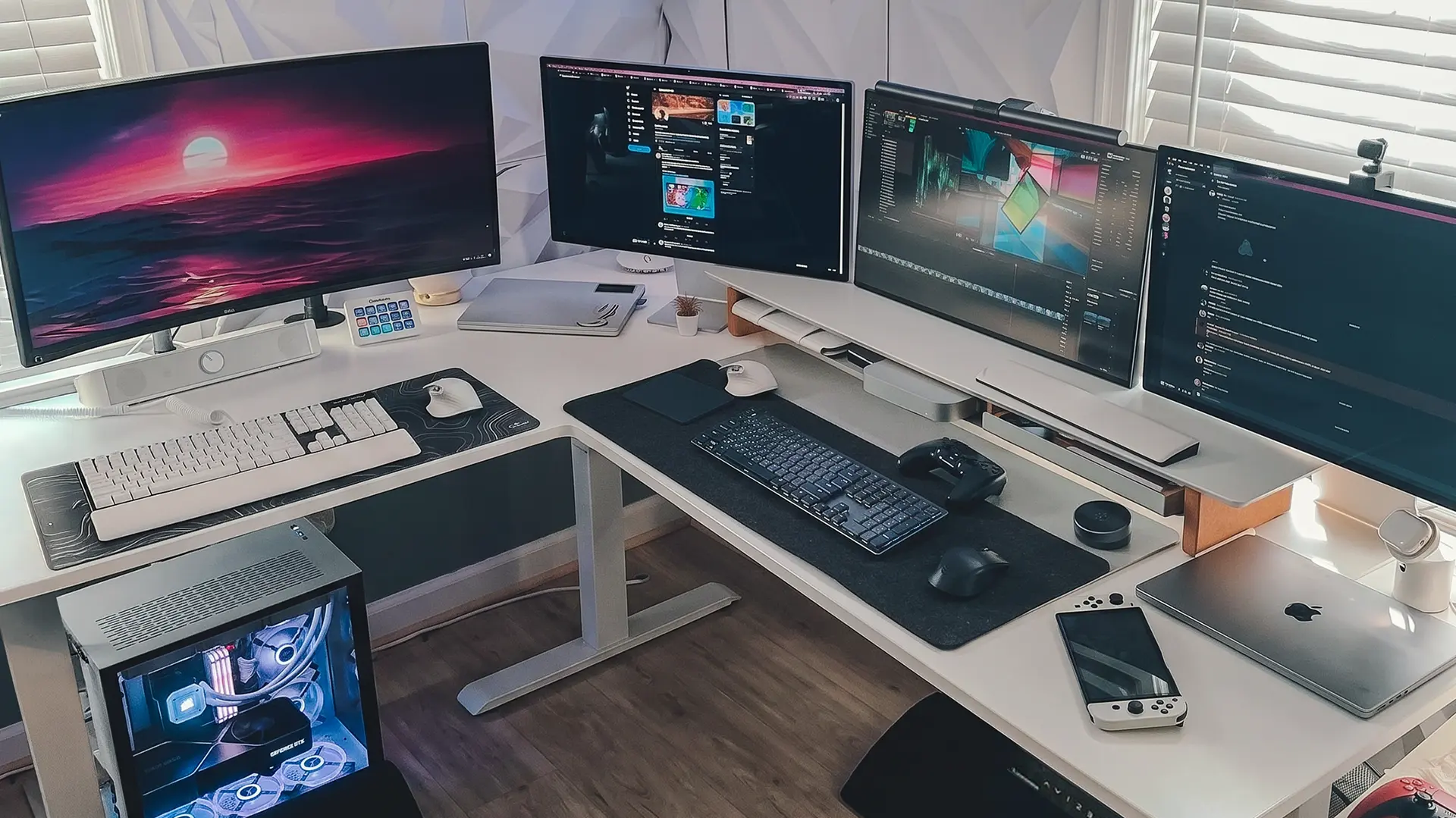
Corners are the most efficient use of limited floor area in a home office, because they turn dead space into a work zone with walls on two sides that naturally reduce distraction. An L-shaped or rectangular desk angled into the corner gives you the most usable surface per square foot of room.
Use the vertical space above the desk with floating shelves or a pegboard, since corners waste wall area otherwise. Slim wall-mounted lighting keeps the surface clear, and a small drawer unit under one leg of the desk handles paperwork. Painting the corner wall an accent color defines the workspace as its own zone even in a shared room. For genuinely tight corners, measure the wrapped span carefully before choosing an L-shaped standing desk, since the footprint is larger than most people estimate.
5. The Minimalist Nook
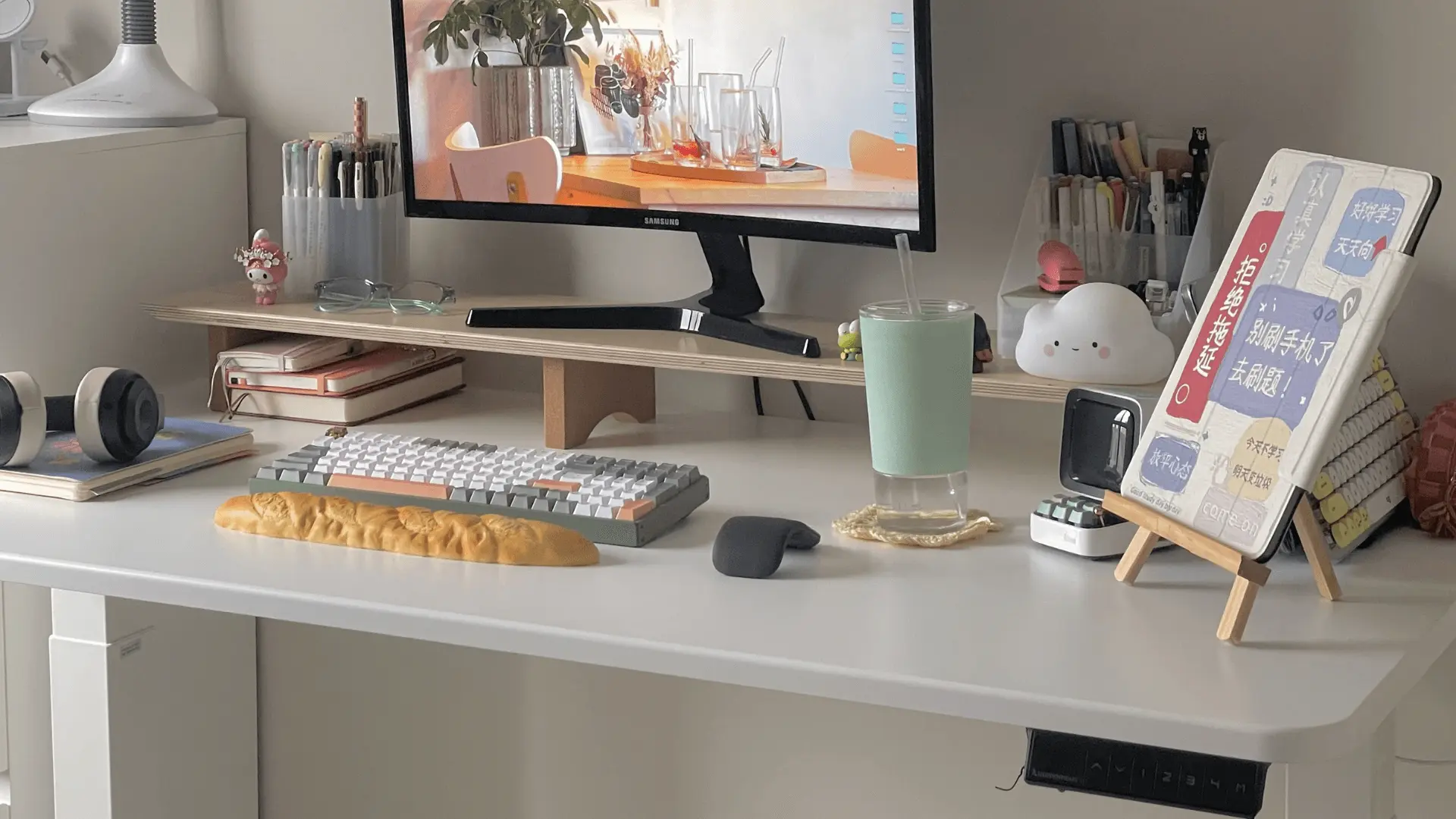
Not every home office gets its own room, and a nook in a living room or bedroom works fine if you keep the footprint tight and the visual weight low. A desk under about 45 inches wide fits most alcoves, and a neutral finish lets it read as furniture rather than office equipment when you are not working.
Go vertical for storage with wall shelves or hanging pockets, since floor storage makes a small nook feel cramped. A slim monitor arm frees the surface, built-in cable routing keeps cords invisible in a room where you also relax, and one piece of art or a plant stops the corner feeling purely functional. This is the layout where cable management matters most, because the desk is in your living space.
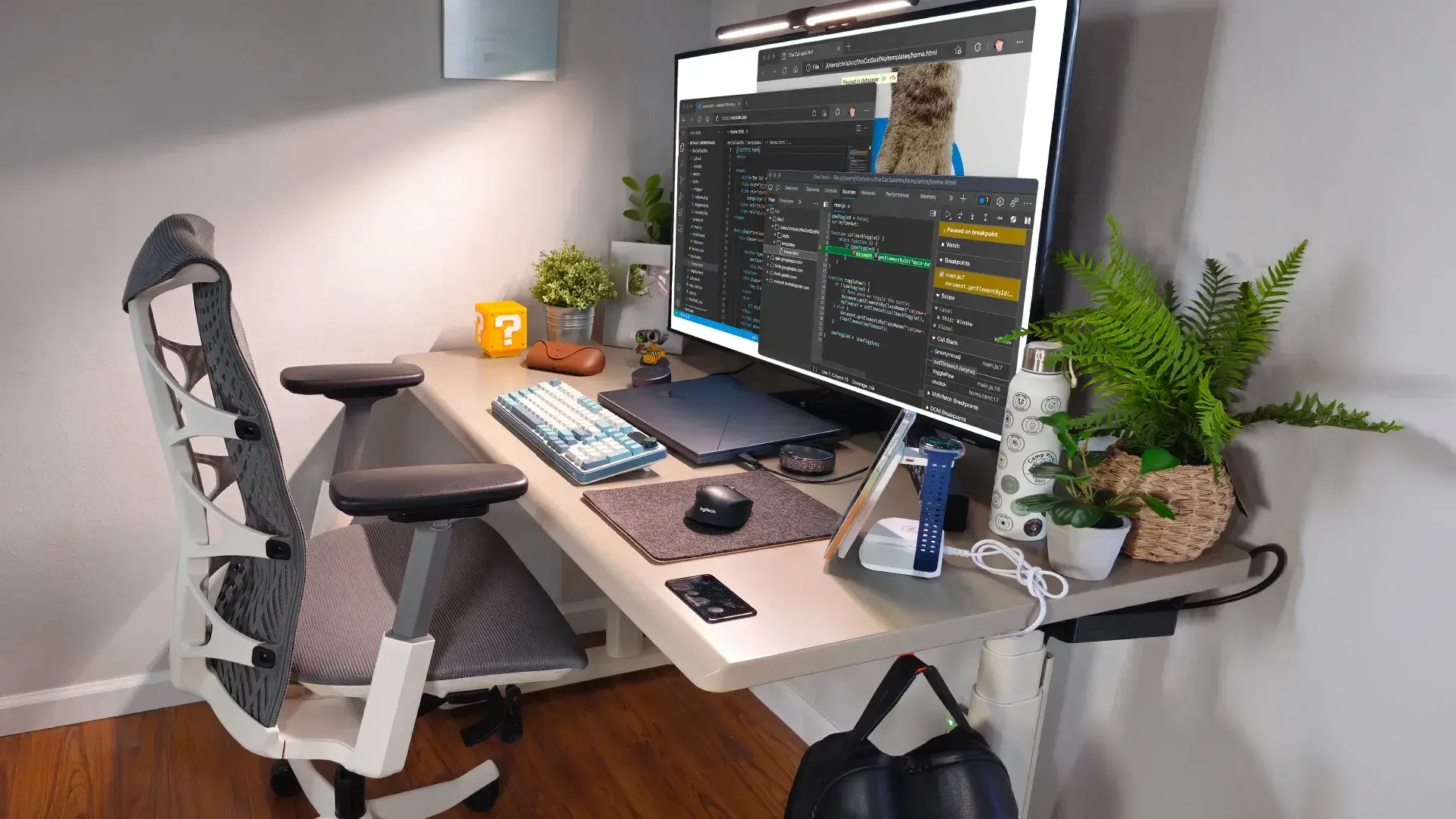
6. The Creative Content Creator Setup
If you film, stream, or spend hours on camera, the layout has to serve the shot as well as the work. Center the desk in front of a clean background rather than pushing it against a cluttered wall, and treat everything behind you as part of the frame.
Mount the ring light, webcam, and microphone on arms rather than stands so the desk surface stays clear and the gear moves with the desk when it rises. Run cables through a tray and use a vertical monitor for chat or scripts. Elevate the camera to eye level for standing, since a camera set for seated height points up your nose the moment you raise the desk. Natural light works during the day; softbox lighting keeps you consistent after dark.
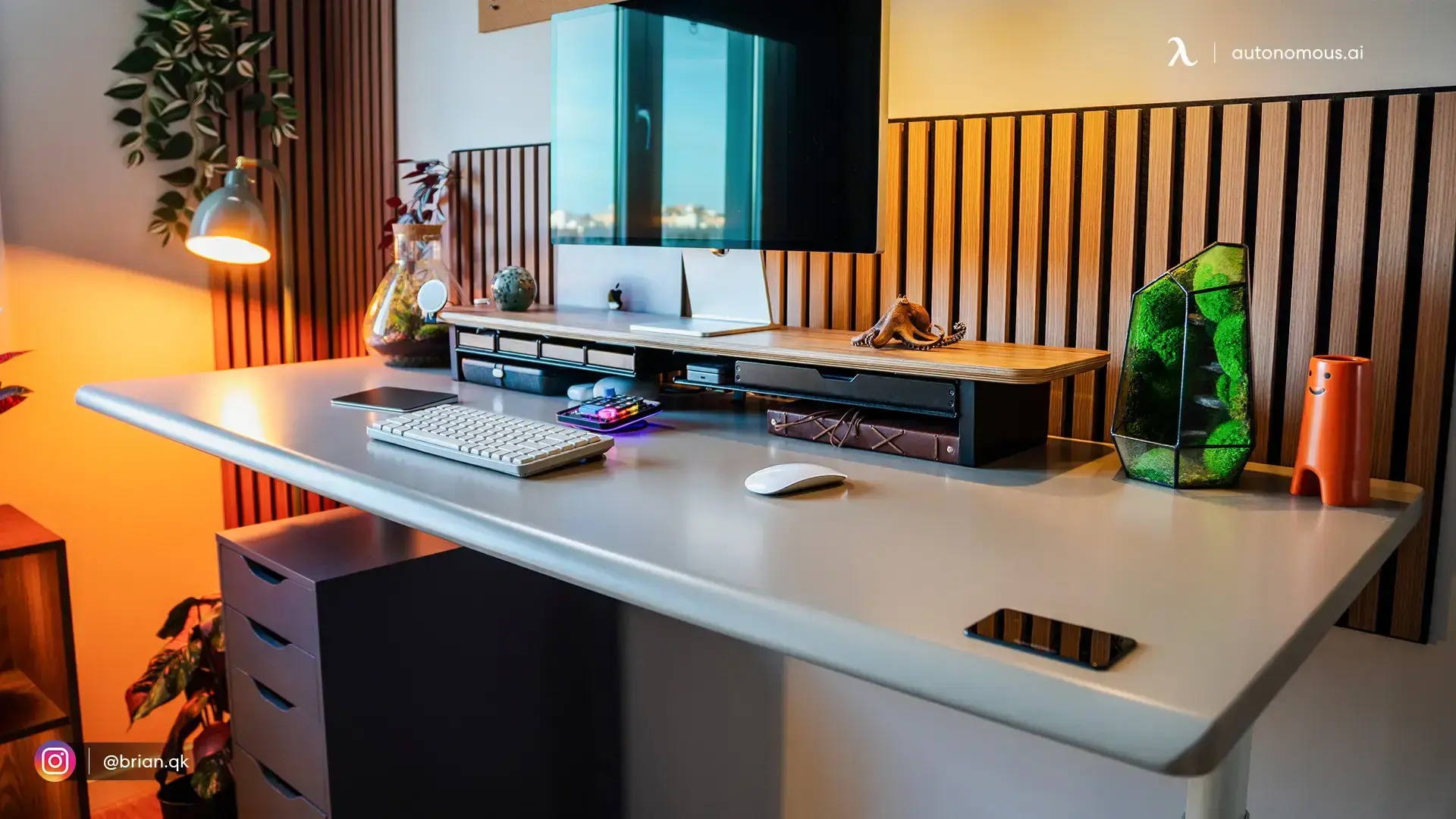
Setting Up the Desk Itself
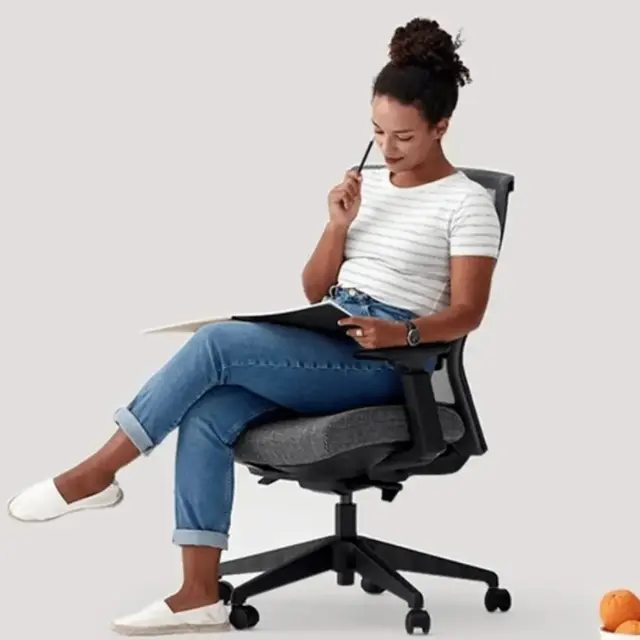
Once the layout is decided, the ergonomics take about ten minutes to get right and determine whether the setup actually helps you. Set the desk so your elbows rest near a 90-degree angle when typing, in both sitting and standing positions, and put the top of your monitor at or just below eye level so your neck stays neutral rather than tilting up or down.
Alternate roughly every 30 to 60 minutes rather than trying to stand all day. The health benefit comes from changing position, not from standing continuously, and most people who try to stand for hours give up on the desk entirely within a fortnight. An anti-fatigue mat makes a noticeable difference if you are standing on a hard floor, and a supportive ergonomic chair matters just as much as the desk, since you will still be seated for a good share of the day.
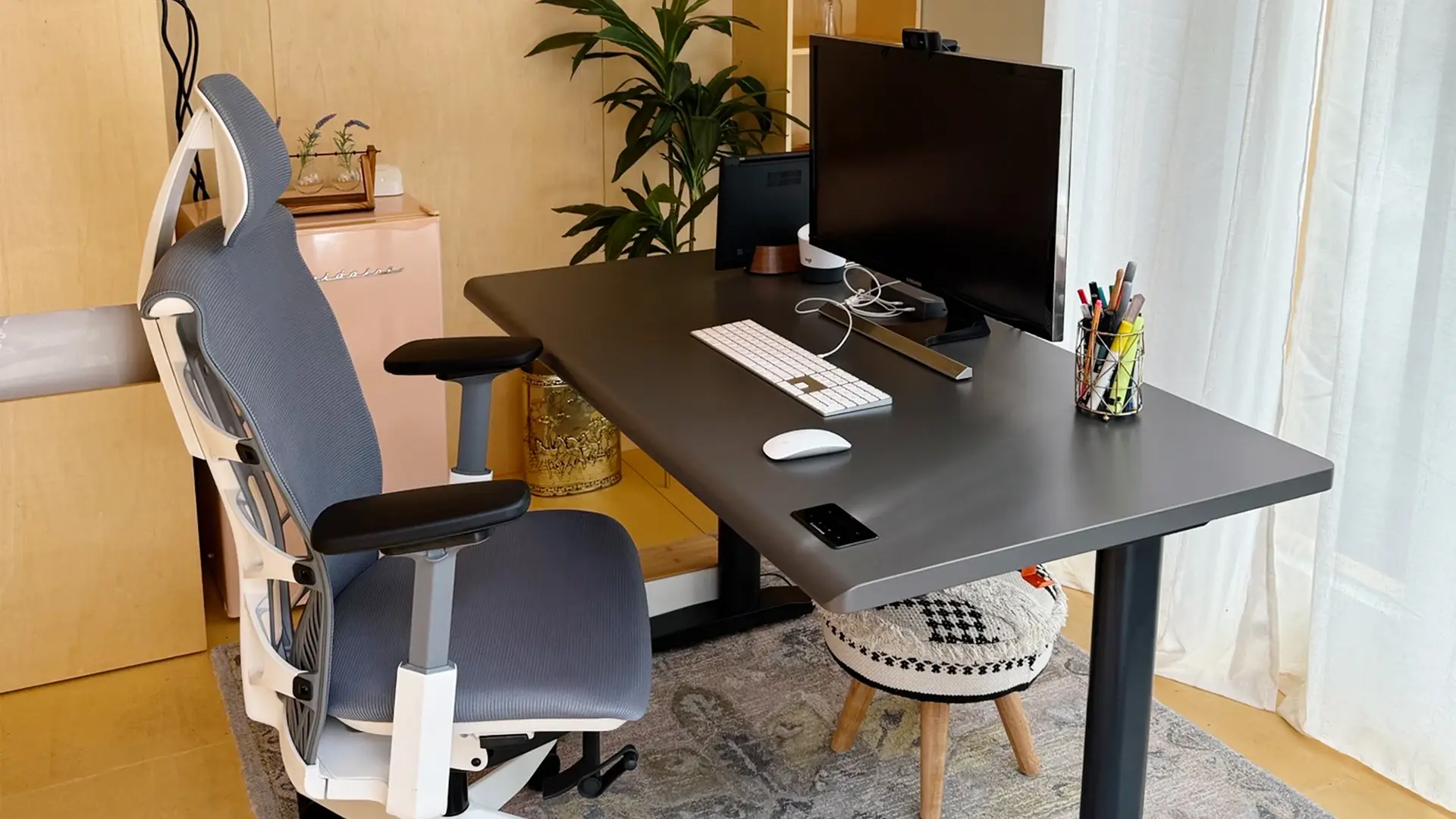
Accessories That Complete the Layout
A few standing desk accessories do most of the work in a standing desk home office, and they address the problems the desk itself creates rather than being decoration. A monitor arm is the highest-impact addition, because it lets you set screen height independently of desk height, which is the difference between correct ergonomics in both positions and a compromise between them.
A cable tray or spine keeps cords from swinging as the desk moves, which is both a tidiness and a safety issue in a room where people walk past. A balance board adds gentle movement if you find standing still uncomfortable. A desk lamp with adjustable brightness matters more than most people expect, both for late work and for how you look on camera.
Frequently Asked Questions
How much space do I need for a standing desk home office setup?
Allow about 30 to 36 inches of clear floor behind the desk so you can step back comfortably when standing, plus the desk footprint itself. Most desks are 48 to 60 inches wide and 24 to 30 inches deep, so a workable home office corner needs roughly six by six feet including clearance.
Where should I put a standing desk in a home office?
Position a standing desk with a side-on window if possible, since facing a window causes screen glare and sitting with one behind you creates a silhouette on video calls. Keep the desk within cable reach of a permanent outlet, and leave clear floor behind it for standing.
Can you fit a standing desk in a small home office?
A standing desk fits in most small rooms, since compact models under 45 inches wide work in alcoves, nooks, and bedroom corners. The limiting factor is usually the clear floor space needed behind the desk for standing rather than the desk footprint itself.
What is the best layout for a home office with a standing desk?
The best layout depends on your room, but corner placements make the most efficient use of limited floor area, window-adjacent positions suit anyone who wants natural light, and nook setups work when the office shares a living space. Match the layout to your room's constraints rather than copying a photo.
Do I need a special chair for a standing desk at my home office?
You need a supportive ergonomic chair even with a standing desk, since most people still sit for half or more of the workday. Look for adjustable lumbar support and a seat height that reaches your desk's lowest setting comfortably, which matters if your desk sits high at minimum.
How do I manage cables in a standing desk home office setup?
Use a cable tray or vertical spine attached to the desk frame so cords travel with the desk rather than hanging loose. Leave enough slack for the full height range, and route everything to a single power source so only one cable runs to the wall.
Should my standing desk face a window or a wall?
A side-on window position is usually best, since it gives natural light without the screen glare of facing a window or the backlit silhouette of having one behind you. If your only option is facing a window, adjustable blinds or sheer curtains solve most of the glare problem.
Conclusion
A standing desk home office setup works when the room supports it, which comes down to clear floor behind the desk, power within reach, sensible light direction, and cables that travel with the frame. Those four constraints rule out more layouts than any question of style, so measure them first.
From there, pick the layout that matches your space rather than the one that photographs best. A corner pod suits a small room, a window-facing desk suits anyone chasing daylight, and a minimalist nook works when the office shares a living space. Then set your elbows near 90 degrees, put your monitor at eye level, and alternate every half hour or so. The setup that gets used is worth more than the one that looks perfect.