Best Streaming Desk Setup Ideas 2026
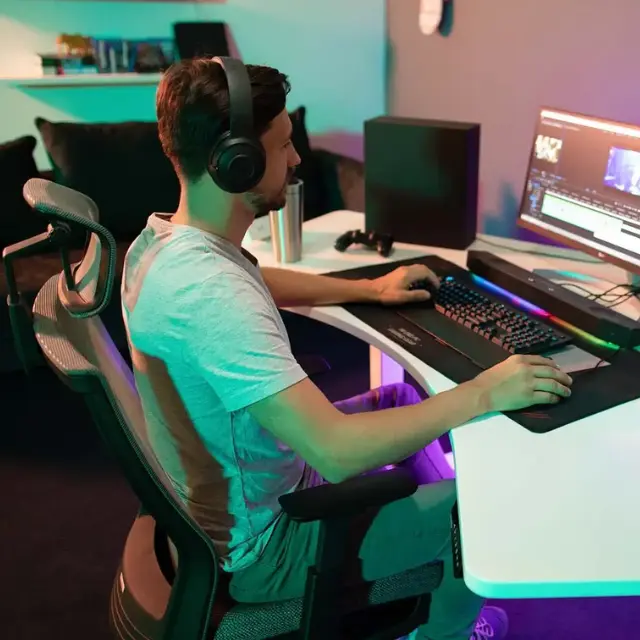
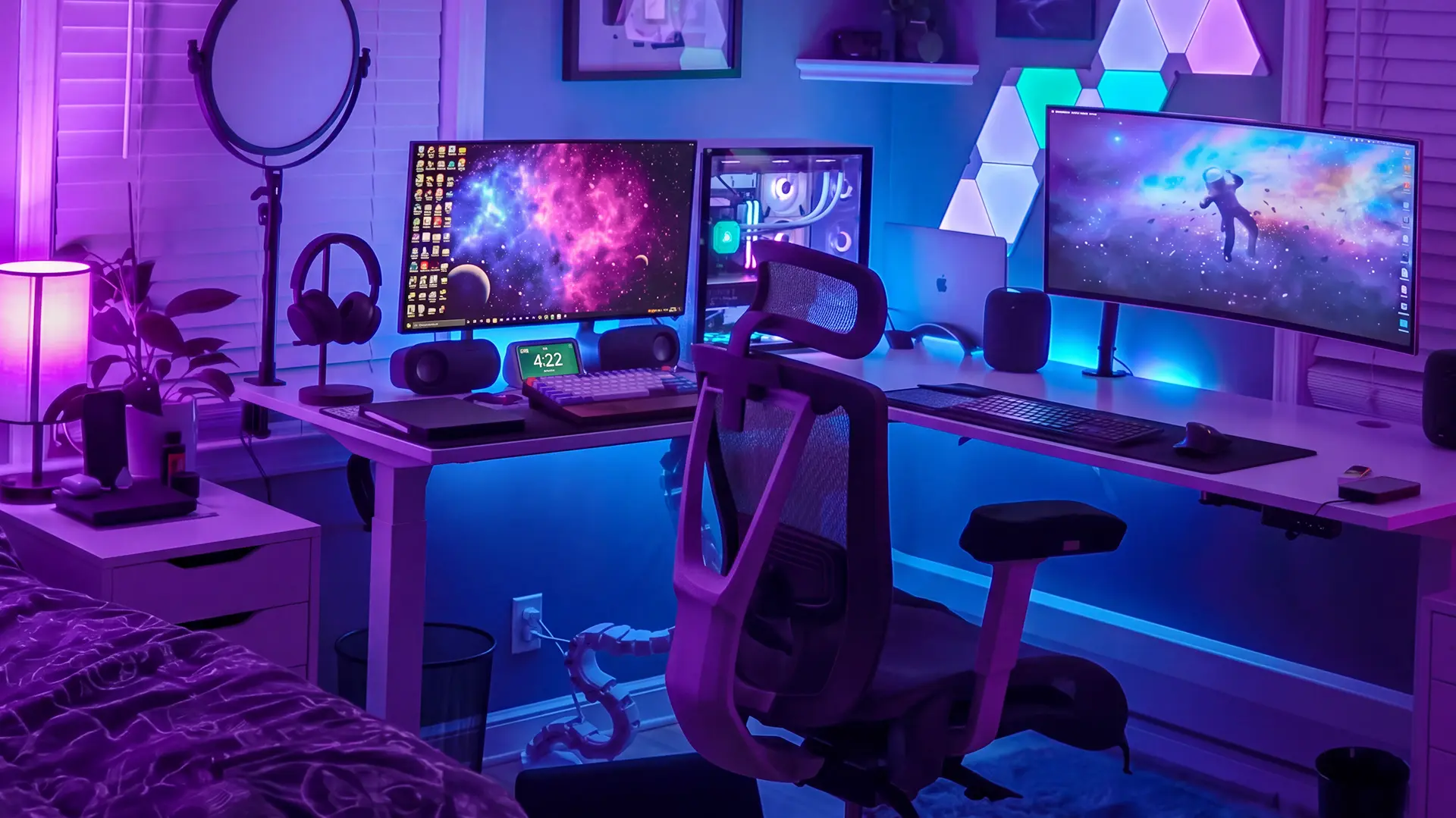
A good streaming desk setup comes down to a few essentials: a desk with enough space and cable management for your gear, an ergonomic chair that holds up over long sessions, dual monitors on arms, and clean audio and lighting. Everything else is refinement. This guide walks through how to set up a streaming desk from the ground up, the best desks and chairs for streamers, and setup ideas you can borrow for your own space.
How to Set Up a Streaming Desk
Setting up a streaming desk works best when you build it in layers: the desk and chair first, then screens, then audio and video, then the finishing touches. Get the foundation right and the rest falls into place around it. Here are the essentials, in the order that matters.
1. Start With the Desk
The desk is the foundation, so size it for your gear, not just your monitors. Streaming quickly fills a surface with a keyboard, mouse, a stream deck, a capture setup, a mic arm, and often a camera and light. Look for a wide top (at least 55 inches if you run dual monitors), a frame that stays stable under weight, and built-in cable management. Streamers who run a two-computer desk setup, one PC for gameplay and one for encoding, need even more surface area and a frame rated for the extra load.
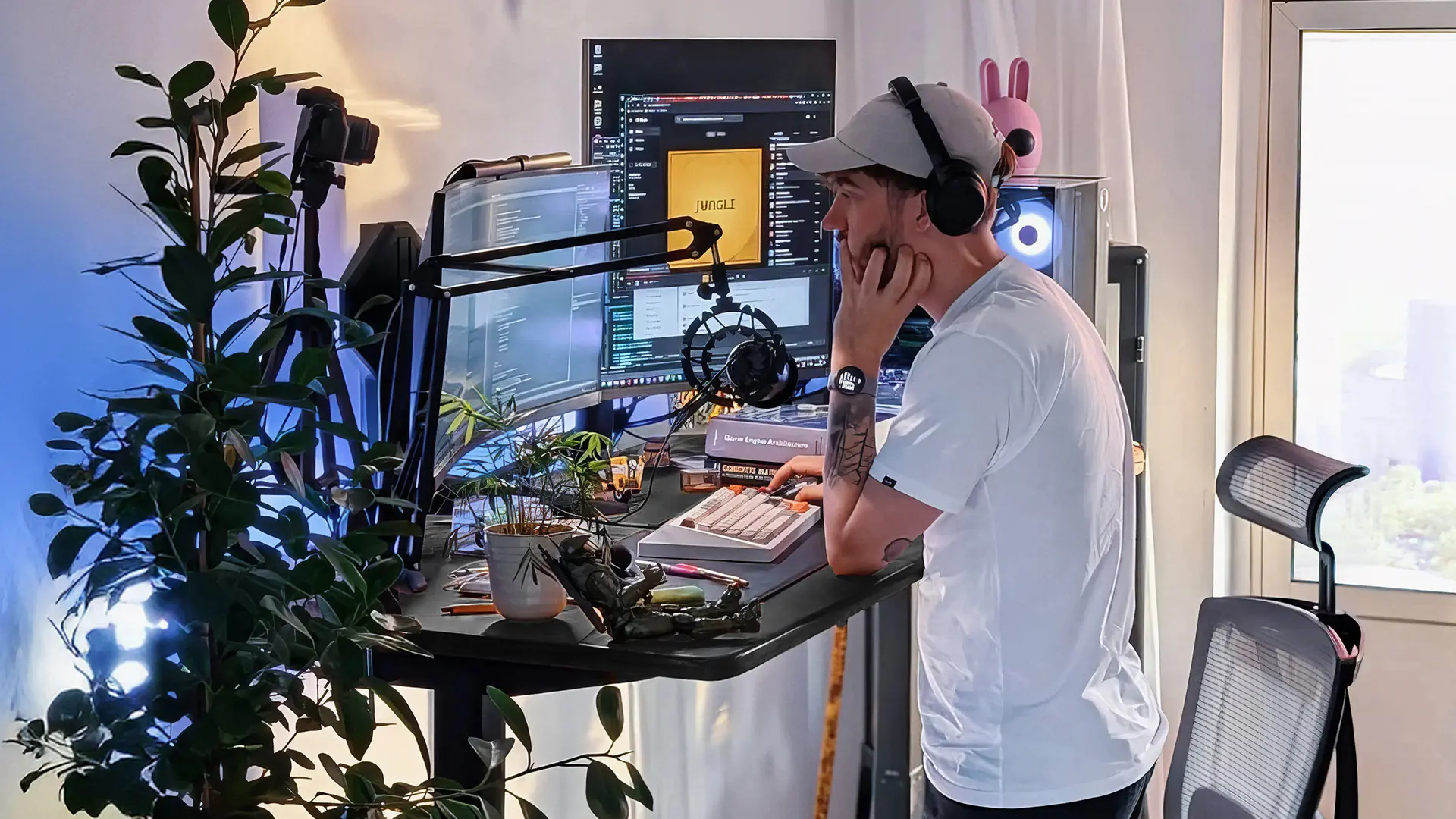
A sit-stand desk adds one more thing streamers rarely regret: the ability to stand up during long broadcasts instead of sitting for six hours straight.
2. Get a Chair That Survives Long Sessions
Your chair matters more than any peripheral, because you are in it the entire stream. A supportive ergonomic chair with adjustable height, armrests, and back support prevents the slow slide into bad posture that leaves you sore after a marathon session. This is the piece to spend on first, not last.
3. Mount Your Monitors on Arms
Two monitors are close to standard for streaming: one for gameplay, one for chat, alerts, and your stream software. Some streamers prefer a single 49-inch ultrawide monitor split into zones instead, which clears the seam between two screens. Monitor arms free up the desk space their stands would eat, and they let you angle each screen exactly where you want it. They also make the whole setup look cleaner on camera, which matters more than beginners expect.
4. Sort Out Audio Before Video
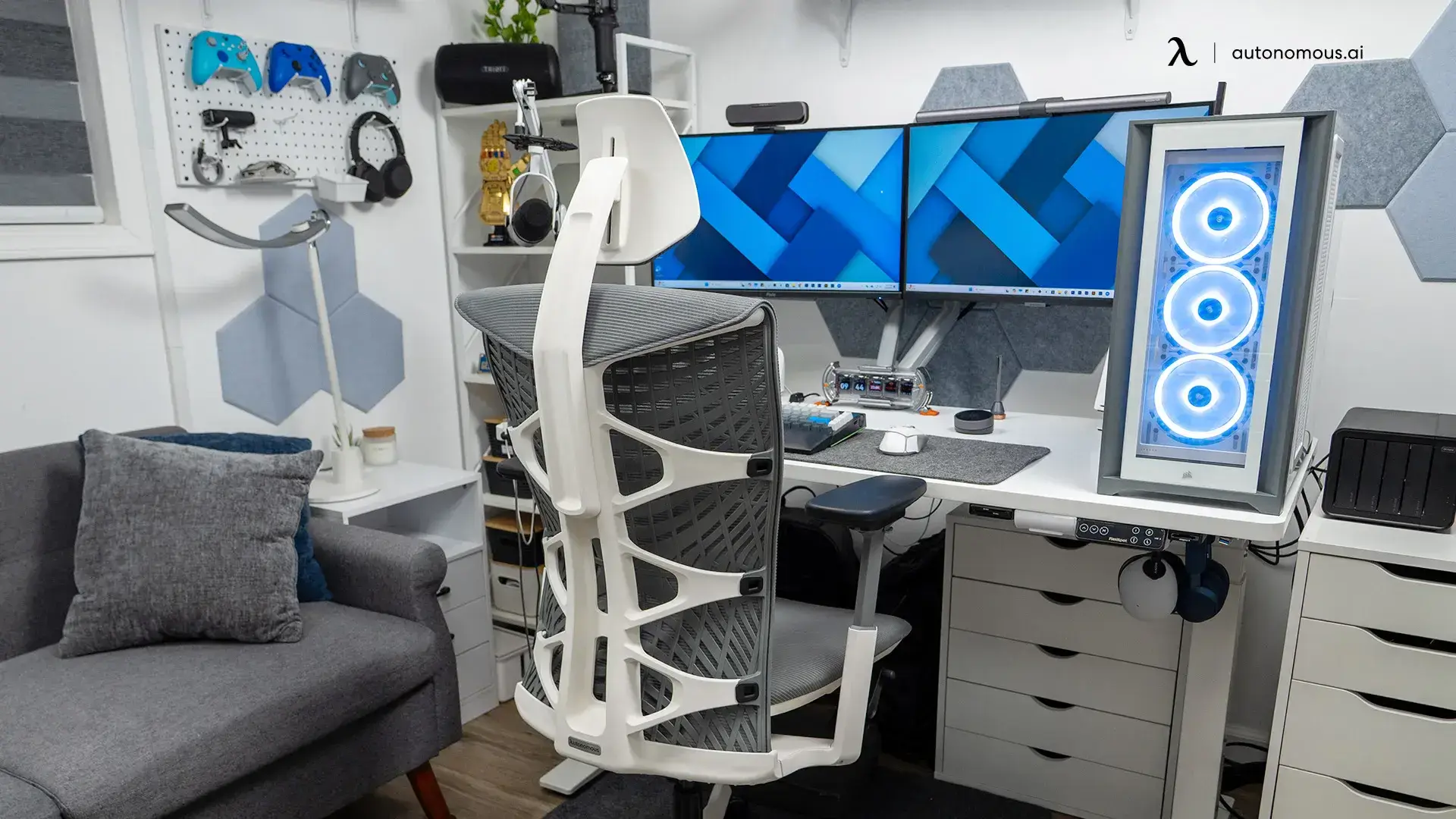
Viewers forgive mediocre video far faster than bad audio, so a dedicated microphone is the highest-impact upgrade after your desk and chair. A boom-arm mic clamped to the desk keeps your surface clear and lets you position it just out of frame. Pair it with closed-back headphones so your mic does not pick up game audio bleeding from the speakers.
5. Add a Camera and One Good Light
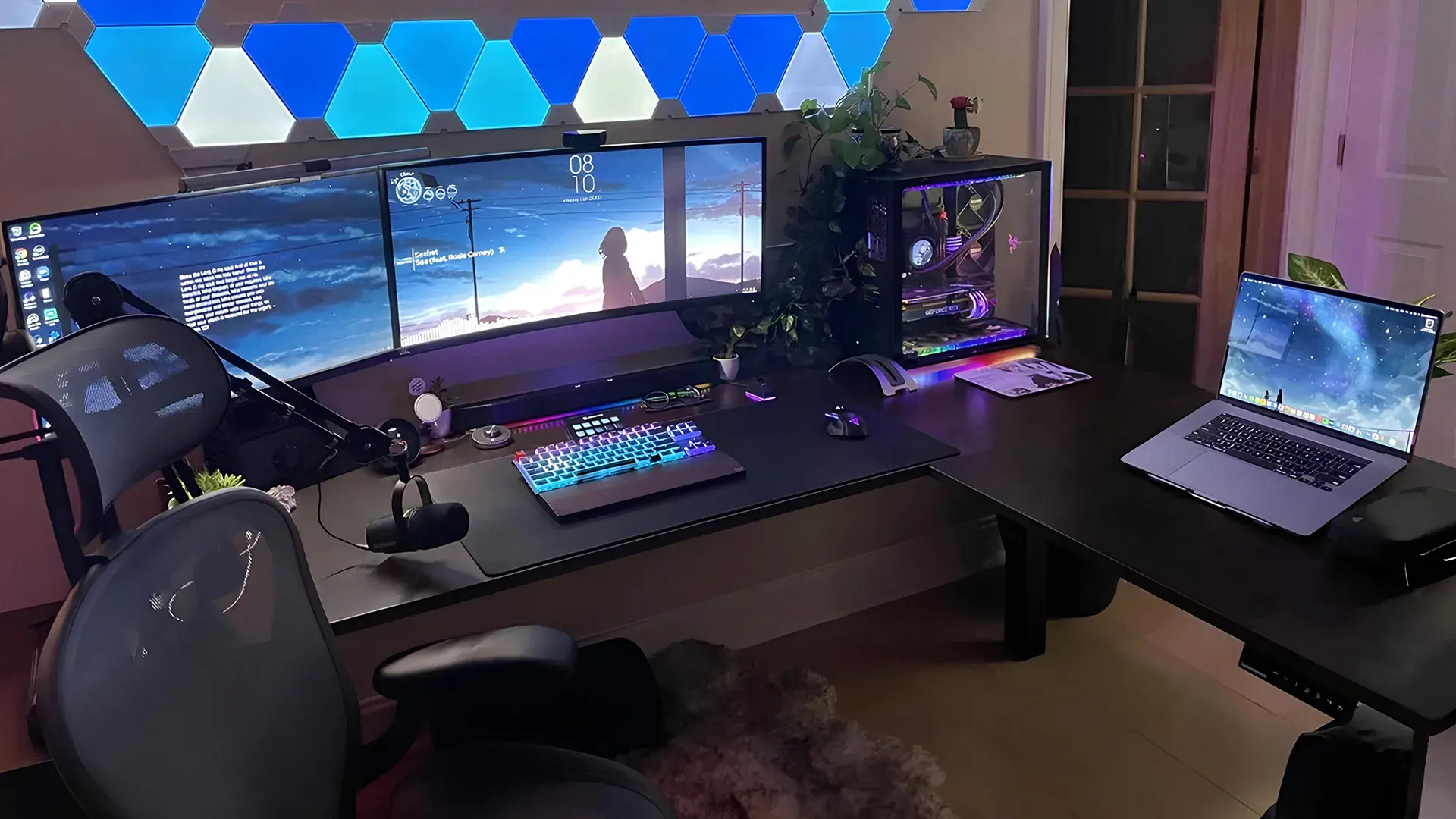
A camera plus a single well-placed light does more for your production quality than an expensive camera alone. Even a modest webcam looks good with soft, front-facing light. Position the light slightly above eye level and to one side, and avoid a bright window behind you, which turns you into a silhouette.
6. Manage Your Cables
Cable management is the difference between a setup that looks professional on camera and one that looks like a workbench. Use the desk's grommets and under-desk trays to route power and USB out of sight. A desk with a built-in tray saves you buying and mounting one separately.
7. Choose a Look and Commit to It
A consistent aesthetic reads as professional even on a budget. Pick one accent color for your lighting rather than going full rainbow RGB, which tends to distract from you and your gameplay. The setup ideas further down give you a few directions to start from.
8. Skip the Gear You Do Not Need
You do not need speakers if your audio runs through headphones, and you do not need the most expensive camera to start. Streaming skill and consistency matter more than gear. Build the foundation well, then upgrade individual pieces as your channel grows.
The Best Desk for a Streaming Setup
The best streaming desk is a wide, stable, height-adjustable desk with real cable management, because those are the features you use every stream. Fixed gaming desks work, but a sit-stand frame lets you break up long sessions, and adjustable height keeps your wrists neutral whichever way you sit. For streamers, prioritize surface area and stability over flashy extras.
Here is how the Autonomous desks compare for a streaming build:
Autonomous Desk | Best for | Notable for streaming |
Desk 2 | Most streamers, value | Sit-stand, solid surface area, cable management, quiet dual motors |
Desk Pro | Larger multi-monitor rigs | Bigger top and higher capacity for heavy gear and multiple arms |
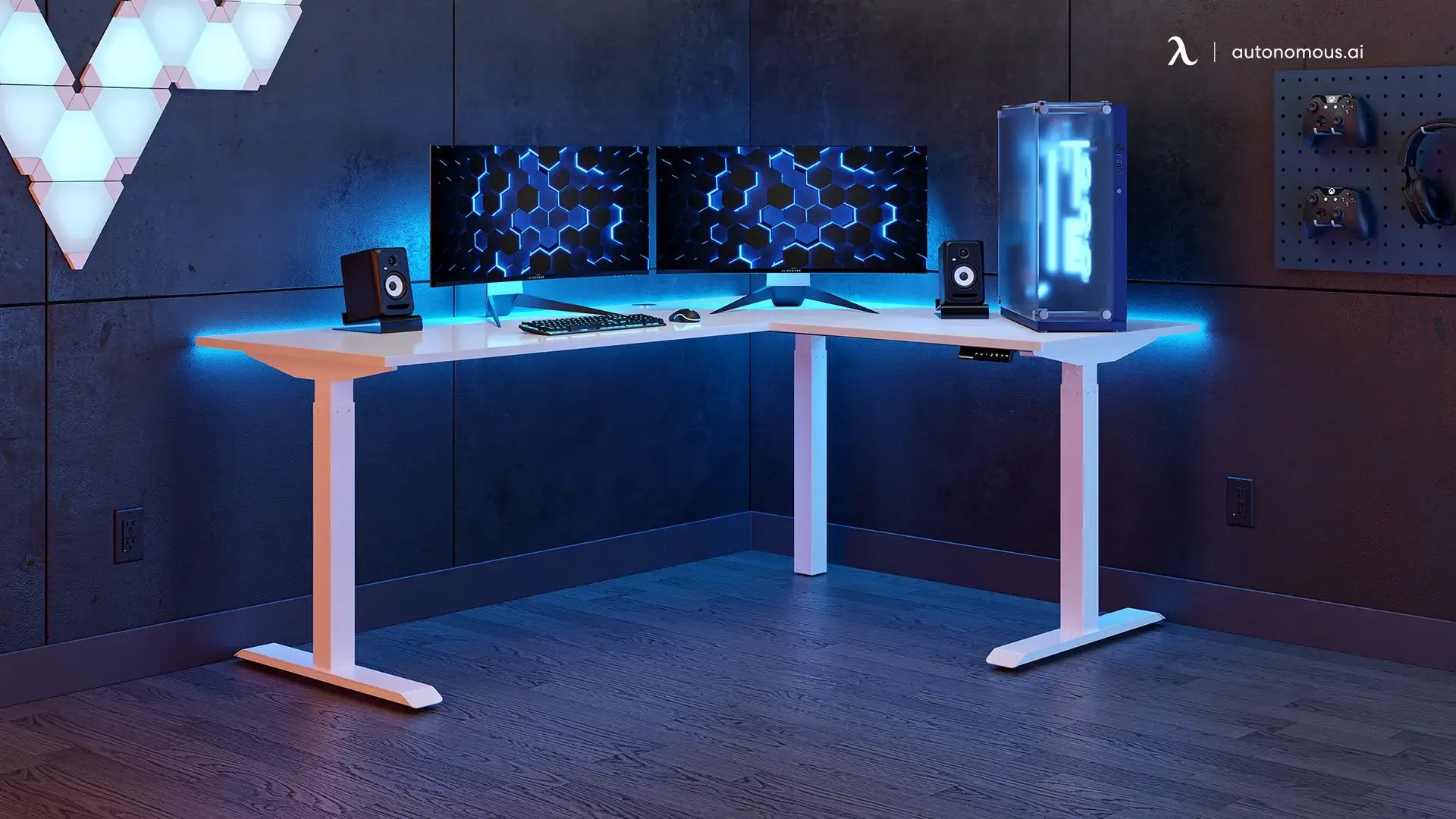
L-shaped | Corner setups, two zones | Wraparound space that separates your gameplay zone from your stream-control zone |
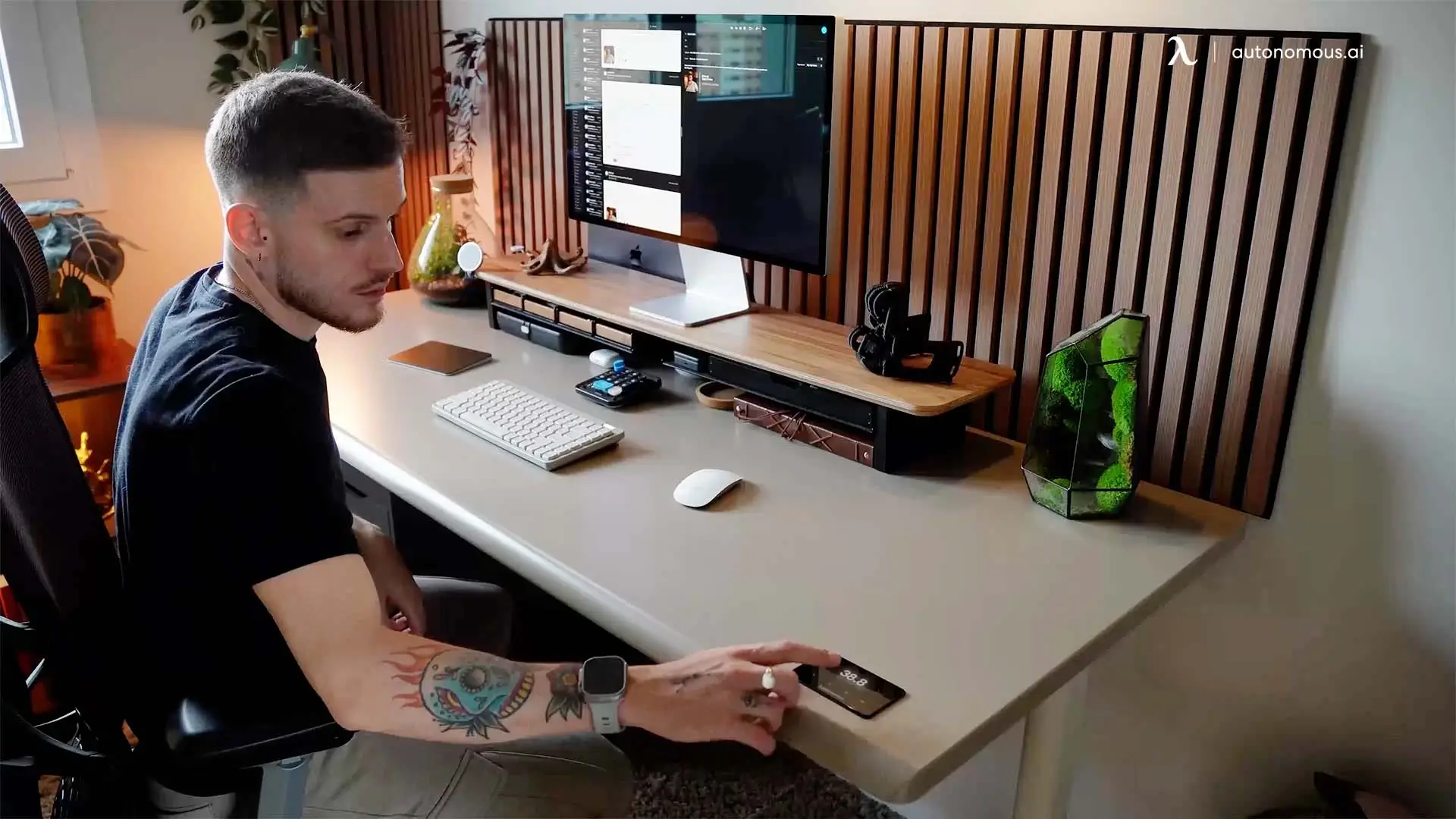
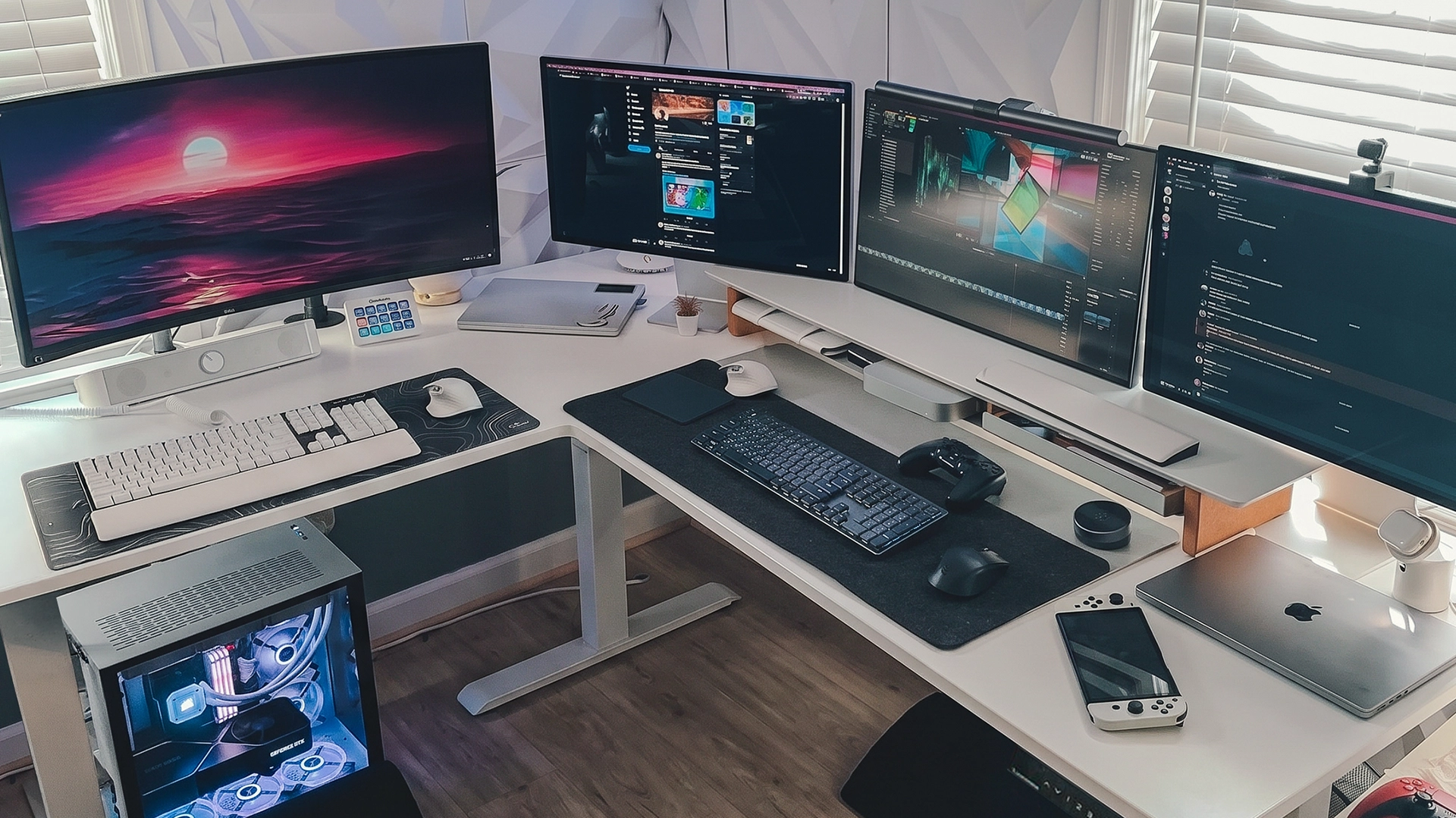
Keep in mind that a sit-stand desk is a bigger upfront spend than a basic fixed gaming desk. The payoff is posture and longevity over years of streaming, not a lower sticker price. Popular fixed streaming desks like Arozzi and Uplift are worth a look if a non-adjustable desk fits your budget better, though they trade away the sit-stand flexibility.
The Best Chair for Long Streams
The best chair for streaming is a fully adjustable ergonomic chair, since you spend every second of the broadcast in it. Look for adjustable seat height, armrests, and back support that holds your posture through a long session. Mesh backs stay cooler than padded gaming chairs under hot lights.
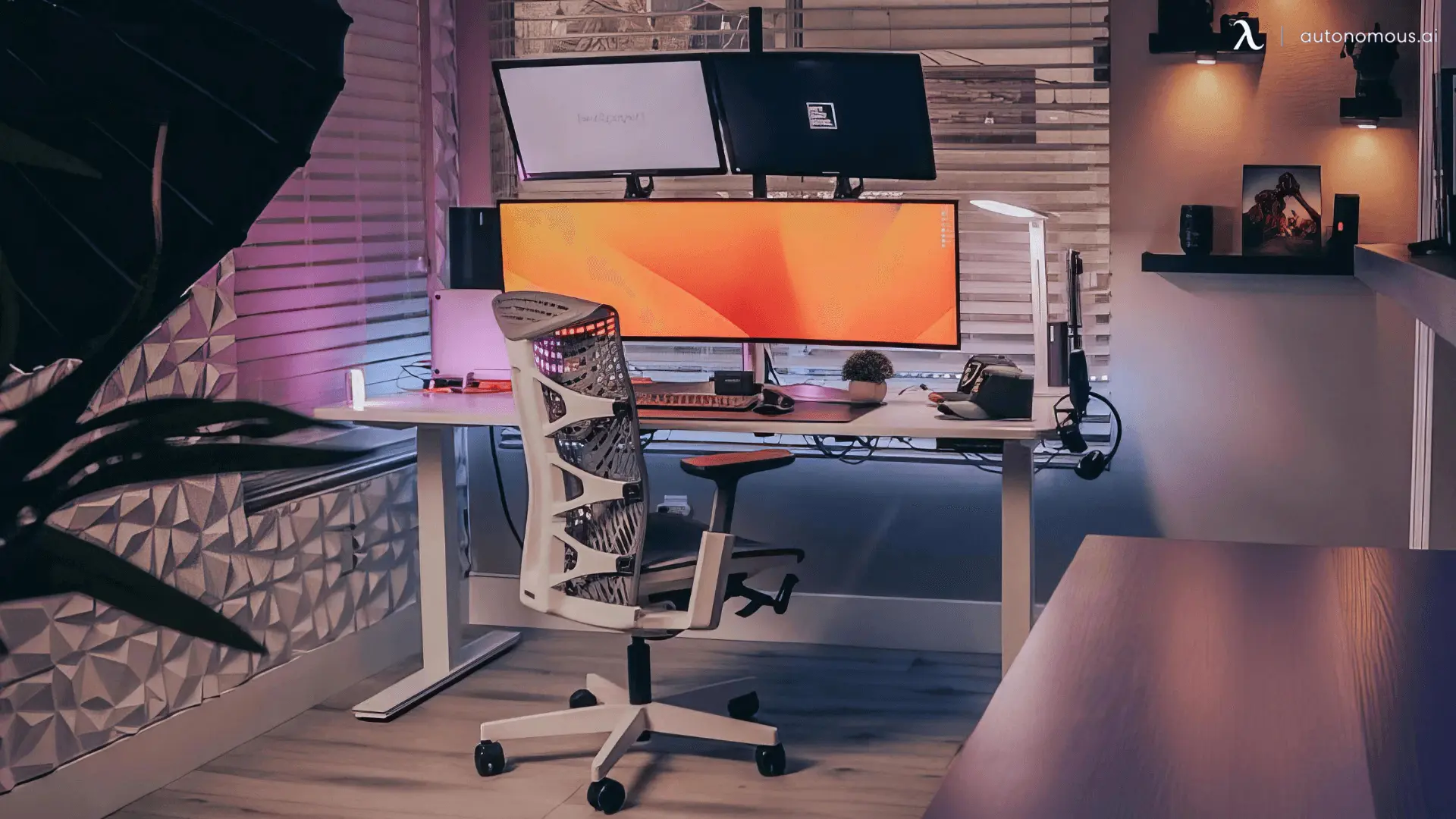
The ErgoChair Pro offers adjustable lumbar support that you can fit to your lower back, which suits most streamers. The ErgoChair Ultra 2 takes a different approach with a lumbarless flexing backrest that moves with you, a good fit if you dislike a fixed lumbar pad pressing into one spot.
.webp)
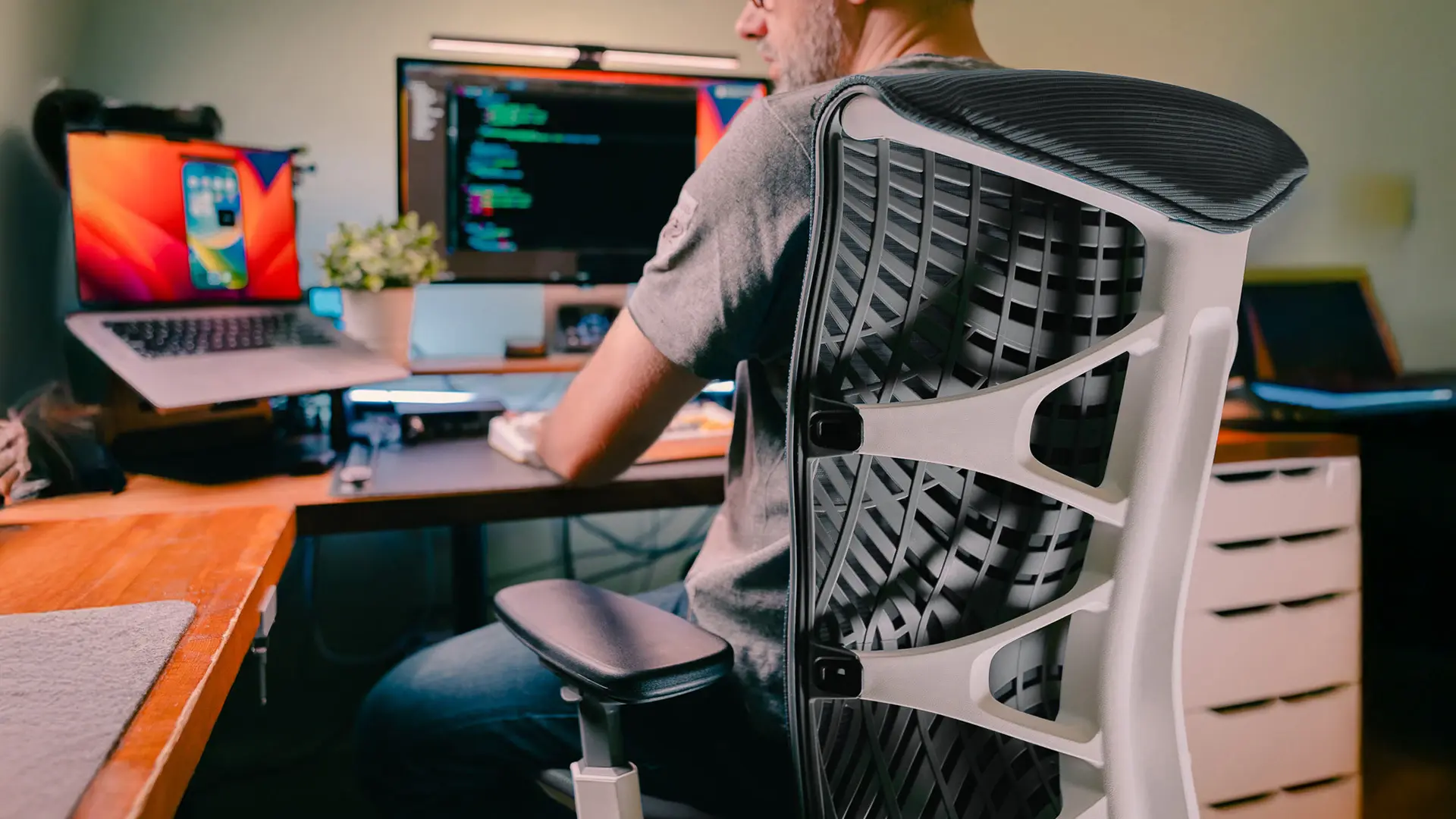
Keep in mind that a padded racing-style gaming chair may look more "gamer," but it usually runs hotter and offers less adjustability than a mesh ergonomic chair over a long stream.
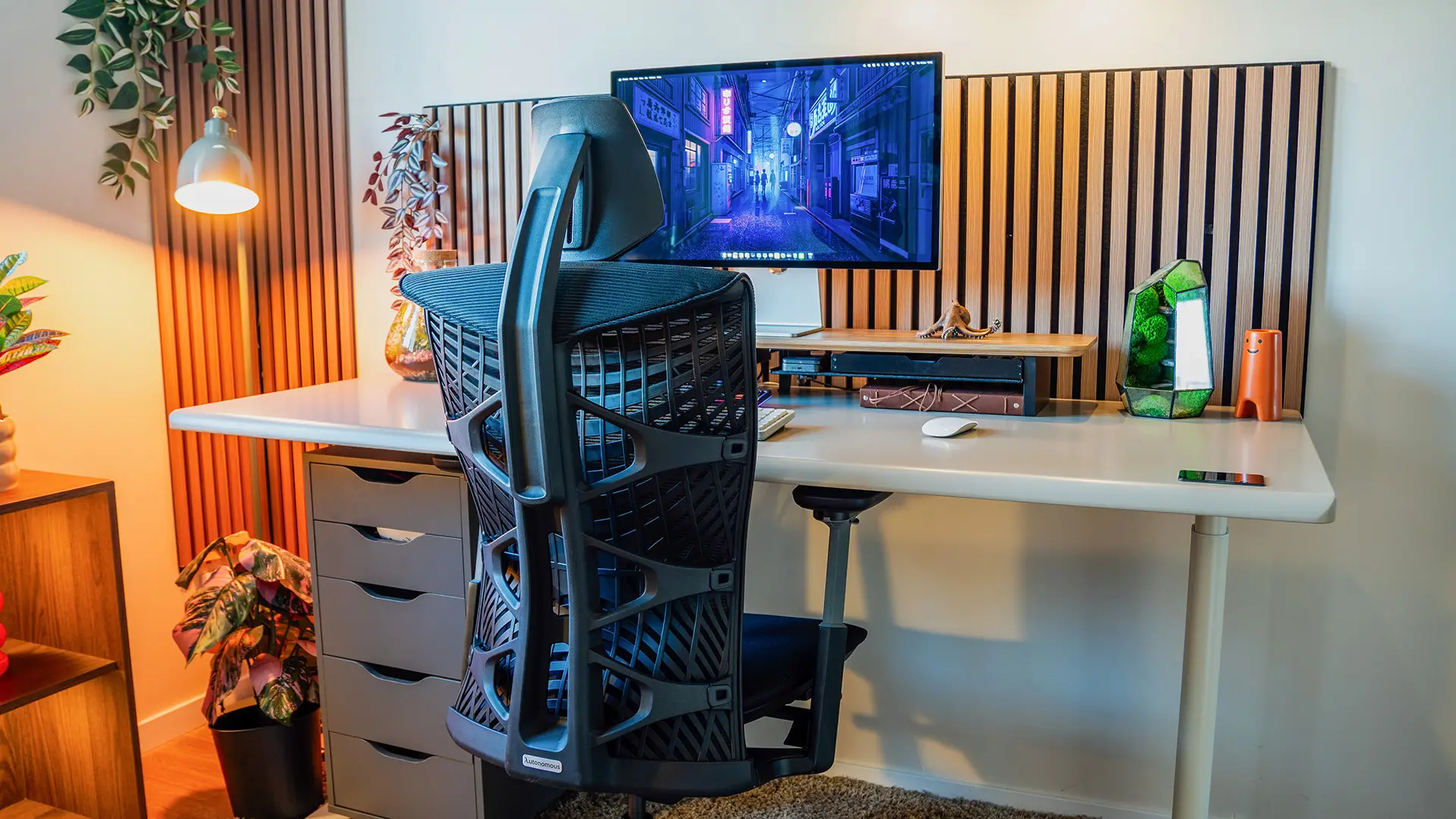
Streaming Desk Setup Ideas by Aesthetic
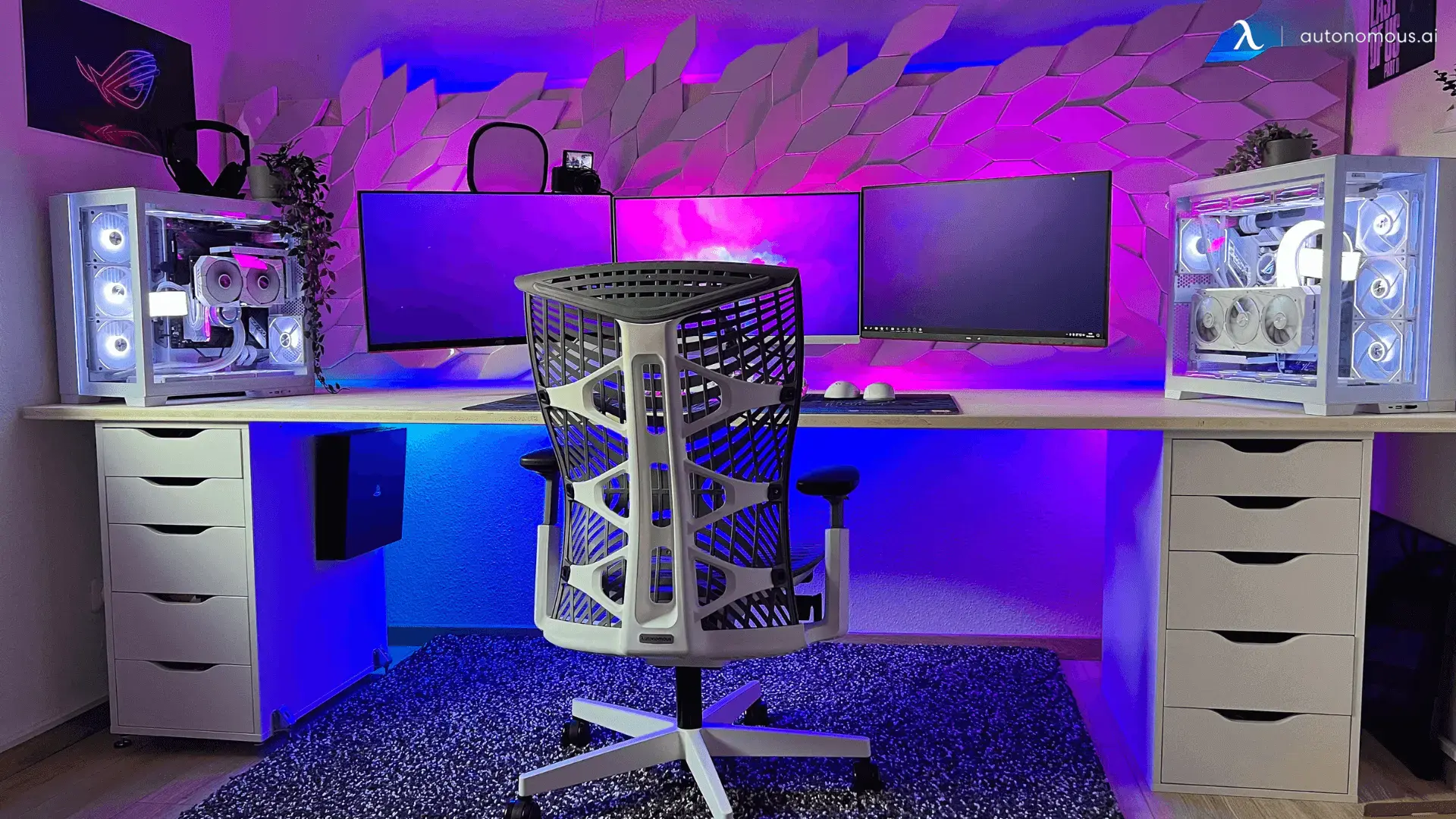
Once the gear is sorted, the look ties it together. These are the most popular directions streamers use, each easy to build around a single desk and a consistent color choice. Many carry over from broader gaming desk setup ideas, since most streamers game too.
All black and minimalist.
A clean black desk setup, a compact keyboard, and matte accessories read as timeless and professional. Silver or white peripherals add contrast without clutter. This look forgives a smaller budget because simplicity is the point.
Black and white.
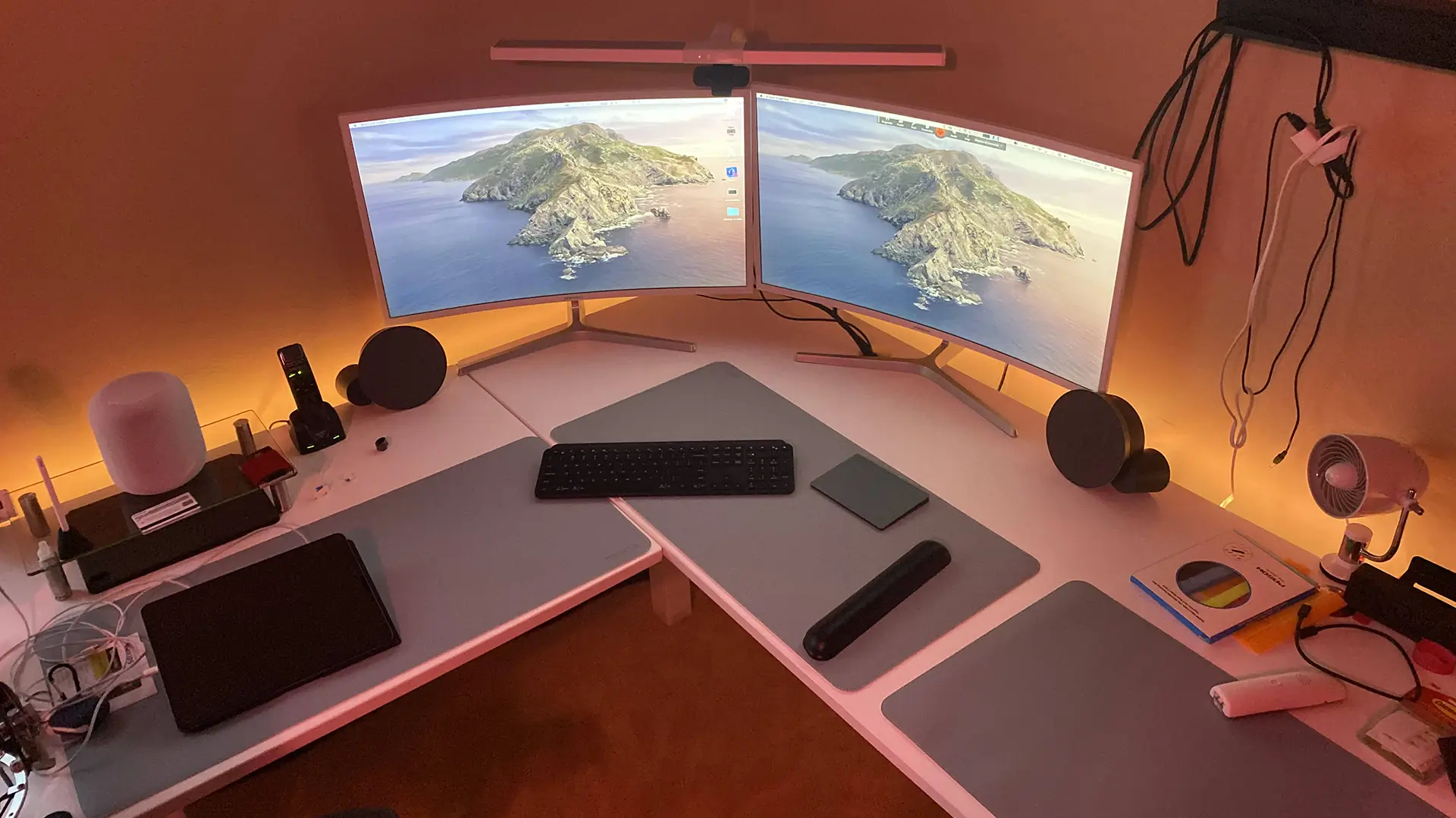
A high-contrast setup with white gear against a black desk (or the reverse) stays sharp on camera. Light panels behind the desk add depth without competing with your gameplay.
Single-color RGB.
Pick one accent color and run it through your key light, panels, and trim. One color reads as intentional; full rainbow RGB reads as busy and pulls focus from your stream.
Wall-mounted and floating.
Mounting shelves, routing your PC off the desk, or building the PC into the desk itself frees surface space and keeps the camera view clean. Floating shelves hold decor and spare peripherals without crowding your work zone.
Themed.
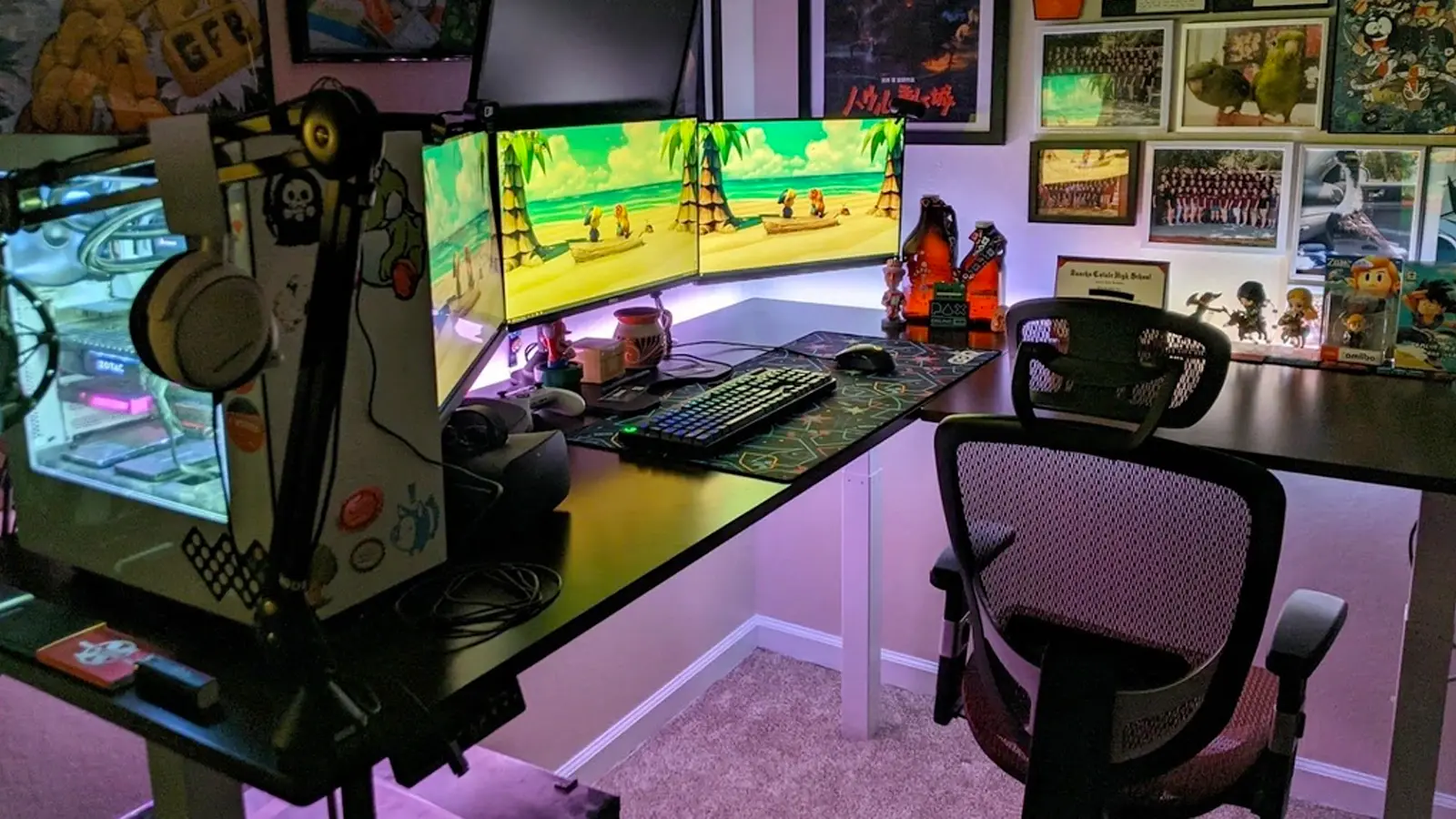
If your channel has a personality, lean into it with a few statement pieces (art, figures, a themed deskmat) rather than covering every surface. Restraint keeps it looking curated instead of cluttered.
Frequently Asked Questions
How do I set up a streaming desk setup?
Build it in layers: start with a wide, stable desk and a supportive chair, add dual monitors on arms, then a dedicated microphone and a single good light, and finish with cable management and a consistent look. Getting the desk and chair right first makes everything else easier to arrange.
What is the best desk for streaming?
The best streaming desk is wide, stable, and height-adjustable with built-in cable management. Surface area for multiple monitors, a mic arm, and lighting matters most, and a sit-stand frame lets you break up long sessions. Match the desk size to your room and how much gear you run.
How much does a streaming setup cost?
A basic streaming setup beyond your PC can start around $200 to $250 for a mic, webcam, and light, then scale up as your channel grows. Your desk and chair are longer-term investments. Spend on the foundation and your skills first, and upgrade individual gear over time.
How much desk space do I need for a streaming setup?
For a dual-monitor streaming setup, aim for a desk at least 55 to 60 inches wide so you have room for two screens, a keyboard and mouse, a mic arm, and a light. Depth of at least 27 inches keeps monitors at a comfortable viewing distance and leaves room for a camera.
Do I need a standing desk to stream?
You do not need a standing desk to stream, but a sit-stand desk helps a lot during long broadcasts by letting you change position instead of sitting for hours. It also keeps your wrists and posture neutral. For marathon streamers, the ability to stand up mid-session is the main draw.
Should streaming peripherals be wired or wireless?
Both work well today. Wired peripherals guarantee zero connection drops, while modern low-latency wireless gaming mice and keyboards perform at a level that suits nearly all streamers. Choose based on your desk clutter tolerance and whether you want to eliminate cables entirely.
Conclusion
A great streaming desk setup is built, not bought all at once. Start with a desk sized for your gear and a chair that keeps you comfortable through long sessions, then layer on monitors, audio, video, and a consistent look. Spend where it counts, which is the foundation you sit at every stream, and upgrade the rest as your channel grows. Get the desk and chair right, and the setup around them comes together naturally.