ErgoChair Pro
Black Friday price.
Built for 12-hour sessions.
How to Build a 4 Monitor Setup (Without the Guesswork)
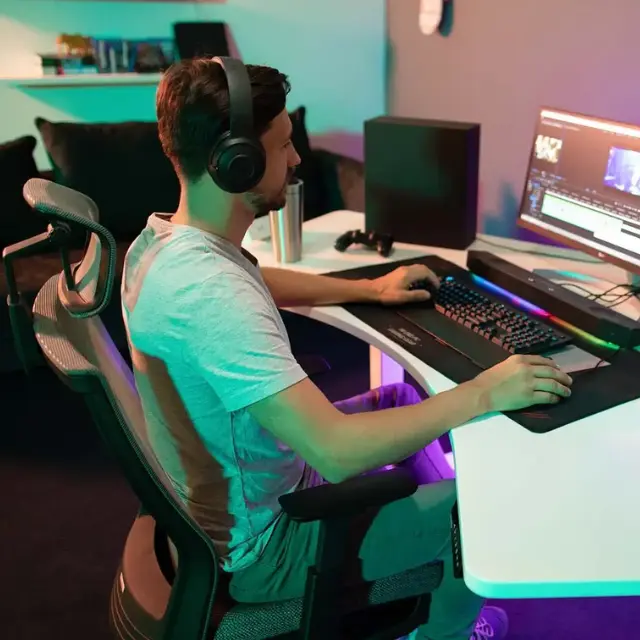
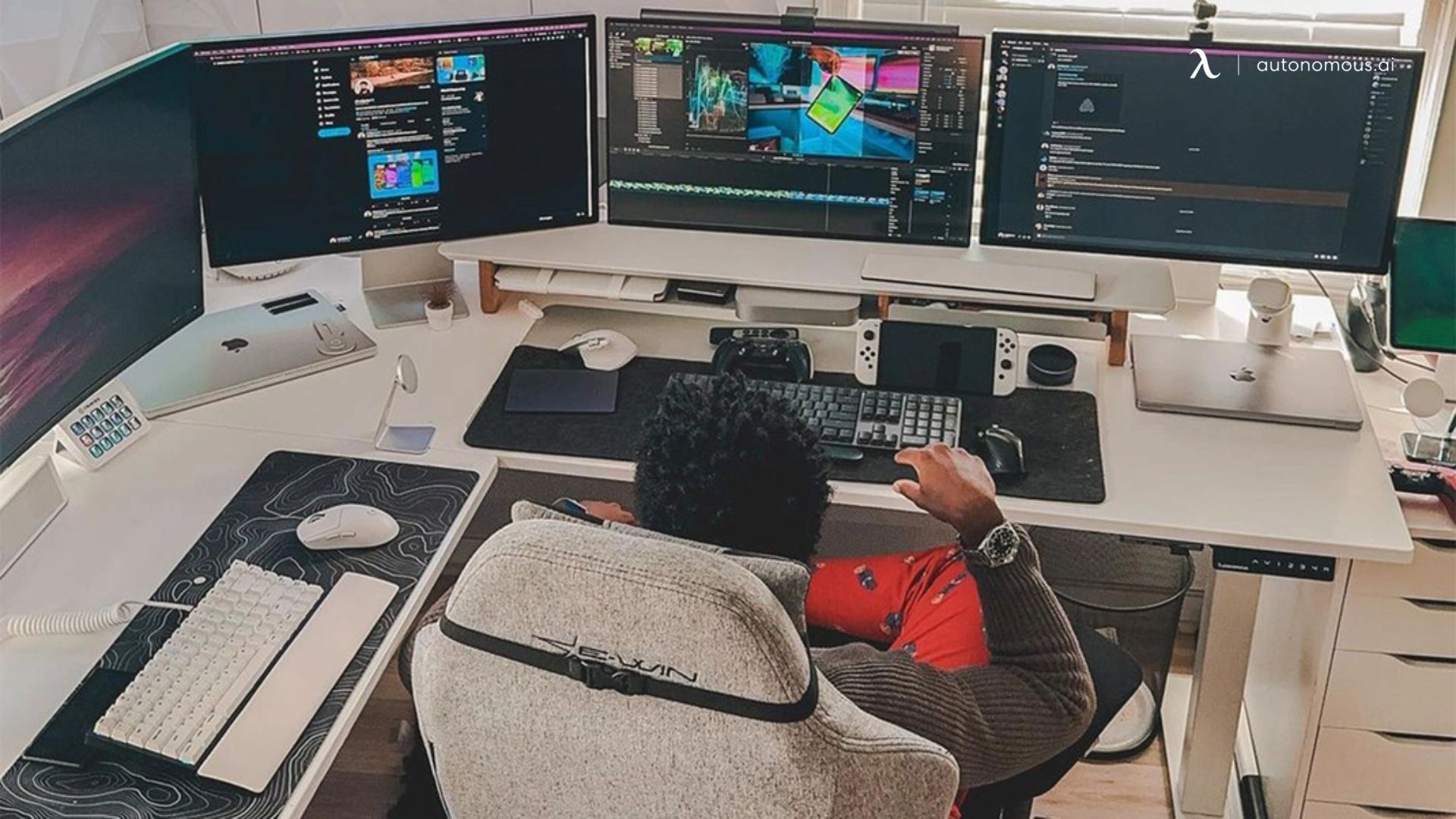
A quad monitor setup needs two things before any screen goes on the desk: a graphics card (or dock) that drives four displays at once, and a desk wide enough for the layout you pick. Four 24-inch screens in a single row span roughly 86 inches, wider than most desks, while the same four screens in a 2×2 grid take about 43 inches.
Get those two checks right and four screens end window-juggling; skip them and you've bought an expensive, cramped mess. Below: the hardware check, the setup steps, and six layouts with the desk width each one takes.
What you need first: the hardware check
Start with the graphics card. Its spec sheet should state support for four simultaneous displays, not just show four ports; some cards have five outputs but drive only four at a time, and some laptops cap external displays at two. Many mid-range and higher NVIDIA and AMD cards handle four, but the spec sheet is the proof.
Next, match ports to cables. Count what the card offers (DisplayPort, HDMI, USB-C) against what each monitor accepts, and buy the right cable for each pair instead of stacking adapters. If the card is one port short, DisplayPort daisy-chaining (MST) can feed two monitors from one port, but only when the monitors have a DisplayPort out and the card supports it. A cheap HDMI splitter will not help: it mirrors one picture onto two screens.
Then plan the furniture. A desk for 4 monitors needs the width from the table below and enough depth to sit about an arm's length from the screens.

How to set up a 4 monitor setup
Once the card checks out, the quad monitor setup itself takes six steps.
- Confirm four-display support. Look up your exact GPU model, not just the series, and note which outputs can run together.
- Plug every monitor into the graphics card. The motherboard ports on the back of the PC run off the processor's graphics and are often disabled once a card is installed, so a screen plugged in there may stay black.
- Switch to "Extend." On Windows, open Settings, then System, then Display, and pick "Extend these displays." Win + P opens the same choice. Duplicate mode copies one picture to all four.
- Arrange monitors to match your desk layout. Drag the numbered screens in display settings into the same positions they sit in on the desk, so the cursor crosses edges where you expect.
- Adjust resolution and refresh rate. Set each screen to its native resolution and supported refresh rate. Mismatched settings cause blurry text or a window that stutters as it moves between screens.
- Choose a primary monitor. This is where apps open by default and where the taskbar sits, so make it the screen directly in front of you.
Best 4 Monitor Setup Ideas and the Desk Width Each Needs
The table gives the rough span of each 4 monitor layout with four 24-inch screens; compare it with your desk before buying arms. With 27-inch screens, add about 10%.
| Layout | Approx. width (four 24" screens) | Suits | Watch out for |
|---|---|---|---|
| 2×2 grid | 43" | Trading, dashboards, most desks | Top row above eye level |
| Panoramic row | 86" | Wide video timelines, sims | Needs a very wide surface |
| Wraparound row | 73-80" | Racing and flight sims | Needs extra desk depth |
| Vertical duals | 68" | Coding, reading, writing | Portrait screens need taller mounts |
| T-shape | 64" | Streaming, gaming plus chat | Top screen strains the neck if used a lot |
| L-shaped | 64" plus a return | Corner desks, separate work zones | Turning your chair to see the fourth |
1. Standard Quad Layout (2×2 Grid)
Two screens on the bottom row, two stacked above them, usually on a single quad arm or pole. It is the most compact 4 monitor desk setup: four 24-inch screens take roughly the width of two, so it fits a 48-inch desk.
The trade is height. The top row sits above eye level, so put what you glance at there (charts, chat, a build log) and keep the screens you type into on the bottom row. This is often called a command center layout, and a 4 monitor setup for trading is usually some version of it.
A laptop used as one of the four screens sits lower than a monitor and brings its own port limits, so in a 4 monitor setup with laptop it needs a stand to reach the bottom row.
2. Panoramic Layout
Four screens side by side in one flat row give the widest continuous canvas: long video or audio timelines, spreadsheets with many columns, or a game spread across the full row. That width is the catch. Four 24-inch screens run about 86 inches, and four 27s about 95, so this layout usually needs two desks pushed together or an L-shaped desk.
The two outer screens sit well outside your direct view. Use them for reference, or for chat and streaming tools in a 4 monitor gaming setup.
3. Wraparound Layout
Keep the two middle screens flat and angle the outer pair toward you. With the outer screens turned 30 to 45 degrees, four 24-inch panels need about 73 to 80 inches instead of 86, and every screen faces your eyes at a similar distance.
This is the quad monitor gaming setup sim racers and flight-sim players tend to build, because the side screens fill peripheral vision. It costs depth: the angled screens reach toward you, so a 24-inch-deep desk can feel crowded. A 29- or 30-inch depth leaves room for the keyboard.

4. Vertical Duals Layout
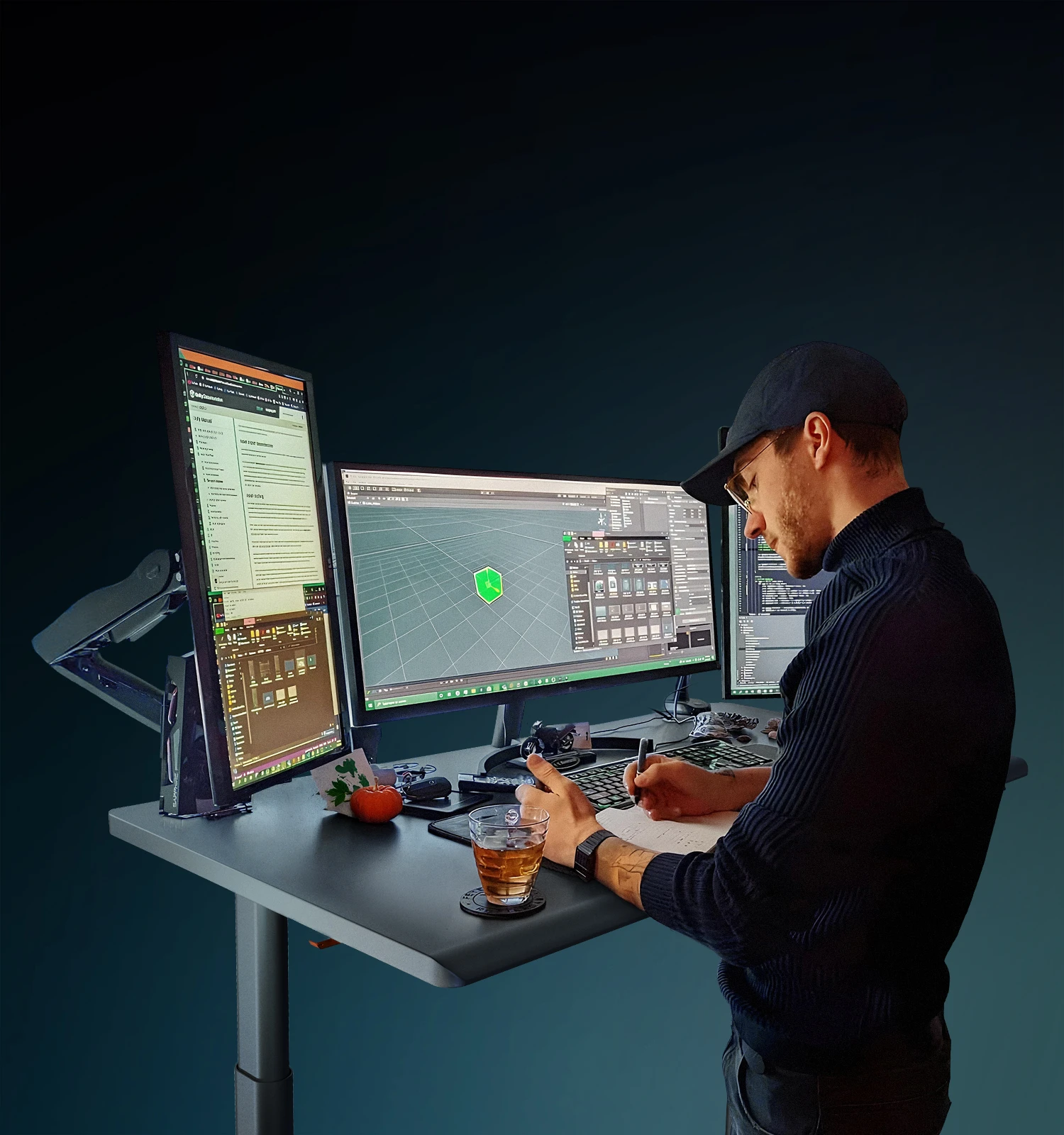
Two landscape screens sit in the middle, with a portrait screen on each side. A 24-inch monitor turned vertical is only about 12.5 inches wide, so this four monitor setup fits about 68 inches: just inside a 70.5-inch desktop.
Portrait screens show a long file, a document or a web page without scrolling, which is why coders and writers like them. Not every stand rotates, so check for a pivot stand or use arms. Hang the portrait screens from the same height as the landscape pair, or their top edges will sit far above your eye line.
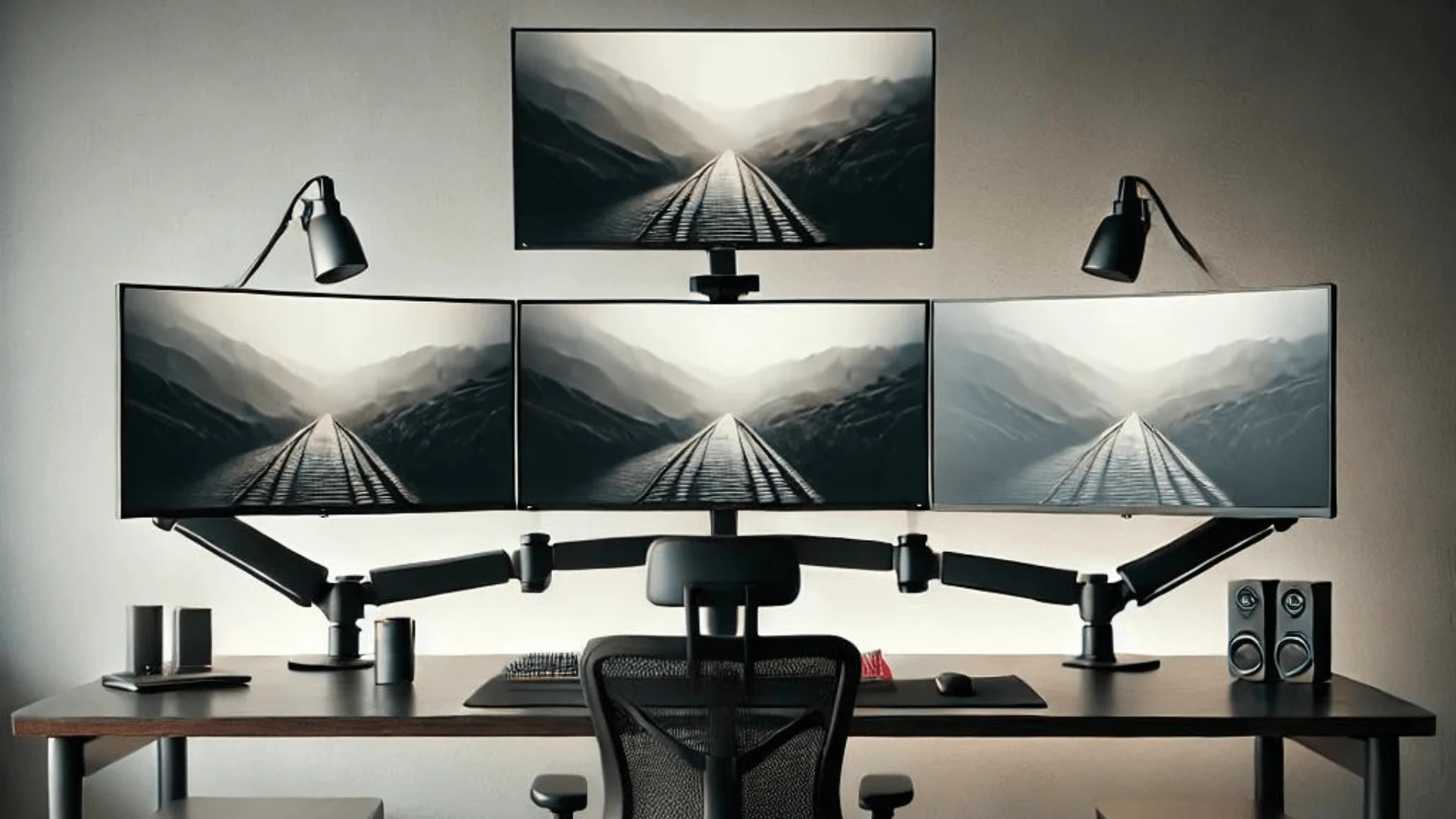
5. T-Shape Layout
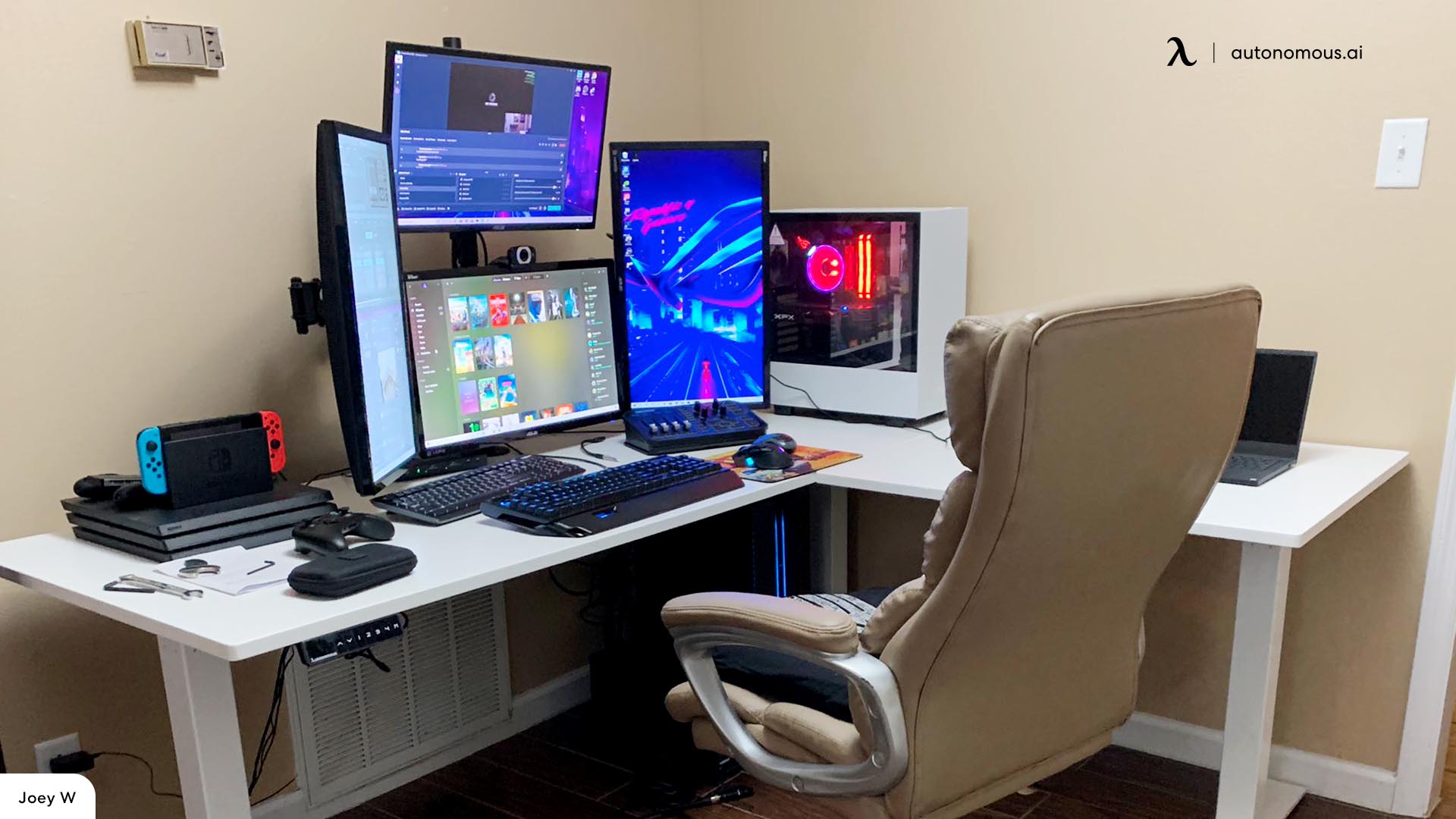
Three screens run in a row at eye level and the fourth sits above the middle one. With 24-inch screens the bottom row spans about 64 inches, so it fits a 70.5-inch desk with room left for speakers or a lamp.
Streamers put chat, alerts or OBS controls on the top screen: things you glance at, since looking up for hours tires the neck. The top screen needs a pole arm or a tall stand behind the center monitor, and angling the two side screens inward keeps their edges in view.
6. L-Shaped Layout
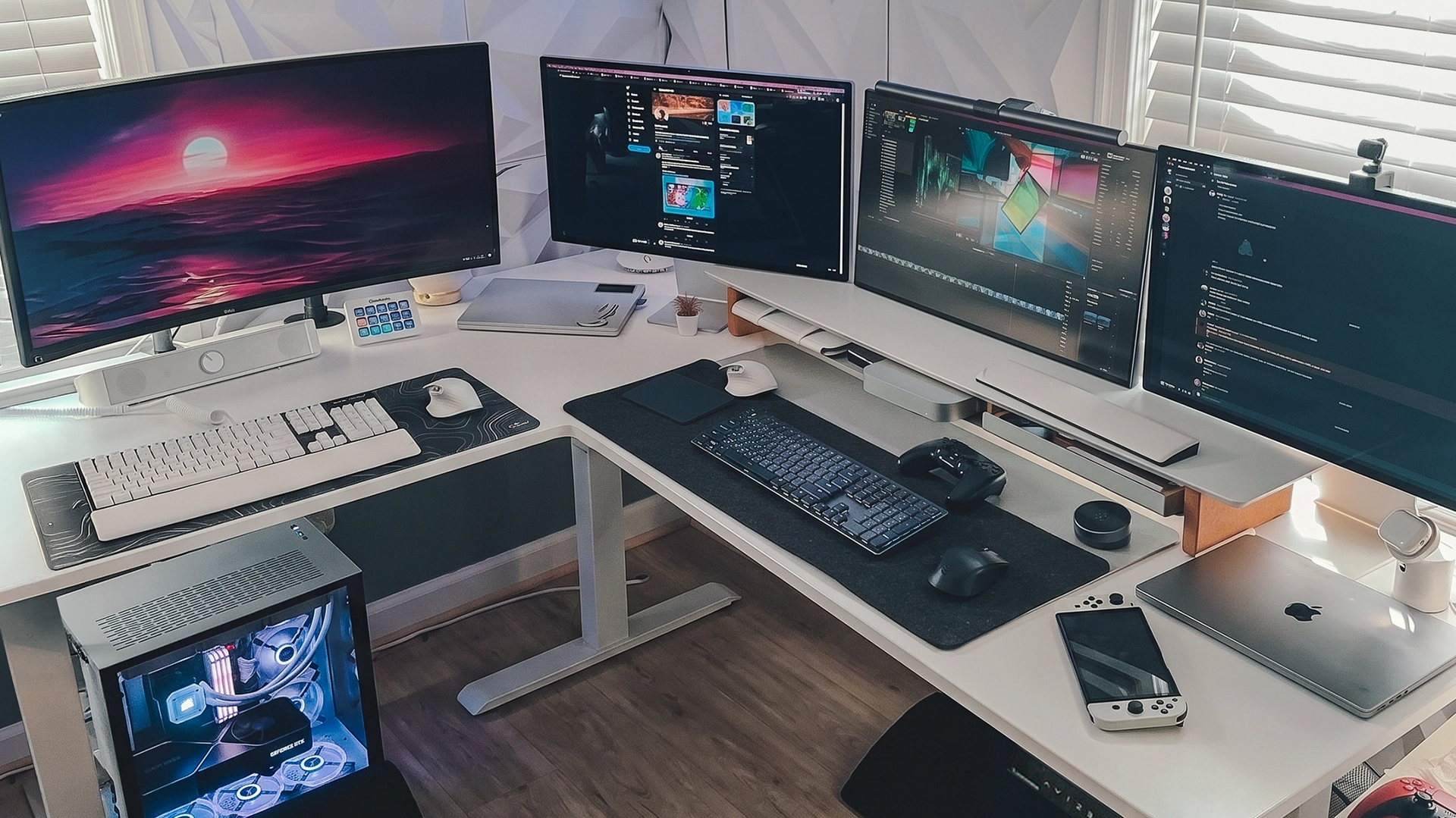
Three screens face you on the main desk and the fourth sits on the return, around the corner. It splits the work into zones: the main three for editing, code or documents, the side screen for email, calls or a project board you check between tasks.
The Autonomous Desk 2 L-Shaped pairs a 77-inch run with a 35-inch return, and Autonomous lists room for three 27- to 32-inch monitors, which leaves the return for the fourth screen. Its triple motor lifts 400 lbs, between 29.4 and 48 inches with the top on, so the whole corner desk rises with all four screens.
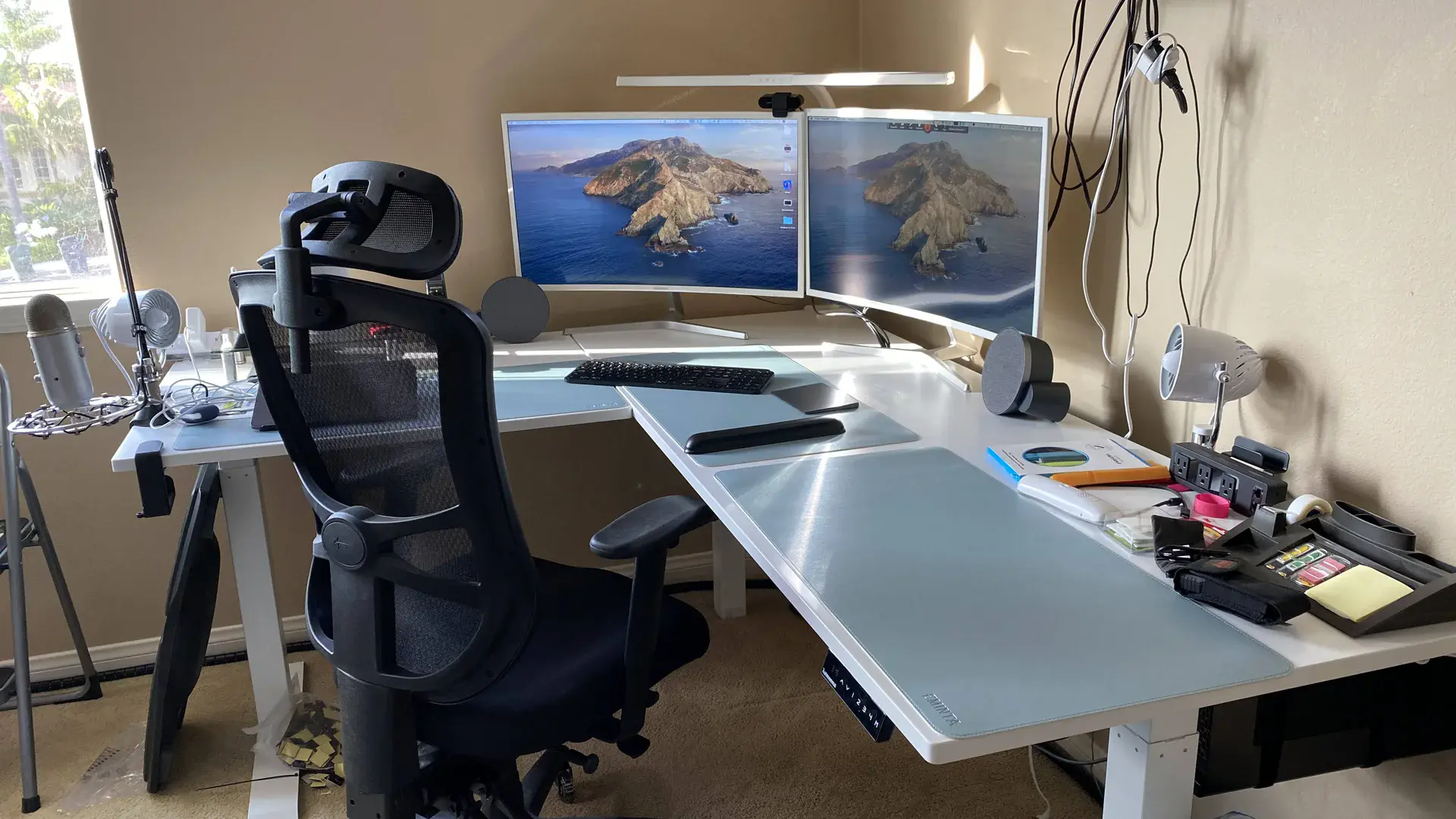
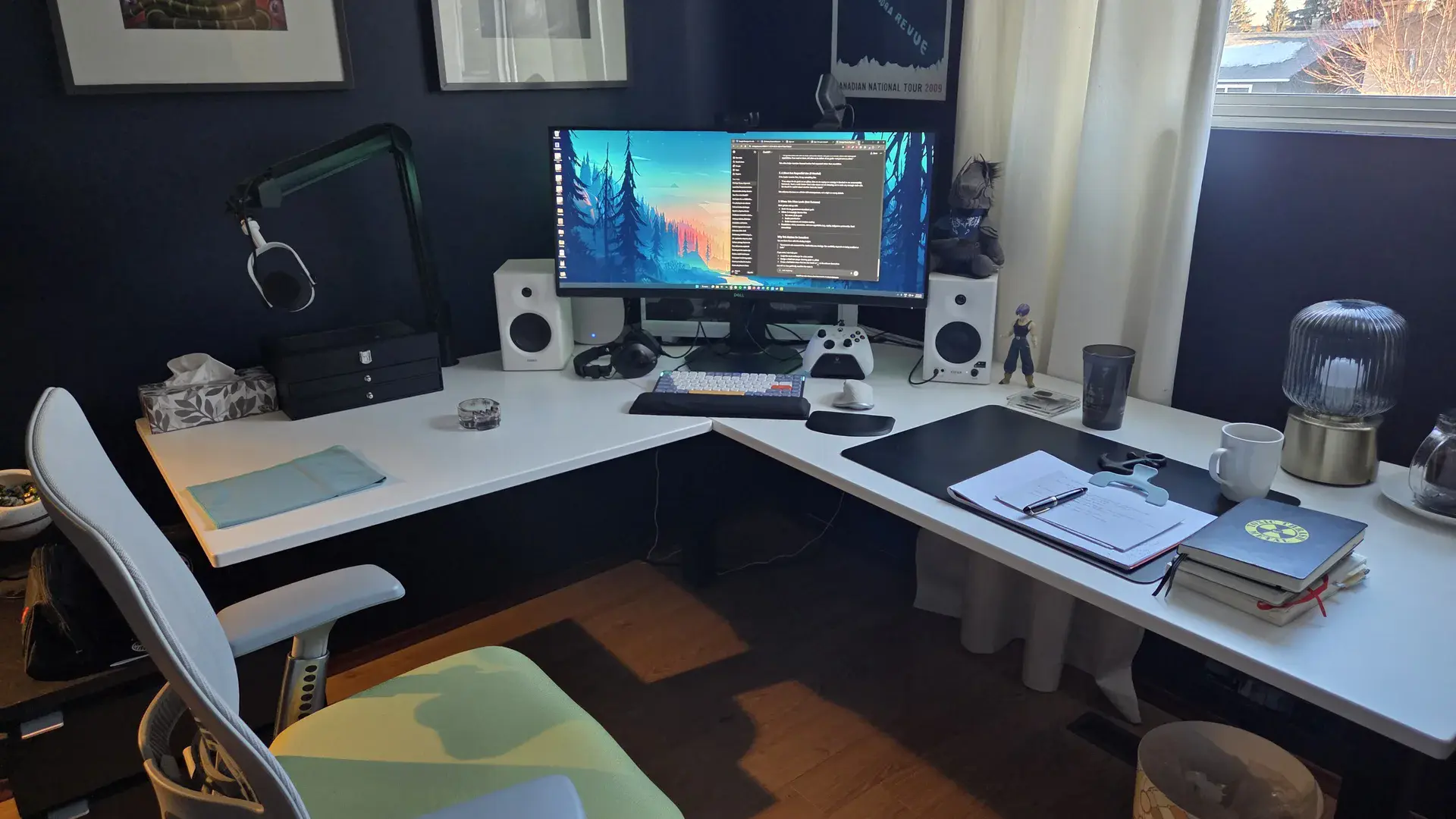
The catch is the turn: you rotate your chair, not just your eyes, to use the fourth screen, so keep nothing there you need every minute.
The honest picks: a 2×2 grid is the best default, since it keeps every screen within easy neck reach and fits normal desks. Choose vertical duals if you read or code all day.
Making it ergonomic
Keep your primary monitor centered at eye level, align screen heights so your neck doesn't step up and down, and angle the side screens inward. Monitor arms help more here than anything else: they reclaim desk space and let you match heights that mismatched stands can't. Before buying a quad arm, check if your desktop takes a clamp on its back edge or a bolt through a grommet hole, since monitor arm installation differs between the two.

Four monitors also mean at least eight cables (four power, four video). On a standing desk, leave each one a little slack for the full lift, or the highest preset will pull a plug. The Autonomous Cable Tray mounts under Autonomous frames, runs 35.4 inches wide and holds 35 lbs, enough for a power strip and the bundle.
The desk carries the screens and arms through every lift. The Autonomous Desk Pro lifts 450 lbs on a dual-motor C-frame, adjusts from 24.25 to 53.5 inches, and offers a 70.5 x 29-inch top, wide enough for vertical duals or a T-shape with 24-inch screens.
FAQs
What GPU do I need for a 4 monitor setup?
You need a graphics card that officially supports four simultaneous displays, with at least four usable outputs across DisplayPort, HDMI or USB-C. Many current mid-range and high-end NVIDIA and AMD cards qualify; confirm on the spec sheet, since port count alone isn't a guarantee.
How much desk width do I need for 4 monitors?
A single row of four 24-inch monitors needs roughly 86 inches, and four 27s about 95. Few desks are that wide, so a 2×2 grid (about 43 inches) or vertical duals (about 68 inches) is the realistic choice on a 55- to 70-inch desk. Measure first.
Is a 4 monitor setup worth it?
Yes, if you regularly juggle several apps or data sources, because it removes constant window-switching. For single-task work, two or three screens deliver most of the benefit at about half the desk width and GPU load.
Can I use 4 monitors for gaming?
You can, but most games run on one screen; the other three suit chat, streaming tools or system monitoring. Spreading one game across four screens is niche and hard on the GPU.
Do the monitors need to be identical?
No, but matching size and resolution keeps scaling and motion consistent as windows move across screens. Mixed monitors work if you align their settings and their top edges.
Can a laptop run 4 monitors?
Some can, through a docking station or an external GPU, depending on the laptop's graphics and ports. Check its maximum external-display count before buying screens.
What are the common problems with 4 monitors?
The usual ones are GPU display limits, mismatched resolution or refresh settings, cable clutter, and neck strain from poor placement. Confirm GPU support and plan cable routing before mounting.
Conclusion
Build a quad monitor setup in this order: read the GPU spec for four-display support, measure the desk, then pick the layout that fits the number you measured. On a 48- to 60-inch desk that means a 2×2 grid; around 70 inches opens up vertical duals and the T-shape; a flat row of four needs an L-shaped desk or two desks side by side. Then match screen heights and leave the cables slack for the lift.
Desk Pro
Black Friday price.
So 12 hours isn’t 12 hours sitting.