Using a Two Person Gaming Chair To Level Up Co-op Play
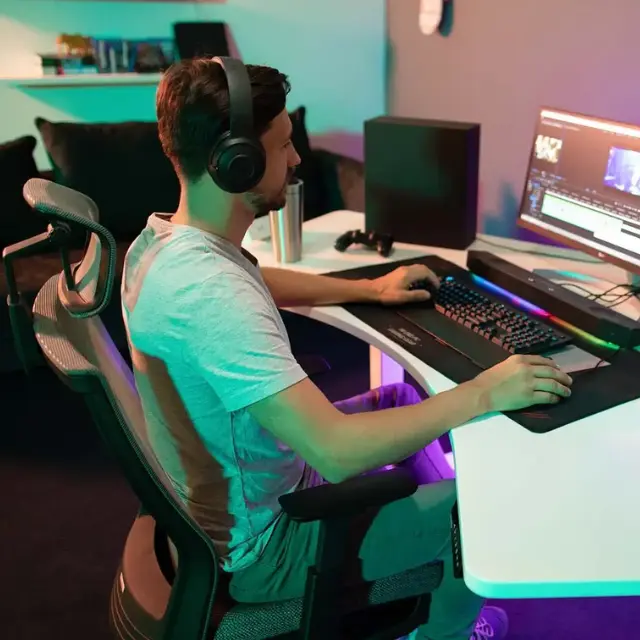
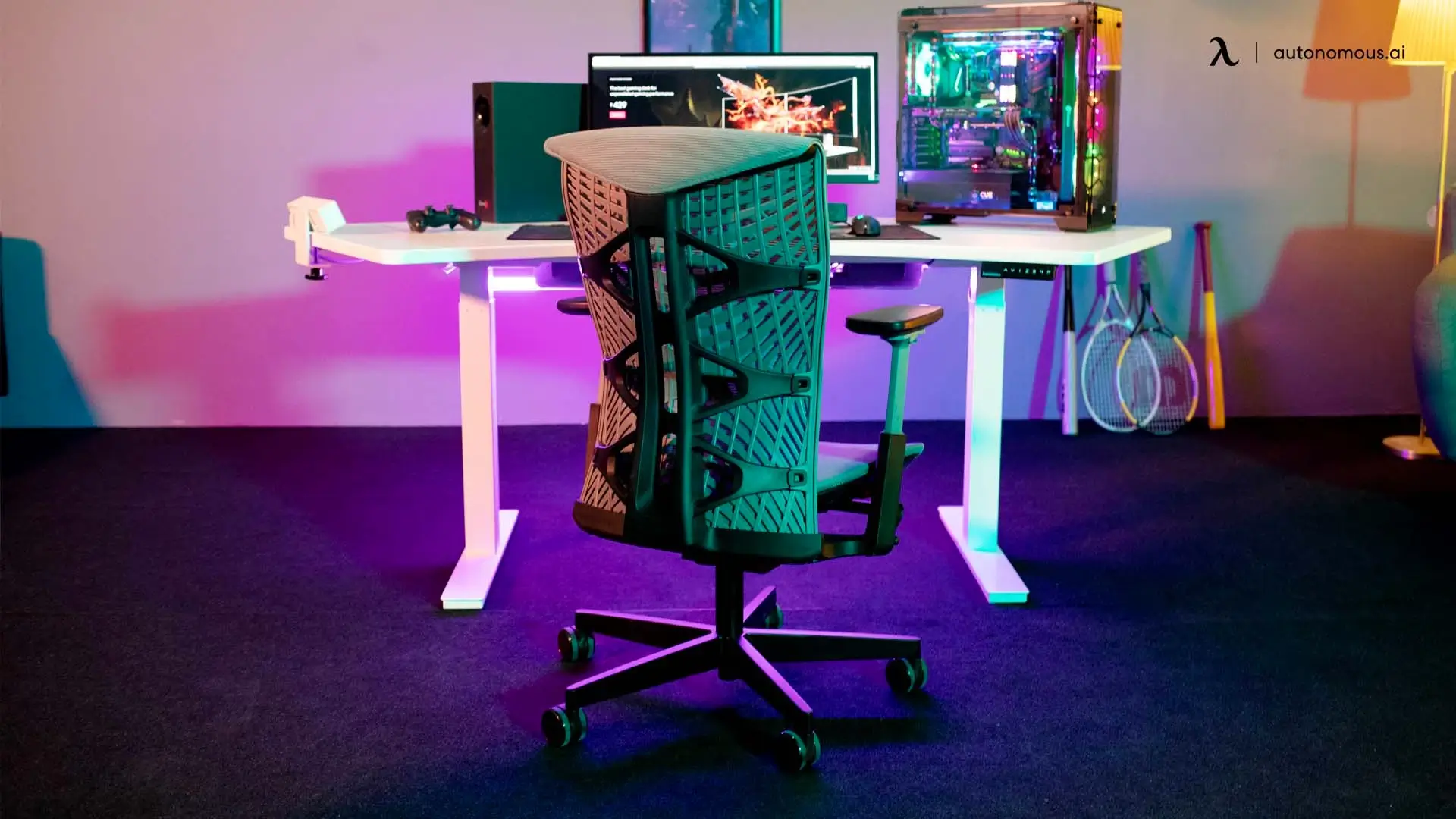
A 2 person gaming chair is usually a two-seat floor rocker, a gaming loveseat with cup holders and recline, or an oversized bean bag built for two. All three suit couch co-op on a console in front of a TV. None of them works at a desk, so if you and a partner play on PCs side by side, you need two separate chairs. This guide covers the measurements that decide which one fits your room, and when two separate chairs are the better buy for your gaming setup.
What is a Double Gaming Chair and Why It’s Worth It
A double gaming chair is one piece of seating that holds two players at the same height and distance from the screen. It is worth it when both of you play from the couch, share one TV and want the seat to double as movie seating. It is not worth it when either player needs a keyboard and mouse.
Most products sold as a dual gaming chair fall into one of these groups:
| Type | How you sit | Good for | Watch out for |
|---|---|---|---|
| Two-seat floor rocker | Low, near the floor, back angled | Kids, small rooms, storing away | Little back support for adults over a long session |
| Gaming loveseat or 2 seater gaming chair with recline | Sofa height, each seat reclines | Console co-op, movie nights | Needs space behind for recline and often an outlet |
| Double bean bag or lounger | Sinks in, shapes to you | Casual play, teens | No real lumbar support; hard to get up from |
| Two separate chairs | Each player at their own height | Desk co-op, PC play, different body sizes | Takes more floor width; costs two chairs |
The shared seat works best for couch co-op, and the two-chair option wins for anything at a desk. If your gaming happens on the sofa, a shared seat also pairs well with a living room gaming setup where the same seat faces the TV for films.
Features to Look for in a Double Gaming Chair
Check five things before you buy a 2 person gaming chair or double seater gaming chair: seat width per player, total width against your wall, weight capacity per seat, recline type and clearance, and how each side adjusts.
| Check | Rule of thumb | Why it matters |
|---|---|---|
| Seat width per player | At least 20 inches of cushion each, measured between armrests and console | Listings often give only the overall width |
| Total width | Fits the wall with a walkway in front | Both players need to stay inside the TV's viewing angle |
| Weight capacity | Divide a single total figure by two | That is what each seat carries, not one heavy player |
| Recline | Wall clearance from the listing; outlet for power recline | A standard recliner swings back toward the wall |
| Adjustment | Separate recline per seat at minimum | Two players rarely want the same angle |
Seat width is the number to check most closely. A center console, cup holders or storage arms can take a large share of the overall width, so subtract the console before you divide by two. USB ports and storage are useful, but they cost cushion space.
A standard recliner needs the wall clearance printed on its listing, while wall-hugger designs slide forward and need less space behind. Power recline also needs an outlet within cord reach, which matters if the seat floats in the middle of the room.
If one player is heavier, look for a per-seat weight rating rather than a shared total. Lumbar support and adjustable armrests are rare on shared seats, which is why taller players or anyone with back pain often do better on an ergonomic chair of their own.
Tips for Setting Up a Two Person Gaming Chair
Set up a 2 person gaming chair in this order, starting with measurements and ending with cables:
- Measure the wall, the distance to the TV and the recline clearance, then mark the seat outline on the floor with tape before you order.
- Center the seat on the screen, not on the wall. Both players should see the TV from roughly the same angle.
- Keep the walkway in front of the seat clear, so either player can get up without climbing over the other.
- Plan power first. A power recliner, two controller chargers and a headset dock add up to several plugs near the seat.
- Run cables along the wall or under a rug, never across the space where the footrest drops down.
Space is tighter in a small gaming room or a closet gaming room. There, a floor rocker that stores upright, or two compact chairs that slide under a desk, often fits where a reclining loveseat does not.
Light the wall behind the screen rather than the screen itself; it lowers the contrast between the bright TV and a dark room during long night sessions. Among gaming accessories, clip-on cable trays and Velcro ties do the most for a two-player setup, because they keep two sets of cords apart and off the floor.
2 Person Gaming Chair or Two Separate Chairs for Desk Co-op
For PC co-op at a desk, two separate chairs work better than any gaming chair for 2. A shared seat sits too low, cannot roll in under the desk, and gives one seat height to two people with different leg lengths and different keyboard heights.
Separate chairs let each player set seat height, armrests and recline for their own body. Plan on about 30 inches of desk width per player, so two people with full keyboards and mice need roughly 60 inches of desk or two desks side by side.
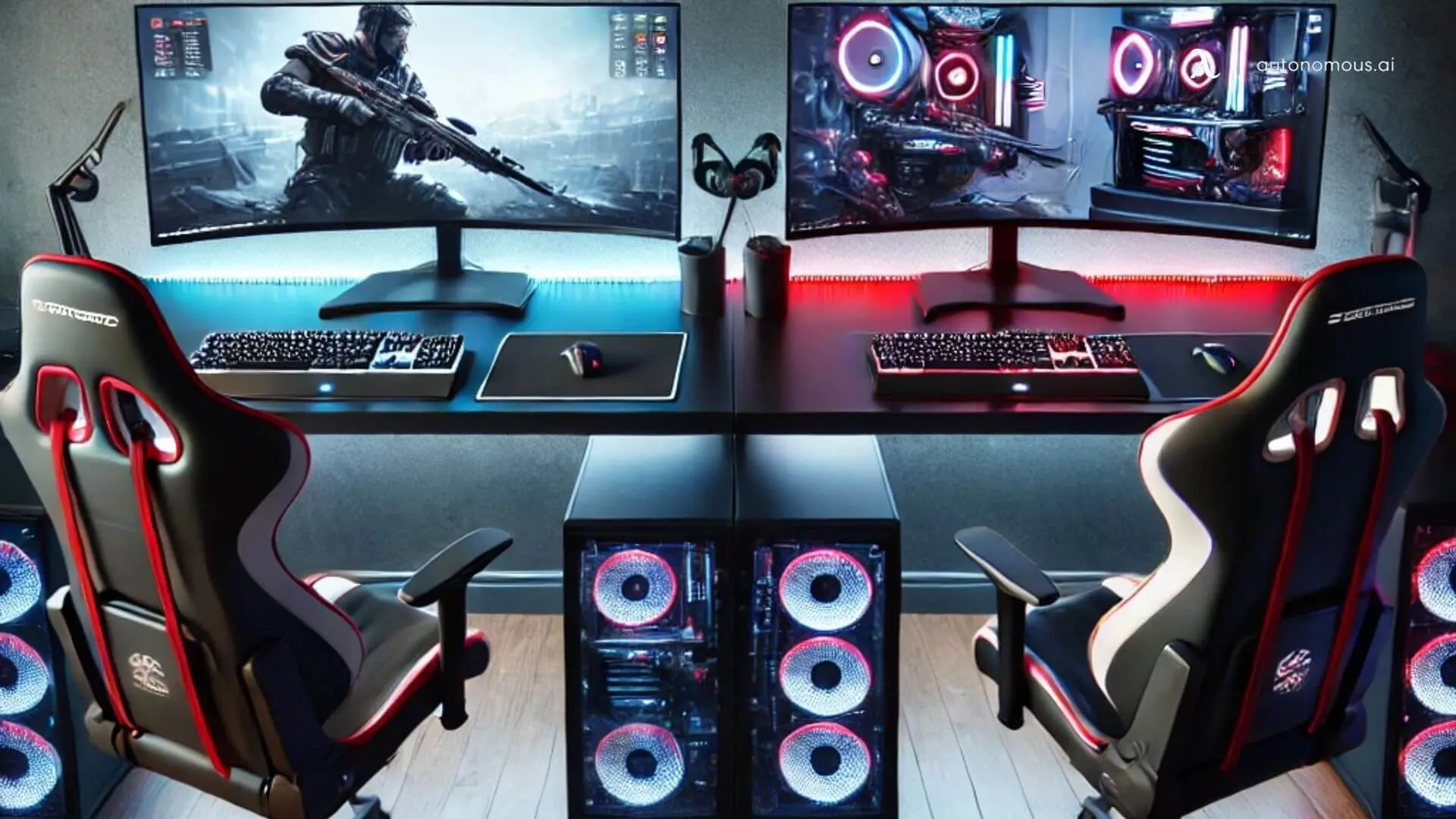
Autonomous does not sell a 2 seat gaming chair. Its gaming chair range is three ergonomic chairs, and each player can pick the one that fits:
| Chair | Recline | Seat height | Capacity |
|---|---|---|---|
| ErgoChair Ultra 2 | 115°, 4D armrests | 18"-23" | 320 lbs |
| ErgoChair Pro | 112°, 3D armrests | 18.5"-22" | 300 lbs |
| ErgoChair Core | 130°, 3D armrests | 20"-23.8" | 242.5 lbs |
The ErgoChair Ultra 2 has the widest seat height range of the three, 18 to 23 inches, and the lowest starting height, so it suits the shorter player in a pair. Its backrest flexes with 62 pressure nodes rather than using an adjustable lumbar pad, and it carries a lifetime warranty.
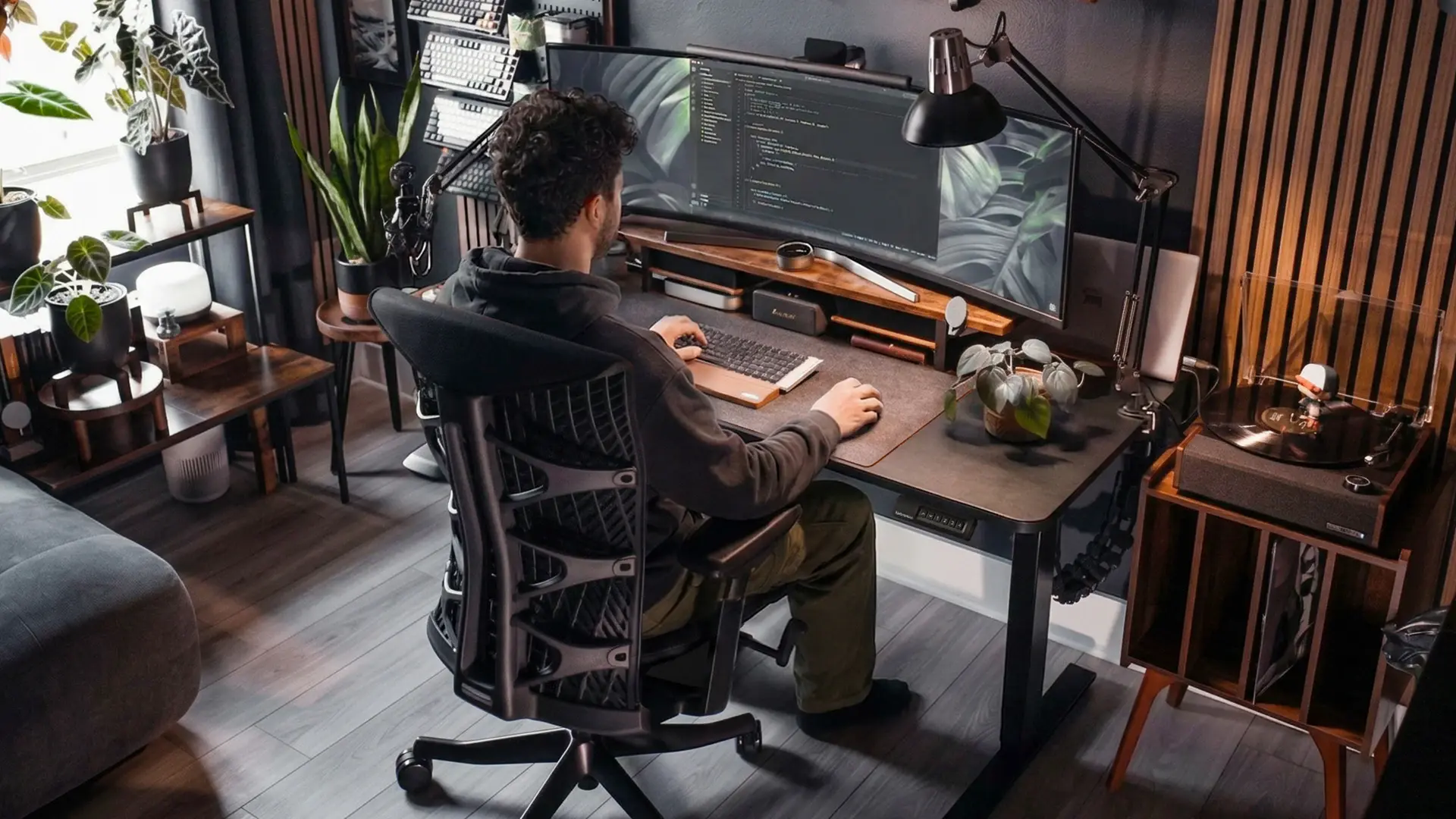
The ErgoChair Pro is the one to pick if lower back support matters most: it has a sliding lumbar pad with 6 inches of height range, five recline lock positions and a lifetime warranty.
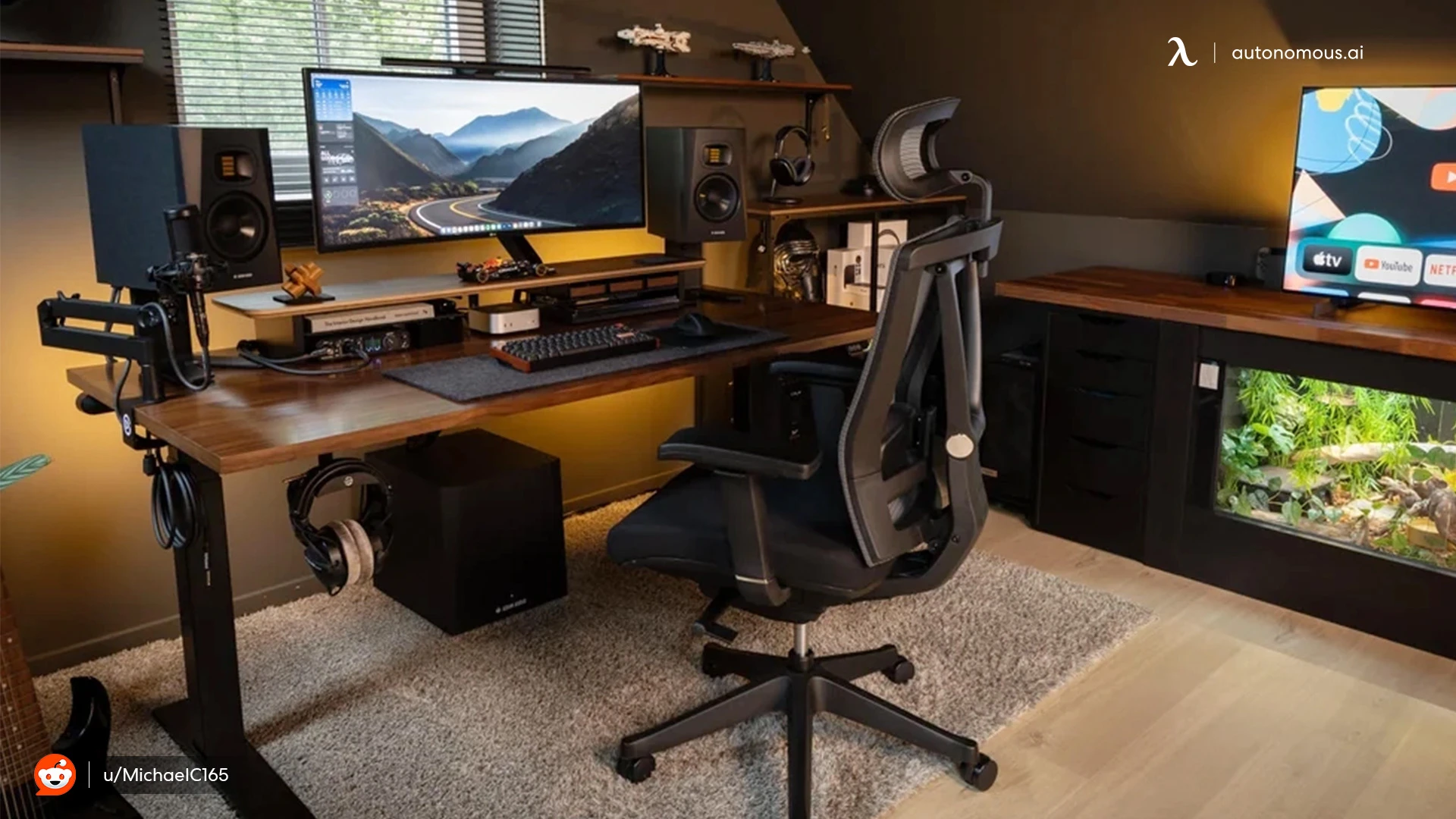
The ErgoChair Core has the deepest recline of the three, rated at 130°, and costs the least, which helps when you are buying two chairs at once. Its limits are a 242.5 lb capacity and a 2-year warranty instead of lifetime.
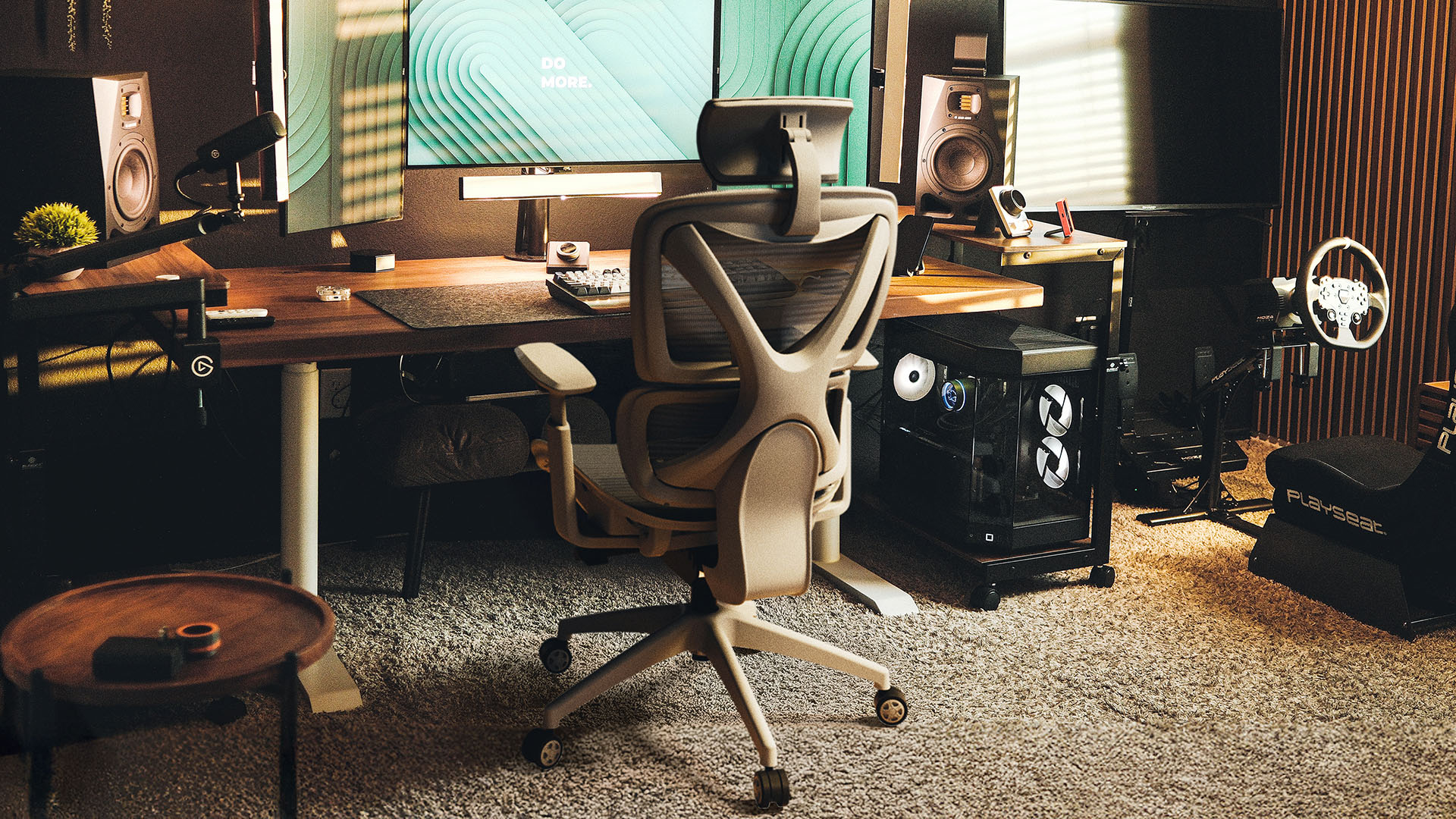
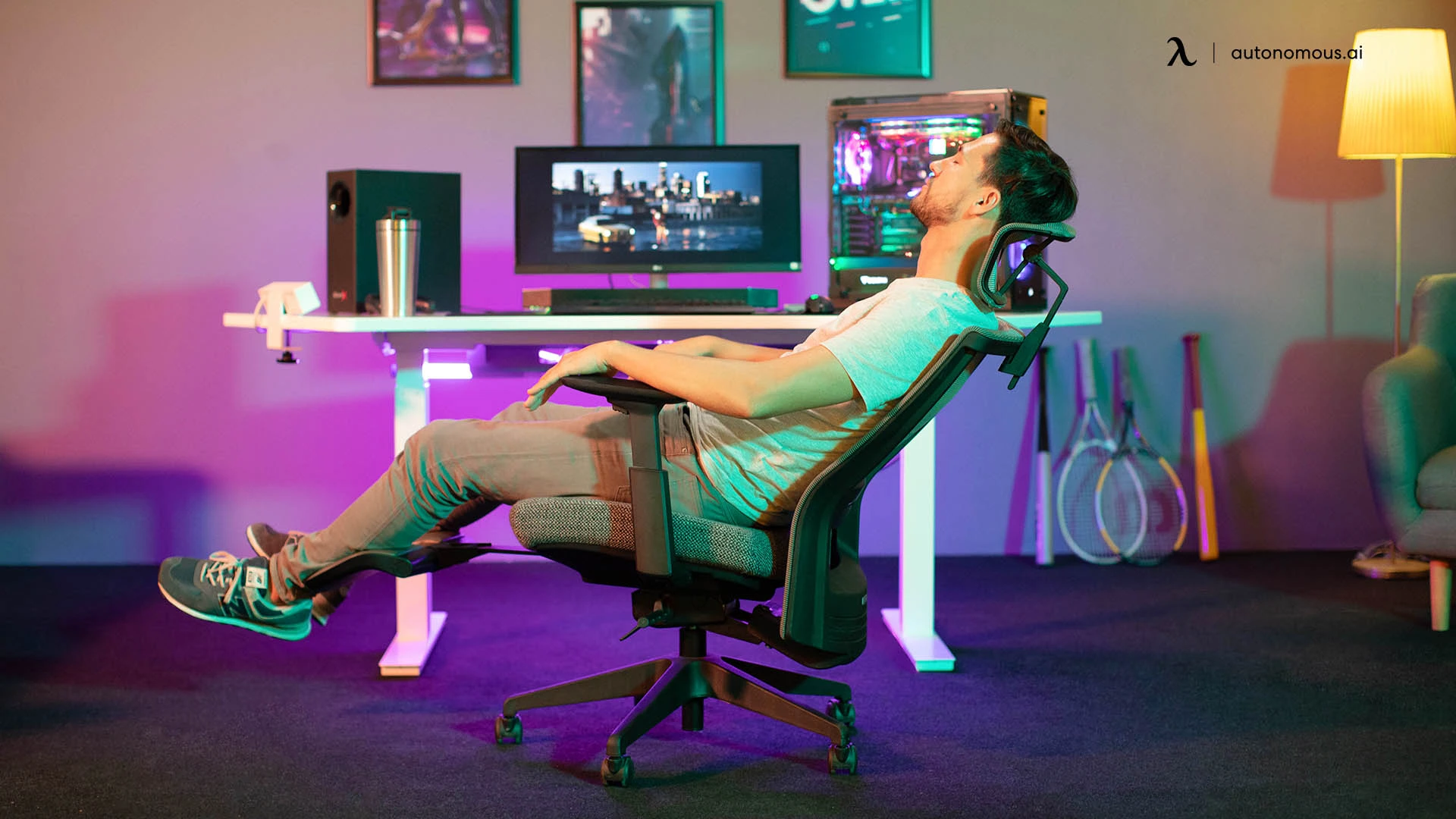
If one player wants recline and the other wants lumbar support, mixing models is fine. Each chair reclines on its own, so one player can lean back between matches while the other stays upright at the keyboard.
FAQs
What is a two person gaming chair?
A two person gaming chair is a single seat built for two players side by side, usually a floor rocker, a gaming loveseat with recline and cup holders, or a double bean bag. It replaces two chairs for couch co-op, not for desk play.
How much weight can a two person gaming chair support?
It depends on the model, so read the listing. If it gives one total figure, divide it by two to get what each seat can safely carry. A per-seat rating is more useful when the two players differ a lot in weight.
Is a two seat gaming chair better than two separate chairs?
A two seat gaming chair is better for console co-op on one TV, where it saves a little floor width and doubles as sofa seating. Two separate chairs are better at a desk, because each player sets their own height, armrests and recline.
Will a two person gaming chair fit small rooms?
A floor rocker fits most small rooms and can be stored upright. A reclining loveseat needs its full width plus wall clearance behind and legroom in front, so tape its outline on the floor before ordering.
Are two person gaming chairs comfortable for long sessions?
Reclining loveseats are comfortable for a few hours of controller play. Floor rockers and bean bags give little back support, so adults usually notice it after an hour or two. For long desk sessions, an adjustable ergonomic chair per player is more comfortable.
Are there downsides to a double gaming chair?
Yes. A double gaming chair cannot be used at a desk, gives both players one seat height, rarely has lumbar or armrest adjustment, and often loses seat width to a center console. When one player gets up or shifts, the other may feel it.
How do I clean and maintain a two person gaming chair?
Wipe faux leather with a damp microfiber cloth and mild soap, and vacuum fabric seats. Check the recline mechanism and frame bolts every few months and tighten anything loose. Follow the maker's care label for the upholstery.
Is a two person gaming chair suitable for tall users?
Only if the seat depth and back height fit. Check both on the listing; shared seats cannot raise one side, so a tall player paired with a short one is often better off with separate chairs.
Conclusion
A 2 person gaming chair makes sense for couch co-op on one TV: measure seat width per player, wall clearance for the recline and the per-seat weight limit, and it will fit. For PC play at a gaming desk, two separate chairs are the better setup, and each player can tune their own height and recline.
From there, an ergonomic gaming setup covers desk and monitor height for both players, and a garage gaming setup shows how to fit two seats into a bigger, rougher space.