5 Best 2-Person Standing Desks for Shared Spaces

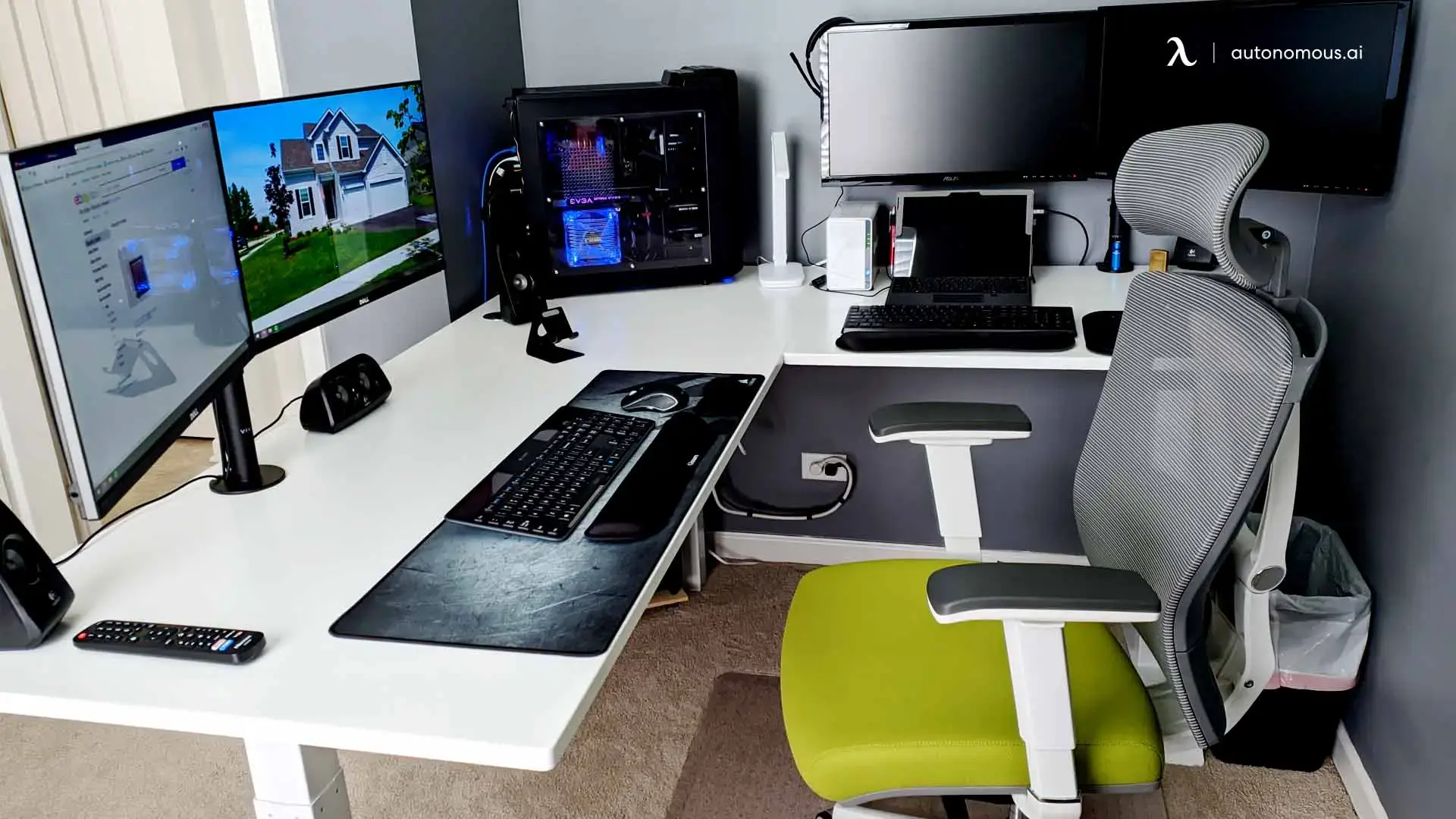
Sharing a workspace often leads to compromised ergonomics, tangled cables, and constant distractions when one person wants to sit and the other needs to stand. A dedicated 2-person standing desk solves these space conflicts by providing dual motorized height adjustments on a shared or unified frame. Whether you are outfitting a home office for two remote workers or designing a collaborative pod for software engineers, selecting the right dual desk requires balancing motor capacity, room footprint, and cable management. This guide reviews the top two-person adjustable desks and explains how to optimize your room layout for maximum daily productivity.
Quick Comparison
Desk Model | Configuration | Weight Capacity | Key Feature |
Autonomous Desk L-Shaped | L-Shaped / Corner | 400 lbs | Massive surface area, free cable tray |
Branch Double Standing Desk | Back-to-Back Pod | 320 lbs per side | Integrated cable trough, impact-resistant top |
87-Inch Adjustable L-Desk | Extended Corner / Side-by-Side | 250 lbs | Integrated corner storage shelves |
Modern U-Shaped Workstation | U-Shaped Enclosure | 350 lbs | Built-in drawers, overhead storage |
Dual Desk with Privacy Panels | Face-to-Face | 300 lbs per side | Acoustic privacy screen, preset memory |
What to Look For in a Two-Person Sit-Stand Desk
A quality two-person height-adjustable workstation must handle the weight of two full computer rigs while offering smooth movement.
- Independent vs. Unified Height Adjustment
Independent adjustment uses separate motor systems for each side, allowing one user to stand while the partner sits. Unified frames move the entire tabletop as one unit, which works best when both users share the same workflow schedule or when one person uses the entire surface for a massive multi-monitor setup.
- Motor Systems and Weight Capacity:
Look for dual or triple motors with a minimum weight capacity of 250 to 400 pounds. Electric motors must operate quietly (under 50 decibels) to avoid disturbing your desk partner during transitions.
- Cable Management Infrastructure:
Powering two computers, multiple monitors, and mobile devices requires clean cable routing. Standing desks with built-in grommets, under-desk trays, or central power troughs prevent cords from snagging when raising or lowering the frame.
- Frame Stability at Full Height:
Shared desks experience double the lateral force of standard desks. Heavy-duty steel leg frames with three-stage lifting columns prevent monitor wobble when both users are standing.
5 Best 2-Person Standing Desks Reviewed
1. Autonomous Desk 2 L-Shaped
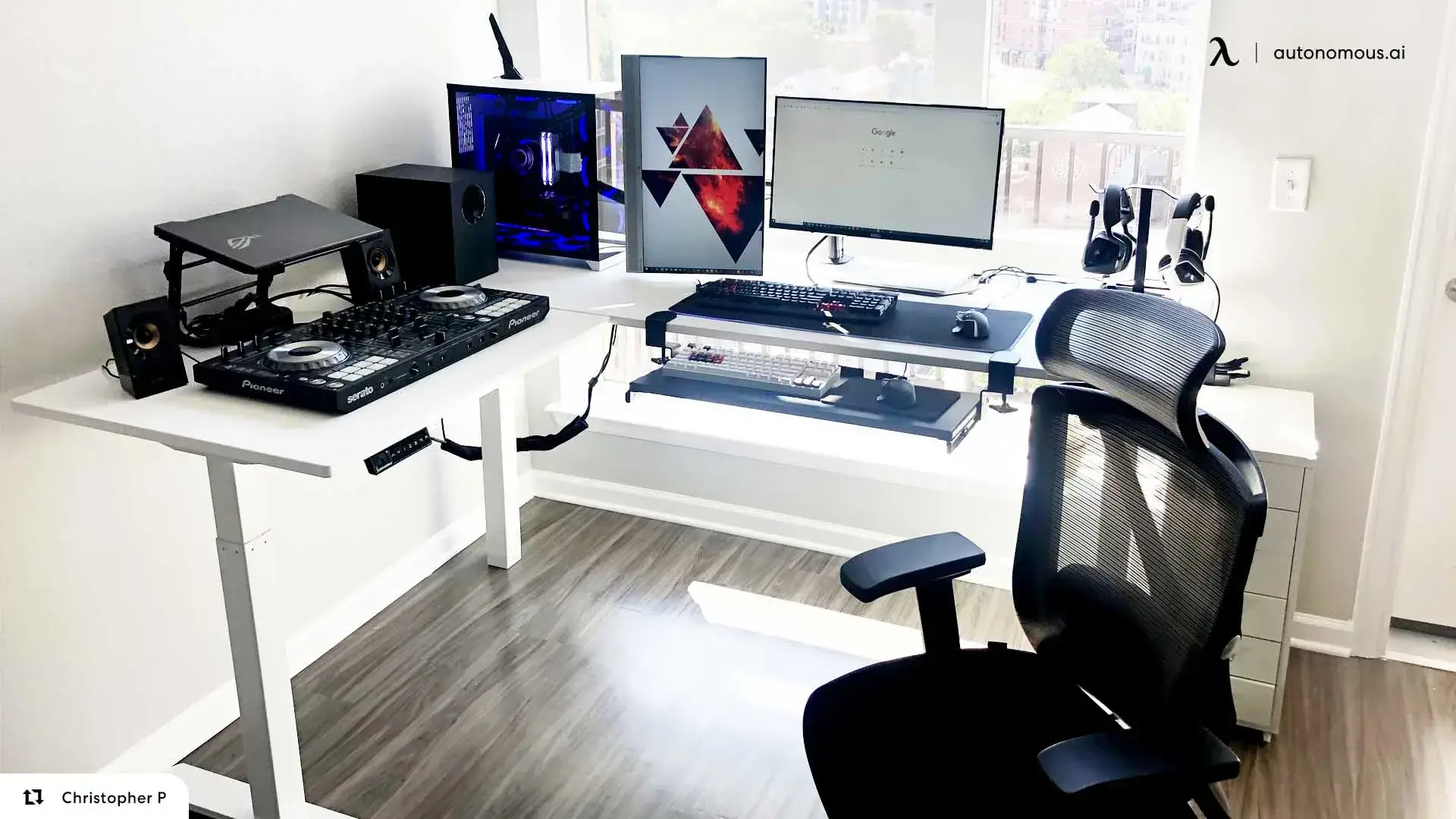
The Autonomous Desk L-Shaped delivers maximum tabletop real estate for co-workers or power users who need an expansive multi-monitor workstation.
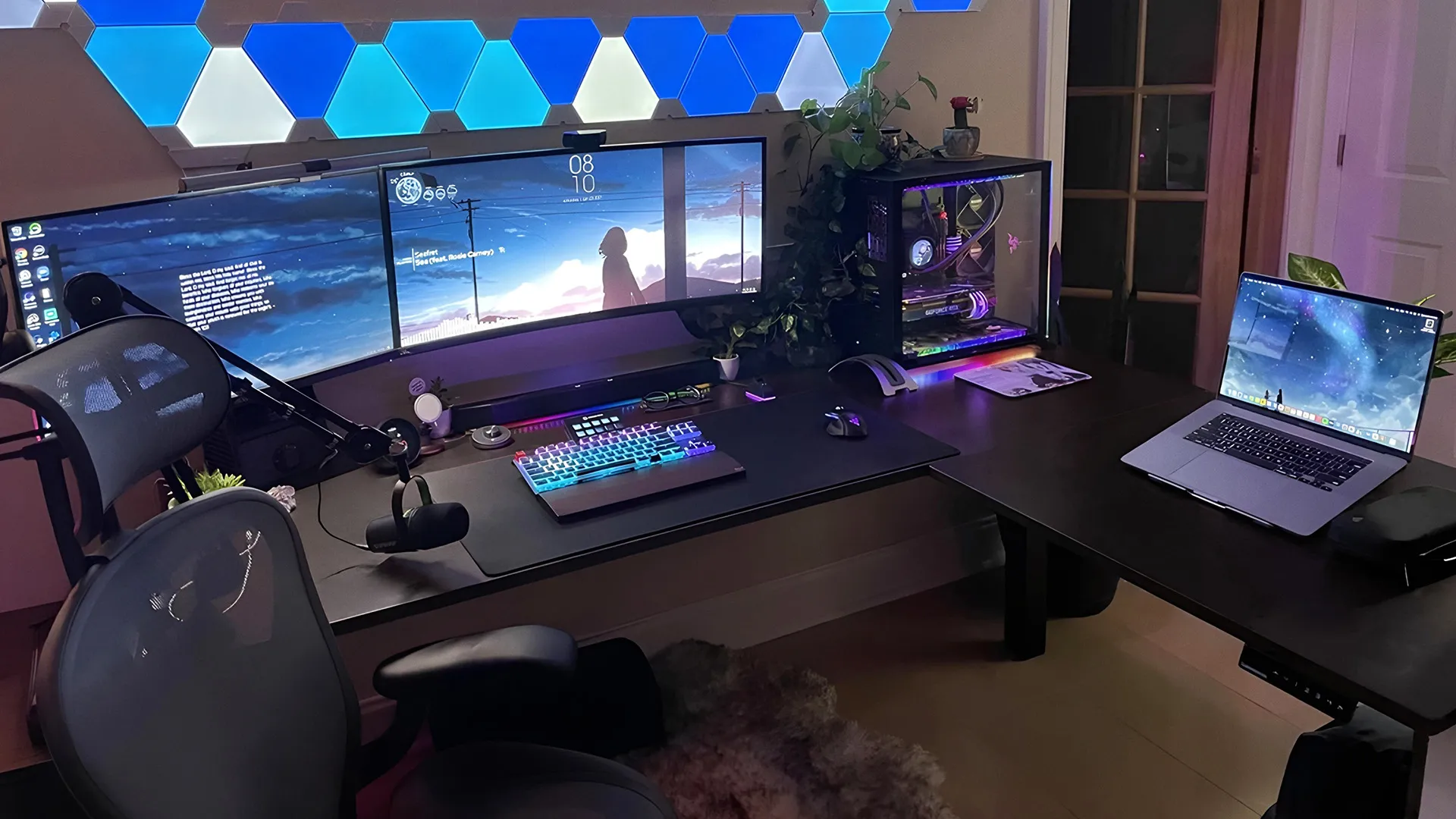
Built on a heavy-duty steel frame powered by three electric motors, this L-shaped desk operates silently while supporting up to 400 pounds. The modular design lets you switch the L-side corner to either the left or right during assembly, adapting easily to your room corner layout. Because the frame lifts as a single unified surface, it works exceptionally well for two people working side by side on shared tasks, or for a single creator running a triple-monitor setup alongside a dedicated streaming or drafting area. An included wire tray keeps power cables contained beneath the frame.
- Pros: High 400 lb weight capacity; triple-motor lifting system; flexible left or right corner assembly.
- Cons: Moves as a single unit, so both sides adjust height together.
- Ideal for: Co-workers running joint projects or individuals needing space for two full desktop setups.
2. Brand Double Standing Desk
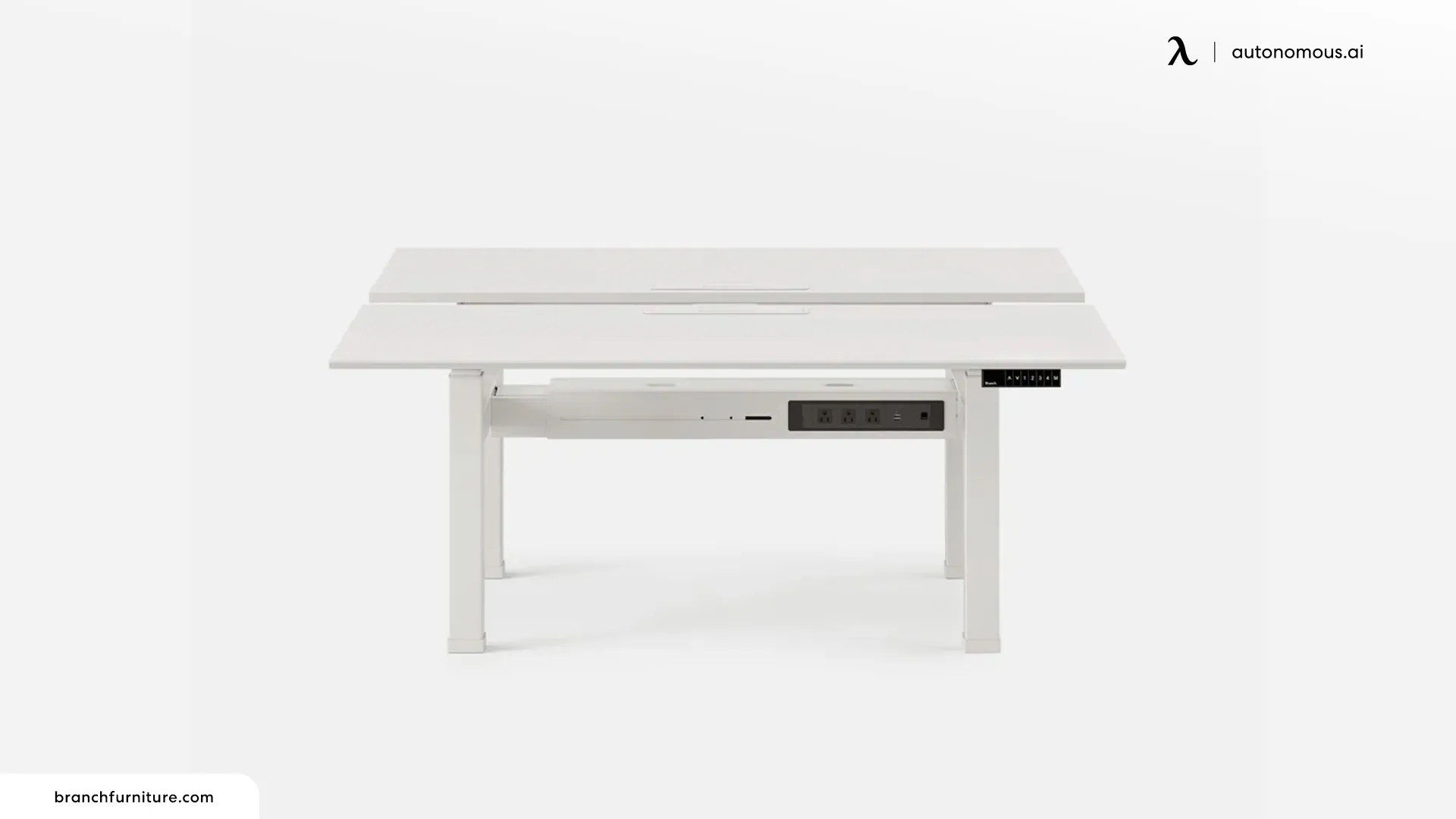
The Branch Double Standing Desk is designed for modern face-to-face office pods, offering independent height controls for each user.
This workstation places two standing desks back-to-back connected by a central steel beam, allowing team members to collaborate directly without invading each other's physical space. Each desk surface runs on its own dual-motor, three-stage lifting column, letting one worker stand at 45 inches while the other sits at 28 inches. The frame features a central cable trough that hides power strips and ethernet lines running from the floor. The durable laminate top resists scratches and impacts from daily commercial use.
- Pros: Completely independent side-by-side elevation; centralized power routing; clean aesthetic.
- Cons: Premium price point; large footprint requires dedicated floor space.
- Ideal for: Open-plan offices and pairs needing independent height scheduling.
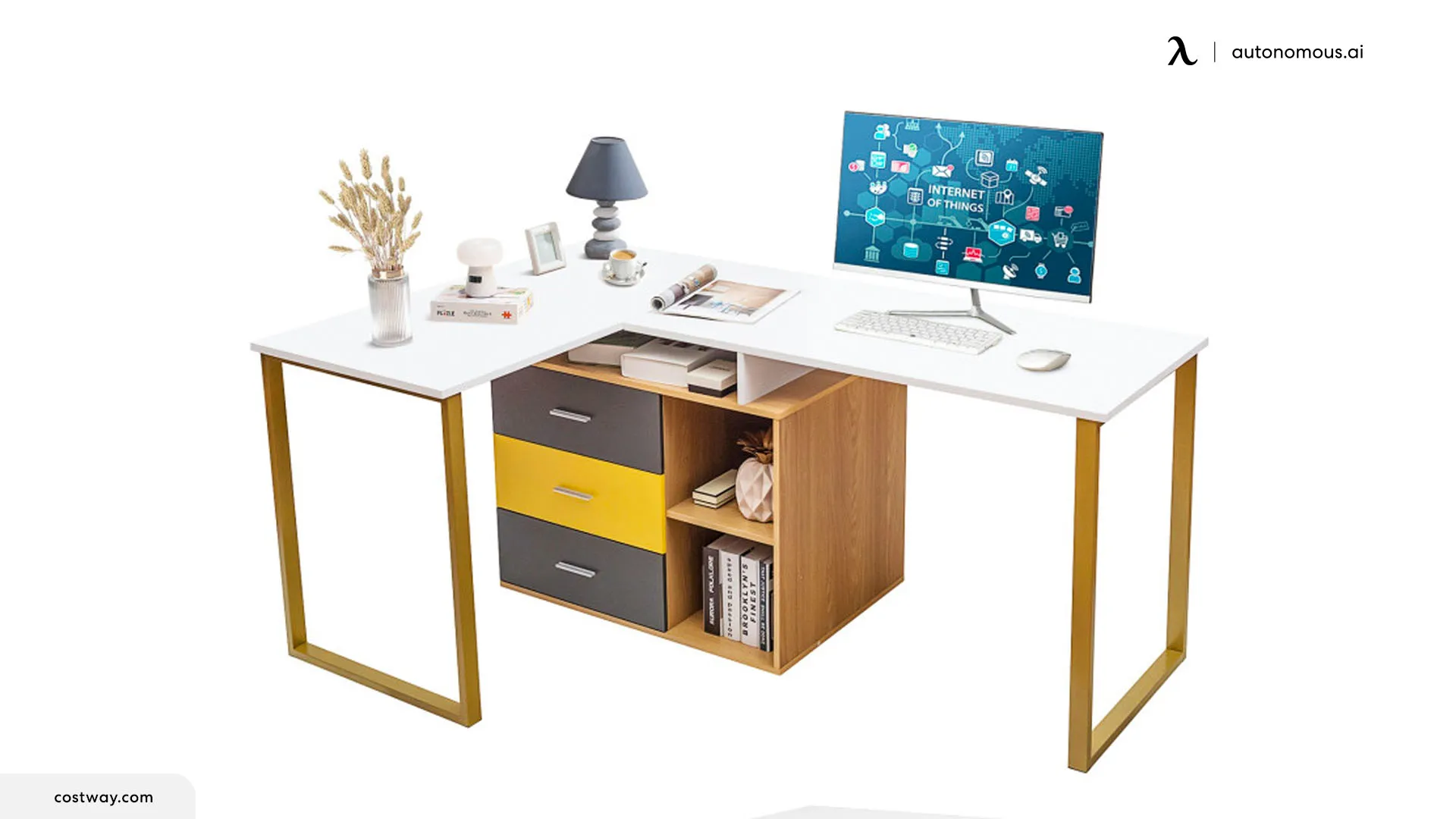
3. 87 Inch 2 Person Adjustable L-Shaped Computer Desk
The 87-Inch Adjustable L-Shaped Desk offers a long, continuous layout that fits into corner spaces while separating two distinct work zones.
Measuring 87 inches across, this frame provides enough width for two workers to sit side by side without bumping elbows. The center section incorporates open shelving that stores PC towers or paperwork, creating a physical boundary between workstations. Built with an aluminum frame and P2 engineered wood, it supports up to 250 pounds. The adjustable height mechanism lets users set a comfortable baseline level for sitting or standing throughout the workday.
- Pros: Generous 87-inch surface length; built-in center storage shelves; non-slip floor pads.
- Cons: Lower weight capacity than heavy-duty commercial frames; assembly requires two people.
- Ideal for: Home office setups needing extra storage alongside a shared desk surface.
4. Modern 2 Person Sit Standing U Shaped Workstation
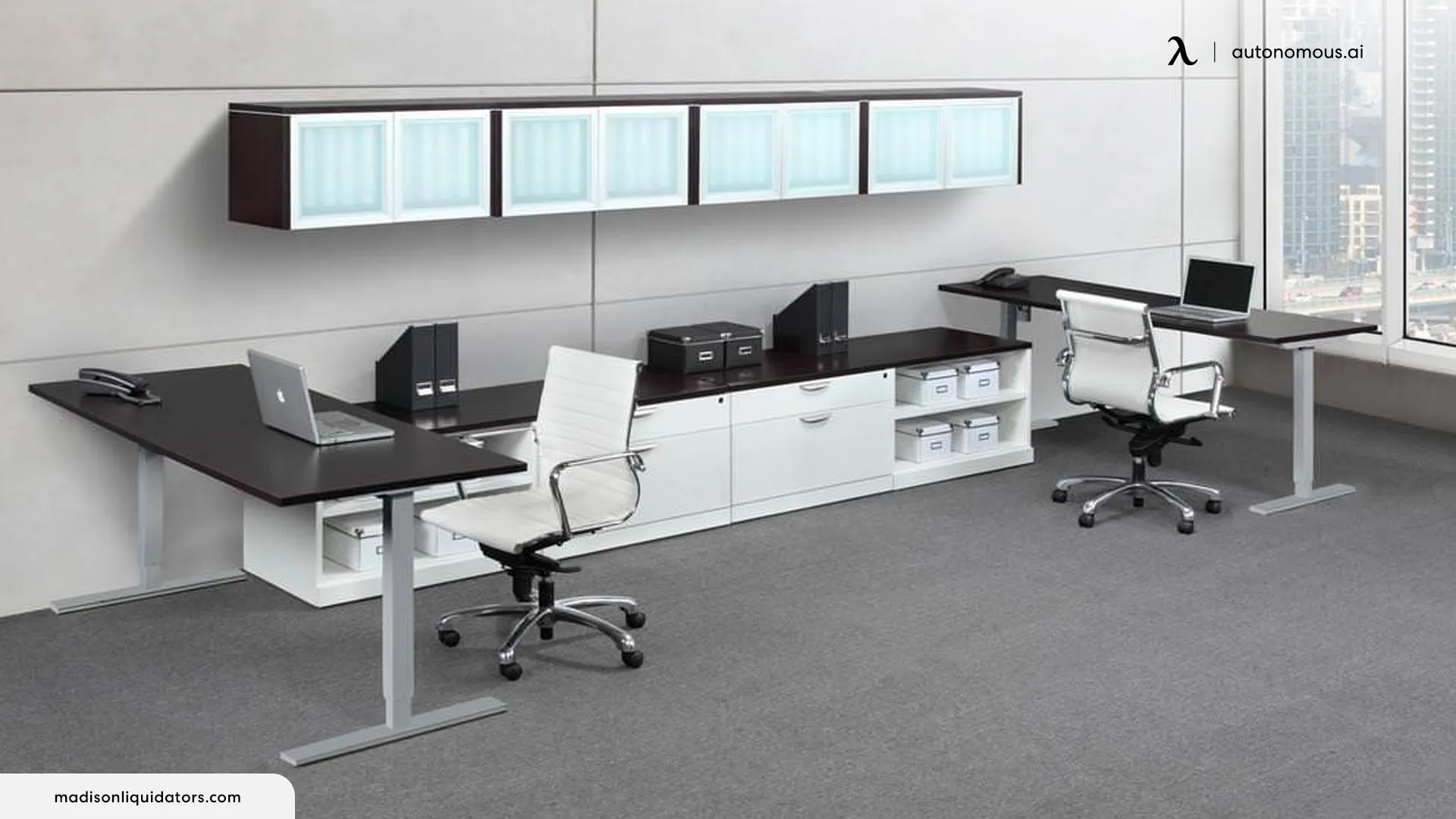
The Modern U-Shaped Workstation provides a complete room-in-a-desk solution for executives and tech founders who require massive storage alongside dual work zones.
Unlike basic standing frames, this U-shaped desk integrates built-in filing drawers, overhead cabinets, and side credenzas around a central height-adjustable work core. It provides complete privacy and surface separation for two people working in the same room. The commercial-grade laminate finish handles heavy daily use, while built-in grommets route power directly into internal cabinetry. Because of its large outer dimensions, it requires a spacious dedicated office room.
- Pros: Comprehensive storage capacity; premium executive aesthetic; built-in cable grommets.
- Cons: Very large footprint; stationary storage sections do not raise with the main desk.
- Ideal for: Founders and managers wanting an all-in-one private office suite for two.
5. 2-Person Height Adjustable Desk with Privacy Panels
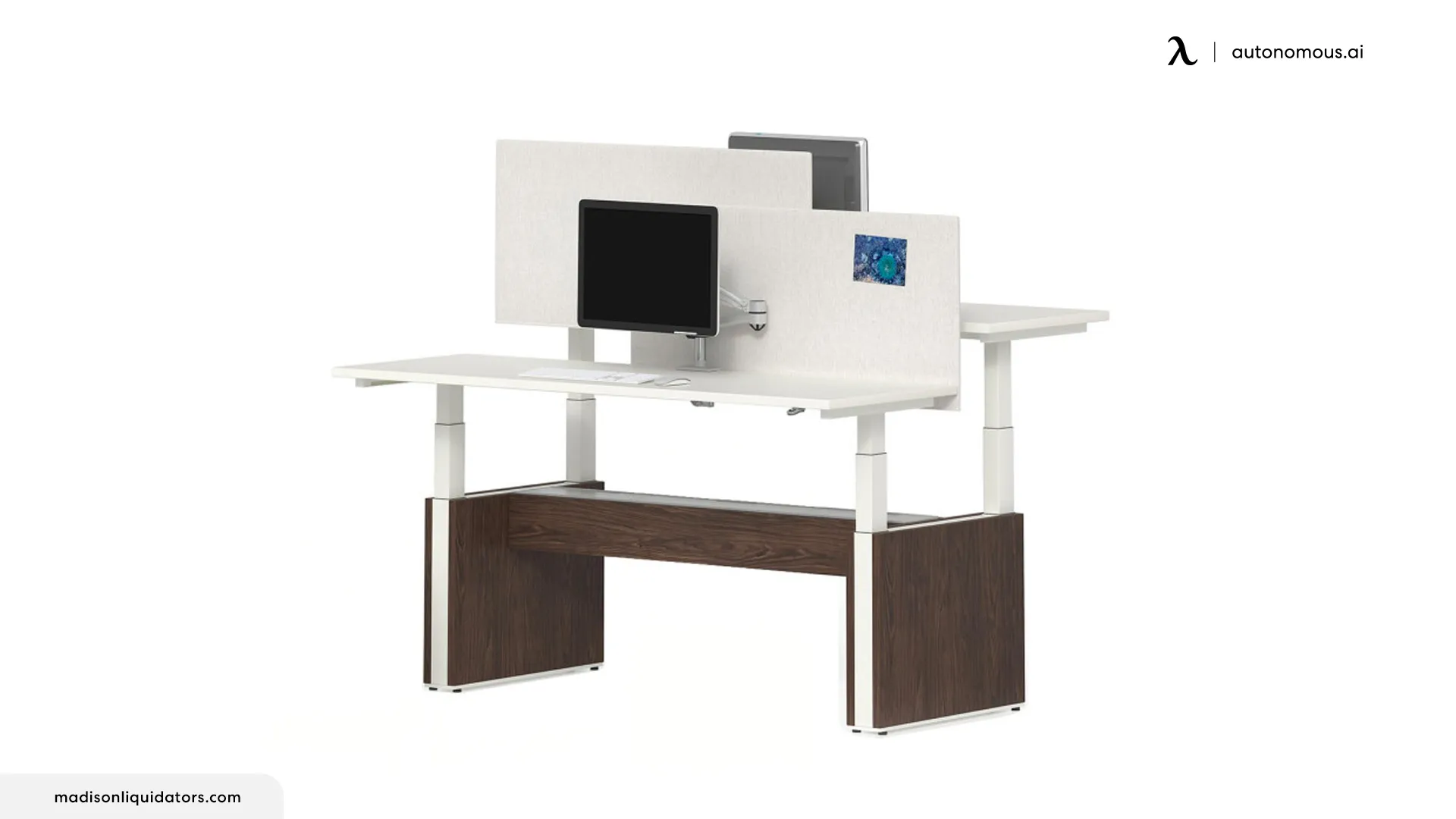
Designed for high-focus environments, this face-to-face workstation features an integrated acoustic privacy divider between the two desk surfaces.
This setup combines two motorized frames with a central fabric screen that reduces visual distractions and dampens vocal noise between partners. Each side operates on an independent motor controller with programmable memory presets, allowing users to save their preferred sitting and standing heights. The metal base legs provide excellent lateral stability at maximum elevation, and optional monitor arms can be mounted directly to the frame.
- Pros: Fabric panel dampens ambient sound; independent height presets; optional monitor arm mounts.
- Cons: Divider panel reduces direct face-to-face sightlines during quick chats.
- Ideal for: Software developers, call agents, and remote workers needing quiet focus.
How to Set Up a Home Office for Two People
Setting up a shared workspace requires more than just buying a large desk. Proper room planning ensures both workers stay comfortable, productive, and focused throughout the day.
1. Desk Positioning and Lighting
Place your dual desk perpendicular to windows whenever possible. Direct sunlight behind a monitor creates screen glare, while sitting with your back to an unshaded window puts you in harsh shadow during video calls. Natural side-lighting provides even illumination across both work surfaces. If you must face a wall, install ambient bias lighting behind your monitors to reduce eye strain caused by stark contrast.
2. Power Distribution and Cable Routing
Two full computer setups can draw significant power and create a web of cables beneath the desk.
- Single Wall Point: Mount a heavy-duty, surge-protected power strip directly to the underside of the desk frame or inside the central cable tray.
- Slack Management: Plug all monitors, desktop towers, and phone chargers into the desk-mounted surge protector. Run only one main heavy-duty power cable down from the desk to the wall outlet.
- Cable Sleeves: Ensure the main cord has sufficient slack to extend freely when the desk raises to its maximum standing height without pulling on wall sockets.
3. Ergonomic Distances and Reach Zones
Maintain a minimum clearance of 30 inches behind each worker's chair to allow easy entry and exit without bumping the other person. Set primary screens 20 to 30 inches away from your eyes (roughly arm's length). Position dual monitors so the primary focal screen sits directly in front of you, with secondary screens angled slightly inward to minimize neck rotation.
4. Acoustic Management
Hard floors and bare walls reflect voice sound, making co-working noisy. Add an area rug beneath the desk area, hang fabric curtains, or install felt wall panels behind your monitors to absorb mid-frequency vocal noise during simultaneous phone or video meetings.
.webp)
Frequently Asked Questions
Can two people comfortably use one standing desk?
Yes, two people can comfortably share a standing desk if the frame width exceeds 72 inches or features independent height adjustment mechanisms. Independent dual desks allow each user to customize their ergonomic height separately, while shared single-surface frames work best when partners operate on similar sitting and standing schedules.
What is the ideal length for a 2-person desk?
A 2-person desk should measure at least 72 to 84 inches in total length to give both individuals enough space for laptops, dual monitors, and peripheral gear. For face-to-face or back-to-back configurations, each user surface should measure at least 48 to 60 inches wide by 24 to 30 inches deep.
How much weight capacity is needed for a dual standing desk?
A dual standing desk needs a minimum weight capacity of 250 to 300 pounds to support two complete computer setups safely. For heavy-duty setups including multiple desktop towers, heavy monitor arms, and studio equipment, choose frames rated for 350 to 400 pounds powered by triple or quadruple motor systems.
How do you manage cables on a 2-person standing desk?
Manage dual-desk cables by mounting a surge-protected power strip underneath the desk surface and plugging all equipment into it locally. Route display cords and power wires into under-desk cable trays or fabric sleeves, leaving a single main power line running to the wall with enough slack for vertical height adjustments.
Are independent height adjustments better than single-frame dual desks?
Independent height adjustments are superior if both workers have different heights or prefer different sitting and standing intervals throughout the day. Unified single-frame desks are more cost-effective and work well for co-workers sharing a continuous project surface or individuals using the full space as a single workstation.
Conclusion
In a nutshell, our journey through the 5 best 2-person adjustable desks has uncovered a fantastic lineup tailored for dynamic work partnerships. These desks aren't just about functionality; they bring flair to shared workspaces. From customizable heights to thoughtful designs, each desk tells a story of collaboration and comfort. So, whether you're setting up a cozy home office for two or upgrading your collaborative workspace, these desks have you covered. Take a moment to consider your unique needs and personal style - there's a perfect fit waiting to transform your shared work experience into something truly special. Here's to a year of productivity and camaraderie in your revamped workspace!