Mini PC vs Desktop: Which One Should You Choose?
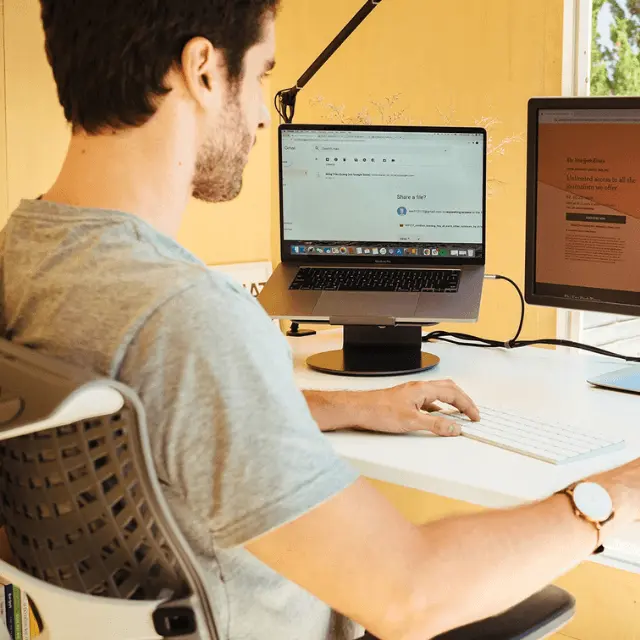
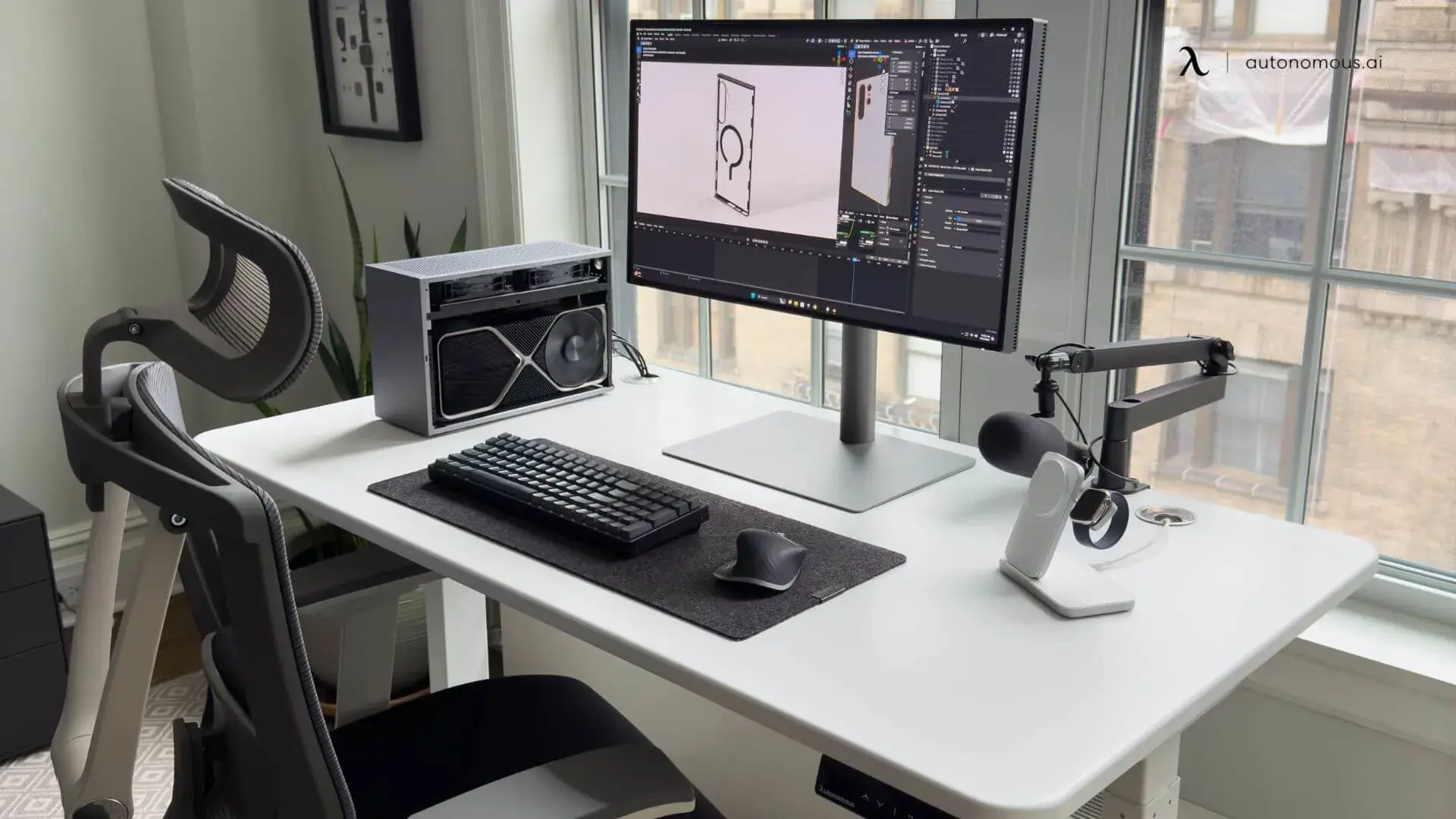
Quick answer: A mini PC vs desktop decision is simple once you define your workload. A mini PC is better for space-saving setups, office work, and low power use. A desktop is better for performance-heavy tasks, gaming, and long-term upgrades.
Table of Contents
Choosing between a mini PC vs desktop comes down to how you actually use your computer. Some people need a compact, quiet setup for everyday work. Others need raw power for gaming or demanding software. Both options can handle modern tasks—but they solve different problems. This guide breaks down performance, gaming, power use, and real-world scenarios so you can decide which setup fits your needs.
Mini PC vs Desktop: Performance
A desktop delivers higher sustained performance than a mini PC.
This is because desktops use full-size processors and dedicated graphics cards, along with larger cooling systems that can maintain performance over long periods. Mini PCs rely on compact components that are optimized for efficiency, which limits how long they can run at peak power.
In a typical mini PC vs desktop comparison, both can handle basic tasks smoothly, but the gap becomes clear when workloads get heavier or run for extended periods.
What this means in real use:
Task | Mini PC | Desktop |
Web browsing | Smooth for daily use and basic multitasking | Smooth with more headroom for tabs and background processes |
Office work | Reliable for standard productivity tasks | More consistent for heavier multitasking and longer sessions |
Video editing | Limited by thermal and graphics constraints on demanding projects | Better for sustained editing, playback, and export speed |
3D rendering | Weak for complex or long-duration rendering jobs | Stronger for GPU-heavy rendering and longer workloads |
Heavy multitasking | Moderate performance once multiple demanding apps are open | Higher sustained performance across demanding multitasking scenarios |
If your work involves sustained processing—video editing or running multiple applications at once—a desktop remains more stable and consistent. This becomes more noticeable in building a PC for video editing, where thermal performance and GPU power directly affect output speed.
Mini PCs can still handle creative tasks, but they are better suited for lighter workloads or shorter sessions. A mini PC for video editing depends more on efficient workflows than raw hardware performance.
Another key factor is how the system balances CPU and GPU workloads. Tasks like AI processing, rendering, or simulations depend heavily on hardware distribution. This difference is clearer in GPU vs CPU for AI workloads, where desktops benefit from dedicated hardware support.
Over time, performance consistency also depends on system optimization. Even a powerful desktop can slow down without proper setup, so maintaining performance through system tuning becomes part of long-term use. That makes ways to improve PC performance relevant long after the initial setup.
Mini PC vs Desktop for Gaming
A desktop is better for gaming than a mini PC because it supports higher-performance graphics and sustained workloads.
In a mini PC vs desktop comparison, the biggest limitation for mini PCs is graphics power. Most mini PCs rely on integrated GPUs, which are fine for lighter games but struggle with modern titles that require consistent frame rates and higher visual settings.
What this means in real gaming scenarios:
Gaming type | Mini PC | Desktop |
Indie games | Runs well for lighter titles | Runs easily with more headroom |
Esports games | Playable at moderate settings | Better for higher FPS and stability |
AAA games | Limited at modern settings | Better for demanding titles |
High-FPS gaming | Often limited by thermal and graphics constraints | Better for sustained high frame rates |
Gaming + streaming | Less reliable for both at once | Better for multitasking under load |
Mini PCs can handle casual gaming and older titles without issues. Some are even designed specifically as mini PCs for gaming, but they often depend on lower settings or optimized conditions.
Desktops, on the other hand, are built around dedicated GPUs. This allows them to handle demanding games, higher resolutions, and smoother frame rates. The difference becomes more obvious when you compare real-world setups through how much it costs to build a gaming PC, where performance scales directly with hardware investment.
Gaming performance also overlaps with other workloads like streaming. If you plan to stream while gaming, a desktop setup is more reliable because it can handle both tasks at once. This is why many setups center on a PC for streaming rather than relying on compact systems.
Power Use
A mini PC uses significantly less power than a desktop because it is built with low-energy components.
In a mini PC vs desktop comparison, this difference becomes clear over time. Mini PCs are designed to run efficiently, often consuming under 65 watts during normal use. Desktops, especially those with dedicated GPUs, can use several times more power depending on the workload.
What this means in daily use
Lower power consumption affects more than just electricity bills.
- Mini PCs generate less heat, which helps keep your workspace cooler
- They usually run quieter because they don’t need large cooling systems
- They are better suited for always-on setups, such as home offices or media centers
Desktops, by contrast, require more cooling and airflow to maintain performance. This is part of the trade-off for higher processing power.
Long-term impact
Over time, the efficiency difference adds up.
If your system runs for long hours each day, a mini PC can reduce overall energy usage. This makes it a practical option for tasks that don’t require heavy processing, such as browsing, documents, or video calls.
A desktop is still the better choice when performance matters more than efficiency, but it comes with higher energy use as a result.
Mini PC vs Desktop for Everyday Use
A mini PC is often better for everyday use because it is simpler to set up, quieter, and takes up less space.
In a mini PC vs desktop decision, everyday use is less about power and more about how the system fits into your routine. If your work involves browsing, documents, meetings, or light multitasking, both options perform well—but the experience feels different.
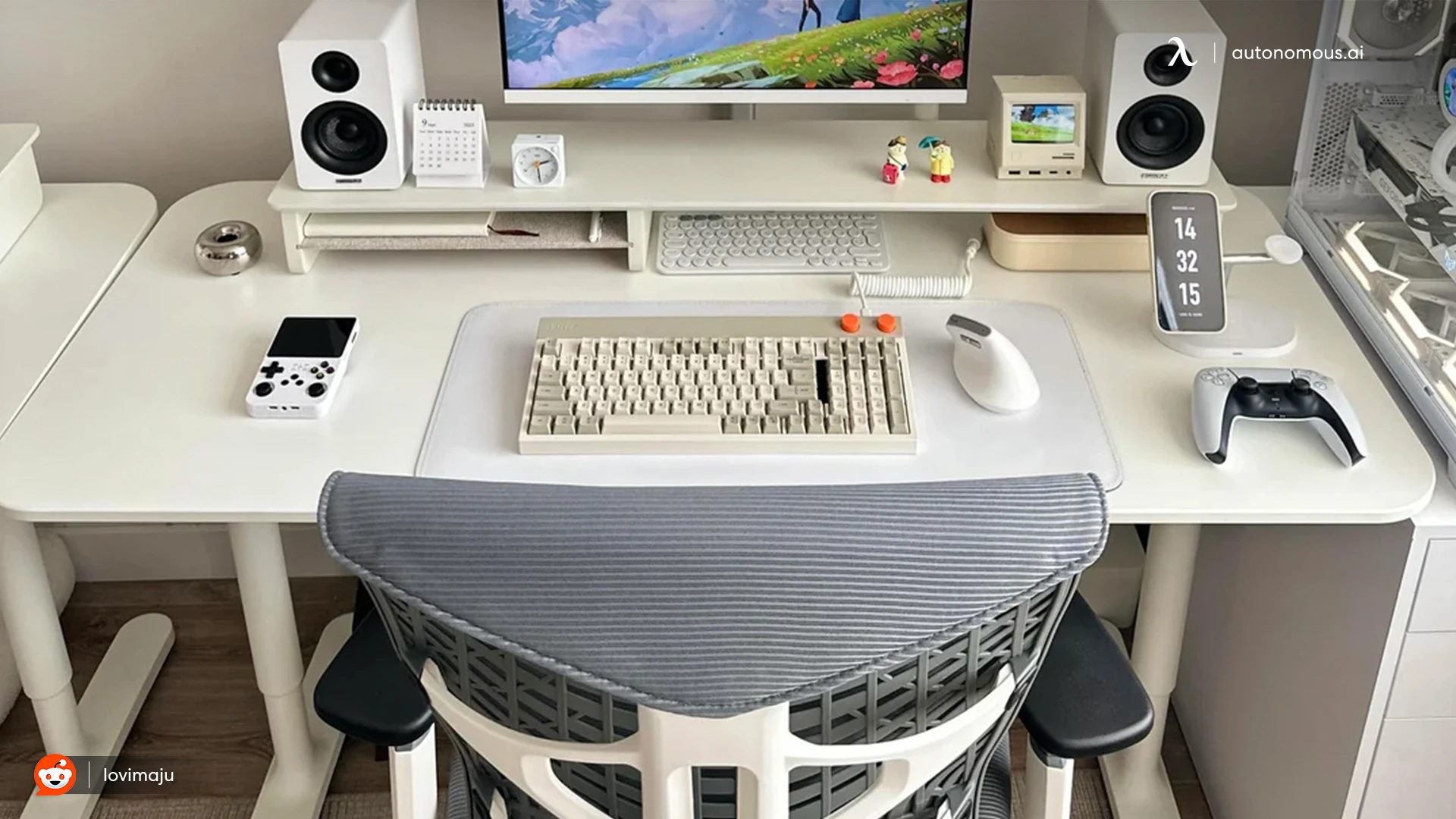
Mini PCs are designed to stay out of the way. They run quietly, require minimal setup, and are easy to integrate into smaller workspaces. Desktops, while more powerful, usually involve more components, cables, and space.
Mini PCs work well when you want a clean, low-maintenance environment. They are especially useful in setups where space is limited or where simplicity matters more than expansion.
Desktops are better suited for more permanent setups where you don’t mind dedicating space to performance. They often require more planning but give you more flexibility in how your workspace evolves.
This becomes more noticeable when designing a workspace around your device, whether it’s a compact setup or a full home office setup.
Size and Desk Setup
A mini PC is significantly easier to place and manage in most desk setups.
Mini PCs can sit behind a monitor, under a desk, or even be integrated into furniture. Some setups take this further with a computer built into a desk, where the system becomes part of the workspace itself.
Desktops take up more physical space and usually require separate placement for the tower, cables, and cooling. This can affect how you design your workspace, especially in layouts built around an L-shaped desk gaming setup.
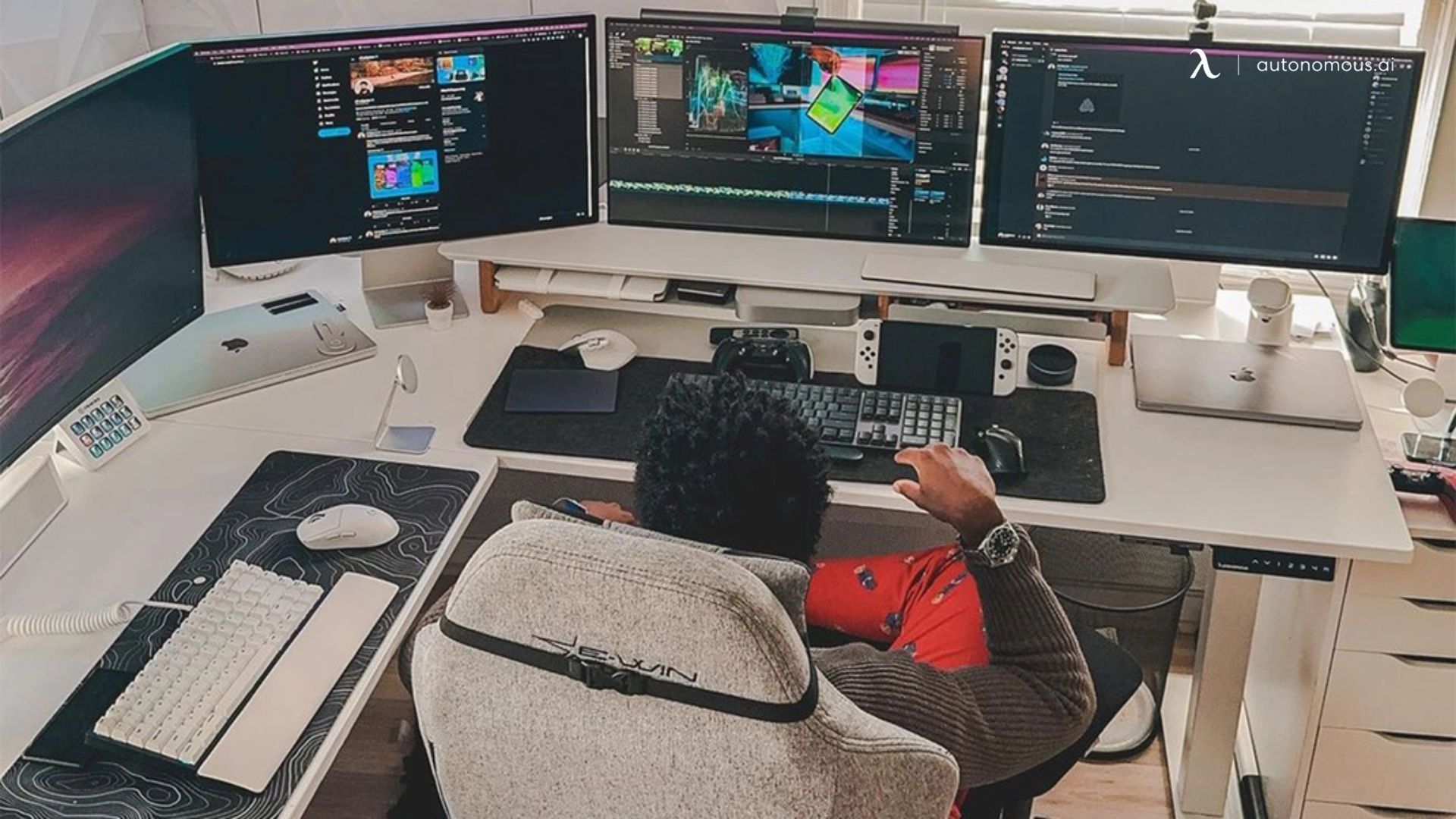
Mini PCs offer more flexibility in how your desk is arranged. Because they are small and lightweight, they can be moved or repositioned easily without disrupting your setup. This makes them a natural fit for setups designed around movement and flexibility, including a standing desk setup.
Desktops, while less flexible, provide a stable and expandable foundation for larger work environments where performance and fixed placement matter more than mobility.
Upgradability and Long-Term Value
A desktop is easier to upgrade and holds its value longer than a mini PC.
In a mini PC vs desktop comparison, this is one of the biggest long-term differences. Desktops are built with modular components, which means you can replace or upgrade parts over time instead of replacing the entire system.
Mini PCs are more compact and integrated, which limits how much you can change after purchase.
- What you can upgrade over time
Desktops allow you to upgrade core components like the graphics card, memory, storage, and cooling system. This flexibility makes it possible to improve performance gradually as your needs grow.
Mini PCs usually support only basic upgrades, such as RAM and storage. The processor and graphics are typically fixed, so performance stays mostly the same throughout the device’s lifespan.
- How this affects long-term use
Upgradability changes how long your system stays relevant.
A desktop can adapt to new workloads, software updates, or changing needs without requiring a full replacement. This makes it a better fit for users who expect their setup to evolve over time.
A mini PC is more of a fixed solution. It works well for stable, predictable tasks, but once your needs outgrow it, upgrading usually means replacing the device.
- Cost over time
At first, a mini PC may seem more affordable because it includes everything in a compact form.
However, over several years, a desktop can be more cost-efficient because you can upgrade individual components instead of buying a completely new system.
This difference becomes more important if your work changes or becomes more demanding.
Pros and Cons - Which Should You Choose?
Mini PC | Desktop |
Compact size makes it easier to place in smaller workspaces | Higher performance ceiling for demanding software and long workloads |
Lower power usage helps reduce heat and electricity costs | Better long-term value because major components can be upgraded |
Quieter and simpler for everyday setups | Better cooling supports more stable performance under load |
Easier to integrate into clean or minimal desk layouts | Supports dedicated GPUs for gaming, editing, and rendering |
Good fit for browsing, office work, and media use | Better suited for gaming, creative work, and heavy multitasking |
Limited performance once tasks become more demanding | Takes up more physical space and usually needs a fuller setup |
Upgrade options are often limited to RAM and storage | Uses more power, especially with high-performance components |
Less flexible if your needs grow over time | Often costs more once you include stronger hardware and peripherals |
A mini PC vs desktop decision becomes clear when you match it to your daily needs and future plans.
Choose a mini PC if your setup is focused on simplicity. It fits better in smaller spaces, runs quietly, and handles everyday tasks without requiring much maintenance. It works well for consistent workflows where your needs are unlikely to change.
Choose a desktop if your setup is built around performance or flexibility. It gives you more control over hardware, supports upgrades over time, and handles demanding workloads more reliably. It is better suited for setups that grow or evolve.
The key difference is how each system scales. A mini PC is designed to stay efficient and stable within a fixed range of tasks. A desktop is designed to expand with your needs.
FAQs
What is the difference between a mini PC and a desktop?
A mini PC is a compact, low-power computer designed for basic tasks and small spaces, while a desktop is a larger system built for higher performance, better cooling, and hardware upgrades.
Is a mini PC as powerful as a desktop?
No, a mini PC is generally less powerful than a desktop because it uses smaller components and limited cooling, which affects sustained performance.
Can a mini PC replace a desktop?
A mini PC can replace a desktop for everyday tasks like browsing, office work, and media use, but it may not handle gaming or demanding software as effectively.
Which is better for gaming: mini PC or desktop?
A desktop is better for gaming because it supports dedicated graphics cards and delivers more stable performance for modern games.
Do mini PCs use less power than desktops?
Yes, mini PCs use significantly less power because they are designed for efficiency, while desktops consume more energy to support higher performance.
Are mini PCs good for office work?
Yes, mini PCs are well-suited for office work such as documents, video calls, and web browsing, especially in compact or minimal setups.
Can you upgrade a mini PC like a desktop?
Mini PCs usually allow upgrades to RAM and storage, but desktops support full upgrades including GPU, CPU, and cooling systems.
Which lasts longer: mini PC or desktop?
Desktops typically last longer because they can be upgraded over time, while mini PCs are more likely to be replaced when performance becomes outdated.
Is a mini PC better for small desk setups?
Yes, a mini PC is better for small desk setups because it takes up less space and is easier to integrate into compact work environments.
Is a desktop worth it for long-term use?
A desktop is often worth it for long-term use because it can adapt to new needs through upgrades rather than requiring full replacement.
Should I choose a mini PC or desktop for everyday use?
For everyday use, a mini PC is usually enough and easier to manage, while a desktop is better if you expect your workload to grow over time.
Mini PC vs desktop: which is better overall?
Neither is universally better. A mini PC is better for simplicity and efficiency, while a desktop is better for performance and flexibility.
Final Verdict
A mini PC vs desktop comparison is really about trade-offs. Mini PCs are efficient, compact, and enough for most daily tasks. Desktops offer more power, better cooling, and long-term flexibility. If your work is simple, go smaller. If your work is demanding, go bigger.