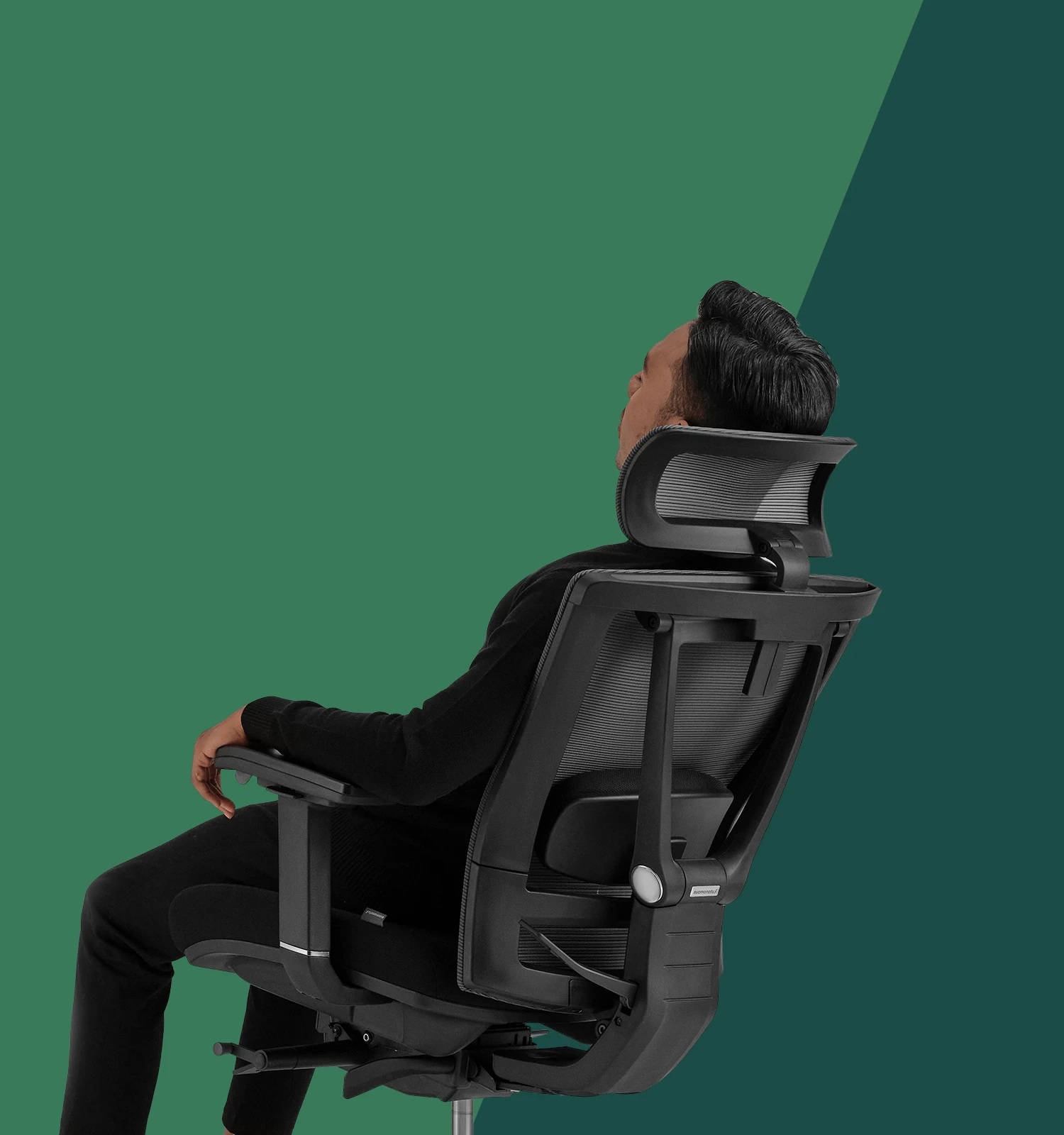
ErgoChair Pro
Black Friday price.
Built for 12-hour sessions.
15 Best L-Shaped Desk Gaming Setup Ideas For Gamers
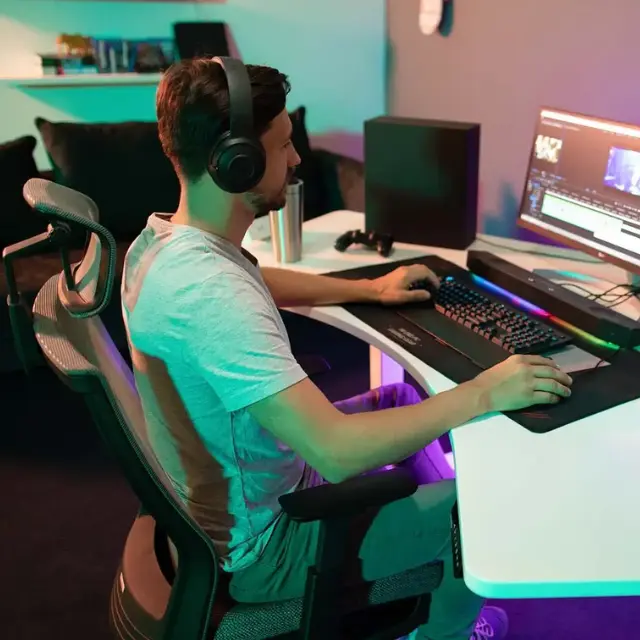
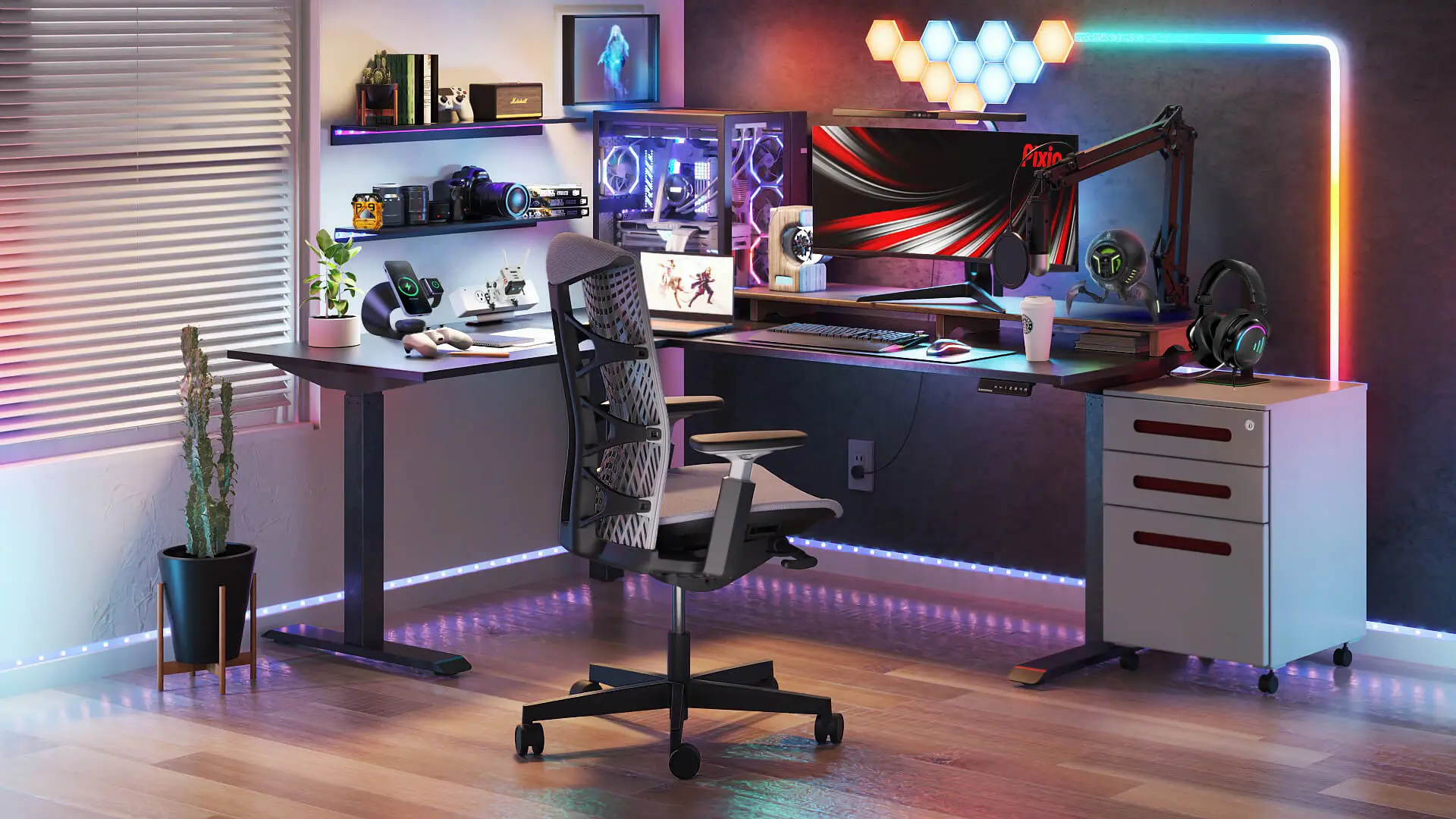
The best L-shaped desk gaming setup ideas start with one decision: the main monitor goes on the long side, and the short return holds the second job, whether that is a console, a laptop, a streaming PC or a second screen. Get that split right and the rest (cable path, tower spot, lighting, the chair) falls into place around it.
Below are 15 corner desk gaming setup ideas built around how an L-shaped desk is actually used, with the measurements that decide whether three monitors fit and where a corner screen should sit. Most of the gear here works for any gaming corner, whatever desk you already own.
Some Benefits Of L-Shaped Desks For Gaming
An L-shaped desk gives a gaming setup two separate surfaces that meet at the corner, so the gaming screen and everything else stop competing for the same strip of desk. That is the real gain over a straight desk of the same width.
The extra surface matters most once you go past one monitor. A dual or triple monitor setup eats a straight desk quickly, and speakers, a mic arm and a console then have nowhere to go. On an L, the long side carries the screens and the return carries the rest.
The split also works for mixed use. A laptop for school or editing can live on the return while the gaming screen stays put, which is the easiest way to run a gaming laptop setup next to a desktop without swapping cables every evening.
The corner itself is usually dead space in a room, and pushing the desk into it leaves the middle of the floor open. In a small room, the same layout adapts to a bedroom gaming setup. The tradeoff is footprint: an L takes a deeper chunk of the room than a straight desk, so measure both walls before you buy.
15 Best L Desk Gaming Setup Ideas
These ideas run in the order you would build the setup: desk and chair first, then screen layout, then cables and the tower, then lighting, sound and the look of the corner.
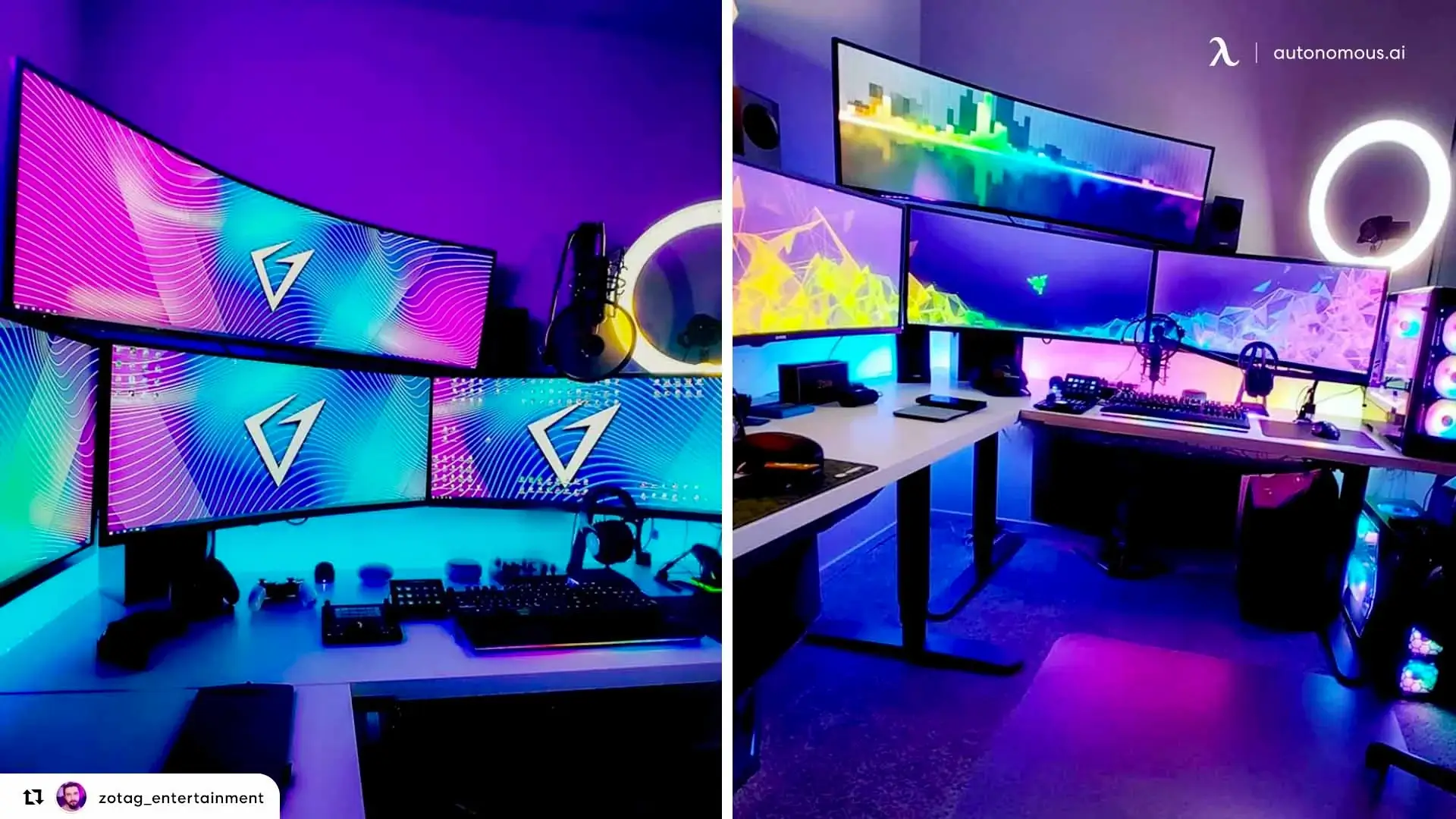
1. Size the Desk to Your Monitor Row
Pick the desk by the width of the monitors you plan to run side by side, then add room for speakers. A 16:9 panel is about 87% as wide as its diagonal, so the math is quick:
| Monitor | Panel width (approx.) | Three in a flat row |
|---|---|---|
| 24" 16:9 | 20.9" | about 63" |
| 27" 16:9 | 23.5" | about 71" |
| 32" 16:9 | 27.9" | about 84" |
| 34" 21:9 ultrawide | 31.3" | one screen |
Bezels and stands add a little to each figure. The Autonomous Desk 2 L-Shaped has a 77" long side and a 35" return, so three 27" screens fit flat along the long side, while three 32" screens need the outer two angled in or one moved onto the return. The short side moves left or right, so the same desk fits either corner of a room.
If you play long sessions, an adjustable standing desk lets you change position between matches. This one runs 29.4" to 48" with three motors, four height presets and a 400 lb lift capacity.
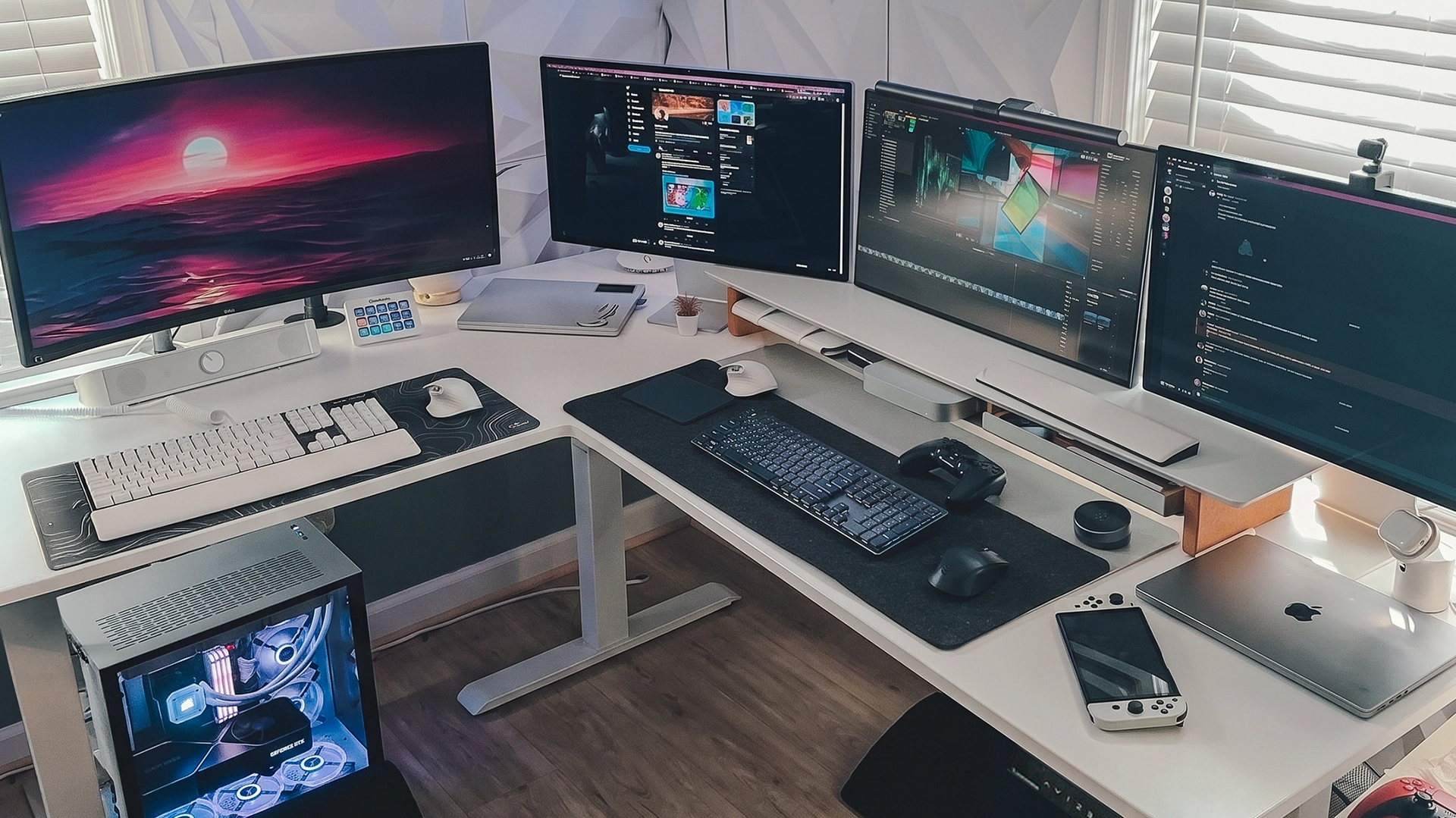
The frame is SPCC steel with ANSI/BIFMA certification, the 1" MDF top has a rounded front edge, and a cable tray comes in the box. The frame carries a 10-year warranty and the top 2 years.
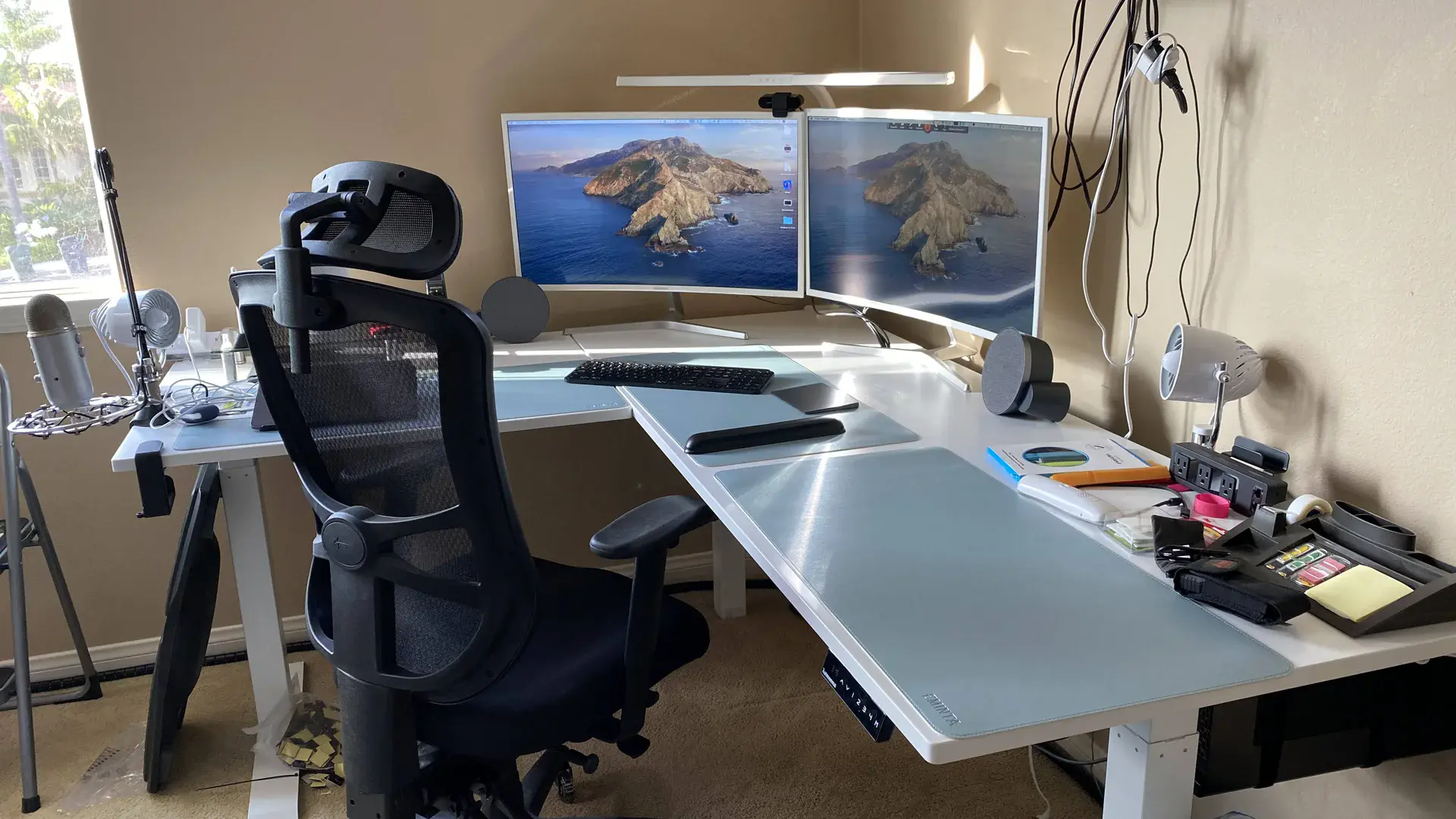
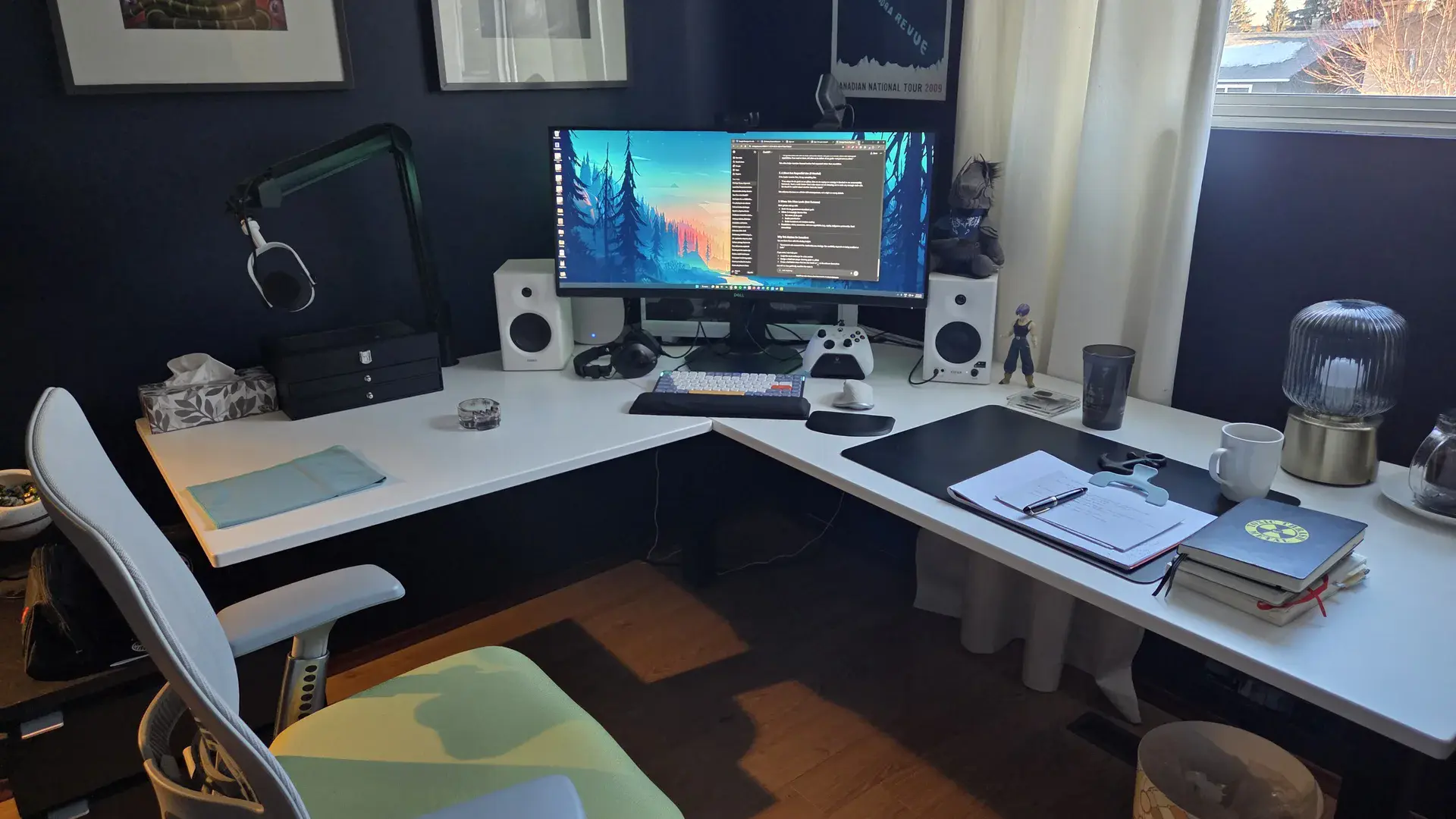
2. Invest in an Ergonomic Gaming Chair
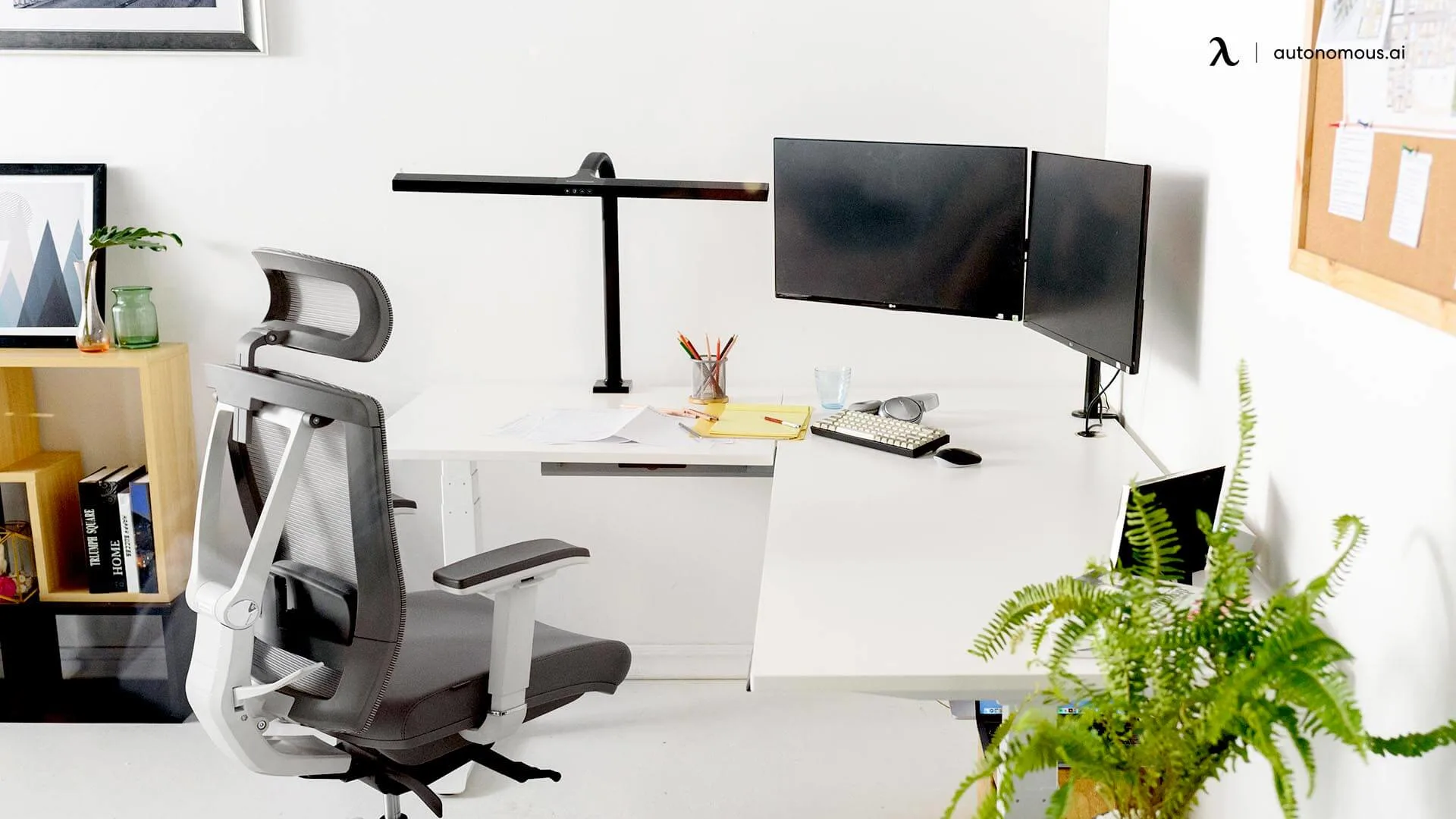
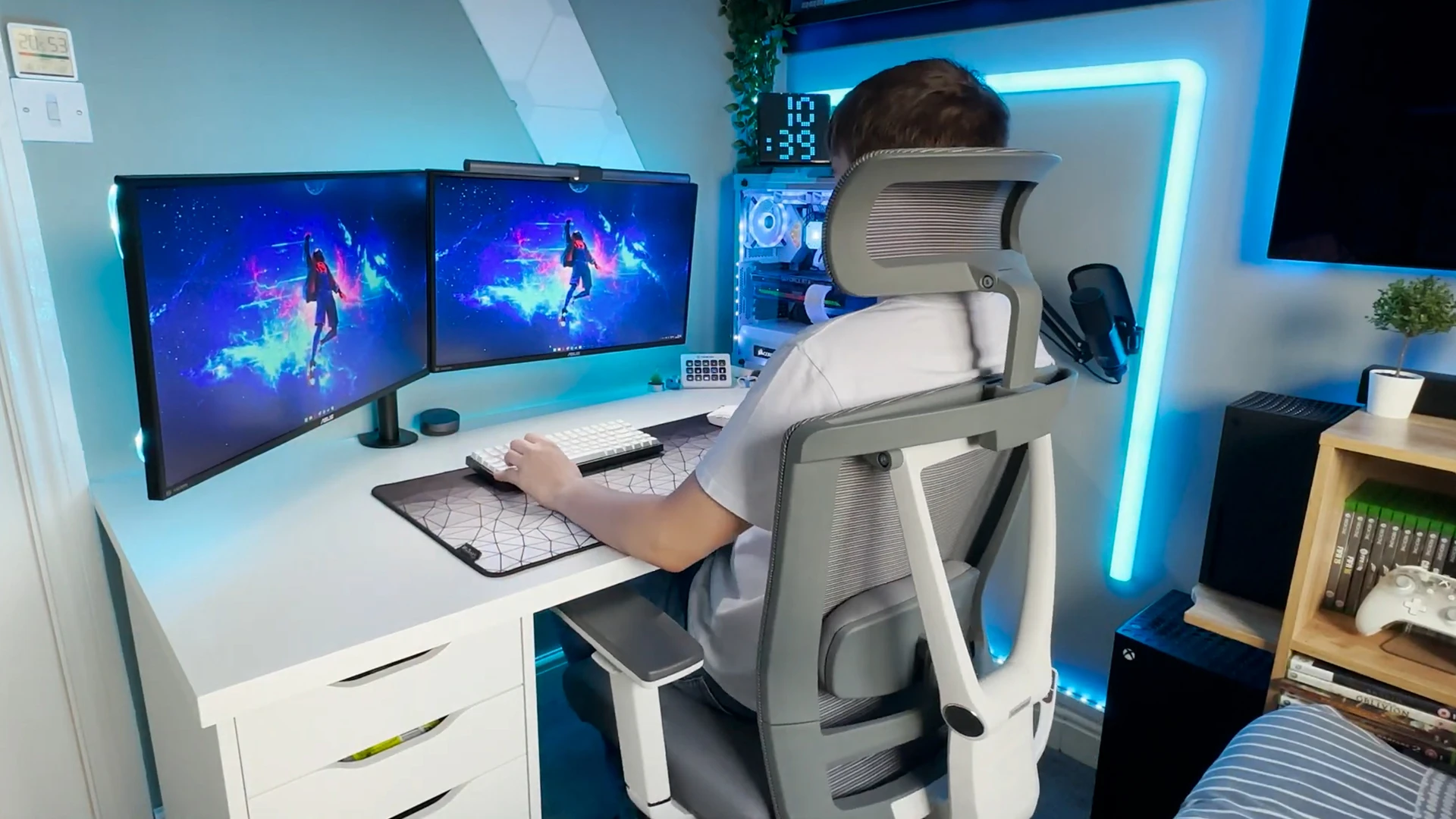
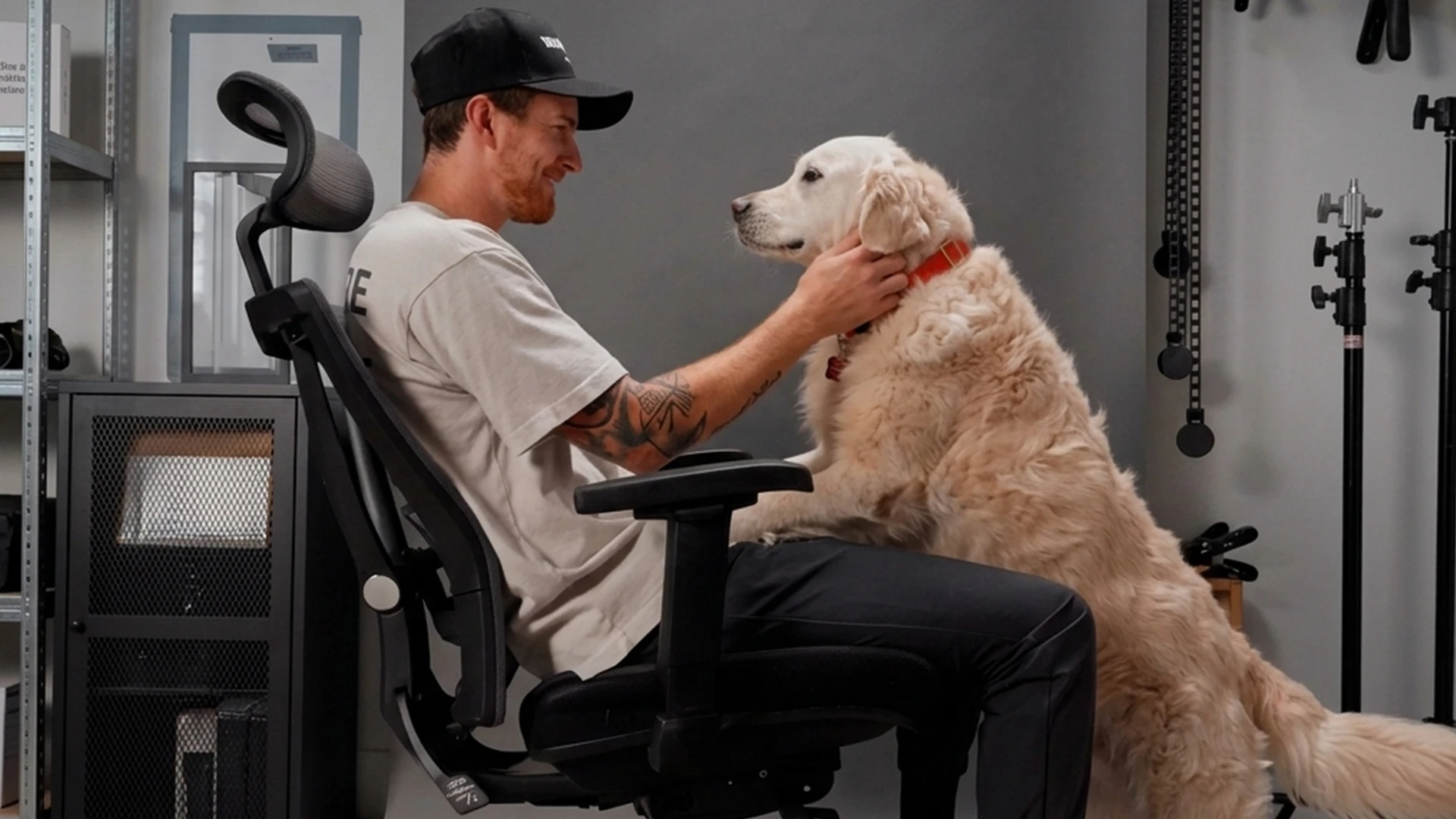
On an L-shaped desk the chair does more work than usual, because you swivel between the main screen and the return many times an hour. Look for an ergonomic chair with adjustable lumbar support and armrests that move sideways as well as up and down, so they stay under your forearms when you turn toward the return.
The ErgoChair Pro has a sliding lumbar pad with 6 inches of height range, 3D armrests, a seat that adjusts from 18.5" to 22" high and 19" to 21.5" deep, and a 22° recline range for leaning back during cutscenes. It holds up to 300 lbs and has a lifetime warranty.

Set the seat height first, with feet flat and elbows level with the desk at its sitting preset, then slide the lumbar pad to the curve of your lower back.
3. Put the Main Screen on the Long Side
Your main gaming monitor belongs centered on the long side, straight in front of the chair, not in the corner. The long side is where your keyboard and mouse have the most uninterrupted width, and it is the side you face for the longest stretches.
Decide which wall the long side runs along by checking the window. Light from directly behind the screen makes you squint, and a window behind your chair throws glare onto the panel; a window off to one side is the easiest to live with.
4. Give the Return a Second Job
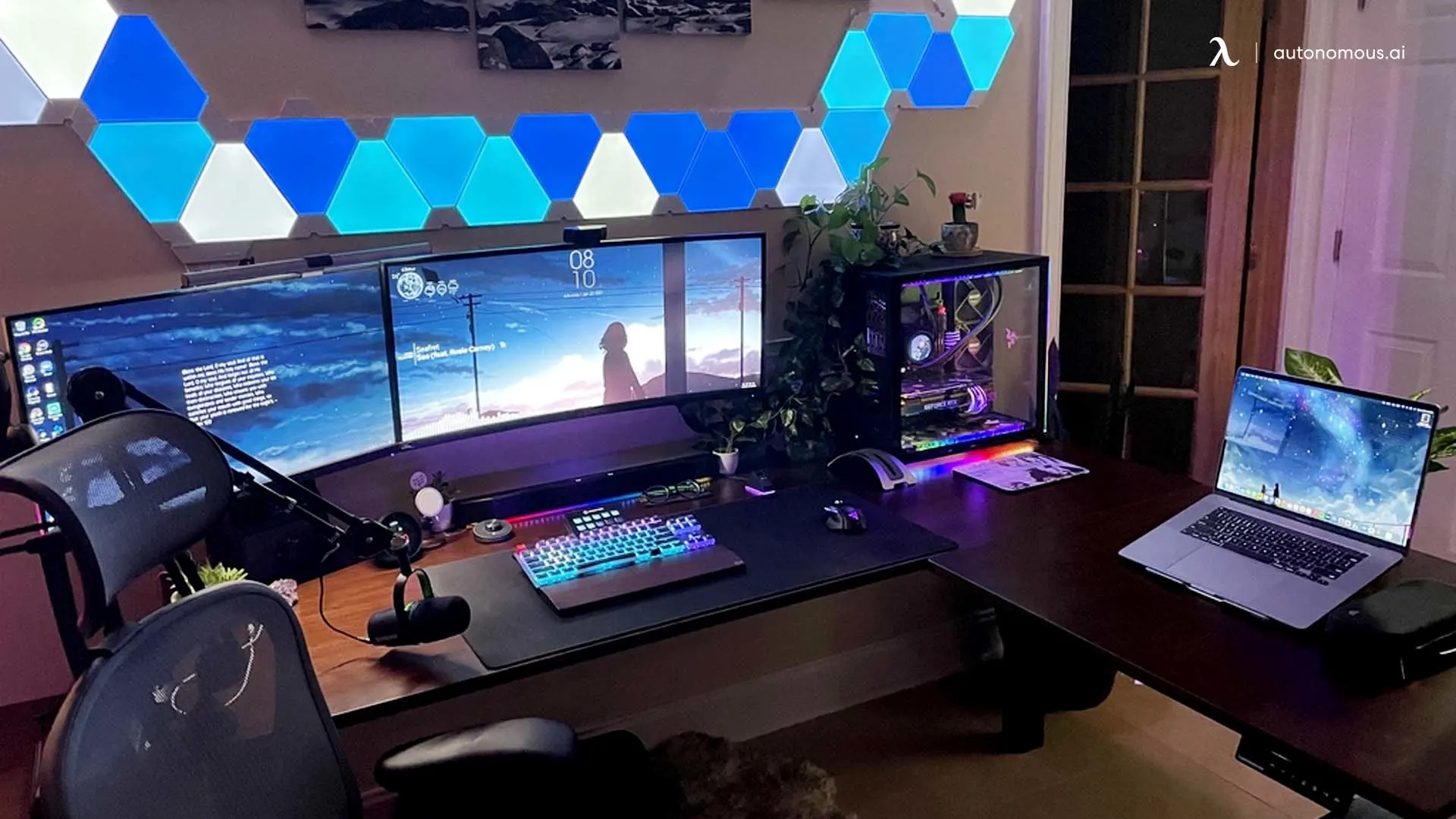
The short return works best with one clear role: a console with its own screen, a work laptop, a streaming PC, or a sim-racing or flight-stick station. Pick one so the return does not turn into an overflow shelf.
A console station on the return only needs a monitor, the console and a controller dock. A streaming PC needs room for a mic arm, a camera and a stream deck. On a 35" return, a 27" monitor (about 23.5" wide) leaves space at one end for a controller or headset stand.
5. Use A Rotating Arm For the Corner Screen
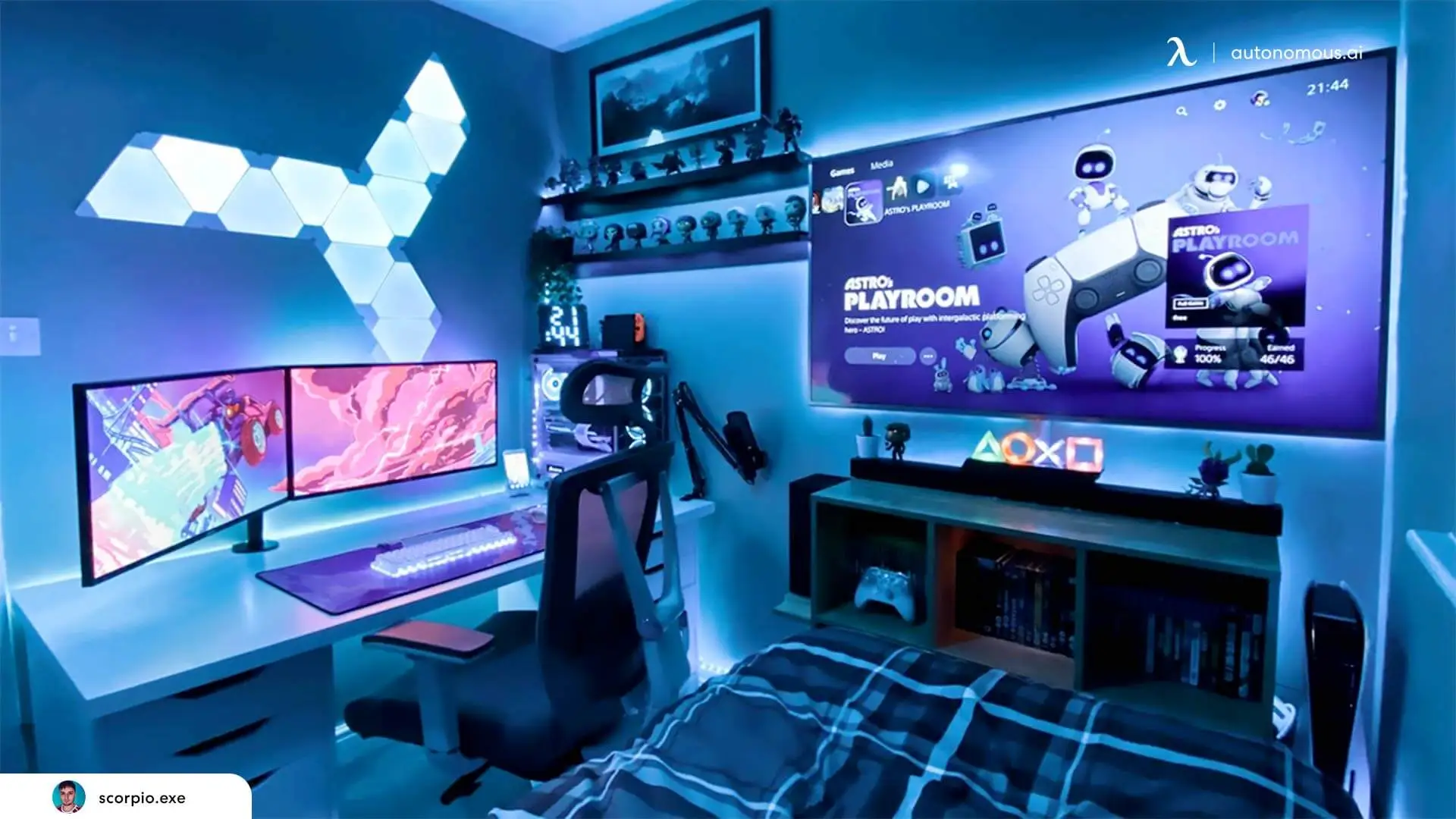
A screen pushed into the back corner of an L-shaped desk sits too far away for most people, so mount it on an arm and pull it forward. With two 29"-deep tops, the diagonal from the inside corner where you sit to the wall corner is roughly 41 inches, and your eyes sit behind that edge.
OSHA's workstation guide puts the preferred viewing distance at 20 to 40 inches, so a corner screen left at the wall is past that range. A rotating or articulating arm fixes it, and it also lets you swing a screen from the long side toward the return when you switch from gaming to a second PC.
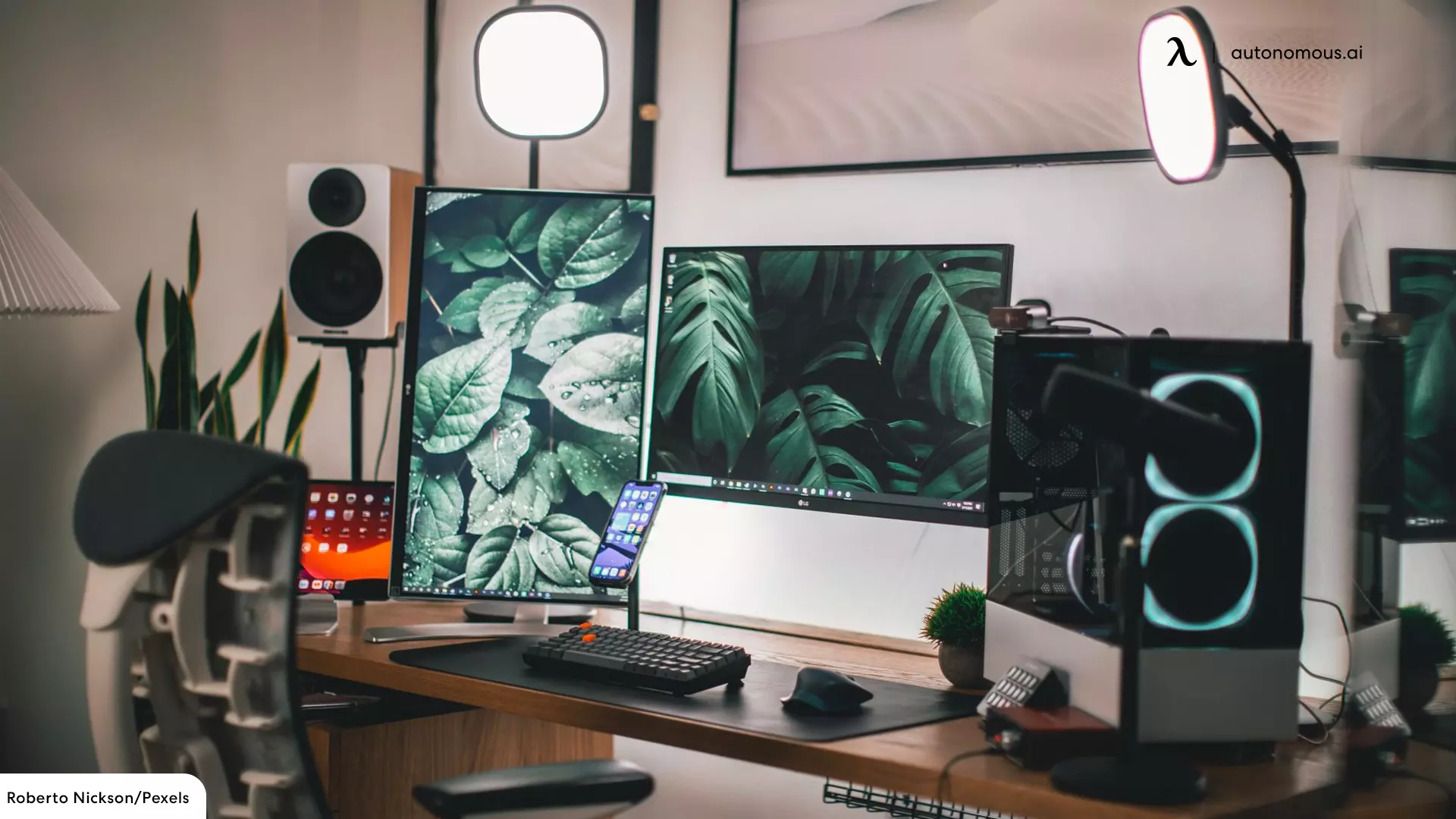
6. Use Multiple Monitors in a Shallow Arc
Three monitors work best with the center screen flat in front of you and the two side screens angled inward until their inner edges meet the center one. That keeps the side screens at roughly the same distance from your eyes as the middle one, so you are not refocusing every time you check a side panel.
Line the top edges up at the same height. On an L desk, you can also run two screens on the long side and put the third on the return angled toward the chair, which suits a game-plus-chat layout better than a racing-style wraparound.
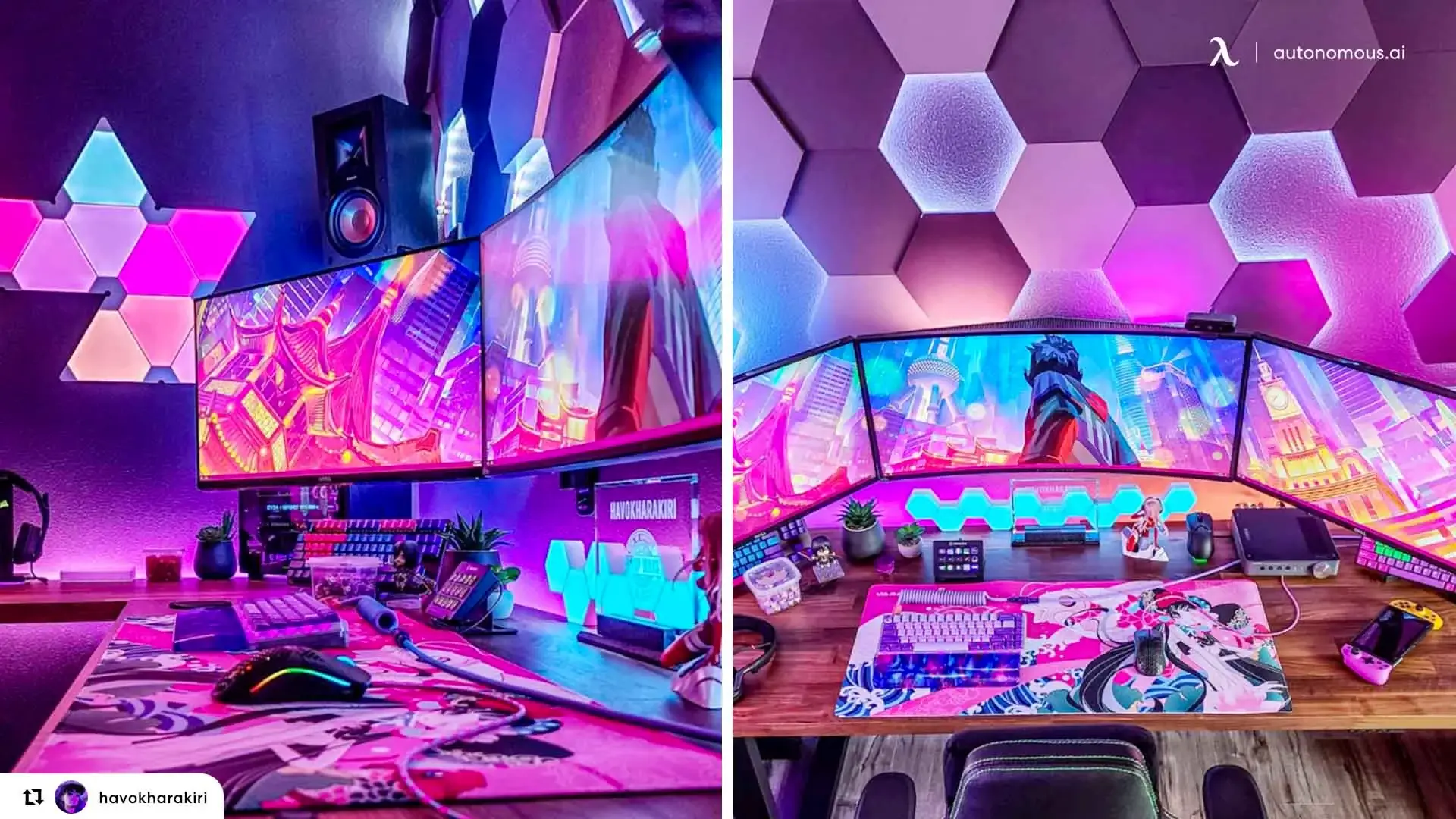
7. Get a Monitor Stand or Arm for Eye Height
Set the top of the screen at or slightly below eye level, which is OSHA's guideline for monitor height. Many stock stands leave the screen lower than that, so a stand or riser fixes the height and frees desk space underneath for a controller or a phone.
For a dual monitor setup on an L desk, a single dual arm clamped near the corner can hold one screen over each side, which leaves both surfaces clear for the keyboard and the second device.
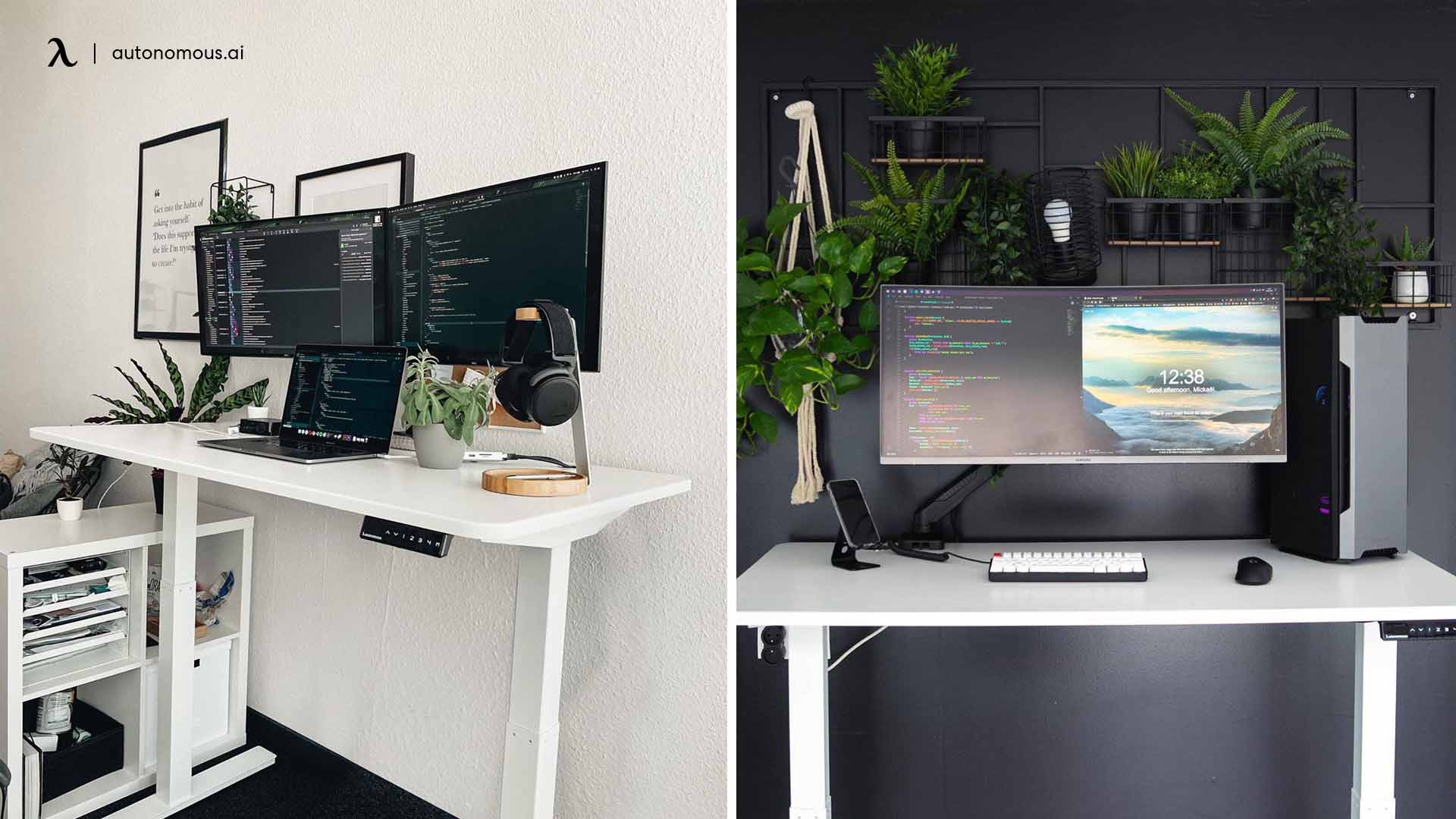
8. Route Cables Along the Back, Then Across the Corner
Run one cable trunk along the back edge of the long side, cross the corner at the frame joint, and drop a single bundle down the leg nearest the tower. That way only one bundle reaches the floor and nothing hangs in the knee space.
The Autonomous Cable Tray is 35.4" wide, steel, holds 35 lbs and mounts under Autonomous frames. One comes with the L-shaped desk, but a single tray covers less than half of the 77" long side, so a second tray under the long side and the power strip sitting inside one of them keeps the wall run to one cord.
Wireless mice, keyboards and headsets cut the bundle further. Keep the mouse wired if you prefer the lower latency; one cable to the PC is easy to hide.
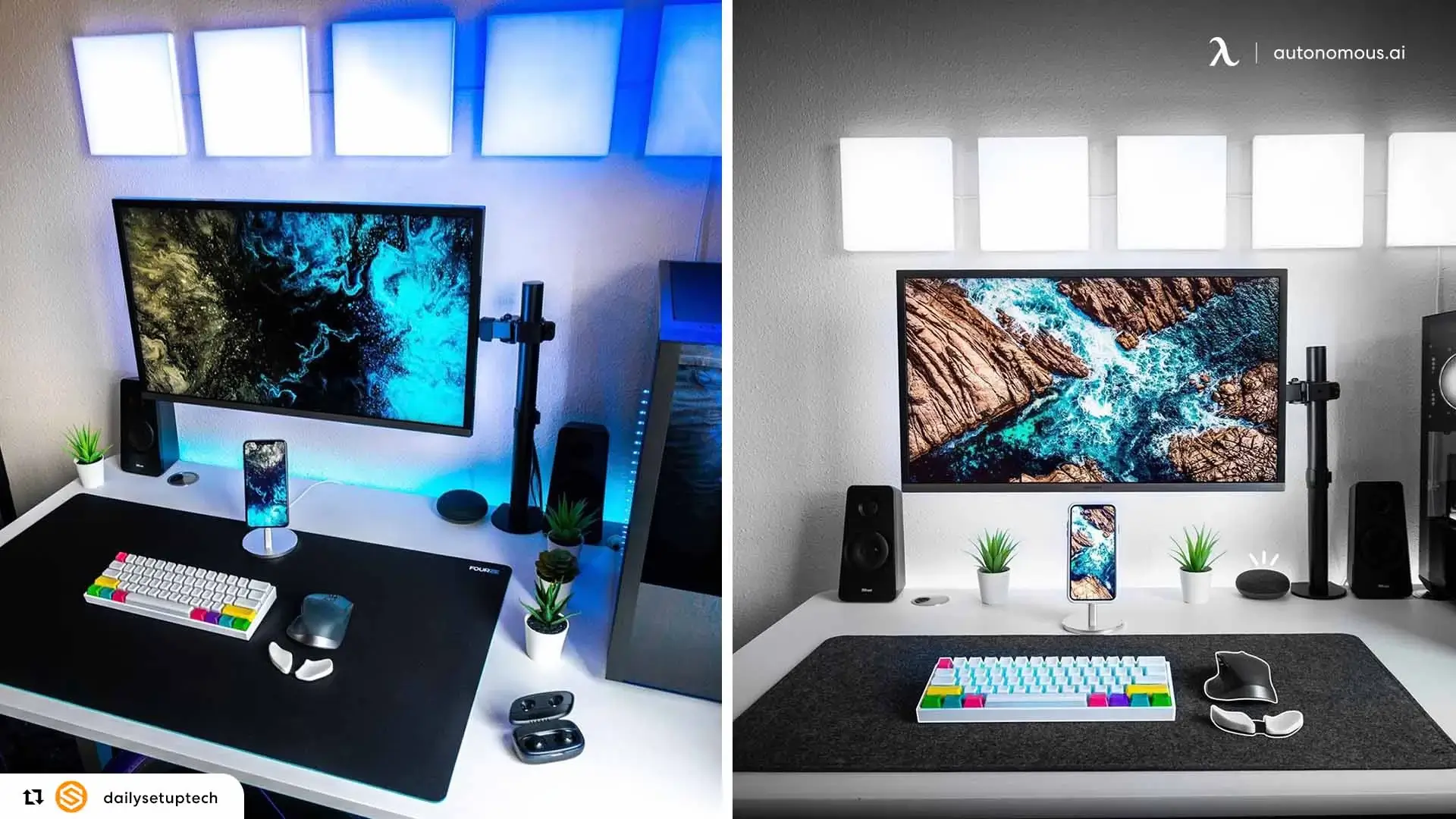
9. Park the Tower Under the Return
The PC tower fits best on the floor or a small stand under the return, on the side away from the corner leg, so it sits close to the cable drop and out of your legroom. Leave a gap behind it so the exhaust is not blowing straight into the wall.
On a standing desk, every cable from the tower to the desk has to cover the full lift. The Desk 2 L-Shaped travels about 18.6 inches between its lowest and highest settings, so leave that much slack plus a loop, and test the full range once before you zip-tie anything. A tower on the desktop avoids the problem but takes up a good share of the return.
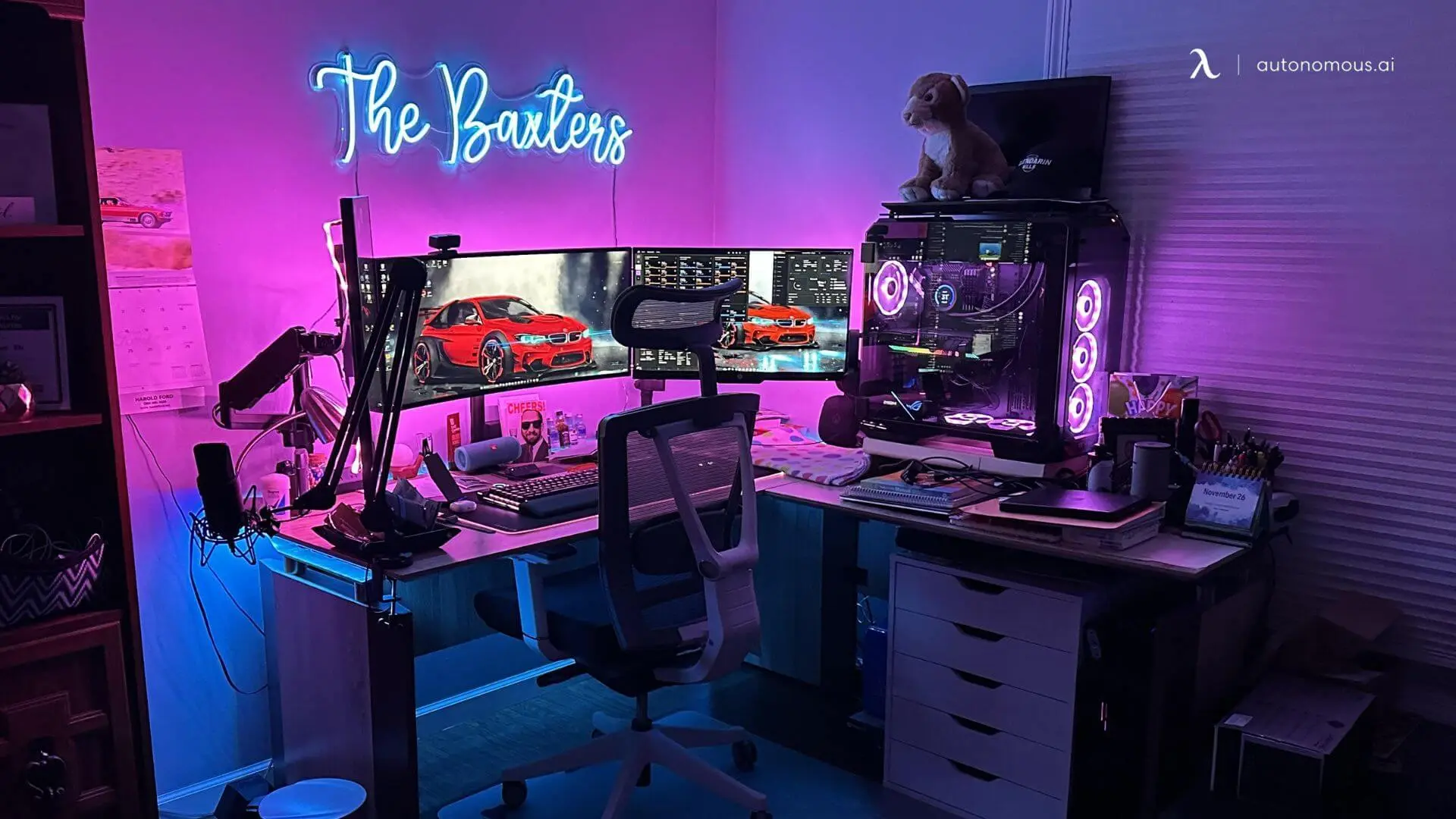
10. Add Some Vibrant Lights, From the Side
Use two kinds of light: a bias light behind the main monitor to soften the contrast between a bright screen and a dark room, and RGB strips under the desk edge or along the wall for mood. Keep strong colored light out of your direct line of sight so it does not reflect off the panel.
On a standing desk, a strip stuck to the desk moves with it, so give its power lead the same slack as the other cables. If you prefer daylight, a window to the side of the long run gives the brightness without the glare.
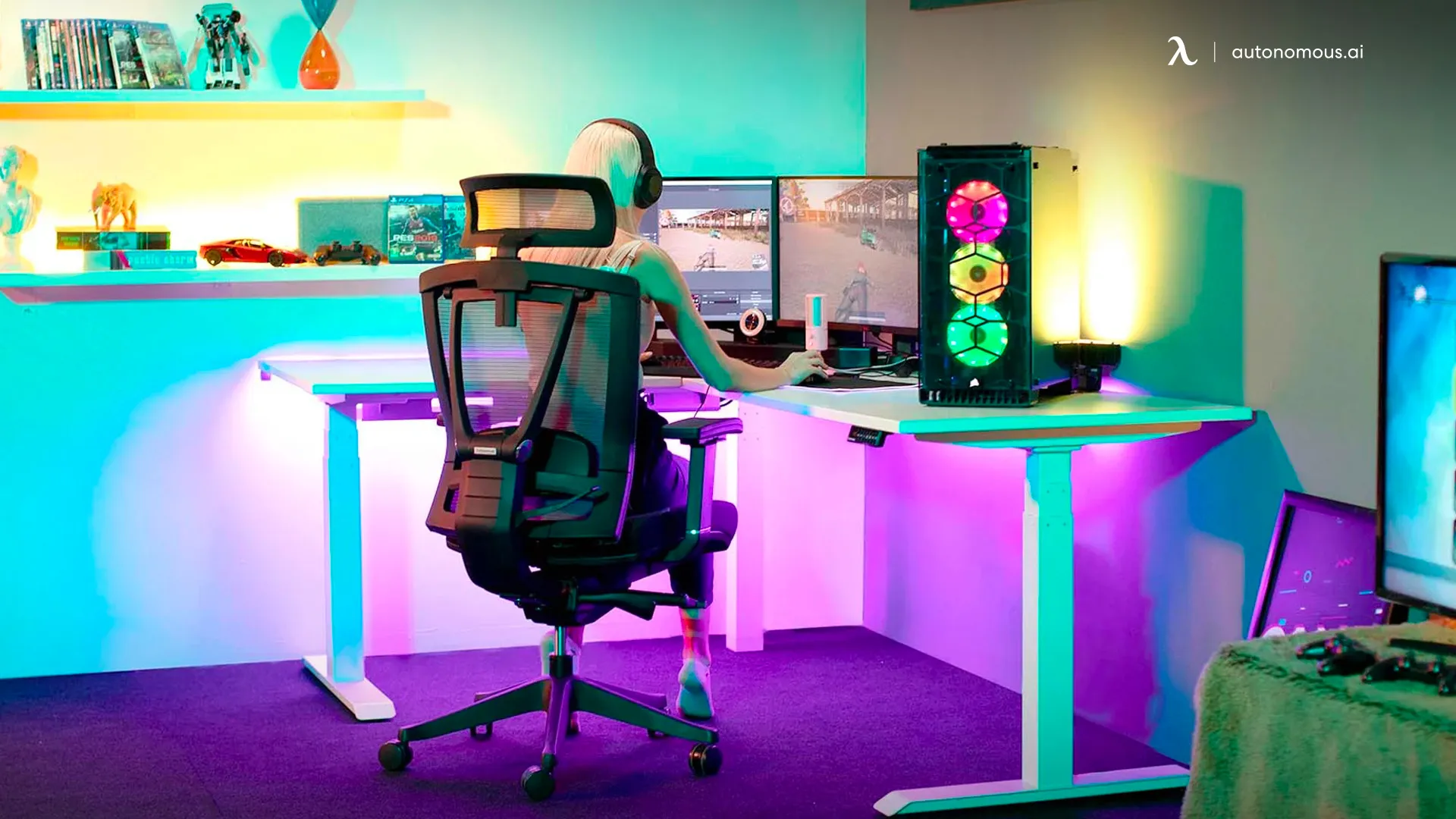
11. Invest in a High-Quality Mouse and Keyboard
The mouse and keyboard are the two desk accessories you touch every second of a match, so spend here before decor. A mouse that fits your grip and a keyboard at a height where your wrists stay straight matter more than switch type.
On an L desk, give the mouse its full swing on the long side and keep the large desk mat clear of the corner, where it tends to buckle. A wrist rest such as the ErgoClick 3D, a 3D-printed lattice rest that works with any mouse, helps if your wrist rests on the desk edge between flicks.
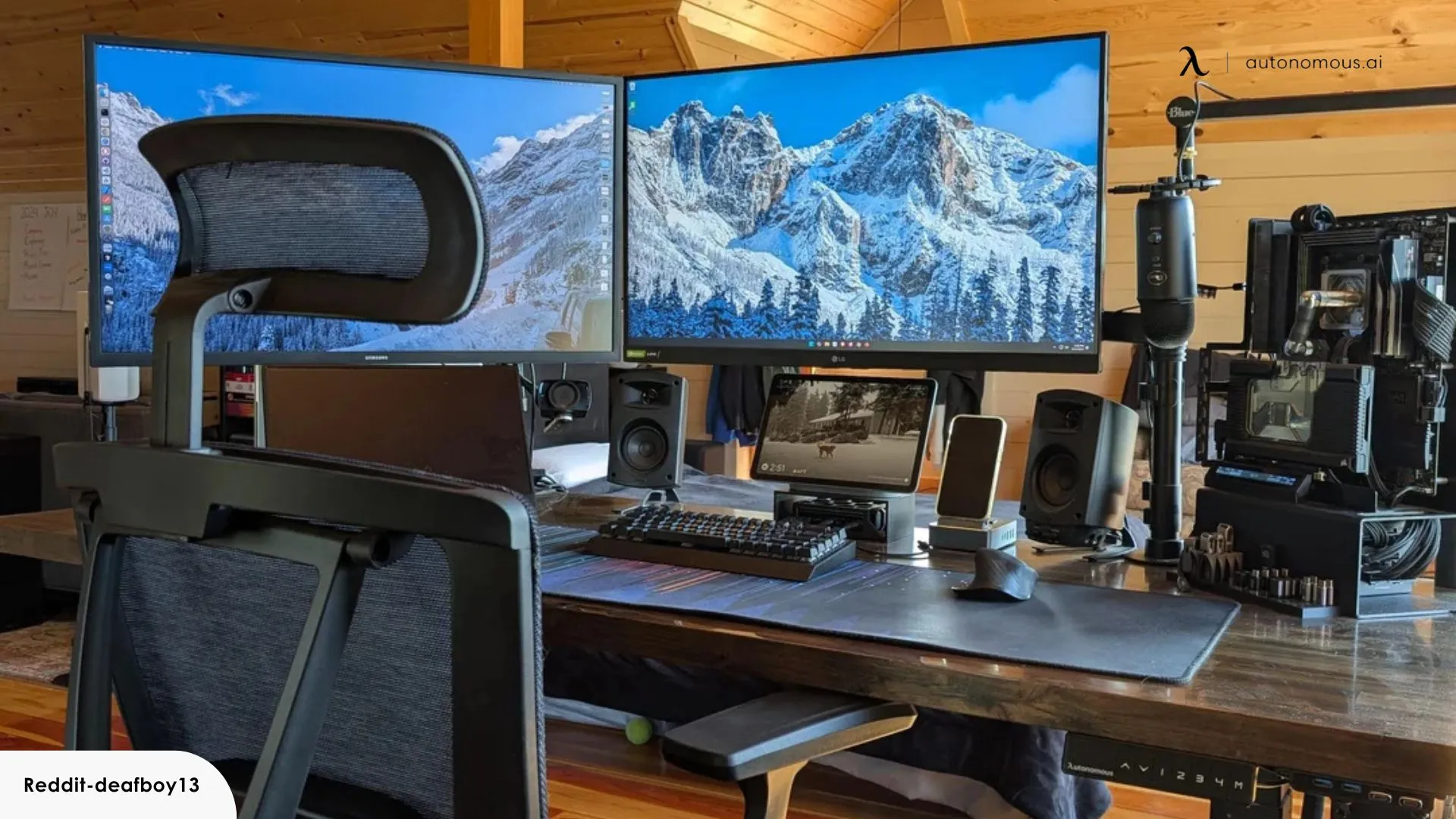
12. Use Anti-Fatigue Mats When You Stand
If you switch between sitting and standing at a corner standing desk, a mat under the long side takes pressure off your feet during standing stretches. Place it where you stand at the main screen, not under the chair, so the casters do not dent it.
A balance board is the other option for people who fidget. The Autonomous Flow Board tilts in every direction on a 360° fulcrum, holds 330 lbs and flips out into a footrest for seated play.
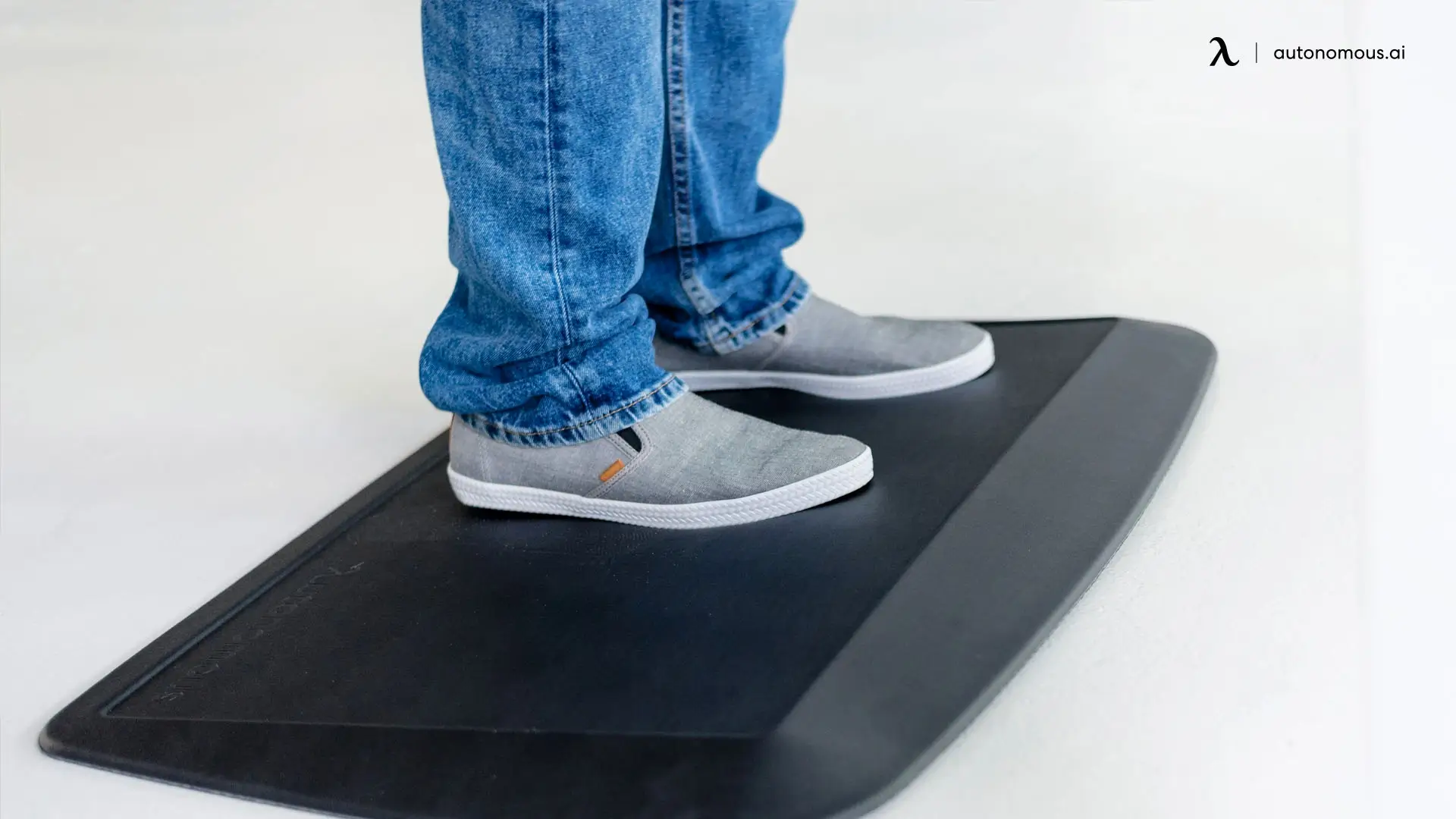
13. Add Acoustic Panels For Sound Control
Acoustic panels on the two walls of the corner cut the echo that a hard corner bounces back into your mic and headset. Corners collect reflections from both walls, which is why voice chat from a corner desk often sounds hollow.
Start with panels at head height behind the monitors and beside the chair, where the first reflections land. For streamers that is usually enough; blocking outside noise is a different job that calls for a soundproof gaming room approach with seals and mass, not panels.
14. Create A Theme or a One-Color Scheme
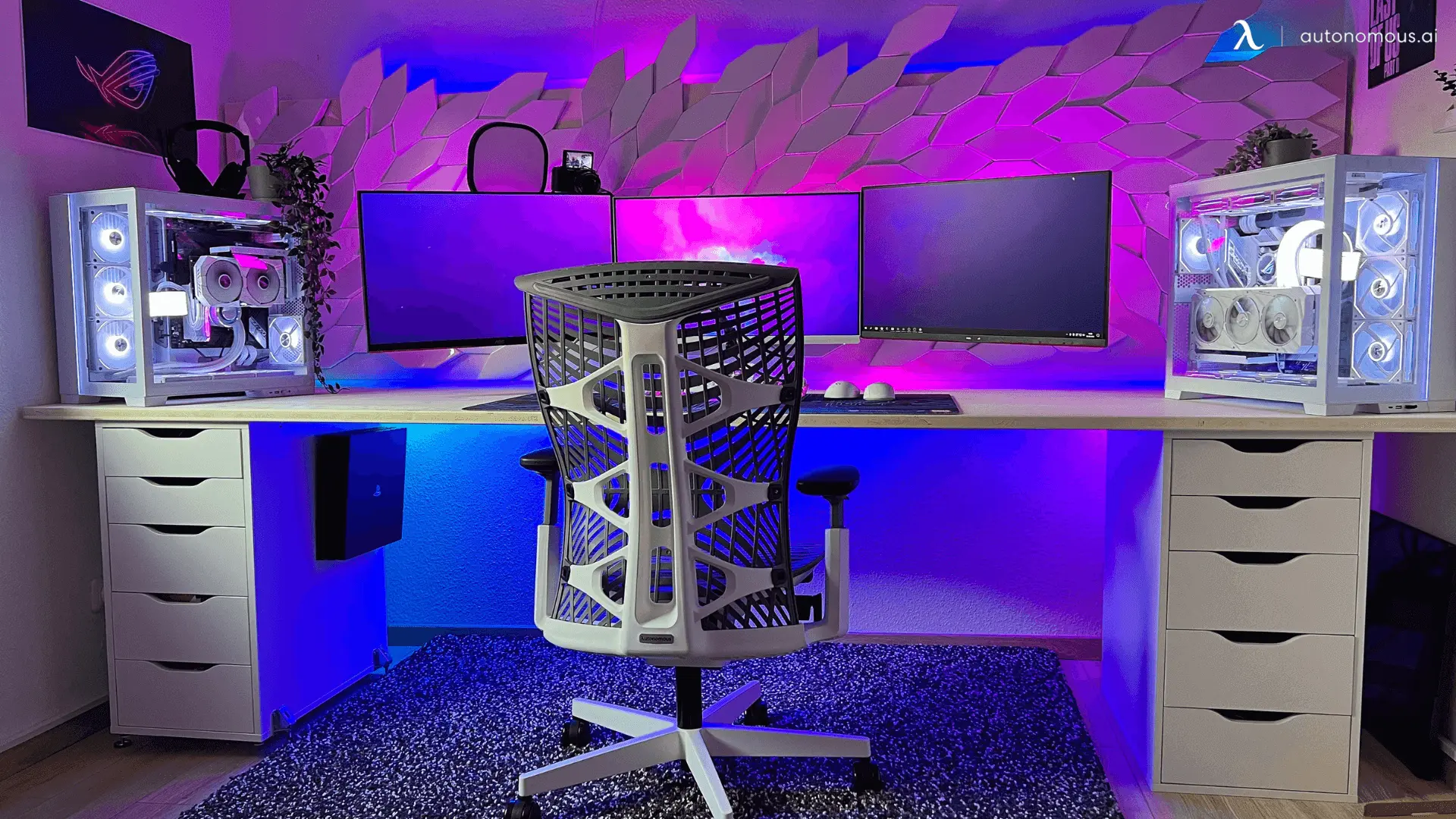
Pick one color scheme for the desk, chair, peripherals and wall, and the corner reads as one setup instead of a pile of gear. All-black or all-white with one accent color is the easiest to match, since most peripherals come in those two.
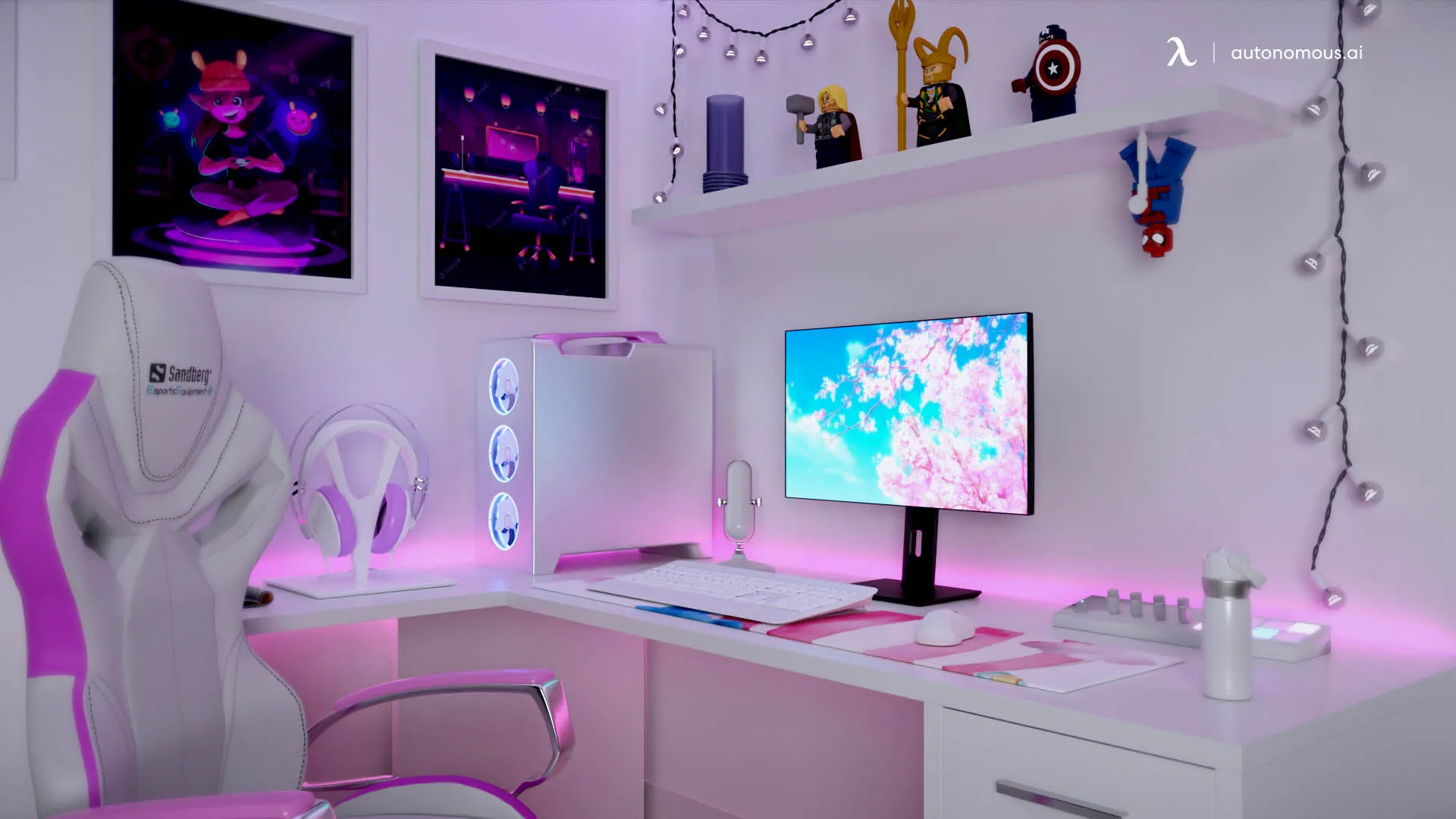
A theme does the same job with more personality: neon and dark walls for a cyberpunk corner, framed game art and figures on floating shelves, or a pastel kawaii gaming setup. Use the wall above the return for shelves and art, since the wall behind the main screen is where the monitor arm and bias light go.
15. Tidy Storage Solutions and a Few Plants
Store everything you do not touch during a match off the desktop: drawers or a rolling cabinet under the return for spare cables and controllers, and a headset hook on the desk edge. The corner of an L is hard to reach from the chair, so keep it for a speaker or a plant rather than things you need mid-game.
A couple of desk plants soften a setup full of black plastic. Pick low-light plants if the corner sits away from the window.
FAQs
How should I set up my L-shaped desk for gaming?
Put the main gaming monitor centered on the long side, directly in front of the chair, and give the short return one second job such as a console, laptop or streaming PC. Then run cables along the back edge, cross the corner once and drop them near the tower.
Where should monitors be placed on an L-shaped desk?
Monitors go on the long side, with the main screen straight ahead and the top edge at or slightly below eye level. A screen in the corner needs an arm to pull it forward, because the back corner usually sits past the 20 to 40 inch viewing range OSHA recommends.
Are L-shaped desks good for gaming?
Yes, L-shaped desks are good for gaming when you run more than one screen or a second device. The long side holds the gaming monitors and peripherals, the return holds a console or laptop, and the corner placement leaves more open floor than a long straight desk.
What size L-shaped desk is best for a gaming setup?
Size it to your monitor row: three 27-inch 16:9 screens need about 71 inches of width, three 32-inch screens about 84 inches. A long side around 77 inches fits three 27-inch screens flat; bigger screens need angling or one on the return.
Can you fit three monitors on an L-shaped desk?
Yes, if the long side is wider than the monitor row. Three 27-inch screens take about 71 inches side by side, so they fit on a 77-inch run. With 32-inch screens, angle the outer two inward or put the third screen on the return.
How can I manage cables on an L-shaped gaming desk?
Use an under-desk tray along the long side, cross the corner at the frame joint and drop one bundle down the leg nearest the PC. On a standing desk, leave enough slack for the full height travel and test the whole range before tying anything down.
Do L-shaped gaming desks save space?
They save floor space in the middle of the room by using a corner that is usually empty, but the desk itself takes a deeper footprint than a straight one. Measure both walls and the clearance for your chair before buying.
Conclusion
Most L-shaped desk gaming setup ideas come down to a few placement decisions: the main screen on the long side, one job for the return, no screen stuck deep in the corner, one cable path and slack for the lift. The lights, theme and plants come after that and are easy to change.
If you want to move between sitting and standing as well, a gaming setup with a standing desk covers heights and accessories in more detail.
Desk Pro
Black Friday price.
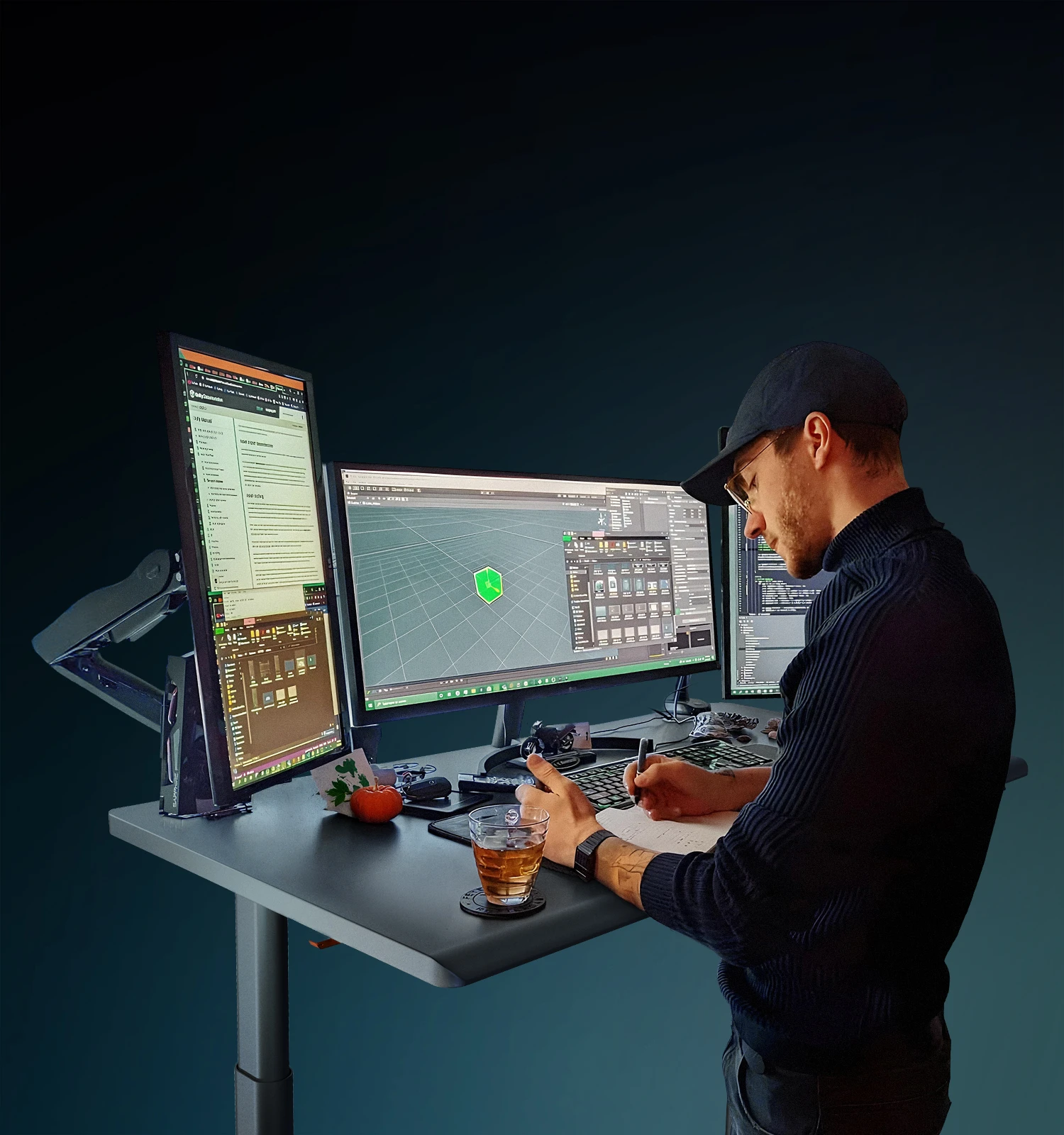
So 12 hours isn’t 12 hours sitting.