ErgoChair Pro
Black Friday price.
Built for 12-hour sessions.
5 Two-Computer Desk Setup Ideas To Boost Your Workflow

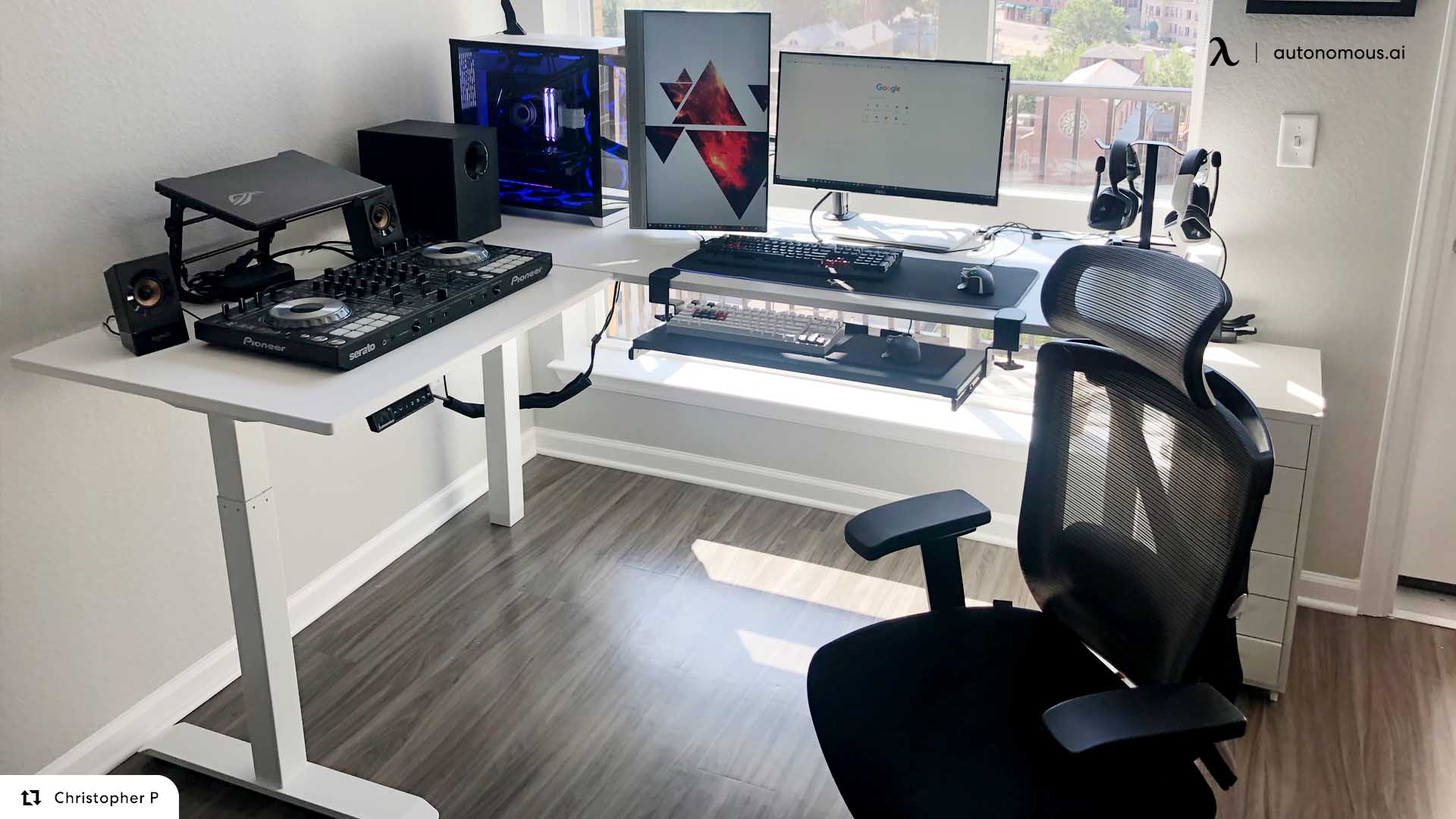
A two computer desk setup works when both machines share one keyboard, one mouse and one cable path, on a desk wide enough for what you actually run. Two laptops plus one monitor fit on a desk about 55 to 63 inches wide; two full stations with towers and two monitors each need about 70 inches or an L-shape.
The rest is choosing how to switch between machines (a KVM switch, monitor inputs or sharing software), then routing two sets of power and video so they do not tangle. As in any multi-screen desk setup, the screen you use most sits centered in front of the keyboard and everything else goes to the side.
How To Set Up A Dual Computer Desk: Step-by-Step
Set up a dual computer desk in this order: measure, place screens, pick a switching method, then do cables, light and ergonomics. Each step below has the number or check that decides it.
1. Assess Your Desk Space
Measure the width of everything that sits on the desk, add about 10 inches for elbow room, and that is your minimum desk length. A 27-inch 16:9 monitor is about 23.5 inches wide, a 24-inch is about 21 inches, and most 14 to 16-inch laptops are 12 to 14 inches wide open. Depth matters too: 29 to 30 inches leaves room for a keyboard in front of a monitor at arm's length.
Use this as a planning range for a desk for two computers, from a 2 laptop desk setup to two towers. Pick the row that matches your gear, then check your office accessories (speakers, dock, lamp) still fit.
| What sits on the desk | Desk width | Depth | Shape |
|---|---|---|---|
| Two laptops on stands, no monitor | 47-55 in | 24-29 in | Straight |
| Two laptops + one monitor | 55-63 in | 29-30 in | Straight |
| Two laptops + two monitors | 63-70 in | 29-30 in | Straight or L |
| Desktop PC + laptop, two monitors | 63-70 in | 29-30 in | Straight or L |
| Two towers, two monitors each | 70 in or more | 30 in | L-shape |
| Two people, one computer each | 72 in or more | 29-30 in | Straight |
Towers can live on the floor or in an under-desk holder, which frees roughly a tower's width of desk space each. At the usual fixed height of 28 to 30 inches, one of the standard desk dimensions, a floor tower fits best at one end so it stays clear of your knees.
2. Position Your Monitors Properly
Put the screen you use most directly in front of your keyboard, with its top edge at or slightly below eye level and about an arm's length away. The second screen goes to the side, angled in toward you, so your head turns rather than your whole body.
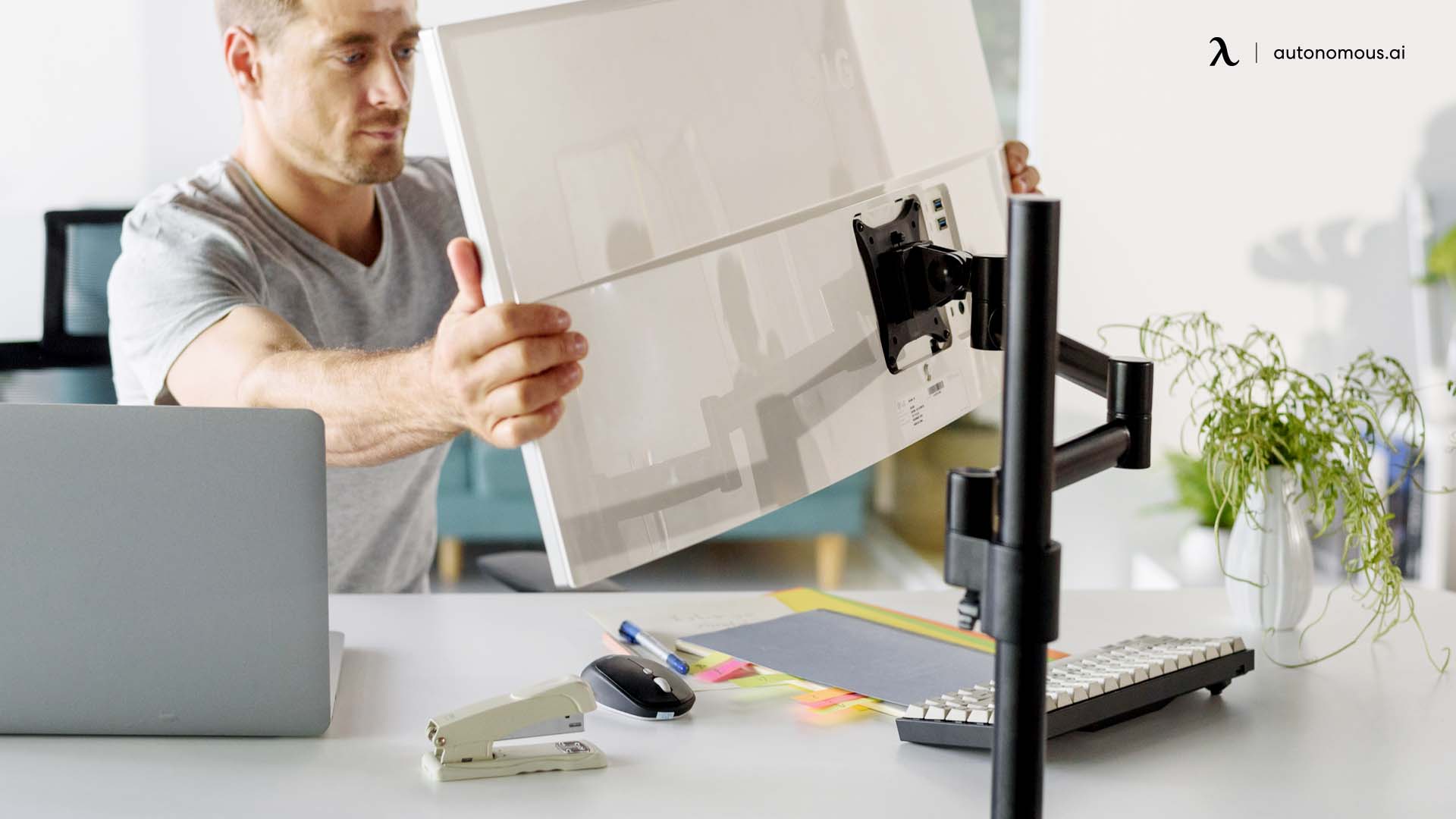
Check your monitor dimensions before you buy arms: a clamp needs a desk edge free of drawers or rails. Monitor arms lift screens off the desk and let a laptop slide underneath. A laptop on a stand should have its screen top near eye level too, which means typing on an external keyboard.
3. Streamline Your Peripherals
Two computers can share one keyboard, mouse and monitor in three ways, and the right one depends on how many screens you have. Two sets of keyboards and mice take up desk depth you will want for the monitor.
| Method | How it works | Good fit | Watch for |
|---|---|---|---|
| KVM switch | Hardware box: keyboard, mouse and monitor plug in once, a button or hotkey swaps computers | One monitor, a locked work laptop | Match video ports (HDMI, DisplayPort, USB-C) and refresh rate |
| Monitor input switching | Each computer has its own cable to the monitor; you change input in the menu | Two screens, rare switching | Keyboard and mouse still need a switch or multi-device pairing |
| Monitor with built-in KVM | USB-C monitor routes its USB ports to whichever input is active | Two laptops, one monitor | Check the monitor's USB-C charging wattage |
| Sharing software | Mouse Without Borders, Barrier or Input Leap, Synergy move one cursor across machines on the same network | Two computers, each with its own screen | Company IT may block installs |
For a two laptop desk setup, give each laptop one USB-C dock or one USB-C cable to the monitor, so plugging in is a single cable. Compare the dock's or monitor's power delivery with your laptop charger: a 65 W port will run a laptop that ships with a 96 W or larger charger, but it may charge slowly or even drain under heavy load. Keyboards and mice with two or three Bluetooth channels also switch between laptops with one key.
4. Tame The Cable Jungle
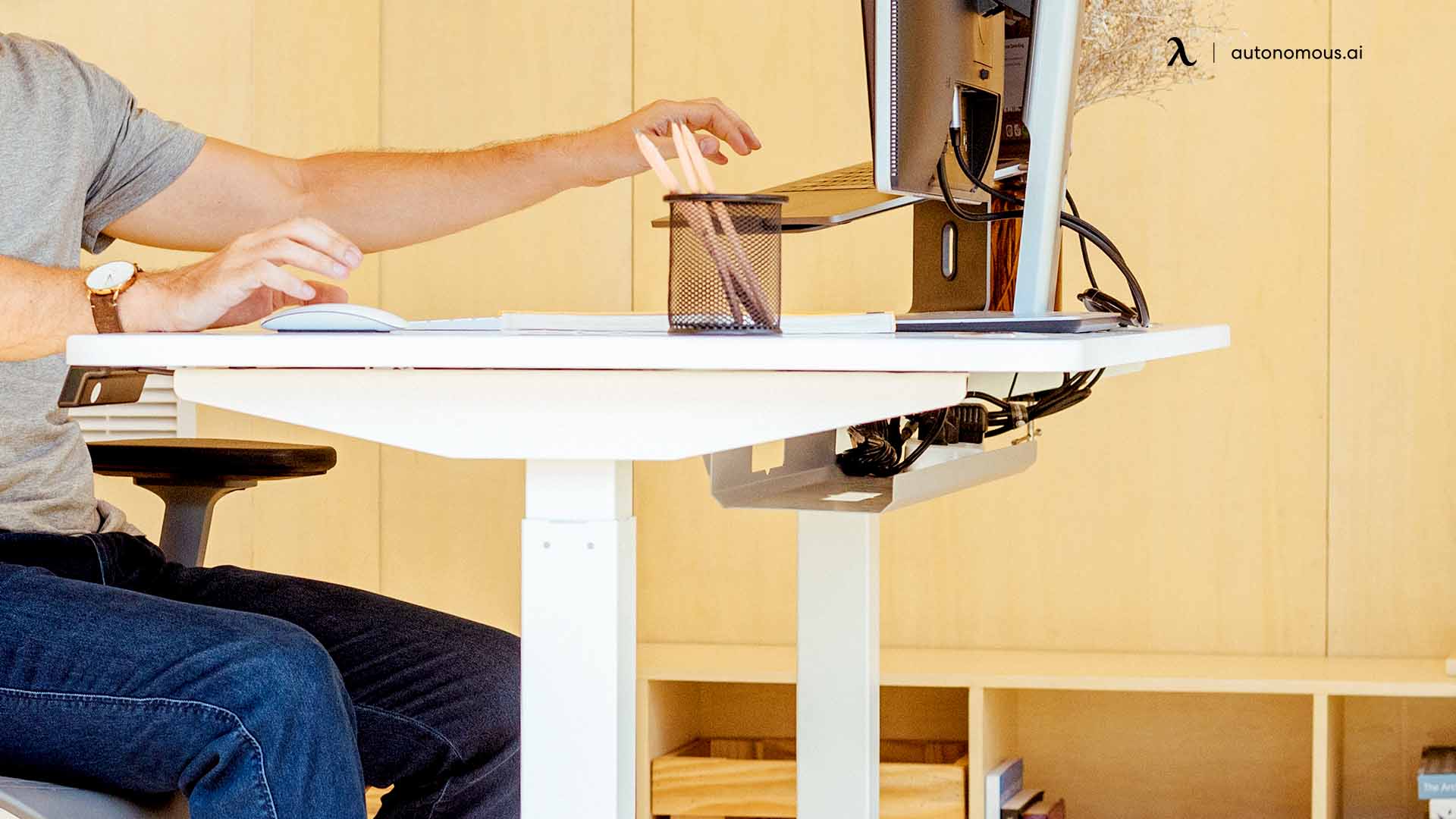
Run both computers off one surge-protected power strip mounted under the desk, so only one cord drops to the wall. The Autonomous cable management tray is steel, 35.4 inches wide, holds up to 35 lbs and installs without drilling. Put the power strip and both docks in the tray so they stay off the floor. It fits Autonomous frames only, not frames made with partners.
On a standing desk, leave one loop of slack from the tray to the wall that is longer than the desk's height travel. Desk Pro, for example, travels 29.25 inches, so a cable cut to the sitting height will pull out at full stand. Group each computer's cables with its own color of strap or label both ends, so you can unplug one machine without tracing wires.
5. Light It Right
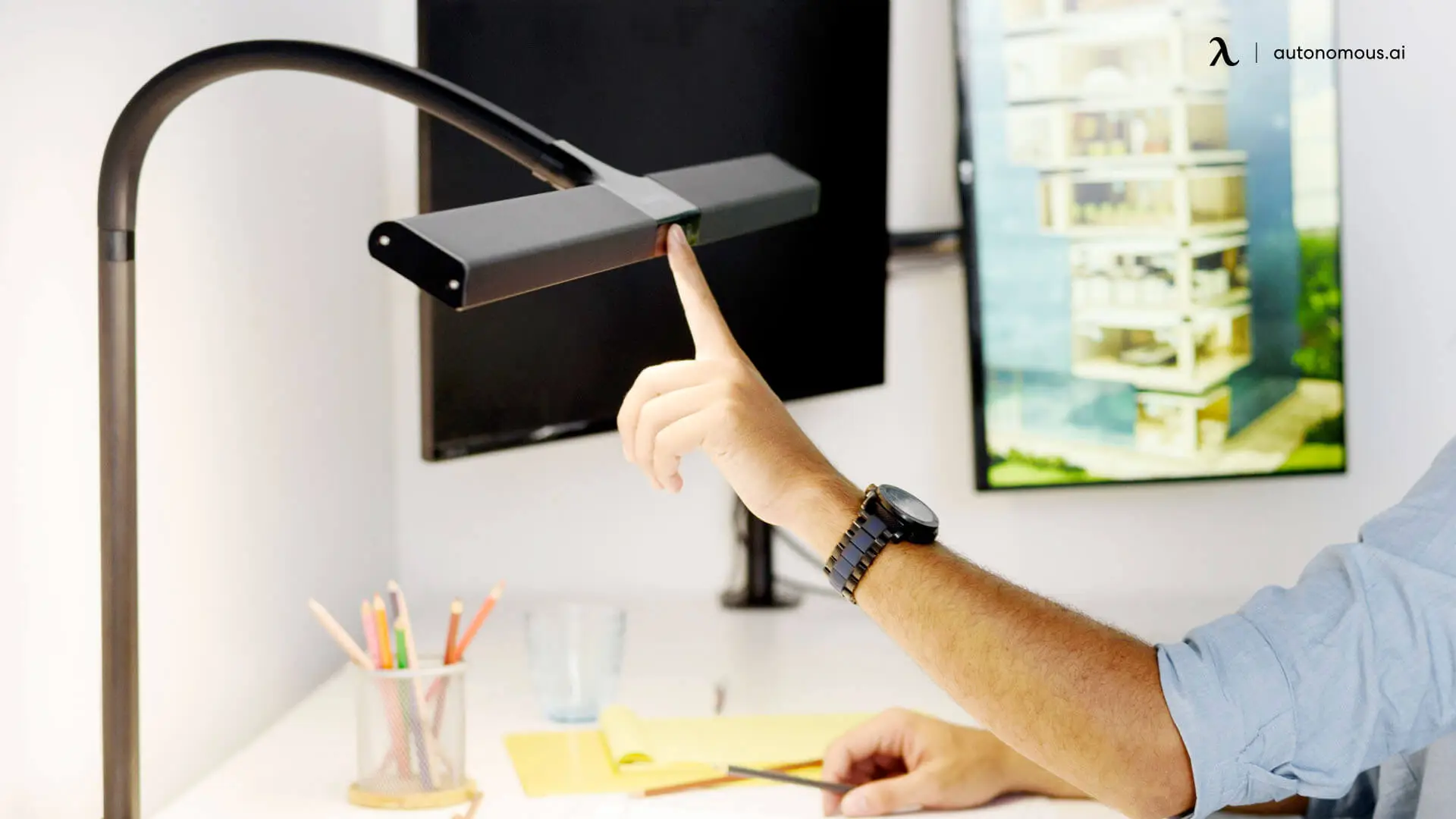
Place the desk so windows sit to the side of your screens, not behind or in front of them, which removes most glare on two screens at once. A monitor light bar lights the desk without reflecting off the panel, and it takes no desk space.
A clamp or arm lamp covers a laptop on a stand that a light bar on the main monitor cannot reach. In a dark corner, add room light so the screens are not the brightest thing in view; RGB strips behind monitors are for mood, not for reading paper.
6. Don't Skip The Ergonomics
Set the keyboard at elbow height with your elbows near 90 degrees, then raise the screens to match your eyes, not the other way round. Two computers usually mean longer sessions, so sitting and standing in turns helps more than any single accessory.
- Standing desks with memory presets let you save one sit and one stand height and switch with a button.
- Office ergonomic chairs with seat height and lumbar adjustment keep your feet flat at the sitting preset.
- Laptop stands or monitor arms keep both screens at the same height, so your neck does not tilt between them.
- A split keyboard or vertical mouse is worth trying if one wrist gets sore from reaching across to a second device.
7. Maintain Your Setup
Check the setup after any move: cables still have slack at full desk height, the switch still sees both computers, and nothing new has crept onto the shared space. Update dock and KVM firmware when a laptop update breaks display output, since that is a common cause of a blank second screen.
Wipe screens with a dry microfiber cloth and clean the shared keyboard and mouse often, because two machines means twice the hours on the same peripherals.
5 Two-Computer Desk Setup Ideas To Inspire You
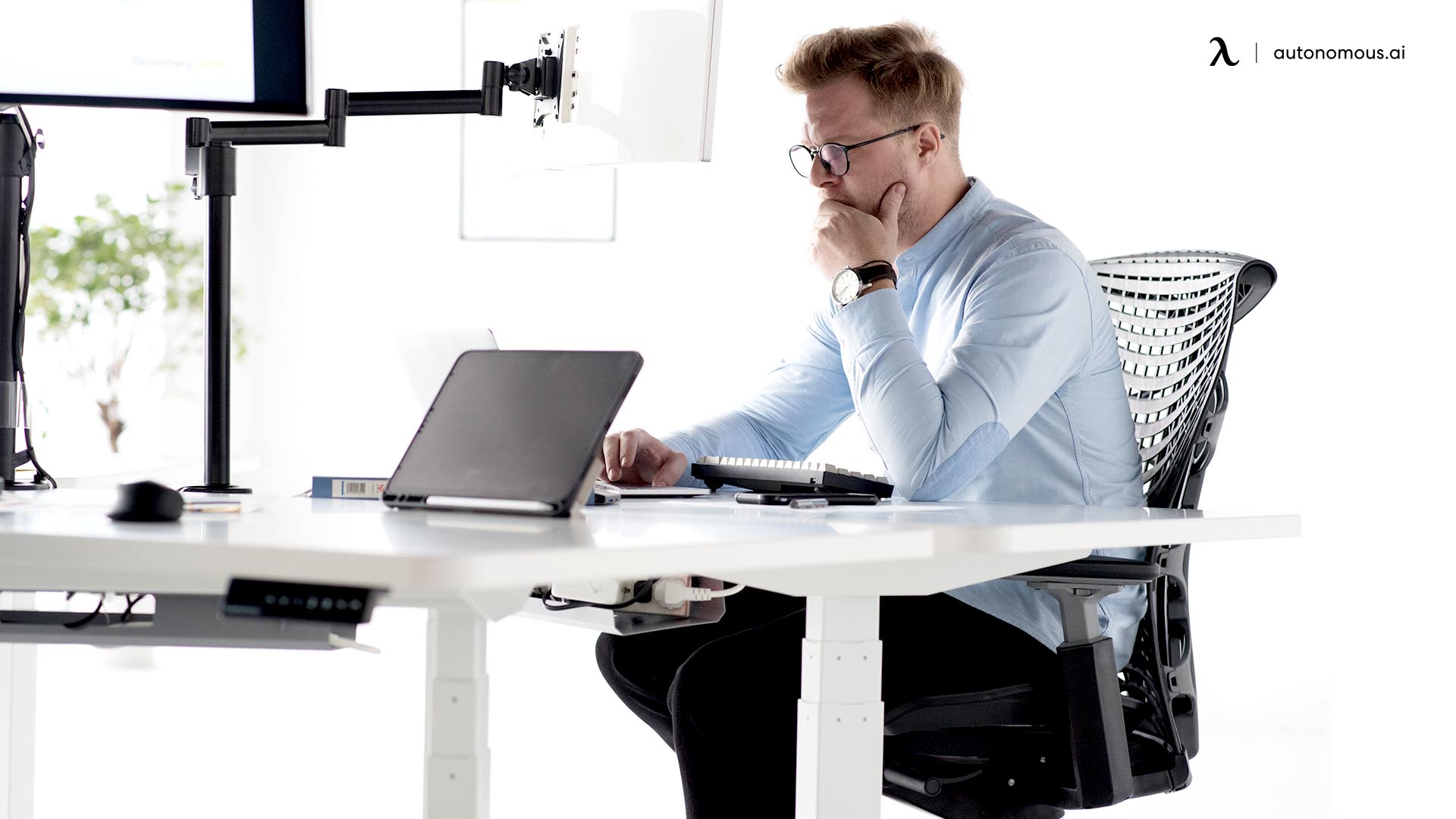
These five layouts cover the common reasons people run two computers: a work laptop and a personal one, a PC plus a laptop, a standing desk, two people, and a gaming plus streaming rig.
1. Two Laptops, One Monitor
A dual laptop desk setup puts one monitor in the center and a laptop on a stand at each side, with one keyboard and mouse in front. It fits a 55 to 63-inch desk. A USB-C monitor with a built-in KVM is the simplest switch here: plug each laptop in with one cable and change inputs from the monitor menu. The same plan scales to a multiple laptop desk setup: add a stand and use a switch with one more input.
The laptop screens become side displays for chat, mail or notes. A second monitor added later goes on the side you look at less, angled in, the same rule that runs through most dual monitor setup ideas.
2. L-Shaped Desk With Split Zones
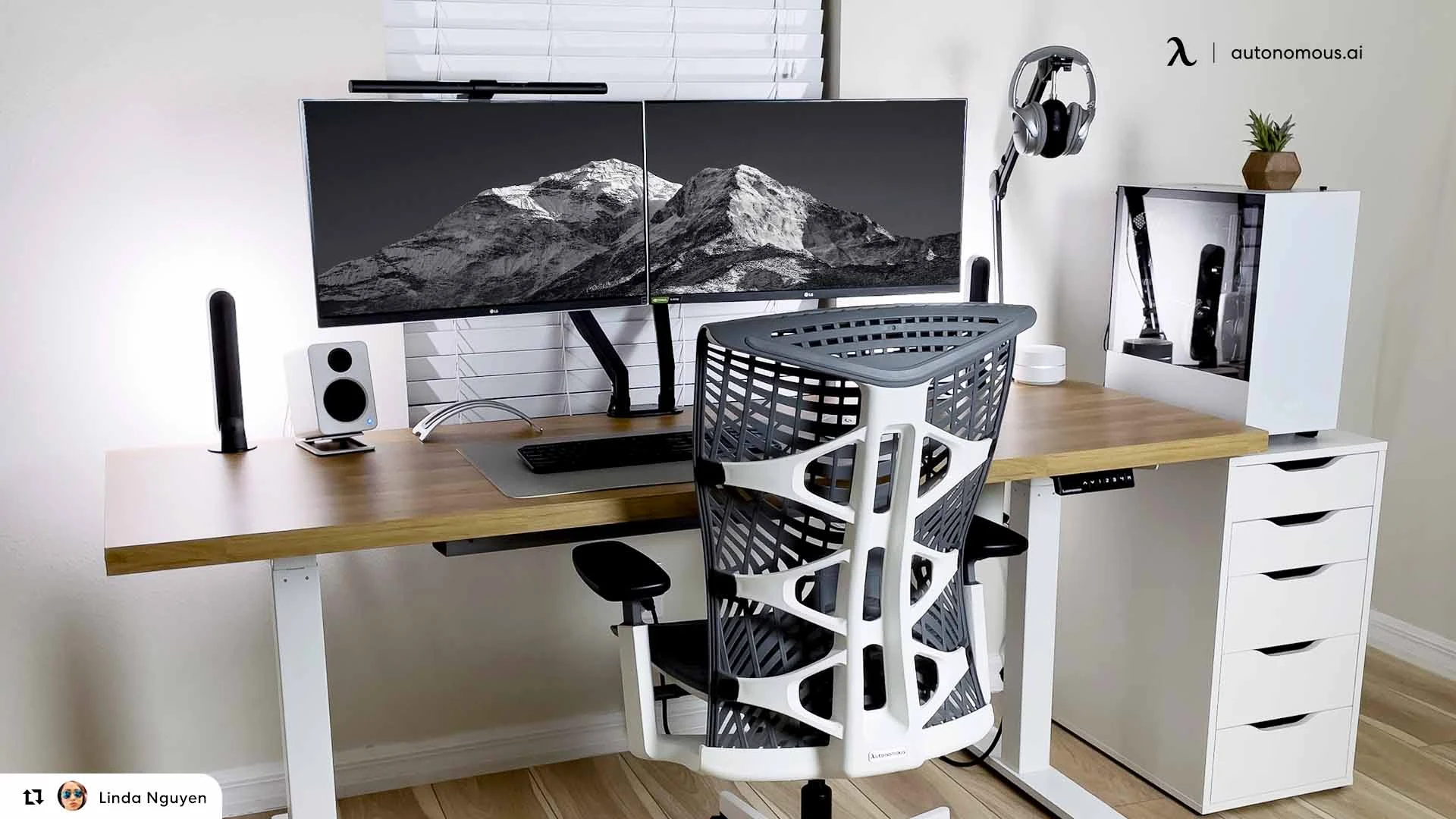
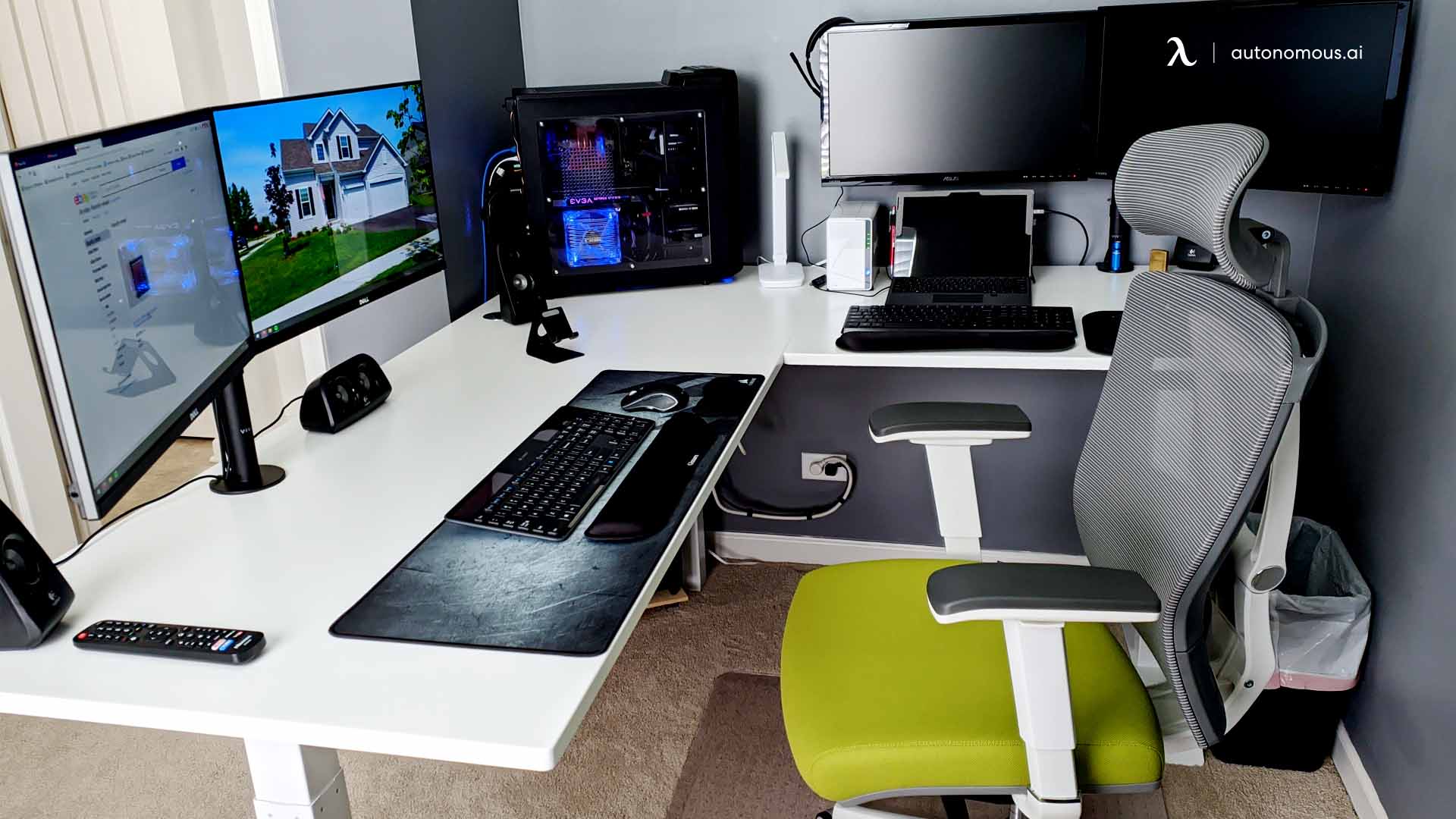
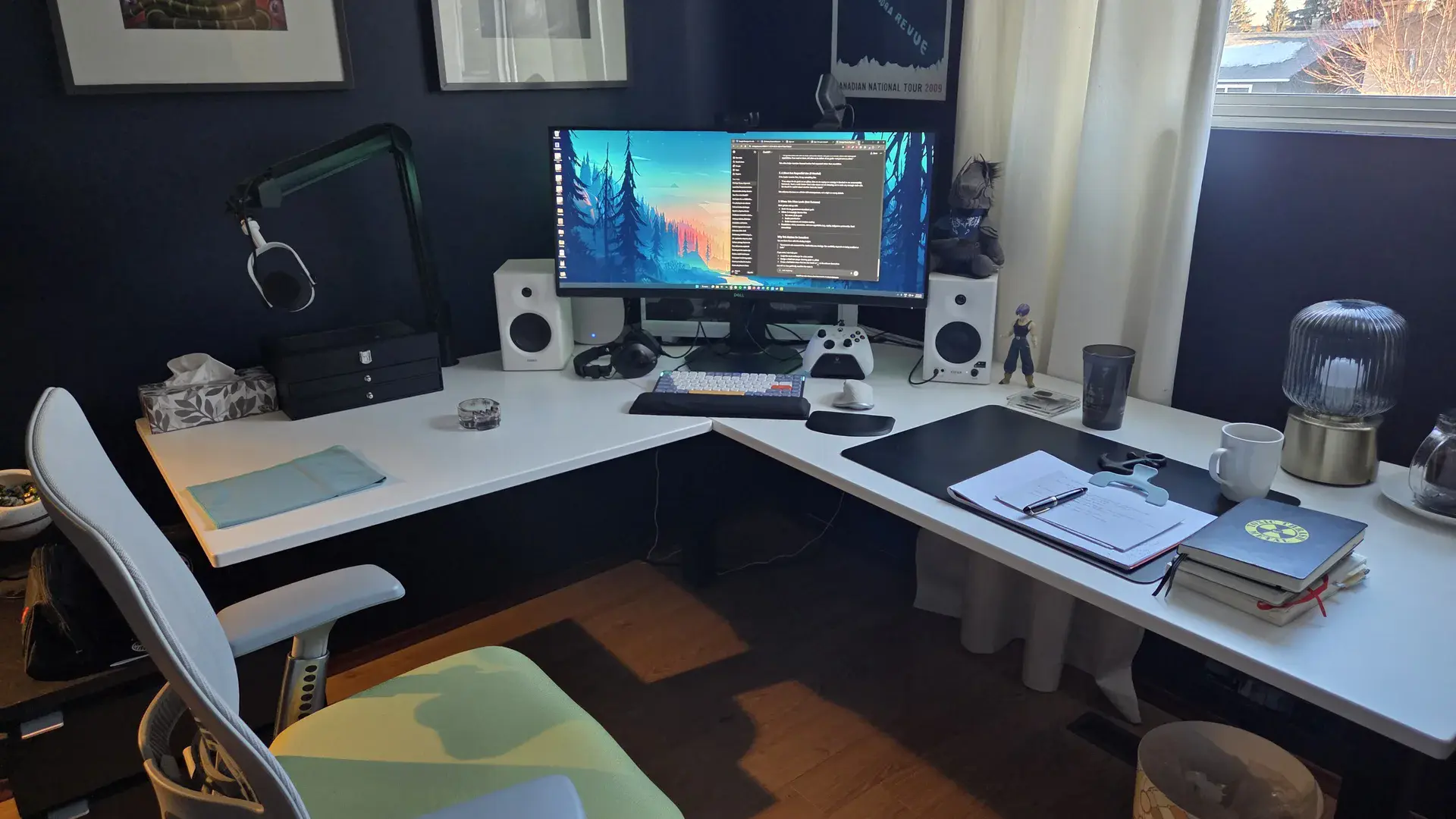
An L-shaped desk gives each computer its own side: the main PC and its monitors on the long run, a laptop or second PC on the return. You switch machines by turning your chair, so you may not need a KVM switch at all. Put the tower under the long side and keep the corner clear, because reaching into it is awkward.
This multiple computer desk setup also has room to grow into a triple monitor setup across the corner later.
3. Sit-Stand Station For Two Machines
A standing two computer desk setup keeps everything that has to move on the desktop or in the under-desk tray, with only the power cord running to the floor. Monitors on arms and laptops on stands rise with the desk, so screen height stays the same sitting or standing.
A tower on the floor is the weak point: its video and USB cables must reach full standing height. Mount it in an under-desk holder or buy cables long enough for the desk's travel. Add an anti-fatigue mat for the standing part of the day.
4. Two-Person Shared Desk
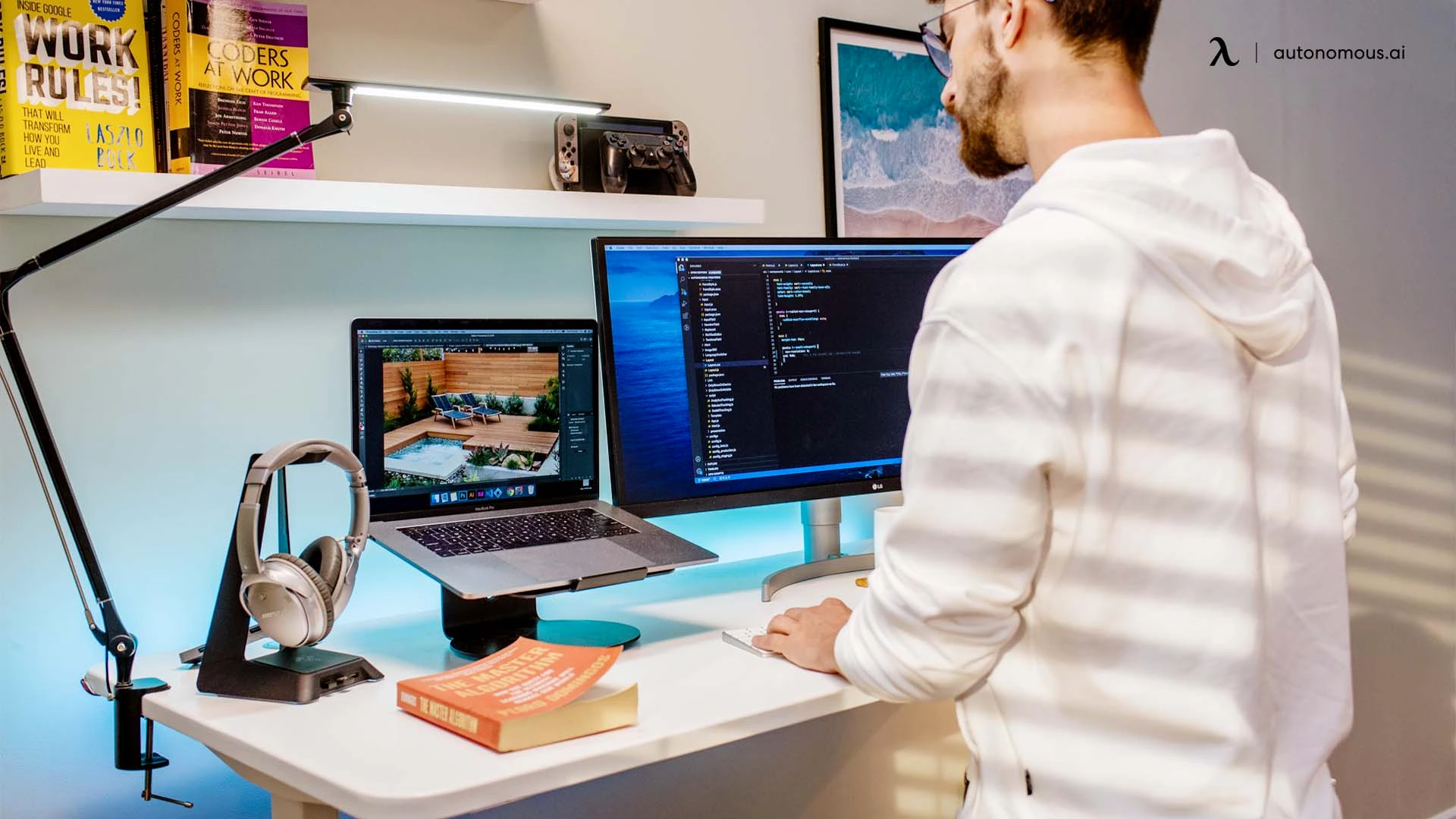
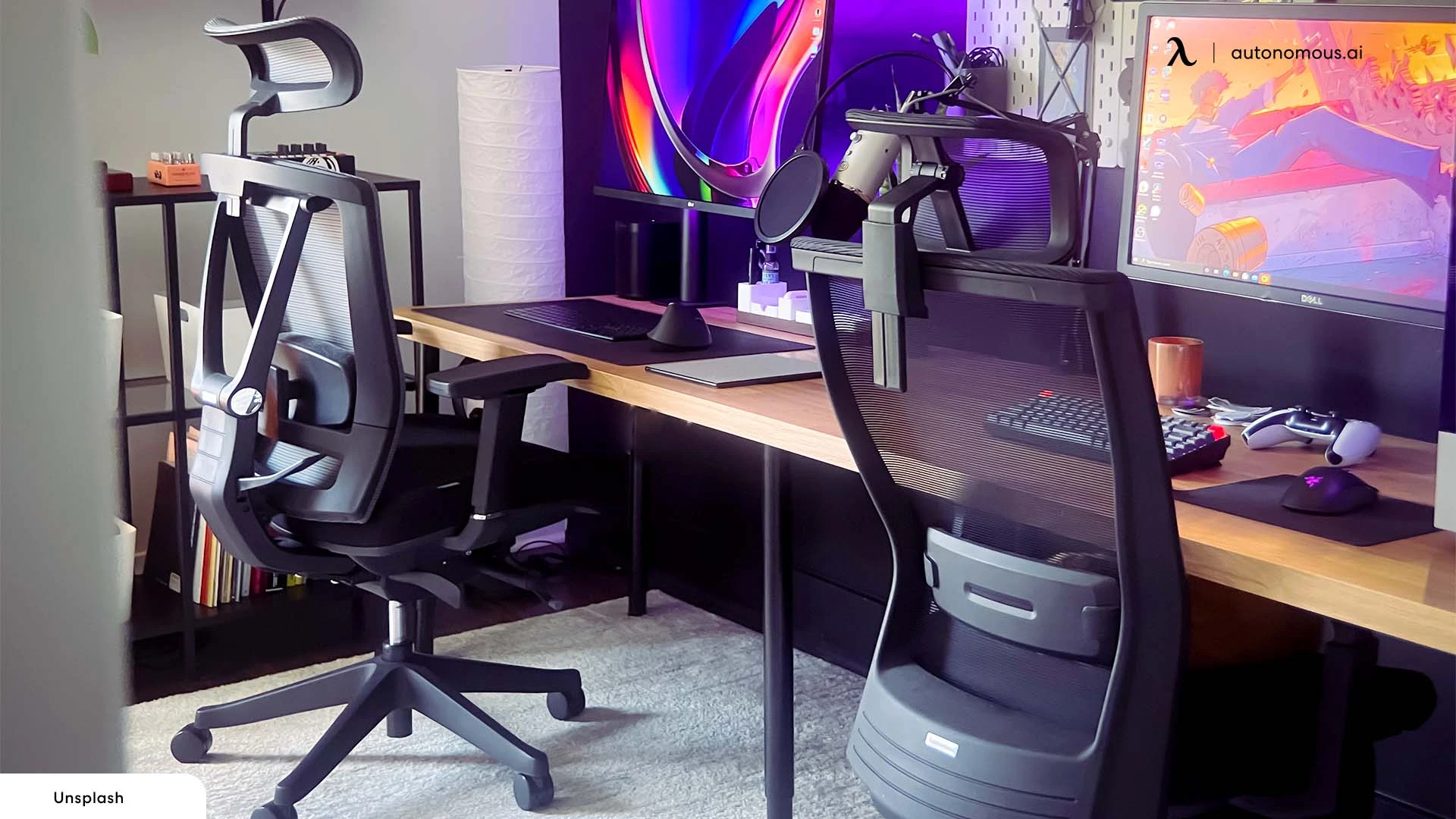
Two people working side by side need about 72 inches, roughly 36 inches each, or two matching desks pushed together. Give each person their own monitor, power strip and cable path so one can unplug without disturbing the other. A shared printer or charger can sit in the middle.
If the two desks are height-adjustable, they can sit and stand at different times, which a single long desk cannot do. In a shared home office setup, that keeps one person's video call from setting the other's desk height.
5. Gaming And Streaming Dual-PC Rig
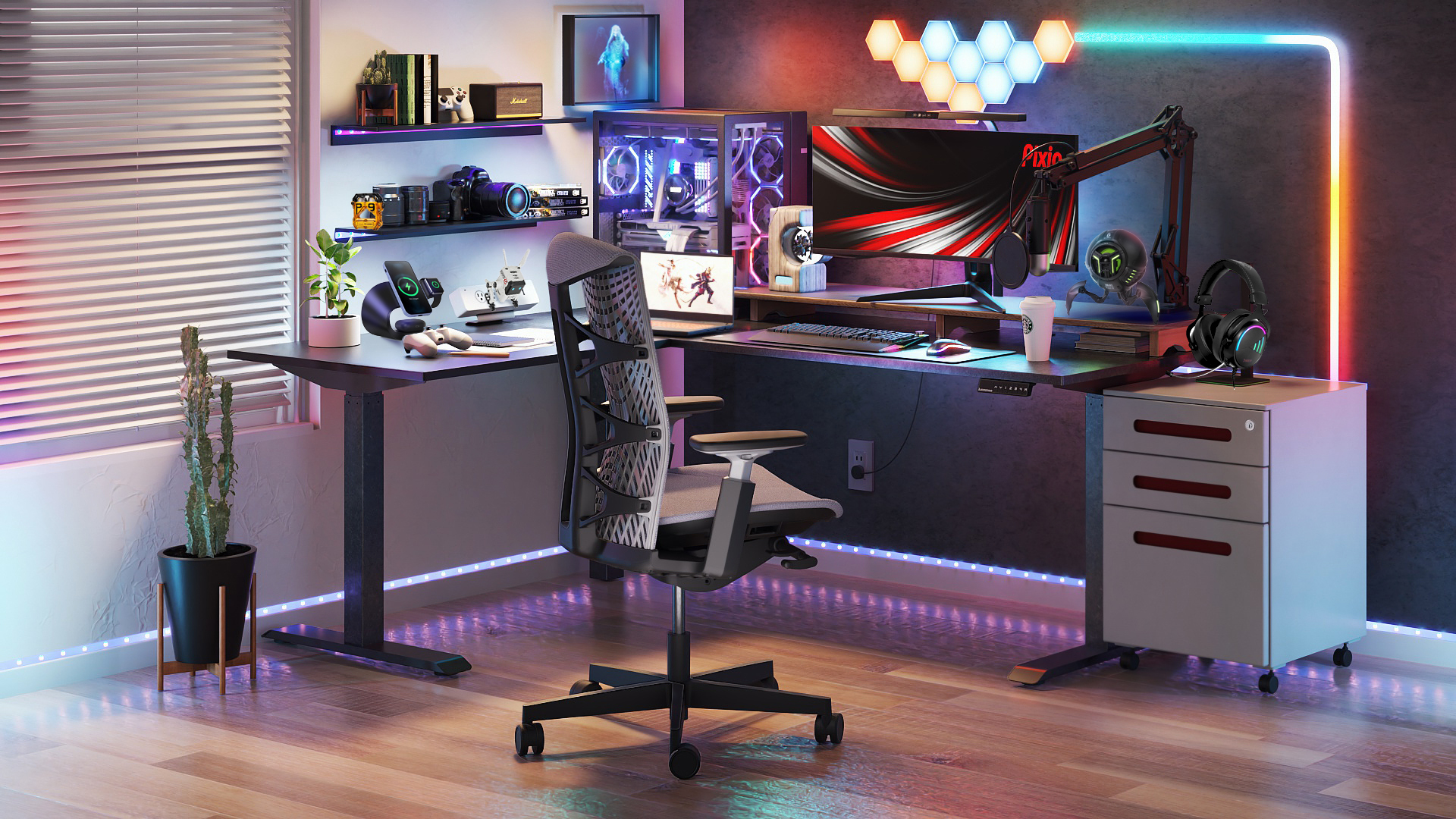
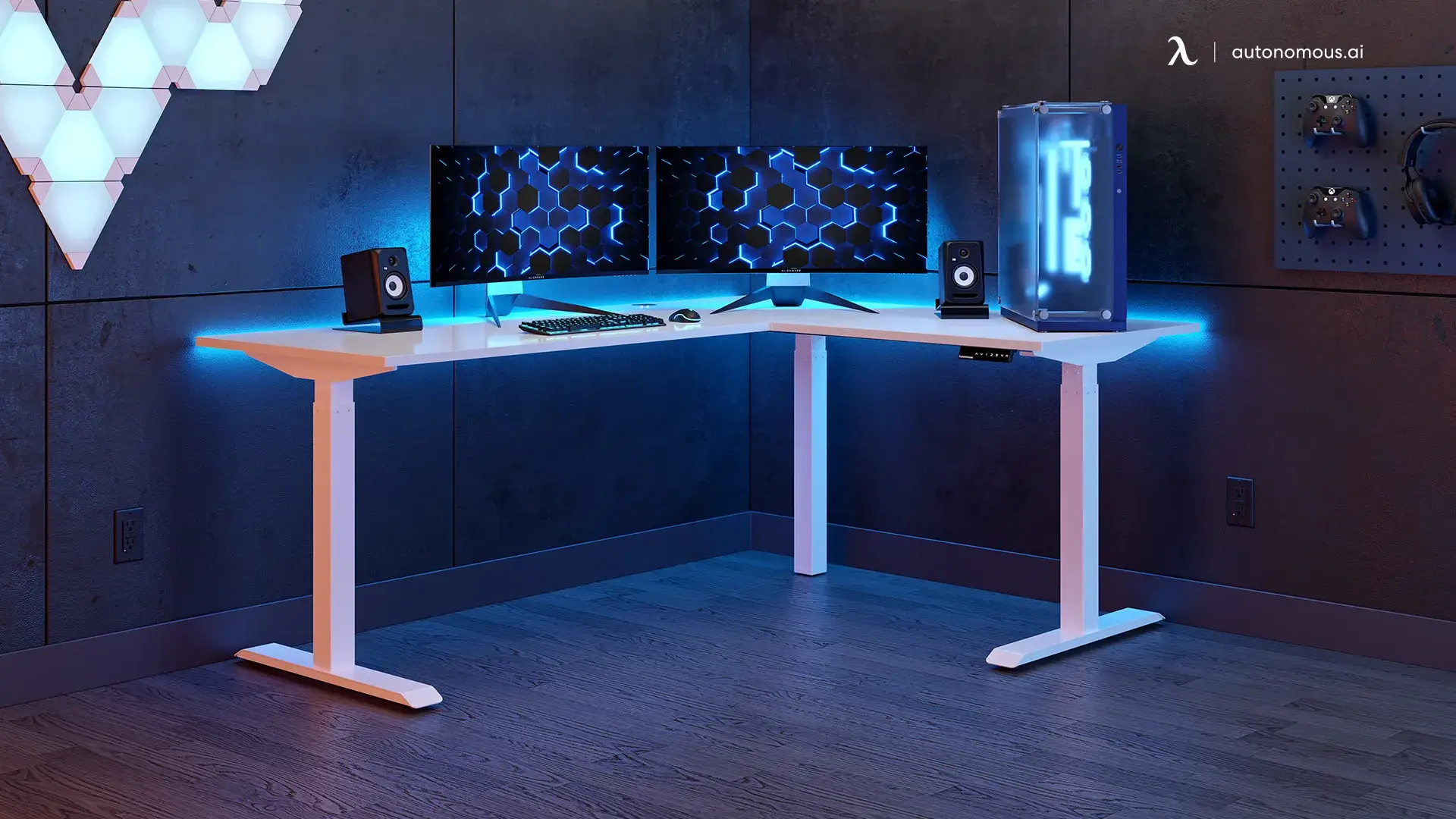
A dual-PC streaming setup runs the game on one computer and encoding on the other, joined by a capture card in the streaming PC. Each PC needs its own monitor, so plan for at least two screens plus a mic arm, camera and stream controller, which points to an L-shaped or U-shaped desk.
Two towers, monitors on arms and audio gear add up in weight, so check the desk's load rating against your gear. On an L-shape, the gaming monitor faces you on the long run and the streaming monitor sits on the return, the basic pattern in most L-shaped desk dual monitor setup ideas.
Desks That Work Best For A Two-Computer Setup
The best desks for 2 computers are a straight standing desk with a 70-inch top or an L-shaped desk, the first when the machines share one zone, the second when each gets its own. These two cover both cases.
| Desk | Top sizes | Height range | Load capacity |
|---|---|---|---|
| Autonomous Desk Pro | 53" x 29" or 70.5" x 29" | 24.25"-53.5" | 450 lbs |
| Autonomous Desk 2 L-Shaped | 77" x 64" (77" run + 35" return) | 29.4"-48" | 400 lbs |
1. Autonomous Desk Pro
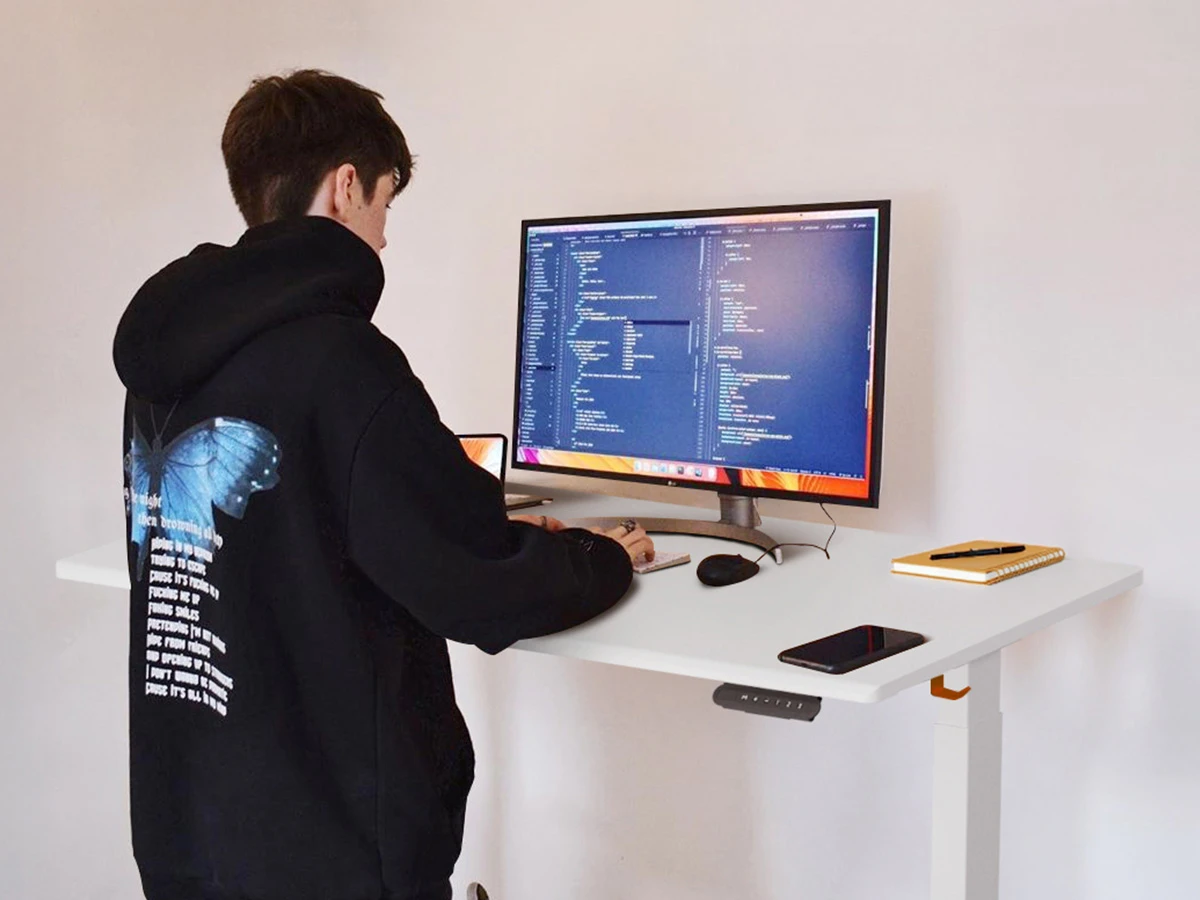
Desk Pro suits a straight two computer desk setup, and the 70.5-inch top is the size to pick for two laptops plus two monitors. Its height runs from 24.25 to 53.5 inches with 29.25 inches of travel, which covers short and tall users at both sitting and standing.
Dual motors lift at 1.2 inches per second, run under 30 dB and carry up to 450 lbs, enough for two towers and monitor arms. It has anti-collision and a C-frame, and the frame warranty is lifetime with 2 years on the top. The 53-inch top fits two laptops and one monitor, but it gets tight once a second monitor joins.
2. Autonomous Desk 2 L-Shaped
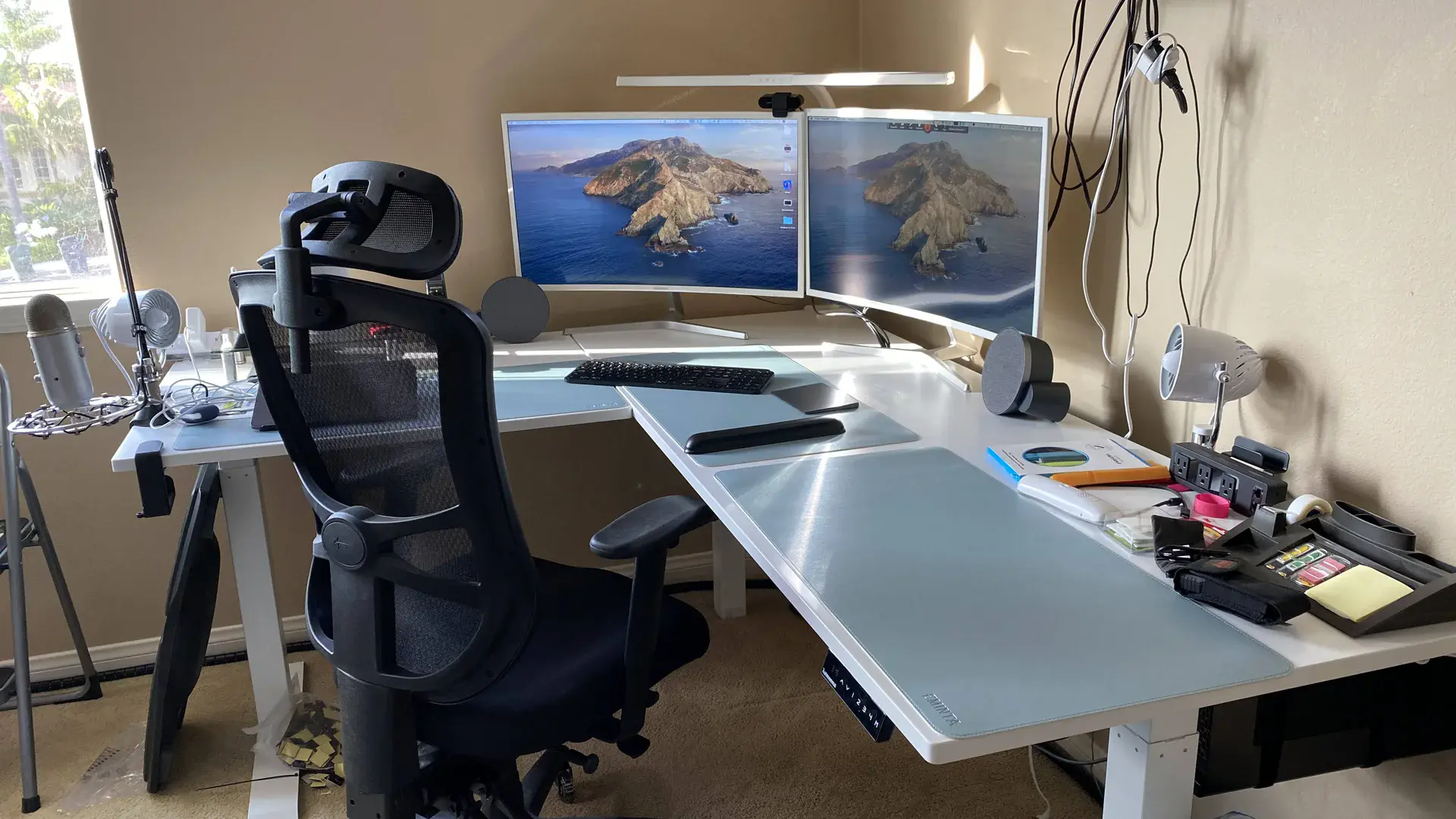
Desk 2 L-Shaped suits two full stations: the 77-inch run takes the main PC and its monitors, and the 35-inch return takes the second computer. The product page lists room for three 27 to 32-inch monitors.
Three motors lift the whole L at 2.3 inches per second with a 400 lb capacity, between 29.4 and 48 inches, with 4 height presets. The short side mounts left or right. A cable tray comes in the box, which matters here because two computers mean two sets of power and video cables. It is ANSI/BIFMA certified, with a 10-year frame and 2-year top warranty.
One owner review on the product page describes a surface big enough for both work and gaming setups.
FAQs
What size desk is needed for 2 monitors?
Two 24-inch monitors need a desk at least 48 inches wide, and two 27-inch monitors need about 55 inches, since each 27-inch screen is roughly 23.5 inches wide. Add 8 to 15 inches if a laptop also sits on the desk.
How long should a two-person desk be?
A two-person desk should be at least 72 inches long, which gives each person about 36 inches for a monitor, keyboard and mouse. Two people with laptops and a monitor each are more comfortable at 80 inches or on two desks placed together.
How do I use one keyboard and mouse for two computers?
Use a KVM switch, a monitor with a built-in KVM, a multi-device Bluetooth keyboard and mouse, or sharing software such as Mouse Without Borders or Barrier. Software needs both computers on the same network and permission to install, which work laptops may not allow.
How do I set up two laptops on one desk?
Put each laptop on a stand with its screen near eye level, connect each to its own USB-C dock or to one USB-C monitor, and use one keyboard and mouse through a switch. Route both chargers to one power strip under the desk.
Can two computers share one monitor?
Yes. Connect each computer to a different input on the monitor, such as HDMI and USB-C, and change the input from the monitor menu. A KVM switch does the same with one button and also moves the keyboard and mouse.
Is an L-shaped desk good for a dual PC setup?
Yes, an L-shaped desk is a good fit because each computer gets its own side and you switch by turning your chair. Keep the towers under the long run and the corner clear, and check the desk's load rating if both PCs sit on top.
Conclusion
A two computer desk setup comes down to three decisions: a desk wide enough for your gear (about 55 to 63 inches for two laptops and a monitor, 70 inches or an L-shape for two full stations), one way to share the keyboard, mouse and screen, and one cable path with slack for a standing desk.
Get those right and the extras are easy to add later, from monitor arms to the desk accessories that keep a shared surface tidy.
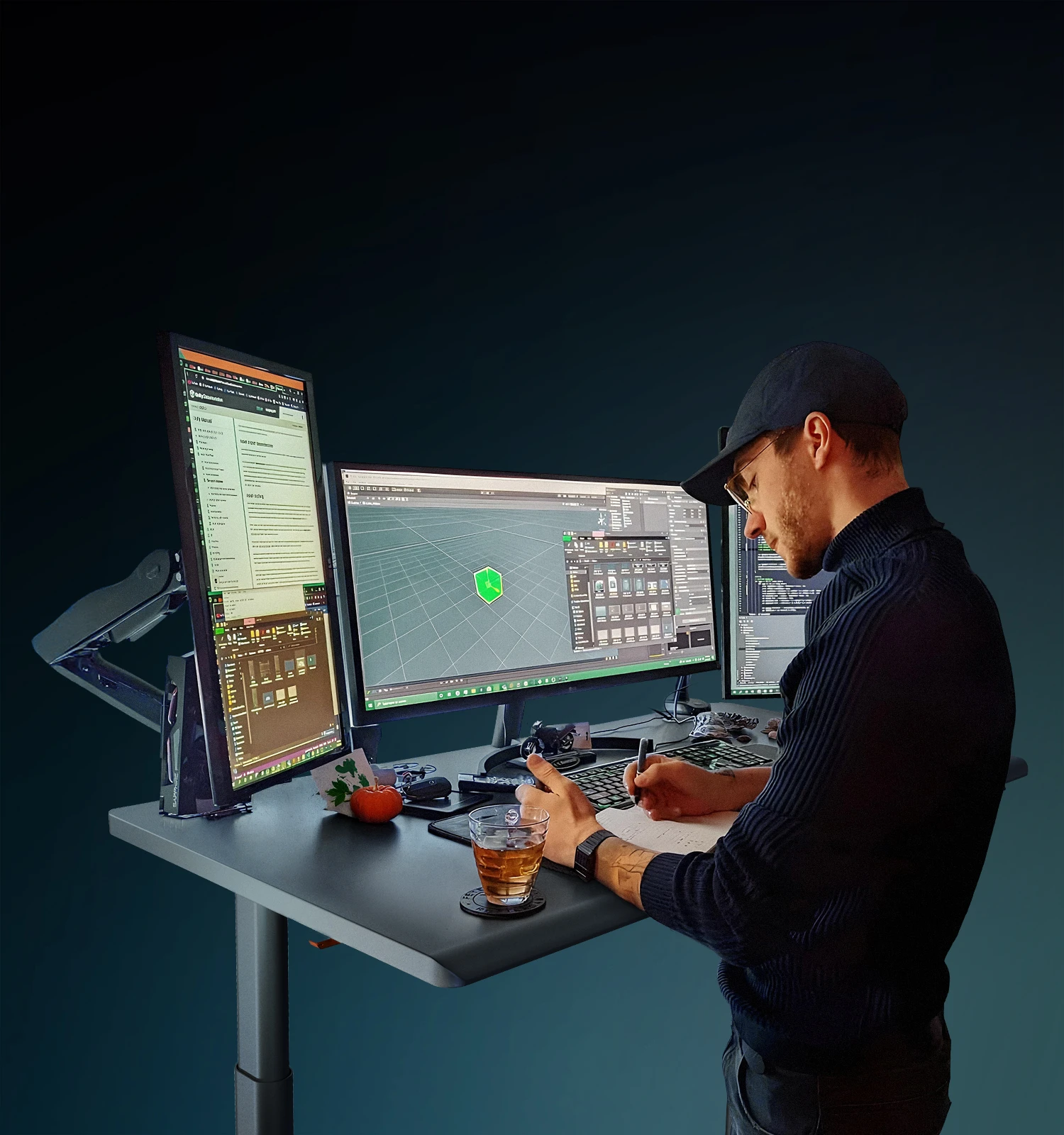
Desk Pro
Black Friday price.
So 12 hours isn’t 12 hours sitting.