ErgoChair Pro
Black Friday price.
Built for 12-hour sessions.
2026 Best Triple Monitor Setup Ideas - How to Arrange 3 Screens

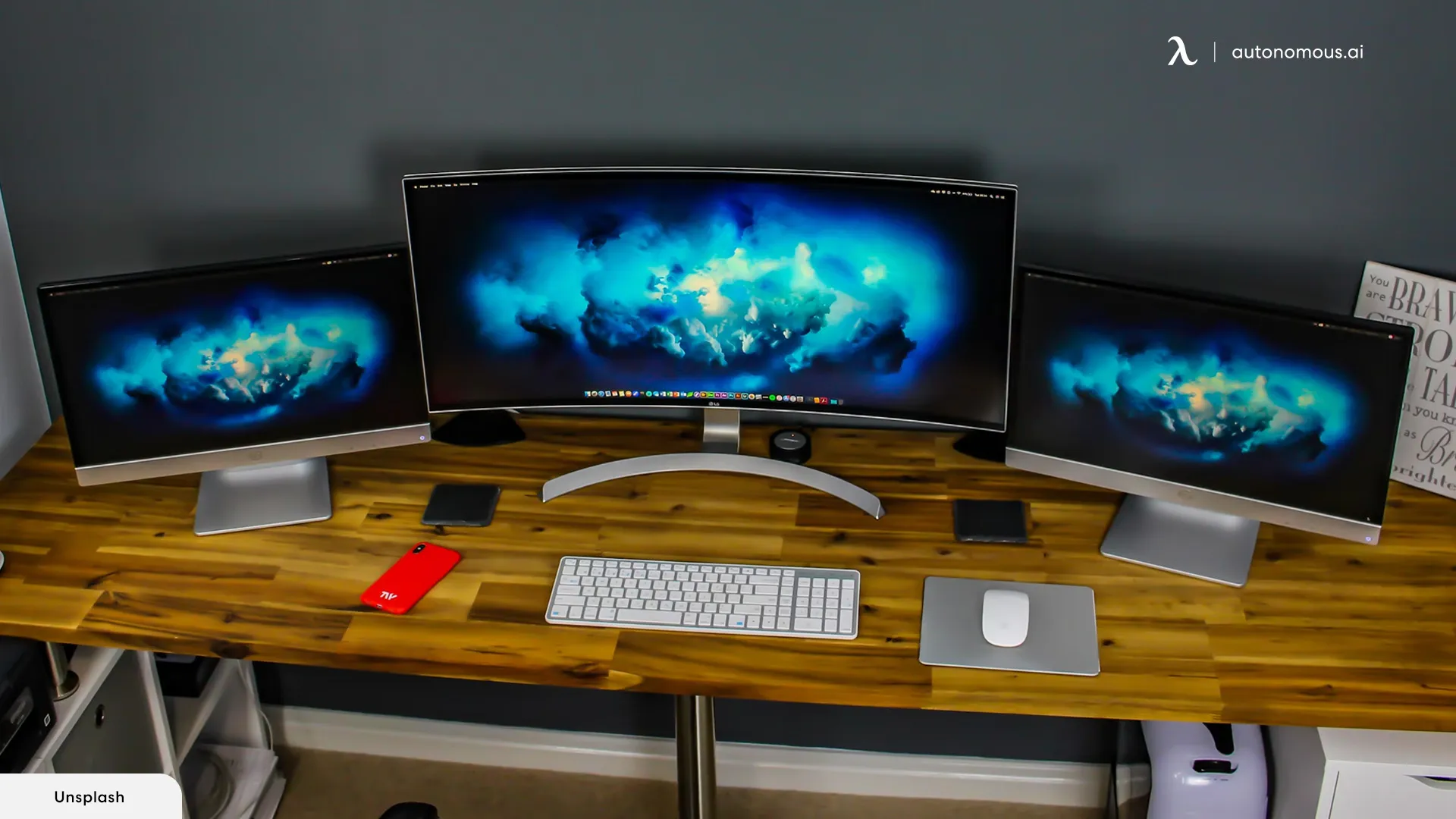
The best triple monitor setup ideas start from one layout: a main screen straight in front of you and two side screens angled in by about 15 to 30 degrees, all at the same height. From there, the variations (a portrait screen for code, a screen stacked on top, a curved wrap for games) depend on what you run on each display and how wide your desk is.
Below are the layouts, the desk width each one needs, and the setup steps that make three screens comfortable for a full day.
What is the best 3 monitor setup?
For most people, the best 3 monitor setup is one primary monitor centered on your keyboard with a matching monitor on each side, turned inward so all three face your chair.
The center screen holds whatever you work in most. The side screens hold what you glance at: chat, reference docs, a stream dashboard. Your neck stays neutral most of the time and only turns for short looks to the sides, which is easier on your posture than splitting the gap between two screens.
Three identical monitors make this easier: the top edges line up and windows move between screens without jumping in size.
Best triple monitor layouts
The best triple monitor layout is the one that matches your desk width and how much of your work is tall content (code, documents, feeds) versus wide content (spreadsheets, timelines, games).
1 center + 2 side (most common)
One horizontal monitor in the center and one on each side is the default for office work, trading and most gaming rigs. It gives the widest continuous view.
The catch is width. Three 24-inch screens side by side span roughly 64 to 66 inches flat, and three 27-inch screens about 72 inches. Angling the side screens inward pulls that in.
1 vertical + 2 horizontal
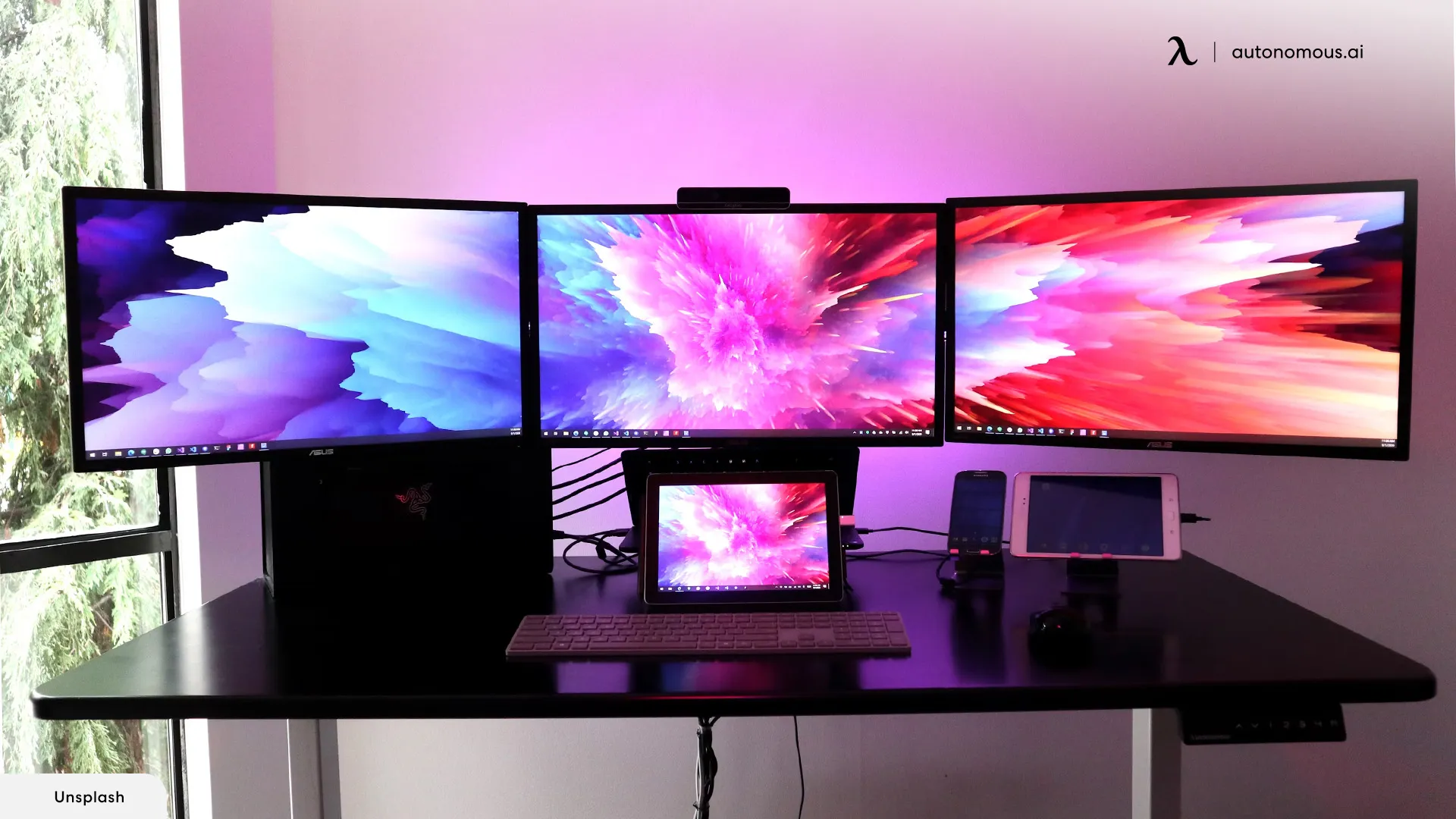
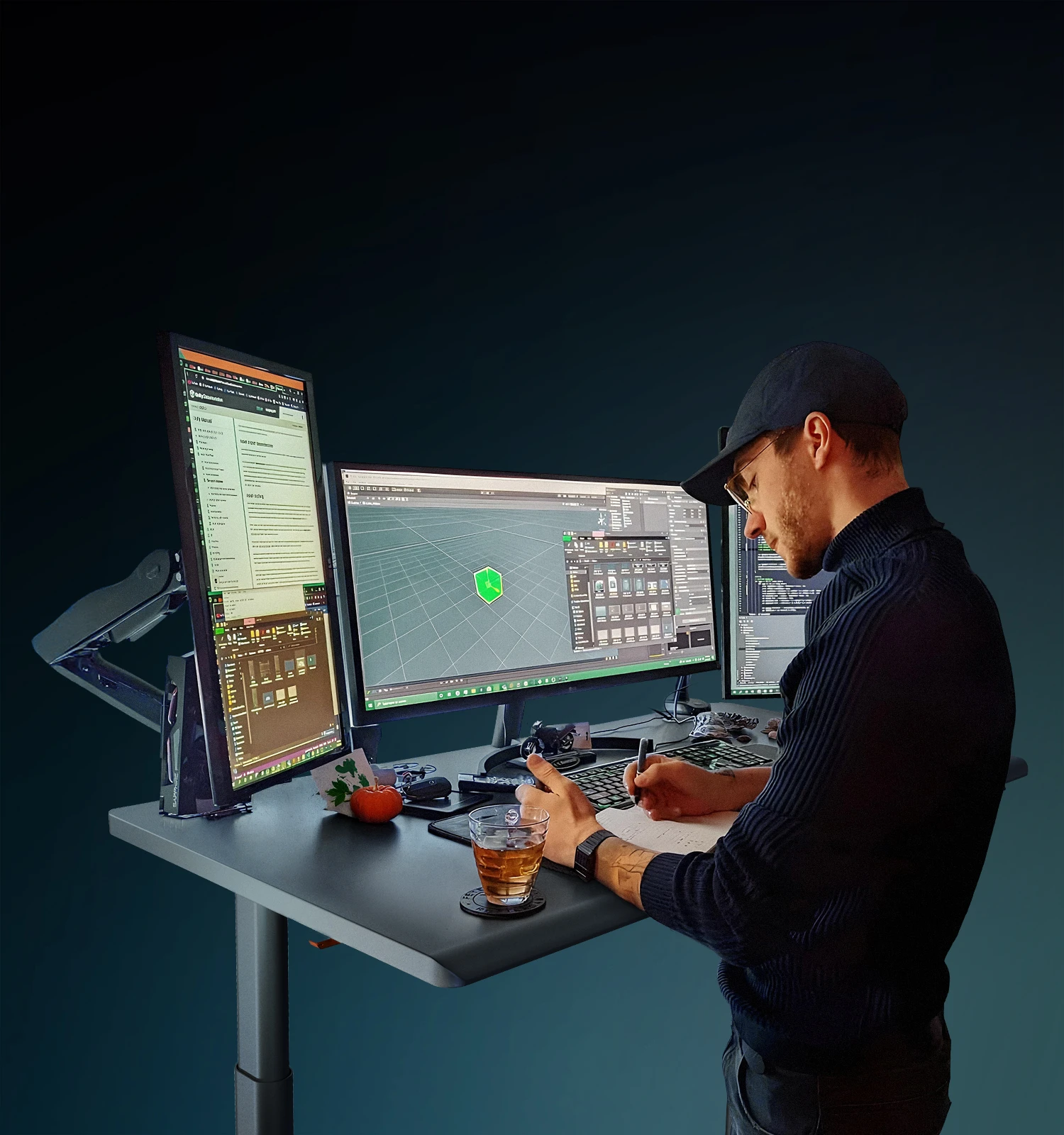
A triple monitor setup with one vertical screen puts two horizontal monitors in front of you and turns the third to portrait on one side. The portrait screen shows close to twice as many lines of code, a full document page or a long Slack channel without scrolling.
Put the portrait screen on the side of your non-dominant hand, so the mouse mostly travels between the two horizontal screens. Two 24-inch monitors plus one turned vertical take about 54 inches. Check that the stand or arm rotates 90 degrees; many basic stands only tilt.
2 vertical + 1 horizontal
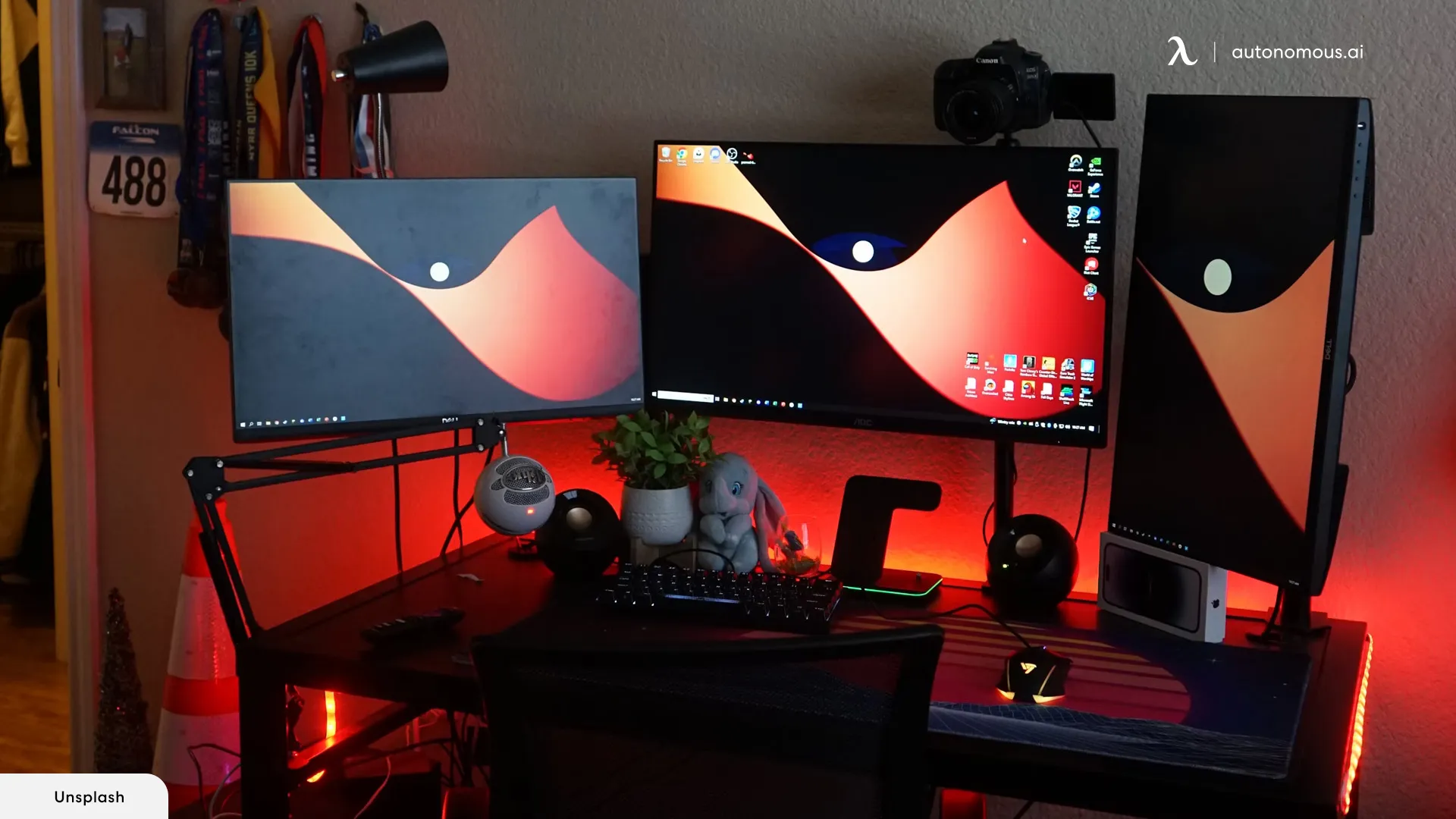
A 3 monitor setup with 2 vertical and 1 horizontal keeps a horizontal screen in the middle and turns both side screens to portrait. It is the most compact three-screen layout that still keeps a wide main screen.
A 24-inch monitor in portrait is only about 12 inches wide, so a 24-inch trio in this layout spans roughly 45 inches and a 27-inch trio about 50. That just fits a 53-inch desk.
This triple monitor setup vertical style suits developers and writers who keep docs on one side and logs or chat on the other. Use IPS panels for portrait screens: TN panels shift color when viewed off-angle, and in portrait that shift runs across the screen.
Wrap-around layout
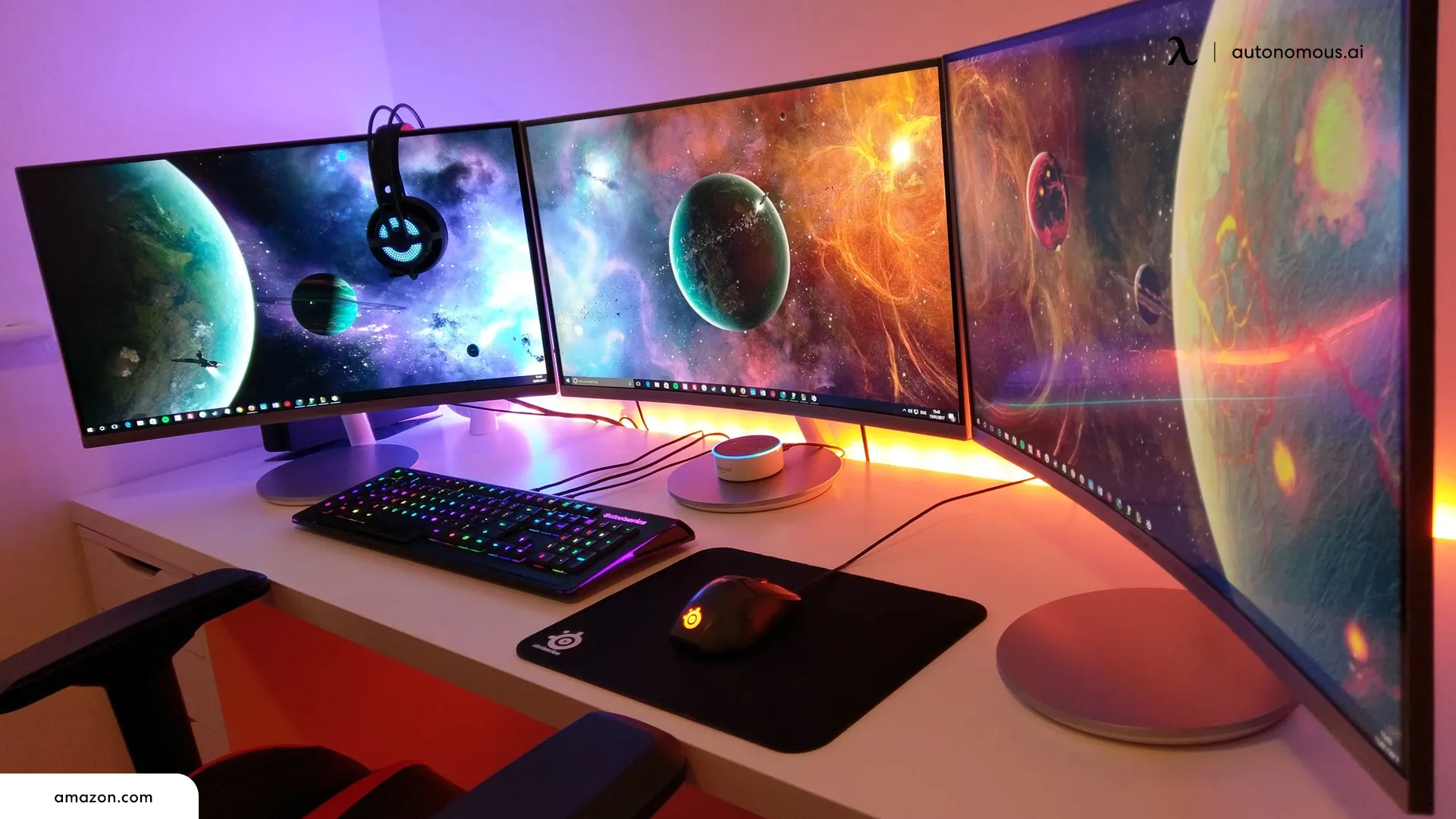
A wrap-around layout curves three monitors in an arc around your computer desk so every screen sits at about the same distance from your eyes.
It is the layout of choice for racing and flight sims and for gaming setups built around immersion. The side screens turn further in than in an office setup, often 30 degrees or more, so the arc needs depth as well as width. A deep or L-shaped desk carries the side bases better than a narrow one.
Stacked triple monitor layout
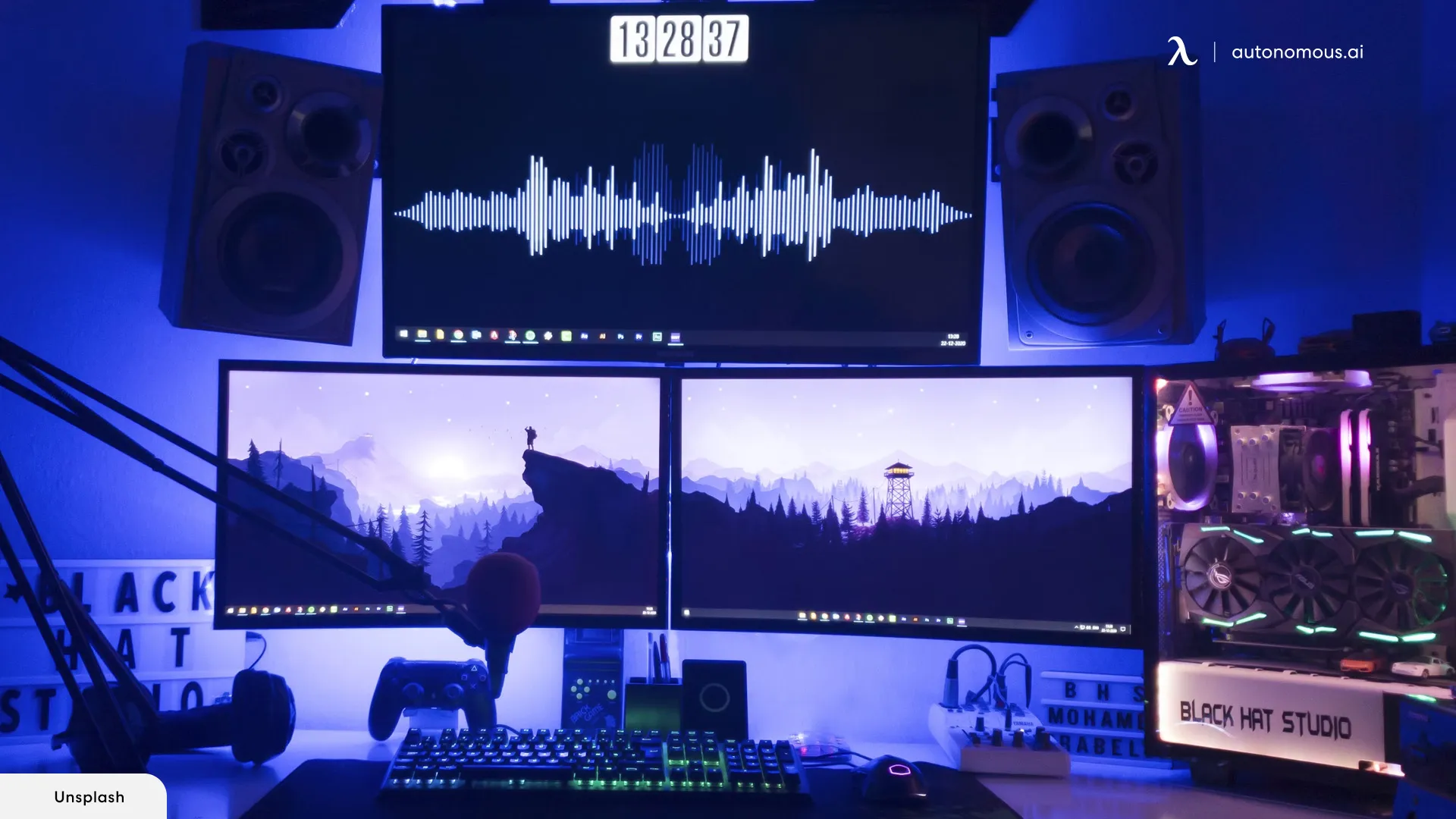
A triple stacked monitor setup places two monitors side by side at eye level and a third one centered above them. It saves desk width: the footprint is two screens wide instead of three.
The top screen sits well above eye level, so use it for things you only glance at, such as a dashboard, a stream preview or a calendar, and tilt it down toward you. A stacked triple monitor setup almost always needs a tall pole arm or a wall mount for the top screen.
Rough desk width per layout (panel widths plus thin bezels, screens in a row unless noted):
| Layout | Three 24-inch screens | Three 27-inch screens |
| 1 center + 2 side, flat | About 64-66 in | About 72 in |
| 1 center + 2 side, sides angled 30° | About 58 in | About 66 in |
| 1 vertical + 2 horizontal | About 54 in | About 61 in |
| 2 vertical + 1 horizontal | About 45 in | About 50 in |
| Stacked (2 below, 1 above) | About 43 in | About 48 in |
Triple monitor setup ideas by use case
How you split the work across three screens decides the layout more than the hardware does.
Triple monitor setup for work
For office work, a common split is the main app in the center, reference material on one side and email or chat on the other. If most of your reading is long documents or code, turn one side screen to portrait; for wide spreadsheets, keep all three horizontal. These three monitor setup ideas work as well on a laptop dock as on a desktop PC.
Triple monitor setup for gaming
In gaming, three screens either become one wide view or one game screen plus two utility screens. For the wide view, NVIDIA Surround and AMD Eyefinity join three monitors into one display that supported games render across. Both include bezel correction, which hides the part of the image behind the frames so a road or horizon lines up across screens. It works best with three identical monitors.
Many games do not support three screens or stretch the sides; then most players run the game on the center screen and use the sides for Discord, a stream dashboard, a map or a guide.
Triple monitor setup for creative work
Creative work tends to split by function: the canvas or timeline in the center, tool palettes or a file browser on one side, and a preview or reference board on the other.
If only one screen is calibrated, put it in the center for final color. A pen display can count as one of the three screens.
Triple monitor setup with a laptop
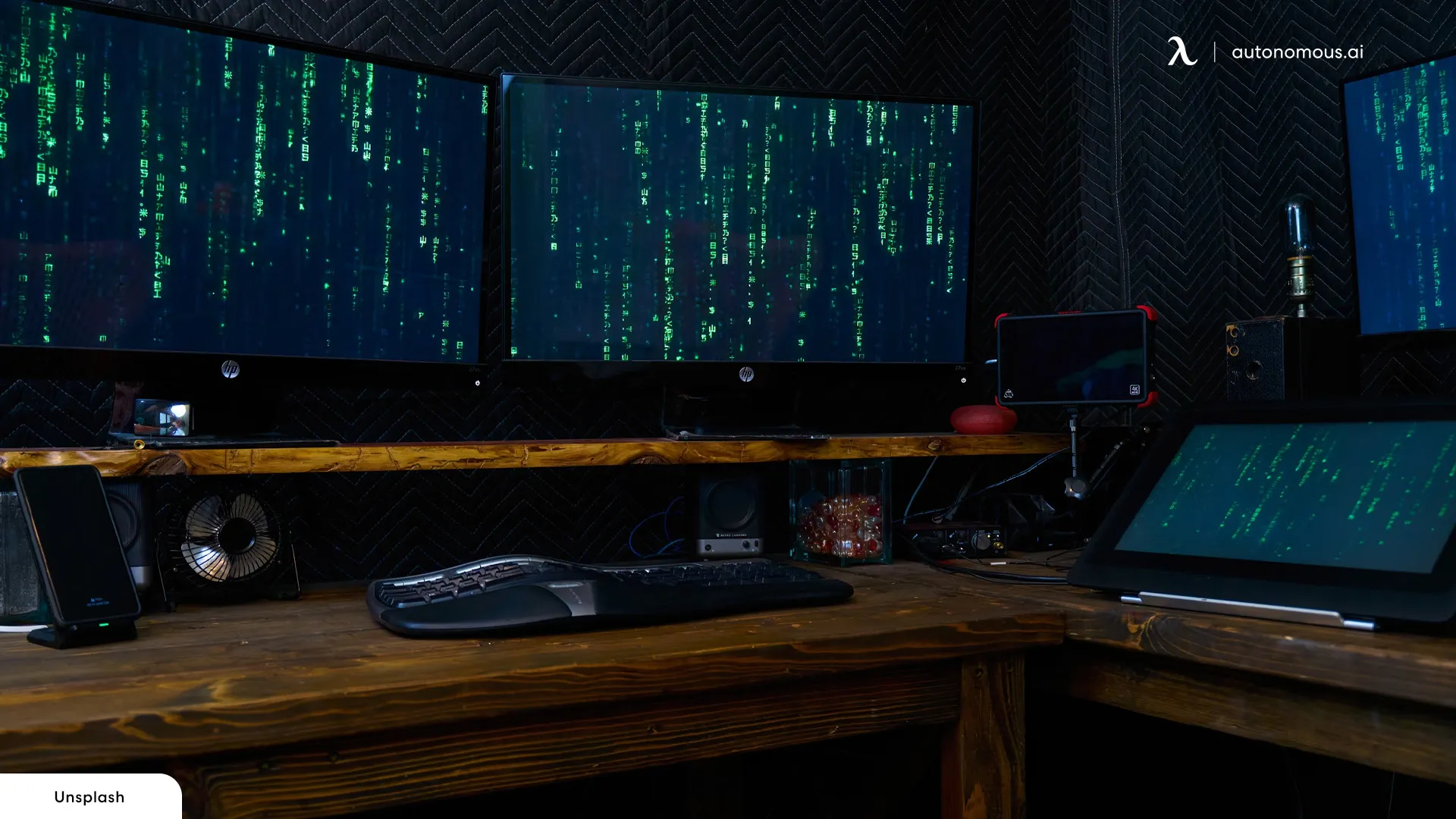
A laptop can be one of the three screens: put it on a stand at the side and run two external monitors in front of you. That is often the cheapest route to three screens.
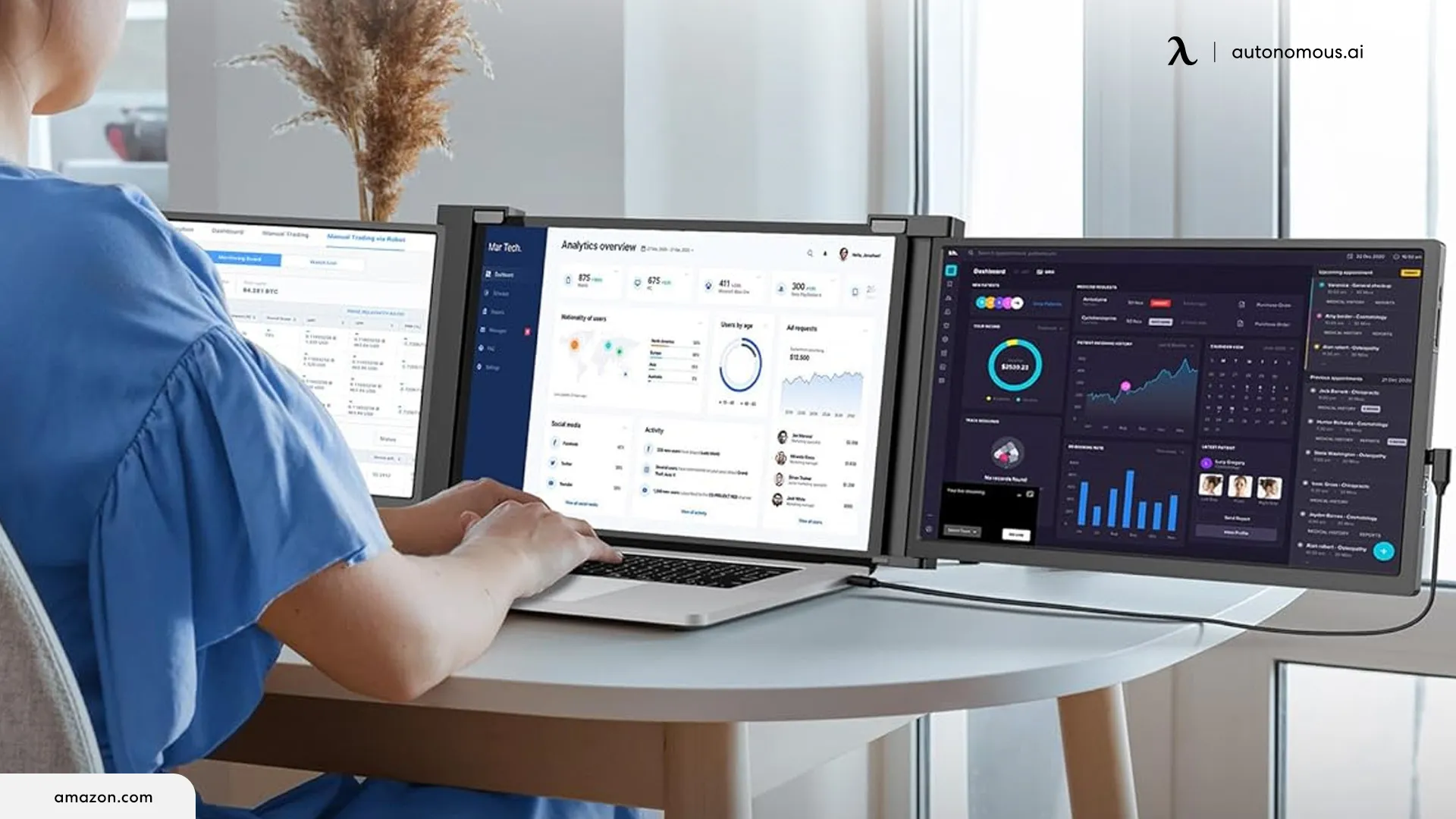
Clip-on extension screens that mount on the laptop lid are another option for travel, though they are small and sit low, so expect to look down at them.
How to set up a triple monitor setup correctly
Work from the center outward: place the main screen, angle the sides, match the heights, then check graphics outputs before you mount anything.
Place the center screen, then angle the sides
Center the main monitor on your keyboard and chair, not on the desk. Then turn each side monitor inward, roughly 15 to 30 degrees, so its inner edge meets the edge of the center screen with as small a gap as possible. If a side screen looks clearly slanted from your normal seat, turn it further in.
Match the height and distance
Line up the top edges of all three monitors at or slightly below eye level. OSHA's workstation guidance gives the same rule and puts the comfortable range at 20 to 40 inches from your eyes.
For three 24- or 27-inch screens, about an arm's length (20 to 30 inches) works. Closer means turning your head for the sides; farther makes text small, so the right viewing distance grows a little with screen size and resolution.
Check ports and graphics outputs
Count your outputs before you buy a third monitor. Most desktop graphics cards have three or four video outputs, usually a mix of DisplayPort and HDMI, so three screens plug straight in.
Laptops are harder. Many have one or two video-capable ports, and a dock that supports DisplayPort MST (multi-stream) is the usual way to drive two or three external screens from one Windows laptop. On a Mac, the number of external displays depends on the model; Apple lists the count per model, so check yours before you buy a dock.
Use monitor arms for three screens
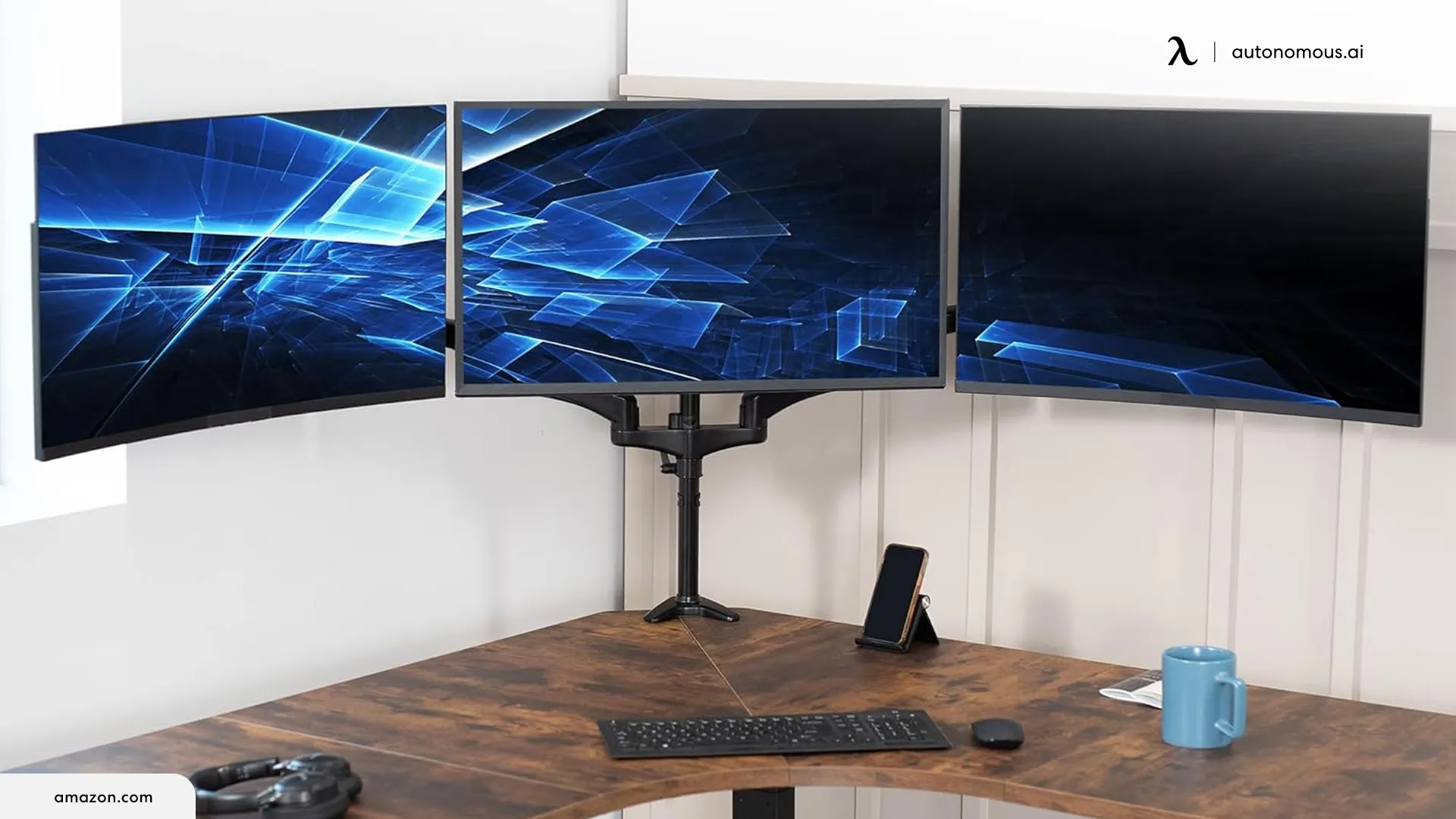
Monitor arms make three screens much easier to align, because each one moves independently of its stand. Check two numbers first: the monitors need VESA mounting holes (75 x 75 or 100 x 100 mm on most screens up to 32 inches), and each arm has a weight limit per screen. A triple arm uses one pole and one clamp. Three single arms take three clamps but place each screen freely, which helps with portrait and wrap-around layouts.
Most monitor arms clamp to the back edge of the desk and need their tension set to each screen's weight, or the screen drifts down. Getting three bases off the desk also keeps your desk clean and organized.
Triple monitor vs dual monitor setup
A triple monitor setup gives you about 50% more screen area than a dual monitor setup, plus one advantage dual screens never have: a screen centered in front of you with no bezel in the middle.
| Setup | Desk width (24-inch screens) | Best for |
| Dual monitor | About 43 in | Two main tasks, simpler cabling |
| Triple monitor | About 58-66 in | Heavy multitasking, sim racing, trading, editing |
| One ultrawide + laptop | About 35-45 in | Fewer bezels, one cable, mixed work |
Two screens are cheaper and fit almost any desk. Go to three when you keep running out of room on two, or the center bezel of a dual setup bothers you.
Desk space and ergonomics
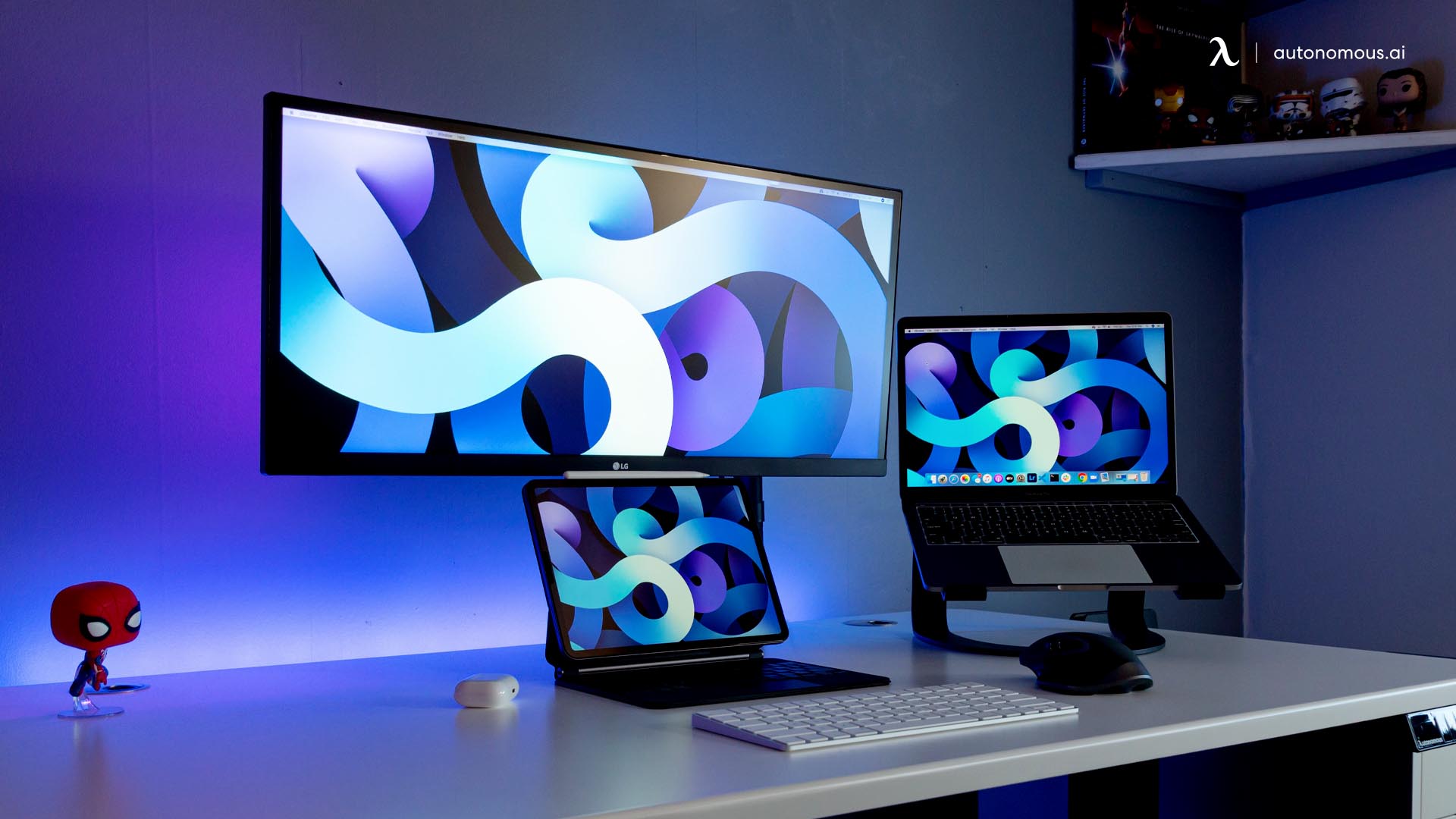
A triple monitor setup needs a desk at least as wide as the screens and about 30 inches deep, so you can sit at arm's length.
Take the width from the layouts table and add a few inches per side for speakers or cables. As a rough rule, three 24-inch screens with angled sides fit on a 60-inch desk, while three 27-inch screens want a top around 70 inches wide, such as the XL 70.5 x 30-inch top on the Autonomous Desk 2 and the Autonomous Desk Pro.
A wrap-around or larger 32-inch setup outgrows a straight desk. The Autonomous Desk 2 L-Shaped has a 77 x 29-inch main top with a 29 x 35-inch return, and Autonomous lists it as having room for three 27- to 32-inch monitors.

Three monitors plus a triple arm add real weight, so on a standing desk check the lifting capacity. The basics of ergonomics (neutral neck, elbows near 90 degrees, feet flat) apply the same with one screen or three.
Common mistakes in triple monitor setups
Most triple-screen discomfort can be fixed with placement.
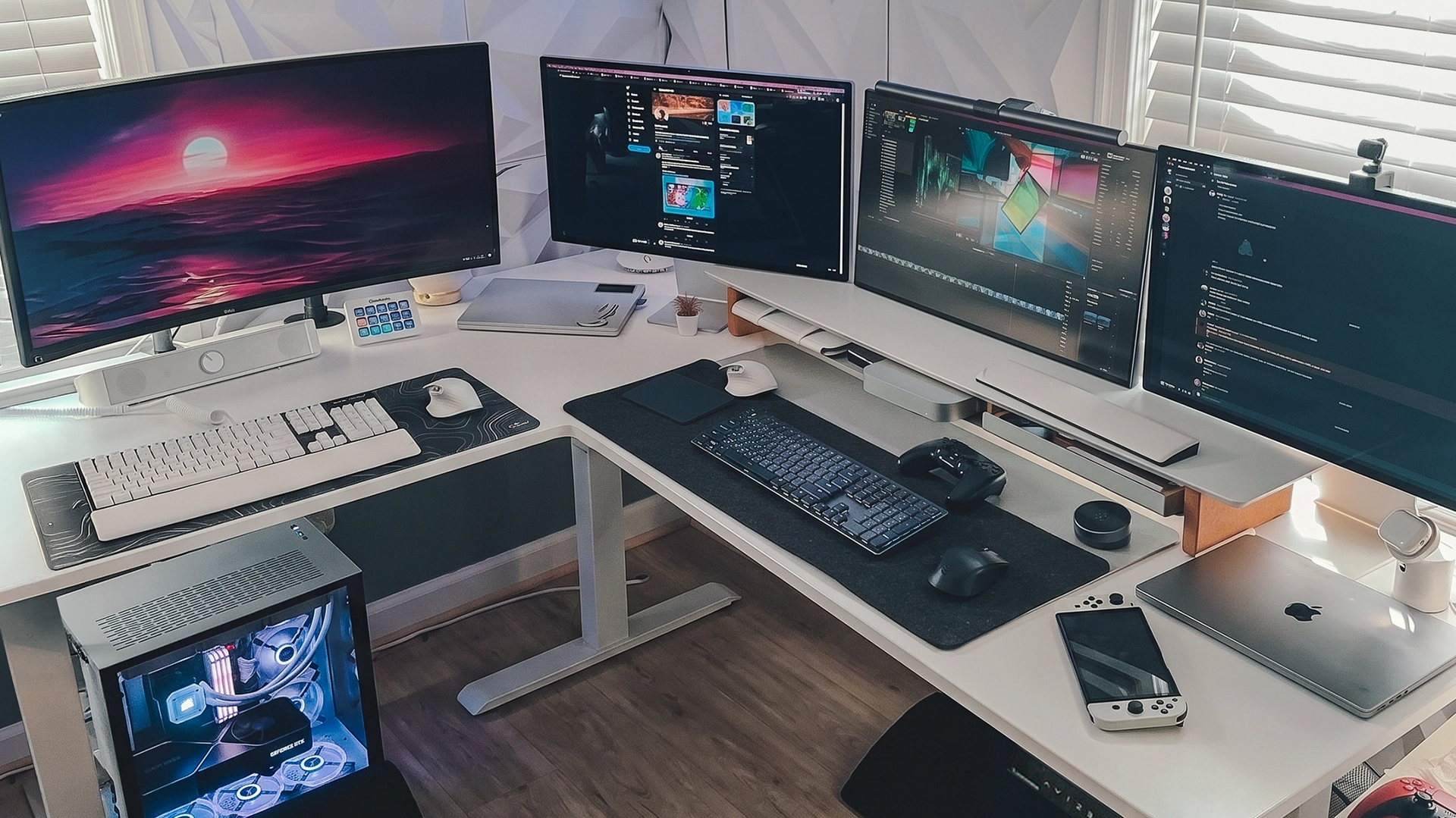
- Keeping all three screens flat in a line. The outer edges end up far away and you turn your head instead of your eyes.
- Centering the setup on the desk instead of on your chair. If you sit off to one side, one screen is always a long turn away.
- Mixing sizes and resolutions. Different monitor sizes or monitor resolutions make windows jump in size between screens and break the line of the top edges.
- Setting the side screens higher than the center. Looking up to the side strains the neck faster than looking down.
- Buying the third monitor before counting your video outputs.
Is a triple monitor setup worth it?
A triple monitor setup is worth it if you regularly have three things open that you need to see at once, such as code, docs and a running app, or a game, a stream dashboard and chat.
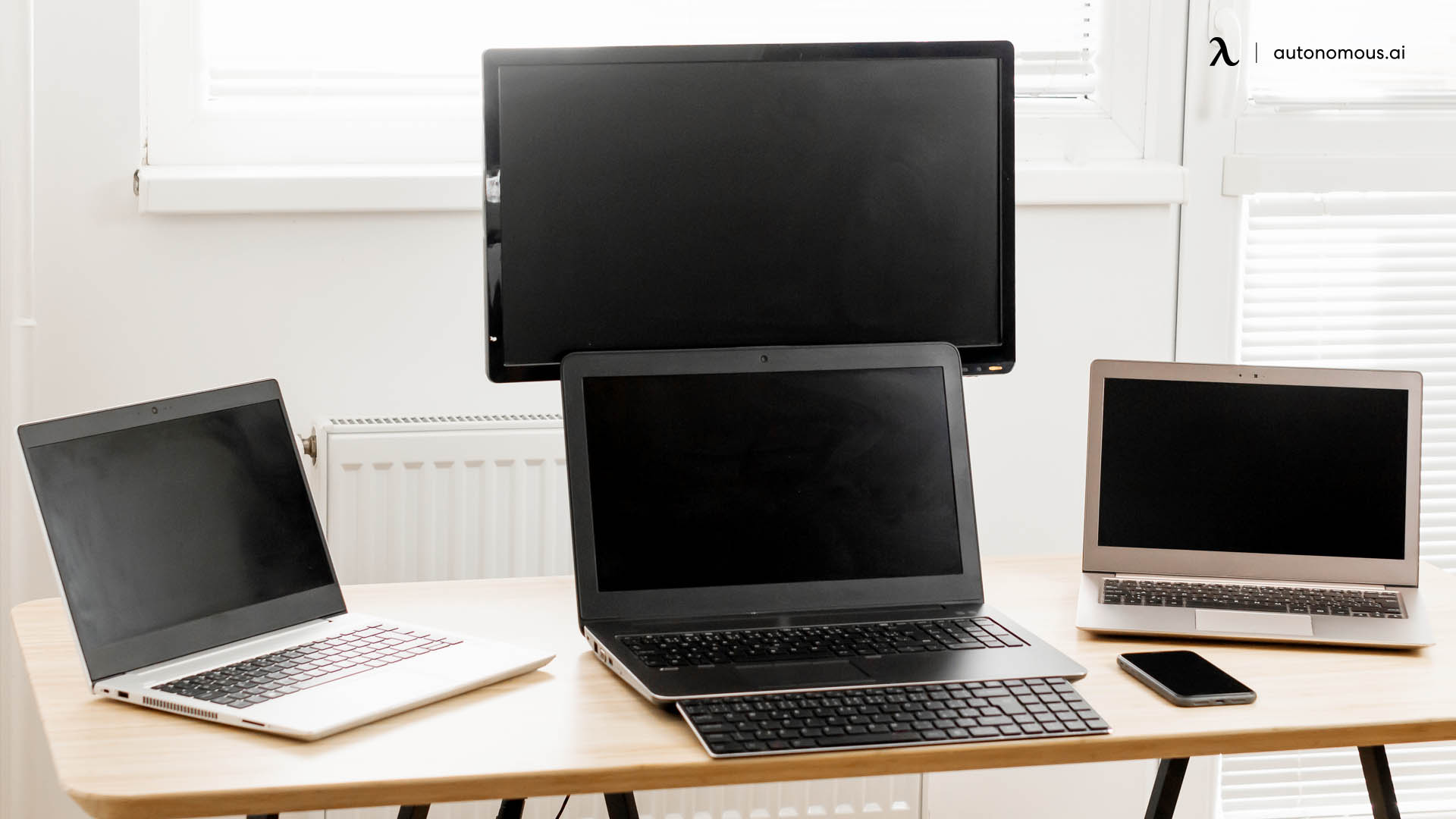
If you mostly work in one app at a time, a dual setup or a single ultrawide is the better buy. A cheap test: put your laptop next to your two monitors as a third screen. If you keep filling it, a third monitor will earn its place.
FAQs
What is the best triple monitor setup?
The best triple monitor setup for most people is one main monitor centered in front of you with a matching monitor on each side, angled inward about 15 to 30 degrees and at the same height. It keeps your main work straight ahead.
What is the best 3 monitor layout for a small desk?
The best 3 monitor layout for a small desk is 2 vertical and 1 horizontal, or a stacked layout with one screen above two. A 24-inch horizontal screen with two 24-inch portrait screens takes about 45 inches of width.
What desk size is needed for a triple monitor setup?
Three 24-inch monitors need about 58 to 66 inches of desk width, and three 27-inch monitors about 66 to 72 inches, depending on how far you angle the sides. Plan on roughly 30 inches of depth.
Can you use a triple monitor setup for gaming?
Yes. NVIDIA Surround and AMD Eyefinity combine three matching monitors into one wide display for games that support it, with bezel correction. In games that do not, players run the game on the center screen and use the sides for chat or maps.
Can a laptop run three monitors?
A laptop can run three screens if it counts as one of them, or if a dock supports it. Many Windows laptops drive extra screens through a DisplayPort MST dock. On a Mac, the supported number of external displays depends on the model.
Is a triple monitor setup better than a dual monitor setup?
A triple monitor setup is better if you run three tasks side by side or want a main screen with no center bezel. A dual setup costs less, needs less desk width and is enough for most work.
Conclusion
Most triple monitor setup ideas start with one centered main screen and two side screens angled in. Change the layout from there to fit your work and your desk: a portrait screen for long text, two portrait sides for a narrow desk, a stack when width runs out, a curved wrap for sims. Measure the desk, count the graphics outputs and line up the top edges before you buy or mount anything.
Desk Pro
Black Friday price.
So 12 hours isn’t 12 hours sitting.