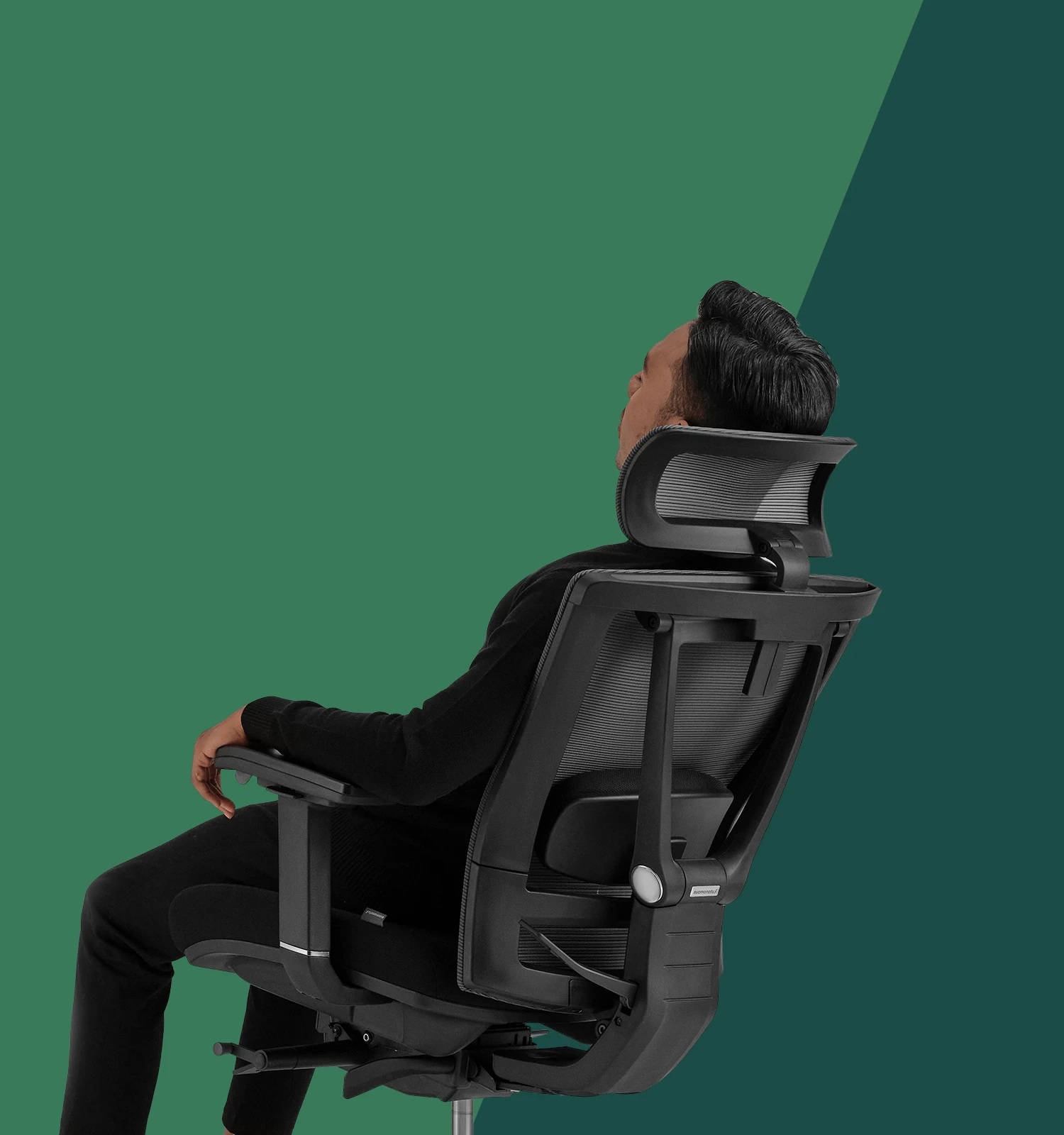
ErgoChair Pro
Black Friday price.
Built for 12-hour sessions.
Best Chair for Hip Pain and Pelvic Support in the Office
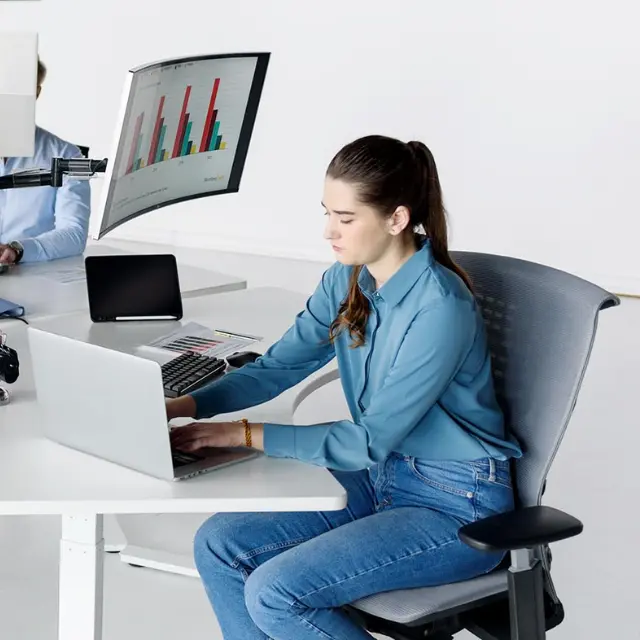
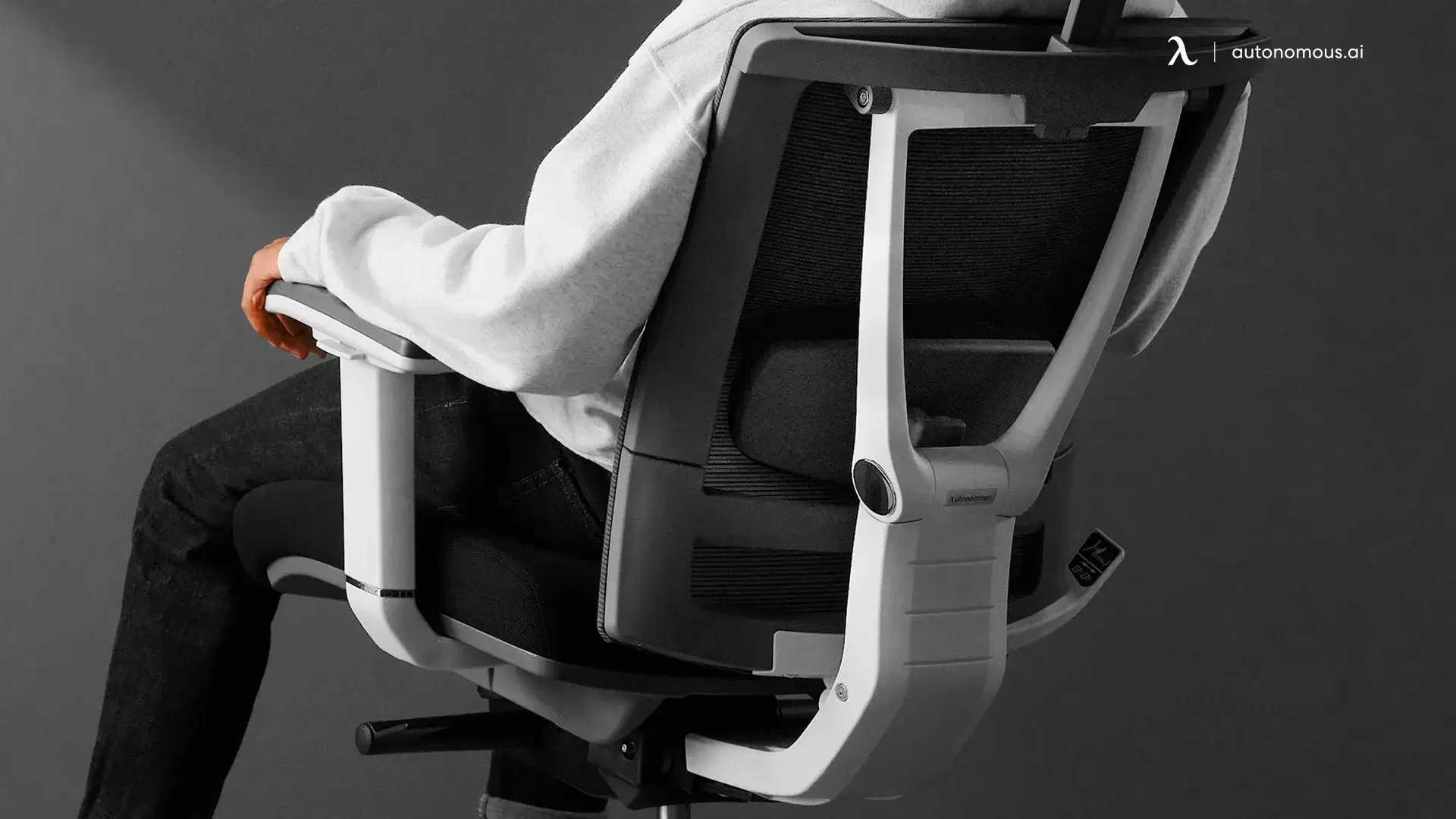
The best chair for hip pain lets you set seat depth, seat height and lumbar support to your own body, and lets your hips sit at an angle a little more open than 90 degrees instead of locking them there. Below are six office chairs that do this in different ways, the features that matter most for your hips and lower back, and three quick checks to see whether your current chair is part of the problem.
If you want one chair that covers both hip and lower back pain, the ErgoChair Pro combines a lumbar pad that slides 6 inches, adjustable seat depth and a seat that tilts forward about 5°, and it is discounted in the Black Friday chair sale, which takes up to 10% off.
Why Does Sitting Make Your Hips Hurt?
Sitting makes hips hurt when the chair holds them in one loaded position for hours: a seat that is too low or too deep, a closed hip angle, and no support under the pelvis. Hip pain has many causes, from arthritis to bursitis, and the chair is rarely the root cause. But a poor fit adds pressure to whatever is already there, which is why the NHS advises people with hip pain not to sit in low chairs.
Most people blame aging, tight hip flexors or skipped stretches, and rarely look at the uncomfortable chair they sit on for 8 hours a day. These are the signs that the chair is adding to the problem:
- Comfort fades after the first hour. Early comfort that disappears points to a seat that does not hold the pelvis, so your muscles take over the job.
- One hip hurts more than the other. A flat or worn seat can let you lean to one side without noticing.
- You keep crossing your legs. It shifts the pelvis for a moment of relief, then loads one side for longer.
- Your hips feel stiff when you stand up. AAOS notes that hip bursitis pain is often worse when getting up from a chair after sitting for a while.
- The pain eases on weekends. If your hips feel better on days away from the desk, the desk setup is worth a look.
If you already have hip pain from office chair use, a better-fitting chair changes the trigger you control: how your pelvis sits, how your weight spreads across the seat, and how long your hips stay at one angle. It will not treat an underlying condition, and prolonged sitting still needs breaks, whatever the chair.
What to Look for in an Office Chair for Hip Pain
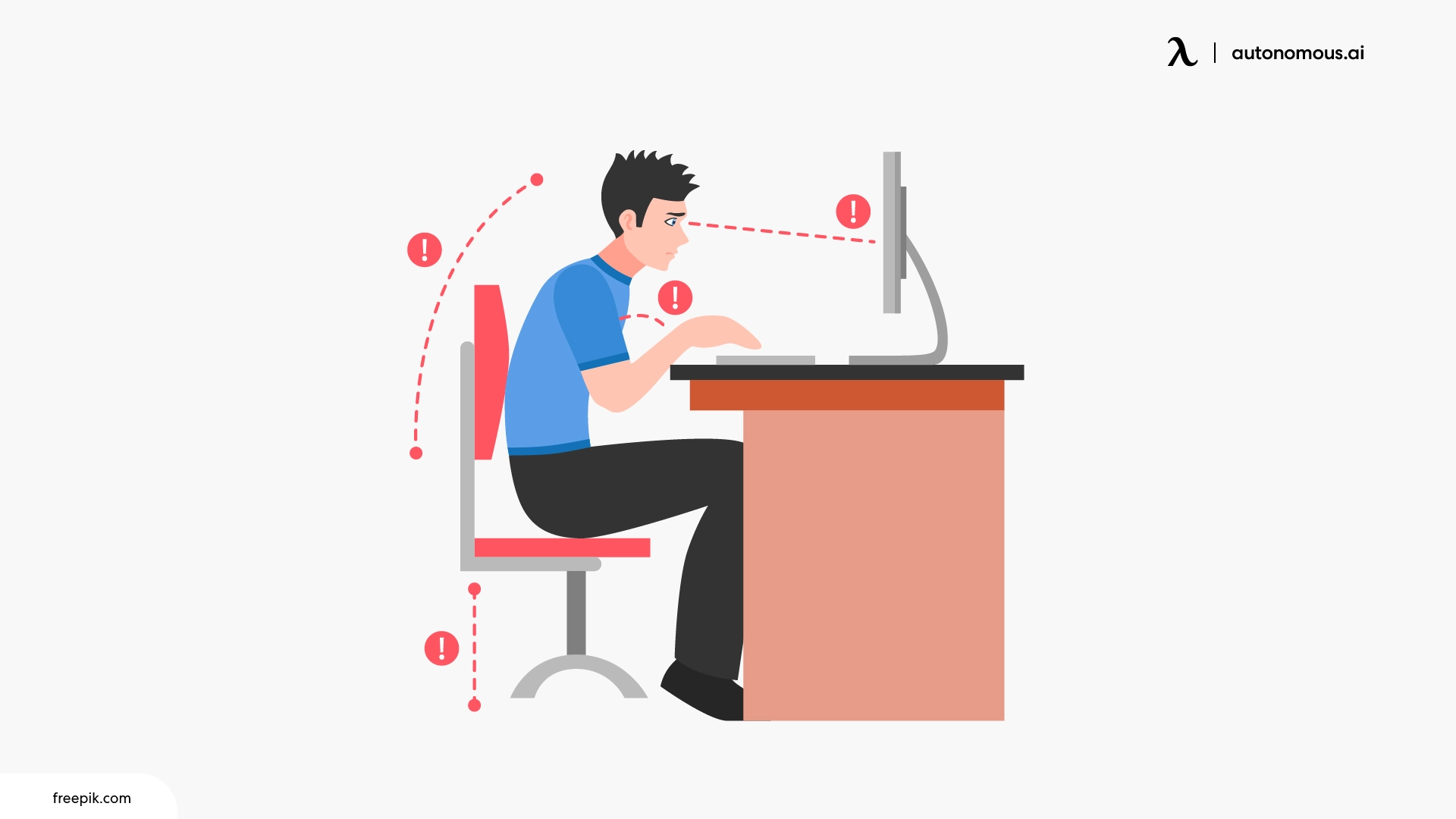
An office chair for hip pain needs five things: adjustable seat depth, a seat height range that reaches your body, a firm seat that spreads weight, a tilt that opens the hip angle, and lumbar support that keeps the pelvis upright. Many ergonomic chairs are built around back support first, so check each of these for your hips specifically.
1. Adjustable Seat Depth
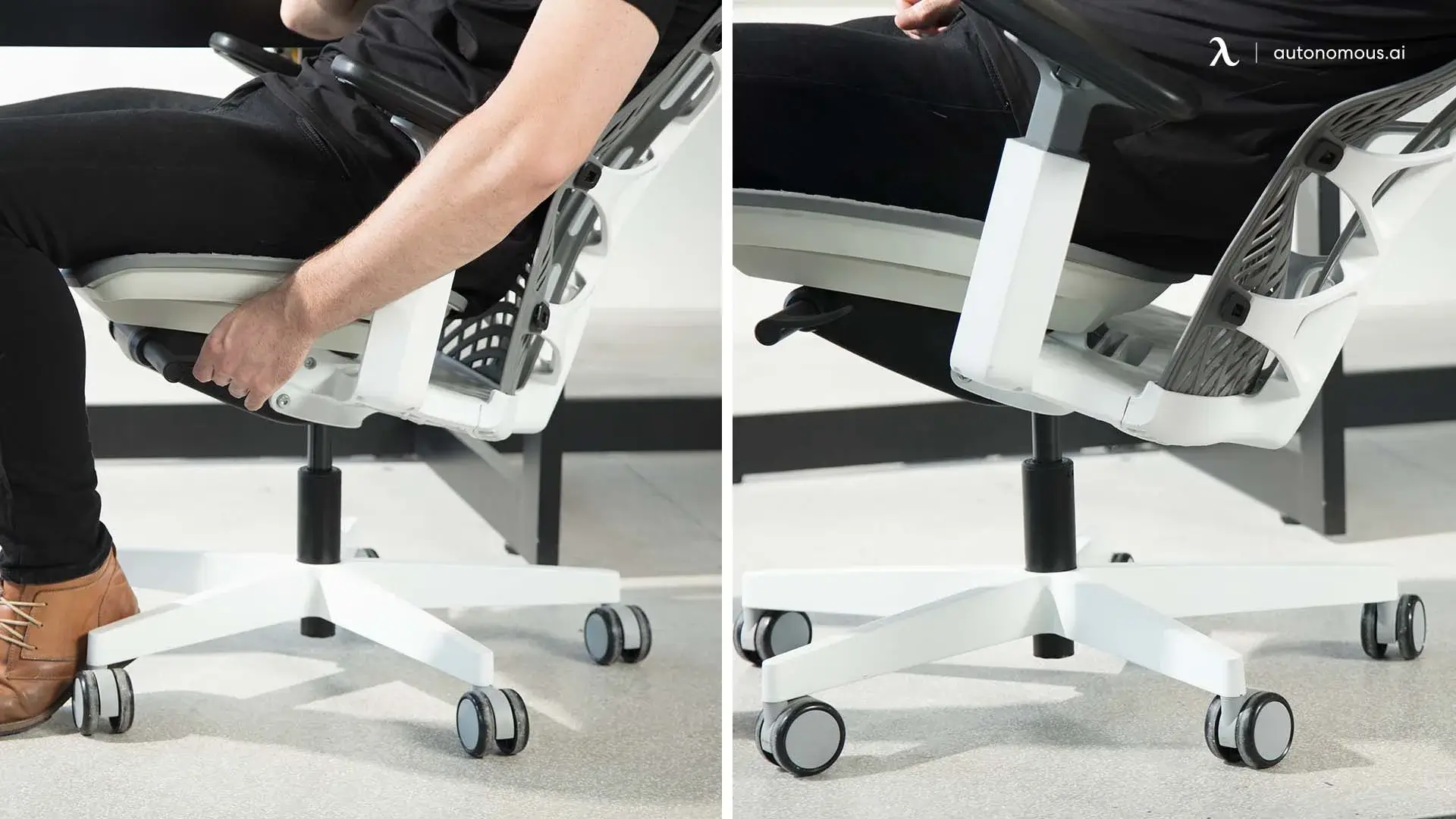
Seat depth is the most overlooked feature in a desk chair for hip pain. If the seat is too deep, the front edge catches the back of your knees and pulls your pelvis into a tuck. Too shallow, and your thighs lose support, so more load lands on the hips.
Sit with your back against the backrest and aim for a gap of two to three fingers between the seat edge and the back of your knees. Cornell's ergonomics guide makes the same point: a seat pan that is too long for your legs catches you behind the knees or stops you leaning back. A sliding seat lets you set that gap instead of hoping the factory depth fits.
2. Seat Height That Keeps Your Knees Level or Lower
Set the seat so your feet rest flat and your knees sit level with or slightly below your hips. Cornell recommends exactly that range, and the NHS warns that low chairs put extra pressure on painful hips. So a lower seat is not better for hip pain. What matters is a range that reaches your leg length.
Shorter sitters should check the lowest setting before buying: the ErgoChair Ultra 2 goes down to 18 in and the ErgoChair Pro to 18.5 in. If your feet still float at the lowest setting, add a footrest rather than sinking the seat below your knees.
3. Seat Cushioning That Spreads Weight
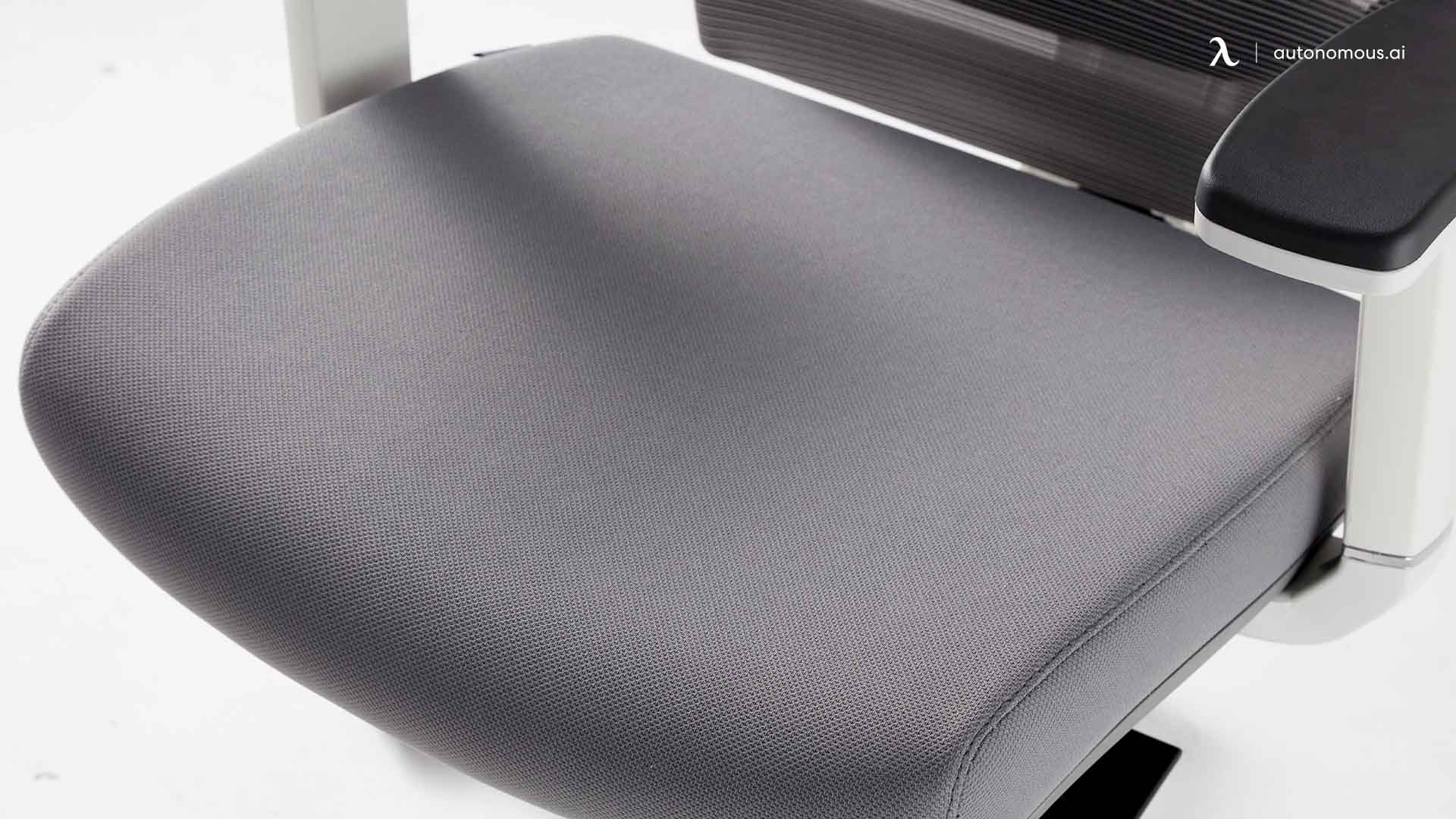
A firm, contoured seat spreads weight better than a soft one. A thick, soft cushion feels good in a showroom, but your hips sink unevenly, pressure collects in a few spots and the pelvis tilts without you noticing.
High-density foam, or a suspended seat with structured give, keeps your sit bones supported without letting them sink. The goal is even weight across the whole seat, so no single point around your hips takes more load than the rest. Cornell's test is simple: the seat should still feel comfortable after 60 to 120 minutes.
4. Tilt Mechanism That Opens the Hips
A tilt that lets you open the angle between torso and thighs past 90 degrees takes load off the front of the hip. A fixed upright chair keeps your hip flexors shortened for the whole day, which is the position people with tight hip flexors find hardest to hold.
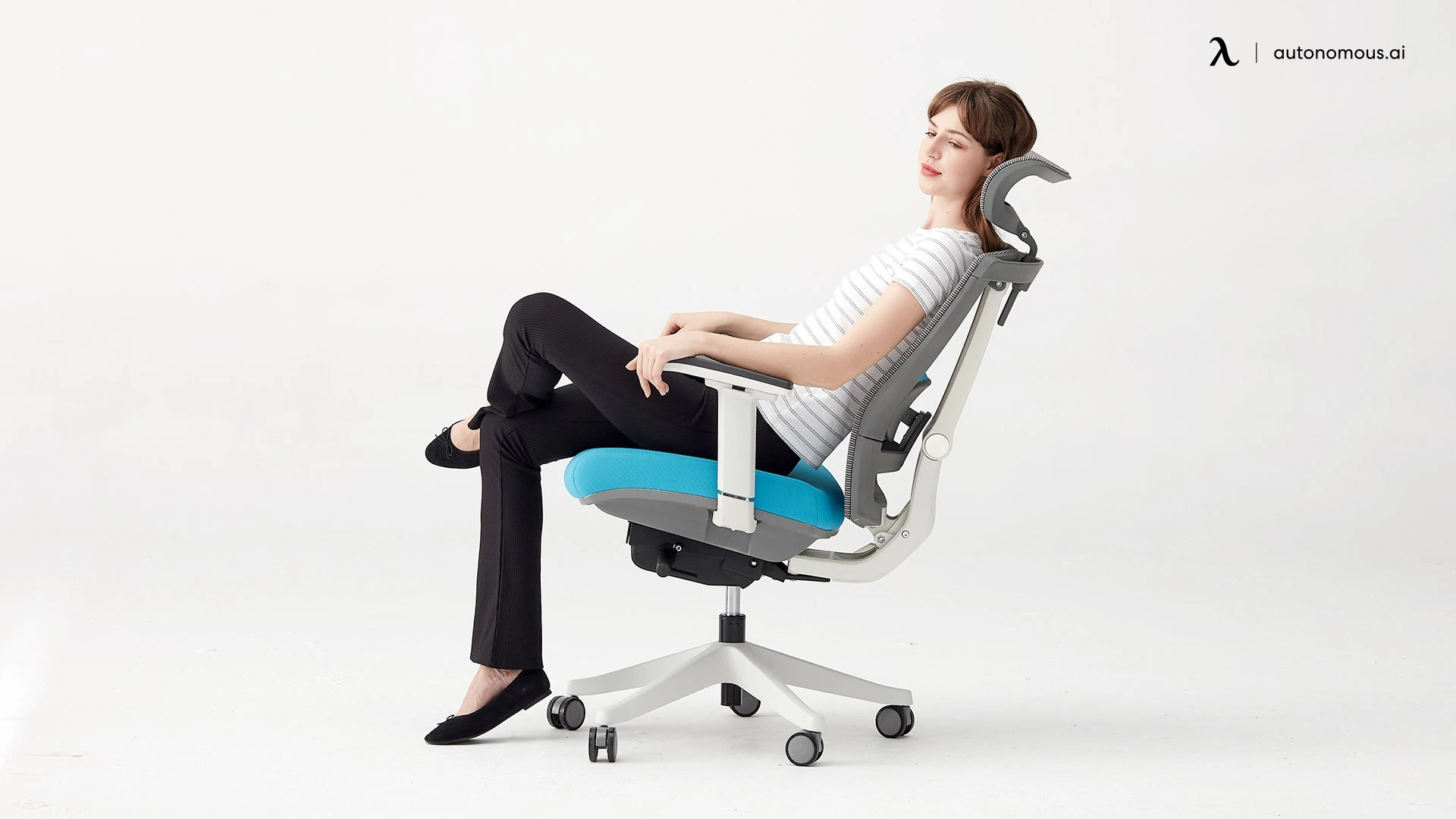
A good tilt mechanism gives you one of two routes. A forward seat tilt angles the seat pan down a few degrees so the thighs slope slightly and the hip opens. Synchro-tilt reclines the seat and back together in a fixed ratio, so you can lean back without your feet leaving the floor. Either works if you can lock or settle it at the angle that feels easiest on your hips.
5. Lumbar Support That Keeps the Pelvis Upright
Lumbar support matters for hip pain because the lower back and pelvis move together. When your lower back loses its curve, the pelvis rolls backward, the angle at the hip joints changes and load shifts onto tissue that was not meant to carry it all day. If you often sit with your legs crossed, even in a cross-legged office chair, uneven support makes the twist worse.
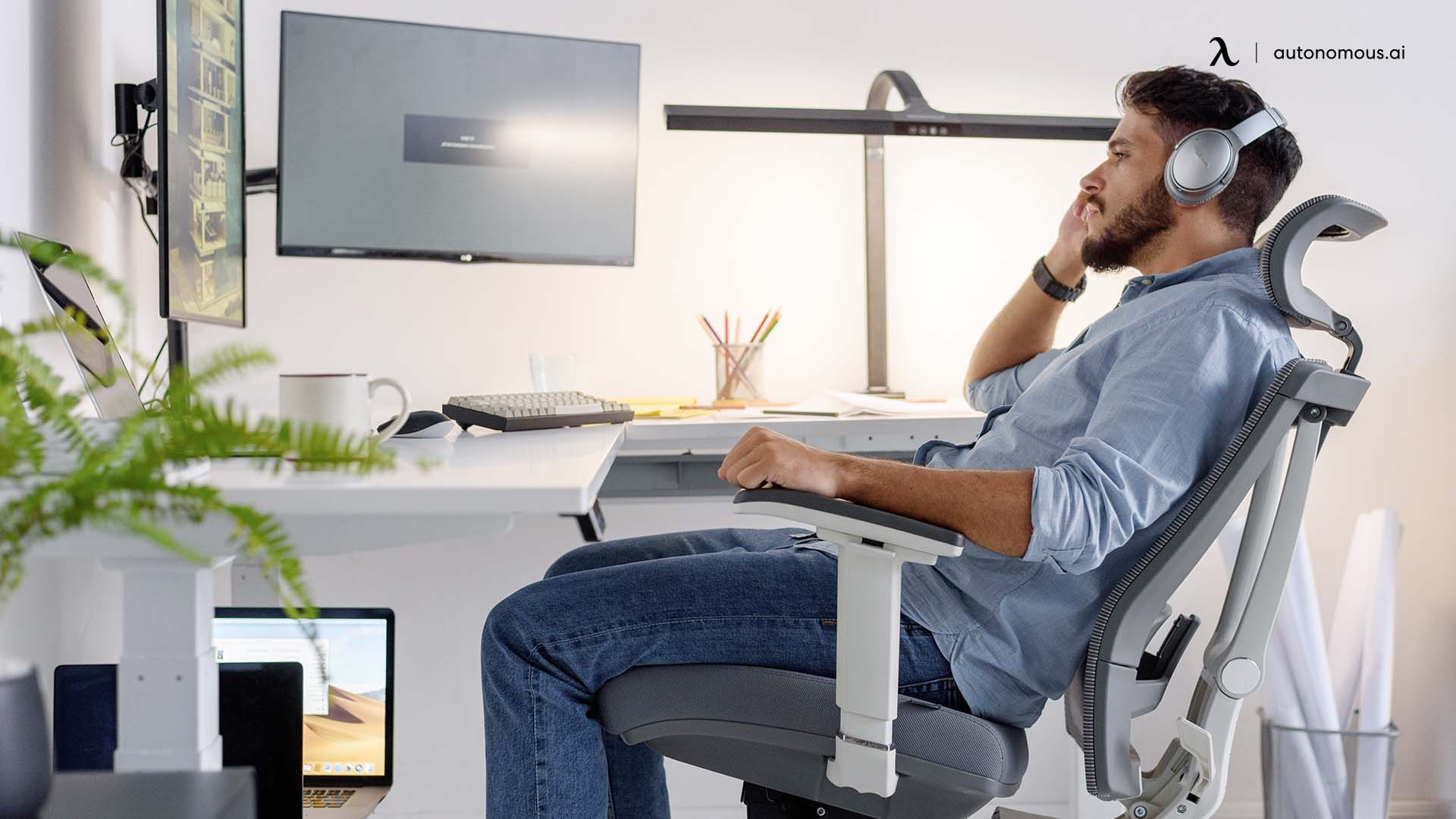
Look for lumbar support you can move to your own lower back, so it holds a healthy sitting position without pushing you into an exaggerated arch. If you already sit with a strong arch (anterior pelvic tilt), set the lumbar lower and lighter rather than deeper. The video shows how the ErgoChair Pro's sliding lumbar, seat and armrest controls work.
6 Best Chairs for Hip Pain and Lower Back Pain
The best chairs for hip pain and lower back pain combine adjustable seat depth with support that keeps the pelvis upright. This table shows how each pick handles the three parts that matter most.
| Chair | Seat depth | Lower back support | Hip angle feature |
|---|---|---|---|
| ErgoChair Pro | Adjustable | Lumbar pad slides 6 in | Seat tilts forward 5°, 22° recline |
| Steelcase Leap | Adjustable | Height-adjustable lumbar plus firmness dial | Flexible seat edge, 4 recline stops |
| ErgoChair Ultra 2 | Adjustable | Flexing back, no lumbar dial | 25° recline range |
| Herman Miller Aeron | Fixed by size (A, B, C) | PostureFit SL sacral and lumbar pads | Optional seat angle up to 5° forward |
| Anthros | 15.2 to 18.3 in | Pelvis support plus upper back support | 0 to 16° tilt, rear seat cutouts |
| CoreChair Classic | Not listed by maker | Low-back support that braces the pelvis | Seat moves in all directions |
1. Autonomous ErgoChair Pro
For hip and lower back pain that needs support placed exactly

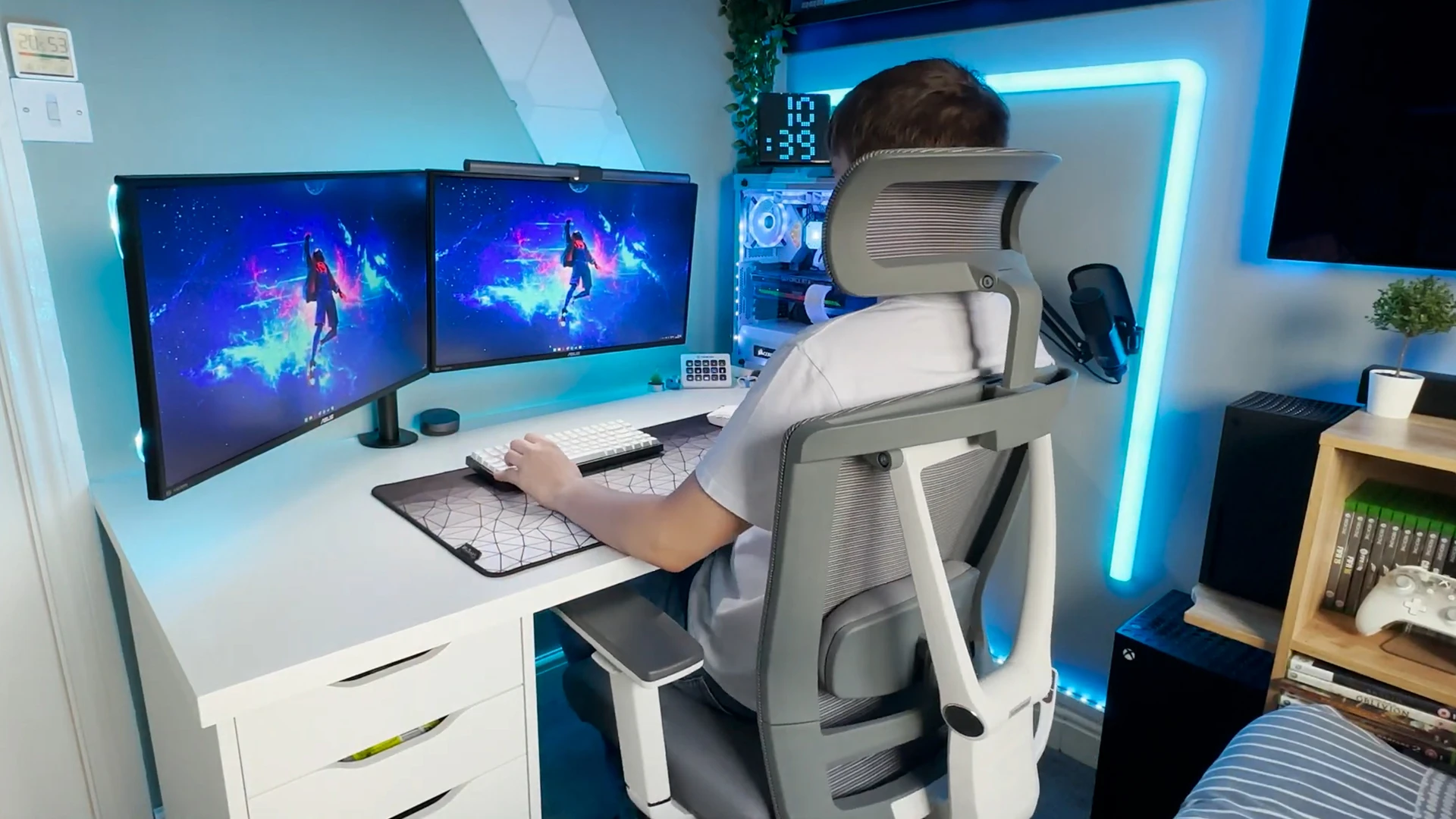
The ErgoChair Pro is the pick here for people whose hip pain comes with lower back pain, because it lets you place the support yourself. The lumbar pad slides 6 inches along the backrest to meet your lower spine, the seat depth adjusts, and the seat tilts forward about 5° to open the hip angle.
This office chair for long hours has 9 points of adjustment, a high-density molded foam seat (a cool-mesh seat is offered on the product page), synchro-tilt that reclines 22° and locks at five points, 3D armrests, a 300 lb capacity and a lifetime warranty. Seat height runs from 18.5 to 22 inches. It carries a 4.6 rating from 3,398 reviews, and the Black Friday price keeps the 30-day trial.
The foam seat suits people whose hip pain is pressure-sensitive and who find suspended mesh seats too hard on the sit bones. The five recline locks also let you set a slightly open hip angle and stay there without holding yourself against the backrest tension.
What to be aware of: the lumbar pad moves up and down but not in and out, so you set its height, not its depth. The foam seat also runs warmer than mesh, and very tall sitters may find 22 inches the limit of the seat height.
2. Steelcase Leap
For sitting positions that never stay the same
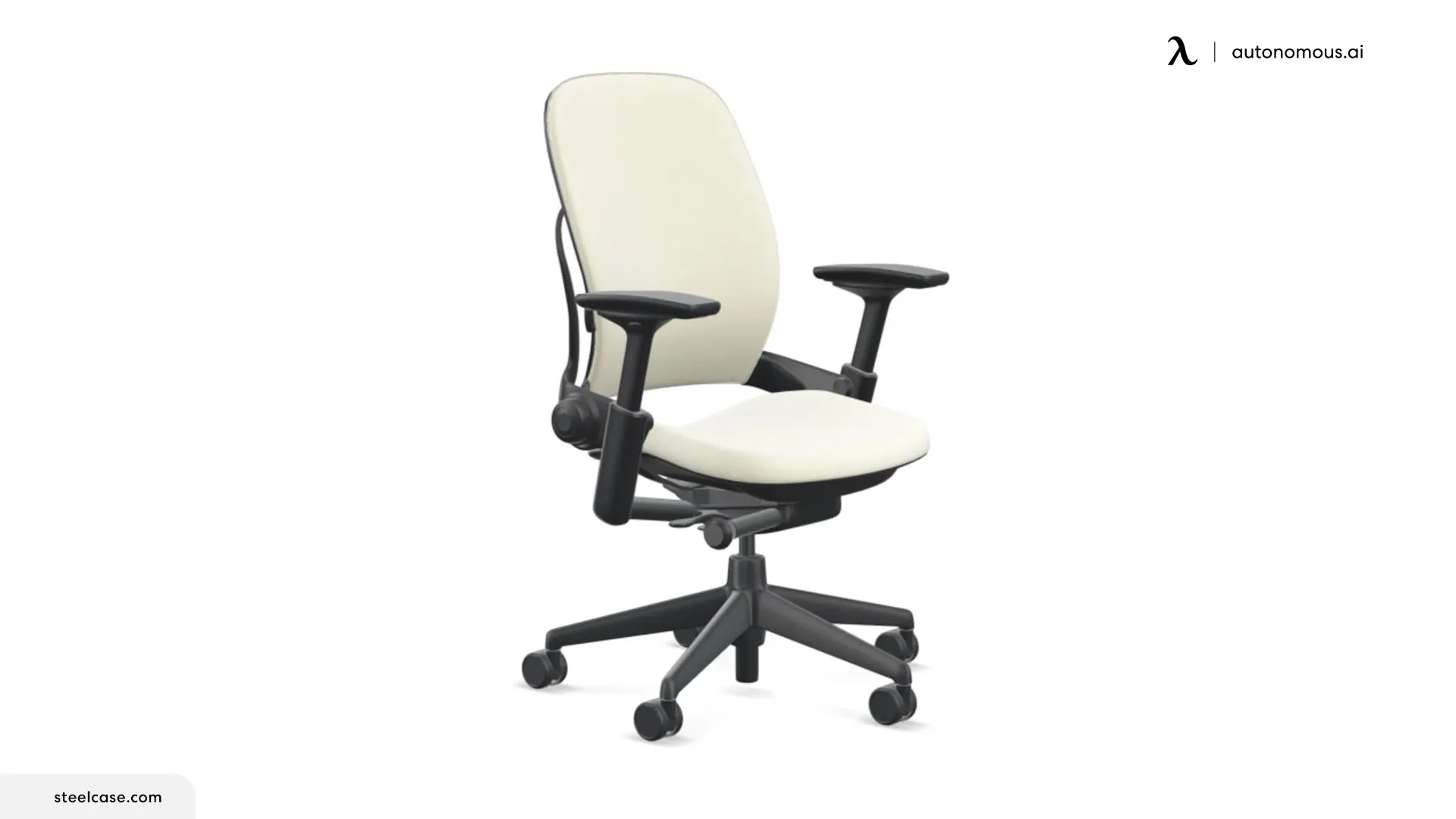
Quick glance:
- Seat depth: adjustable (lever at the back of the seat)
- Seat material: high-density foam with flexible edges
- Recline: full recline with four stop settings and an upright lock
- Armrests: 4D adjustable
- Weight capacity: 400 lb
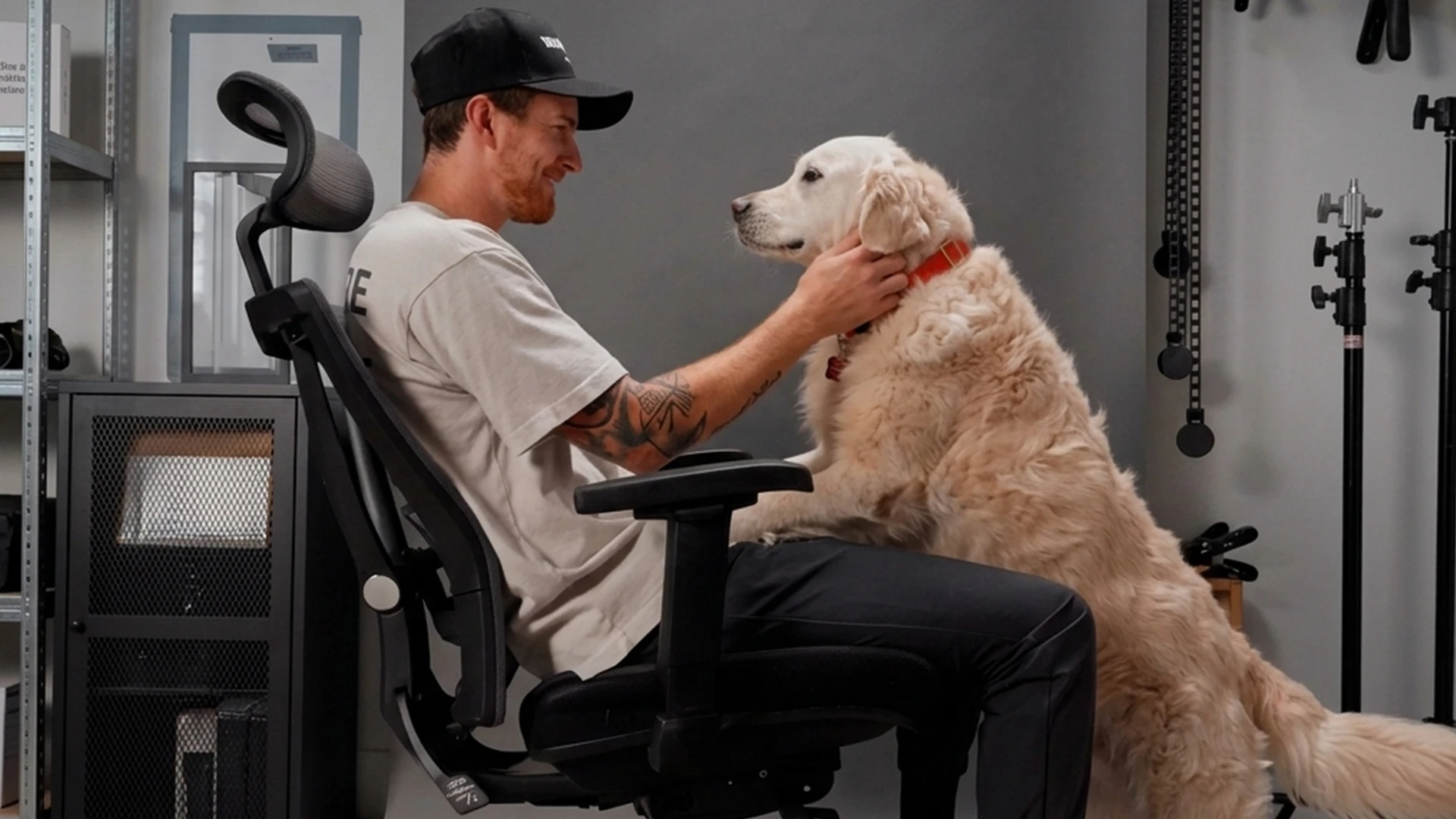
The Leap suits people who shift between leaning forward, reclining and sitting to one side, because its back moves with the spine and its seat edge flexes. Steelcase says the flexible seat edges give a little under your thighs and support different sitting styles.
The seat depth adjusts, so you can set the thigh-to-hip pressure for your frame, and it has height-adjustable lumbar plus a separate lower back firmness dial. The seat also glides forward as you recline, which keeps you close to the desk instead of reaching. In practice the chair does not force one correct posture; it keeps the hip angle workable across several.
What to be aware of: the foam seat holds more heat than mesh. If your room runs warm, keep that in mind when comparing chairs for an 8-hour office chair workday.
3. Autonomous ErgoChair Ultra 2
For hip pain that builds hour by hour
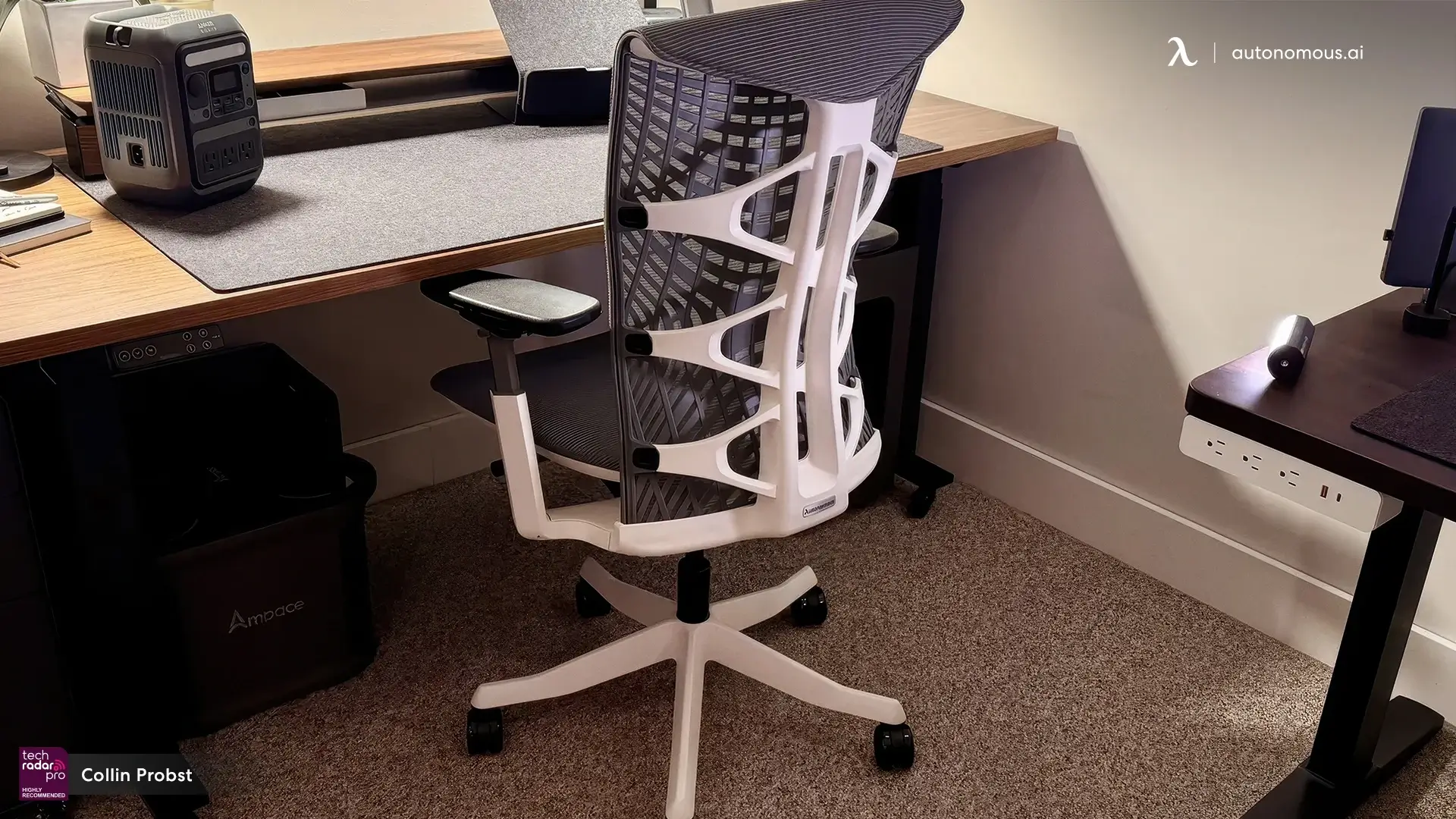
The ErgoChair Ultra 2 suits hip pain that grows through the day, because its seat and back are built to move with you rather than hold one setting. It adjusts for seat height, seat depth, armrest position and recline tension, so you can set the two-finger gap behind the knees that keeps the pelvis neutral.
The seat has four layers: an open-cell weave over molded foam, TPE webbing and polymer coil springs, which Autonomous says spreads weight off the sit bones and keeps air moving under the thighs.
The mesh chair back has a flexing TPE layer instead of a lumbar dial, so support follows your lower back as you lean in or out. It reclines through a 25° range with synchro-tilt, has 4D armrests, a 320 lb capacity and a lifetime warranty, and the seat goes as low as 18 inches. It is rated 4.5 from 379 reviews.
What to be aware of: there is no lumbar dial. If your lower back needs a pad set at one exact height or firmness, the ErgoChair Pro gives you that control.
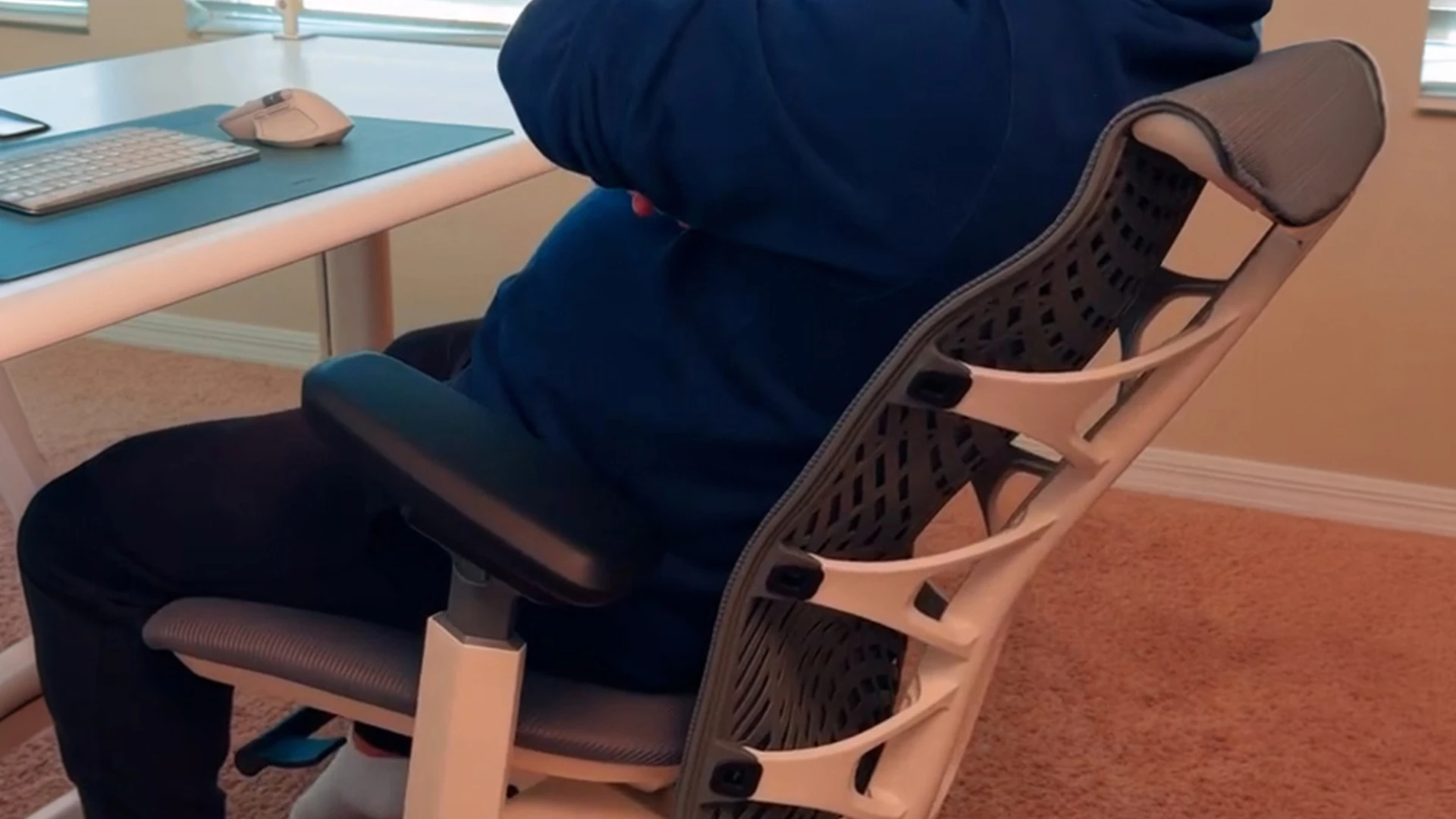
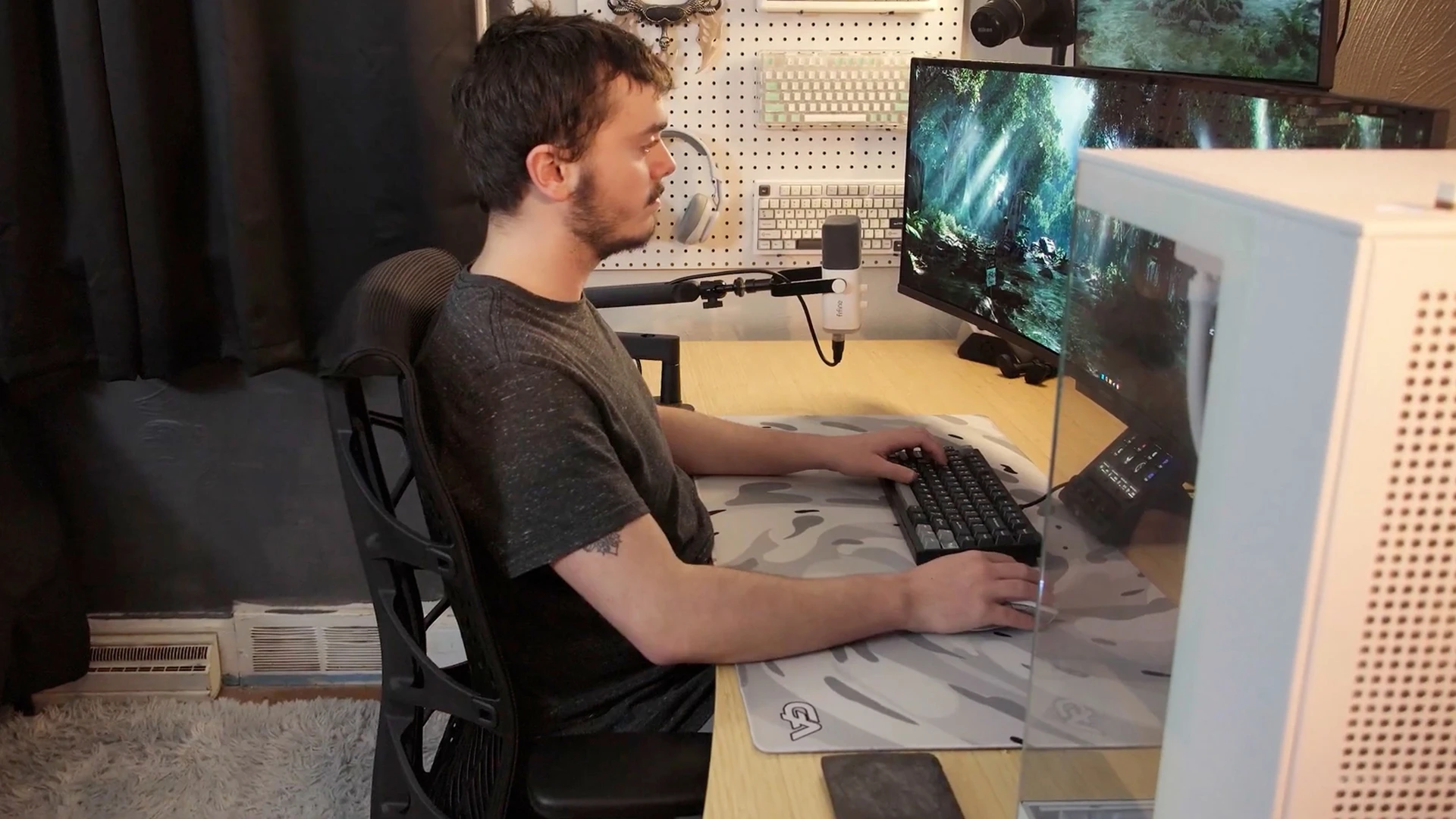
4. Herman Miller Aeron
For hip pain tied to long, unbroken hours at the desk

Quick glance:
- Seat depth: fixed per size (A, B or C)
- Seat material: suspension mesh, 8 tension zones
- Tilt: tilt limiter, with an optional seat angle that tilts up to 5° forward
- Armrests: fully adjustable (height, depth, pivot)
- Weight capacity: 300 lb (A), 350 lb (B), 400 lb (C); 12-year warranty
The Aeron suits long desk hours because its seat and back are suspension mesh rather than foam. The mesh is split into eight tension zones, with more give under the sit bones and firmer edges that keep you in place.
PostureFit SL has two pads, one for the sacrum and one for the lower back, which help keep the pelvis from rolling back and the hip angle open. If you are also comparing an office chair for posture more broadly, this is one of the more deliberate approaches to pelvic support. The optional seat angle tilts the seat up to 5° forward for people who sit upright and engaged, and the mesh seat does not trap heat.
What to be aware of: seat depth is set by the size you buy, with no adjustment afterward. If seat depth is your main concern, measure against Herman Miller's size chart before ordering, because the wrong size creates the problem the chair is meant to solve.
5. Anthros Chair
For hip pain tied to how your pelvis sits
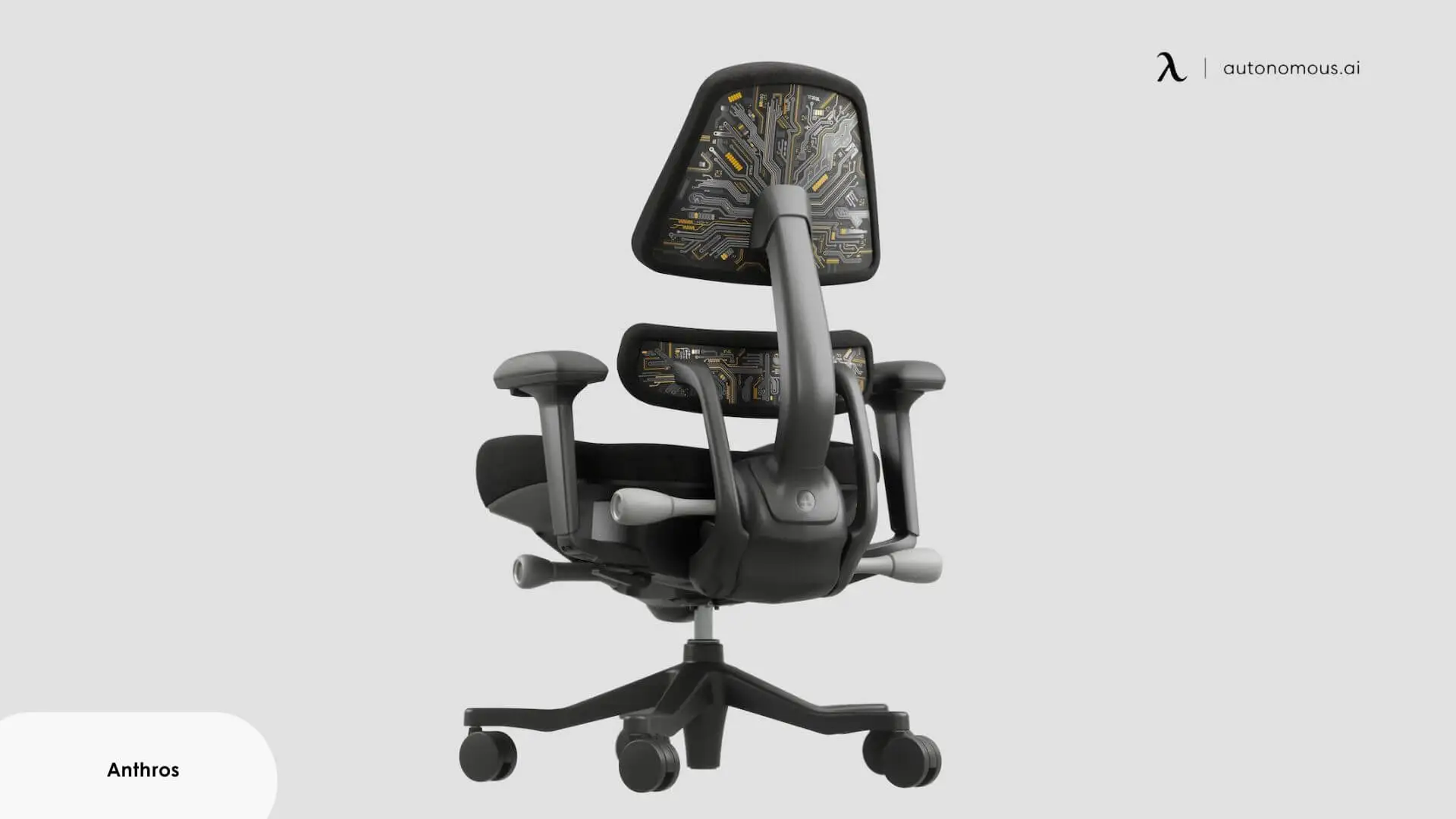
Quick glance:
- Seat depth: 15.2 to 18.3 in
- Seat: contoured foam with pressure-relieving cutouts at the rear
- Backrest: lower back pelvis support plus adjustable upper back support
- Tilt: 0 to 16°, three locked and two unlocked positions
- Armrests: cushioned, 4D; weight capacity 300 lb
The Anthros suits hip pain tied to the pelvis because its back is split into two parts, and the lower one is built around the pelvis. Anthros says its patented pelvis support captures and stabilizes the pelvis so the postural muscles can relax, while a separate upper support adjusts to meet the mid and upper back.
The seat is contoured foam with pressure-relieving cutouts in the rear, which moves load away from the sit bones. Seat depth runs from 15.2 to 18.3 inches, and the tilt goes from 0 to 16° with three locked positions for steady support and two unlocked ones that move with you. Unlike many high-back office chairs that rely on one lumbar pad, the support here starts at the pelvis.
What to be aware of: the weight capacity is 300 lb, lower than the Steelcase Leap's 400 lb, and the deepest seat setting is 18.3 inches, so long-legged sitters should check that figure against their leg length first.
6. CoreChair Classic
For hip pain that comes from sitting still too long
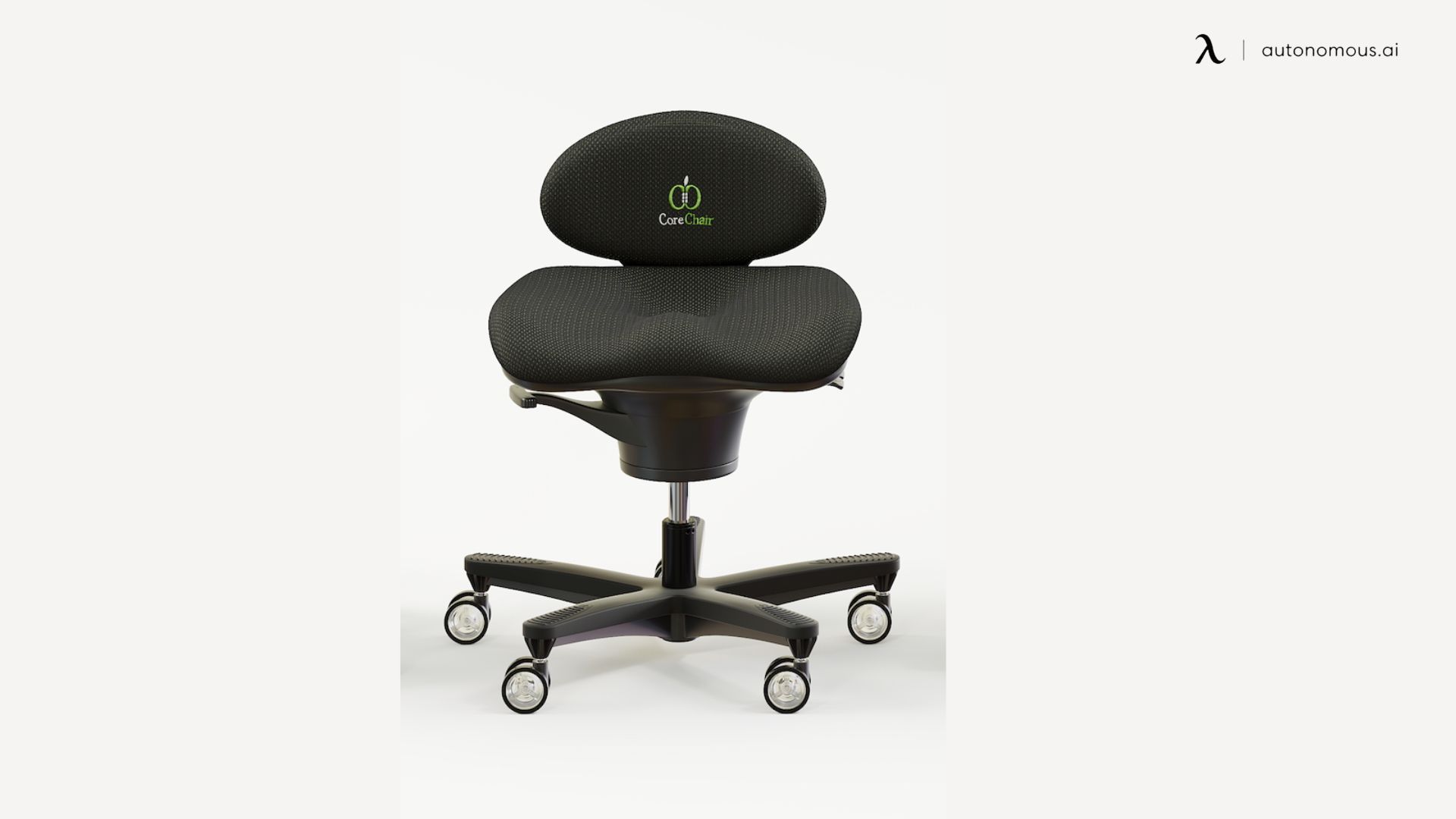
Quick glance:
- Seat: sculpted to spread pressure, 3D knit cover
- Backrest: short back with low-back support that braces the pelvis
- Movement: multidirectional seat with adjustable resistance
- Fit range: 5'0" to 6'5"; 8-year warranty, 60-day guarantee
The CoreChair suits hip pain driven by staying in one position, because its seat is built to keep the pelvis moving. It lists at $1,095 plus $50 shipping. The seat sits on a mechanism that allows controlled movement in all directions, which keeps the hips from settling into one fixed angle for hours.
If your hips feel fine when walking or standing but stiffen after an hour in a chair, holding the same angle too long is a likely part of it. Small, constant movement, the idea behind active sitting, keeps the muscles around the hips lightly working. The short back gives light low-back contact rather than full spinal support, so it feels very different from a conventional desk chair for hip pain.
What to be aware of: this is not a reclining office chair. There is no recline, no high back and no headrest, so it will feel insufficient for reading, long calls or any task where you want to lean back.
How to Sit When Your Hip Hurts
Sit with your feet flat, knees level with or slightly below your hips, your back against the backrest, and the hip angle a little open, then get up and change position often through the day. Avoid low, deep seats like soft sofas, which put the hips below the knees, the setup the NHS advises against.
- Keep both feet down. Crossing your legs or tucking one foot under shifts load to one hip.
- Lean back slightly. A small recline against a supported lower back takes load off the hip flexors.
- Get up out of the chair well. Slide to the front edge and push up with both legs and arms, instead of twisting out to one side.
- Pick a firm living room chair too. At home, a firm armchair or recliner with a higher seat and arms to push from is easier on sore hips than a low, soft couch.
Pair the chair with the best sitting position with lower back pain if your back hurts too, since the same pelvic position eases both.
How to Test if Your Chair Actually Fits Your Hips
Three checks, each under a minute, tell you whether your current chair fits your hips or just needs adjusting. Most people set the height, sit down and assume the rest is fine.
- The two-finger test for seat depth: sit with your back fully against the backrest and check the gap between the seat edge and the back of your knees. Less than two fingers means the seat is too deep and pulls your pelvis into a tuck. Much more than three means your thighs are unsupported and the hips carry extra weight.
- The flat hand test for seat pressure: slide your hand under your thigh near the seat edge. If it slides in easily, the seat spreads weight well. If it feels pinched, the front edge presses into the thigh, which is common on seats with a hard front lip and no waterfall edge.
- The lean test for pelvic support: relax your core completely. If your pelvis rolls back and your lower back rounds at once, the chair is not holding the pelvis, and your muscles have been doing the job all day.
If two or more tests fail, small adjustments are unlikely to fix the fit. That is when adjustable seat depth, a tilt that opens the hips and proper lumbar support placement become the reasons to replace the chair.
FAQs
Can a bad office chair cause hip pain?
A bad office chair can add to hip pain by putting extra pressure on the hips, leaving the thighs unsupported or holding the hips at one closed angle for hours. It is rarely the only cause, so pain that keeps coming back deserves a check with a doctor or physical therapist.
What is the best sitting position for hip pain in an office chair?
The best sitting position for hip pain keeps your feet flat, knees level with or slightly below your hips, and your back supported with a slight recline. That opens the hip angle a little. Stand up and change position often rather than holding one posture all day.
What chair is best for tight hip flexors or hip impingement?
The best chair for tight hip flexors or hip impingement lets the hip angle open past 90 degrees through a forward seat tilt or recline, with adjustable seat depth. Avoid low seats that raise your knees. For impingement, AAOS notes that doctors may first suggest avoiding activities that cause symptoms.
Is a low seat height better for hip pain?
A low seat is usually worse for hip pain, because sitting with the knees above the hips increases hip flexion. The NHS advises people with hip pain to avoid low chairs. After a hip replacement, follow the seat height your surgeon gives you.
What chair is best for hip bursitis or hip arthritis?
For hip bursitis or arthritis, look for a firm seat at or slightly above knee height, armrests you can push up from, and a tilt that keeps the hip from closing. Pain on rising after sitting is a common bursitis symptom, so getting out of the chair easily matters too.
What chair helps with pelvic floor or pelvic pain?
A chair for pelvic floor or pelvic pain should spread weight across the thighs and sit bones instead of the center of the seat, with adjustable depth and a waterfall front edge. A pelvic floor physical therapist can tell you whether a cut-out cushion suits your condition.
Is a mesh or foam chair better for hip pain?
Neither mesh nor foam is better for every hip. Firm foam suits people whose pain is pressure-sensitive, while mesh runs cooler and gives an even, suspended feel. Seat depth, height and support under the pelvis matter more than the material.
What cushion is best for hip pain while sitting?
A firm cushion that spreads pressure, such as a wedge that raises the hips slightly above the knees, can help in the short term. A cushion cannot fix a seat that is too deep or too low, so check the chair's fit first.
Are gaming chairs good for hip pain?
Most gaming chairs are not a good fit for hip pain. They often have fixed seat depth, raised side bolsters that narrow the seat and a pillow instead of adjustable lumbar, so they cannot be set to your hips the way a fully adjustable office chair can.
Is Black Friday a good time to buy a chair for hip pain?
Black Friday is a good time to buy because the ErgoChair Pro and Ultra 2 are discounted in the Black Friday chair sale, which takes up to 10% off, through Cyber Monday. Sale orders keep the 30-day trial and free returns, so you can run the fit tests at home.
Conclusion
Hip pain from sitting rarely comes from one big flaw. It builds from small mismatches: a seat slightly too deep, an angle slightly too closed, a cushion that tips the pelvis, repeated eight hours a day.
The best chair for hip pain does not have to be the most expensive one. It has to fit your body, hold your pelvis upright and let your hips open a little. Run the three tests on your current chair first, then pick from the six above by the feature your test flagged. Add regular seated back stretches and standing breaks, and see a doctor if the pain lasts more than two weeks or stops you doing normal activities.
References
Desk Pro
Black Friday price.
So 12 hours isn’t 12 hours sitting.