The 7 Best Office Chairs for Pregnancy with Sitting Tips
.webp)
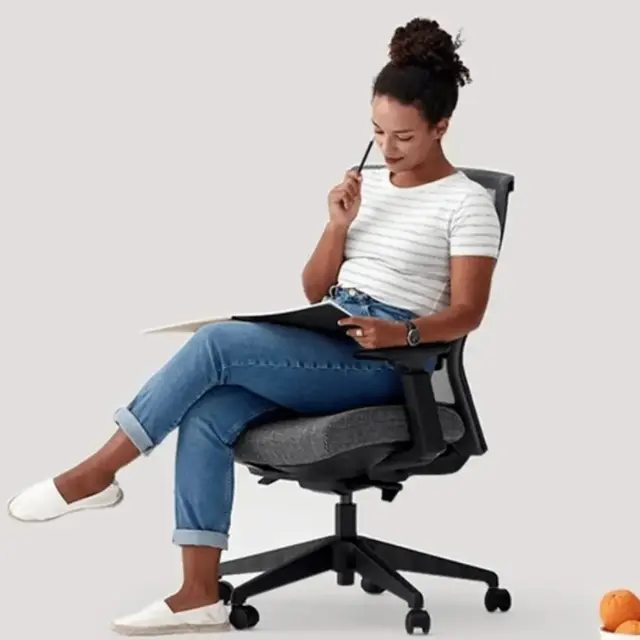
The best office chair for pregnancy is one that adjusts to your body as comfort and posture change. ErgoChair Pro offers six inches of lumbar-height adjustment, a sliding seat and five recline locks; ErgoChair Mesh pairs an adjustable lumbar cushion with a shallower 18-inch minimum seat depth. Neither will fit everyone. Your seat height, thigh length, hip room and work surface matter as much as the feature list.
Compare seven seating options, from adjustable office chairs to a balance-ball chair intended only for occasional use. You will also find practical ways to adjust an existing chair, sit comfortably at a desk and choose a supportive footrest. An office chair does not treat pregnancy-related back pain; change position regularly and talk to your midwife or clinician about persistent symptoms.
Best Office Chairs for Pregnancy at a Glance
ErgoChair Pro and ErgoChair Mesh provide adjustable lumbar support, sliding seat depth and lockable recline. HON Ignition 2.0 Big and Tall has the highest listed weight rating, at 450 lb. The table below shows the dimensions and adjustments that matter when matching a chair to your desk and body.
| Chair | Lumbar adjustment | Seat depth | Recline lock | Lowest seat | Weight capacity | Price |
|---|---|---|---|---|---|---|
| ErgoChair Pro | 6 in vertical travel | 19–21.5 in | 5 positions | 18.5 in | 300 lb | $499 |
| ErgoChair Mesh | Vertically adjustable cushion | 18–20 in | 5 positions | 18.5 in | 300 lb | $499 |
| HON Ignition 2.0 Big and Tall | Sliding lumbar on selected SKU | Adjustable on selected SKU | Upright tilt lock listed | Ask retailer | 450 lb | Check retailer |
| ErgoChair Ultra 2 | Flexible back; no height dial | 18–20.5 in | Not specified | 18 in | 320 lb | $449 |
| ErgoChair Core | Passive dual backrest | 18.5–20.5 in | Not specified | 20 in | 242.5 lb | $299 |
| Steelside Labelle | Listed; vertical range unspecified | 21.5 in, fixed | Tilt lock; positions unspecified | 20.2 in | 264 lb | $239.99 |
| Gaiam Balance Ball Chair | No conventional lumbar support | Fixed ball seat | None | Fixed height | 300 lb | $99.98 |
The Best Office Chairs for Pregnancy, Reviewed
ErgoChair Pro and Mesh are the most adjustable choices for backrest and seat fit; HON offers a substantially wider seat and higher weight capacity. The other options may work better for different preferences in seat height, cushioning or movement. Compare the trade-offs below before choosing.
1. ErgoChair Pro, best for adjusting lumbar position
Autonomous ErgoChair Pro offers several useful adjustments when sitting comfort changes during pregnancy. Its lumbar support moves through a 6-inch height range, the seat depth adjusts from 19 to 21.5 inches, and the recline locks in five positions across a 22-degree range. It is rated for 300 lb and has a lifetime warranty. These settings help customize fit, although they do not guarantee pain relief.
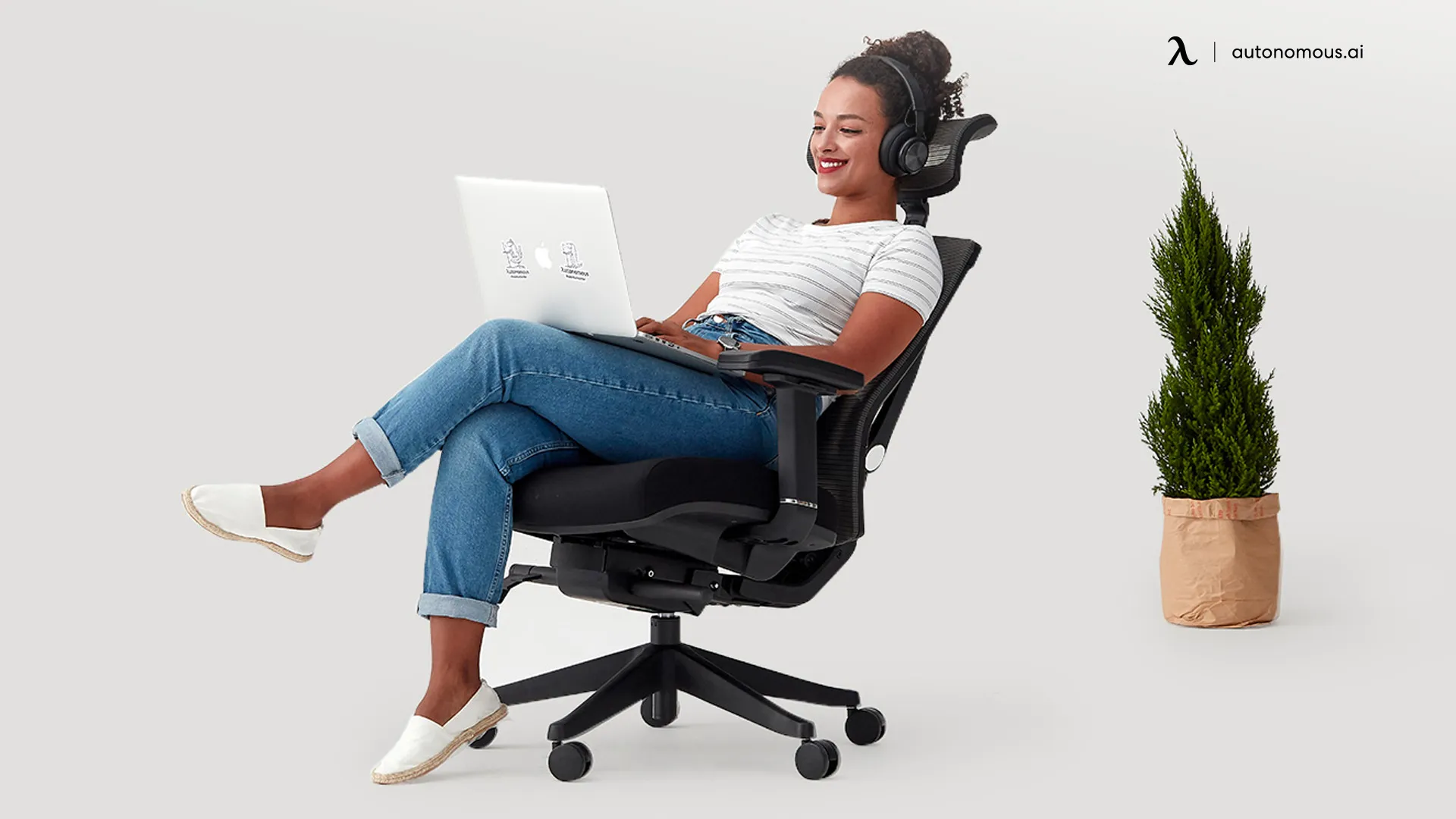
The main fit limitation is the 19-inch minimum seat depth: it may be too long for someone with shorter thighs, even if the lumbar can move. The chair offers a firm foam cushion or a mesh-seat option. Owners also report that the armrest pads can move under pressure, so do not count on them as rigid grab handles when rising from the chair.
| Pros | Cons |
|---|---|
|
|
2. ErgoChair Mesh, best for breathable seated support
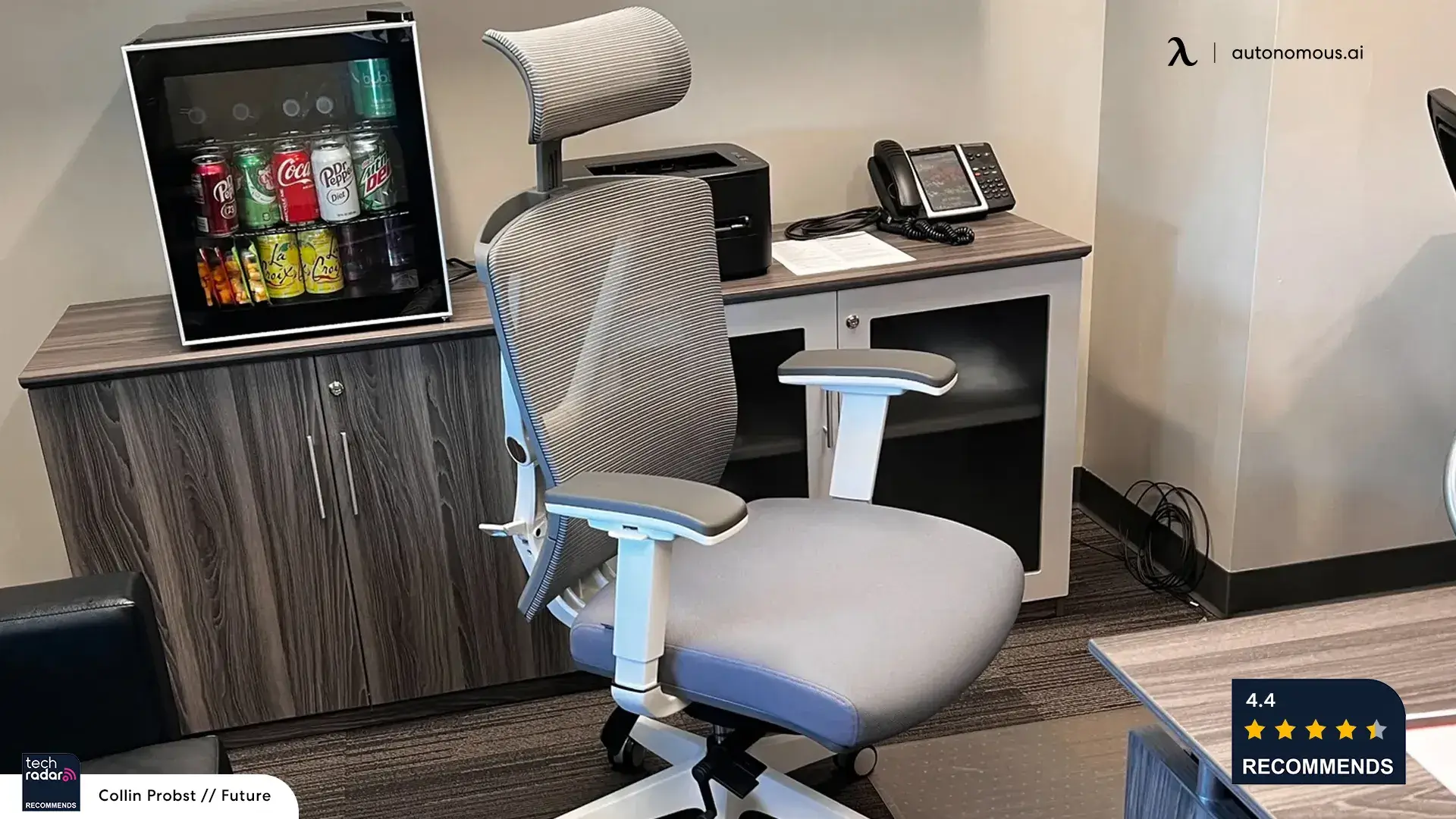
Autonomous ErgoChair Mesh is a practical alternative if you prefer airflow around your back and seat. Its mesh uses a published polyester/polyamide blend, and the lumbar cushion adjusts vertically. Seat depth runs from 18 to 20 inches, seat height from 18.5 to 21.5 inches, and the backrest locks in five recline positions. It is rated for 300 lb and carries a lifetime warranty.
.jpg)
Compared with Pro, the Mesh starts with a shallower seat, which can help shorter users maintain contact with the backrest. Its seat surface may feel firmer than foam, and the maximum seat height is 21.5 inches. Breathable fabric may be more comfortable if you have noticed sweating on an office chair, but it does not prevent pregnancy-related sweating or replace breaks from sitting.
| Pros | Cons |
|---|---|
|
|
3. HON Ignition 2.0 Big and Tall, best for higher rated capacity
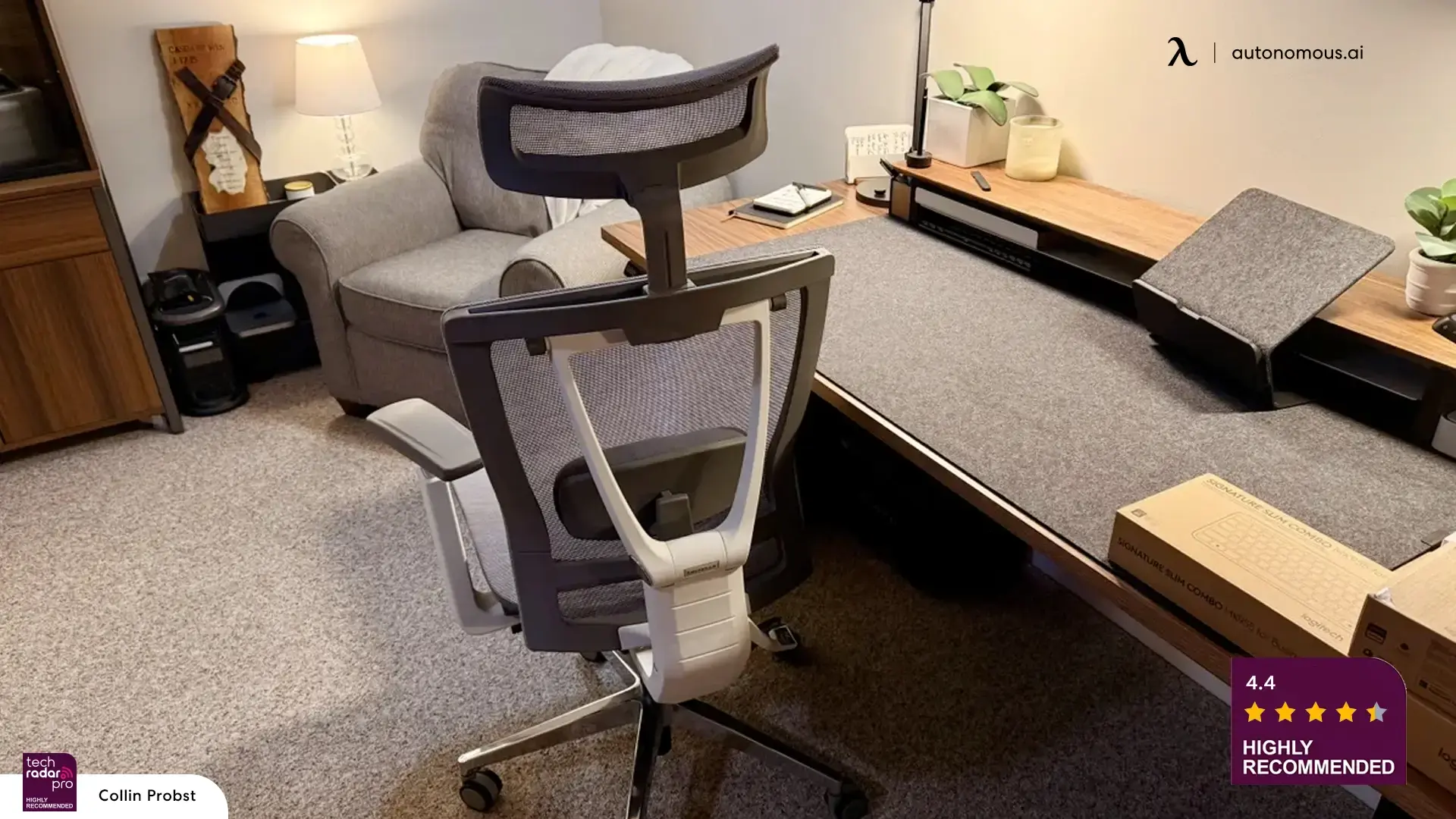
HON Ignition 2.0 Big and Tall has a 450 lb weight rating and a 23-inch-wide seat, giving more room than the other conventional office chairs here. The linked Staples configuration lists a vertically sliding lumbar support and a seat-glide lever. HON sells several versions of this chair, so check these adjustments on the exact model you are ordering.
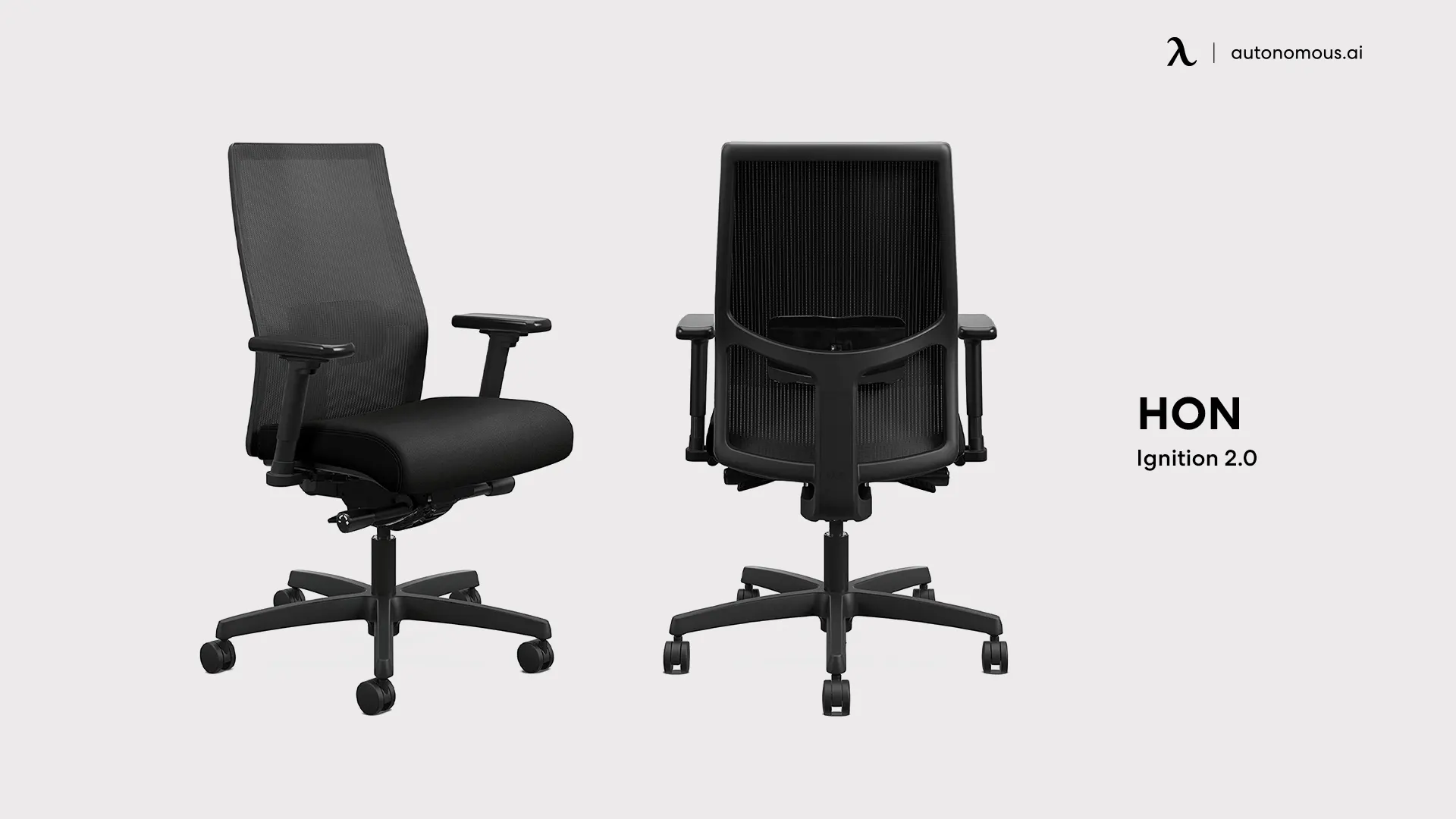
The Staples listing specifies an upright tilt lock but does not give a minimum seat height or confirm whether the backrest locks while reclined. Check these dimensions with the seller, especially if you need a low seat or narrower armrests. The extra width and capacity are useful only when the chair fits your desk and leg length.
| Pros | Cons |
|---|---|
|
|
4. ErgoChair Ultra 2, best for a flexible support design
Autonomous ErgoChair Ultra 2 uses a flexible TPE back structure and a four-layer seat made with molded foam, webbing and polymer coil springs. The seat adjusts from 18 to 20.5 inches deep and 18 to 23 inches high, with a 320 lb weight rating and lifetime warranty. It does not have a manually height-adjustable lumbar pad like Pro or Mesh.
.webp)
The seat is designed to spread sitting load across several materials, but this is a construction detail, not evidence of treating pregnancy-related buttock or tailbone pain. Its seat is 18 inches wide, narrower than the other six conventional office chairs listed here. For someone who needs a wider stance or precise lumbar-height placement, another model may be easier to fit.
| Pros | Cons |
|---|---|
|
|
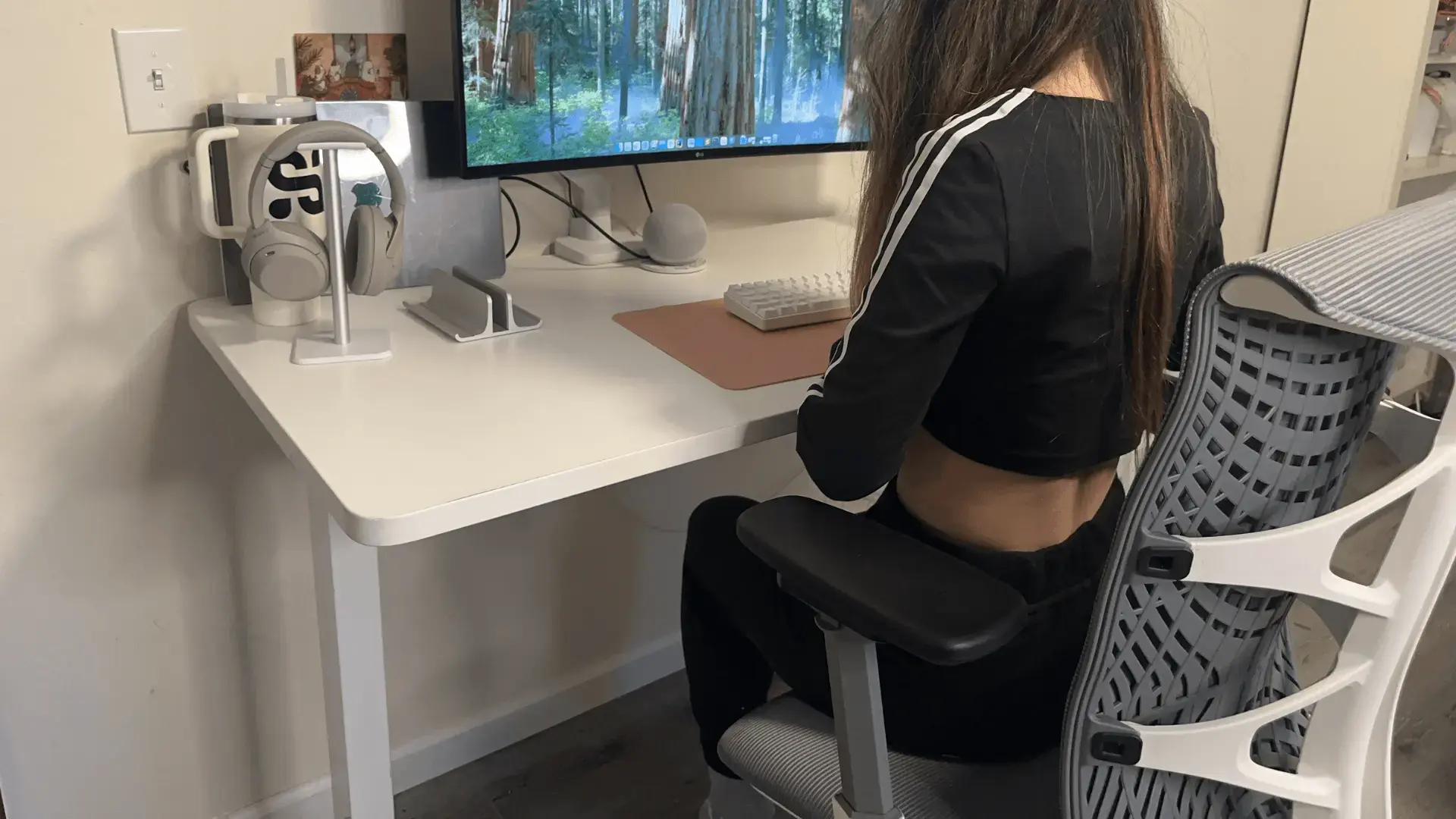
5. ErgoChair Core, best for a higher seat on a budget
Autonomous ErgoChair Core is a lower-cost option with a 20-inch-wide seat, an adjustable 18.5–20.5-inch seat depth and a passive dual-backrest design. It begins at a 20-inch seat height and tops out at 23.8 inches. The manufacturer rates it for 242.5 lb with a two-year warranty.
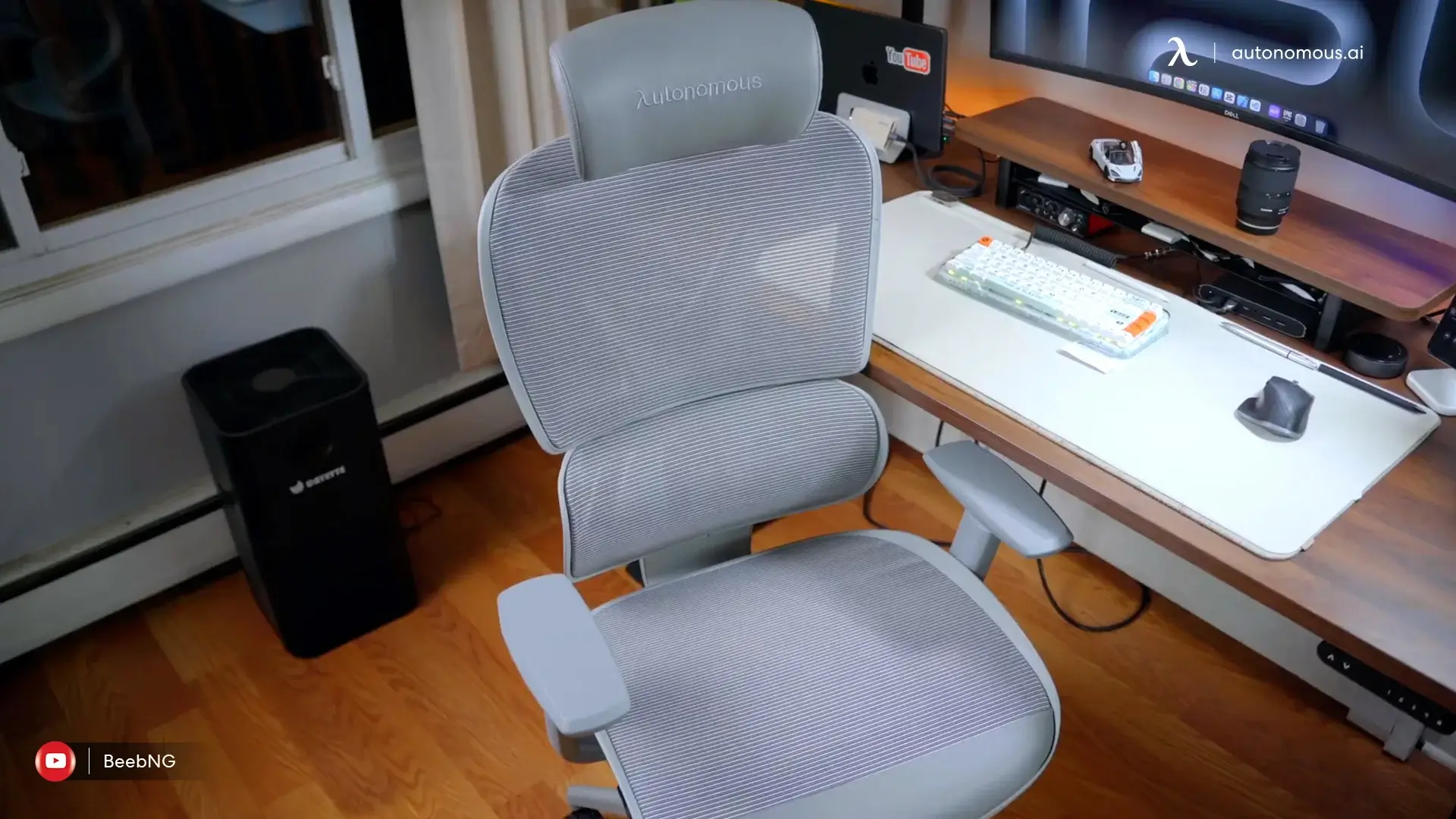
Core is useful if you already know you prefer a taller starting position. The limitation is just as important: the dual backrest is not a height-adjustable lumbar cushion, and a 20-inch minimum seat may leave shorter users needing a stable footrest. Check the published capacity against the intended user rather than assuming a cheaper model will suit every pregnancy.
| Pros | Cons |
|---|---|
|
|
6. Steelside Labelle, best if seat width matters most
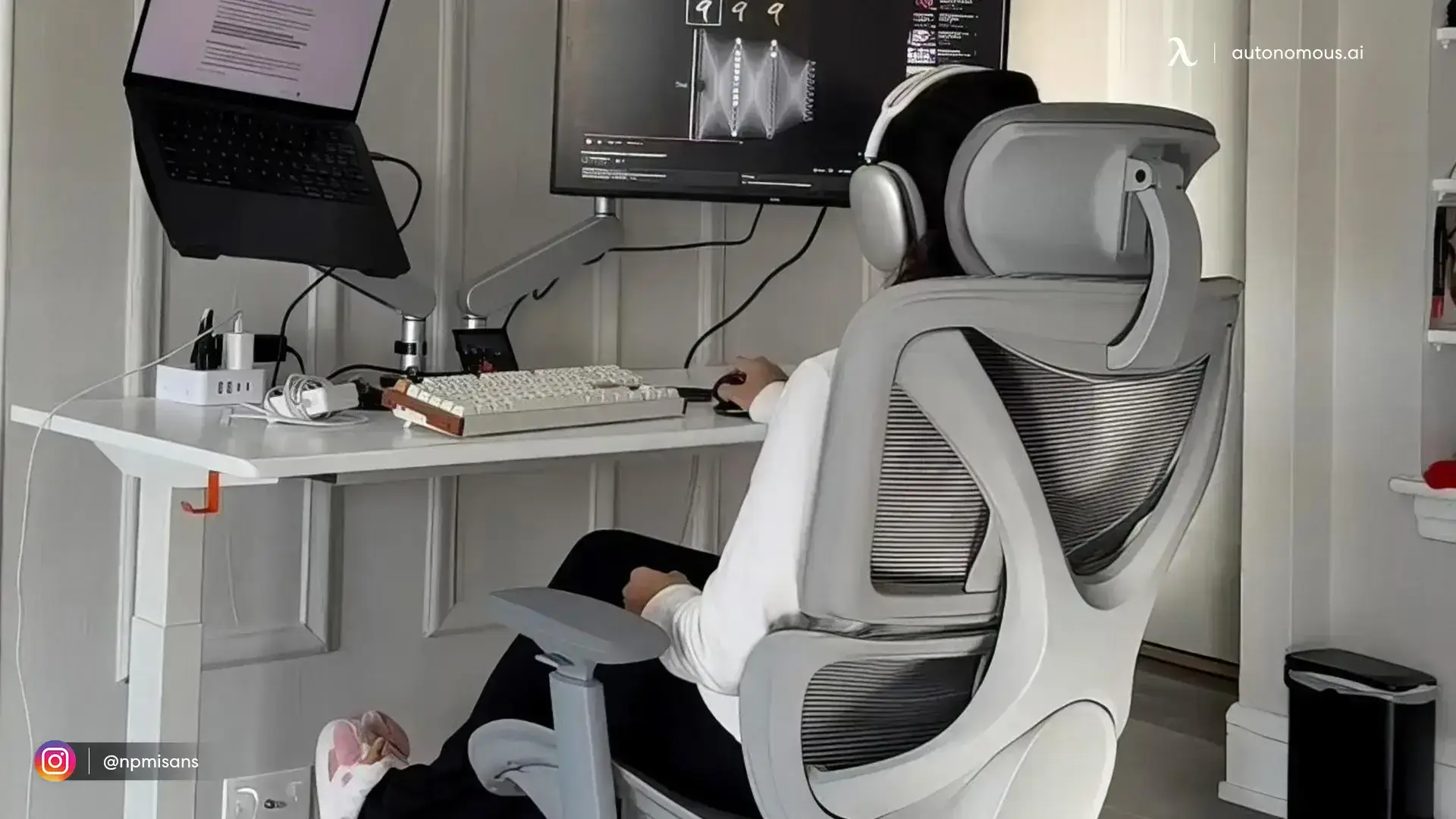
Steelside Labelle is a wide upholstered office chair with a 24.8-inch seat, flip-up arms, a fixed 21.5-inch seat depth and a seat-height range of 20.2–23.2 inches. It is rated for 264 lb. That wide surface provides room to shift your legs, but it is not a reason to sit cross-legged for prolonged periods if you have pregnancy-related pelvic discomfort.

Wayfair lists lumbar adjustment and a tilt lock, but does not specify how far the lumbar support moves or which reclined positions can lock. Ask about those adjustments before ordering. With a fixed 21.5-inch seat depth and a 20.2-inch minimum seat height, Labelle may feel too deep or too high for shorter users.
| Pros | Cons |
|---|---|
|
|
7. Gaiam Ultimate Balance Ball Chair, for occasional sitting
The Gaiam Ultimate Balance Ball Chair uses a 52 cm stability ball set into a wheeled base, with a back support bar and lockable casters. It is rated for 300 lb, but it lacks an adjustable seat pan and the supportive backrest of a conventional office chair. It is more suitable for occasional seated movement than for a full workday.
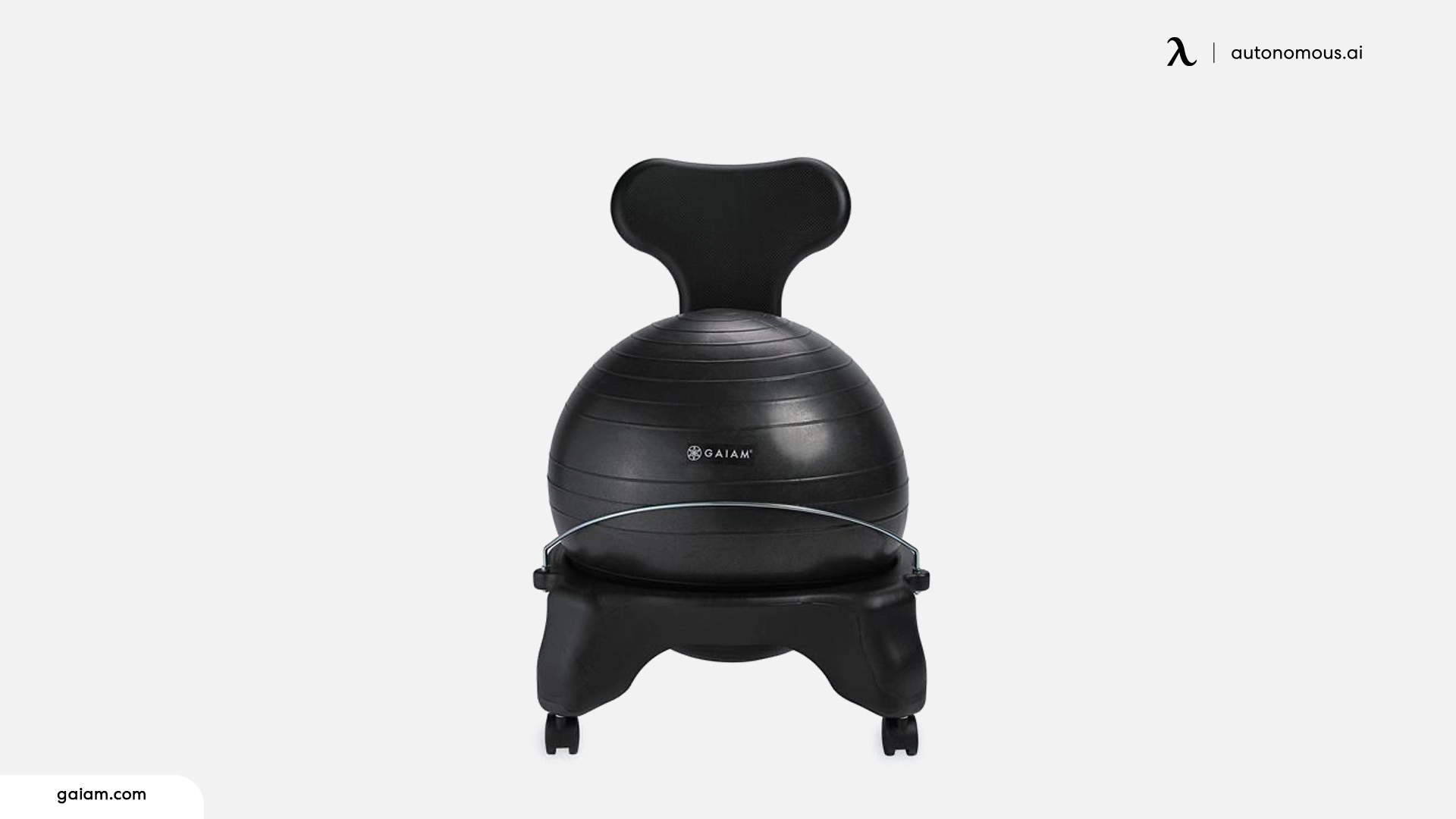
Pregnancy can change balance and increase fall risk. Research on stability balls used during reaching tasks also reports greater perceived fall risk than conventional seating, although it did not test this exact Gaiam model or pregnant users. Keep a properly adjusted office chair as the primary seat and consult your clinician before trying a balance-ball option, particularly if you have pelvic pain or feel unsteady.
| Pros | Cons |
|---|---|
|
|
How to Choose an Office Chair for Pregnancy
Choose an office chair for pregnancy by how it fits you, not by whether it carries a maternity label. Look for lower-back support you can position comfortably, a seat that supports your thighs without pressure behind the knees, room to shift posture and a stable way to rest your feet. A recline you can control is useful for changing positions throughout the day.
- Lumbar placement: A height-adjustable cushion helps position support against your own lower-back curve. A flexible back can also work, but is not the same adjustment.
- Seat depth and width: Adjustable seat depth helps keep the back supported while leaving a small gap behind the knees. A wider seat can help with positioning, but it should not encourage prolonged cross-legged sitting.
- Seat and desk height: Put your feet flat on the floor or a stable footrest and keep the keyboard at a height that allows relaxed shoulders and forearms.
- Recline and armrests: A supported, controlled recline lets you shift position. Check the actual lock mechanism and avoid relying on moveable armrests as handles.
- Rated capacity: Choose a chair rated to support your weight, including expected changes during pregnancy. Capacity alone does not tell you whether the seat dimensions fit.
If your legs are short, the starting seat height can matter more than brand or upholstery. Compare petite chair dimensions before assuming a footrest can fix every mismatch; a deep fixed seat will still be too deep.
How to Sit at a Desk While Pregnant
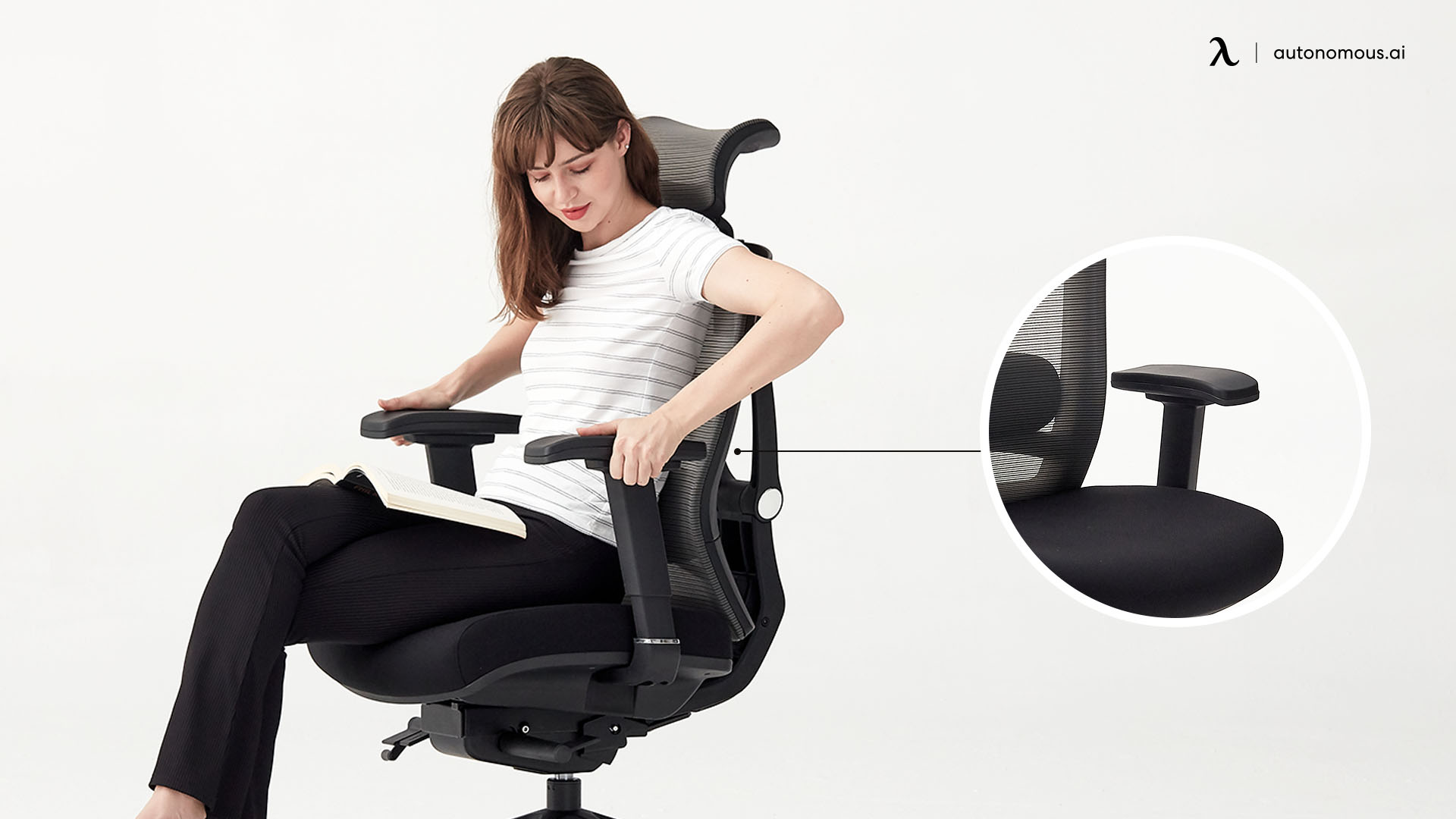
To sit at a desk while pregnant, support your back and feet, keep the keyboard within easy reach and change position regularly. You do not need to hold one rigid posture all day. These adjustments can make a familiar chair more usable as your body changes.
- Set the chair height. Keep both feet fully supported on the floor or a stable footrest. Align your forearms comfortably with the keyboard rather than forcing your knees into one prescribed angle.
- Adjust the seat depth. Sit against the backrest and leave clearance behind the knees; avoid a seat edge pressing into your calves.
- Position lumbar support. Place it where it feels supportive rather than forcing an exaggerated curve. A small cushion can help when the chair lacks a suitable support.
- Relax your arms and shoulders. Bring the keyboard and mouse close. Use armrests for light forearm support, not as your only way to get up.
- Uncross your legs and shift position. Pregnancy pelvic-health guidance favors well-supported feet and avoiding prolonged crossed-leg or asymmetrical postures, especially with pelvic pain.
- Take movement breaks. Stand and walk or move your ankles regularly if your clinician has not restricted activity. CDC guidance recommends moving or exercising legs every one to two hours during prolonged sitting.
- Stand safely. Bring the rolling chair to a stop, place both feet firmly and use a stable handhold or assistance as needed. Do not push against loose or swiveling arm pads.
If pelvic or lower-back discomfort worsens despite a good setup, ask your midwife, OB or physiotherapist for advice; general lower-back and hip pain advice is not a substitute for pregnancy-specific assessment.
Footrests, Cushions, and Other Ways to Make Your Chair Work
A stable footrest and a small lumbar cushion can make an existing chair more comfortable without replacing it. They can improve positioning, but do not treat swelling, blood clots or pelvic pain. Choose equipment that stays in place and take movement breaks according to your care team's advice.
Stable footrest first; Flow Board with caution
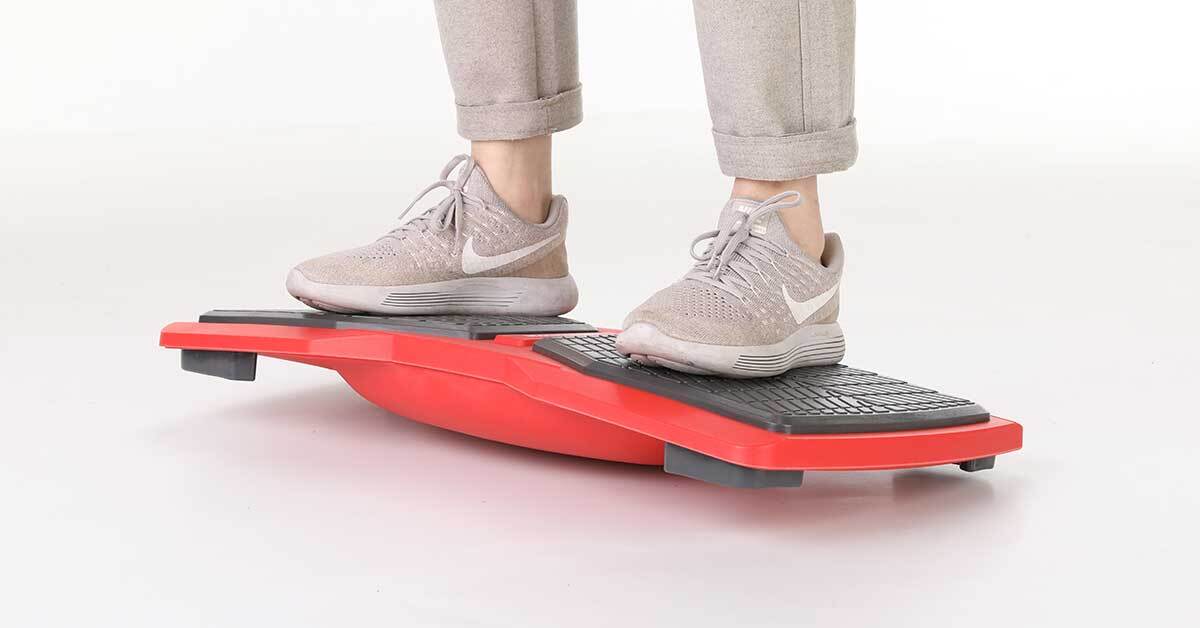
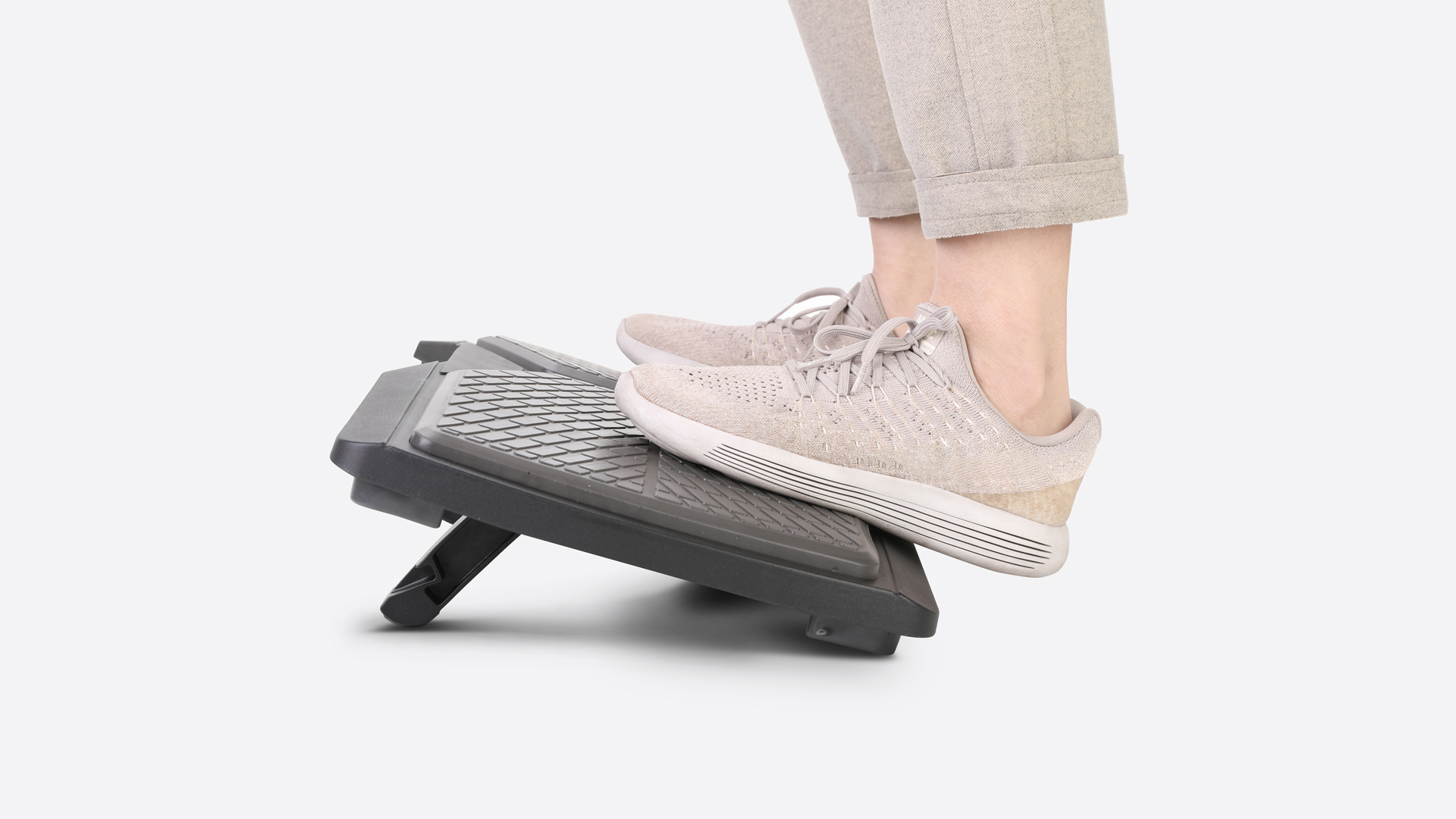
A dedicated non-slip footrest is the simplest way to support feet that no longer reach the floor when the seat is set for the keyboard. Autonomous Flow Board also has a footrest use mode, but because it is primarily a balance board with a curved underside, do not assume it is as stationary as a dedicated footrest. Keep it from rocking or sliding; avoid its balance-training mode during pregnancy unless your clinician has advised otherwise.
Lumbar pillow when the chair back does not reach you
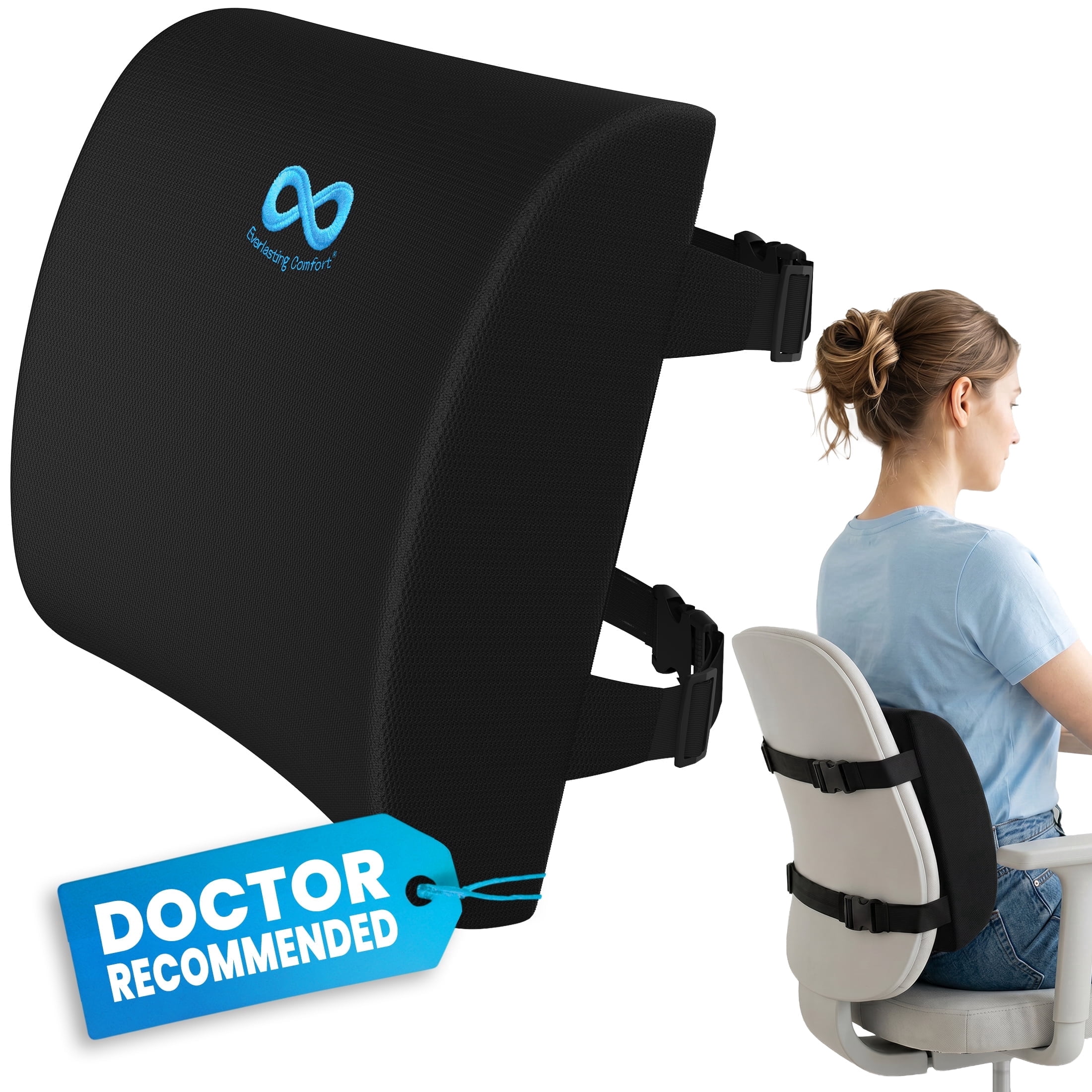
A small lumbar pillow can fill the gap between the backrest and your lower back when the built-in support cannot be positioned comfortably. Mayo Clinic recommends a supportive chair or a small cushion behind the lower back during pregnancy. A removable pillow should not push you so far forward that the seat stops supporting your thighs.
Alternate sitting with brief standing or walking
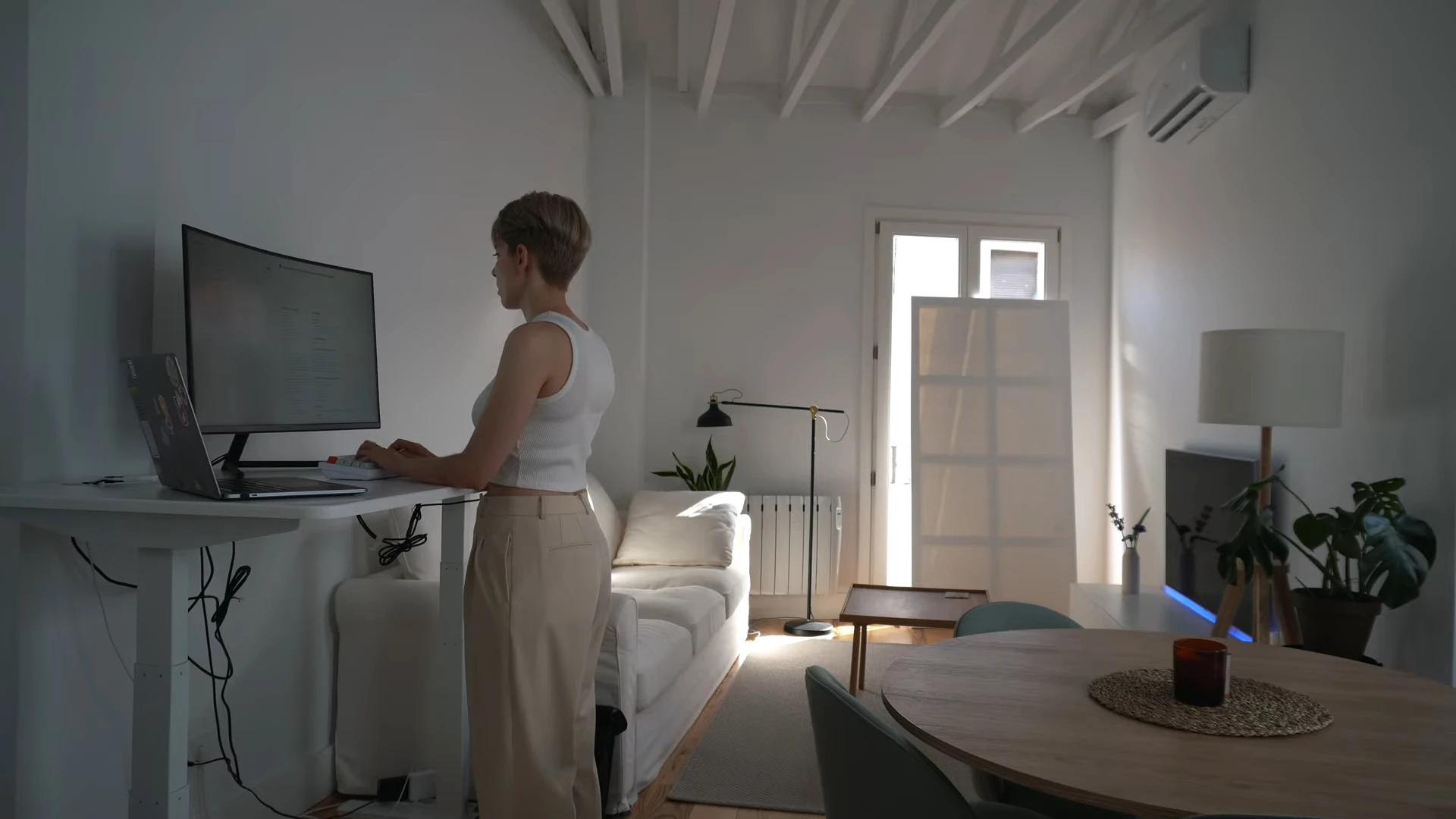
Switching positions can help you avoid a long, fixed posture; an adjustable standing desk makes that easier. Long standing may also be uncomfortable during pregnancy, so alternate rather than replacing prolonged sitting with prolonged standing. If you notice gradual ankle swelling, rest with your feet supported and speak to your care team about symptoms.
Seek prompt medical help for sudden swelling of the face, hands or feet, severe headache or visual changes, as these can be signs of pre-eclampsia. A new painful swollen leg or unexpected shortness of breath also needs urgent medical assessment. No chair or footrest prevents these conditions.
AUTONOMOUSSMARTDESKCOREElectricStandingDesk-2MonthReview!.webp)
FAQs
What is the best office chair for pregnant women?
The best office chair for pregnant women has a seat and backrest that fit comfortably as posture changes. ErgoChair Pro and ErgoChair Mesh offer adjustable lumbar support, seat depth and lockable recline. Compare minimum seat height, width and actual comfort before buying, especially if you need a footrest.
Is it safe to sit in an office chair while pregnant?
Sitting in a supportive office chair is generally fine during pregnancy, but staying in one position for long periods can become uncomfortable. Adjust the seat and desk, keep feet supported and change position regularly. Ask your clinician about persistent pain, new swelling or activity restrictions.
How should I sit comfortably at a desk while pregnant?
Sit with your back supported, feet flat on the floor or a stable footrest, and keyboard close enough to keep your shoulders relaxed. Adjust seat depth so it does not press behind your knees. Take movement breaks and avoid prolonged crossed-leg positions, especially if pelvic pain develops.
Is a mesh office chair good for pregnancy?
A mesh office chair may be comfortable during pregnancy if you prefer more airflow, especially in a warm workspace. Compare the actual seat depth, lumbar adjustment and firmness rather than choosing by material alone. Some users prefer foam cushioning, while others prefer mesh; neither prevents pregnancy-related discomfort.
How much does a pregnancy office chair cost?
An adjustable office chair can cost from a few hundred dollars to much more for specialized high-capacity models. Prices in the comparison table are seller listings and change periodically. If your current chair fits well, a stable footrest or a small lumbar pillow may be enough.
Do I need a footrest at my desk during pregnancy?
A footrest is useful if the chair must sit high enough for comfortable typing but your feet no longer reach the floor. Choose one that stays still under pressure. It supports positioning; it does not treat swelling or replace regular movement and individualized medical advice.
Can I use a lumbar cushion instead of buying a new chair?
A small lumbar cushion can improve support when an existing backrest lacks the right contour. It cannot correct a seat that is too deep, too high or structurally unsuitable. Check that you can still reach the backrest comfortably and that the cushion does not force an exaggerated arch.
Can I rest a laptop on my pregnant belly?
A desk or laptop stand is a better choice than balancing a running laptop on your abdomen. It keeps the device’s heat away from direct contact and puts the screen at a more workable height. There is no reason to treat an ordinary laptop as a source of ionizing radiation; comfort and heat are the practical concerns.
Conclusion
The best office chair for pregnancy is one you can adjust to your body and desk as comfort changes. ErgoChair Pro and Mesh offer adjustable lumbar support, seat depth and recline locks, while HON Ignition 2.0 Big and Tall provides a wider seat and higher capacity. Check dimensions before buying, keep your feet supported and allow time to change positions during the day.
References
- OSHA. Computer Workstations: Chairs
- OSHA. Computer Workstations: Purchasing Guide
- Johns Hopkins Medicine. Back Pain in Pregnancy
- Mayo Clinic. Back Pain During Pregnancy: Seven Tips
- NHS. Swollen Ankles, Feet and Fingers in Pregnancy
- NHS Cambridge University Hospitals. Pelvic Girdle Pain: Work Advice
- CDC and National Blood Clot Alliance. Pregnancy Blood Clot Prevention Checklist
- ACOG. Employment Considerations During Pregnancy
- Applied Ergonomics (2022). Stability Balls and Fall Risk, PubMed