12 Best Standing Desk Accessories for a Better Setup


The standing desk accessories to buy first are cable management for loose leads, a monitor arm if the existing stand cannot position the screen, and a standing mat if hard flooring feels uncomfortable. Adjust what you already own before adding more. The other picks below solve specific problems with typing height, storage, ports or usable space.
Fit matters as much as the accessory. The 35.4-inch Autonomous Cable Tray is made for current Autonomous frames, so check your desk model and what came in the box first. These twelve choices cover different jobs; a working setup rarely needs all twelve.
Standing Desk Accessories at a Glance
Start with the problem you need to fix.
| Accessory | Best for | US price |
|---|---|---|
| Autonomous Cable Tray | Cable storage | $49 |
| Ergotron LX Pro | Monitor adjustment | $199 |
| Topo Original | Standing comfort | $119 to $129 |
| Rain Design mStand | Laptop height | $49.90 |
| Mount-It! MI-7147 | Keyboard position | $70.99 |
| UPLIFT Slim Drawer | Small-item storage | $159 |
| CalDigit TS4 | Laptop connections | $379.99 |
| BenQ Halo 2 | Task lighting | $199 |
| Logitech Desk Mat | Work surface | $22.99 |
| Autonomous Flow Board | Standing movement | $149 |
| Humanscale FR100 | Seated foot support | $113 |
| VIVO MOUNT-PC01 | PC mounting | $29.74 |
Best Standing Desk Accessories for Your Setup
Autonomous Cable Tray for Cables That Move With the Desk
The Autonomous Cable Tray holds power strips, adapters and excess cable under the desk. It moves with the frame, keeping the desk-side connections together as the surface rises.
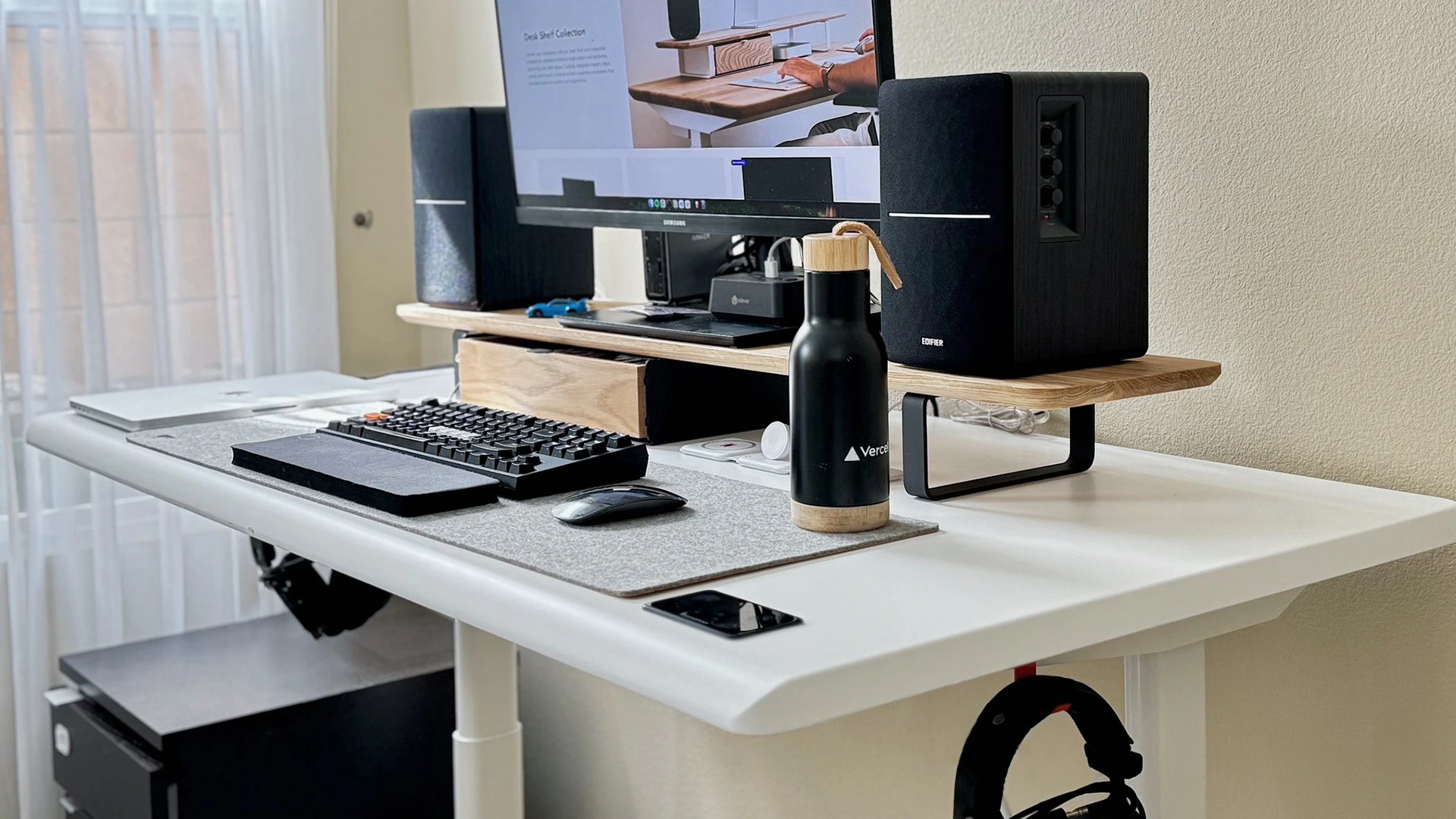
It measures 35.4 by 6.3 by 2.5 inches and supports up to 35 pounds. It is made for current Autonomous frames, rather than being a universal clamp-on tray. Do not assume a fit on partner frames; first-generation Home Edition desks do not fit the supplied hardware out of the box. Leave enough slack between the moving desk and the wall outlet.
| Pros | Cons |
|---|---|
| Room for a power strip and several adapters; desk-side wiring moves together. | Frame-specific fit; may duplicate a tray already supplied with the desk. |

Ergotron LX Pro for Screen Positioning
The Ergotron LX Pro single arm gives a compatible monitor independent height and reach adjustment. The black 45-682-292 model supports a 4 to 22-pound display and VESA 75 by 75 or 100 by 100mm mounting patterns.
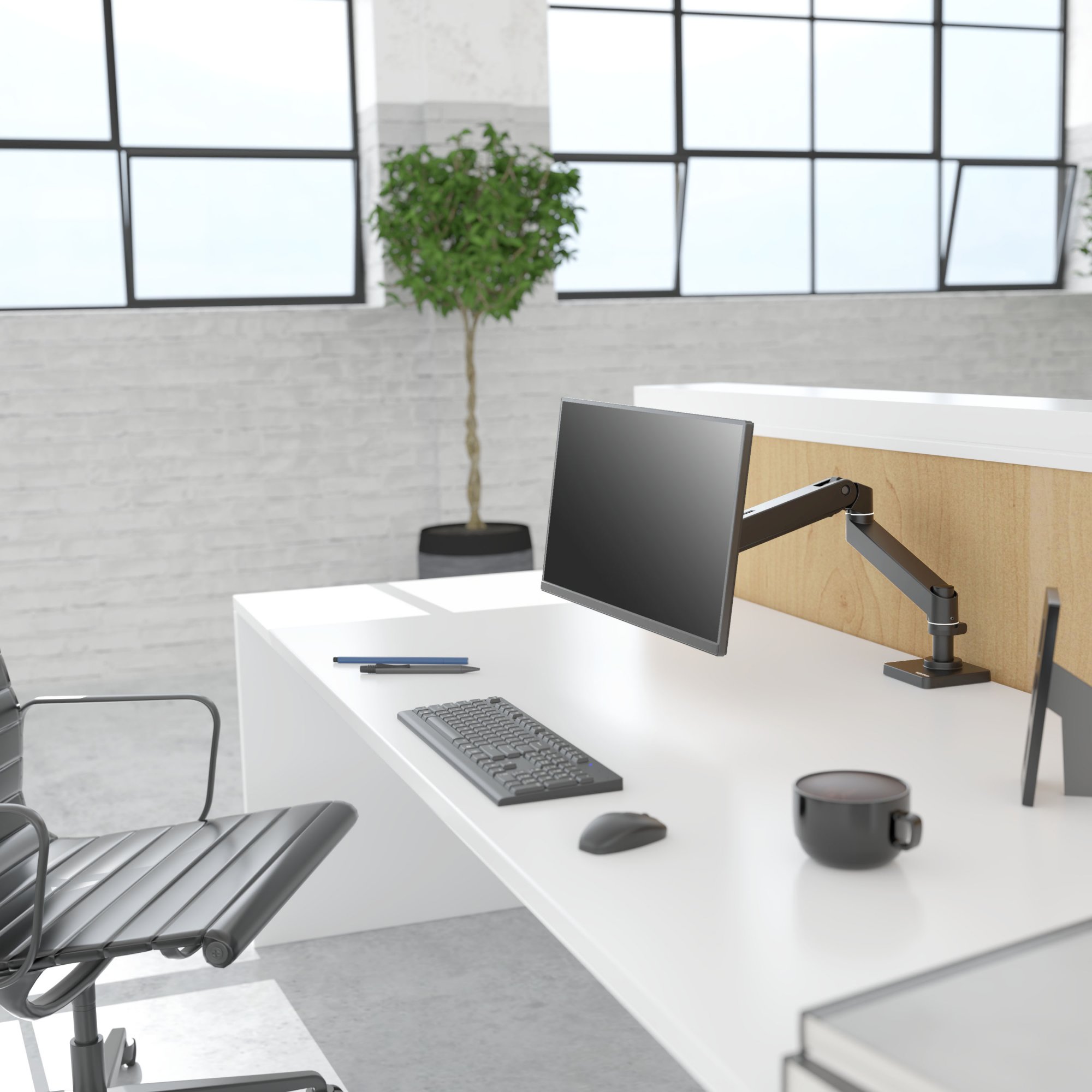
Check the monitor's weight without its stand, its depth and the desktop construction. The clamp fits 0.4 to 2.4-inch tops and needs clear space underneath. OSHA advises positioning the screen directly ahead with its top at or just below eye level. Keep the existing stand if it already does that; monitor arm installation also needs room behind the desk.
| Pros | Cons |
|---|---|
| Independent screen placement and 13 inches of height adjustment. | Weight, depth and clamp clearance matter; grommet mounting costs extra. |
Ergodriven Topo for Standing on a Hard Floor
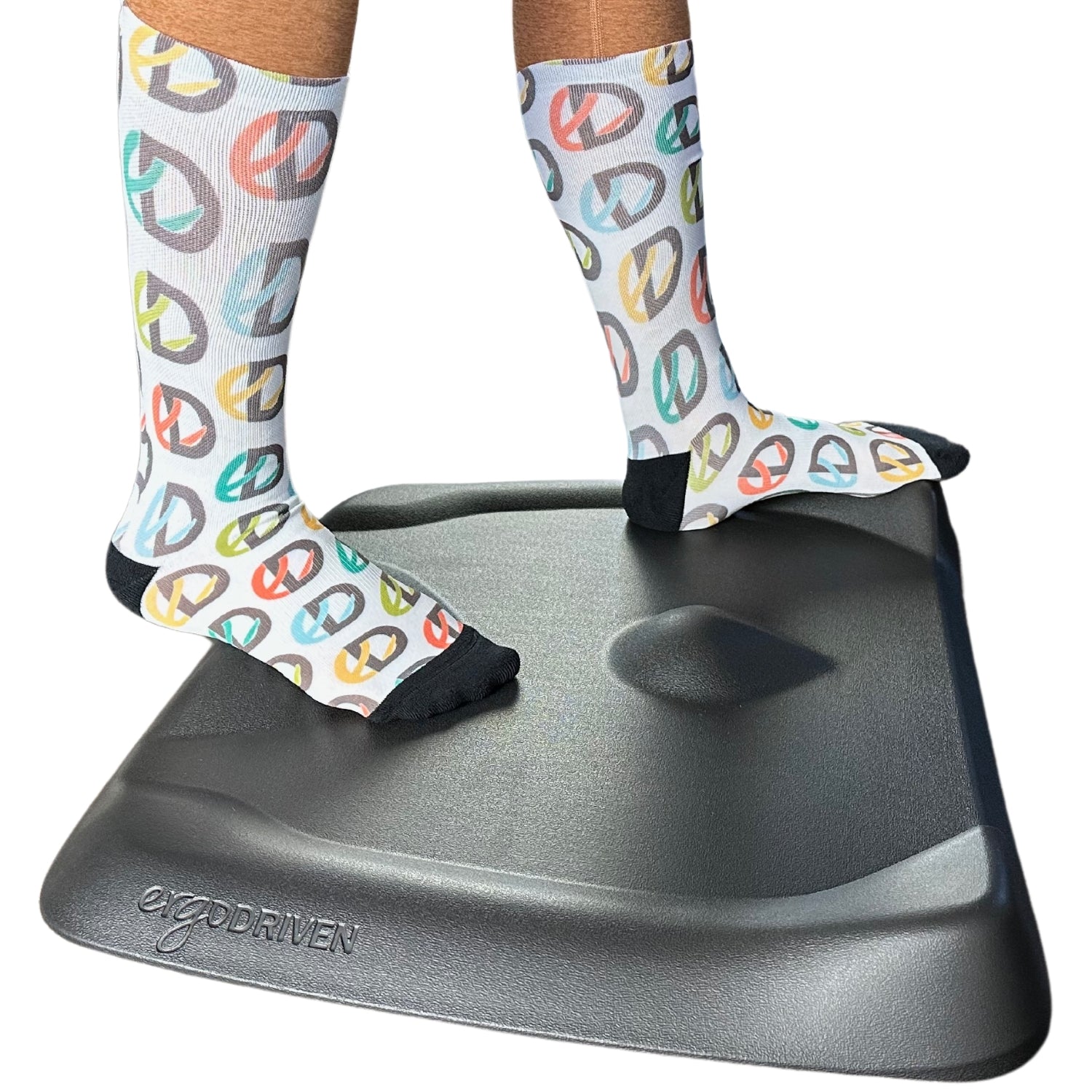
The full-size Ergodriven Topo is a shaped standing mat with flat and raised areas for changing foot positions. Its 29 by 26.25-inch footprint needs a clear place in front of the desk.
Plan where it will go when you sit down, since it is not a rolling-chair mat. CCOHS notes that a mat is only one part of standing comfort, alongside position changes, footwear and flooring. When choosing an anti-fatigue mat, check its edges and footing instead of assuming the softest option is better.
| Pros | Cons |
|---|---|
| Different surfaces for shifting your feet; no desk installation. | Takes floor space and needs moving for seated work. |
Rain Design mStand for a Laptop Used With Separate Controls
The Rain Design mStand raises a laptop about 5.9 inches on a fixed aluminum support. It suits a laptop used as a screen alongside a separate keyboard and mouse.
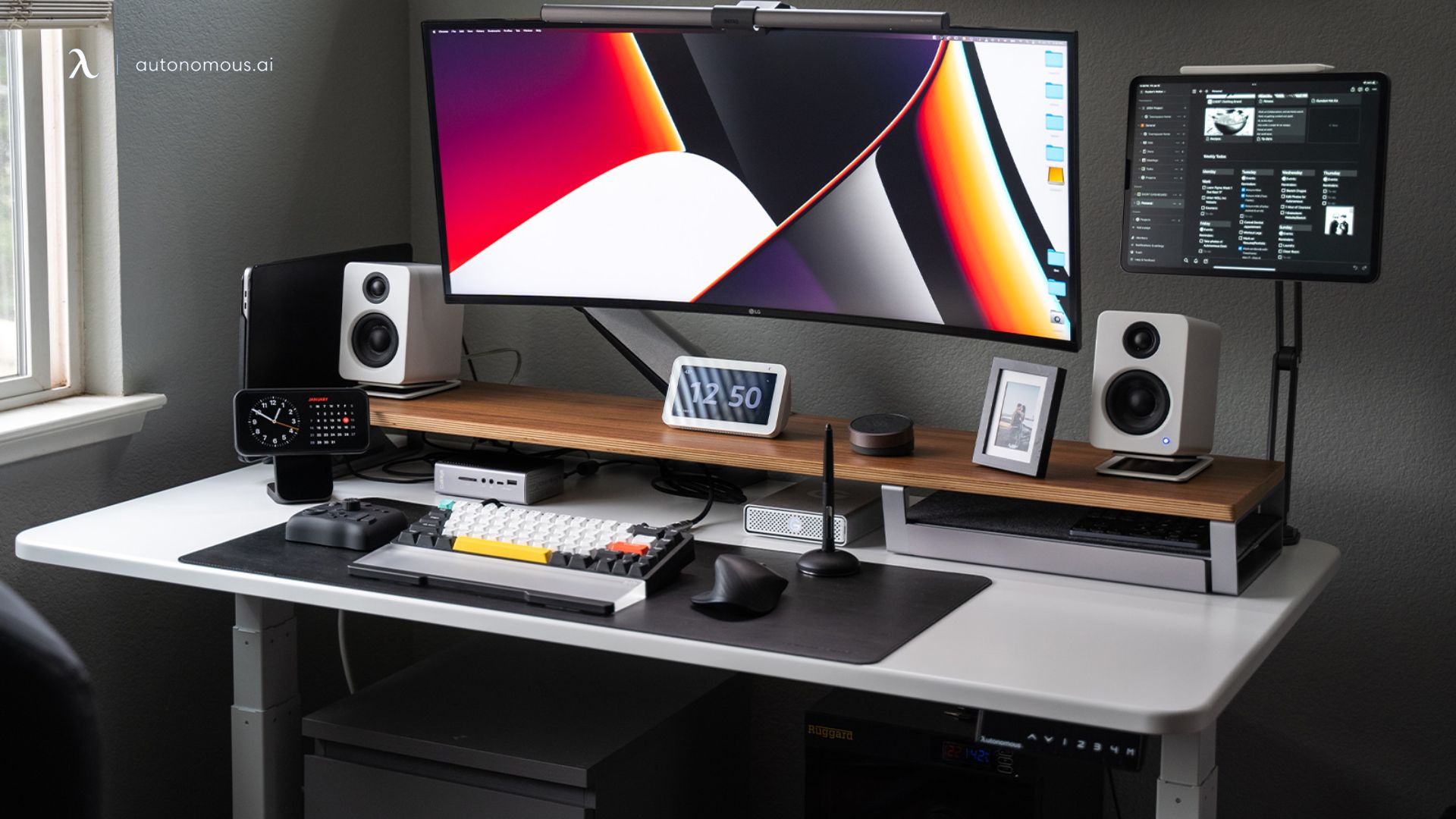
Its 10 by 7.5-inch base stays on the desktop. It does not fold away or adjust in height, so check the resulting screen position before choosing this laptop stand. Raising the built-in screen also raises the built-in keyboard; the stand alone does not solve both positions.
| Pros | Cons |
|---|---|
| Fixed support with a cable opening; no clamp installation. | No height adjustment; still uses desktop space. |

Mount-It! MI-7147 for a Lower Keyboard Position
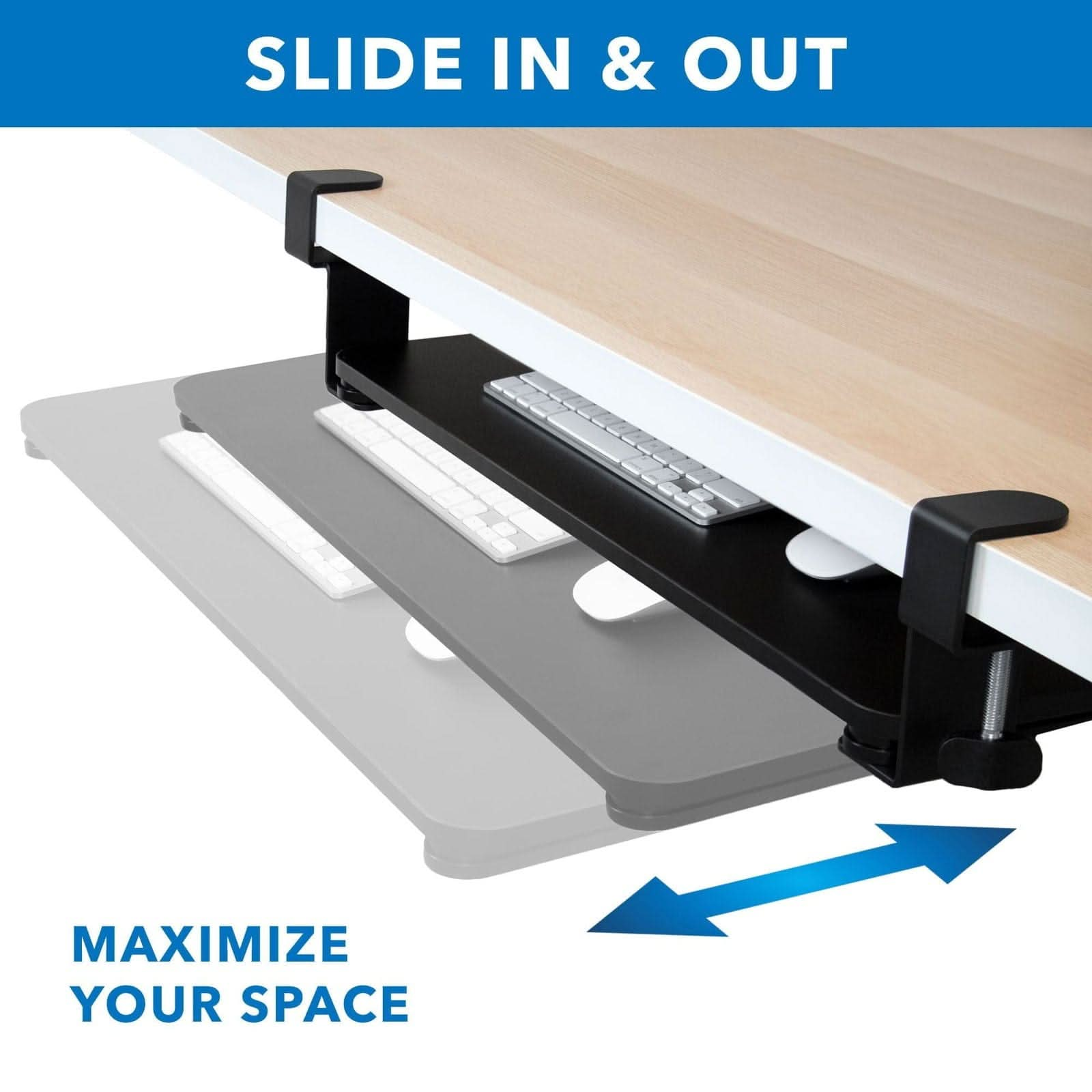
The Mount-It! MI-7147 adds a clamp-on keyboard-and-mouse platform when the desktop cannot reach a suitable typing height. Its tray measures 26.4 by 11.8 inches.
The current product listing specifies desktops up to 1.5 inches thick. Check the desk edge, underside rails and thigh clearance at your lowest seated setting. A keyboard tray is unnecessary when the keyboard and mouse already sit comfortably with your shoulders relaxed and wrists in line with your forearms.
| Pros | Cons |
|---|---|
| No-drill clamps; space for keyboard and mouse together. | Clamps need a clear edge; the lowered platform reduces seated clearance. |
UPLIFT Slim Desk Drawer for Small Items
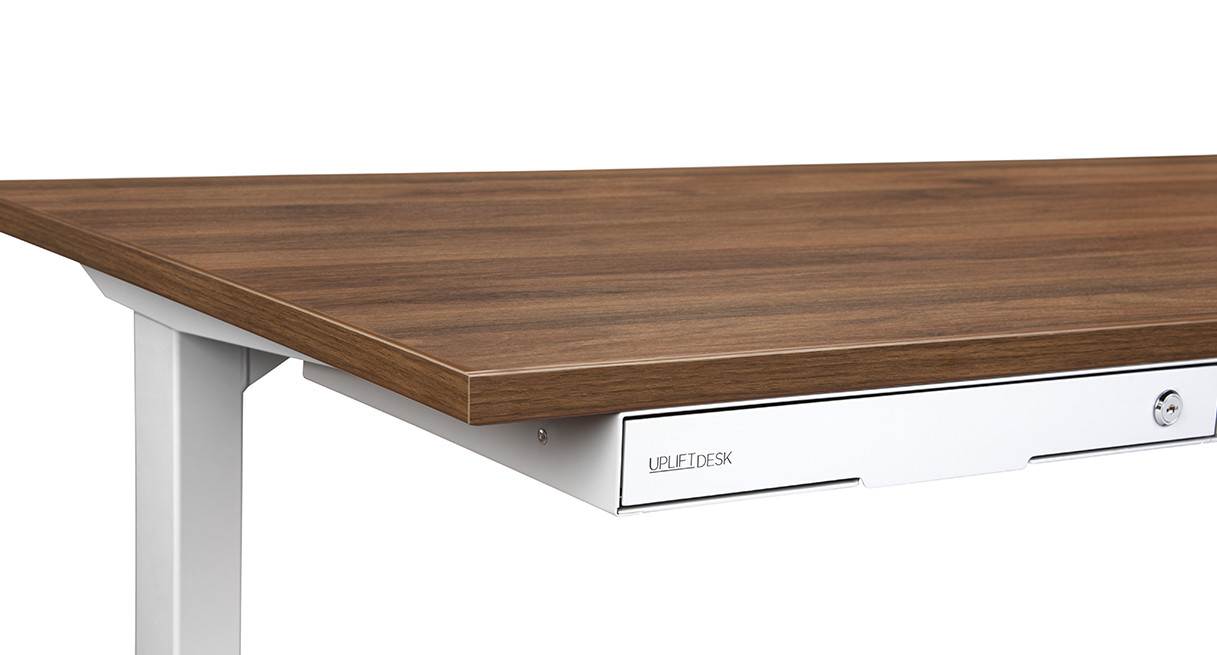
The UPLIFT Slim Desk Drawer stores pens, notebooks and small cables underneath the top. Its internal space is 15.5 by 12.5 by 1.5 inches, so check the contents you want to hide before buying.
Installation requires a suitable flat desktop at least 0.75 inches thick and 13.5 inches deep. Confirm the top can accept screws and that the frame leaves room. For office storage under a moving desk, seated knee clearance and access to the drawer matter more than an empty-looking underside at standing height.
| Pros | Cons |
|---|---|
| Lockable small-item storage; cable pass-through. | Screw installation and shallow interior; needs clear space below the top. |
CalDigit TS4 for a Compatible Laptop Setup
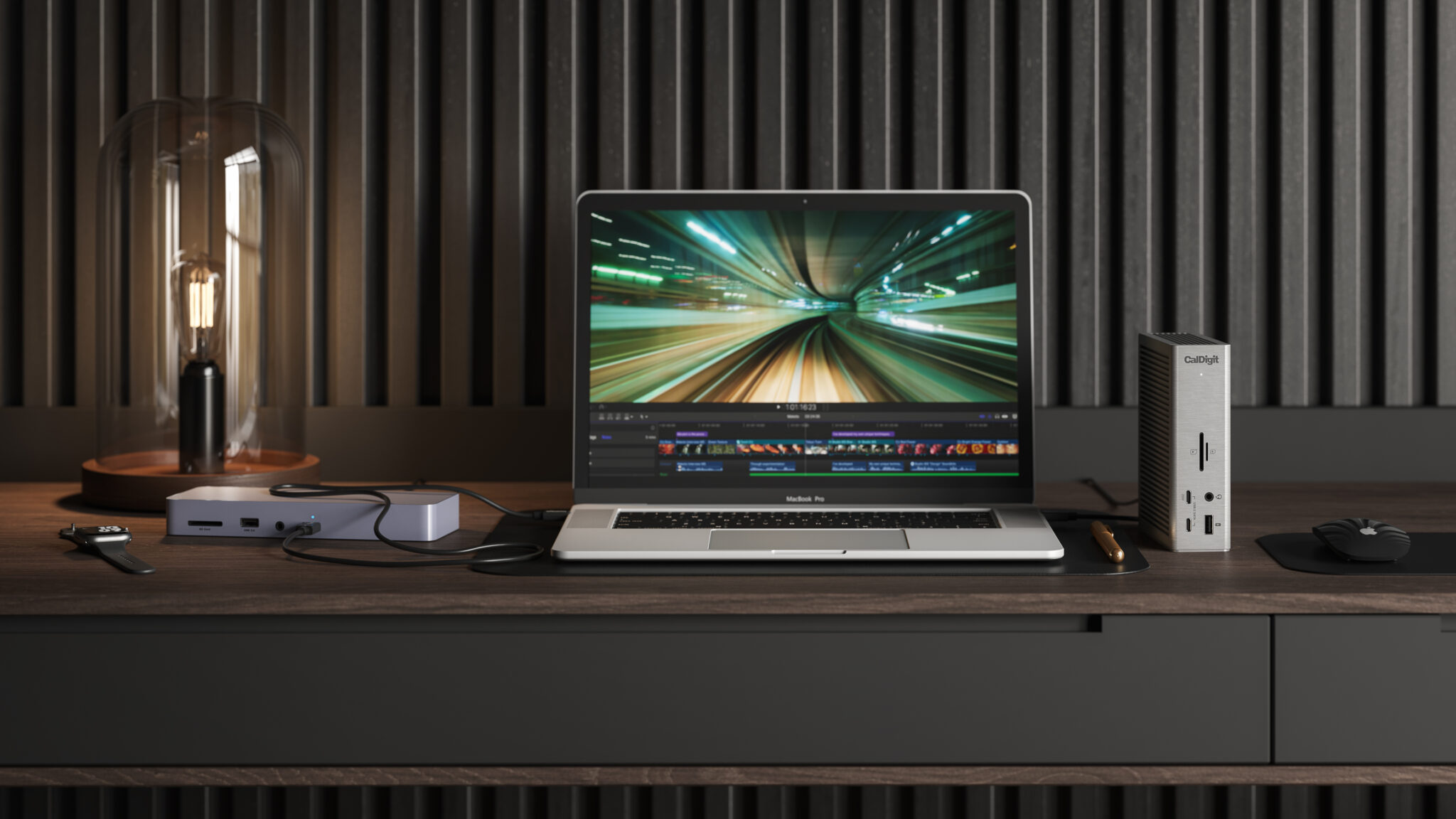
The CalDigit TS4 connects compatible laptops to multiple peripherals through one host cable. It provides 18 ports and up to 98W of laptop charging, with an external power supply.
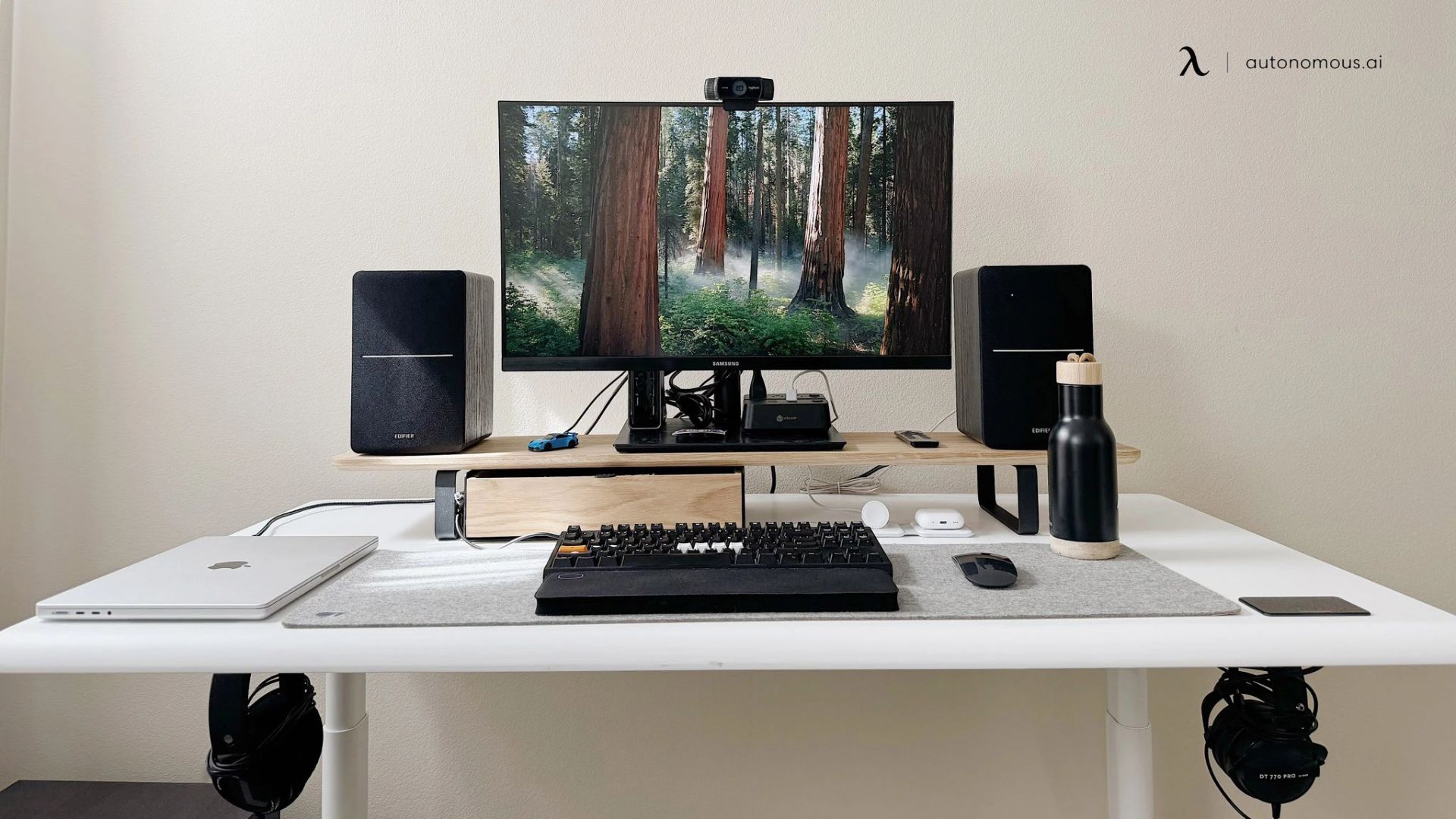
A USB-C-shaped port does not establish Thunderbolt support or a particular number of external displays. Check the laptop model, operating system and screen connections, including any adapters. Put the dock and its power supply where the desk can move without pulling the cables tight. Skip this purchase if the laptop's existing ports already cover your setup.
| Pros | Cons |
|---|---|
| Many connections and laptop charging through one host cable. | High cost for a simple setup; host display limits still apply. |
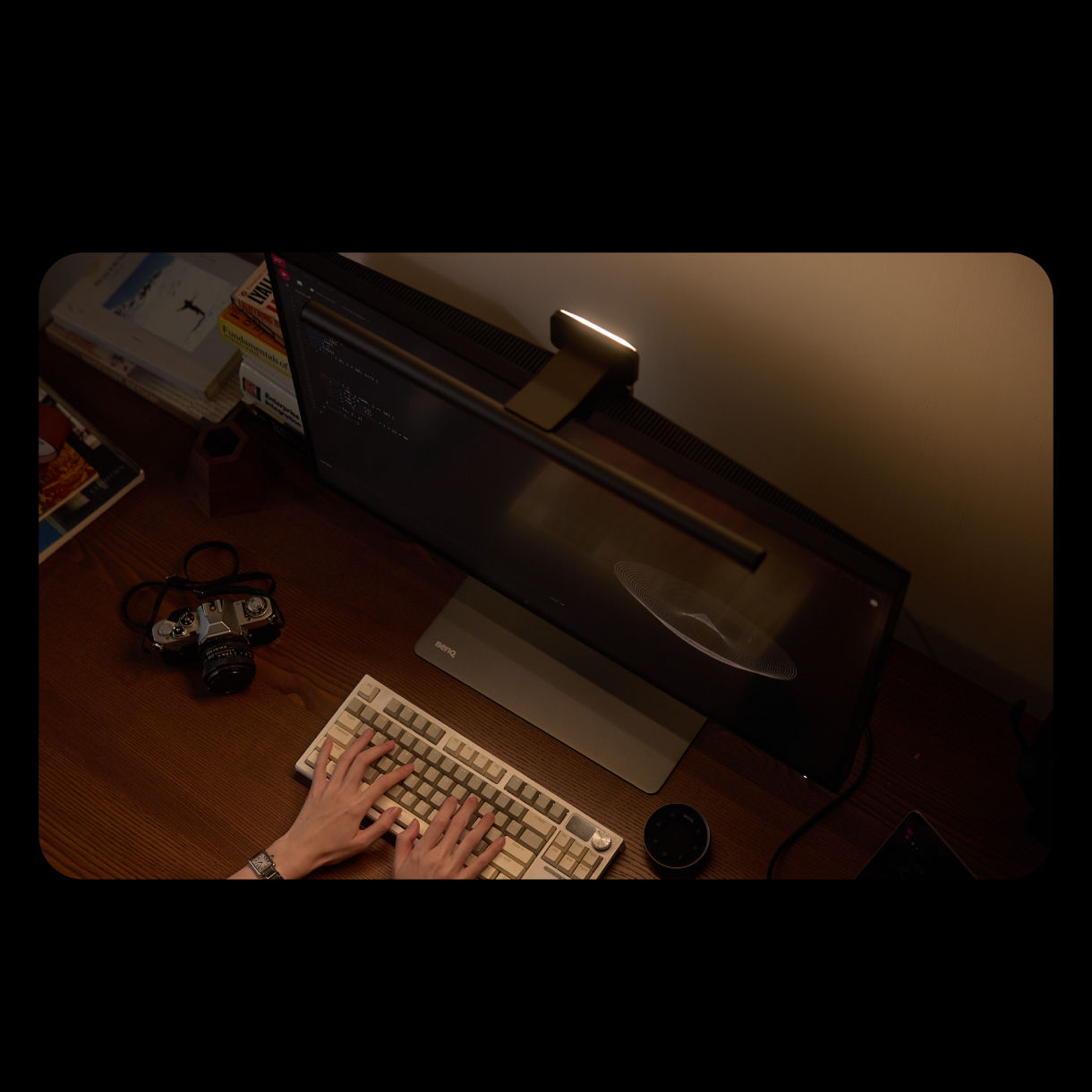
BenQ ScreenBar Halo 2 for Monitor-Mounted Task Lighting
The BenQ ScreenBar Halo 2 provides front and rear lighting from a bar mounted on the monitor. It leaves the desktop free of a lamp base and includes a wireless controller.
Check the monitor's thickness, back shape and webcam placement against BenQ's compatibility guidance. The listed flat-screen thickness range is 0.17 to 2.36 inches; monitor shape still matters. It needs a suitable USB-C power source. Position the light to illuminate the work surface without adding reflections to the screen.
| Pros | Cons |
|---|---|
| No desktop base; front and rear lighting controls. | Monitor and webcam fit need checking; requires external power. |
Logitech Studio Series Desk Mat for the Keyboard and Mouse
The Logitech Studio Series Desk Mat adds a soft cloth surface with a non-slip base under a keyboard and mouse. Its 27.56 by 11.81-inch footprint suits a defined work area without covering the entire desktop.
Measure the keyboard, mouse sweep and available depth together. A mat is optional when the existing surface already works well. Keep chargers and power bricks ventilated, and remember that spill resistance does not make the rest of the desk's electronics waterproof.
| Pros | Cons |
|---|---|
| Soft surface and non-slip base; no installation. | Fixed size may limit a wide mouse sweep; does not add charging. |

Autonomous Flow Board for Gentle Standing Movement
The Autonomous Flow Board provides a moving surface for changing foot positions during standing work. Its padded top and central fulcrum allow rocking without adding a powered exercise machine.

Choose a balance board for a standing desk only if you want that movement and can use it steadily. It is not a replacement for a stable standing mat. Move it out of the chair's path when sitting, and keep an ordinary seated option available.
| Pros | Cons |
|---|---|
| Unpowered movement option; can be put away between standing intervals. | Requires steady footing and a storage spot; movement can distract from detailed work. |

Humanscale FR100 for Seated Foot Support
The Humanscale FR100 Foot Rocker is a tilting footrest for seated work. It can support the feet when the chair height needed for the keyboard leaves them short of the floor.
Its platform measures 19 by 11.75 inches. Check the space between the desk legs and whether your feet already rest comfortably on the floor. This seated footrest serves a different purpose from a standing mat or balance board. The linked retailer states that Humanscale products cannot be returned, so confirm the fit and current terms before ordering.
| Pros | Cons |
|---|---|
| Tilting platform for supported seated feet. | Unnecessary if the feet already reach the floor; retailer return restriction. |

VIVO MOUNT-PC01 for a Tower That Moves With the Desk
The VIVO MOUNT-PC01 attaches a compatible desktop computer case under the desk, keeping it off the floor and moving with the surface. It supports up to 22 pounds.
Match the case to the 3.5 to 7.8-inch width and 11.5 to 20.5-inch height ranges. Check the mounting structure, ventilation and seated legroom before installing this under-desk PC mount. The computer and mount add to the desk's lifting load; the holder's own capacity does not establish the desktop's strength.
| Pros | Cons |
|---|---|
| Moves the tower with the desk; swivels for access to ports. | Case size, mounting structure and total desk load all need checking. |

How to Choose Standing Desk Attachments That Fit
Choose attachments as one system because a cable tray, keyboard tray, drawer and monitor clamp can compete for the same space. Buying each part separately does not establish that they fit together.
Map the Underside Before Adding Hardware
Measure the free mounting space around the frame before ordering accessories. The Autonomous Cable Tray's length is only part of its fit; the compatible mounting points and neighboring hardware also matter.
| Attachment | Measure | Possible conflict |
|---|---|---|
| Monitor clamp | Edge thickness and clear underside | Rear frame rail or cable tray |
| Keyboard tray | Clamp space and seated thigh clearance | Front frame rail or drawer |
| Drawer | Mounting depth and open-drawer position | Keyboard tray or knees |
| PC holder | Case size, ventilation and load | Desk leg, chair or cabinet |
Check the standing desk manufacturer's mounting guidance and load definition before attaching equipment. Do not assume a hollow, glass or thin top can accept the same screws and clamps as solid wood.
Check the Whole Travel Range Before Tidying Cables
Check cables and clearances at both seated and standing heights before tightening the final cable ties. Keep the power strip and desk-side adapters supported, then leave enough free cable to reach fixed outlets and floor equipment.
- Remove loose obstacles from the desk's travel path.
- Move the desk through its intended height range while watching power, monitor, network and USB cables.
- Check the chair, knees, drawer, PC holder and any nearby cabinet at the lowest setting.
- Reposition hardware or cables wherever movement pulls, pinches or catches them. Do not rely on collision detection to make an obstruction acceptable.
A usable standing desk setup keeps the keyboard, screen and floor space workable in both positions.
Keep the Shopping List Smaller Than the Wish List
Buy the accessory that fixes the current problem, then use the setup before adding another. Existing office accessories may already cover screen support, storage or charging.
Keep the monitor stand if it reaches the right height, use an existing timer for position-change reminders, and keep an adjustable chair for seated work. Supportive footwear and changing position still matter when using a mat. A stool, walking pad or other exercise equipment is a separate choice, not a requirement for a complete desk.
FAQs
What Are the Best Standing Desk Accessories to Buy First?
Start with cable support if wires pull or catch, then check screen placement and the standing surface. A monitor arm is useful when the existing stand cannot position the screen. A mat can suit hard floors. Buy storage, lighting or a dock only for an unmet need.
Do Standing Desk Attachments Fit Any Desk?
No, standing desk attachments have different frame, edge and desktop requirements. Check the desk model, top material and thickness, mounting space and load limits. The Autonomous Cable Tray is frame-specific; a monitor arm's clamp range alone does not establish that the top can support it.
How Do I Organize a Standing Desk Without Pulling Cables?
Support the power strip and desk-side adapters on the moving desk, and leave slack to fixed outlets or floor equipment. Check both height settings before tightening ties. A tidy-looking cable bundle can still pull at a port when the desk reaches its highest position.
Can I Add a Drawer to a Standing Desk?
You can add a drawer when the desktop accepts its mounting method and leaves room around the frame and your seated legs. Measure the drawer's open position as well as its closed size. Do not drill into an unsupported top or assume all under-desk drawers fit.
Is a Standing Mat Better Than a Balance Board?
A standing mat provides a more stable surface, while a balance board adds movement. Choose by the task and your footing rather than treating them as interchangeable. Both need somewhere to go when you sit, and neither replaces changing position or taking breaks.
Do I Need a Keyboard Tray With a Standing Desk?
You need a keyboard tray only when the desk cannot place the keyboard and mouse comfortably. Adjust the desk and chair first. If your shoulders are relaxed, wrists align with your forearms and the mouse stays close, an extra platform may only reduce legroom.
How Can I Improve My Setup Without Buying More Accessories?
Adjust the existing screen stand, remove unused equipment, group cables with reusable ties and set a free timer for position changes. Keep frequently used items within reach and check seated clearance. These steps can reveal whether the missing accessory is a real need or just extra clutter.
Conclusion
The best standing desk accessories fix a specific problem and fit the desk through its full movement. Start with cables, screen placement and floor comfort. Add the tray, drawer, dock or other attachment only after checking its fit, and keep the setup useful in both seated and standing positions.