ErgoChair Pro
Black Friday price.
Built for 12-hour sessions.
Best 70 Inch Standing Desks That Earn Their Footprint

The best 70 inch standing desk for most people is a straight 70.5 x 30 inch top on a dual-motor frame, because that width holds two 27-inch monitors side by side with about 23 inches left for a laptop or speakers. Heavier setups need more lift capacity, and a few desks change the shape instead of the width.
Below are seven picks, what actually fits on a desk this size, the specs that matter more at 70 inches than at 48, and the room you need around it. The sizing math works for any standing desk.
Why Choose a 70 Inch Standing Desk
A 70 inch standing desk is worth it when your gear no longer fits in one row on a 55 or 60 inch top. The extra width lets the main screen sit centered in front of you while everything else goes beside it instead of on top of it.
Here is roughly what a 70 x 30 inch top holds in one row, using panel widths without bezels or stands:
- Two 27-inch 16:9 monitors: about 47 inches of screen, leaving about 23 inches for a laptop, a speaker or a lamp.
- One 34-inch ultrawide plus a 14-inch laptop: about 31 and 12 inches, with over 25 inches still free.
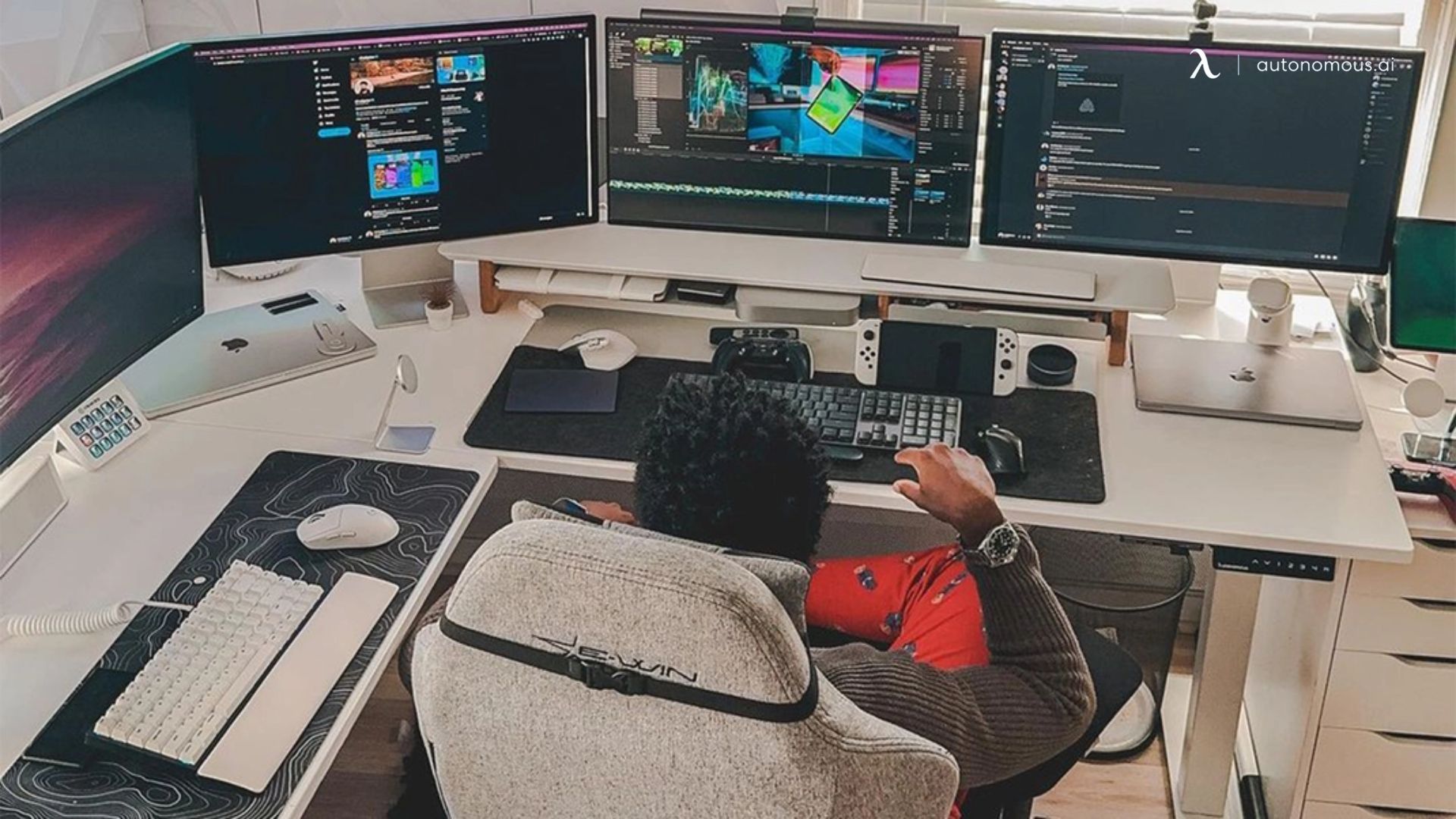
- Three 27-inch monitors: the panels alone add up to about the full 70.5 inches, and bezels make it tighter. It only works on monitor arms with the side screens angled in.
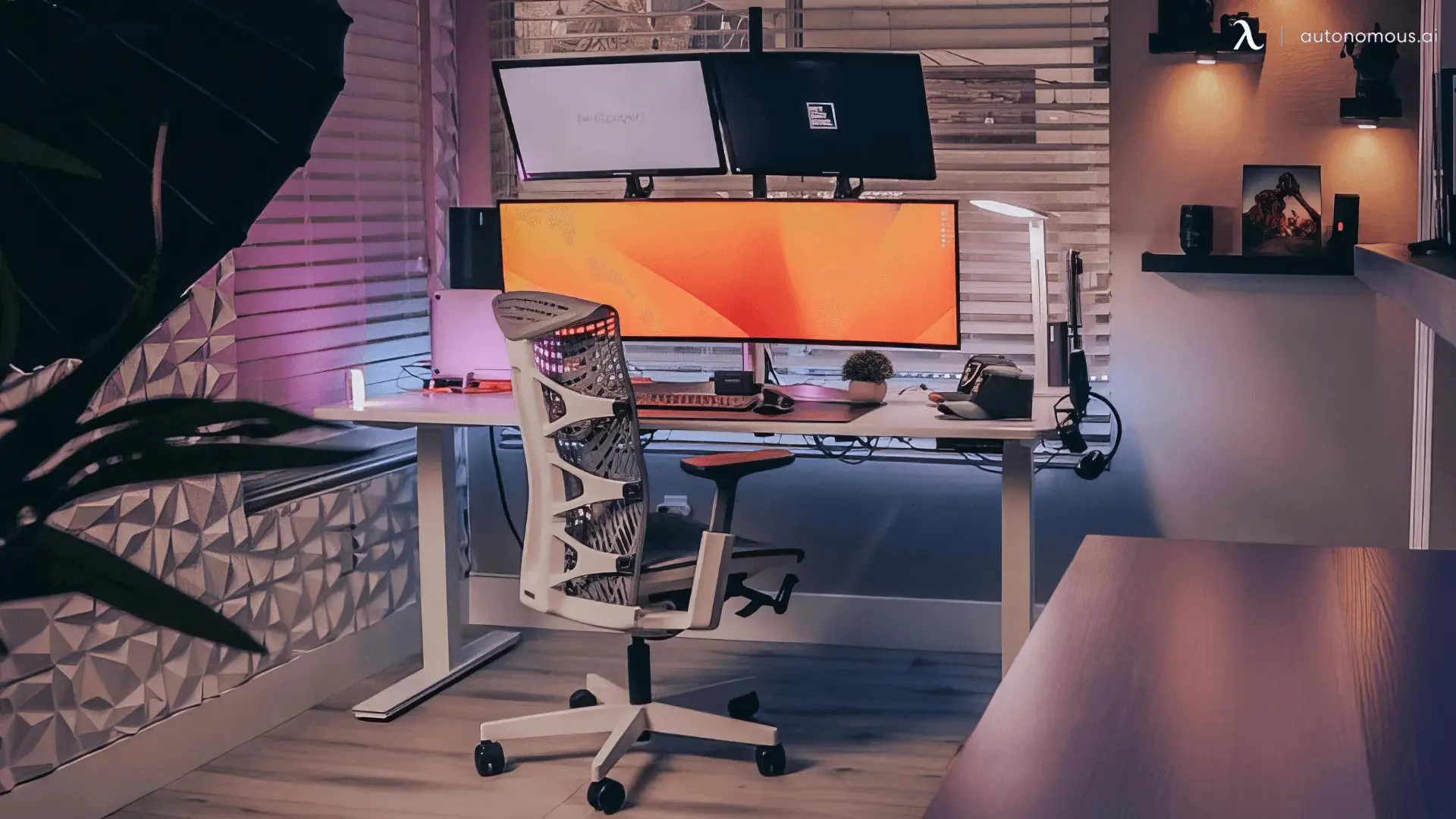
- A 49-inch super-ultrawide: about 47 inches. One owner on the Desk 2 product page runs a Samsung CRG9 of that size, a Lian Li O11D Mini tower and a MacBook Pro on the 70-inch desk.
For most home office setups, spreading out also cuts the small movements that add up over a long day: less twisting to reach a laptop, less leaning across the keyboard to a notepad. Swapping between sitting and standing helps with the effects of prolonged sitting, but only if the desk stays steady enough at standing height that you keep using it.
The catch is wobble. A wide top is a long lever on two columns, so a frame that feels fine at 48 inches can rock at 70. A slightly weak motor or a short foot is easy to miss on a small desk and obvious on a big one.
Key Specs to Look for in a 70 Inch Standing Desk
At this width, check five things before the price: how far the feet reach, the weight rating, the height range, motor sync and the depth of the top.
Frame Stance and Wobble
Wobble on a wide desk comes from the frame, not the top. Side-to-side sway grows as the columns extend, so test or read reviews at your standing height, not at sitting height.
Three details help. The feet should be long enough to sit near the front and back edges of the top. The columns should sit close to the ends, with only a few inches of top hanging past each leg; a long overhang makes the ends bounce when you lean on them. A crossbar or a stiff beam between the columns limits racking. If you build your own, pick a standing desk frame rated for the top width you plan to use.
Weight Capacity and Top Weight
Leave real headroom between your gear and the lift rating, and count the top itself. A 1-inch MDF top at 70.5 x 30 inches weighs roughly 55 to 60 pounds before anything goes on it.
Add two monitors on an arm (often 25 to 40 pounds together), a tower and speakers, and a 250 lb frame still has room, but less than the number suggests. Loads on a wide desk also sit off-center: a PC tower on one end puts most of its weight on one column.
Height Range and Motor Sync
The height range should put the work surface at your elbow height both seated and standing, with shoes on. Tall users need a high top end; short users and anyone who types low need a low bottom end.
Both columns must move at the same speed, or the top tilts mid-travel and lands unevenly. A good standing desk motor pair does this on its own. Memory presets and anti-collision matter more than speed: you press one button several times a day, and a wide top is more likely to hit a chair arm or windowsill on the way down.
Desktop Depth and Viewing Distance
Pick 30 inches of depth if you run large monitors on stands. OSHA's computer workstation guidance puts the screen about 20 to 40 inches from your eyes, and a 27-inch screen at the near end of that range feels too close.
On a 30-inch top, the keyboard and mouse take the front 10 to 12 inches, and a monitor base pushed to the back puts the screen roughly an arm's length away. A 24-inch top forces the screen closer. Monitor arms clamped to the back edge buy a few more inches either way.
Here is how the three Autonomous options compare on the numbers above:
| Desk | Top size | Height range | Lift rating |
|---|---|---|---|
| Autonomous Desk 2 (XL) | 70.5 x 30 in | 27.2-46.5 in | 250 lbs |
| Autonomous Desk Pro (Expanse) | 70.5 x 29 in | 24.25-53.5 in | 450 lbs |
| Autonomous Desk 2 L-Shaped | 77 x 64 in (long side 77 x 29) | 29.4-48 in | 400 lbs |
7 Best 70 Inch Standing Desks Worth Building Your Workspace Around
The two straight Autonomous tops at this size are both 70.5 inches wide and differ in depth by 1 inch, so on a 70 inch desk the real differences are underneath: lift rating, height range, noise, and whether the shape or storage changes how you use the space.
1. Autonomous Desk 2 with the XL 70.5-Inch Top
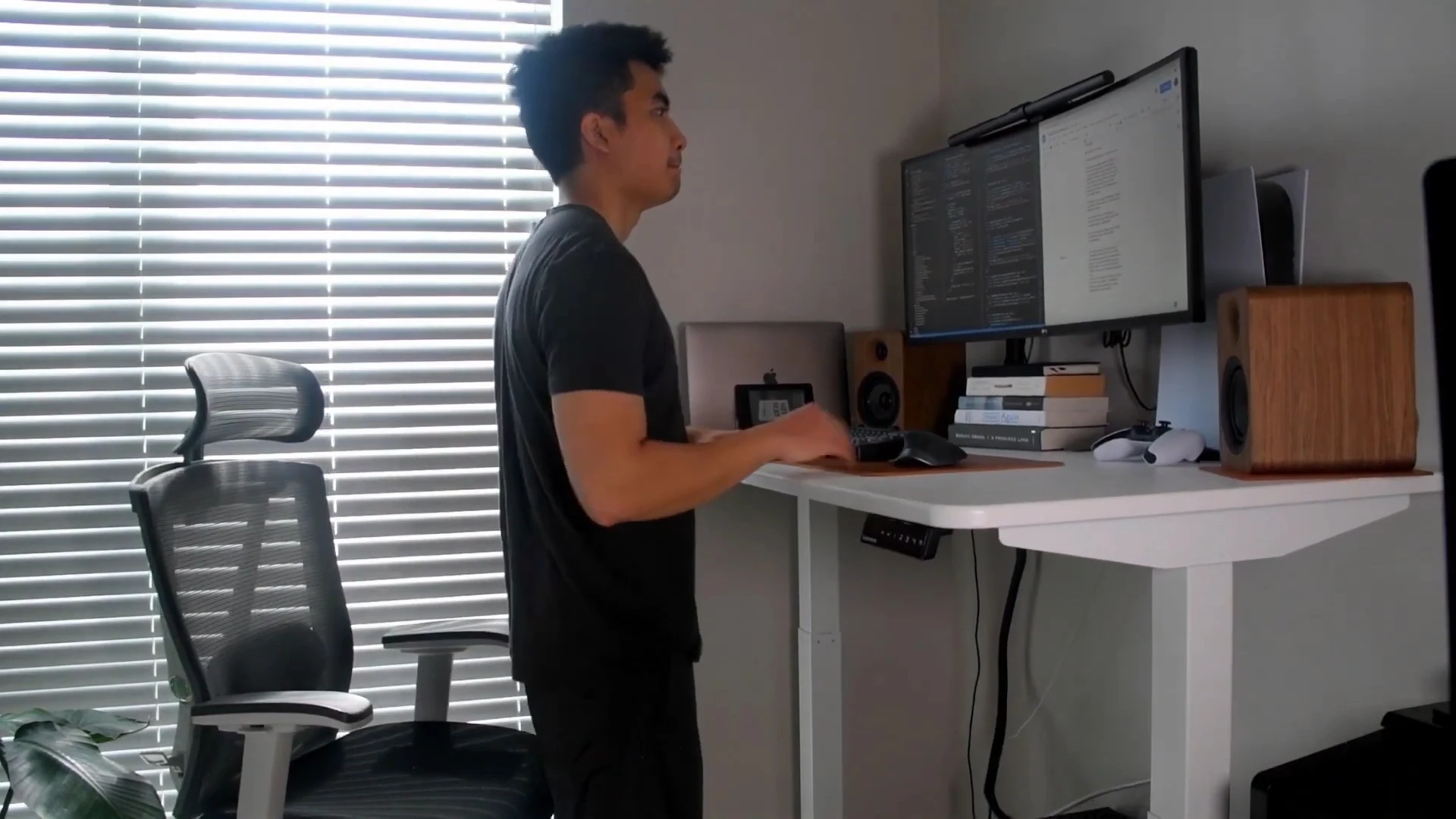
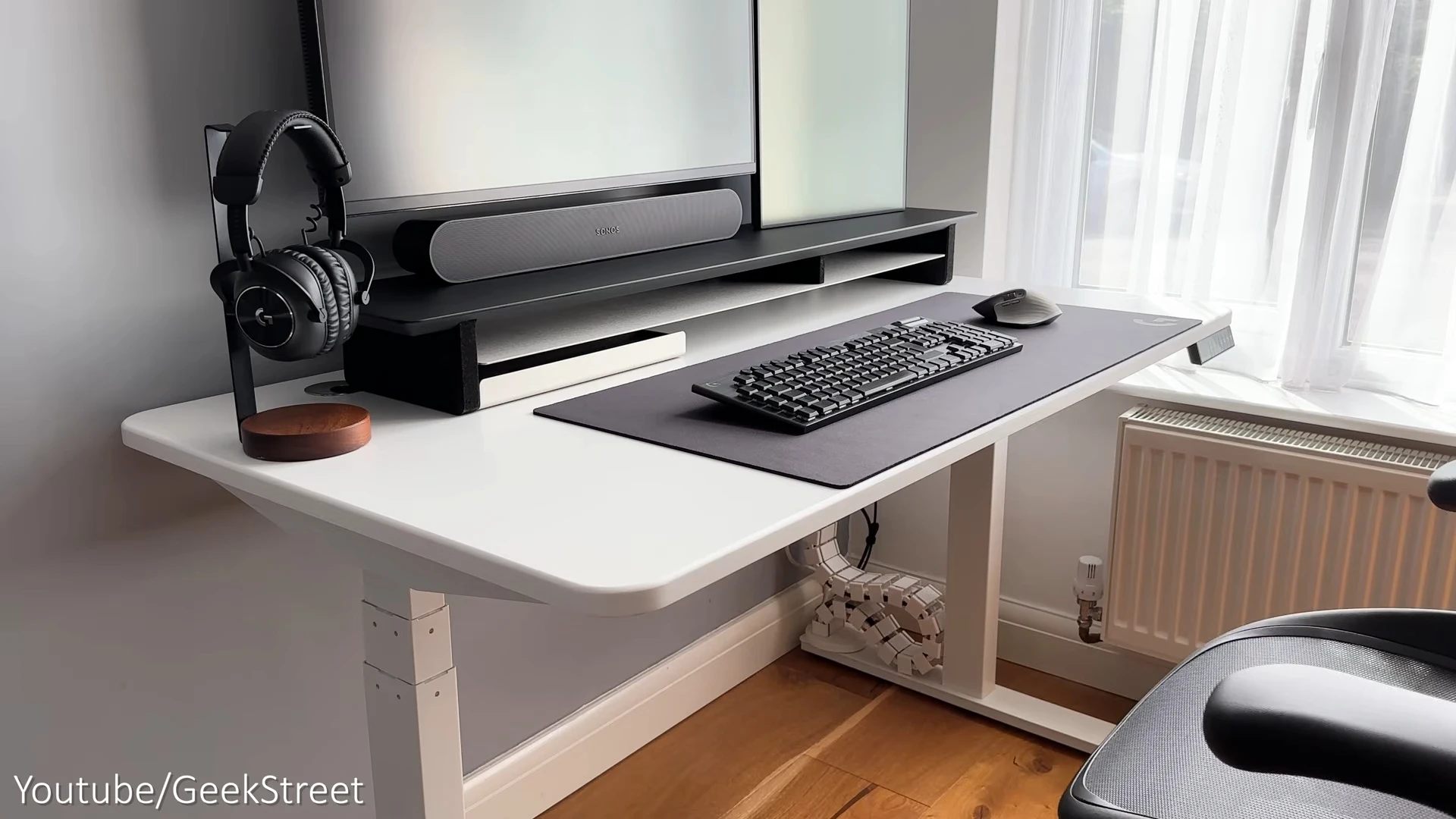
A 70.5 x 30 inch XL top on a dual-motor steel frame makes the Autonomous Desk 2 the default choice for most two-monitor and ultrawide setups.
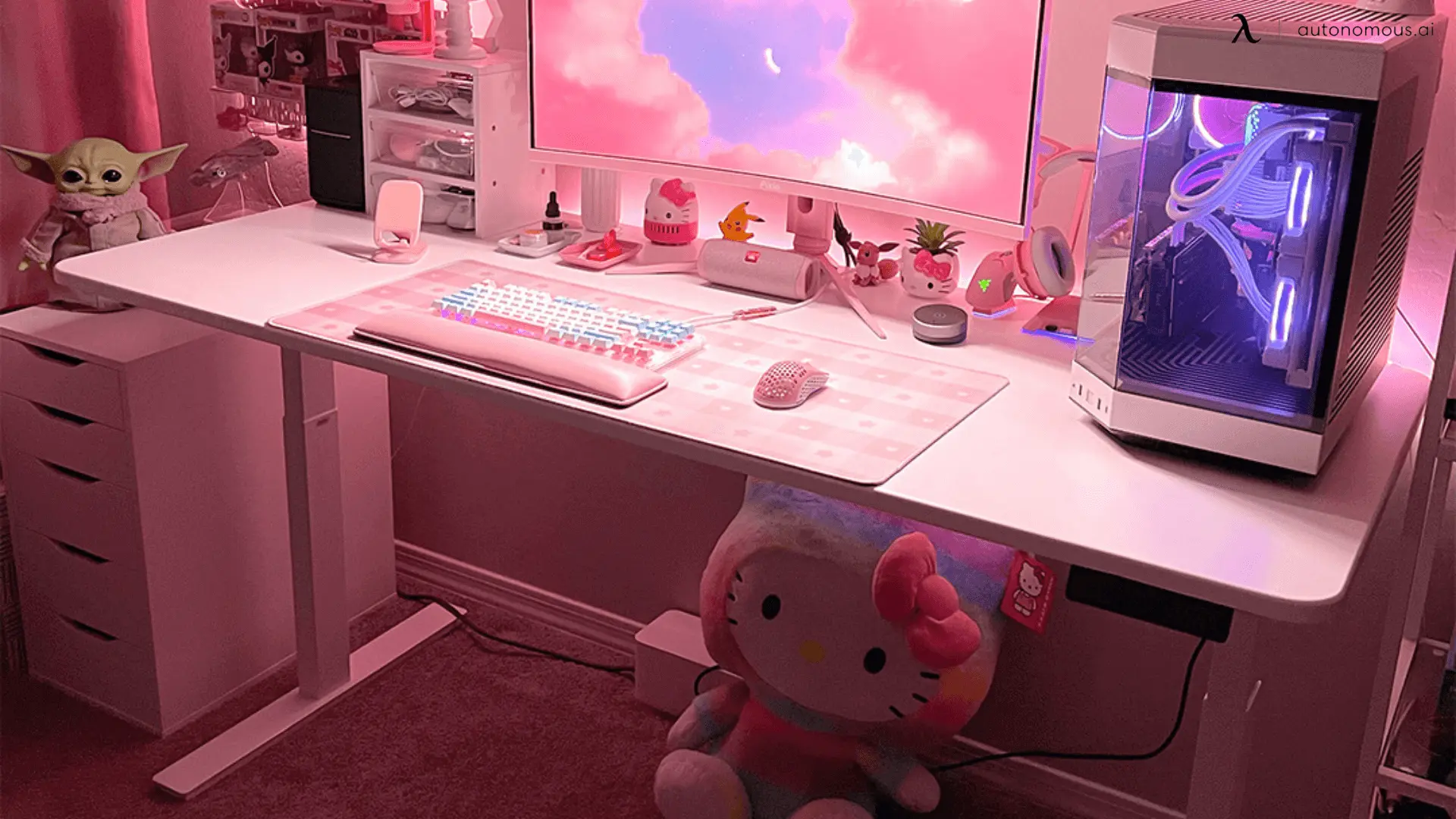
The height runs from 27.2 to 46.5 inches, the motors lift at 1.1 inches per second (about 18 seconds end to end), and the frame stays under 45 dB. It holds 250 lbs, has four memory presets and anti-collision, and the SPCC steel frame is ANSI/BIFMA and UL certified with a 10-year warranty. The product page shows 4.7 stars from over 3,700 reviews.
The 30-inch depth is the useful extra here, since it lets a dual monitor setup sit at a comfortable distance with room in front for the keyboard. Two limits: the XL size comes only in white or black, since the bamboo and oak tops are standard size only, and 46.5 inches is low for people well over six feet.
2. Autonomous Desk Pro with the 70.5-Inch Expanse Top
At 450 lbs, the Autonomous Desk Pro lifts almost double the Desk 2, on a 70.5 x 29 inch Expanse top built for heavy, dense setups.
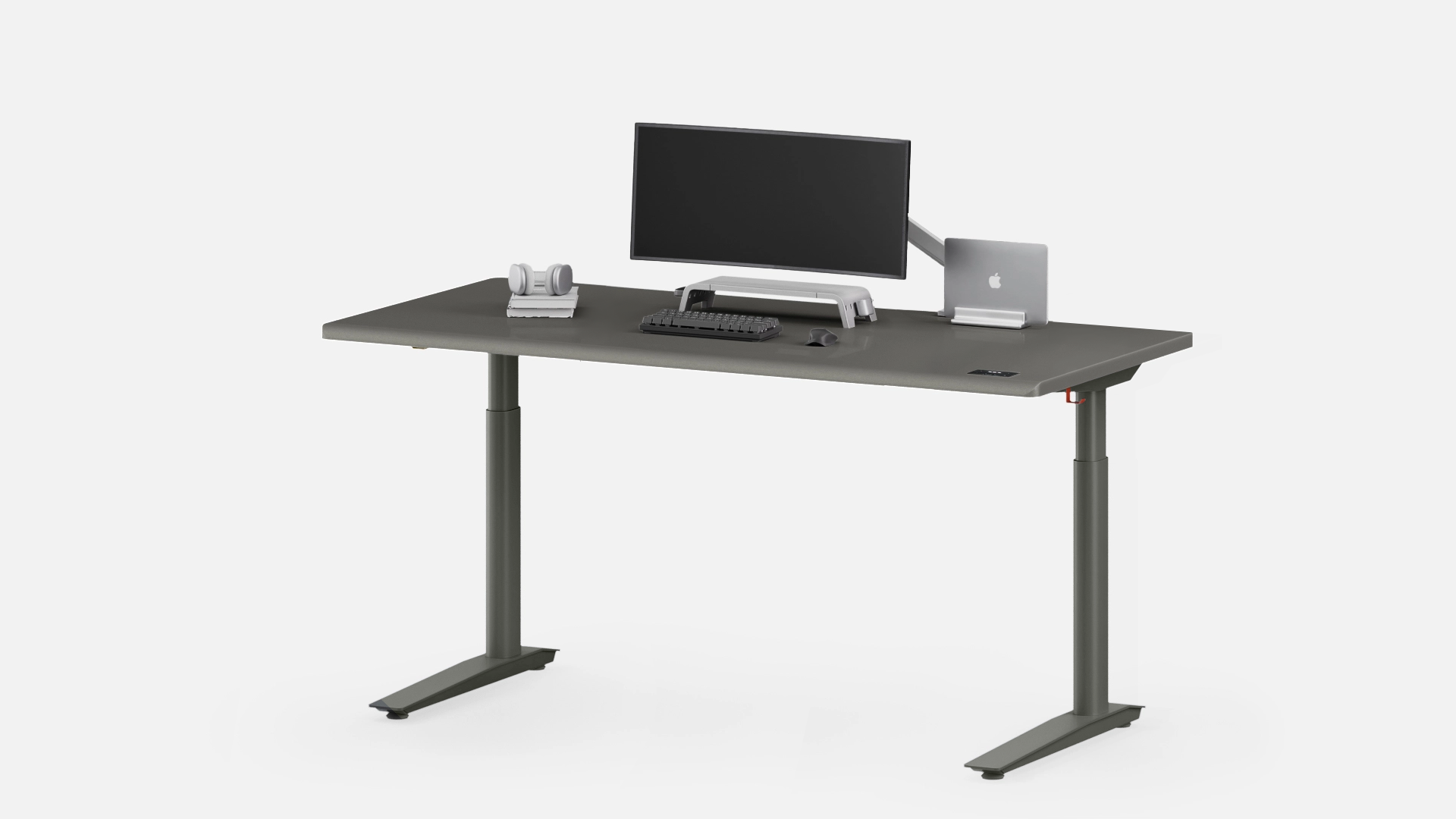
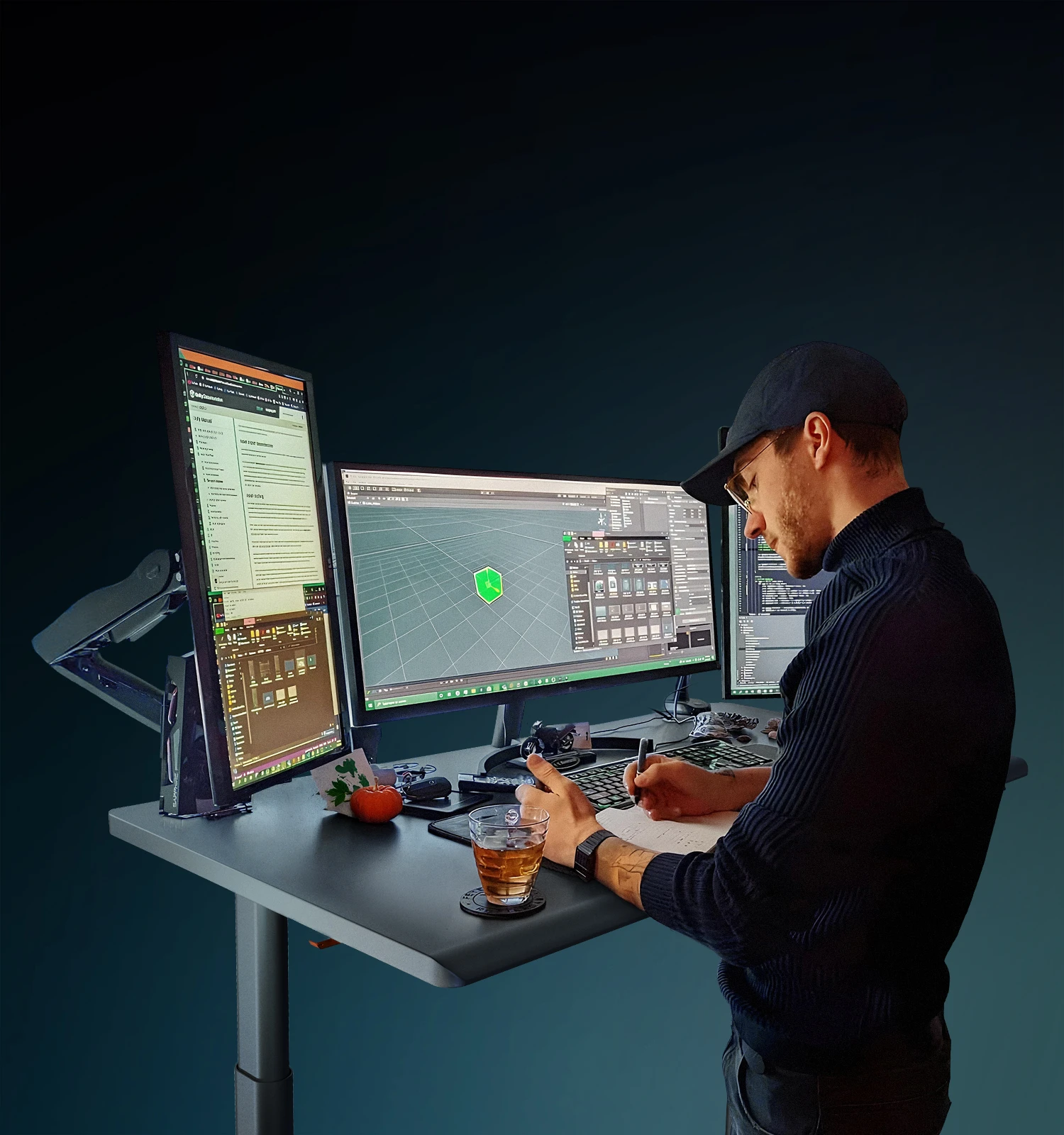
That capacity matters when weight bunches up: a triple monitor setup on arms, studio monitors and a full tower can easily put most of the load on one end. The range is also the widest here, 24.25 to 53.5 inches from floor to work surface, which suits both short and very tall users. It runs under 30 dB at 1.2 inches per second, so a full 29.25-inch trip takes about 24 seconds.
The legs use a C-frame, set toward the back, which leaves more knee and chair-arm room under the front edge. The frame has a lifetime warranty and the top 2 years. If you want a modern minimal desk look with nothing under the front edge, this frame does it. The top is 1 inch shallower than the Desk 2 XL, which only matters with very large monitors on stands.
3. Eureka Ergonomic Cashew Shape Standing Desk
Listed at 70 x 40 inches, the Eureka Cashew's curved top is about 10 inches deeper than a standard 70 inch top, so it suits buyers who want depth more than width.
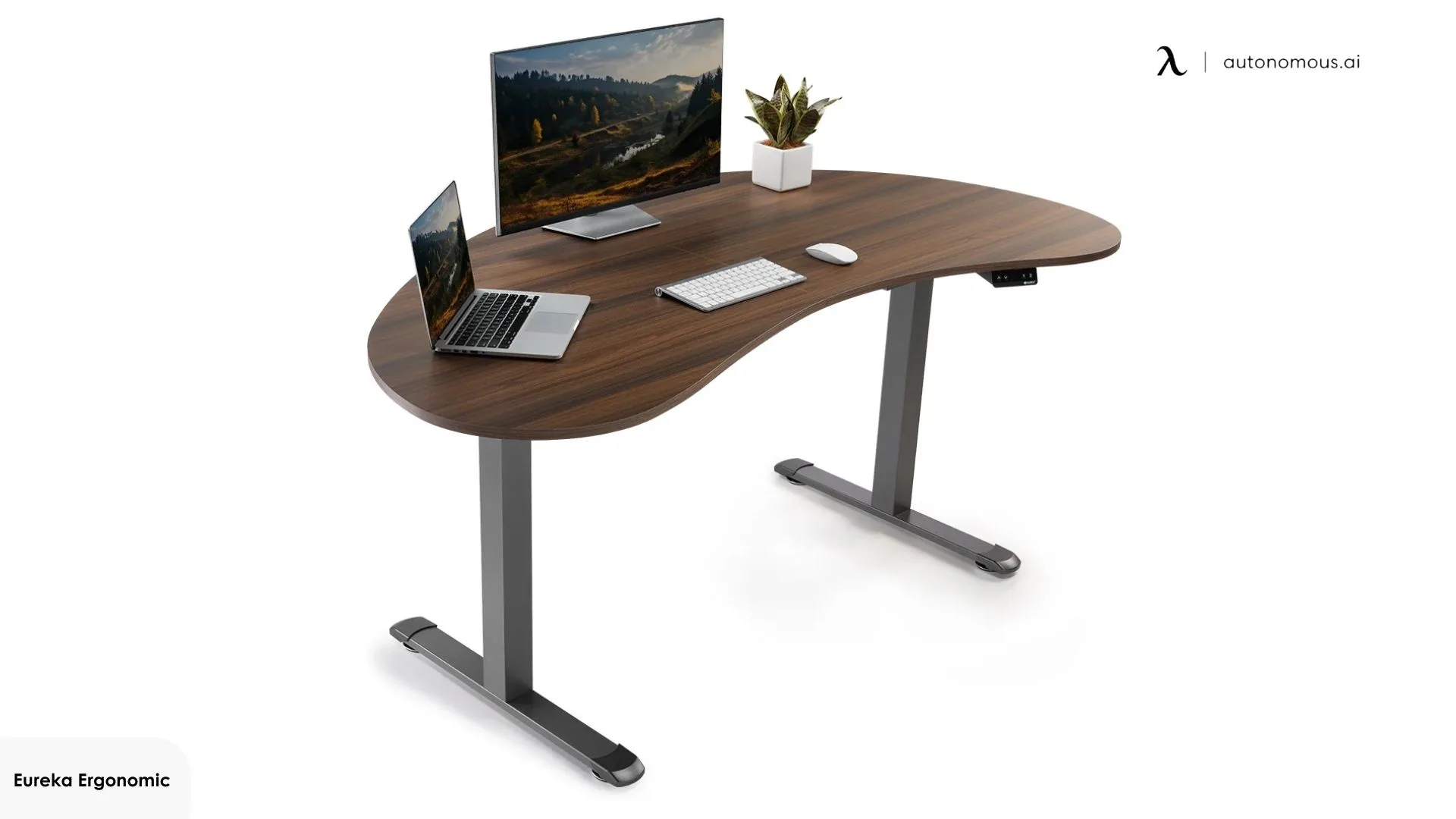
The front edge curves inward, so the middle of the desk wraps around your chair. Screens can sit further back without pushing the keyboard away, and items at the ends stay within an arc you can reach without standing up. The cost is floor depth: a 40-inch top plus a chair zone needs close to 6 feet from the wall, and the curve makes it harder to push flush into a corner.
4. Desky Dual Laminate Sit Stand Desk
The Desky Dual Laminate pairs a straight, wide laminate (melamine) top with a two-leg frame.
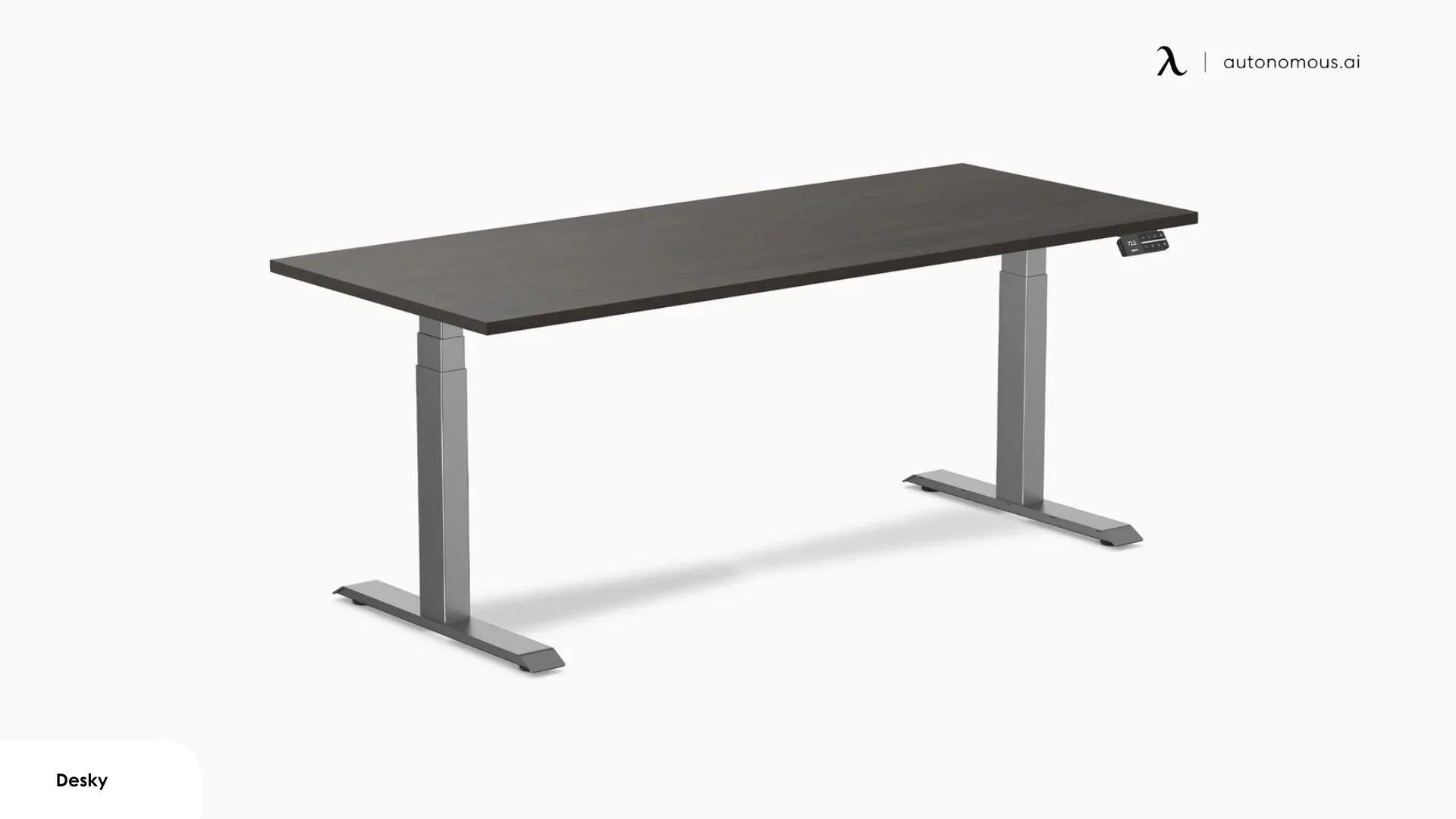
Laminate is a practical surface for a top that gets used every day, with keyboards, mugs and desk accessories sliding across it. The top is a single uninterrupted surface, so the full width is usable. It does not try to do more than that: no curved edge and no built-in storage.
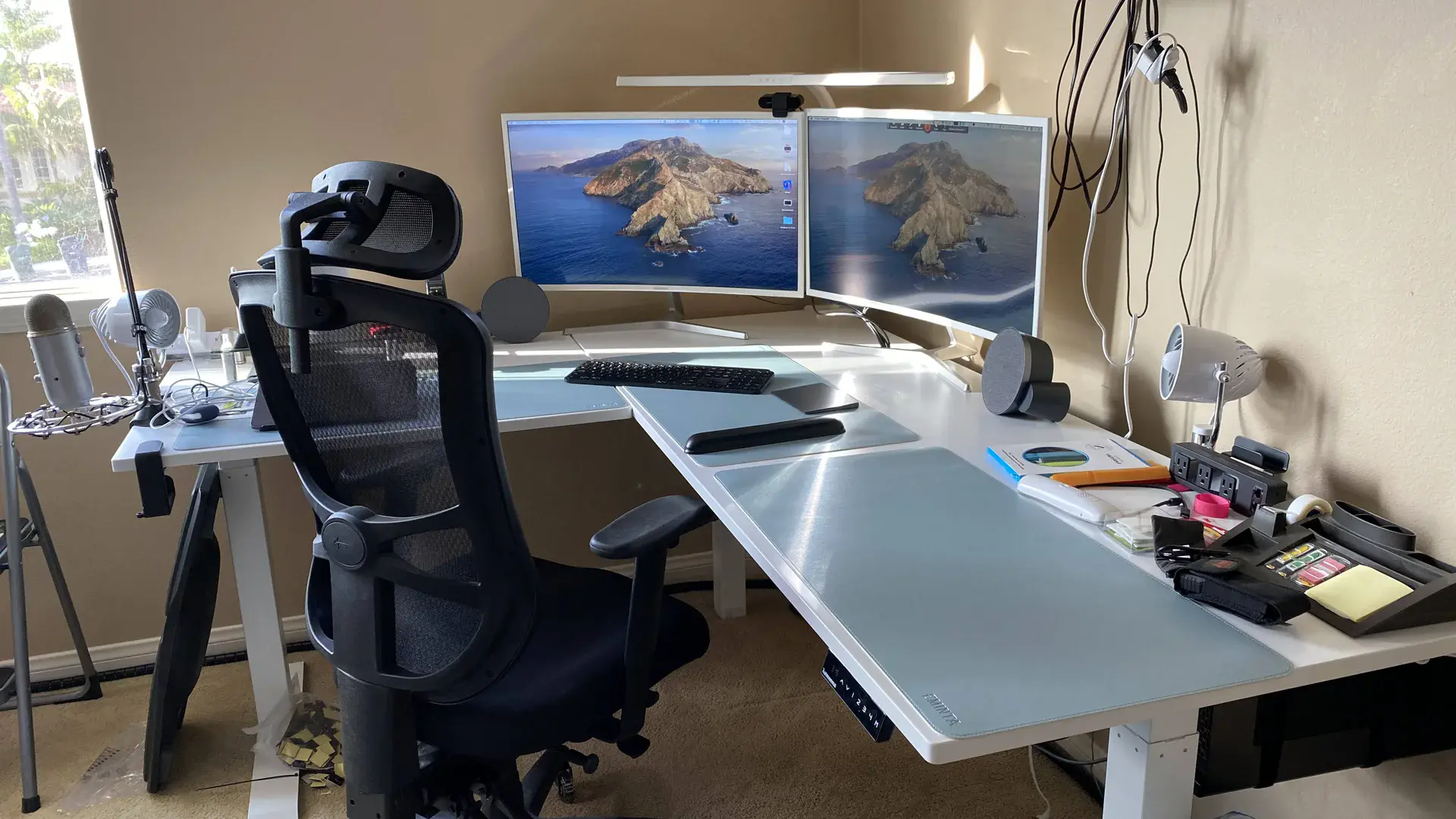
5. Autonomous Desk 2 L-Shaped
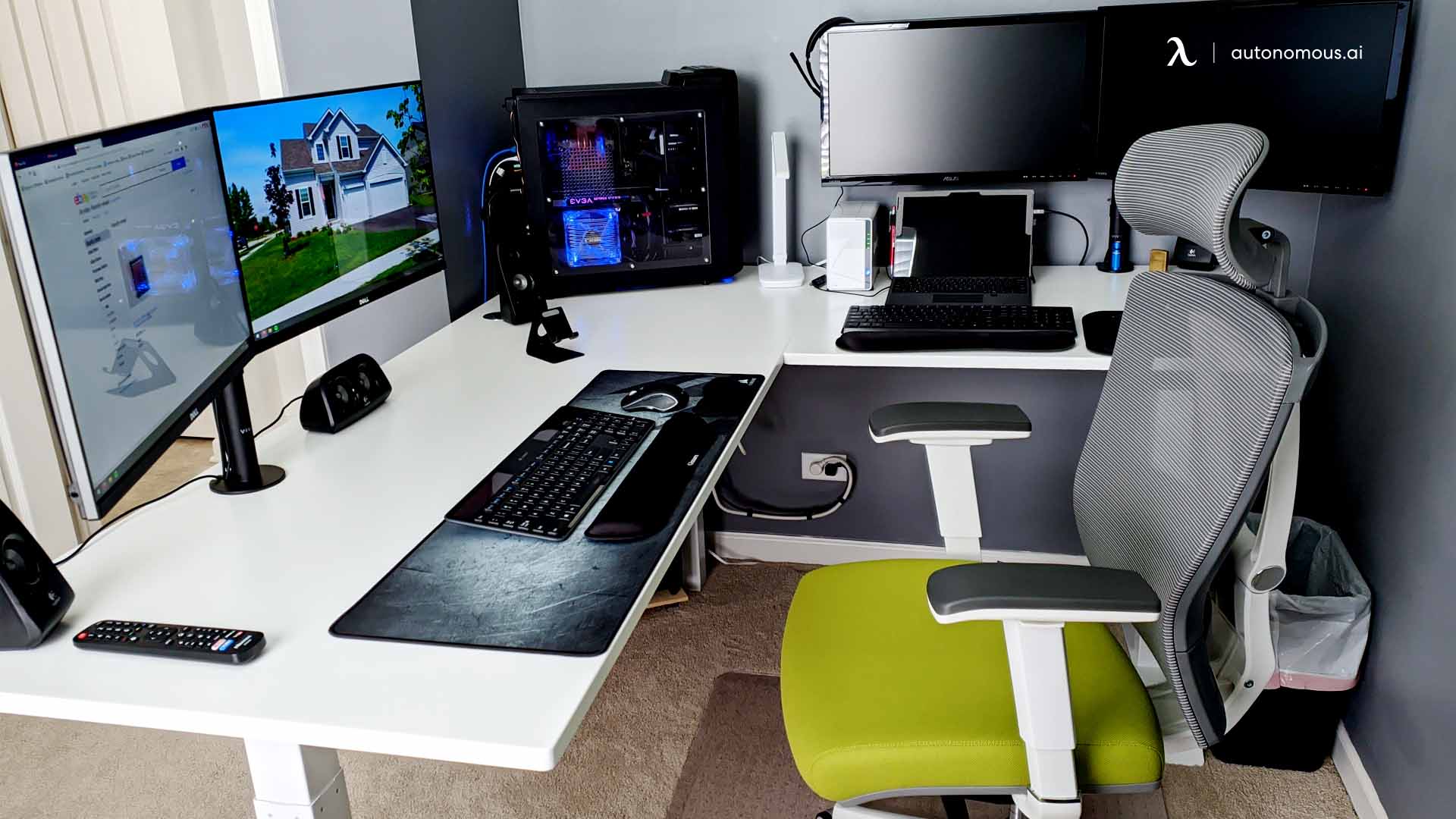
The Autonomous Desk 2 L-Shaped is the step past a straight 70 inch desk: a 77-inch main run with a 29 x 35 inch return, for people who have already filled a wide desk.
Instead of stretching further sideways, this home office desk splits work across two surfaces: screens on the long side, a laptop, drawing tablet or paperwork on the short side. The return mounts on the left or right, and the product page says the long side has room for three 27 to 32 inch monitors.
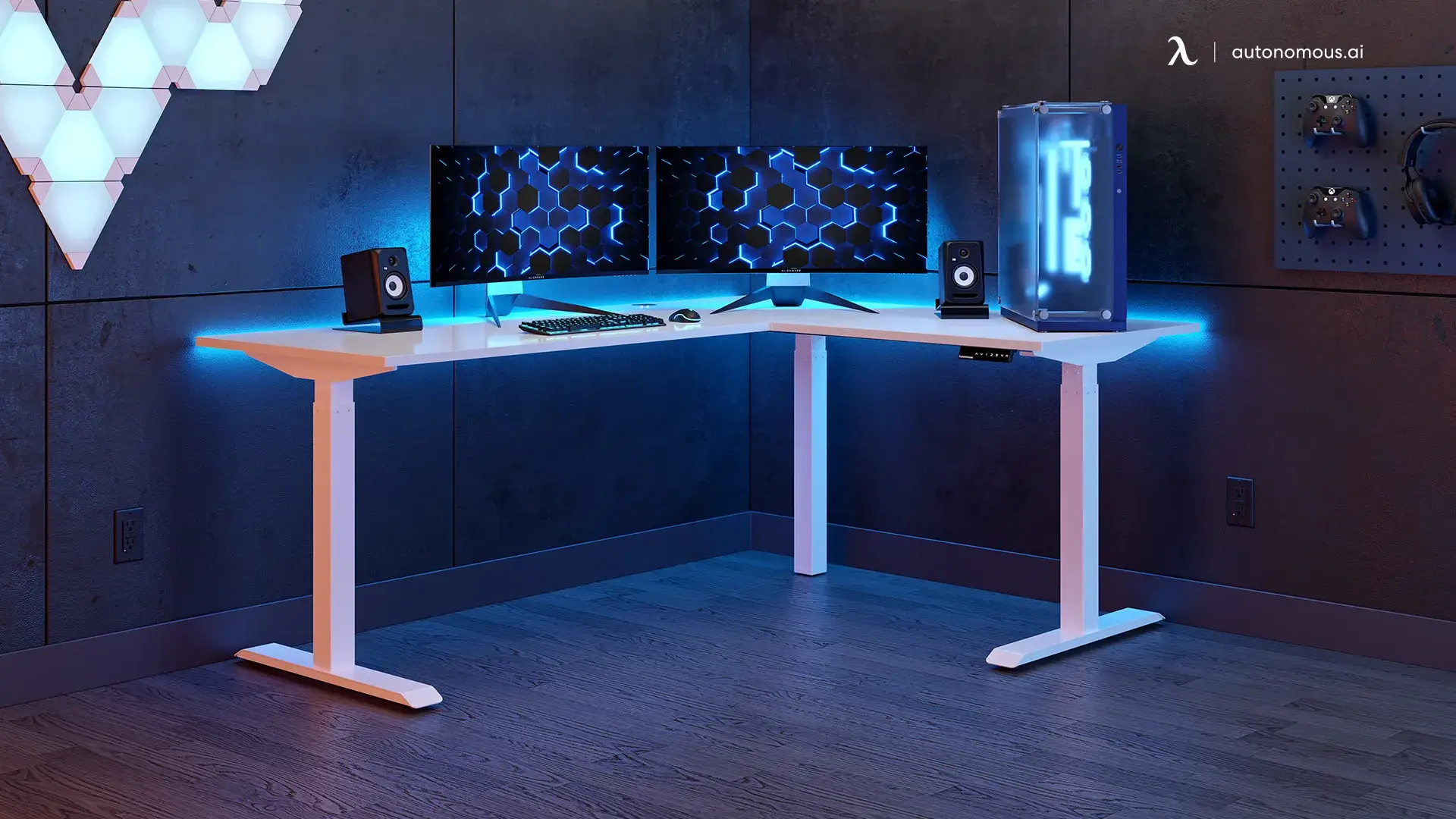
Three motors lift the whole 77 x 64 inch footprint, rated at 400 lbs, which makes it a stable standing desk even with heavy gear on both wings. The height runs 29.4 to 48 inches with four presets, it is louder than the straight desks at about 50 dB, and a cable tray comes in the box. The frame carries a 10-year warranty and the top 2 years.
6. Perledesign 70" Standing Desk with File Cabinet
A file cabinet built into the frame lets the Perledesign stand in for both a 70 inch sit stand desk and a separate filing cabinet.
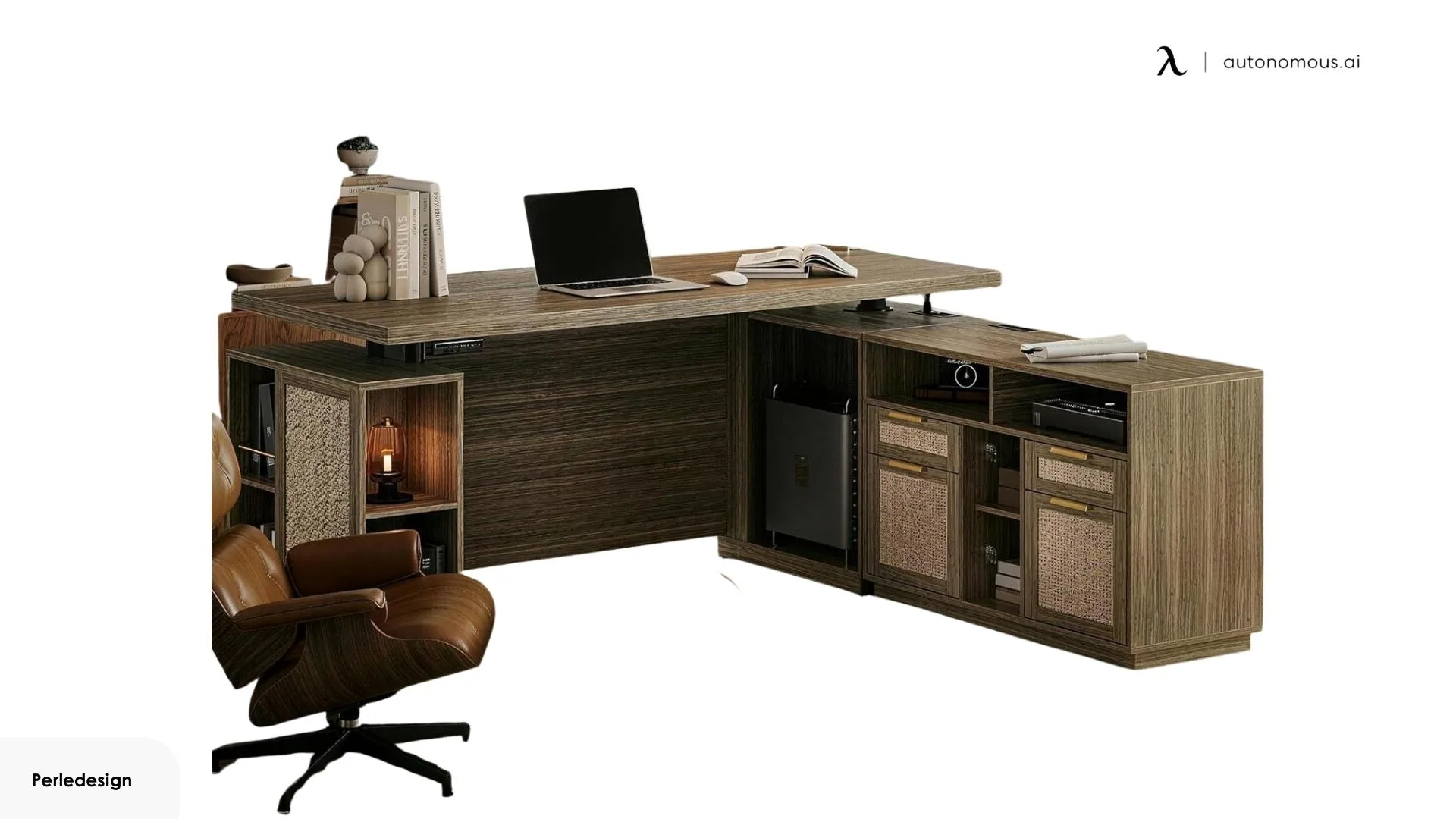
A separate filing cabinet next to a 70-inch desk takes up more wall, which many rooms do not have. Building it in keeps files and drawers within the desk's own width. The trade-off is knee and leg room on the cabinet side.
7. Haworth Upside Sit-to-Stand Desk
Haworth mainly furnishes workplaces, and the Upside is the sit-to-stand desk it sells through its own online store.
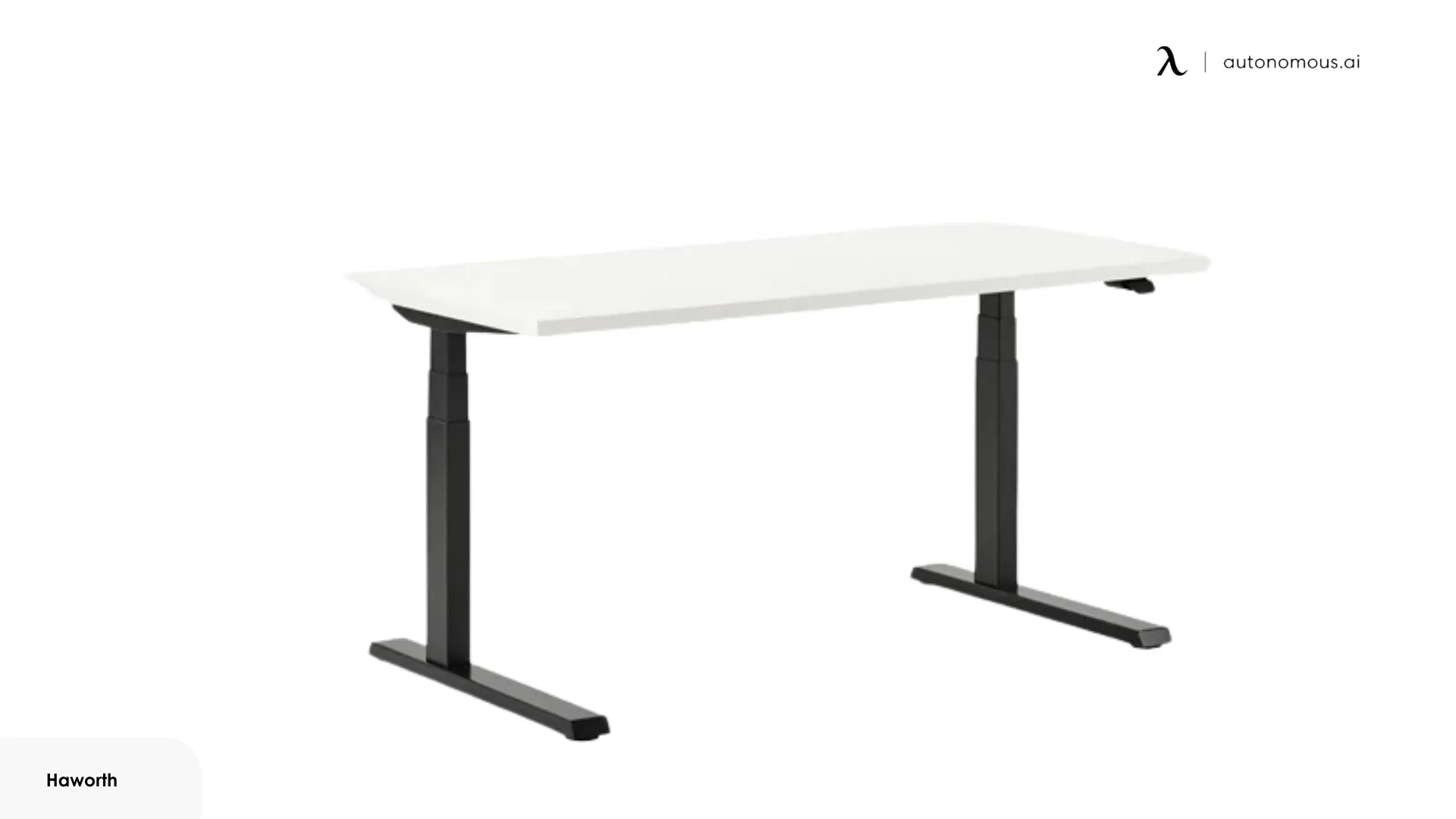
Check the width and depth options at checkout, since the size closest to 70 inches may be slightly wider or narrower than what you measured for.
Room Size and Layout Considerations
A 70 inch standing desk fits best in a room of at least 10 x 10 feet, and it can work in about 8 x 10 feet if little else shares the room. The numbers below come from the desk plus the space you need to use it.
Minimum Room Size
Measure depth first. A 30-inch top plus a chair zone of 30 to 36 inches needs about 5 to 5.5 feet from the wall to the back of your chair. In width, 70.5 inches of desk plus about 20 inches of side clearance comes to roughly 7.5 feet of wall. A 9 to 10 foot wall leaves a walkway past the desk.
Clearance Behind and Beside the Desk
Leave at least 30 inches behind the desk edge, the classic 30-inch rule. That gives room to push the chair back, roll it aside when you stand, and step out without hitting a bed or shelf. Allow about 20 inches on the side you usually get up from.
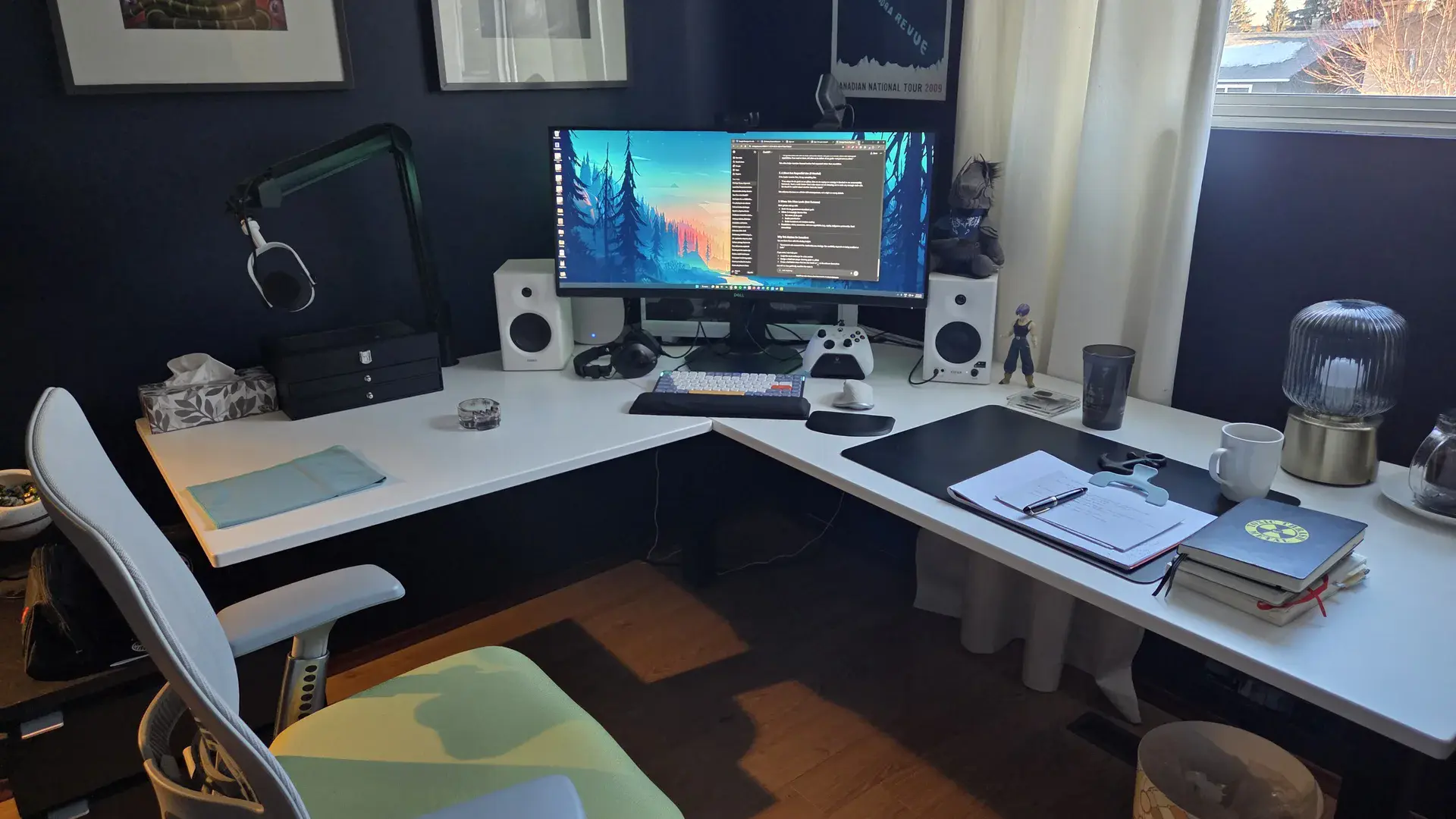
Check height too: a desk that goes to 46 or 53 inches can hit a low window sill, a shelf or a wall-mounted TV as it rises. If one straight wall is too short, a corner desk setup can fit the same amount of surface into two shorter walls.
Build Up, Not Out
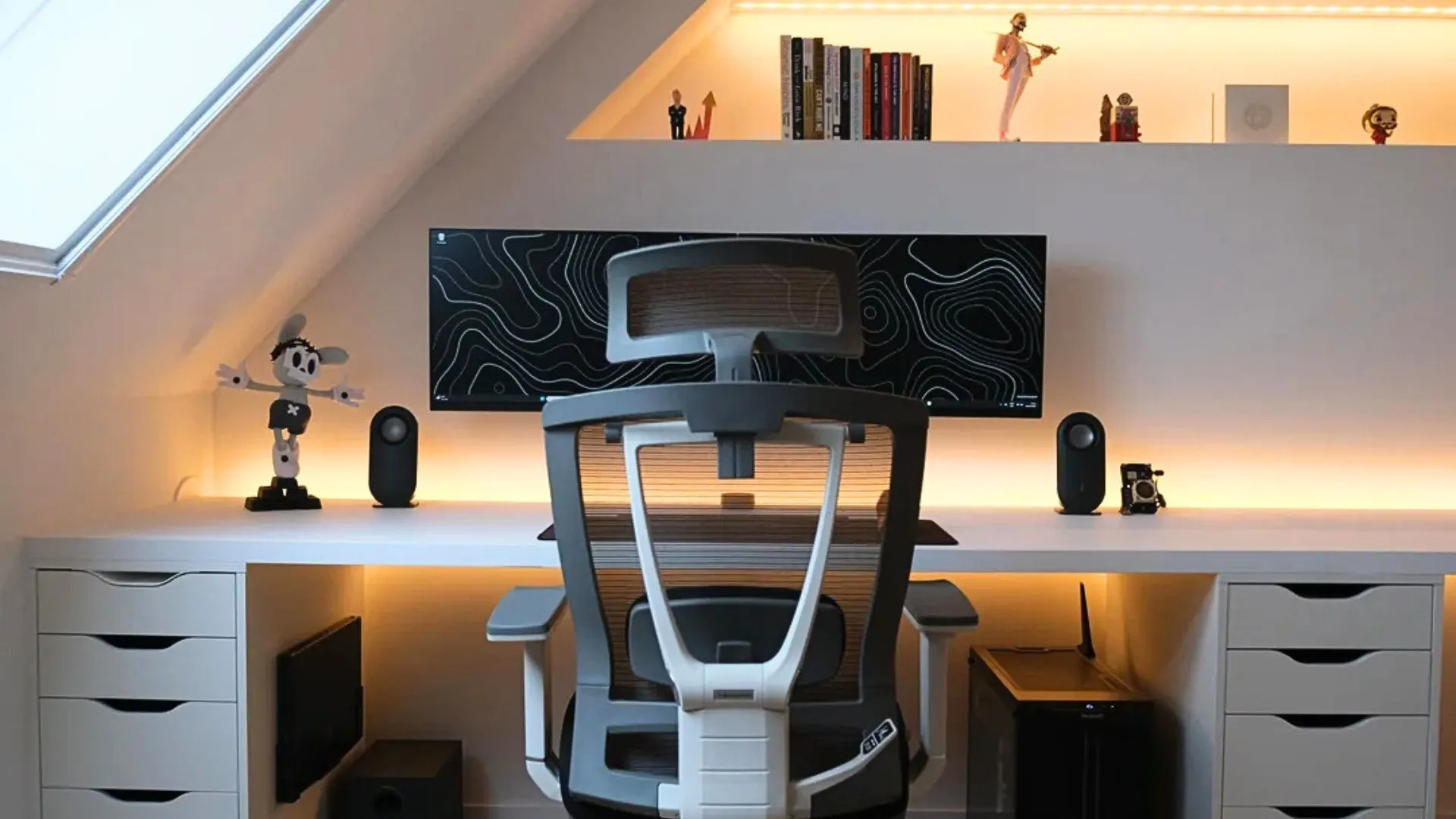
A wide desk does not need more furniture beside it. Monitor arms free the surface, wall shelves hold books and plants, and a pegboard keeps the office accessories you reach for most often off the desk.
Before adding a side table, a filing cabinet or a printer stand, check whether the extra desk width already covers them.
Against the Wall or Floating
Against a wall is the default for small office desk setups: it keeps the floor open and hides cables. Floating the desk toward the middle of the room needs about 3 extra feet behind the monitors for cable runs and walking space, so it suits a dedicated office.
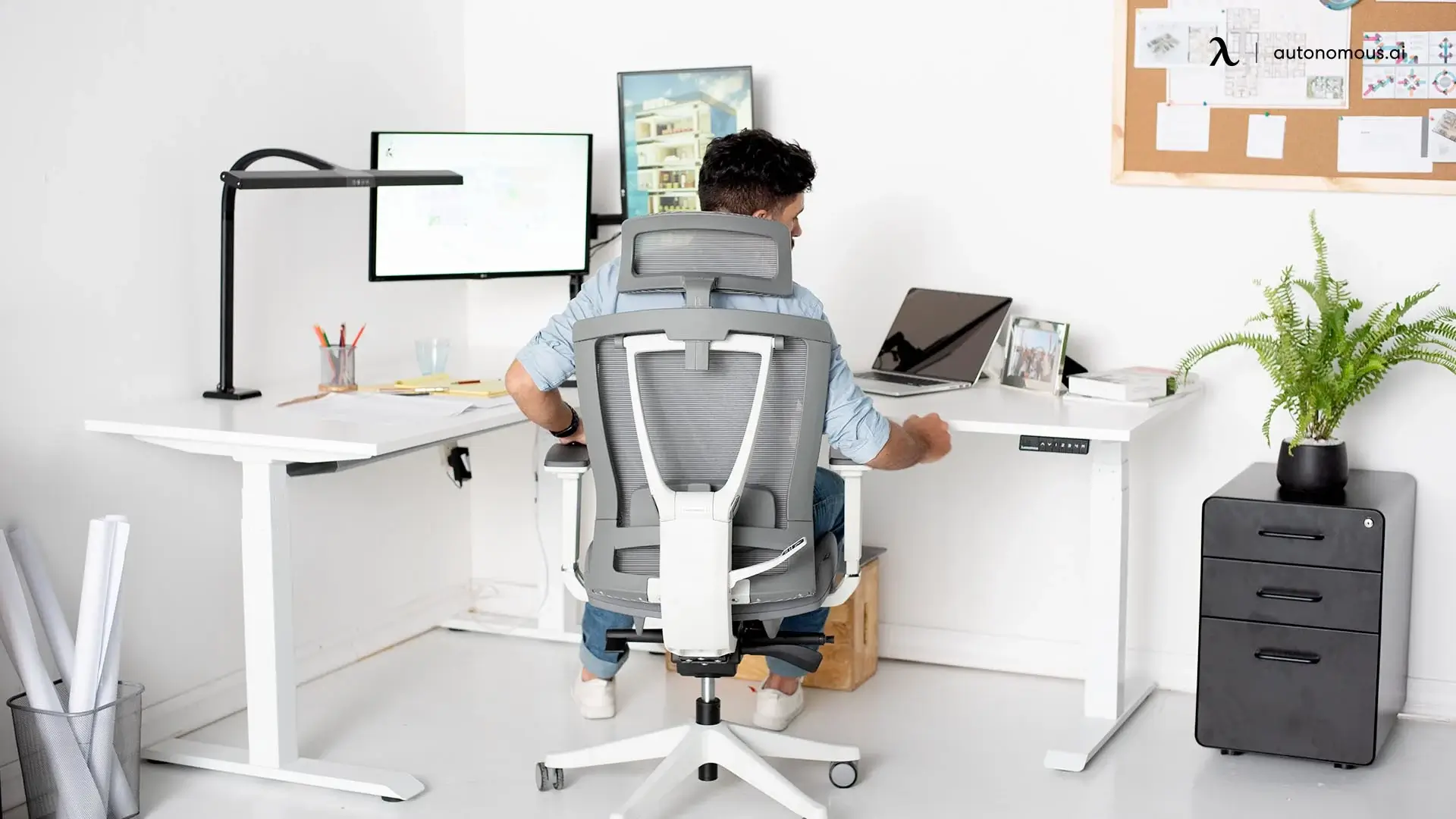
Either way, place the desk so windows sit to the side. A window behind the monitor causes glare, and one behind you washes out your face on video calls. Plan the cable path from the outlet before the desk is built, because moving a loaded 70-inch desk is a two-person job. A proper standing desk setup starts with that measurement.
FAQs
Is a 70 inch standing desk too big for a home office?
No, as long as the wall is about 7.5 feet wide and you have 5 to 5.5 feet from the wall to the back of the chair. A 9 to 10 foot wall leaves a walkway beside the desk, so it suits most spare bedrooms.
What room size works best for a 70 inch standing desk?
A room of 10 x 10 feet or larger works best. An 8 x 10 foot room can take a 70 inch desk if the desk is the main piece of furniture and you keep 30 inches of clearance behind it.
Is a 70 inch adjustable desk stable at standing height?
A 70 inch adjustable desk is stable at standing height when the feet are long, the columns sit near the ends of the top and the lift rating leaves headroom. Sway grows as the columns extend, so check reviews at standing height.
How many monitors fit on a 70 inch standing desk?
Two 27-inch monitors fit with about 23 inches to spare. Three 27-inch panels alone add up to about the full 70.5 inches, and bezels make it tighter, so they only work on arms with the side screens angled in. One 49-inch super-ultrawide also fits.
What depth should a 70 inch sit stand desk have?
Choose 30 inches of depth for large monitors on stands. It puts the screen roughly an arm's length away with room for a keyboard in front. With monitor arms, a 29-inch top works just as well.
Is a 70 inch standing desk better than a 60 inch desk?
A 70 inch desk is better if you run two 27-inch monitors plus a laptop or speakers, because a 60 inch top leaves only about 13 inches beside two screens. For one monitor and a laptop, 60 inches is enough.
What is the difference between a 70 inch and 72 inch standing desk?
The surface difference is small, about 1.5 to 2 inches, but it can decide whether the desk fits between two walls or a door frame. Measure the wall first and leave about 20 inches of side clearance.
How much weight should a 70 inch adjustable desk support?
Aim for a lift rating well above your gear plus the top. A 70.5 x 30 inch MDF top alone weighs roughly 55 to 60 pounds. A 250 lb rating covers most two-monitor setups; heavy studio or triple-screen gear calls for 400 lbs or more.
Does a 70 inch standing desk wobble more than smaller desks?
It can, because a wider top acts as a longer lever on the same two columns. Long feet, columns close to the ends, a crossbar and keeping heavy items near the legs all reduce the wobble.
Is a 70 inch standing desk worth it for long workdays?
Yes, if your current desk forces you to stack screens or keep moving things to make room. The extra width keeps the main screen centered and your tools within reach, so you change position less often.
Conclusion
Pick a 70 inch standing desk by what goes on it and the room around it. Two monitors and a laptop fit on a 70.5 x 30 inch top like the Desk 2 XL; heavy gear or a very tall user points to the Desk Pro and its 450 lb rating; a desk that needs to hold files or wrap around you points to the Perledesign or the Eureka.
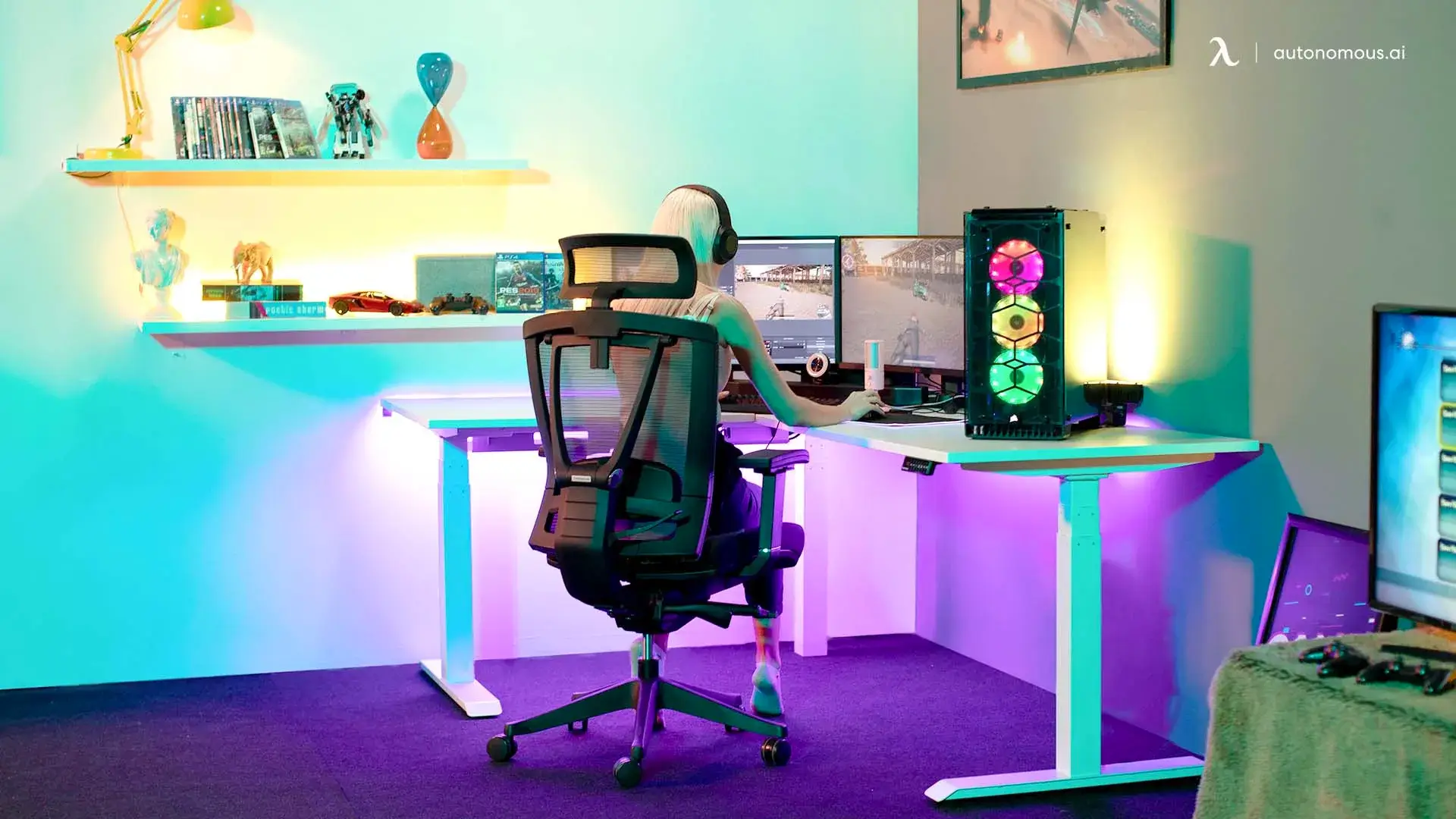
A straight top is not the only answer. If you need separate zones, a large L-shaped standing desk spreads the same gear across two walls.
If you load the desk with studio monitors or lab equipment, a 4-leg standing desk carries the weight that two columns struggle with. Measure the wall, the depth to your chair and your standing elbow height before you order.
Desk Pro
Black Friday price.
So 12 hours isn’t 12 hours sitting.