12 Home Office Tech Essentials to Maximize Efficiency


Table of Contents
- The 12 Home Office Tech Essential For Peak Productivity
- 1. High-Performance Monitor (Primary or Secondary)
- 2. Professional Webcam & Dedicated Microphone
- 3. Noise-Canceling Headphones
- 4. USB-C Docking Station
- 5. Fast Wireless Charger or Multi-Device Charging Base
- 6. Mesh Wi-Fi System or Wi-Fi 6E Router
- 7. External SSD or NAS Backup System
- 8. Surge Protector or Smart Power Strip
- 9. Smart Desk Lamp with Adjustable Color Temperature
- 10. AI Habit Devices (Hydrate AI, Stand Device, and Related Tools)
- 11. Communication Software Stack
- 12. Project Management & Productivity Apps
- Tips for Designing an Efficient Tech Home Office
- FAQs
- Wrap Up
Building an efficient workspace today requires more than a good desk setup, it depends on the right technology powering your workflow. This guide highlights the essential tools that meaningfully improve clarity, focus, and day-to-day productivity, cutting through the noise to identify what actually matters.
From reliable connectivity to AI-driven assistants, these home office tech essentials represent the core devices that modern remote and hybrid workers rely on to perform at a high level.
The 12 Home Office Tech Essential For Peak Productivity
As remote and hybrid work become part of everyday life, the technology you rely on plays a major role in how well you can focus and get things done. The home office tech gadgets below highlight the tools that make the biggest difference in building a home office setup that feels stable, efficient, and easy to work in.
1. High-Performance Monitor (Primary or Secondary)
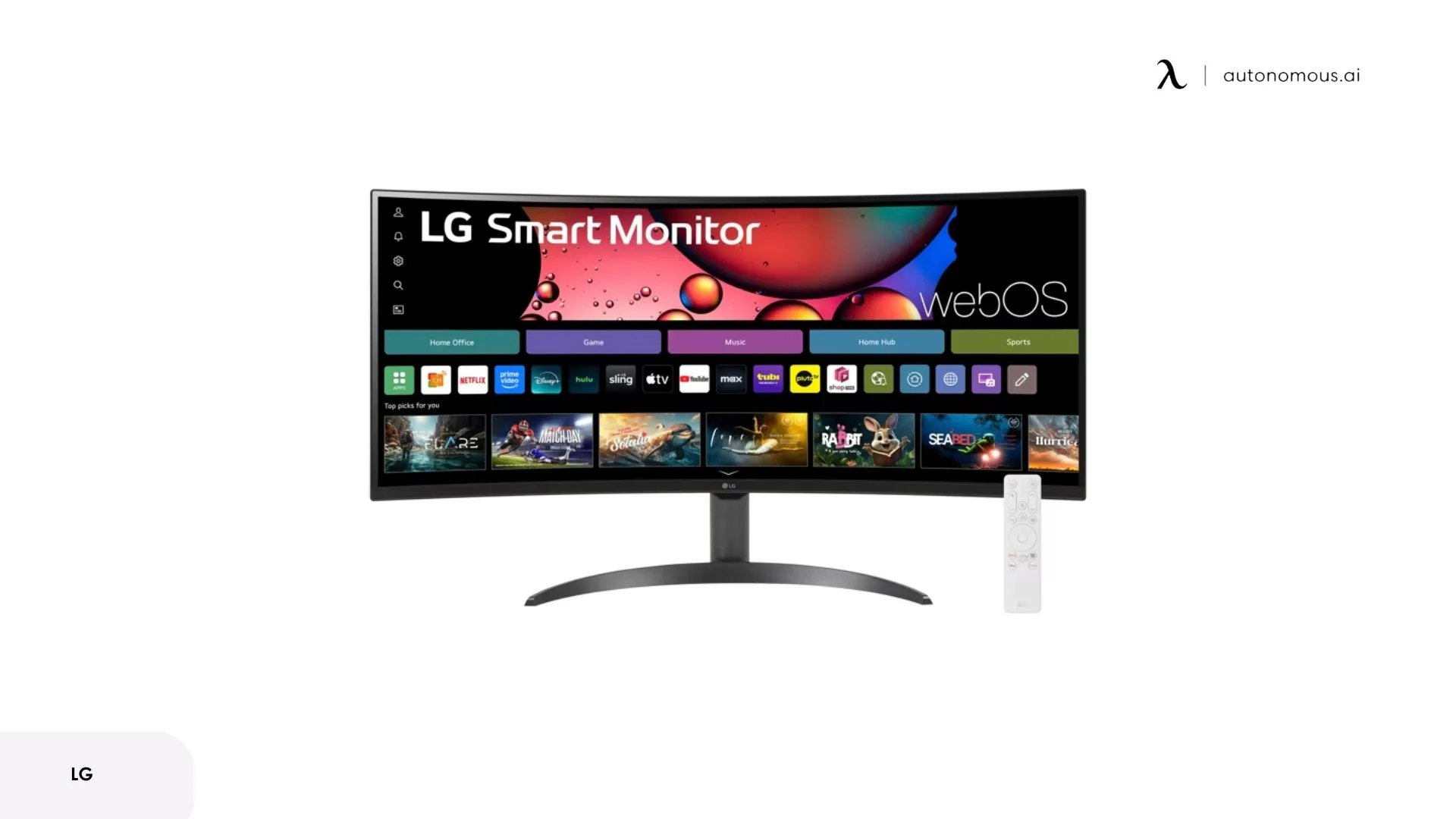
A high-performance monitor is one of the most meaningful upgrades for any tech-driven workspace. Clear resolution, accurate color, and enough screen real estate help reduce eye strain and allow users to work across multiple windows without constant switching. It improves workflow clarity, supports deep work, and becomes a central anchor in any tech home office setup.
For most setups, a 27-inch or 32-inch display provides enough room to view documents, spreadsheets, and communication tools simultaneously. Beyond size, resolution determines text clarity and how much detail you can see. A 1440p (QHD) display offers noticeable improvement over 1080p for text sharpness, while 4K provides the clearest text but requires more graphics processing power.
USB-C connectivity simplifies cable management by allowing the monitor to charge your laptop and serve as a hub for peripherals through a single connection. This is particularly useful for users who disconnect and reconnect their laptops frequently.

2. Professional Webcam & Dedicated Microphone
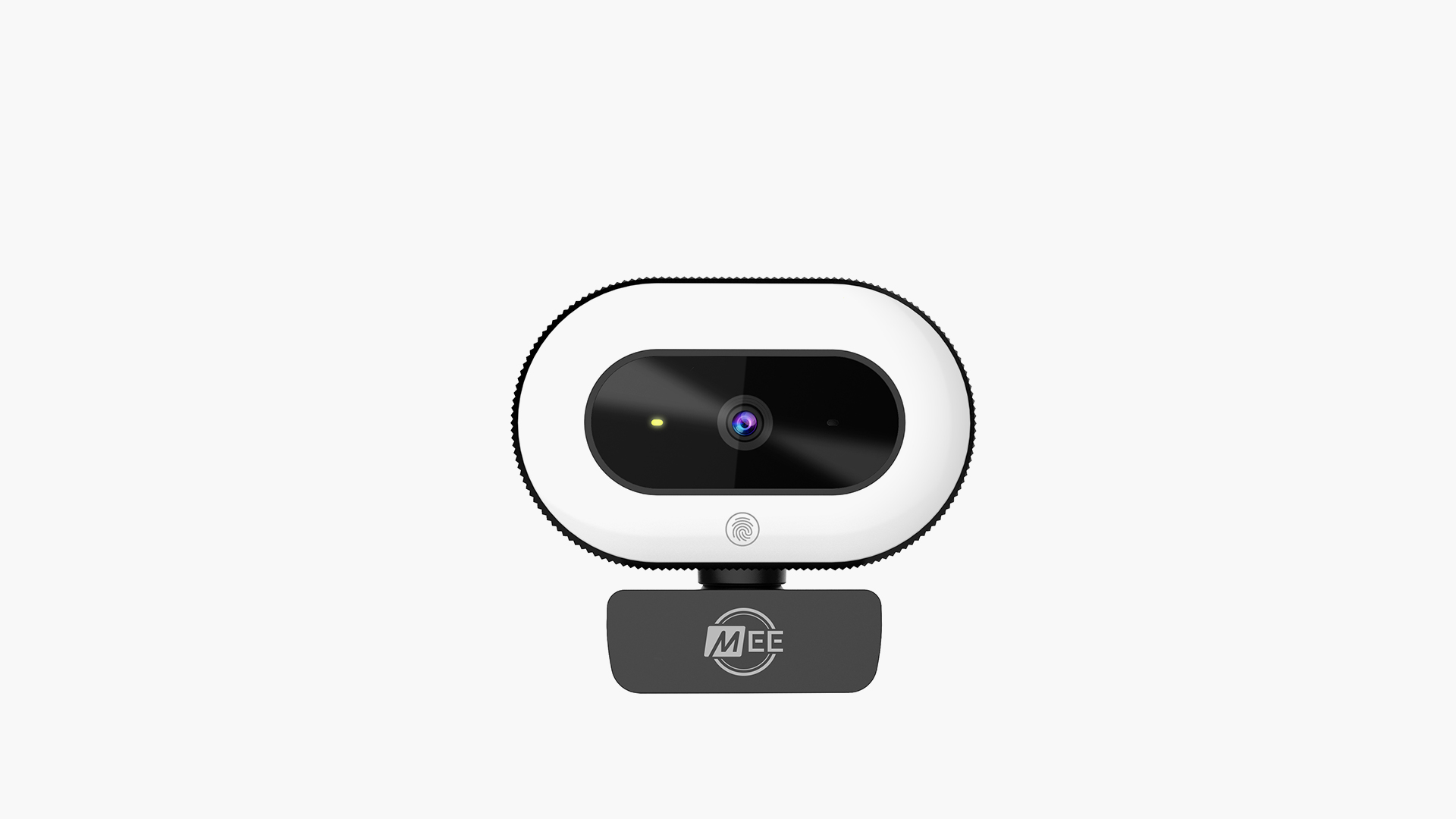
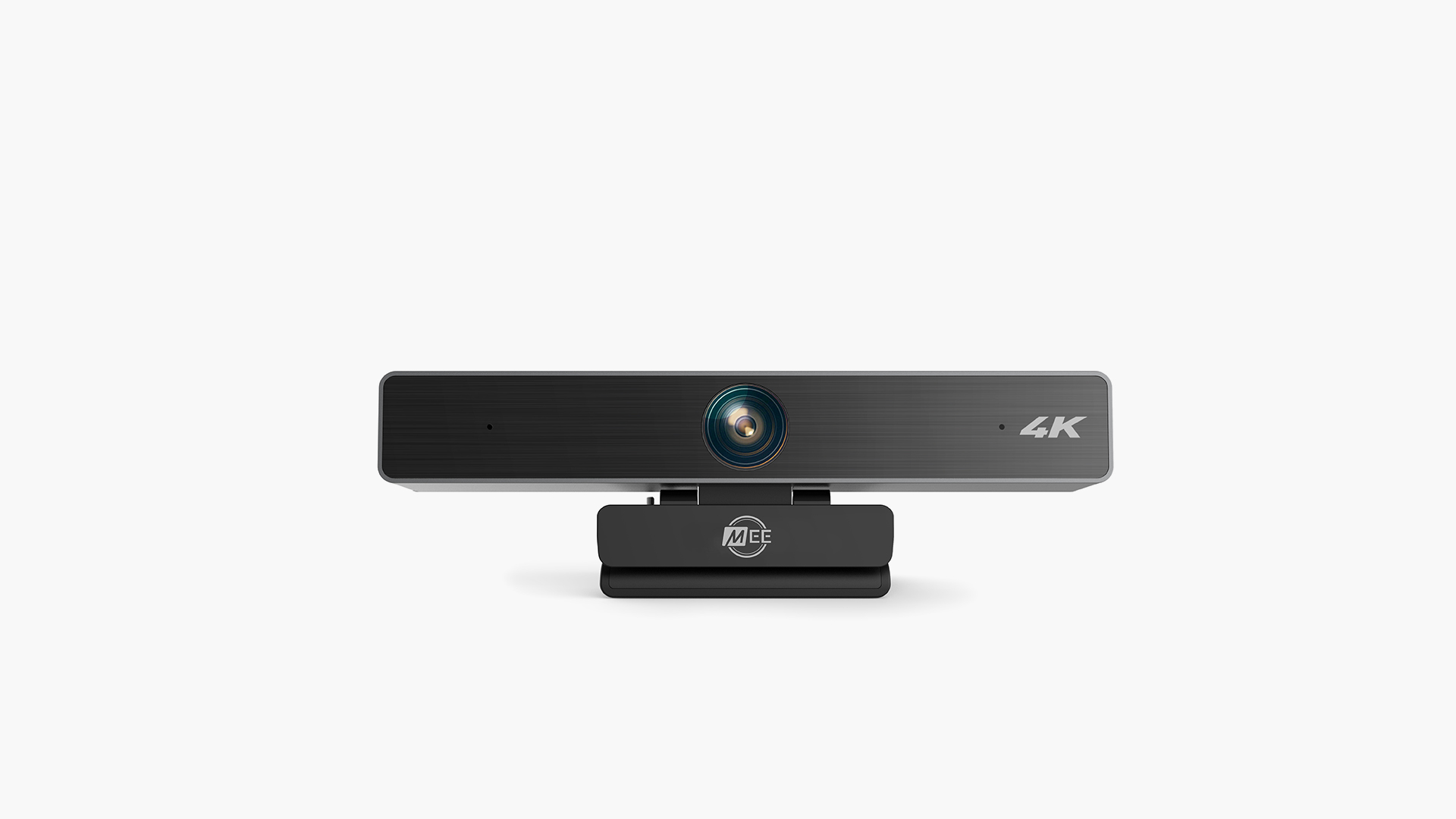
Clear communication is central to modern remote work, and an external webcam paired with a dedicated microphone ensures consistency that built-in laptop components can’t match. A professional webcam delivers sharper image quality, better low-light handling, and stable framing, important for people who join frequent meetings or present to clients.
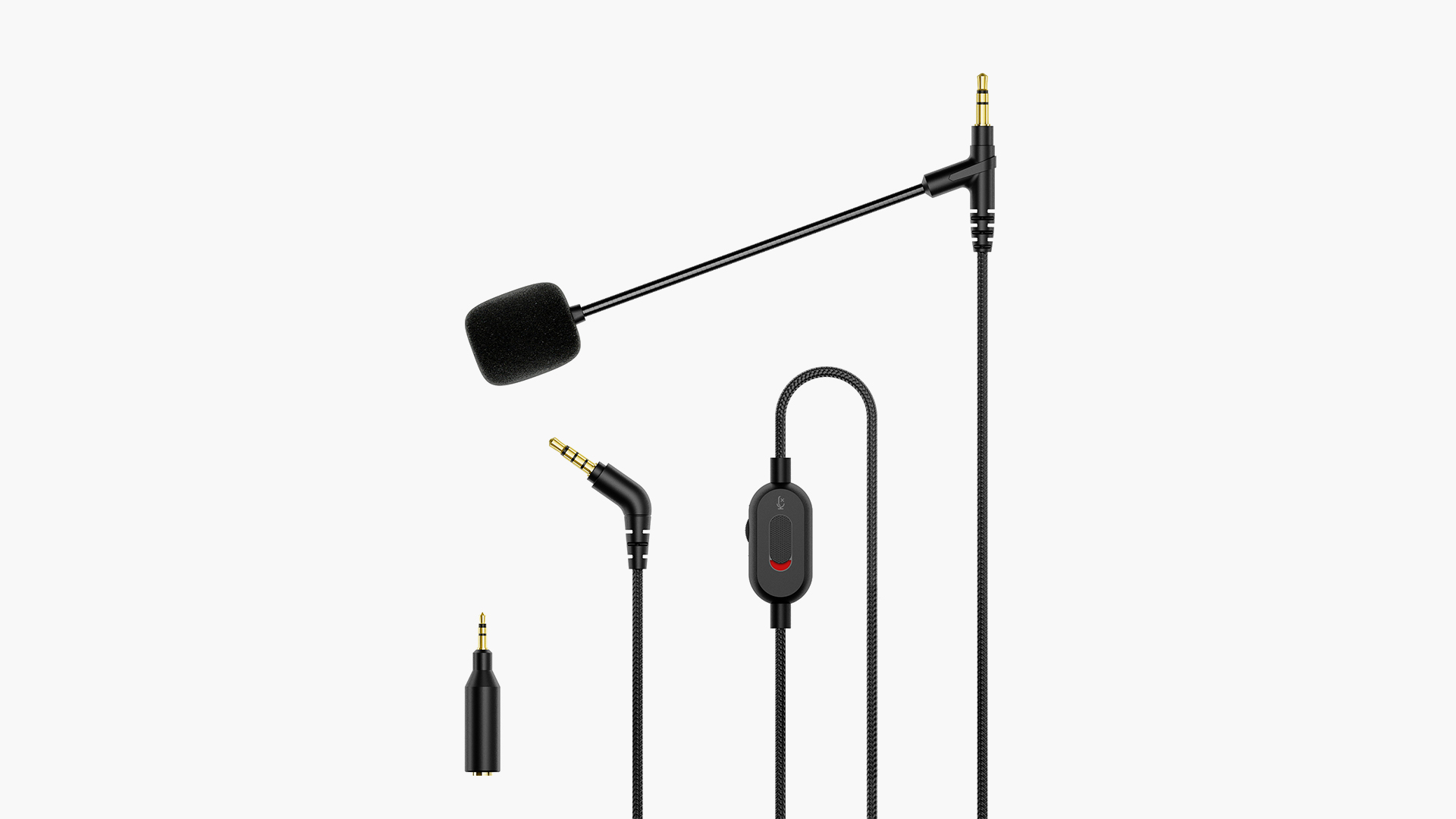
Paired with a standalone microphone, it allows voices to sound fuller, cleaner, and more natural, reducing strain for both the speaker and the listener. Together, these tech accessories form a key part of must-have home office tech, helping users show up with clarity and professionalism in every virtual interaction.
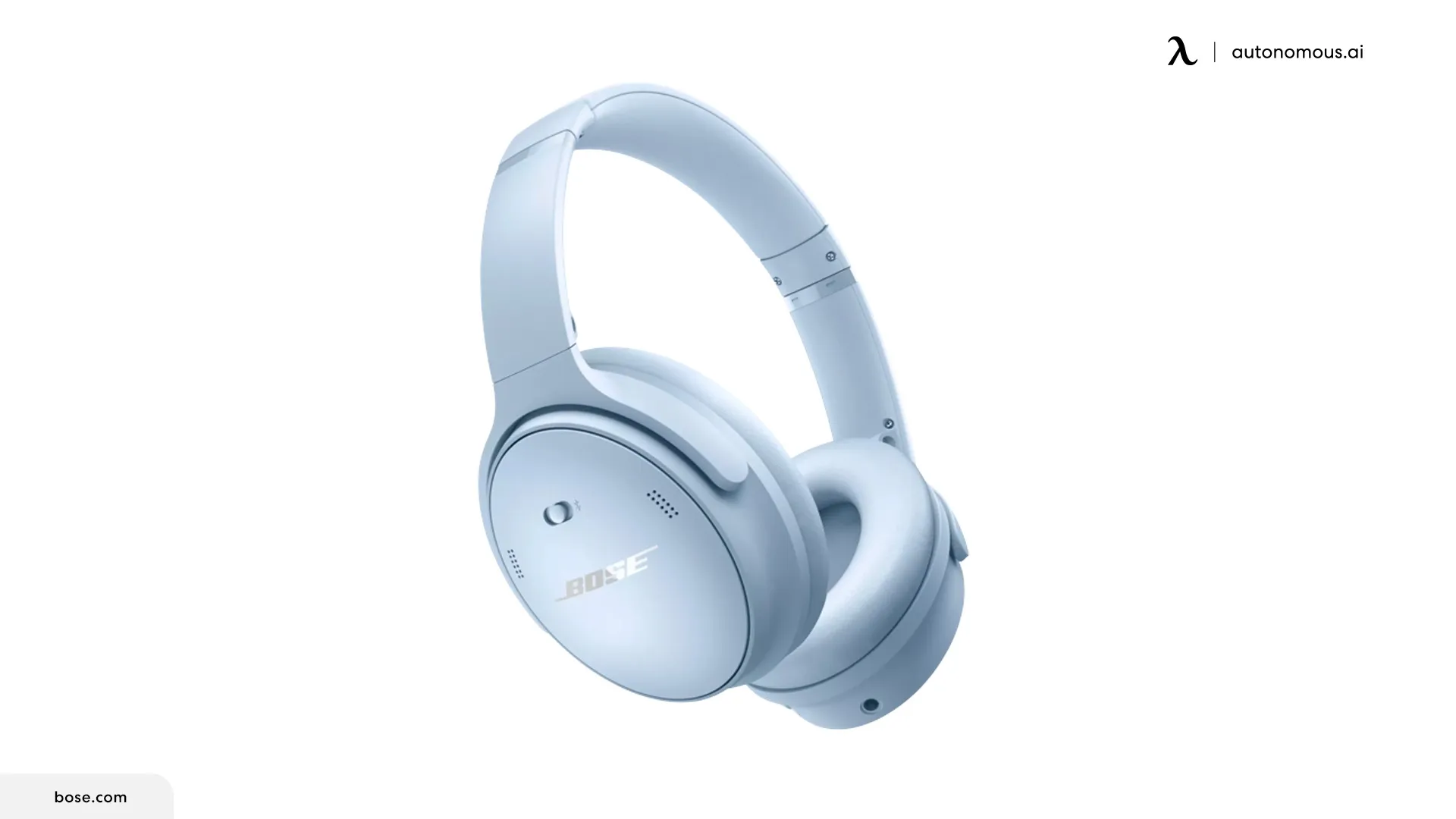
3. Noise-Canceling Headphones
Noise-canceling headphones create the controlled sound environment that remote and hybrid workers often lack. By reducing background office distractions, from household activity to ambient street noise, they make it easier to stay focused during deep work sessions and maintain concentration in extended calls.
Beyond blocking noise, many models enhance speech clarity and offer long-term comfort, allowing users to wear them for hours without fatigue. As a core part of home office tech essentials, they support consistent productivity for anyone balancing meetings, collaboration, and individual workflow tasks in changing sound environments.
4. USB-C Docking Station
A docking station consolidates multiple connections into a single cable. Instead of plugging in separate cables for your monitor, external storage, keyboard, mouse, and power each time you sit down, you connect one USB-C or Thunderbolt cable to access everything at once.
This approach particularly benefits users who move between locations or frequently disconnect their laptops for meetings. It also solves the port limitation problem on modern laptops that typically include only 2-3 USB-C ports.
Quality docks provide power delivery, meaning they charge your laptop through the same cable that handles data and video. Look for at least 60W power delivery for most laptops, though some larger models require 85-100W to charge at full speed while under load.
5. Fast Wireless Charger or Multi-Device Charging Base
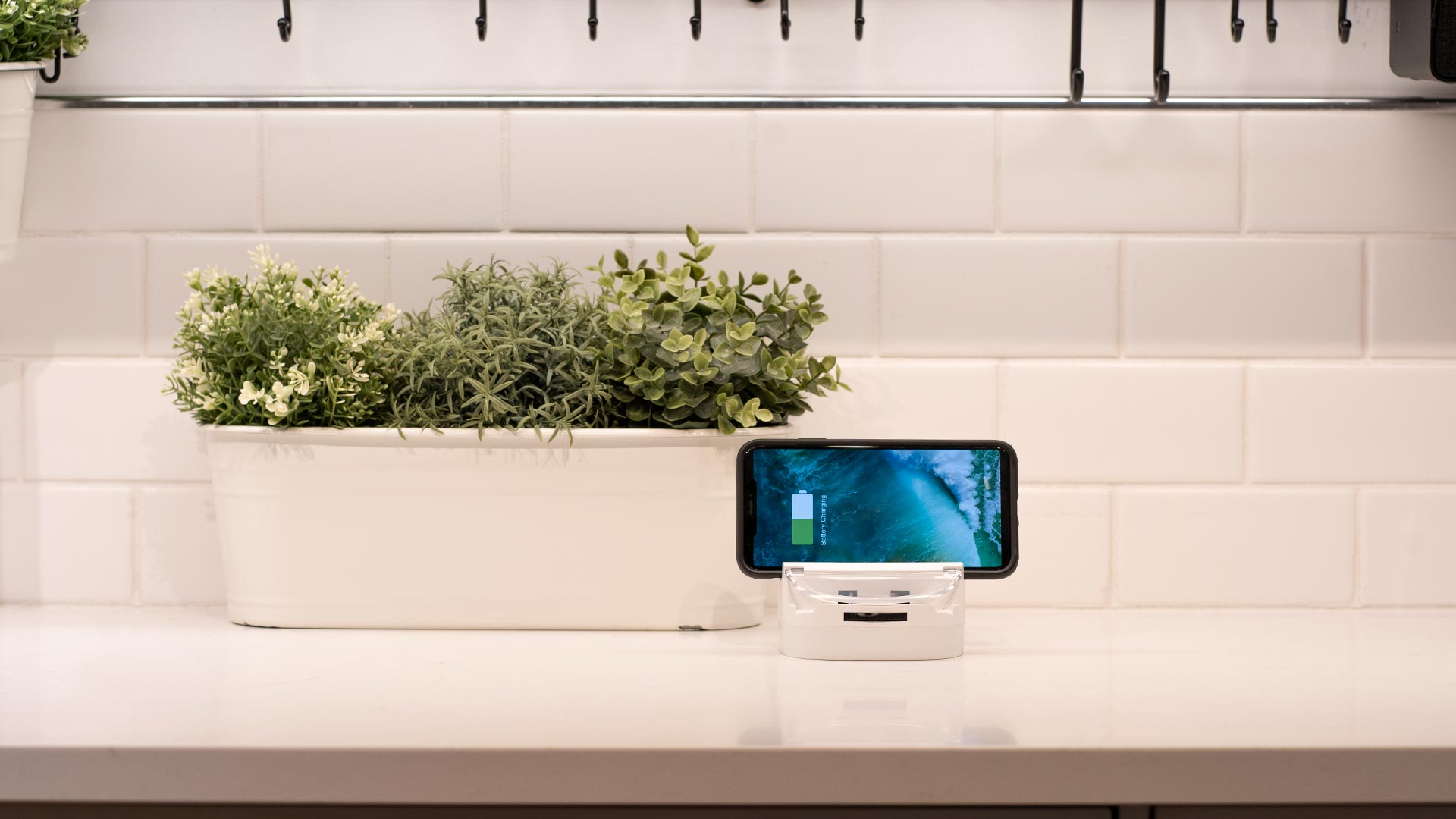
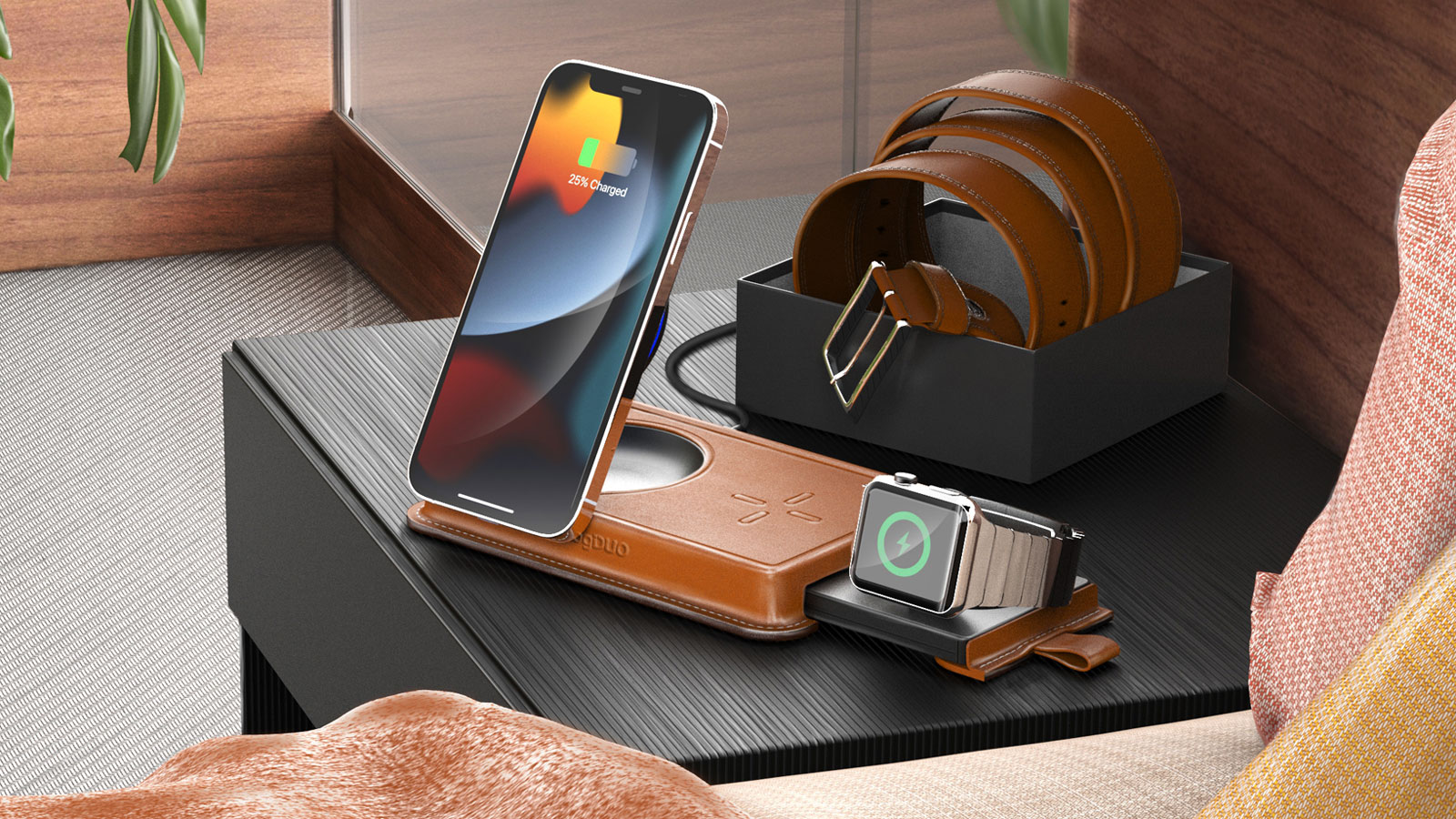
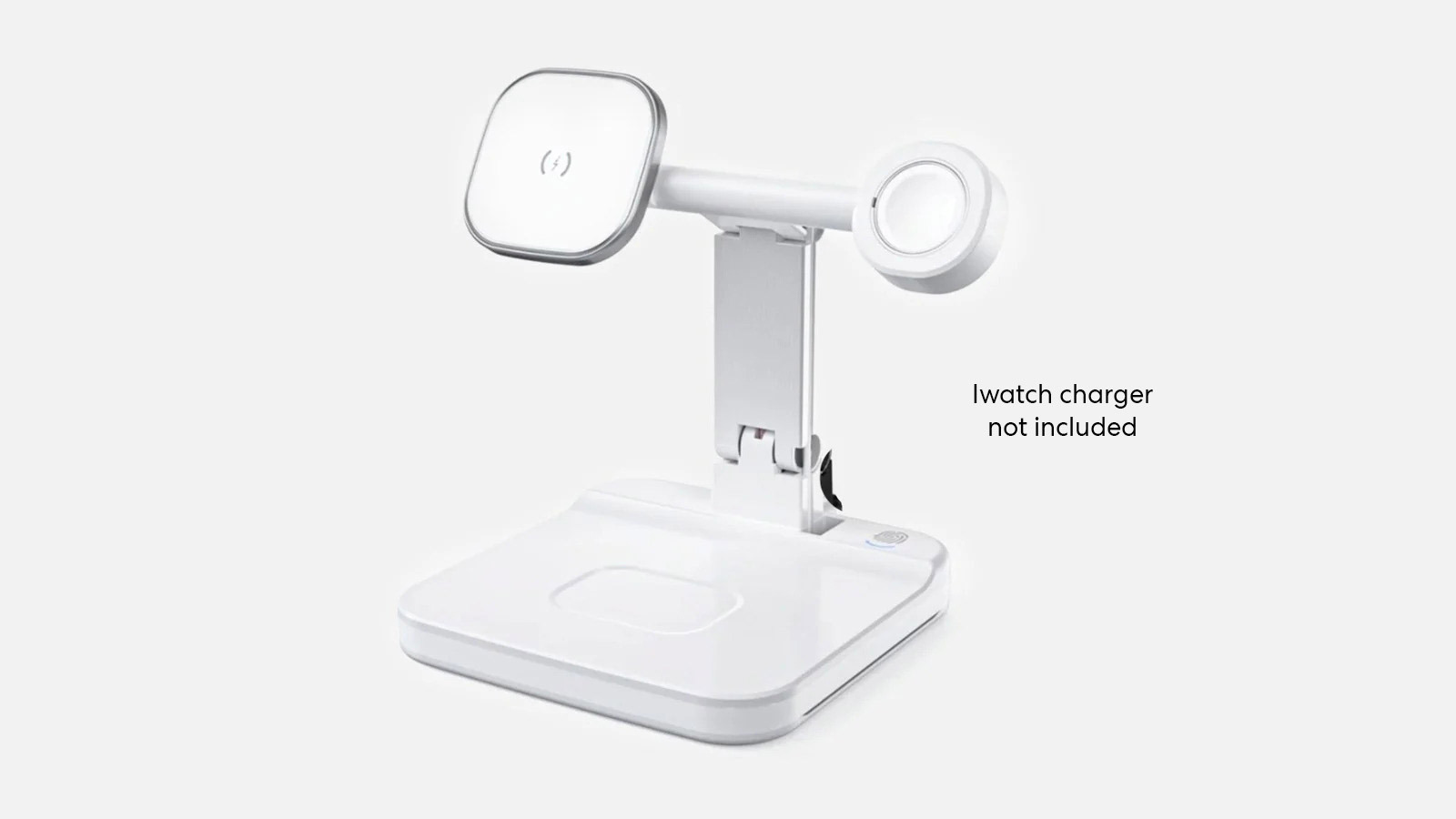
A wireless charger keeps phones, wireless earbuds, and small accessories charged without adding cables to your desk.
Multi-device charging bases typically include spots for 2-3 devices simultaneously—commonly a phone, wireless earbuds, and smartwatch. These help establish a consistent charging location rather than having cables spread across the desk, which is particularly valuable for minimalist desk setups where cable management matters.
This small piece of home office tech accessories contributes to a smoother daily rhythm, devices remain ready for calls, authentication apps, and quick mobile tasks throughout the day.
6. Mesh Wi-Fi System or Wi-Fi 6E Router
A stable internet connection is the foundation of any modern workspace, and upgrading to a mesh Wi-Fi system or a Wi-Fi 6E router ensures consistent performance across the entire home. These systems eliminate dead zones, reduce latency, and maintain strong connections even when multiple devices are active.
Mesh WiFi systems address coverage issues in larger homes or spaces with dead zones. Instead of a single router, mesh systems use multiple nodes placed throughout the home that communicate with each other to create seamless coverage. Your devices automatically connect to the nearest node without dropping connection as you move around.

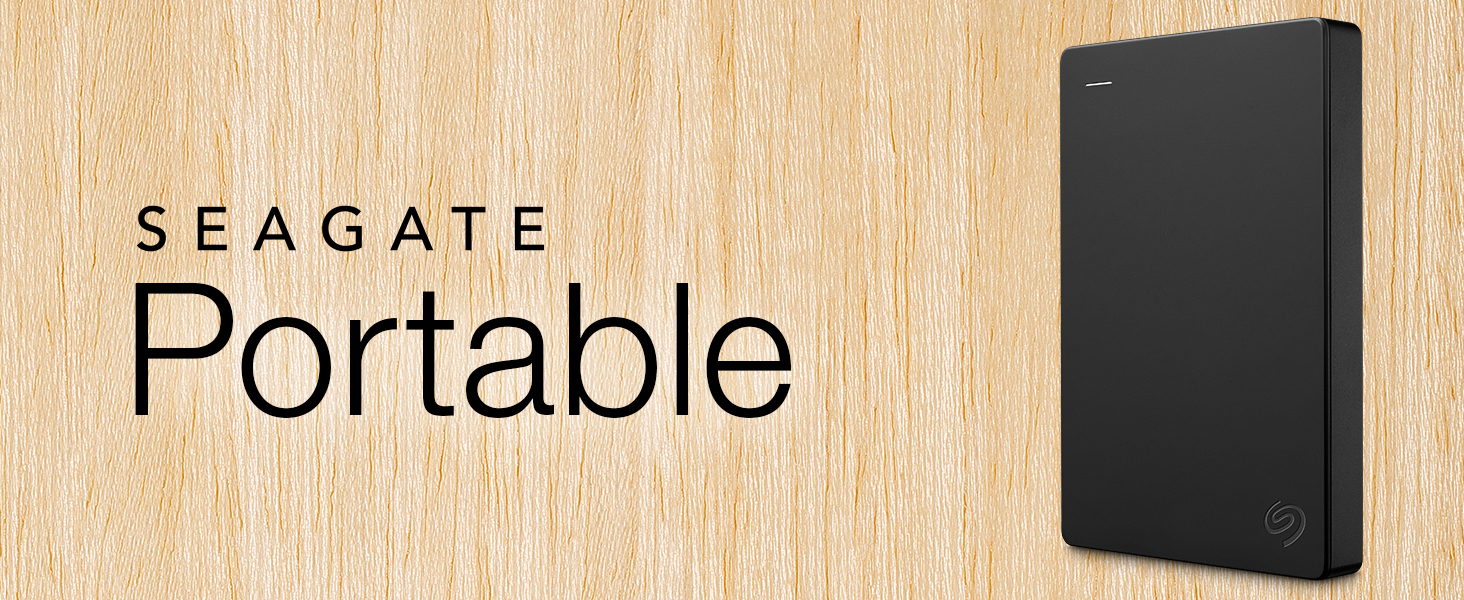
7. External SSD or NAS Backup System
Reliable storage is essential for protecting important files and keeping a workflow running smoothly. An external SSD offers fast transfer speeds for large documents, media assets, or project archives, making it ideal for users who handle data-heavy tasks.
A NAS system goes further by creating centralized, always-available storage that can be accessed from multiple devices, which is especially useful for collaborative work or long-term archiving. In a world where digital work is continuous, this part of cool home office tech ensures that data remains secure, organized, and easily recoverable without disrupting daily productivity.
8. Surge Protector or Smart Power Strip
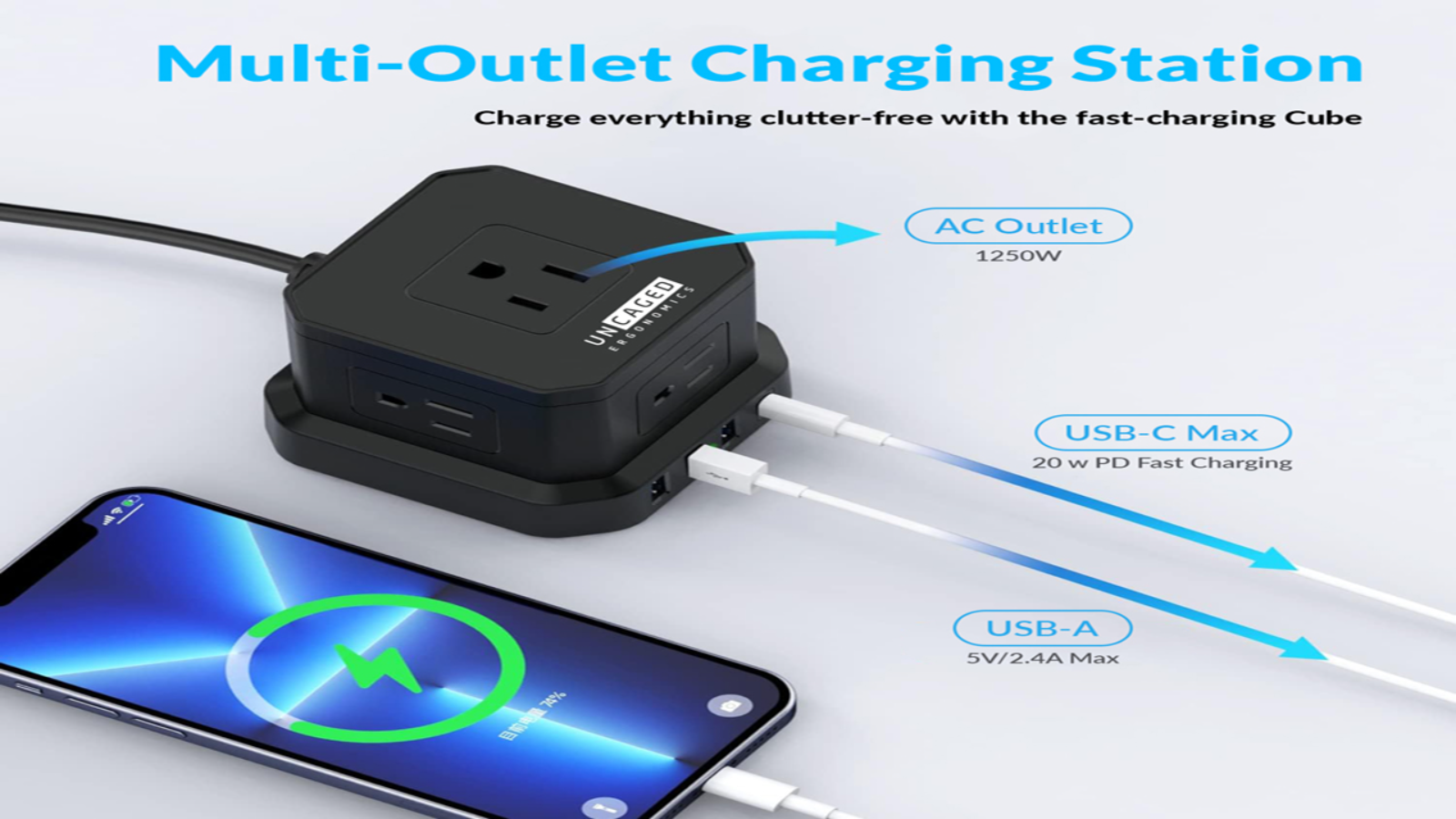
A surge protector or smart power strip safeguards valuable devices from electrical spikes while keeping power management organized. Beyond basic protection, smart models offer features such as remote control, energy monitoring, and automatic scheduling, which help reduce unnecessary power usage throughout the day.
For users building a dependable tech home office setup, this accessory adds a layer of security and convenience, ensuring that critical equipment stays protected and consistently powered without adding clutter to the workspace.

9. Smart Desk Lamp with Adjustable Color Temperature
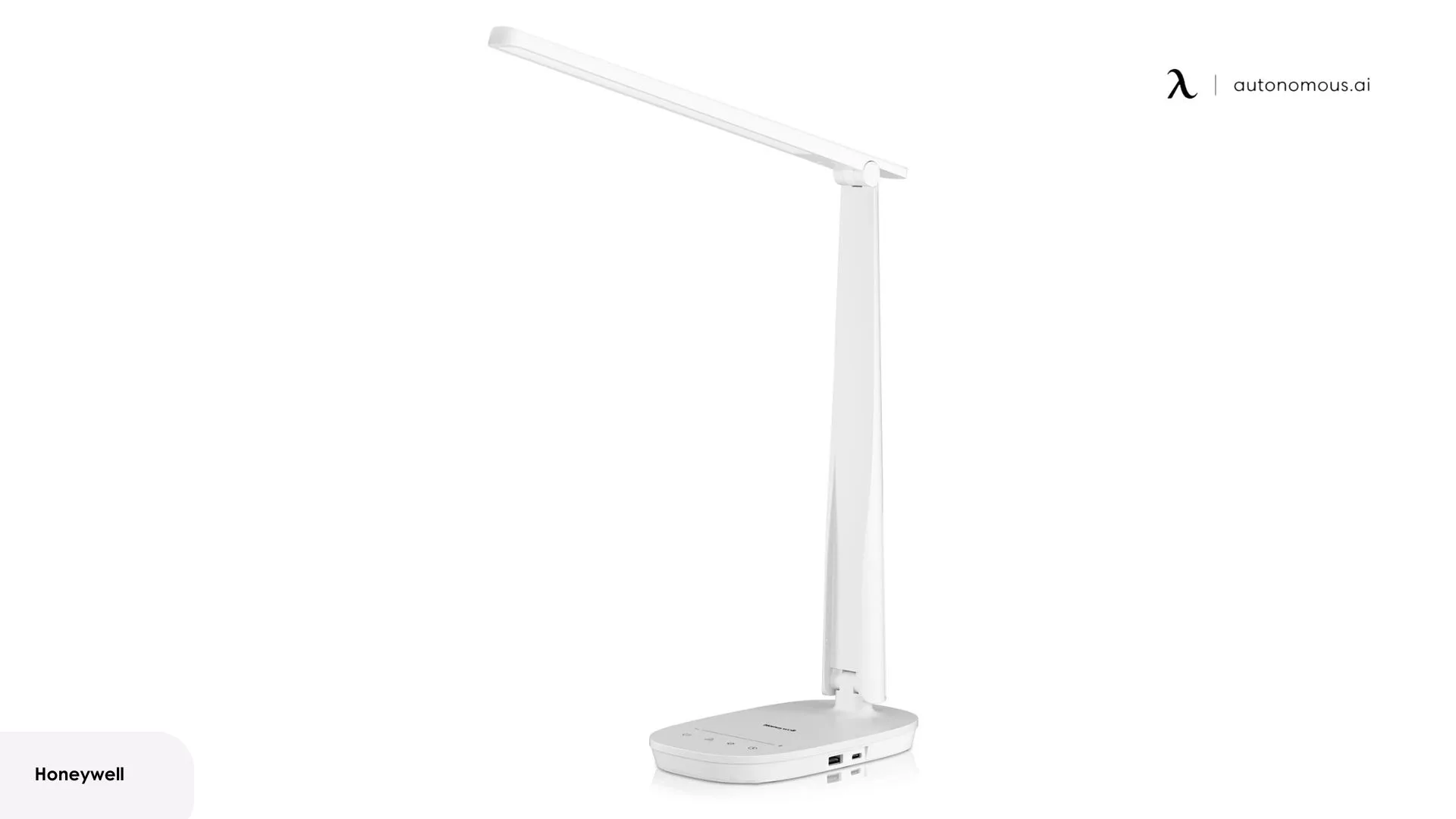
The best desk lamp for home office helps create a lighting environment that supports both focus and long-term eye comfort. Adjustable brightness prevents glare on screens and prevents eye strain. The right brightness level changes based on time of day and amount of natural light in your space. Lamps with stepless dimming offer more precise control than preset levels.
For video calls, proper lighting also improves on-camera clarity and helps maintain a professional appearance without relying on overhead light. As part of a tech home office setup, a smart lamp plays a subtle but meaningful role in maintaining energy levels and visual consistency across varied work demands.
10. AI Habit Devices (Hydrate AI, Stand Device, and Related Tools)
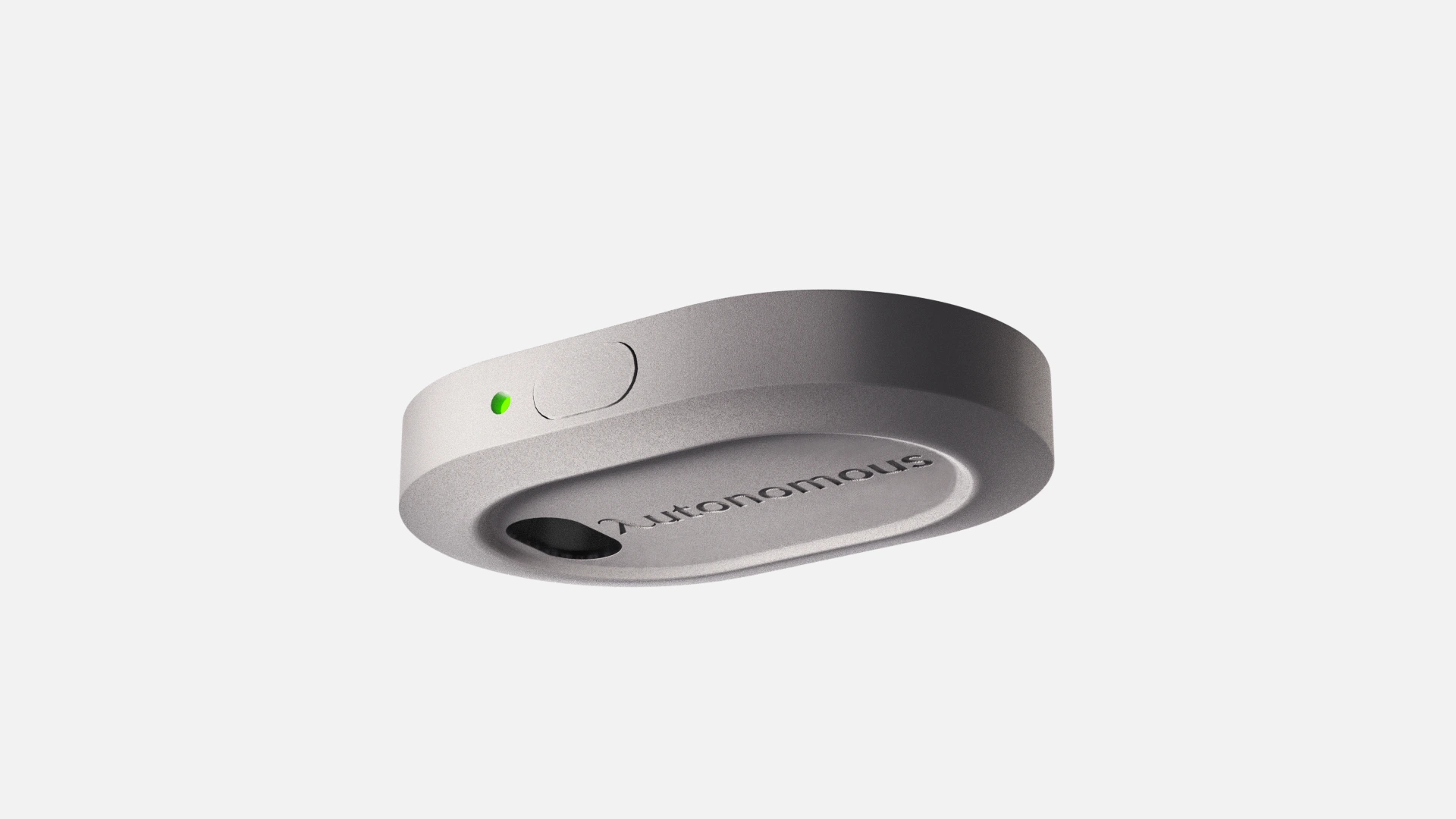
AI habit devices support well-being by tracking subtle daily patterns that influence long-term health and productivity. Tools like hydration reminders for water bottles or movement trackers use sensors and intelligent prompts to encourage small, consistent habits that are easy to overlook during busy workdays.
These cues help maintain energy, reduce physical discomfort, and promote healthier routines without interrupting workflow. As part of high tech home office ideas, these best AI gadgets bring a thoughtful layer of personal optimization to the workspace, ensuring users stay balanced and attentive throughout the day.
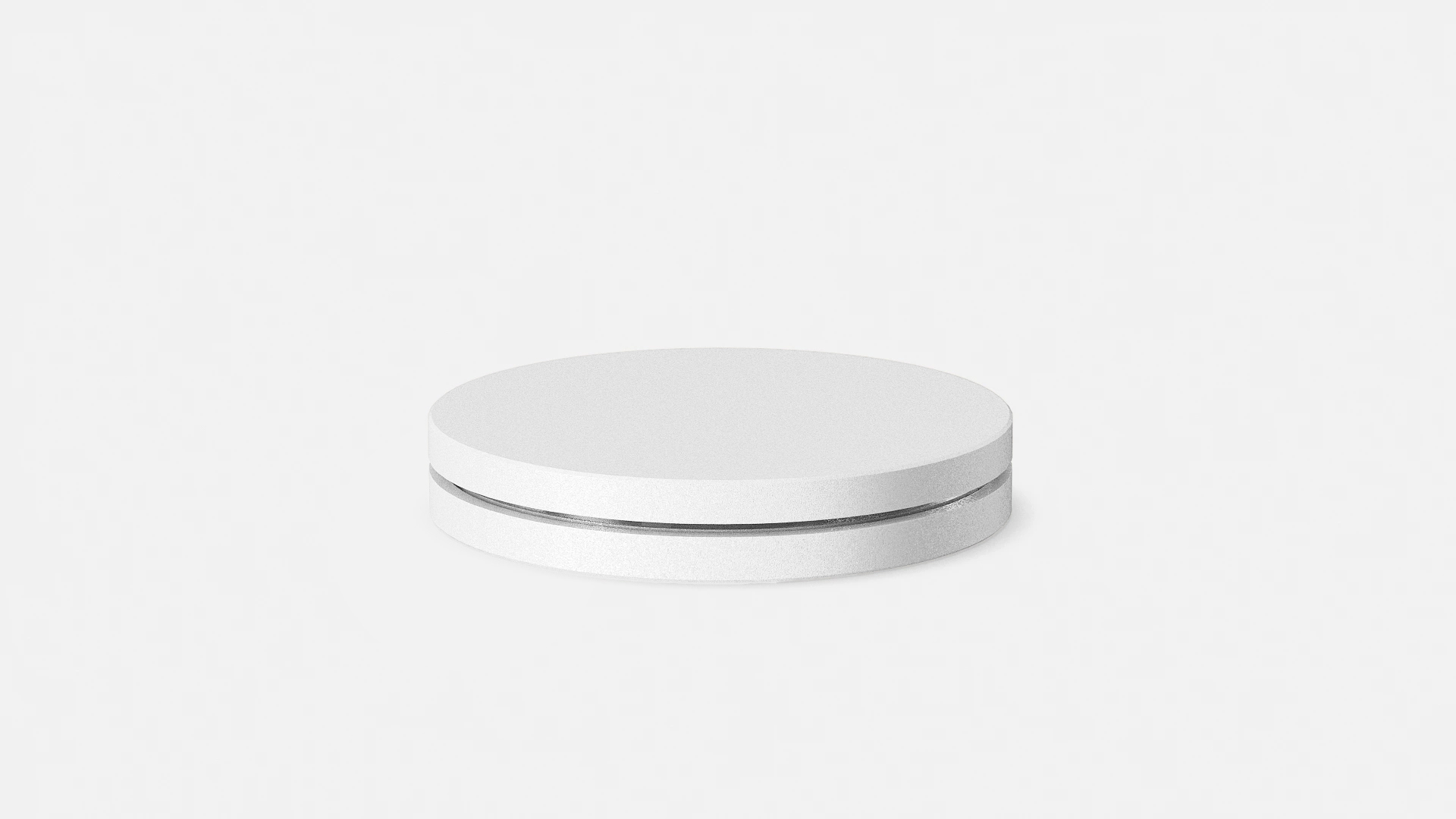
11. Communication Software Stack
A reliable communication software stack ensures that all the essential tools—video calls, team messaging, email, and scheduling—work together seamlessly throughout the workday. Platforms like Zoom, Google Meet, Microsoft Teams, and Slack provide stable channels for real-time collaboration, while an organized email and calendar setup keeps meetings, deadlines, and messages aligned across devices.
With remote and hybrid teams relying heavily on digital workflows, this software layer forms a critical part of home office tech essentials, enabling clear communication, reducing friction, and supporting consistent coordination across different tasks and platforms.

12. Project Management & Productivity Apps
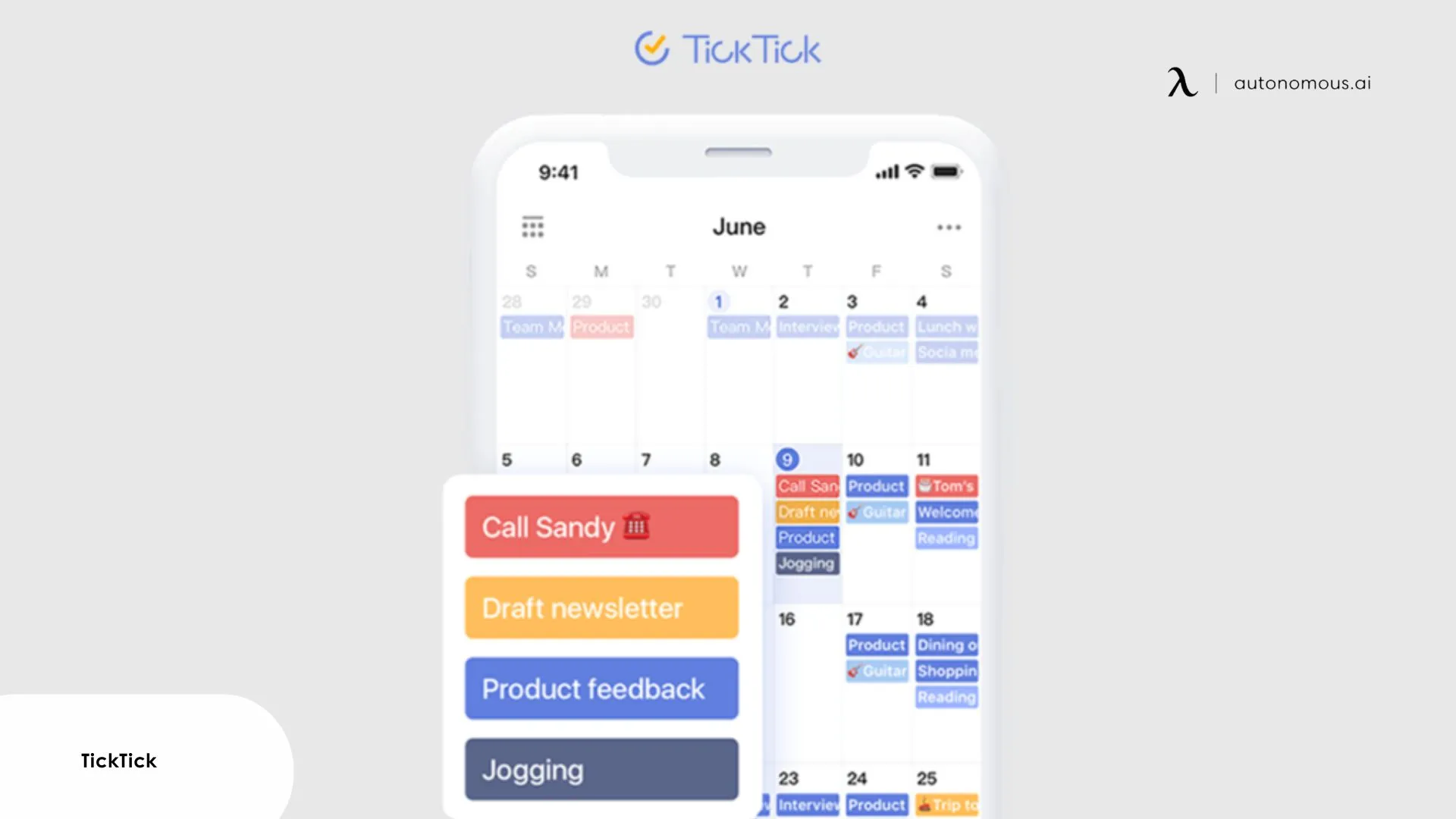
Project management and productivity apps help structure workloads, organize tasks, and reduce mental overhead by keeping everything in one accessible system. Tools such as Notion, Trello, Asana, Todoist, Toggl, and Clockify streamline planning, time tracking, and follow-through, while focus apps like Freedom or Forest minimize digital distractions during deep work.
A dependable note-taking system further consolidates ideas and references. These platforms form a core part of any best home office tech setup, ensuring that work stays organized, priorities remain clear, and daily progress feels manageable instead of overwhelming.
The essentials above cover the core technology needed for a modern, efficient home workspace. Together, they address productivity, communication, organization, and environmental comfort, four pillars that support consistent, focused work. By combining reliable hardware, intelligent accessories, and well-chosen software tools, a tech home office setup becomes a streamlined environment where tasks flow more easily and daily performance feels more sustainable.
Tips for Designing an Efficient Tech Home Office
A high-performing home office isn’t just about owning the right devices — it’s about setting them up in ways that maximize clarity, stability, and day-to-day efficiency. These targeted tips help your tech essentials work together as a cohesive, optimized system.
- Position your monitor to reduce cognitive load
Place your primary monitor directly in front of you at eye level, with the top third of the screen aligned to your natural sightline. This minimizes neck movement and keeps your field of view centered during long digital tasks. For dual monitor setups, designate one as your “focus screen” and angle the second slightly inward to avoid visual strain.
- Separate work and personal device ecosystems
Using the same phone, tablet, or computer for both work and personal activities creates notification conflicts and mental context switching. If possible, maintain distinct devices or at minimum use separate user profiles, browser profiles, and notification settings. This separation prevents personal messages from interrupting focused work sessions and makes it easier to mentally disconnect after work hours.
- Account for ambient light when positioning displays
Monitor placement relative to windows determines whether natural light helps or hinders your work. Position monitors perpendicular to windows rather than directly facing or backing them. Facing windows causes squinting against bright backgrounds during calls.
Backing windows creates glare on your screen and makes you appear backlit and dim on the webcam. Perpendicular positioning lets you control light with blinds or curtains without compromising screen visibility or video appearance. This lighting consideration is part of broader workspace design that contributes to a productive work environment.
- Prioritize upload speed over download speed for remote work
Most internet service marketing emphasizes download speeds, but video calls depend primarily on upload speeds. A connection with 100 Mbps download but only 5 Mbps upload will struggle with video calls more than a 50/10 connection. Test your actual speeds at different times of day using speed testing tools, upload performance often degrades during peak evening hours. If upload speeds consistently fall below 10 Mbps and you're on frequent calls, consider upgrading your internet plan specifically for better upload capacity.
- Create physical boundaries for cable routing
Even with wireless peripherals, power cables, monitor connections, and charging cables accumulate quickly. Use cable raceways, under-desk trays, or adhesive cable clips to establish fixed paths for cables rather than letting them hang loose. This prevents cables from pulling devices off the desk, makes cleaning easier, and eliminates the visual clutter that cables create even when devices are wireless. Cable management is one element among the broader set of work-from-home essentials that support long-term workspace functionality.
- Consolidate your digital tools, not multiply them
Pick one primary system for tasks (Notion, Asana, or Todoist), one ecosystem for meetings (Zoom or Teams), and one note-taking tool. Fragmented software spreads information across too many channels. A consolidated stack keeps everything searchable, synced, and predictable.
- Schedule automatic restarts for routers and computers
Network equipment and computers gradually accumulate memory leaks, temporary files, and cached data that slow performance. Rather than waiting for problems to appear, schedule automatic restarts during off-hours, routers can typically restart weekly, while computers benefit from weekly or bi-weekly restarts depending on usage. This preventive maintenance resolves many minor performance issues before they become noticeable.

FAQs
What is the best tech for home office productivity?
The best tech includes a high-resolution display, a USB-C dock, strong networking hardware, and effective communication devices. These tools reduce friction and help maintain steady, focused work sessions.
What home office tech essentials should I buy first?
Start with core essentials that impact daily workflow: a reliable monitor, high-quality audio/video tools, and stable Wi-Fi. These upgrades immediately improve clarity, communication, and work efficiency.
What is the best tech for home office beginners?
Beginners benefit most from simple, high-impact upgrades such as a larger display, a dependable router, and a good pair of headphones. These tools improve clarity and reduce the friction of working from a basic laptop-only setup.
Which home office tech gadgets improve daily efficiency the most?
Gadgets that reduce micro-delays, like wireless chargers, smart lamps, and external storage, make the biggest difference in day-to-day efficiency. They keep devices ready, data accessible, and workflows uninterrupted.
How do I choose the right home office tech accessories for my workflow?
Start by identifying where your current setup slows you down, connectivity, lighting, audio, or power. Choose accessories that directly address those gaps to create a more balanced and efficient environment.
What must-have home office tech helps with multitasking?
Multitasking improves with a high-resolution monitor, a fast docking station, and responsive peripherals. These essentials allow you to move smoothly between tasks without losing context or speed.
What is the best home office tech setup for small workspaces?
Compact docks, vertical laptop stands, and slim monitors help maximize limited space. These tools create a more functional and efficient layout without sacrificing capability.
What cool home office tech can modernize my setup?
Tools like smart air purifiers, adaptive lighting, and AI-powered productivity apps can modernize a workspace quickly. They create a more responsive environment that adapts to your habits and needs.

Wrap Up
Building a productive home office starts with selecting the right technology and arranging it in a way that supports clarity, stability, and daily efficiency. The tools highlighted in this guide represent the core home office tech essentials that meaningfully elevate how you work, whether through better communication, stronger connectivity, or a more responsive environment.
Technology forms one layer of an effective workspace. Pairing these tech essentials with thoughtful desk accessories creates a complete system where hardware, organization, and physical setup work together. With a thoughtful combination of the right equipment and proper arrangement, your workspace becomes a cohesive environment designed for focus and long-term performance.