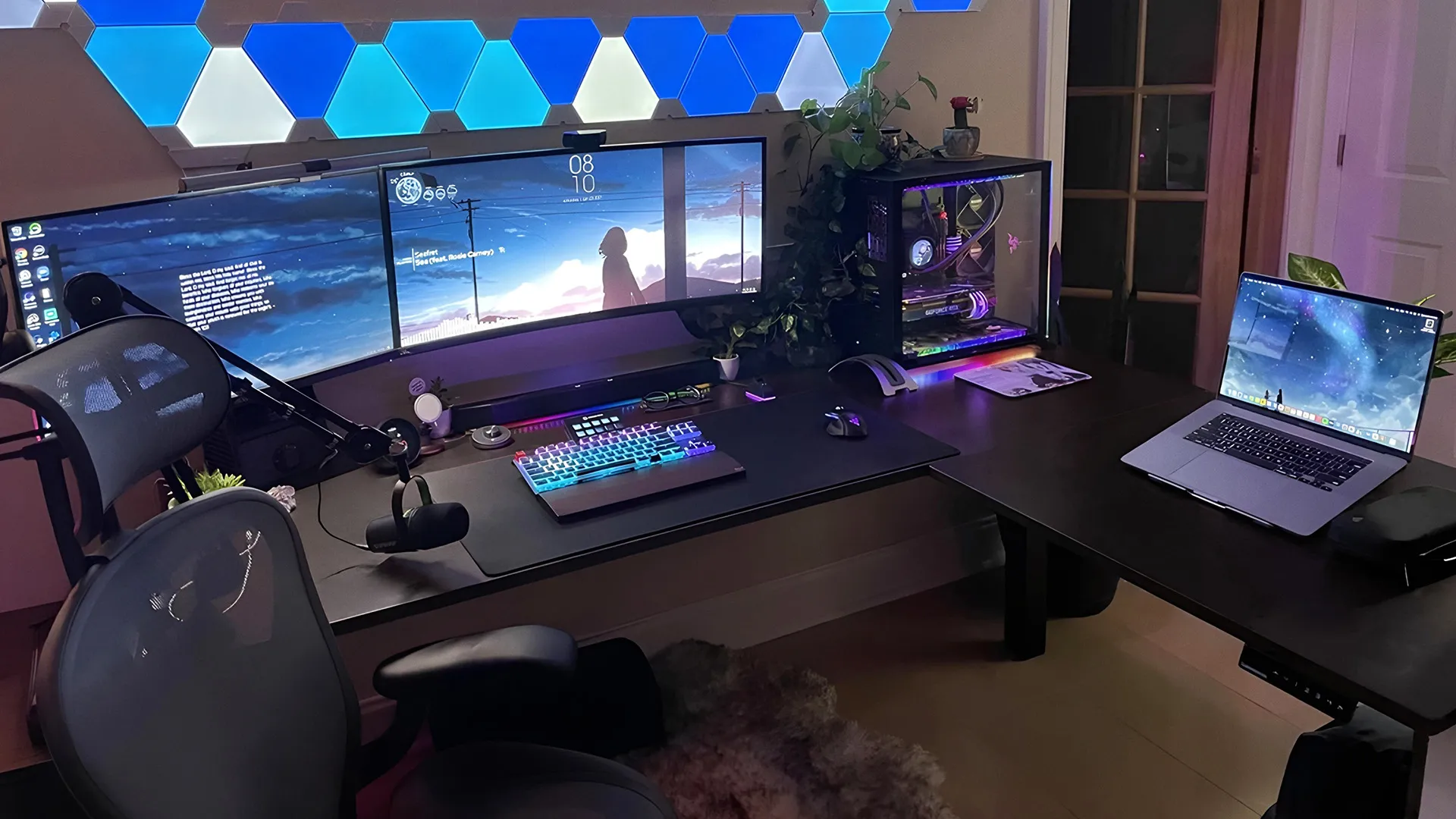
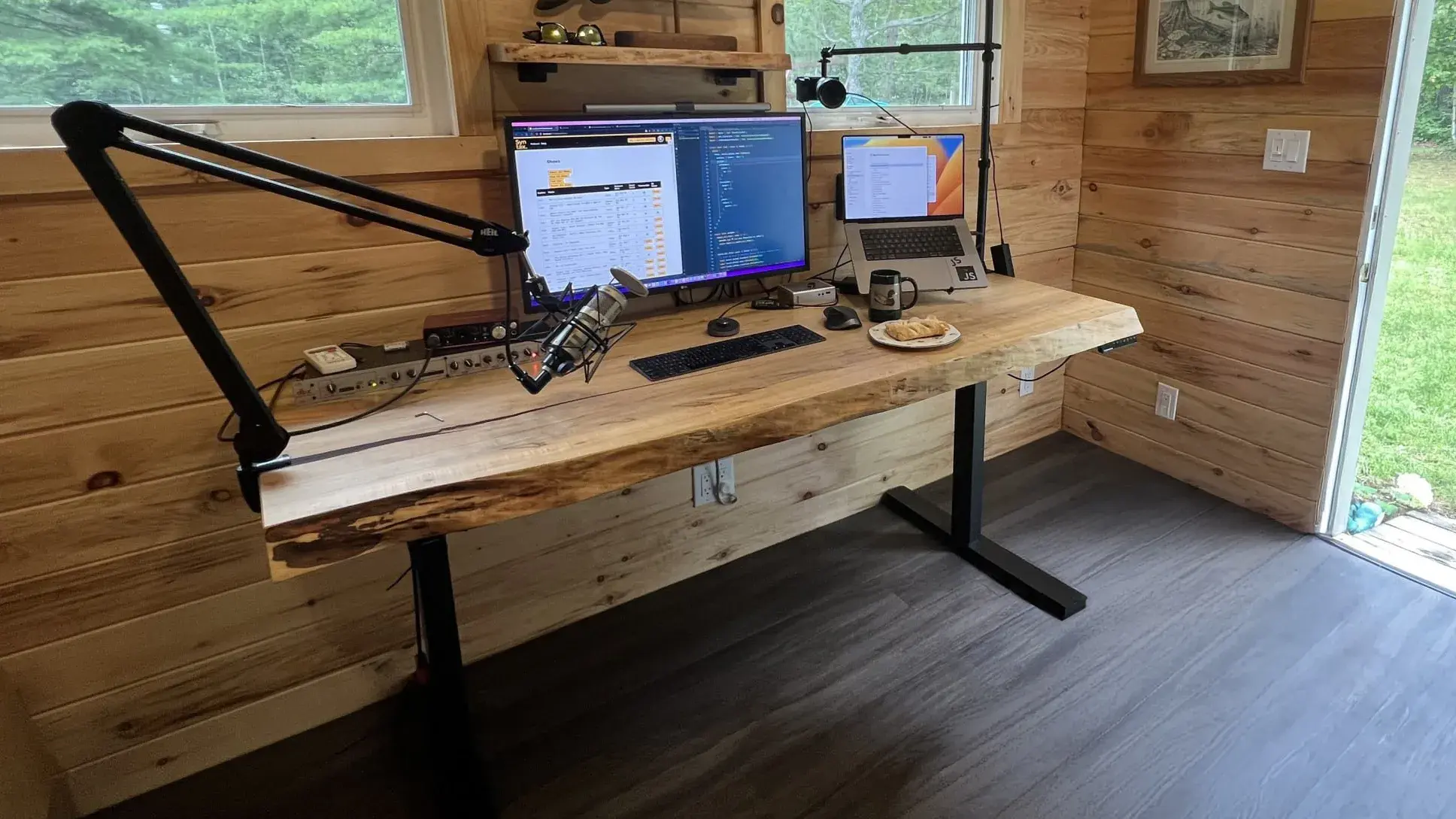
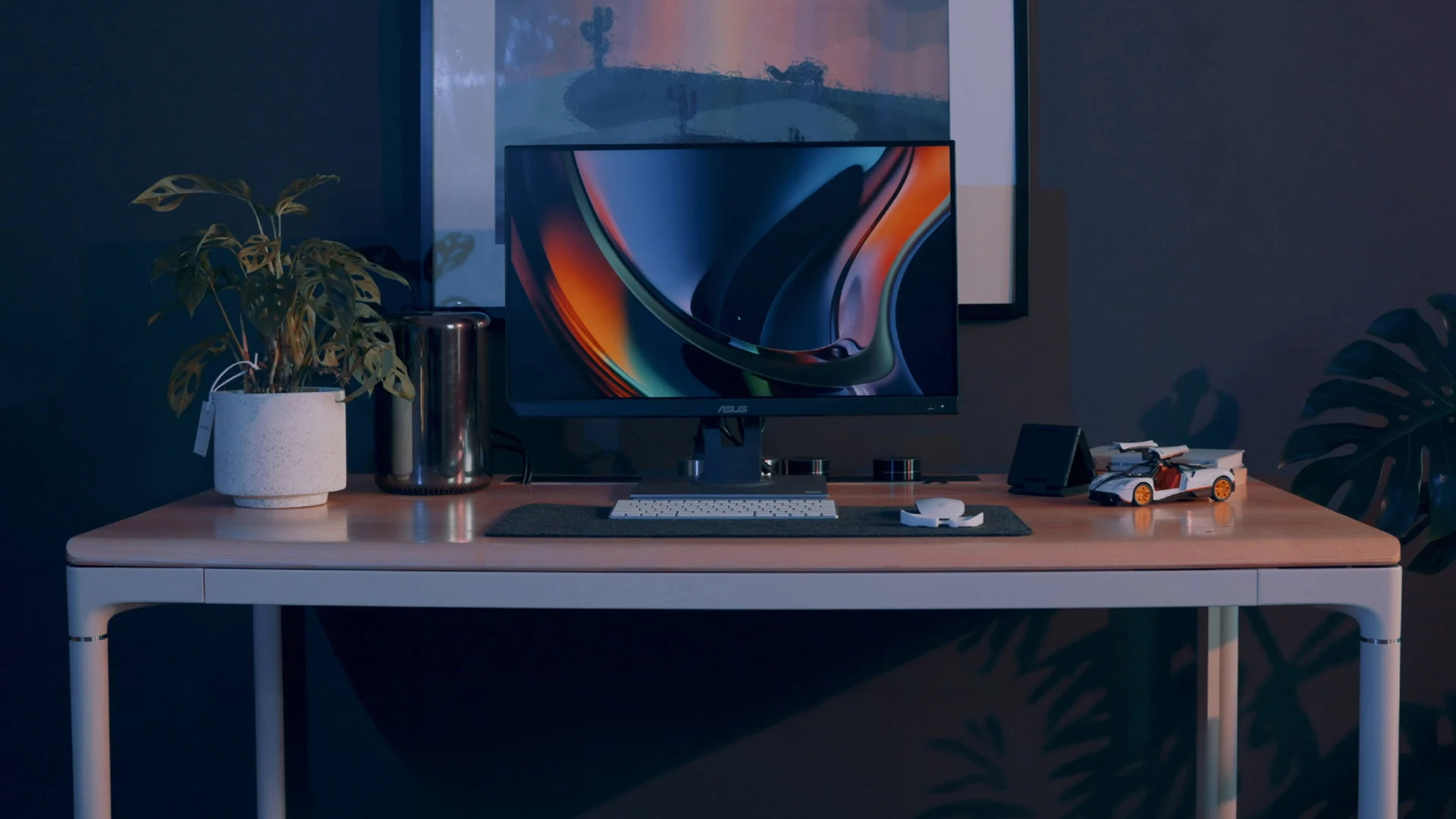
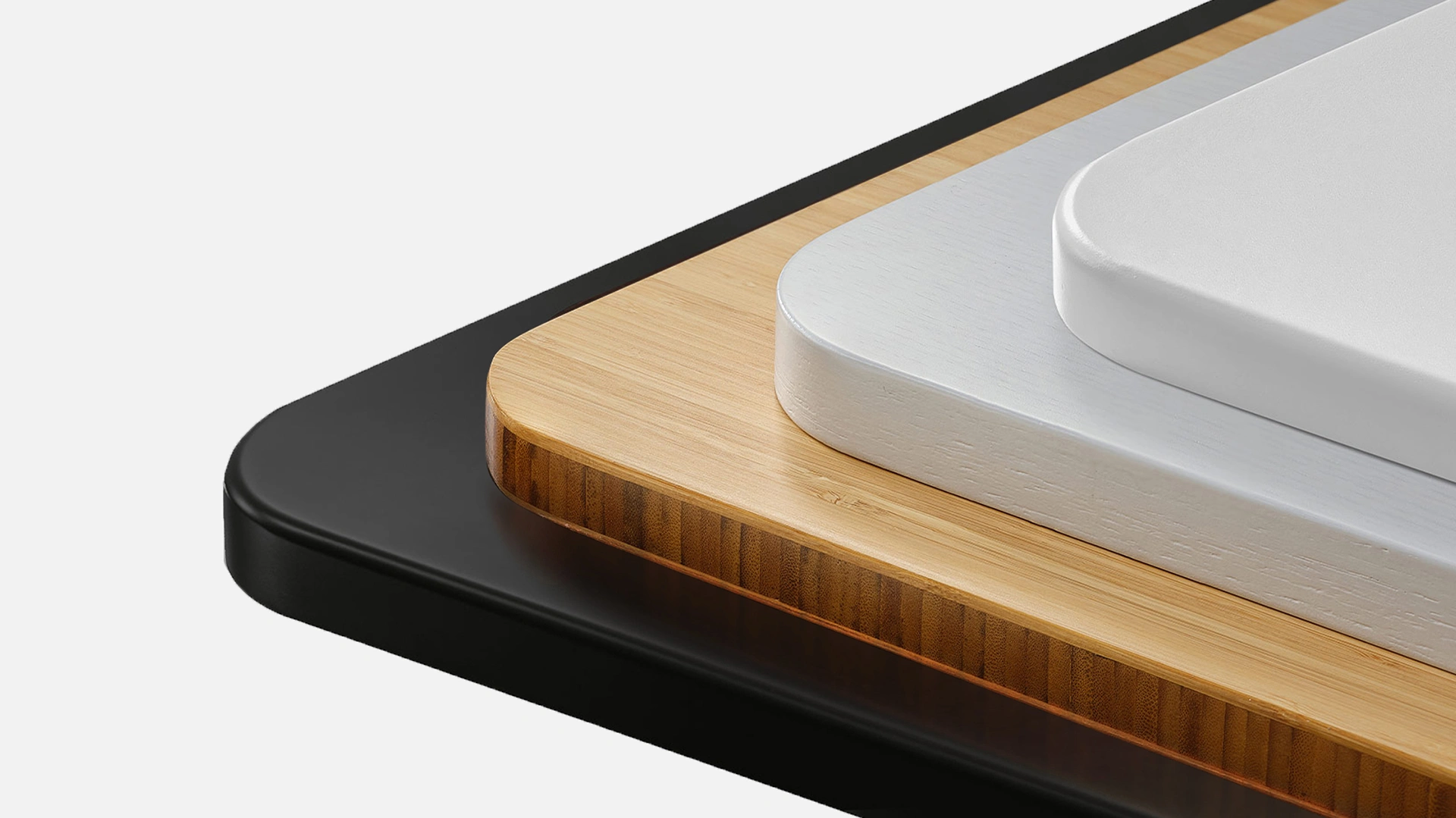
Explore the Autonomous Desk lineup.
Why Autonomous is the best place to buy standing desks.
Compare Autonomous Desk models.
FAQs
Find the Right Standing Desk for You
1. Which Autonomous standing desk should I choose?
It depends on your setup and priorities. Desk 5 Core is best for value, Desk 5 Pro offers higher stability and quieter performance, Desk 2 suits everyday use, and L-Shaped or Expanse desks are ideal for larger or multi-monitor setups.
2. What makes Autonomous desks different from other standing desks?
We build more than height-adjustable desks. Our lineup focuses on quiet motors, long warranties, and consistent build quality—but with Desk 5 AI, we go a step further. Desk 5 AI introduces Autonomous Intelligence: it tracks key environmental and movement signals, turns them into a real-time Workspace Score, and gives timely nudges to help you sit, stand, move, hydrate, and stay focused throughout the day. While most standing desks simply change height, Desk 5 AI helps you understand how your workspace affects your energy, posture, and comfort—so you can work better, not just higher or lower.
3. Do Autonomous standing desks include cable management and power cords?
Yes. Autonomous electric standing desks—including the Desk 5 series, Desk 2 Expanse, and Levitate—require a power cord for height adjustment and are designed to work with cable management solutions. Select models include built-in grommets, and all are compatible with cable trays and organizers to keep cords tidy and moving smoothly as the desk adjusts.
4. What type of standing desk is best for a home office?
The best standing desk for a home office is usually an electric adjustable standing desk with smooth height control, quiet motors, and a surface size that fits your room and equipment. This setup offers the right balance of comfort, space efficiency, and everyday usability for working from home.
5. Is an electric standing desk better than a manual one?
Electric standing desks are generally more convenient because they adjust height smoothly at the push of a button. Manual desks require physical effort and are less practical for frequent position changes.
6. How do I know what standing desk size I need for my equipment?
Desk size should match how much gear you use daily. A standing desk for computer, standing desk for PC, or standing desk for laptop setups should leave enough room for your screen, keyboard, and accessories without feeling cramped. Multi-monitor or desktop PC users often prefer wider desks for better balance and comfort.
7. What standing desk size works best for small spaces or corner layouts?
If you’re working with limited room, compact models are ideal as a standing desk for small spaces, while L-shaped standing desks can function well as a standing desk for corner setups. The key is choosing a desk that fits your layout while still allowing comfortable movement between sitting and standing.
8. Do you offer bulk orders for office standing desks?
Yes. We support bulk orders for standing desks for office use, making it easier for teams to create consistent, ergonomic workspaces. Our desks are designed for durability, quiet operation, and reliable performance across multiple users. For larger orders, we provide dedicated support to help with planning and coordination.
9. Should I choose a single-motor or dual-motor standing desk?
If you’re deciding between a motorized standing desk with one or two motors, dual-motor standing desks are usually the better choice for wider desktops, multi-monitor setups, or heavier equipment. A dual motor standing desk provides smoother height changes, better stability at full height, and higher lifting capacity, while single-motor desks work well for lighter, more compact setups.
10. Is a standing desk worth it for working from home?
Yes—especially if you work from home 6+ hours a day. A standing desk for a home office upgrade lets you change posture between meetings, emails, and focused work without leaving your desk, which helps reduce stiffness and end-of-day fatigue.
11. What should I look for when buying a height adjustable standing desk?
When buying a motorized standing desk, check the height range to match your body, the weight capacity for your equipment, and motor noise for daily use. For wider or heavier setups, a dual motor standing desk offers better stability, smoother movement, and longer-term durability. Also consider surface size, warranty length, and compatibility with monitor arms and cable trays.
12. Can a height adjustable standing desk support dual monitors?
Yes. A standing desk for dual monitors needs enough surface area and a stable frame to keep both screens secure during height changes. For smoother adjustments and added stability, you may want to choose our Desk 5 series.
13. Can a height adjustable standing desk support 3 monitors?
Yes. A standing desk for 3 monitors benefits from a wider desktop to maintain proper spacing and balance. For added stability, you can pick our Desk 5 series for stronger frame support.
14. Can a height adjustable standing desk support multiple monitors?
Yes. A standing desk for multiple monitors benefits from a wider or L-shaped layout to maintain comfortable viewing angles and balance heavier equipment. For larger setups, you can pick our Desk 2 Expanse or shop L-shaped desks for extra space.
15. How much do standing desks usually cost?
Standing desk prices vary based on frame quality, motor type, desktop size, and warranty. Entry-level desks focus on essential features, while higher-priced models often provide smoother adjustments, quieter operation, and stronger weight capacity.
16. Is an inexpensive standing desk good enough?
An inexpensive standing desk can work well for lighter setups like laptops or single monitors. If you’re looking for reliable performance at a lower price, you may want to choose Desk 5 Core, which balances affordability and everyday stability.
17. Are expensive standing desks worth it?
An expensive standing desk is often worth it for users with heavier equipment or wider setups. Higher-end models typically offer stronger frames, quieter motors, and smoother lifting. For enhanced performance, you can pick Desk 5 Pro or shop Desk 2 Expanse for more space.
18. How long does a standing desk last?
With proper use, a durable standing desk can last many years. Longevity depends on frame strength, motor design, and overall construction, which is why many people look for quality standing desks built for daily adjustments.
19. Can I attach accessories to a standing desk?
Yes. We design our desks to support a range of standing desk accessories, including keyboard trays, monitor arms, cable organizers, and storage add-ons. This flexibility makes it easier to personalize your standing desk setup over time. See popular standing desk accessories to find options that fit your workspace.
20. Can a standing desk be used with a treadmill or walking pad?
Yes. Many people use a standing desk for treadmill or standing desk for walking pad setups to stay active while working. Choosing a stable desk with enough surface space helps maintain balance and comfort during movement.
How Standing Desks Improve Your Workday
1. Are standing desks good for you, and are they better than sitting all day?
Yes—when used as intended. We design our desks to be sitting standing desks, meaning the benefit comes from switching positions, not standing all day. Alternating between sitting and standing helps reduce long periods of inactivity and supports comfort during long workdays.
2. Are height adjustable standing desks worth it?
For many people, yes. If you spend hours at a desk, a standing desk adds flexibility that a fixed desk can’t—letting you adjust posture throughout the day and stay comfortable as your work rhythm changes.
3. Do standing desks actually work or make a difference?
They do. We see the biggest impact when people use height adjustable standing desks to break up static positions—standing during calls, sitting for focused work, and moving more naturally throughout the day.
4. How high should a standing desk be?
At standing height, we recommend setting the desk around elbow level with your arms relaxed at your sides. An ergonomic standing desk should support this neutral position to reduce strain on your shoulders, neck, and wrists. For a more precise fit based on your height, you can use our standing desk height calculator.
5. How long should you stand at a standing desk?
A practical guideline is 15–30 minutes per hour, alternating between sitting and standing. We encourage listening to your body and adjusting based on comfort rather than forcing a fixed schedule.
6. Can you sit at a standing desk?
Yes. All of our desks are designed for both sitting and standing, so you can use a standard office chair or stool and switch positions whenever it feels right.
7. Do standing desks help with back pain and posture?
They can help when used correctly. Many people choose a height adjustable standing desk for back pain or a standing desk for posture because alternating between sitting and standing encourages better alignment and reduces long periods of slouching. Proper desk height and regular movement make the biggest difference.
8. Do standing desks burn calories or help with weight loss?
Standing burns slightly more calories than sitting, but the difference is small. While some people look for a standing desk for weight loss, we see standing desks primarily as a way to support movement and reduce sedentary time rather than a standalone weight-loss solution.
9. Can a standing desk be used for gaming?
Yes. Many people use standing desks for gaming because height adjustment allows them to switch between sitting and standing for longer sessions. A stable frame and enough surface space help support multiple monitors and gaming equipment comfortably.
How Our Standing Desks Perform
1. How stable are Autonomous standing desks at full height?
We design our desks to remain stable at both sitting and standing heights using reinforced steel frames and tested lifting systems. For users who prioritize maximum stability, our Desk 5 series features upgraded frame construction and dual-motor support to help reduce movement, even with heavier setups. Many people searching for a good standing desk or the most stable sit-stand desk often focus on frame strength and weight balance, which we emphasize across our lineup.
2. How quiet are Autonomous standing desks?
Most of our desks operate between 30–50 dB, which is quieter than normal office conversation. This makes them suitable for shared spaces, home offices, and focused work—especially if you’re using a power standing desk throughout the day.
3. How much weight can Autonomous standing desks support?
Depending on the model, our desks support between 176 lbs and 400 lbs, making them ideal for multi-monitor setups, desktop PCs, and professional equipment. If you’re looking for a standing desk with high weight capacity, choosing a stronger frame and dual-motor system can provide better long-term stability.
4. Do electric standing desks use a lot of electricity?
No. Electric standing desks use very little electricity since the motor only runs for short periods when adjusting height. During normal use, power consumption is minimal and comparable to small household electronics.
5. How can I make a standing desk more stable?
Desk stability improves when weight is evenly distributed and heavy equipment is centered. Using monitor arms correctly, tightening frame connections, and choosing a desk with higher weight capacity can all help. For users with multi-monitor setups, we often recommend dual-motor frames for smoother lifting and better overall balance.
6. Is a manual or electric standing desk better for stability?
Both can be stable when built well, but electric standing desks—especially dual-motor models—often provide smoother lifting, better balance, and higher weight capacity than manual options. Manual desks may work for lighter setups, while electric models are typically preferred for frequent adjustments.
Shipping, Warranty & Returns
1. Will your desks work with my country’s voltage?
Yes. We design our electric standing desks to work with standard voltage systems in most regions, and the control boxes are built to handle typical household power ranges. We recommend checking your local voltage and plug type to ensure compatibility before ordering.
2. Do Autonomous desks come assembled?
No. We ship our desks flat-packed for safe delivery, but assembly is straightforward and usually takes 30–60 minutes with the included tools and instructions—whether you’re setting up a home workspace or an office standing desk.
3. What warranty comes with Autonomous standing desks?
We offer long-term coverage across our lineup. Most desks include up to 10 years of warranty on the frame and 1 year on the desktop surface, depending on the model.
4. Can I return a desk if it’s not right for me?
Yes. We offer a 30-day free return policy, so you can try the desk in your space and make sure it fits your workflow before committing.
5. Where can I buy a standing desk?
You can buy our desks directly from Autonomous online. Purchasing direct gives you access to the full lineup—from home setups to standing desks for office use—along with warranties, support, and current promotions.
6. Are standing desks FSA or HSA eligible?
In some cases, yes. Certain plans allow reimbursement for a standing desk with proper documentation, such as a letter of medical necessity. Eligibility depends on your individual FSA or HSA provider.
7. Do you offer standing desk deals or sales?
Yes. We regularly run standing desk deals and limited-time promotions, including seasonal discounts and standing desks on sale across select models.
Standing Desk Basics
1. What is an electric standing desk?
An electric standing desk uses built-in motors to adjust height at the push of a button, making transitions quick and effortless.
2. What is a standing desk also called?
Standing desks are often called sit-stand desks, height-adjustable desks, or automatic standing desks. Electric and automatic standing desks use motors to raise or lower the desk at the push of a button.
3. How do you reset or unlock a standing desk?
Most automatic standing desks include a reset or unlock function on the control panel. If your standing desk shows “RST” or doesn’t move, pressing and holding the reset button for a few seconds usually recalibrates the desk. Exact steps vary by model and are explained in the user reset standing desk guide guide.


.webp)