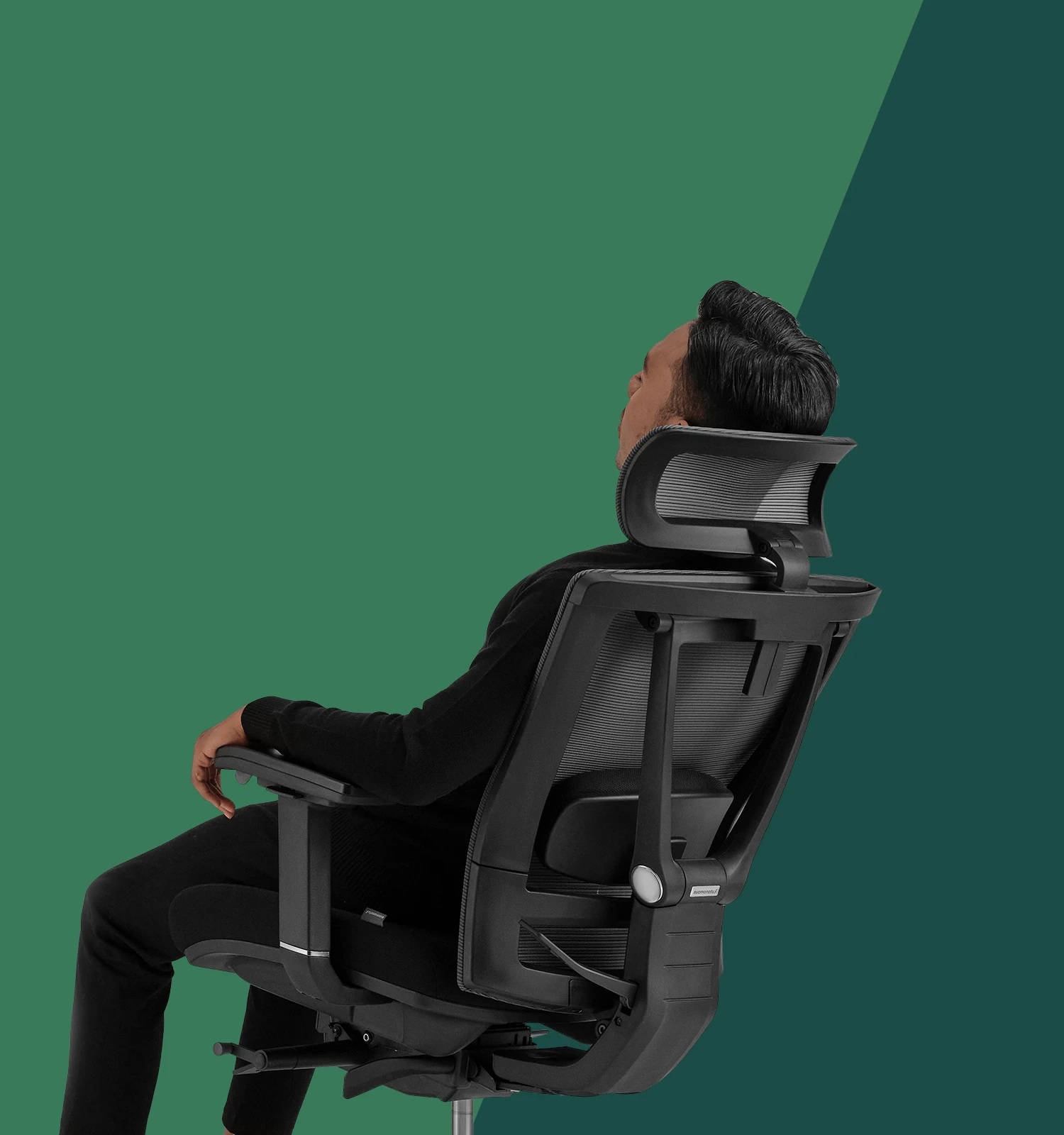
ErgoChair Pro
Black Friday price.
Built for 12-hour sessions.
13 Best Posture Chairs by Sitting Pattern for 2026
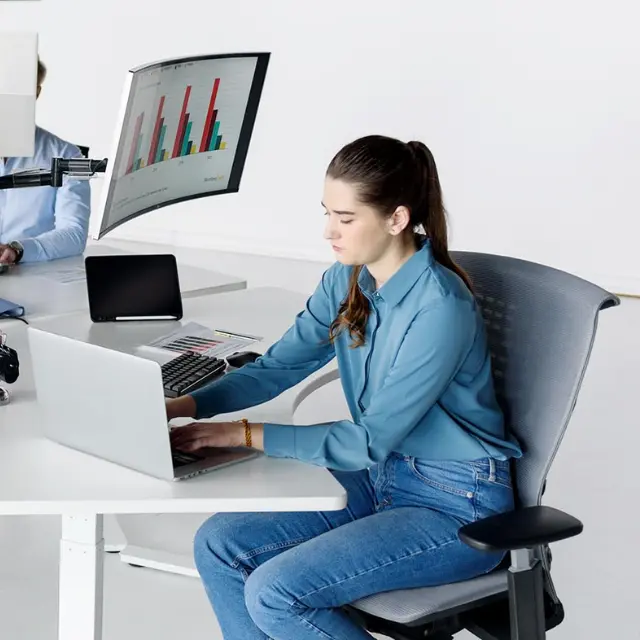
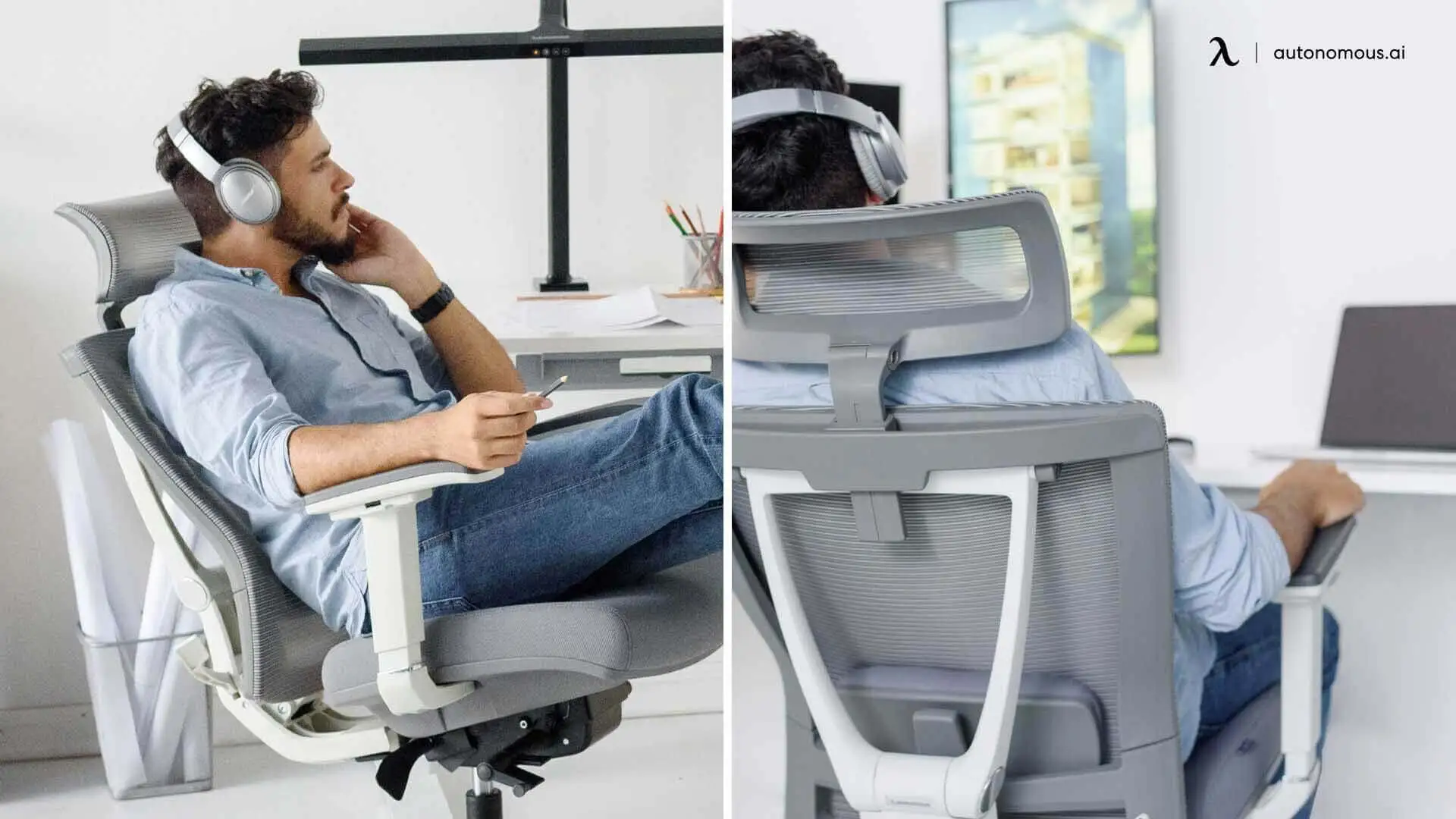
The best posture chair is the one that matches how your posture breaks down during the day, not the one with the most levers. For most people who lean in to type, that is an adjustable task chair like the ErgoChair Pro, whose seat tilts forward 5° and whose lumbar pad slides 6 inches to meet your lower back.
If you recline and lose your lower back, a flexing backrest like the ErgoChair Ultra 2 follows you. If you perch on the front edge, a kneeling or saddle seat makes upright the easy position.
Posture chairs work, with a limit: no chair fixes posture by itself. A well-fitted chair carries the load your tired muscles drop, so you slump later and change position more easily. Pair it with one habit: set a break timer and get up every 30 to 60 minutes, in line with Cleveland Clinic's advice to take a short walk about once an hour. This guide sorts 13 chairs by five sitting patterns, then covers seat types, common posture problems and a six-step setup.
If the ErgoChair Pro fits your pattern, it is discounted in the Black Friday chair sale, which takes up to 10% off with free shipping and no code through Cyber Monday.
Best Posture Chairs at a Glance
The ErgoChair Pro is the best posture chair for people who sit forward to type, and the ErgoChair Ultra 2 is the pick for people who recline through the day. The table matches each of the 13 chairs to the sitting pattern it handles, its list price and the limit you will notice first. Find your pattern in the next section if you are not sure which one you are.
Under $600, an afternoon sloucher should look at two chairs first: the ErgoChair Mesh, whose lumbar you can bring forward to stay on your lower back as you relax, and the Branch Ergonomic Chair, which has height-adjustable lumbar and seat depth for less. If the tension sits in your neck rather than your lower back, the ErgoChair Core and the Vari Task Chair with Headrest both come with a headrest and stay under $600.
| Chair | Best for | List price | Watch for |
|---|---|---|---|
| ErgoChair Pro | Edge percher: 5° forward seat tilt, 6 in lumbar slide | $499 | Seat tops out at 22 in |
| HÅG Capisco | Edge percher at a standing desk: saddle seat | Check price | Short backrest, break-in period |
| Varier Variable Balans | Edge percher, short sessions: kneeling seat | $479 | Shin pressure, no back support |
| ErgoChair Ultra 2 | Recline-and-collapse: flexing back to 115° | $449 | No lumbar dial |
| Humanscale Freedom | Recline-and-collapse: weight-sensitive recline | Check price | Fixed lumbar contour |
| ErgoChair Mesh | Slow slumper: adjustable lumbar, 5 recline locks | $499 | Seat tops out at 21.5 in |
| Anthros | Slow slumper: contoured seat holds the pelvis | Check price | Benefit fades in deep recline |
| Branch Ergonomic Chair | Slow slumper on a budget: adjustable lumbar, seat depth | $369 to $389 | 275 lb capacity |
| ErgoChair Core | Desk anchor: dual backrest plus headrest | $299 | 242.5 lb, no lumbar dial |
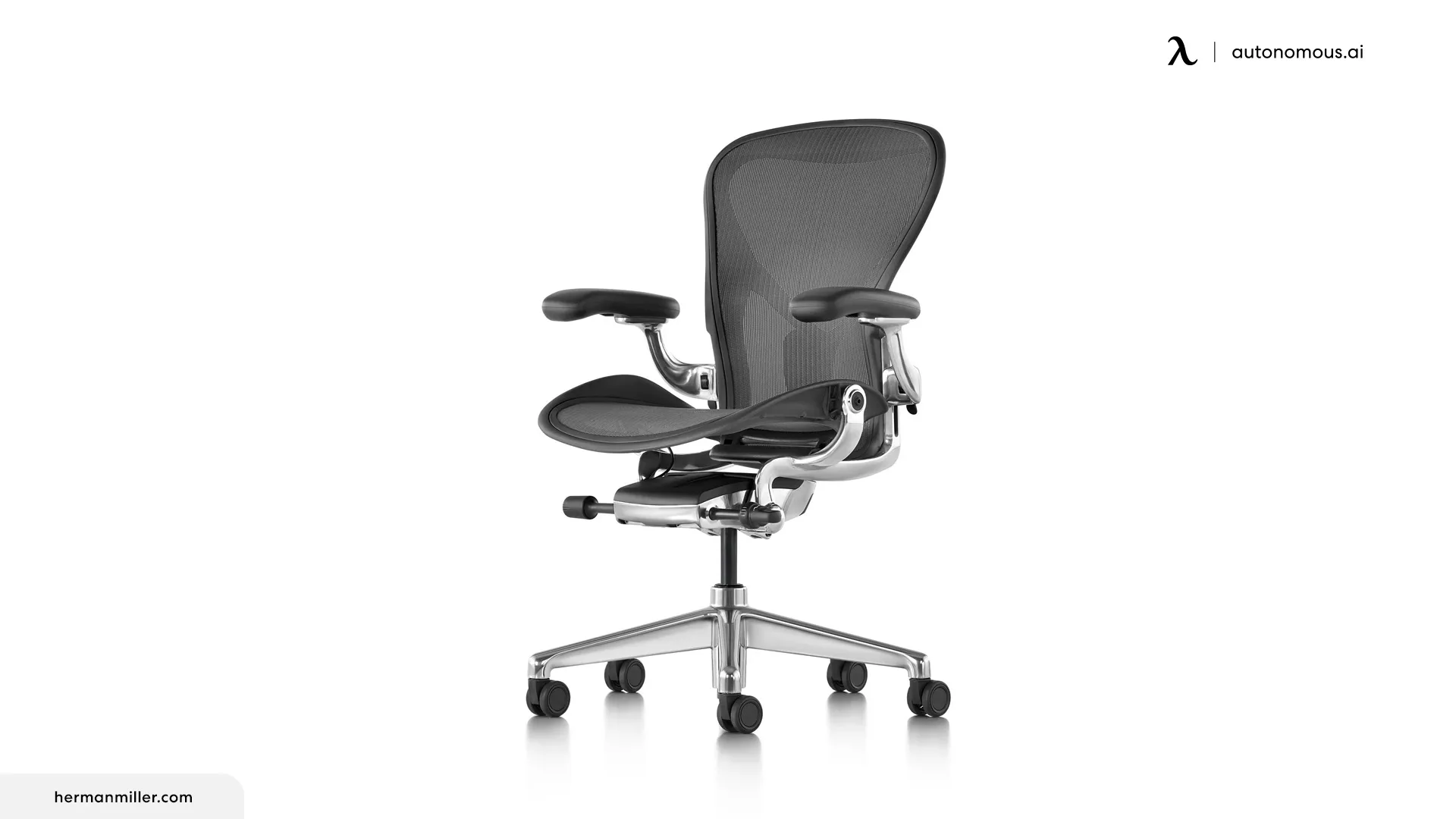
| Herman Miller Aeron | Upright desk anchor: separate sacral and lumbar pads | $2,305 (above $600) | No seat depth adjustment |
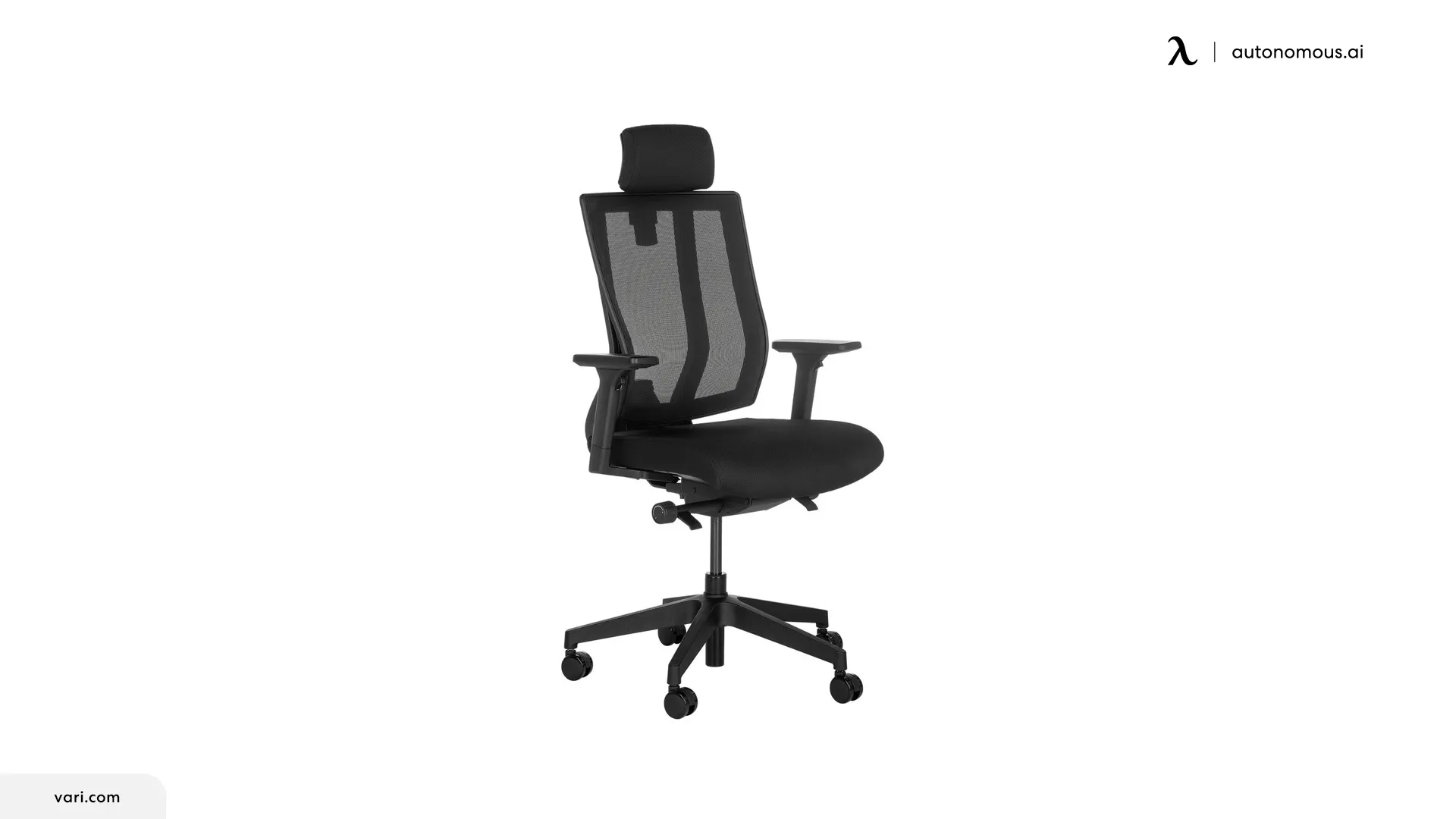
| Vari Task Chair with Headrest | Desk anchor with neck tension: headrest, pivoting back | $439 | Seat tops out at 22 in |
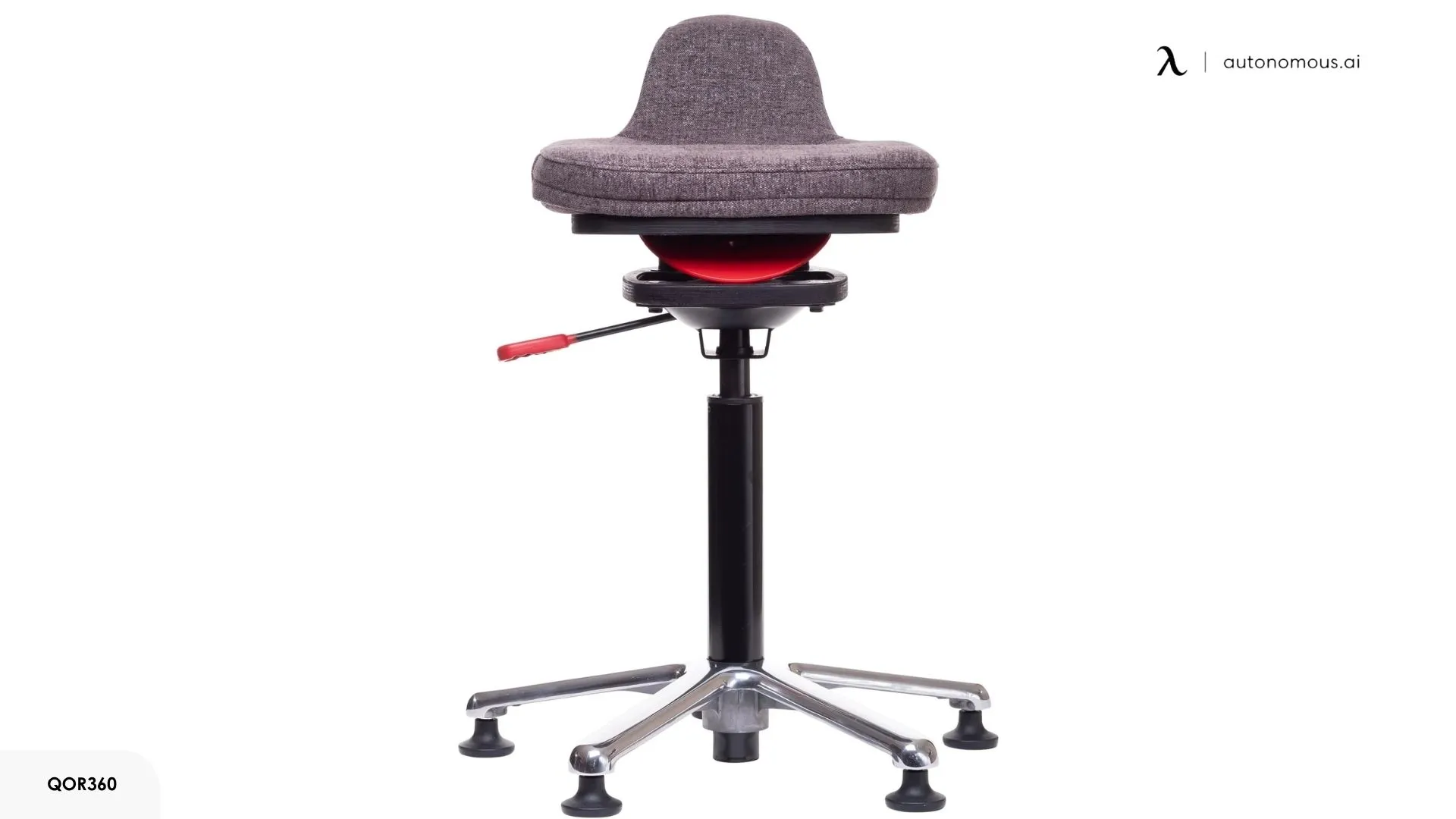
| QOR360 Ariel | Side leaner: seat moves in every direction | $425 | No backrest, 235 lb limit |
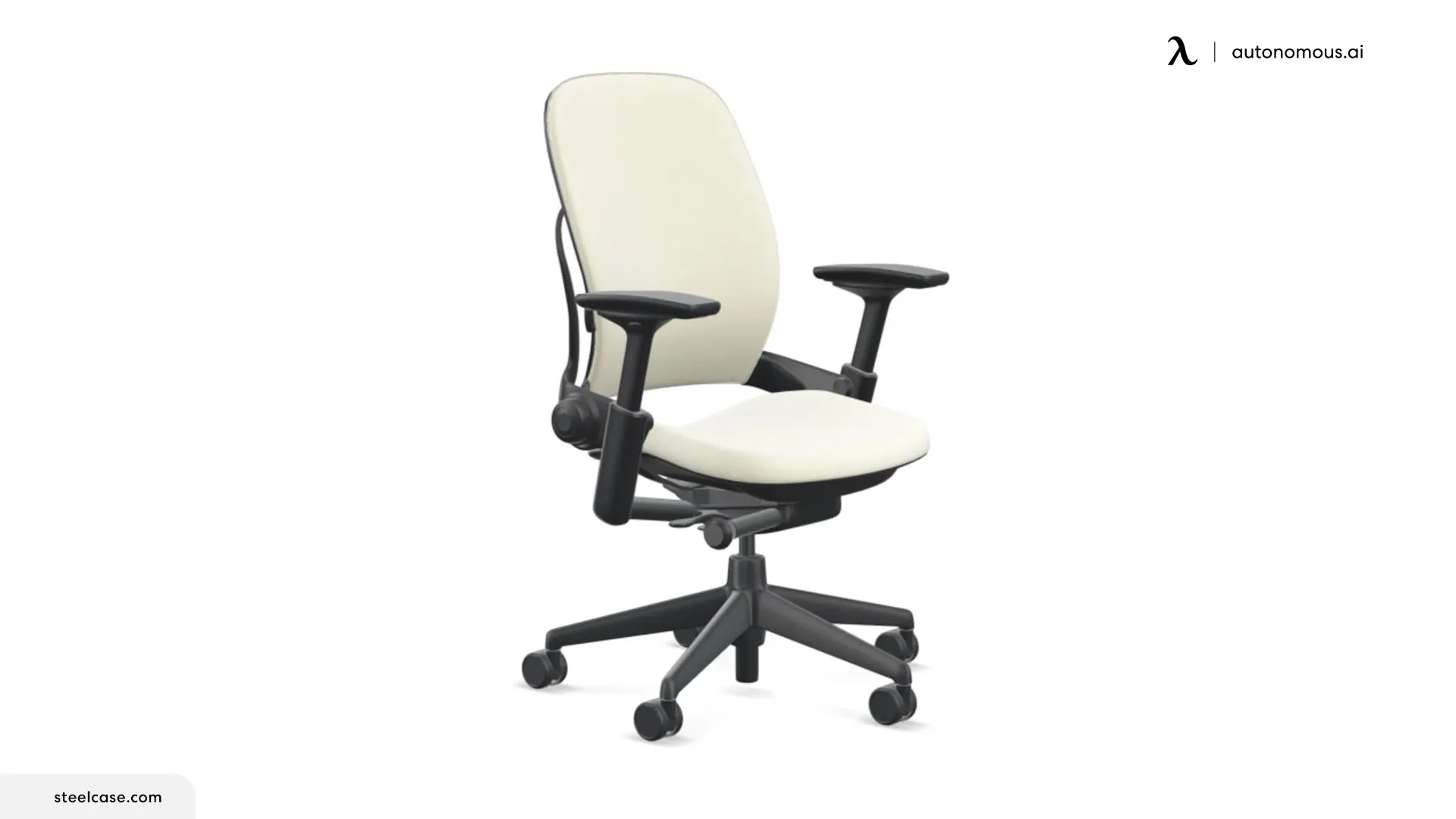
| Steelcase Leap V2 | Side leaner who twists to a second screen: flexing back | $2,167 (above $600) | Headrest not standard |
Do Posture Chairs Work?
Posture chairs work when their design matches the position you fall into, and they do little when it does not. A posture chair is any chair built to hold your spine in a lower-strain position for long stretches: ergonomic task chairs, kneeling chairs, saddle chairs and active stools all count.
The honest part is what a chair cannot do. In a 2019 JOSPT viewpoint, Slater and colleagues point out that there is no strong evidence that one optimal posture exists or that avoiding "bad" postures prevents low back pain. Staying still is the bigger issue, which is why the effects of prolonged sitting show up even in good chairs.
So judge a chair on three checks: it holds support when you relax, it fits your seat height and seat depth, and it keeps contact as you change position. OSHA's workstation guidance asks for the same basics: a backrest that follows the spine's curve, lumbar support you can place on your lower back, and space between the seat edge and the back of the knee.
Which Type of Sitter Are You?
Most sitting discomfort comes from one repeated pattern your chair does not handle, and a 10-minute check shows you which one. Set a timer, work normally without thinking about posture, then freeze when it rings. Note where your hips are on the seat, whether your lower back touches the backrest, and which way your head and shoulders lean. These patterns line up with the broader types of posture physical therapists describe.
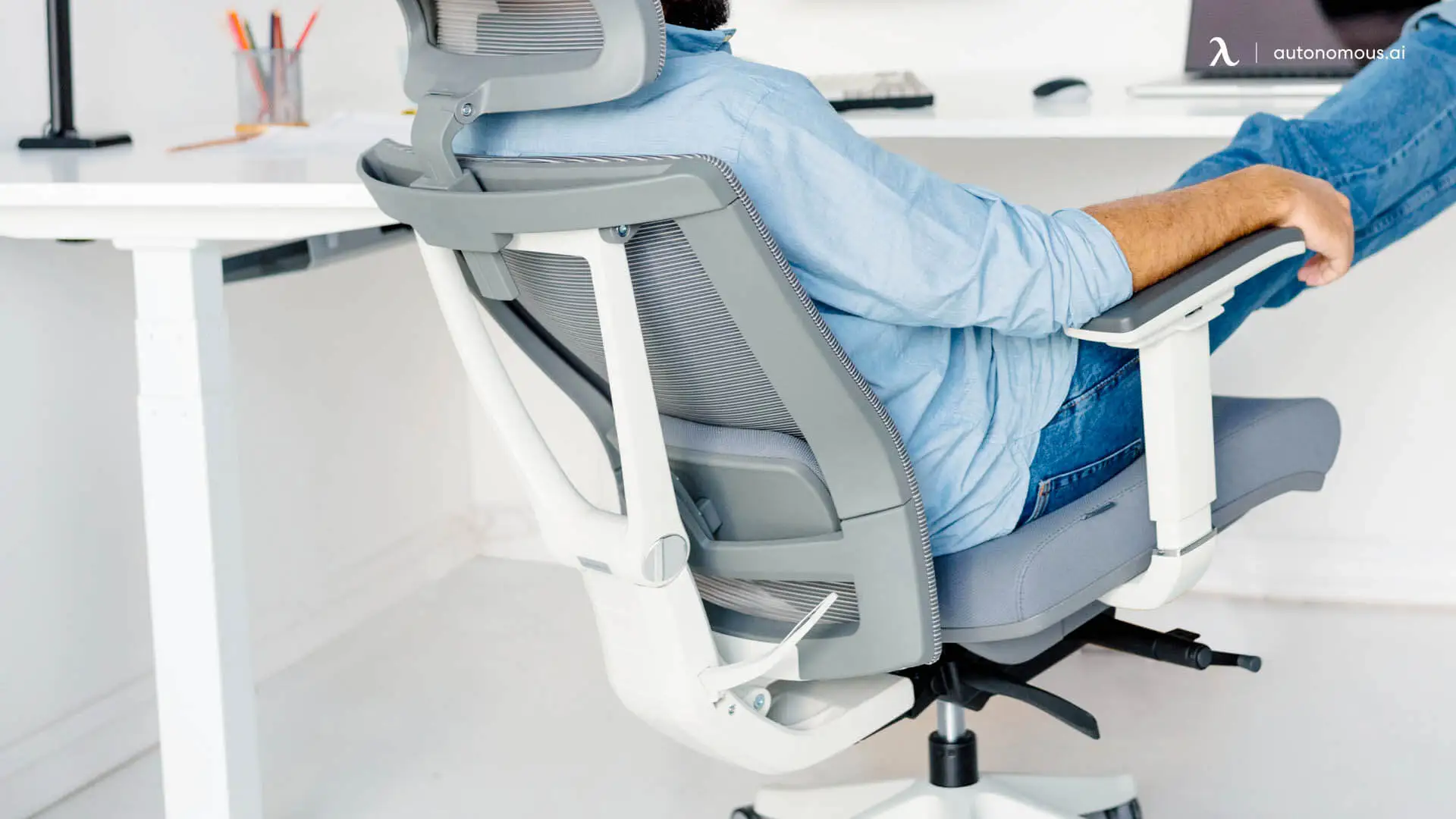
The edge percher sits on the front third of the seat
The edge percher slides forward within minutes and rarely touches the backrest. The usual cause is a seat that is too deep or a lumbar pad too far back to reach you, so your muscles hold you up instead of the chair. This habitual forward leaning posture needs a shorter seat, a forward seat tilt, or a seat built for sitting forward.
The recline-and-collapse sitter loses the lower back when leaning back
This sitter leans back to think or take calls, and the lower back pulls away from the lumbar pad as the backrest tips. Most chairs hold lumbar contact only near upright. The fix is a backrest that moves with you, or a synchro-tilt that keeps the seat and back in step so the gap does not open.
The slow slumper starts upright and rounds by mid-morning
The slow slumper sits up well for the first hour, then slides into a rounded lower back without noticing. Back muscles tire before focus does. This is close to stooping, where the upper back follows the lower back forward. The fix is lumbar support you can push forward to stay in contact as you relax, or a seat that keeps the pelvis from rolling back.
The all-day desk anchor gets neck and upper back tension
The desk anchor sits upright and forward for hours. The lower back is fine, but tightness builds between the shoulder blades and at the base of the neck. A backrest that supports above the lumbar zone, plus a headrest for breaks, takes over that work.
The side leaner props on one elbow
The side leaner rests one elbow on the desk or an armrest and tilts the head to one side. One shoulder sits higher, and neck tension is worse on one side. The cause is often the desk, not the chair: a mouse far to one side or a second monitor off-center. Fix the layout first, then pick a chair that moves with you or arms that reach in close.
Best Posture Chairs for Edge Perchers and Forward Leaners
Edge perchers need a chair that supports the forward position instead of fighting it. A task chair with adjustable seat depth and a forward seat tilt works for full days, while a forward leaning chair such as a saddle or kneeling seat works for shorter, focused stretches.
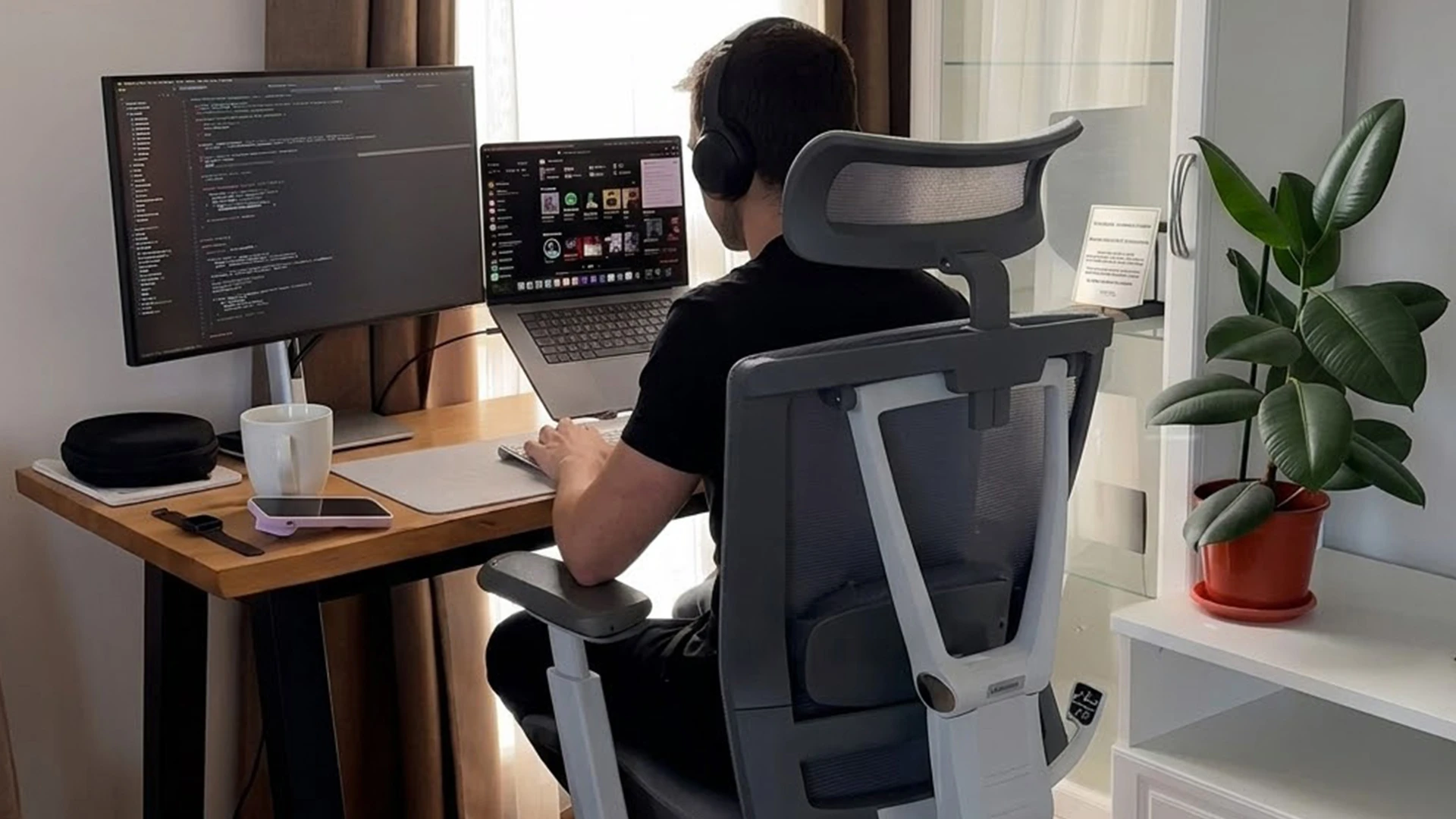
ErgoChair Pro: forward tilt for people who lean in to type
The ErgoChair Pro is the full-day pick for edge perchers because it gives you two ways back into the chair. Seat depth adjusts, so you can shorten the seat until your back reaches the backrest with two to three fingers of space behind the knee. The seat also tilts forward 5°, which opens the hip angle when you lean in to type instead of pulling your pelvis backward.
The lumbar pad slides 6 inches along the backrest, so it lands on your lower spine rather than your shoulder blades. The Pro has 9 adjustment points in total, plus a synchro-tilt that reclines to 112° and locks in 5 positions. Arms are 3D, capacity is 300 lb, and the warranty is lifetime. It holds 4.6 stars from 3,398 reviews.
| Pros | Cons |
|---|---|
| 5° forward seat tilt and adjustable seat depth | Seat height tops out at 22 in |
| Lumbar pad slides 6 in; lifetime warranty | Owners report the armrests do not lock on slide or swivel |
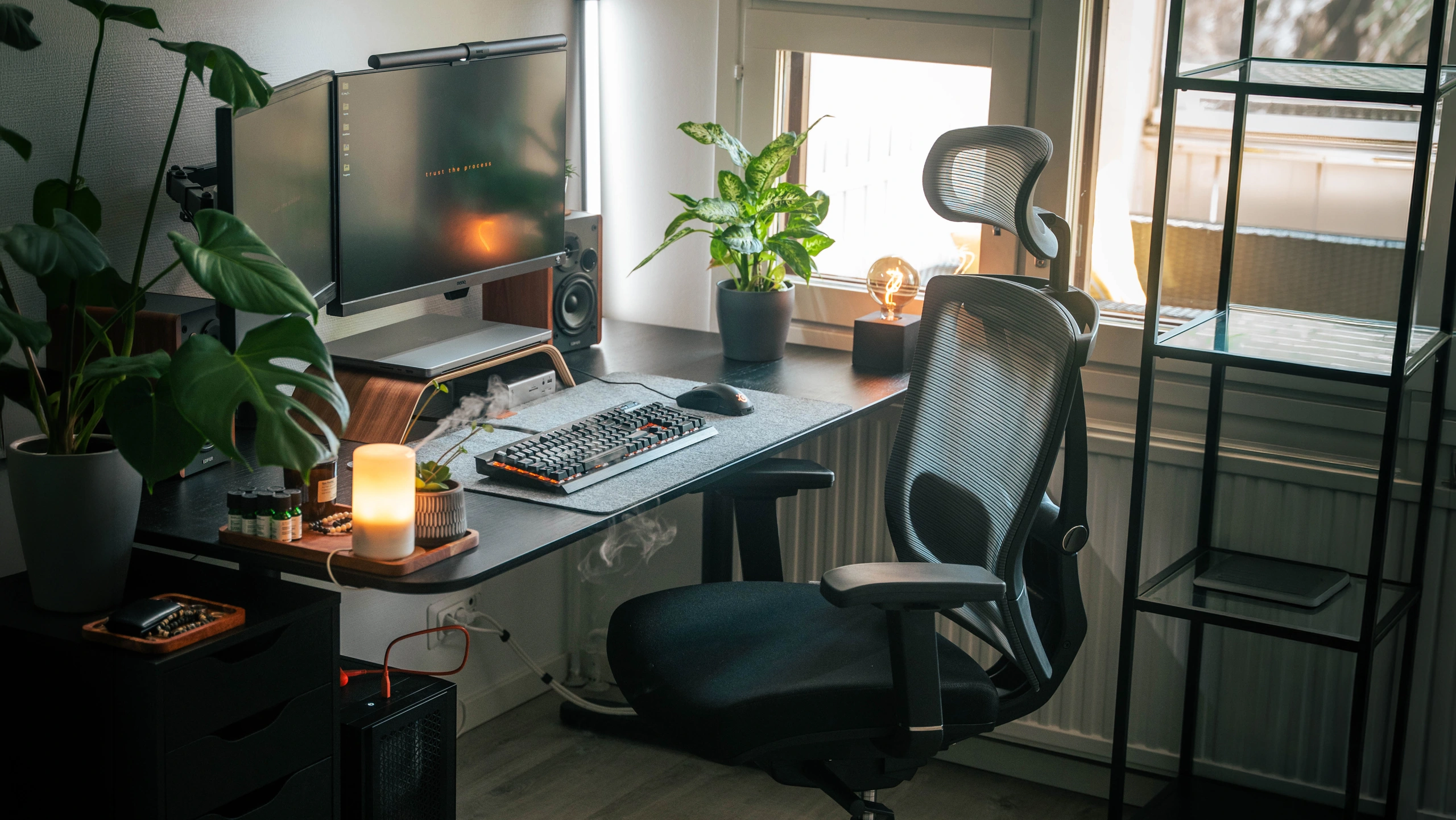
This suits someone who sits forward for most of the day and wants one chair to set once. Owners also report the headrest tension is loose, and very tall sitters should check that a 22 in seat height reaches their knee height before ordering.
HÅG Capisco: a saddle seat that works at sitting and standing height
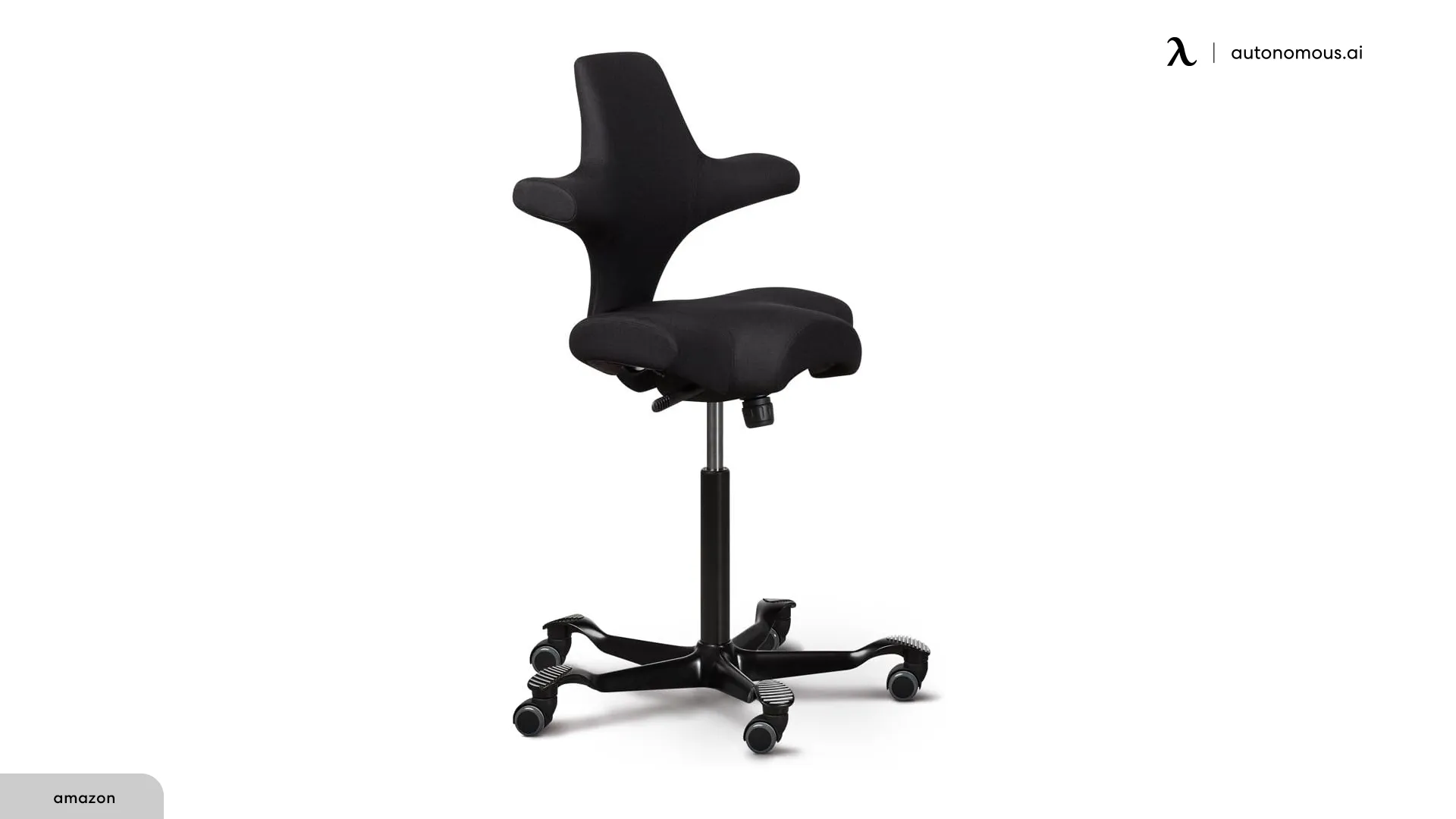
The HÅG Capisco is a saddle-shaped chair that tilts the pelvis forward by its shape, the same position edge perchers drift into on a flat seat. Because the seat holds the angle, your muscles do not have to. Its height range runs from standard desk height up to standing desk height, so one chair covers both if you own a standing desk.
Expect a break-in period for the hip flexors if you come from a conventional office chair for long hours. The backrest is short, so the mid and upper back carry more of their own load than on a full task chair.
| Pros | Cons |
|---|---|
| Saddle seat holds a forward pelvis | Short backrest, little mid-back support |
| Works at sitting and standing desk height | Takes time to get used to |
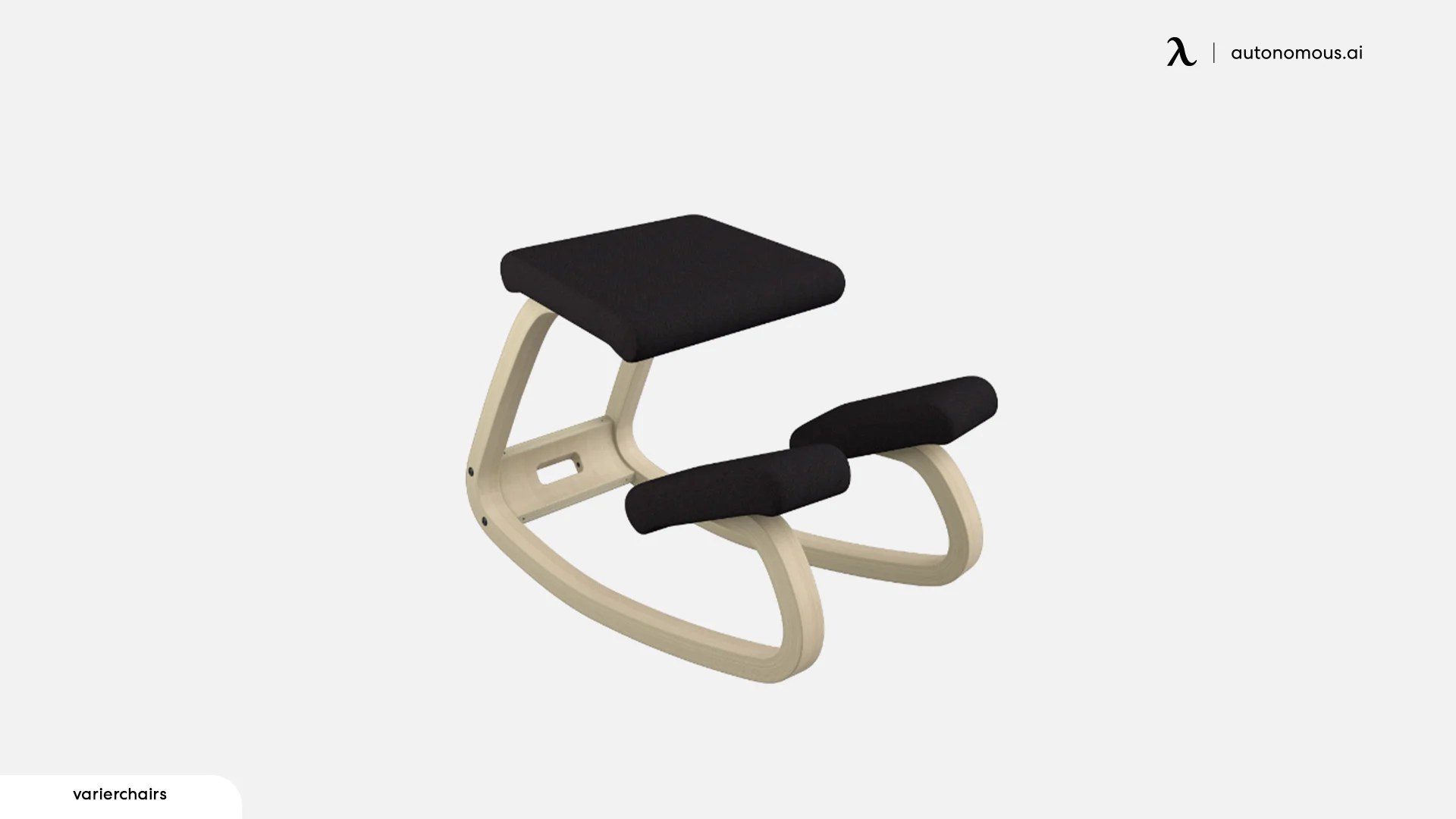
Varier Variable Balans: a kneeling chair for focused sessions
The Varier Variable Balans puts you on a forward-tilted seat with a shin rest, so the lower back straightens because of the geometry, not a backrest. The bentwood base rocks, which lets you shift through the session. Philzen lists a 20 in seat height that fits standard desks of 28 to 30 in.
Shin pressure and the lack of back support are the limits. It works best as a one- to three-hour reset in rotation with a full chair, not as your only seat.
| Pros | Cons |
|---|---|
| Upright lower back without a backrest | Shin pressure builds over hours |
| Rocking base keeps you moving | No back support for long days |
Best Posture Chairs for People Who Recline and Collapse
Recliners need a backrest that stays on the lower back through the whole tilt, either by flexing with the spine or by moving the seat in step with the back. A standard recliner desk chair that only tips the backrest leaves the gap open.
ErgoChair Ultra 2: a flexing back that follows you through the recline
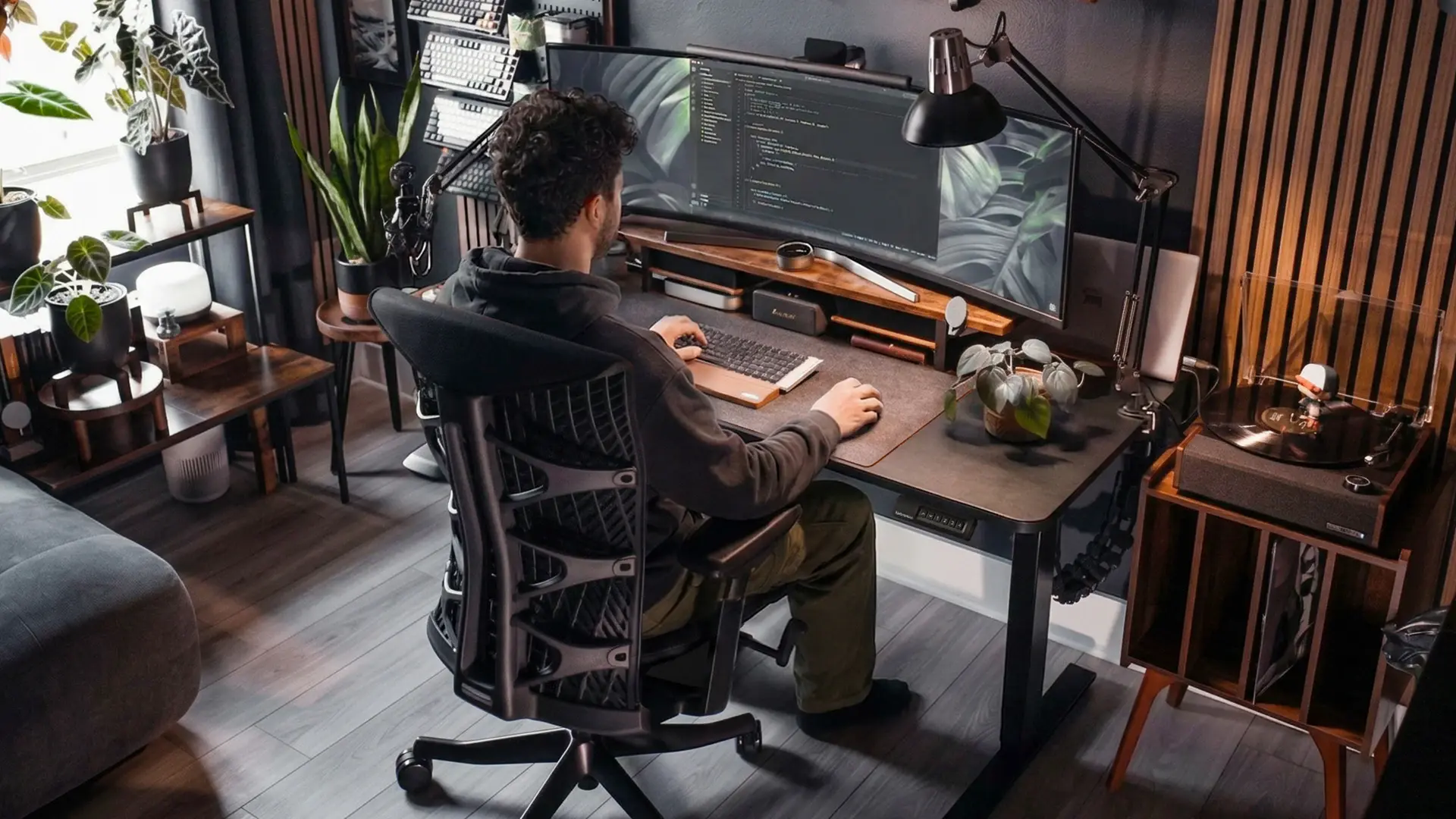
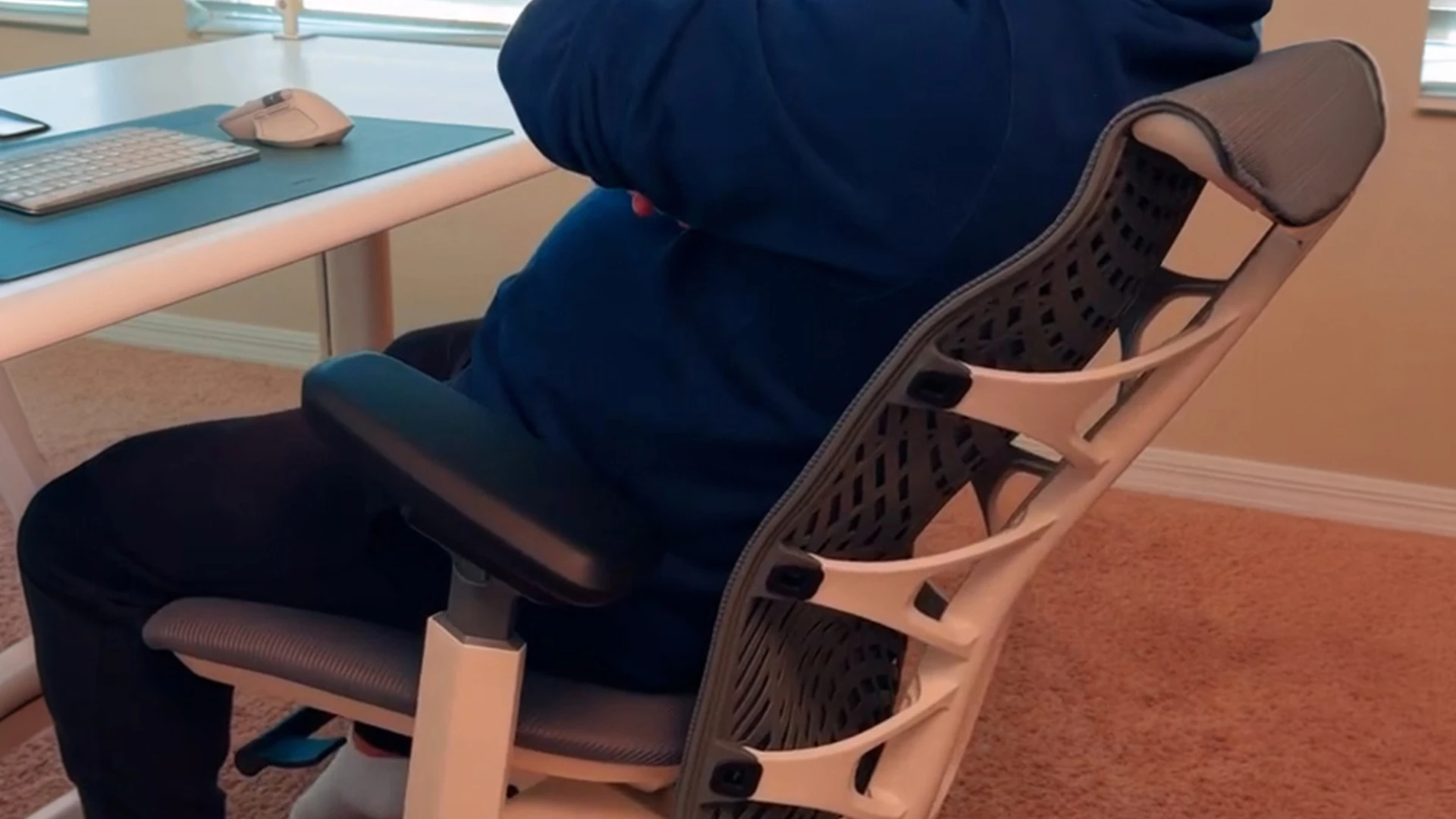
The ErgoChair Ultra 2 replaces the lumbar dial with a TPE layer behind the mesh that bends forward as you lean in and back as you lean out. Support comes from the structure across the whole spine, so there is nothing to reset when you switch from typing to a call. The synchro-tilt reclines to 115°.
The seat has 4 layers with 62 pressure nodes and adjustable depth, and the 4D armrests pivot toward a keyboard or mouse. Capacity is 320 lb, the highest of the four ErgoChairs, and the warranty is lifetime. A headrest is an option on the product page, which helps most if you lean back often. It holds 4.5 stars from 379 reviews.
| Pros | Cons |
|---|---|
| Back support moves with you, no dial to reset | No lumbar dial for a targeted push |
| 4D pivot arms, 320 lb, lifetime warranty | Headrest is an add-on option |
This suits someone who changes position all day and loses the lower back the moment they lean back. If you want a firm pad you can push into one spot of your lower back, the Pro or Mesh fits better.
Humanscale Freedom: a recline that adjusts to your weight
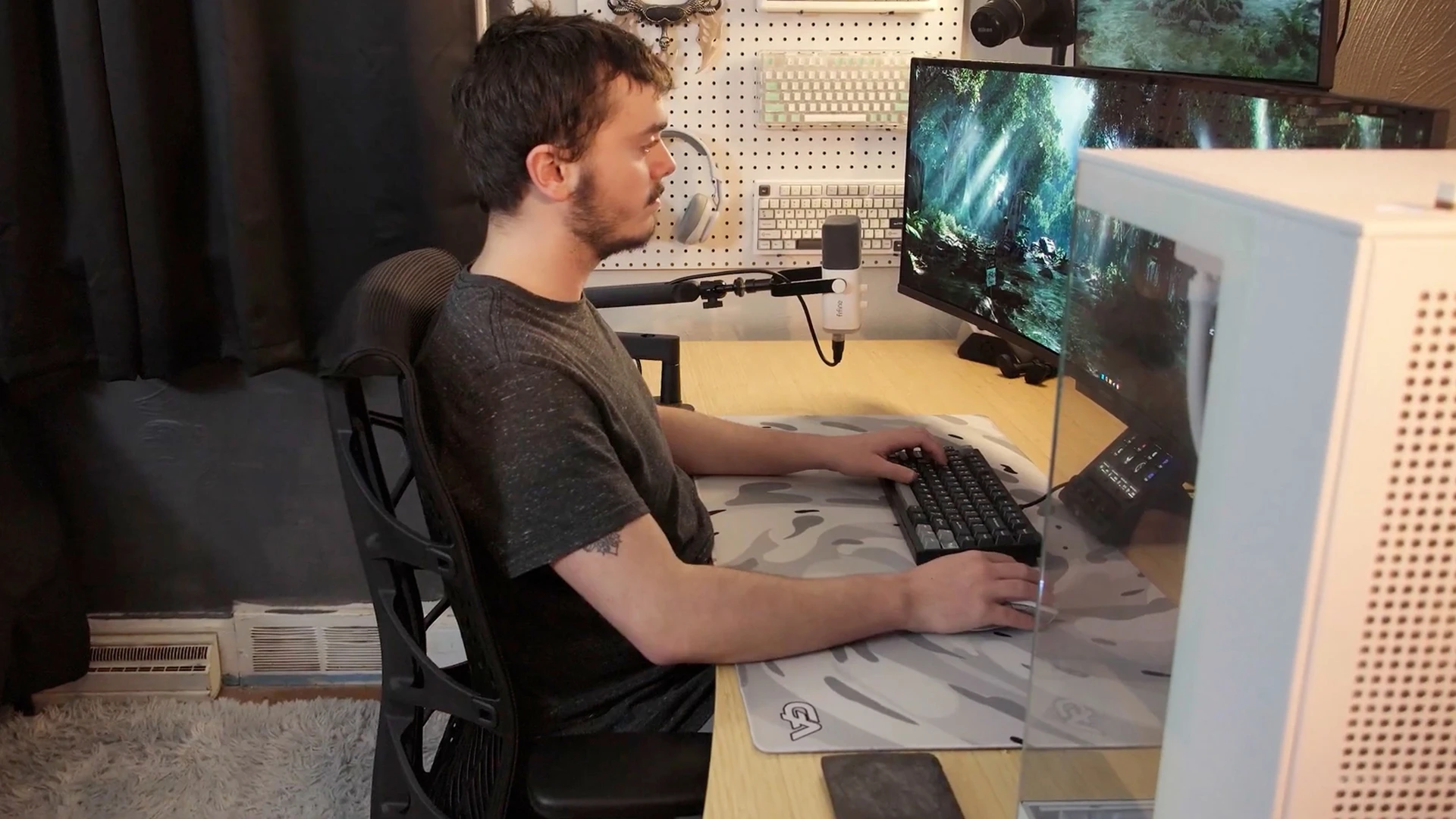
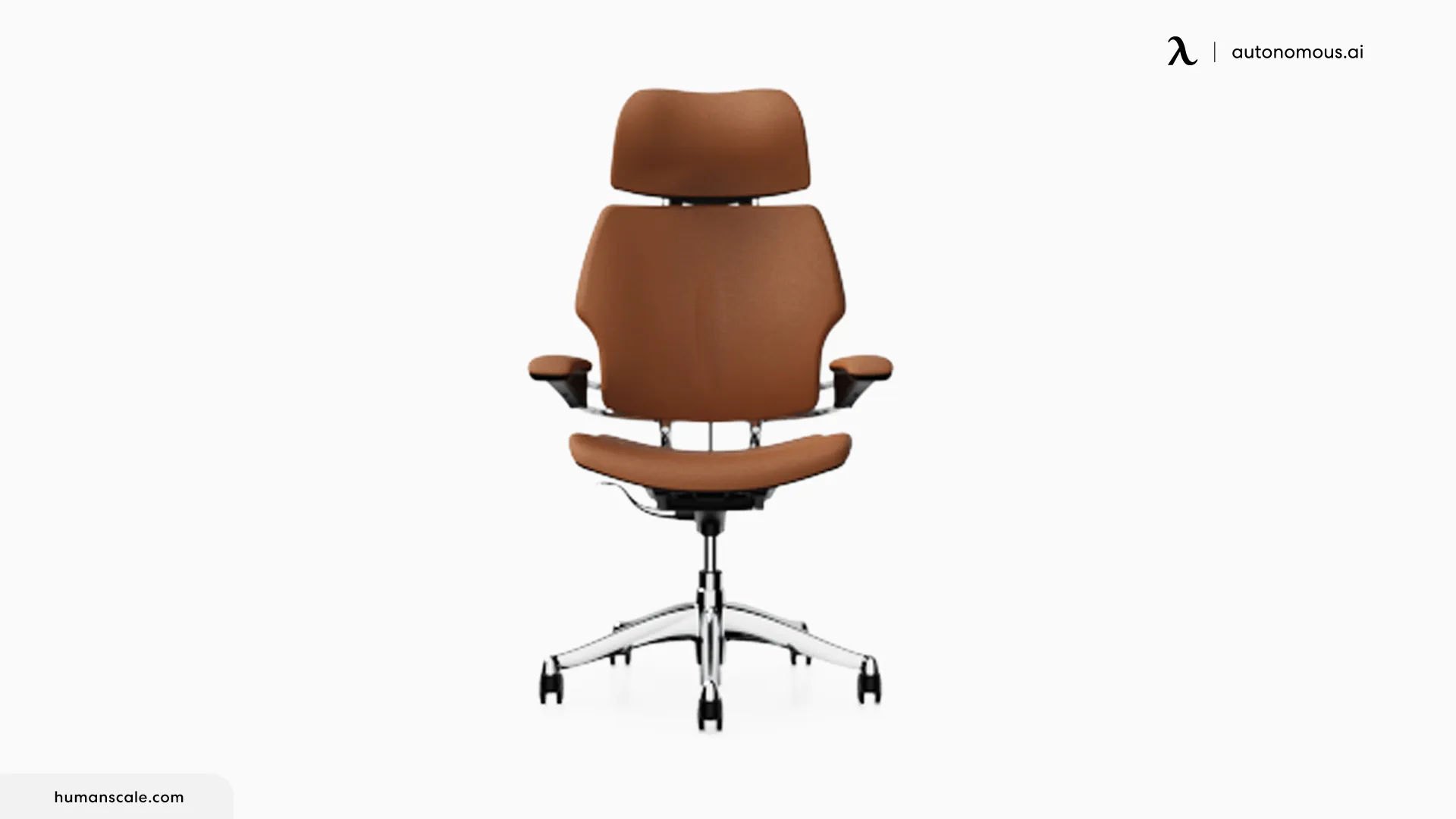
The Humanscale Freedom counterbalances the recline to your body weight, so there is no tension knob to set before you lean back. That makes it the closest thing to an automatic office chair on this list. The optional headrest pivots with your head during recline instead of staying at one angle.
The lumbar contour is fixed into the backrest with no depth adjustment. It meets a mid-range lumbar curve well; if yours is shallower or deeper, sit in one before you buy.
| Pros | Cons |
|---|---|
| Recline adjusts to body weight on its own | Fixed lumbar contour |
| Headrest moves with the head | No lumbar depth adjustment |
Best Posture Chairs for the Slow Slumper
Slow slumpers need support that stays in contact once their muscles relax, which means lumbar you can bring forward or a seat that stops the pelvis rolling back.
ErgoChair Mesh: adjustable lumbar in an all-mesh frame
The ErgoChair Mesh gives slow slumpers an adjustable lumbar support inside an air mesh back, so you can set the pad to stay on your lower back when you sit relaxed, not only when you sit up on purpose. It has 9 degrees of freedom, adjustable seat depth, 3D armrests and a synchro-tilt with 22° of recline that locks in 5 positions.
Capacity is 300 lb with a lifetime warranty, and it rates 4.7 stars from 87 reviews.
| Pros | Cons |
|---|---|
| Adjustable lumbar and seat depth | Seat tops out at 21.5 in |
| Breathable mesh seat and back | Fewer owner reviews than the Pro |

This suits a slow slumper who wants a lumbar pad they can tune and a cooler seat than foam. Seat height runs 18.5 to 21.5 in, so tall sitters should measure first.
Anthros: a seat that holds the pelvis in place
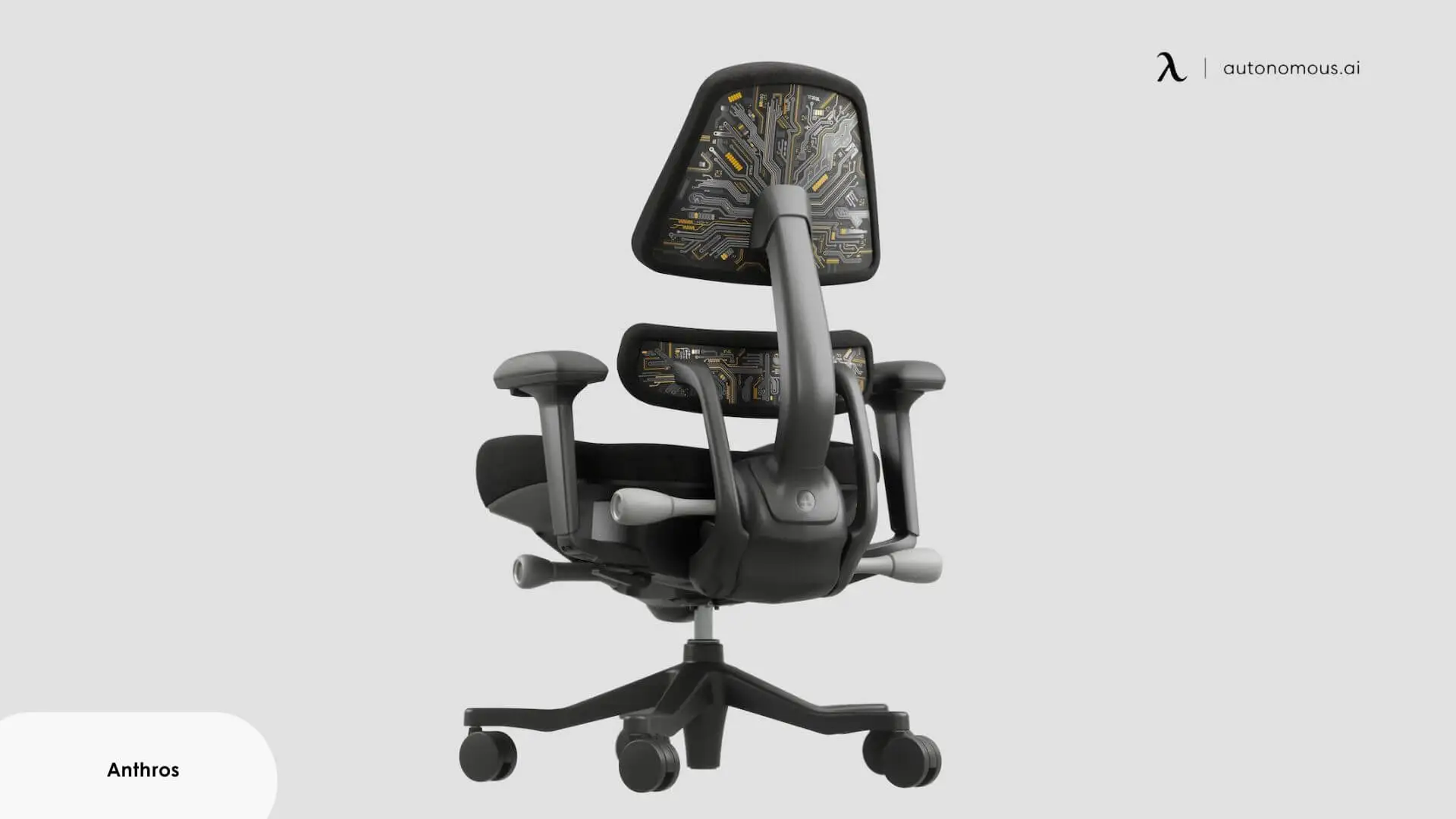
The Anthros works on slumping from the bottom up: a contoured seat with a firm base layer holds the pelvis upright, so it does not sink and rotate back as your muscles tire. A softer top layer handles comfort. If you have tried lumbar pads on several chairs and still slump by mid-afternoon, the problem may be pelvic position, which this design targets.
The benefit fades when you lean back past a moderate angle, because the seat needs pelvic contact to work.
| Pros | Cons |
|---|---|
| Addresses slumping at the pelvis | Less useful in deep recline |
| Firm base layer does not bottom out | Firmer seat than most task chairs |
Branch Ergonomic Chair: height-adjustable lumbar for less money
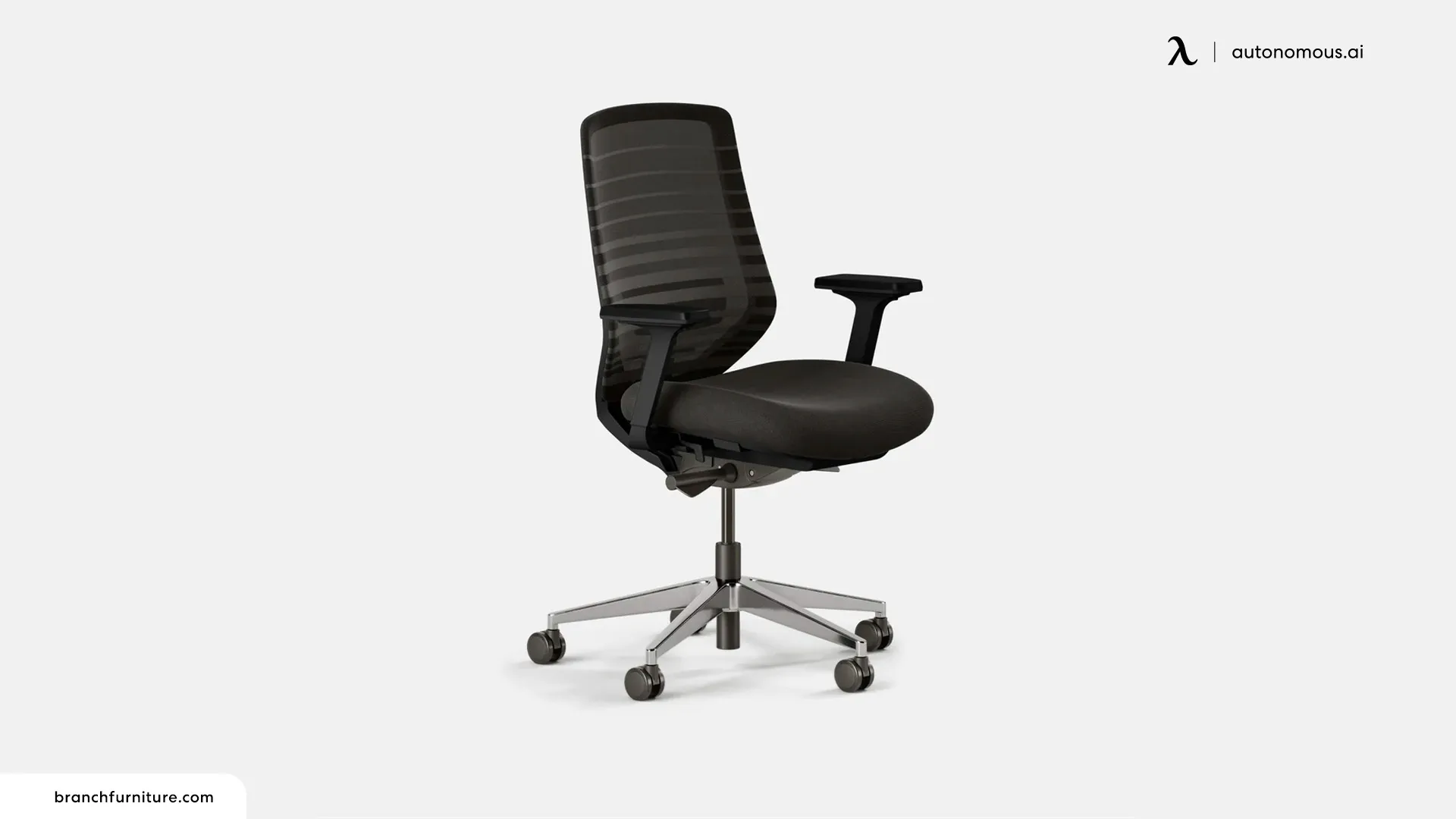
The Branch Ergonomic Chair covers the slow slumper's basics at a lower price: Branch lists it at $369 to $389 depending on finish, with a height-adjustable, removable lumbar rest, adjustable seat depth, 3D armrests and a synchronous tilt that moves the seat and back together. A contoured upper backrest adds some mid-back support.
Capacity is 275 lb, lower than the 300 to 320 lb of the ErgoChairs, and it meets the BIFMA standard for commercial use.
| Pros | Cons |
|---|---|
| Adjustable lumbar and seat depth under $400 | 275 lb capacity |
| BIFMA, GREENGUARD Gold | No headrest |
Best Posture Chairs for the All-Day Desk Anchor
Desk anchors need support above the lumbar zone, because their tension builds in the mid back and neck. Chairs from office chair brands built for 8-hour days handle this with a split or full-height backrest and a headrest.
ErgoChair Core: a dual backrest for upper and lower back
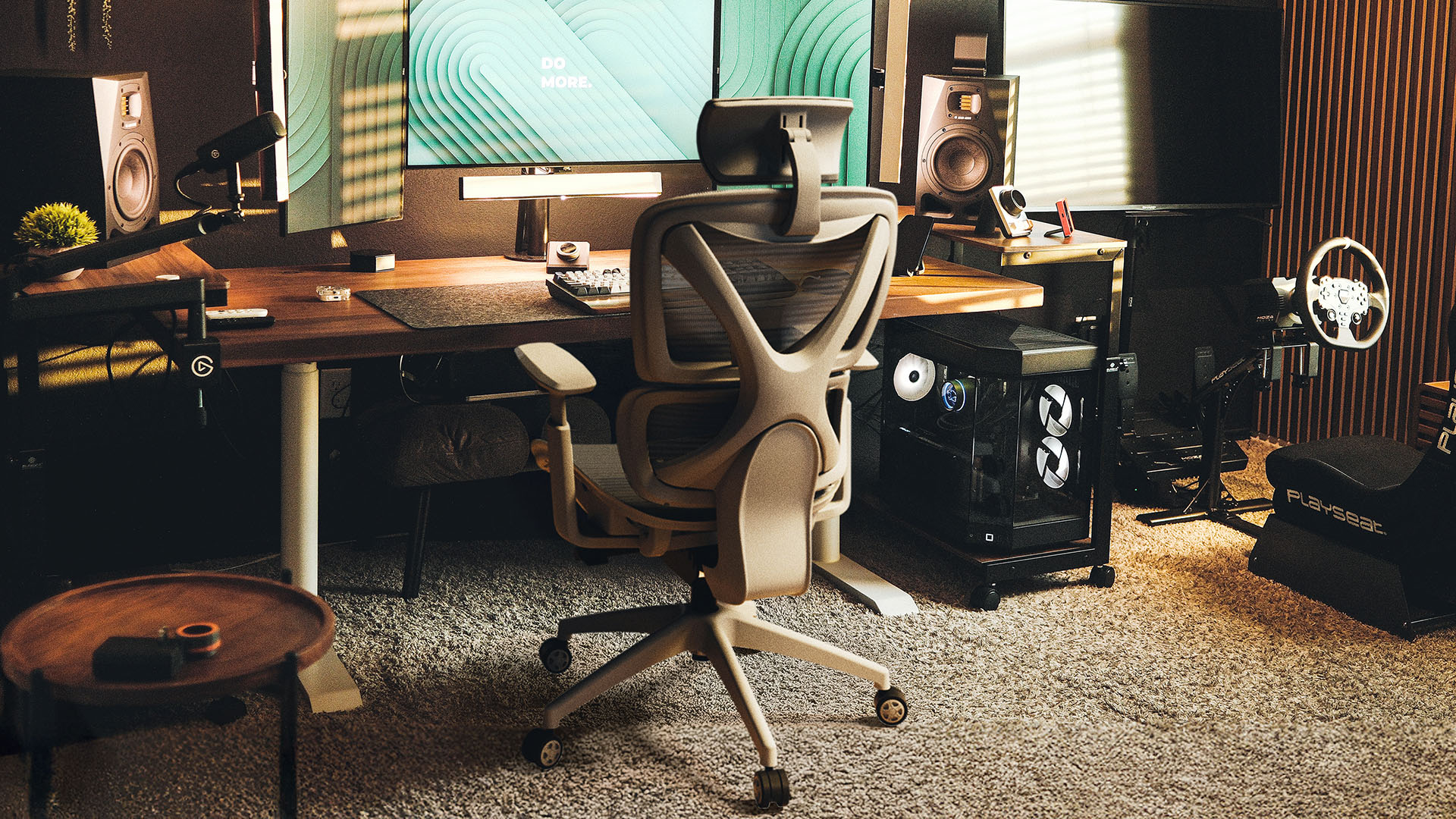
The ErgoChair Core splits the backrest into two zones, so the upper and lower back each get their own contact as you shift. It adds a headrest, 3D armrests, adjustable seat depth and a 130° recline, which is 90° upright plus 40° of back tilt.
The limits are real. Capacity is 242.5 lb, the warranty is 2 years rather than lifetime, and the back support is passive with no lumbar dial. PU covers the headrest, armrests and part of the seat. The seat starts at 20 in, so shorter sitters should check that their feet reach the floor. It rates 4.1 stars from 51 reviews.
| Pros | Cons |
|---|---|
| Dual backrest plus headrest | 242.5 lb, 2-year warranty |
| Seat depth and 130° recline | No lumbar dial; 20 in minimum seat height |
This suits a desk anchor on a tighter budget who wants upper-back and head support.
Herman Miller Aeron: separate sacral and lumbar pads for upright work
The Herman Miller Aeron uses PostureFit SL, two independent pads that support the base of the spine and the lumbar curve separately. Steadying the pelvis first lets the upper pad support the curve instead of correcting a pelvis that has already tipped back. It comes in three sizes, and the mesh seat spreads weight across the surface.
Seat depth is fixed, so the right size matters. The PostureFit pads also lose contact in deep recline.
| Pros | Cons |
|---|---|
| Sacral and lumbar pads work separately | No seat depth adjustment |
| Three sizes | Less support in deep recline |
Vari Task Chair with Headrest: a chiropractor-endorsed headrest chair
The Vari Task Chair with Headrest is endorsed by the World Federation of Chiropractic, and Vari says physical therapists helped design it. It pairs an adjustable headrest with a pivoting backrest that Vari calls active lumbar support, plus adjustable arms, seat tilt and tension. Vari lists 300 lb capacity, BIFMA X5.1 testing and a 5-year warranty.
The seat adjusts from 17 5/8 to 22 in, so very tall sitters hit the same ceiling as on the ErgoChair Pro.
| Pros | Cons |
|---|---|
| Headrest and pivoting backrest | Max seat height 22 in |
| 300 lb, 5-year warranty | No separate lumbar depth control |
Best Posture Chairs for the Side Leaner
Side leaners need a seat that makes a fixed lean hard to hold or a back that moves when they twist. Fix the monitor and mouse position first; a chair cannot undo a screen that sits off to one side.
QOR360 Ariel: an active seat that won't hold a lean
The QOR360 Ariel 1.0 sits on a rounded base that moves in every direction, so a lean to one side shifts the seat and your body corrects on its own. An armrest only makes leaning more comfortable; the Ariel makes it hard to hold. QOR360 lists a 13 in seat, a 235 lb limit and short and tall height versions.
There is no backrest, so plan on it for part of the day next to a full chair.
| Pros | Cons |
|---|---|
| Movement breaks up one-sided loading | No backrest |
| Short and tall versions | 235 lb limit, small 13 in seat |
Steelcase Leap V2: a backrest that flexes as you twist
The Steelcase Leap V2 has a backrest that flexes separately in its upper and lower sections, so mid-back contact holds when you rotate toward a second monitor. Its Natural Glide System slides the seat forward as the back reclines, which keeps the hip angle steady. The design shares that logic with other flexible office chairs built for long hours.
The lumbar adjusts in height, and a headrest is not standard.
| Pros | Cons |
|---|---|
| Back follows twisting and reaching | Headrest not standard |
| Seat glides forward as you recline | Lumbar adjusts in height only |
Kneeling, Saddle and Active Chairs: When a Different Seat Type Helps
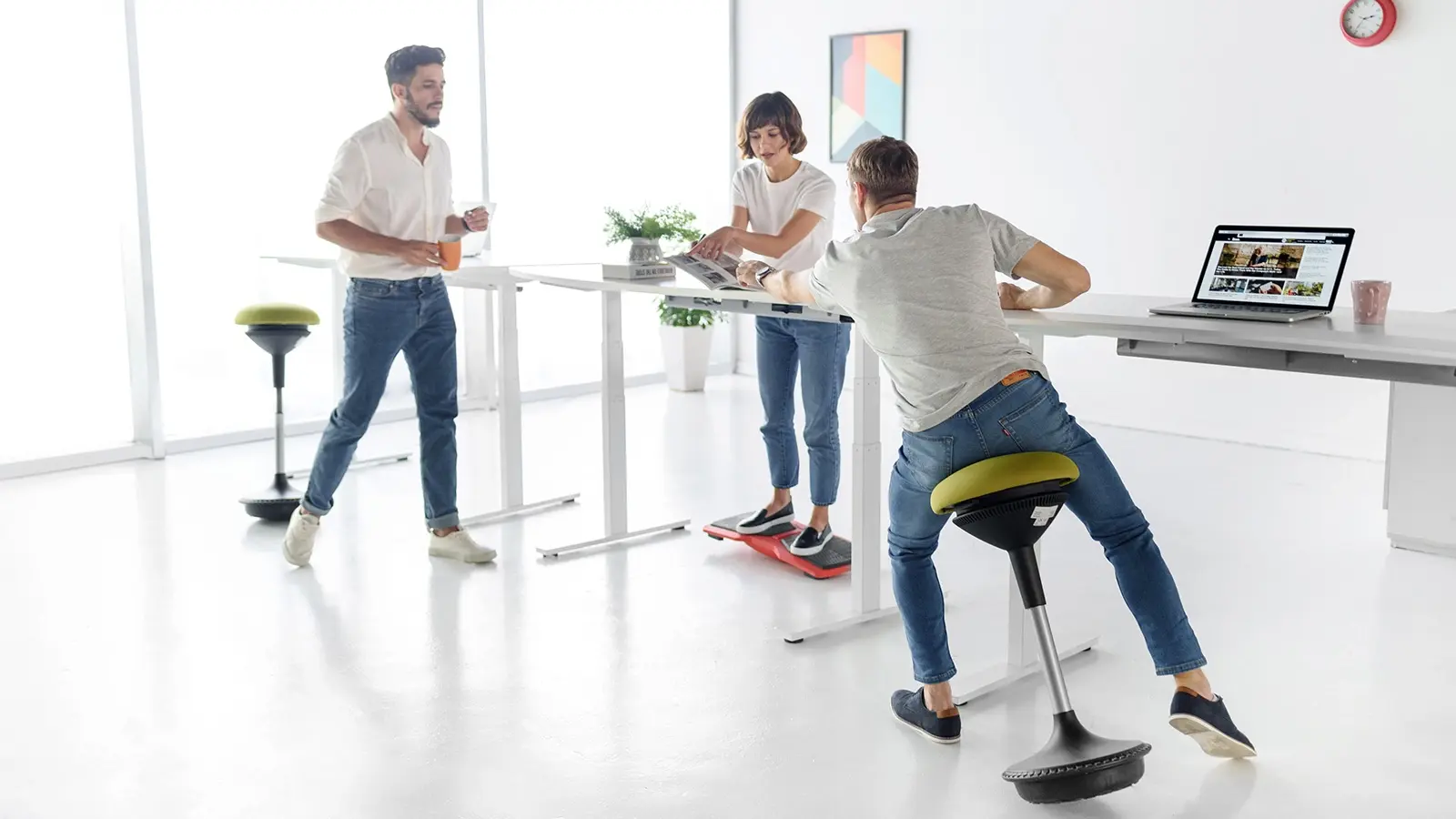
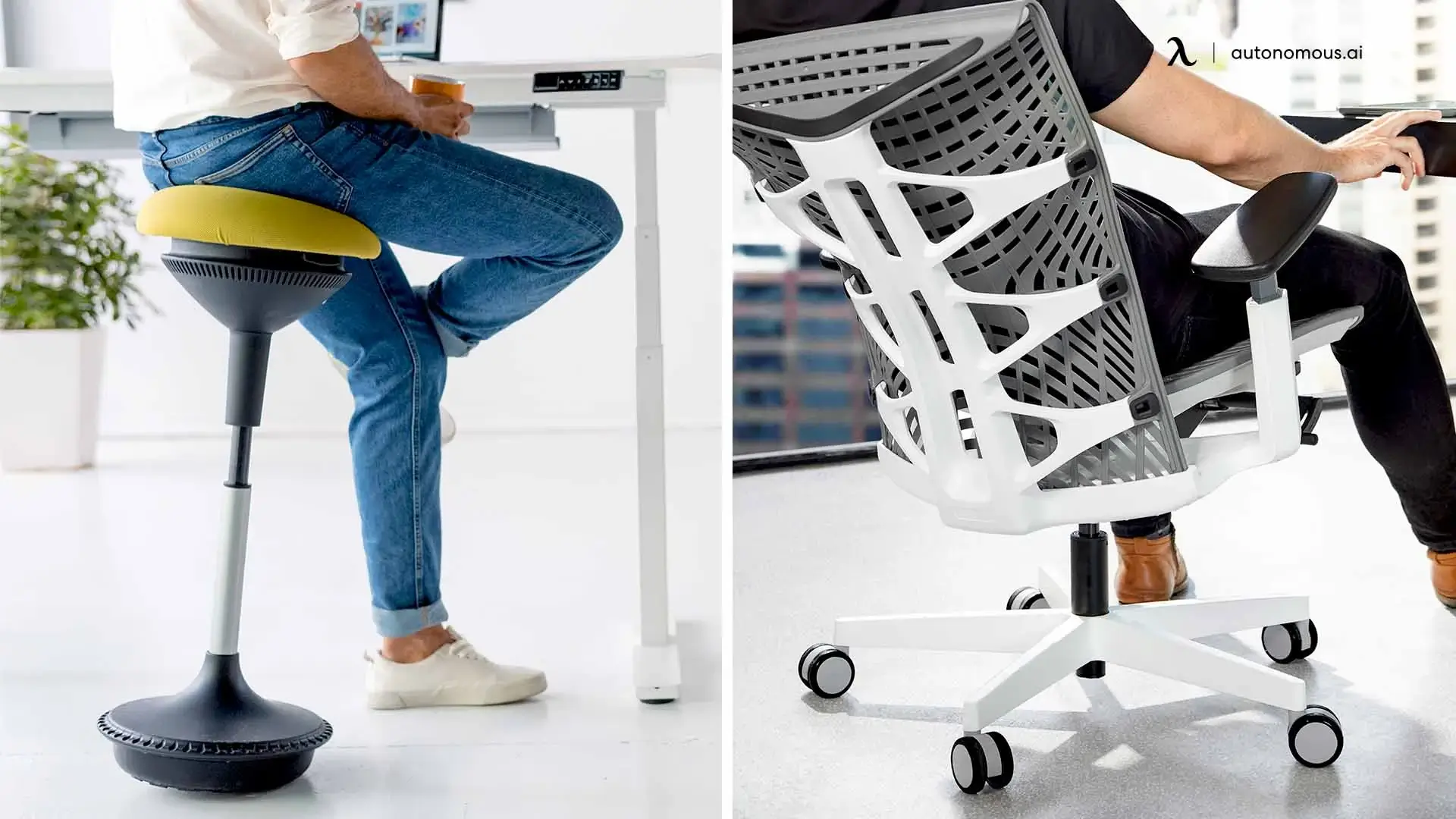
A kneeling, saddle or active seat helps when your problem is pelvic position or stillness, and it works best as a part-time seat next to a full ergonomic chair. These designs change how you sit rather than supporting how you already sit, so they take a week or two to get used to.
| Chair type | What it does | Best match | Honest limit |
|---|---|---|---|
| Ergonomic task chair | Adjustable support upright and reclined | Slow slumper, desk anchor, recliner | Only works once seat depth and lumbar fit you |
| Kneeling chair | Tilts the pelvis forward without a backrest | Edge percher | Shin pressure limits sessions to a few hours |
| Saddle chair | Opens the hip angle, pelvis forward | Edge percher, sit-stand users | Break-in period; tiring without core strength |
| Active or balance stool | Unstable base keeps you moving | Side leaner, standing desk breaks | No back support; not a full-time chair |
| Standing lean stool | Takes part of your weight while standing | Standing desk users | A supplement, not a seat for desk-height work |
If you are choosing your first posture chair, start with a fully adjustable ergonomic chair and add a kneeling or active seat later for variety. Going the other way leaves you with no back support on long days.
Active seats sit between a chair and a stool: they drop the backrest to keep you moving, which is the trade-off behind the stool vs chair question for desk work.
Common Posture Problems and the Chair Fix for Each
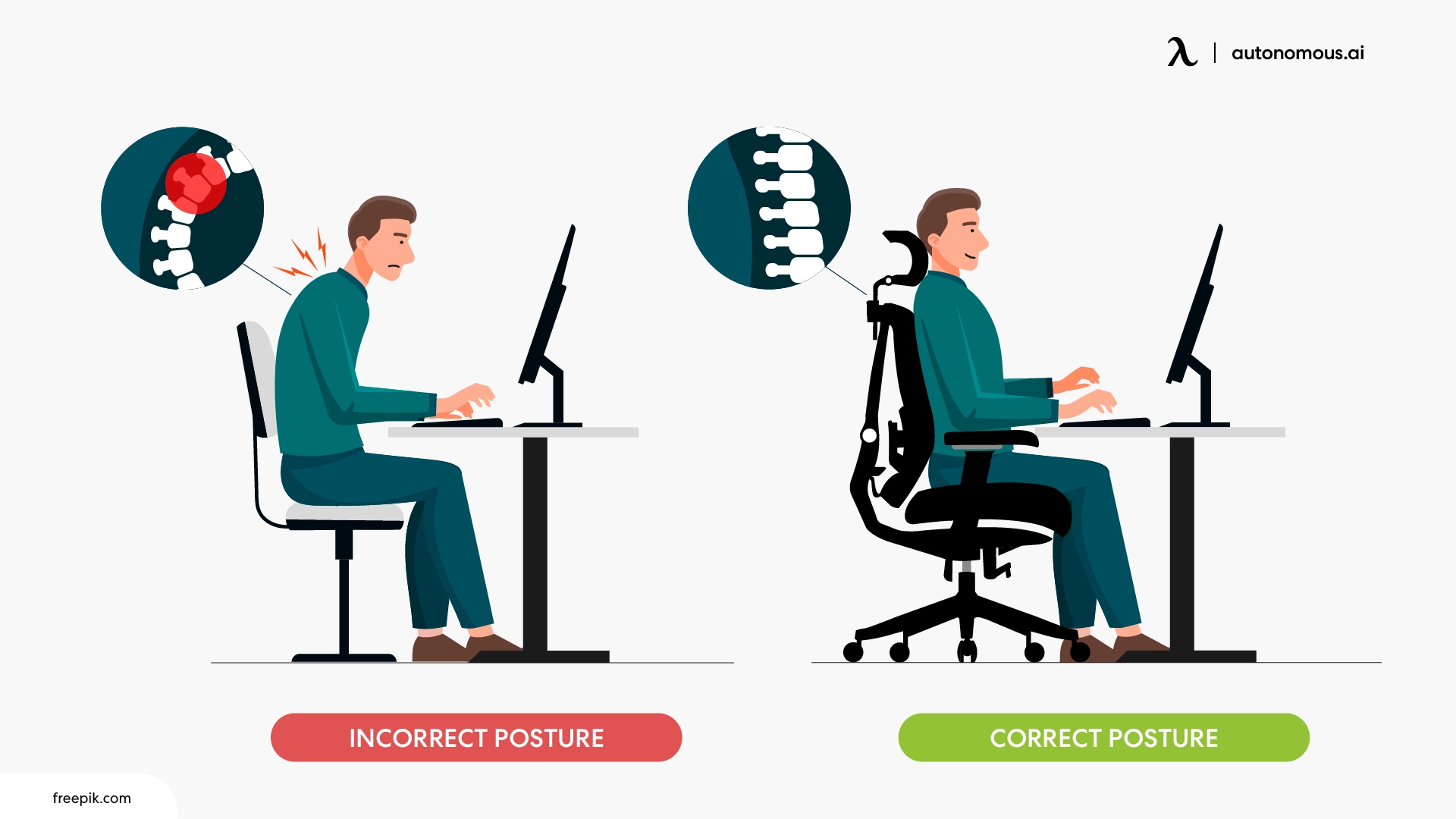
Four posture problems show up most after long desk days, and each has a chair setting and a desk change that work on it. Cleveland Clinic notes that every inch your head tilts forward nearly doubles the load it puts on your spine, which is why the first row matters so much for screen workers.
| Problem | What you notice | Chair fix | Desk fix |
|---|---|---|---|
| Forward head | Neck ache, head drifts toward the screen | Headrest for breaks; sit fully back | Top of monitor at or just below eye level |
| Rounded shoulders | Tight chest, tension across the shoulders | Arms set so shoulders relax, not shrug | Keyboard close enough to keep elbows by your sides |
| Mid/lower back curve (hyperlordosis) | Pelvis tips forward, ache in the low back | Lumbar pad lighter or lower; seat level | Feet flat or on a footrest |
| Upper back curve (increased kyphosis) | Rounded upper back from slouch plus forward head | Backrest support above the lumbar zone | Raise the screen; take hourly breaks |
Forward head is the posture behind tech neck, and it usually starts with a screen that sits too low.
If neck or back pain is the main reason you are shopping, the guide to office chairs with spine support goes deeper on chairs for the upper back and neck.
How to Set Up a Posture Chair in 6 Steps
A posture chair set up wrong works no better than a basic office chair, so set it in this order, because each step depends on the one before.
- Sit fully back first. Push your hips to the back of the seat so your lower back touches the backrest. Every later setting assumes this position.
- Set seat height. Your whole foot rests on the floor with the knees about level with the hips. OSHA's guidance is the same: if the seat can't go low enough, use a footrest or one of the chairs with footrests rather than leaving your feet dangling.
- Adjust seat depth. Leave two to three fingers between the seat edge and the back of your knee. Less presses into the thighs; more pushes you forward off the lumbar support.
- Set the lumbar support. Move the pad to the inward curve of your lower back, roughly at the belt line. It should touch when you sit relaxed, not only when you sit up on purpose.
- Adjust the armrests. Raise them until they just touch your forearms with your shoulders relaxed. Bring them in close enough that your elbows stay by your sides.
- Run the 10-minute check. Work normally for ten minutes, then check that your back still touches the backrest, your feet are flat and your shoulders are down. If one has slipped, go back to that step.
If you correct your posture every twenty minutes, the setup is not finished. A chair that fits holds a good sitting posture without your muscles doing the work, and you still need to stand up and move at least once an hour.
FAQs
What chair is best for posture, including bad posture?
The best chair for posture is one built for your dominant sitting pattern, and for bad posture that usually means a fully adjustable task chair with seat depth and lumbar adjustment. Forward leaners need a forward seat tilt, recliners a backrest that follows them, and slow slumpers lumbar that stays in contact.
Are there chairs that make you sit up straight?
Yes, kneeling and saddle chairs make you sit up straighter by tilting the pelvis forward, which brings the lower back into its curve without a backrest. Shin pressure on kneeling chairs and little back support on both make them part-time seats, used for an hour or three next to a full ergonomic chair.
Is a forward leaning chair good for posture?
A forward leaning chair is good for posture if you already sit forward to type or draw, because it supports that position instead of fighting it. A forward seat tilt on a task chair, a saddle seat or a kneeling chair all do this. Pair it with a backrest for long days.
What is the best automatic office chair for posture?
The best automatic office chair for posture adjusts its recline to your body without knobs. Weight-sensitive recline like the Humanscale Freedom's sets tension from your body weight, and a flexing backrest like the ErgoChair Ultra 2's follows the spine with no lumbar dial to reset.
What is the best office chair for back problems?
The best office chair for back problems keeps support where your posture breaks down: lumbar that stays in contact for lower back pain, and a backrest plus headrest for upper back and neck tension. Get pain checked by a clinician, since a chair supports recovery but does not treat it.
What is the difference between a posture chair and an ergonomic chair?
A posture chair is any chair built to improve sitting alignment, while an ergonomic chair is one type that does it through adjustments. Kneeling and saddle chairs are posture chairs that use fixed shape instead of adjustment, so every ergonomic chair is a posture chair, but not the reverse.
What chair is good for ADHD?
Many people with ADHD look for a chair that lets them move, such as an active stool, a rocking kneeling chair or a task chair with a free-floating tilt. There is no clinical "ADHD chair"; the goal is to let you fidget without leaving your desk, ideally next to a supportive chair.
Is Black Friday a good time to buy a posture chair?
Yes, Black Friday is a good time to buy a posture chair if you already know your sitting pattern. Autonomous takes up to 10% off its ErgoChairs through Cyber Monday with free shipping and no code, and the 30-day trial still applies, so you can return a chair that does not fit.
Conclusion
The best posture chair starts with how you sit, not with a feature list. Run the 10-minute check, match your pattern, then pick within it: the ErgoChair Pro for edge perchers who lean in to type, the Ultra 2 for recliners, the Mesh for slow slumpers, the Core for desk anchors on a budget, and an active seat or a flexing back for side leaners.
Then set the chair up in order and recheck after ten minutes. A mid-range chair set up well does more for your back than an expensive one set up wrong.
References
Desk Pro
Black Friday price.
So 12 hours isn’t 12 hours sitting.