29 Cool Gaming Desk Accessories and Decor for Your Setup
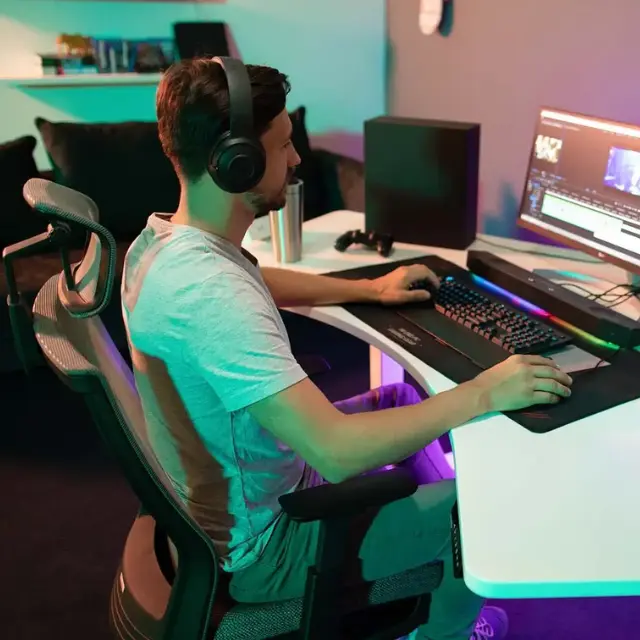
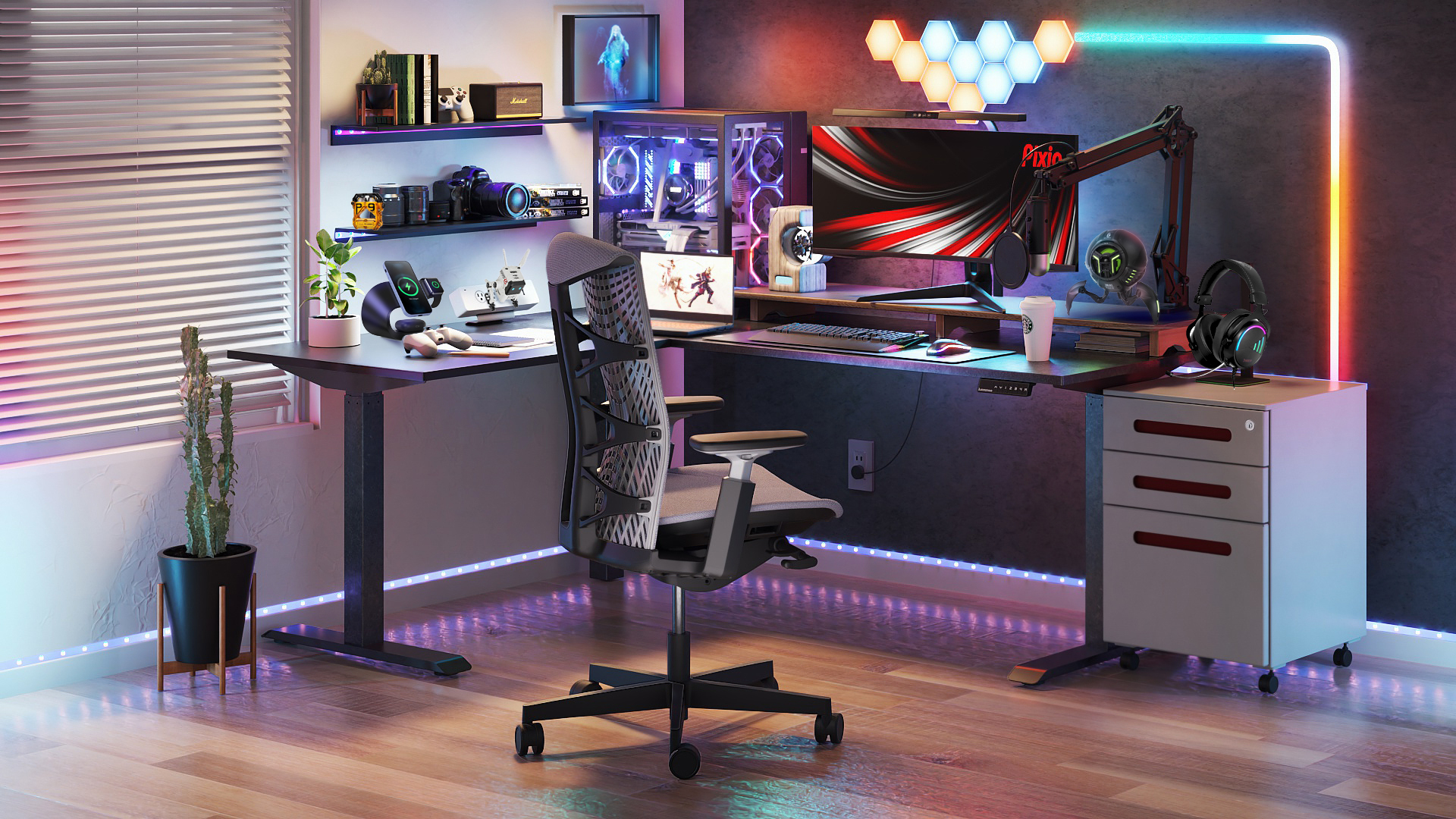
The gaming desk accessories that earn their space are the ones that fix a specific problem: a wrist sore from the desk edge, a screen that sits too low, a mouse that runs off the pad, or cables hanging under the desk. Everything else is decoration, and decoration is fine too, as long as the basics come first.
This guide groups 29 gaming desk accessories by the job they do. It covers desk mats and wrist rests, power and cable management, monitor arms, lighting, headset stands and stream audio, and input upgrades, then ends with 3D printed desk decor. If you are planning the whole room, these gaming desk setup ideas show how the pieces fit together.
Must-Have Gaming Desk Accessories at a Glance
The must-have gaming desk accessories for most setups are a wrist rest, an XXL desk mat, a monitor arm or riser, a headset stand, and a cable tray, because they fix the problems that show up in almost every PC gaming setup. Use this table to match your problem to a pick.
| Problem | Accessory | Pick in this guide |
|---|---|---|
| Wrist sore from the desk edge | Wrist rest | ErgoClick 3D |
| Cables hanging under the desk | Cable tray | Autonomous Cable Tray |
| Forgetting to drink | Smart coaster | Autonomous Hydrate |
| Bare, boring desk | Desk decor | Racer Mecha, Rivet |
| Screen too low | Monitor arm or riser | Dell MSA20, Satechi Hub XL |
| Dark room, bright screen | Light bar | BenQ ScreenBar Halo 2 |
| Mouse runs off the pad | XXL desk mat | Logitech G840, Glorious GMP 2 |
| Headset lying on the desk | Headset stand | Audio-Technica AT-HPS700 |
| Too few USB ports | USB hub | Anker 10-in-1 hub |
| Too many hotkeys | Macro pad | Elgato Stream Deck |
Gaming Desk Accessories by Category
Gaming desk accessories fall into six groups by the job they do: desk surface, power and cables, monitor arms, lighting, audio, and input. Autonomous makes three of the 19 picks below, the ErgoClick 3D, the Cable Tray, and Hydrate, and their details come from product pages, not independent testing. Prices change periodically, and several were on sale when this guide was updated.
Desk mats, wrist rests, and smart coasters
An XXL desk mat, a wrist rest, and a coaster cover the part of the desk where your hands and drinks sit: the mat gives the mouse room to sweep, the wrist rest takes pressure off the wrist, and the coaster keeps the cup in one spot away from the keyboard. Aiming from the elbow and shoulder instead of the wrist is also easier on the joints and part of good gamer posture.
| Pick | Key spec | Retailer | Price |
|---|---|---|---|
| ErgoClick 3D | 3D printed lattice wrist rest, any mouse | Autonomous | $39 |
| Autonomous Hydrate | Smart coaster that logs each sip | Autonomous | $39 |
| Logitech G840 XL | 35.4 x 15.7 in cloth, 3 mm thick | B&H | $37.99 |
| Glorious GMP 2 Stitched Cloth XXL | 36 x 18 in, stitched edges | Best Buy | $34.99 |
ErgoClick 3D is a mouse wrist rest with a 3D printed TPU lattice cushion on a nylon frame, 5.7 by 2.7 inches and 1 inch tall, and it works with any mouse. The product page says the open lattice cuts pressure and heat buildup. OSHA suggests resting the heel of the hand, not the wrist, on a support and keeping the hand free to move, which matters because steady pressure on the wrist is one of the strain patterns linked to carpal tunnel syndrome.
.webp)
Autonomous Hydrate is a 3.54-inch smart coaster that weighs any cup or bottle you set on it and logs each sip in ml or oz. It reminds you every 15, 30, or 60 minutes, or on your own schedule, with a glow, a short vibration, or a light buzz on the desk instead of a phone notification over your game. It charges over USB-C and carries a 1-year warranty. If you already finish your water every session, you can skip it.


USB hubs, power strips, and cable management
A desktop USB hub and a clamp-on power strip bring ports and outlets up to the desk, and an under-desk cable tray holds the power bricks and cables you never touch. For a dual monitor gaming setup run from a laptop, check that the hub can drive both screens.
| Pick | Key spec | Retailer | Price |
|---|---|---|---|
| Autonomous Cable Tray | 35.4 in steel tray, holds 35 lb | Autonomous | $49 |
| Anker 10-in-1 Desktop USB-C Hub | HDMI 2.1 and DisplayPort 1.4, 80W passthrough | Anker | $99.99 |
| Anker Nano Power Strip (70W, Clamp) | 6 outlets, 2 USB-C, 2 USB-A | Anker | $69.99 |
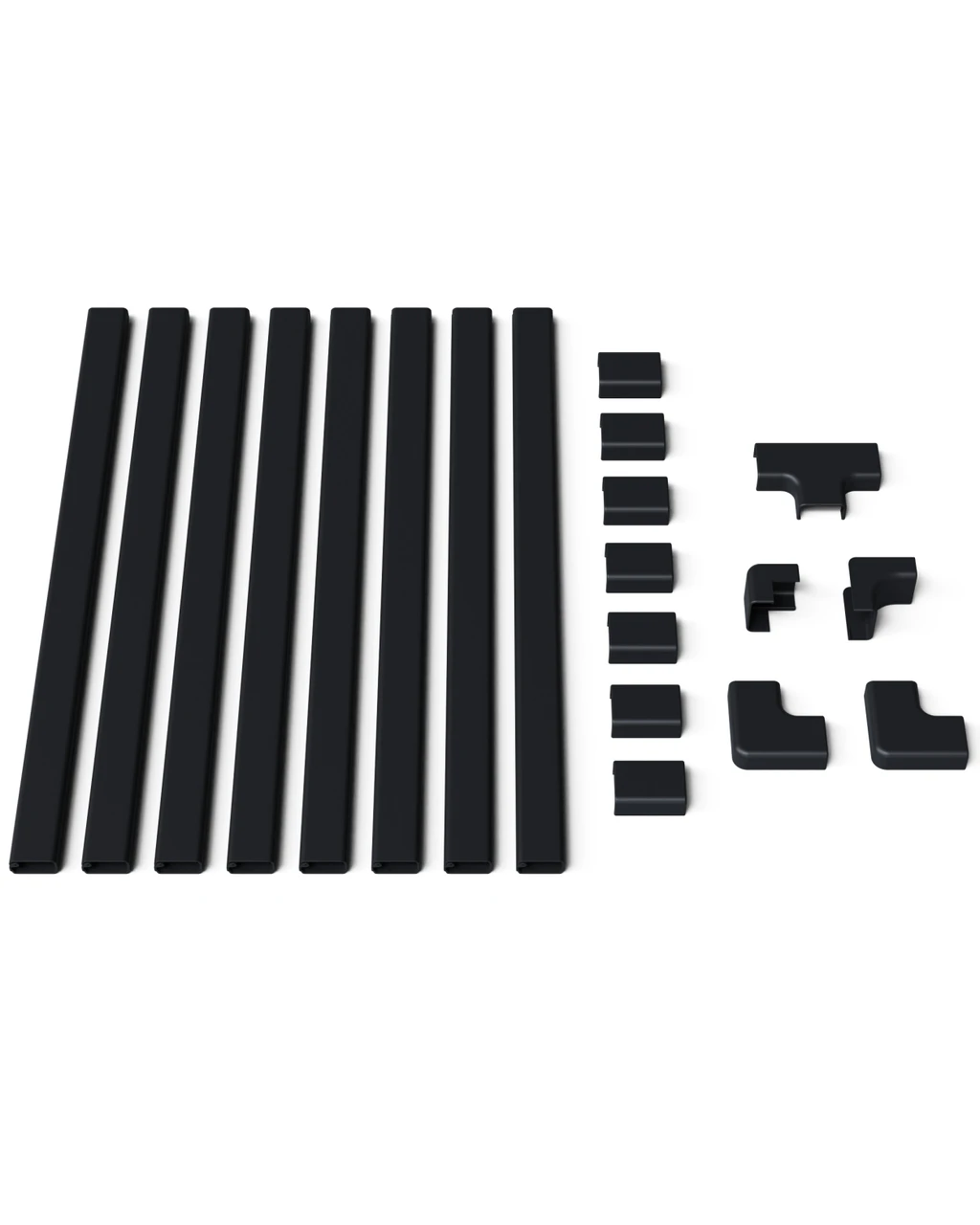
| ECHOGEAR On-Wall Cable Raceway Kit | 8 paintable channels, 128 in total | ECHOGEAR | $16.99 |
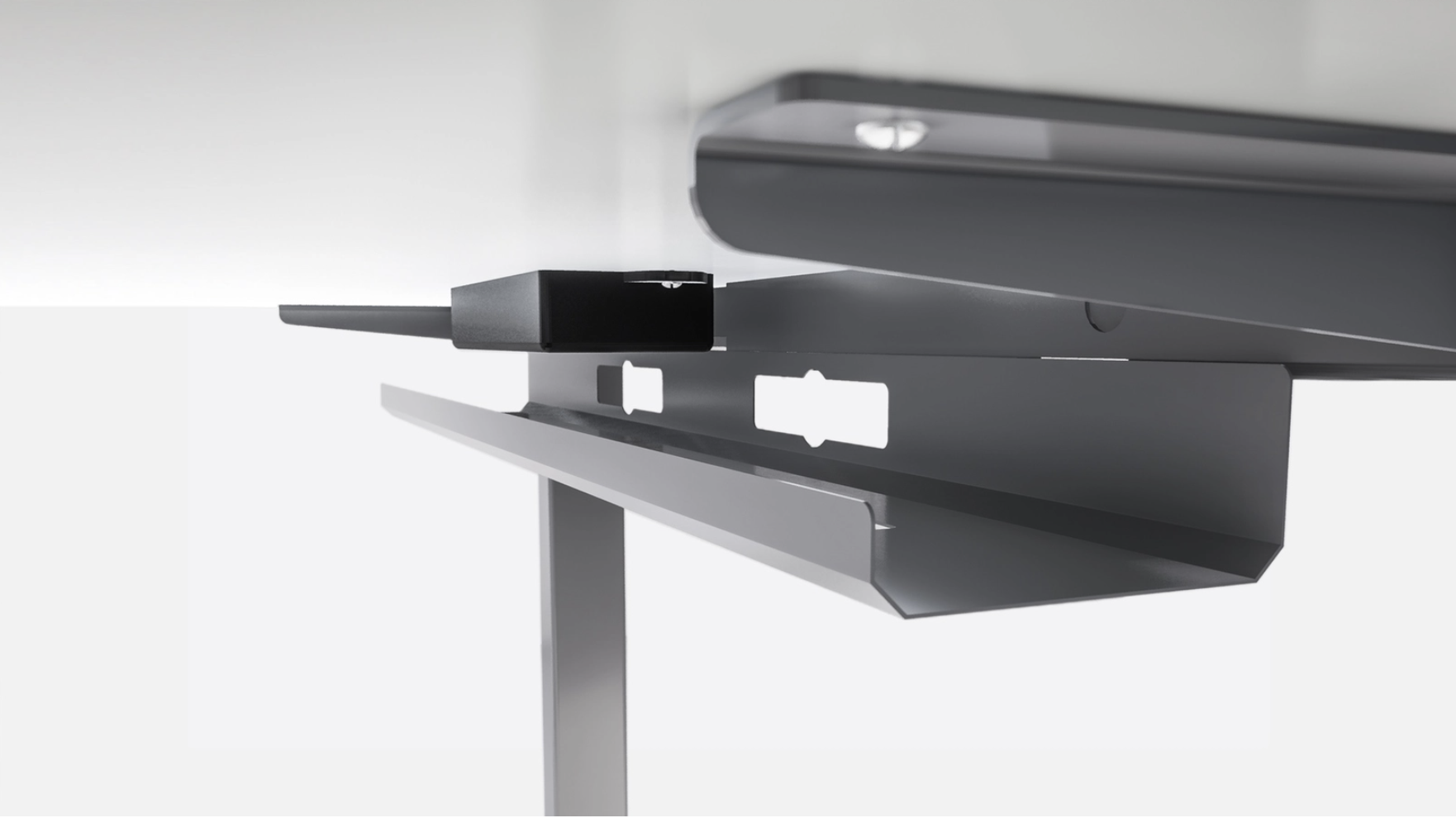
The Autonomous Cable Tray is a 35.4-inch steel tray that bolts under the desk and holds up to 35 lb of power strips, adapters, and cables. It attaches to the desk frame with the included screws, so there is no drilling. It is made for Autonomous desk frames and does not fit partner-made frames or older first-generation Home Edition desks out of the box. On an L-shaped desk gaming setup, where cables run farther, a tray under each side keeps the runs off the floor.


Monitor arms and risers for gaming desks
A monitor arm or riser lifts the screen so its top sits at or slightly below eye level, which OSHA recommends, and an arm also frees the desk space under the monitor base. This monitor arm installation guide covers clamp position and tension.
| Pick | Key spec | Retailer | Price |
|---|---|---|---|
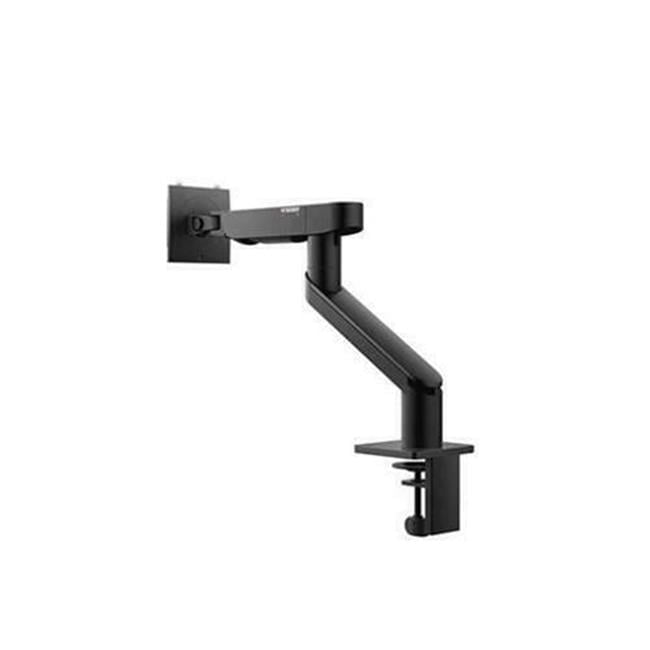
| Dell Pro Single Monitor Arm MSA20 | Holds 4.8 to 22 lb, 19 to 40 in screens | B&H | $174.00 |
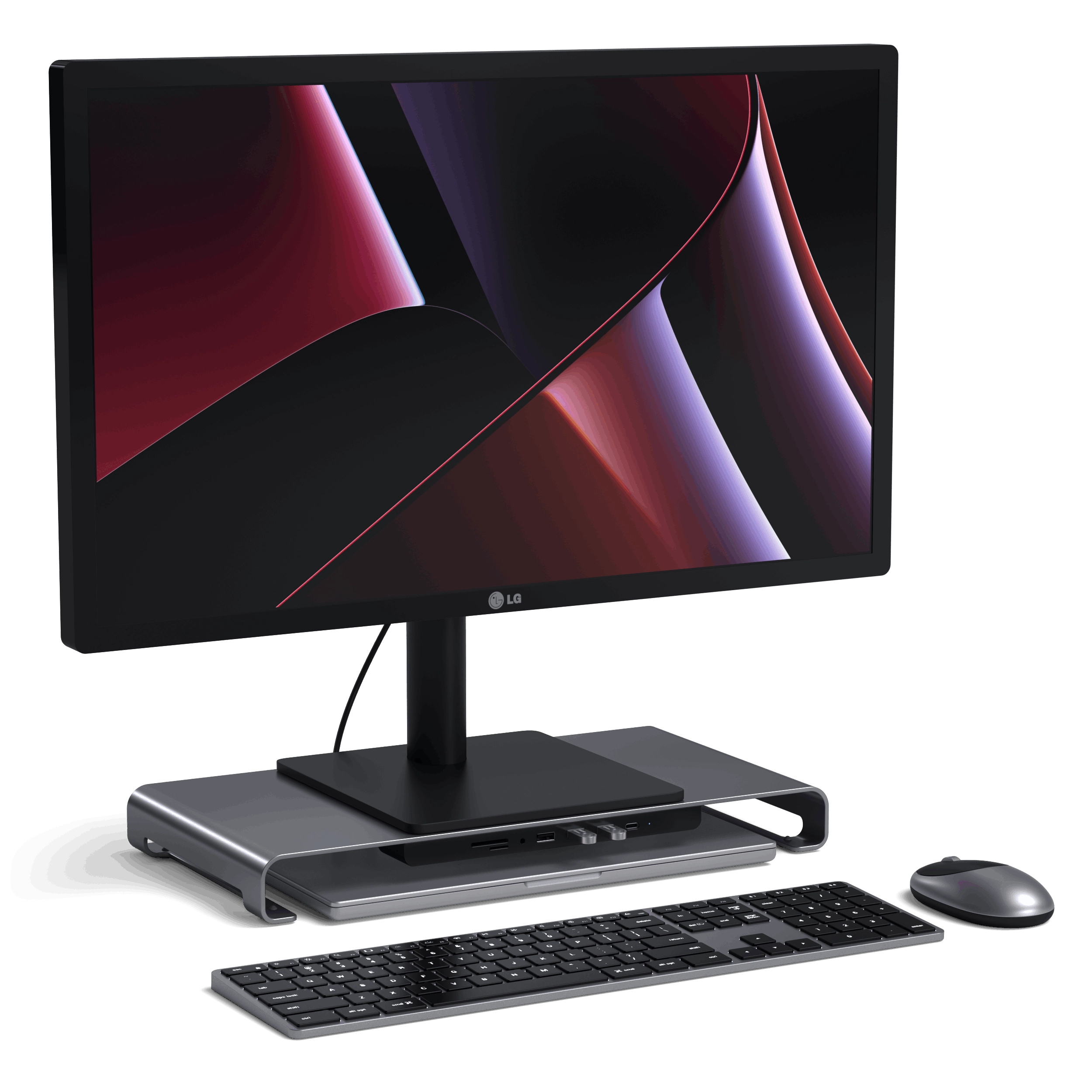
| Satechi USB-C Monitor Stand Hub XL | Riser that holds 31 lb, with USB and SD ports | Satechi | $69.99 (sale) |
Gaming desk lighting and RGB
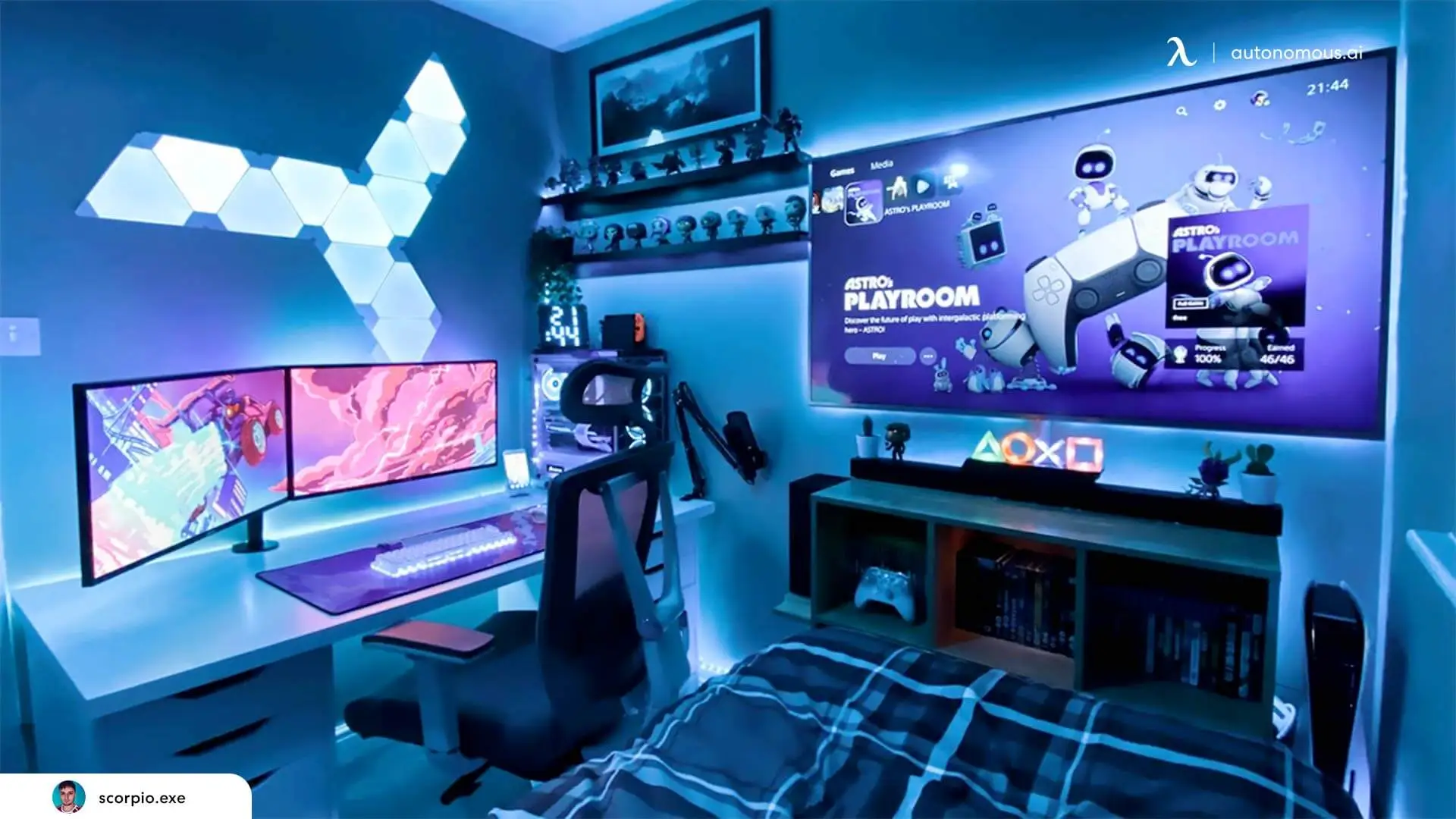
A monitor light bar lights the keyboard and mouse without glare on the screen, and RGB bars or wall panels add color behind it. A light bar also takes no desk space, unlike most desk lamps.
| Pick | Key spec | Retailer | Price |
|---|---|---|---|
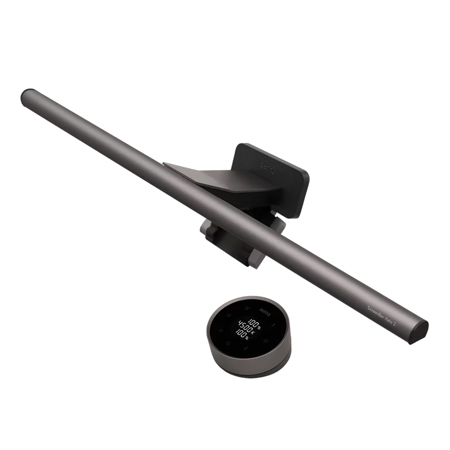
| BenQ ScreenBar Halo 2 | Light bar, 2700K to 6500K, fits curved screens | B&H | $199.00 |
| Govee Gaming Light Bars Pro | RGB bar pair for 24 to 32 in monitors | Govee | $99.99 (sale) |
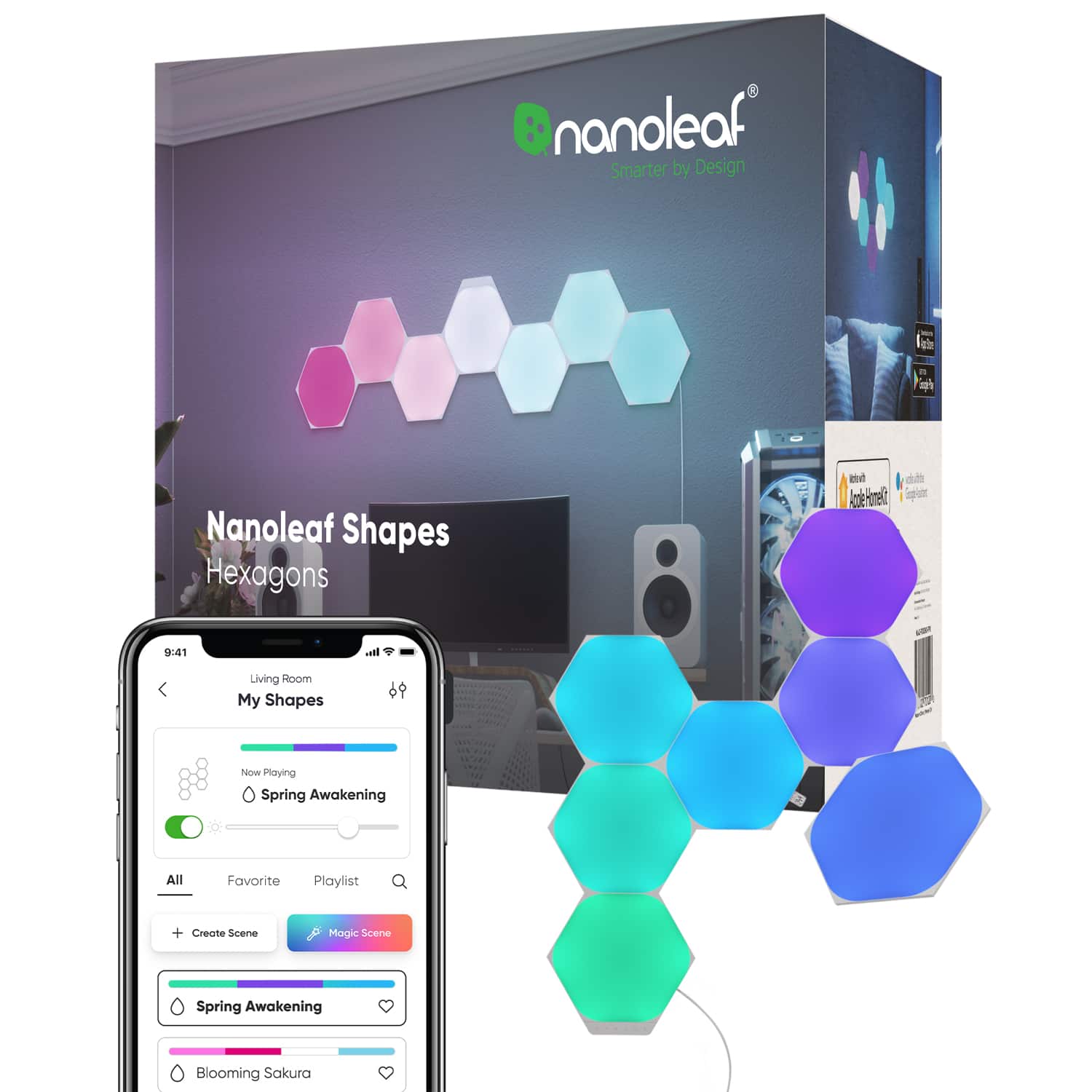
| Nanoleaf Shapes Hexagons (7 panels) | Wall light panels, 9 x 7.75 in each | Best Buy | $149.99 |

Headset stands and streaming audio
A headset stand keeps the headset off the desk and off the monitor corner, and a USB mic on a low-profile arm is the first audio upgrade a streaming desk setup needs. A boom arm also keeps keyboard thumps out of the mic, since it is not sitting on the desk.
| Pick | Key spec | Retailer | Price |
|---|---|---|---|
| Audio-Technica AT-HPS700 | Aluminum stand, 7.9 x 9.4 x 4.7 in | B&H | $99.00 |
| Elgato Wave Mic Arm LP | Holds 4.4 lb, 29 in reach | Elgato | $99.99 |
| HyperX QuadCast 2 | USB-C mic, 24-bit/96 kHz, four polar patterns | HyperX | $149.99 |



Stream Deck, gaming mouse, and keyboard upgrades
Input upgrades change how the game feels in your hands: a macro pad turns key combos into one press, a light wireless mouse cuts cable drag, and a rapid-trigger keyboard resets keys faster. A Stream Deck is also one of those futuristic tech gadgets that ends up running music, lights, and apps outside of games too.
| Pick | Key spec | Retailer | Price |
|---|---|---|---|
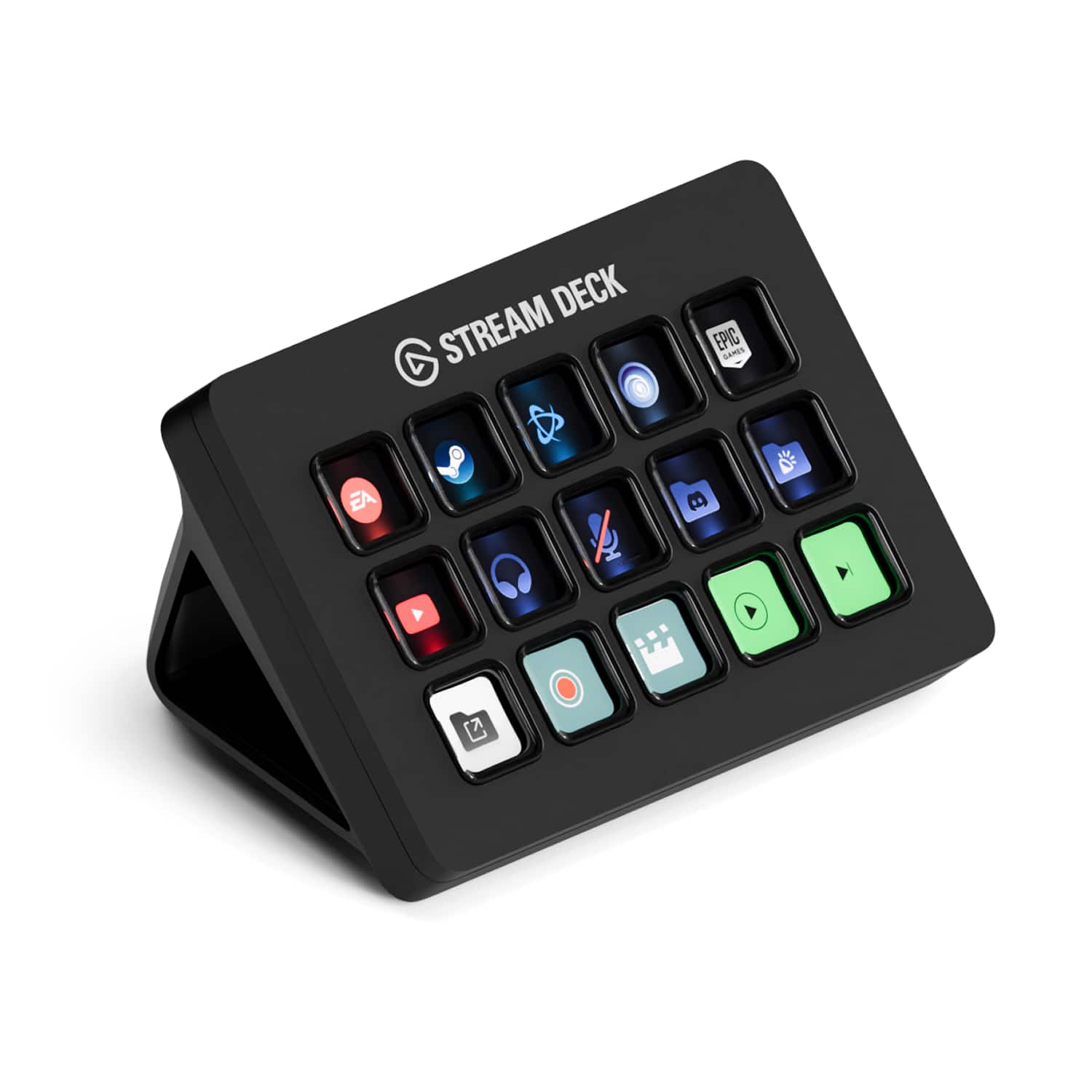
| Elgato Stream Deck (15 keys) | 15 LCD keys, USB-C | Elgato | $149.99 |
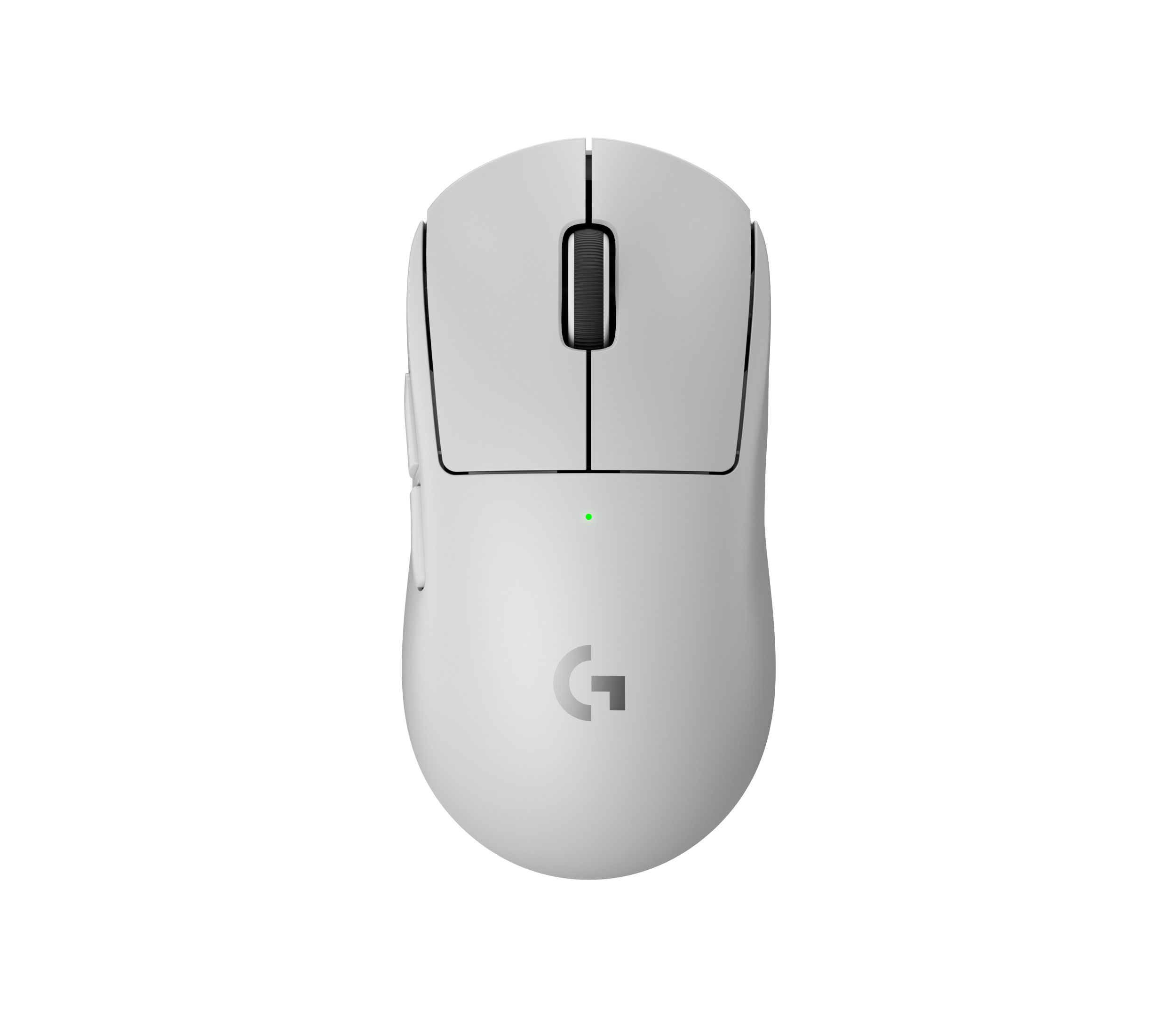
| Logitech G PRO X SUPERLIGHT 2 | 60 g wireless mouse, up to 8 kHz polling | Logitech G | $159.99 |
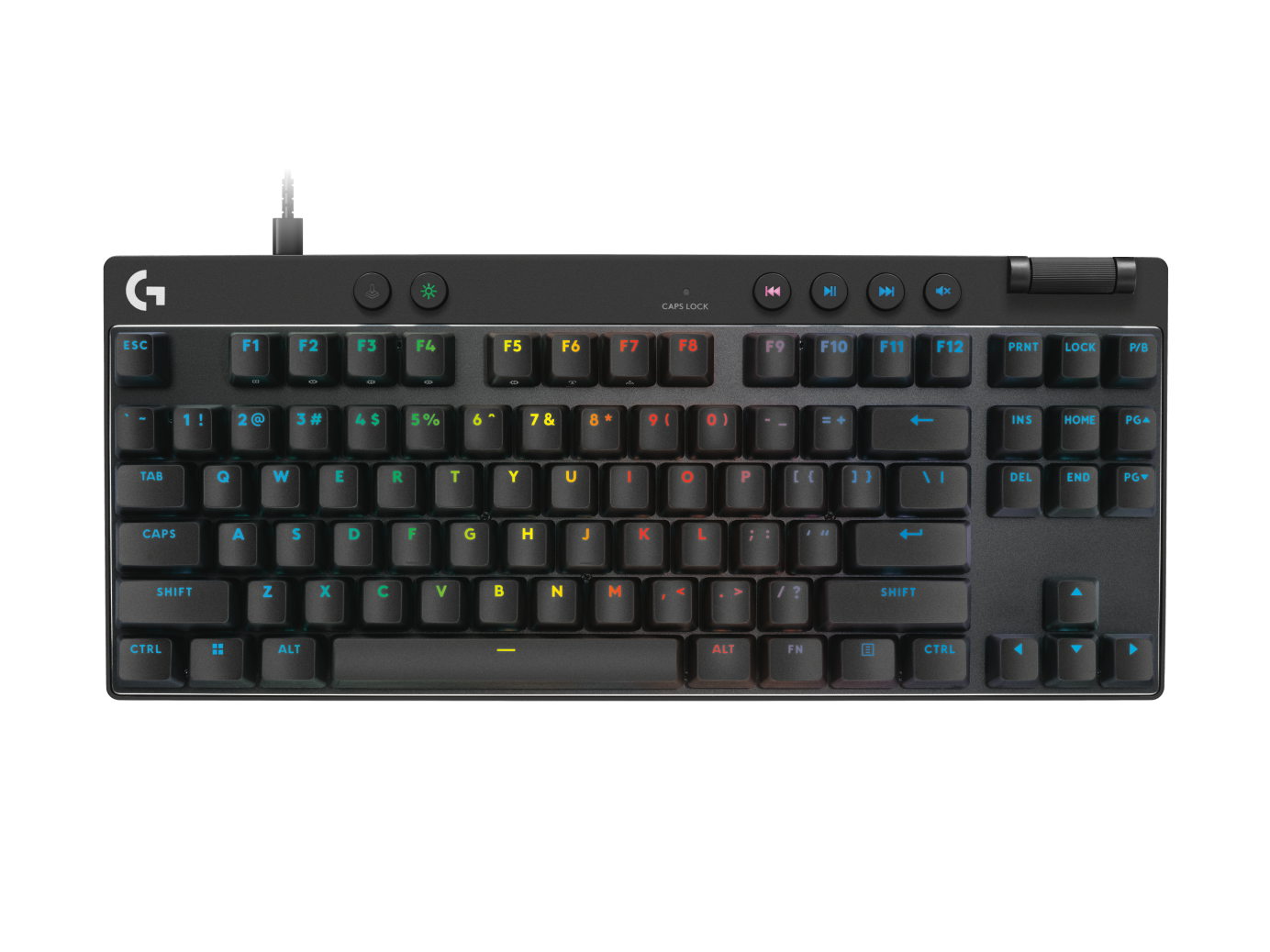
| Logitech G PRO X TKL RAPID | Magnetic analog switches, rapid trigger | Logitech G | $159.99 (sale) |
3D Printed Gaming Desk Decor
Gaming desk decor works best when it gives your hands something to do between matches, and the ten pieces below are 3D printed desk toys, games, and models that need no batteries. All ten are made by Autonomous, and the details come from product pages, not independent testing. They also suit a wood gaming setup, where plastic RGB pieces can clash with the warm tones.
Racer Mecha transforming robot car
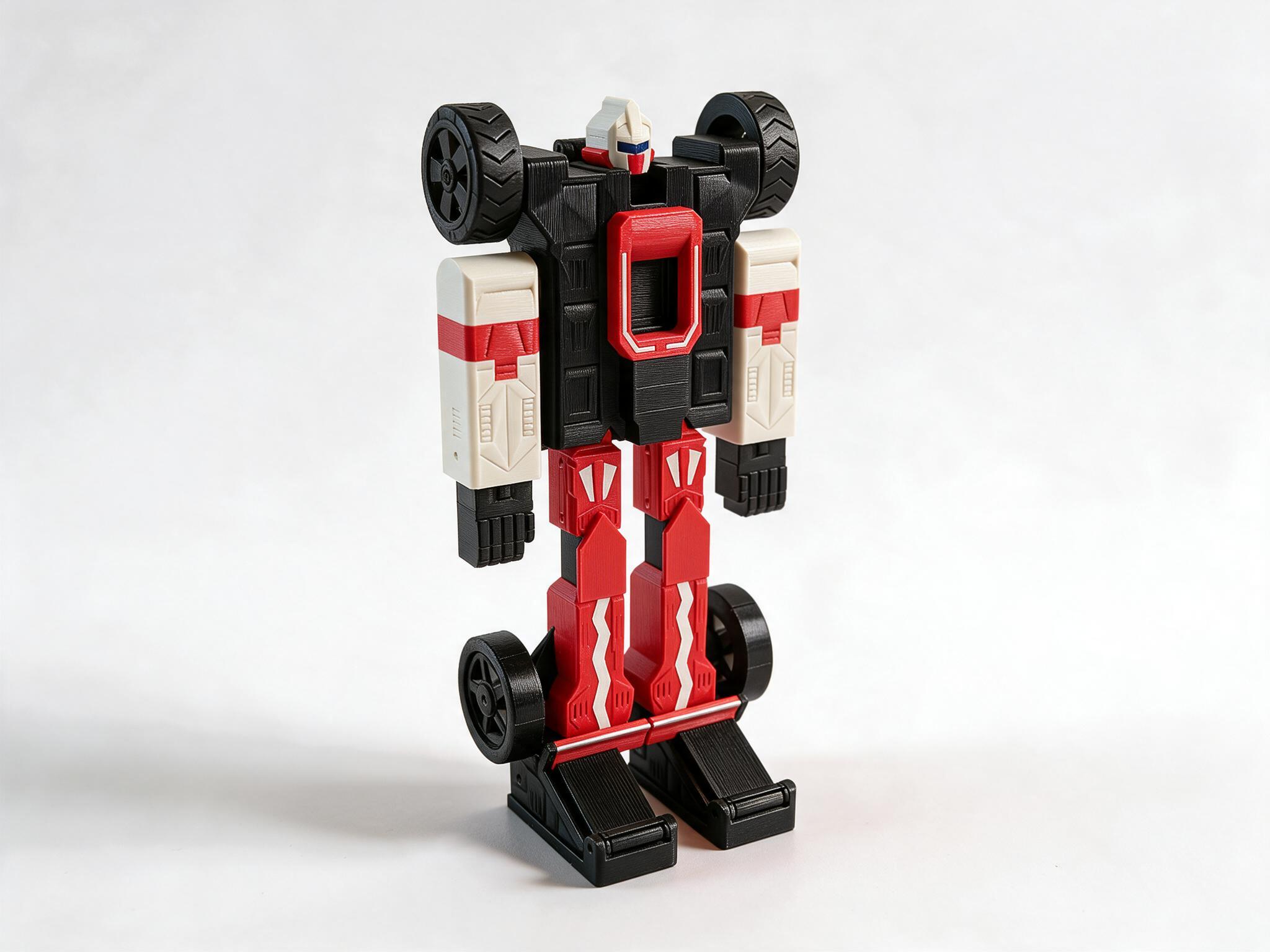
Racer Mecha is a 250 mm robot in red, white, and dark gray armor that changes by hand, with no parts removed, into a 337 mm open-wheel racing car on four free-turning wheels. Its parts join on 3 mm steel dowels with no glue, and the hinges hold their angle, so it stays posed on a shelf or next to the monitor.
Rivet mecha spider model
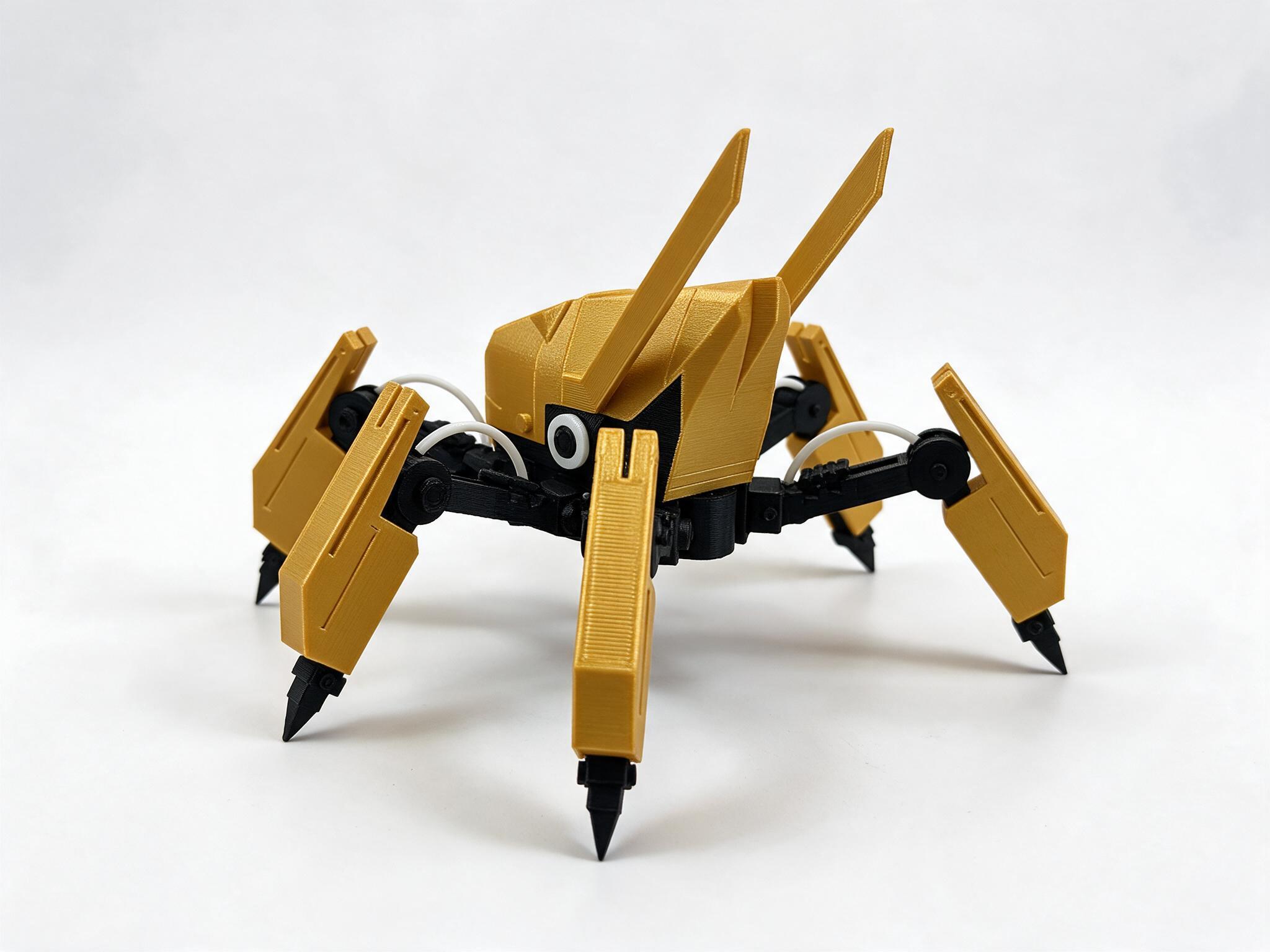
Rivet is a six-legged yellow and black mecha spider with a long faceted hull, antenna blades, and steel-look claws, built from 16 printed part types. It reads like a unit pulled out of a sci-fi game, which makes it a natural fit next to a dark or black-and-yellow setup.
Mintfin posable desk figure
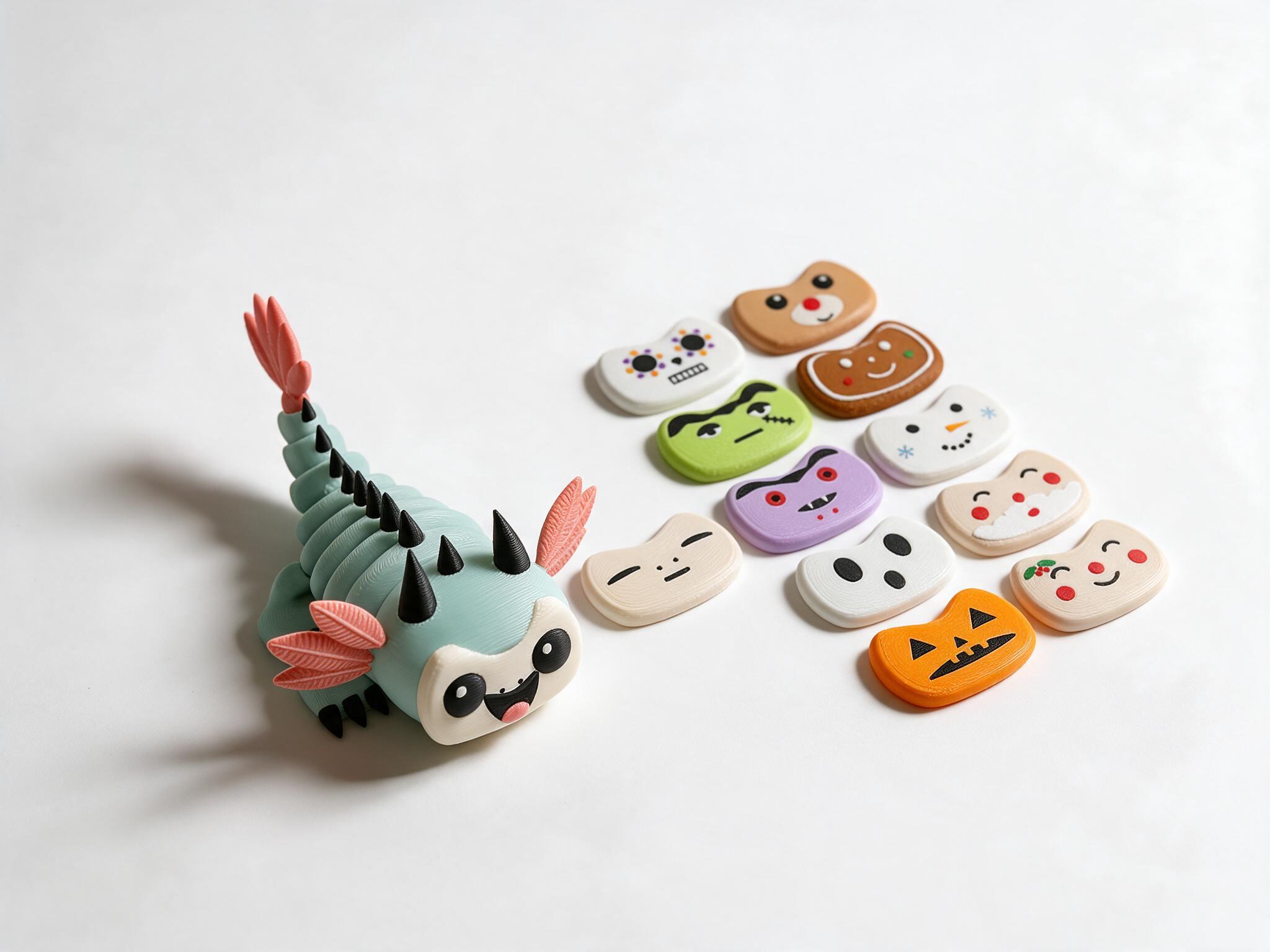
Mintfin is a posable mint axolotl-dragon figure with twelve swap-on faces, including everyday, Halloween, and Christmas sets. It is the pick for a cute gaming desk, since you can change its mood to match the season or the match you just lost.
Emotion Egg mood toy
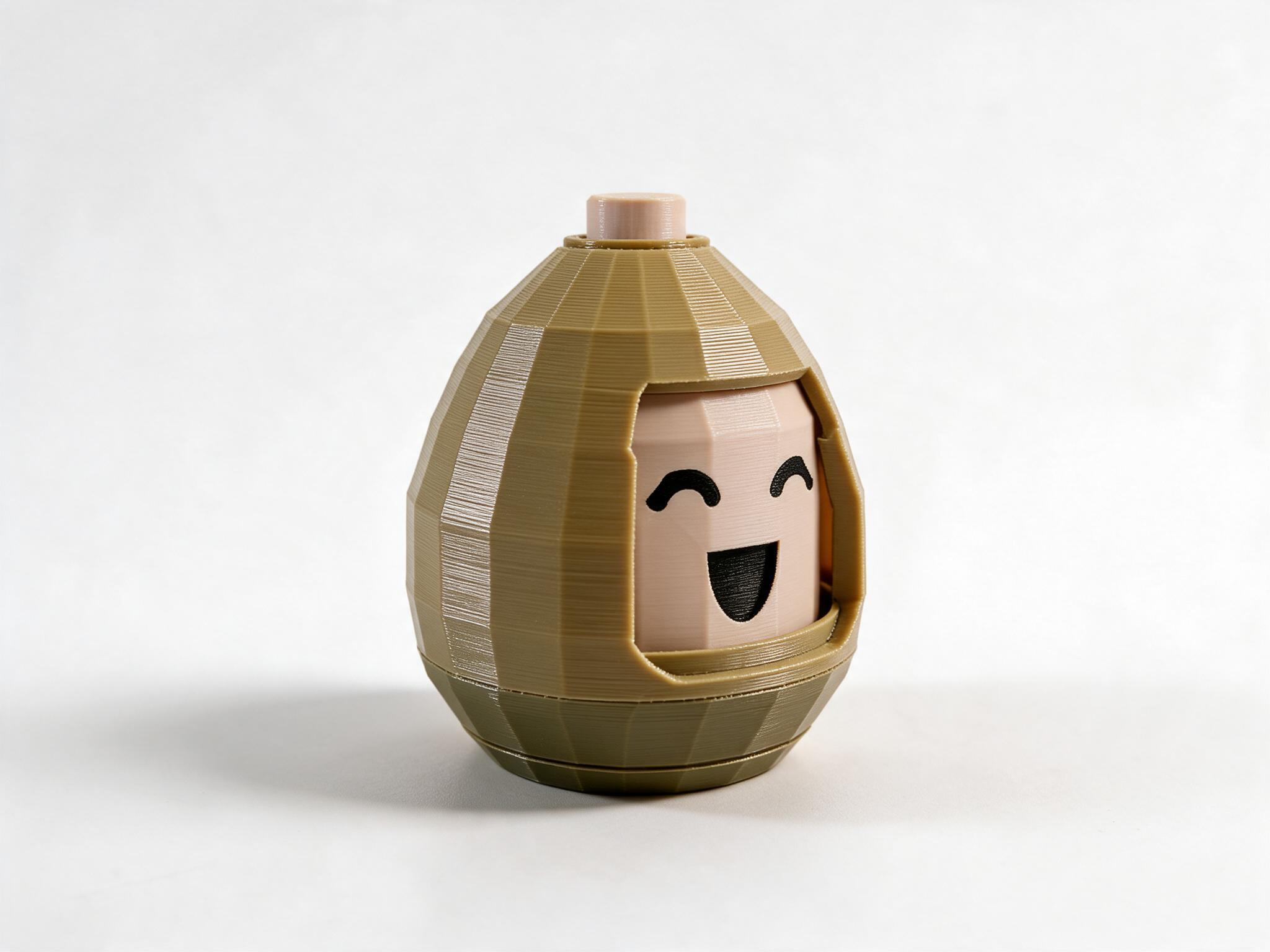
Emotion Egg is a push-button egg whose face turns to the next expression each time you press its crown: happy, surprised, sleepy, sad, angry, and around again. It runs on a pen-style cam and one spring, with no electronics, so it works as a fidget toy during queue times.
Pocket Bowling flick game
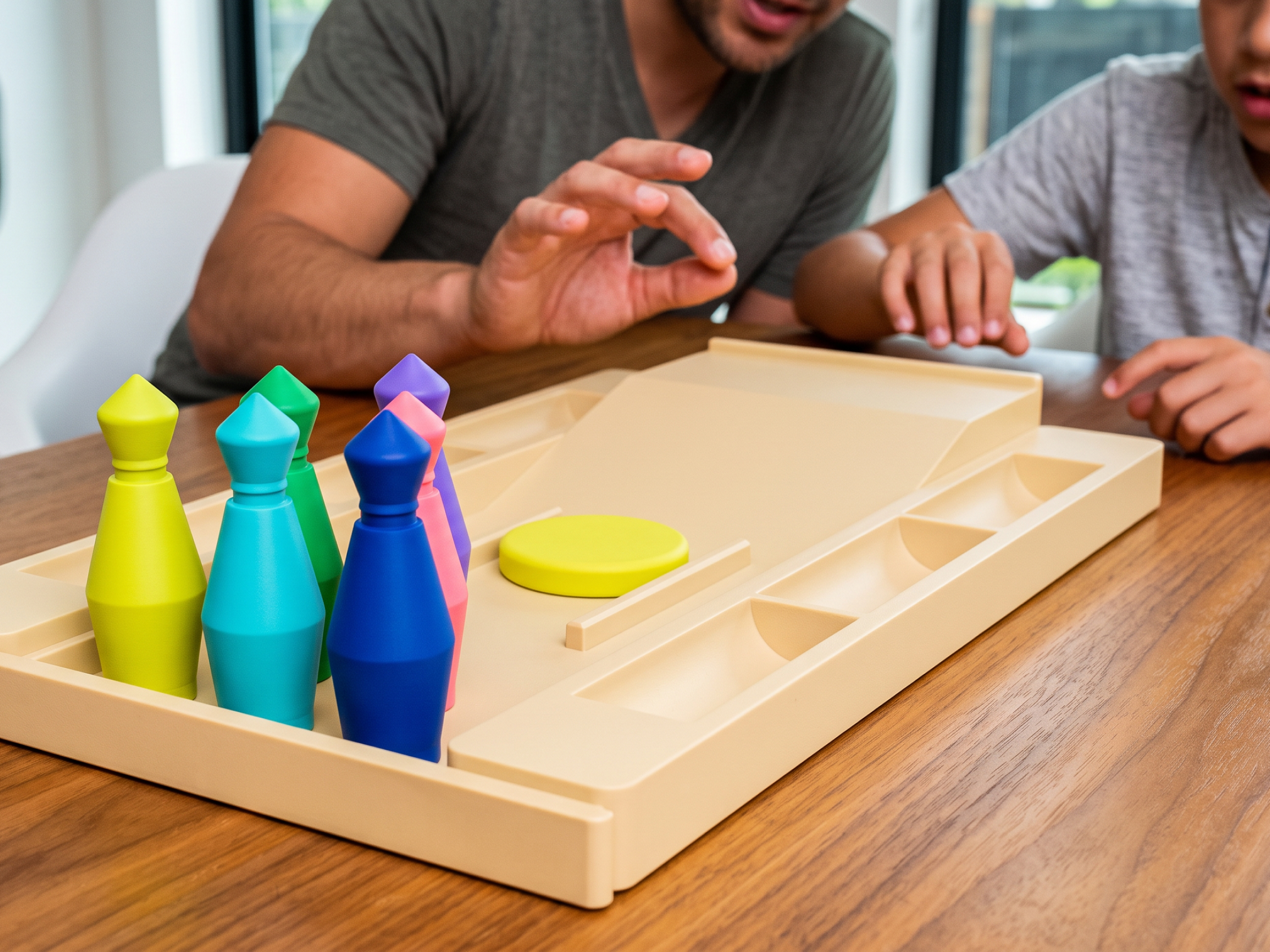
Pocket Bowling is a desk-size bowling game: a lane tray that ramps into a flick pad, six pins in a 3-2-1 triangle, and one flick disc. The tray doubles as storage for the pins, so the whole game packs into one piece when you need the desk back.
Flick Soccer table game
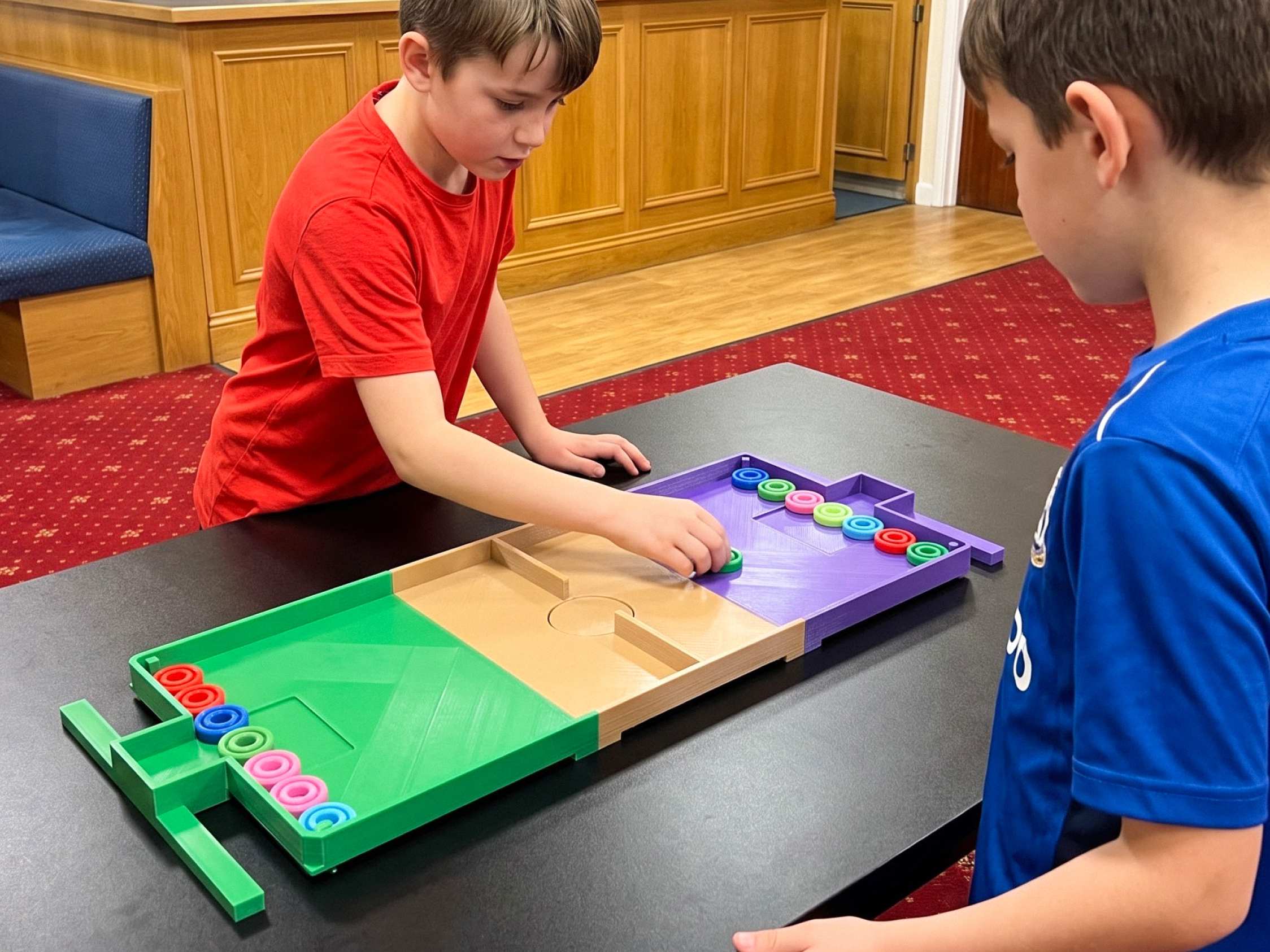
Flick Soccer is a two-player tabletop game where each player slings pucks toward the other's goal. The pitch prints as three interlocking segments plus ten pucks, which makes it a quick local multiplayer break when a friend is over.
Gravity Well marble balance game
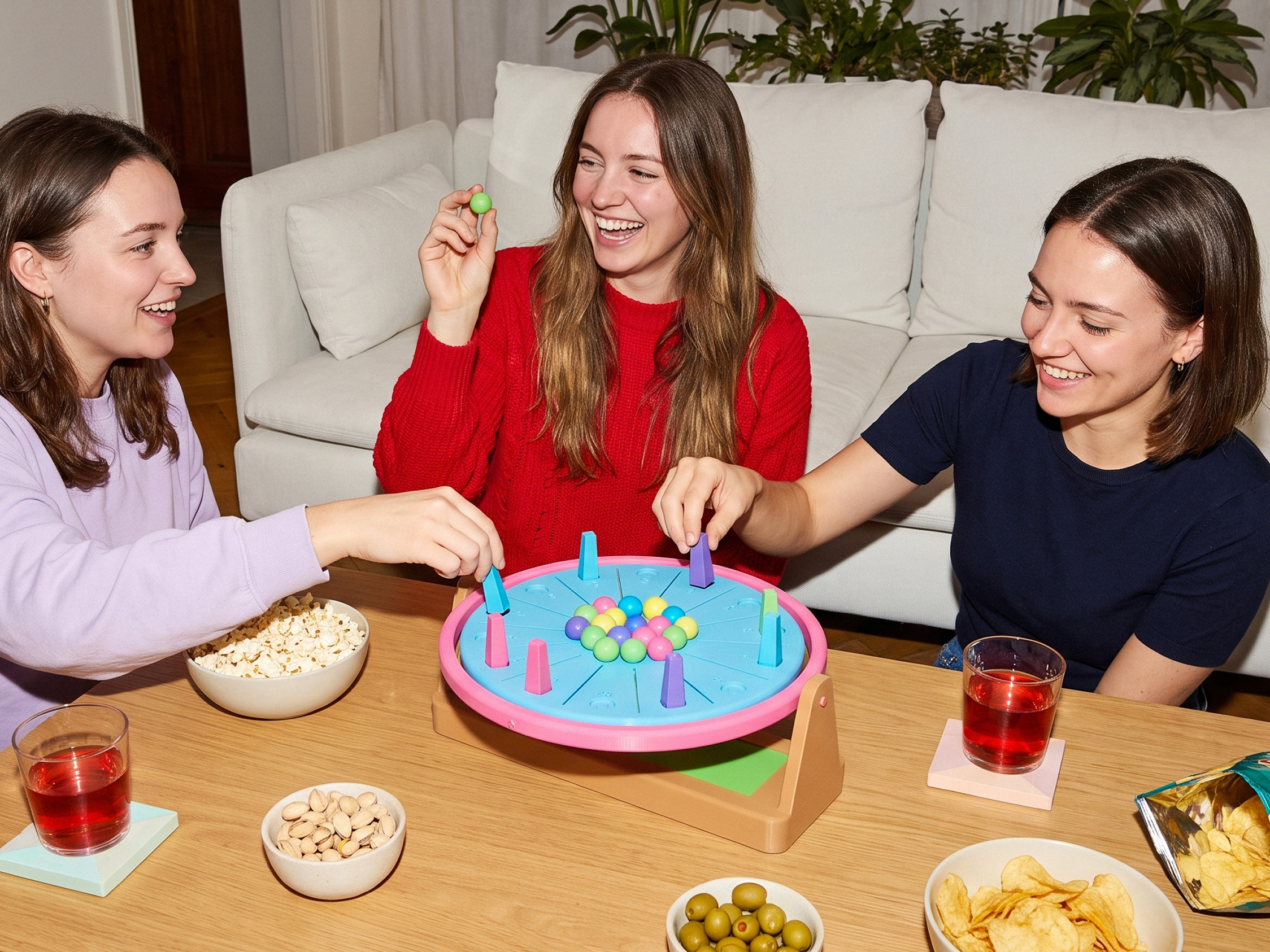
Gravity Well is a tabletop balance game on a gimbal-mounted dish that tilts as players place towers, so marbles roll downhill into someone else's territory. It plays more like a board game than a fidget toy, and it suits a desk that doubles as a game table.
Mechanical Horse Walker desk toy
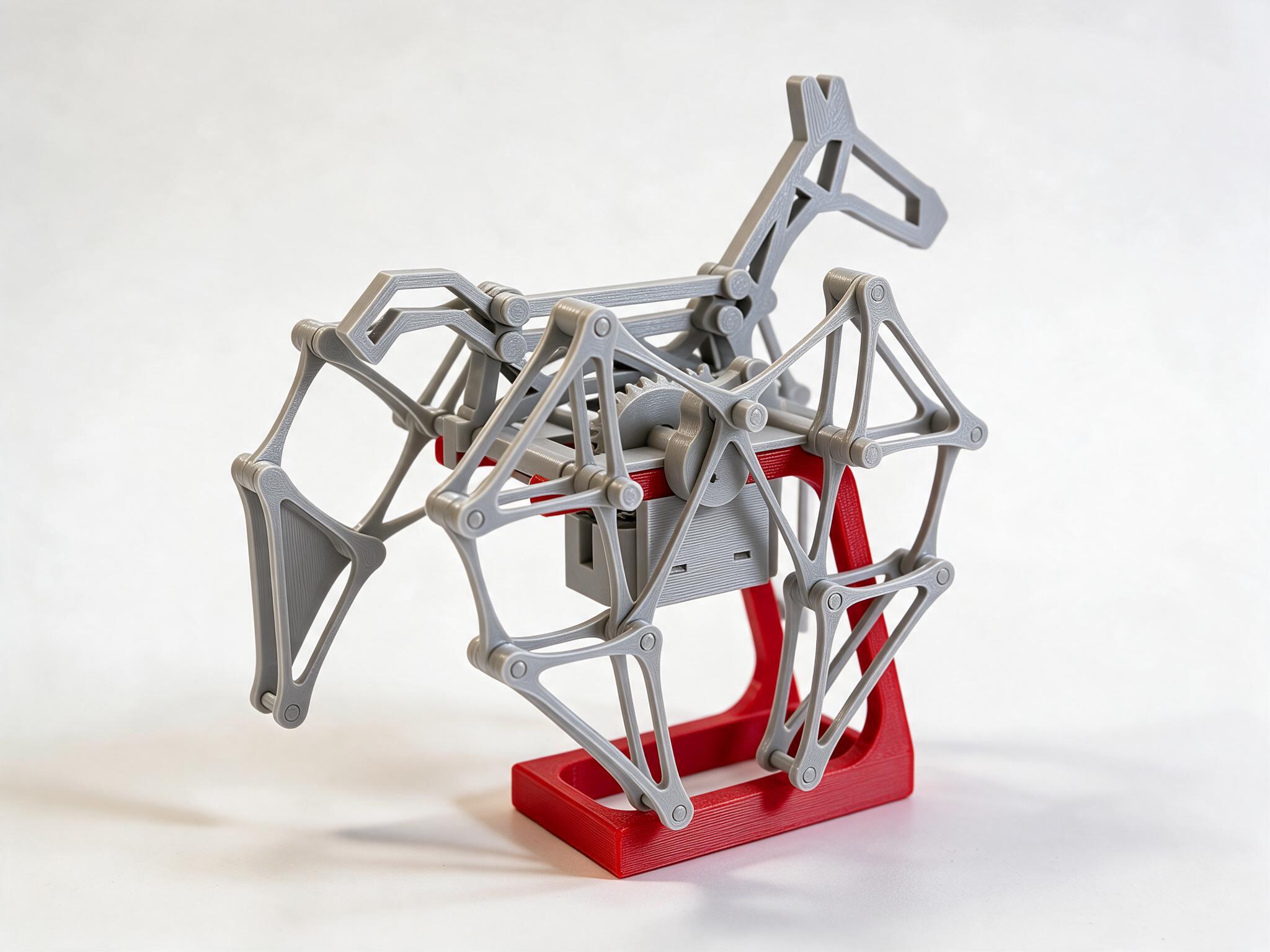
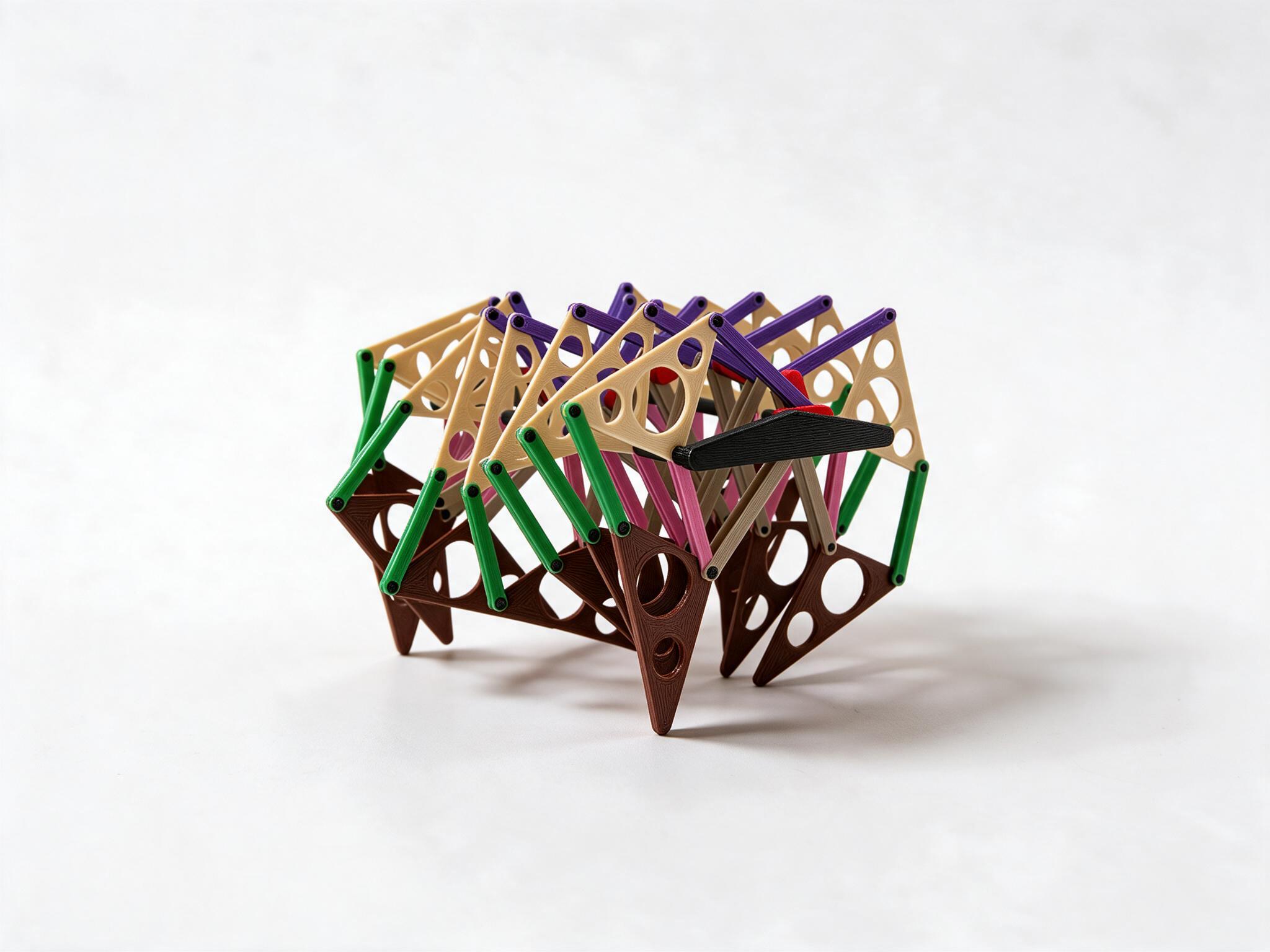
The Mechanical Horse Walker is a four-legged Theo Jansen linkage walker shaped like a horse, with the gears and linkages left in the open as the body. It suits a desk where you want the mechanism on show rather than hidden.
Sandwalker 15-leg walking machine
Sandwalker is a hand-cranked walking machine on fifteen Jansen-linkage legs: turn the knob and it glides almost level across the desk. It works as a centerpiece on a shelf or a wide desk.
Robot Chess Set for strategy gamers
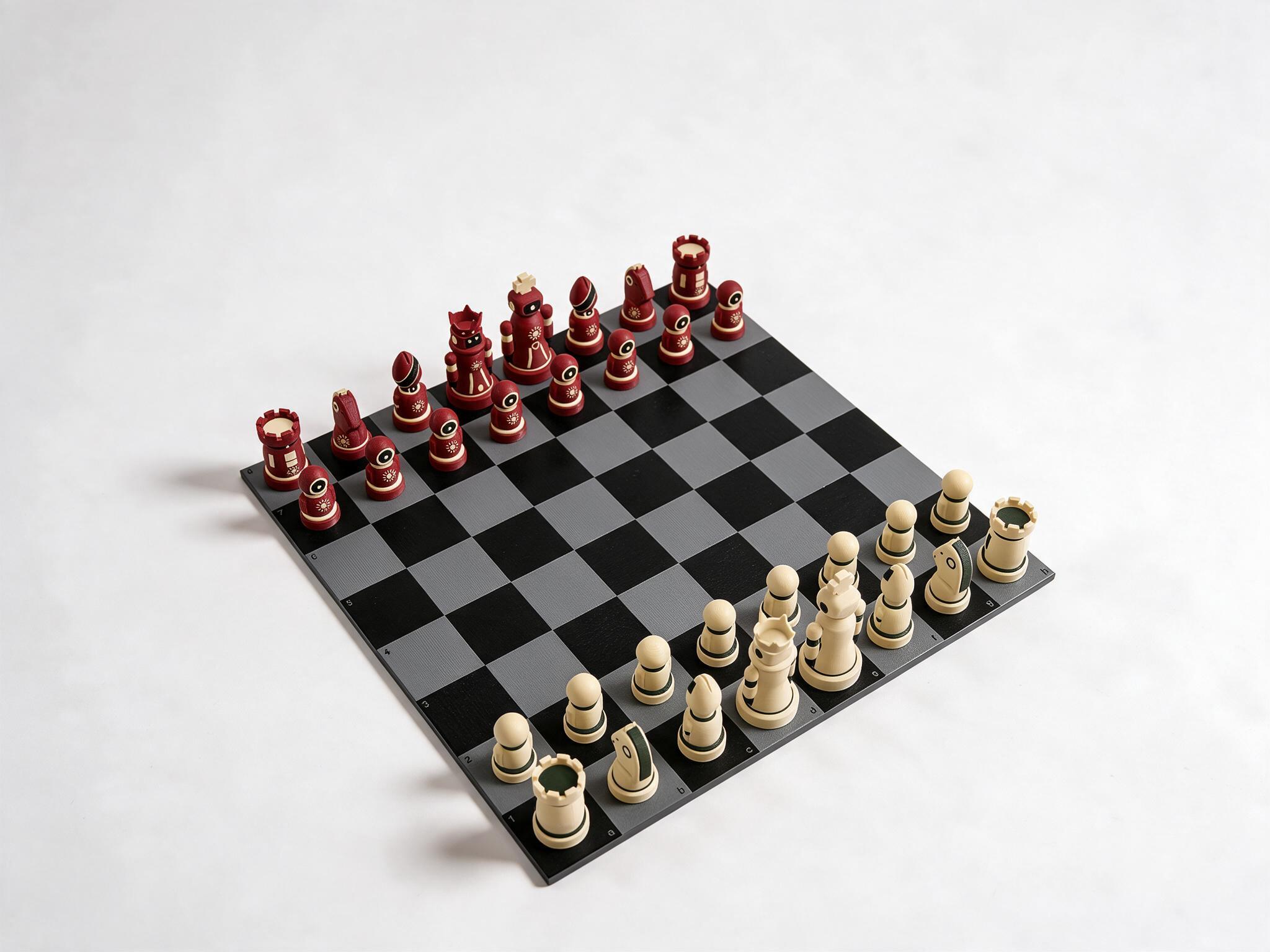
The Robot Chess Set is a full chess set of small robots, one terracotta side and one cream side, sized to FIDE proportions with a 95 mm king. The board has 54 mm squares, measures 432 mm across, and prints as four tiles, so it can sit beside a keyboard or come out for a match.
Gaming Desk Accessories by Budget
Most gaming desk accessories in this guide cost between $25 and $100, and the bigger upgrades like light bars, monitor arms, and input gear run $100 to $200. Prices change periodically, especially around Black Friday.
| Budget | Picks from this guide |
|---|---|
| Under $30 | Emotion Egg ($27), Pocket Bowling ($26), ECHOGEAR Cable Raceway |
| $30 to $50 | ErgoClick 3D ($39), Hydrate ($39), Cable Tray ($49), Mintfin ($32), Racer Mecha ($36), Mechanical Horse Walker ($37), Rivet ($45), Logitech G840, Glorious GMP 2 |
| $51 to $100 | Gravity Well ($51), Flick Soccer ($66), Sandwalker ($83), Robot Chess Set ($97), Satechi Hub XL, Govee Light Bars Pro, Audio-Technica AT-HPS700, Elgato Wave Mic Arm LP, Anker hub, Anker power strip |
| Over $100 | Dell MSA20, BenQ ScreenBar Halo 2, Nanoleaf Shapes, HyperX QuadCast 2, Elgato Stream Deck, Logitech SUPERLIGHT 2, Logitech PRO X TKL RAPID |
Several of these picks double as cool office gadgets if your gaming desk is also your work desk. On Autonomous products, the code BLOGFIRST5 takes an extra 5% off at checkout.
.webp)
How to Choose Gaming Desk Accessories for Your Setup
Choose gaming desk accessories by the problem your setup has first, then check that each one fits your desk: clamp range for arms and power strips, desk thickness, and whether the desk moves. On a standing desk, anything clamped to the top rides up and down with it, so leave enough cable slack to reach the tower at full height.
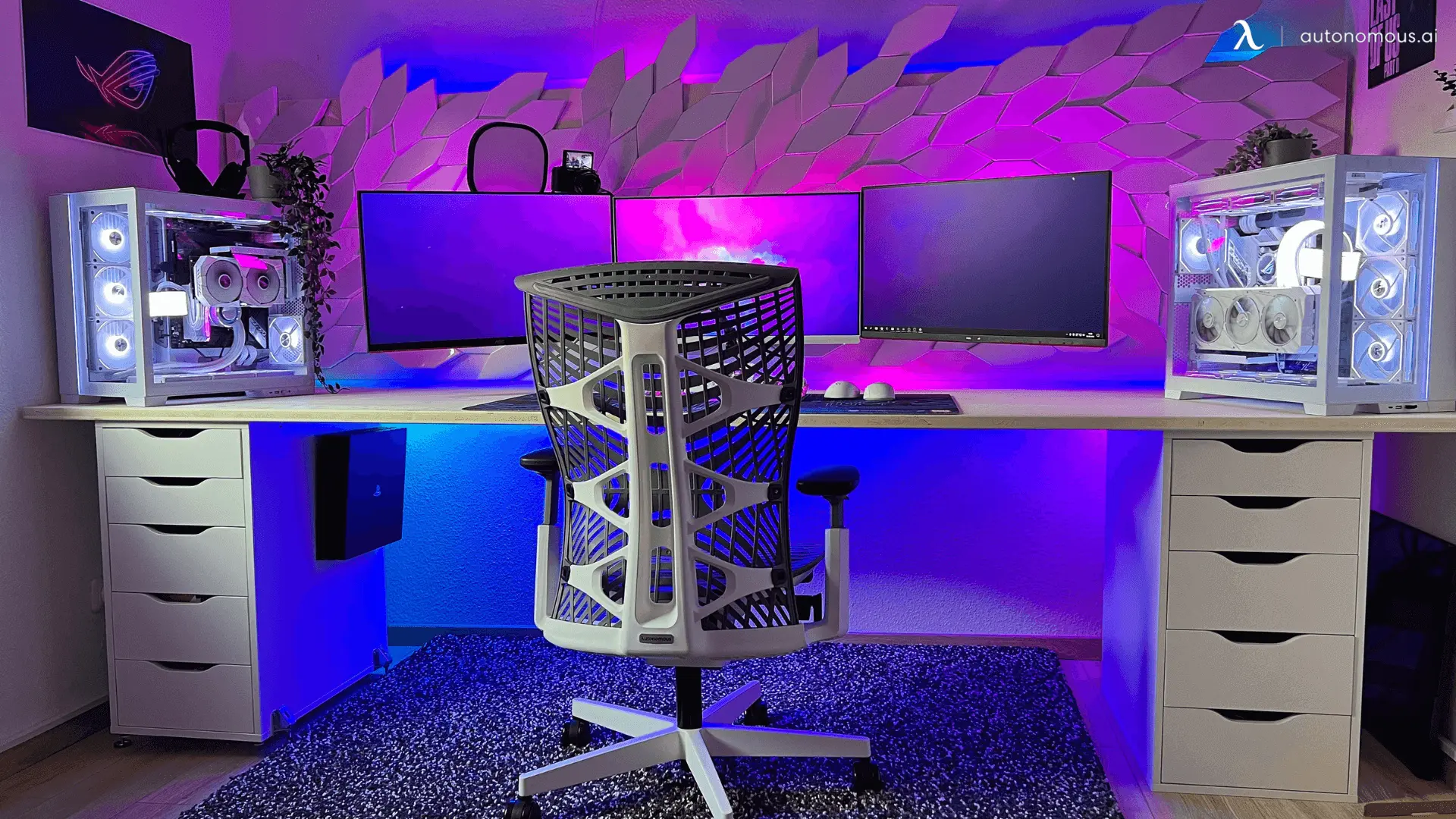
Desk size decides the order. A small desk fills up after a keyboard, a mat, and one monitor base, so move the screen onto an arm and the headset onto a stand before you add decor. If the desk is too small or the wrong height for your arms, accessories will not fix it, and the desk and chair in Autonomous gaming furniture come first.
Lighting and decor come last. Pick one lighting style, either a light bar plus one RGB accent or a set of wall panels, and keep two or three decor pieces in view so the desk reads as a setup and not a shelf.
FAQs
What are the top 10 accessories for a gaming desk?
The top 10 accessories for a gaming desk are a wrist rest, an XXL desk mat, a monitor arm or riser, a headset stand, a cable tray, a USB hub, a clamp-on power strip, a monitor light bar, a mic on a boom arm, and a macro pad like a Stream Deck. Add decor once those basics are in place.
What should I add to my gaming desk?
Add whatever fixes the problem you notice most during a session. A sore wrist calls for a wrist rest, a low screen for a monitor arm or riser, a cramped mouse for an XXL mat, and loose cables for a cable tray. Once the desk works, add lighting and one or two decor pieces.
What are must-have gaming desk accessories for beginners?
For a first gaming desk, start with an XXL desk mat, a wrist rest, a headset stand, and a simple cable management setup such as a tray or raceway. These cost less than a new keyboard or mouse and change how the desk feels right away. Upgrade monitors, lighting, and input gear after that.
How much should I spend on gaming desk accessories?
Most gaming desk accessories cost between $25 and $100 each, while light bars, monitor arms, and premium mice or keyboards run $100 to $200. A basic set of mat, wrist rest, headset stand, and cable tray from this guide comes to around $200 to $230. Prices change periodically, so check the budget table before you buy.
What gaming desk accessories work best on a small desk?
On a small desk, choose accessories that move gear off the surface: a monitor arm, a low-profile mic arm, a headset stand or hook, a clamp-on power strip, and an under-desk cable tray. Skip large speakers and stacked risers, and keep decor to one or two small pieces so the mouse still has room.
What are the best gaming desk accessories for streamers?
Streamers get the most from a USB microphone on a boom arm, a macro pad like a Stream Deck for scene switching, a monitor light bar, and a headset stand. A second monitor on an arm helps with chat and stream dashboards, and a cable tray keeps the camera view clean behind the desk.
What are some cute accessories for a gaming desk?
Cute gaming desk accessories include posable desk figures with swappable faces like Mintfin, small mood toys like Emotion Egg, mini tabletop games like Pocket Bowling, hexagon light panels, and a desk mat in a pastel color. Pick one color theme and two or three pieces so the desk looks styled instead of cluttered.
What are good desk gadgets for gamers?
Good desk gadgets for gamers include a Stream Deck or macro pad, a monitor light bar, a smart coaster like Hydrate that reminds you to drink without a phone alert, RGB light bars, and moving desk models like Racer Mecha. Gadgets that fix a real habit get used longer than ones that only look good.
Conclusion
The best gaming desk accessories fix one problem at a time: wrist pressure, screen height, mouse space, cable clutter, and audio. Start with those basics, add lighting and a few decor pieces once the desk works, and check the budget table before you buy. If you want more ideas once the fundamentals are set, these unique desk accessories add personality to any station.